How do I use the Korean Studio Fashion Portrait template?
Choose the primary action to open PicX Studio with the available template settings. Review the model and format, personalize the creative direction, and generate when ready.
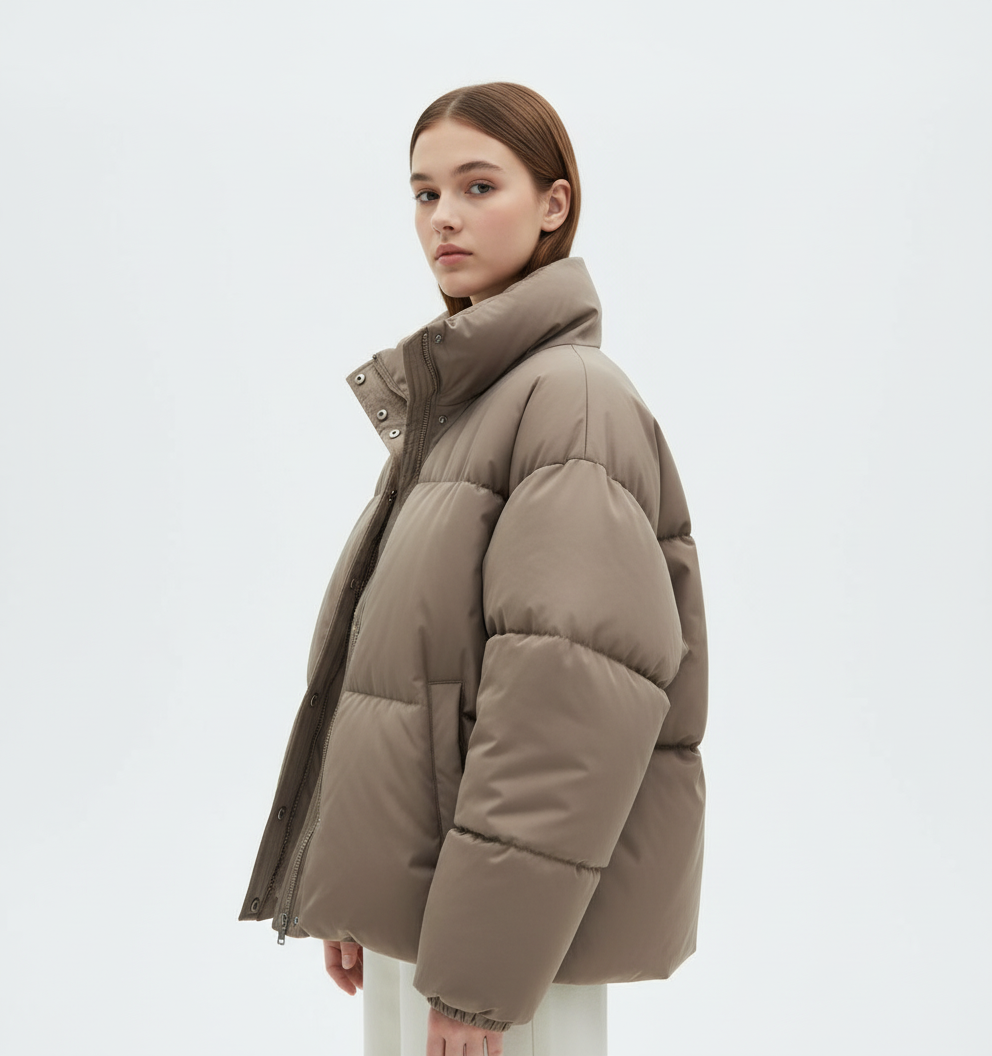
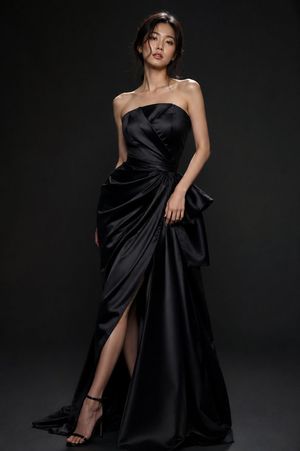
A professional high-fashion studio portrait of a Korean woman in elegant black attire against a vibrant royal blue backdrop.
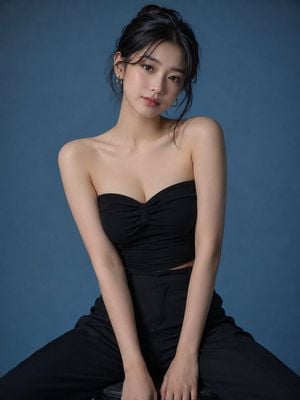
Ultra-realistic studio fashion portrait of a cute and elegant young {argument name="ethnicity" default="Korean"} woman with flawless fair skin, soft oval face, large expressive brown eyes, naturally rosy lips, delicate nose, and long silky black hair styled in a loose messy bun with a few face-framing strands. She is seated confidently on a simple black studio stool in a unique editorial pose, one leg slightly forward, both hands resting gracefully between her knees, shoulders relaxed, body angled slightly toward the camera, maintaining soft eye contact with a gentle, natural smile. She wears a {argument name="outfit" default="luxurious black strapless fitted fashion top paired with high-waisted tailored black trousers"}, minimalist gold hoop earrings, and subtle natural Korean makeup. Background is a seamless matte {argument name="background color" default="royal-blue"} studio backdrop. Minimal cinematic studio lighting with a single large softbox from the left and a faint rim light defining her silhouette, creating soft shadows and premium editorial depth. Clean composition with no props, emphasizing the model. Shot on a full-frame DSLR, 85mm lens, f/1.8, ultra-sharp focus, shallow depth of field, realistic skin texture, luxury fashion campaign, Vogue editorial style, photorealistic, HDR, 8K quality. Vertical 4:5 composition.
Choose the primary action to open PicX Studio with the available template settings. Review the model and format, personalize the creative direction, and generate when ready.
Yes. You can change the subject, setting, lighting, mood, format, and available model controls before creating your image.
This template is free to open and customize. Generation usage is shown in PicX Studio before you create.
Start with GPT Image 2, which is the model associated with this template. You can compare another compatible model for a different finish.
Follow a topic to a crawlable collection of related PicX Studio templates.