
Mixed Media Fashion Film - Seedance 2.0
Mixed Media Fashion Film - Seedance 2.0 is a ready photo look.
- Prompt included
- Model and format preset
- Free template
The prompt behind this image
Copy the exact prompt behind Mixed Media Fashion Film - Seedance 2.0, or open it in the studio and make it yours.
15 seconds mixed media fashion film combining real filmed footage with animated graphic elements, hand-drawn illustrations, and bold paper cutout shapes layered on top. Dynamic fast-paced rhythmic editing. Group of female models in eclectic vintage fashion (oversized leather jackets, patterned silk scarves, wide-leg trousers, chunky platform boots, layered necklaces, round sunglasses) filmed in real locations: laundromat (lavender color grade), parking lot (orange), diner booth (mint green), stairwell (hot pink). Animated graphic overlays react to models: bold geometric shapes in coral, violet, lemon yellow slide in like paper slapping the screen, partially covering/revealing models. Crude hand-drawn illustrations animate in real time: wiggly, blinking eyes; spinning planets; arrows pointing to outfit details; zigzag lines radiating from the spinning model; a bouncing, drawn crown. Fast shot sequence: model blows bubblegum in diner → cut to model leaning on washing machine with drawn soap bubbles → cut to hand pulling sunglasses down revealing cartoon eyes → cut to two models walking in sync down stairwell from above with paper cutout butterflies → cut to model kicking platform boots toward camera with drawn impact star. Split screen: four models in four locations simultaneously, each in a different background color, moving to the same beat. Halftone texture flashes over shots, turning into high-contrast risograph-style two-tone prints (violet & cream, coral & black). Handwritten words/symbols/arrows scribble across the frame between cuts in thick marker. Final wide shot: all models together in laundromat, frozen mid-laugh, while animated confetti, shapes, doodles, and text explode across the frame and hold. Aesthetic: raw, joyful, loud zine culture meets runway meets cartoon chaos. Color palette: lavender, orange, mint green, hot pink, coral, violet, lemon yellow, black, cream. High energy, photorealistic footage mixed with flat graphic animation.
How to use Mixed Media Fashion Film - Seedance 2.0 in 3 steps
- 1
Open
The prompt is already in the box next to the preview, with the template's model and format selected.
- 2…a portrait of your subject in softgolden-hour light, 85mm…
Personalize
Edit the subject and creative details for your destination.
- 3Generate
Generate
Press Generate — your image is created in PicX Studio, so you can compare it with the original and refine one variable at a time.
More like this
Templates with the same subject, style or setup. Open one to see its prompt.
Motion Design Minimal - Seedance 2.0
2D Cel Animation - Seedance 2.0
Videogame Cinematic Trailer - Seedance 2.0
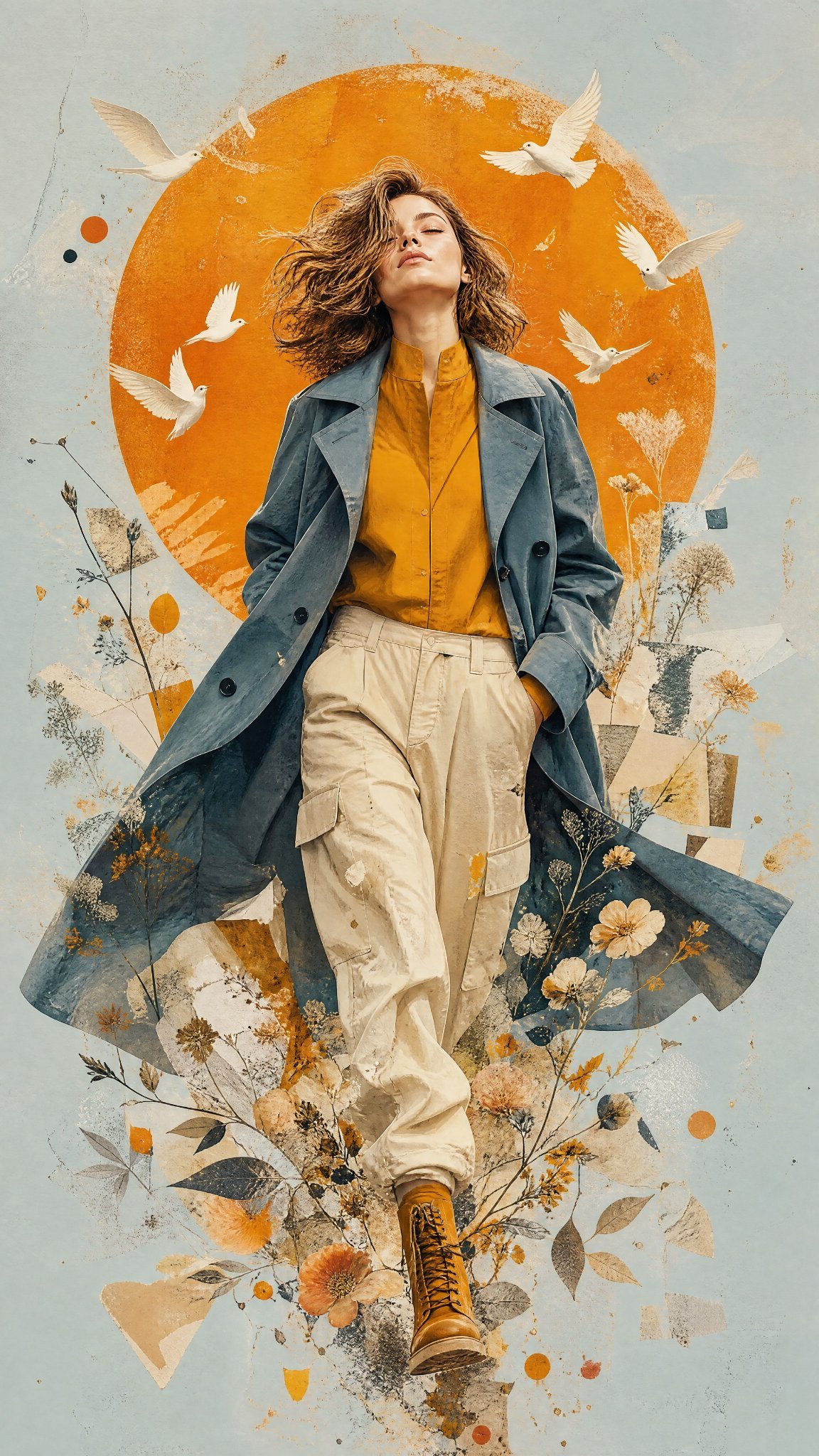
Mixed Media Editorial Woman Illustration
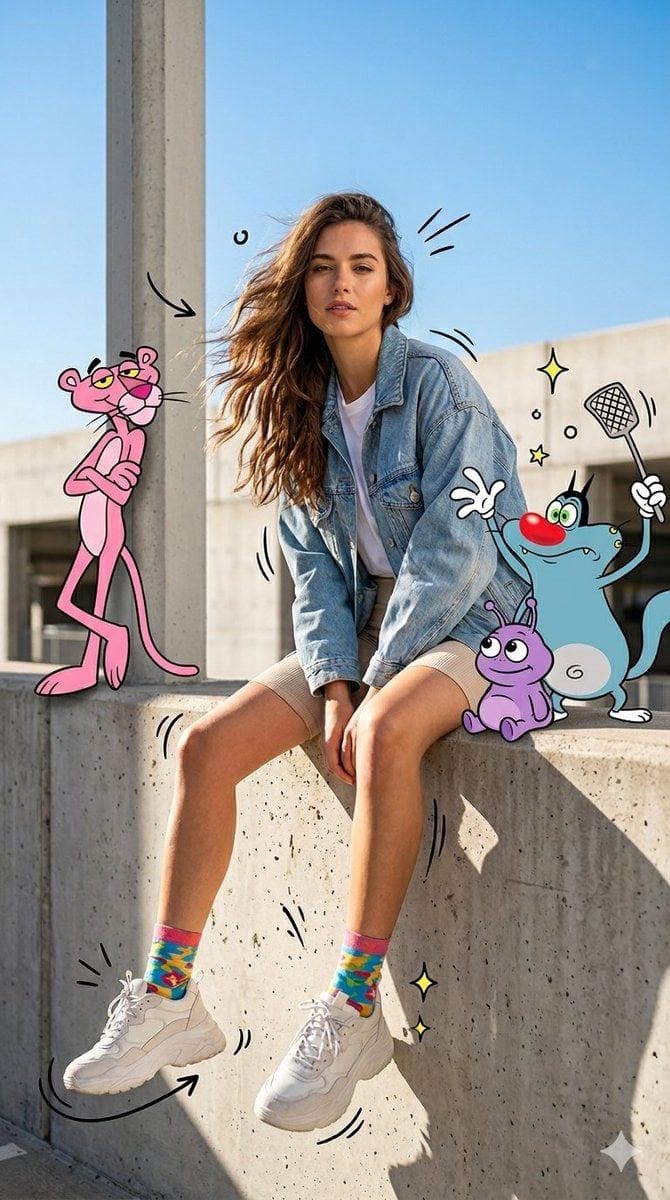
Mixed Media Urban Fashion Editorial
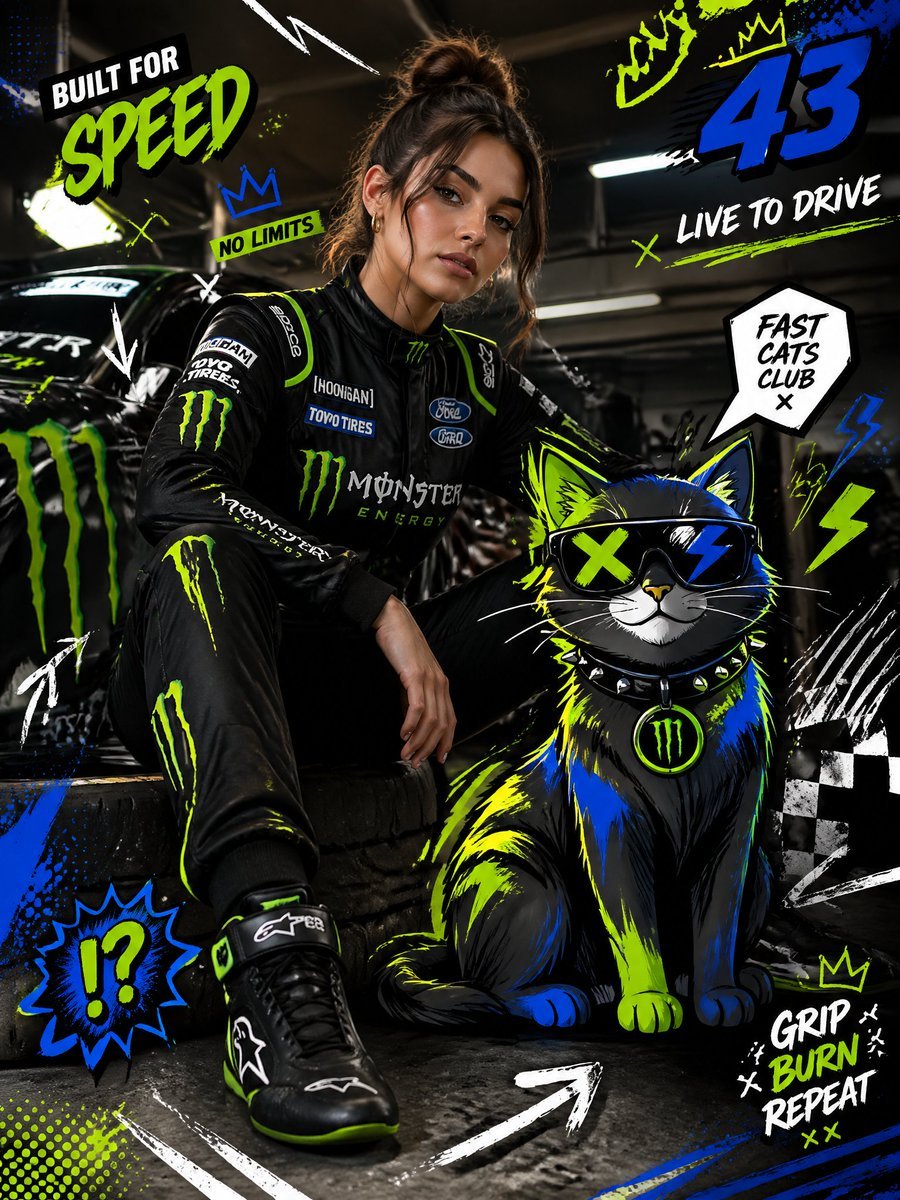
Mixed-Media Fashion Editorial and Cartoon Fusion
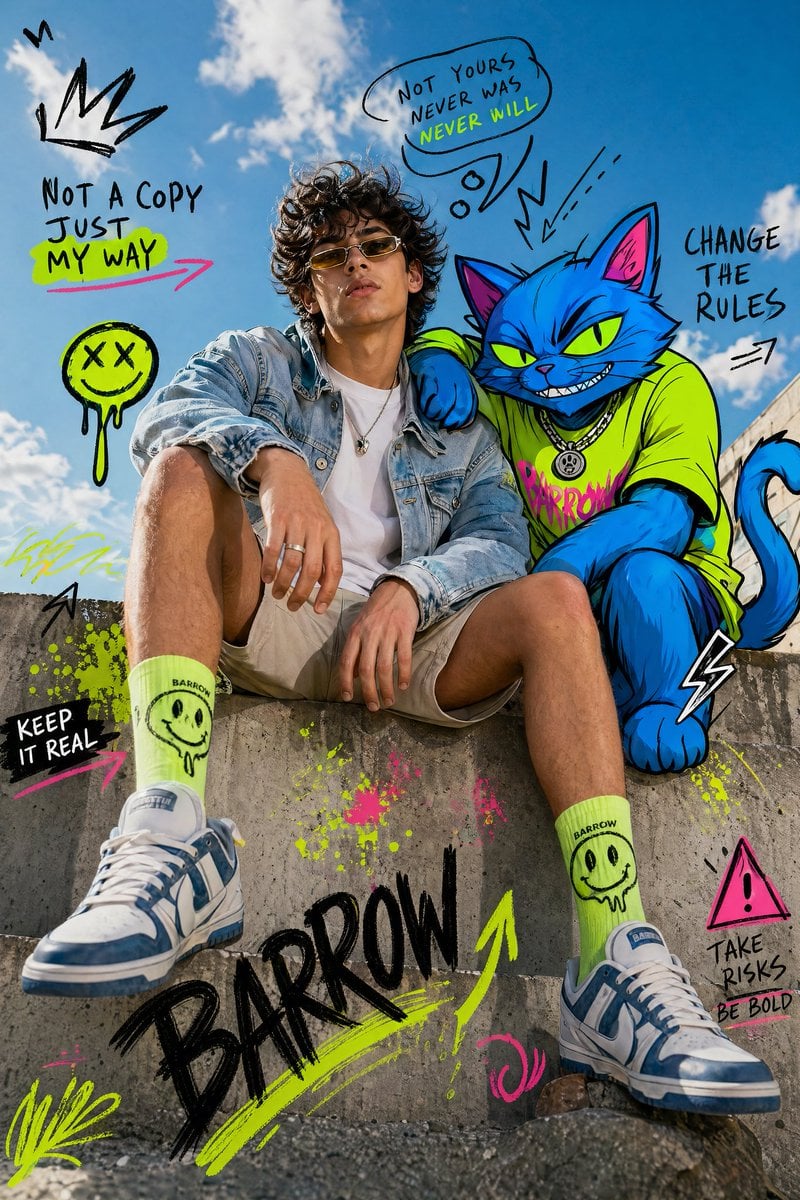
Mixed-Media Fashion Editorial with Neon Cartoon Interaction

Hollywood Haute Couture Fantasy Seedance
Seedance - Anime Fighting Game Finisher
Seedance - Dragon vs Python Battle
Seedance - Arrow Microscopic Battle
Seedance - Street Bull Incident
Make it yours
Mixed Media Fashion Film - Seedance 2.0 works as-is. These are the safest ways to change it without losing the look.
Change one field
Copy a single group, rewrite it, and generate again so you can see what that field is doing.
Keep the frame, change the subject
Hold the composition and light of Mixed Media Fashion Film - Seedance 2.0, then swap wardrobe, props or the person for a new take.
| If the result… | Why | Fix |
|---|---|---|
| The result drifts from the preview | Too many fields changed at once. | Reuse Mixed Media Fashion Film - Seedance 2.0 as-is first, then change one group — subject, light, or setting. |
| The model over-stylizes the scene | The prose prompt leaves finish and camera underspecified. | Add one camera or lighting sentence and stay on PicX Studio. |
More image prompts
Fresh picks from across the catalog.
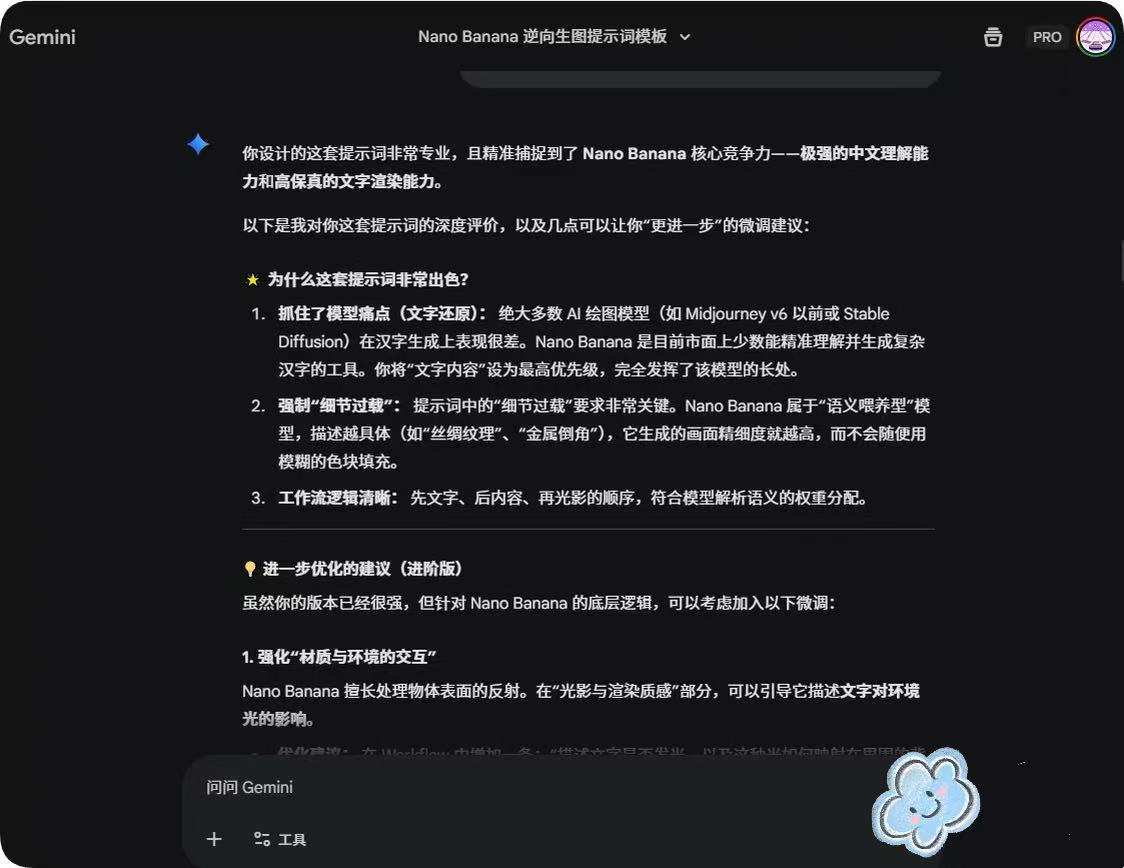
System Prompt for Nano Banana Pro Image Prompt Deconstruction
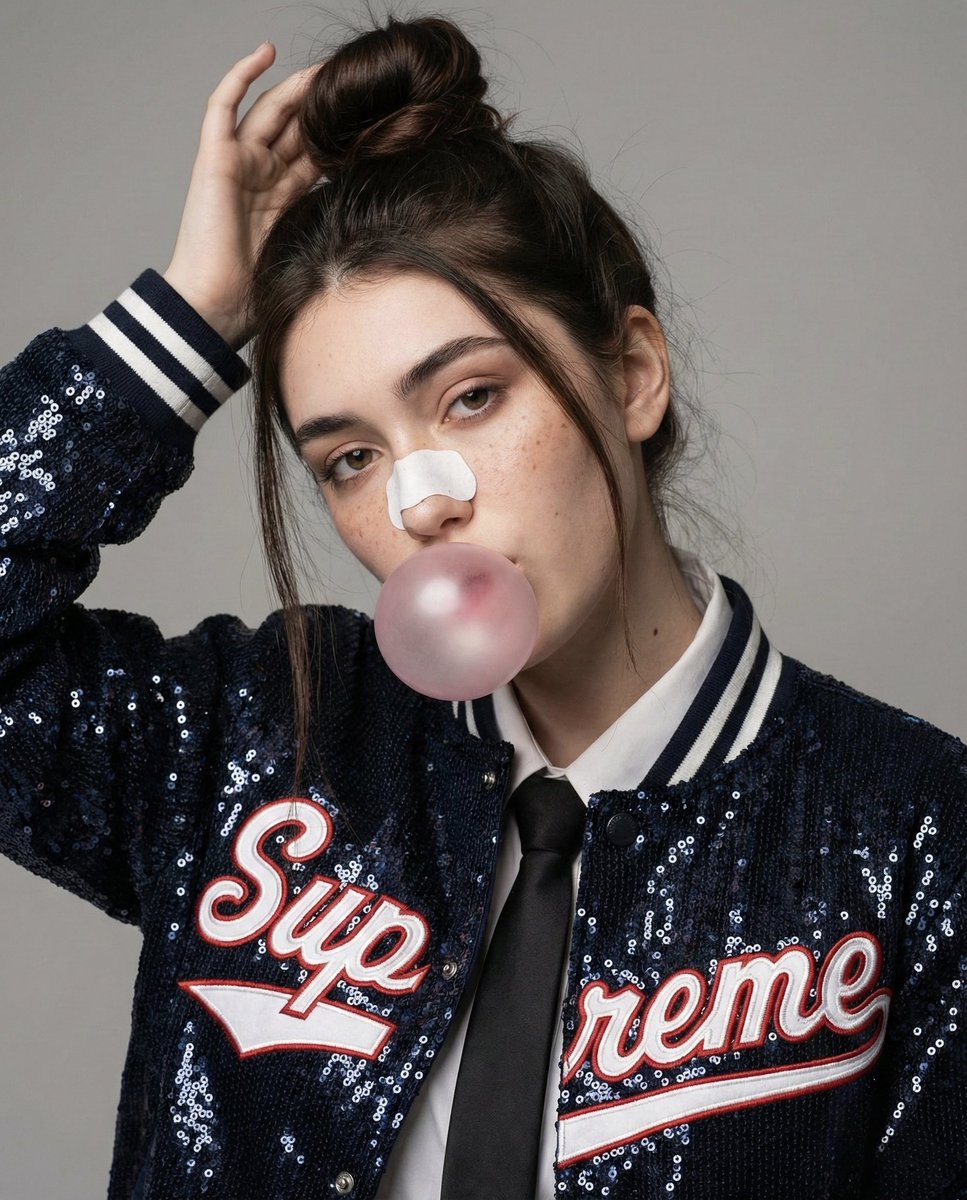
Fashion Editorial Portrait with Bubble Gum and Nose Strip Prompt
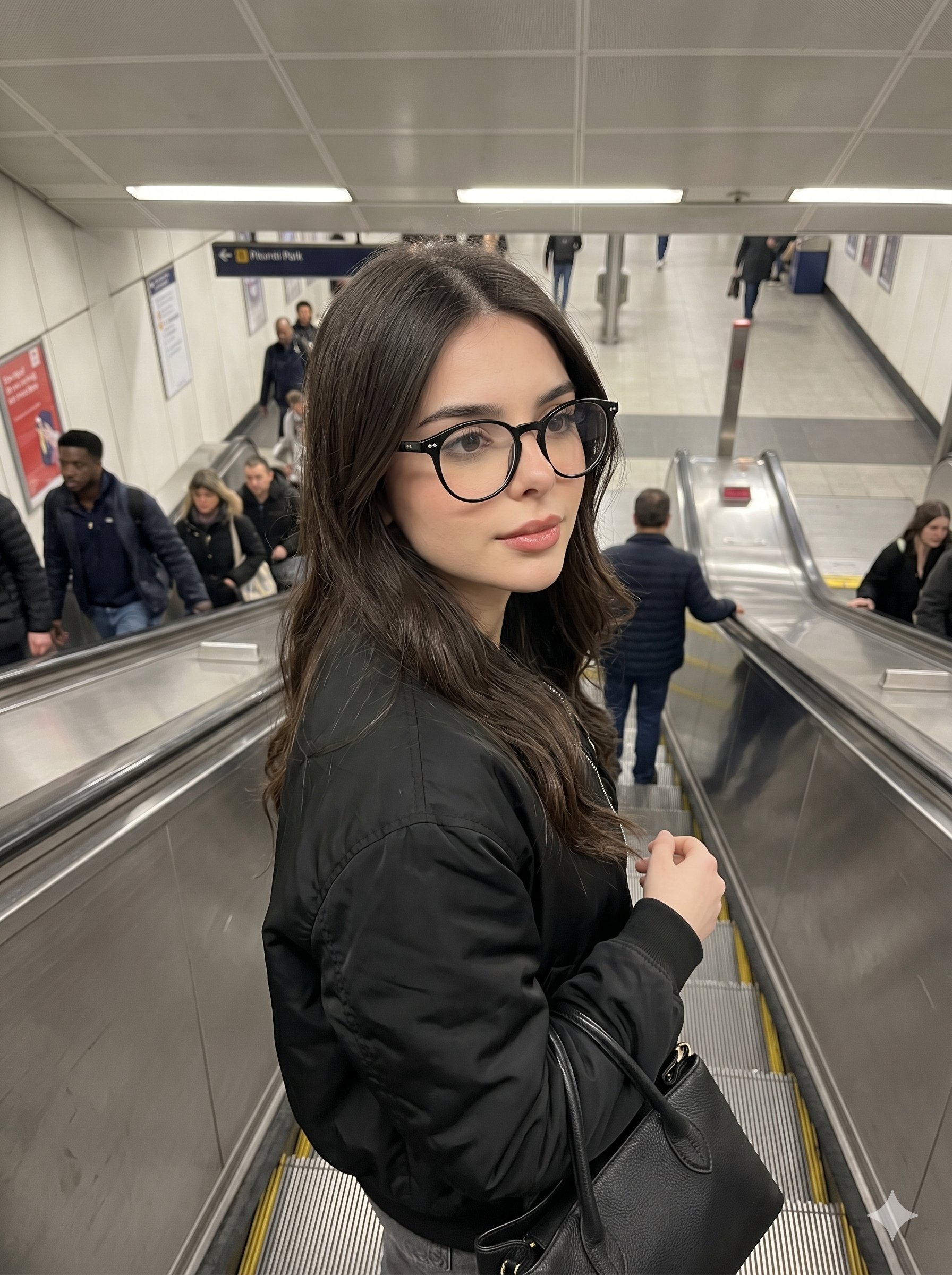
Nano Banana Pro Candid Escalator
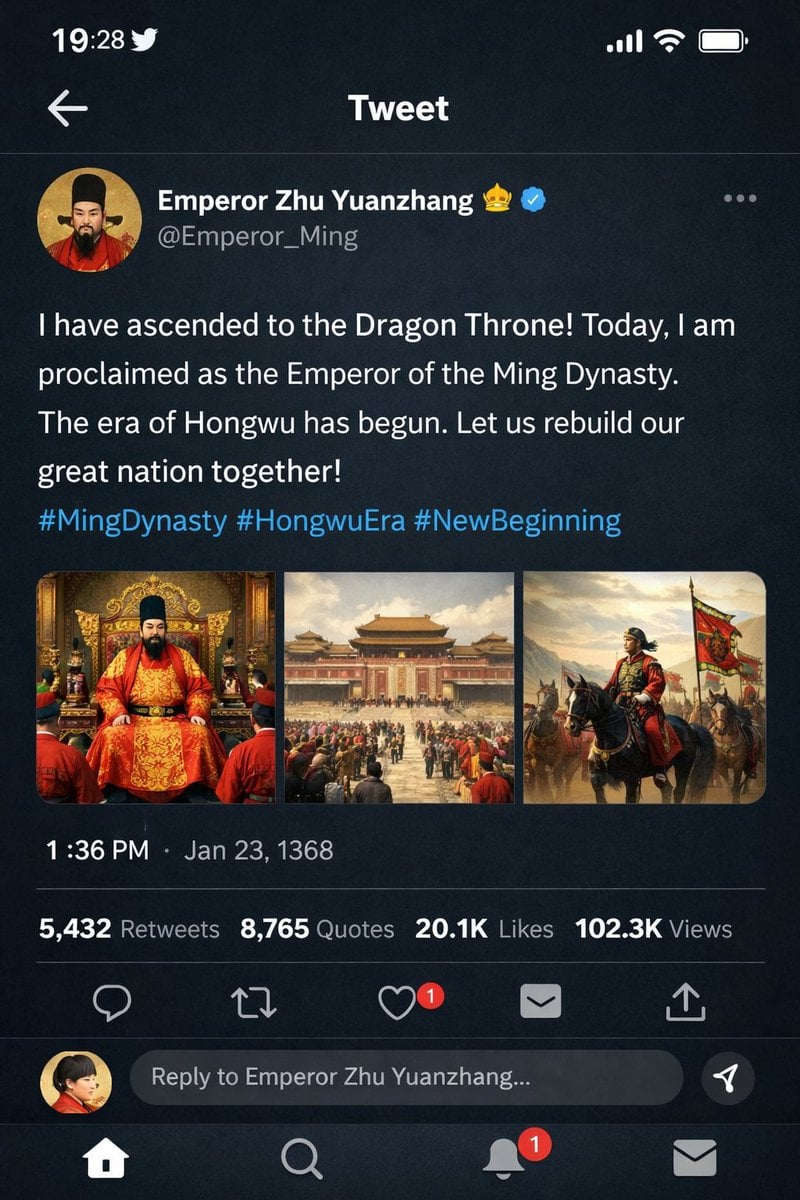
Historical Figure Social Media Mockup
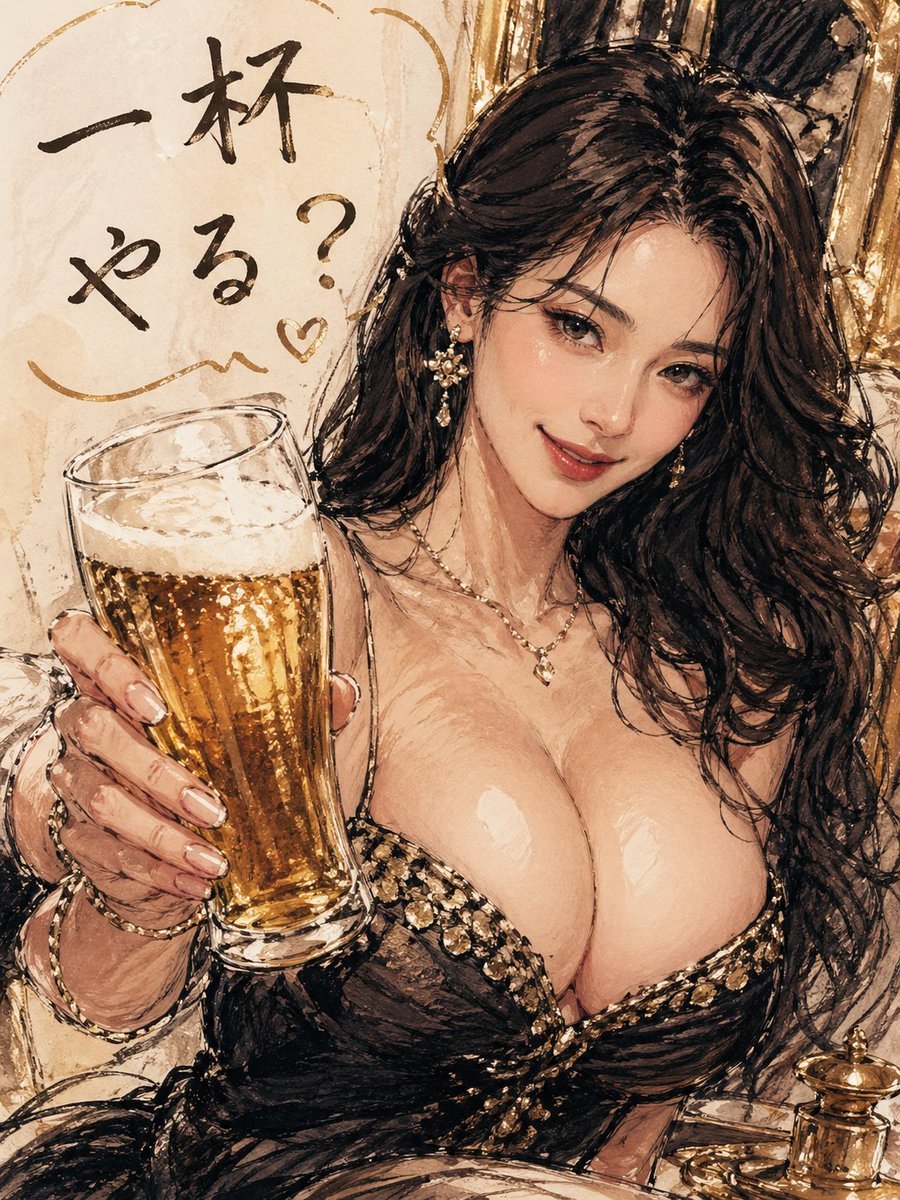
Elegant beauty in luxury lounge
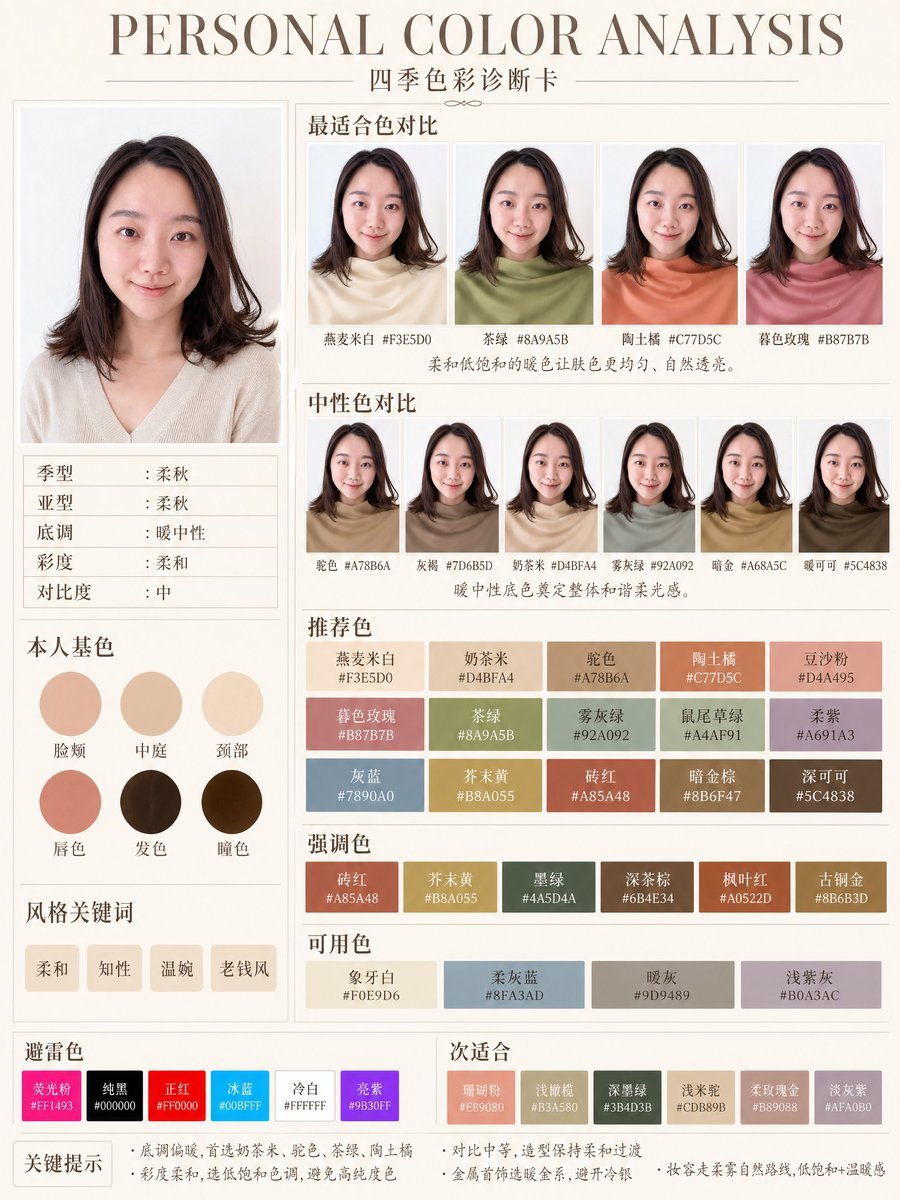
Soft Autumn Personal Color Card
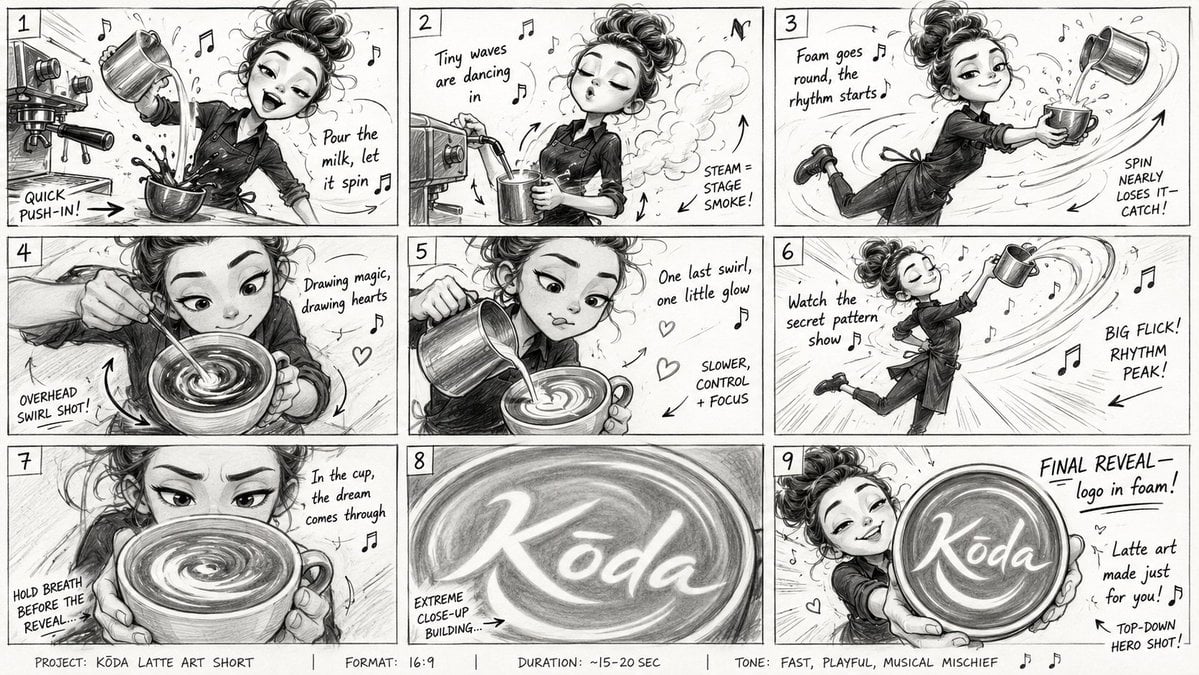
Latte Art Musical Storyboard
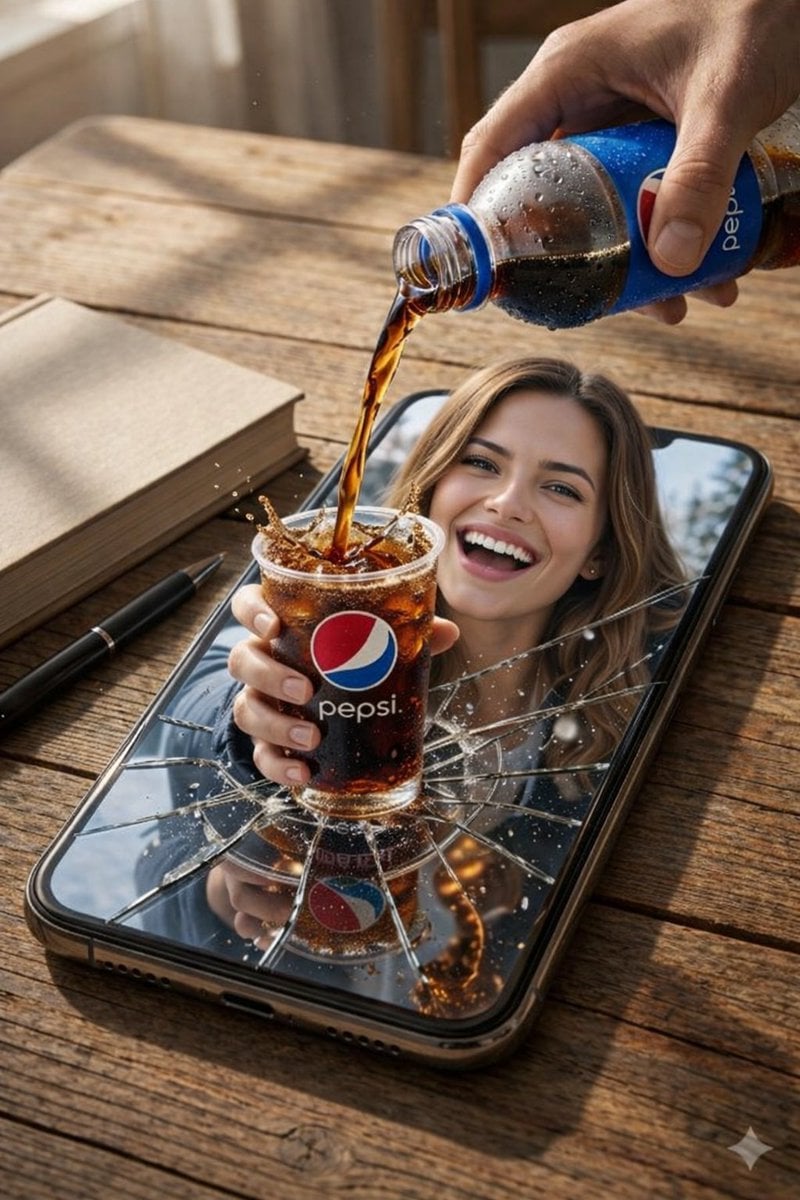
Surreal Pepsi Pour Phone Composite
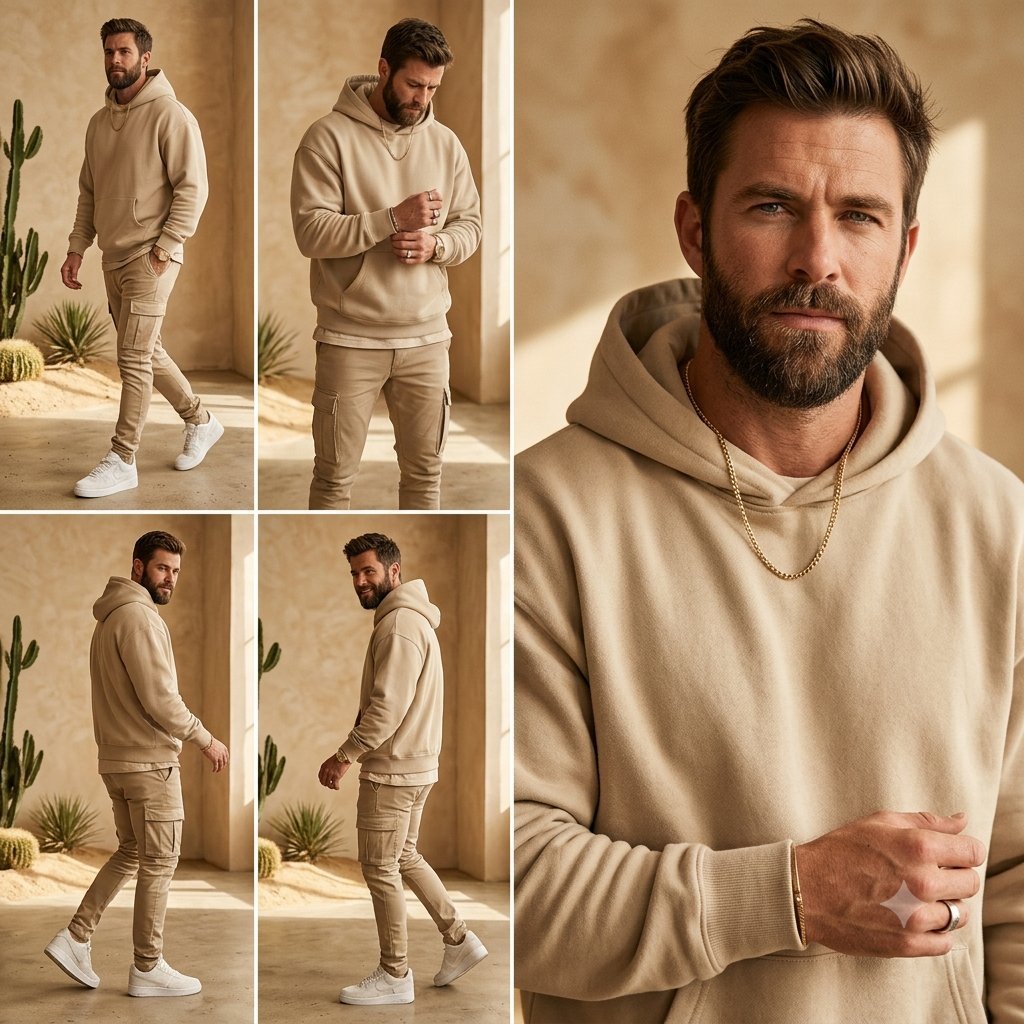
Beige Menswear Lookbook Collage
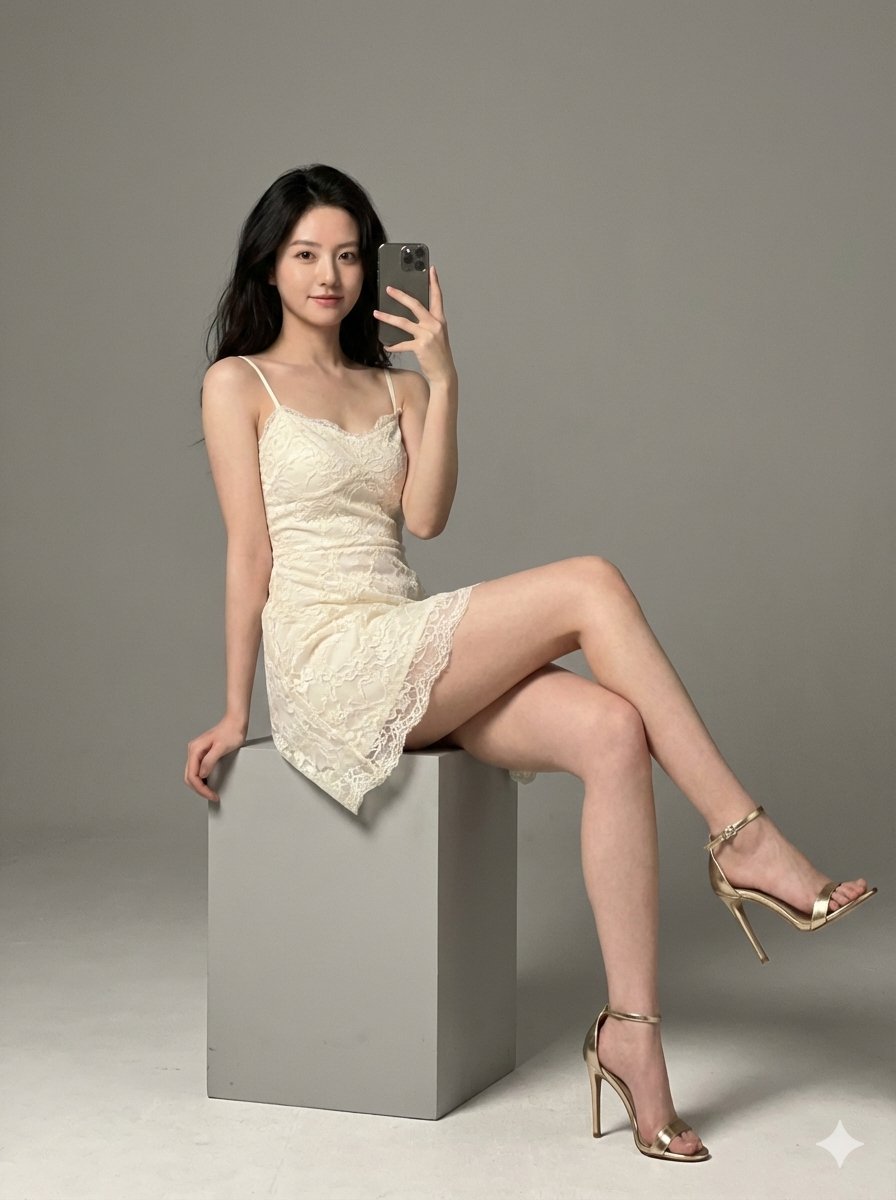
Hyper-Realistic High-Fashion Portrait in Ivory Lace Minidress
Browse template categories
Mixed Media Fashion Film - Seedance 2.0 questions
How do I use the Mixed Media Fashion Film - Seedance 2.0 template?
Add your photo if the template asks for one, edit the prompt if you like — the template's model and format are already selected — and press Generate. Your version opens in PicX Studio.
Can I customize the Mixed Media Fashion Film - Seedance 2.0 template?
Yes. You can change the subject, setting, lighting, mood, format, and available model controls before creating your image.
Is the Mixed Media Fashion Film - Seedance 2.0 template free?
Opening and editing this template is free. Generating uses credits, shown on the Generate button when you are signed in.
Which AI model should I use?
Choose a compatible model in PicX Studio based on the style, speed, and output controls your project needs.
Looking for something else? Browse all templates.

Your photo, any look
Thousands of ready templates for every top image and video model, from one credit balance.