
Motion Design Minimal - Seedance 2.0
Motion Design Minimal - Seedance 2.0 is a ready photo look.
- Prompt included
- Model and format preset
- Free template
The prompt behind this image
Copy the exact prompt behind Motion Design Minimal - Seedance 2.0, or open it in the studio and make it yours.
Motion design video, 15 seconds, ultra sleek, minimal aesthetic, black background throughout. The sequence begins with a completely black screen. A single white point of light appears center frame. It pulses once — a soft circular wave ripples outward like a heartbeat. With each pulse, the point emits expanding concentric rings that morph into increasingly complex forms in a continuous, unbroken evolution. First pulse — the point stretches into a perfect thin white line that extends horizontally across the frame. Second pulse — the line multiplies into a grid of parallel lines that rotate and form a geometric circle. Third pulse — the circle extrudes into a 3D wireframe sphere that spins slowly, every vertex and edge crisp and precise. The wireframe fills in smoothly, becoming a solid white surface with subtle light reflections. The sphere flattens and unfolds like origami into a rectangular plane that becomes a minimal phone interface — with clean lines and abstract UI elements. The interface folds inward, collapsing into a small cube that tumbles once and opens like a blooming flower — each petal a smooth white surface that peels outward. The flower form dissolves into hundreds of tiny particles that swirl in a controlled vortex, each particle following a precise mathematical path. The particles slow and reorganize — converging, aligning, compressing — forming the shape of a wristwatch seen from the side, every detail built from the same particles. The watch dissolves again, the particles stream across the frame in fluid ribbons that weave together and compress into a single dense white sphere. The sphere pulses one final time — brighter than before — and collapses inward to a single point. The point holds for one beat in silence. Then it smoothly expands into the brand logo — clean, minimal, white on black — with a single subtle accent of warm amber light that glows once behind it and fades. Every transition between forms is seamless, fluid, and continuous — no cuts, no jumps, one single.
How to use Motion Design Minimal - Seedance 2.0 in 3 steps
- 1
Open
The prompt is already in the box next to the preview, with the template's model and format selected.
- 2…a portrait of your subject in softgolden-hour light, 85mm…
Personalize
Edit the subject and creative details for your destination.
- 3Generate
Generate
Press Generate — your image is created in PicX Studio, so you can compare it with the original and refine one variable at a time.
More like this
Templates with the same subject, style or setup. Open one to see its prompt.
Mixed Media Fashion Film - Seedance 2.0
2D Cel Animation - Seedance 2.0
Videogame Cinematic Trailer - Seedance 2.0
Seedance - Anime Fighting Game Finisher
Seedance - Dragon vs Python Battle
Seedance - Arrow Microscopic Battle
Seedance - Street Bull Incident
Seedance - 83 Year Old Rave (maxescu)
Seedance - Character Transition
Seedance - Brand Commercial
Seedance - Epic Fight Scene
JSON Seedance - Fairy Macro Flight
Make it yours
Motion Design Minimal - Seedance 2.0 works as-is. These are the safest ways to change it without losing the look.
Change one field
Copy a single group, rewrite it, and generate again so you can see what that field is doing.
Keep the frame, change the subject
Hold the composition and light of Motion Design Minimal - Seedance 2.0, then swap wardrobe, props or the person for a new take.
| If the result… | Why | Fix |
|---|---|---|
| The result drifts from the preview | Too many fields changed at once. | Reuse Motion Design Minimal - Seedance 2.0 as-is first, then change one group — subject, light, or setting. |
| The model over-stylizes the scene | The prose prompt leaves finish and camera underspecified. | Add one camera or lighting sentence and stay on PicX Studio. |
More image prompts
Fresh picks from across the catalog.
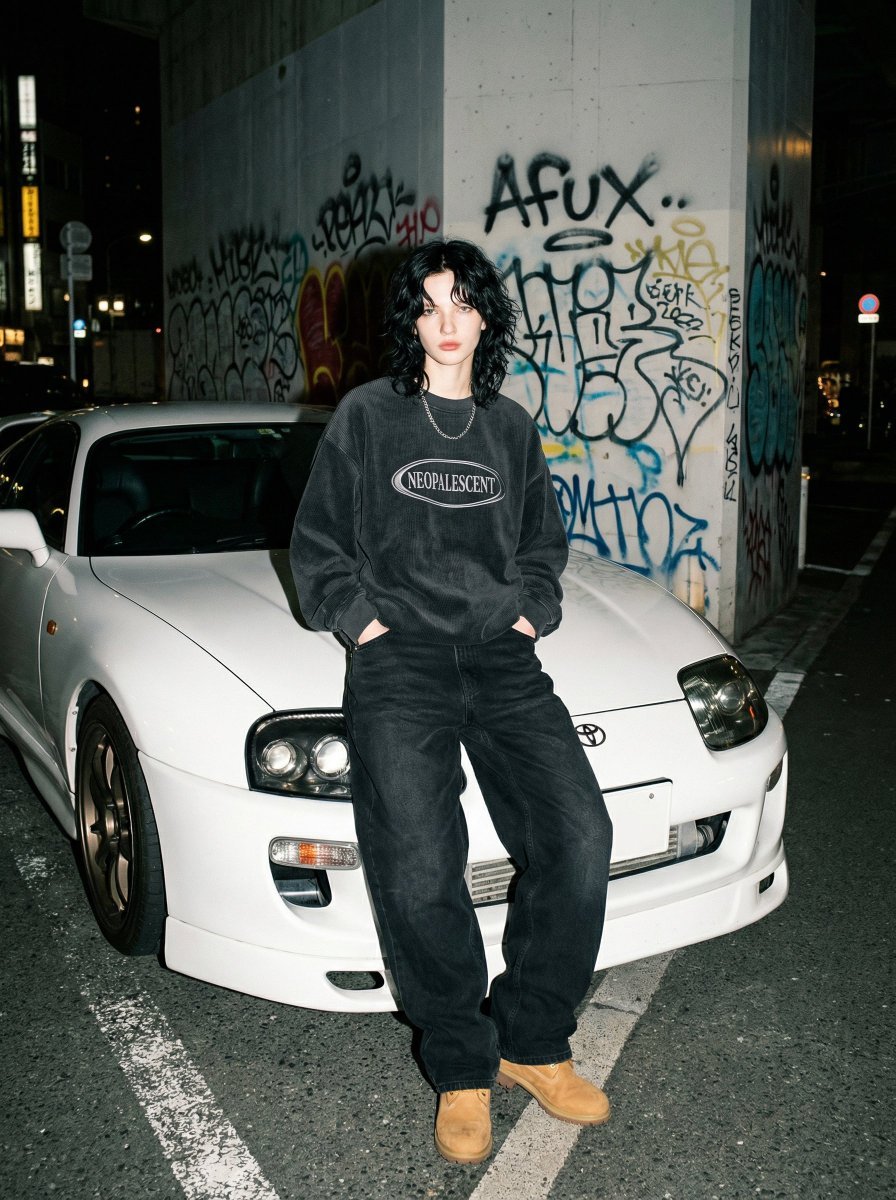
90s Streetwear Portrait with Toyota Supra MK4
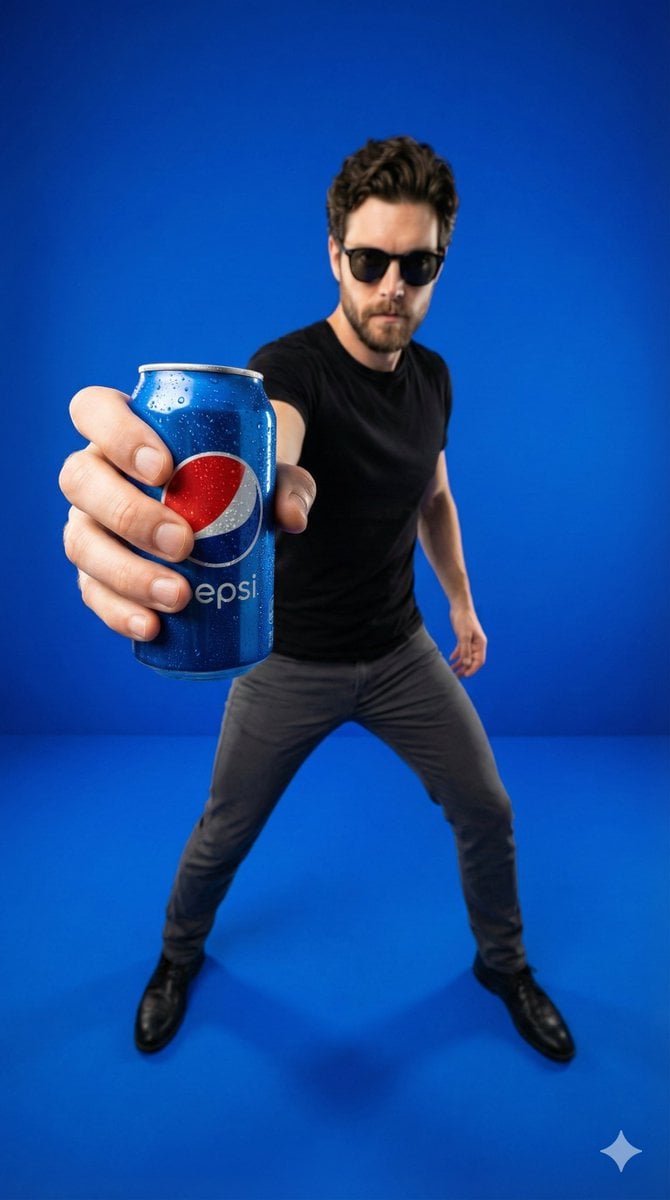
Wide-Angle Product Poster (Pepsi Can)
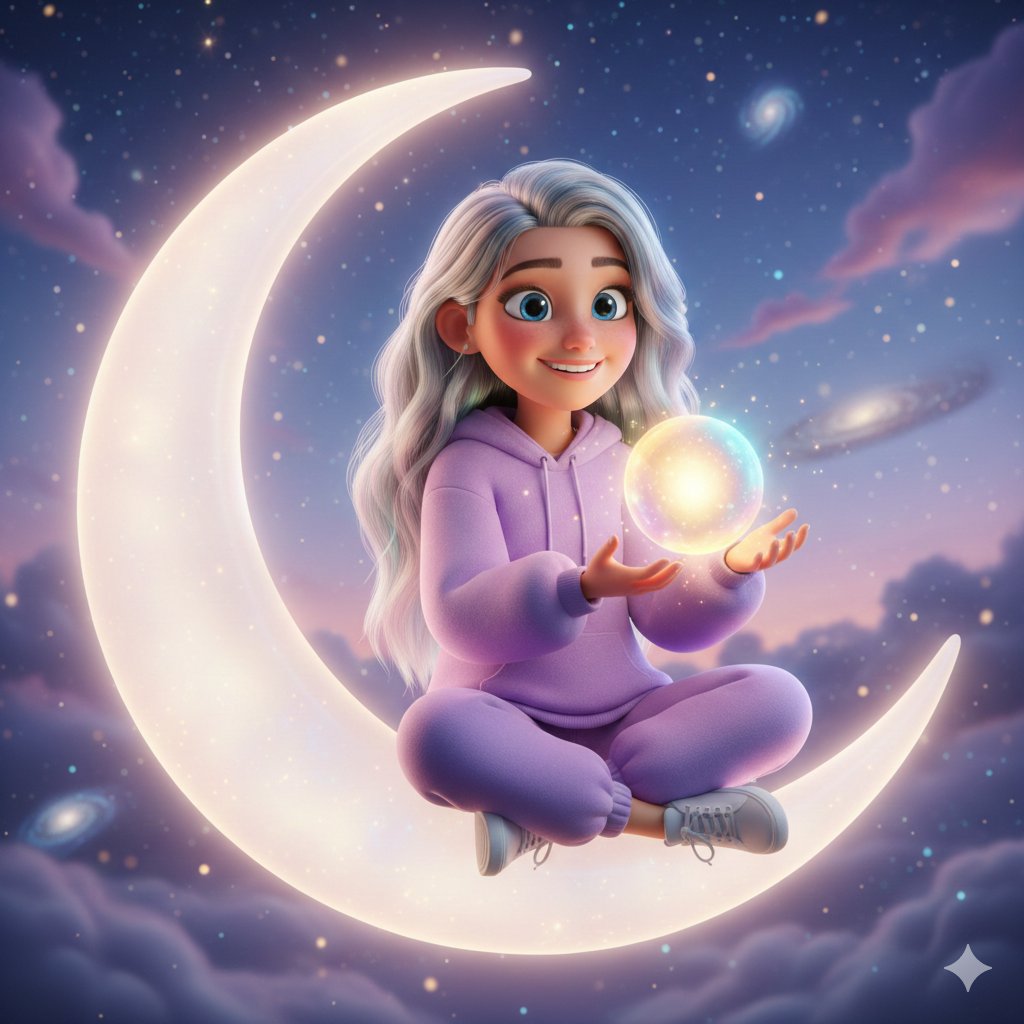
Pixar-Style 3D Character on a Crescent Moon
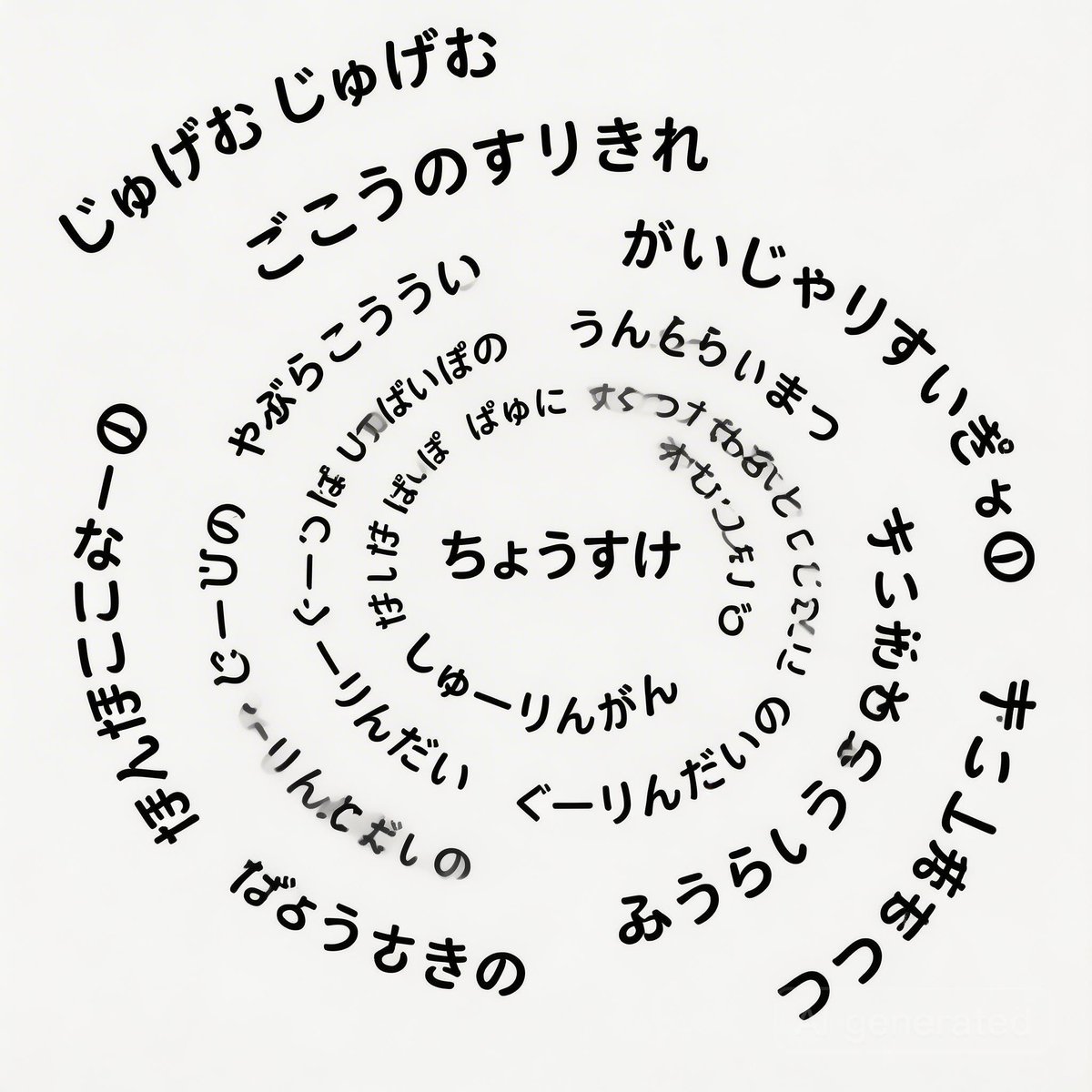
Japanese Text Spiral Generation Prompt (Jugemu)
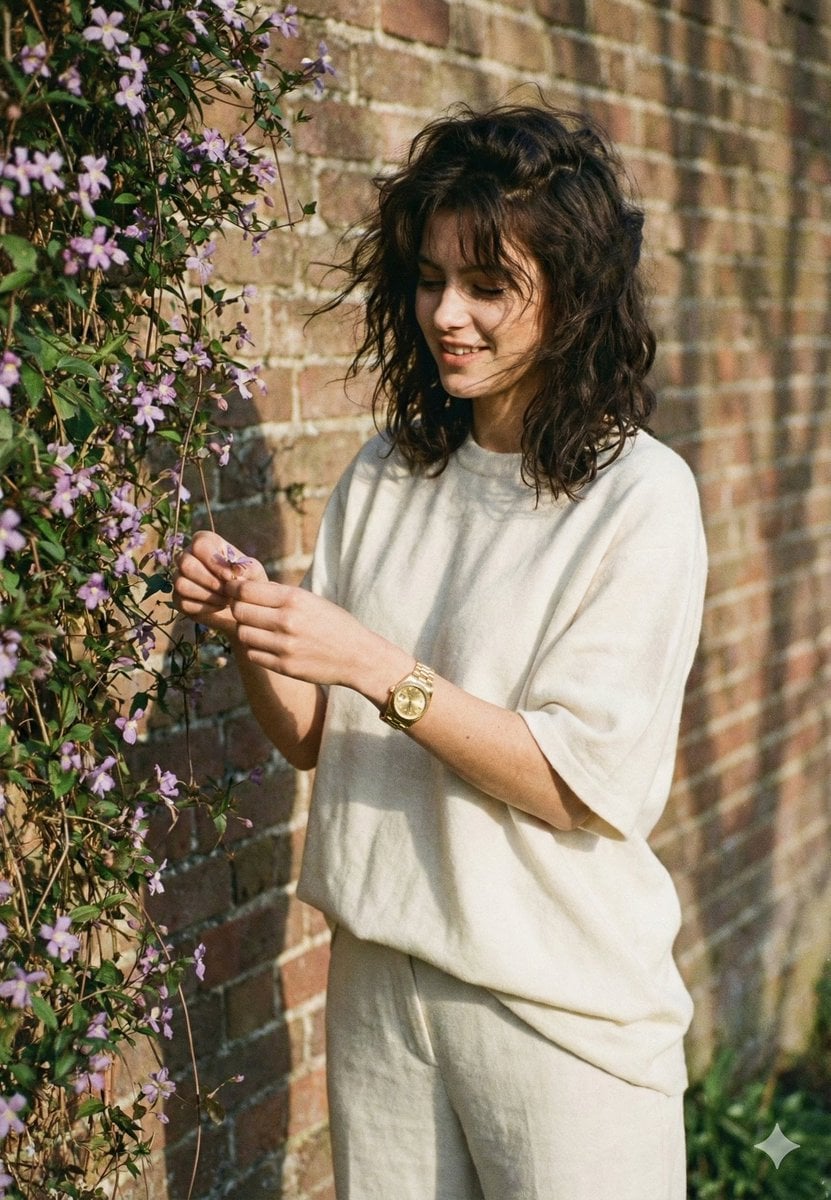
Intimate Film Aesthetic Garden Portrait
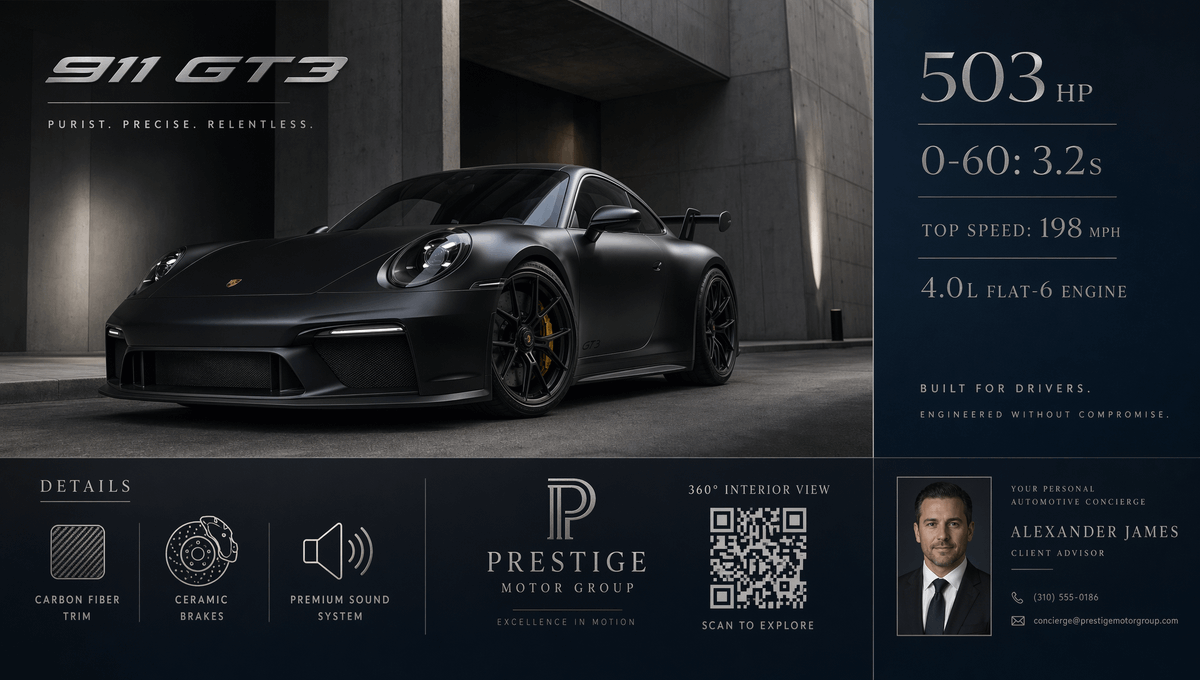
Luxury GT3 Dealership Poster
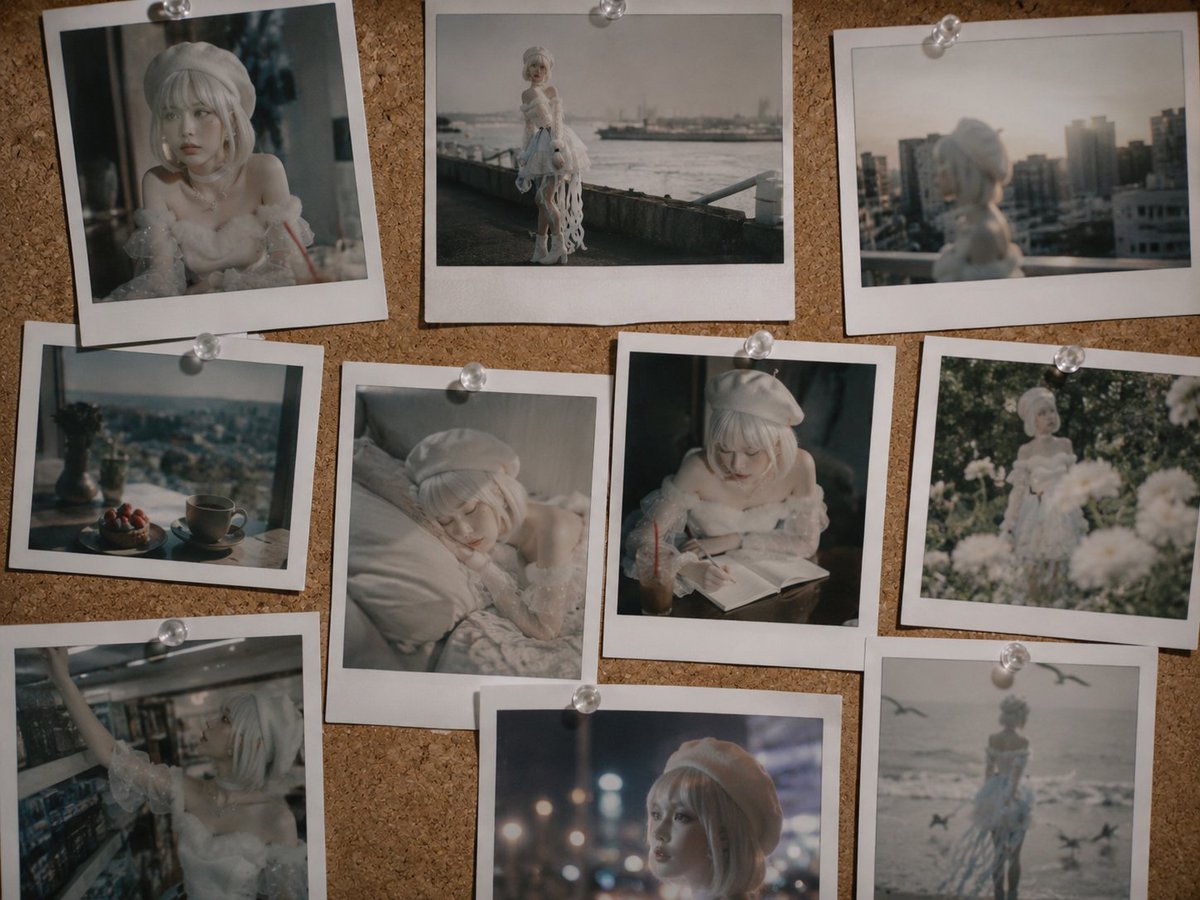
Nostalgic Polaroid Corkboard Collage
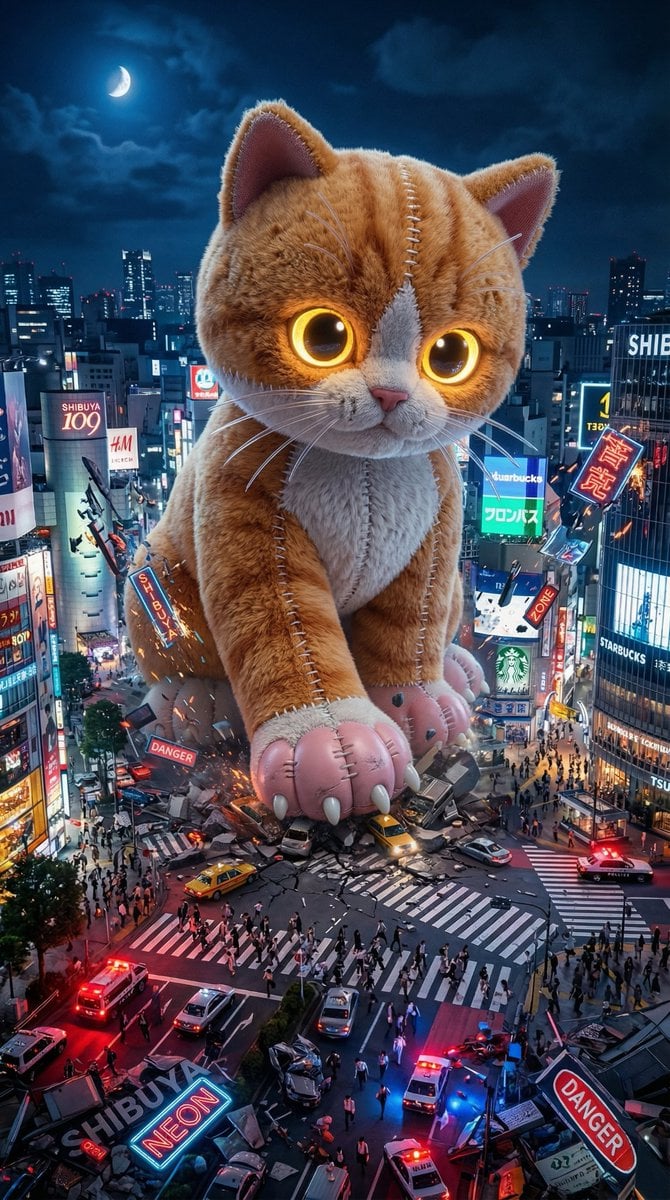
Plush Kaiju Cat Smashing Tokyo

Sport Motorcycle Wheelie Street Photo
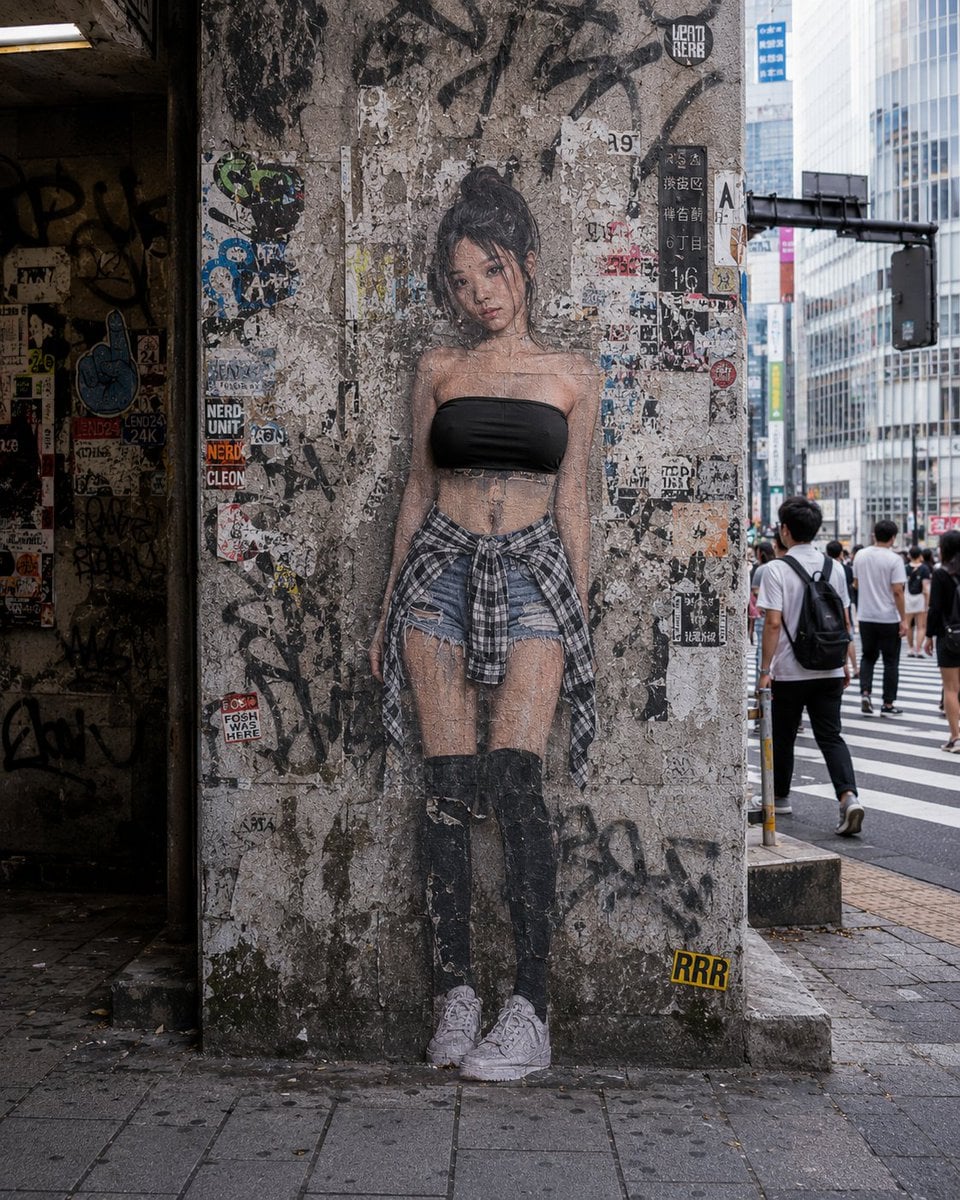
2D to 3D Surreal Street Photography
Featured in prompt roundups
Hand-picked collections that include this template.
Browse template categories
Motion Design Minimal - Seedance 2.0 questions
How do I use the Motion Design Minimal - Seedance 2.0 template?
Add your photo if the template asks for one, edit the prompt if you like — the template's model and format are already selected — and press Generate. Your version opens in PicX Studio.
Can I customize the Motion Design Minimal - Seedance 2.0 template?
Yes. You can change the subject, setting, lighting, mood, format, and available model controls before creating your image.
Is the Motion Design Minimal - Seedance 2.0 template free?
Opening and editing this template is free. Generating uses credits, shown on the Generate button when you are signed in.
Which AI model should I use?
Choose a compatible model in PicX Studio based on the style, speed, and output controls your project needs.
Looking for something else? Browse all templates.

Your photo, any look
Thousands of ready templates for every top image and video model, from one credit balance.