
2D to 3D Surreal Street Photography
A complex surrealist prompt that merges 2D printed poster aesthetics with 3D physical reality in a street photography style.
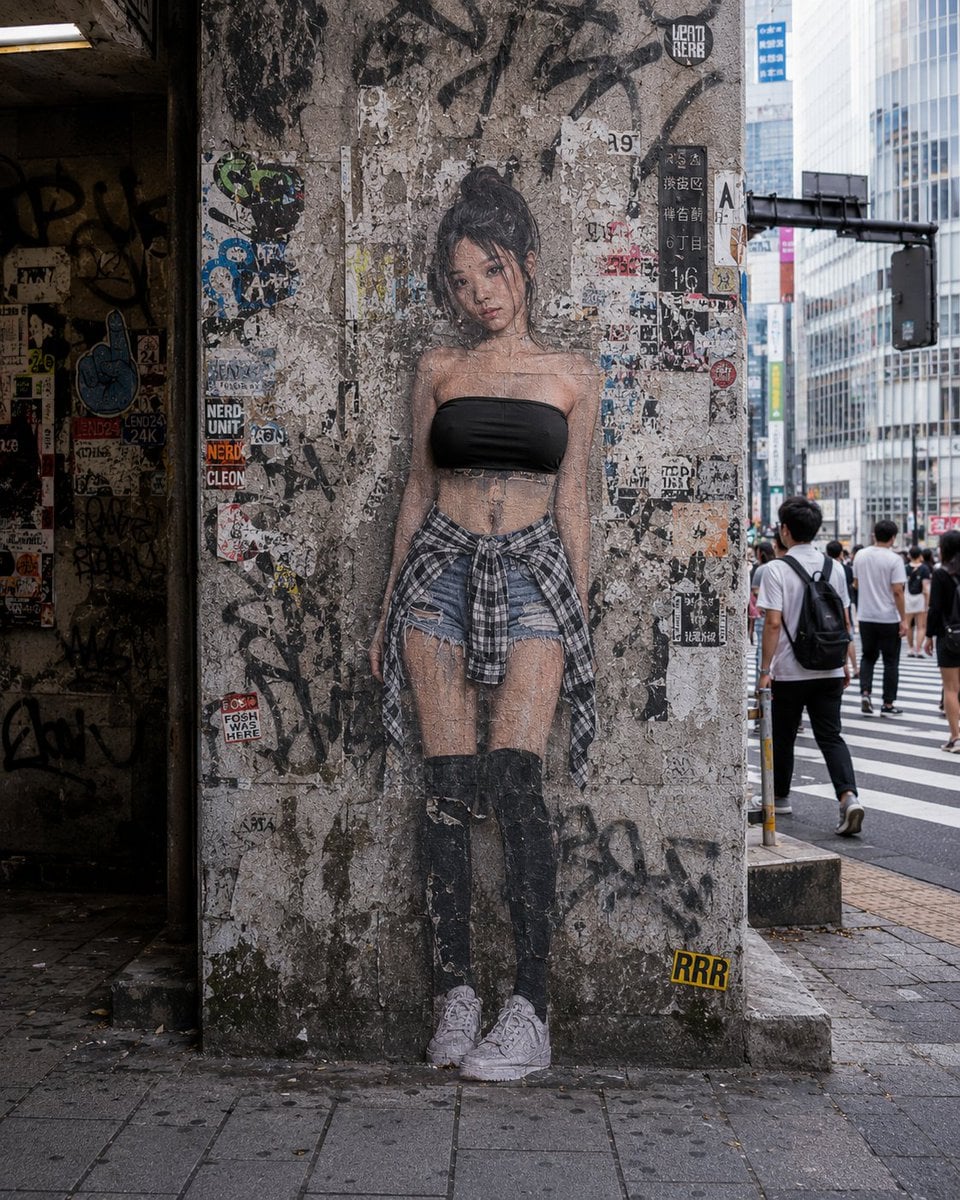
- Prompt included
- Model and format preset
- Free template
The prompt behind this image
Copy the exact prompt behind 2D to 3D Surreal Street Photography, or open it in the studio and make it yours.
An {argument name="character setting" default="Asian adult woman"} appears in {argument name="scene setting" default="Shibuya, Tokyo"}, close to or flush against the front of [background surface]. The image uses a frontal viewpoint, eye-level camera, with a realistic street-photography composition. The figure's body is clearly divided into two states, 2D and 3D: [2D body part] is a two-dimensional flat printed image stuck onto [background surface], while [3D body part] suddenly becomes a real, existing three-dimensional human body starting from [dividing line], entering real space. The figure's [2D body part] is entirely a flat printed image, pressed flush against [background surface], with no real thickness, no real volume, and no outward-bulging spatial structure. This 2D area shows a genuine paper / poster / sticker / mural / wheat-paste poster texture, with a matte print effect on the surface, slight fading, fine grain, paper fiber, signs of aging, and worn edges. The edges of the 2D image may be slightly curled, peeling, or damaged, with some areas showing traces of glue, paste residue, torn paper scraps, or background texture. The texture of [background surface] needs to show through or affect the 2D body area — for example, the rough grain of a concrete wall, gaps in a brick wall, scratches on a metal panel, the grain of old wood boards, graffiti marks, stains, cracks, sticker residue, etc. — all of which should blend naturally with the figure's 2D area. The 2D body part should look like an image that was long ago printed, pasted, spray-painted, or drawn onto the background surface, rather than a real standing human body. The figure's [3D body part] suddenly transforms into a real, existing three-dimensional human body starting from [dividing line], with complete real volume, real anatomical structure, real material detail, real lighting and shadow, real perspective, occlusion relationships, and physical contact. The 3D area should clearly enter real space, forming a strong contrast with the 2D area. Skin, clothing, shoes, hair, accessories, or other body details should all show a hyper-realistic texture, with real highlights, shadows, folds, grain, and spatial depth. The [dividing line] between the 2D and 3D parts must form a clear, sharp, precise, visible boundary line. This boundary line should look as if the flat printed image and the real three-dimensional human body have been abruptly but precisely spliced together on the same body. The dividing point must not be blurred, must not be a gradient, and must not resemble ordinary morphing or a translucency effect; it must clearly show: one side is a 2D flat image stuck onto the background, the other side is a real three-dimensional body entering real space. If there is graffiti, stickers, stains, cracks, spray paint, text, or other background elements in the image, they may cover or press onto the [2D body part], as if, after the figure's 2D image was pasted or drawn, the background surface was then further scrawled on, spray-painted, or covered. Background elements should have a genuine surface relationship with the 2D body area, rather than simply staying behind the figure. The 3D body area needs to have a clear interaction with the real environment: if the [3D body part] includes a foot, leg, hand, arm, head, or some part of the body extending out, it must show real physical contact, cast shadow, occlusion, and spatial relationships. For example, a foot stepping on the ground, with the sole slightly deformed by pressure; an arm extending out of the flat image, blocking the background and casting a shadow on a wall or the ground; a head poking out of the poster, with real facial volume, skin texture, and lighting structure. The overall style of the image is surrealist realistic photography, which should both preserve the credibility of a real street snapshot and reinforce the visual paradox created by the splicing of 2D and 3D bodies. The lighting is [lighting conditions], the background is [background details], and the overall atmosphere is [visual style]. The image should have cinematic composition, high detail, real materials, real lighting and shadow, and real spatial perspective, hyper-realistic surreal photography, cinematic, photorealistic, high detail, 8K.
How to use 2D to 3D Surreal Street Photography in 3 steps
- 1
Open
The prompt is already in the box next to the preview, with the template's model and format selected.
- 2…a portrait of your subject in softgolden-hour light, 85mm…
Personalize
Edit the subject and creative details for your destination.
- 3Generate
Generate
Press Generate — your image is created in PicX Studio, so you can compare it with the original and refine one variable at a time.
More like this
Templates with the same subject, style or setup. Open one to see its prompt.
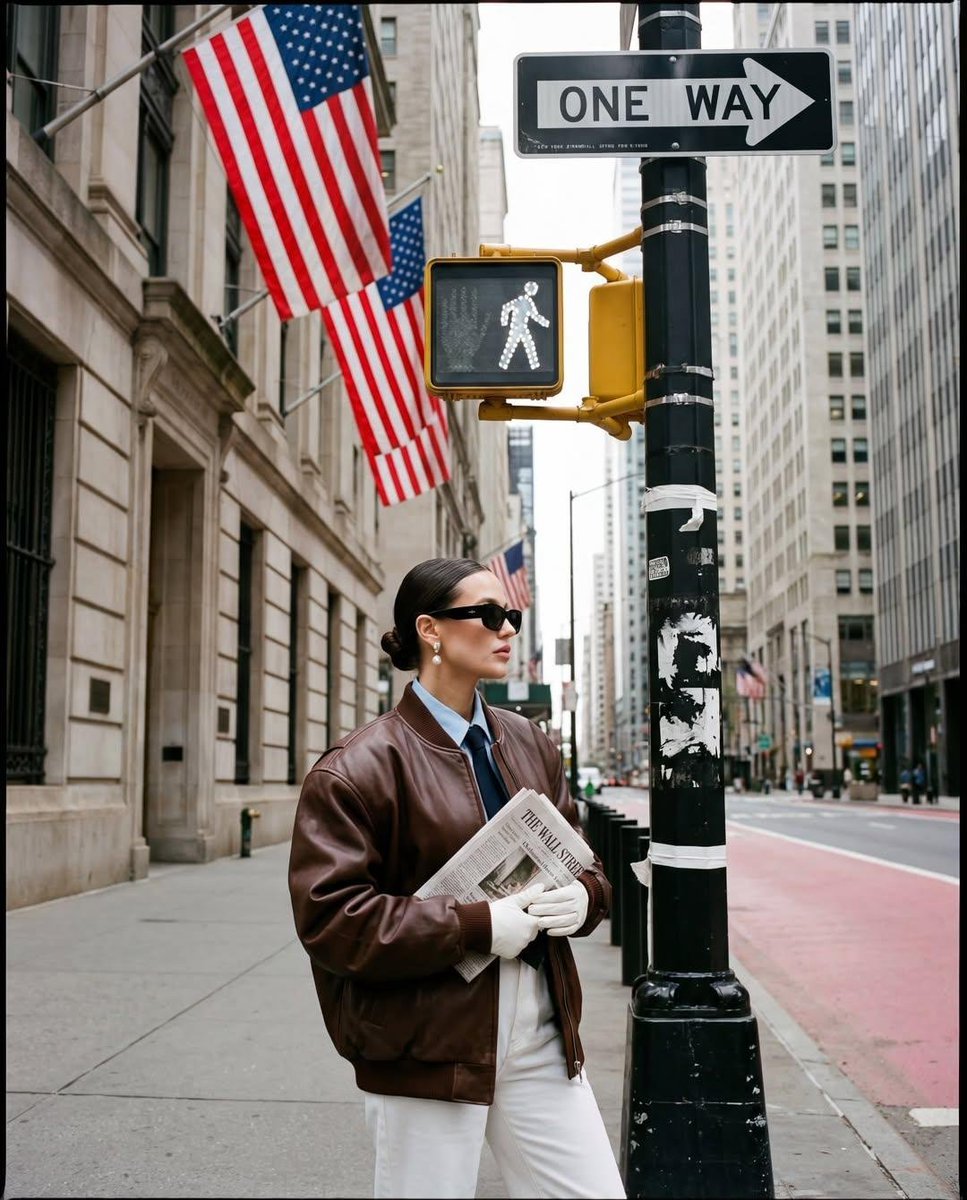
Ultra-realistic street fashion editorial photograph in New York City
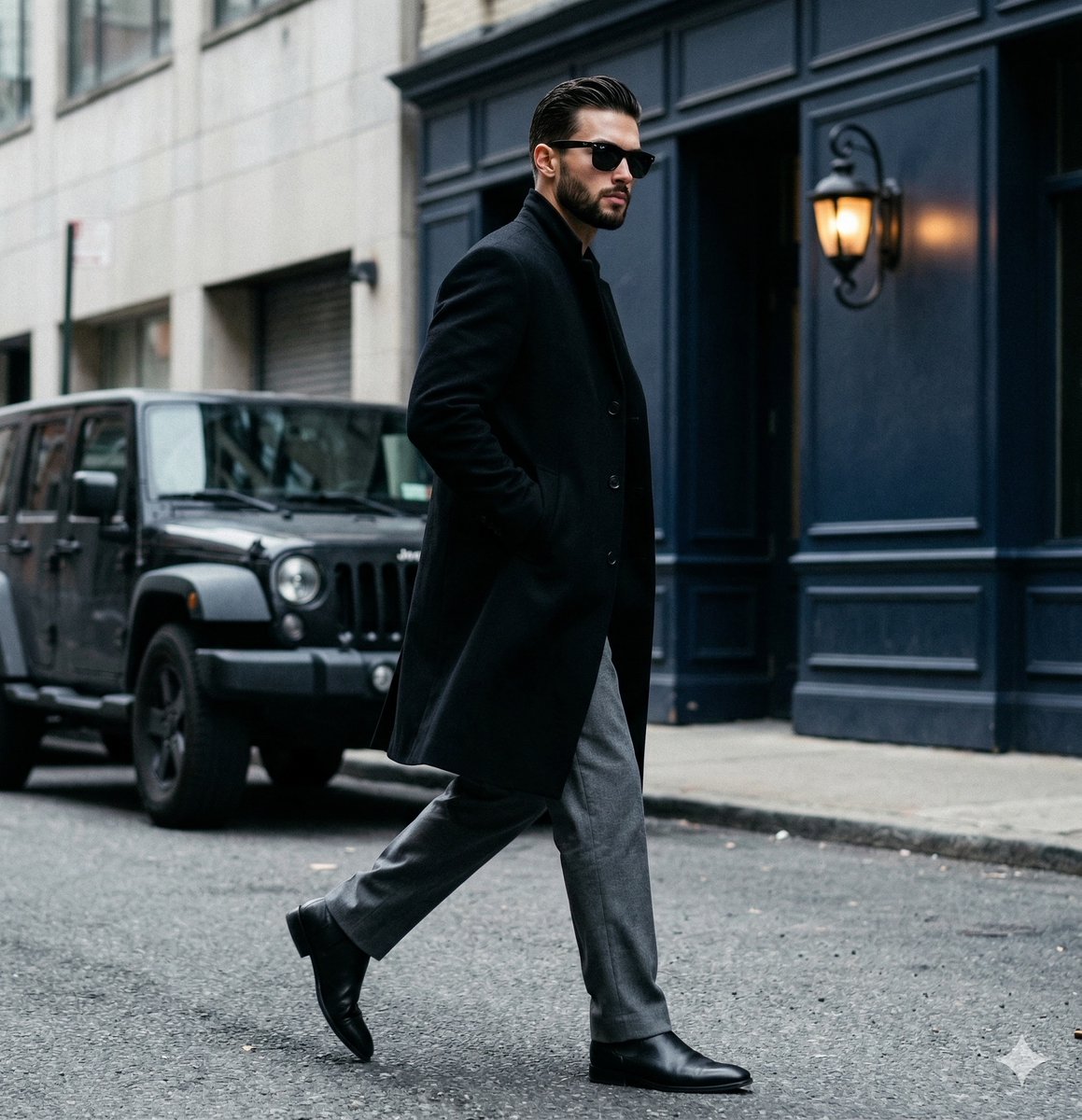
A candid paparazzi-style street photography shot of a handsome man

Two Tickets, One Night

Meet Me When It Rains

Two Hearts. One Scooter.

1986 Street Couple

1985 Street Scene

Mirror Selfie Chibi Characters Pixar Style

Flower Petal Sunglasses Couture Portrait

Fashion Portrait Colored Smoke Studio

Mountain Valley Lifestyle Portrait

青蛇小青写真大片,绿色紧身蛇鳞裙,湿发红唇,妖娆妩媚
Make it yours
2D to 3D Surreal Street Photography works as-is. These are the safest ways to change it without losing the look.
Change one field
Copy a single group, rewrite it, and generate again so you can see what that field is doing.
Keep the frame, change the subject
Hold the composition and light of 2D to 3D Surreal Street Photography, then swap wardrobe, props or the person for a new take.
| If the result… | Why | Fix |
|---|---|---|
| The result drifts from the preview | Too many fields changed at once. | Reuse 2D to 3D Surreal Street Photography as-is first, then change one group — subject, light, or setting. |
| The model over-stylizes the scene | The prose prompt leaves finish and camera underspecified. | Add one camera or lighting sentence and stay on GPT Image 2. |
More GPT Image 2 templates
Other prompts made for GPT Image 2.

Six VTuber Japanese Logo Sheet

Realistic Portrait of Woman and Deer

The Vista Modular Condo Poster

AI Model Routing Comparison Infographic

2.5D Anime Art Board

Isometric Productivity Desk Scene

New York Double Exposure Poster

Four-Panel AI Landscape Comparison

Japanese Tatami Lifestyle Magazine Cover

NESCAFÉ Coffee Map Poster
More image prompts
Fresh picks from across the catalog.

Personalized Pop-Up Fairy Tale Book

Jazz Theme Anime Key Visual
X Sumiturkude007 Image Description Subject
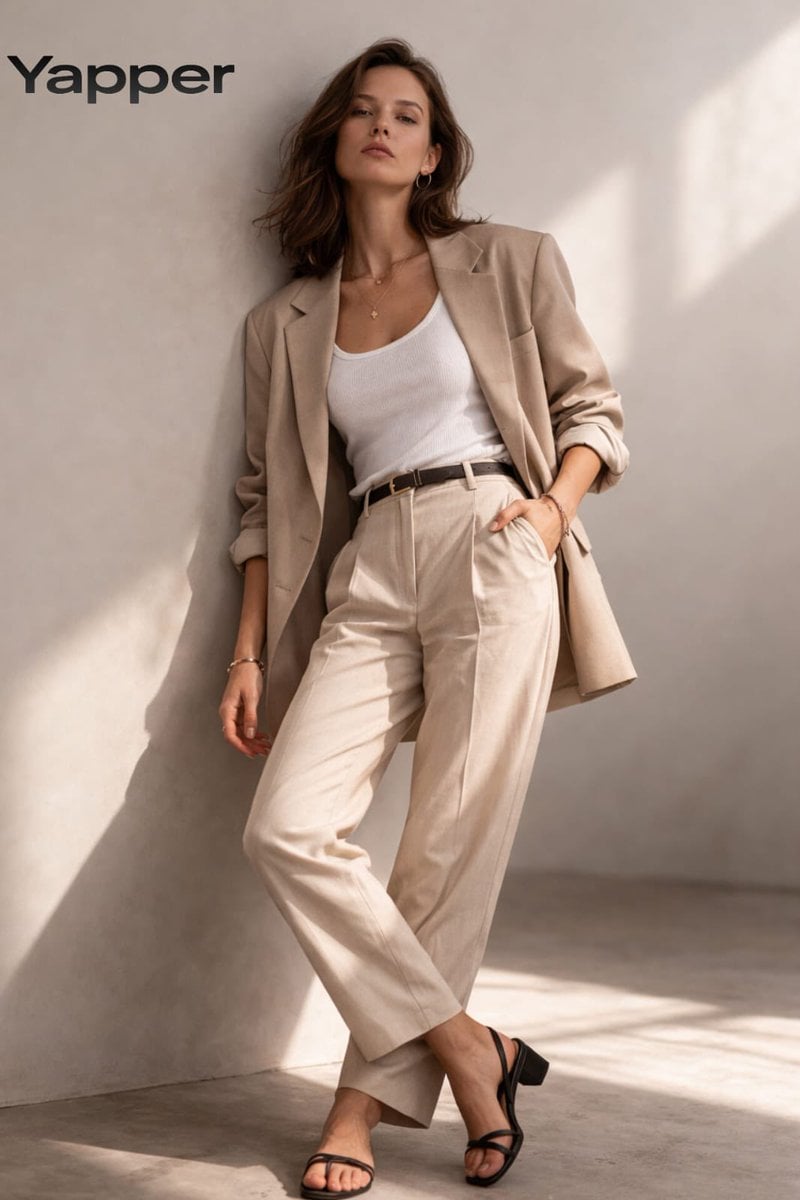
Minimalist Fashion Studio Portrait
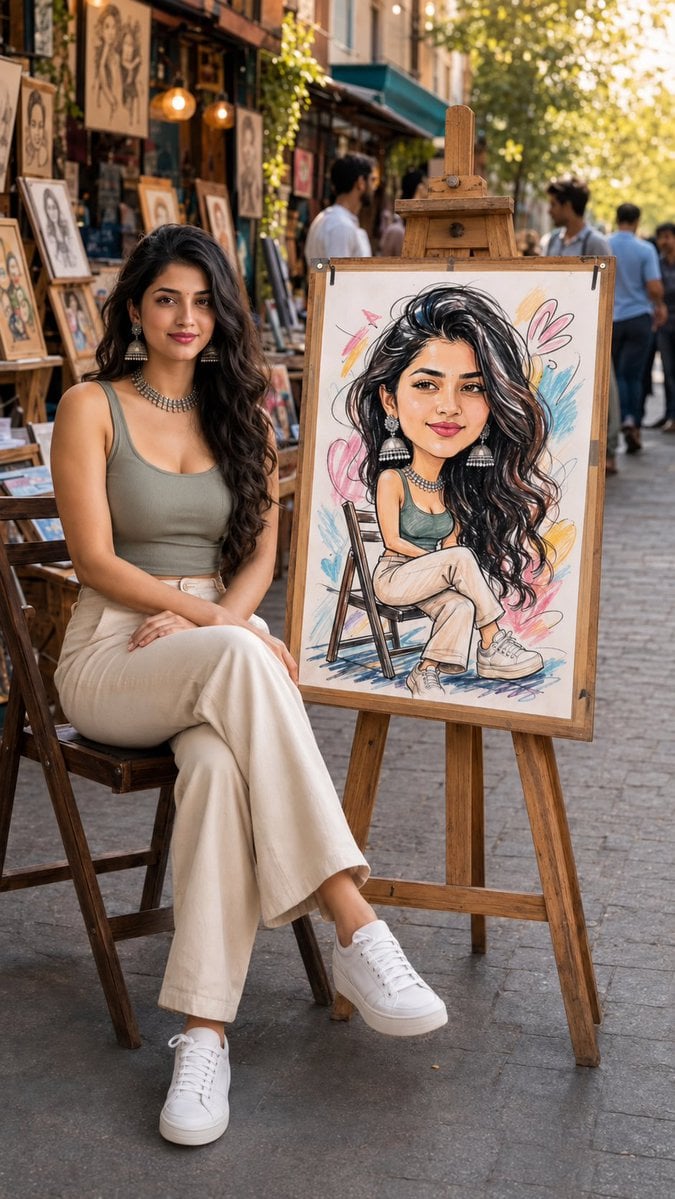
Art Street Market Caricature Portrait
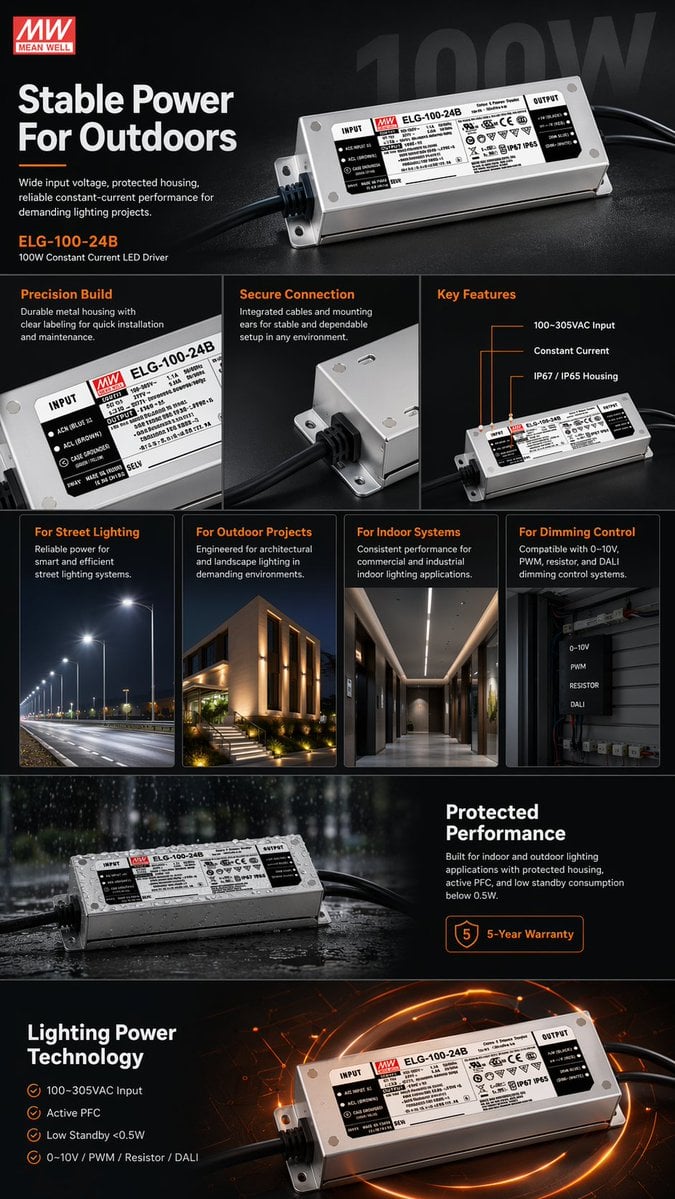
E-commerce LED Driver Infographic

Elegant beauty in luxury lounge
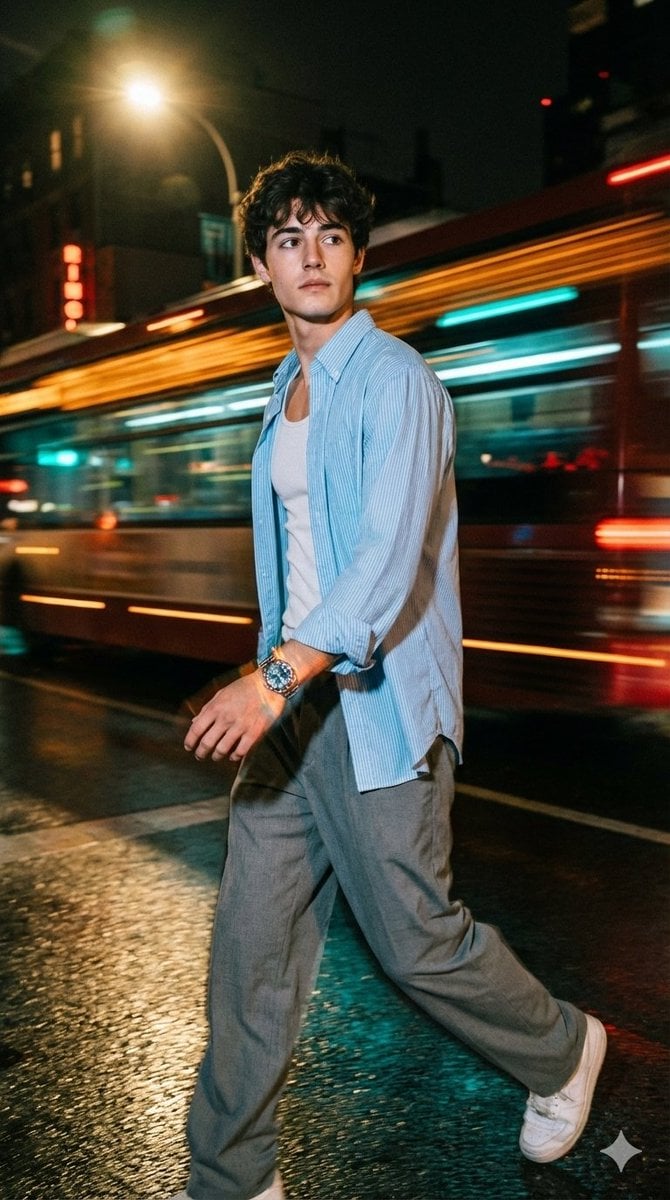
Cinematic Night Street Portrait of Indian Man
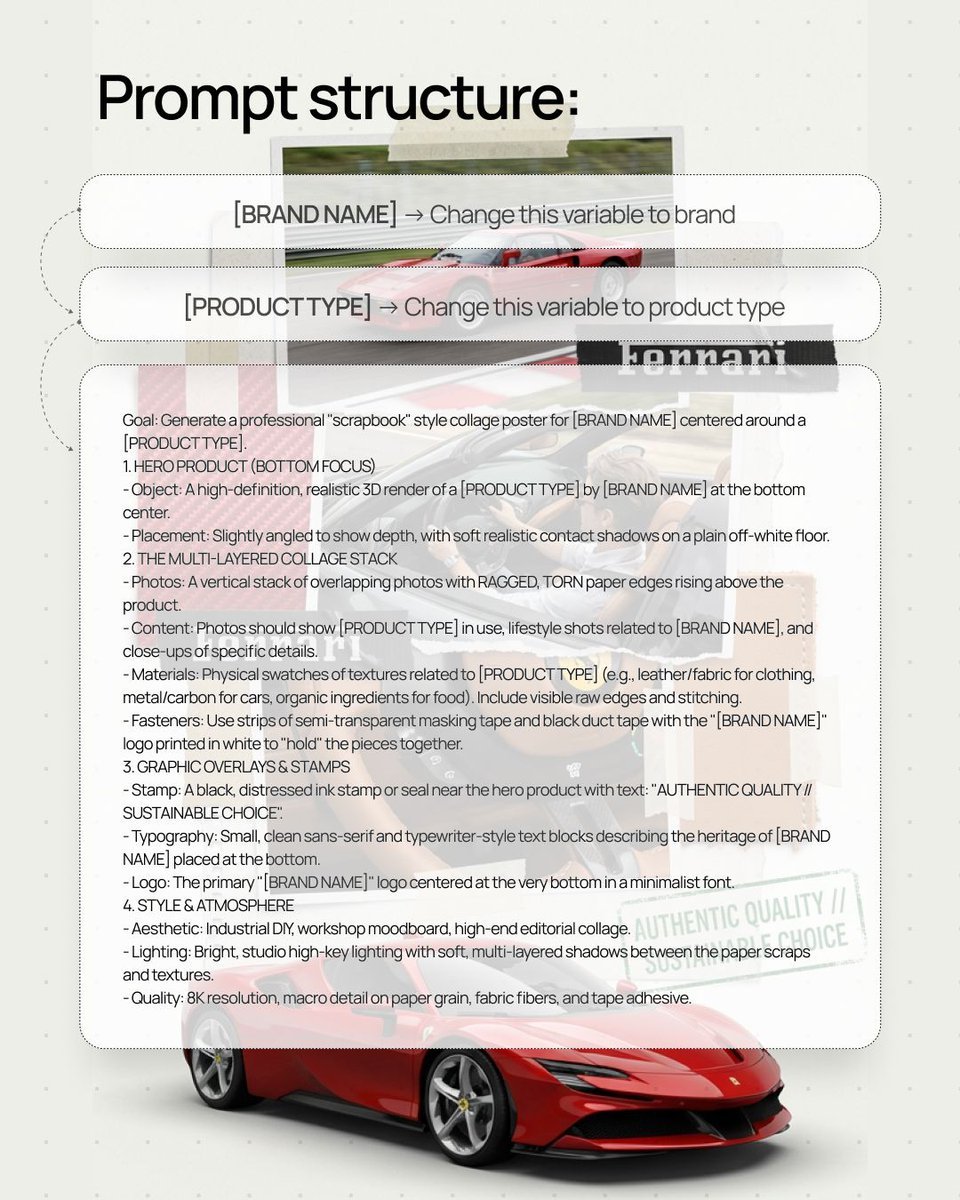
Scrapbook style collage poster for product branding
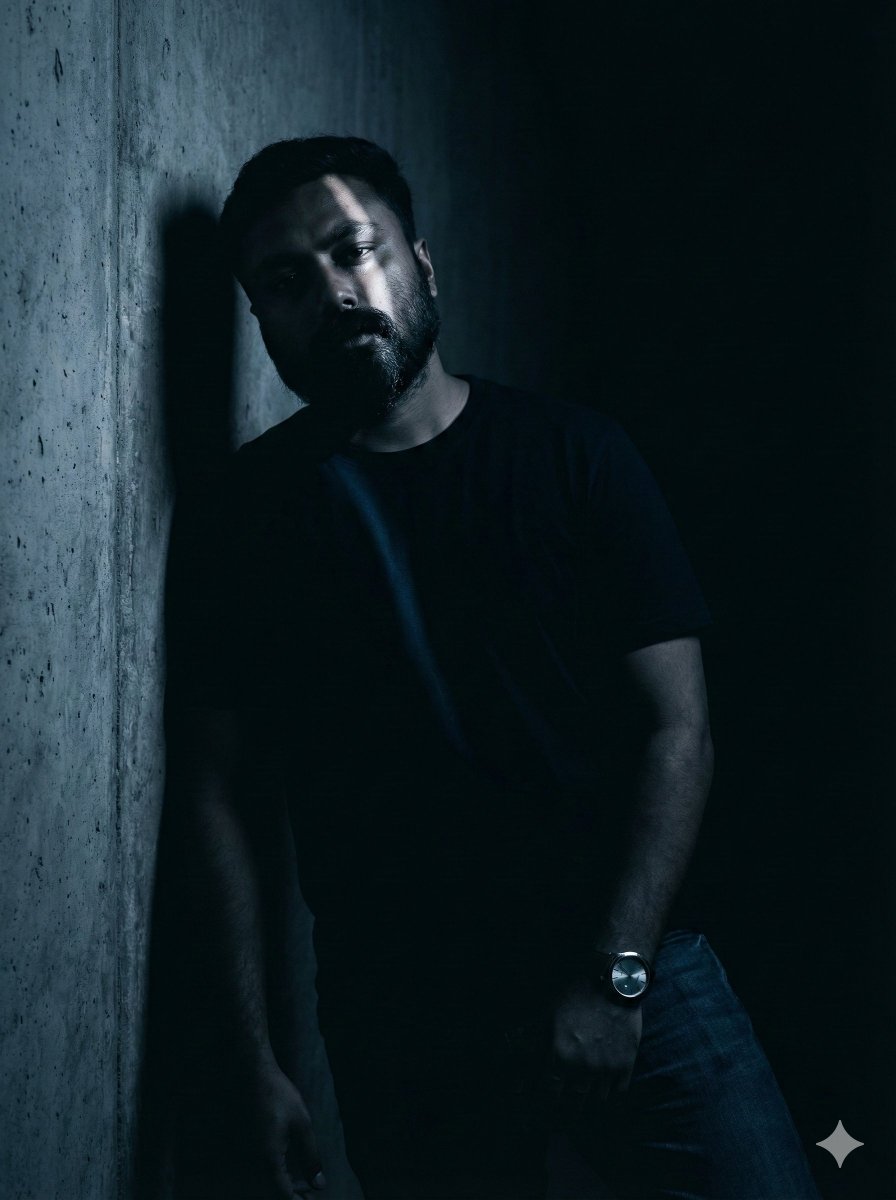
Moody Portrait with Diagonal Light Beam
Browse template categories
2D to 3D Surreal Street Photography questions
How do I use the 2D to 3D Surreal Street Photography template?
Add your photo if the template asks for one, edit the prompt if you like — the template's model and format are already selected — and press Generate. Your version opens in PicX Studio.
Can I customize the 2D to 3D Surreal Street Photography template?
Yes. You can change the subject, setting, lighting, mood, format, and available model controls before creating your image.
Is the 2D to 3D Surreal Street Photography template free?
Opening and editing this template is free. Generating uses credits, shown on the Generate button when you are signed in.
Which AI model should I use?
Start with GPT Image 2, which is the model associated with this template. You can compare another compatible model for a different finish.
Looking for something else? Browse all templates.

Your photo, any look
Thousands of ready templates for every top image and video model, from one credit balance.