
Personalized Pop-Up Fairy Tale Book
Creates a luxurious anime-style 3D pop-up storybook scene featuring a named character emerging from a romantic fairy-tale book.
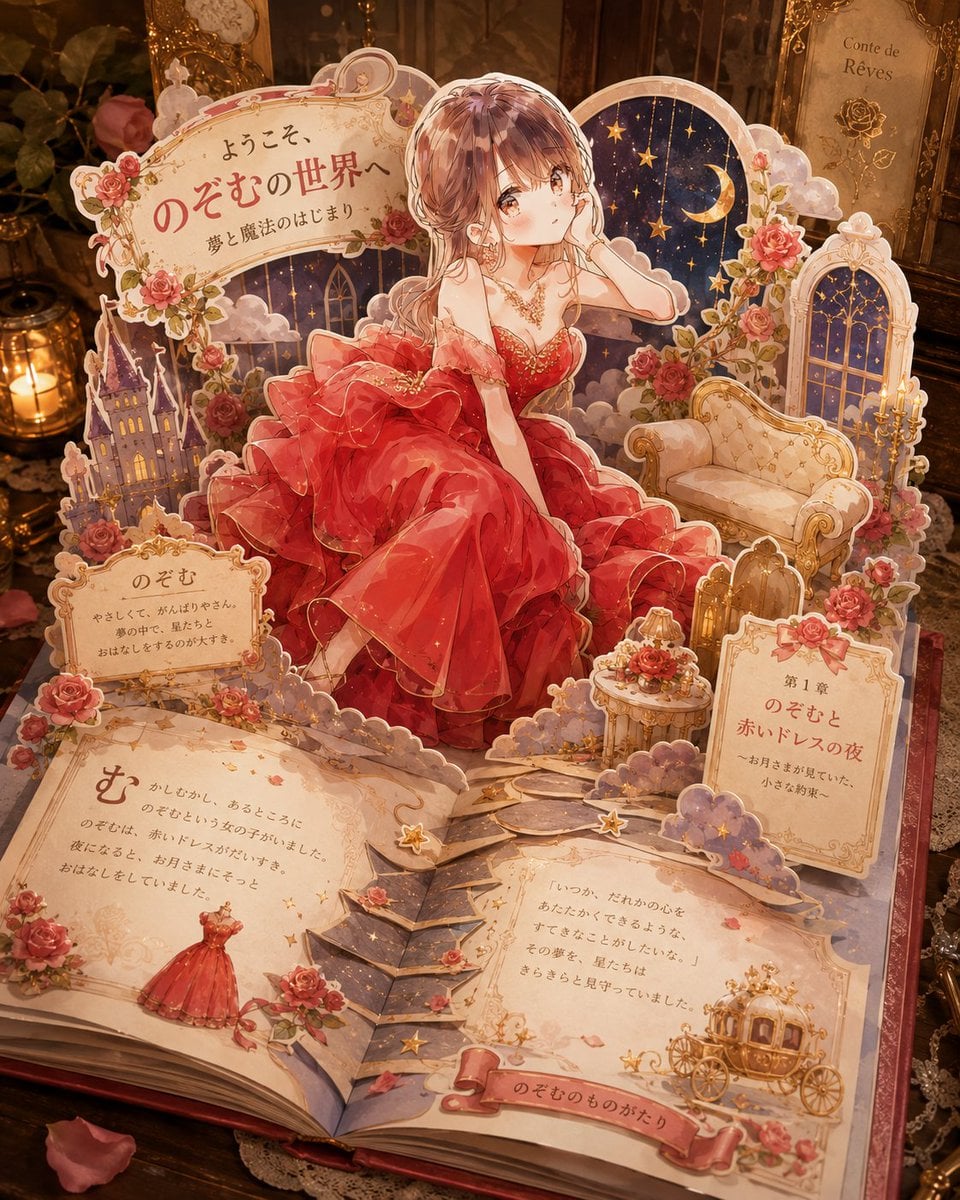
- Prompt included
- Model and format preset
- Free template
The prompt behind this image
Copy the exact prompt behind Personalized Pop-Up Fairy Tale Book, or open it in the studio and make it yours.
Goal: Create an ornate 3D pop-up storybook scene where {argument name="character name" default="Nozomu"} appears to leap out of an open fairy-tale book, as if a custom character illustration has become a luxurious paper craft diorama. Canvas: Square composition, warm cinematic close-up view from slightly above, centered on an open book resting on a dark antique wooden desk. Use shallow depth of field, glowing candlelight, amber highlights, soft shadows, and a magical vintage atmosphere. Main subject: A beautiful anime-style young woman in an extravagant {argument name="dress color" default="deep red"} ball gown sits/steps forward from the pop-up pages. She has long softly curled brown hair, delicate jewelry, bare shoulders, lace gloves, and layered translucent ruffles with gold sparkles. Her face should be intentionally covered by a soft square blur/mosaic privacy mask while the rest of the illustration remains sharp and detailed. Pop-up book structure: Build the scene from layered cut-paper pieces with thick white paper edges, scalloped borders, tabs, folds, and dimensional shadows. Include exactly 8 major pop-up elements: 1 large central character cutout, 1 curved title sign at the upper left, 1 moon-and-stars night-sky arch behind the character, 1 cream vintage sofa on the right, 1 tall arched window on the far right, 1 small purple castle on the left, 1 ornate chapter placard on the lower right, and 1 central folded stair/path bridge rising from the open pages toward the character. Decorative details: Use abundant roses, vines, tiny stars, clouds, gold filigree, ribbons, lace-like paper trims, and scattered rose petals. Surround the book with antique props including candles, a clock, dark floral decor, and gilded frames, all blurred slightly in the background. Text content: Use elegant Japanese storybook typography printed directly on the paper. The upper-left title sign should read 「ようこそ、のぞむの世界へ」 with the subtitle 「夢と魔法のはじまり」. Add exactly 4 readable story text areas: 1 small name plaque on the left reading 「のぞむ」, 1 large left-page story panel, 1 right-page story panel, and 1 lower-right chapter card reading 「第1章 のぞむと赤いドレスの夜」. Add a bottom ribbon label reading 「のぞむのものがたり」. Keep the Japanese text decorative and believable, not overly crisp. Style: Highly detailed anime illustration mixed with realistic handcrafted pop-up book photography, romantic princess fantasy, rococo ornamentation, warm beige parchment paper, deep reds, gold accents, dusky purple night sky, magical sparkles, premium children’s picture-book aesthetic. Constraints: The open book must be the main object, not a flat poster. Maintain strong 3D paper depth and visible layered construction. Do not add extra characters. Do not include watermarks, logos, modern objects, or English text.
How to use Personalized Pop-Up Fairy Tale Book in 3 steps
- 1Upload ImagePNG, JPG or paste
Add your photo
Upload the photo the template builds on. The prompt, model and format are already set.
- 2…a portrait of your subject in softgolden-hour light, 85mm…
Personalize
Edit the subject and creative details for your destination.
- 3Generate
Generate
Press Generate — your image is created in PicX Studio, so you can compare it with the original and refine one variable at a time.
More like this
Templates with the same subject, style or setup. Open one to see its prompt.
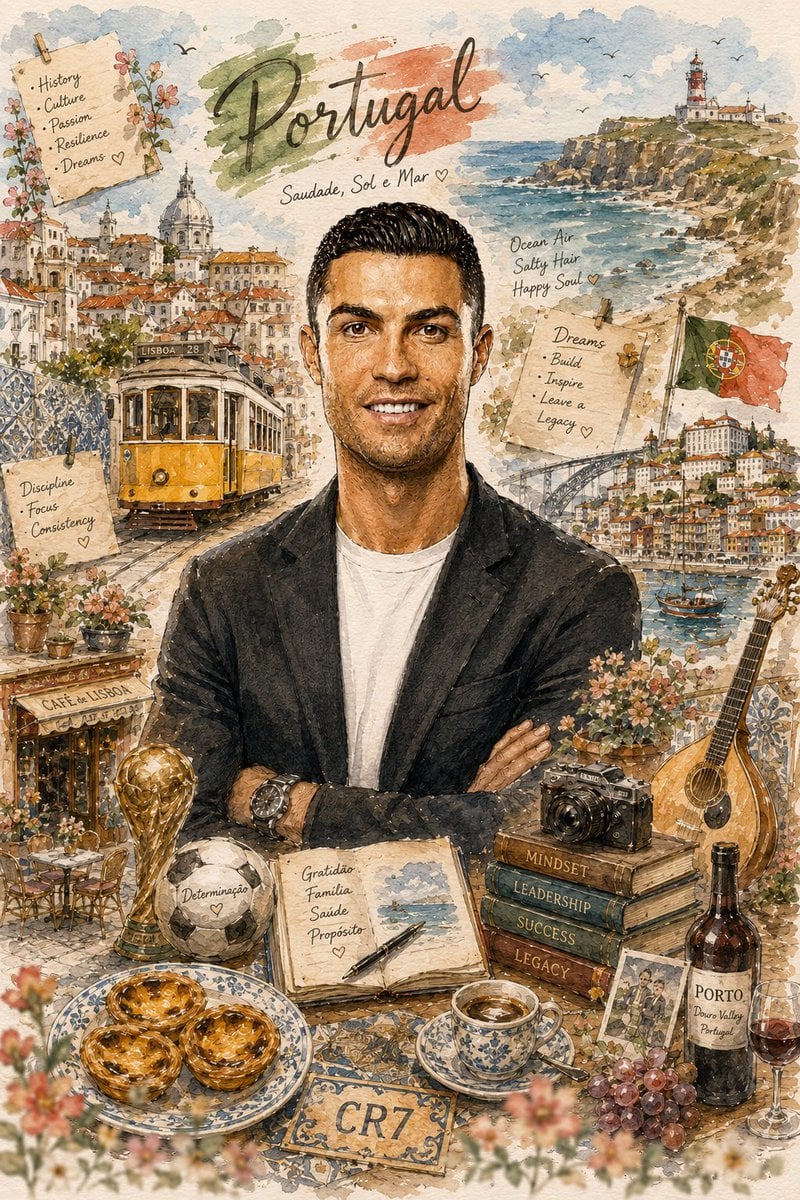
Personalized Storybook Biography Poster
Grimm's Fairy Tale Woodcut Poster
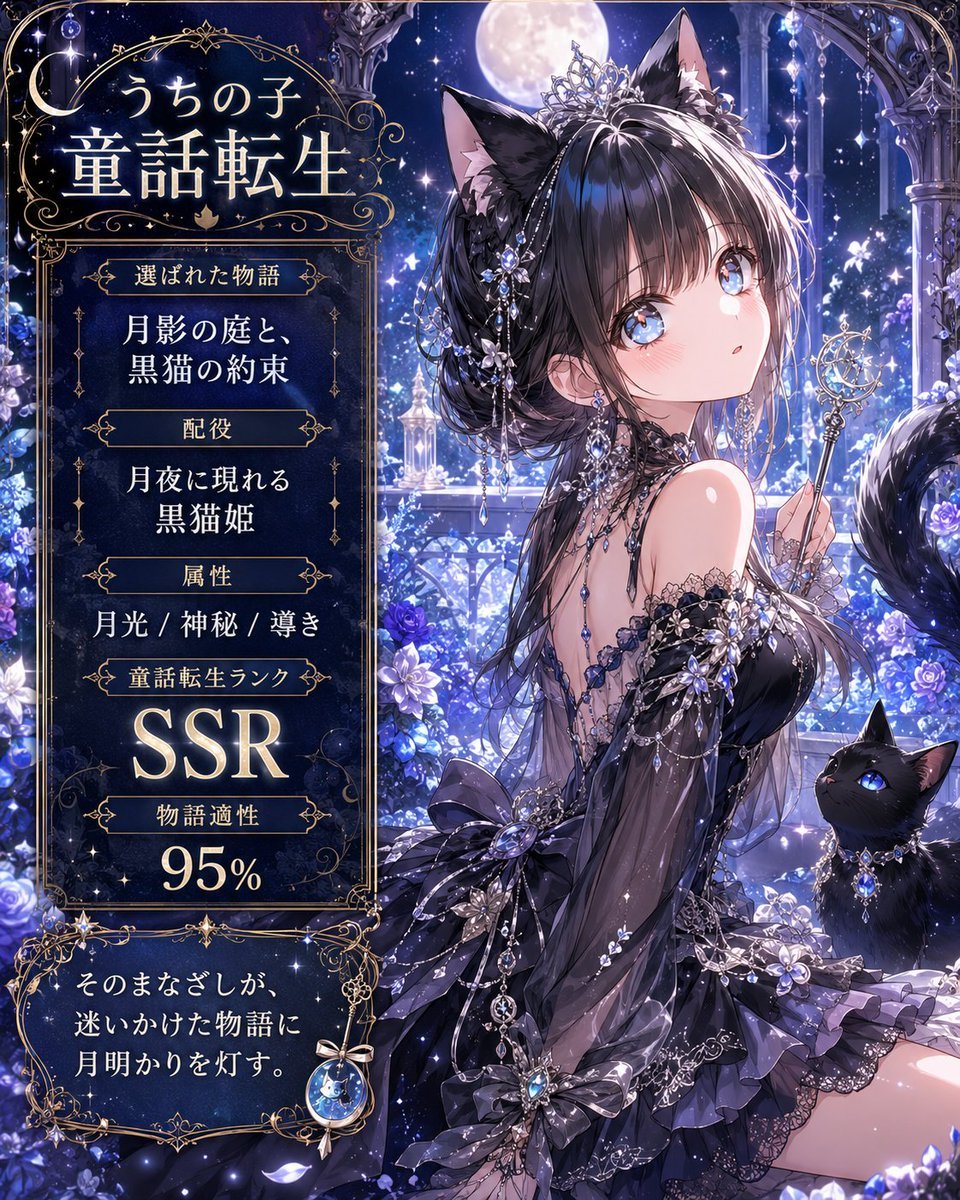
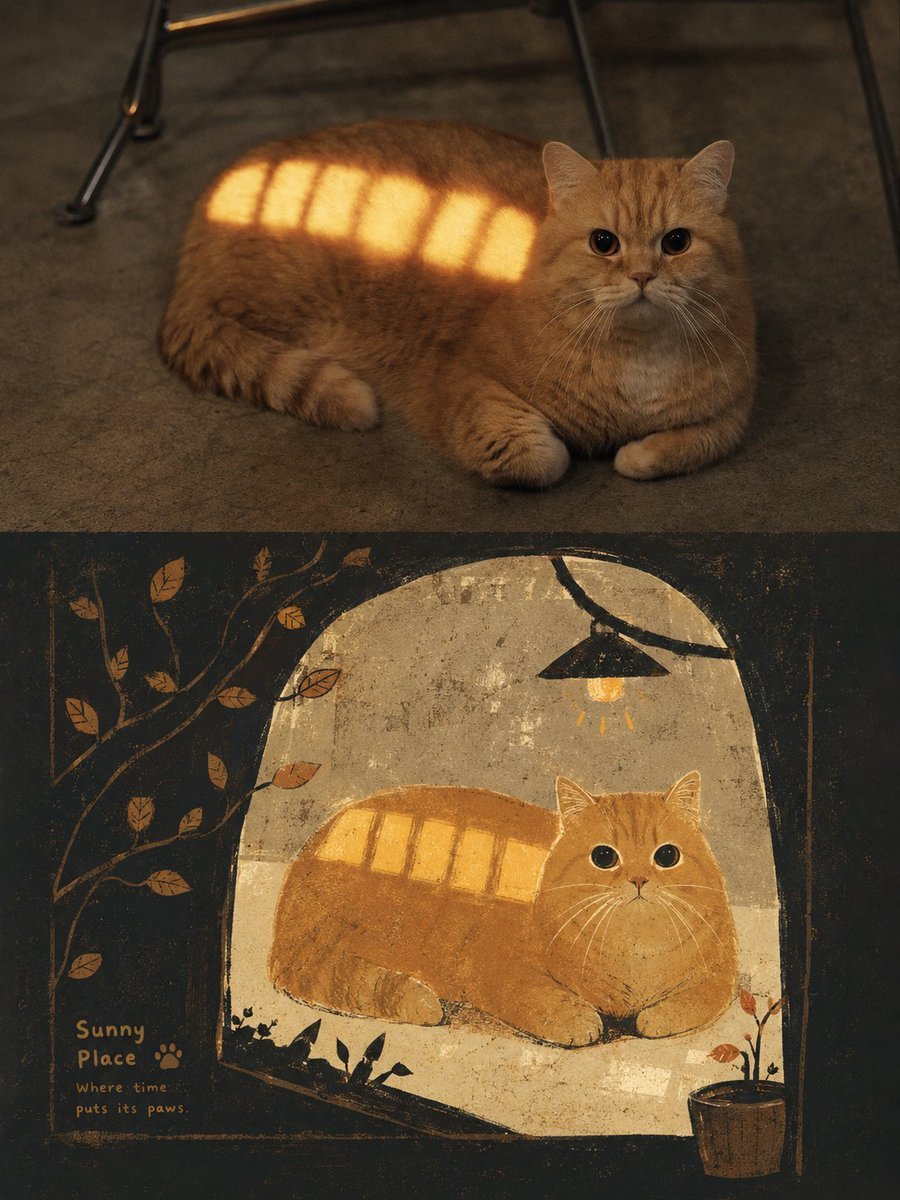
Moonlit Cat Princess Fairy-Tale Card

Three Kingdoms Pop-Up Book Scene
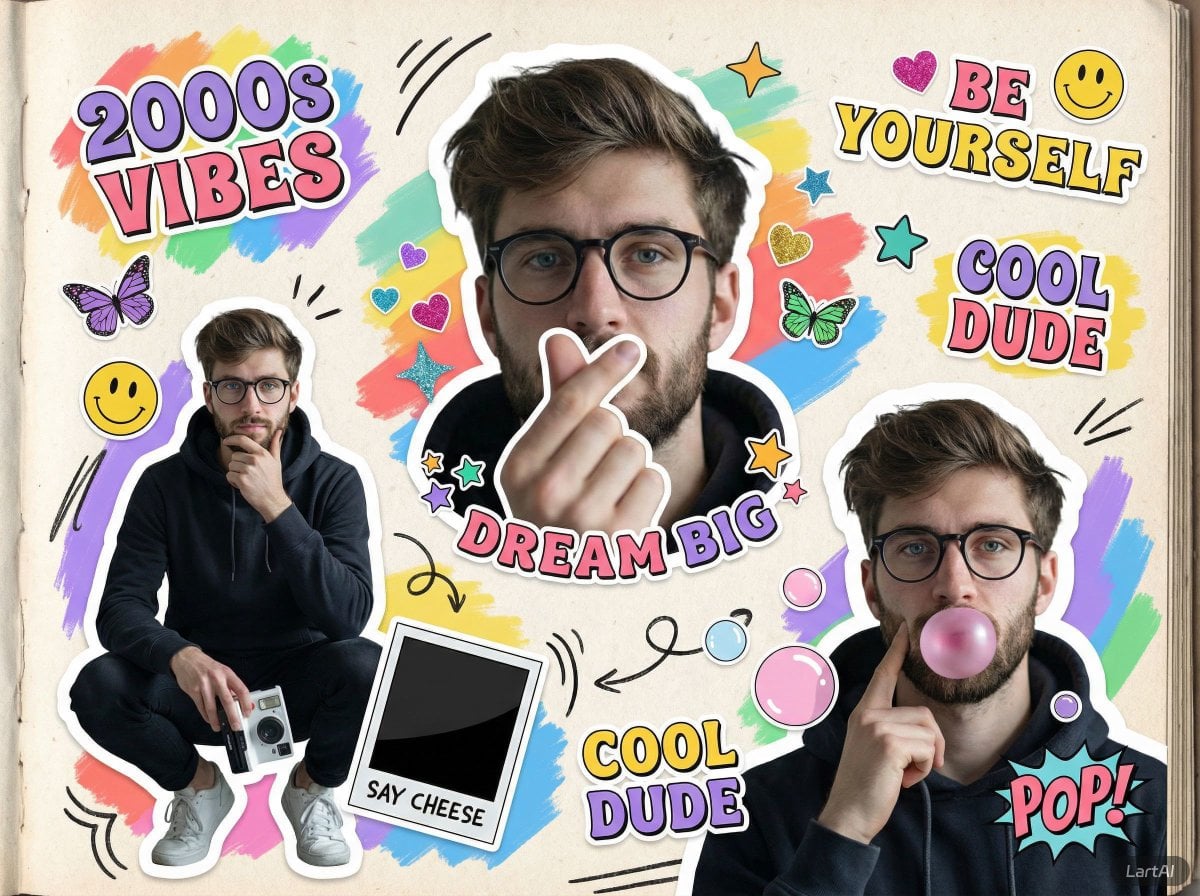
Paper Cut Fairy Tale Scene
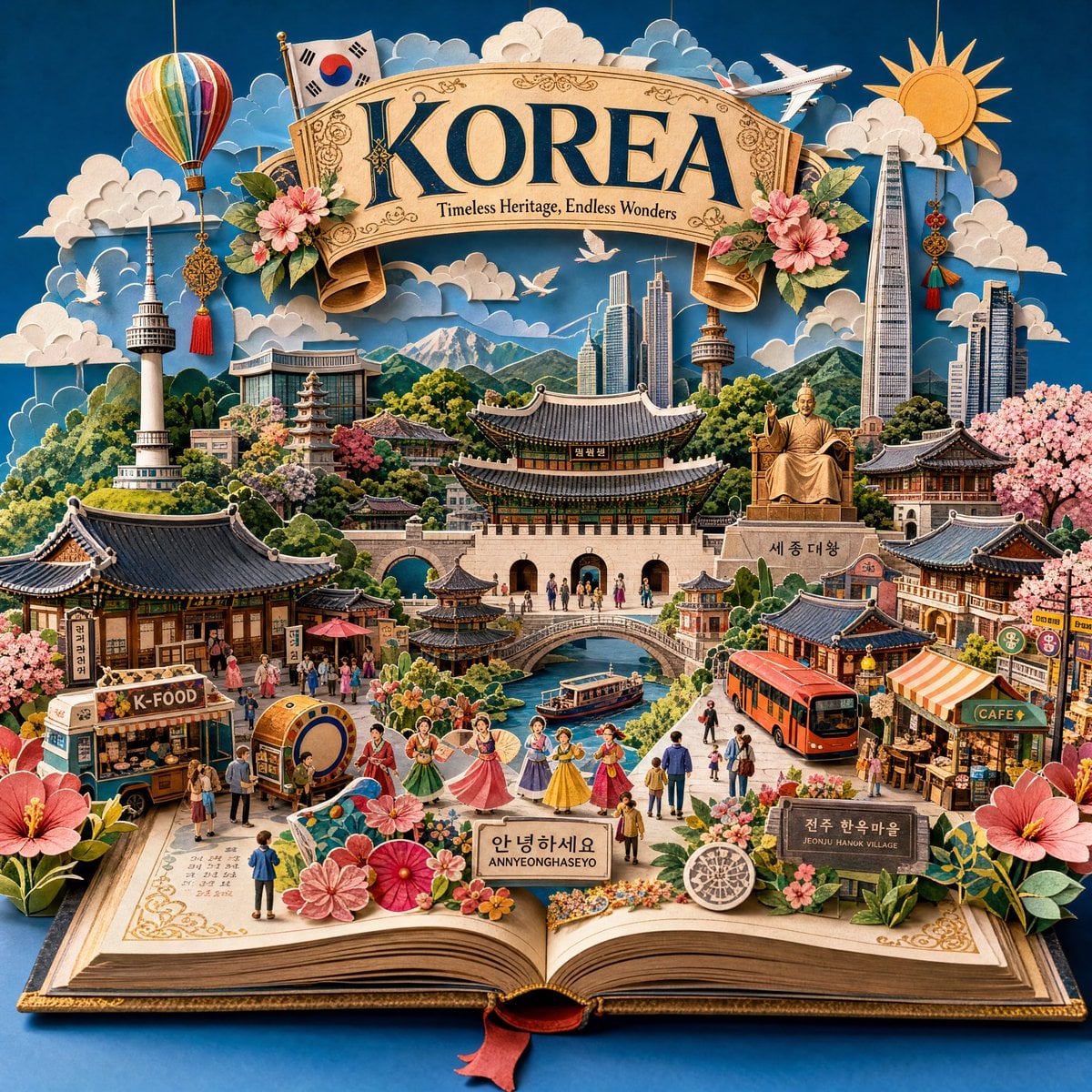
Master Pop-Up Storybook — 3D Paper Engineered Travel Diorama
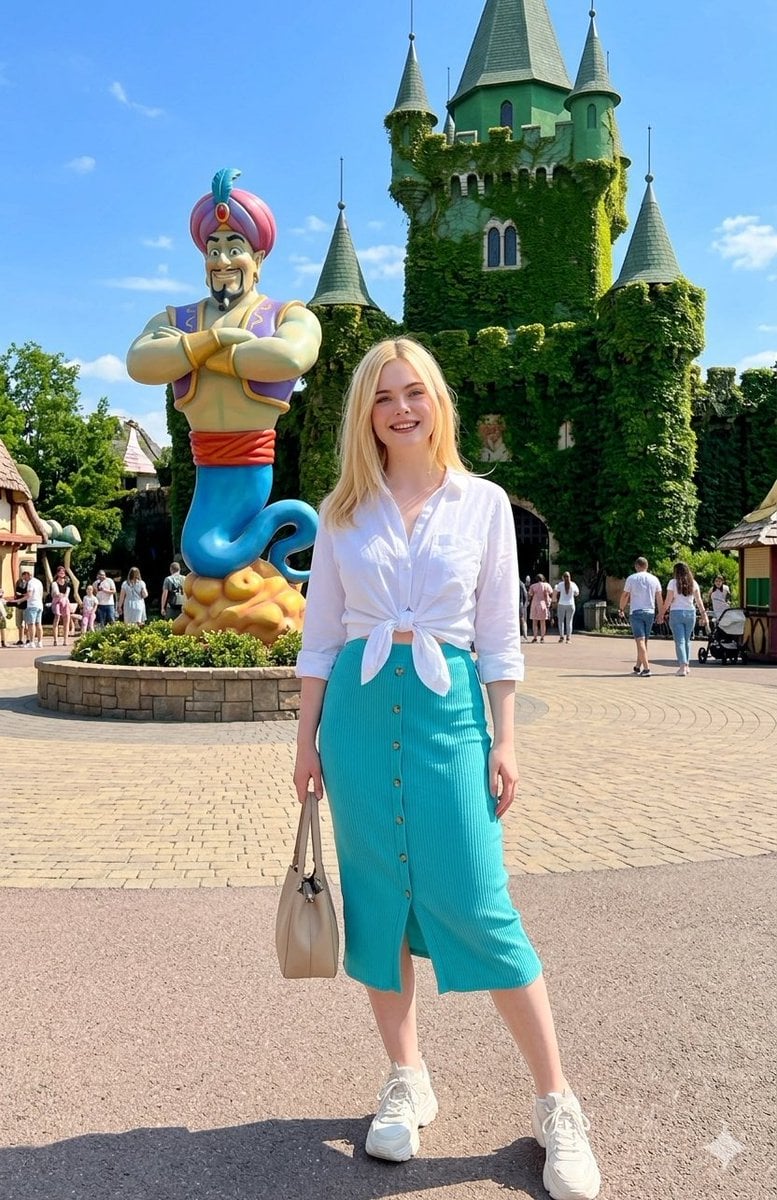
Fairy-Tale Park Travel Photo

Real Illustration Split Portrait Transition
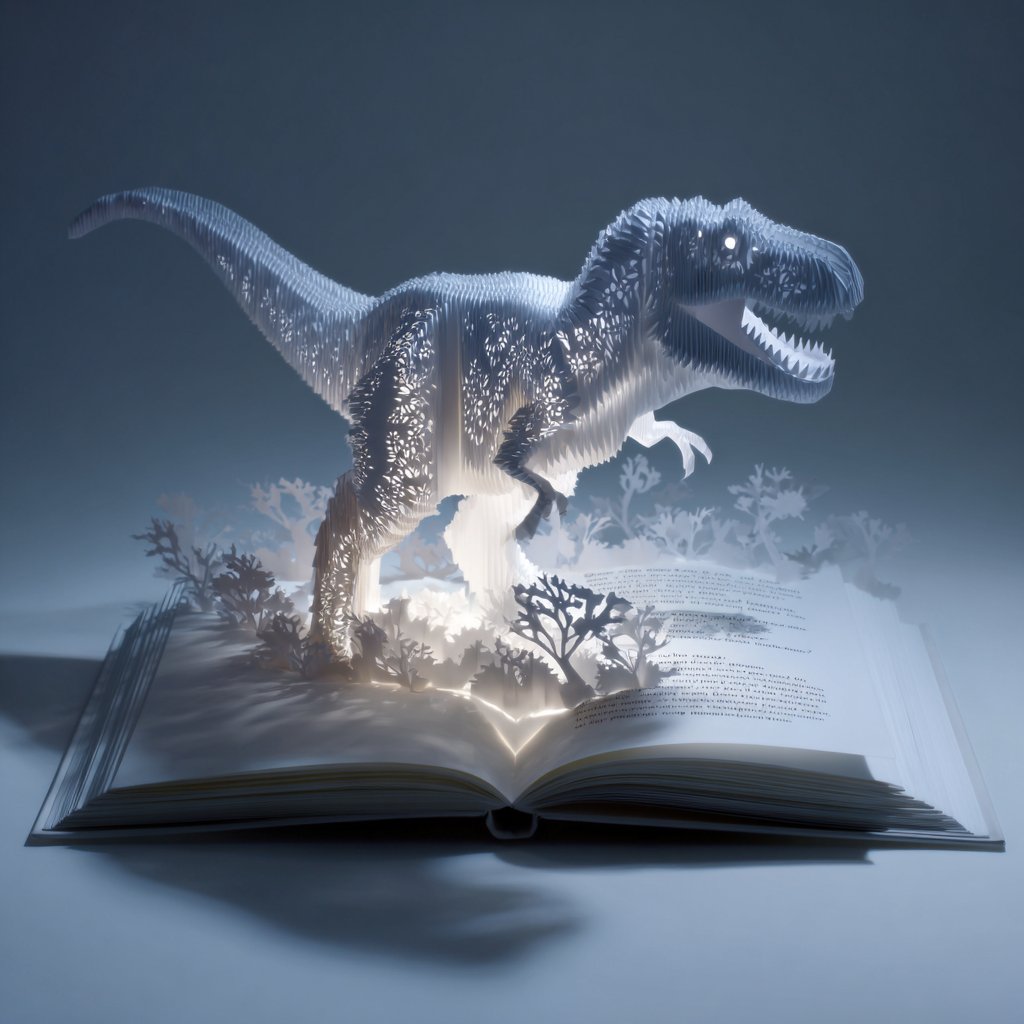
Origami Pop-Up T-Rex Book Ad
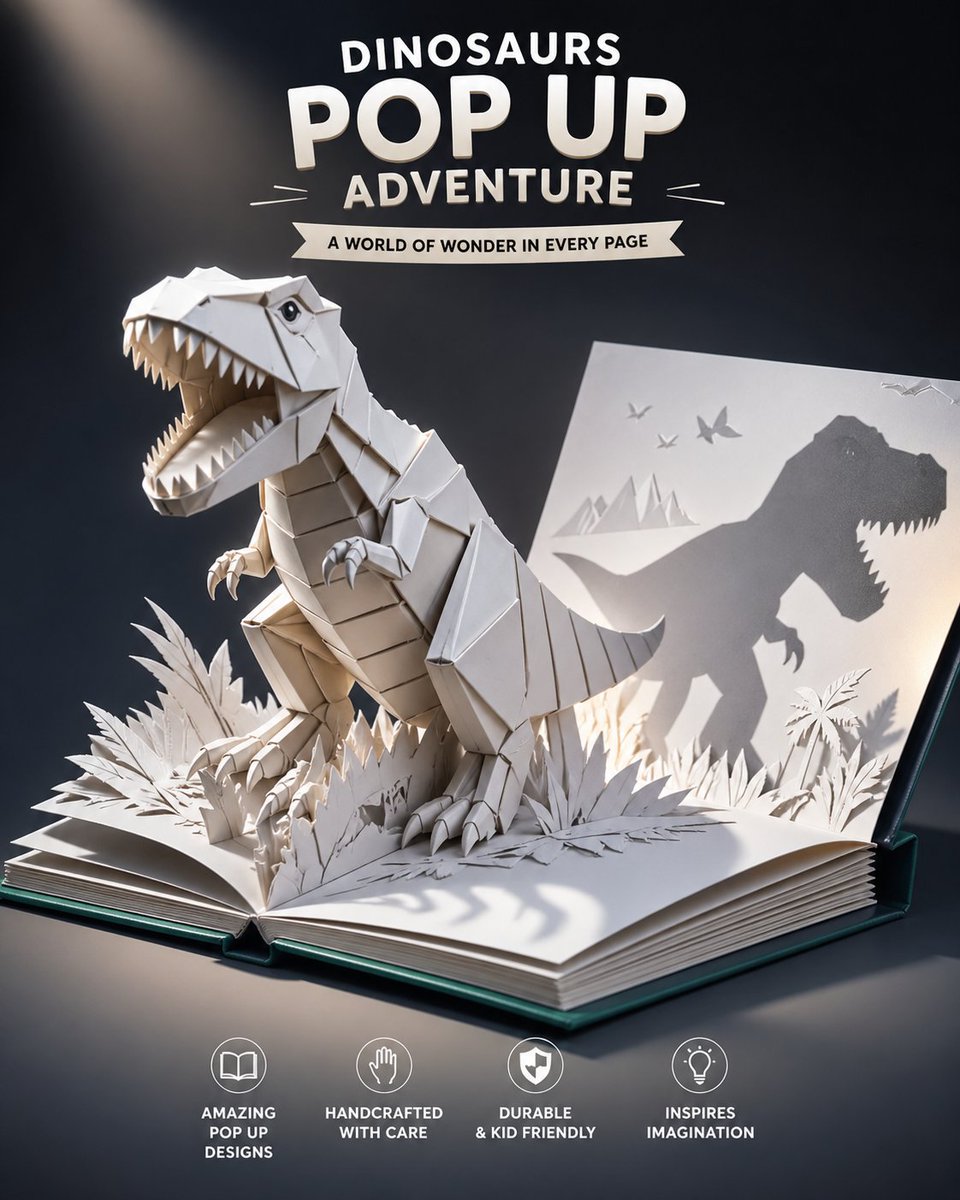
Origami Dinosaur Pop-Up Book Ad
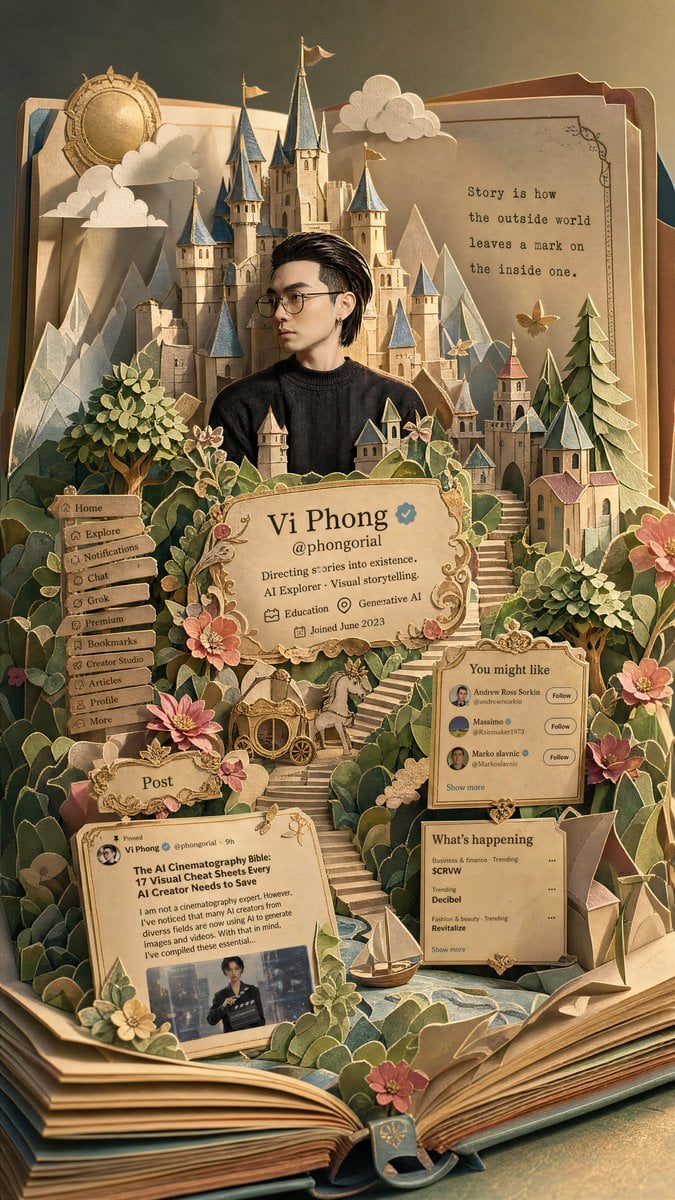
Fantasy Pop-up Book Transformation
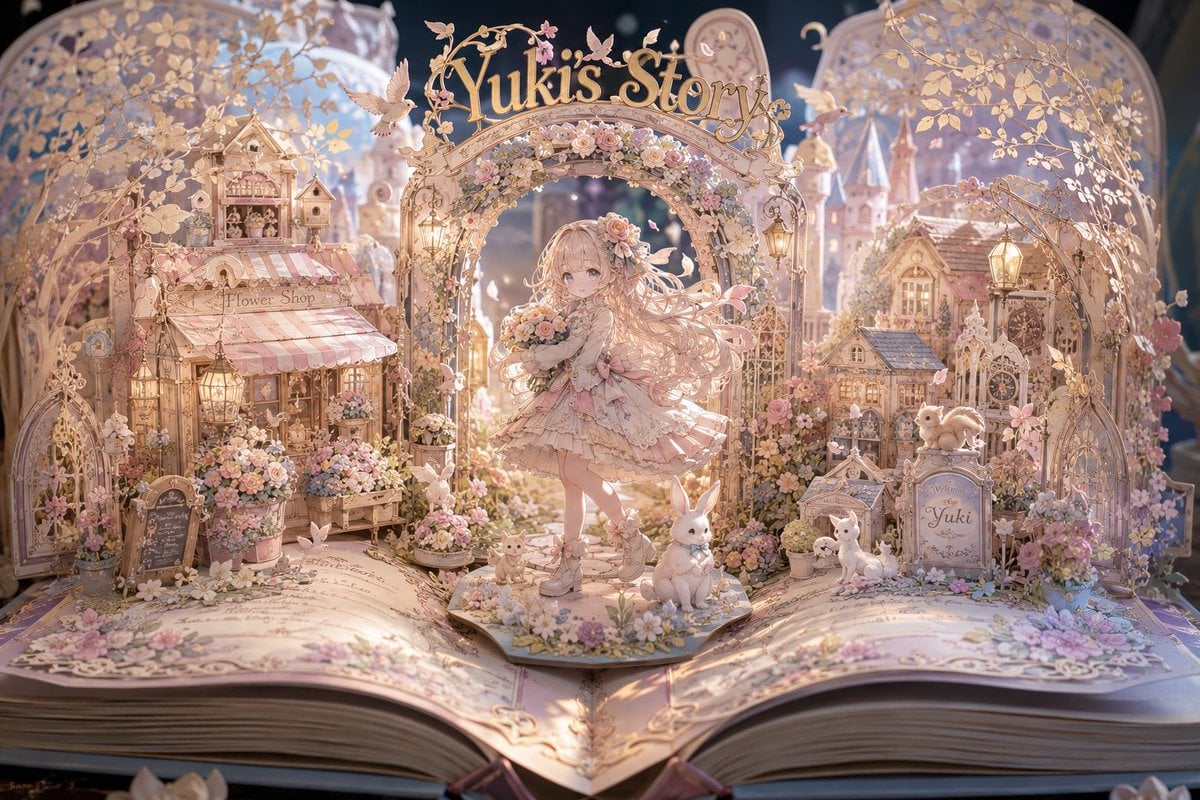
Yuki's Magical Pop-Up Storybook
Make it yours
Personalized Pop-Up Fairy Tale Book works as-is. These are the safest ways to change it without losing the look.
Change one field
Copy a single group, rewrite it, and generate again so you can see what that field is doing.
Keep the frame, change the subject
Hold the composition and light of Personalized Pop-Up Fairy Tale Book, then swap wardrobe, props or the person for a new take.
| If the result… | Why | Fix |
|---|---|---|
| The result drifts from the preview | Too many fields changed at once. | Reuse Personalized Pop-Up Fairy Tale Book as-is first, then change one group — subject, light, or setting. |
| The model over-stylizes the scene | The prose prompt leaves finish and camera underspecified. | Add one camera or lighting sentence and stay on GPT Image 2. |
More GPT Image 2 templates
Other prompts made for GPT Image 2.

Six VTuber Japanese Logo Sheet

Realistic Portrait of Woman and Deer

The Vista Modular Condo Poster

AI Model Routing Comparison Infographic

2.5D Anime Art Board

Isometric Productivity Desk Scene

New York Double Exposure Poster

Four-Panel AI Landscape Comparison

Japanese Tatami Lifestyle Magazine Cover

NESCAFÉ Coffee Map Poster
More image prompts
Fresh picks from across the catalog.
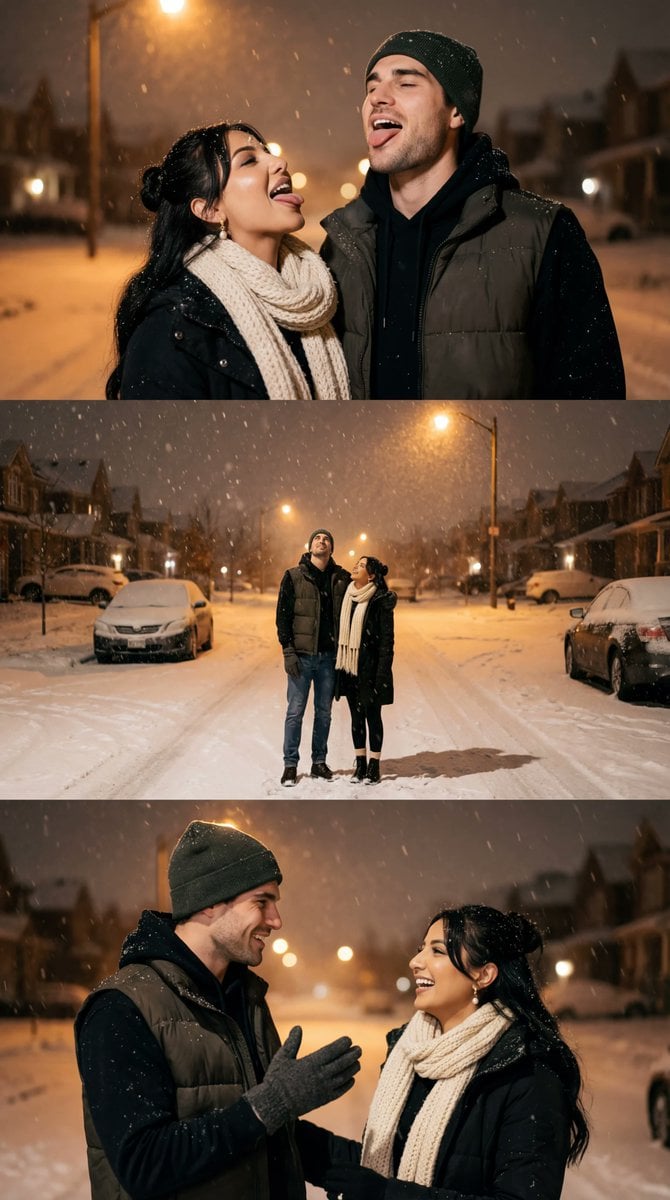
Cinematic Winter Night Couple Triptych

Modern Heterogeneous Chinese Font Design
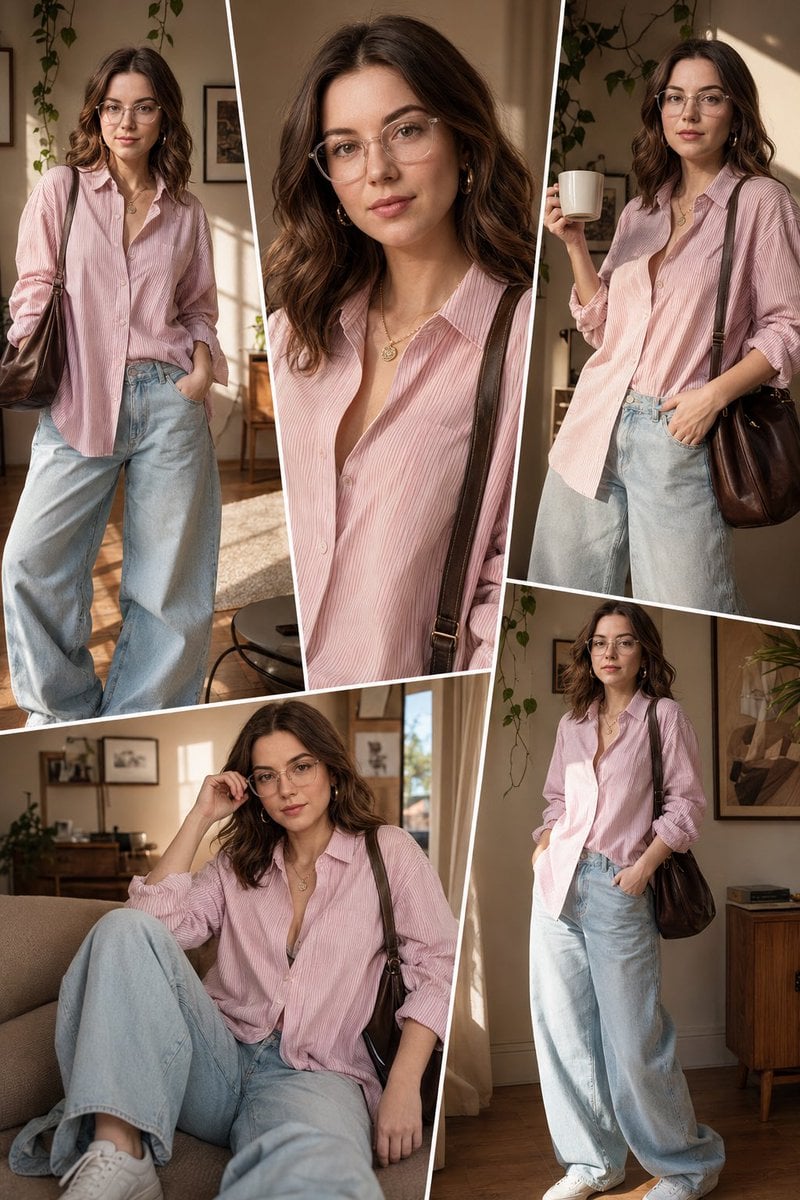
Sunlit Interior Fashion Collage
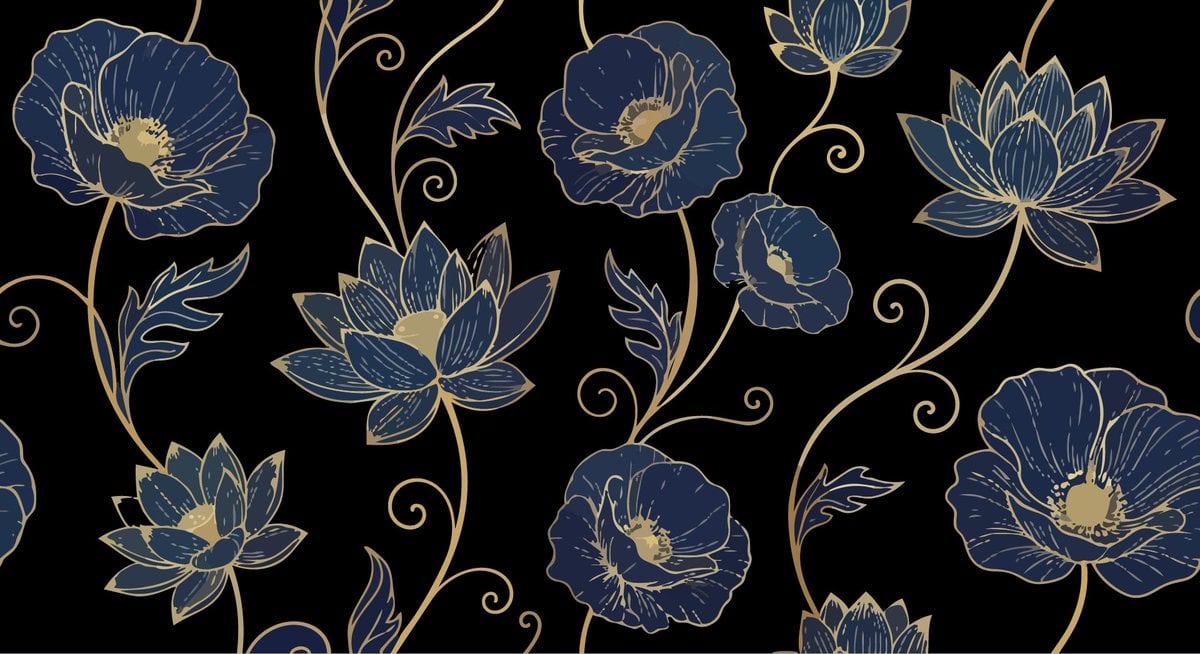
Elegant Luxurious Floral Vector Pattern Prompts (2 variations)
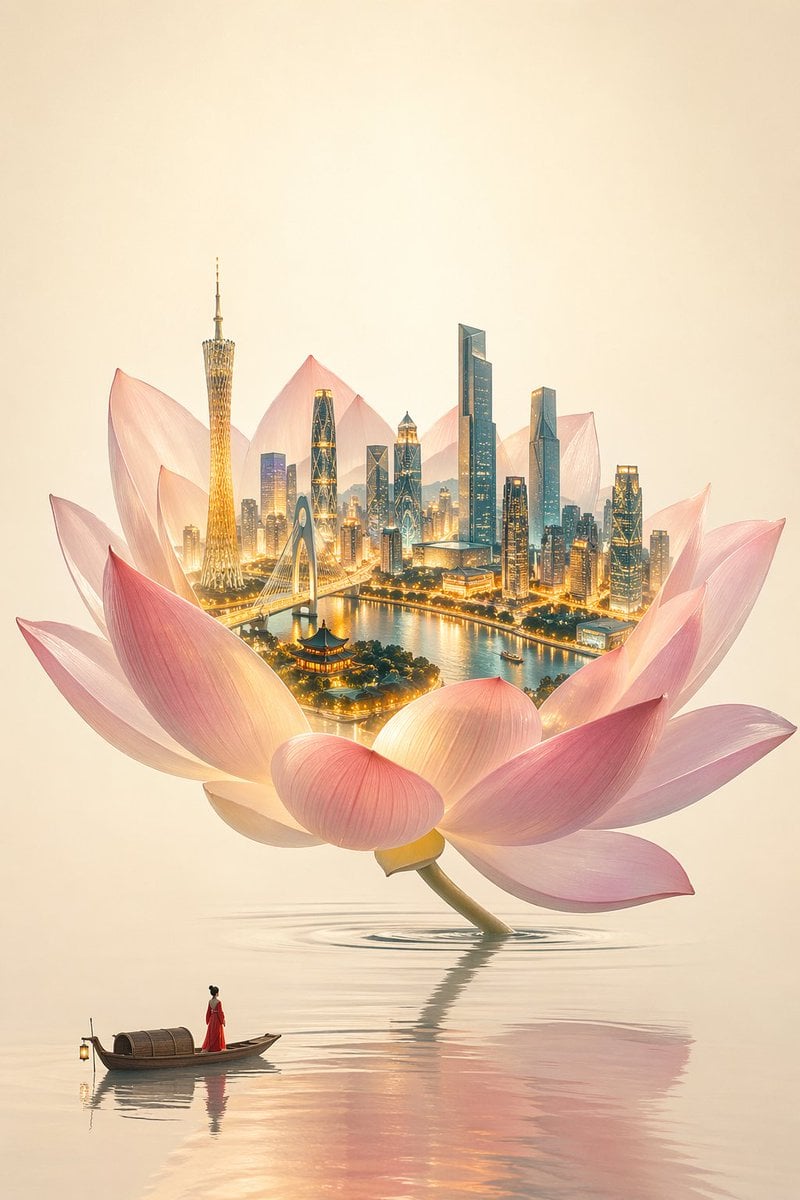
One Flower, One World City Illustration
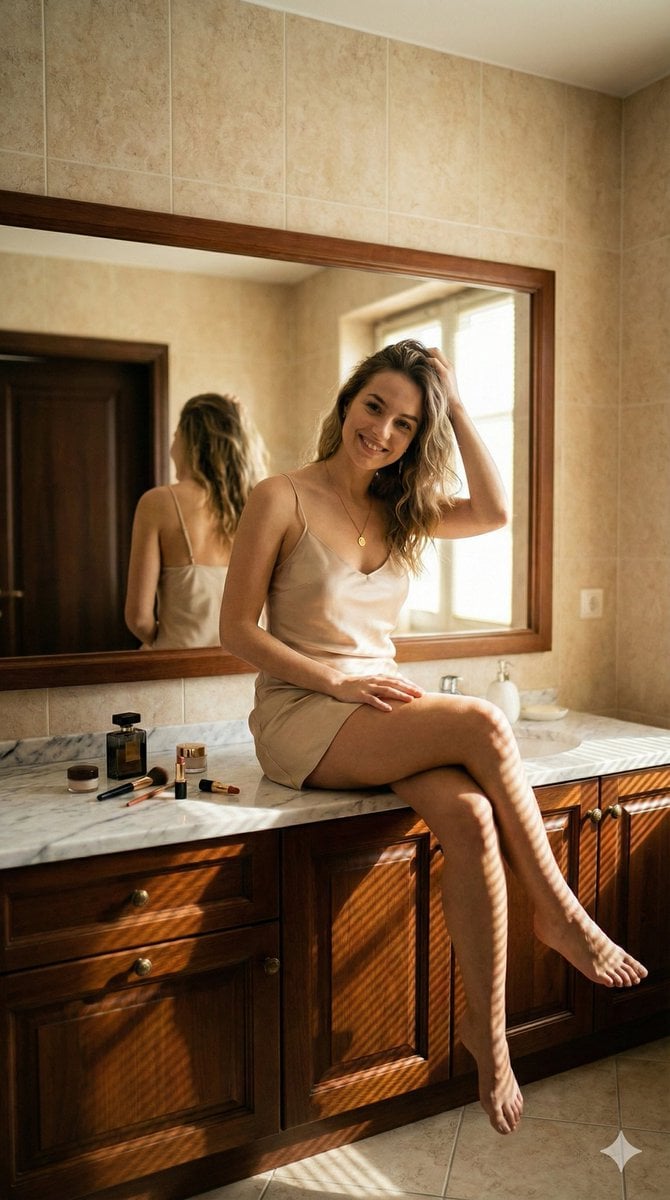
Hyper-Realistic Bathroom Vanity Portrait
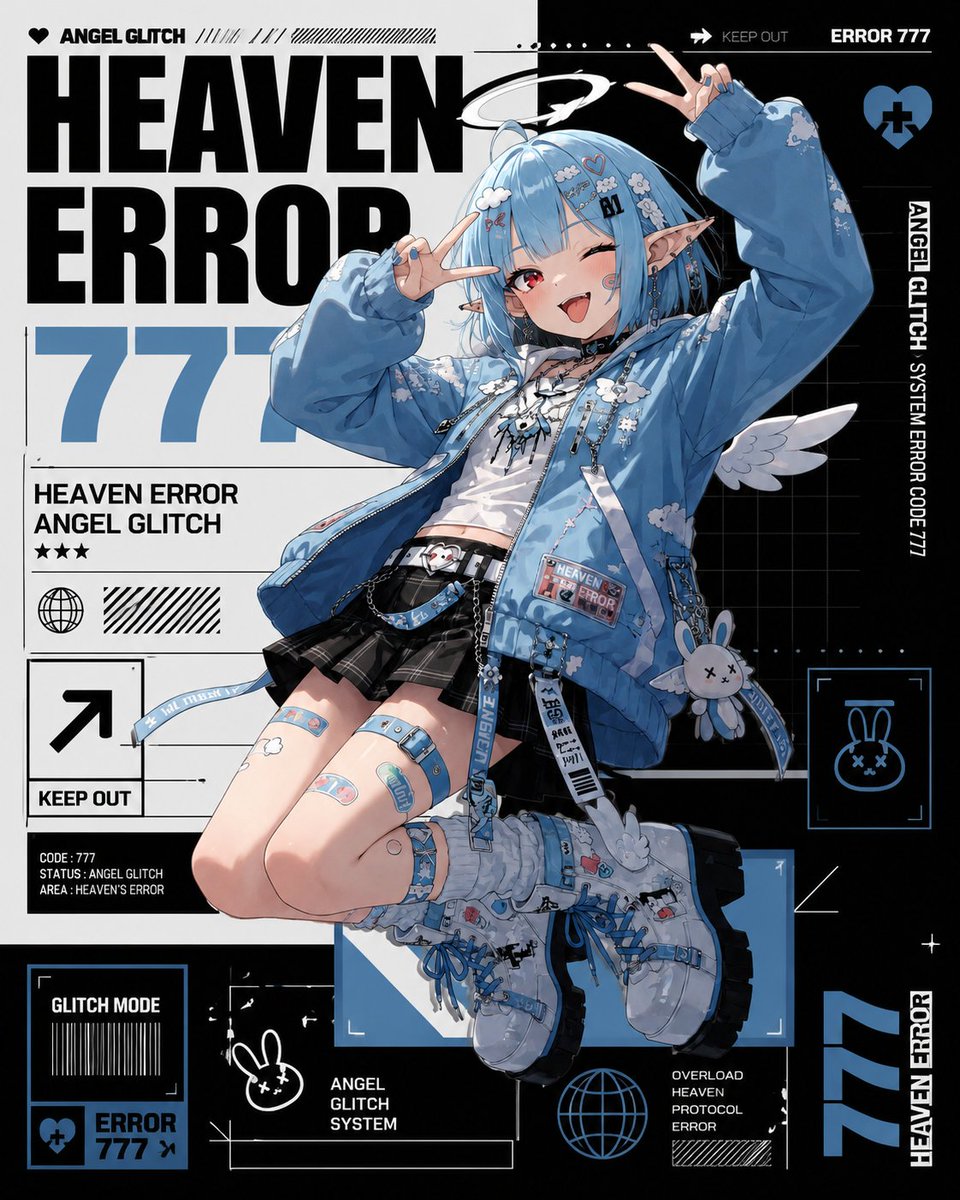
Heaven Error Angel Glitch Poster
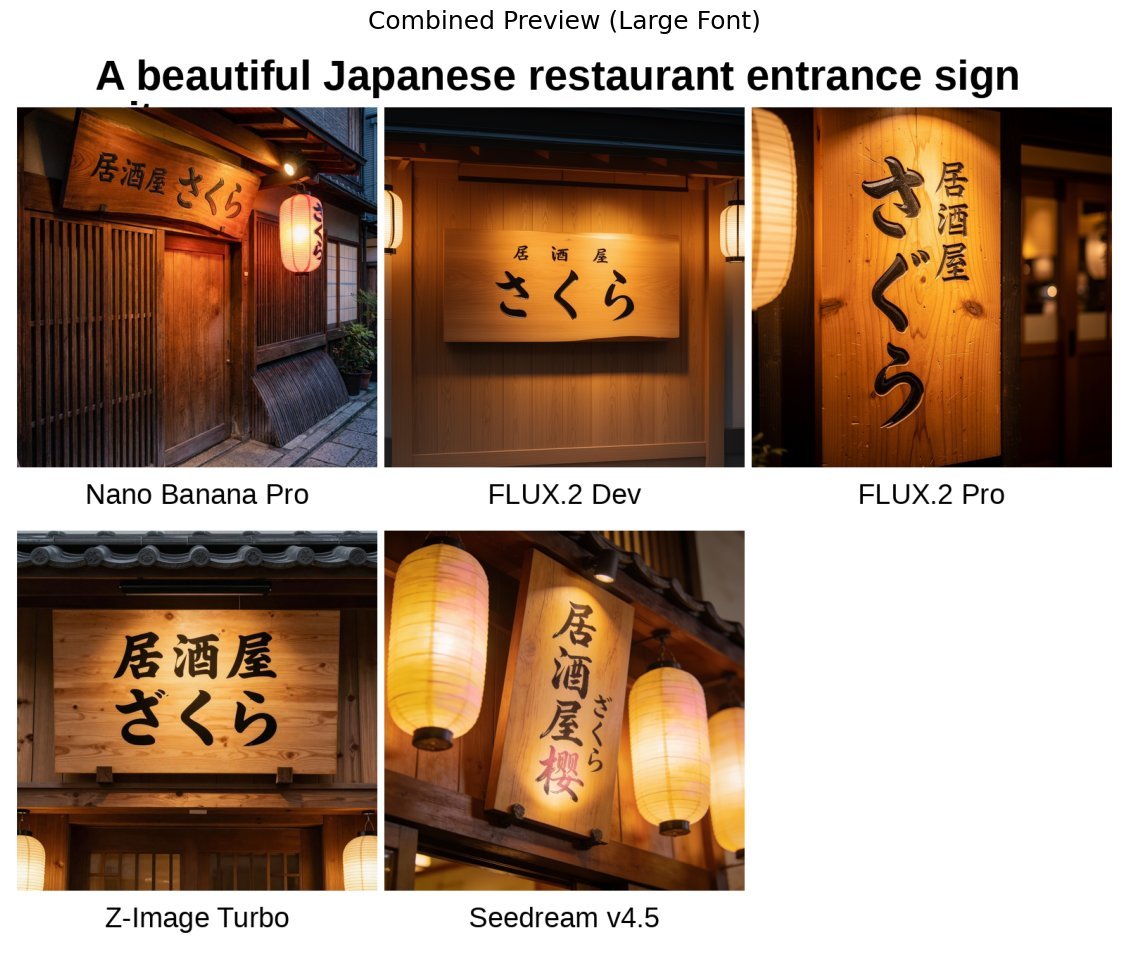
Japanese izakaya entrance sign image prompt for Nano Banana Pro
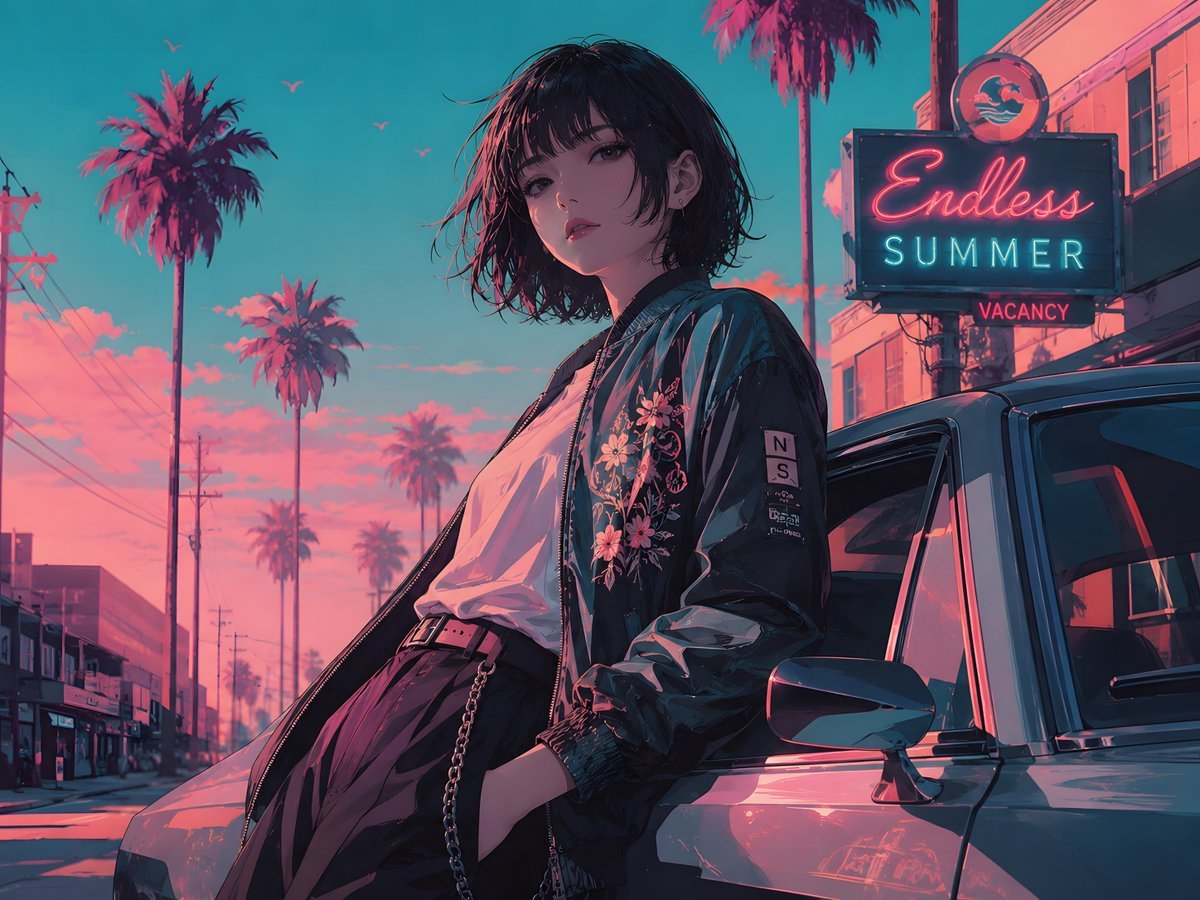
Retro Anime Endless Summer Street

Nano Banana Pro Wallpaper Generation Template
Browse template categories
Personalized Pop-Up Fairy Tale Book questions
How do I use the Personalized Pop-Up Fairy Tale Book template?
Add your photo if the template asks for one, edit the prompt if you like — the template's model and format are already selected — and press Generate. Your version opens in PicX Studio.
Can I customize the Personalized Pop-Up Fairy Tale Book template?
Yes. You can change the subject, setting, lighting, mood, format, and available model controls before creating your image.
Is the Personalized Pop-Up Fairy Tale Book template free?
Opening and editing this template is free. Generating uses credits, shown on the Generate button when you are signed in.
Which AI model should I use?
Start with GPT Image 2, which is the model associated with this template. You can compare another compatible model for a different finish.
Looking for something else? Browse all templates.

Your photo, any look
Thousands of ready templates for every top image and video model, from one credit balance.