
Fantasy Pop-up Book Transformation
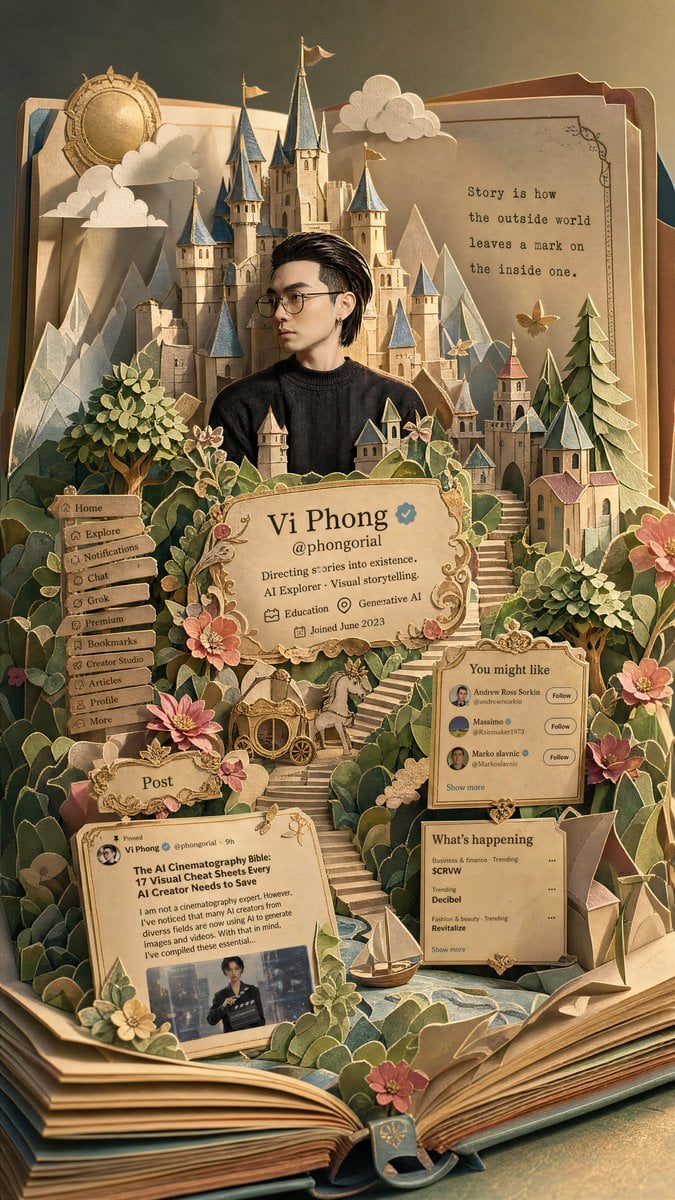
A comprehensive prompt designed to transform a reference screenshot into a multi-layered fantasy papercraft pop-up book.
- Prompt included
- Model and format preset
- Free template
The prompt behind this image
Copy the exact prompt behind Fantasy Pop-up Book Transformation, or open it in the studio and make it yours.
Transform the entire image into a open pop-up book Included Elements: {argument name="elements" default="Castle, Forest, Stairs, Paper Clouds, Paper Mountains, Village, Flowers, Fairytale Objects"} All elements are “Paper structures connected to book pages” Style: Semi-realistic fantasy character A feel somewhere between classic fairytales and reality Slightly fairytale-like proportions allowed Maintain subtle realistic textures for skin and hair Popup Book Style: Pop up the main subject critically Layered paper craft Handcrafted popup book Premium paper diorama Color Scheme: classic fairy tale color palette {argument name="lighting" default="Warm golden hour lighting"} Pastel fantasy palette Completely replace the original colors: Cream - Warm Green - Soft Blue - Coral - Gold Accent Premium paper diorama Lighting: Warm golden hour lighting Soft cinematic light Subtle shadows on the cross-section of the paper structure Atmosphere: Dreamy {argument name="mood" default="Warm, Fairy tale sensibility"} Between reality and fantasy Sentimental adventure atmosphere Keep the composition classic fairy tale and balanced. Negative: Completely 2D illustrations Completely realistic images Plastic toy feel Low-quality paper model feel Excessive SD characterization Textures with a strong AI feel Compositions where the book is not visible Characters appearing detached from the fairy tale setting
How to use Fantasy Pop-up Book Transformation in 3 steps
- 1Upload ImagePNG, JPG or paste
Add your photo
Upload the photo the template builds on. The prompt, model and format are already set.
- 2…a portrait of your subject in softgolden-hour light, 85mm…
Personalize
Edit the subject and creative details for your destination.
- 3Generate
Generate
Press Generate — your image is created in PicX Studio, so you can compare it with the original and refine one variable at a time.
More like this
Templates with the same subject, style or setup. Open one to see its prompt.
Fantasy Railway World Transformation
Three Kingdoms Pop-Up Book Scene

Dark Fantasy Smoke Monster Transformation
Master Pop-Up Storybook — 3D Paper Engineered Travel Diorama

Anime Fantasy Celestial Movie Poster
Anime Fantasy Celestial Movie Poster

Minecraft Fantasy Kingdom Voxel Landscape

Unfinished Sketch Comes Alive Portrait

Open Travel Journal Overhead Still Life

Tiny Woman Miniature Fantasy Macro Scene
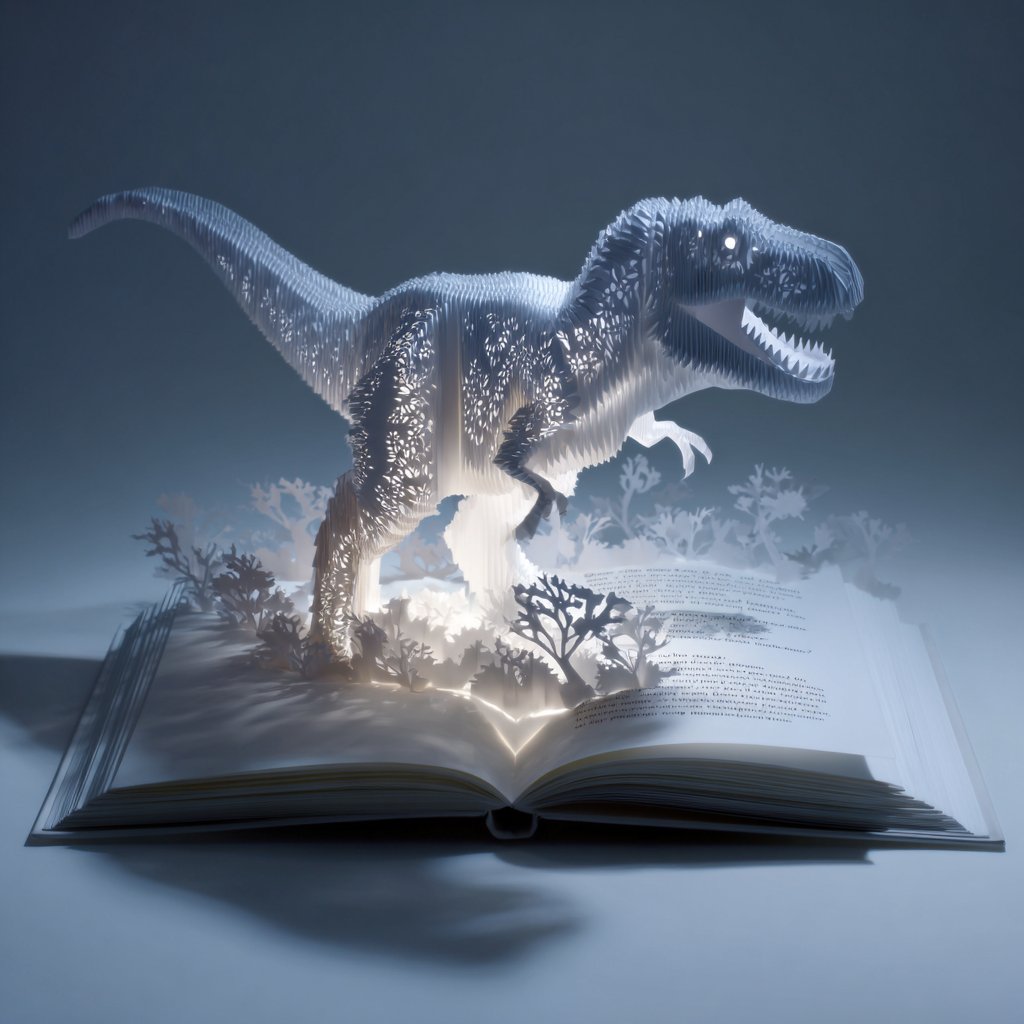
Origami Pop-Up T-Rex Book Ad
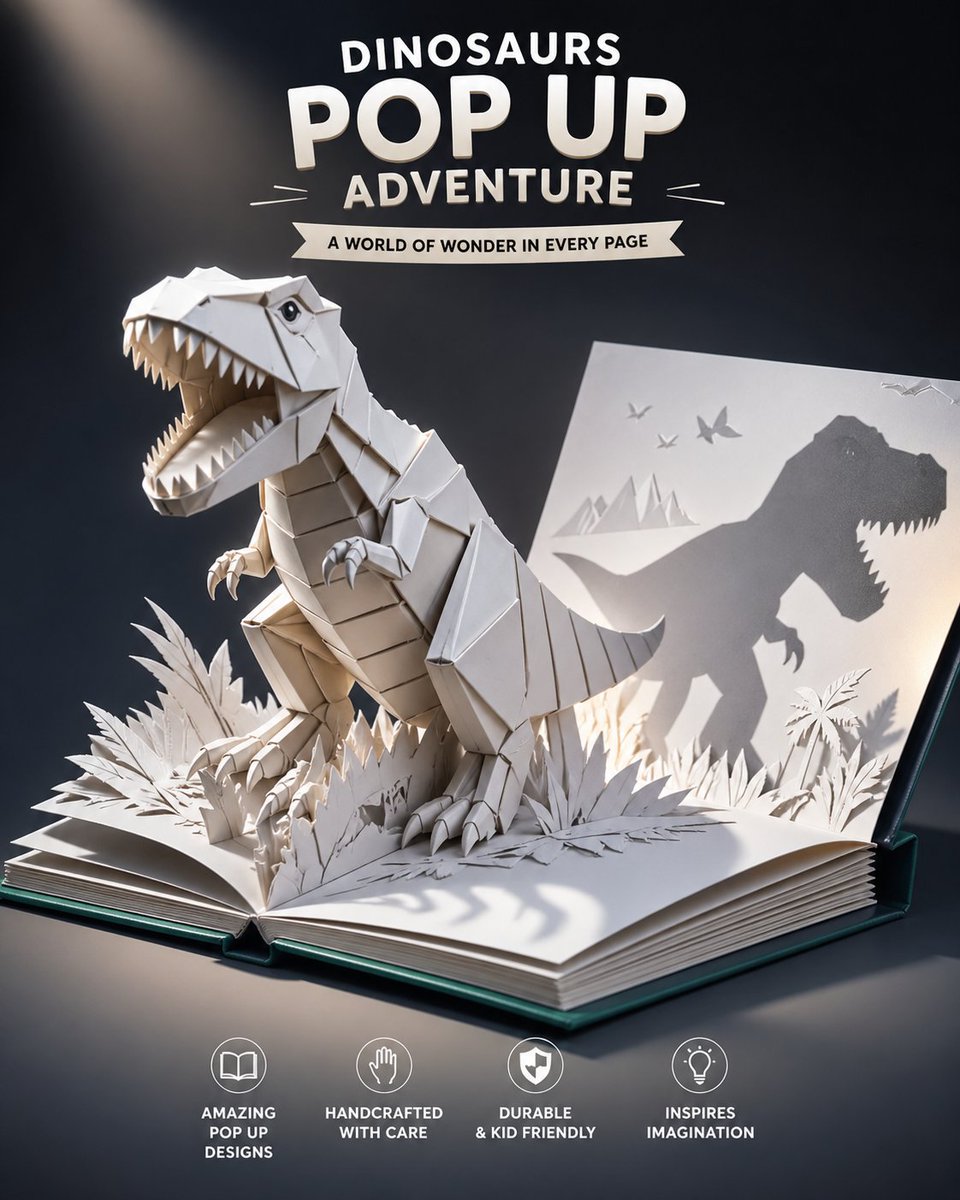
Origami Dinosaur Pop-Up Book Ad
Make it yours
Fantasy Pop-up Book Transformation works as-is. These are the safest ways to change it without losing the look.
Change one field
Copy a single group, rewrite it, and generate again so you can see what that field is doing.
Keep the frame, change the subject
Hold the composition and light of Fantasy Pop-up Book Transformation, then swap wardrobe, props or the person for a new take.
| If the result… | Why | Fix |
|---|---|---|
| The result drifts from the preview | Too many fields changed at once. | Reuse Fantasy Pop-up Book Transformation as-is first, then change one group — subject, light, or setting. |
| The model over-stylizes the scene | The prose prompt leaves finish and camera underspecified. | Add one camera or lighting sentence and stay on GPT Image 2. |
More GPT Image 2 templates
Other prompts made for GPT Image 2.

Six VTuber Japanese Logo Sheet

Realistic Portrait of Woman and Deer

The Vista Modular Condo Poster

AI Model Routing Comparison Infographic

2.5D Anime Art Board

Isometric Productivity Desk Scene

New York Double Exposure Poster

Four-Panel AI Landscape Comparison

Japanese Tatami Lifestyle Magazine Cover

NESCAFÉ Coffee Map Poster
More image prompts
Fresh picks from across the catalog.
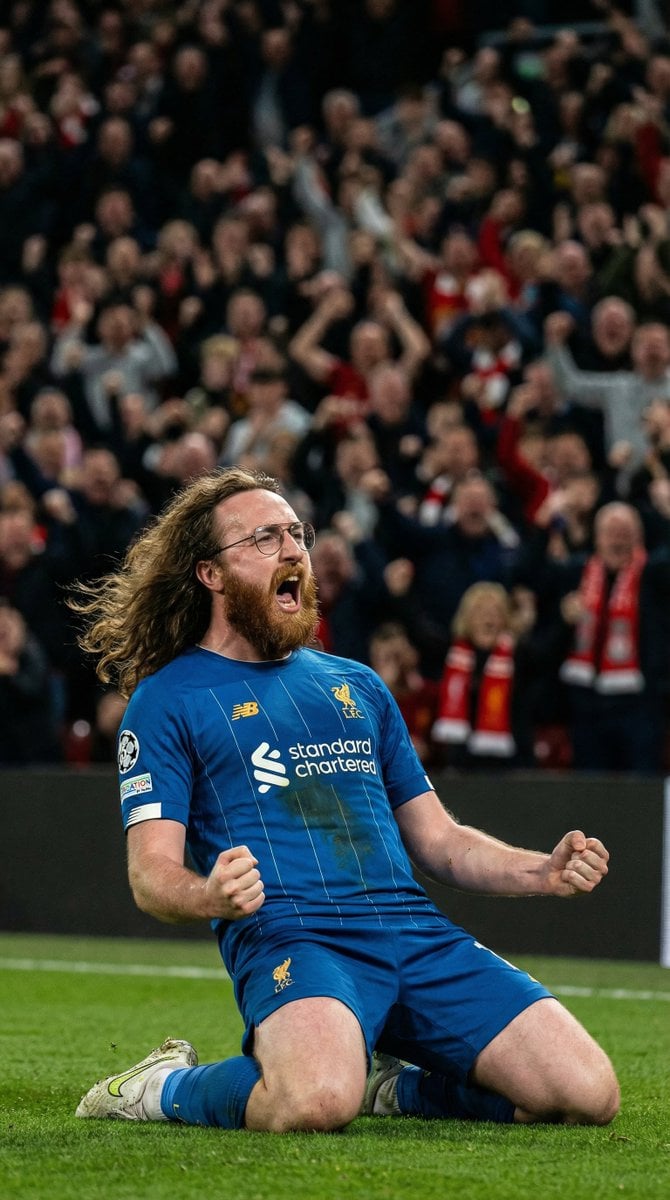
Hyper-Realistic Football Goal Celebration
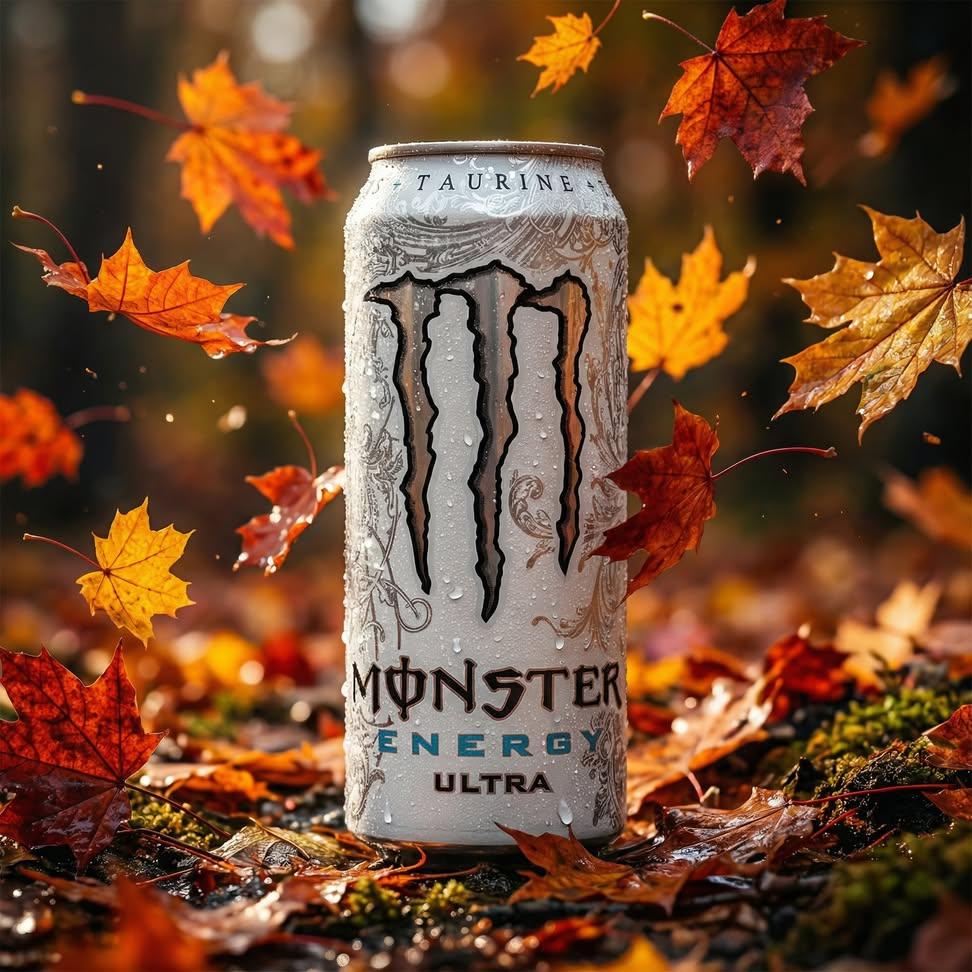
Ultra-Realistic Cinematic Product Photography Prompt
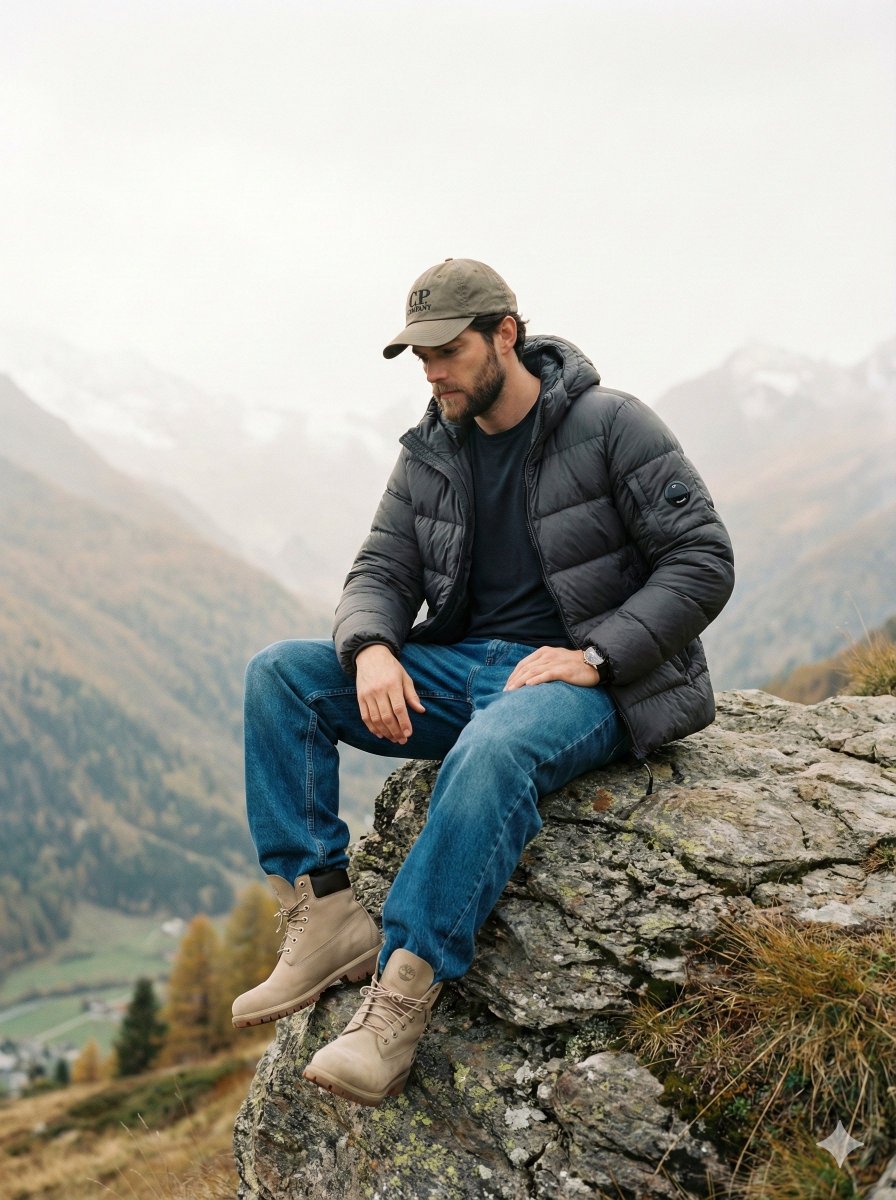
Cinematic Fashion Editorial Image Prompt for Male Subject in Swiss Alps
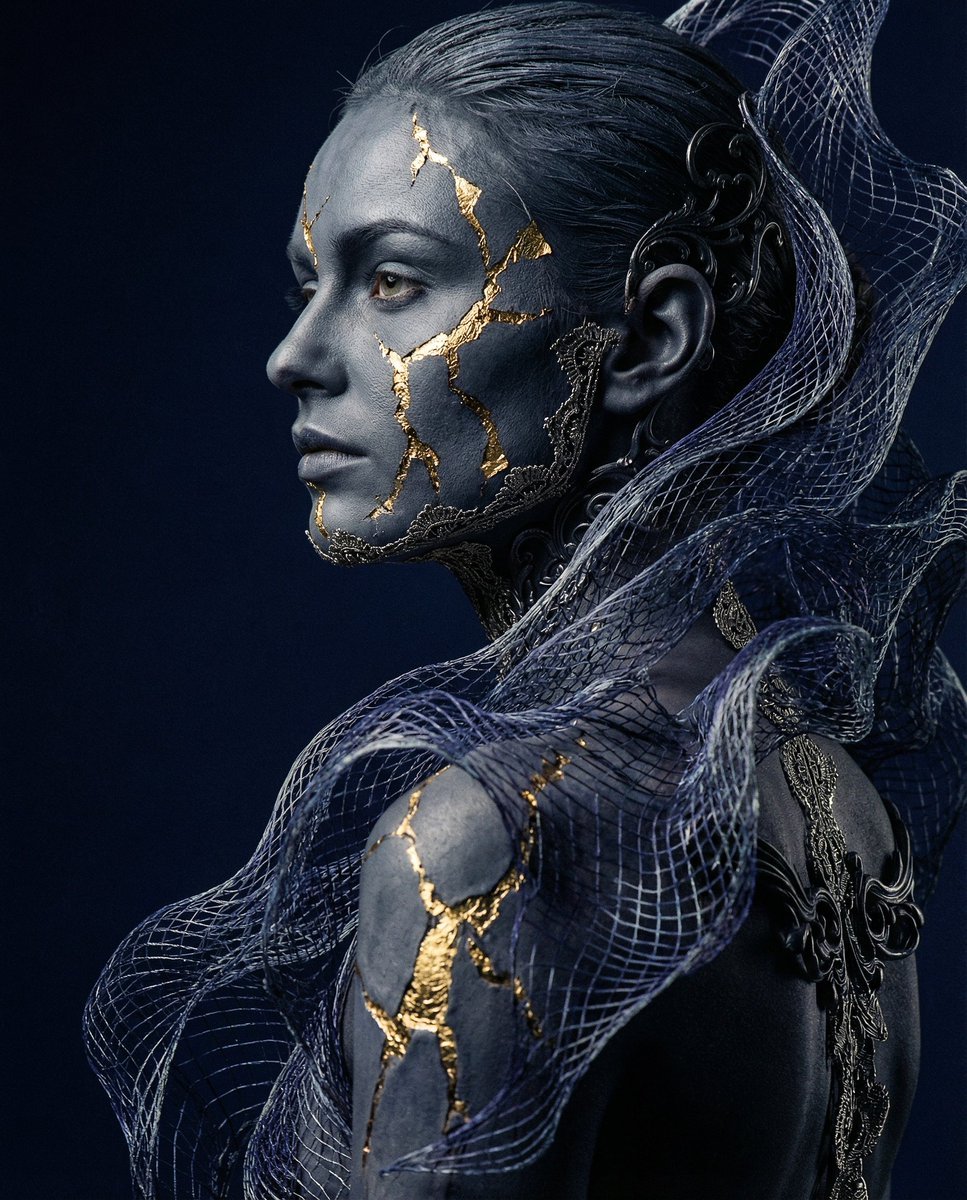
Avant-garde Conceptual Photography: Bio-Digital Kintsugi Portrait
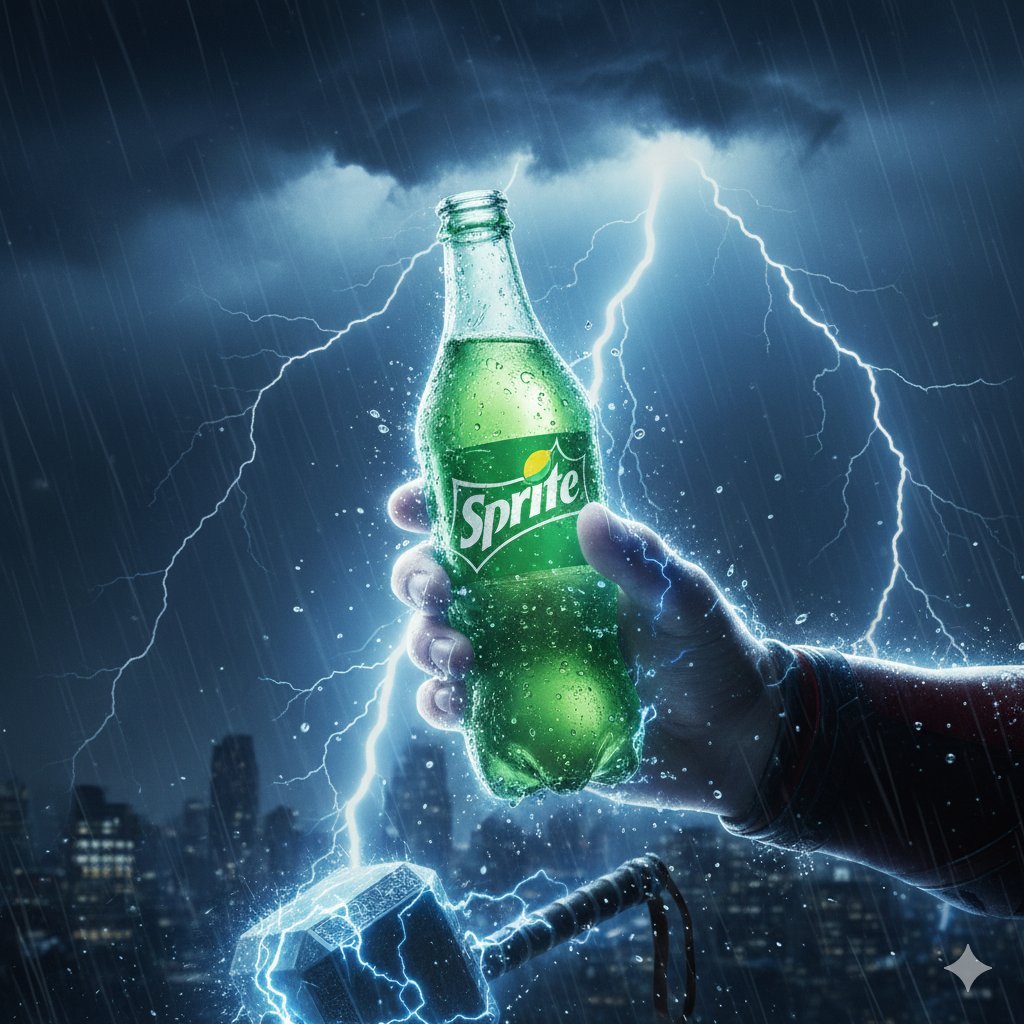
Thor Holding Sprite Bottle Prompt
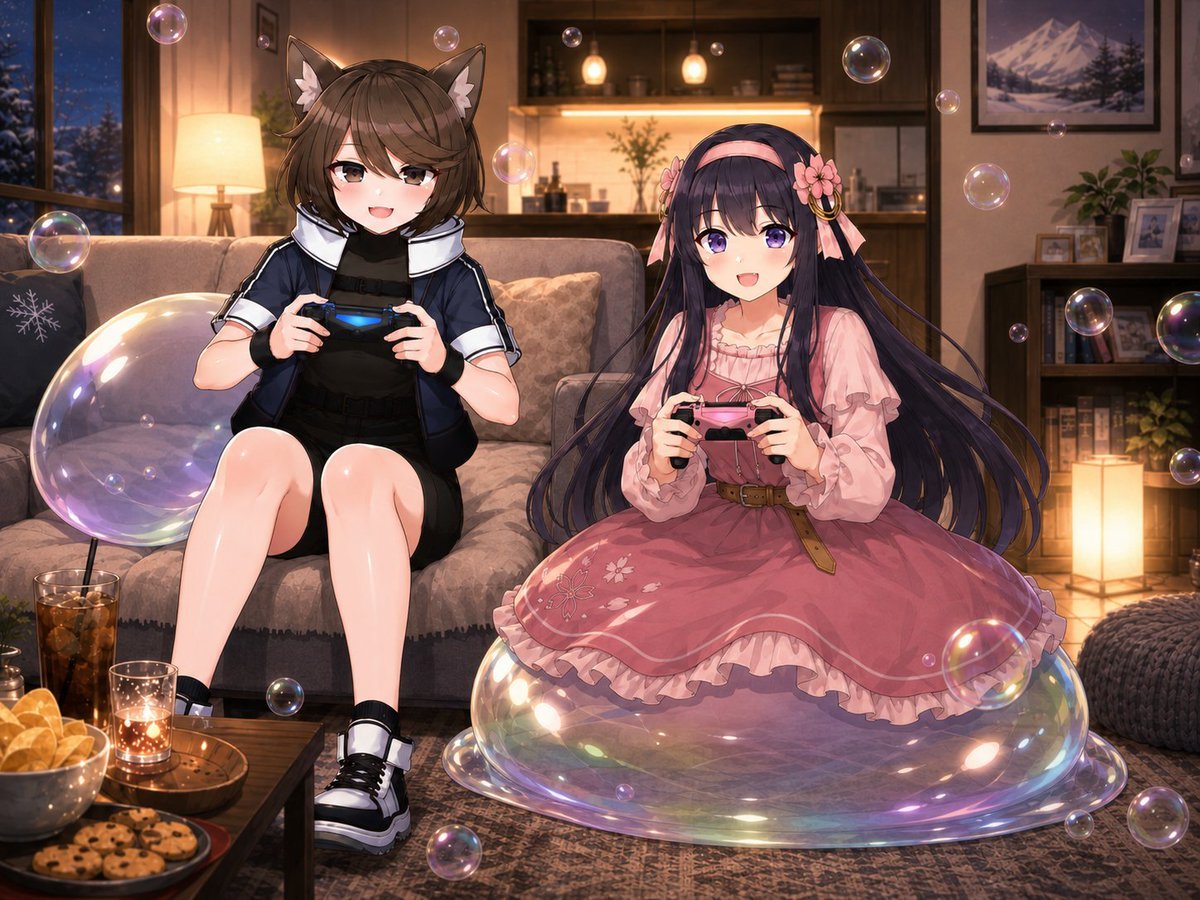
Anime Condo Duo Gaming Scene
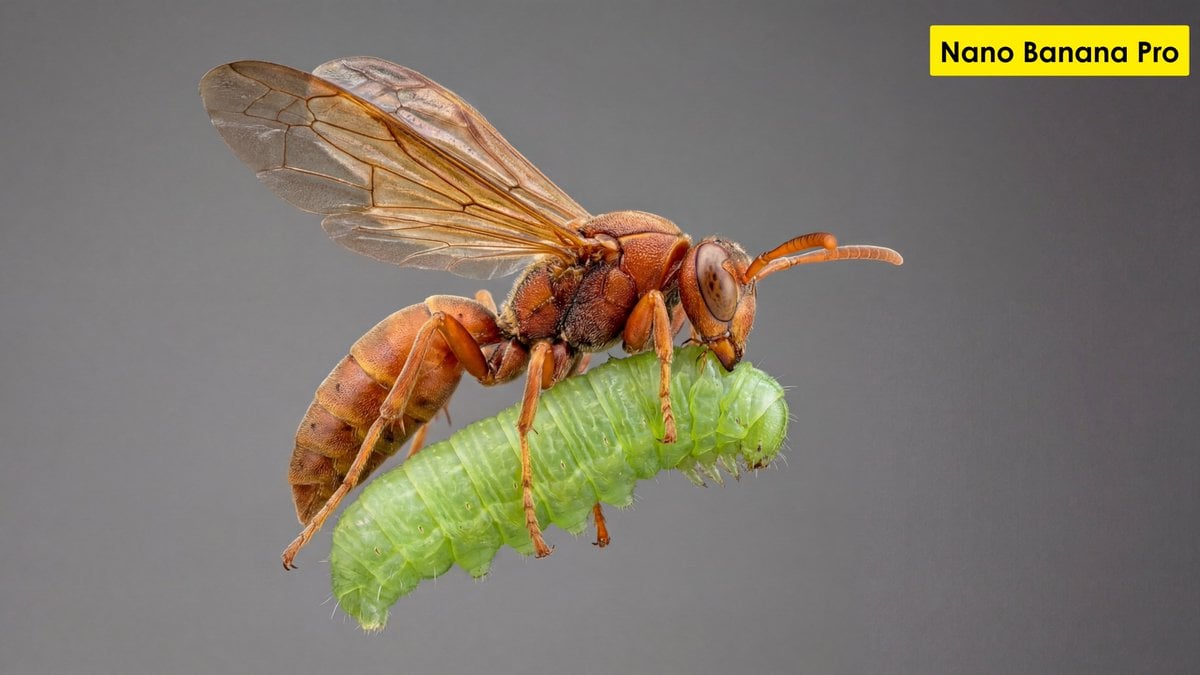
Scientific Ultra-Macro Insect Capture Prompt
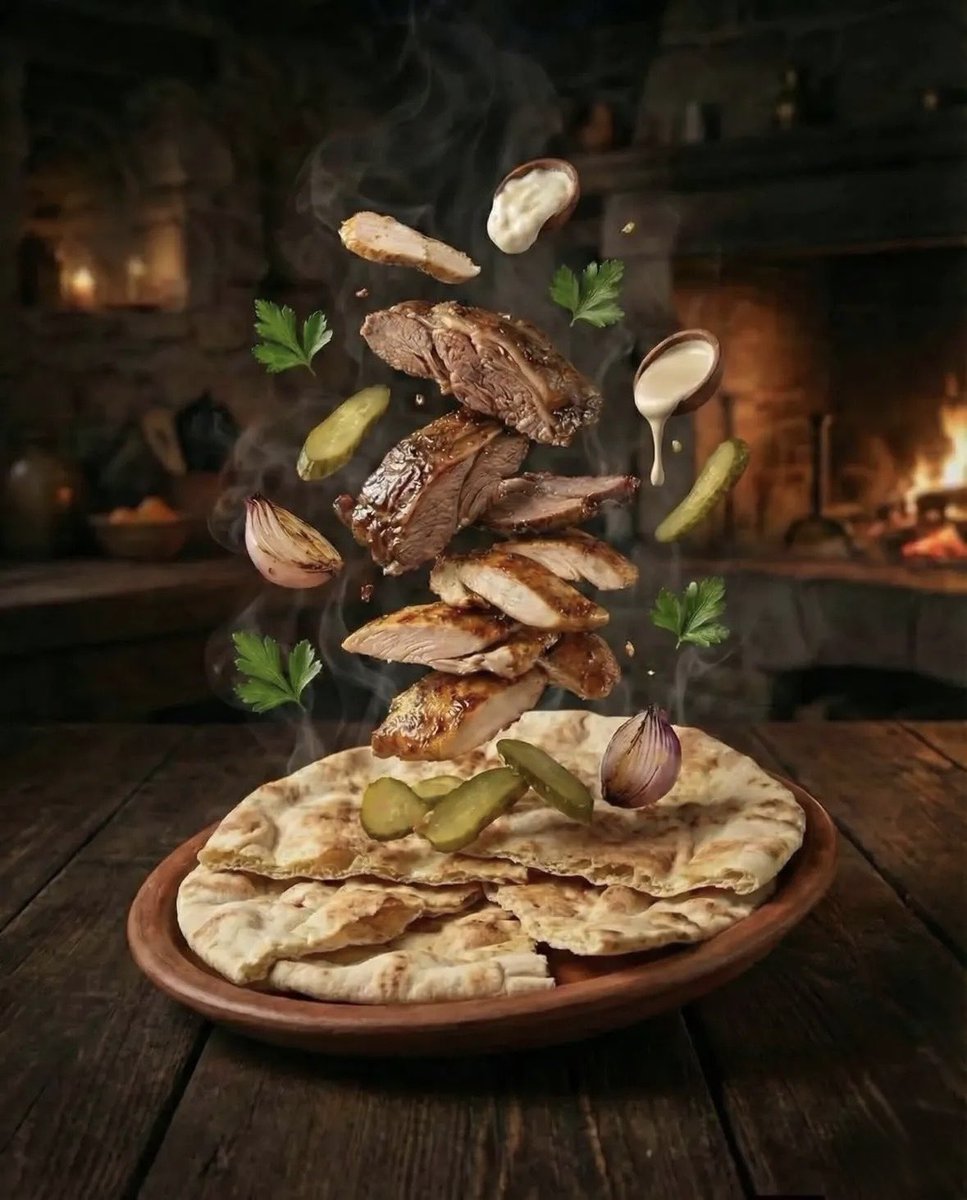
Hyper-realistic Deconstructed Middle Eastern Cuisine Prompt
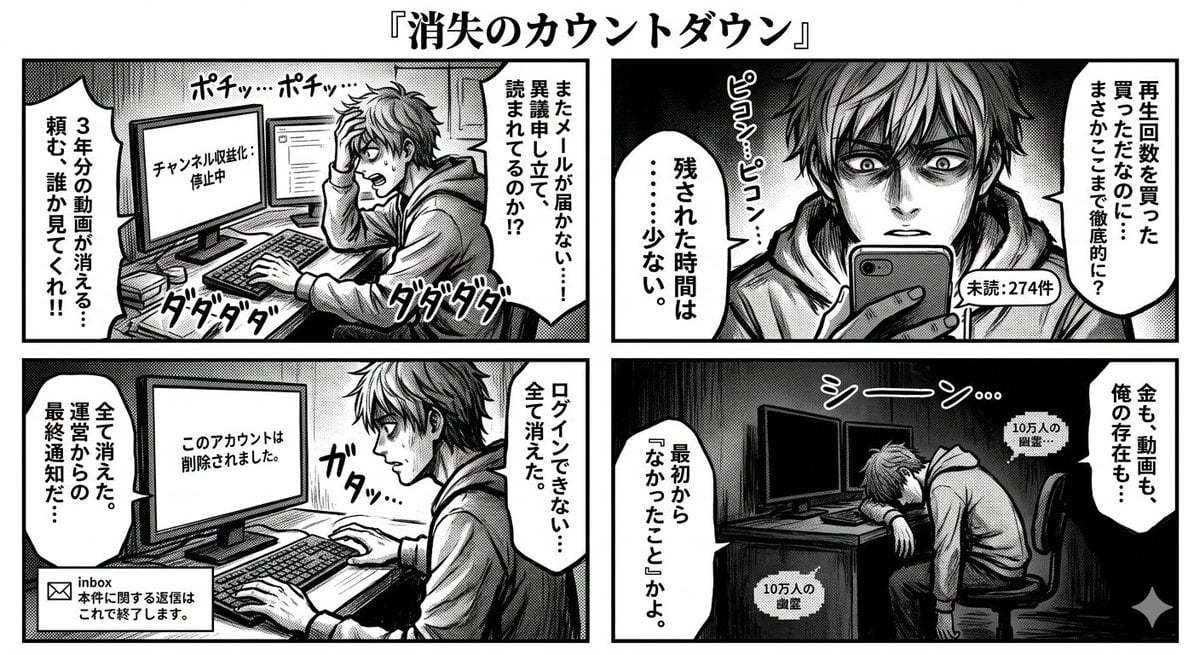
Four-Panel Manga: Countdown to Disappearance
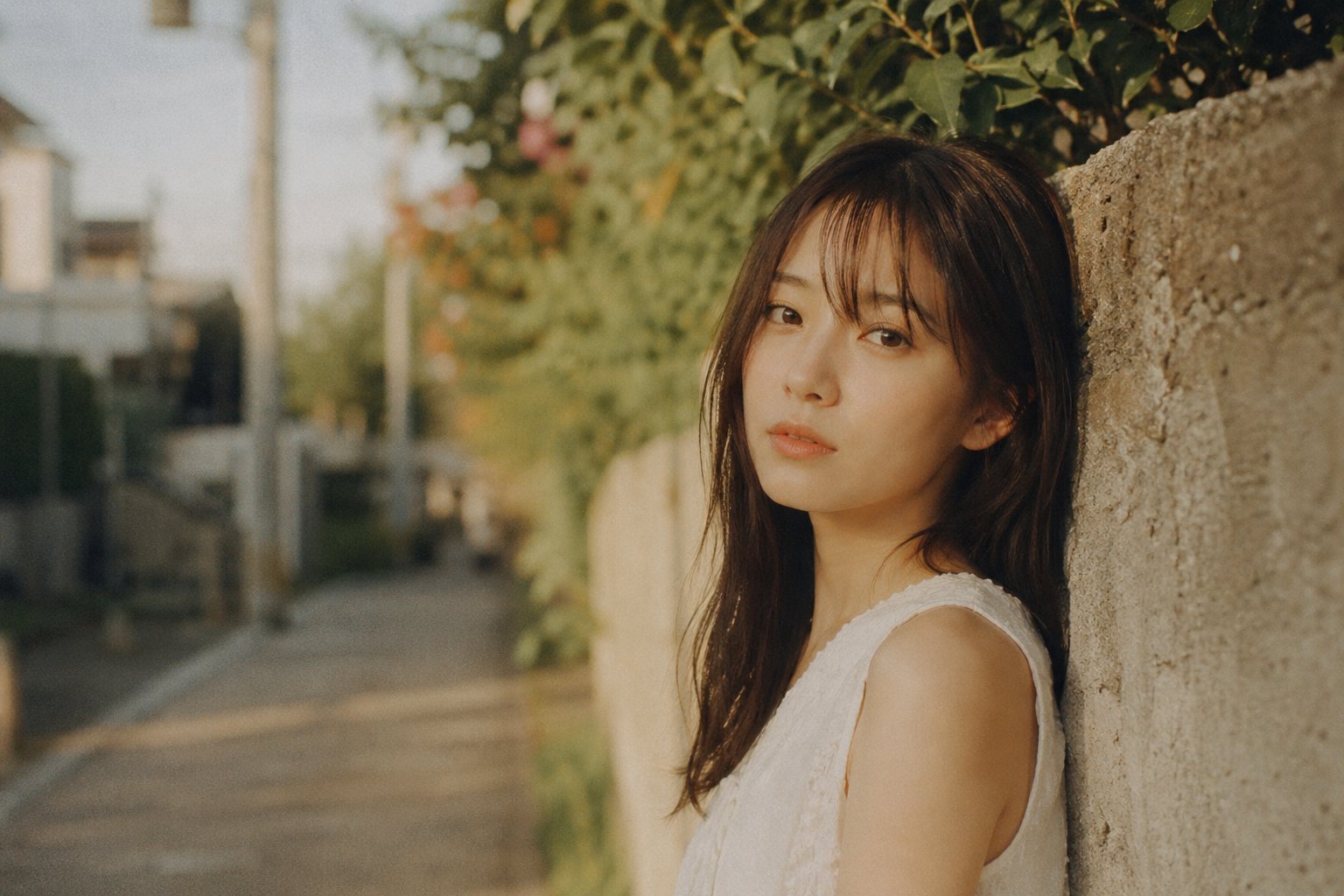
X Bubblebrain Portrait
Browse template categories
Fantasy Pop-up Book Transformation questions
How do I use the Fantasy Pop-up Book Transformation template?
Add your photo if the template asks for one, edit the prompt if you like — the template's model and format are already selected — and press Generate. Your version opens in PicX Studio.
Can I customize the Fantasy Pop-up Book Transformation template?
Yes. You can change the subject, setting, lighting, mood, format, and available model controls before creating your image.
Is the Fantasy Pop-up Book Transformation template free?
Opening and editing this template is free. Generating uses credits, shown on the Generate button when you are signed in.
Which AI model should I use?
Start with GPT Image 2, which is the model associated with this template. You can compare another compatible model for a different finish.
Looking for something else? Browse all templates.

Your photo, any look
Thousands of ready templates for every top image and video model, from one credit balance.