How do I use the Origami Pop-Up T-Rex Book Ad template?
Choose the primary action to open PicX Studio with the available template settings. Review the model and format, personalize the creative direction, and generate when ready.
This prompt generates a cinematic product-style image of a glowing paper-engineered T-rex emerging from an open pop-up book, ideal for children's publishing or imaginative advertising visuals. Change the subject, setting, or lighting one variable at a time.
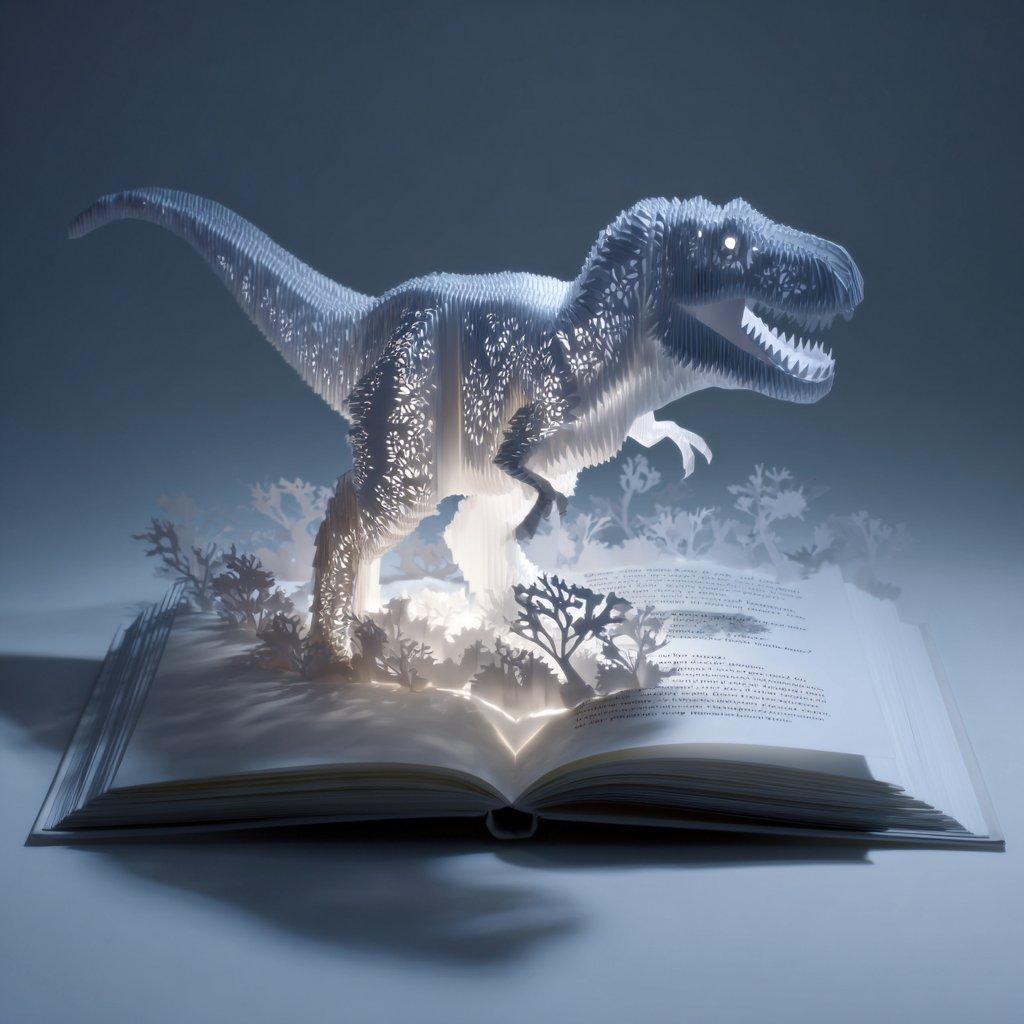
A cinematic studio photograph of an open {argument name="book type" default="pop-up book"} on a clean white surface, viewed from a low front angle, with a dramatic {argument name="main subject" default="T-rex"} made entirely of intricate white origami and laser-cut paper bursting upward from the center fold. The dinosaur is large and dominant, facing right in a roaring pose with open jaws, sharp paper teeth, tiny forearms, powerful legs, and a long tail sweeping left. Its body is built from hundreds of delicate layered paper slats and cutout perforations, glowing from strong internal and under-page illumination so the creature appears backlit and semi-luminous. Around the base, exactly 7 paper plant silhouettes rise from the pages: 3 darker branching shrubs in the foreground and 4 pale fern-like foliage shapes behind them, all also cut from paper. The open pages show faint printed text on the right-hand spread, while the center gutter emits a bright white light that shines upward through the structure. A soft cool-blue ambient environment contrasts with the warm white glow from inside the book, creating a magical children's advertisement feel. Strong spotlighting from above and behind the dinosaur produces crisp shadows cast across the next spread and onto the tabletop. Minimal background, high detail, elegant product-ad aesthetic, volumetric haze, shallow depth of field, monochrome white and blue palette, ultra-clean composition, surreal handcrafted realism.
Choose the primary action to open PicX Studio with the available template settings. Review the model and format, personalize the creative direction, and generate when ready.
Yes. You can change the subject, setting, lighting, mood, format, and available model controls before creating your image.
This template is free to open and customize. Generation usage is shown in PicX Studio before you create.
Start with GPT Image 2, which is the model associated with this template. You can compare another compatible model for a different finish.
© 2026 PicX Studio. All rights reserved.

Follow a topic to a crawlable collection of related PicX Studio templates.
43,474 public templates available. Verified via the PicX Studio public templates API; refreshed hourly.

![Mid-Century Travel Book Illustration — [DESTINATION] = {argument name="city name" default="[CITY NAME]"}
Create a charming vertical 4:5 mid-century travel pict](https://cms-assets.youmind.com/media/1786781710843_2ju1t5_HPqpPcDa4AEn4FO-300x375.jpg)





![A hyper-detailed origami folded from realistic colored paper — A hyper-detailed origami [FOOD ITEM] folded from realistic colored paper with visible creases and](https://images.meigen.ai/tweets/2007809696334479420/0.jpg)
![Uzumaki Naruto Pop-Up Book Prompt — manga <Uzumaki Naruto>
[ OUT OF FOCUS LIBRARY BACKGROUND ]
[ VERTICAL M…](https://pbs.twimg.com/media/HCp3EbTboAAg1Ba.jpg)



![Mid-Century City Travel Picture Book — [DESTINATION] = {argument name="destination" default="[CITY NAME]"}
Create a charming vertical 4:5 mid-century travel pi](https://cms-assets.youmind.com/media/1786437706436_ycdwcf_HPTEN9dawAAtUgS-300x375.jpg)


![Minimalist Flat Vector Travel Poster — Premium minimalist flat-vector travel poster for {argument name="city name" default="[CITY_NAME]"}, 3:4 vertical format.](https://cms-assets.youmind.com/media/1787917359711_3ug846_HQX205cbMAA6F6S-300x400.jpg)




















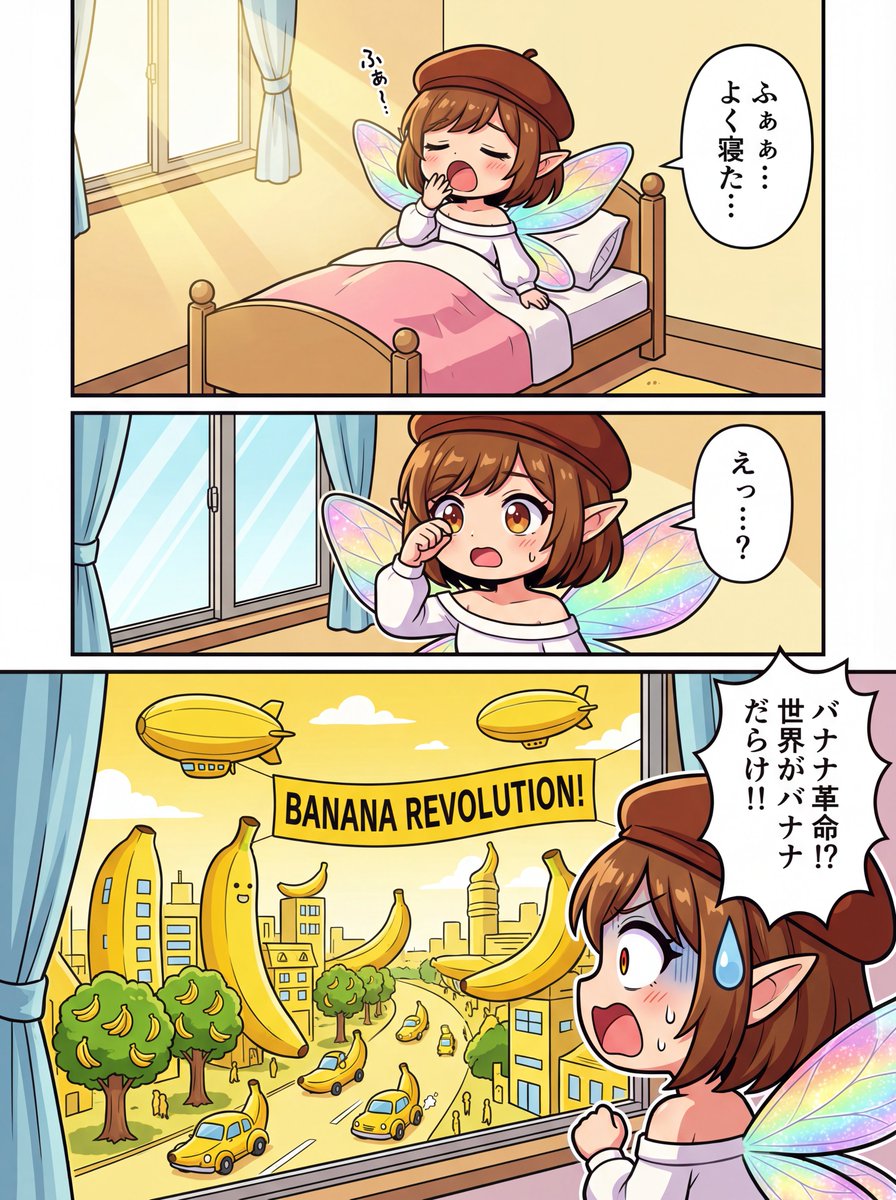
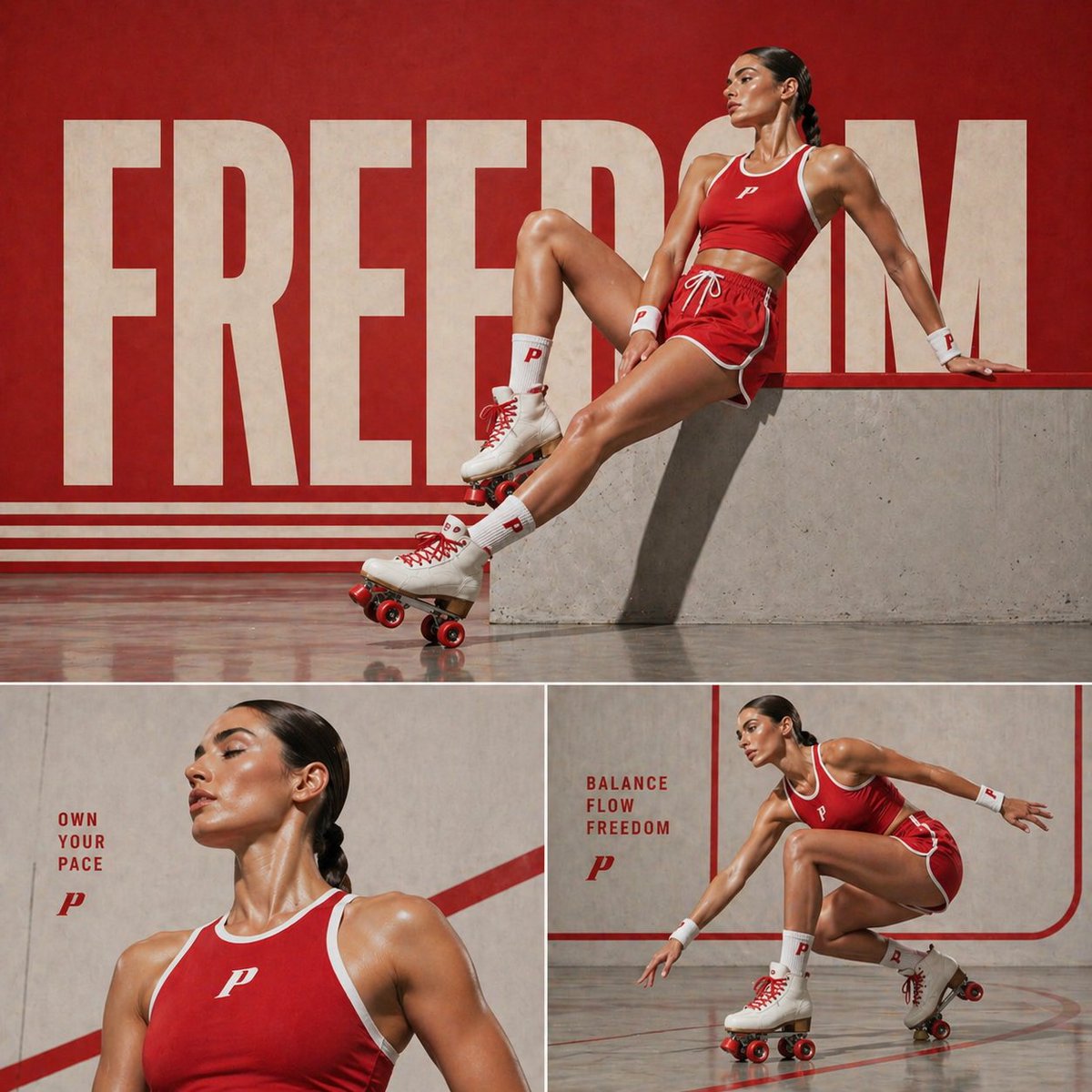



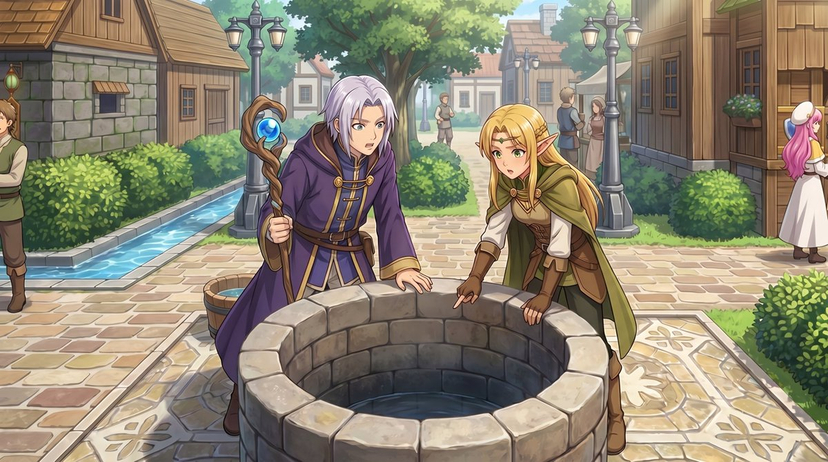
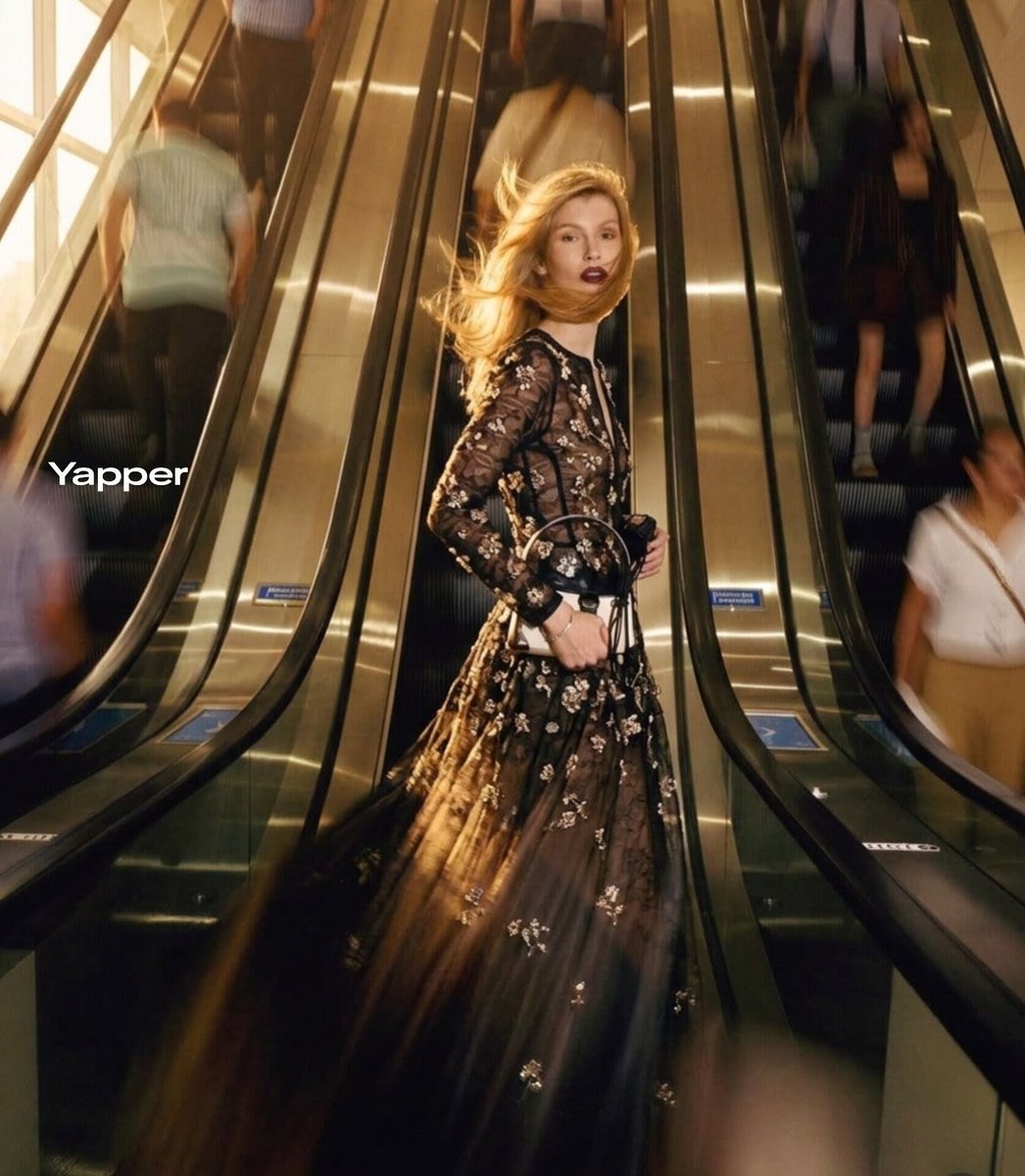









![Surreal Social Adaptation Character Prompt — キャラクター名:[ ]
ユーザー追加アイデア:[ ]
------------------------
ユーザーが入力した、
・場所
・シチュエーション
・ネタ
・媒体形式
・世界観
・セリフ
・演出案
などは最優先で採用](https://cms-assets.youmind.com/media/1778490964595_lfn19p_HH7NxJ7a0AAoLfA.jpg)
