
Edible History Pop-Up Chocolate Book
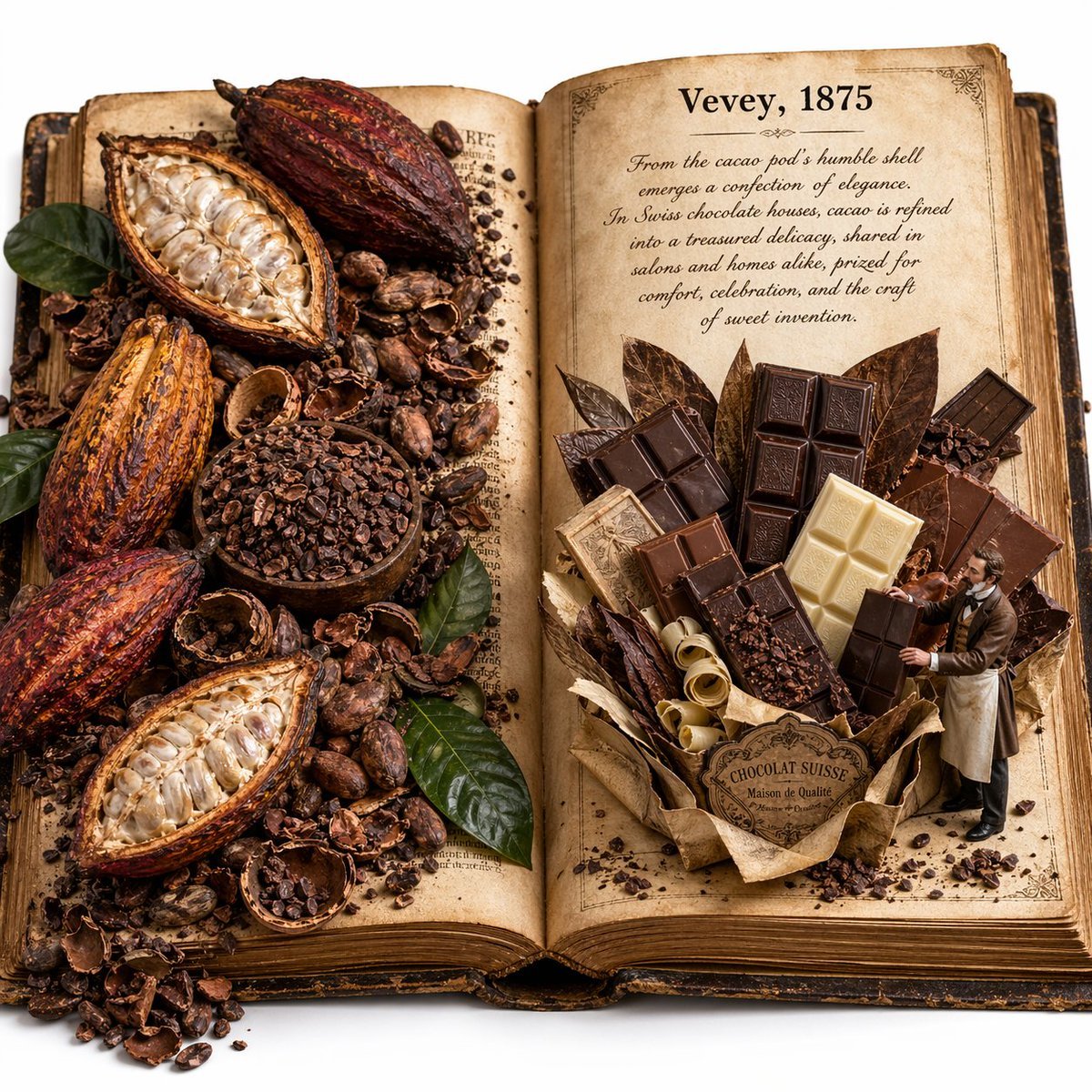
A photoreal macro editorial image of an antique open book transformed into a whimsical cocoa-and-Swiss-chocolate pop-up scene, ideal for food storytelling, historical campaigns, and premium generative art comparisons.
- Prompt included
- Model and format preset
- Free template
The prompt behind this image
Copy the exact prompt behind Edible History Pop-Up Chocolate Book, or open it in the studio and make it yours.
Create a square 1:1 macro photography image of an open antique history book on a clean white background, styled like an edible history pop-up book. The book is thick, vintage, leather-bound, and lying open flat at 180 degrees. Its pages are aged parchment with yellowed paper, worn edges, and visible paper texture. On the left page, show an abundant, slightly messy cocoa harvest spread partially covering the printed text: exactly 5 whole or split cacao pods in deep red-orange and brown tones, 1 wooden bowl filled with cacao nibs, a large scatter of loose cacao beans, broken cacao shells, small piles of nibs, and several glossy green leaves tucked among the ingredients. Everything should feel organic, overflowing, and tactile. On the right page, create a large 3D pop-up sculpture of assorted Swiss chocolate built entirely from chocolate and confectionery materials: exactly 8 visible chocolate bars or bar segments in mixed dark, milk, and white chocolate, arranged in a bouquet-like upright structure with 5 large leaf-shaped cacao or chocolate leaves behind them, curled pale chocolate shavings at the base, scattered cacao crumbs, and a wrapped paper base with a vintage label reading “CHOCOLAT SUISSE” and smaller text “Maison de Qualité”. Beside it, place a tiny 1:35 scale Victorian-era chocolatier gentleman in an apron, actively presenting and adjusting the chocolate display with both hands. Print on the right page in bold black serif text: “Vevey, 1875”. Below that, include a short faded cursive lore paragraph about cacao and Swiss chocolate culture. The paragraph should read: “From the cacao pod’s humble shell emerges a confection of elegance. In Swiss chocolate houses, cacao is refined into a treasured delicacy, shared in salons and homes alike, prized for comfort, celebration, and the craft of sweet invention.” Lighting is soft, warm museum lighting focused at the center of the open book. Mood is educational, whimsical, and richly textural. Emphasize photorealism, shallow depth of field, miniature world aesthetic, premium editorial styling, and extremely high material texture fidelity.
How to use Edible History Pop-Up Chocolate Book in 3 steps
- 1Upload ImagePNG, JPG or paste
Add your photo
Upload the photo the template builds on. The prompt, model and format are already set.
- 2…a portrait of your subject in softgolden-hour light, 85mm…
Personalize
Edit the subject and creative details for your destination.
- 3Generate
Generate
Press Generate — your image is created in PicX Studio, so you can compare it with the original and refine one variable at a time.
More like this
Templates with the same subject, style or setup. Open one to see its prompt.
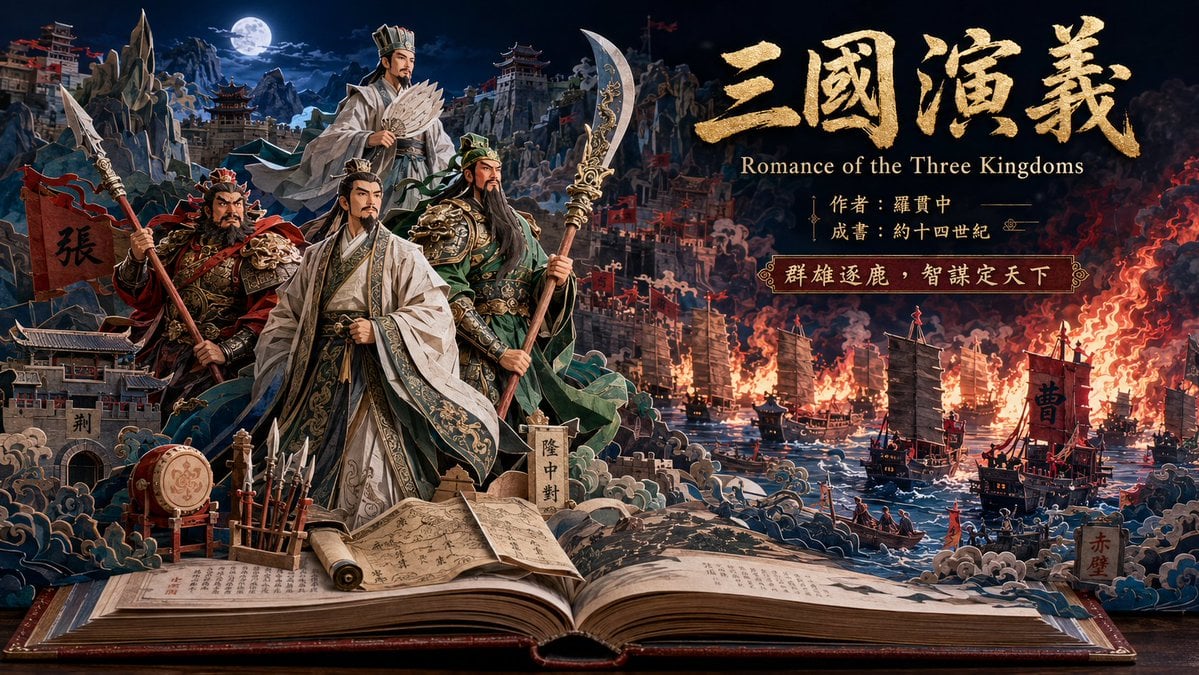
Three Kingdoms Pop-Up Book Scene
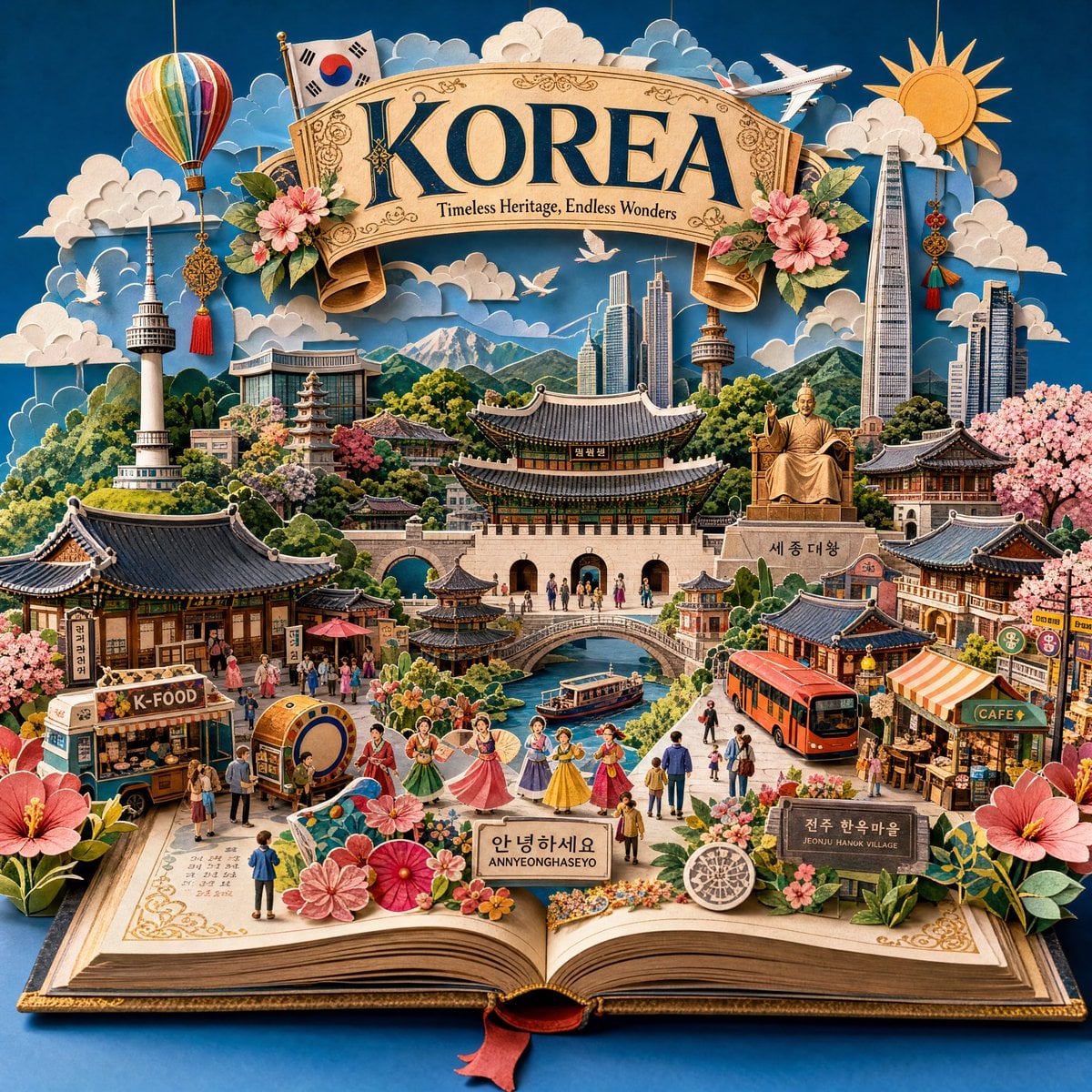
Master Pop-Up Storybook — 3D Paper Engineered Travel Diorama
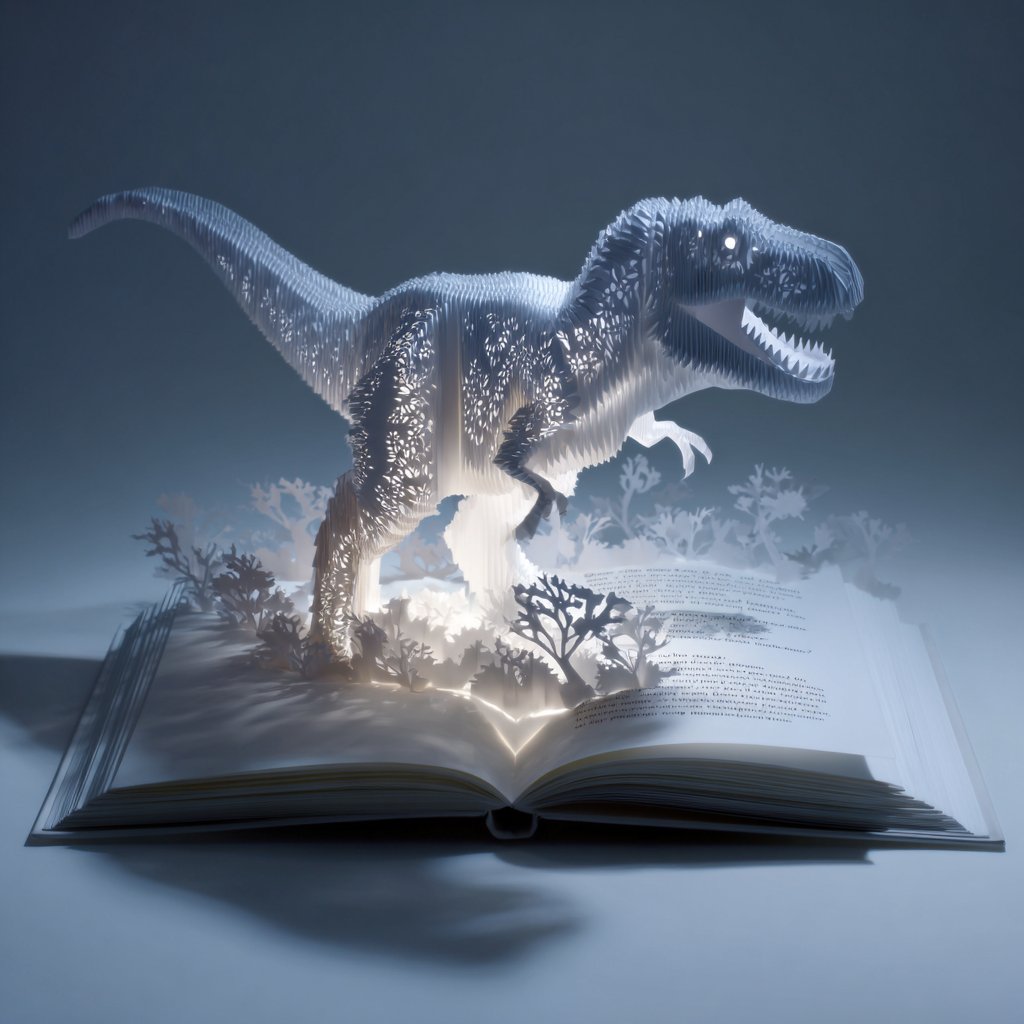
Origami Pop-Up T-Rex Book Ad
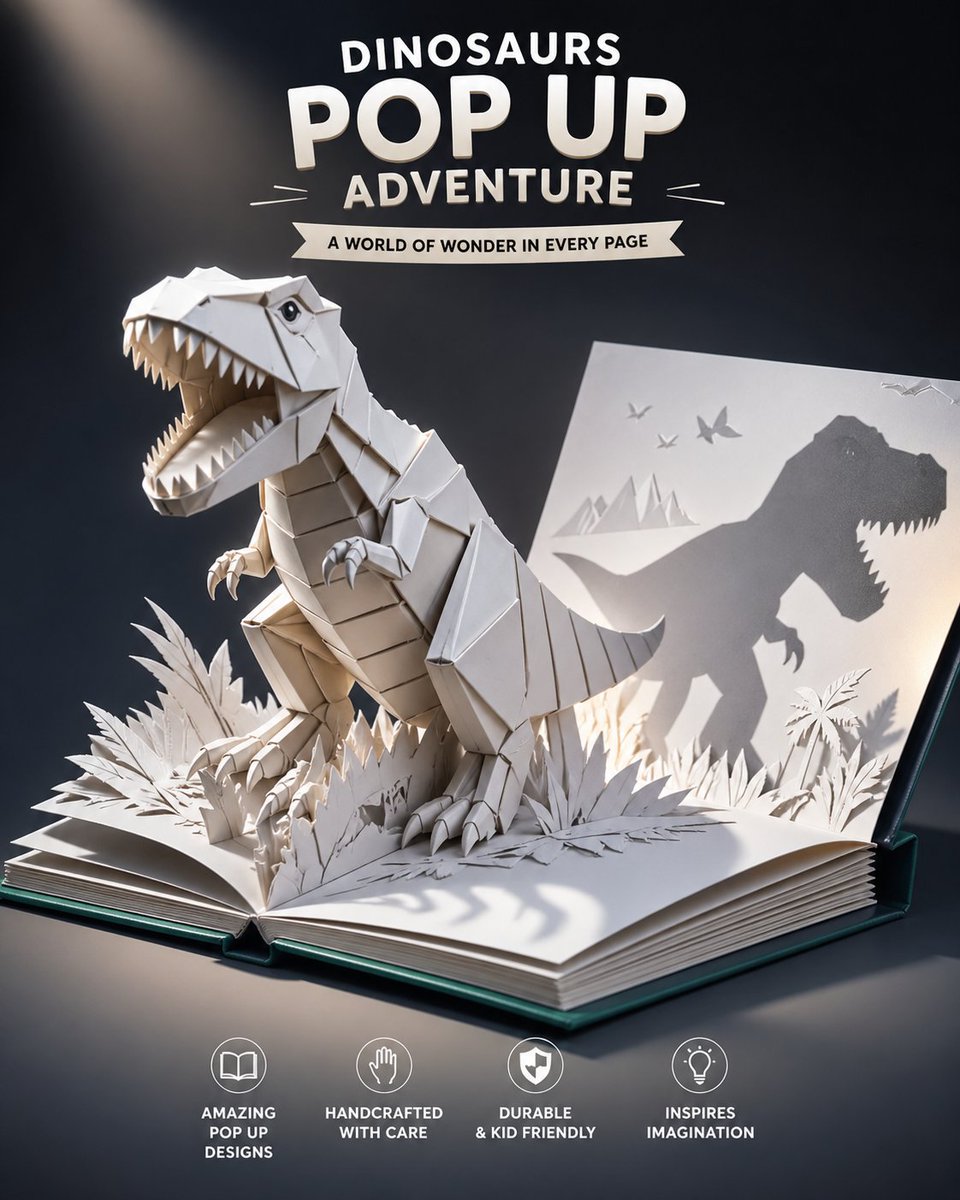
Origami Dinosaur Pop-Up Book Ad
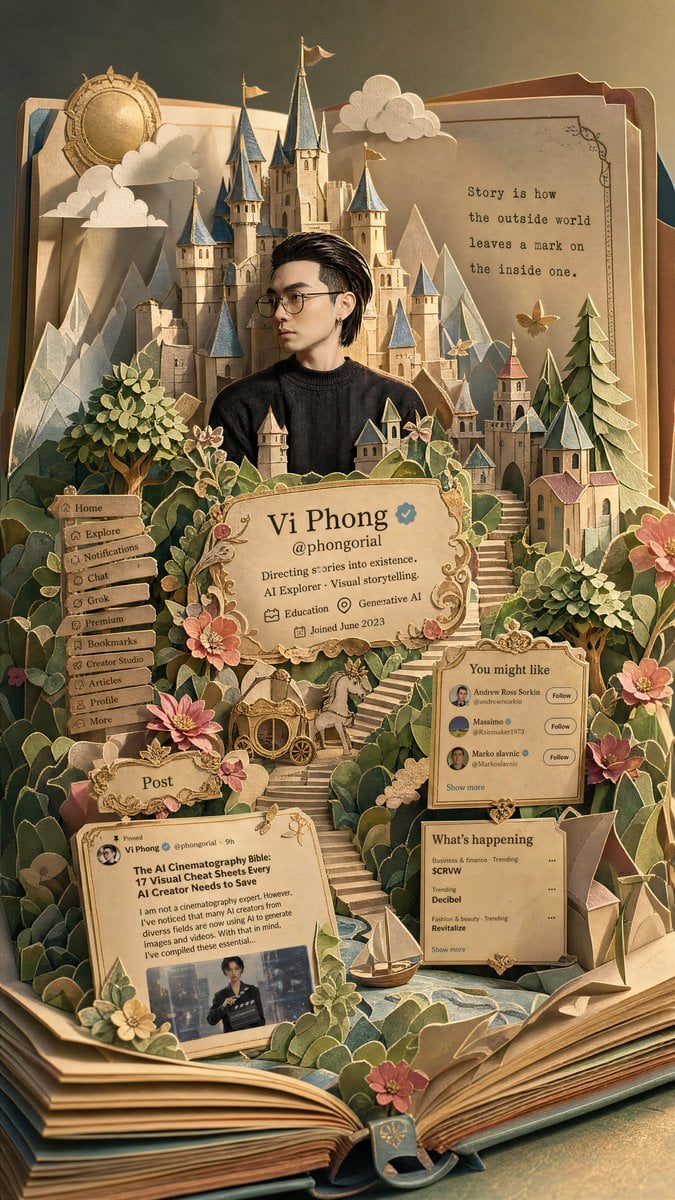
Fantasy Pop-up Book Transformation
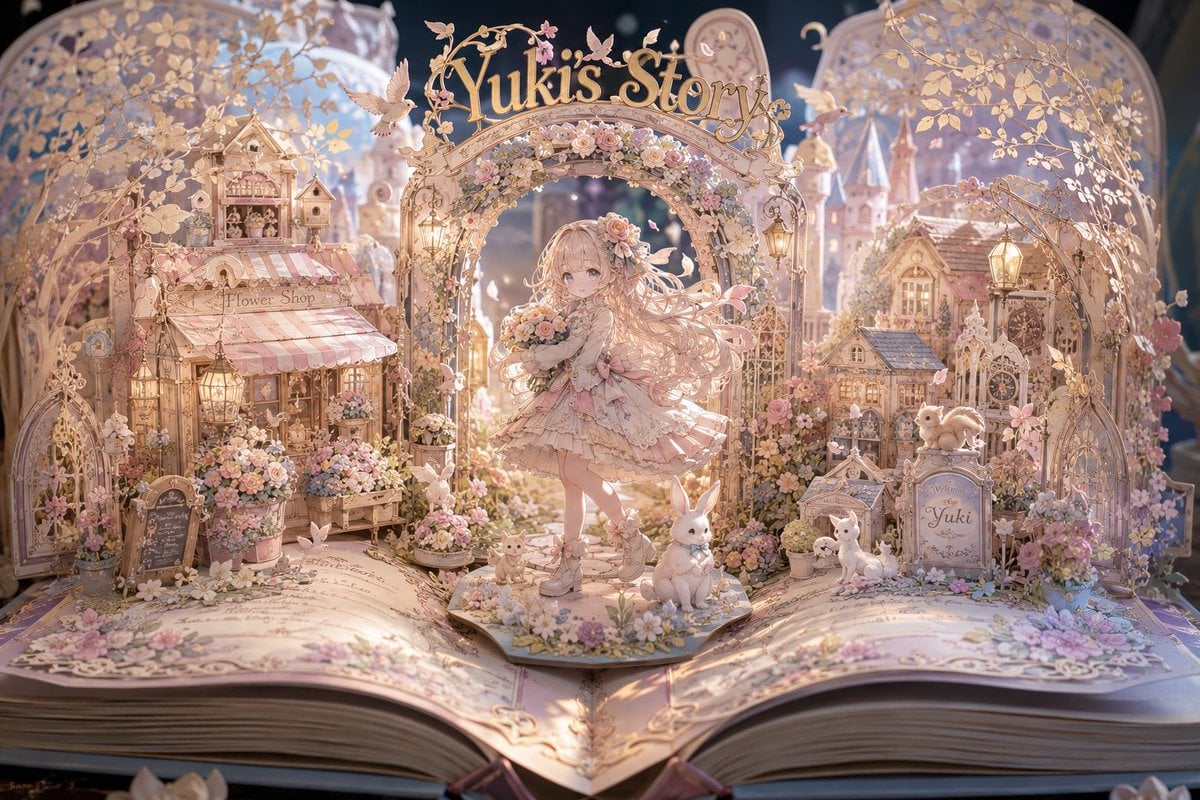
Yuki's Magical Pop-Up Storybook
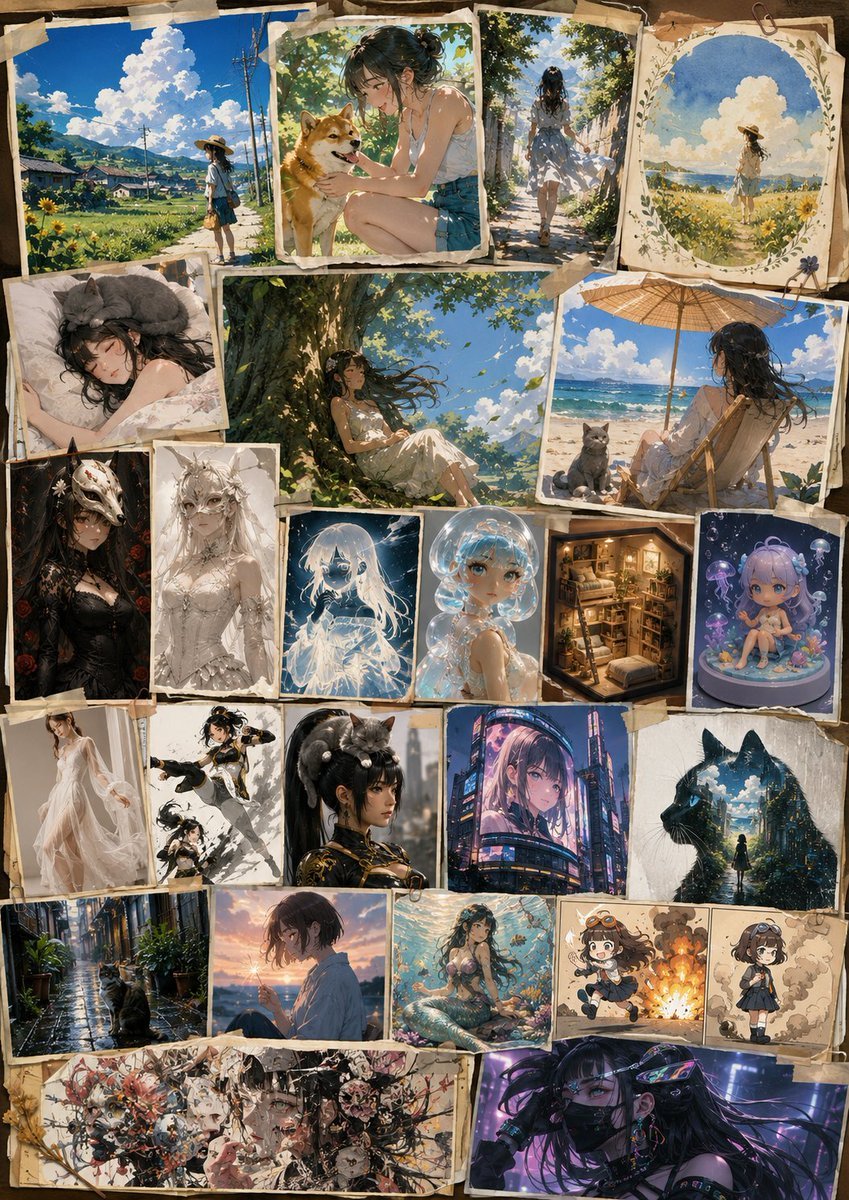
AI Art History Scrapbook
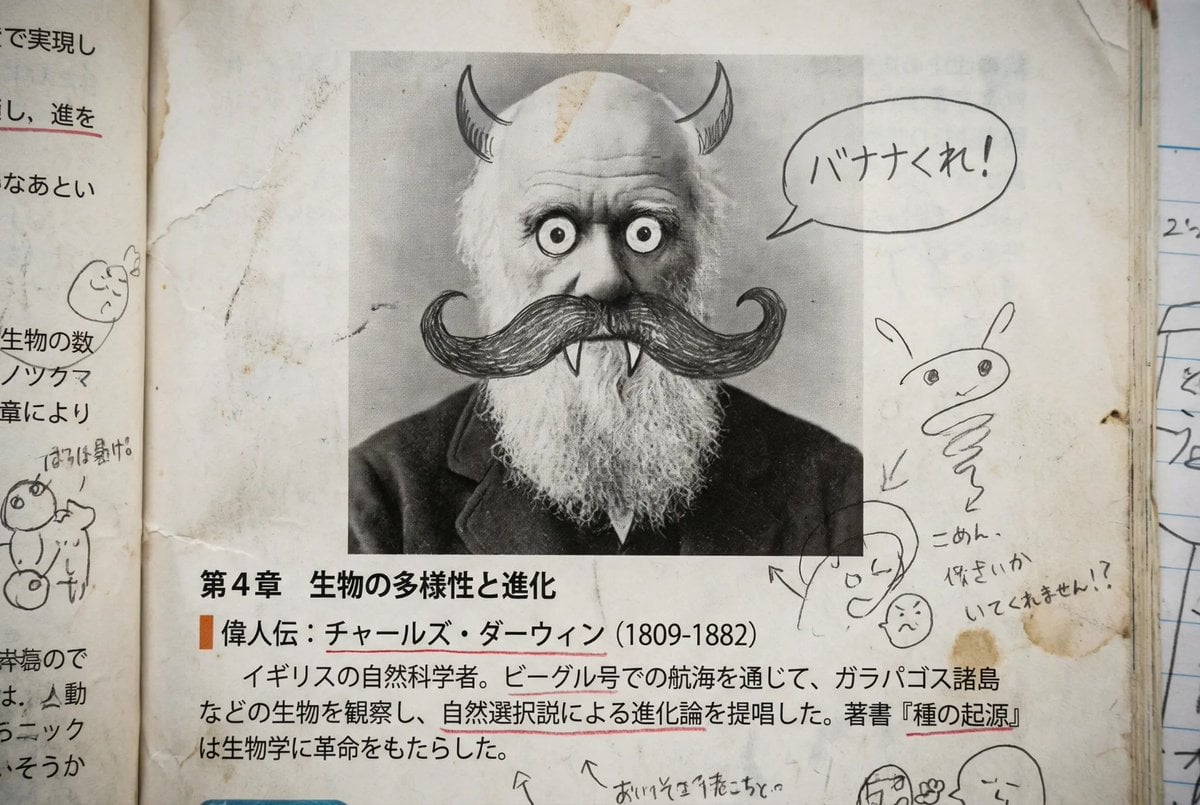
Middle schooler doodles on history textbook pages
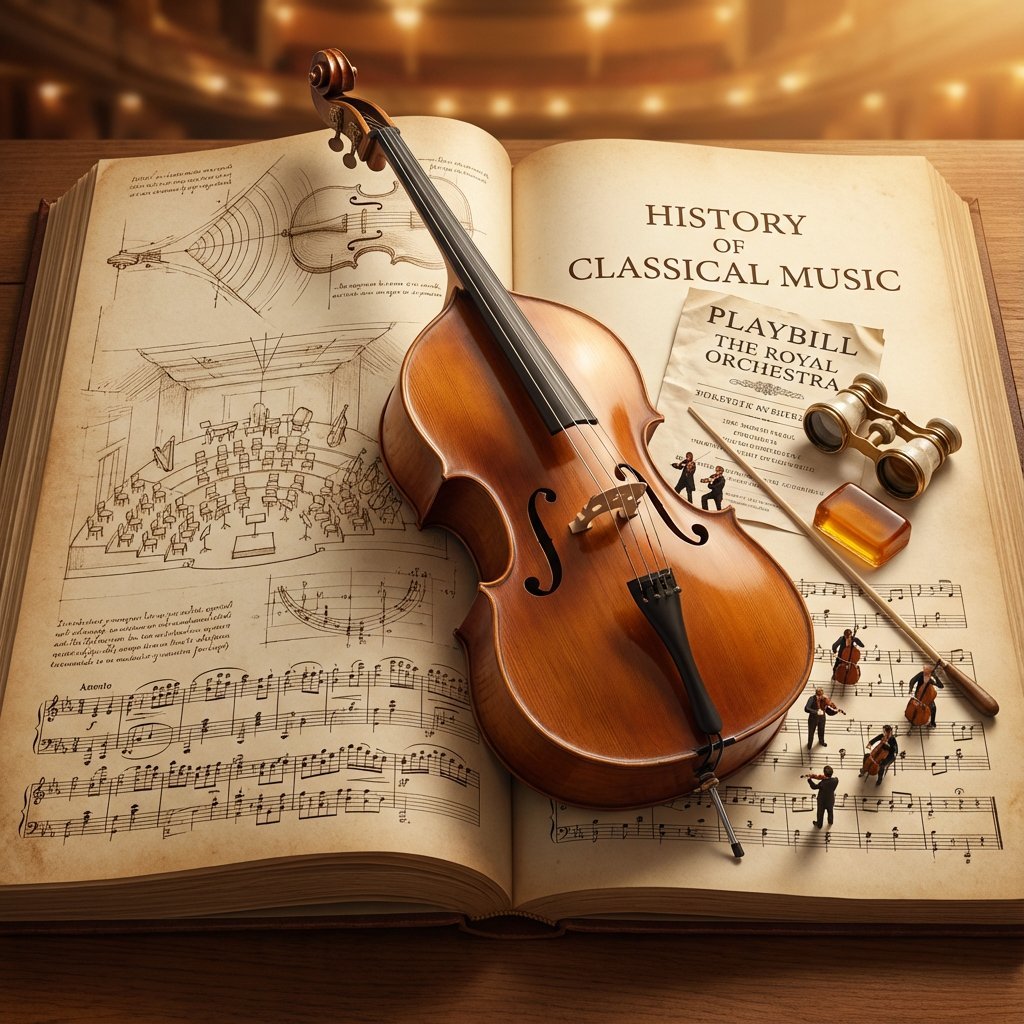
History of Music Diorama Book Prompt
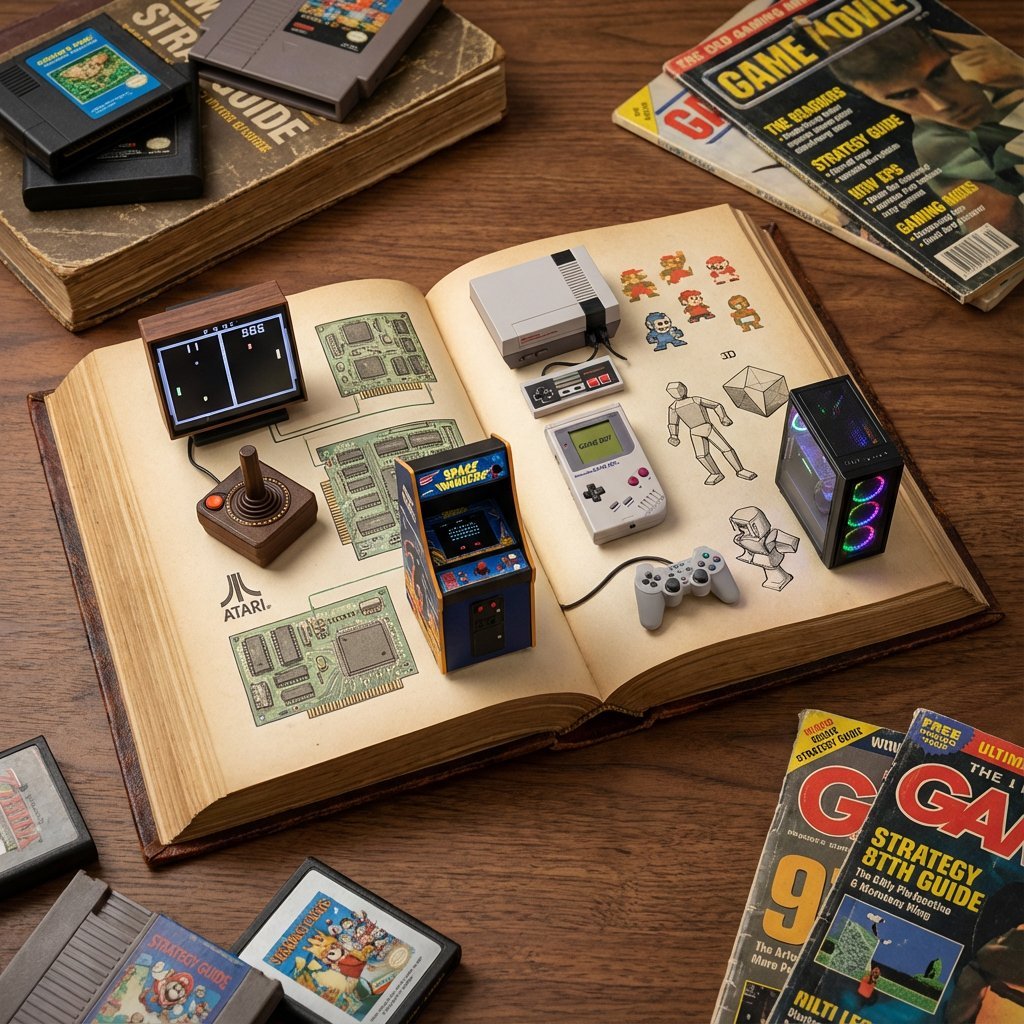
History of Gaming Diorama Book Template Prompt
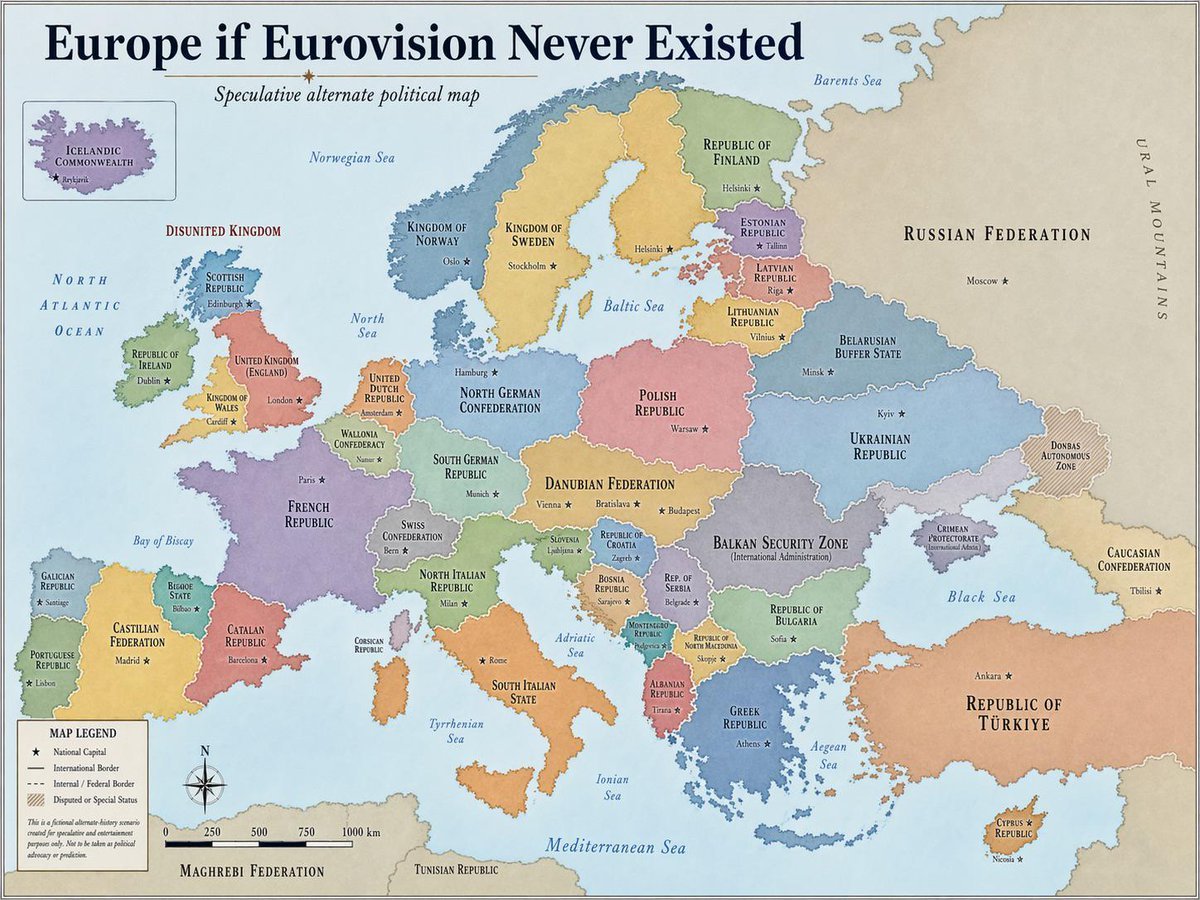
Alternative History Europe Political Map
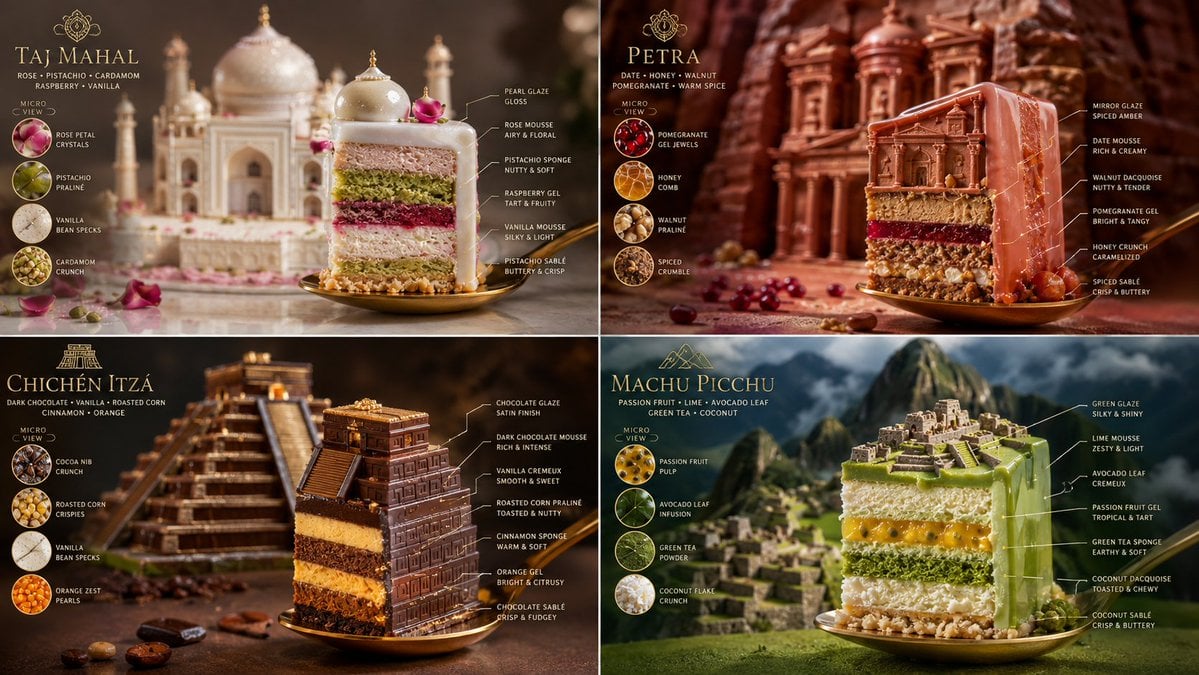
Edible World Wonder Cakes
Make it yours
Edible History Pop-Up Chocolate Book works as-is. These are the safest ways to change it without losing the look.
Change one field
Copy a single group, rewrite it, and generate again so you can see what that field is doing.
Keep the frame, change the subject
Hold the composition and light of Edible History Pop-Up Chocolate Book, then swap wardrobe, props or the person for a new take.
| If the result… | Why | Fix |
|---|---|---|
| The result drifts from the preview | Too many fields changed at once. | Reuse Edible History Pop-Up Chocolate Book as-is first, then change one group — subject, light, or setting. |
| The model over-stylizes the scene | The prose prompt leaves finish and camera underspecified. | Add one camera or lighting sentence and stay on GPT Image 2. |
More GPT Image 2 templates
Other prompts made for GPT Image 2.

Six VTuber Japanese Logo Sheet

Realistic Portrait of Woman and Deer

The Vista Modular Condo Poster

AI Model Routing Comparison Infographic

2.5D Anime Art Board

Isometric Productivity Desk Scene

New York Double Exposure Poster

Four-Panel AI Landscape Comparison

Japanese Tatami Lifestyle Magazine Cover

NESCAFÉ Coffee Map Poster
More image prompts
Fresh picks from across the catalog.
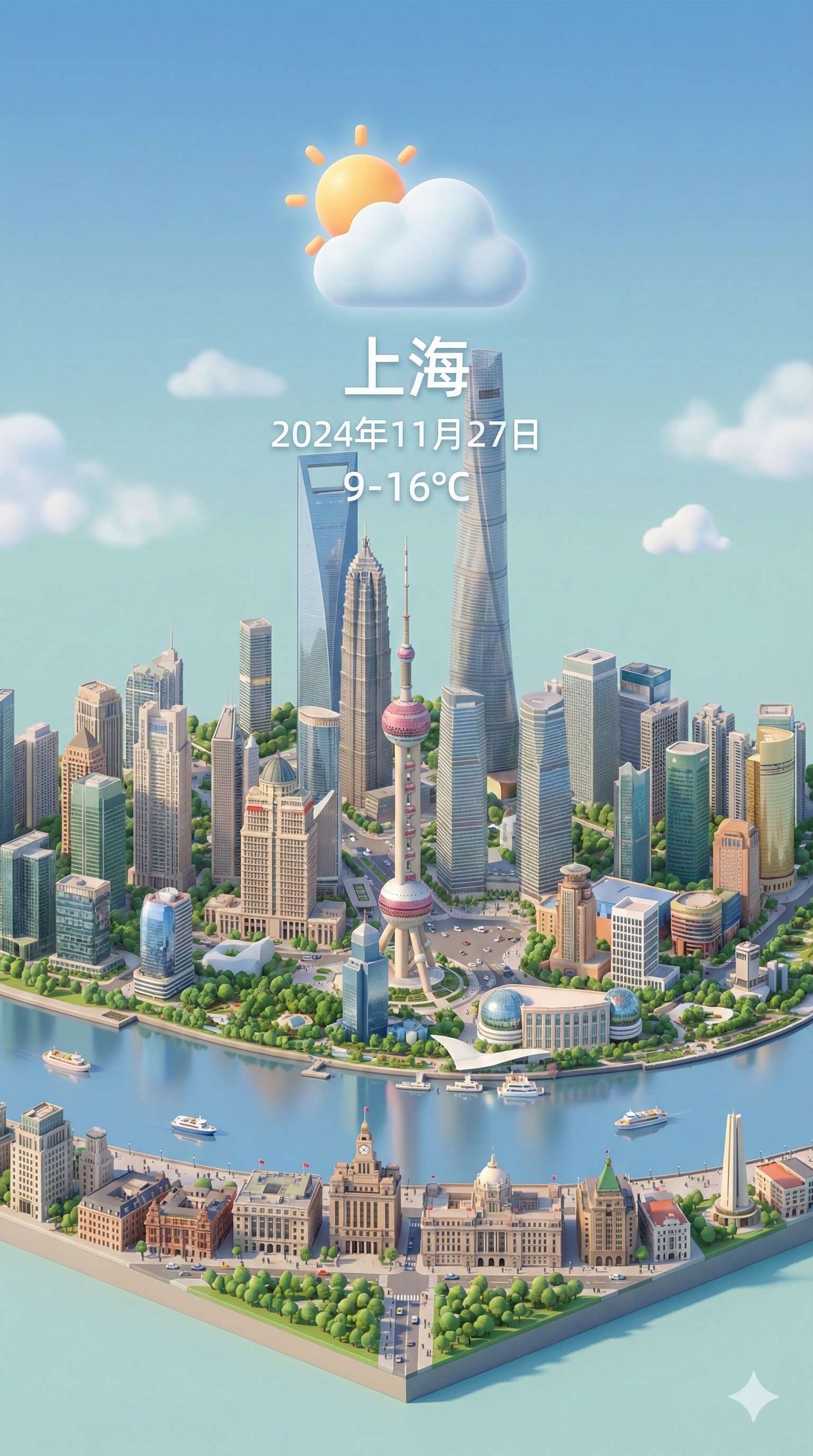
Isometric 3d Weather Card for Shanghai
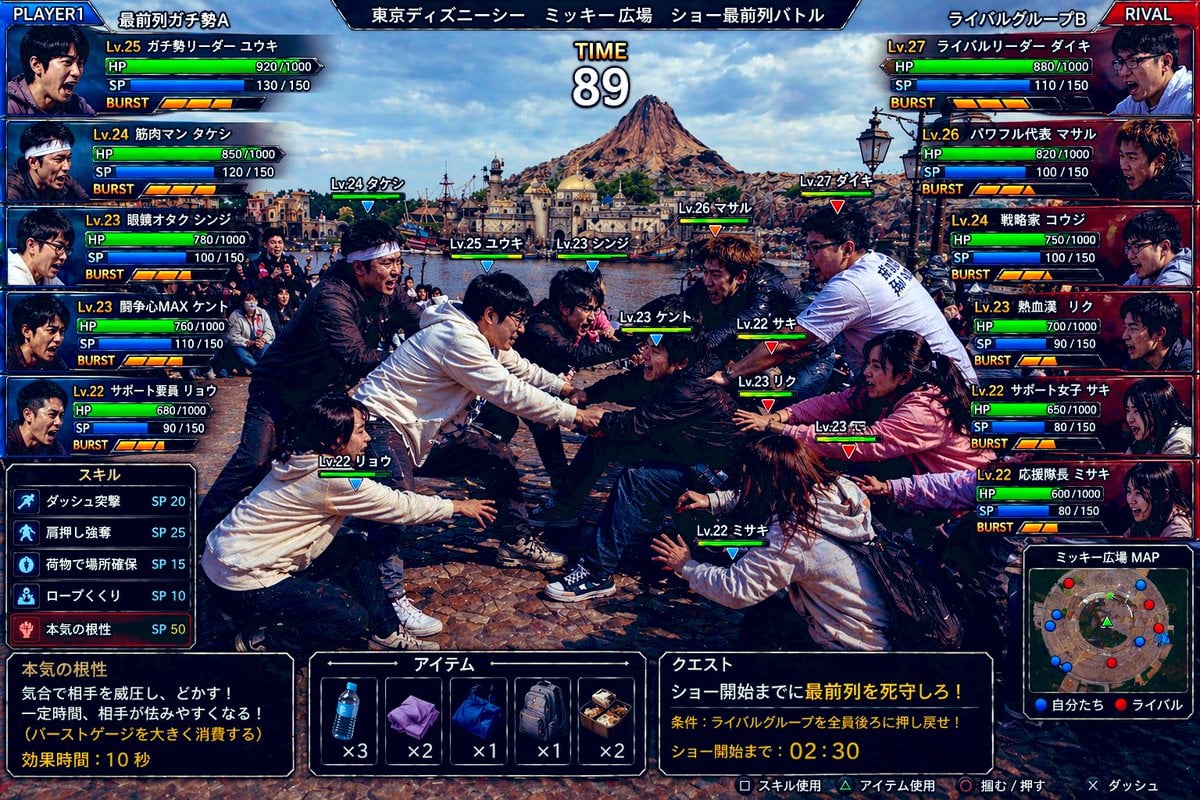
Tokyo DisneySea Front-Row Battle UI
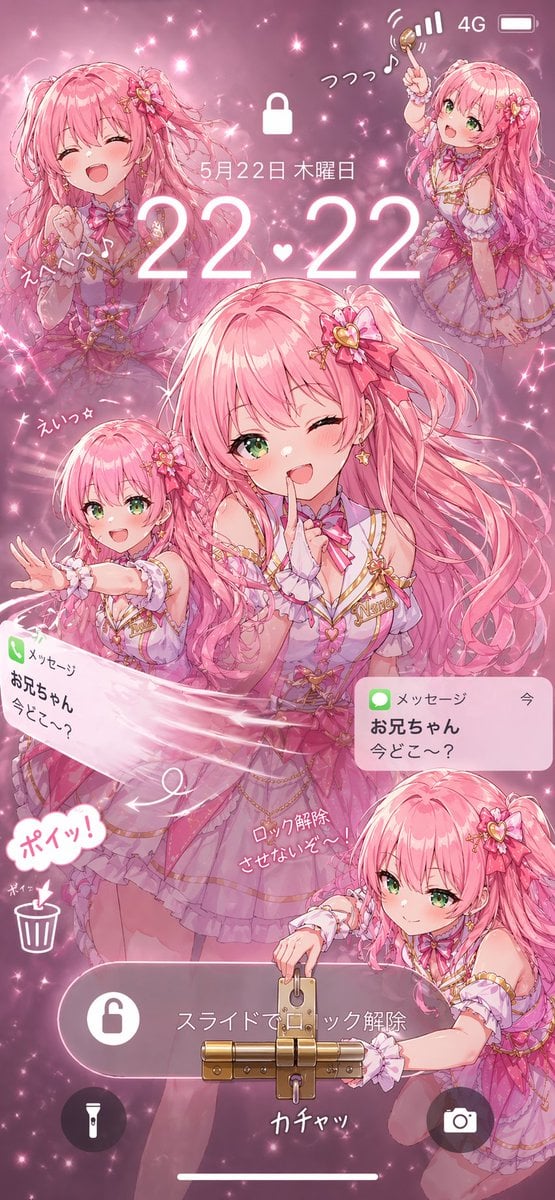
Pink Idol Anime Lock Screen
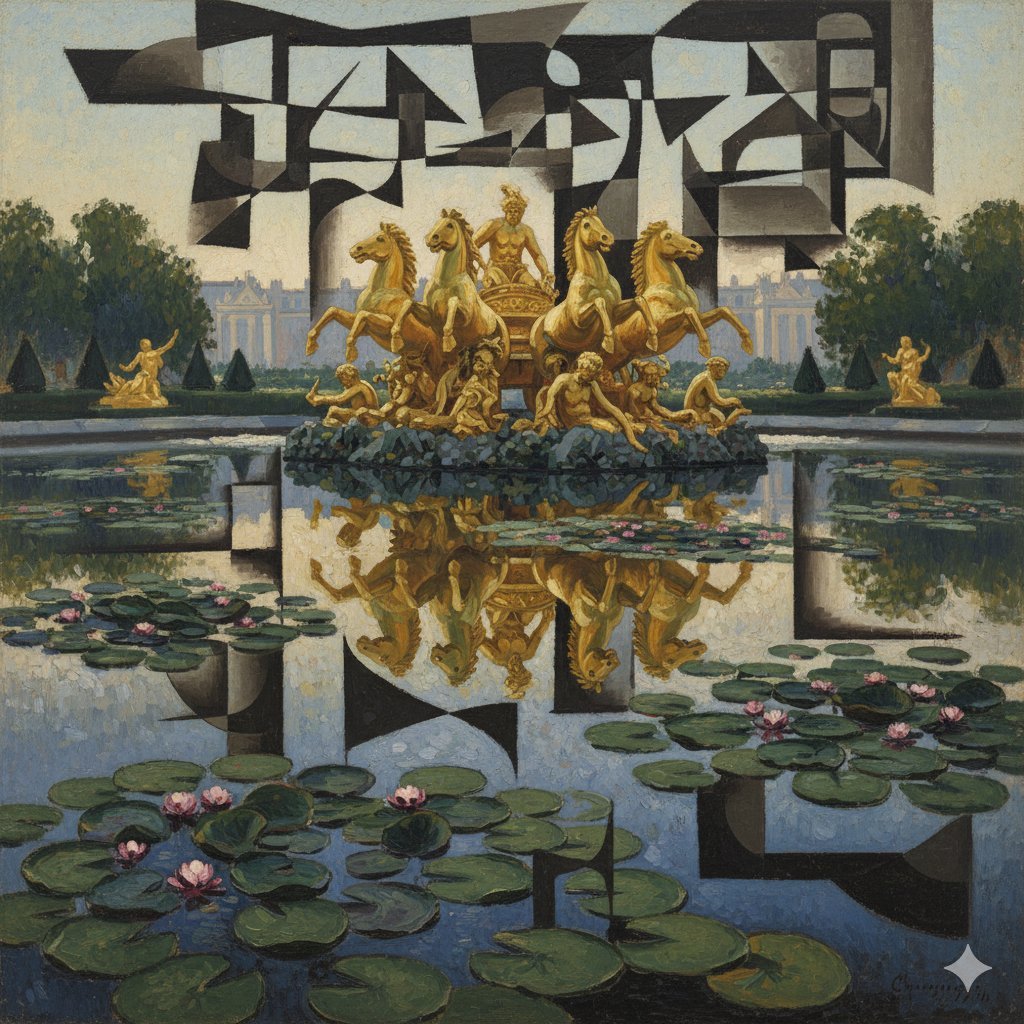
Image Style Transfer: Converting Photo to Picasso's Cubism
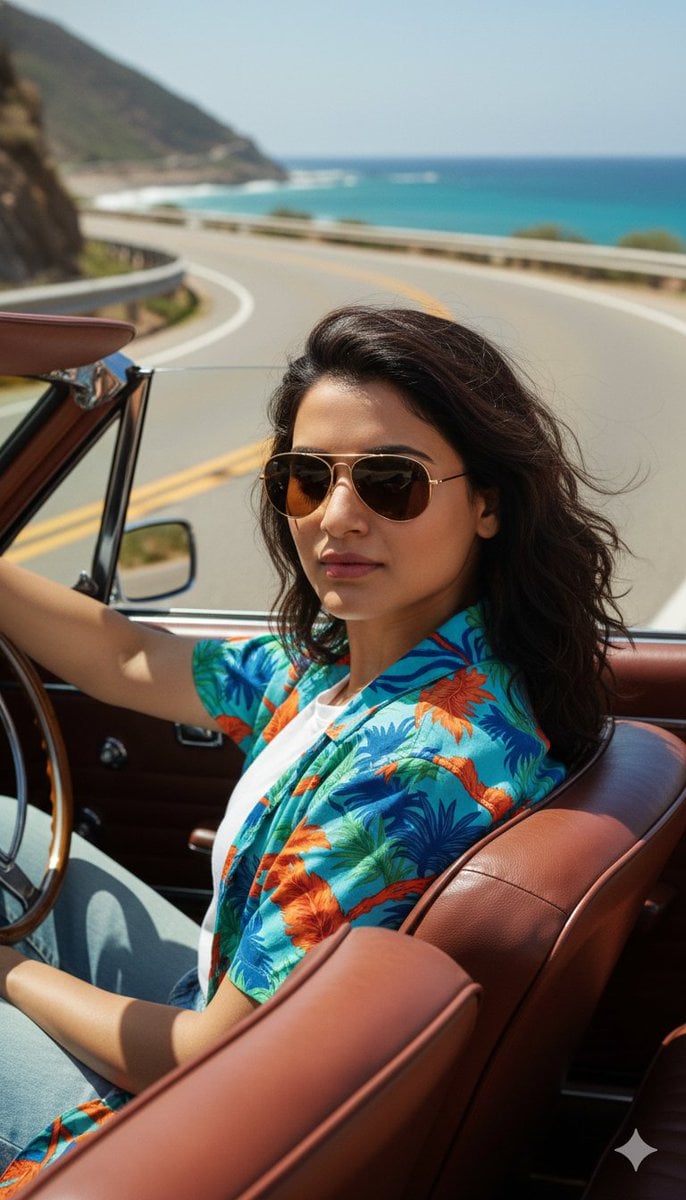
Cinematic Portrait of Man Driving Vintage Convertible
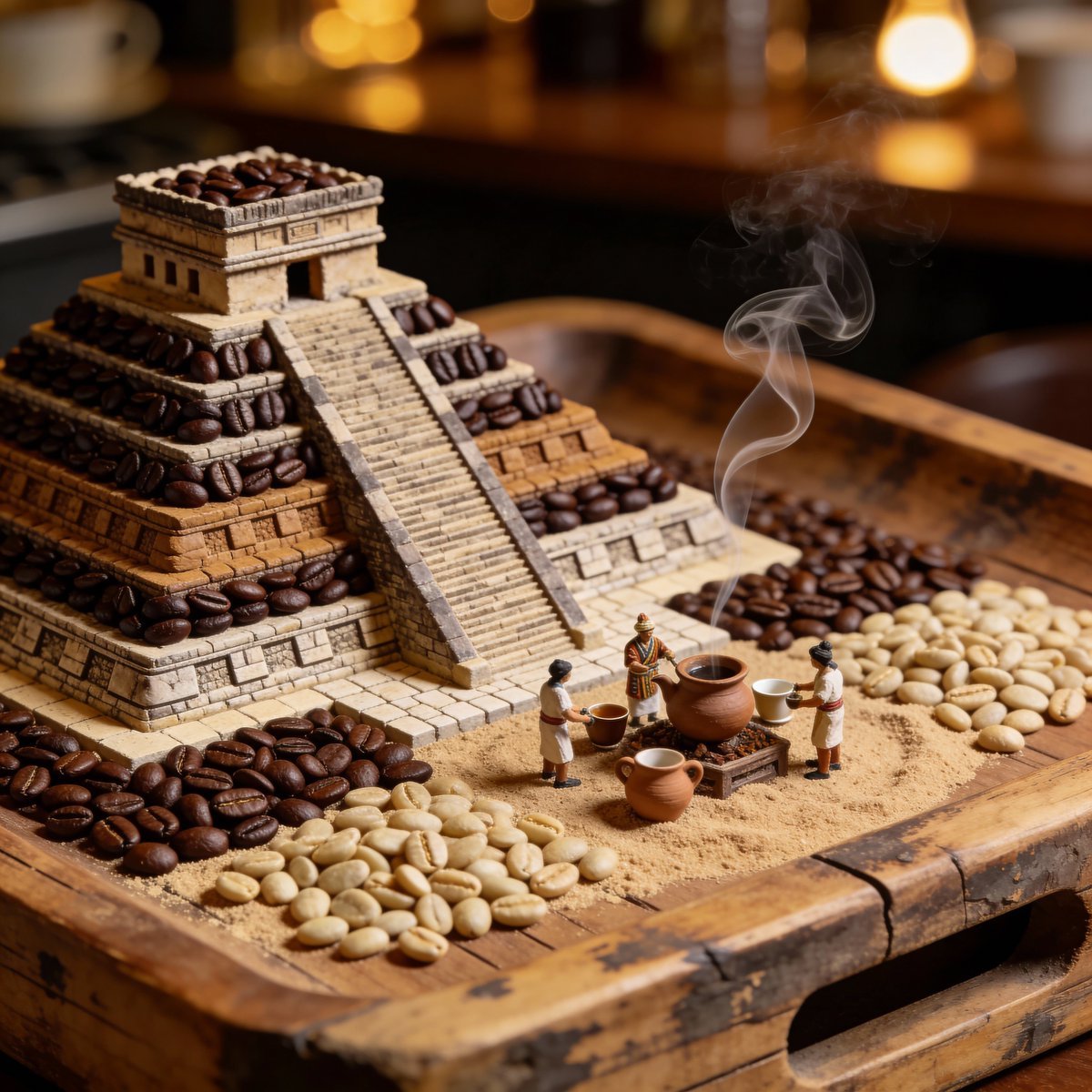
Hyperrealistic Mayan Pyramid Coffee Bean Miniature Prompt
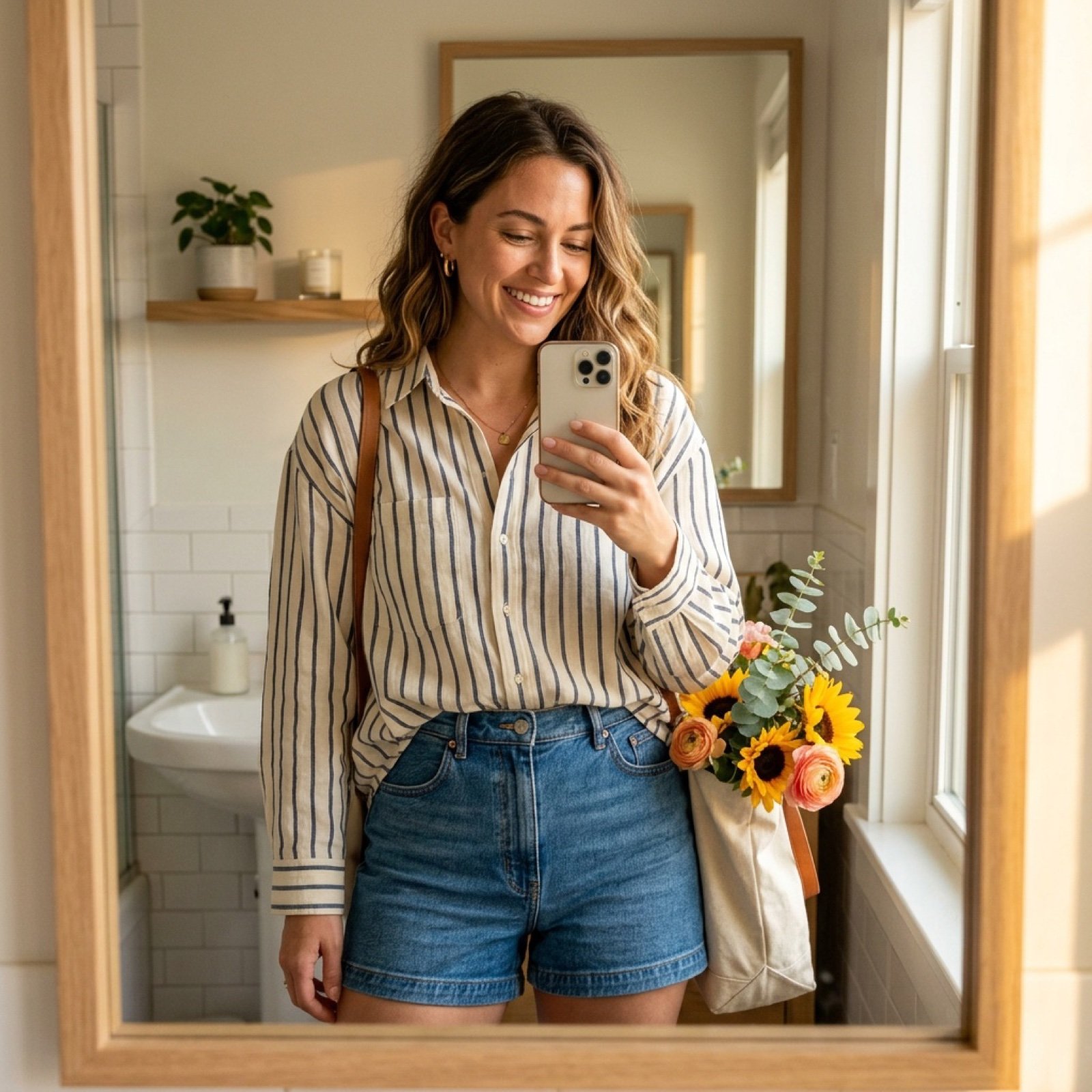
Weekend Farmers Market Mirror Selfie (Reference Image Required)

Tactical Sniper Urban Photography
3D Chibi Character Transformation Prompt for Nano Banana 2
Realistic Beachwear Portrait Formula
Browse template categories
Edible History Pop-Up Chocolate Book questions
How do I use the Edible History Pop-Up Chocolate Book template?
Add your photo if the template asks for one, edit the prompt if you like — the template's model and format are already selected — and press Generate. Your version opens in PicX Studio.
Can I customize the Edible History Pop-Up Chocolate Book template?
Yes. You can change the subject, setting, lighting, mood, format, and available model controls before creating your image.
Is the Edible History Pop-Up Chocolate Book template free?
Opening and editing this template is free. Generating uses credits, shown on the Generate button when you are signed in.
Which AI model should I use?
Start with GPT Image 2, which is the model associated with this template. You can compare another compatible model for a different finish.
Looking for something else? Browse all templates.

Your photo, any look
Thousands of ready templates for every top image and video model, from one credit balance.