
Isometric 3d Weather Card for Shanghai
Isometric 3d Weather Card for Shanghai is a ready photo look for Nano Banana.
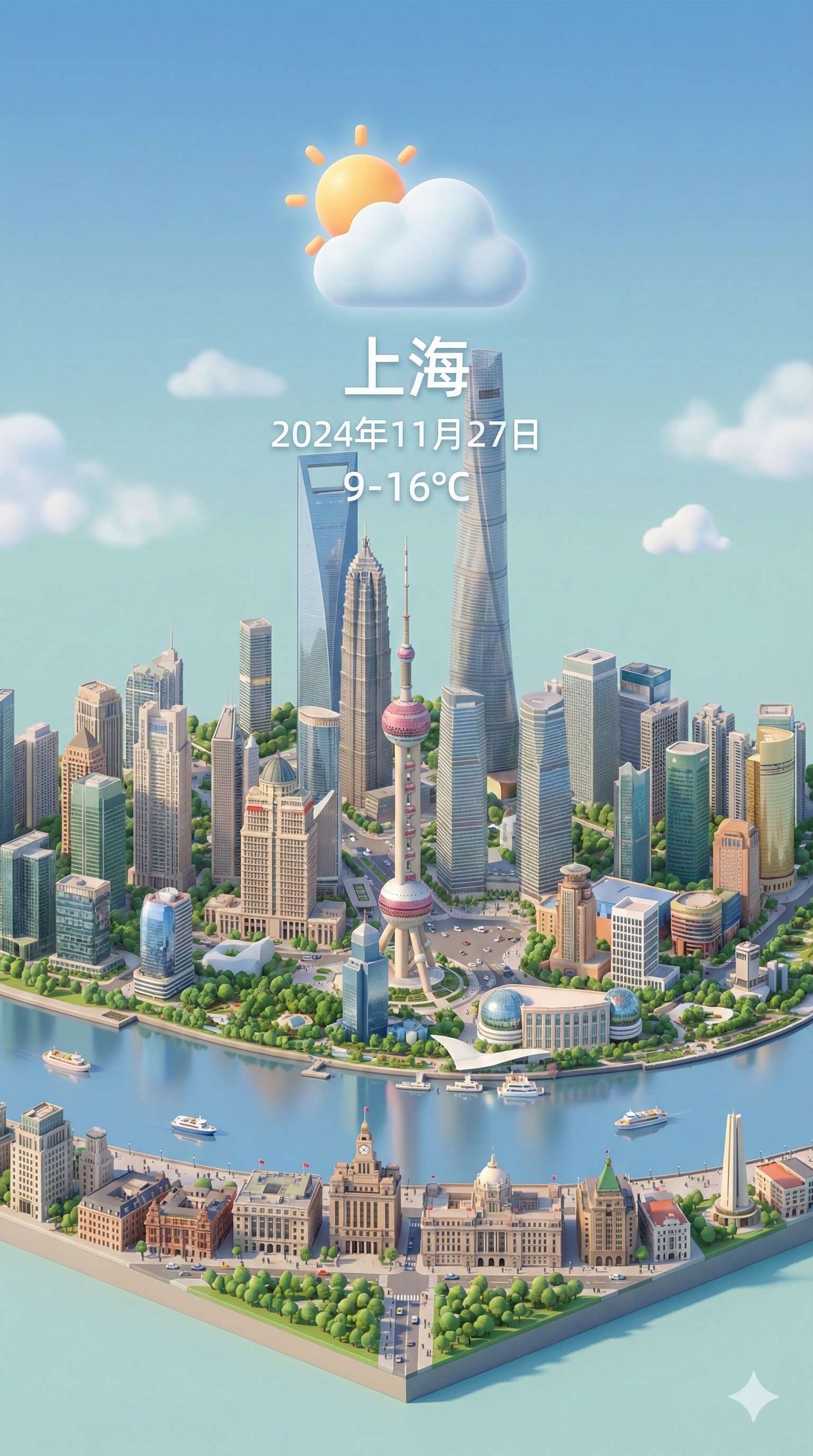
- Prompt included
- Model and format preset
- Free template
The prompt behind this image
Copy the exact prompt behind Isometric 3d Weather Card for Shanghai, or open it in the studio and make it yours.
Present a clear, 45° top-down view of a vertical (9:16) isometric miniature 3D cartoon scene, highlighting iconic landmarks centered in the composition to showcase precise and delicate modeling. The scene features soft, refined textures with realistic PBR materials and gentle, lifelike lighting and shadow effects. Weather elements are creatively integrated into the urban architecture, establishing a dynamic interaction between the city's landscape and atmospheric conditions, creating an immersive weather ambiance. Use a clean, unified composition with minimalistic aesthetics and a soft, solid-colored background that highlights the main content. The overall visual style is fresh and soothing. Display a prominent weather icon at the top-center, with the date (x-small text) and temperature range (medium text) beneath it. The city name (large text) is positioned directly above the weather icon. The weather information has no background and can subtly overlap with the buildings. The text should match the input city's native language. Please retrieve current weather conditions for the specified city before rendering. City name:【上海】
How to use Isometric 3d Weather Card for Shanghai in 3 steps
- 1
Open
The prompt is already in the box next to the preview, with the template's model and format selected.
- 2…a portrait of your subject in softgolden-hour light, 85mm…
Personalize
Edit the subject and creative details for your destination.
- 3Generate
Generate
Press Generate — your image is created in PicX Studio, so you can compare it with the original and refine one variable at a time.
More like this
Templates with the same subject, style or setup. Open one to see its prompt.

Isometric Landmark Generation Using Nano

Gemini Nano Banana 2 Isometric 3d City D

Found Photograph: Us, 1970

80s Couple Studio Portrait

80s Bollywood Star

80s Golden Hour Cinema

Me in 1985

1985 Studio Portrait

Teen Girl Alpine Lake Mountain View

Rooftop Fisheye — Cat-Ear Balaclava at Golden Hour

untitled

2025 Aesthetic Photography
Make it yours
Isometric 3d Weather Card for Shanghai works as-is. These are the safest ways to change it without losing the look.
Change one field
Copy a single group, rewrite it, and generate again so you can see what that field is doing.
Keep the frame, change the subject
Hold the composition and light of 76-isometric-3d-weather-card-for-shanghai, then swap wardrobe, props or the person for a new take.
| If the result… | Why | Fix |
|---|---|---|
| The result drifts from the preview | Too many fields changed at once. | Reuse 76-isometric-3d-weather-card-for-shanghai as-is first, then change one group — subject, light, or setting. |
| The model over-stylizes the scene | The prose prompt leaves finish and camera underspecified. | Add one camera or lighting sentence and stay on Nano Banana. |
More Nano Banana templates
Other prompts made for Nano Banana.










More image prompts
Fresh picks from across the catalog.

Cinematic Portrait of Middle-Aged Man in Suit

Natural Blonde Woman Portrait Prompts
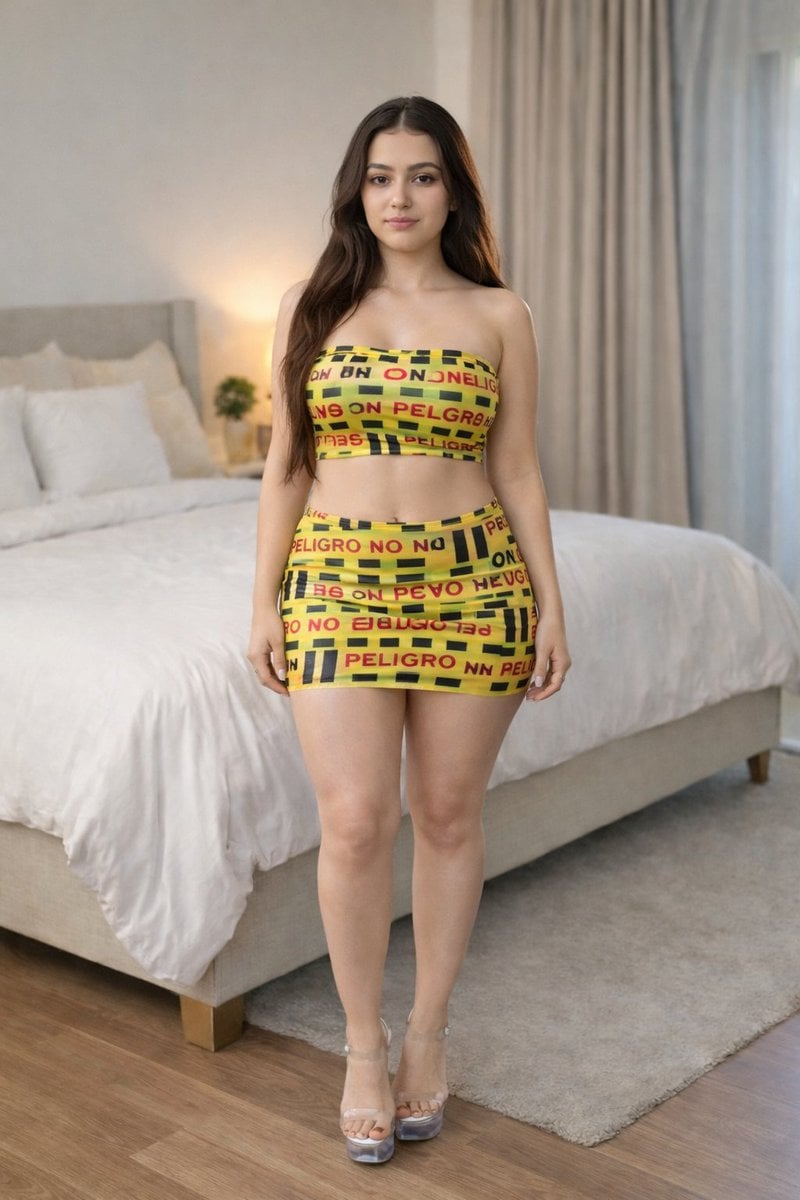
Caution Tape Fashion Photography Prompt

Puri-kura Style Processing and Drawn Wings Test
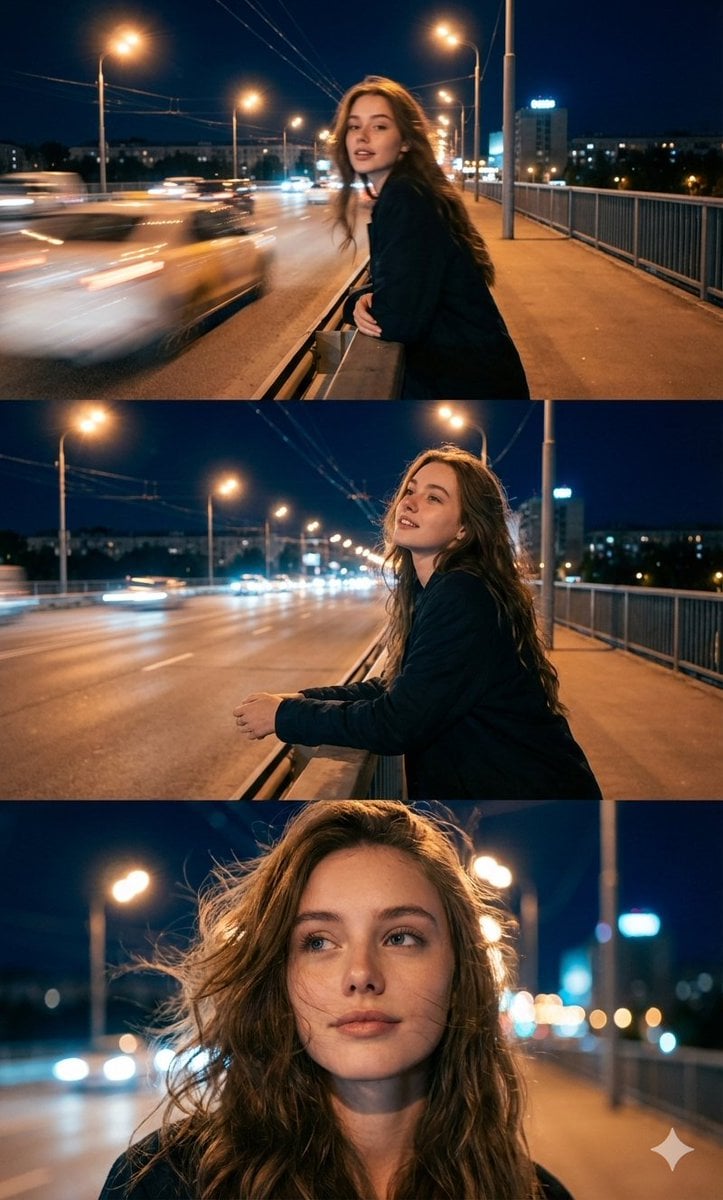
Cinematic Triptych Portrait in a Night City Setting
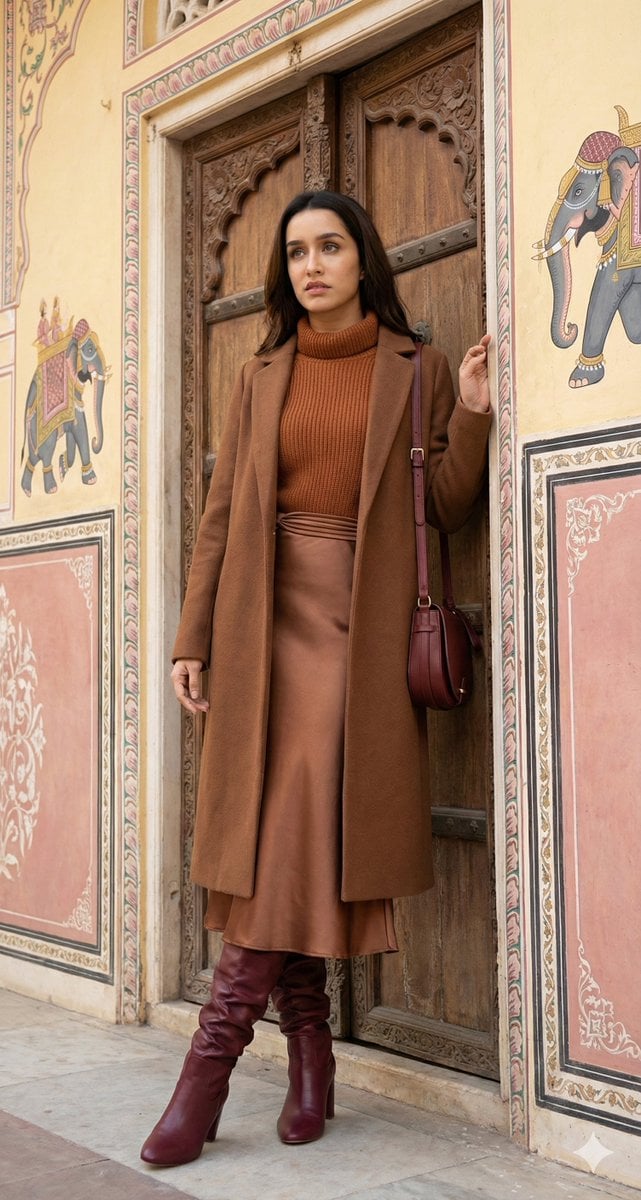
Editorial Fashion Photo Recreation with Identity Lock
X Meng Dagg695 Gpt Image 2 on Socialsight
Childlike Pastel Portrait Collage
Image Adjustment Prompt for Nano Banana
Miniature Diorama Character Living Space
Browse template categories
Isometric 3d Weather Card for Shanghai questions
How do I use the 76-isometric-3d-weather-card-for-shanghai template?
Add your photo if the template asks for one, edit the prompt if you like — the template's model and format are already selected — and press Generate. Your version opens in PicX Studio.
Can I customize the 76-isometric-3d-weather-card-for-shanghai template?
Yes. You can change the subject, setting, lighting, mood, format, and available model controls before creating your image.
Is the 76-isometric-3d-weather-card-for-shanghai template free?
Opening and editing this template is free. Generating uses credits, shown on the Generate button when you are signed in.
Which AI model should I use?
Start with Nano Banana, which is the model associated with this template. You can compare another compatible model for a different finish.
Looking for something else? Browse all templates.

Your photo, any look
Thousands of ready templates for every top image and video model, from one credit balance.