
Miniature Diorama Character Living Space
An image-to-image prompt designed to place a character into a cozy, handcrafted miniature world, maintaining character consistency while creating a dense, lived-in diorama atmosphere.
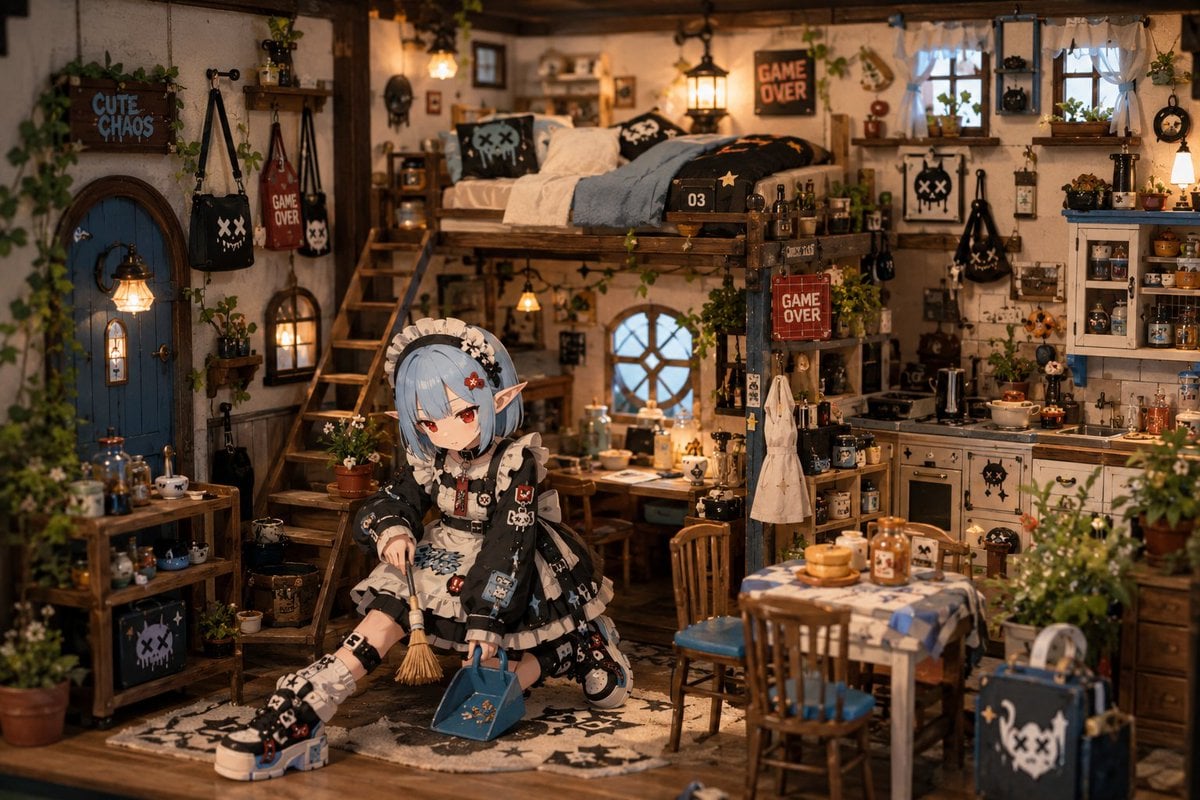
- Prompt included
- Model and format preset
- Free template
The prompt behind this image
Copy the exact prompt behind Miniature Diorama Character Living Space, or open it in the studio and make it yours.
参照画像をキャラクターデザインのベースとして使用し、「{argument name="世界観" default="ミニチュアのような居心地の良い小さな世界"}で暮らしている瞬間」を描く。キャラクターの顔、髪型、髪色、瞳、耳、衣装、シルエット、頭身、表情の印象を維持すること。キャラクターのアイデンティティを絶対に崩さない。舞台は、参照画像のキャラクターに合った、ハンドクラフトのジオラマのような、小さく暖かい生活空間。ミニチュアのような建築。小さな家具。小さな生活用品。大量の日用品や装飾物が、手作業で作られたドールハウスのように密集して配置されている。空間全体に、「誰かが実際にここで暮らしている」生活感を持たせる。キャラクターは、その空間で実際に生活しているような、自然で日常的な動作をしている。キャラクター自身も、そのミニチュア世界の住人として存在している。家具、生活用品、建築、植物、小物とのスケール感が自然に噛み合うようにする。巨大な人物が、小さな部屋へ入り込んでいるような構図にしない。空間とキャラクターが、同じ小世界の縮尺で統一されているように描写する。空間内の家具、小物、生活用品、環境との関わりを感じられる構図にする。自然な散らかり。生活導線を感じる家具配置。個人的な持ち物。小さな装飾物。居住感のある空間密度。空間は、「安心して暮らすため」に設計されている。穏やかな日常感。小さな街や集落のような空気感。生活シミュレーションゲームのような優しい世界観。静かな日常ストーリーテリング。季節感を感じる空気演出。柔らかい室内照明。暖かい色分離。視覚的圧迫感を抑えたデザイン。親しみやすい背景構成。手作りミニチュアのような奥行き感。背景は、「小さな世界に住んでみたい」と感じることを最優先に設計する。シネマ風リアル描写、超写実表現、ホラー演出、ゲームUI、HUD、メニュー、ステータスバー、インターフェース表示は禁止。
Reference images included
Miniature Diorama Character Living Space needs input media to work. They load alongside the prompt when you open it in the studio.
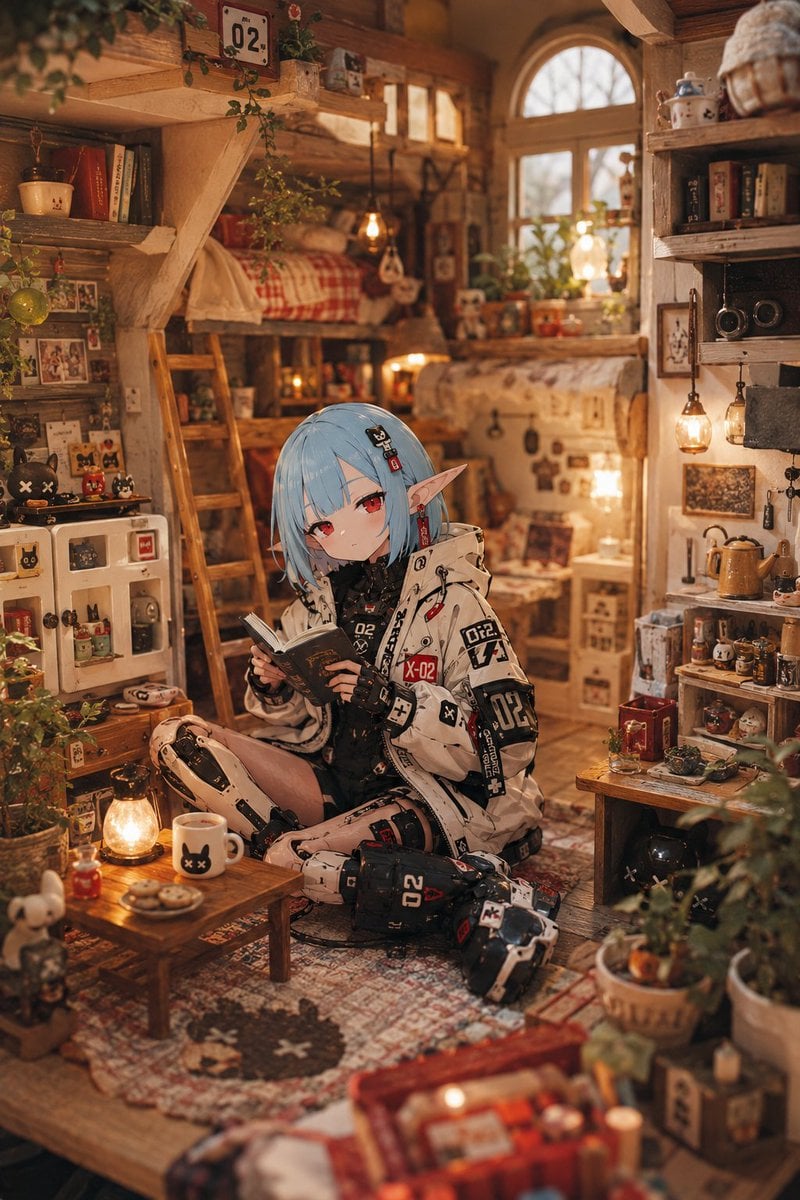
How to use Miniature Diorama Character Living Space in 3 steps
- 1Upload ImagePNG, JPG or paste
Add your photo
Upload the photo the template builds on. The prompt, model and format are already set.
- 2…a portrait of your subject in softgolden-hour light, 85mm…
Personalize
Edit the subject and creative details for your destination.
- 3Generate
Generate
Press Generate — your image is created in PicX Studio, so you can compare it with the original and refine one variable at a time.
More like this
Templates with the same subject, style or setup. Open one to see its prompt.

Miniature Travel Diorama Postcard

Isometric Brand Store Diorama

Miniature Sick Day Diorama

Stylized Miniature 3D Diorama Craft

Cozy Isometric Bathroom Miniature Diorama

Paper Tunnel Book Architecture

Layered Paper Cut Forest Diorama

Soft Handcrafted Paper-Cut Layered Illustration
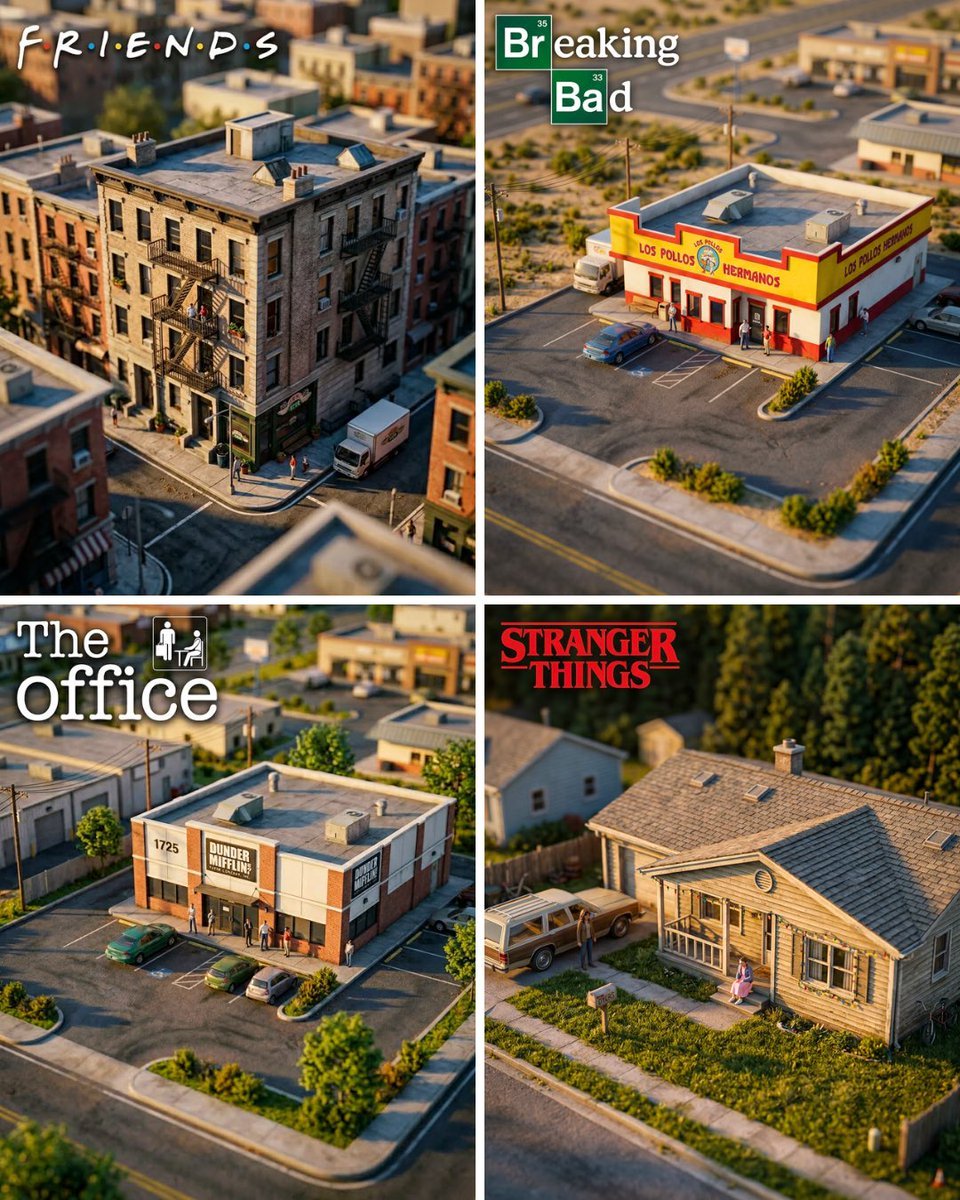
Hyper-Realistic Miniature Diorama Creator

Astronaut Zero-Gravity Coffee Splash

Isometric Process Educational Diorama

FIFA World Cup — Brazil National Pass Diorama
Make it yours
Miniature Diorama Character Living Space works as-is. These are the safest ways to change it without losing the look.
Change one field
Copy a single group, rewrite it, and generate again so you can see what that field is doing.
Keep the frame, change the subject
Hold the composition and light of Miniature Diorama Character Living Space, then swap wardrobe, props or the person for a new take.
| If the result… | Why | Fix |
|---|---|---|
| The result drifts from the preview | Too many fields changed at once. | Reuse Miniature Diorama Character Living Space as-is first, then change one group — subject, light, or setting. |
| The model over-stylizes the scene | The prose prompt leaves finish and camera underspecified. | Add one camera or lighting sentence and stay on GPT Image 2. |
More GPT Image 2 templates
Other prompts made for GPT Image 2.

Six VTuber Japanese Logo Sheet

Realistic Portrait of Woman and Deer

The Vista Modular Condo Poster

AI Model Routing Comparison Infographic

2.5D Anime Art Board

Isometric Productivity Desk Scene

New York Double Exposure Poster

Four-Panel AI Landscape Comparison

Japanese Tatami Lifestyle Magazine Cover

NESCAFÉ Coffee Map Poster
More image prompts
Fresh picks from across the catalog.

Commercial Photography Prompt: Still Subject in Motion Blur

Golden Hour Coastal Lifestyle Photo Prompt
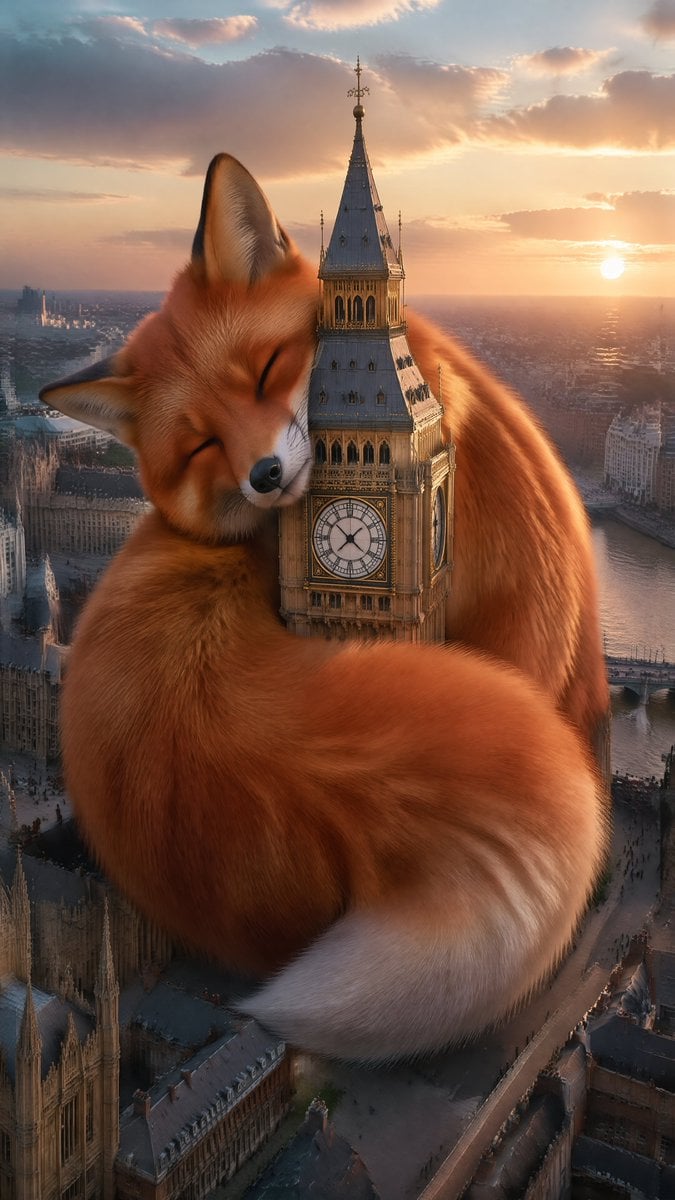
Wholesome Giant Animal in Cityscape

South Asian Doctor Mirror Selfie Prompt

Cinematic Close Up Portrait By Google Na

Cinematic Football Sports Poster

High-Fashion Portrait of an Asian Woman with a Black Cat
Realistic X Profile Page Mockup
Blonde Character Portrait Prompt
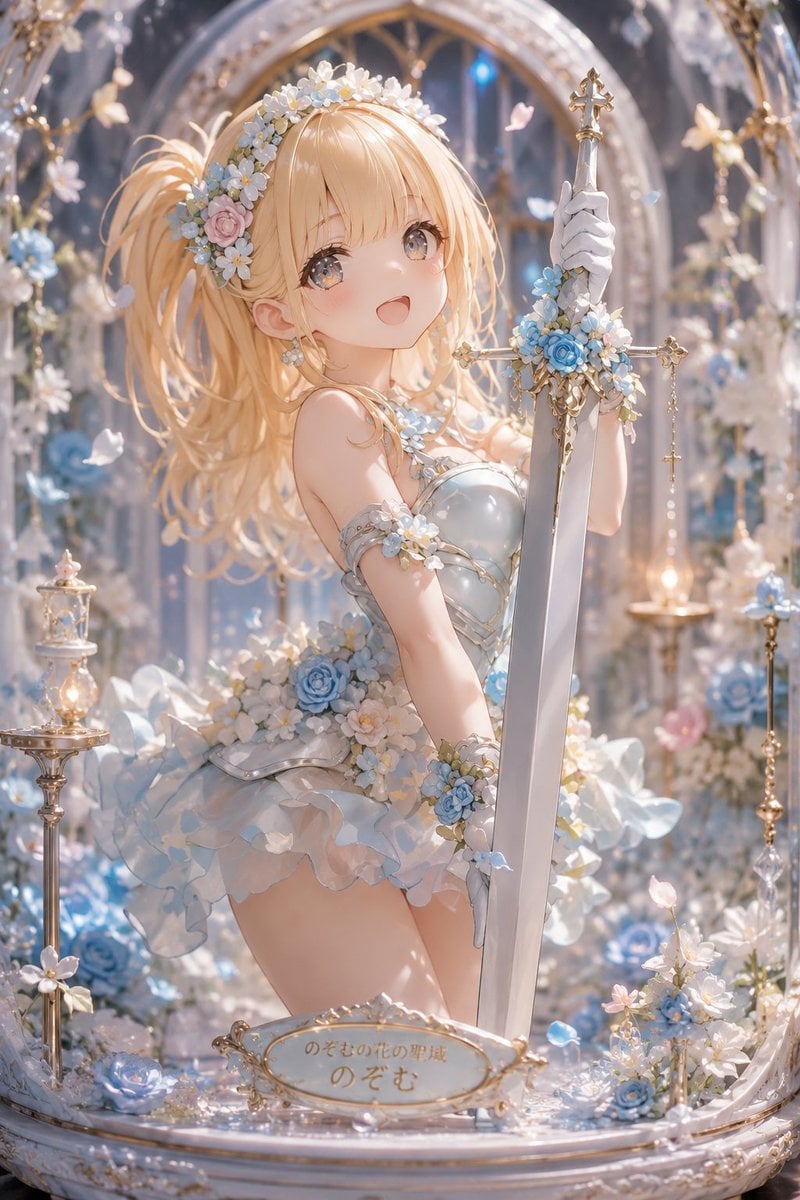
Floral Aqua Dome Anime Knight
Browse template categories
Miniature Diorama Character Living Space questions
How do I use the Miniature Diorama Character Living Space template?
Add your photo if the template asks for one, edit the prompt if you like — the template's model and format are already selected — and press Generate. Your version opens in PicX Studio.
Can I customize the Miniature Diorama Character Living Space template?
Yes. You can change the subject, setting, lighting, mood, format, and available model controls before creating your image.
Is the Miniature Diorama Character Living Space template free?
Opening and editing this template is free. Generating uses credits, shown on the Generate button when you are signed in.
Which AI model should I use?
Start with GPT Image 2, which is the model associated with this template. You can compare another compatible model for a different finish.
Looking for something else? Browse all templates.

Your photo, any look
Thousands of ready templates for every top image and video model, from one credit balance.