
Golden Hour Coastal Lifestyle Photo Prompt
A highly detailed, structured prompt for generating a romantic, candid-style lifestyle photograph of a young woman during golden hour at a cliffside terrace overlooking the sea.
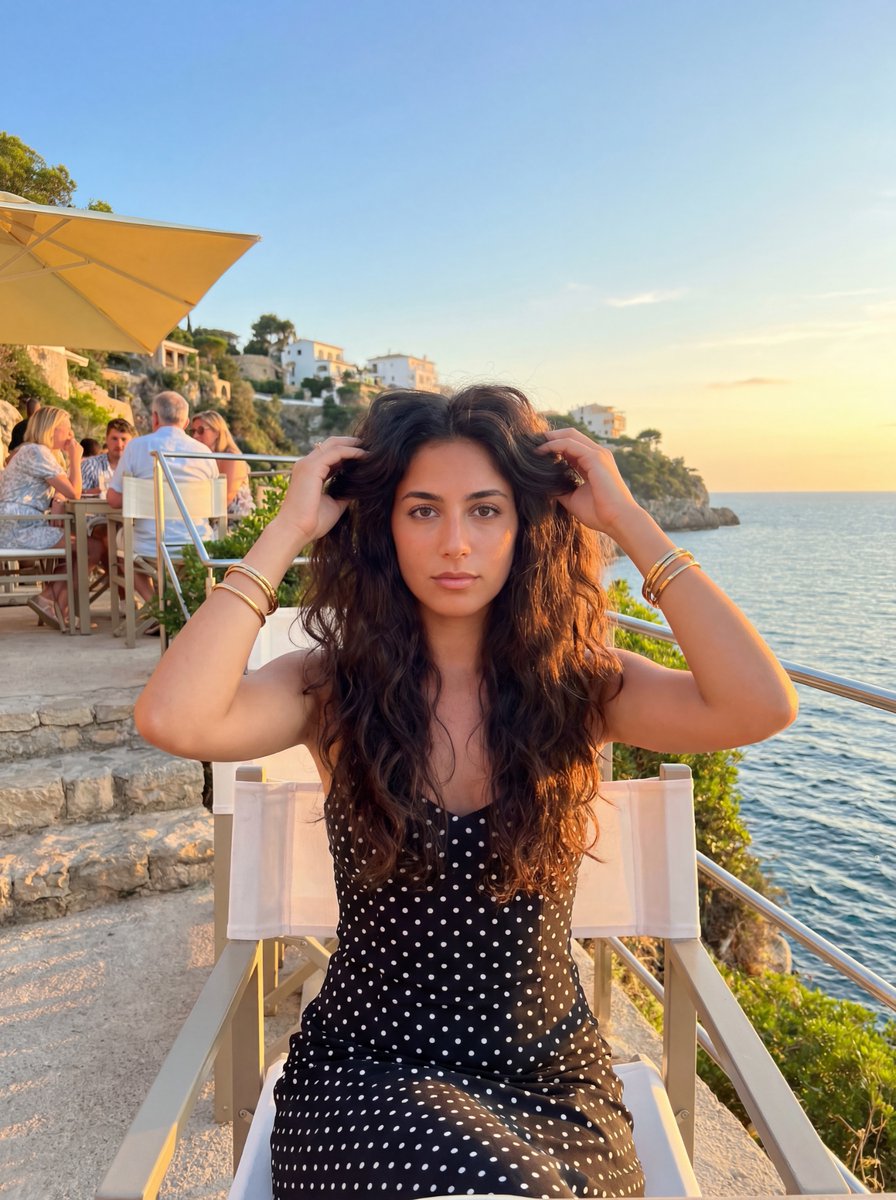
- Prompt included
- Model and format preset
- Free template
The prompt behind this image
Copy the exact prompt behind Golden Hour Coastal Lifestyle Photo Prompt, or open it in the studio and make it yours.
{ "lighting": { "mood": "romantic, warm, relaxed", "type": "natural daylight", "source": "sun", "quality": "golden hour, soft, warm", "shadows": "soft, defining facial features and dress texture", "direction": "backlit, low angle from the right", "highlights": "rim lighting on hair, shoulders, and railing; bright sky" }, "background": { "focus": "slightly blurred", "setting": "cliffside terrace restaurant/bar overlooking the sea", "time_of_day": "sunset/golden hour", "key_elements": [ "white directors chair", "metal railing", "stone steps", "yellow structure/umbrella", "lush green foliage on cliff", "buildings perched on cliffside", "blue sea with gentle ripples", "clear sky transitioning from blue to orange/yellow at horizon", "other people in the mid-ground wearing white and light clothing" ], "location_vibe": "Mediterranean, upscale, scenic" }, "typography": { "style": "N/A", "content": "N/A", "presence": "none" }, "composition": { "framing": "center subject", "shot_type": "medium close-up", "orientation": "portrait", "perspective": "eye-level", "depth_of_field": "shallow, with focus on the woman and blurred background" }, "color_profile": { "vibrance": "vibrant", "saturation": "high", "white_balance": "warm", "dominant_colors": [ "#D9C6A6", "#4A3D32", "#1A1A1A", "#6A8E9F", "#D4A017" ], "palette_description": "Warm golden hour light contrasting with deep blues and natural greens" }, "technical_specs": { "ISO": "low", "aperture": "wide", "lens_type": "wide-angle", "resolution": "high", "camera_type": "smartphone camera", "file_format": "JPEG", "shutter_speed": "fast enough to freeze motion" }, "subject_analysis": { "eyes": "dark brown, looking directly at the camera", "hair": "long, dark brown, voluminous waves, slightly windswept, held by hands near head", "pose": "sitting upright in a chair, upper body facing camera", "clothing": "black spaghetti strap dress with white polka dots, fitted bodice", "accessories": "gold bangle bracelets on both wrists, small stud earrings", "main_subject": "young woman", "age_estimation": "early 20s", "hands_gestures": "both hands raised, touching and slightly lifting sections of hair near her temples", "facial_expression": "neutral, calm, confident" }, "artistic_elements": { "mood": "relaxed, elegant, serene", "style": "lifestyle photograph, candid-like", "theme": "vacation, luxury, coastal living, fashion", "visual_narrative": "A beautiful woman enjoying a sunset evening at a coastal location" }, "generation_parameters": { "prompt": "A candid-style photograph of a young woman with long, dark wavy hair, wearing a black polka-dot dress and gold bracelets, sitting in a director's " }
How to use Golden Hour Coastal Lifestyle Photo Prompt in 3 steps
- 1
Open
The prompt is already in the box next to the preview, with the template's model and format selected.
- 2…a portrait of your subject in softgolden-hour light, 85mm…
Personalize
Edit the subject and creative details for your destination.
- 3Generate
Generate
Press Generate — your image is created in PicX Studio, so you can compare it with the original and refine one variable at a time.
More like this
Templates with the same subject, style or setup. Open one to see its prompt.
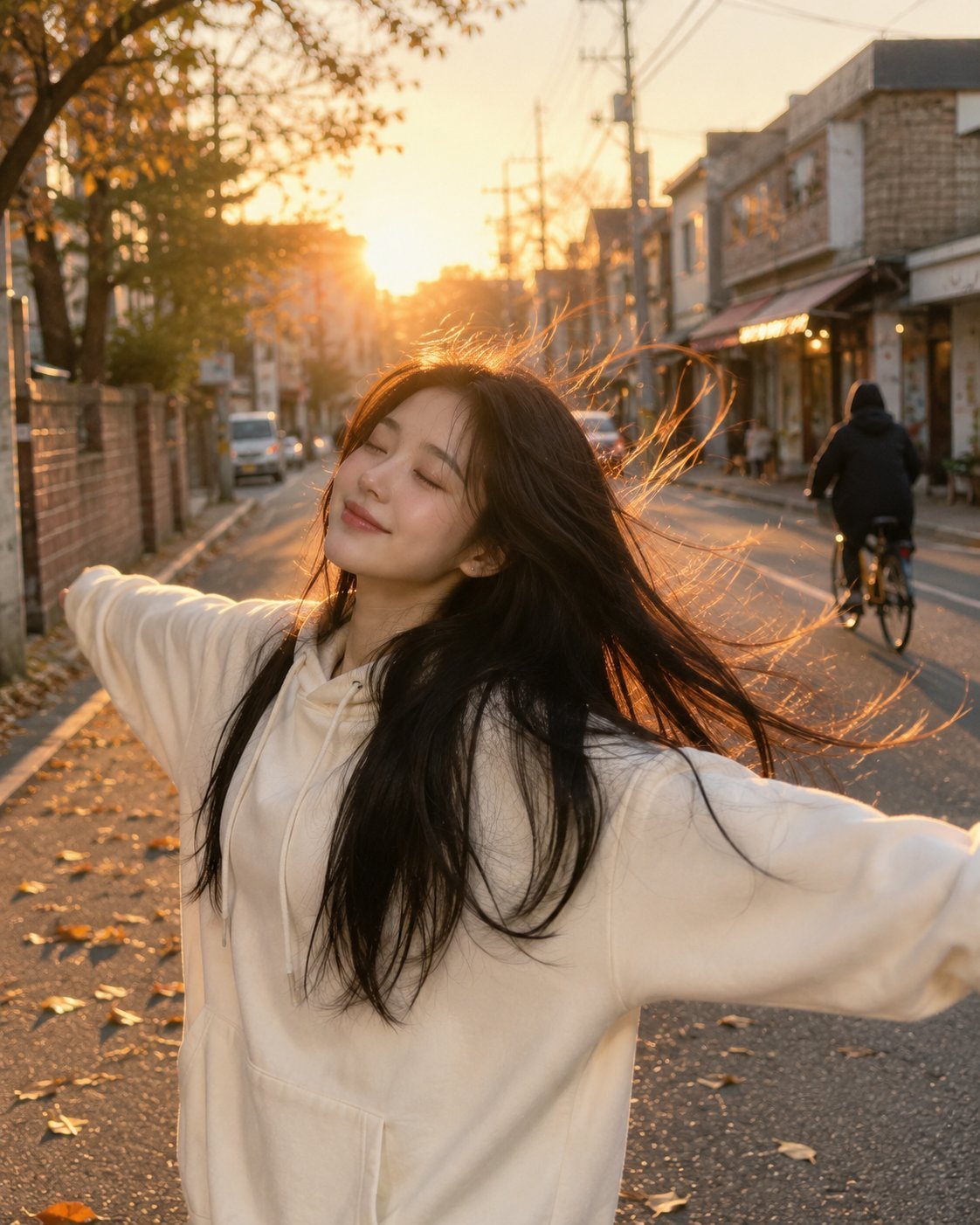
Golden Hour Street Hoodie Lifestyle Portrait

Minimalist Golden Hour Selfie

80s Golden Hour Cinema

Mirror Selfie Chibi Characters Pixar Style

Cinematic Golden Hour Garden Portrait

Cinematic Golden Hour Urban Portrait
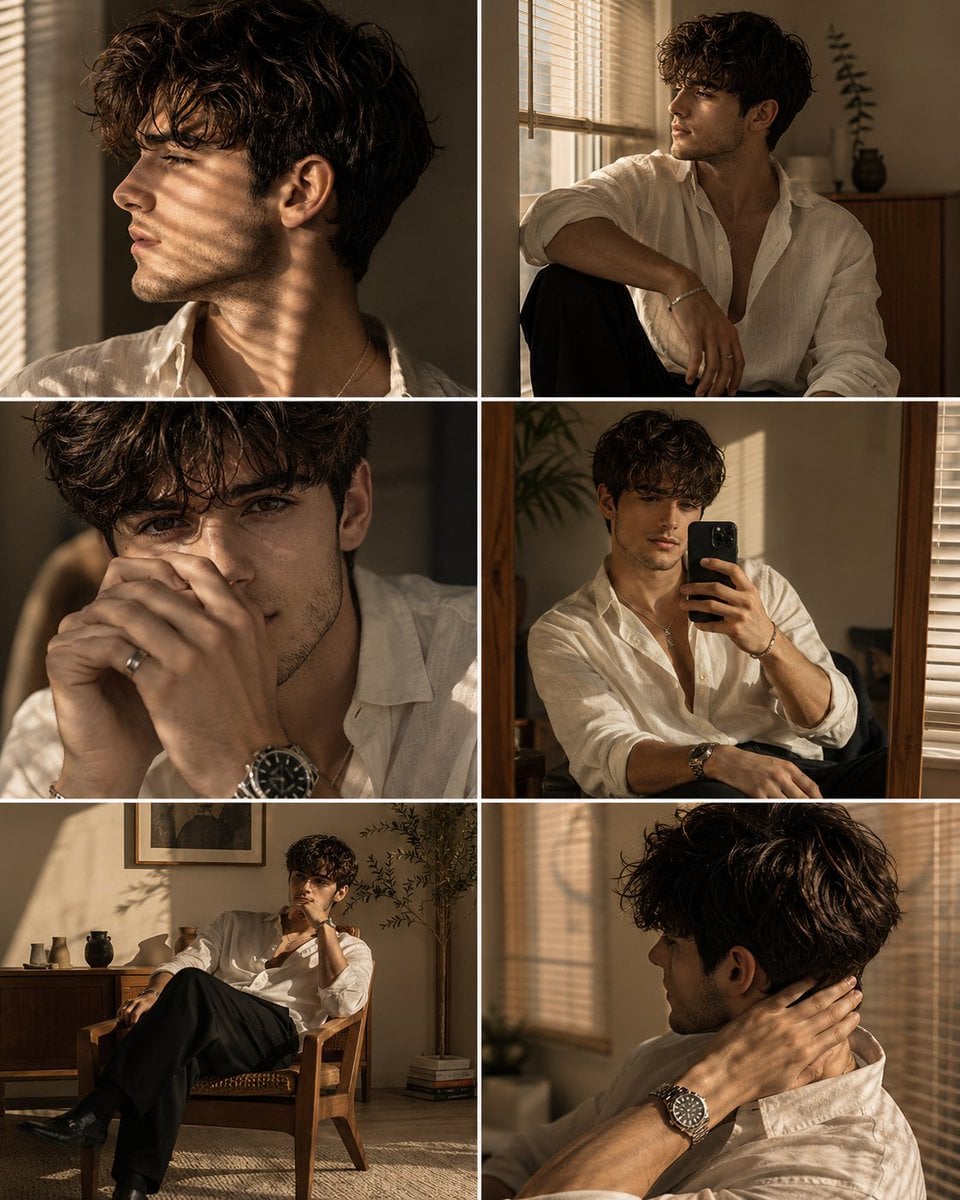
Luxury Men's Golden Hour Collage

Rooftop Fisheye — Cat-Ear Balaclava at Golden Hour

A k.pop idol on the stage with mic

Golden Hour Redhead Portrait
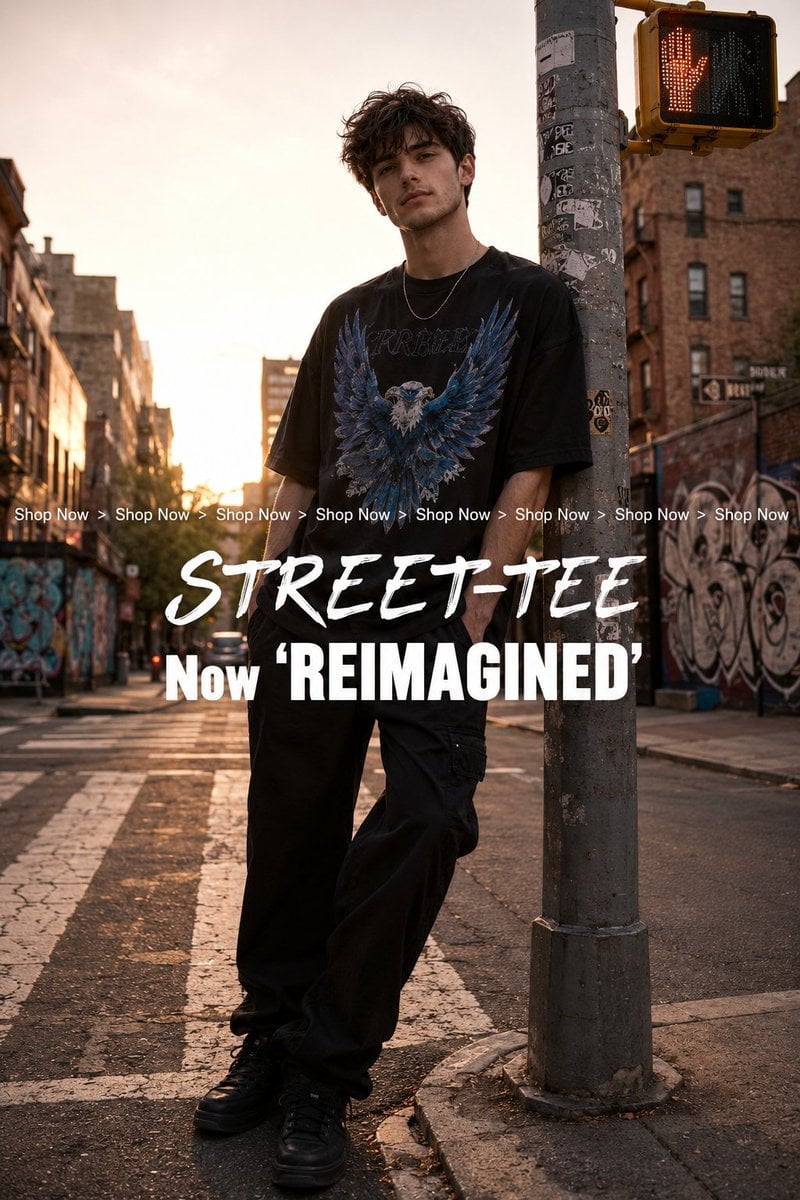
Golden Hour Streetwear Facebook Ad

Golden Hour Cinematic Boss Energy Portrait
Make it yours
Golden Hour Coastal Lifestyle Photo Prompt works as-is. These are the safest ways to change it without losing the look.
Change one field
Copy a single group, rewrite it, and generate again so you can see what that field is doing.
Keep the frame, change the subject
Hold the composition and light of Golden Hour Coastal Lifestyle Photo Prompt, then swap wardrobe, props or the person for a new take.
| If the result… | Why | Fix |
|---|---|---|
| The result drifts from the preview | Too many fields changed at once. | Reuse Golden Hour Coastal Lifestyle Photo Prompt as-is first, then change one group — subject, light, or setting. |
| The model over-stylizes the scene | The prose prompt leaves finish and camera underspecified. | Add one camera or lighting sentence and stay on Nano Banana 2. |
More Nano Banana 2 templates
Other prompts made for Nano Banana 2.

Photorealistic Leaf Shaped Like a Dragon

K-Pop Idol Portrait Grid for Rapid Selection

Poetic Rain Forest Portrait During Golden Hour

Urban Street Portrait with Cartoon Inner Self Duo

Candid Nighttime Photo with Cat Prompt

High-Concept 3D Diorama Generation Prompt

Cinematic Futuristic Studio Portrait Template

Skincare Editorial Photography Collage Prompt

Hyper-Realistic Commercial Product Photography (Splash Effect)

Hyper-Realistic Nightclub Portrait Prompt
More image prompts
Fresh picks from across the catalog.
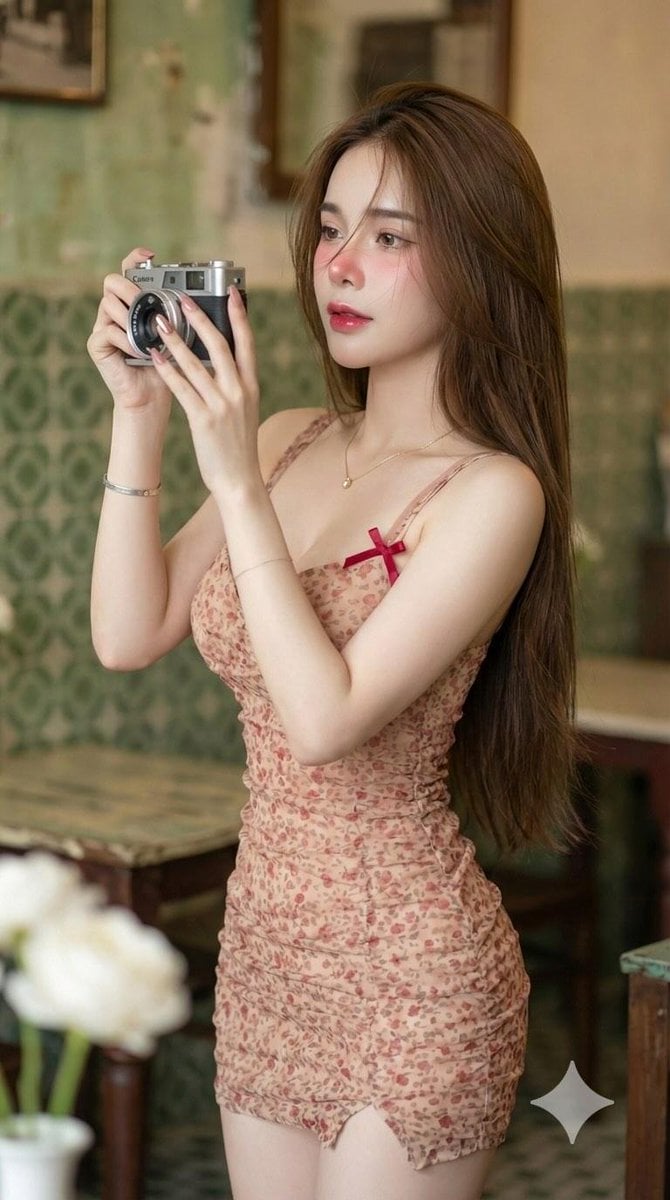
Vintage Camera Girl Aesthetic and Post-Workout Glow Yoga Vibes Prompts
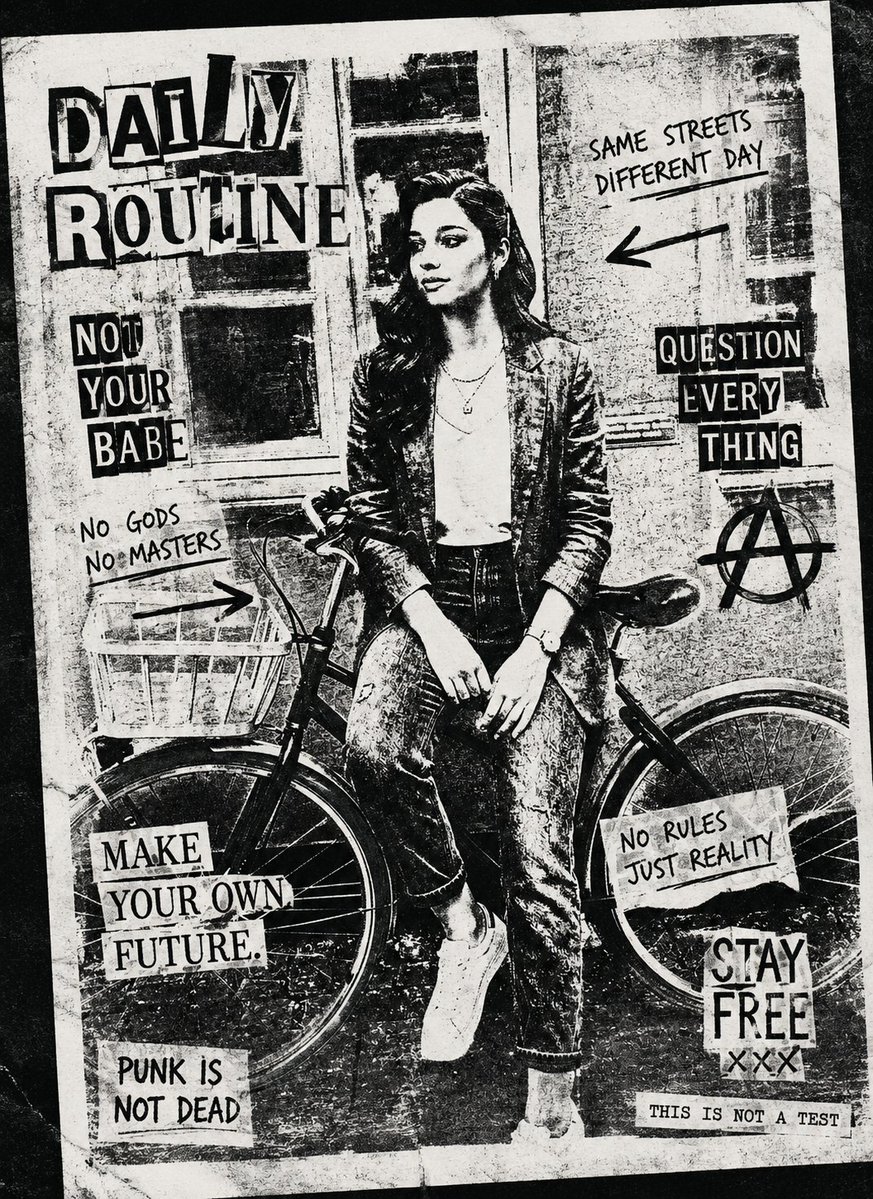
Black and White Xerox Zine Effect

Cyber Cat Maid Peace Pose
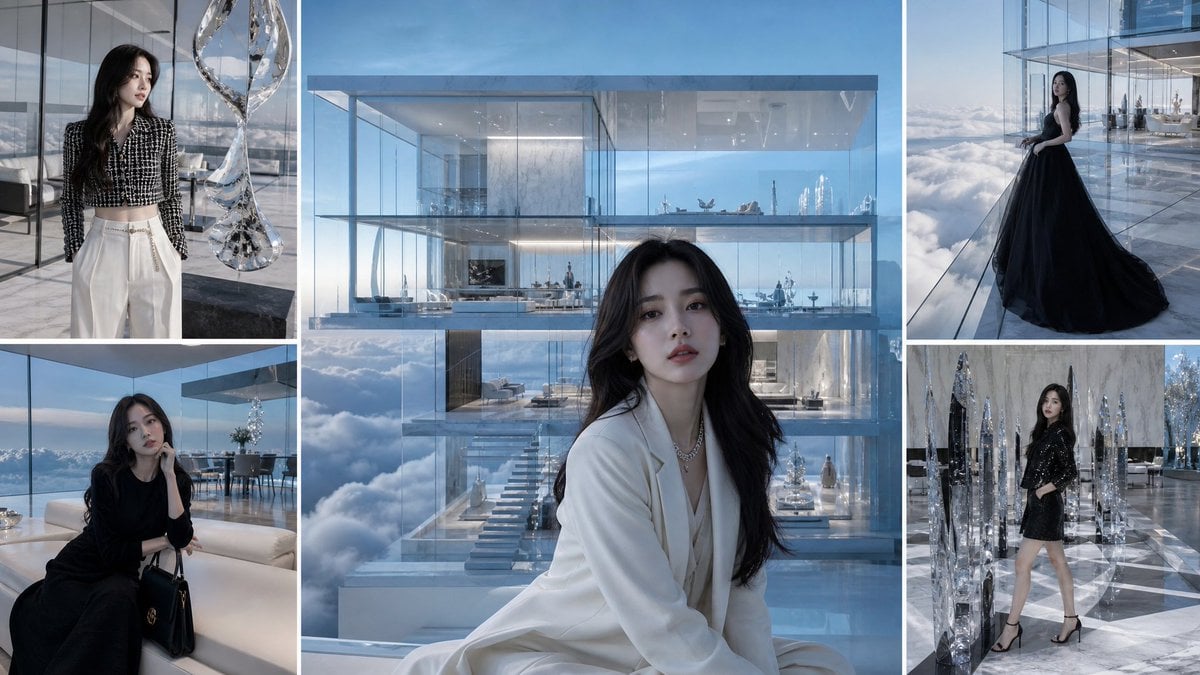
Luxury Glass Sky Penthouse Fashion Collage

Commercial Prompts for Tomato Sales using Nano Banana 2

Macro Product Photography: Chilled Chocolate Drink Can
JSON Seedance - Fairy Macro Flight

Candid Street Romance Film Still Prompt (Bookshop)
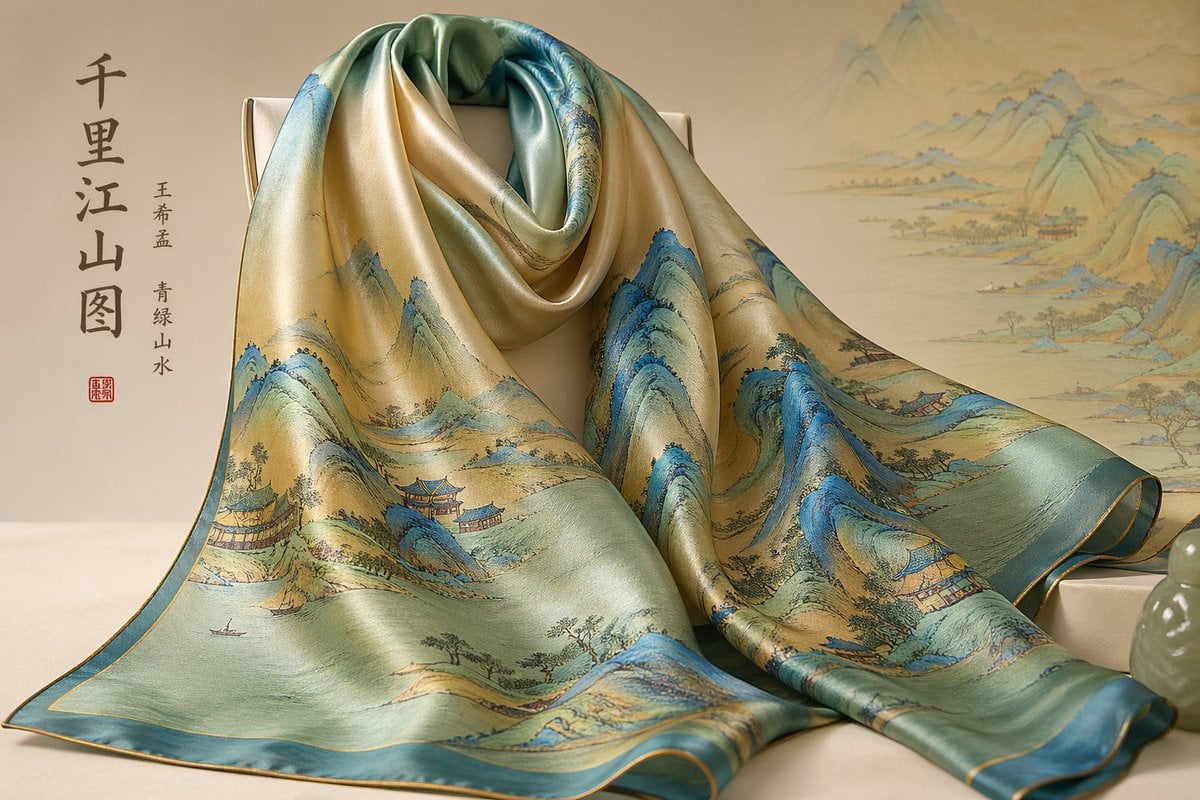
Traditional Chinese Art and Porcelain Vases
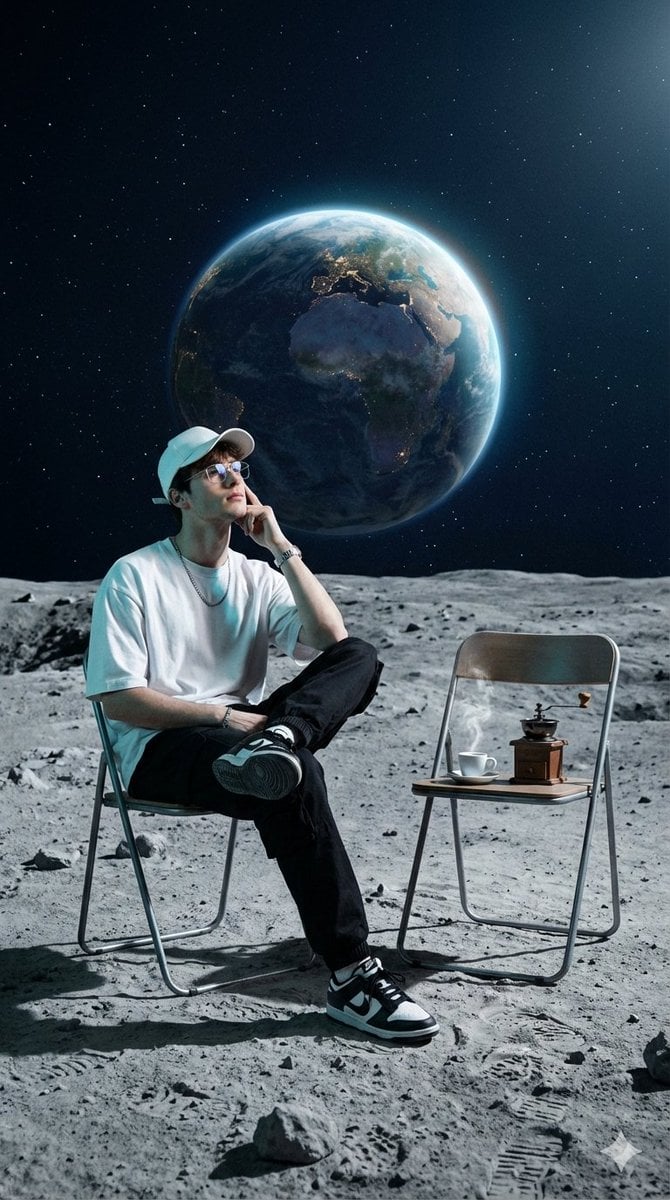
Surreal Cinematic Fashion Editorial on a Lunar Plain
Browse template categories
Golden Hour Coastal Lifestyle Photo Prompt questions
How do I use the Golden Hour Coastal Lifestyle Photo Prompt template?
Add your photo if the template asks for one, edit the prompt if you like — the template's model and format are already selected — and press Generate. Your version opens in PicX Studio.
Can I customize the Golden Hour Coastal Lifestyle Photo Prompt template?
Yes. You can change the subject, setting, lighting, mood, format, and available model controls before creating your image.
Is the Golden Hour Coastal Lifestyle Photo Prompt template free?
Opening and editing this template is free. Generating uses credits, shown on the Generate button when you are signed in.
Which AI model should I use?
Start with Nano Banana 2, which is the model associated with this template. You can compare another compatible model for a different finish.
Looking for something else? Browse all templates.

Your photo, any look
Thousands of ready templates for every top image and video model, from one credit balance.