
Luxury Glass Sky Penthouse Fashion Collage
A five-panel editorial collage of an anonymized fashionable woman posing in a futuristic glass mansion above the clouds.
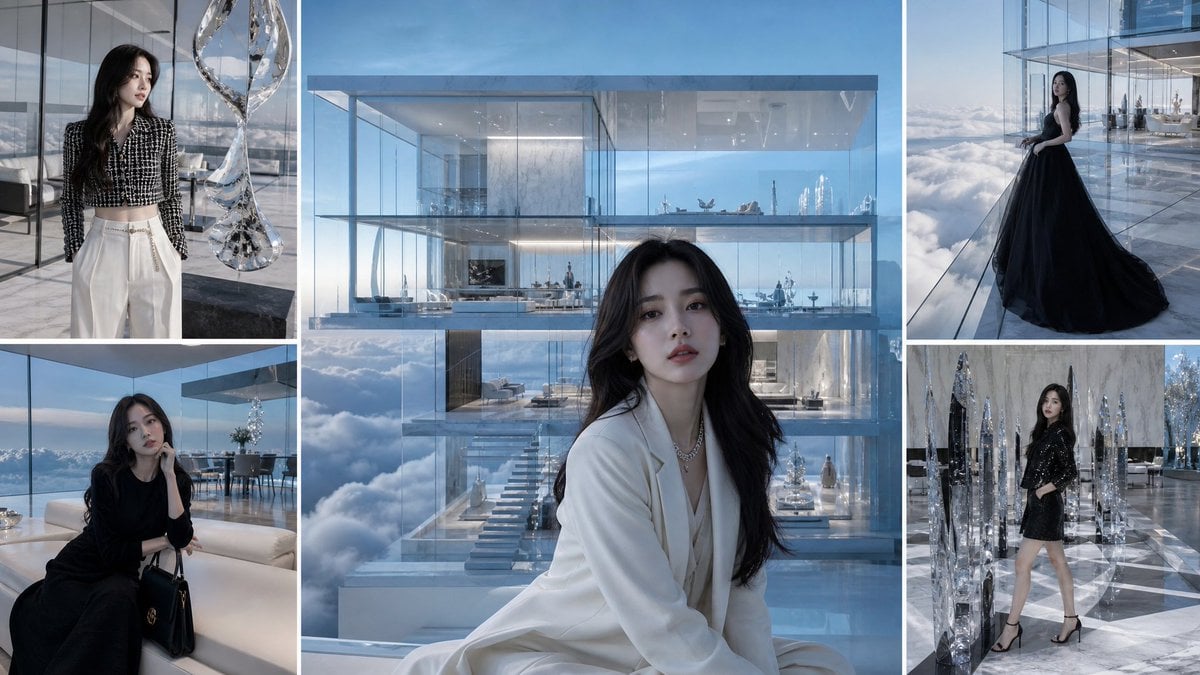
- Prompt included
- Model and format preset
- Free template
The prompt behind this image
Copy the exact prompt behind Luxury Glass Sky Penthouse Fashion Collage, or open it in the studio and make it yours.
Goal: Create a luxury fashion mood-board collage featuring an anonymous elegant woman inside an ultra-modern glass penthouse floating above clouds. Canvas: Wide 16:9 collage, cool blue-gray color grading, crisp editorial photography style, thin white borders separating all panels. Layout: Use exactly 5 photo panels: 1 large central vertical panel occupying most of the middle, 2 smaller stacked panels on the left, and 2 smaller stacked panels on the right. All panels should feel like they were shot in the same futuristic sky mansion with floor-to-ceiling glass, reflective marble floors, transparent walls, and views of clouds and blue sky. Subject details: The woman is {argument name="character description" default="a slim young woman with long wavy black hair"}. Her face should be intentionally obscured with a soft rectangular blur or anonymized mask in every panel. Keep her styling elegant, rich, and minimalist, like a high-fashion lifestyle editorial. Panel count and contents: 1. Central large panel: The woman sits in the foreground wearing {argument name="central outfit" default="a white tailored suit with a low neckline and delicate necklace"}, with long dark hair over her shoulders. Behind her is a transparent multi-level glass mansion suspended above clouds, showing luxurious interiors, stairs, sofas, and tiny distant figures. 2. Top-left panel: The woman stands indoors beside a tall twisting crystal sculpture, wearing {argument name="top left outfit" default="a black-and-white tweed cropped jacket and high-waisted white trousers with a slim belt"}; glass walls and cloud views behind her. 3. Bottom-left panel: The woman sits on a cream sofa in a black long-sleeve dress, holding or resting beside a structured black designer handbag, with a dining area and panoramic cloud view in the background. 4. Top-right panel: The woman stands on a glass terrace above the clouds wearing {argument name="top right outfit" default="a dramatic floor-length black gown with a voluminous trailing skirt"}; the mansion interior extends behind her through transparent walls. 5. Bottom-right panel: The woman poses in a short black sparkling dress or blazer dress with black high-heeled sandals, surrounded by tall faceted crystal obelisk sculptures on a reflective marble floor. Visual style: Hyper-realistic luxury editorial photography, cinematic soft daylight, reflective glass and chrome, icy blue highlights, polished marble, delicate shadows, high-end architecture visualization mixed with fashion photography. Emphasize transparency, reflections, diamonds/crystals, clouds below the building, and an expensive serene atmosphere. Constraints: No readable text, no logos, no watermark. Keep exactly 5 panels and maintain the white collage dividers. Faces must remain anonymized in all visible appearances.
How to use Luxury Glass Sky Penthouse Fashion Collage in 3 steps
- 1Upload ImagePNG, JPG or paste
Add your photo
Upload the photo the template builds on. The prompt, model and format are already set.
- 2…a portrait of your subject in softgolden-hour light, 85mm…
Personalize
Edit the subject and creative details for your destination.
- 3Generate
Generate
Press Generate — your image is created in PicX Studio, so you can compare it with the original and refine one variable at a time.
More like this
Templates with the same subject, style or setup. Open one to see its prompt.

21 Glass Floor Skyscraper — California Series
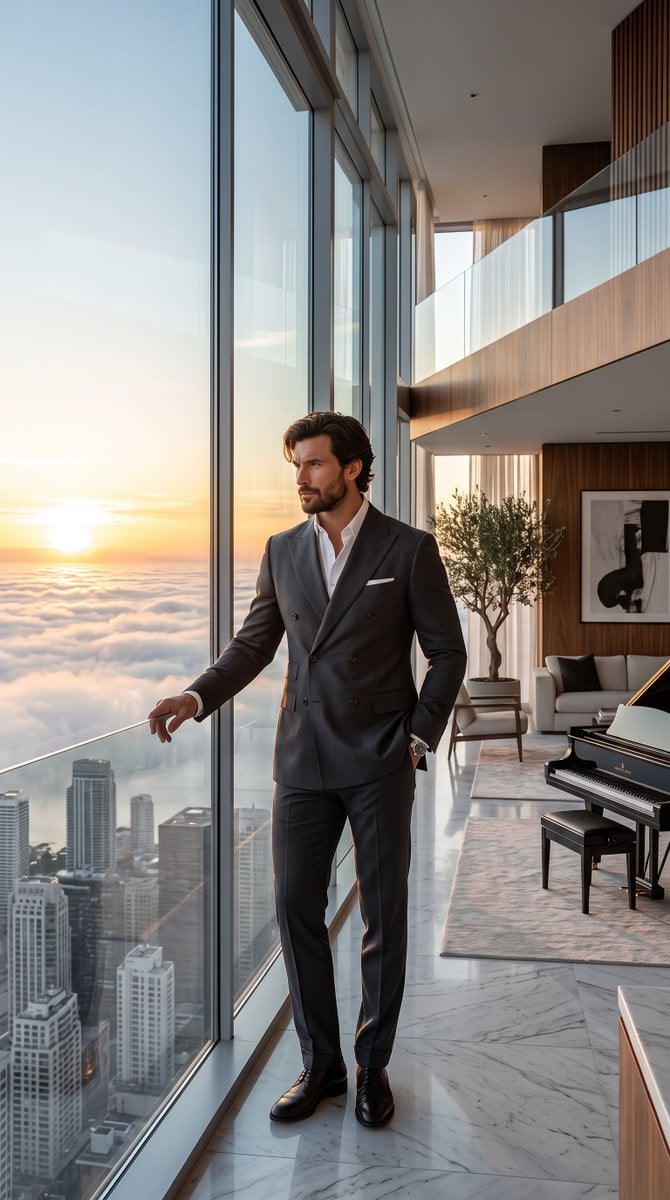
Luxury Skyscraper Penthouse Portrait
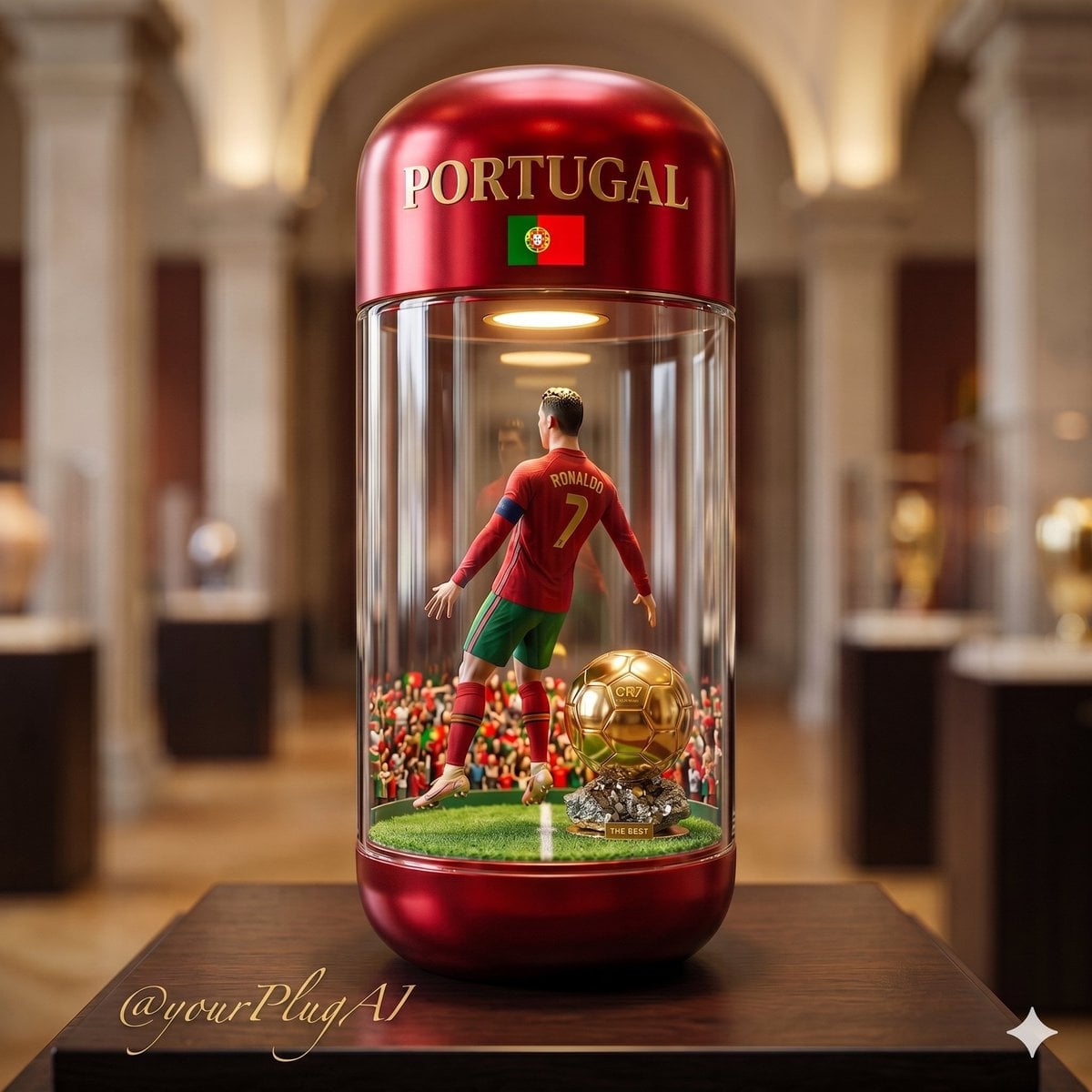
Gold Dust Hourglass

19 Luxury Helicopter Travel — California Series

08 Rodeo Drive Luxury Exit — California Series

Miniature Self Portrait Collage

80s College Gate

1988 Mall Style

80s Polka Dot Saree
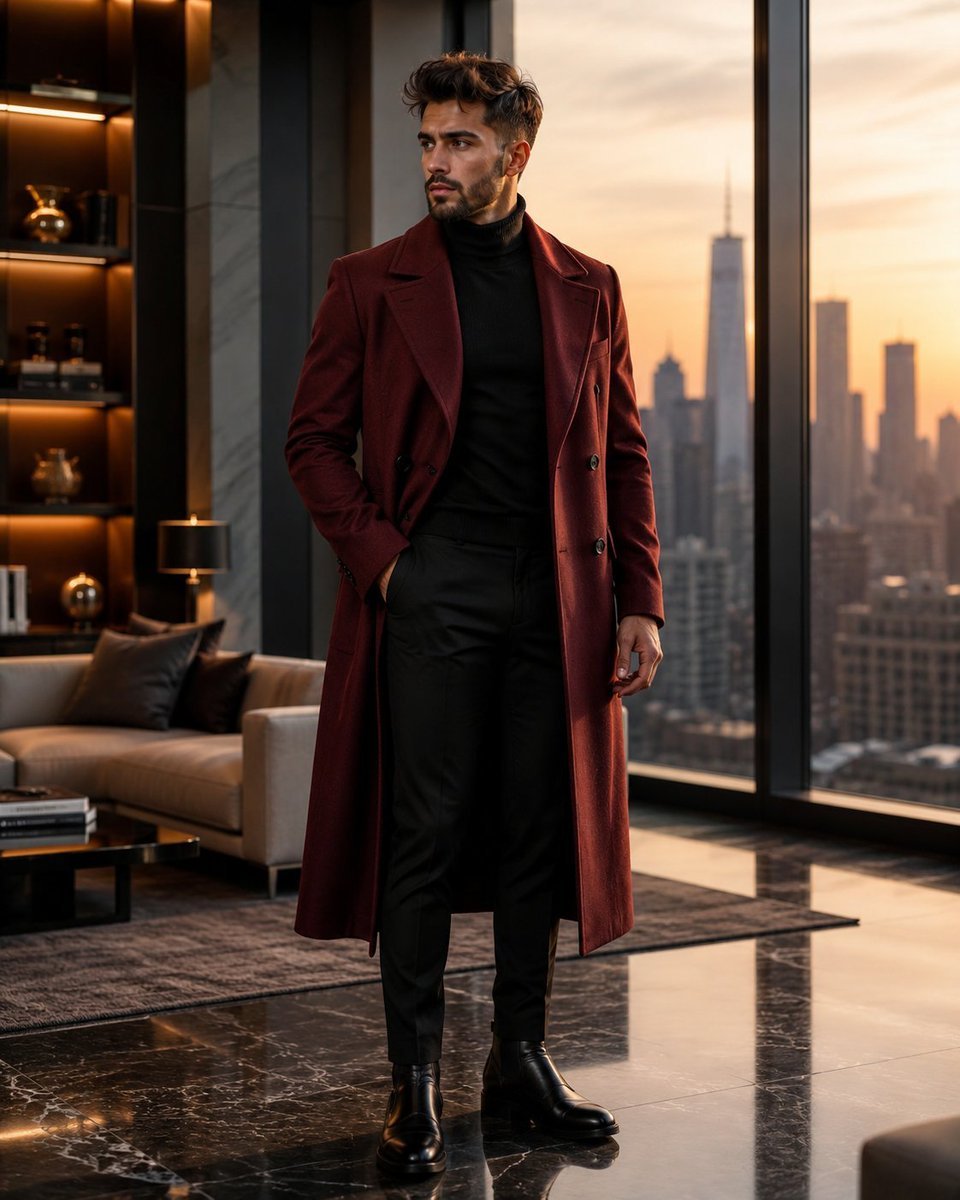
Luxury Penthouse Menswear Editorial
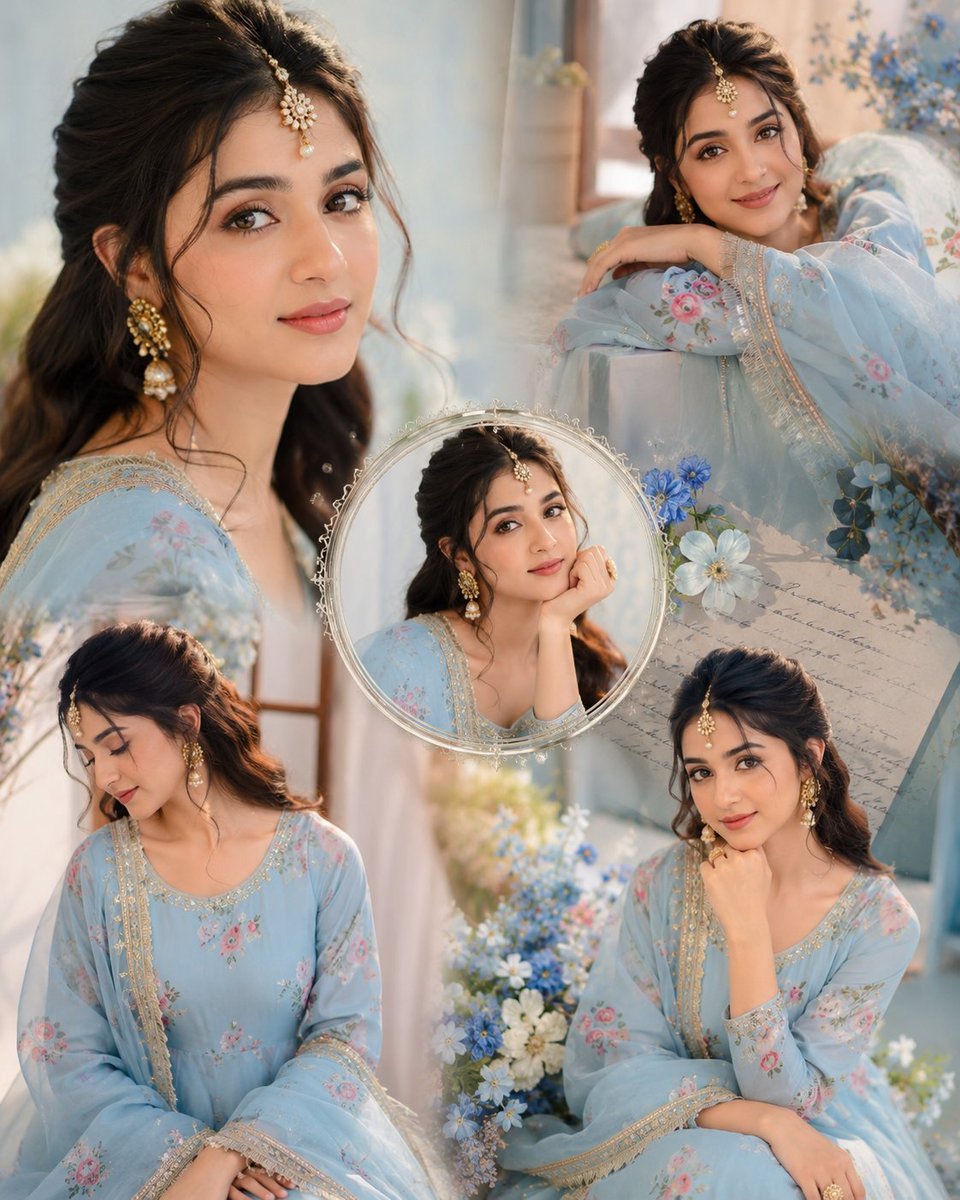
Indian Anarkali Fashion Collage
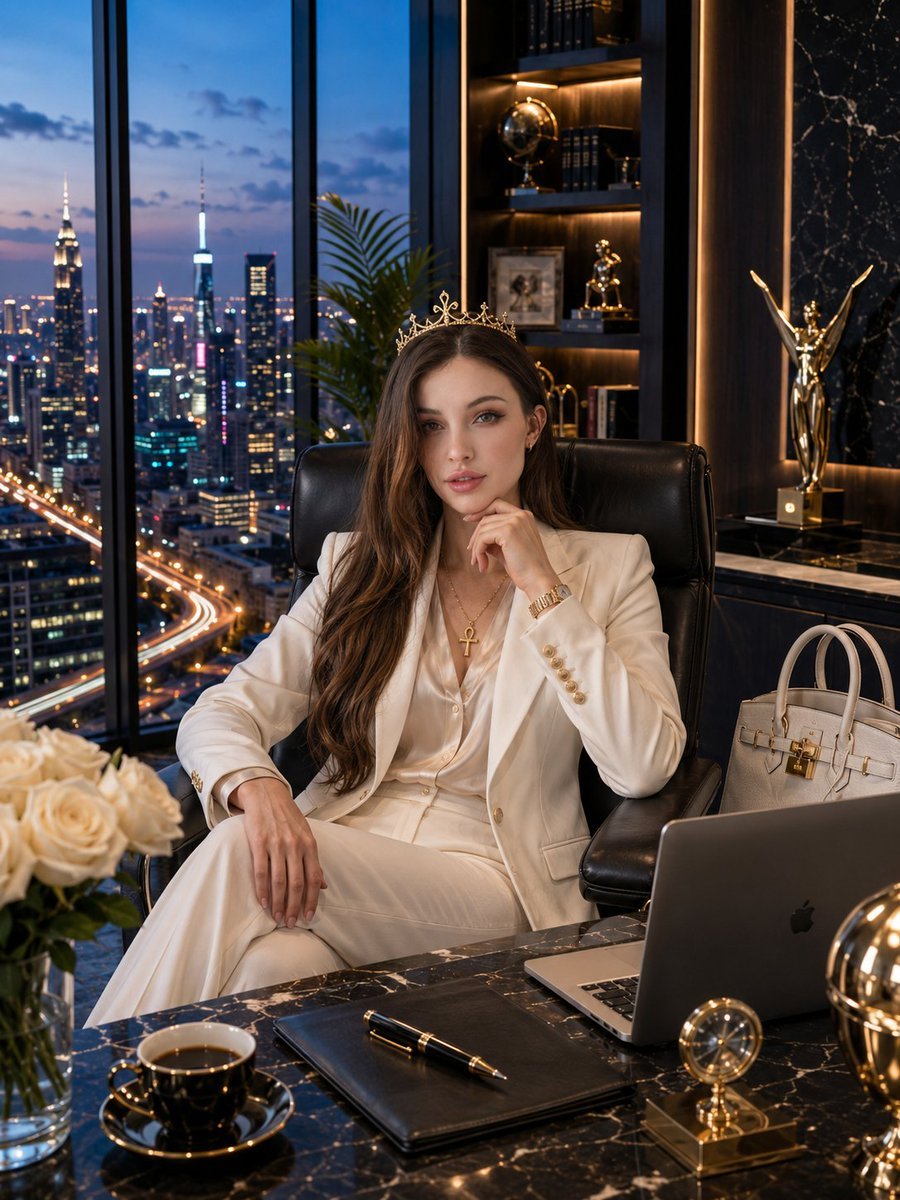
Luxury Penthouse Executive Portrait
Make it yours
Luxury Glass Sky Penthouse Fashion Collage works as-is. These are the safest ways to change it without losing the look.
Change one field
Copy a single group, rewrite it, and generate again so you can see what that field is doing.
Keep the frame, change the subject
Hold the composition and light of Luxury Glass Sky Penthouse Fashion Collage, then swap wardrobe, props or the person for a new take.
| If the result… | Why | Fix |
|---|---|---|
| The result drifts from the preview | Too many fields changed at once. | Reuse Luxury Glass Sky Penthouse Fashion Collage as-is first, then change one group — subject, light, or setting. |
| The model over-stylizes the scene | The prose prompt leaves finish and camera underspecified. | Add one camera or lighting sentence and stay on GPT Image 2. |
More GPT Image 2 templates
Other prompts made for GPT Image 2.

Six VTuber Japanese Logo Sheet

Realistic Portrait of Woman and Deer

The Vista Modular Condo Poster

AI Model Routing Comparison Infographic

2.5D Anime Art Board

Isometric Productivity Desk Scene

New York Double Exposure Poster

Four-Panel AI Landscape Comparison

Japanese Tatami Lifestyle Magazine Cover

NESCAFÉ Coffee Map Poster
More image prompts
Fresh picks from across the catalog.

Game Crossover Promotional Poster
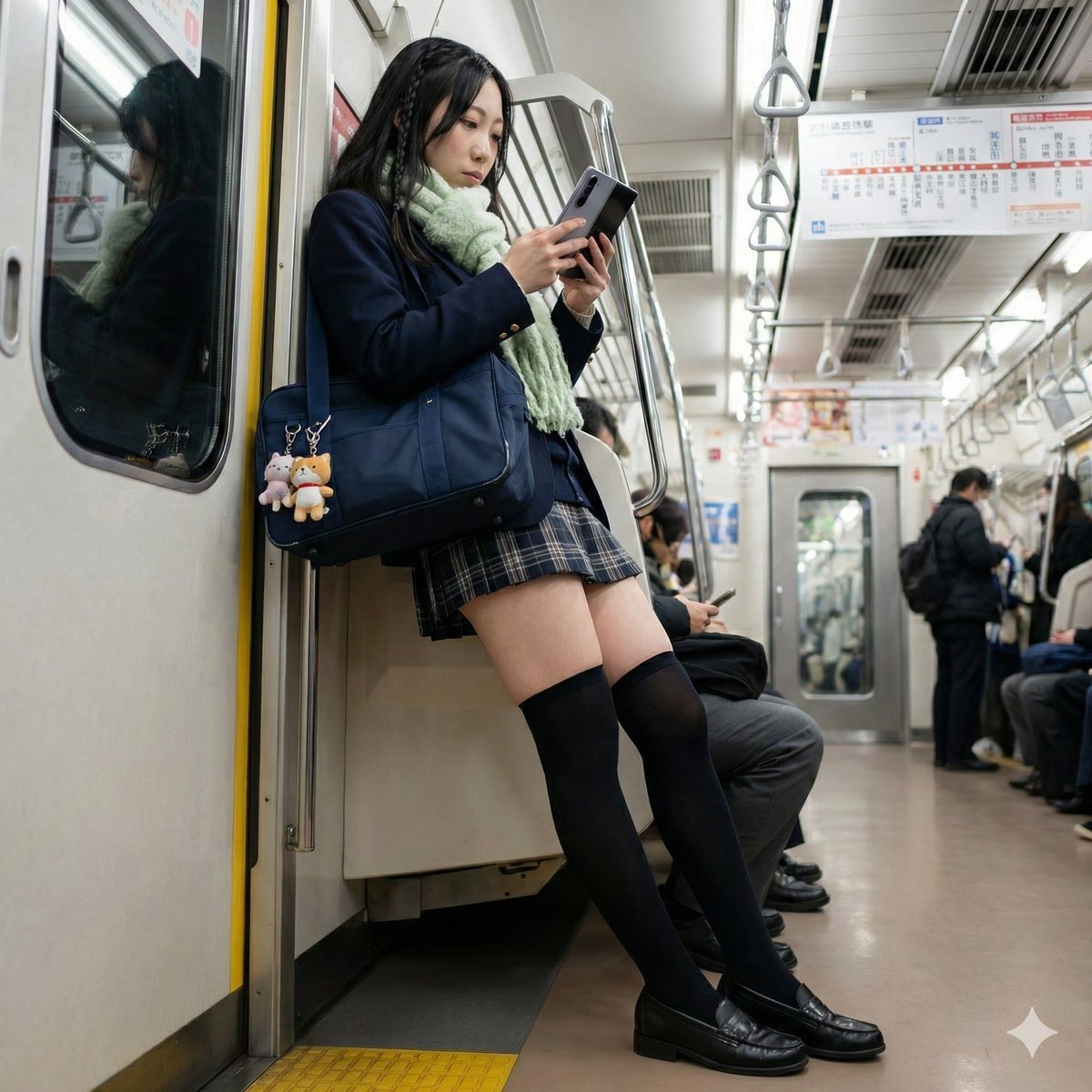
Detailed Character Description for Image Generation
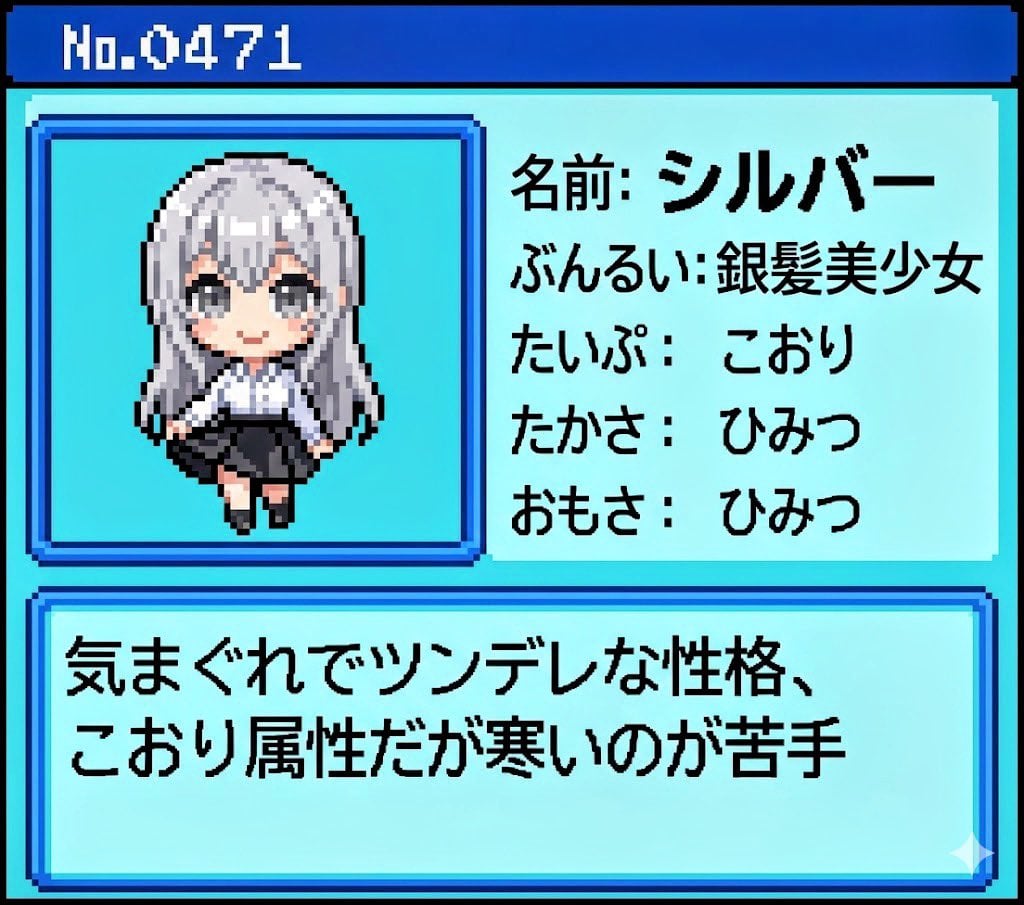
Generating Pokémon Zukan (Illustrated Guide) Style Art
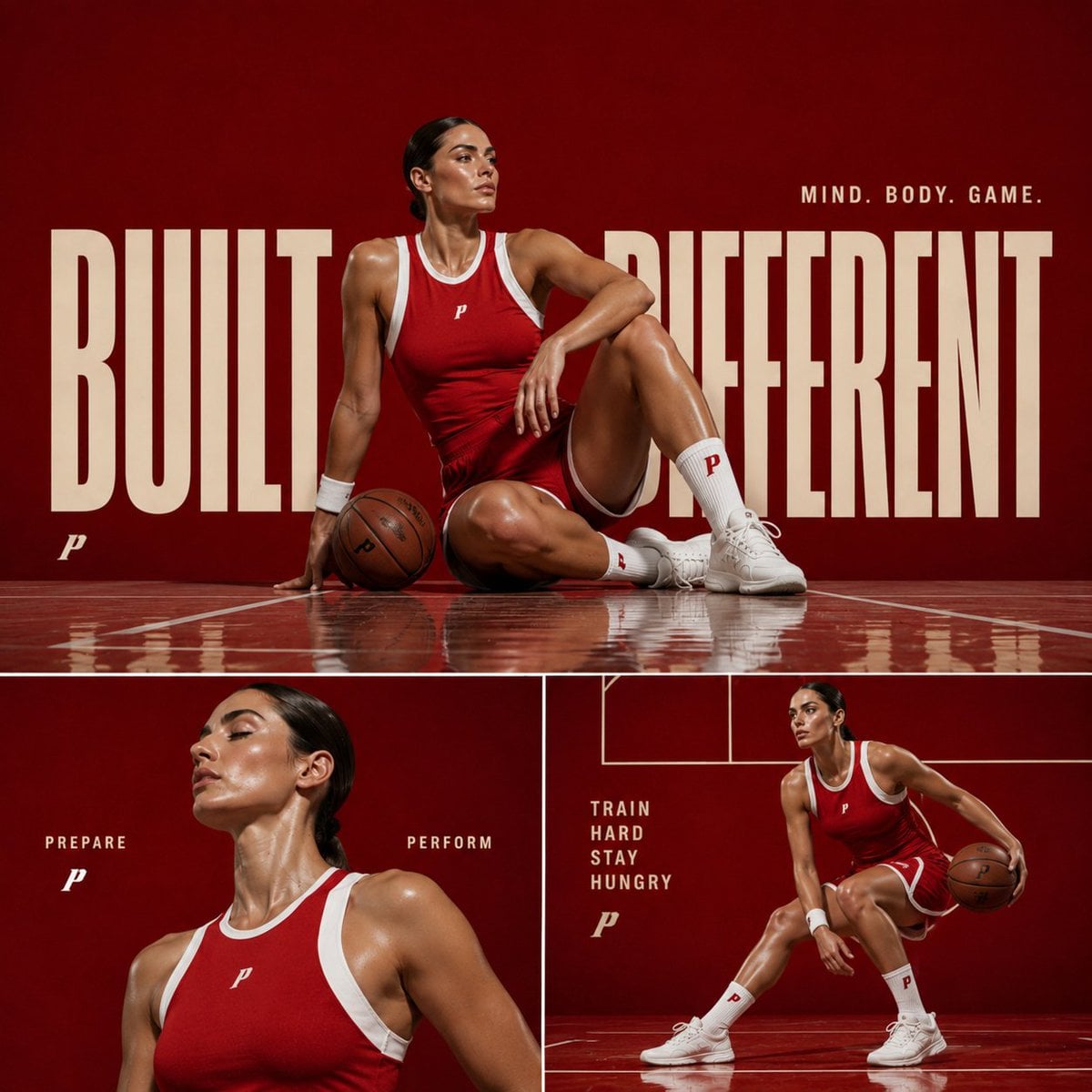
Premium Sports Editorial Collage

Neuro-AI Hybrid System Infographic
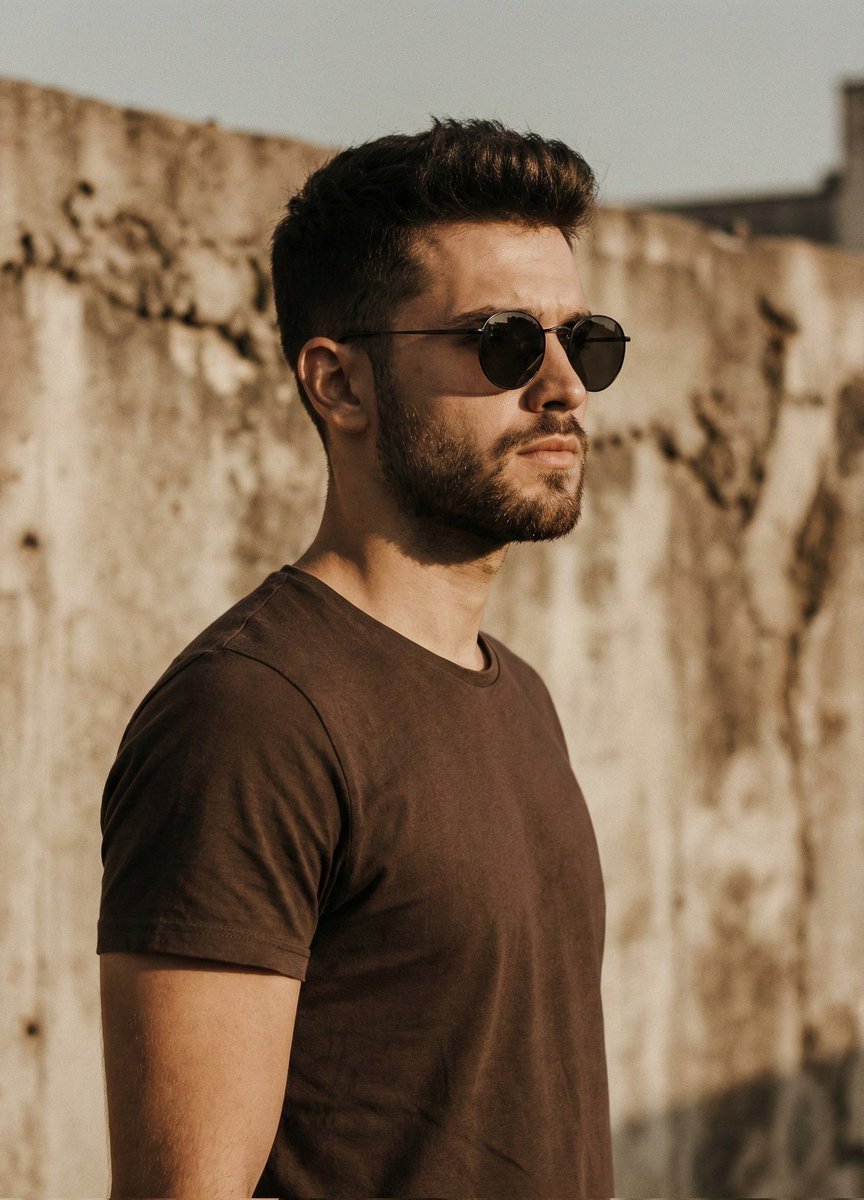
Cinematic Portrait of Man in Streetwear
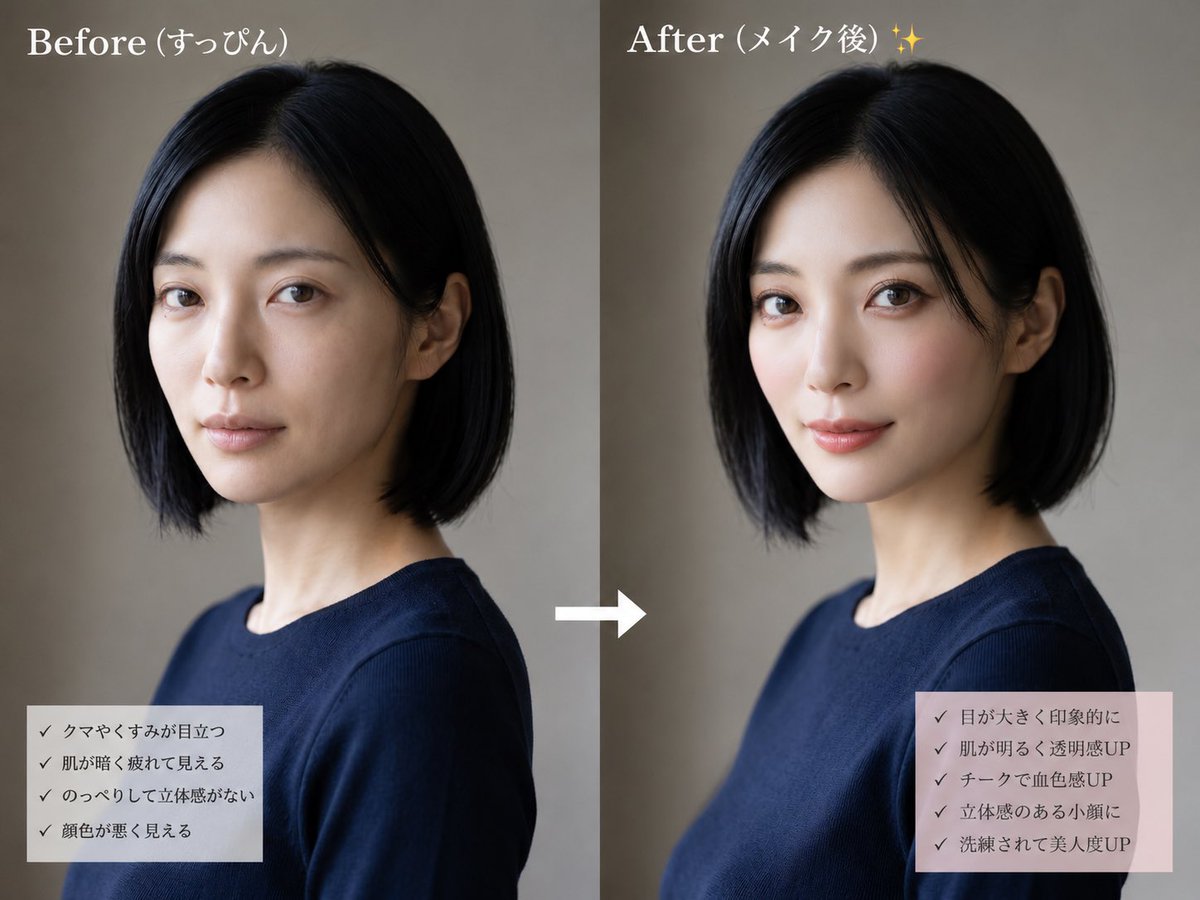
Before and After Makeup Comparison
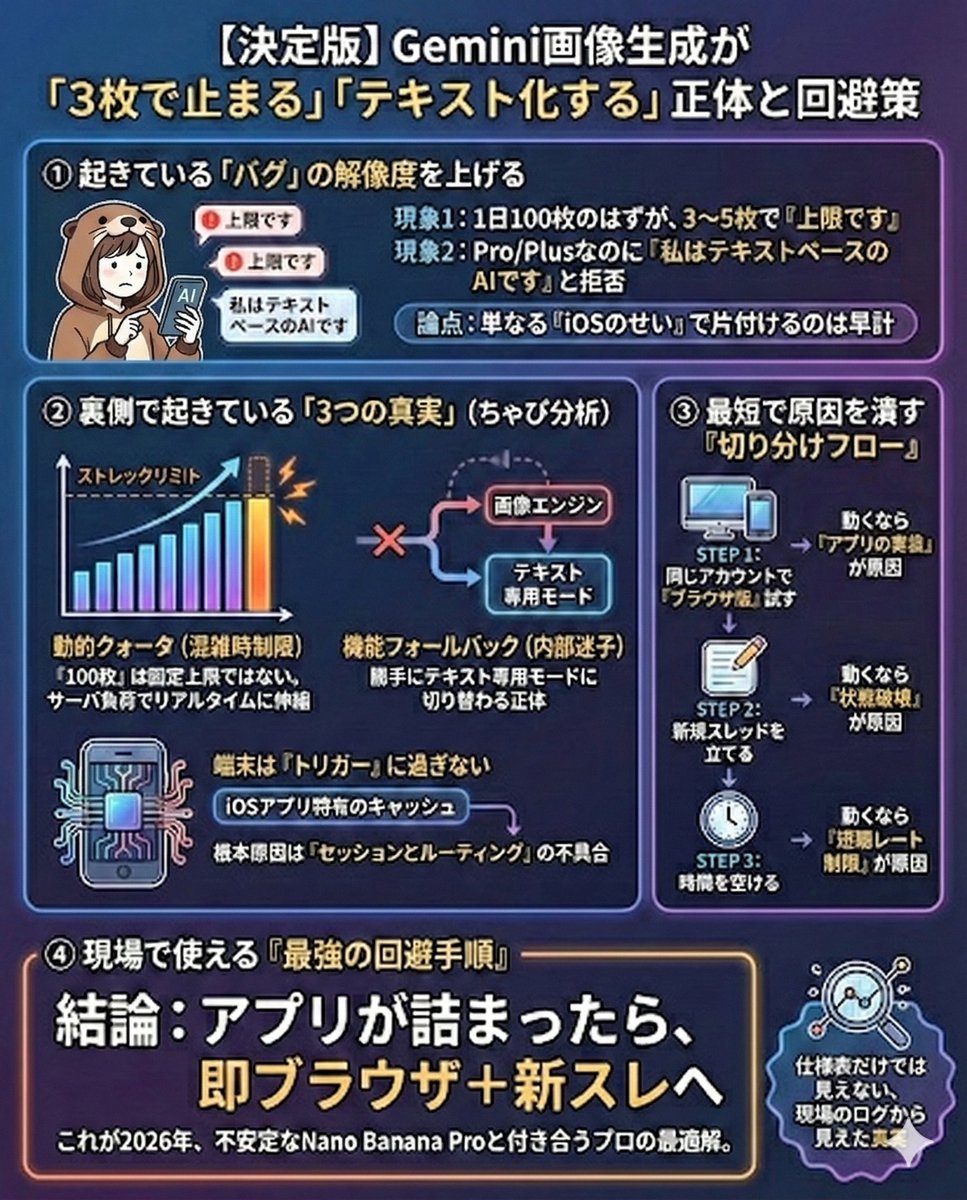
Gemini Model Troubleshooting Prompt
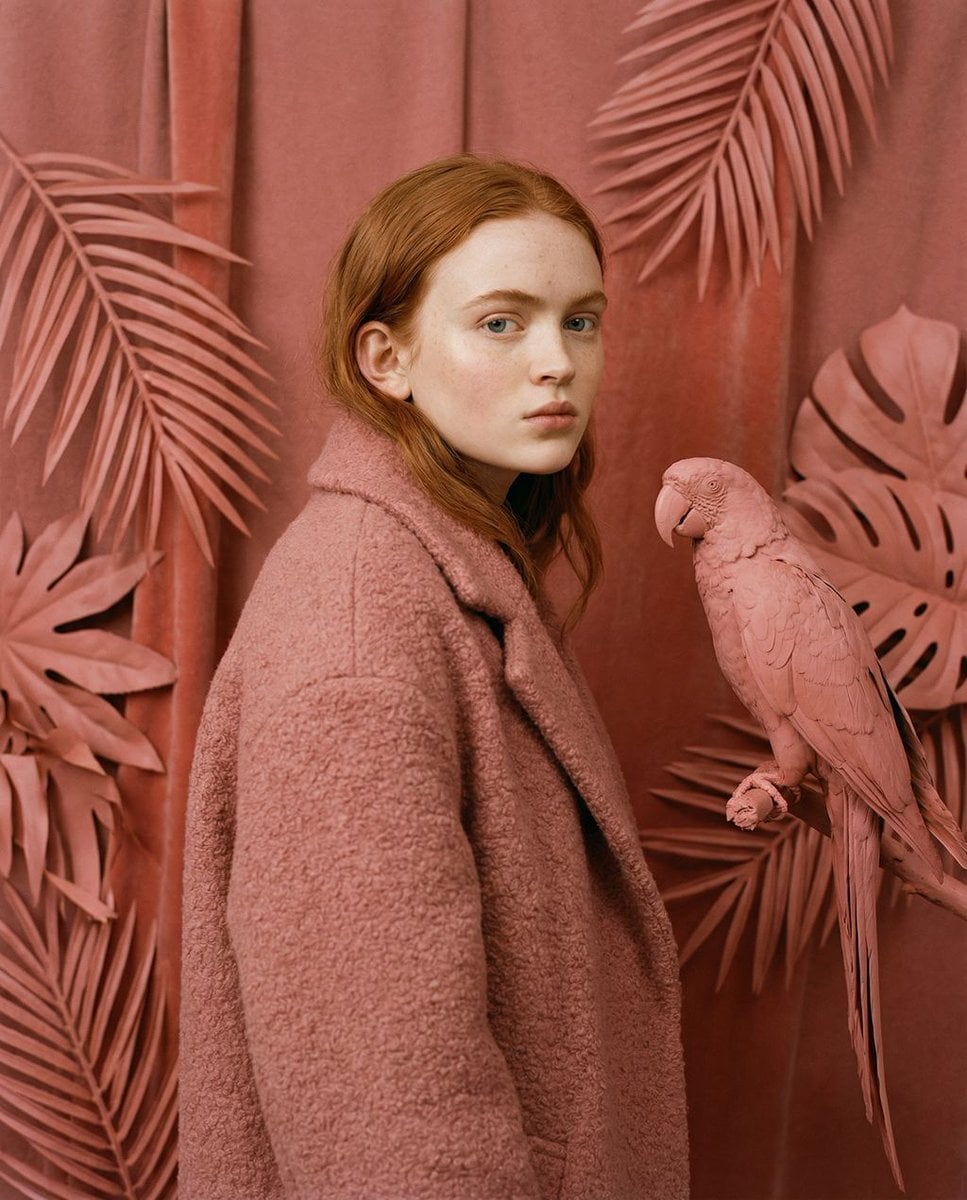
Avant-Garde Editorial Velvet Portrait
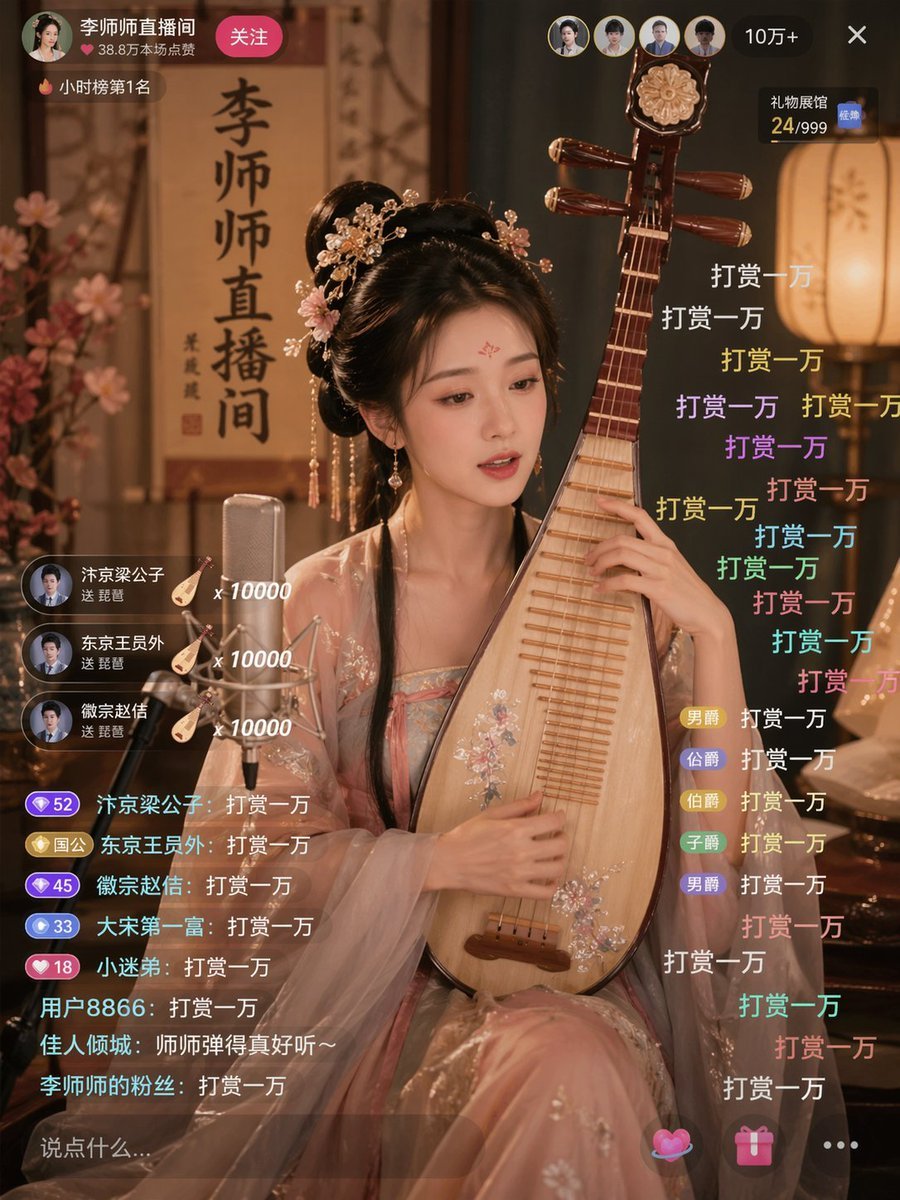
Ancient Beauty Livestream Scene
Browse template categories
Luxury Glass Sky Penthouse Fashion Collage questions
How do I use the Luxury Glass Sky Penthouse Fashion Collage template?
Add your photo if the template asks for one, edit the prompt if you like — the template's model and format are already selected — and press Generate. Your version opens in PicX Studio.
Can I customize the Luxury Glass Sky Penthouse Fashion Collage template?
Yes. You can change the subject, setting, lighting, mood, format, and available model controls before creating your image.
Is the Luxury Glass Sky Penthouse Fashion Collage template free?
Opening and editing this template is free. Generating uses credits, shown on the Generate button when you are signed in.
Which AI model should I use?
Start with GPT Image 2, which is the model associated with this template. You can compare another compatible model for a different finish.
Looking for something else? Browse all templates.

Your photo, any look
Thousands of ready templates for every top image and video model, from one credit balance.