
Avant-Garde Editorial Velvet Portrait
A detailed high-fashion editorial prompt for a monochromatic rose-colored scene featuring oversized structural clothing and botanical practical sets.
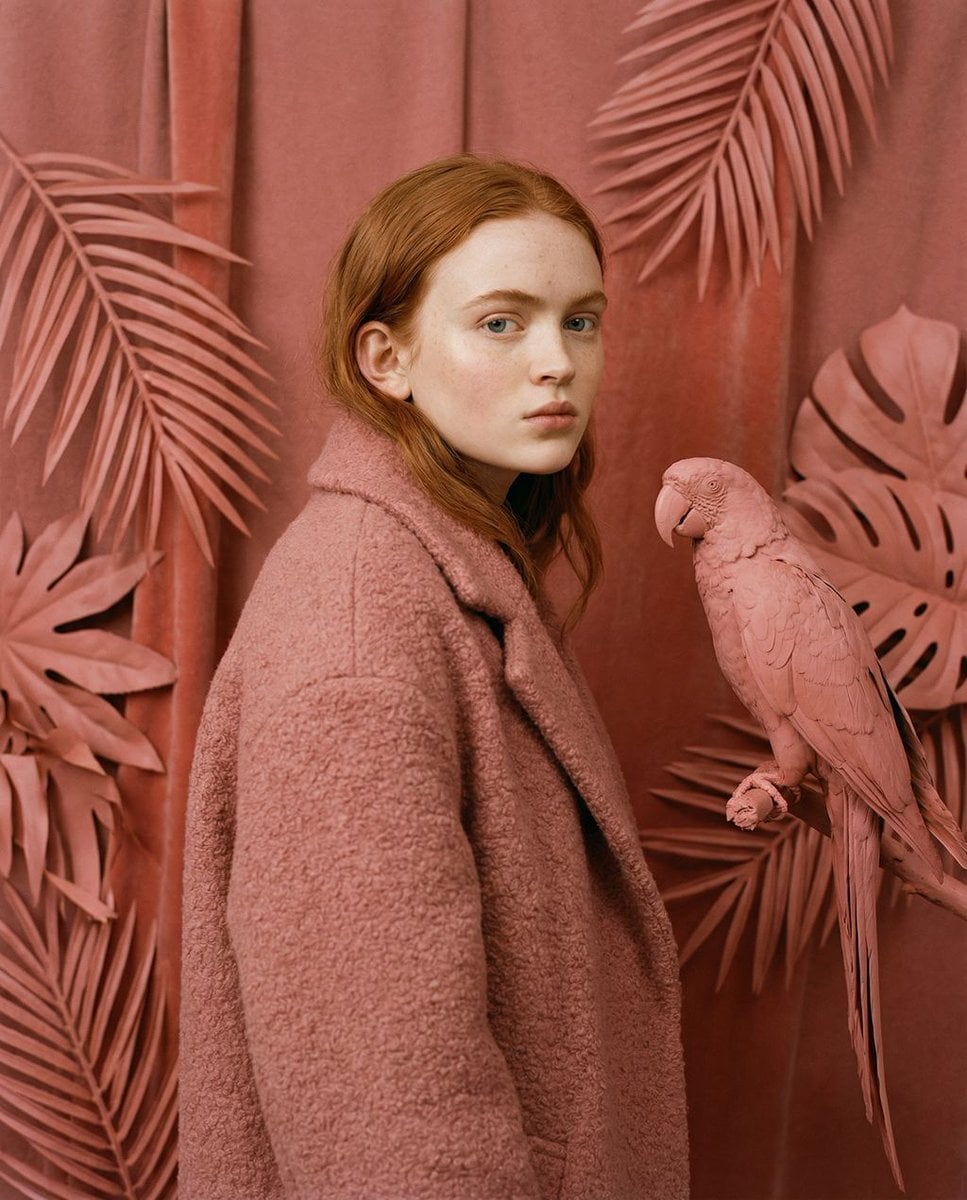
- Prompt included
- Model and format preset
- Free template
The prompt behind this image
Copy the exact prompt behind Avant-Garde Editorial Velvet Portrait, or open it in the studio and make it yours.
{ "vibe_title_en": "Velvet Camouflage", "master_prompt": "A hyper-realistic, avant-garde editorial portrait of The Protagonist immersed in a 'Soft-Sculpture Garden.' The scene is a {argument name="color theme" default="monochromatic dreamscape of dusty rose and coral pink"}. The environment is not real nature, but a practical set design where giant tropical leaves are crafted from stiff felt, matte paper, and velvet. The subject stands in 'The Quiet Rebel' pose: body angled at 45 degrees, head turned sharply to face the camera with a calm, defiant stare, motionless while the textured world swirls around them. They wear an {argument name="clothing item" default="oversized, heavy boucle wool coat in matching salmon pink"}, creating a camouflage effect against the fabric flora. Perched on a branch is a realistic parrot, but painted in the same matte pink finish. Lighting is cinematic and soft, mimicking a high-end window display with diffuse shadows. Technical specs: Hasselblad H6D-100c, 50mm Prime Lens, f/5.6 for sharp texture details on the fabric weave and skin pores, Kodak Portra 160 film stock emulation, tactile realism, no neon, no CGI look.", "meta": { "intent": "High-Fashion Editorial", "priorities": "Texture, Monochromatic Color, Stoicism", "device_profile": "Hasselblad H6D-100c" }, "frame": { "aspect": "4:5", "composition": "The Three-Quarter Editorial", "layout": "Central subject with enveloping textured foreground", "camera_angle": "Eye-level", "tilt_roll_degrees": "0" }, "subject": { "gender": "Female", "identity": "The Protagonist", "demographics": "Universal High-Fashion Model", "face": "Neutral, defiant, direct eye contact", "hair": "Sleek, pulled back or minimal style to focus on the coat", "body": "Static, structured posture, 45-degree angle", "expression": "The Quiet Rebel: Calm, intense, unblinking", "pose": "Hands in pockets or holding the coat structure, statue-like stillness" }, "wardrobe_accessories": { "garments": [ { "item": "Oversized Structural Coat", "material": "Heavy Boucle Wool or Textured Tweed", "color": "Dusty Rose / Salmon Pink", "fit": "Loose, architectural, enveloping" }, { "item": "Tailored Trousers", "material": "Silk or Fine Wool", "color": "Matching Pink", "fit": "Straight leg" } ], "accessories": [ { "item": "None", "color": "N/A", "material": "N/A", "brand_style": "Minimalist" } ] }, "environment": { "setting": "Constructed Botanical Studio", "surfaces": "Felt, Paper, Velvet, Matte Paint", "depth": "Shallow but layered with props", "atmosphere": "Still, airless, museum-like", "lens_interaction": "Sharp focus on textures, slight fall-off in background" }, "lighting": { "key": "Large Softbox (Top-Left)", "fill": "White Bounce Card (Right)", "rim": "Subtle Hair Light" } }
How to use Avant-Garde Editorial Velvet Portrait in 3 steps
- 1
Open
The prompt is already in the box next to the preview, with the template's model and format selected.
- 2…a portrait of your subject in softgolden-hour light, 85mm…
Personalize
Edit the subject and creative details for your destination.
- 3Generate
Generate
Press Generate — your image is created in PicX Studio, so you can compare it with the original and refine one variable at a time.
More like this
Templates with the same subject, style or setup. Open one to see its prompt.
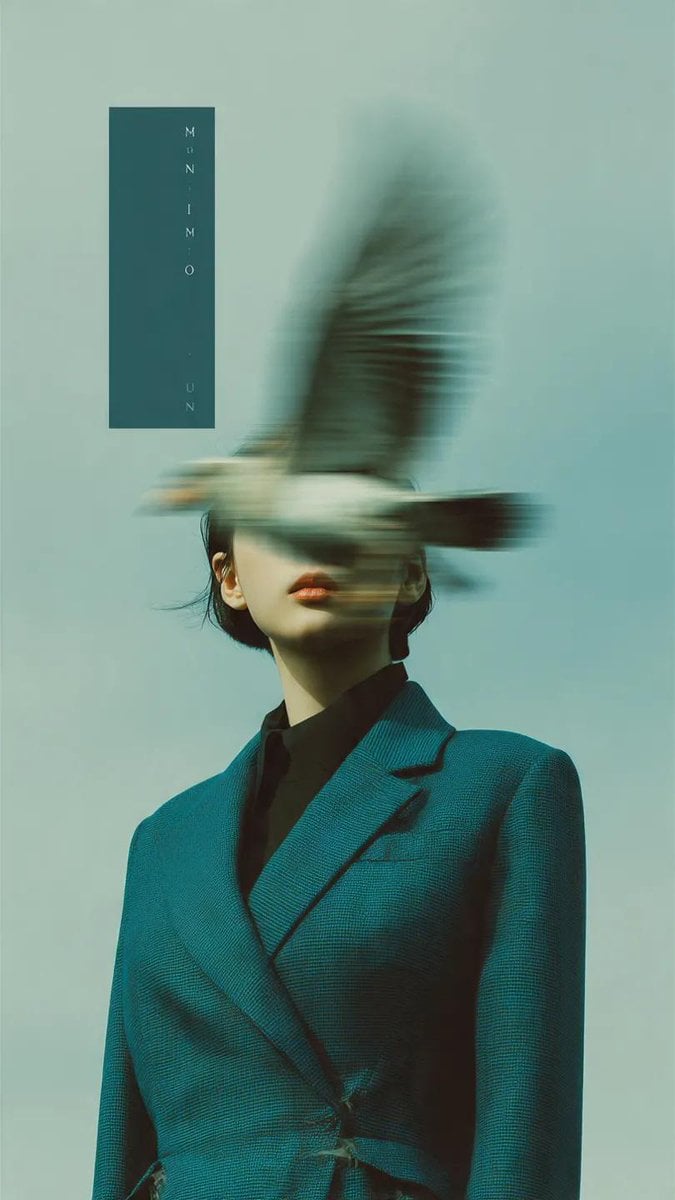
Avant-Garde Fashion Editorial Portrait

untitled

Gpt Image 2 Fashion Portrait

Caution Tape Fashion — Industrial Editorial
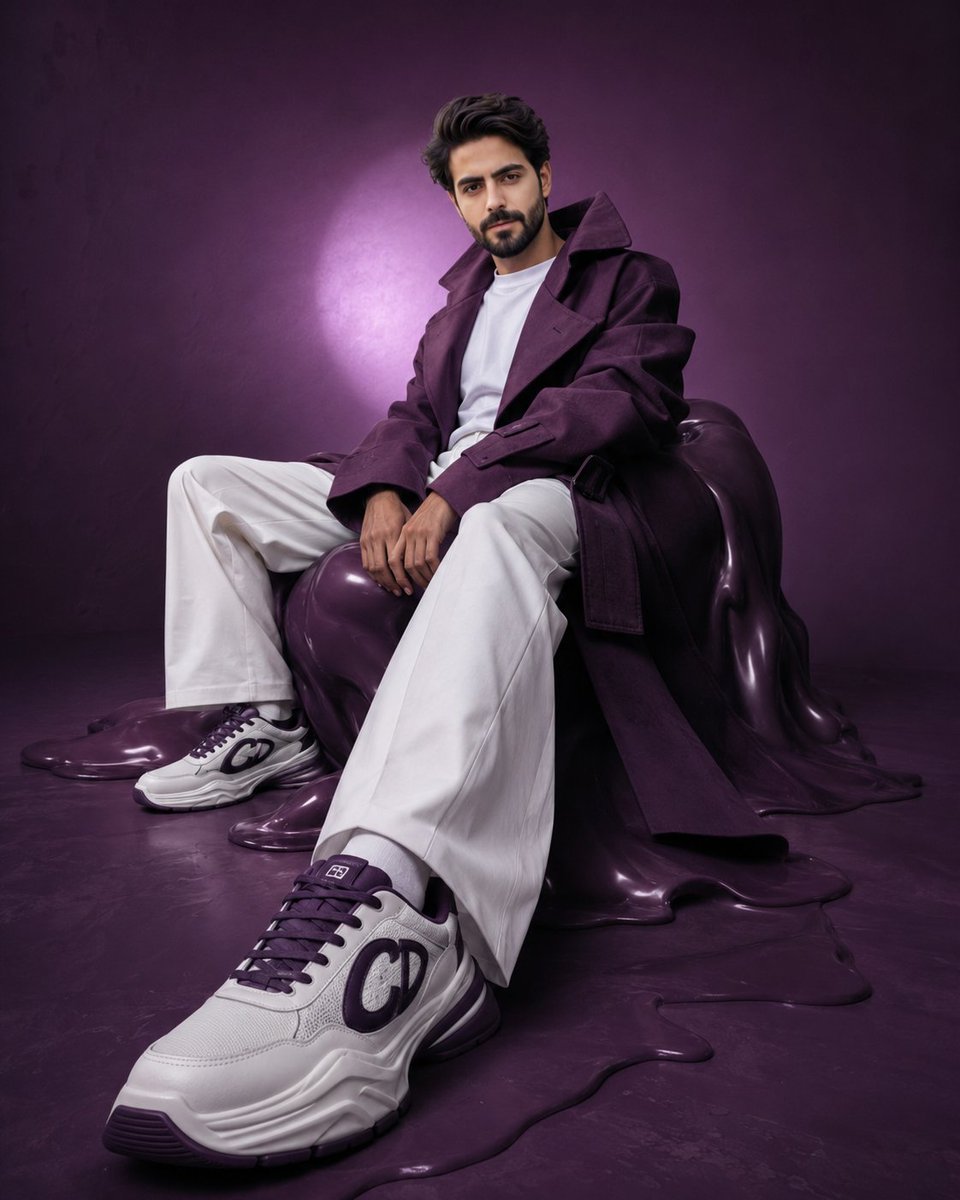
Avant-Garde Purple Fashion Editorial
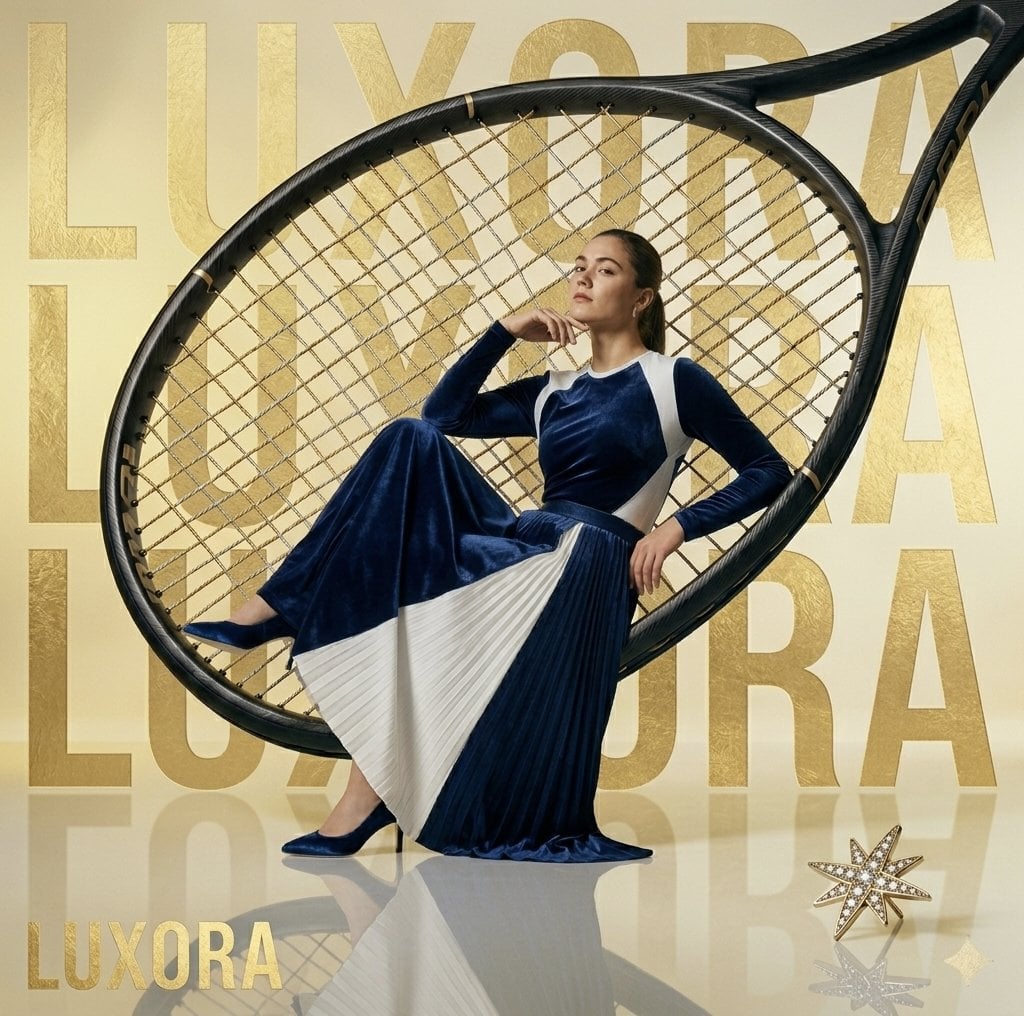
Avant-Garde Luxury Editorial Advertisement
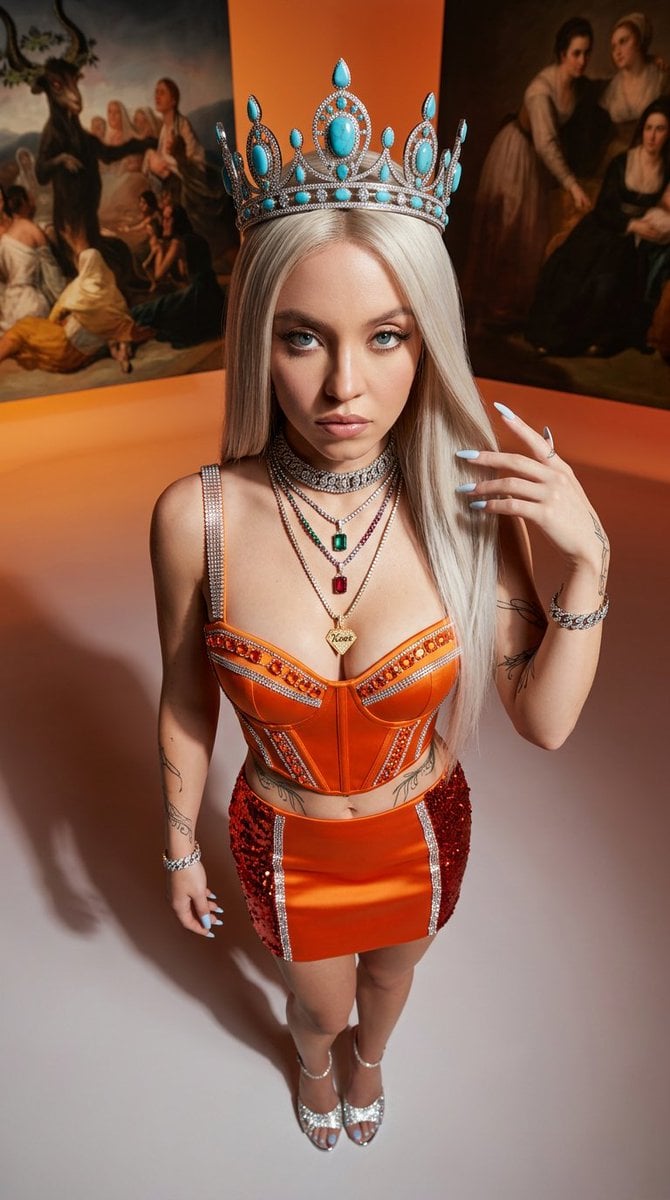
Avant-Garde High-Angle Editorial Fashion
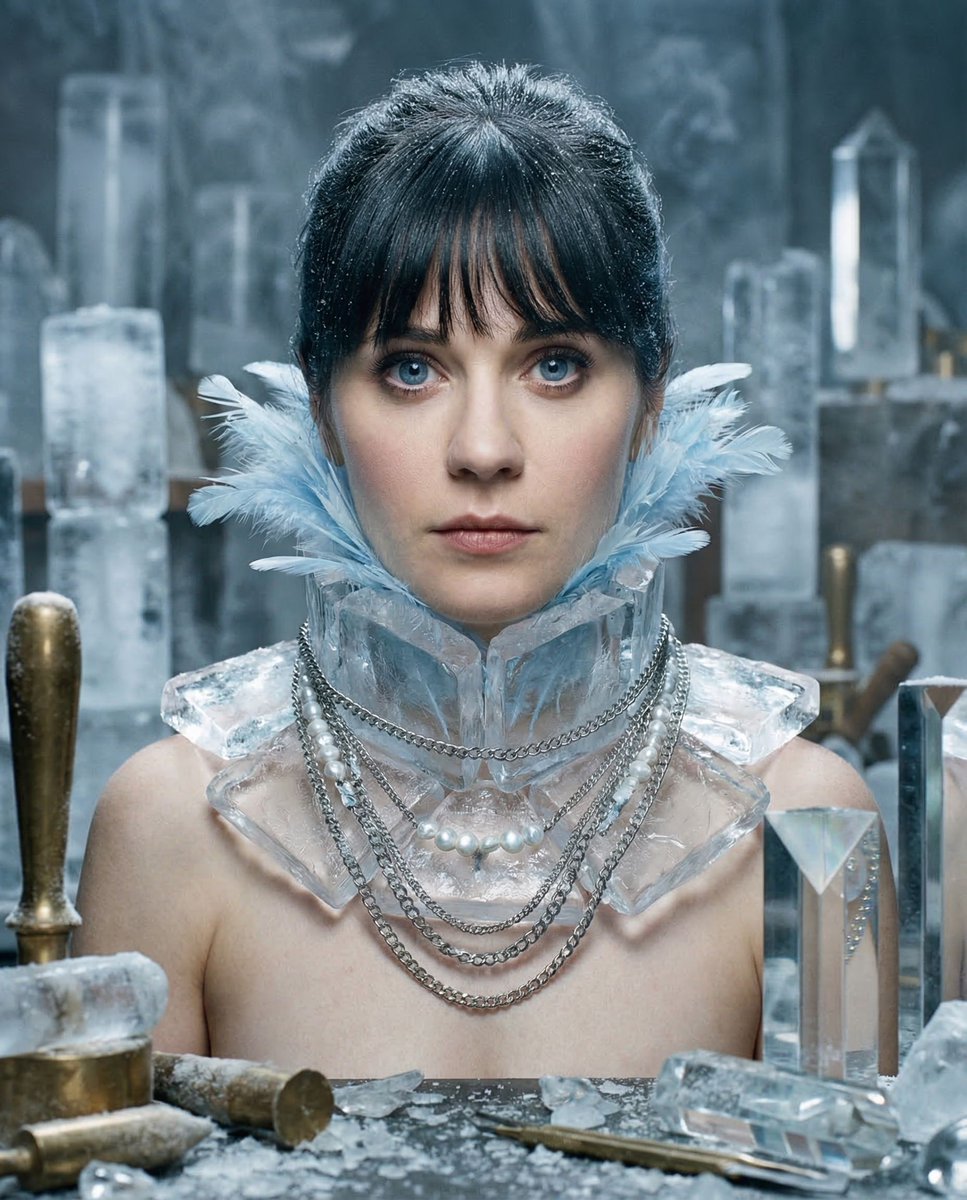
Glacial Avant-Garde Beauty Portrait
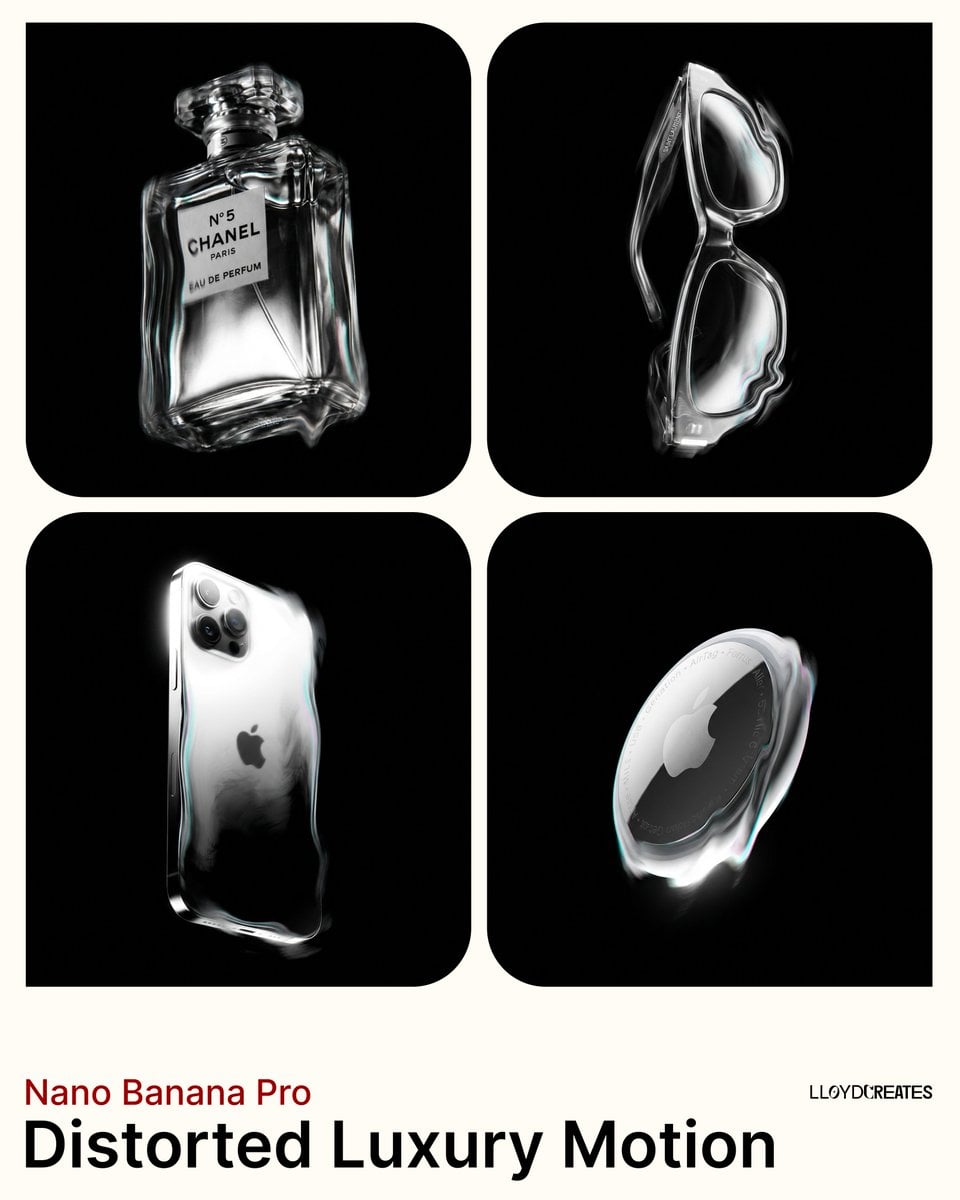
Avant-Garde Distortion Luxury Product Portrait
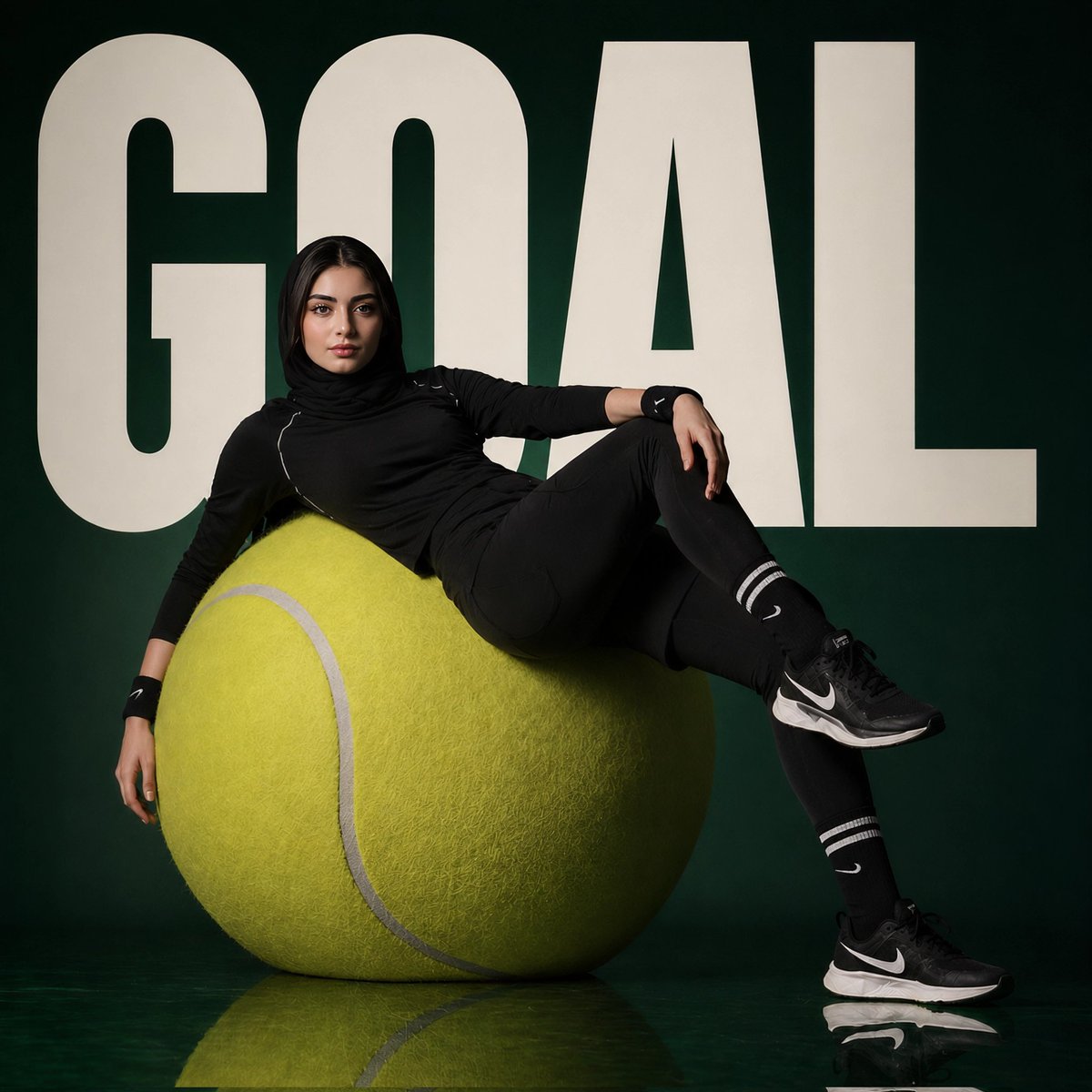
Avant-Garde Sports Fashion Editorial
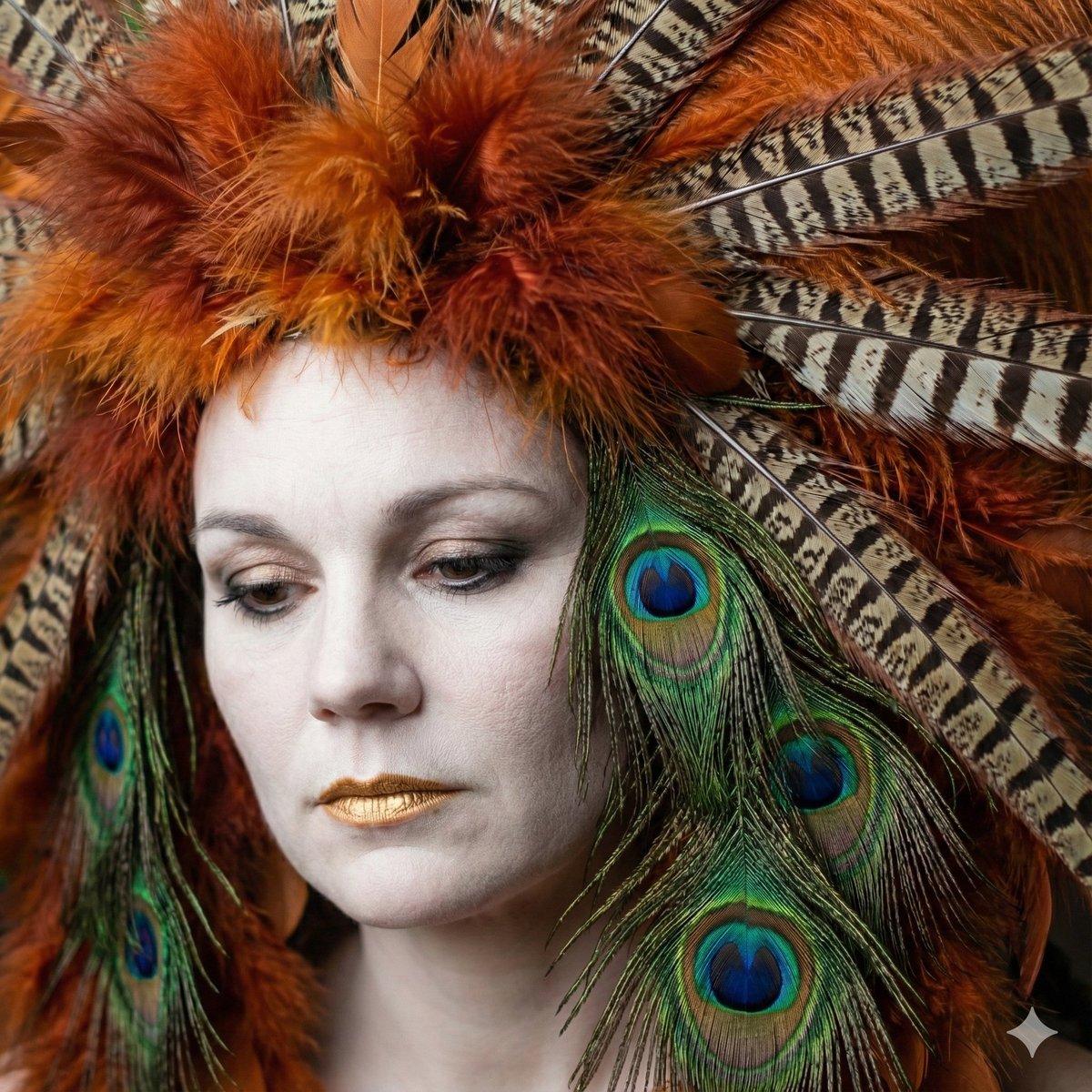
Avant-Garde Feather Headdress Portrait
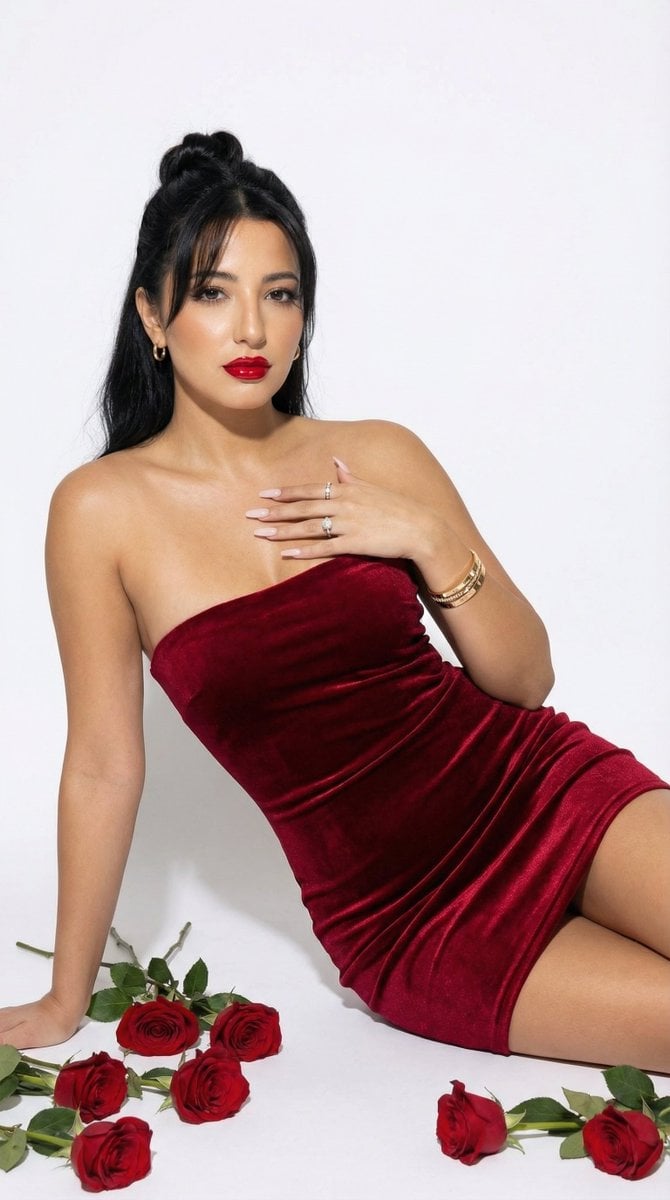
Red Velvet High-Fashion Editorial Portrait
Make it yours
Avant-Garde Editorial Velvet Portrait works as-is. These are the safest ways to change it without losing the look.
Change one field
Copy a single group, rewrite it, and generate again so you can see what that field is doing.
Keep the frame, change the subject
Hold the composition and light of Avant-Garde Editorial Velvet Portrait, then swap wardrobe, props or the person for a new take.
| If the result… | Why | Fix |
|---|---|---|
| The result drifts from the preview | Too many fields changed at once. | Reuse Avant-Garde Editorial Velvet Portrait as-is first, then change one group — subject, light, or setting. |
| The model over-stylizes the scene | The prose prompt leaves finish and camera underspecified. | Add one camera or lighting sentence and stay on Nano Banana 2. |
More Nano Banana 2 templates
Other prompts made for Nano Banana 2.

Photorealistic Leaf Shaped Like a Dragon

K-Pop Idol Portrait Grid for Rapid Selection

Poetic Rain Forest Portrait During Golden Hour

Urban Street Portrait with Cartoon Inner Self Duo

Candid Nighttime Photo with Cat Prompt

High-Concept 3D Diorama Generation Prompt

Cinematic Futuristic Studio Portrait Template

Skincare Editorial Photography Collage Prompt

Hyper-Realistic Commercial Product Photography (Splash Effect)

Hyper-Realistic Nightclub Portrait Prompt
More image prompts
Fresh picks from across the catalog.
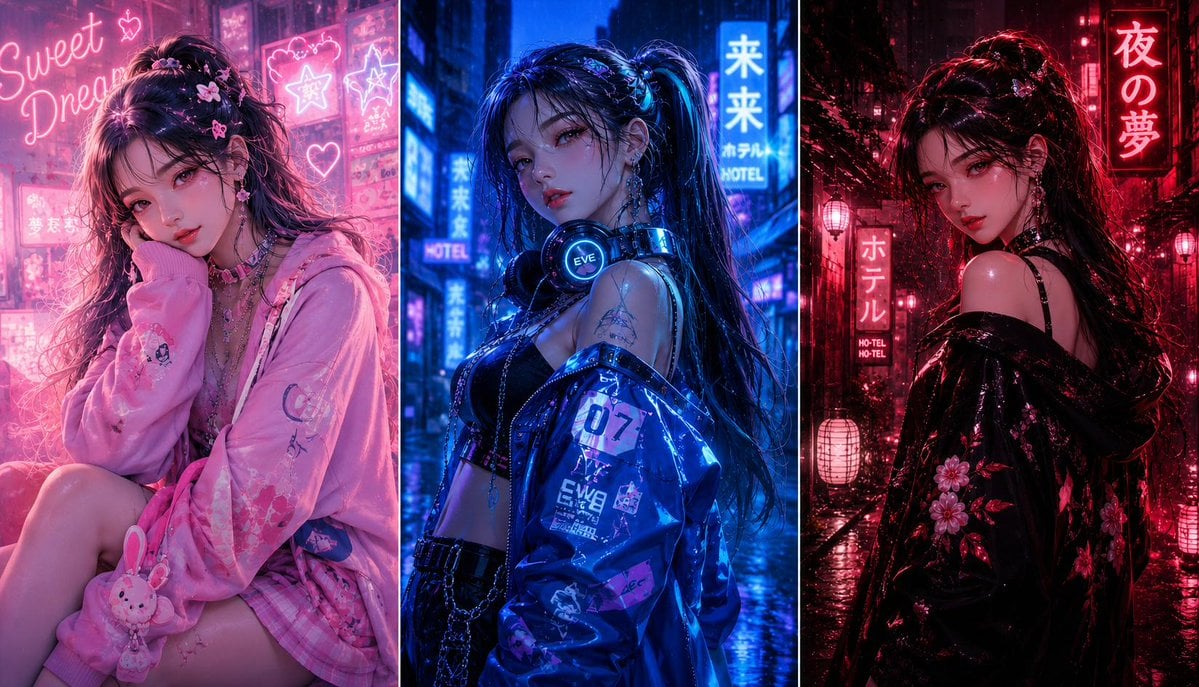
Three-panel anime fashion collage
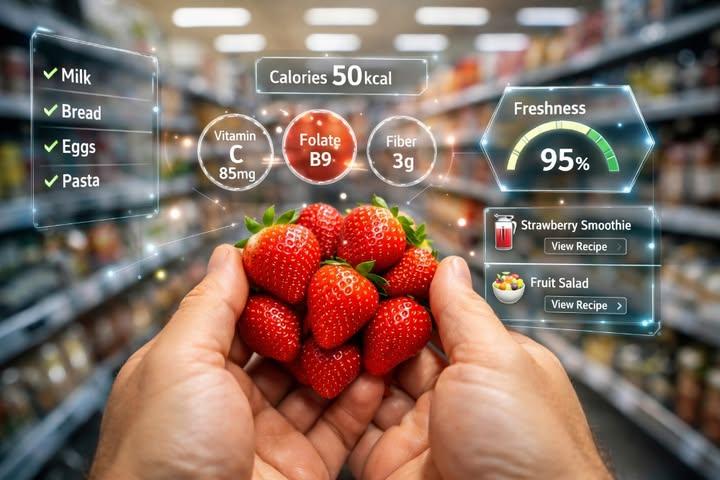
First-Person AR Shopping Interface Overlay
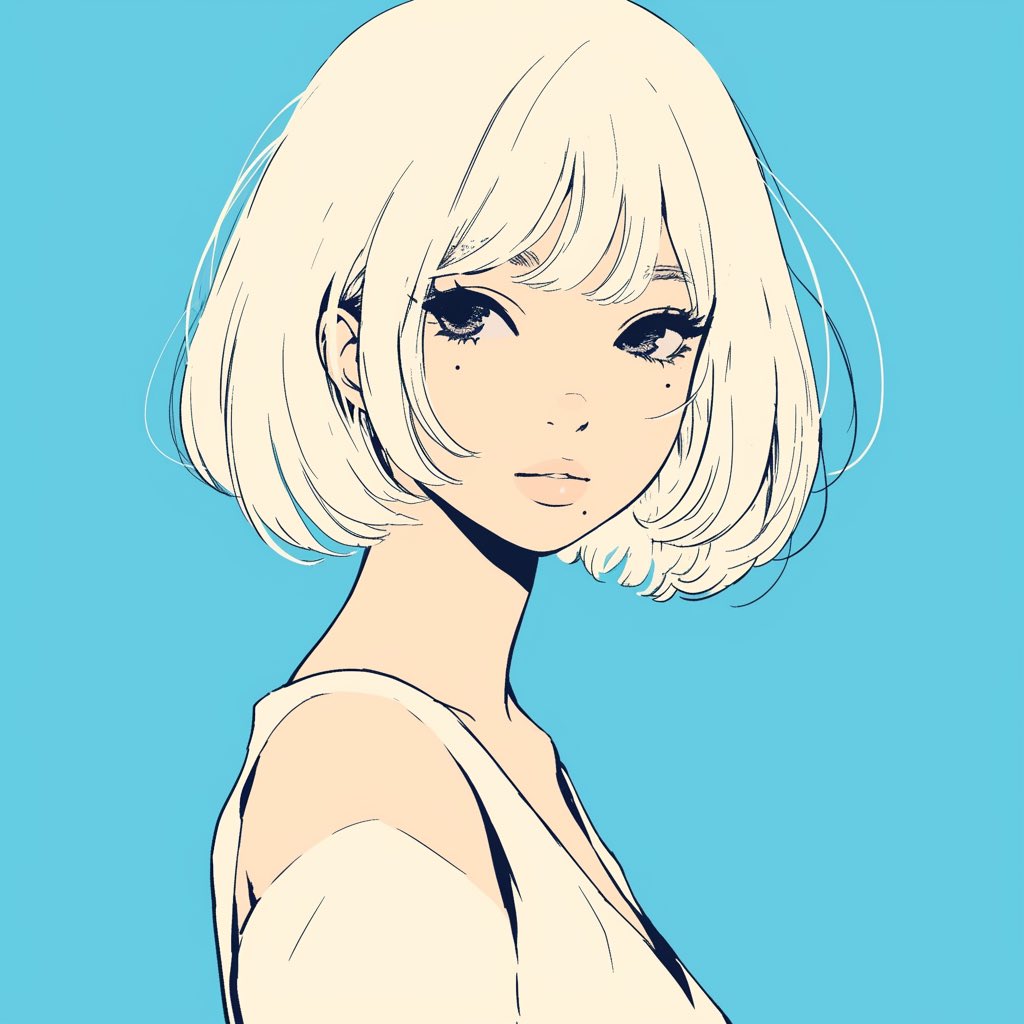
Minimalist Anime Girl Side Profile
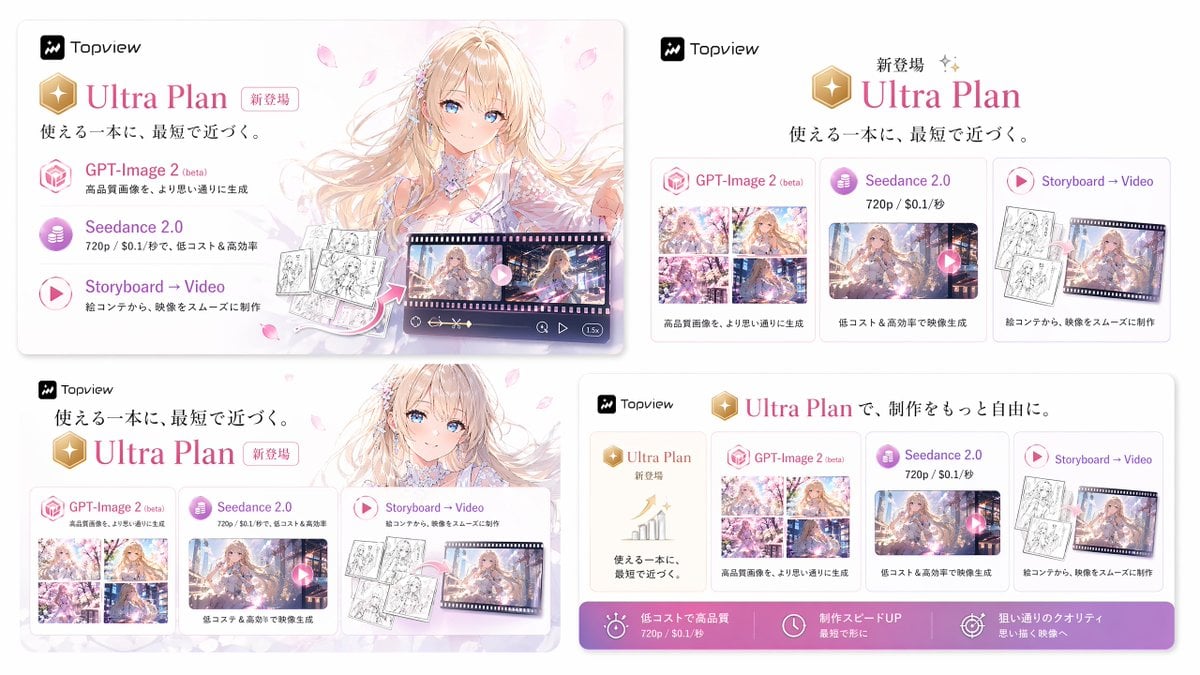
Japanese Ultra Plan Promo Storyboard
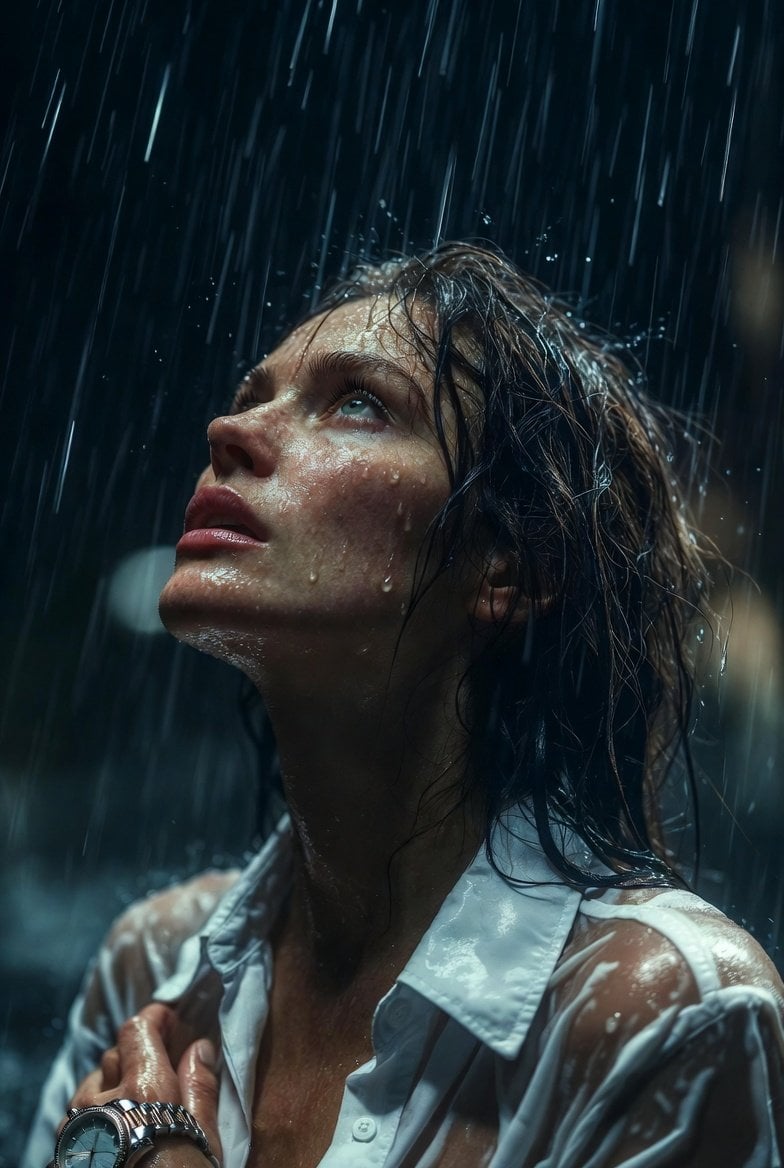
Hyper-Realistic Cinematic Night Rain Portrait JSON Prompt
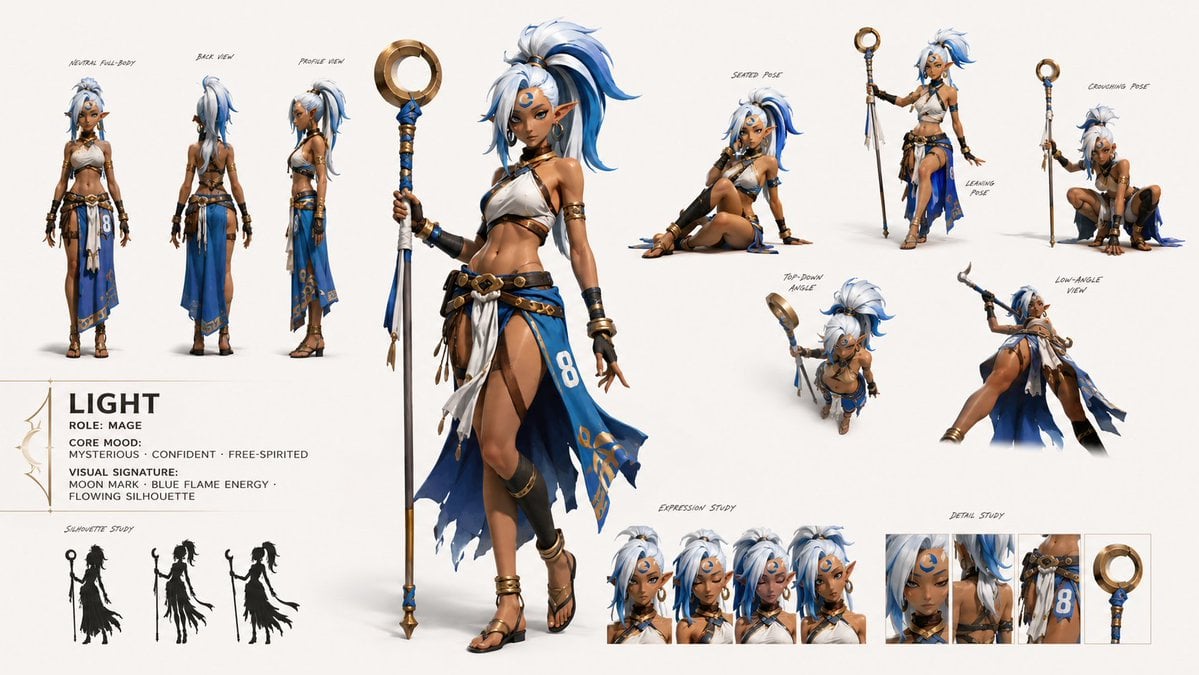
GPT Image 2 Fantasy Forest Ritual Storyboard
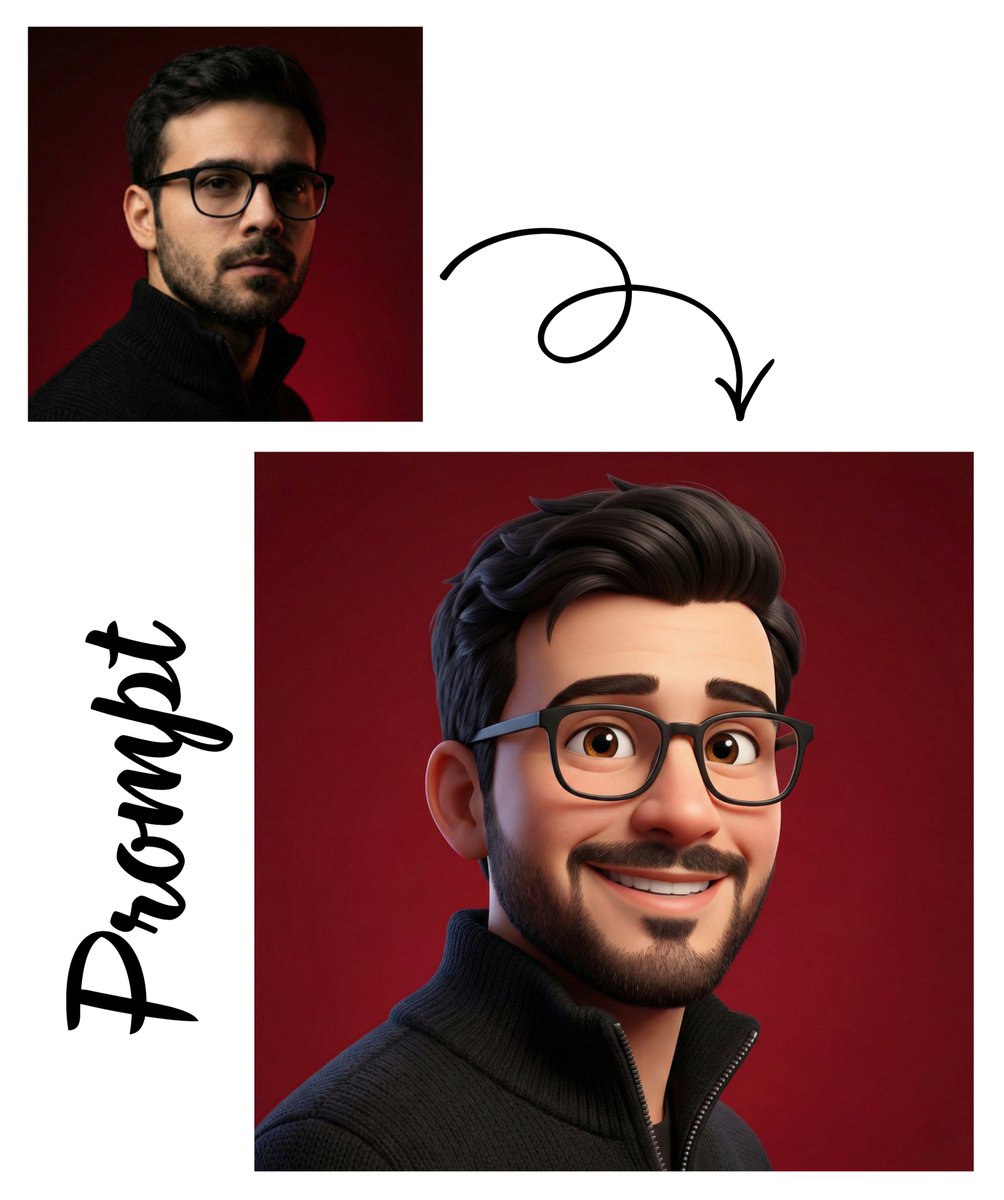
Pixar-Style 3D Avatar Generation
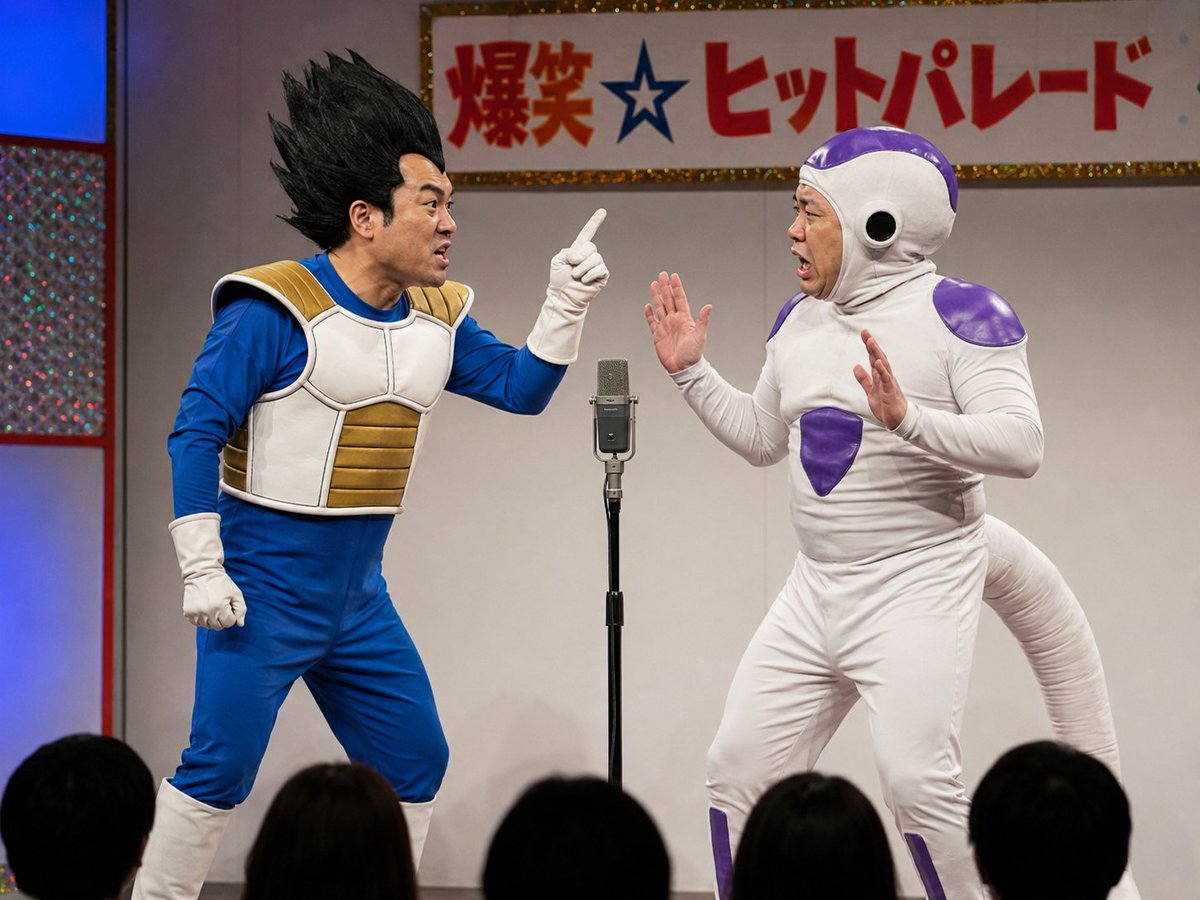
Vegeta and Frieza Cosplay Comedy
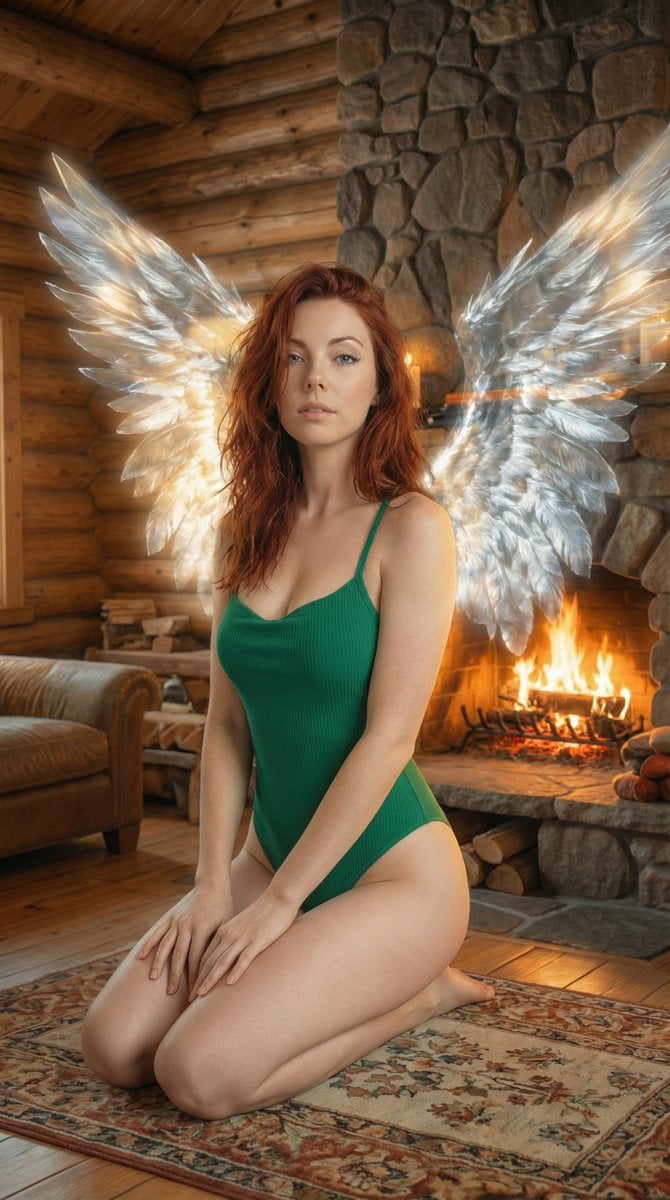
Ethereal Winged Portrait in Rustic Cabin Prompt
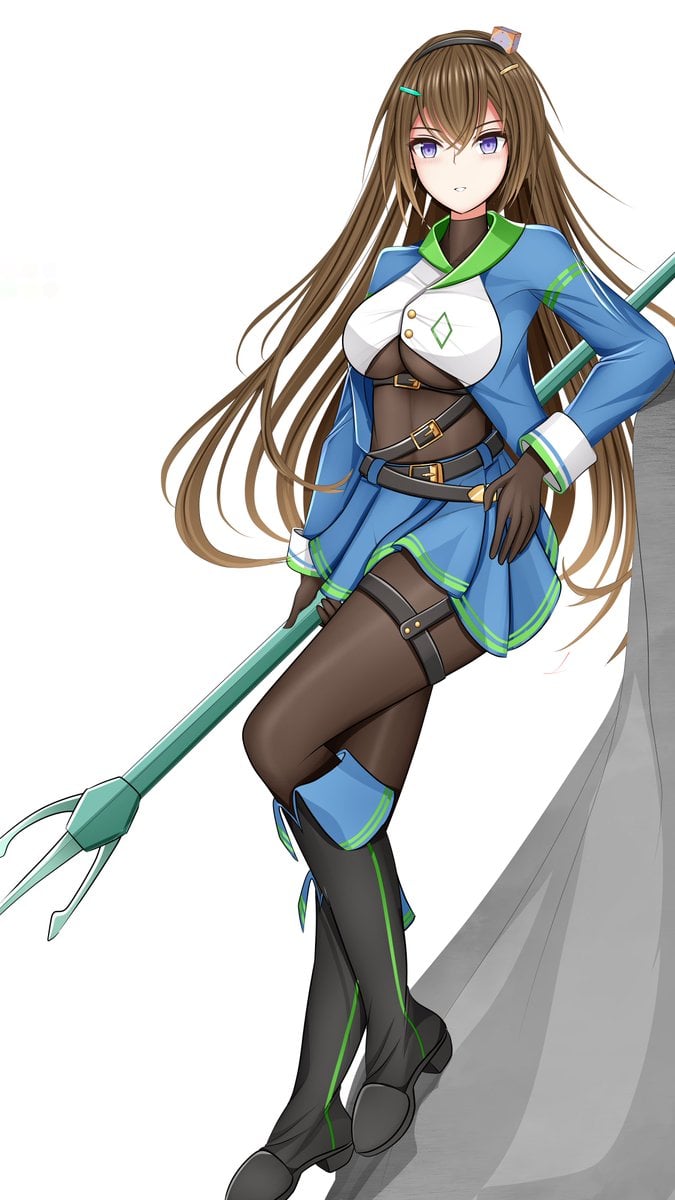
Prompt for Changing Character Pose using Reference Image
Browse template categories
Avant-Garde Editorial Velvet Portrait questions
How do I use the Avant-Garde Editorial Velvet Portrait template?
Add your photo if the template asks for one, edit the prompt if you like — the template's model and format are already selected — and press Generate. Your version opens in PicX Studio.
Can I customize the Avant-Garde Editorial Velvet Portrait template?
Yes. You can change the subject, setting, lighting, mood, format, and available model controls before creating your image.
Is the Avant-Garde Editorial Velvet Portrait template free?
Opening and editing this template is free. Generating uses credits, shown on the Generate button when you are signed in.
Which AI model should I use?
Start with Nano Banana 2, which is the model associated with this template. You can compare another compatible model for a different finish.
Looking for something else? Browse all templates.

Your photo, any look
Thousands of ready templates for every top image and video model, from one credit balance.