How do I use the Avant-Garde Luxury Editorial Advertisement template?
Choose the primary action to open PicX Studio with the available template settings. Review the model and format, personalize the creative direction, and generate when ready.
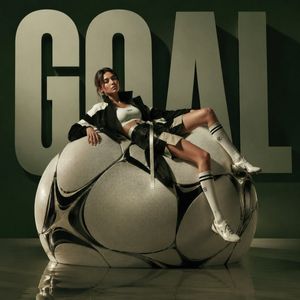
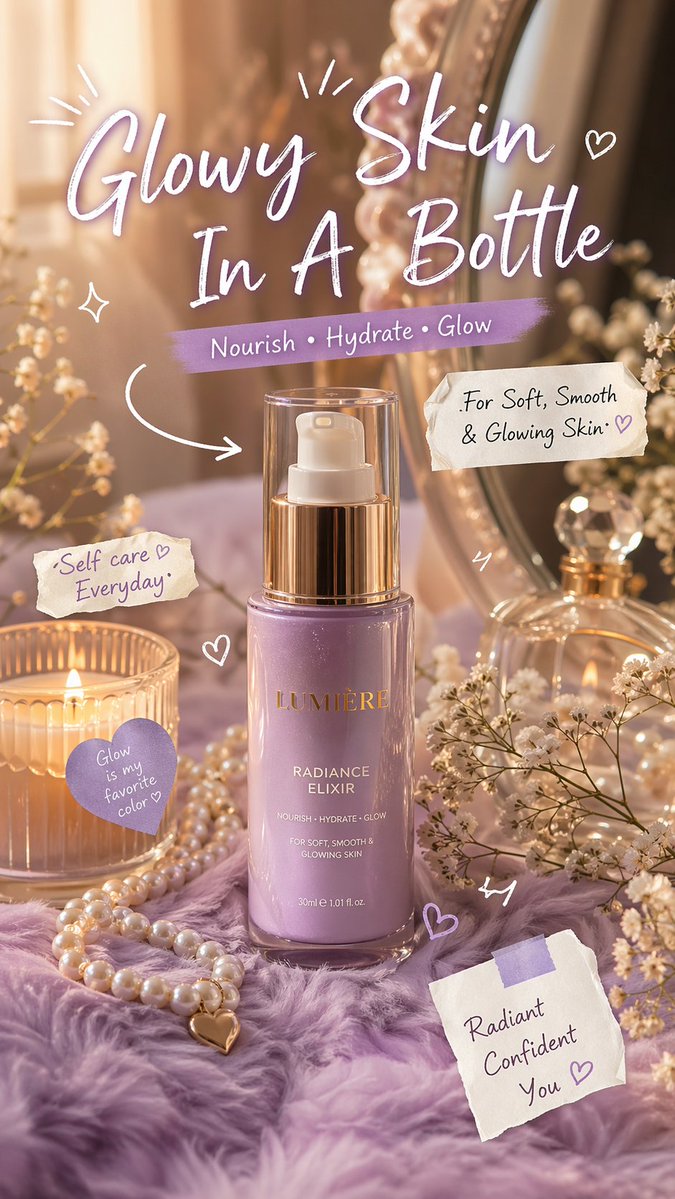
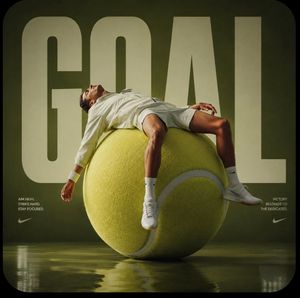
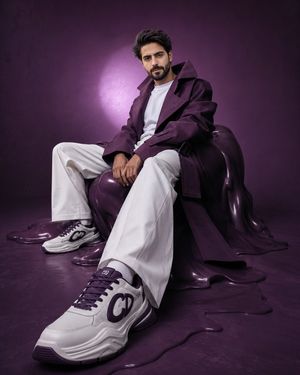
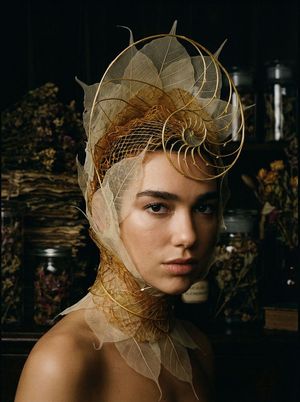
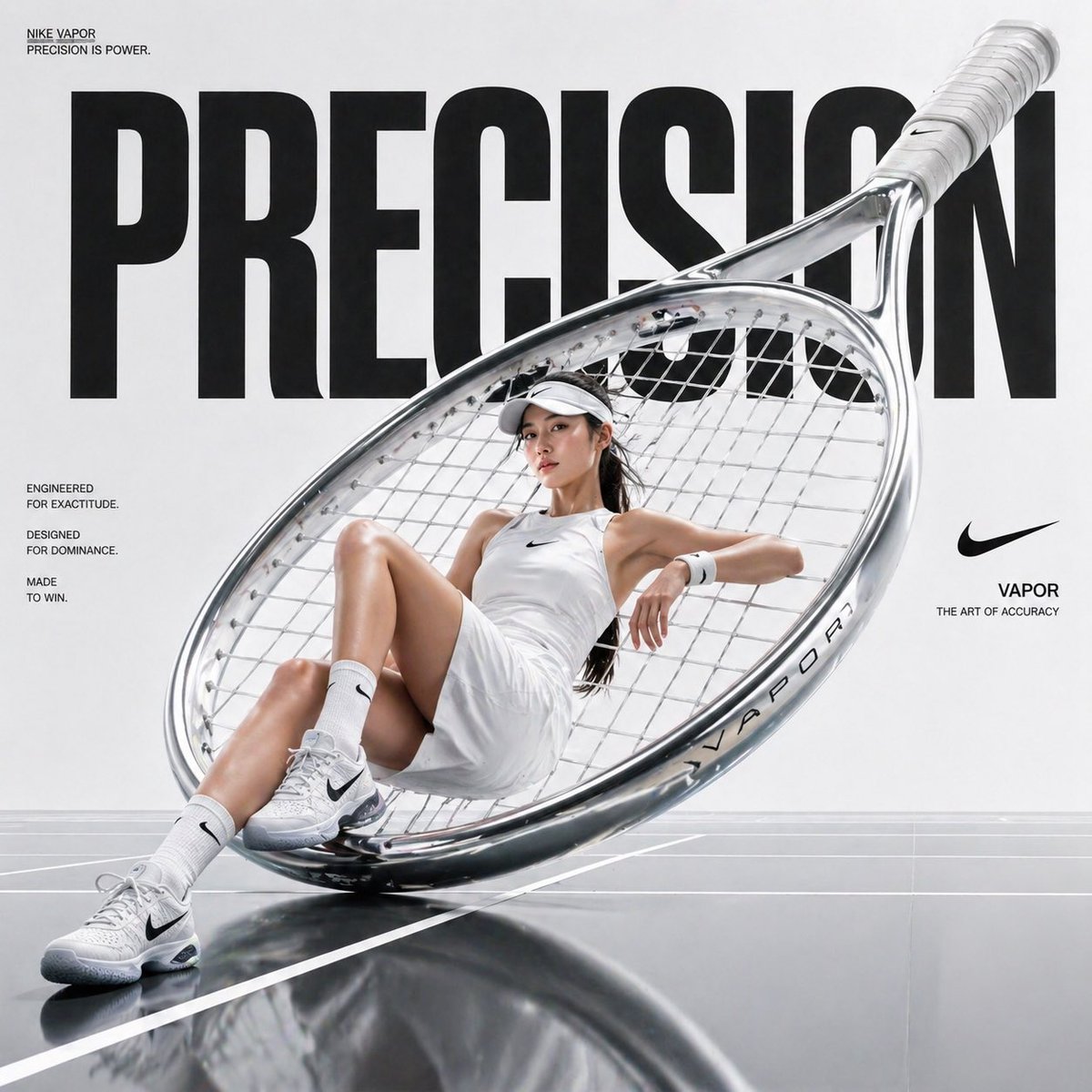
A high-fashion advertisement prompt for a luxury brand, featuring surreal oversized props and specific fabric textures like velvet and carbon fiber.
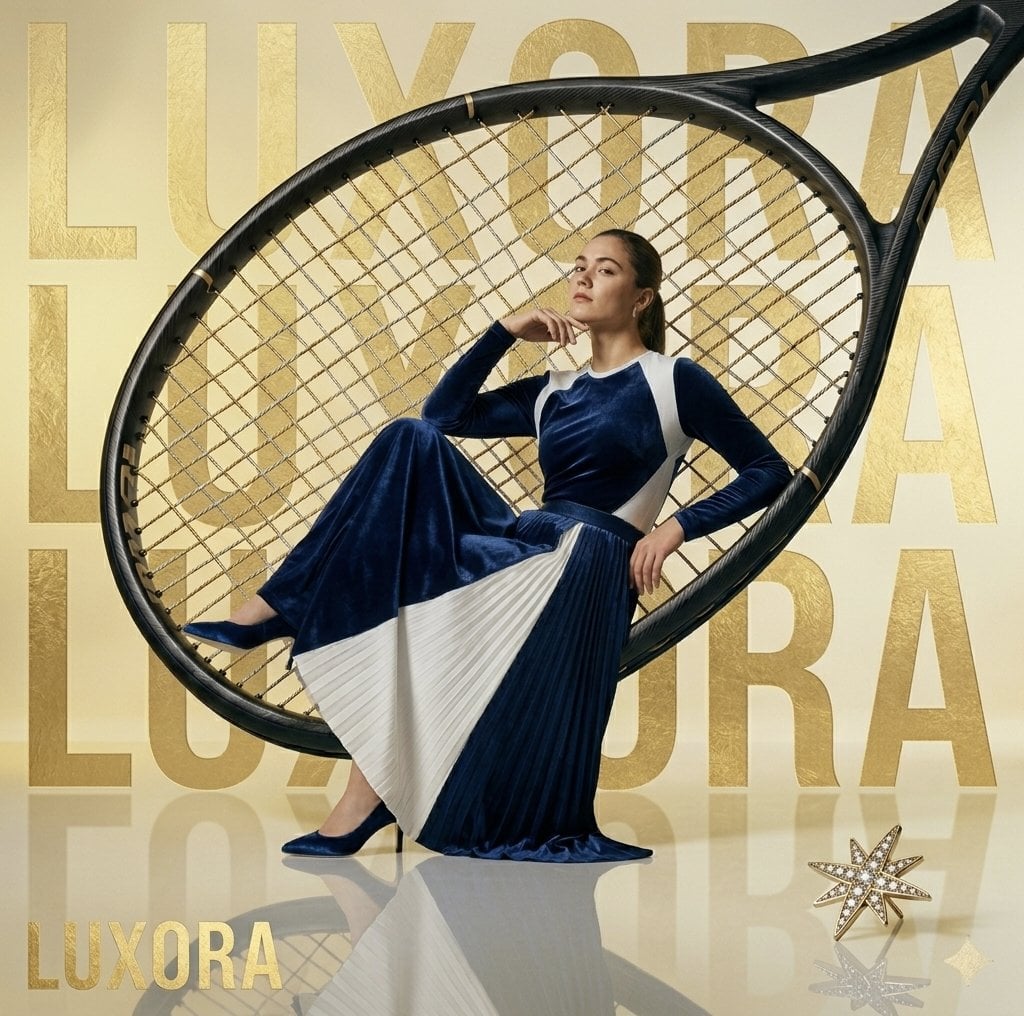
High-fashion editorial advertisement for a luxury brand named "LUXORA". A {argument name="subject" default="sophisticated woman with a sleek ponytail"} poses elegantly while seated inside the frame of a {argument name="prop" default="massive, oversized black tennis racket that serves as a chair"}. She wears a {argument name="outfit" default="floor-length, avant-garde velvet gown in deep navy blue with sharp, cream-colored pleated accents"}. The background is a minimalist, high-gloss champagne gold studio with the word "LUXORA" embossed in large, metallic gold typography. In the foreground, a diamond-encrusted gold star brooch sits on the reflective floor. Lighting is soft, cinematic, and expensive-looking, emphasizing textures of velvet, carbon fiber, and polished gold. 8k resolution, photorealistic, Vogue aesthetic.
Choose the primary action to open PicX Studio with the available template settings. Review the model and format, personalize the creative direction, and generate when ready.
Yes. You can change the subject, setting, lighting, mood, format, and available model controls before creating your image.
This template is free to open and customize. Generation usage is shown in PicX Studio before you create.
Start with Nano Banana 2, which is the model associated with this template. You can compare another compatible model for a different finish.
Follow a topic to a crawlable collection of related PicX Studio templates.