
Avant-Garde Distortion Luxury Product Portrait
Curated from MeiGen gallery ID 2016559834456273296: Avant-Garde Distortion Luxury Product Portrait.
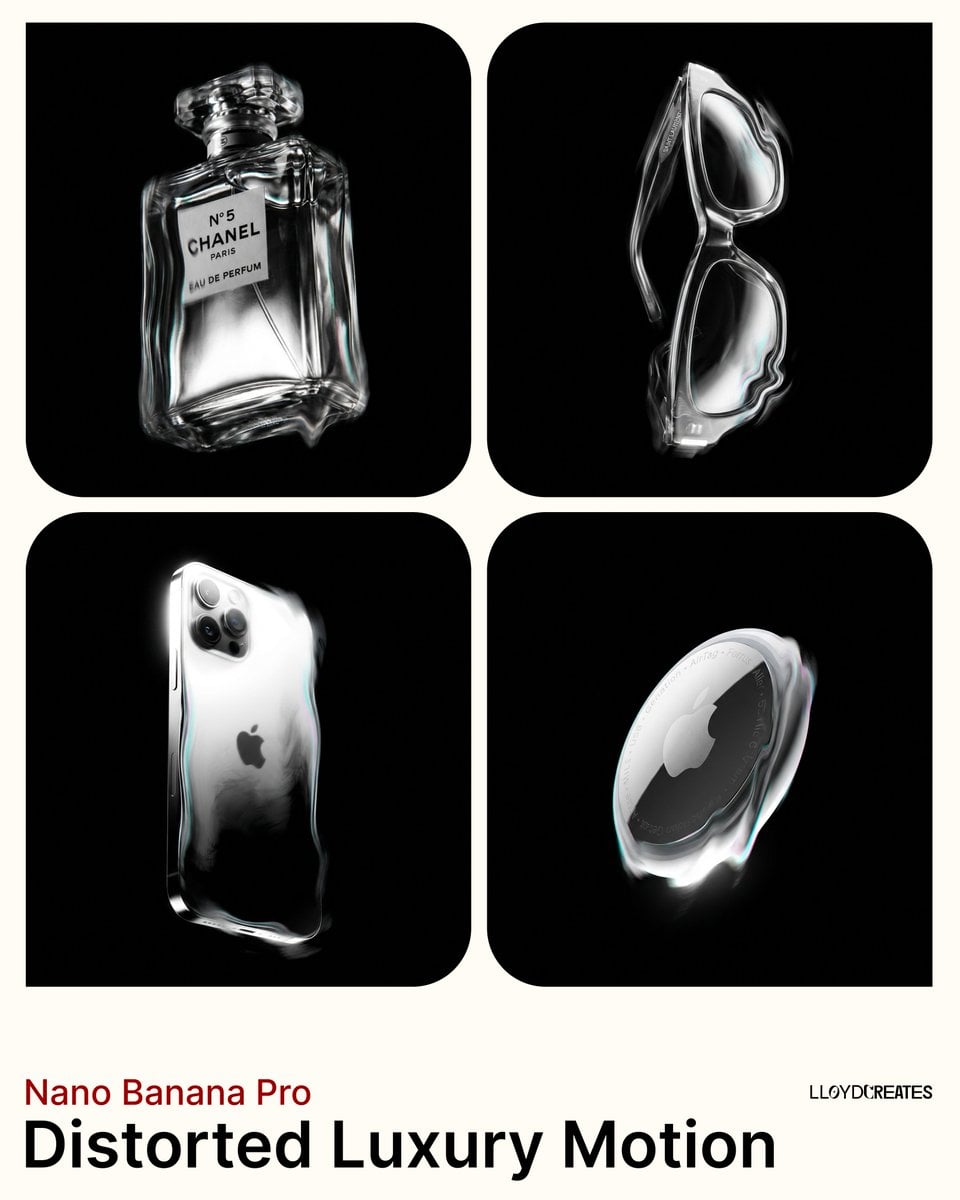
- Prompt included
- Model and format preset
- Free template
The prompt behind this image
Copy the exact prompt behind Avant-Garde Distortion Luxury Product Portrait, or open it in the studio and make it yours.
Avant-garde luxury product photography, abstract distortion, dreamlike etherealism, monochromatic with subtle color accents. The product stands perfectly vertical and upright, completely isolated. Render with surreal fluid distortion effects along its edges, appearing semi-solid as if vibrating or viewed through heat haze. Predominantly monochromatic silver, black, and grey tones. Subtle iridescent cyan, magenta color notes appear only within distortion effects and highlights on product edges. Strict high-contrast chiaroscuro lighting on the product only, bright blown-out highlights on rim and ridges, sharp contrast against deep shadows. Single key light illuminating only the product, no fill light, no visible rays. Camera positioned slightly below eye level angled slightly upward. Pure solid black background #000000 with zero variation. Product is completely within the frame and never cropped.
How to use Avant-Garde Distortion Luxury Product Portrait in 3 steps
- 1
Open
The prompt is already in the box next to the preview, with the template's model and format selected.
- 2…a portrait of your subject in softgolden-hour light, 85mm…
Personalize
Edit the subject and creative details for your destination.
- 3Generate
Generate
Press Generate — your image is created in PicX Studio, so you can compare it with the original and refine one variable at a time.
More like this
Templates with the same subject, style or setup. Open one to see its prompt.
Avant-Garde Distortion Luxury Product Portrait

Cinematic Street Fashion Photographer Portrait
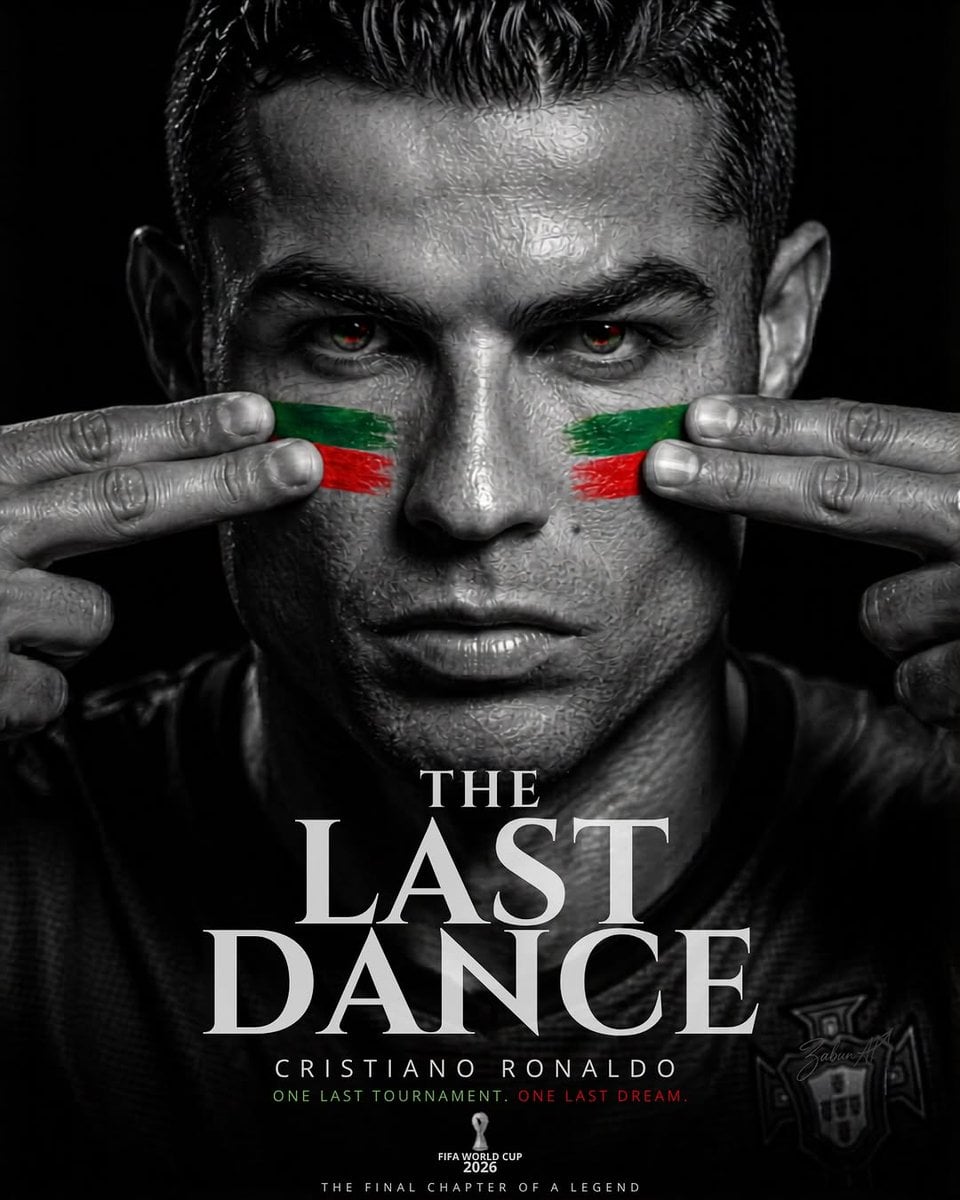
Last Dance Legacy Monochrome Portrait
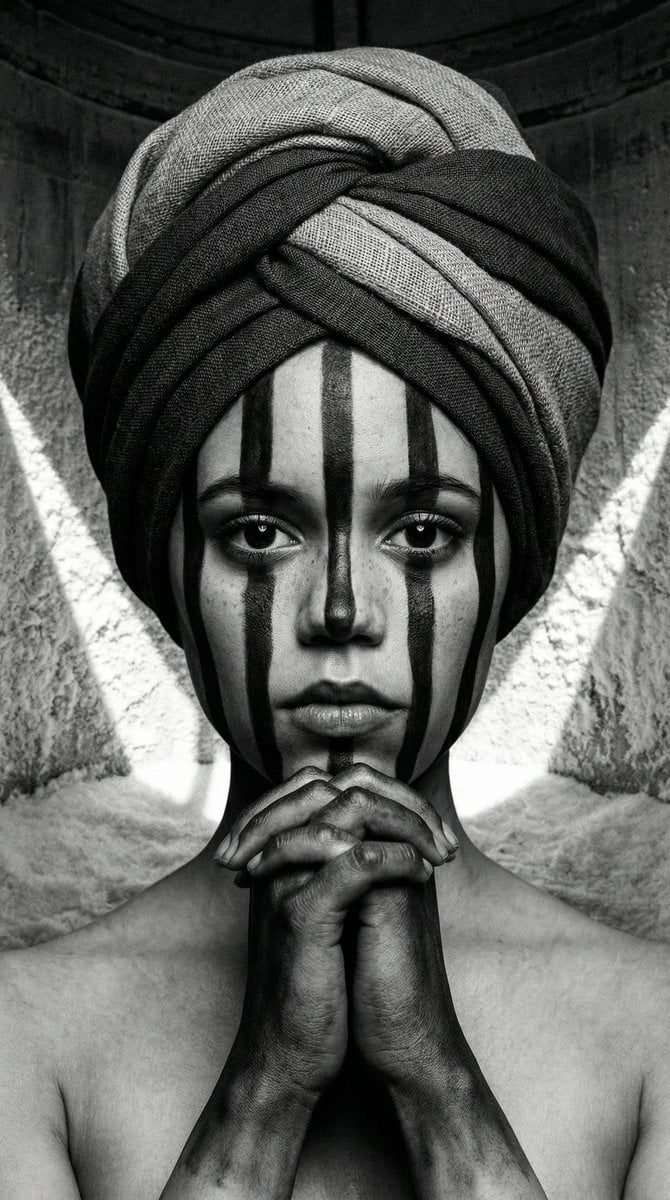
Monochrome Avant-Garde Portrait: Obsidian Ritual

Gpt2 Avant Garde Tennis Fashion

Avant-Garde Asian Fashion Model
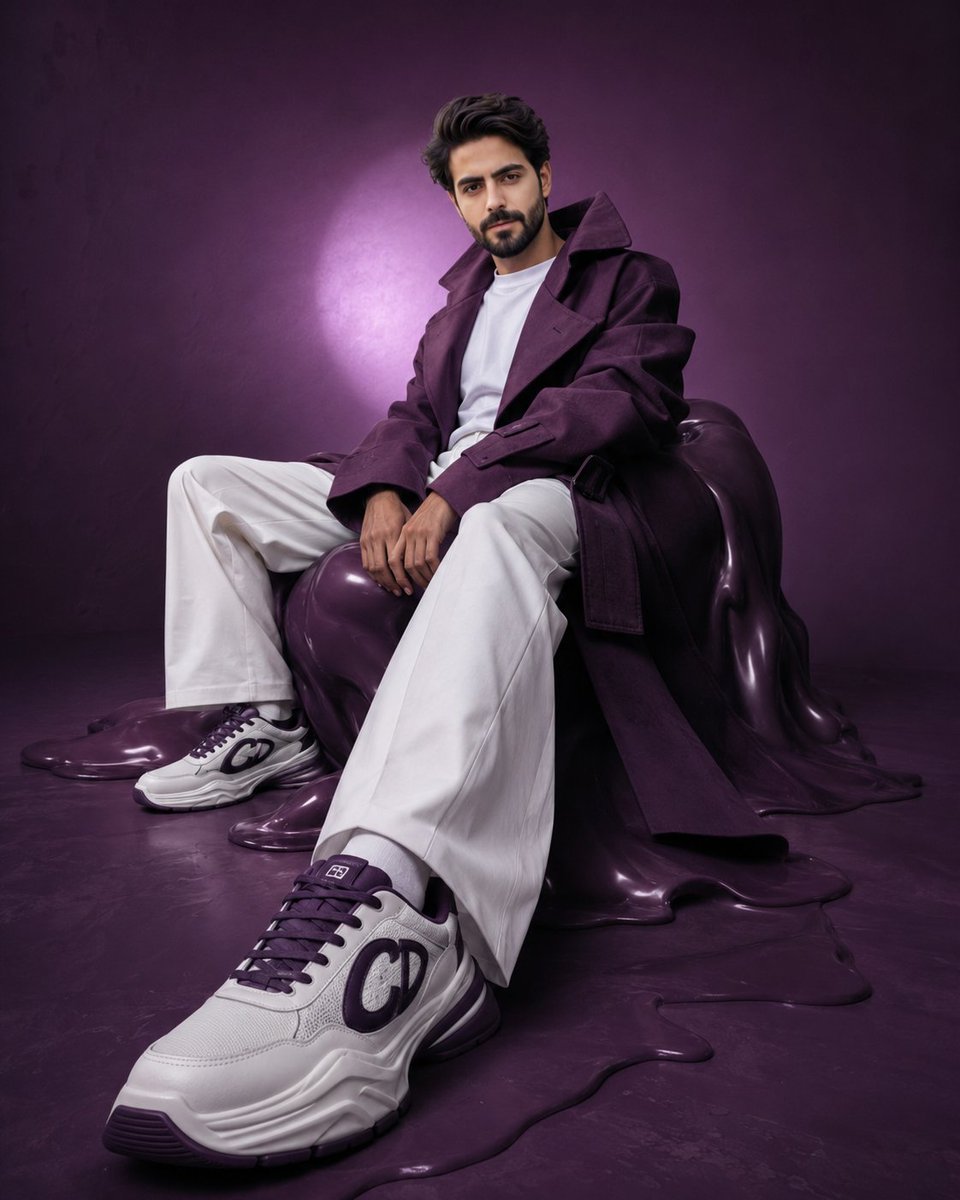
Avant-Garde Purple Fashion Editorial
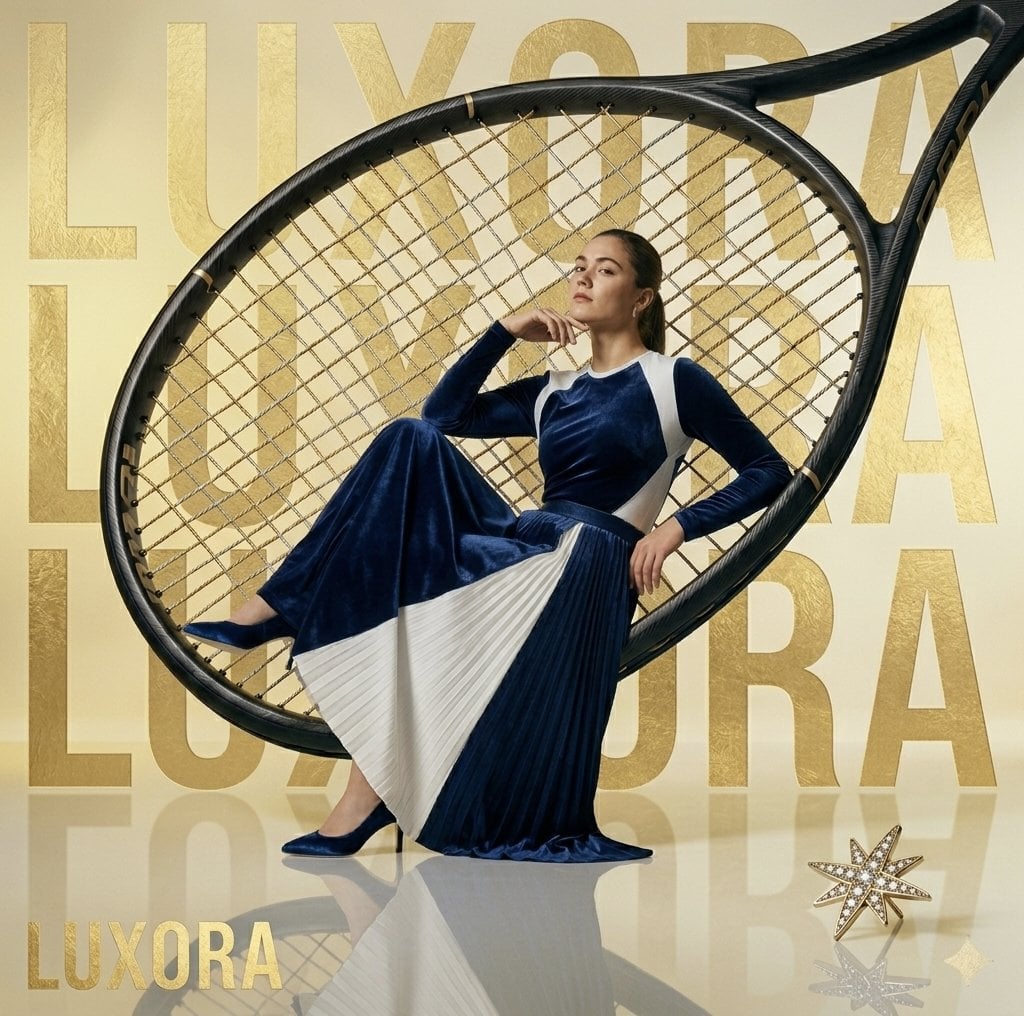
Avant-Garde Luxury Editorial Advertisement
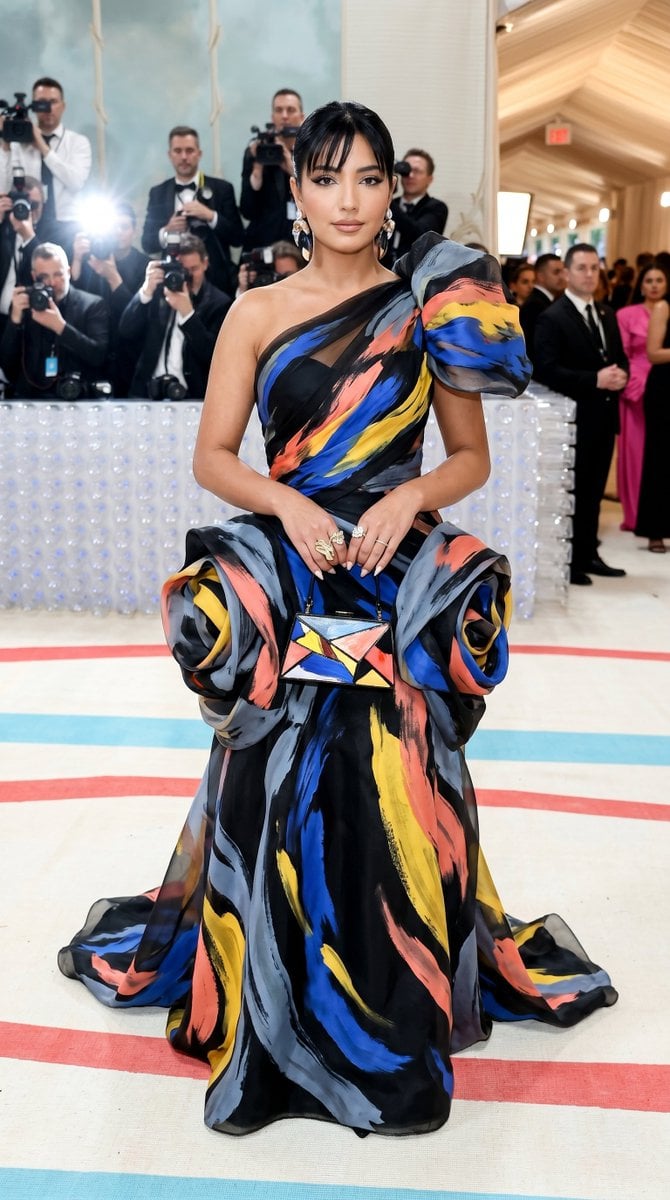
Met Gala Avant-Garde Couture Fashion
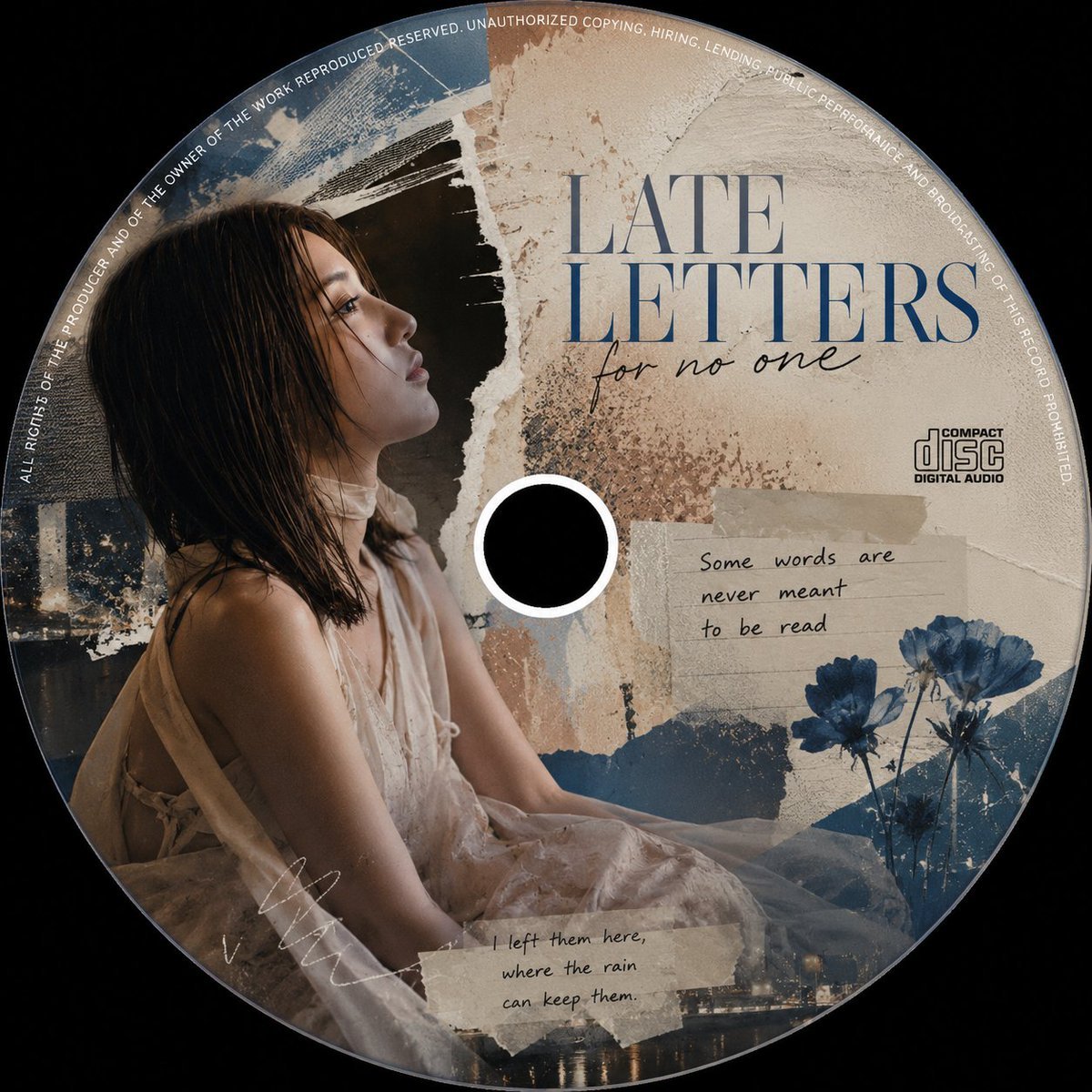
Avant-Garde Collage CD Cover
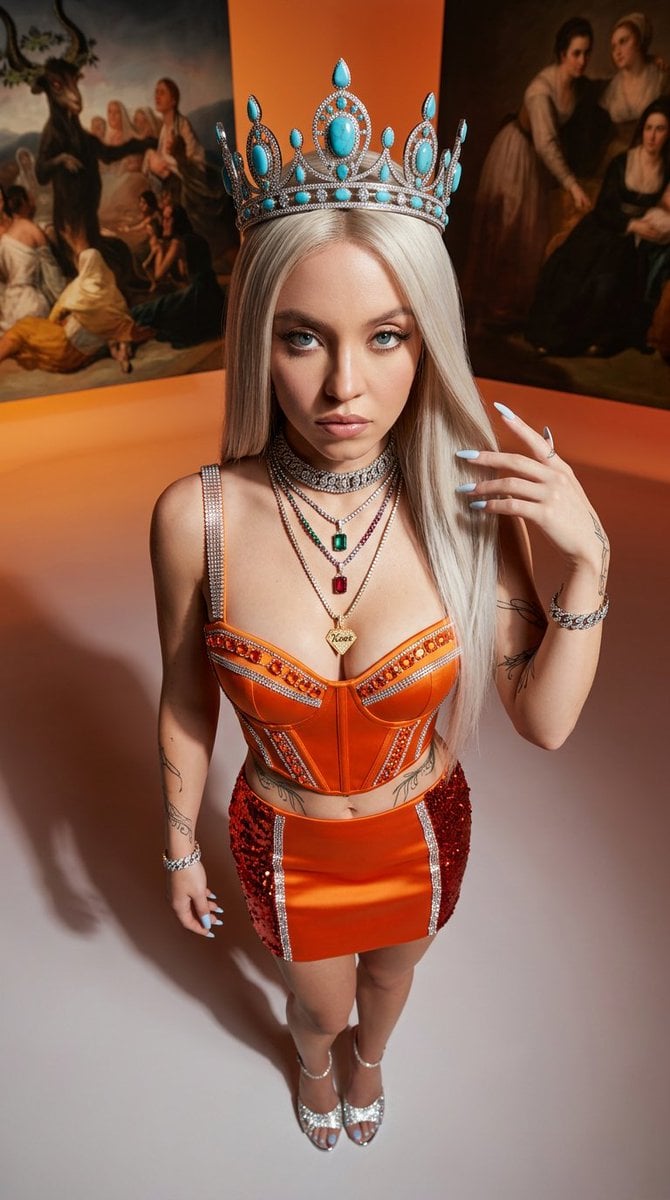
Avant-Garde High-Angle Editorial Fashion
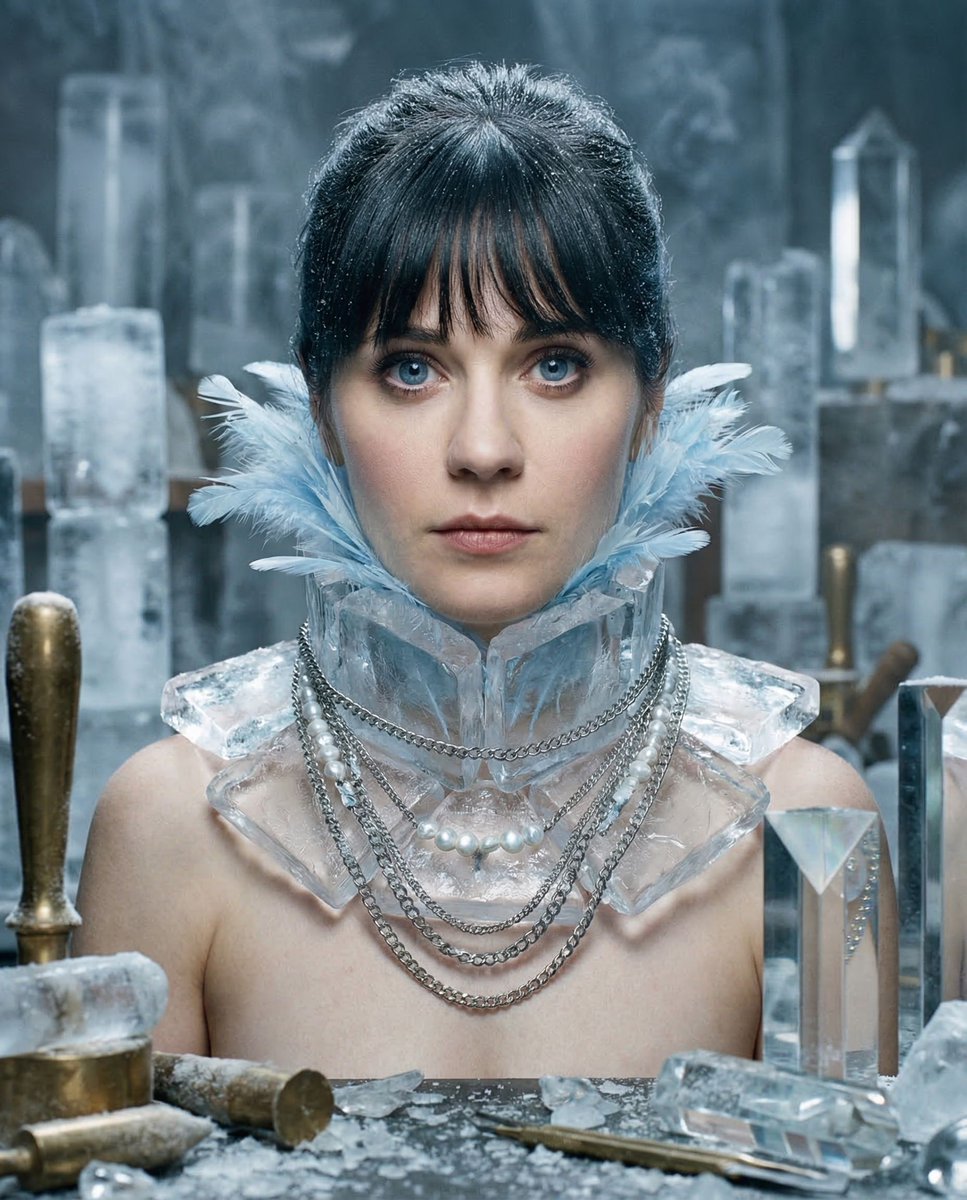
Glacial Avant-Garde Beauty Portrait
Make it yours
Avant-Garde Distortion Luxury Product Portrait works as-is. These are the safest ways to change it without losing the look.
Change one field
Copy a single group, rewrite it, and generate again so you can see what that field is doing.
Keep the frame, change the subject
Hold the composition and light of Avant-Garde Distortion Luxury Product Portrait, then swap wardrobe, props or the person for a new take.
| If the result… | Why | Fix |
|---|---|---|
| The result drifts from the preview | Too many fields changed at once. | Reuse Avant-Garde Distortion Luxury Product Portrait as-is first, then change one group — subject, light, or setting. |
| The model over-stylizes the scene | The prose prompt leaves finish and camera underspecified. | Add one camera or lighting sentence and stay on PicX Studio. |
More image prompts
Fresh picks from across the catalog.
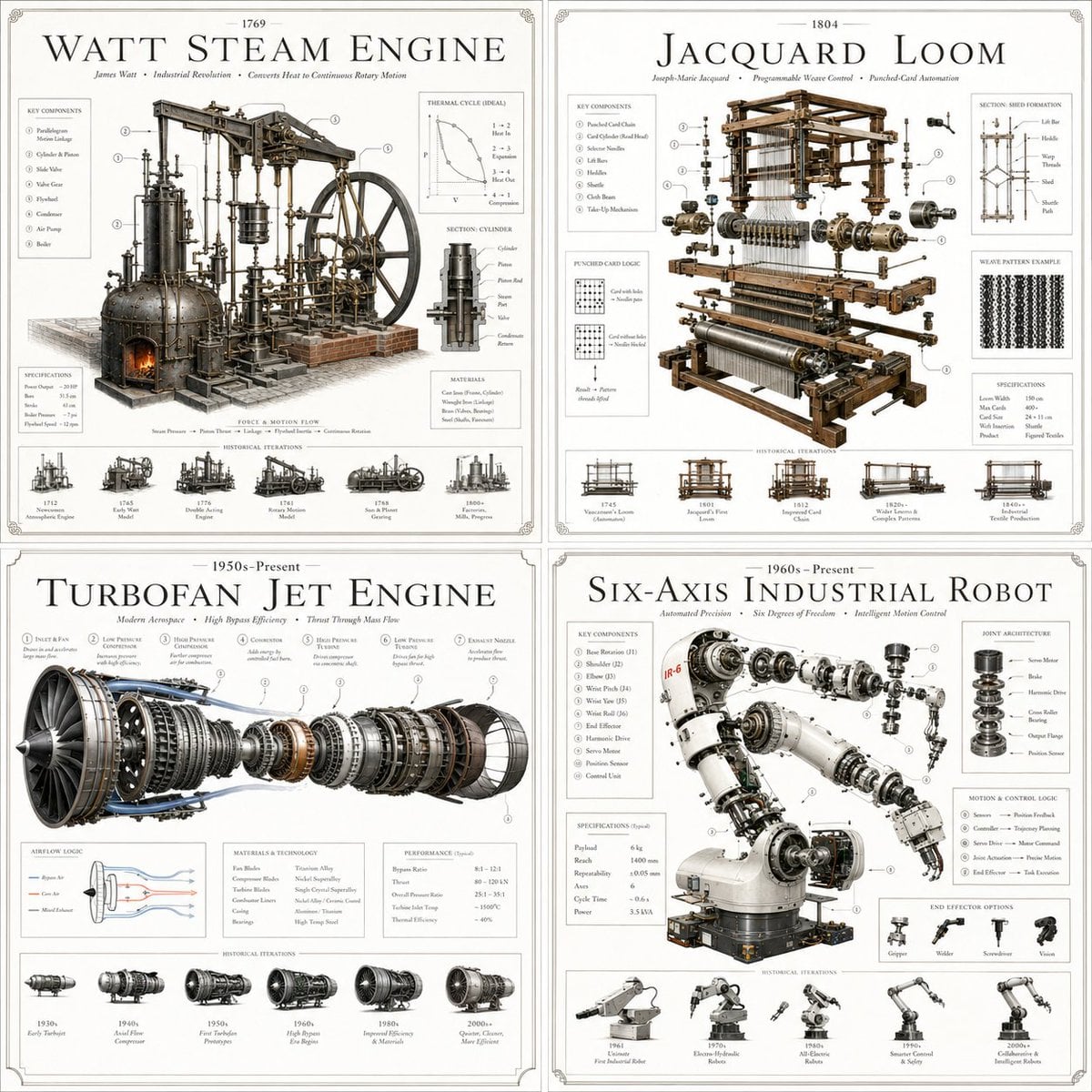
Luxury Patent Artifact Poster
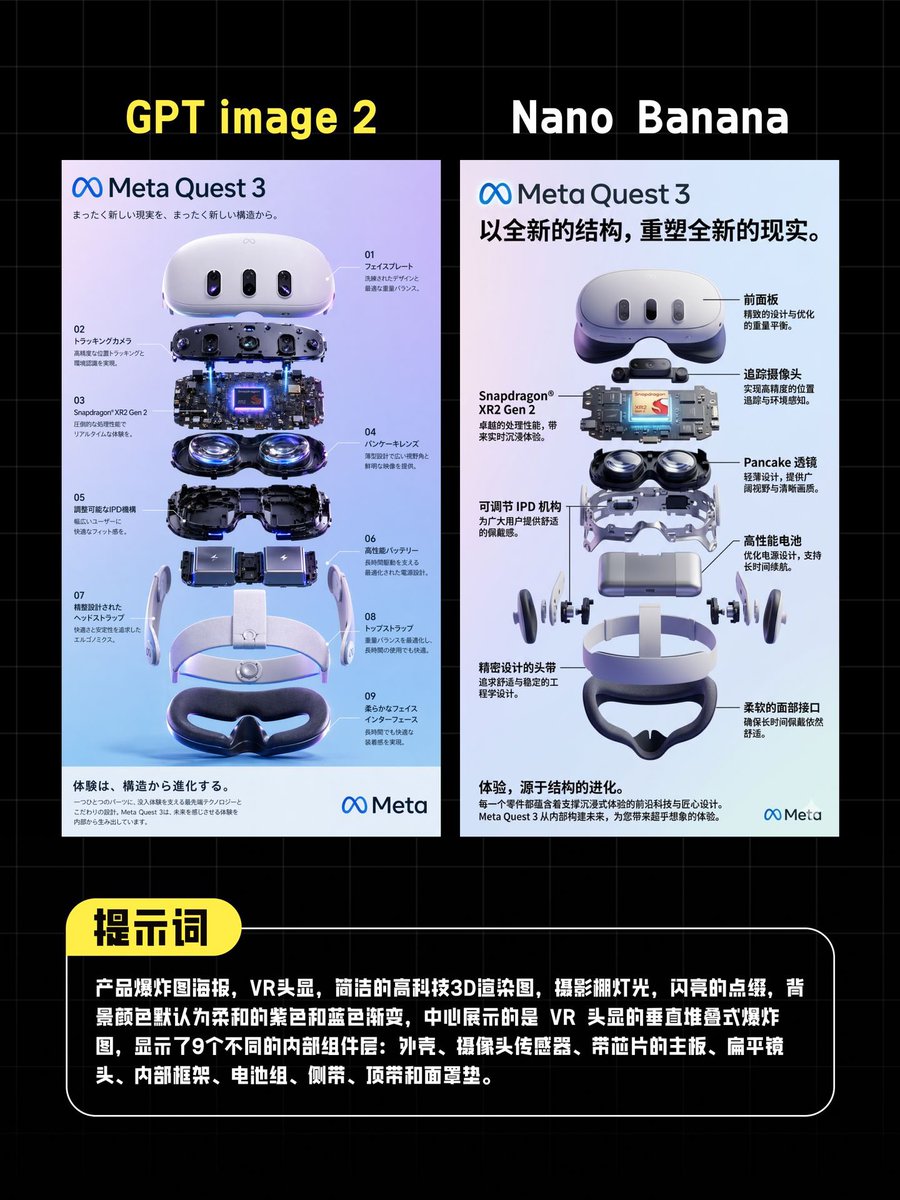
AI VR Poster Comparison
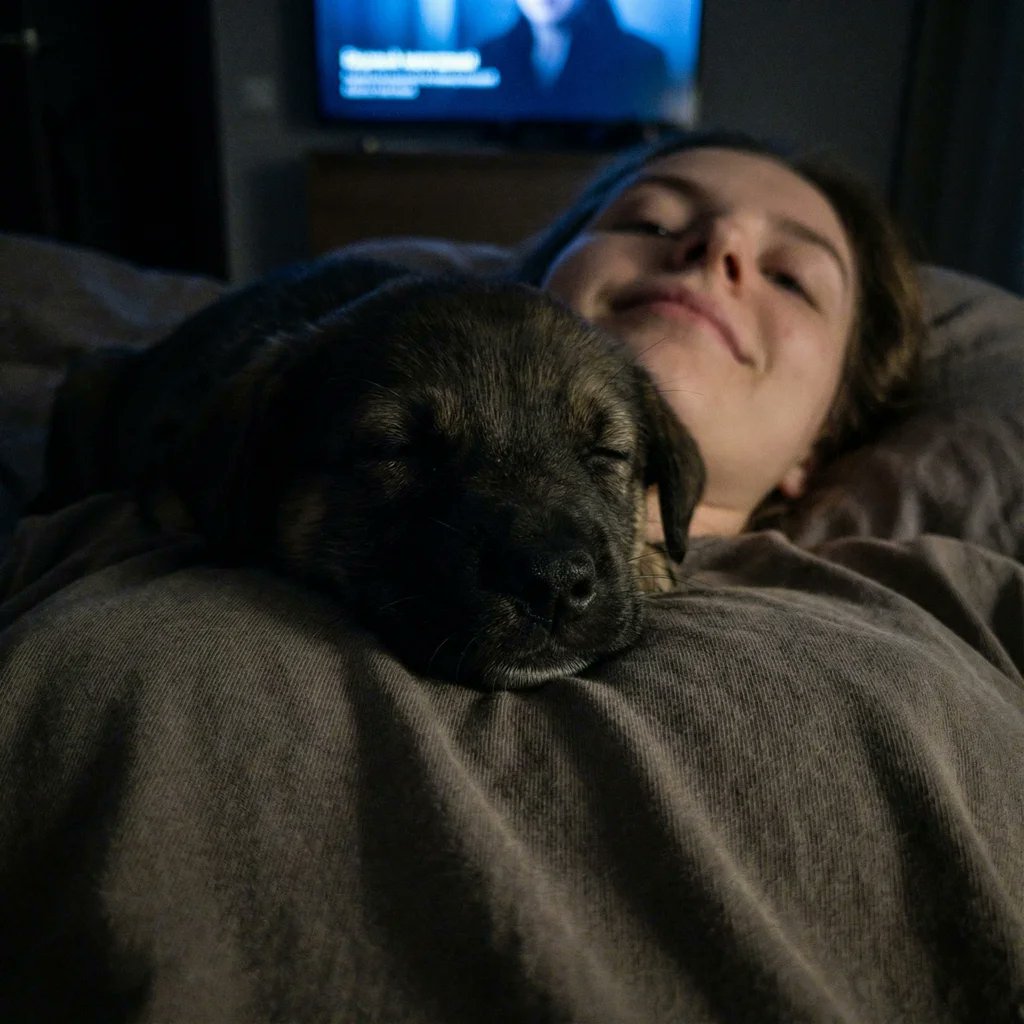
Extreme Close-up Puppy Selfie Prompt (Low Light)
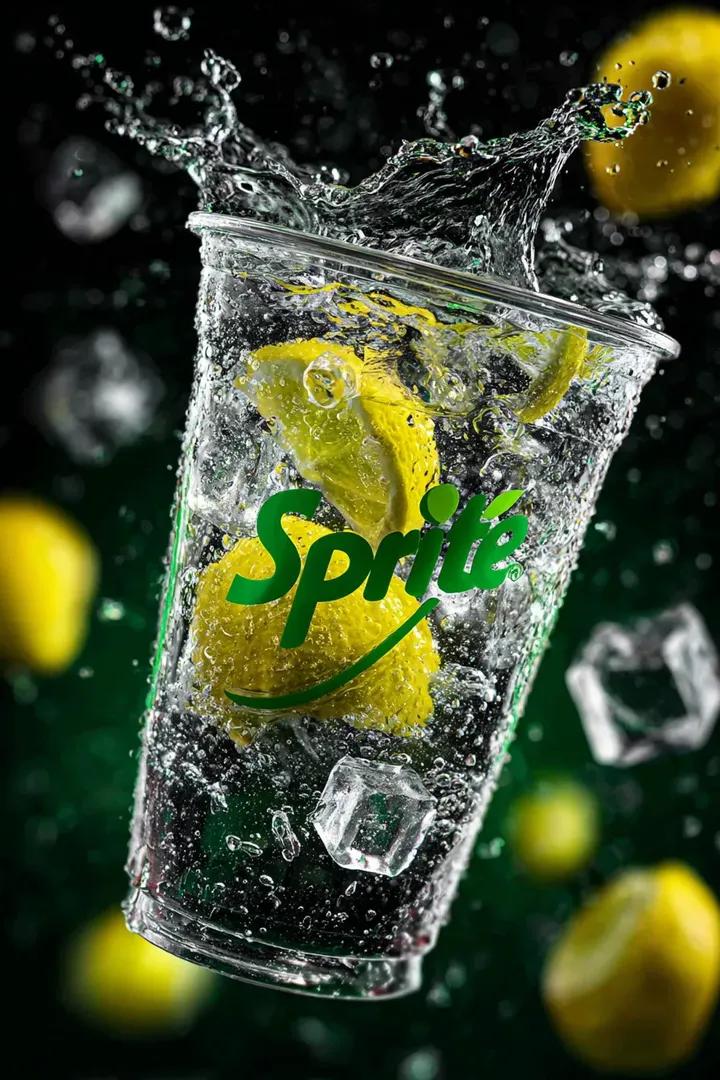
Floating Sprite Product Photography Prompt
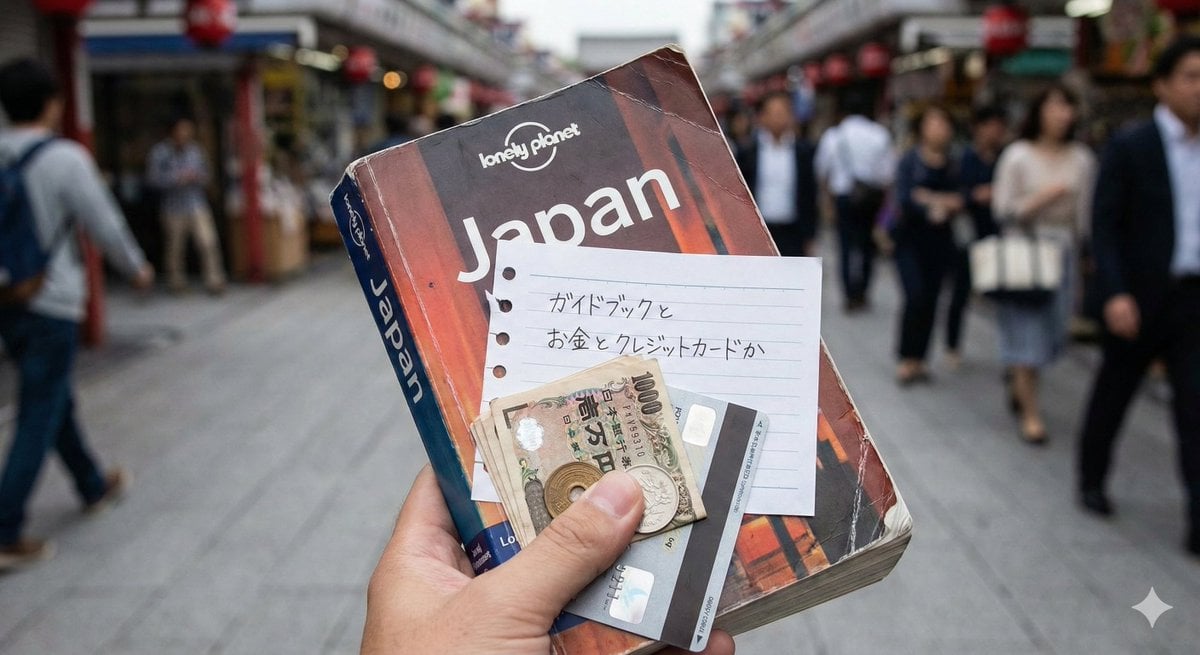
Japanese Text Generation Test Prompt
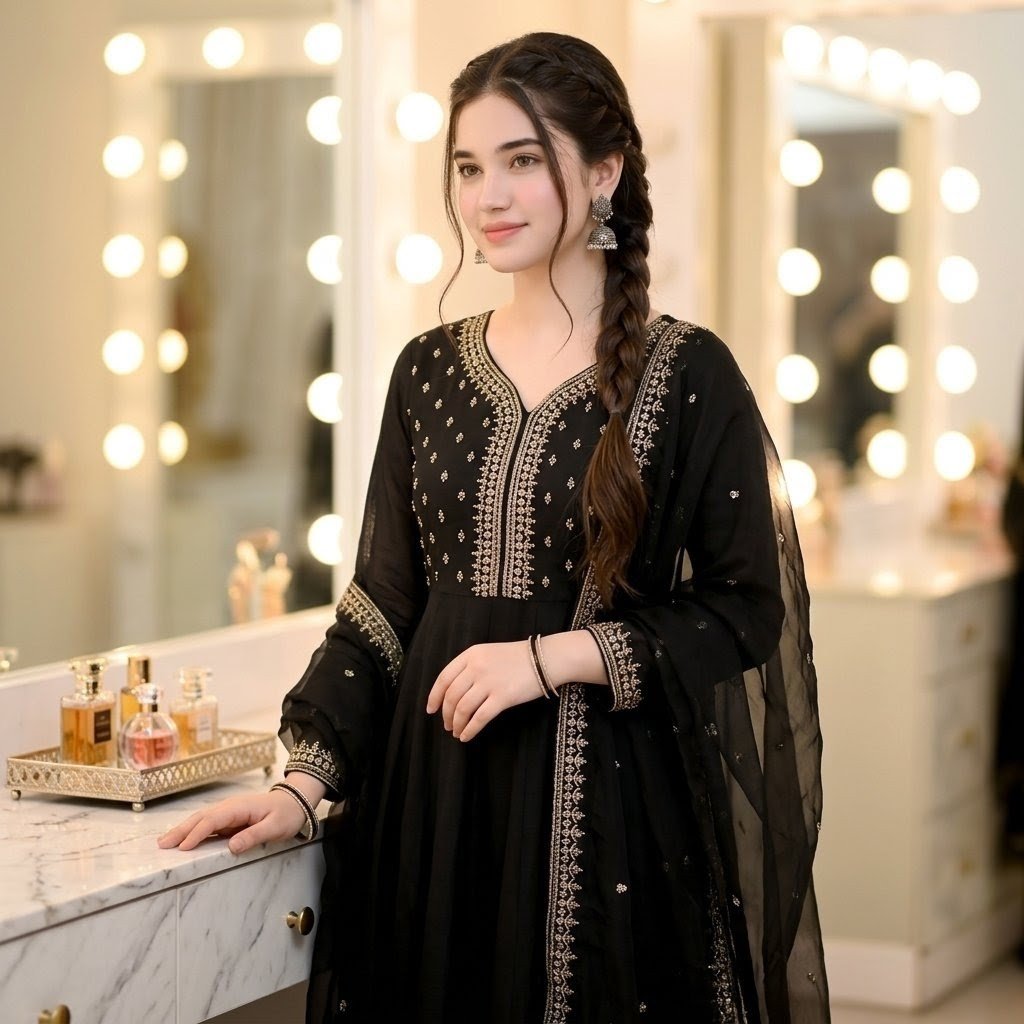
Indian Ethnic Wear Portrait
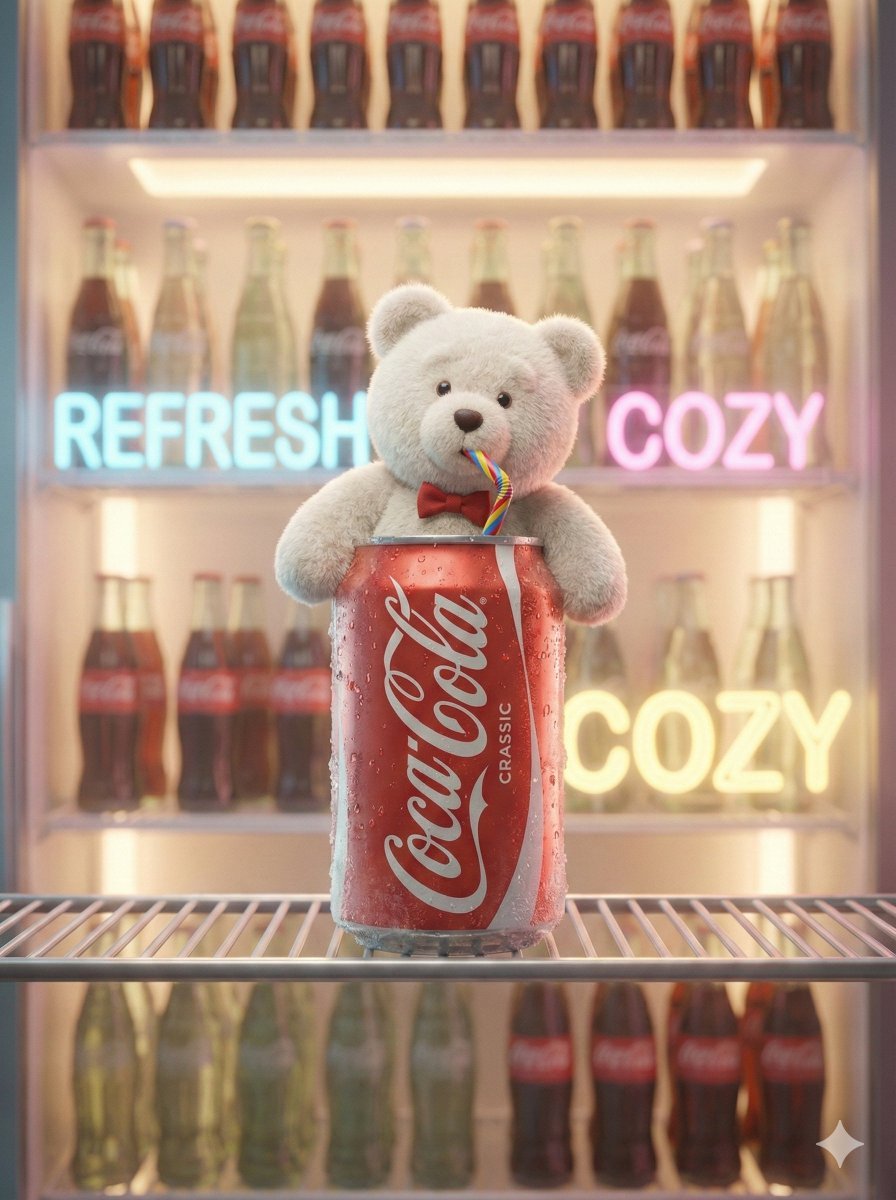
Pixar-Level Commercial Scene: Teddy Bear in a Soda Can
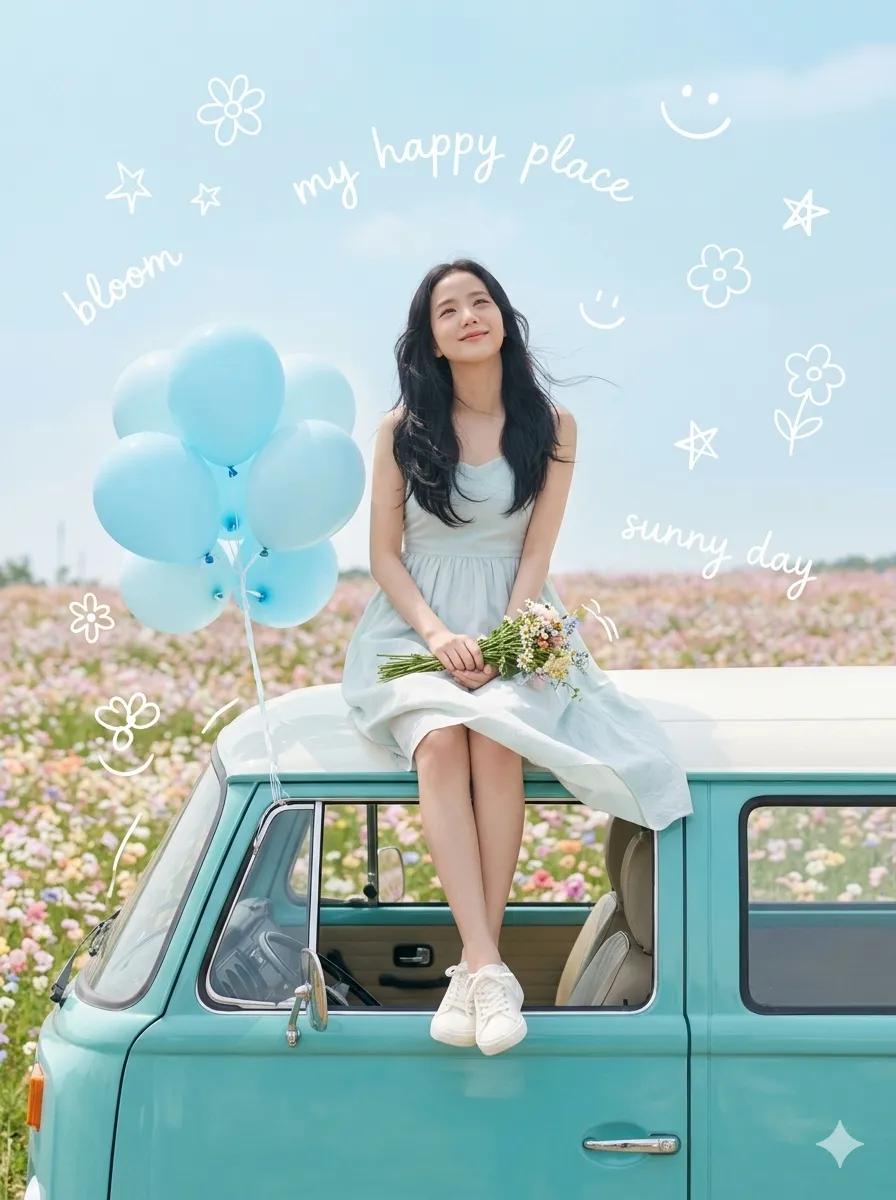
Dreamy Van Rooftop Flower Field
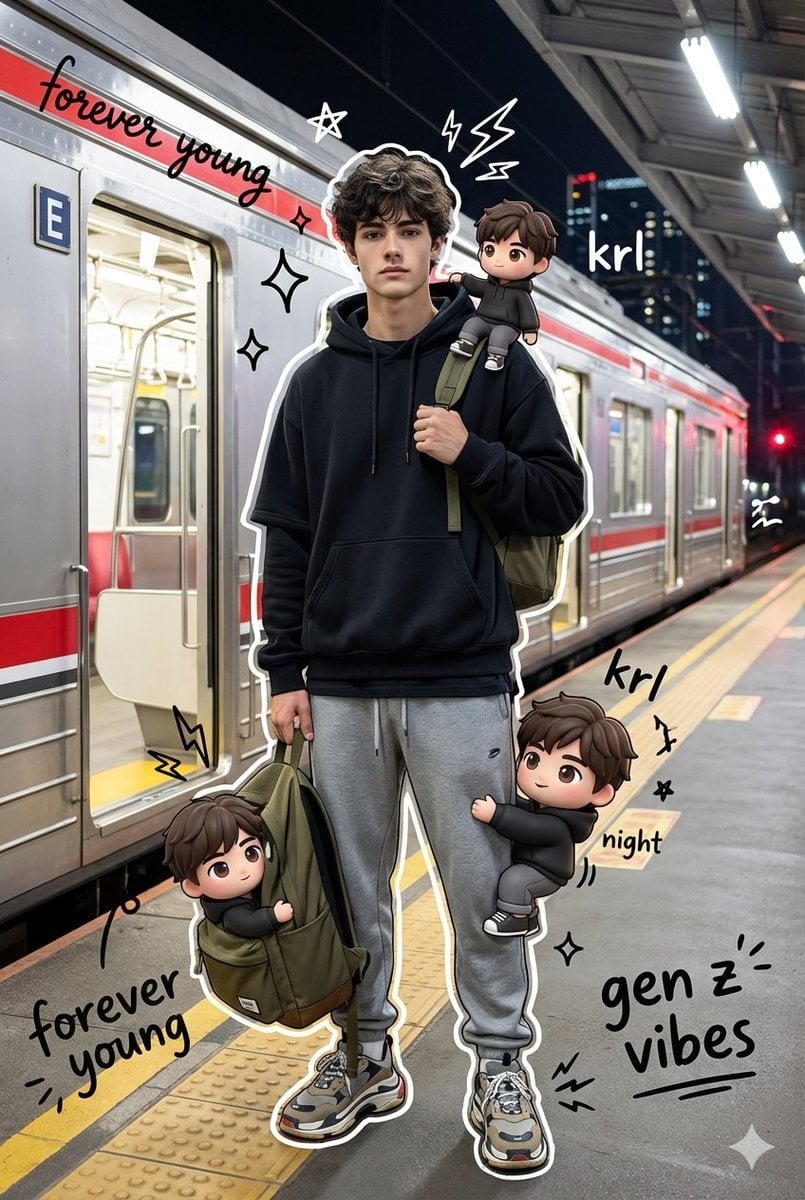
Mixed Media Chibi Streetwear Portrait

Azed Double Exposure
Browse template categories
Avant-Garde Distortion Luxury Product Portrait questions
How do I use the Avant-Garde Distortion Luxury Product Portrait template?
Add your photo if the template asks for one, edit the prompt if you like — the template's model and format are already selected — and press Generate. Your version opens in PicX Studio.
Can I customize the Avant-Garde Distortion Luxury Product Portrait template?
Yes. You can change the subject, setting, lighting, mood, format, and available model controls before creating your image.
Is the Avant-Garde Distortion Luxury Product Portrait template free?
Opening and editing this template is free. Generating uses credits, shown on the Generate button when you are signed in.
Which AI model should I use?
Choose a compatible model in PicX Studio based on the style, speed, and output controls your project needs.
Looking for something else? Browse all templates.

Your photo, any look
Thousands of ready templates for every top image and video model, from one credit balance.