How do I use the Avant-Garde Collage CD Cover template?
Choose the primary action to open PicX Studio with the available template settings. Review the model and format, personalize the creative direction, and generate when ready.
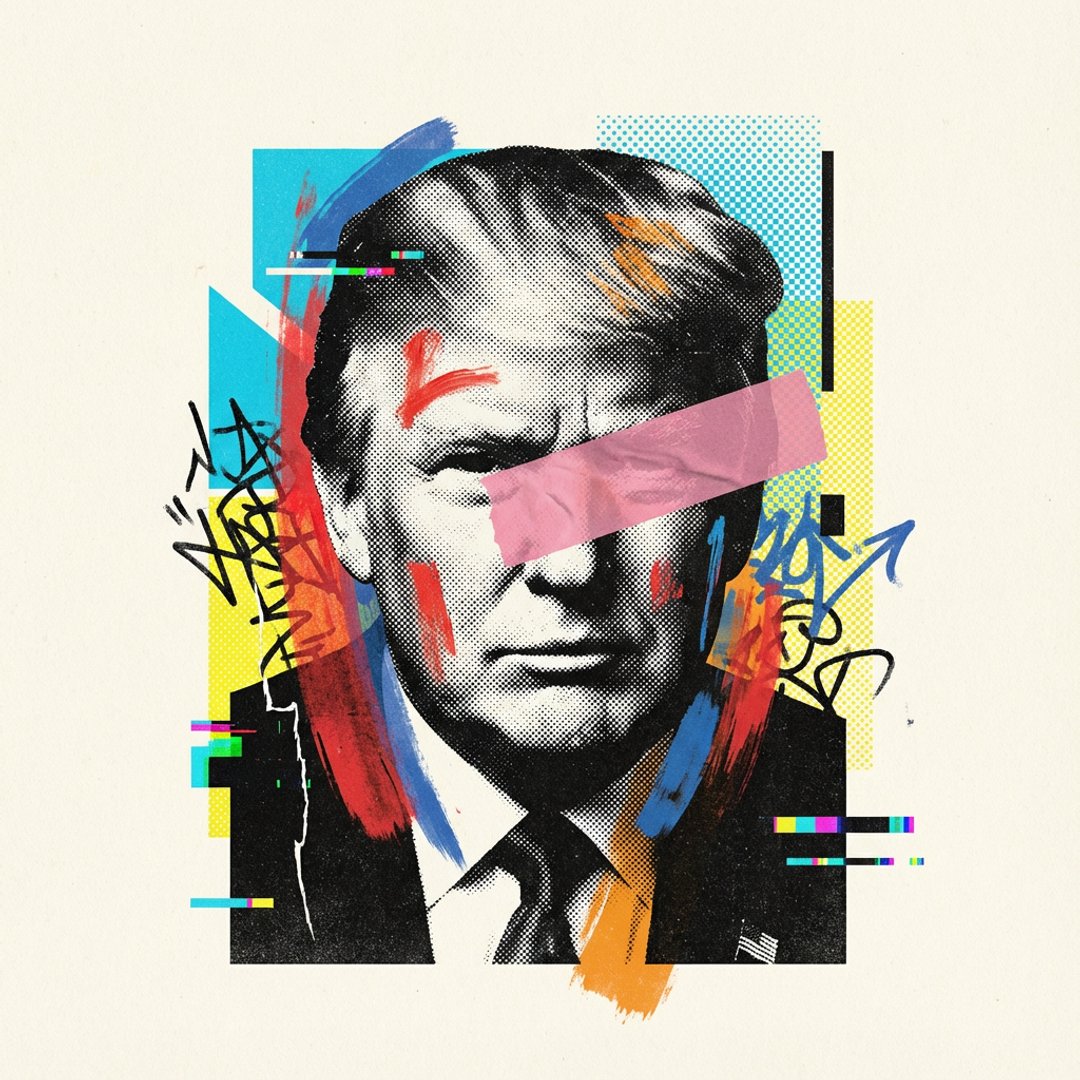
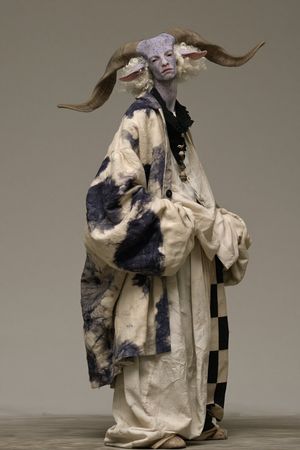
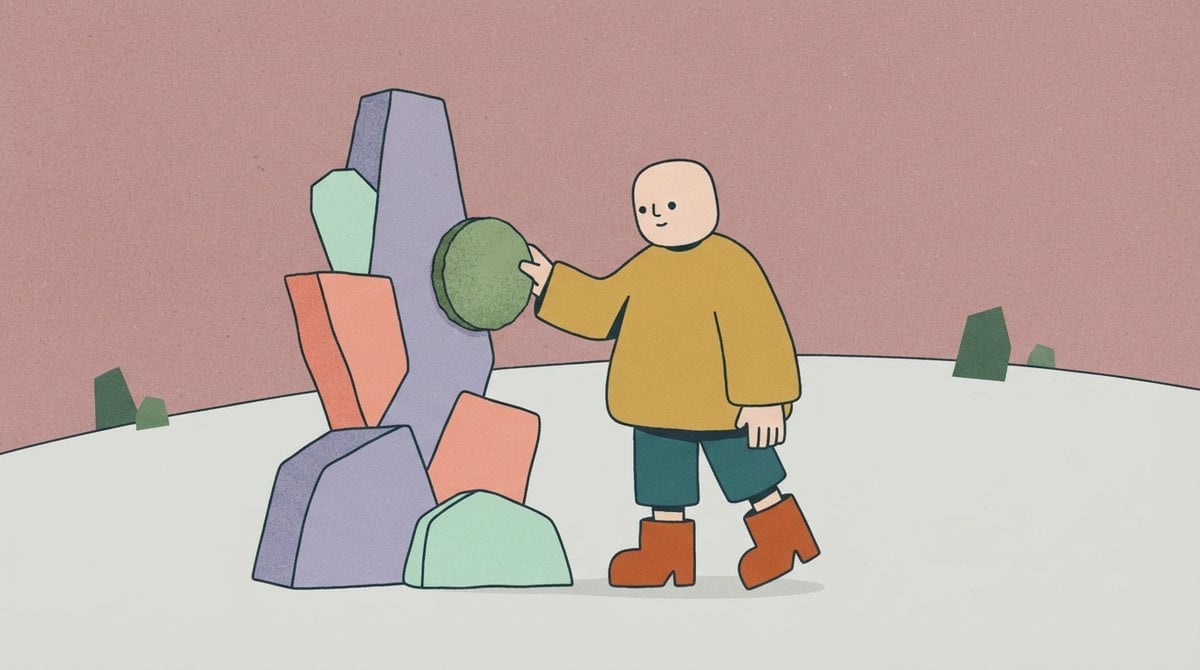
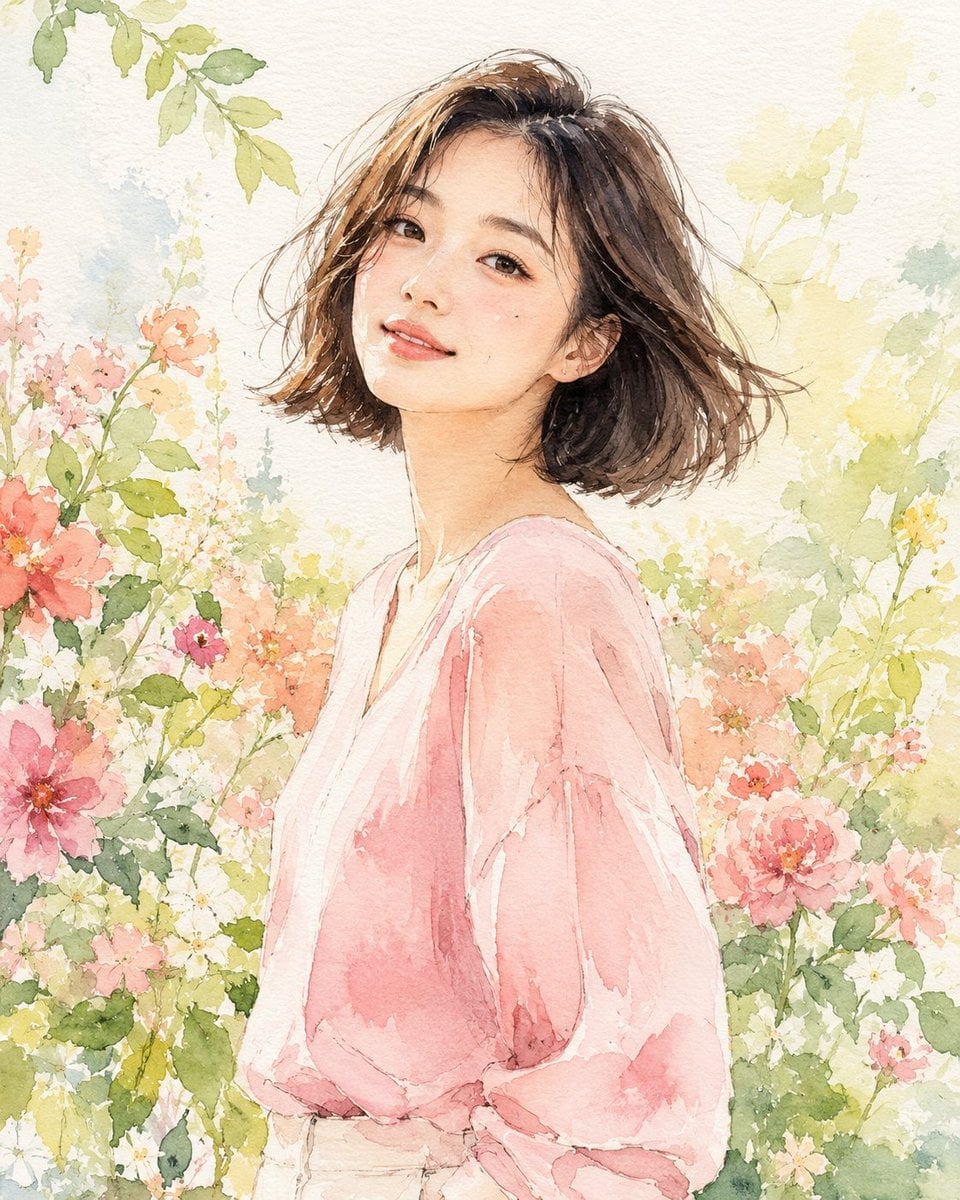
A prompt for generating artistic CD cover art in a collage style, incorporating specific branding elements like the Compact Disc logo.
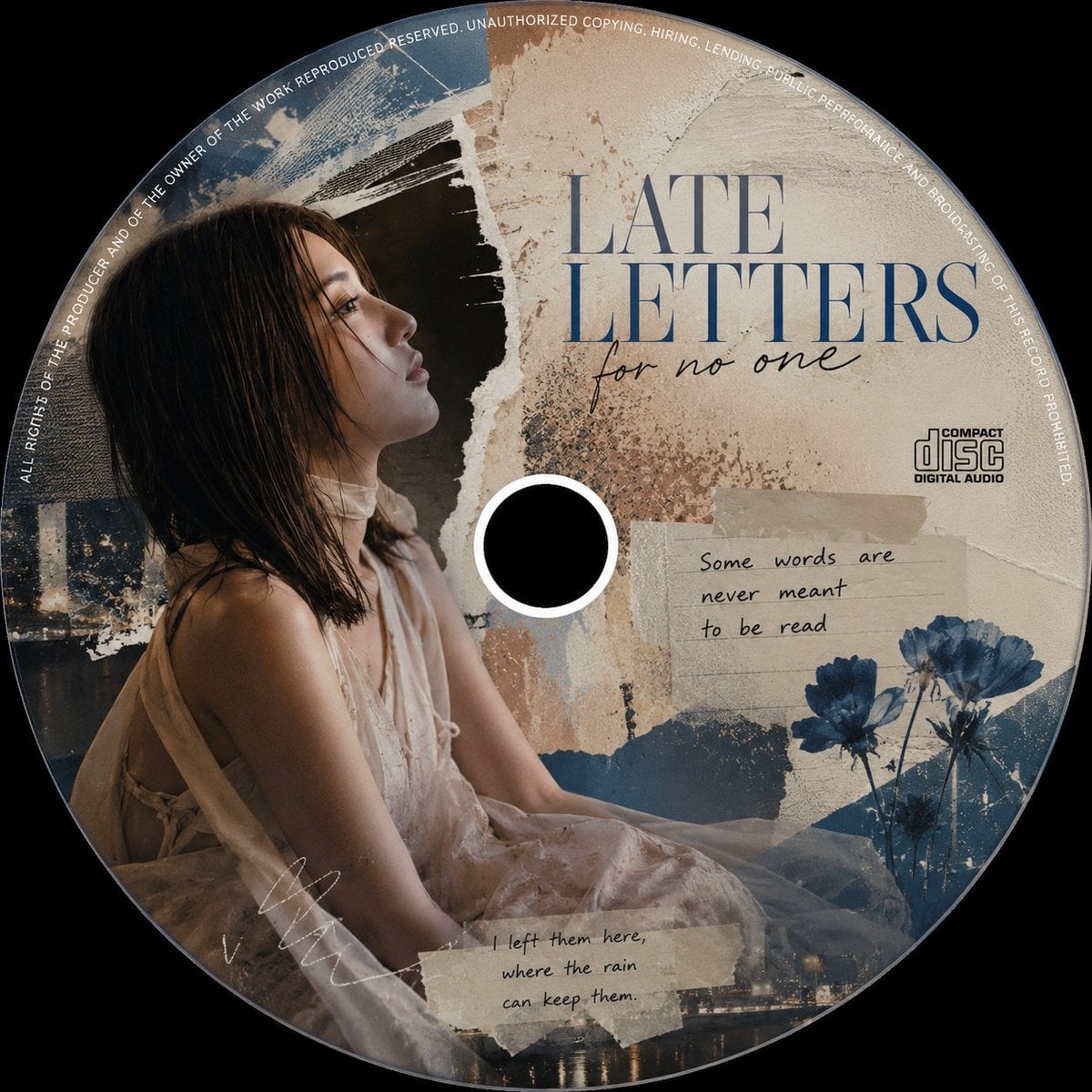
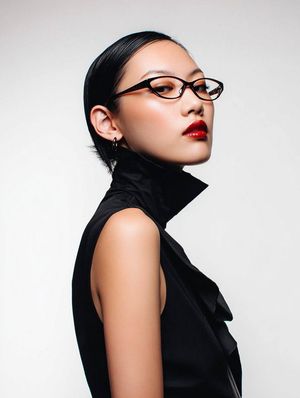
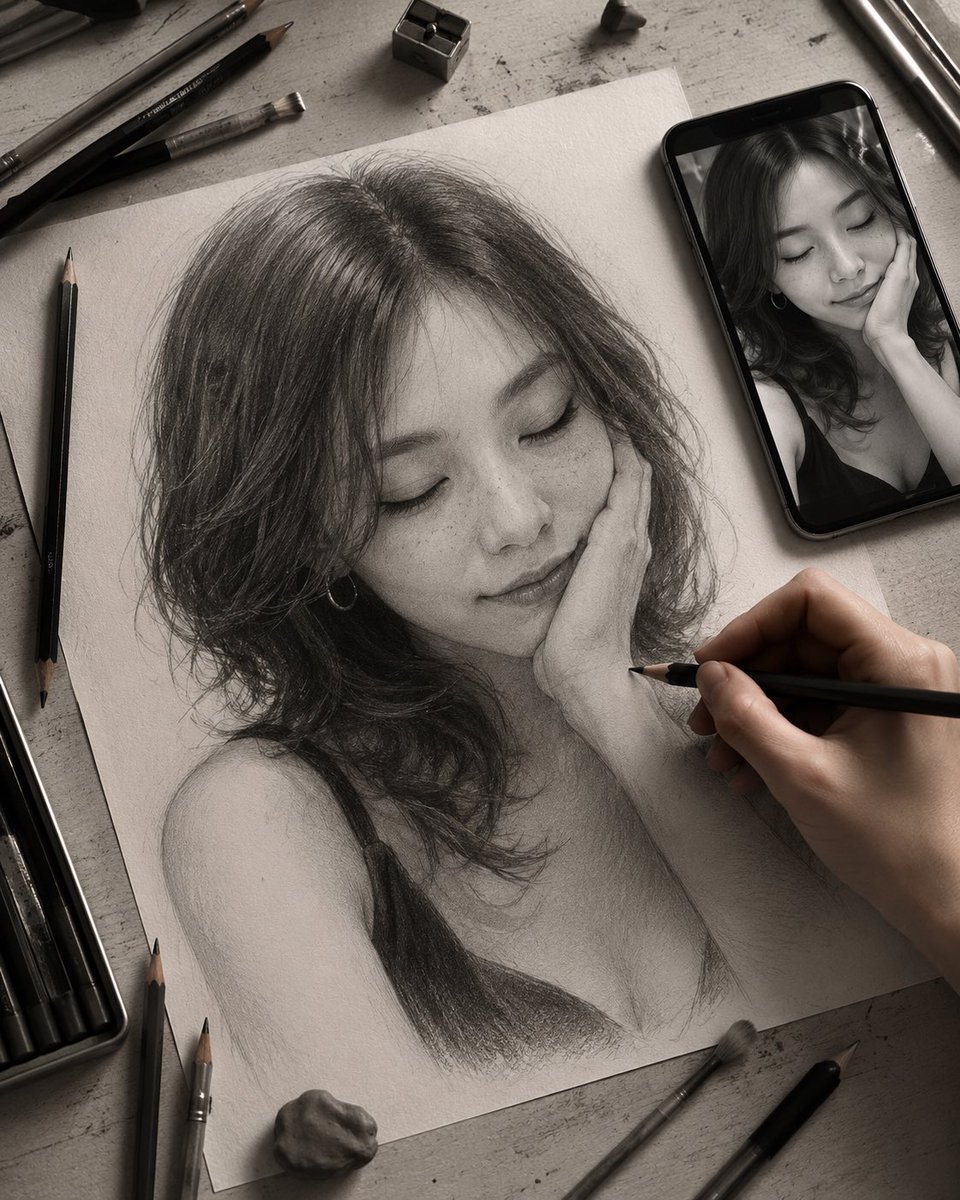
Creative a CD cover art that is printed on a CD. with {argument name="style" default="striking, avant-garde editorial collage style"} with creative colour theme. The diameter CD must be the same as the width and height of the image. It must have the "compact disc" logo included. The cover art should be featuring the {argument name="subject" default="girl"} as in <User Portrait>. Any part of the girl must not be appear at the centre of the CD. You can get creative on her outfit, mood, facial expression and pose, but her face and features should not be changed. 1:1 aspect ratio
Choose the primary action to open PicX Studio with the available template settings. Review the model and format, personalize the creative direction, and generate when ready.
Yes. You can change the subject, setting, lighting, mood, format, and available model controls before creating your image.
This template is free to open and customize. Generation usage is shown in PicX Studio before you create.
Start with Nano Banana 2, which is the model associated with this template. You can compare another compatible model for a different finish.
Follow a topic to a crawlable collection of related PicX Studio templates.