
Avant-Garde Purple Fashion Editorial
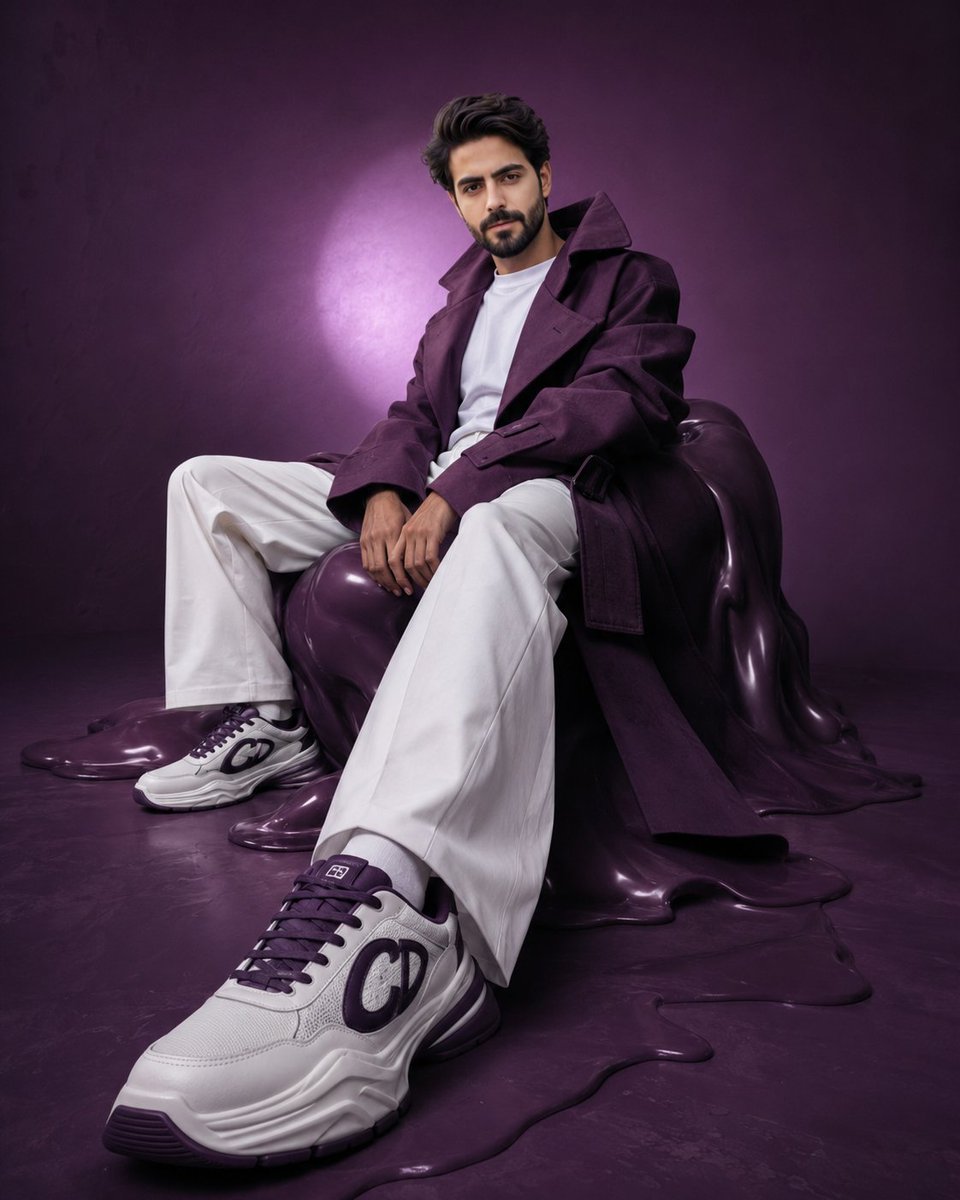
A surreal fashion prompt emphasizing perspective distortion and sculptural monochromatic elements in a high-fashion setting.
- Prompt included
- Model and format preset
- Premium template
The prompt behind this image
Copy the exact prompt behind Avant-Garde Purple Fashion Editorial, or open it in the studio and make it yours.
Hyper-realistic avant-garde fashion editorial of the {argument name="subject" default="uploaded person"}, preserving exact facial identity, proportions, and skin tone with absolute accuracy. The subject is seated on a distorted, sculptural {argument name="accent color" default="deep-purple"} form resembling a melted bean bag, partially blending into the floor. The pose is intentionally constructed to emphasize perspective: one leg extends forward toward the camera, with the foot closest to the lens appearing larger due to perspective distortion, while the other leg remains bent and grounded. The forward shoe becomes a dominant visual anchor in the frame. The torso leans slightly backward with a subtle curve, shoulders relaxed but controlled. Hands rest loosely between the thighs, maintaining an editorial stiffness. The overall posture feels deliberate, asymmetrical, and slightly surreal. Wardrobe remains avant-garde: an oversized {argument name="accent color" default="deep-purple"} {argument name="clothing" default="trench coat"} with exaggerated proportions—elongated sleeves, sculptural collar, and strong silhouette. The coat is worn slightly off-shoulder to break symmetry. White wide-leg trousers maintain sharp, architectural folds. Footwear becomes a key focal point: chunky luxury sneakers in white with deep purple accents, positioned prominently toward the camera. The front shoe is closest to the lens, appearing visually larger with crisp detail, sharp texture, and strong lighting emphasis. Sole thickness is slightly exaggerated for a surreal, high-fashion effect. The second shoe remains slightly behind, partially de-emphasized. Set design is a surreal monochromatic purple cyclorama with subtle tonal inconsistencies. The seating form appears partially melted into the floor, enhancing the avant-garde mood. Lighting is directional and experimental: a strong off-center spotlight creates a halo behind the subject, while the foreground (especially the forward shoe) catches sharper highlights. A soft rim light separates the silhouette. Shadows are slightly stretched and imperfect, enhancing the surreal editorial tone. Camera setup is critical: low-angle shot combined with a slightly wide lens (35mm–50mm) to exaggerate perspective. The camera is positioned closer to the forward foot, making the shoe visually dominant while the face remains sharp and recognizable. Slight Dutch tilt adds tension. Expression is calm, detached, and editorial—minimal emotion, distant gaze. Color grading: deep, moody purples with controlled variation, clean but slightly muted whites, natural skin tones with subtle desaturation. Maintain high contrast but allow slight imperfection in gradients. Final output: ultra-detailed, 8K, photorealistic yet surreal, vertical 4:5 aspect ratio, high-fashion avant-garde editorial quality, strong depth perspective with foreground emphasis on footwear.
How to use Avant-Garde Purple Fashion Editorial in 3 steps
- 1Upload ImagePNG, JPG or paste
Add your photo
Upload the photo the template builds on. The prompt, model and format are already set.
- 2…a portrait of your subject in softgolden-hour light, 85mm…
Personalize
Edit the subject and creative details for your destination.
- 3Generate
Generate
Press Generate — your image is created in PicX Studio, so you can compare it with the original and refine one variable at a time.
More like this
Templates with the same subject, style or setup. Open one to see its prompt.
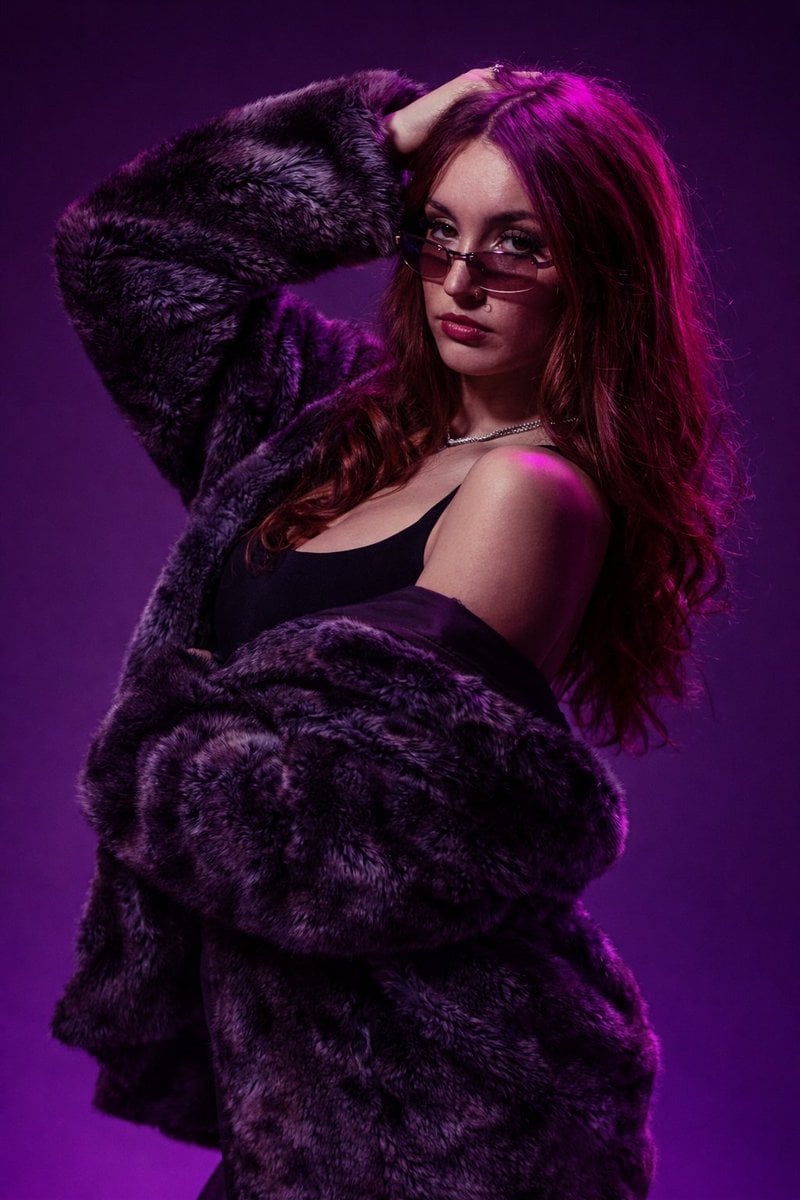
Studio Fashion Portrait Moody Purple Gradient
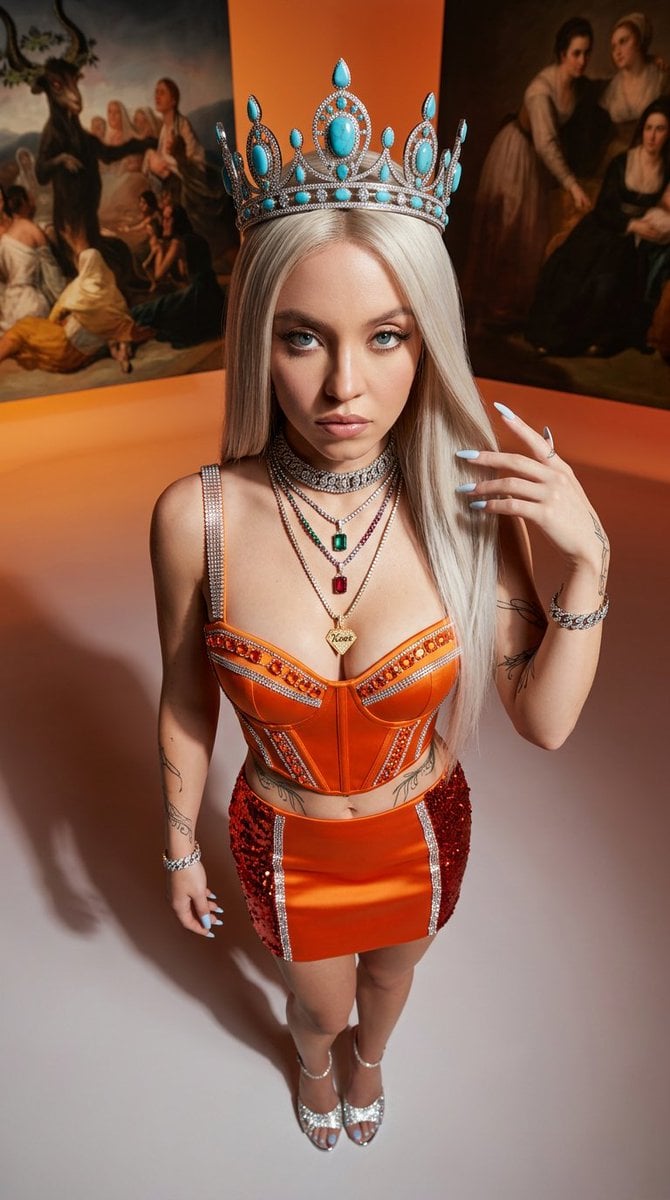
Avant-Garde High-Angle Editorial Fashion

Blue Backdrop Luxury Fashion Portrait Campaign

Premium Editorial Branding Poster Charcoal Green

Typography Mask Editorial Fashion Poster

Luxury Black-and-White Fashion Contact Sheet
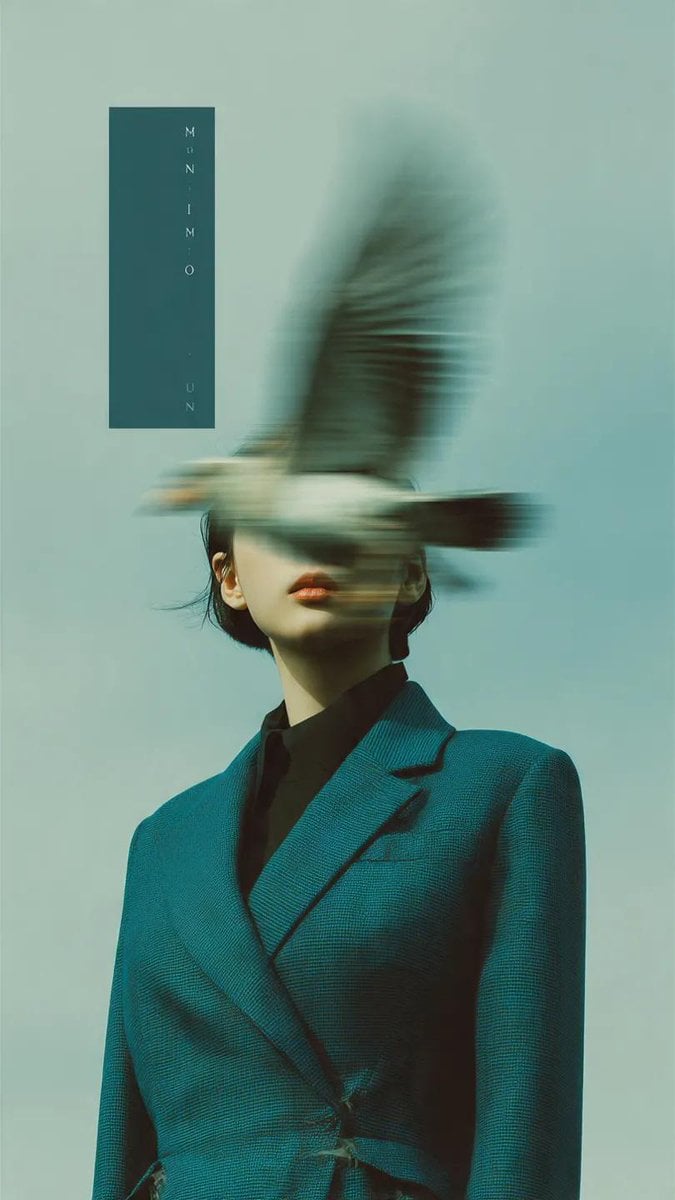
Avant-Garde Fashion Editorial Portrait
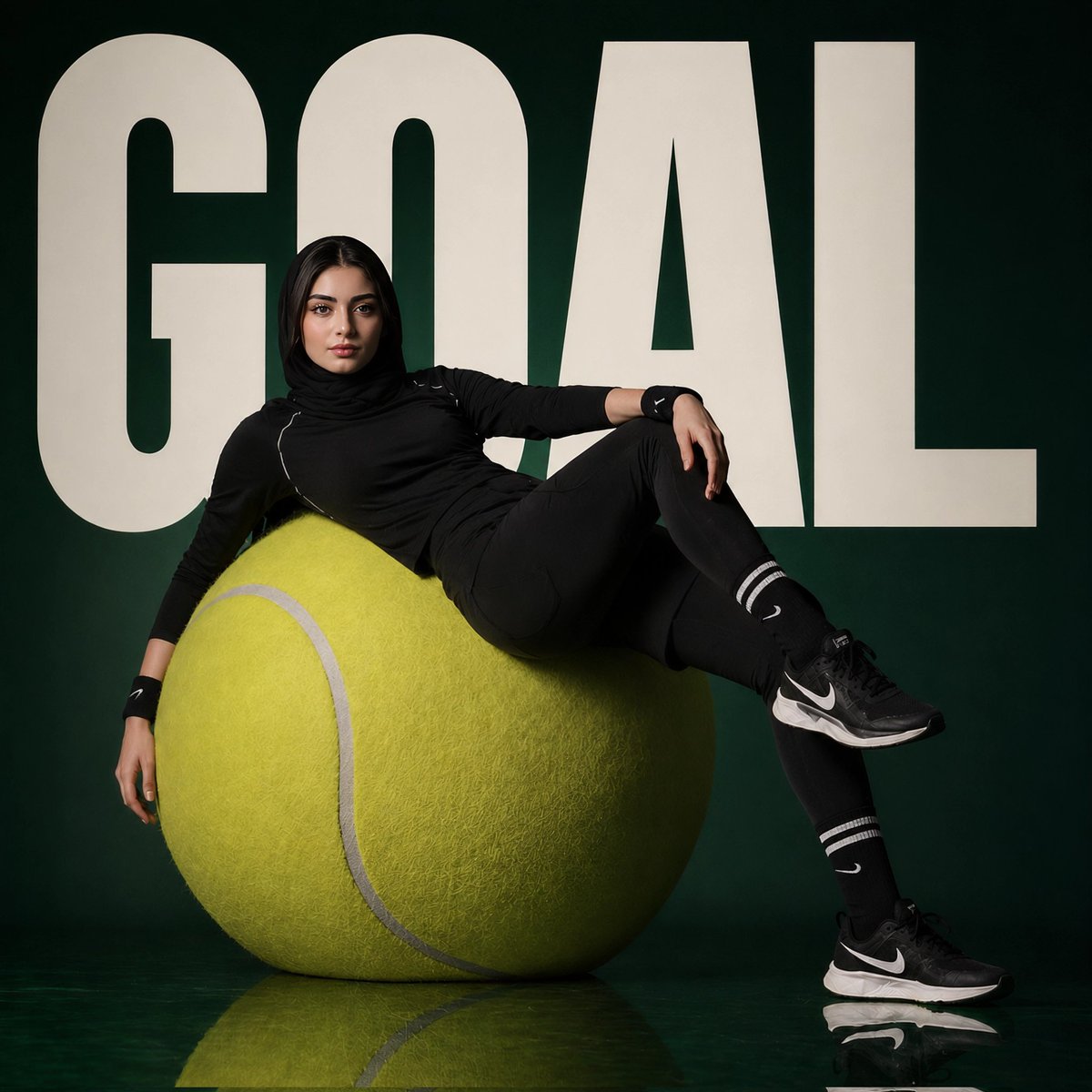
Avant-Garde Sports Fashion Editorial

untitled

Google Gemini Nano Banana Pro

Conceptual Fashion Portrait in Spider We

01 Skincare Split Portrait — Nano Banana 2
Make it yours
Avant-Garde Purple Fashion Editorial works as-is. These are the safest ways to change it without losing the look.
Change one field
Copy a single group, rewrite it, and generate again so you can see what that field is doing.
Keep the frame, change the subject
Hold the composition and light of Avant-Garde Purple Fashion Editorial, then swap wardrobe, props or the person for a new take.
| If the result… | Why | Fix |
|---|---|---|
| The result drifts from the preview | Too many fields changed at once. | Reuse Avant-Garde Purple Fashion Editorial as-is first, then change one group — subject, light, or setting. |
| The model over-stylizes the scene | The prose prompt leaves finish and camera underspecified. | Add one camera or lighting sentence and stay on GPT Image 2. |
More GPT Image 2 templates
Other prompts made for GPT Image 2.

Six VTuber Japanese Logo Sheet

Realistic Portrait of Woman and Deer

The Vista Modular Condo Poster

AI Model Routing Comparison Infographic

2.5D Anime Art Board

Isometric Productivity Desk Scene

New York Double Exposure Poster

Four-Panel AI Landscape Comparison

Japanese Tatami Lifestyle Magazine Cover

NESCAFÉ Coffee Map Poster
More image prompts
Fresh picks from across the catalog.
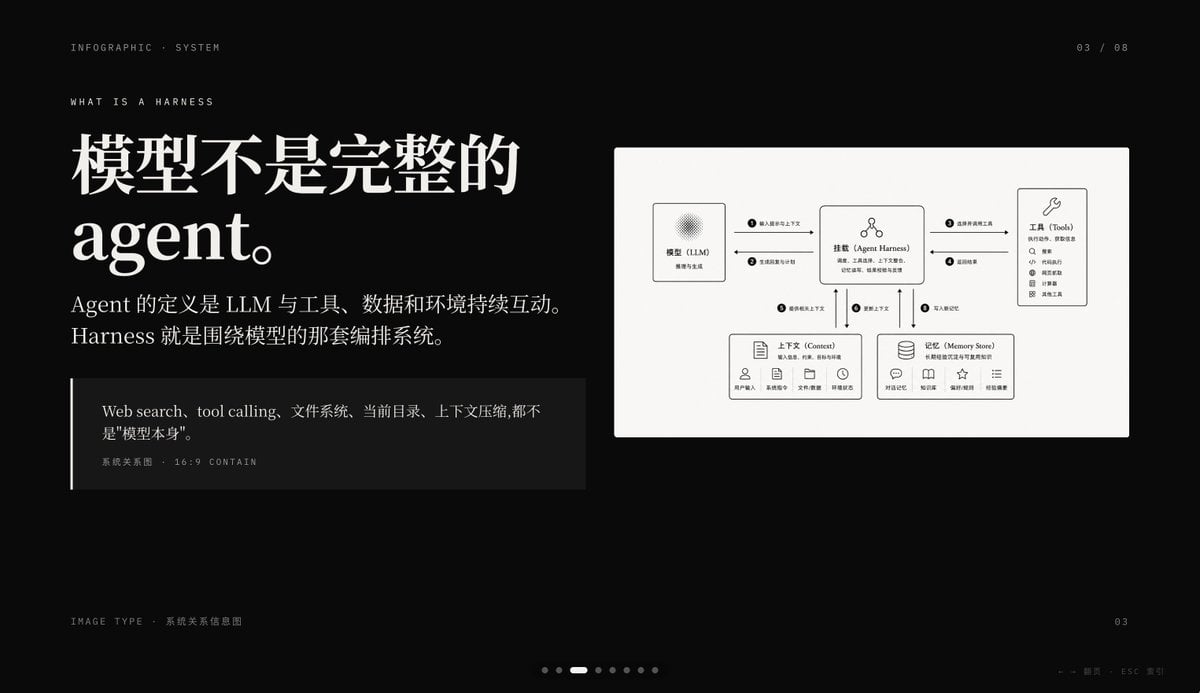
Dark AI Harness Infographic Slide
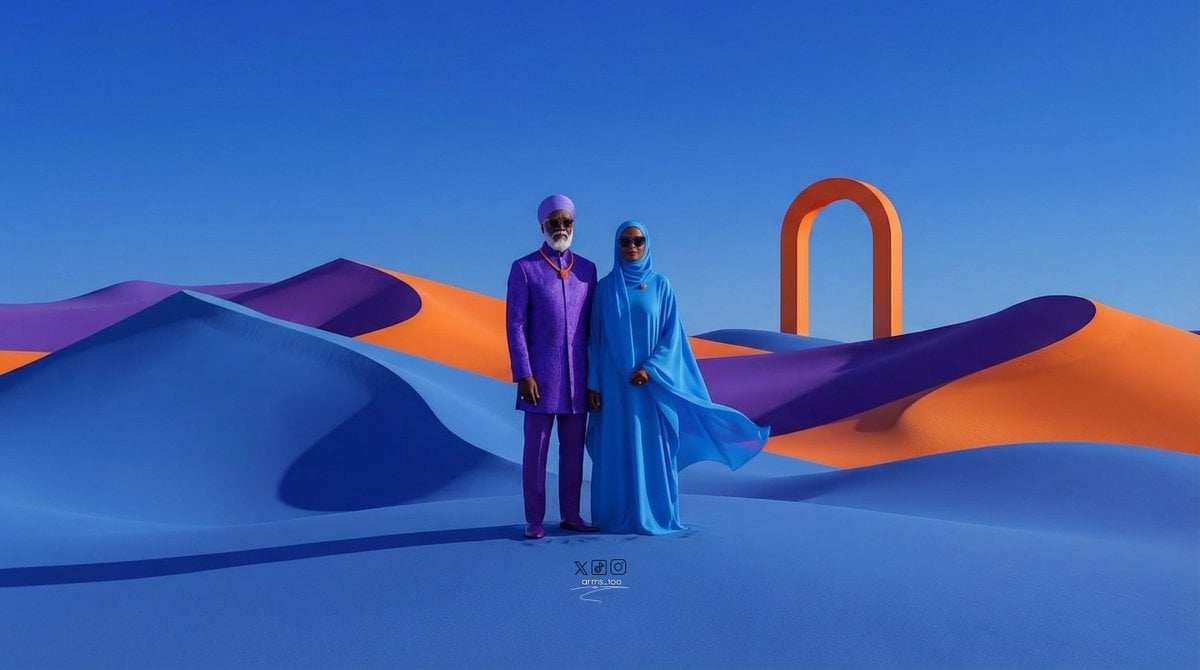
Afrofuturist Fine Art Fashion Prompt
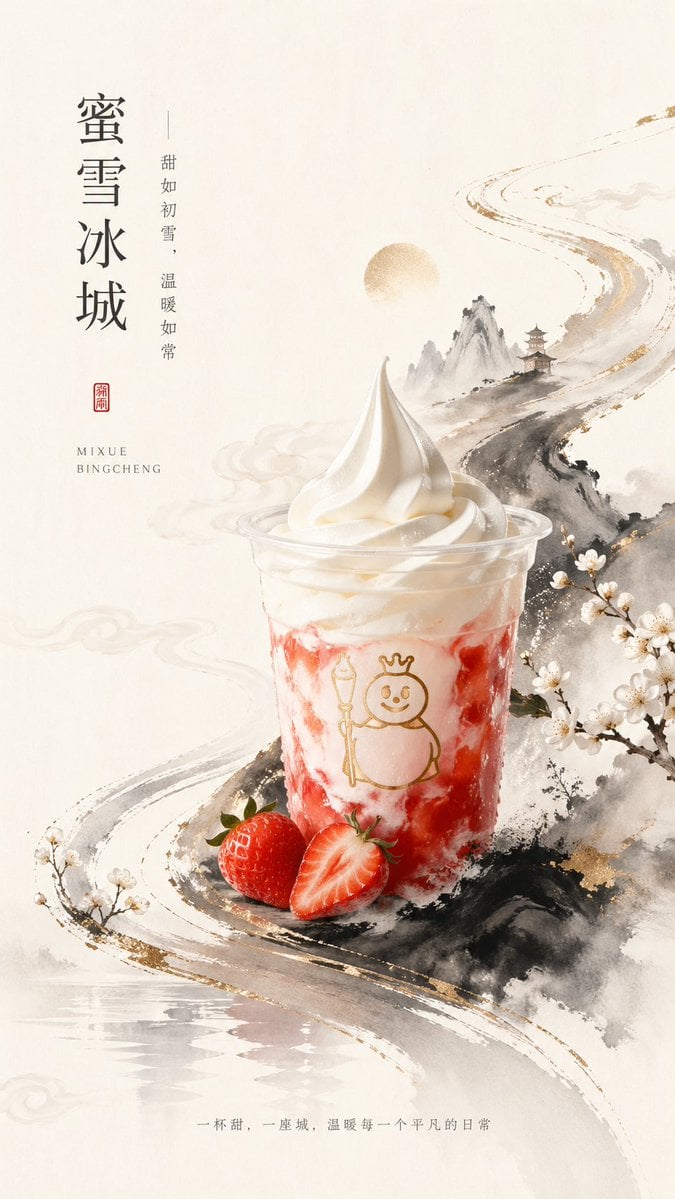
New Chinese Style Ice Cream Drink Poster
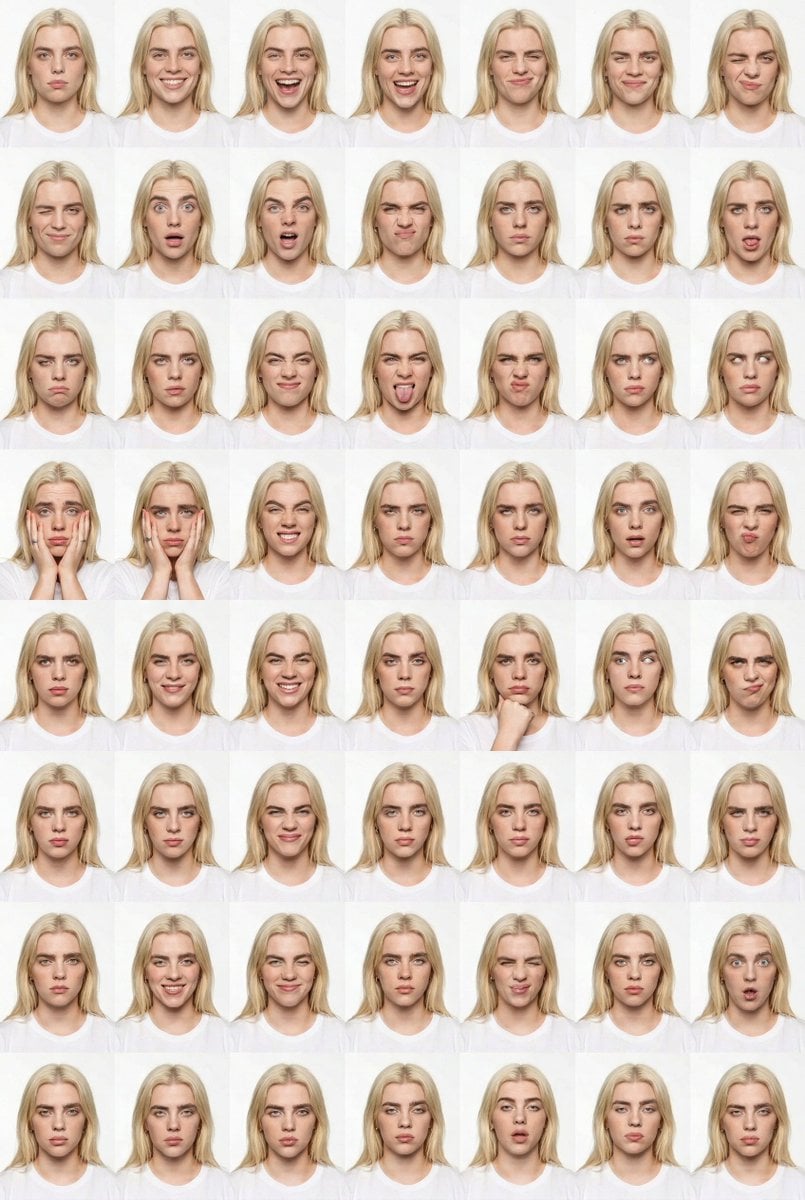
Panel Studio Expression Contact Sheet Prompt

High-Concept 3D Diorama Generation Prompt
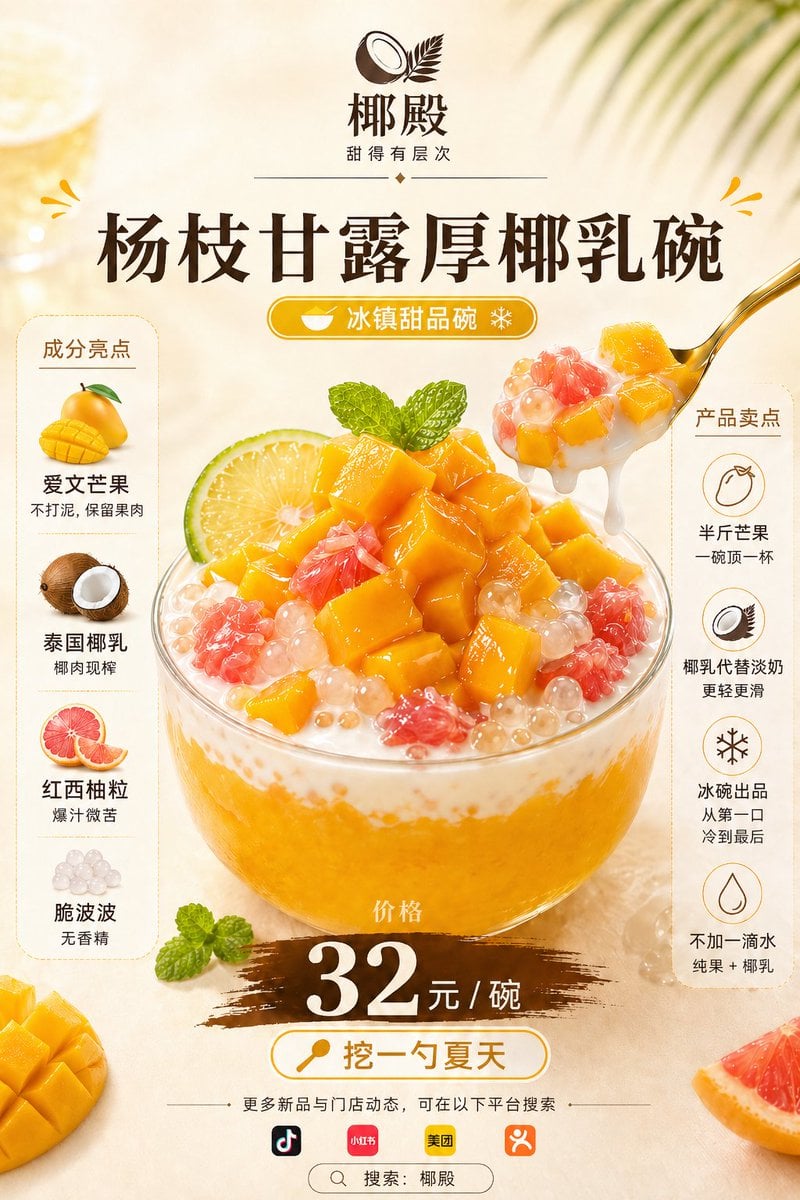
Mango Coconut Dessert Poster
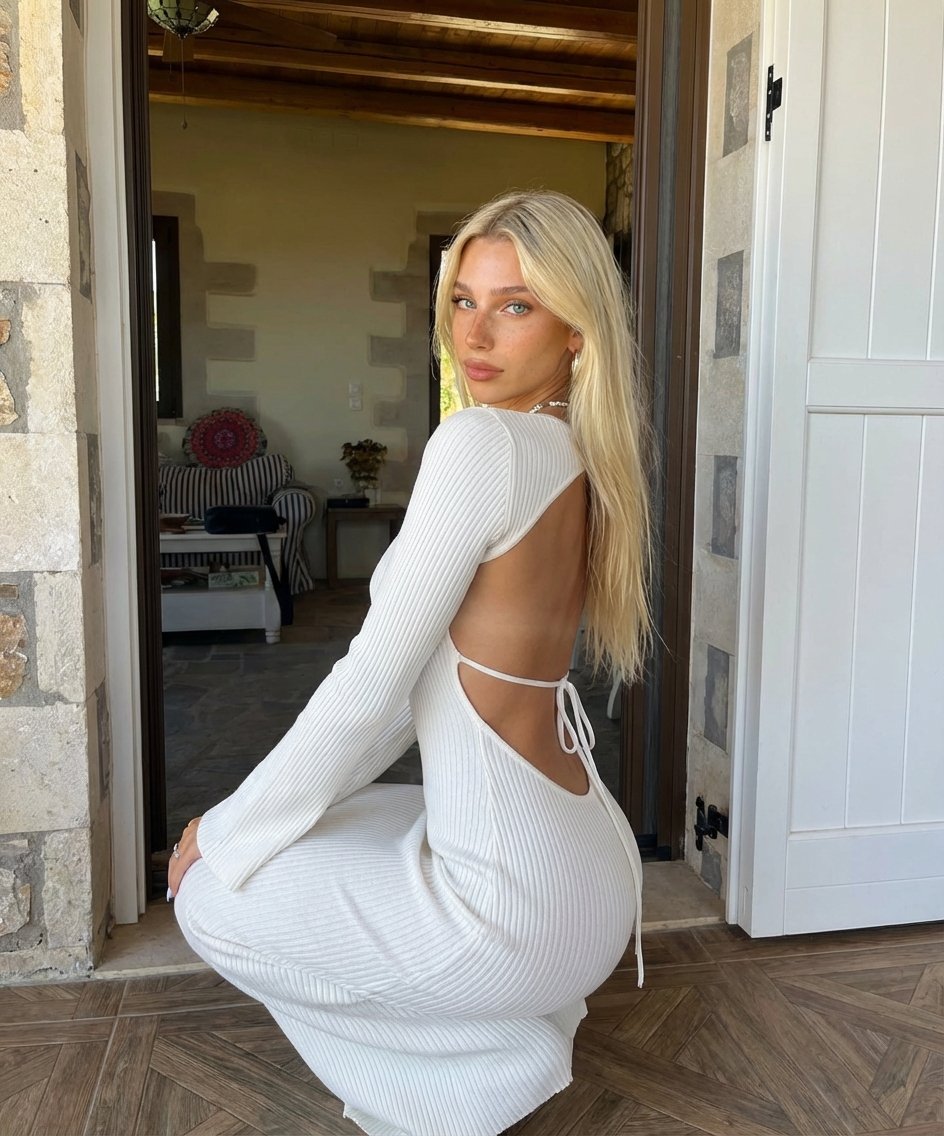
Blonde Woman Backless Dress Portrait Prompt
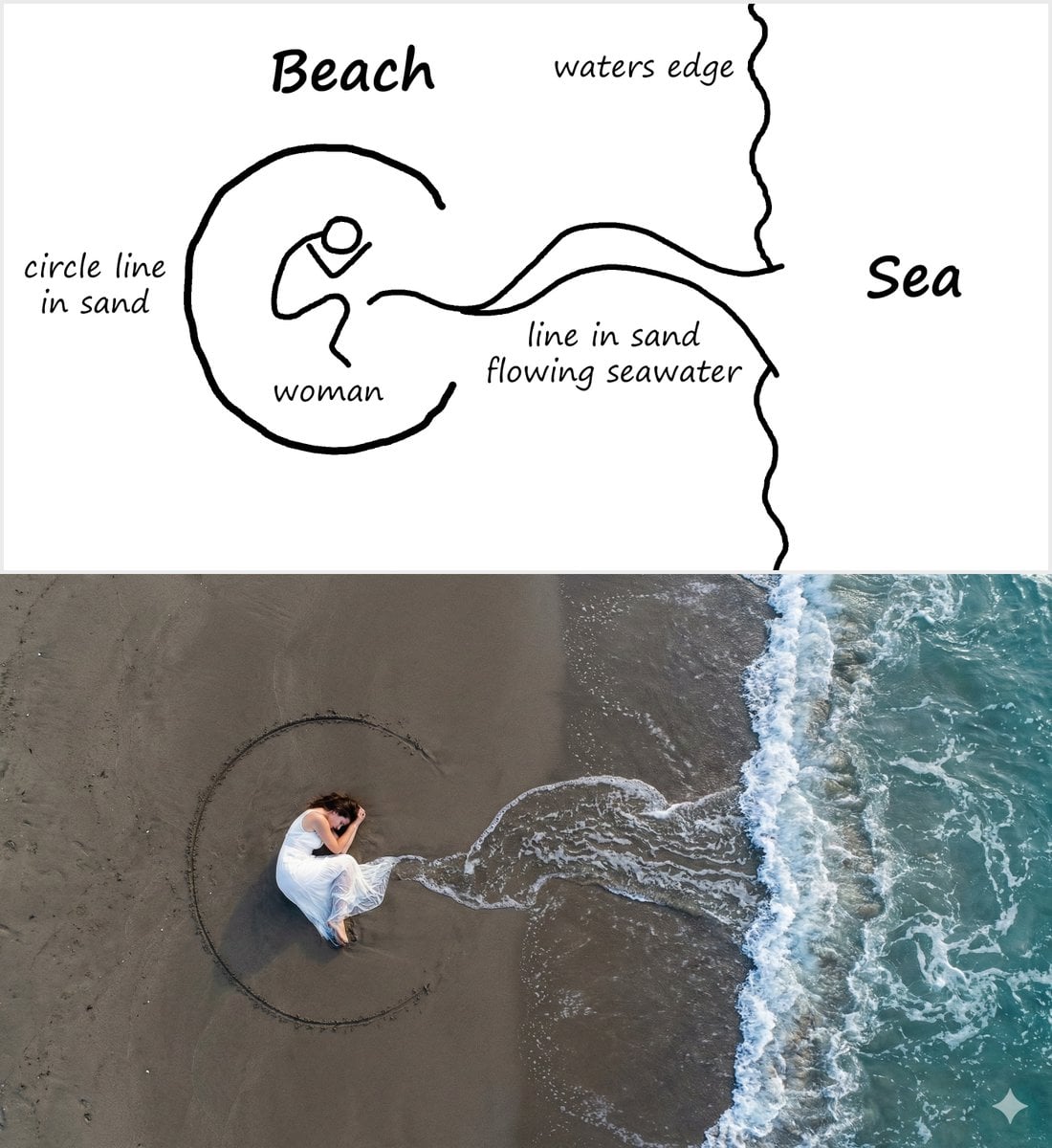
Editorial Portrait with Dramatic Lighting
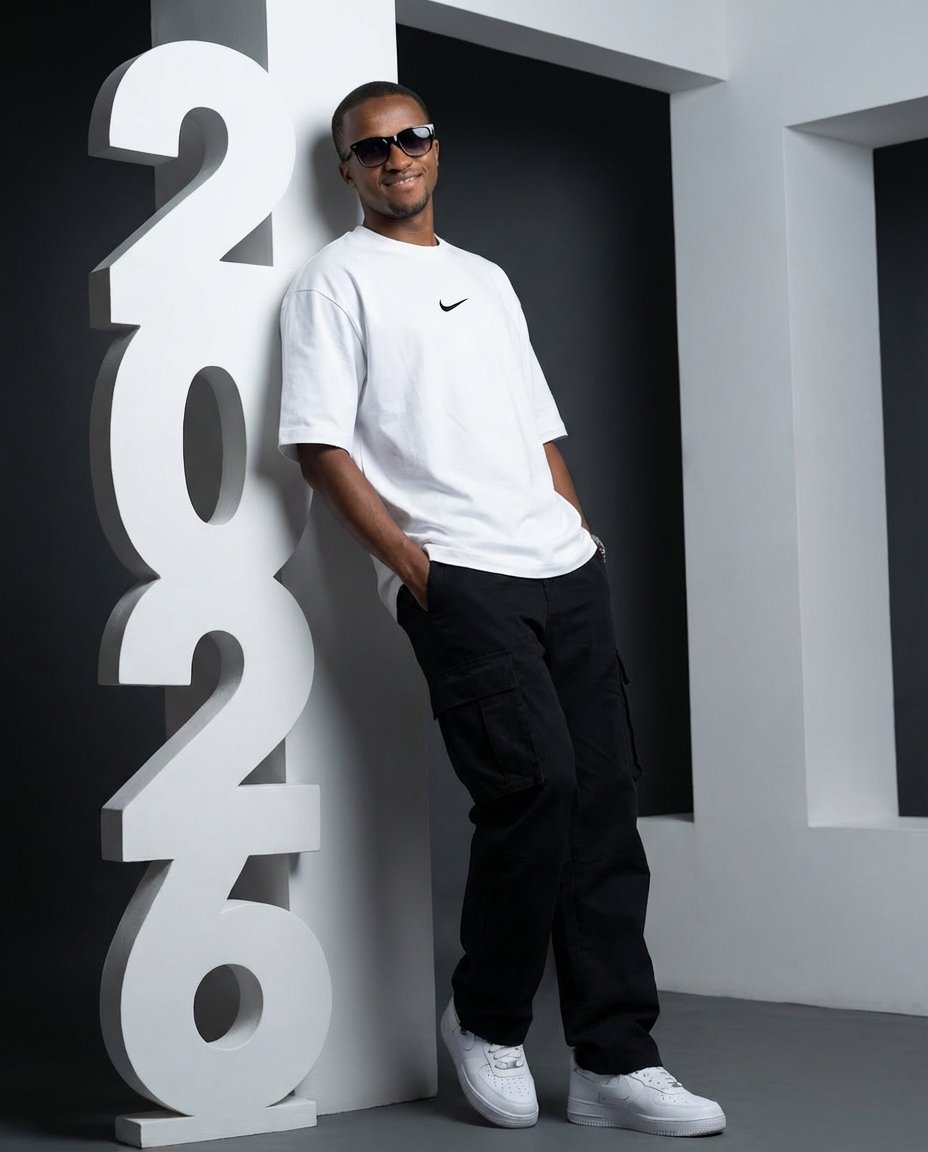
Low-Angle Streetwear Portrait with Architectural Text
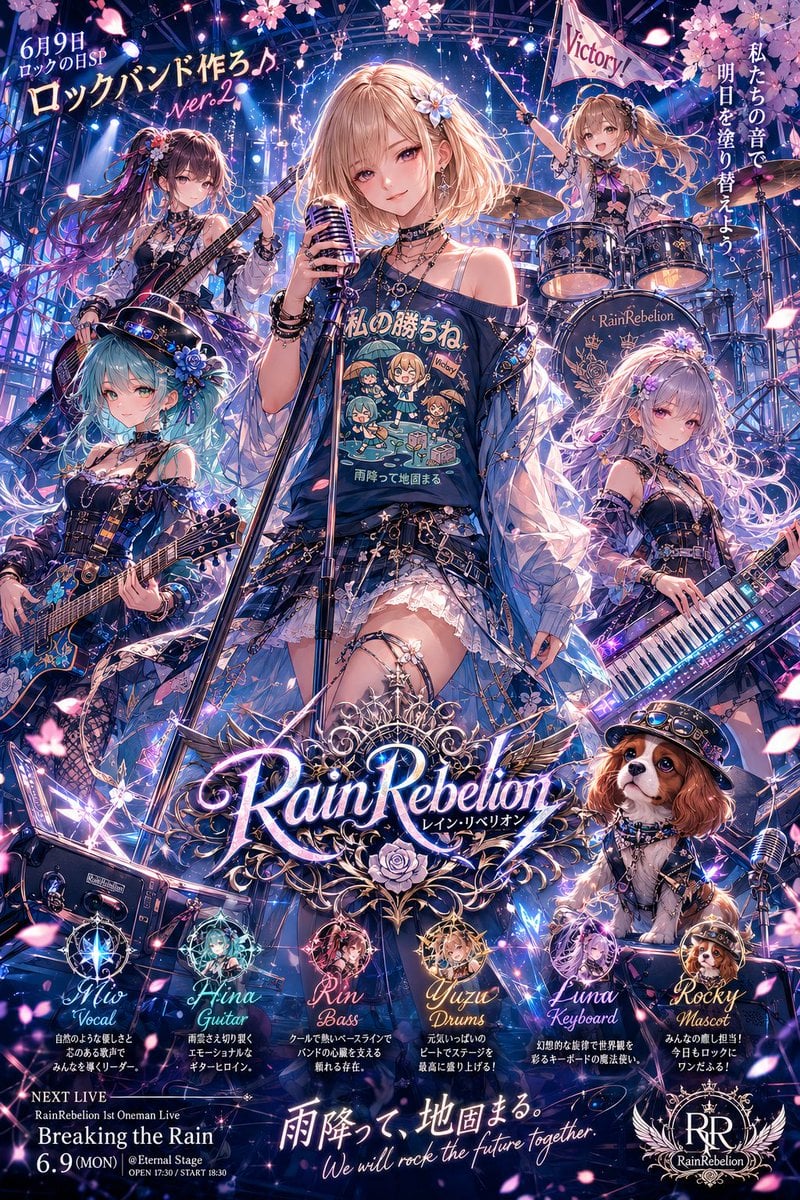
Anime Rock Band Concert Poster
Browse template categories
Avant-Garde Purple Fashion Editorial questions
How do I use the Avant-Garde Purple Fashion Editorial template?
Add your photo if the template asks for one, edit the prompt if you like — the template's model and format are already selected — and press Generate. Your version opens in PicX Studio.
Can I customize the Avant-Garde Purple Fashion Editorial template?
Yes. You can change the subject, setting, lighting, mood, format, and available model controls before creating your image.
Is the Avant-Garde Purple Fashion Editorial template free?
Opening and editing this template is free. Generating uses credits, shown on the Generate button when you are signed in.
Which AI model should I use?
Start with GPT Image 2, which is the model associated with this template. You can compare another compatible model for a different finish.
Looking for something else? Browse all templates.

Your photo, any look
Thousands of ready templates for every top image and video model, from one credit balance.