
Panel Studio Expression Contact Sheet Prompt
A highly detailed JSON prompt for generating a 6x8 grid (48 panels) contact sheet of a single male identity, focusing on capturing 48 distinct facial expressions with extreme consistency, studio lighting, and a clean…
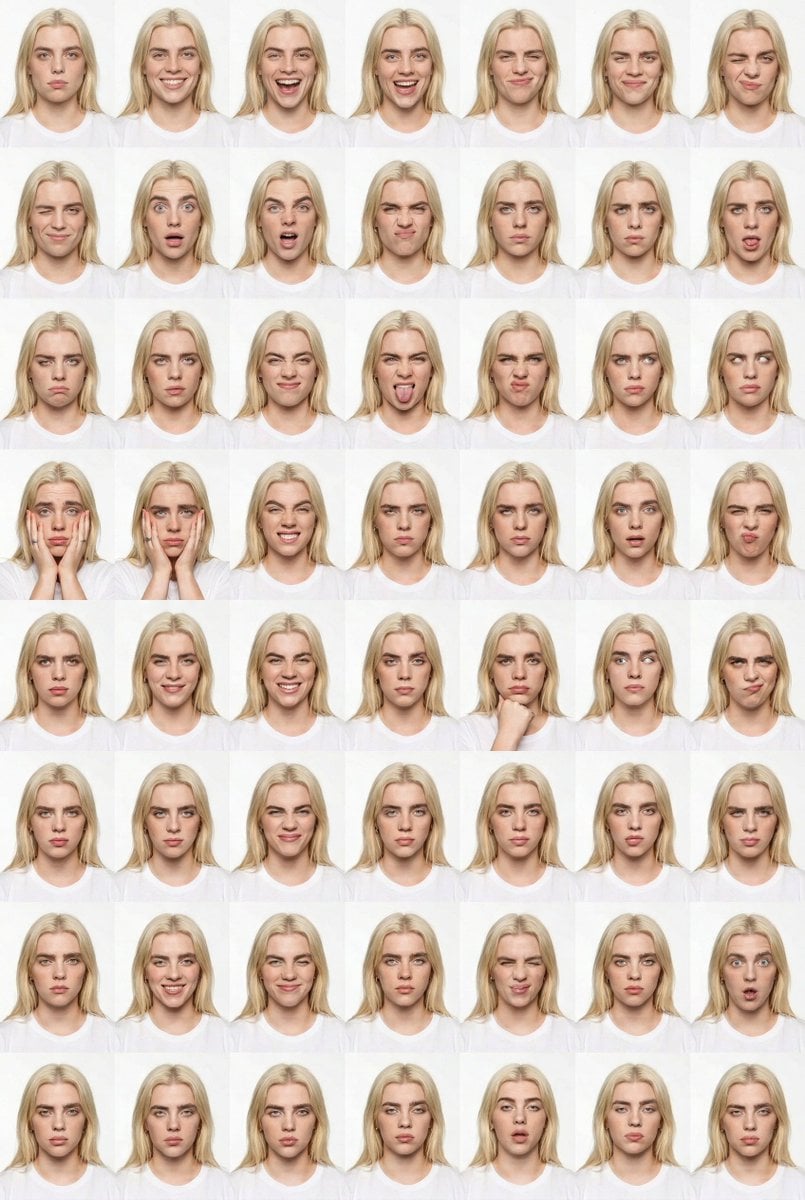
- Prompt included
- Model and format preset
- Free template
The prompt behind this image
Copy the exact prompt behind Panel Studio Expression Contact Sheet Prompt, or open it in the studio and make it yours.
{ "generation_request": { "meta_data": { "tool": "NanoBanana Pro", "task_type": "studio_expression_contact_sheet_6x8_clean", "language": "en", "priority": "highest", "version": "v1.0_48_PANEL_FACE_LOCK" }, "input": { "mode": "image_to_image", "reference_image_usage": "very_high", "preserve_identity": true, "preserve_facial_features": true, "preserve_hairstyle": true, "preserve_wardrobe": true, "notes": "Create a 6x8 grid (48 panels) studio expression contact sheet. Same adult male identity in every panel. White seamless background. Head-and-shoulders framing locked. Only facial expressions and minimal hand gestures change. No text, no watermark, no logos." }, "output_settings": { "aspect_ratio": "4:5", "resolution_target": "ultra_high_res", "num_images": 1, "layout": { "type": "grid", "rows": 8, "cols": 6, "gutter": "thin_white", "outer_border": "none", "panel_consistency": "extreme" }, "sharpness": "studio_crisp", "grain": "none", "render_style": "clean_editorial_portrait" }, "scene": { "environment": "white seamless studio backdrop", "lighting": { "style": "soft frontal portrait lighting", "key_light": "large diffused softbox centered", "fill": "balanced fill, minimal shadow", "avoid": "dramatic contrast, colored gels, HDR" }, "camera": { "lens": "85mm portrait lens", "distance": "tight head-and-shoulders crop", "focus": "eyes razor sharp", "perspective_lock": "strict" } }, "subject": { "type": "adult male", "wardrobe": "simple white shirt", "hair": "natural medium-length dark hair", "anatomy_rules": "realistic proportions, correct hands and fingers" }, "expression_rule": "Each of the 48 panels must show a different expression: neutral, subtle smile, full smile, laugh, smirk, raised eyebrow, wink, surprise, shock, wide eyes, open mouth, dramatic gasp, side-eye, squint, anger, frown, clenched jaw, puffed cheeks, tongue out, exaggerated grin, mock scream, intense stare, skeptical look, confused look, doubtful smirk, playful cross-eye, big laugh, fake cry, hands on cheeks, fingers around eyes binocular gesture, covering face partially, stretching mouth sideways, chin on fist, overjoyed grin, serious stare, calm look, narrowed eyes, mock frustration, dramatic sigh, exaggerated shock, goofy face, proud smile, sarcastic grin, puzzled tilt, confident smirk, blank expression, relaxed ending pose.", "quality_control": { "identity_lock": "maximum", "background_lock": "maximum", "crop_lock": "maximum", "avoid": [ "face distortion", "eye misalignment", "extra fingers", "missing fingers", "warped anatomy", "he
How to use Panel Studio Expression Contact Sheet Prompt in 3 steps
- 1
Open
The prompt is already in the box next to the preview, with the template's model and format selected.
- 2…a portrait of your subject in softgolden-hour light, 85mm…
Personalize
Edit the subject and creative details for your destination.
- 3Generate
Generate
Press Generate — your image is created in PicX Studio, so you can compare it with the original and refine one variable at a time.
More like this
Templates with the same subject, style or setup. Open one to see its prompt.
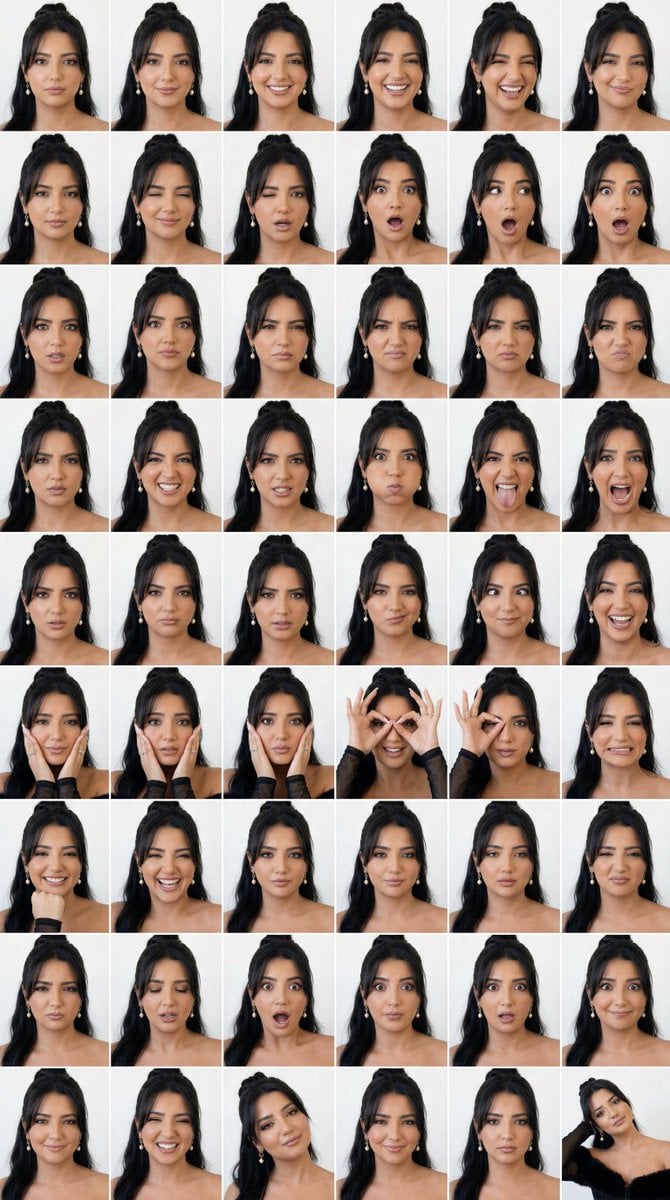
Panel Studio Expression Contact Sheet

Luxury Black-and-White Fashion Contact Sheet

Dancer Character - Four View Reference Sheet

Pixar 6-Panel Streethero Expression Grid
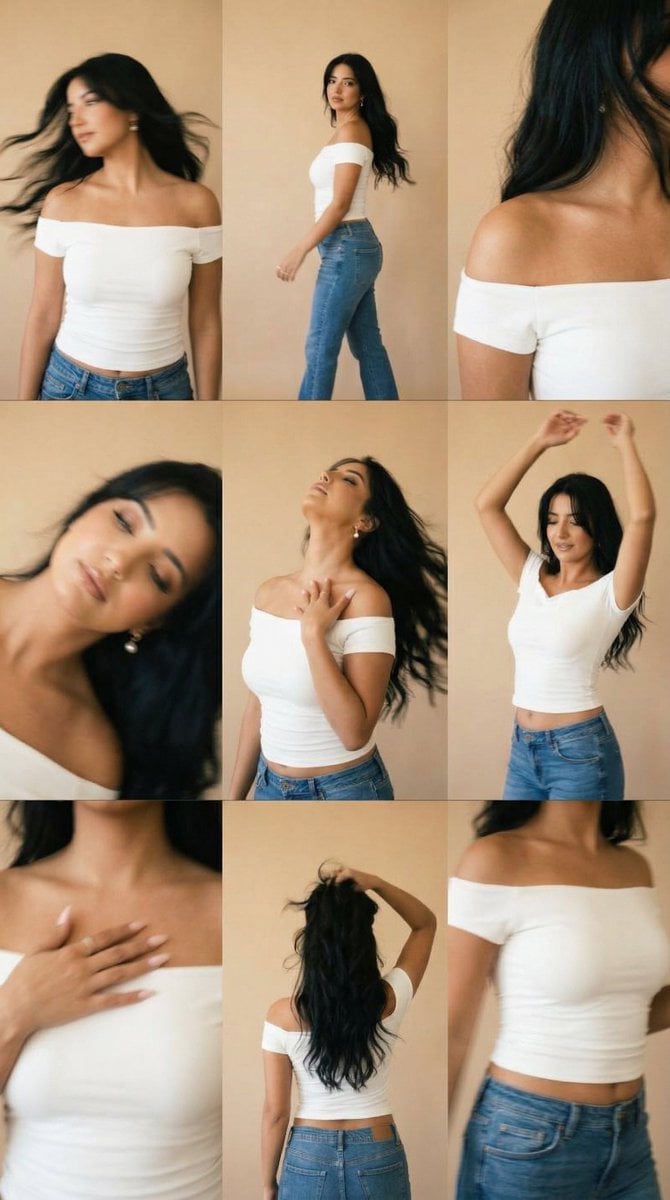
Lo-Fi Warm Studio Motion Contact Sheet 3x3 Grid

80s Couple Studio Portrait

1985 Studio Portrait
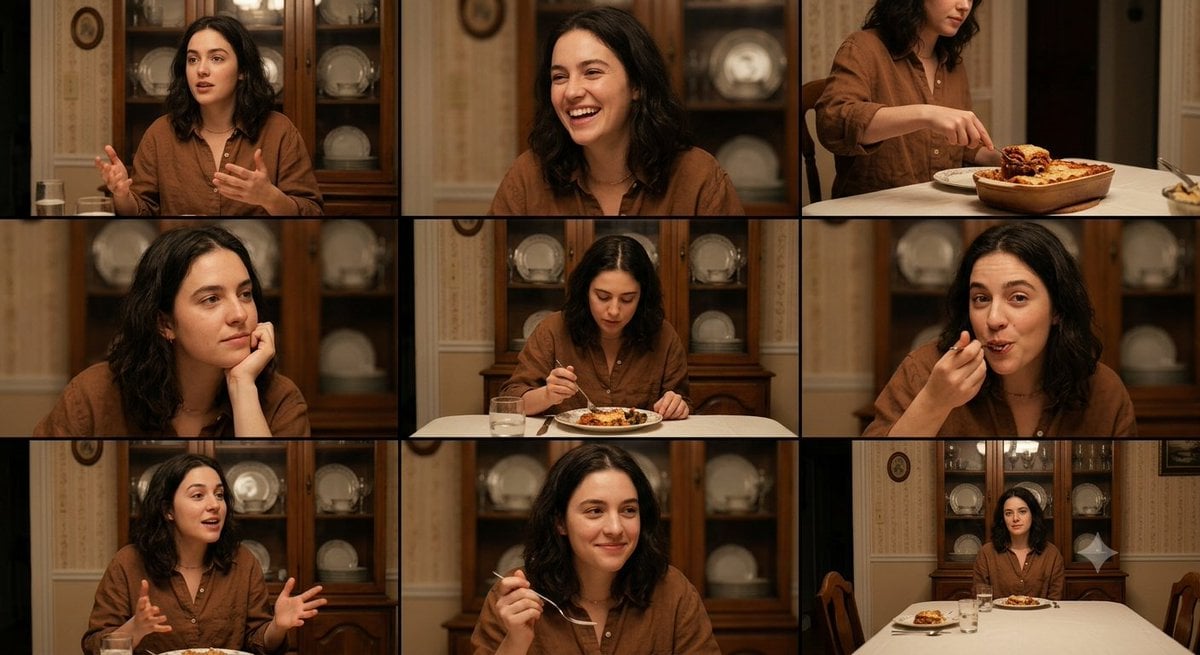
Family Dinner Cinematic Contact Sheet

A 3x3 grid storyboard contact sheet comprised of nine candid, cinematic

Ancient Temple Interior Contact Sheet
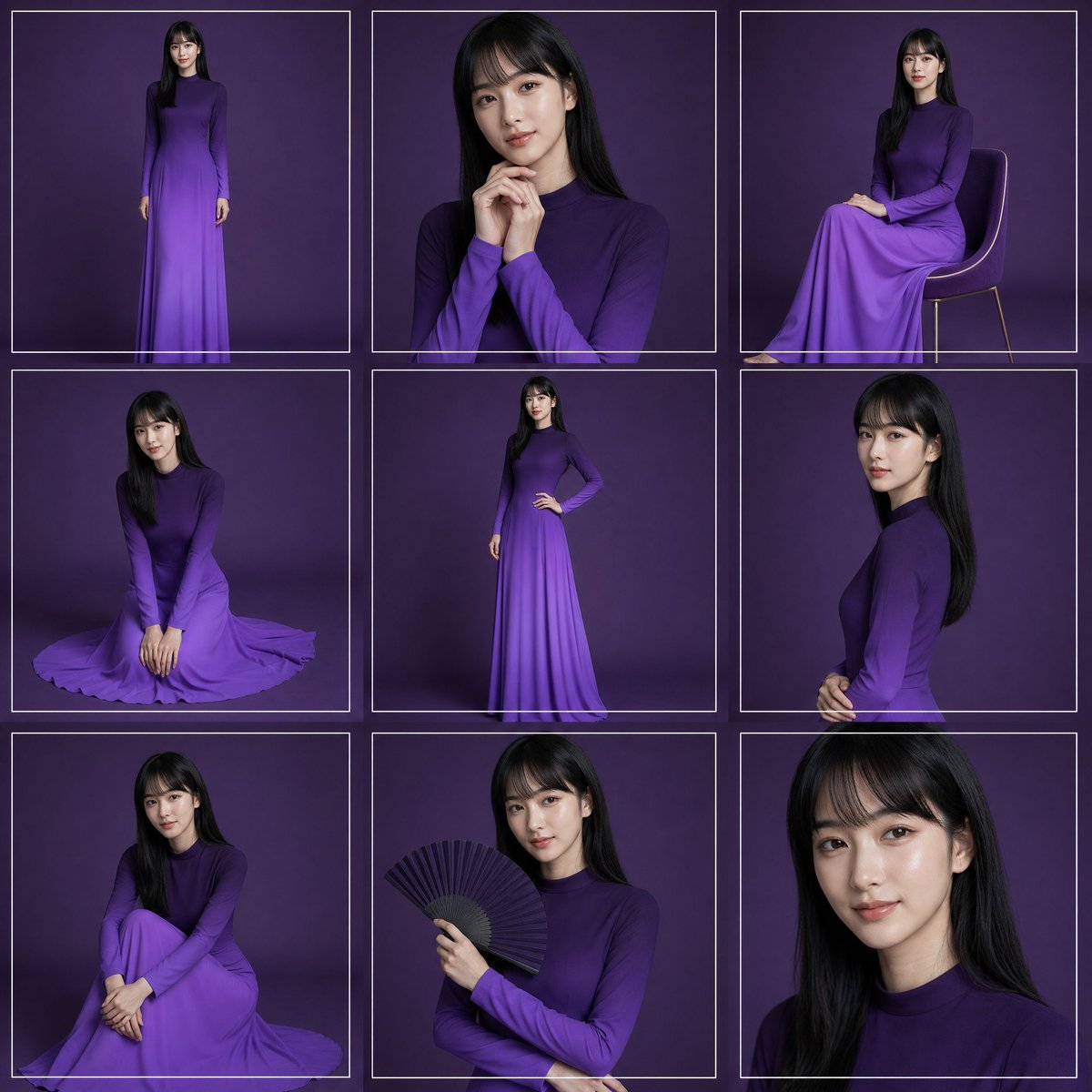
Purple Gown Fashion Contact Sheet
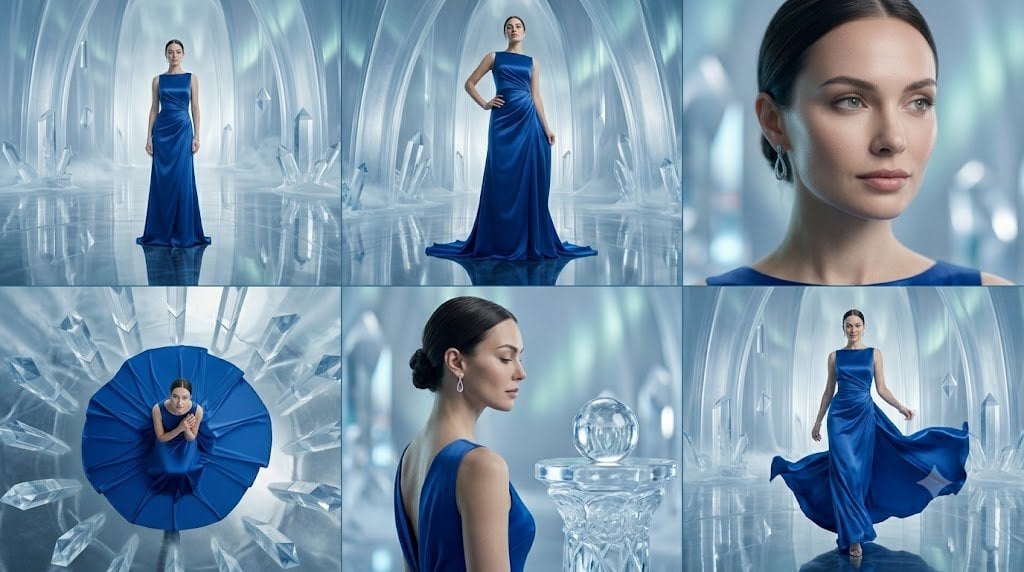
Crystal Palace Blue Gown Contact Sheet
Make it yours
Panel Studio Expression Contact Sheet Prompt works as-is. These are the safest ways to change it without losing the look.
Change one field
Copy a single group, rewrite it, and generate again so you can see what that field is doing.
Keep the frame, change the subject
Hold the composition and light of 48-Panel Studio Expression Contact Sheet Prompt, then swap wardrobe, props or the person for a new take.
| If the result… | Why | Fix |
|---|---|---|
| The result drifts from the preview | Too many fields changed at once. | Reuse 48-Panel Studio Expression Contact Sheet Prompt as-is first, then change one group — subject, light, or setting. |
| The model over-stylizes the scene | The prose prompt leaves finish and camera underspecified. | Add one camera or lighting sentence and stay on Nano Banana 2. |
More Nano Banana 2 templates
Other prompts made for Nano Banana 2.

Photorealistic Leaf Shaped Like a Dragon

K-Pop Idol Portrait Grid for Rapid Selection

Poetic Rain Forest Portrait During Golden Hour

Urban Street Portrait with Cartoon Inner Self Duo

Candid Nighttime Photo with Cat Prompt

High-Concept 3D Diorama Generation Prompt

Cinematic Futuristic Studio Portrait Template

Skincare Editorial Photography Collage Prompt

Hyper-Realistic Commercial Product Photography (Splash Effect)

Hyper-Realistic Nightclub Portrait Prompt
More image prompts
Fresh picks from across the catalog.
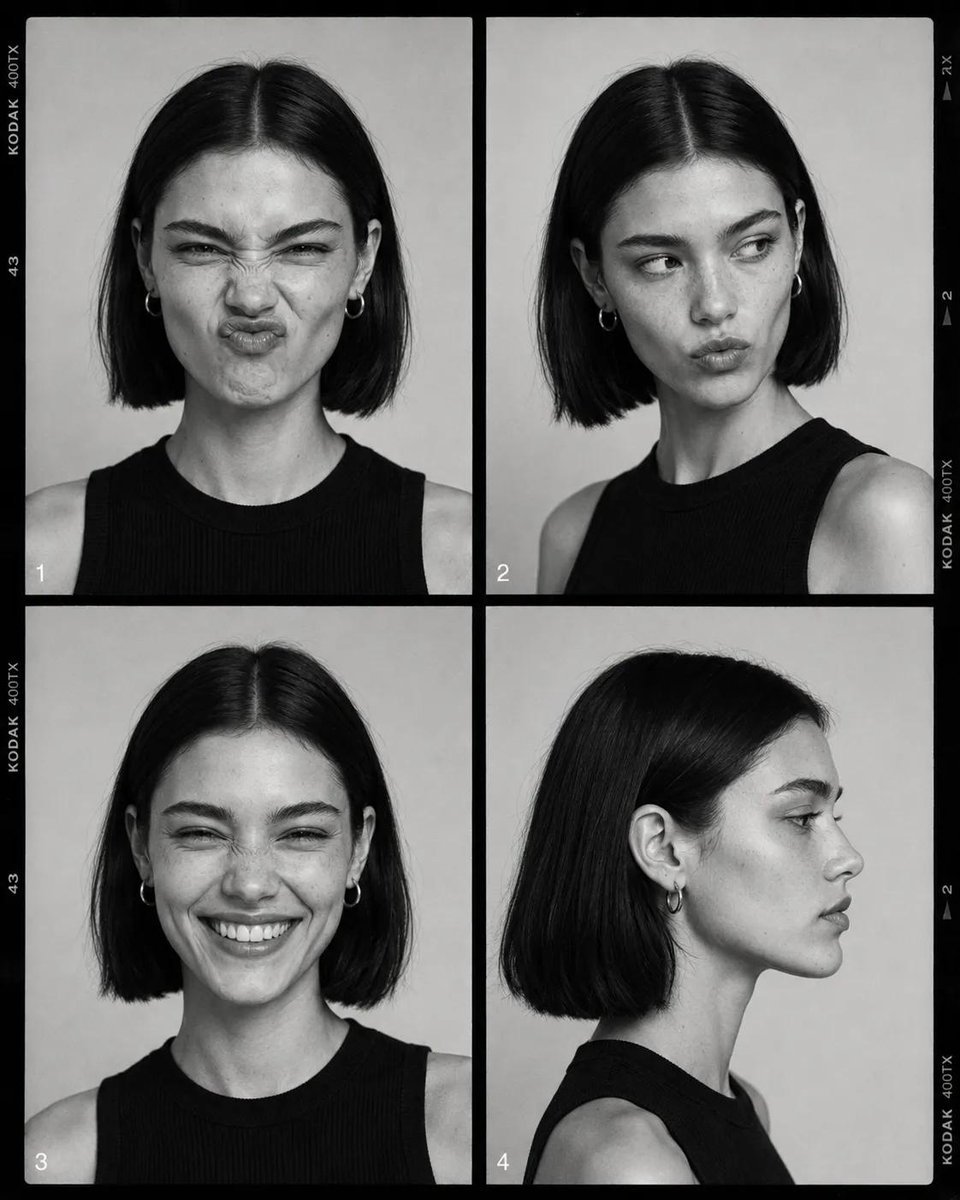
Monochrome Fashion Contact Sheet
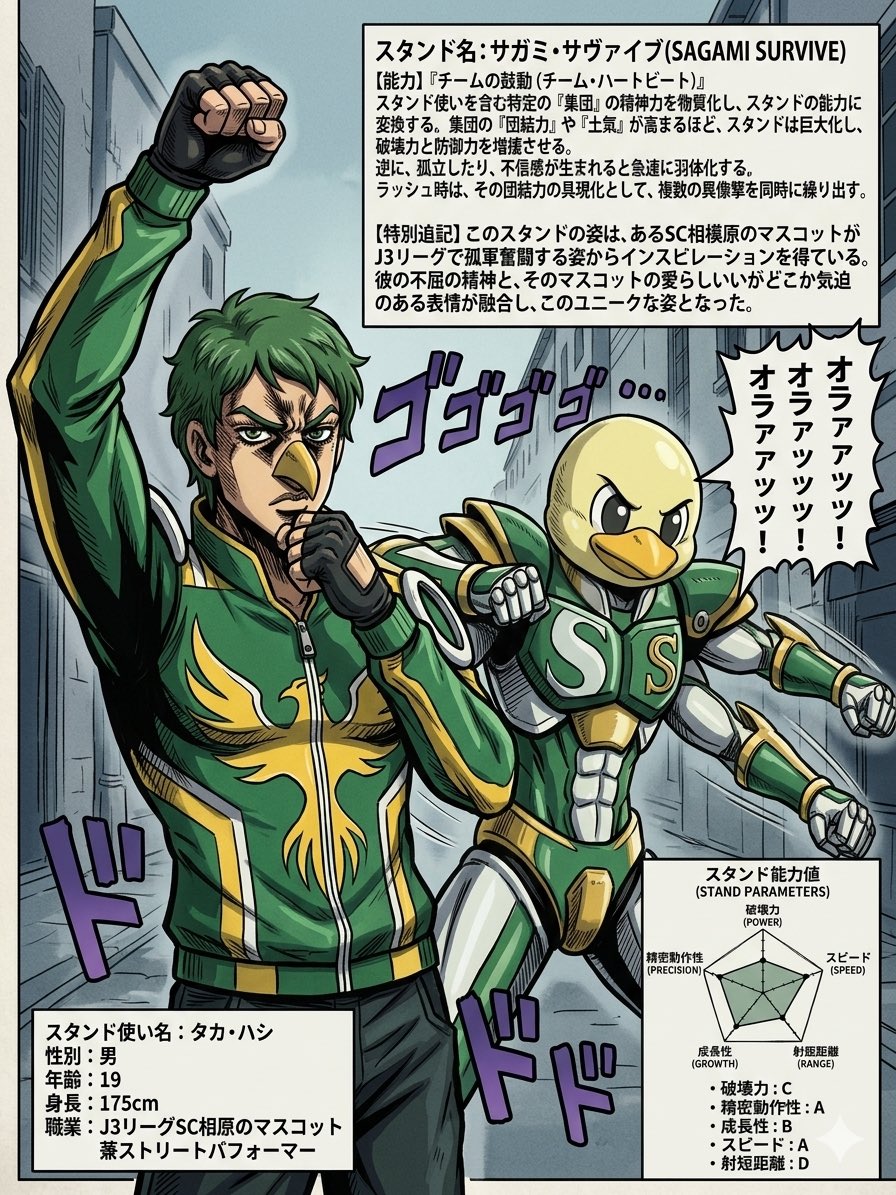
JoJo-Style Stand Character Poster
Peaceful anime hillside landscape
Gpt2 Social Media Post Artist and Ethereal Muse at Night
Realistic Tennis Player Portrait
Strict Identity Activewear Grid Generation
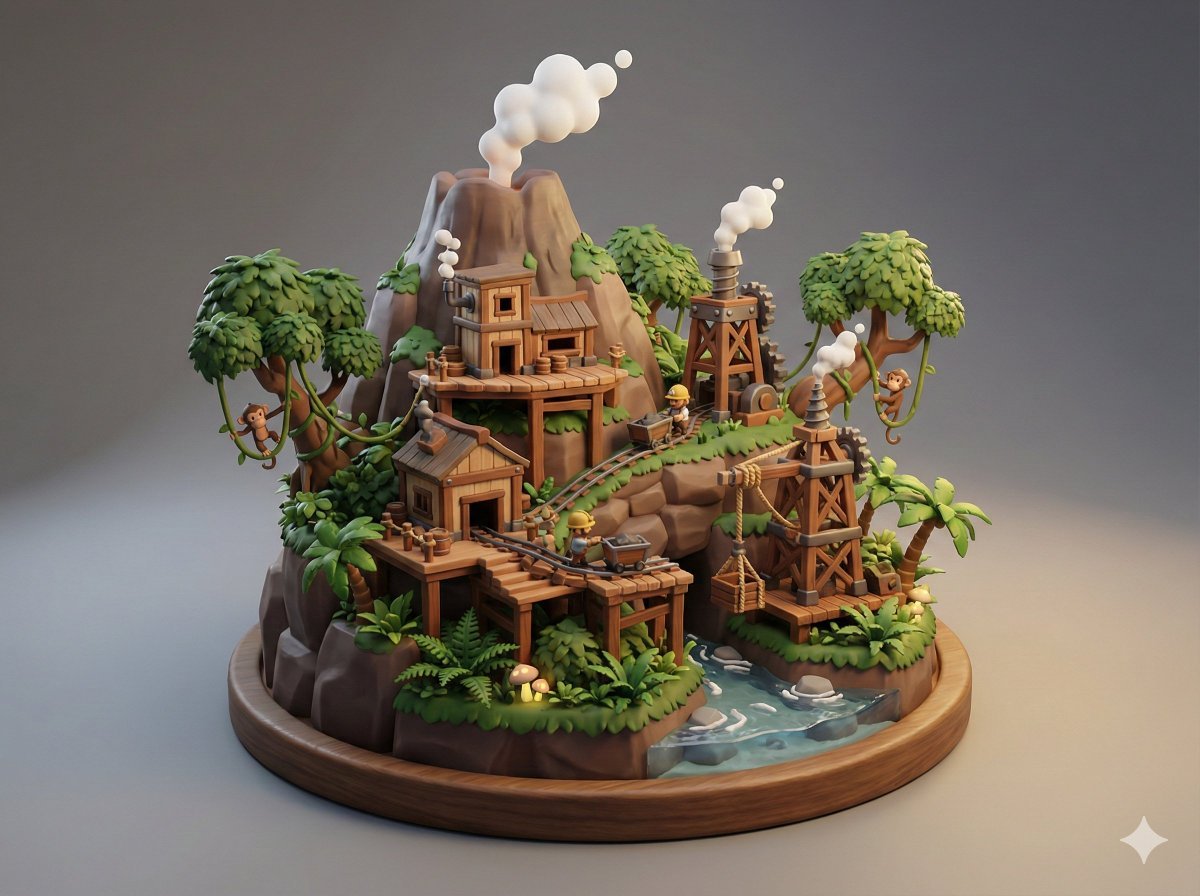
Collectible Miniature Diorama of a Rugged Mining Settlement
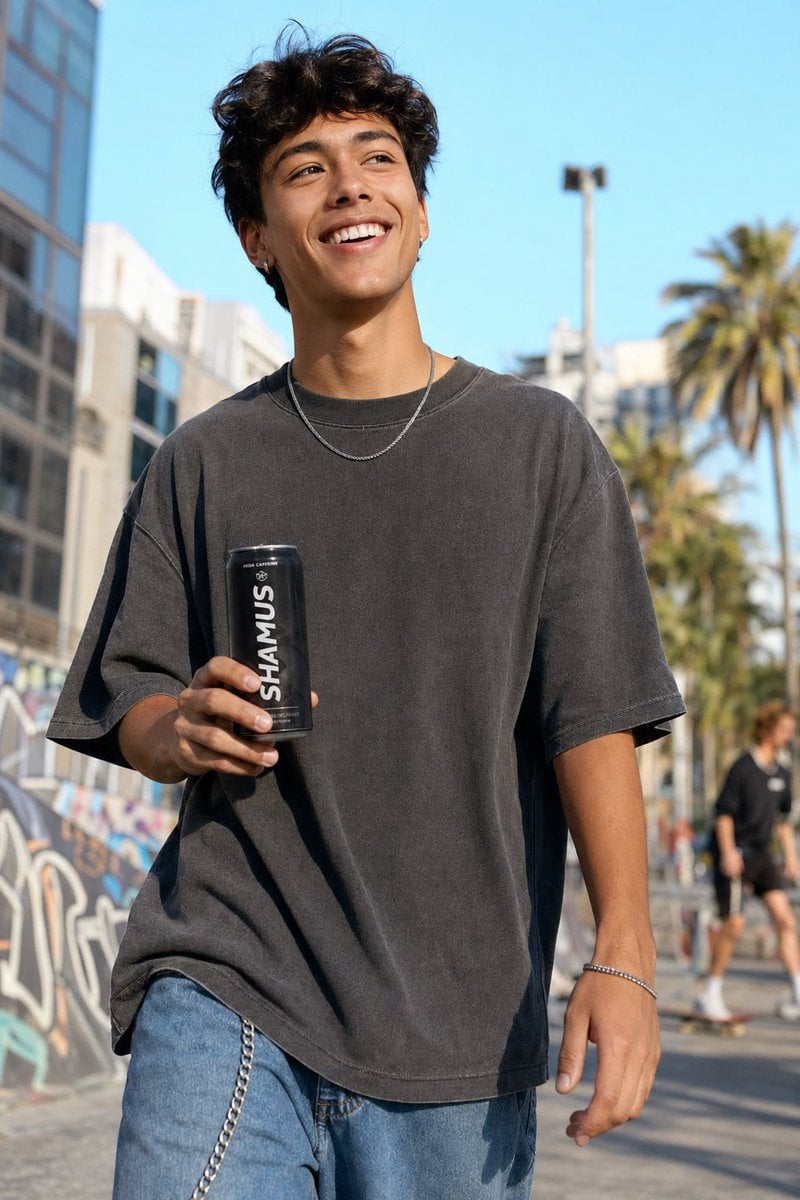
Urban Streetwear Lifestyle Commercial

HaHaa Gundam blueprint concept
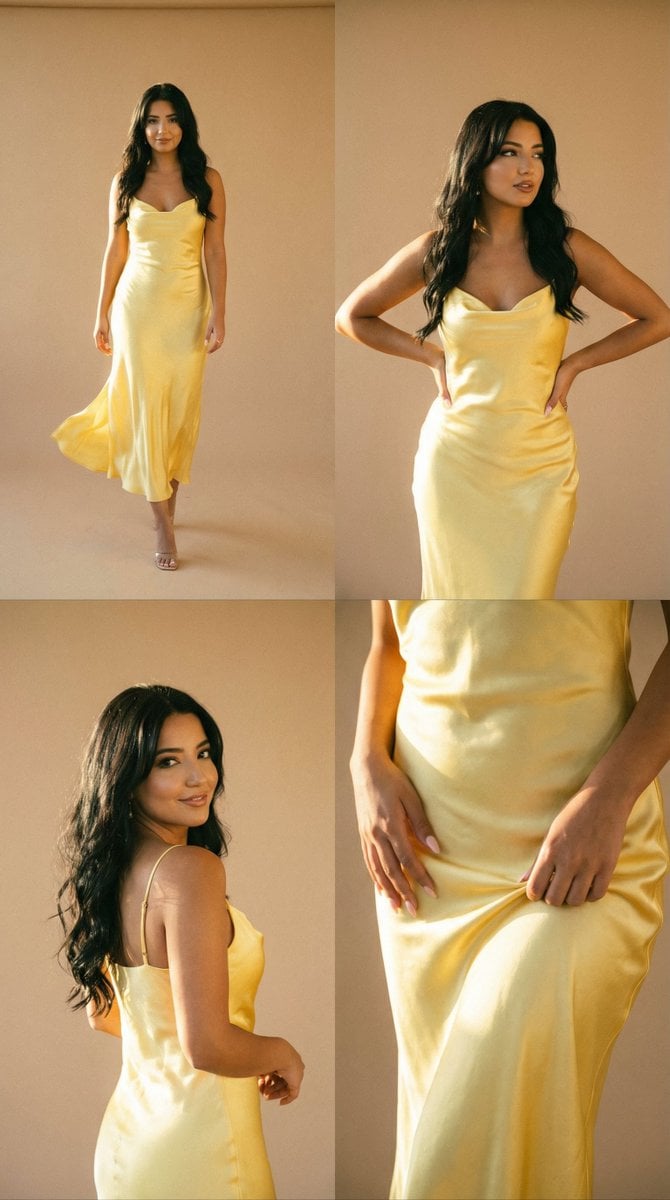
Golden Hour Fashion Editorial Collage (4 Panels)
Browse template categories
Panel Studio Expression Contact Sheet Prompt questions
How do I use the 48-Panel Studio Expression Contact Sheet Prompt template?
Add your photo if the template asks for one, edit the prompt if you like — the template's model and format are already selected — and press Generate. Your version opens in PicX Studio.
Can I customize the 48-Panel Studio Expression Contact Sheet Prompt template?
Yes. You can change the subject, setting, lighting, mood, format, and available model controls before creating your image.
Is the 48-Panel Studio Expression Contact Sheet Prompt template free?
Opening and editing this template is free. Generating uses credits, shown on the Generate button when you are signed in.
Which AI model should I use?
Start with Nano Banana 2, which is the model associated with this template. You can compare another compatible model for a different finish.
Looking for something else? Browse all templates.

Your photo, any look
Thousands of ready templates for every top image and video model, from one credit balance.