
Purple Gown Fashion Contact Sheet
Generates a 3x3 editorial studio portrait grid of a model in a purple gown for fashion lookbook or campaign concepts.
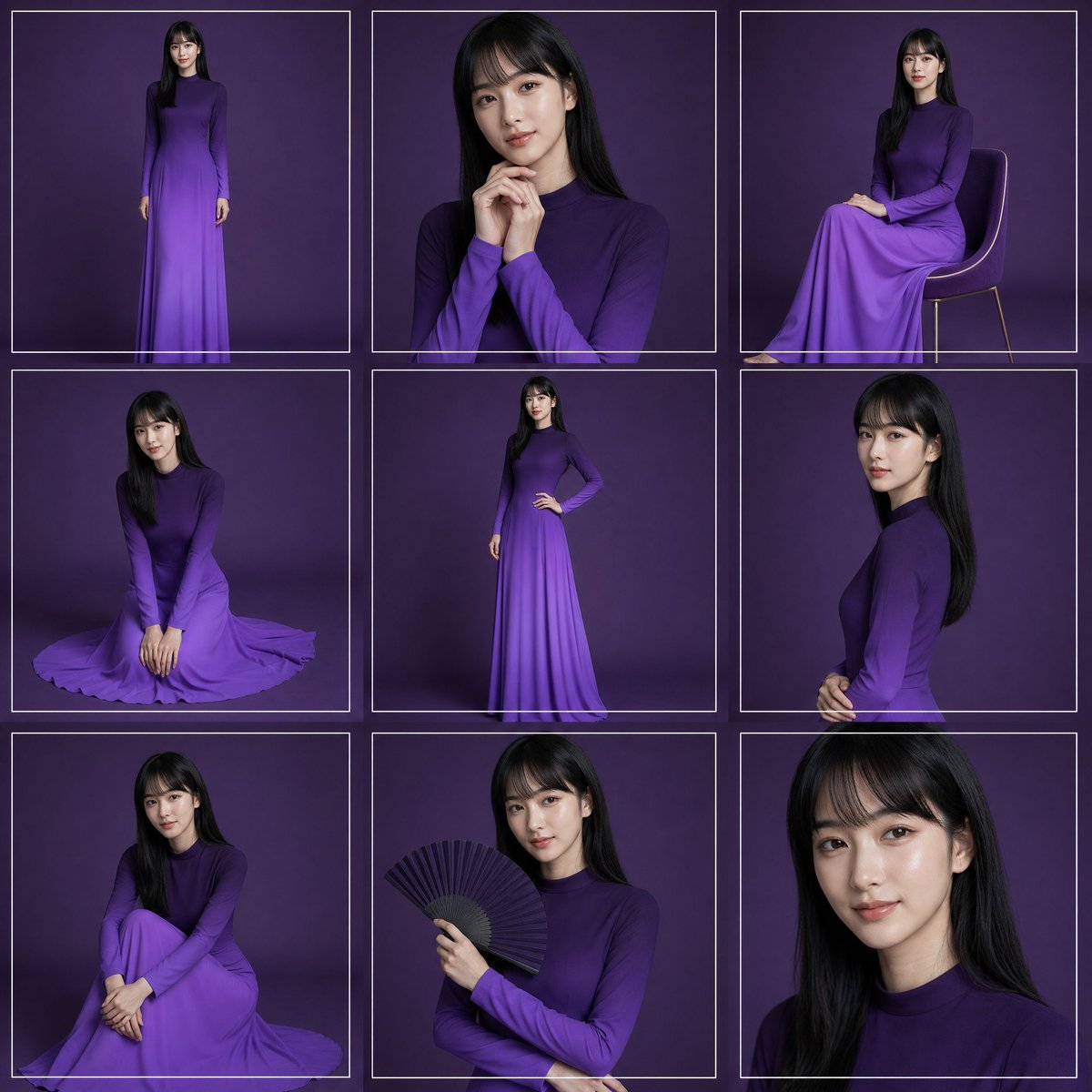
- Prompt included
- Model and format preset
- Free template
The prompt behind this image
Copy the exact prompt behind Purple Gown Fashion Contact Sheet, or open it in the studio and make it yours.
Create a high-fashion studio portrait contact sheet featuring {argument name="model description" default="a young woman with long straight black hair"} wearing {argument name="dress color and style" default="a long-sleeved, high-neck, floor-length ombré purple gown"}. Canvas: square 1:1 image, arranged as an exact 3 by 3 grid of 9 separate portrait frames, each frame outlined with thin white rectangular borders and narrow gutters. Background: seamless dark plum-purple studio backdrop with soft vignette lighting and subtle floor shadows. Visual style: elegant editorial fashion photography, realistic lighting, 4K detail, softbox illumination, refined posing, no visible logos or text. Grid contents, exactly 9 panels: 1. Top-left: full-body standing pose facing forward, arms relaxed, full gown visible. 2. Top-center: medium close-up portrait, hands clasped near chin, long hair over shoulders. 3. Top-right: seated side pose on a simple modern chair with thin legs, gown draped over knees. 4. Middle-left: kneeling floor pose, hands together in front, skirt spread in a circular pool around her. 5. Middle-center: full-body standing pose with one hand on hip, showing the slim silhouette and gradient skirt. 6. Middle-right: side-profile upper-body portrait, hands gently clasped at waist, hair falling down the back. 7. Bottom-left: seated floor pose with knees drawn up and arms folded around legs, skirt pooled around her. 8. Bottom-center: half-body portrait holding an open black folding fan in one hand across the chest. 9. Bottom-right: tight close-up portrait of face and hair, cropped at shoulders. Constraints: maintain the same model, hairstyle, dress, and purple background across all panels; use thin white borders around every panel; keep the composition clean and symmetrical; make the face softly anonymized/blurred rather than sharply identifiable; avoid extra props except the chair in panel 3 and the fan in panel 8.
How to use Purple Gown Fashion Contact Sheet in 3 steps
- 1Upload ImagePNG, JPG or paste
Add your photo
Upload the photo the template builds on. The prompt, model and format are already set.
- 2…a portrait of your subject in softgolden-hour light, 85mm…
Personalize
Edit the subject and creative details for your destination.
- 3Generate
Generate
Press Generate — your image is created in PicX Studio, so you can compare it with the original and refine one variable at a time.
More like this
Templates with the same subject, style or setup. Open one to see its prompt.

Luxury Black-and-White Fashion Contact Sheet
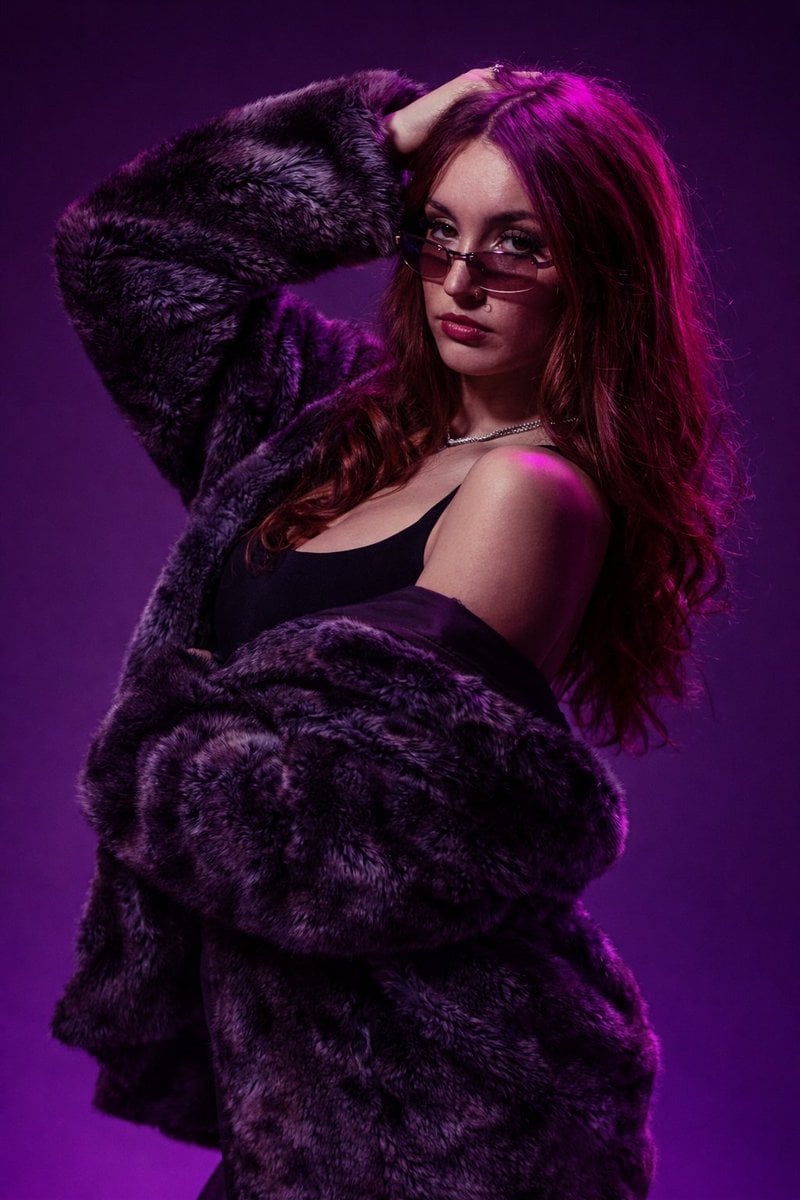
Studio Fashion Portrait Moody Purple Gradient
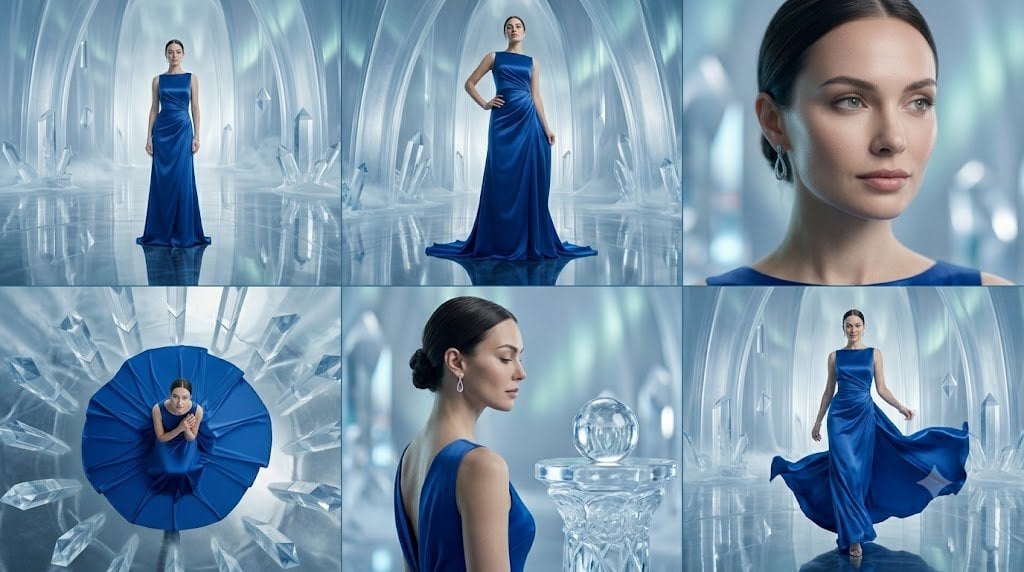
Crystal Palace Blue Gown Contact Sheet
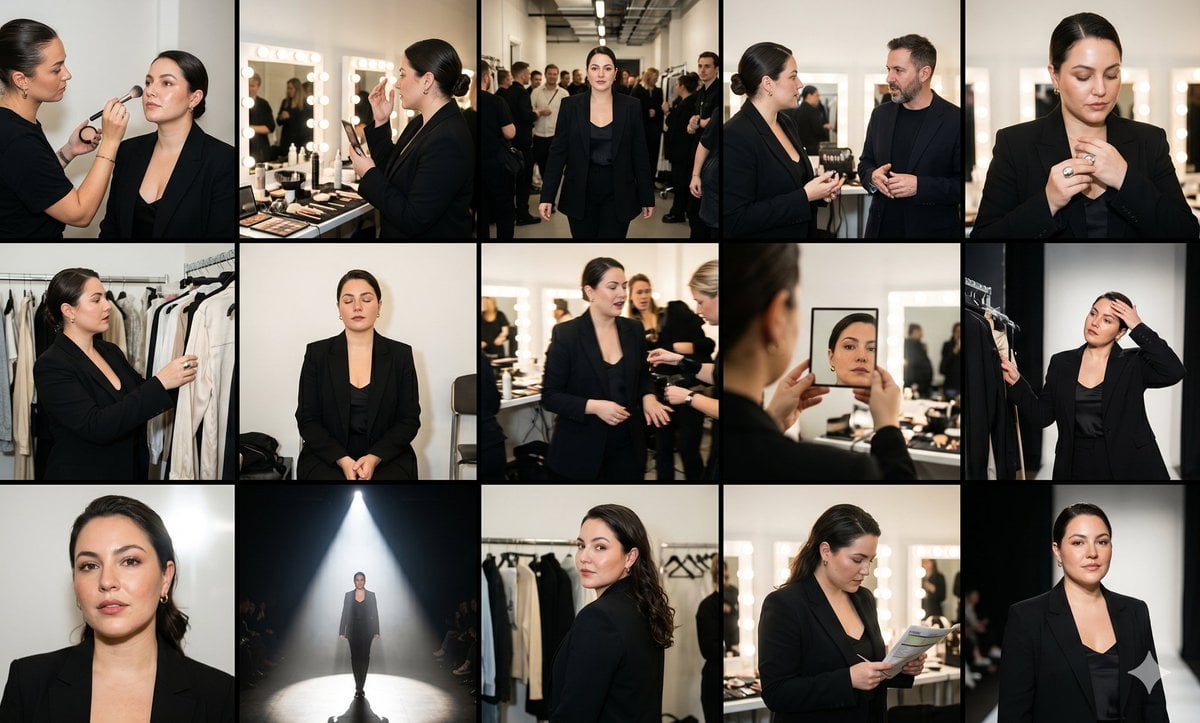
Fashion Week Backstage Contact Sheet
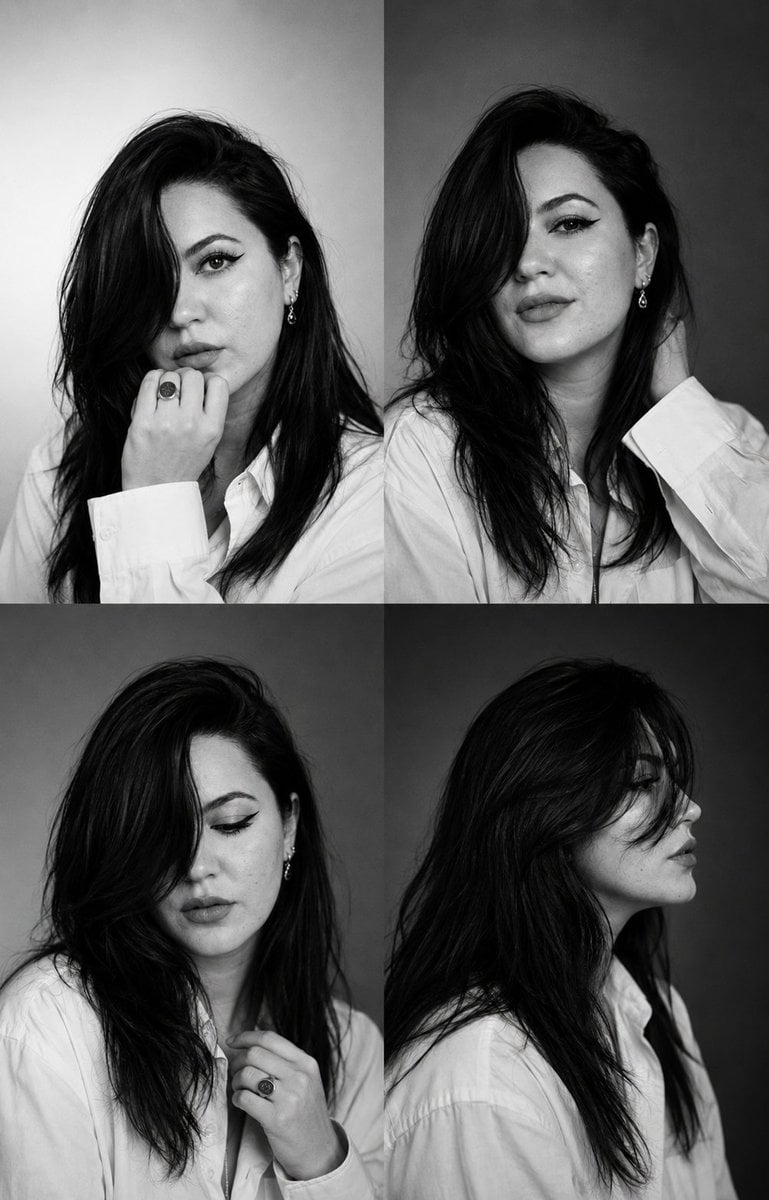
Monochrome Fashion Casting Contact Sheet
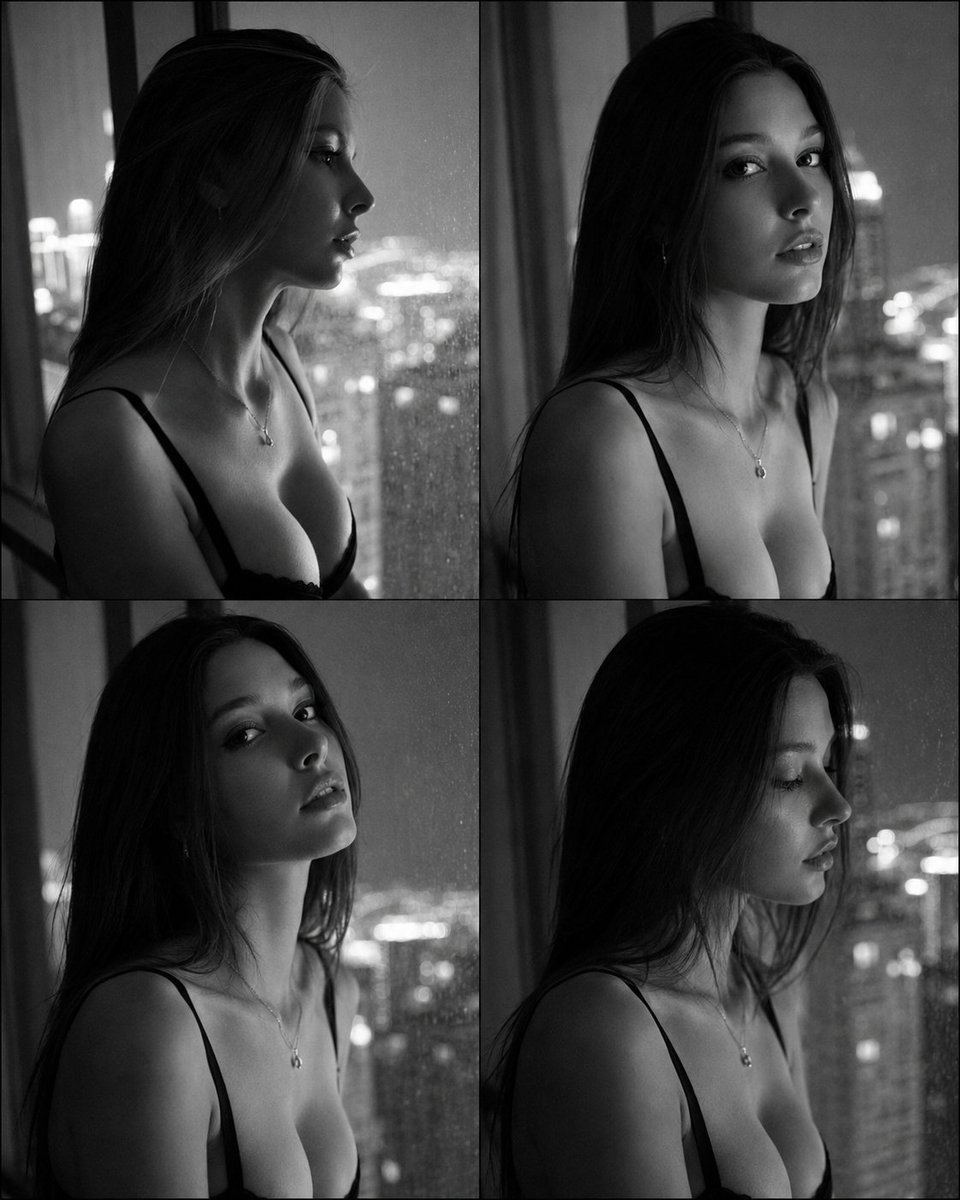
Fashion Casting Contact Sheet Portrait
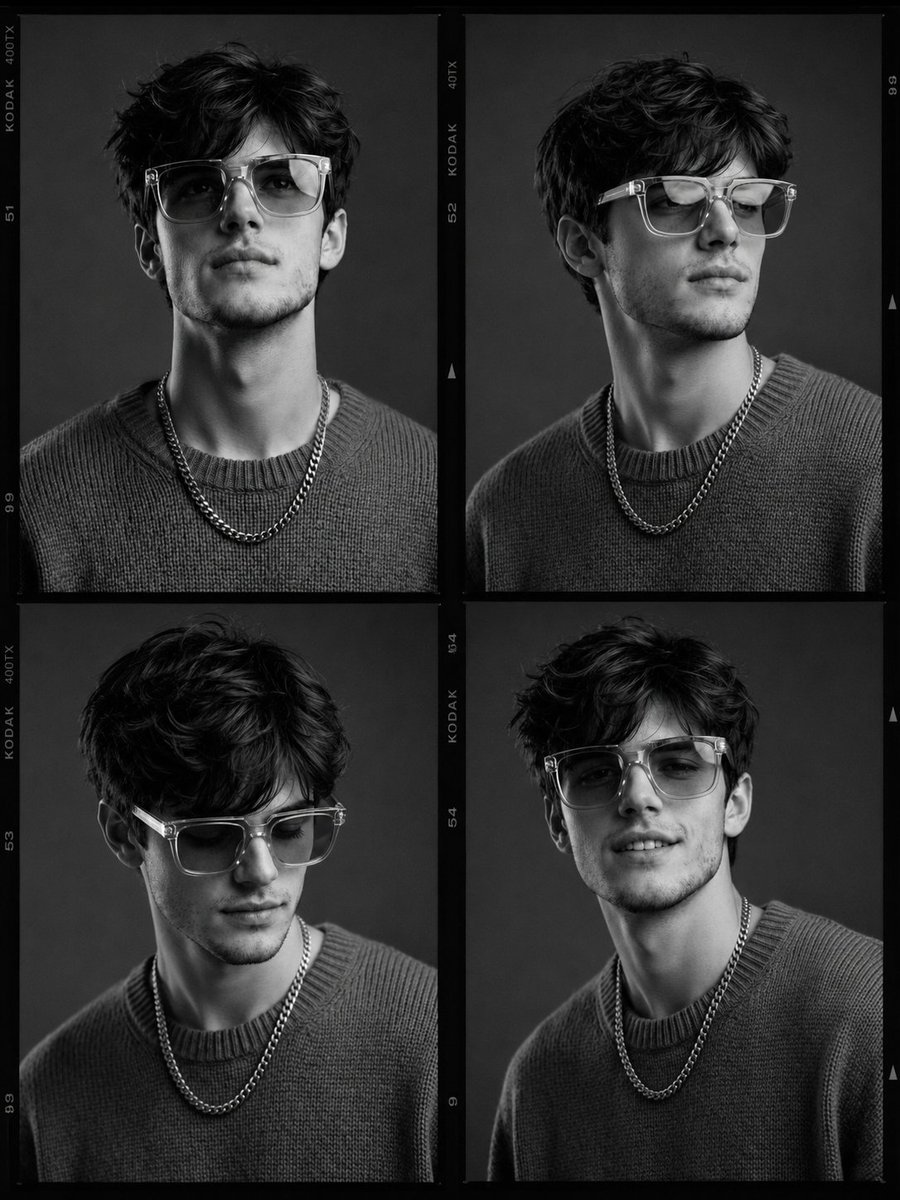
Fashion Casting Monochrome Contact Sheet

80s College Gate

1988 Mall Style

80s Polka Dot Saree
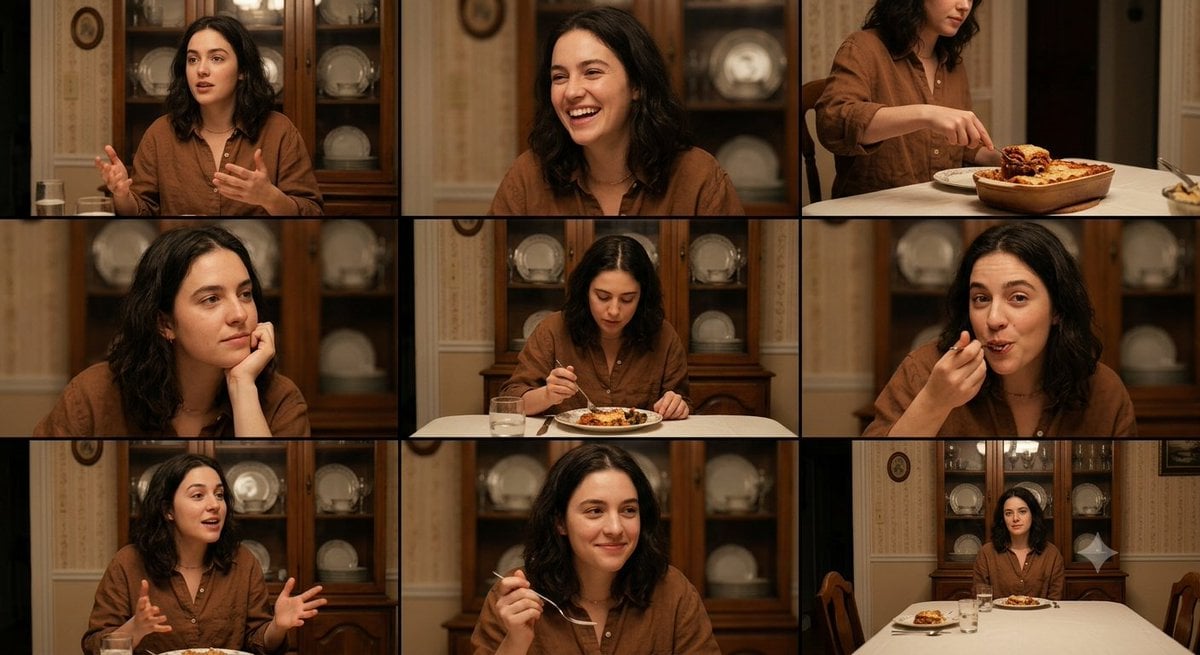
Family Dinner Cinematic Contact Sheet

A 3x3 grid storyboard contact sheet comprised of nine candid, cinematic
Make it yours
Purple Gown Fashion Contact Sheet works as-is. These are the safest ways to change it without losing the look.
Change one field
Copy a single group, rewrite it, and generate again so you can see what that field is doing.
Keep the frame, change the subject
Hold the composition and light of Purple Gown Fashion Contact Sheet, then swap wardrobe, props or the person for a new take.
| If the result… | Why | Fix |
|---|---|---|
| The result drifts from the preview | Too many fields changed at once. | Reuse Purple Gown Fashion Contact Sheet as-is first, then change one group — subject, light, or setting. |
| The model over-stylizes the scene | The prose prompt leaves finish and camera underspecified. | Add one camera or lighting sentence and stay on GPT Image 2. |
More GPT Image 2 templates
Other prompts made for GPT Image 2.

Six VTuber Japanese Logo Sheet

Realistic Portrait of Woman and Deer

The Vista Modular Condo Poster

AI Model Routing Comparison Infographic

2.5D Anime Art Board

Isometric Productivity Desk Scene

New York Double Exposure Poster

Four-Panel AI Landscape Comparison

Japanese Tatami Lifestyle Magazine Cover

NESCAFÉ Coffee Map Poster
More image prompts
Fresh picks from across the catalog.
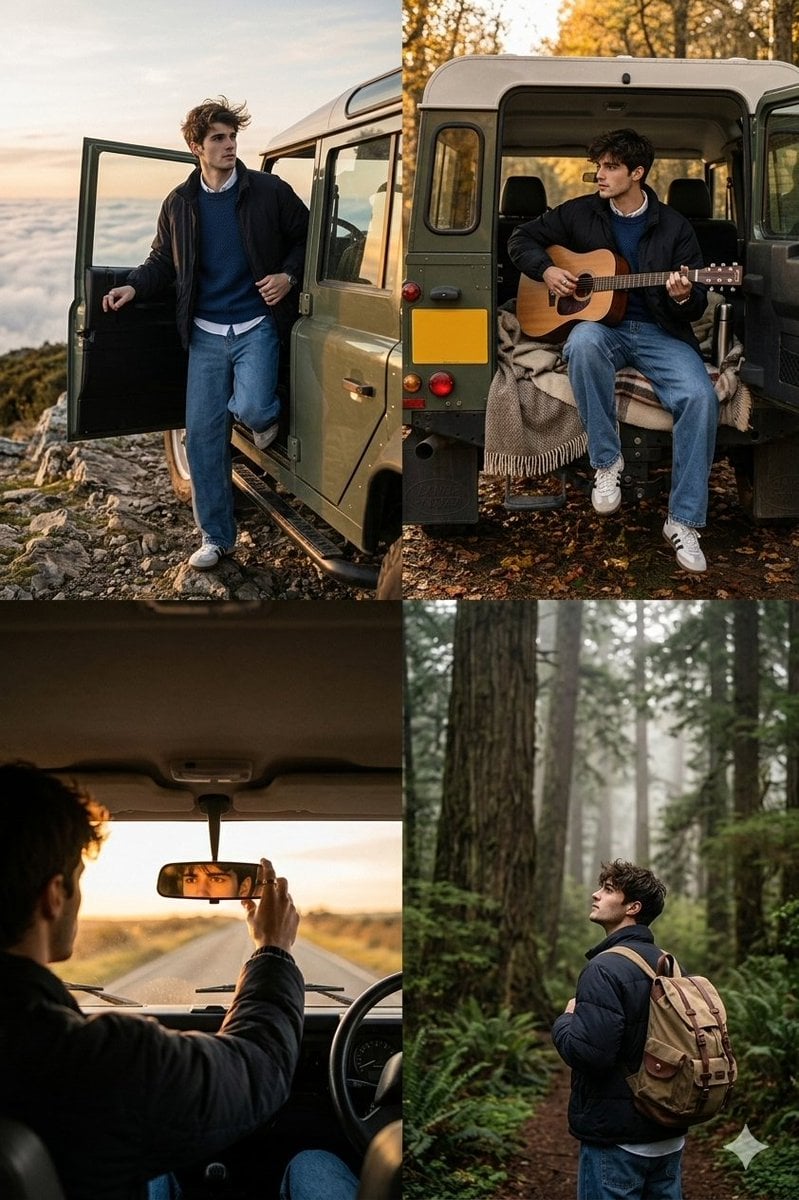
Cinematic Road Trip Collage with Identity Preservation
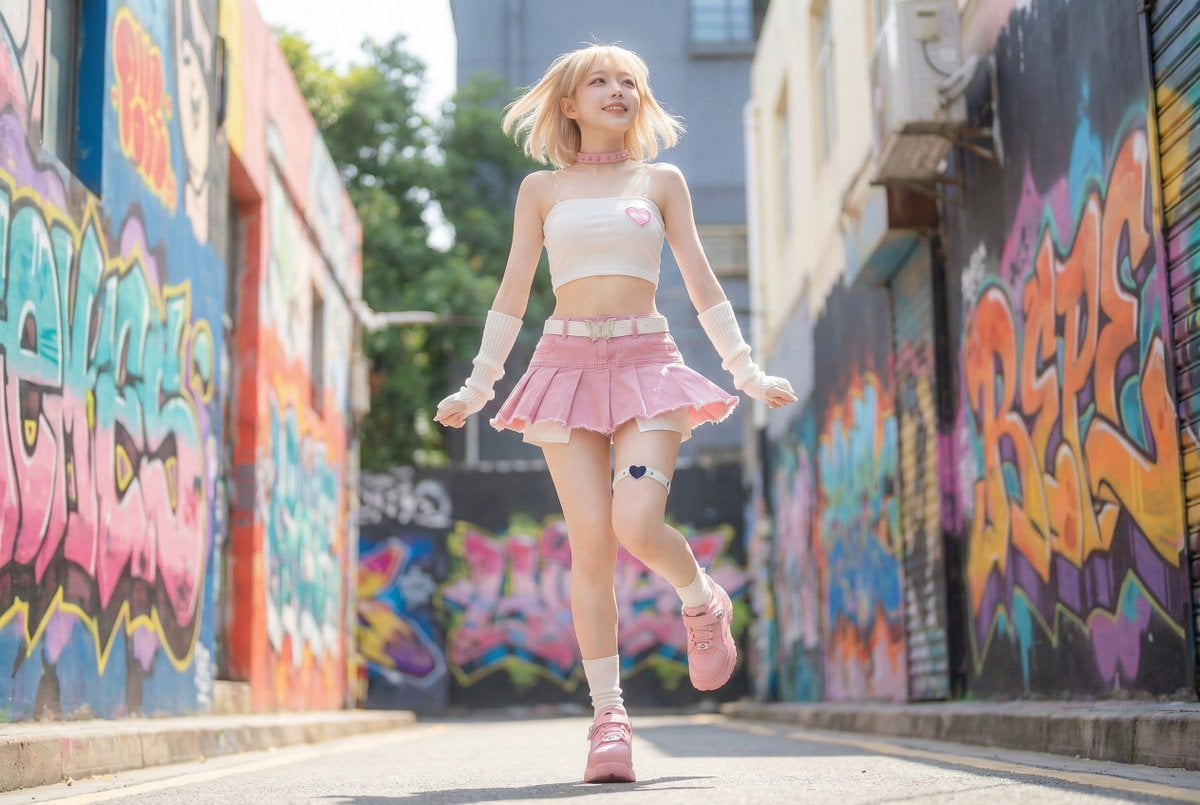
Dynamic Pop Art Video Sequence

Nano Banana Pro Safety Filter Bypass and Safe Prompting Strategy
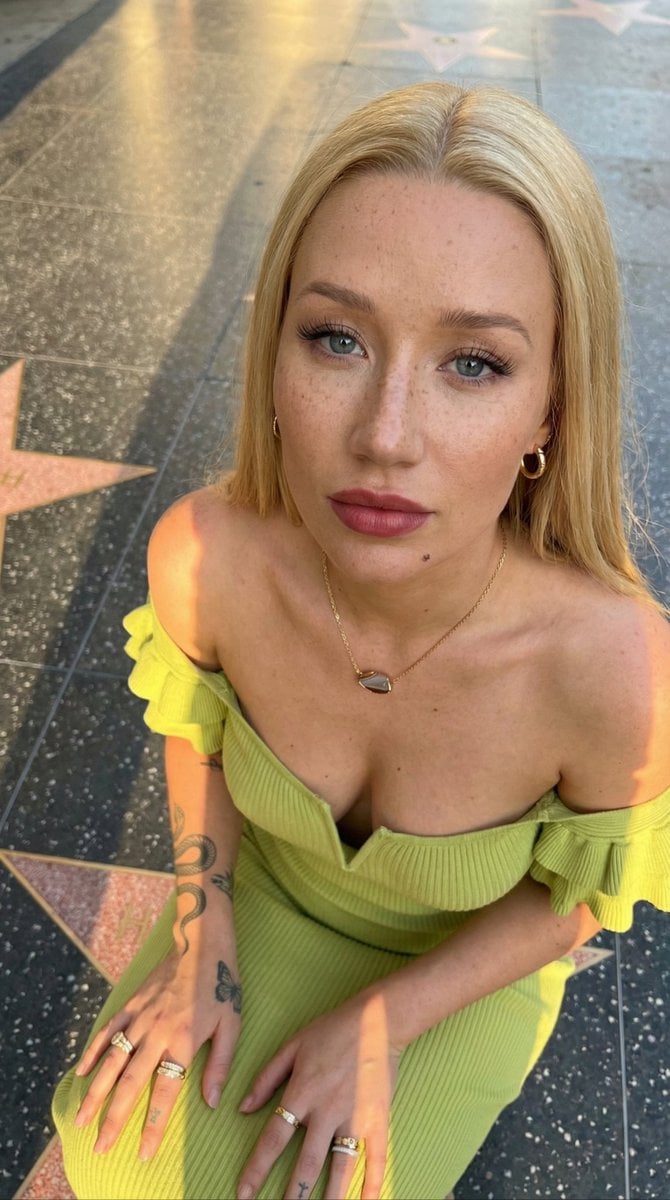
Iggy Azalea Walk of Fame Portrait Prompt
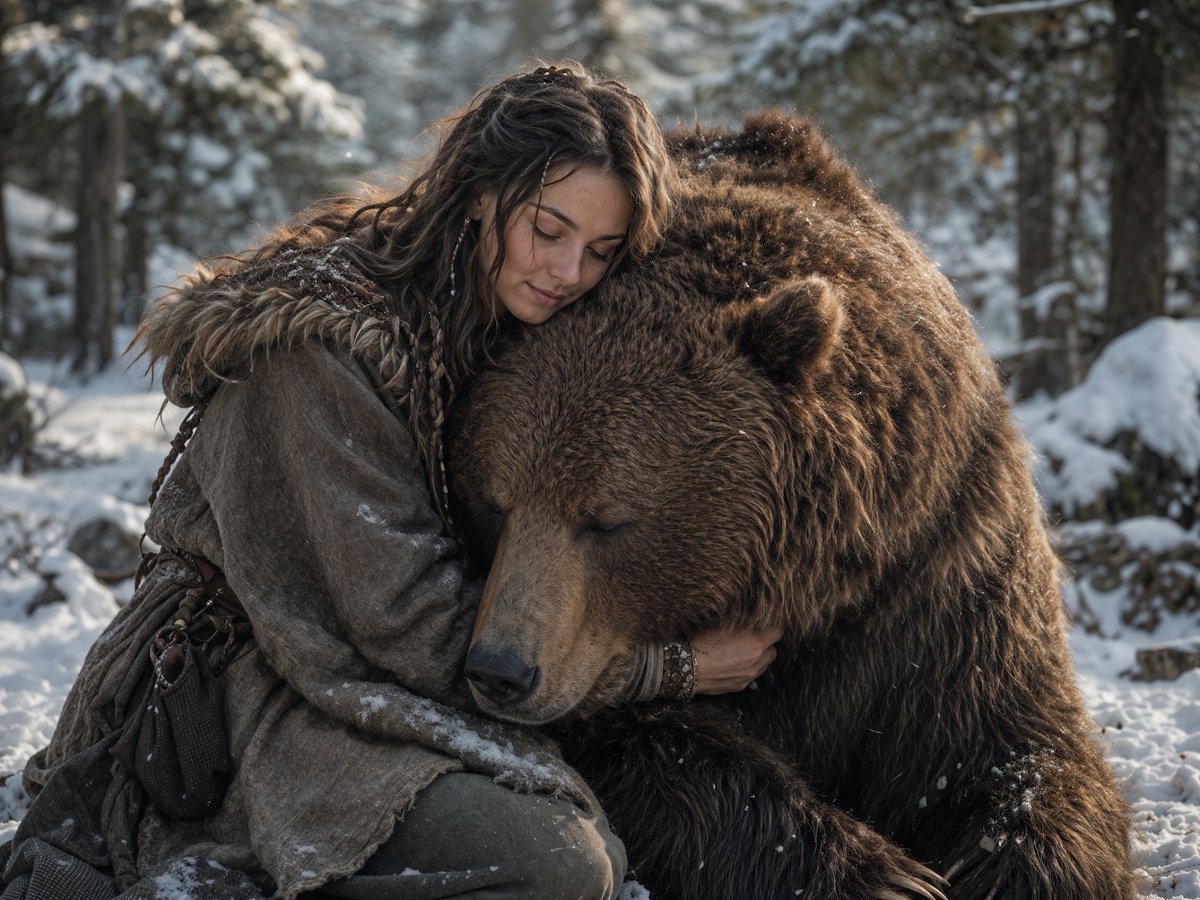
Woman Embracing a Bear in Winter

Giant Robot Meets Woman on Balcony
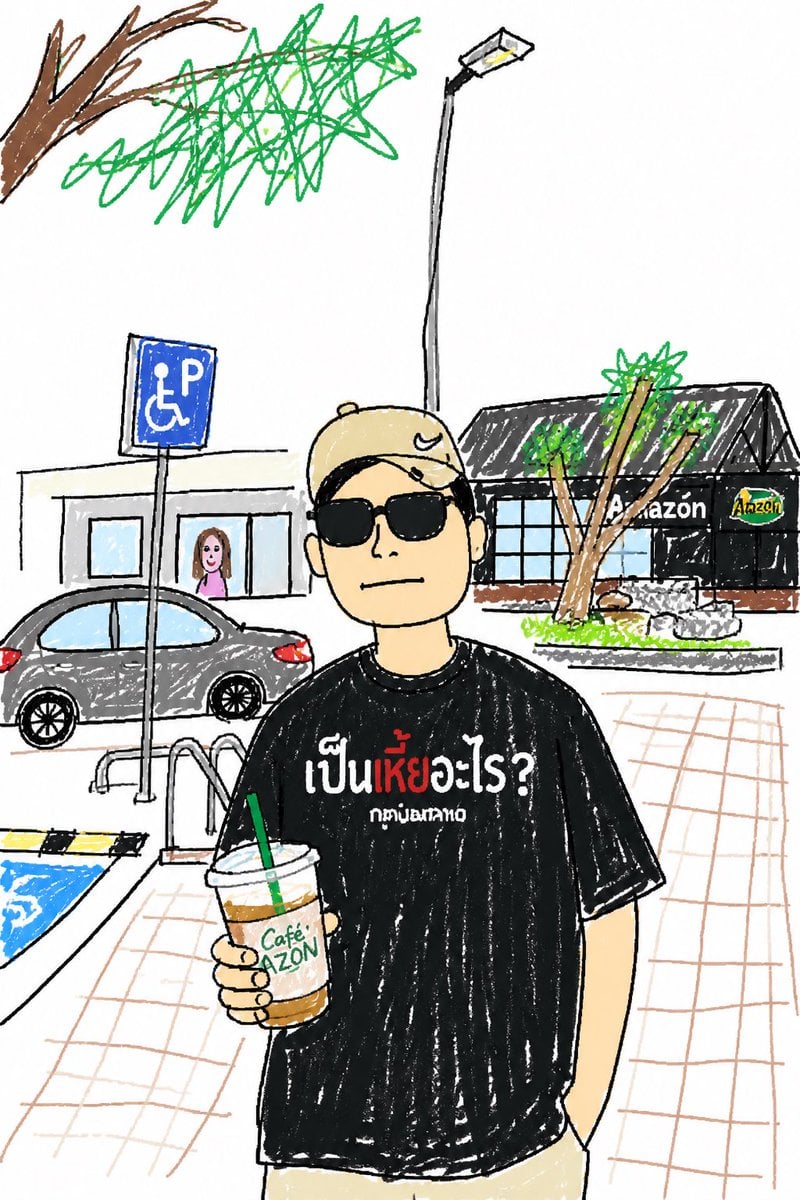
Childlike Sketch Photo Transform
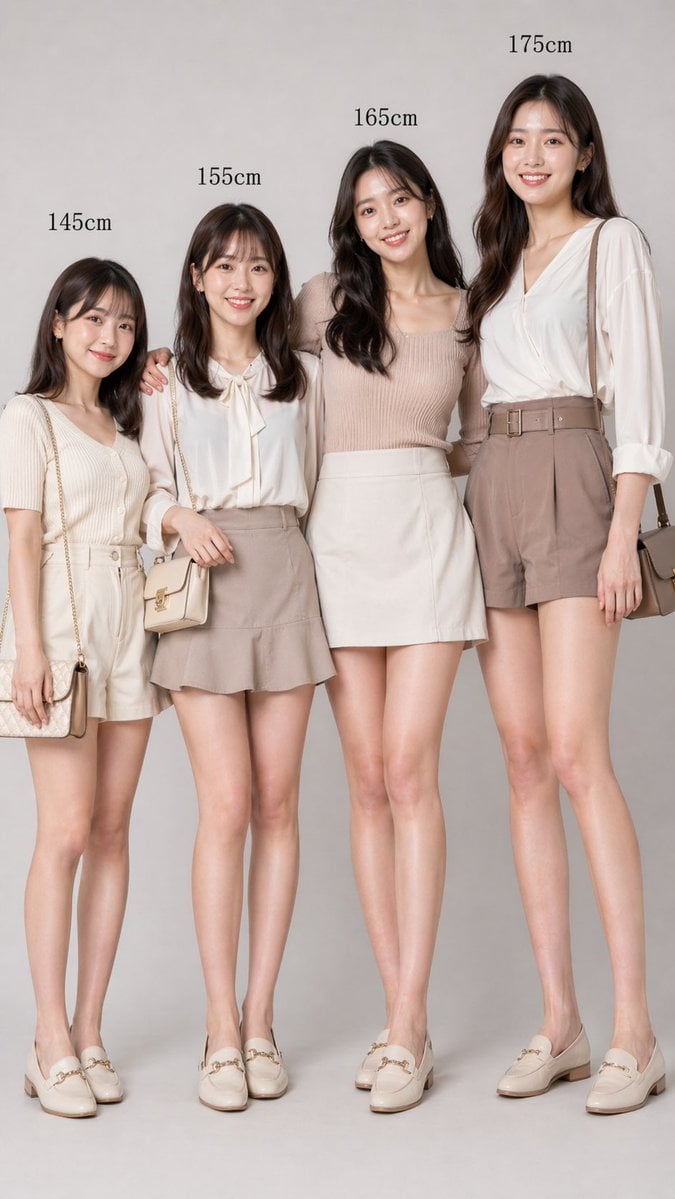
Fashion Height Comparison of Four Women
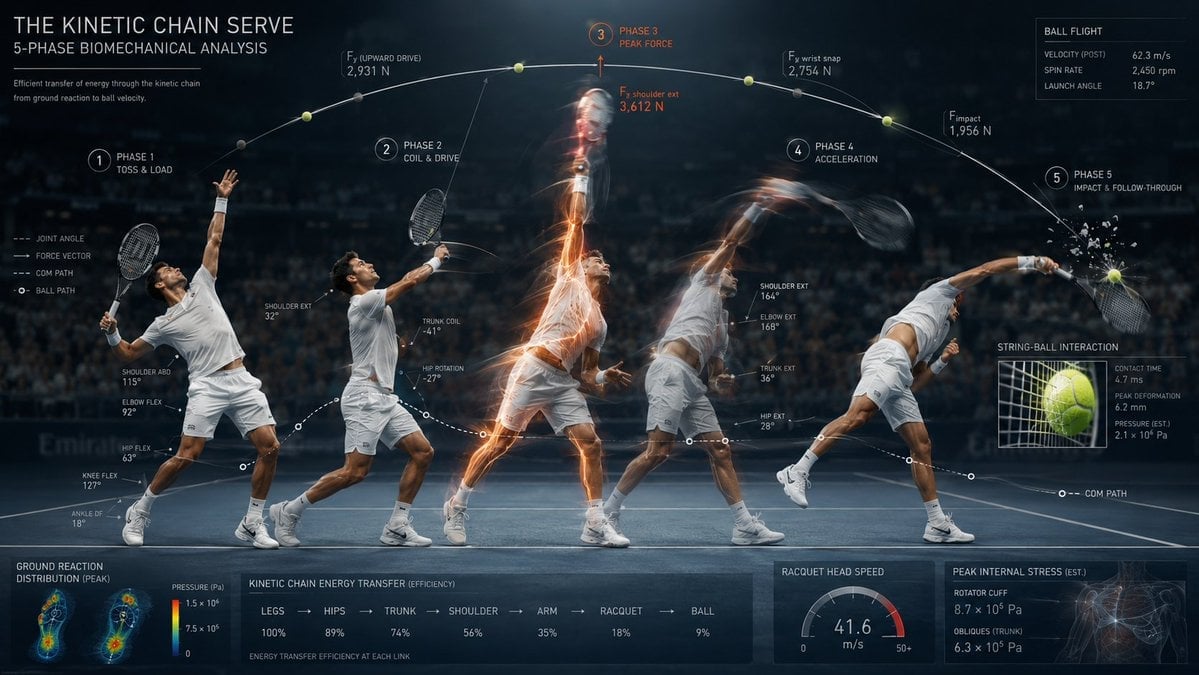
Stroboscopic Multi-Exposure Sports Action
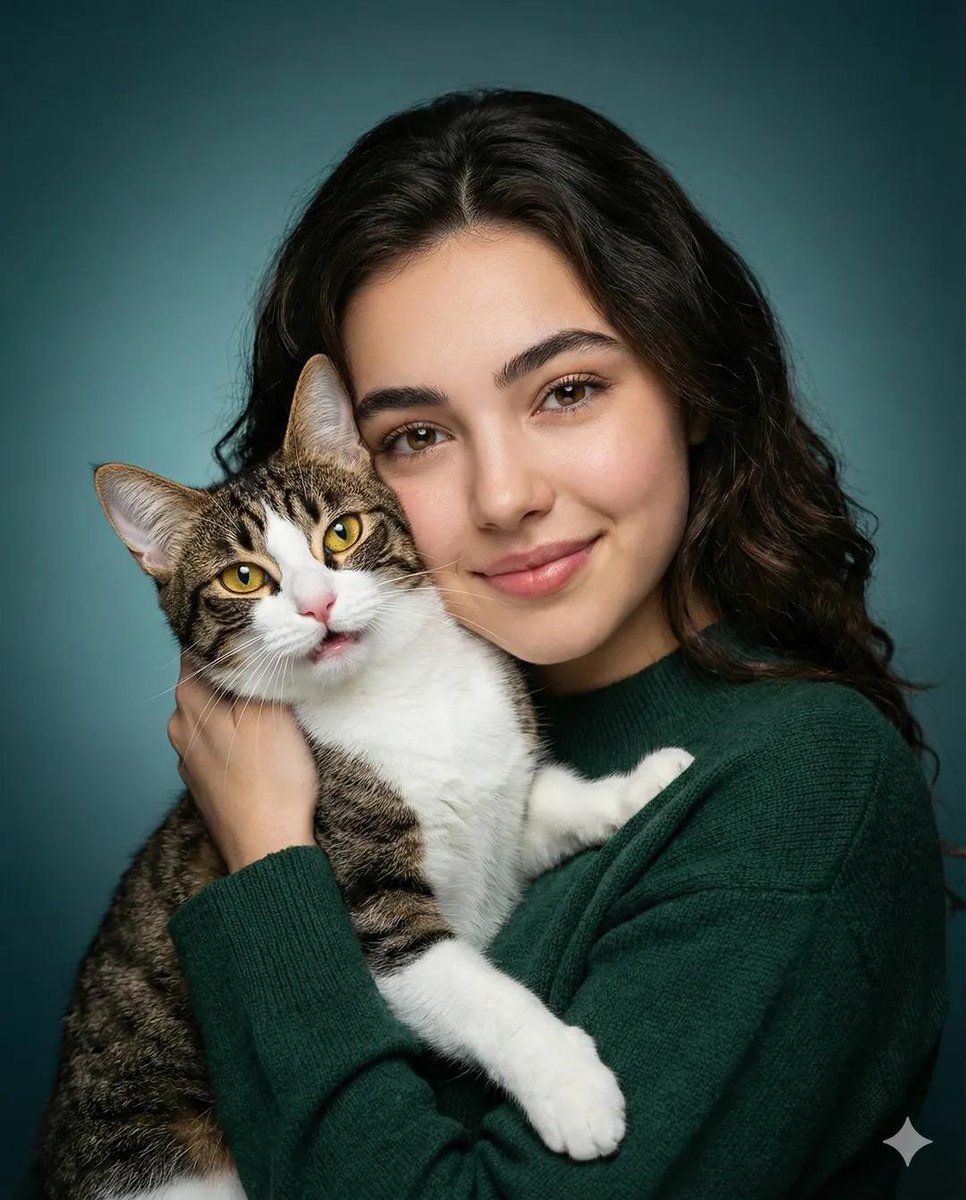
Heartwarming Woman and Cat Portrait
Browse template categories
Purple Gown Fashion Contact Sheet questions
How do I use the Purple Gown Fashion Contact Sheet template?
Add your photo if the template asks for one, edit the prompt if you like — the template's model and format are already selected — and press Generate. Your version opens in PicX Studio.
Can I customize the Purple Gown Fashion Contact Sheet template?
Yes. You can change the subject, setting, lighting, mood, format, and available model controls before creating your image.
Is the Purple Gown Fashion Contact Sheet template free?
Opening and editing this template is free. Generating uses credits, shown on the Generate button when you are signed in.
Which AI model should I use?
Start with GPT Image 2, which is the model associated with this template. You can compare another compatible model for a different finish.
Looking for something else? Browse all templates.

Your photo, any look
Thousands of ready templates for every top image and video model, from one credit balance.