
Fashion Week Backstage Contact Sheet
Generates a professional 5x3 fashion contact sheet depicting various backstage moments during a fashion show with consistent character identity.
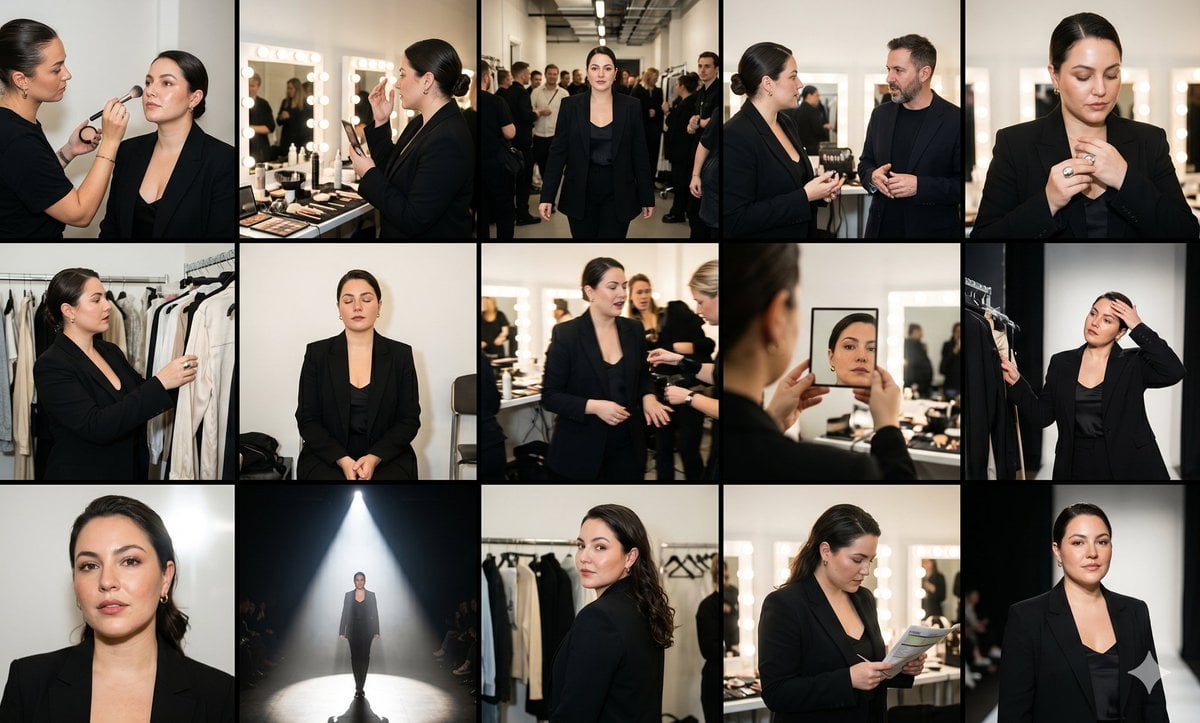
- Prompt included
- Model and format preset
- Premium template
The prompt behind this image
Copy the exact prompt behind Fashion Week Backstage Contact Sheet, or open it in the studio and make it yours.
Ultra-photorealistic editorial collage arranged as a 5x3 backstage fashion week contact sheet. Fifteen photographs capture the same striking {argument name="subject" default="young woman"} throughout a hectic runway day with perfect identity consistency. Same facial structure, sharp jawline, expressive eyes, realistic skin texture, subtle luxury makeup, natural hair strands, identical appearance in every frame. She wears a structured black tailored blazer over a minimalist silk outfit, paired with designer accessories and runway-ready styling. Hair is styled into a sleek fashion-week look. Each frame captures a different backstage moment: * Makeup artist making final touch-ups. * Reviewing looks in front of illuminated mirrors. * Walking through crowded backstage corridors. * Speaking with designers. * Adjusting jewelry. * Looking through garment racks. * Sitting quietly before the show. * Fast-paced candid moments between preparations. * Reflection shots through mirrors. * Runway entrance anticipation. * Close beauty portraits. * Walking beneath spotlights. * Looking over shoulder backstage. * Checking notes and schedules. * Final confident portrait before stepping onto the runway. Environment filled with makeup stations, bright vanity bulbs, clothing racks, photographers, assistants, models, and fashion industry energy. Photography style: documentary fashion photography, magazine contact sheet aesthetic, realistic flash photography, Leica and medium-format camera look, authentic behind-the-scenes storytelling. Color palette: black, silver, cream, warm skin tones, bright backstage lighting. Negative Prompt: flowers, studio backdrop, fantasy, CGI, illustration, plastic skin, duplicate poses, bad anatomy, watermark, text, blurry faces.
How to use Fashion Week Backstage Contact Sheet in 3 steps
- 1
Open
The prompt is already in the box next to the preview, with the template's model and format selected.
- 2…a portrait of your subject in softgolden-hour light, 85mm…
Personalize
Edit the subject and creative details for your destination.
- 3Generate
Generate
Press Generate — your image is created in PicX Studio, so you can compare it with the original and refine one variable at a time.
More like this
Templates with the same subject, style or setup. Open one to see its prompt.

Luxury Black-and-White Fashion Contact Sheet
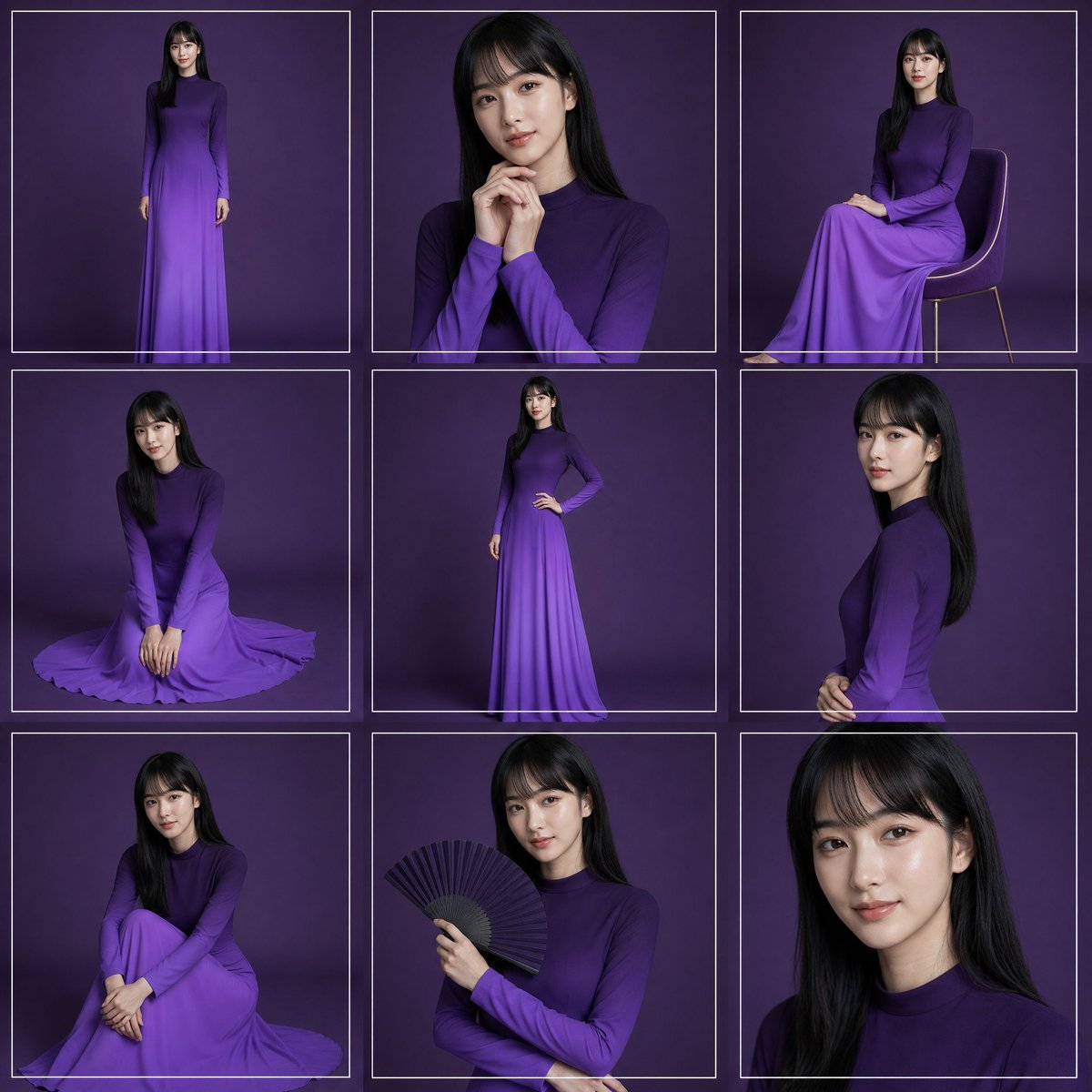
Purple Gown Fashion Contact Sheet
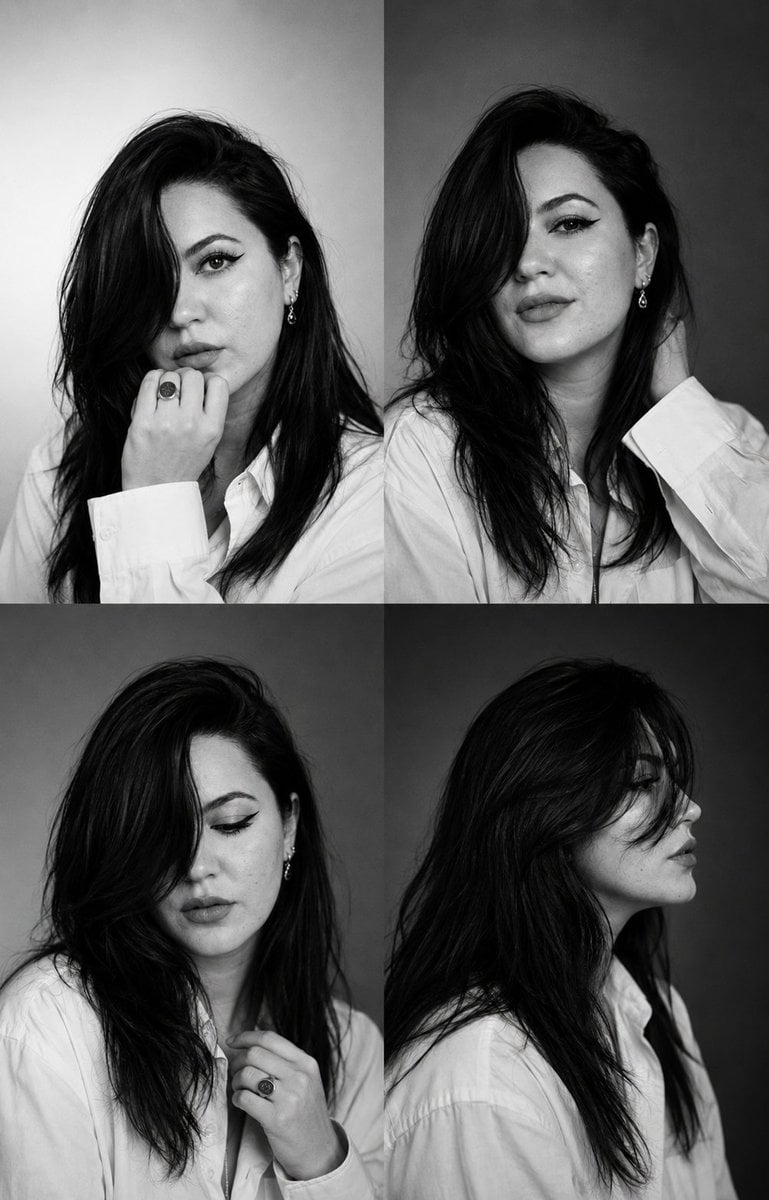
Monochrome Fashion Casting Contact Sheet
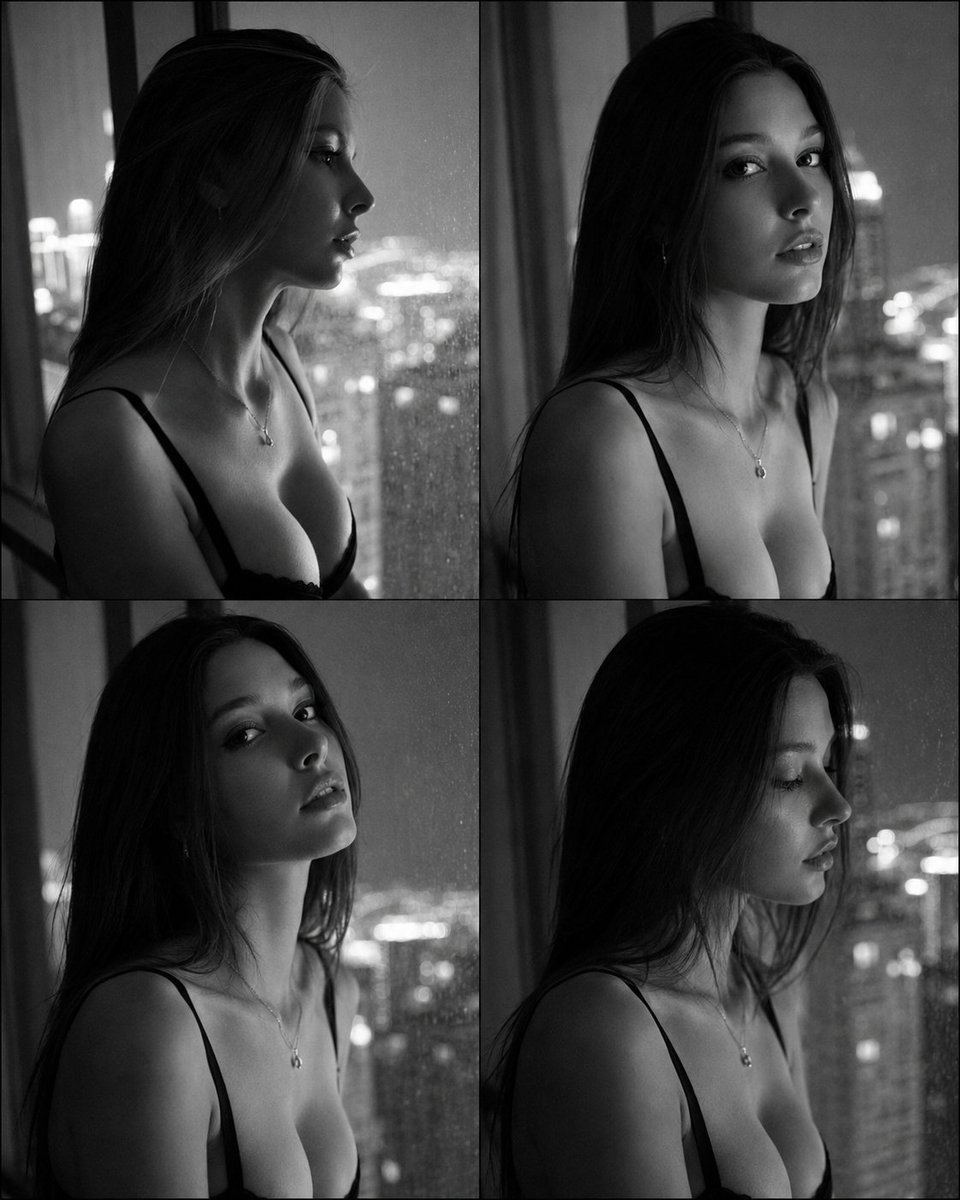
Fashion Casting Contact Sheet Portrait
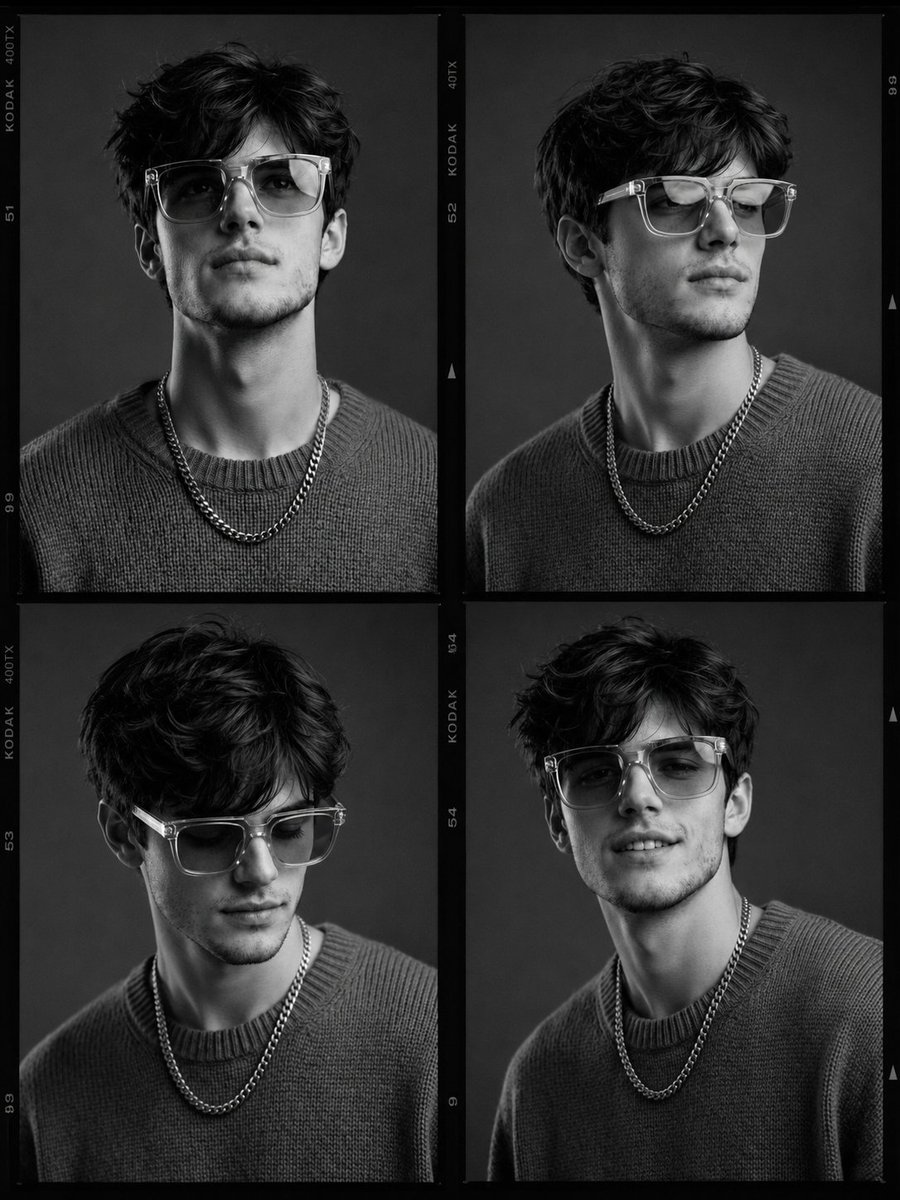
Fashion Casting Monochrome Contact Sheet

80s College Gate

1988 Mall Style

80s Polka Dot Saree
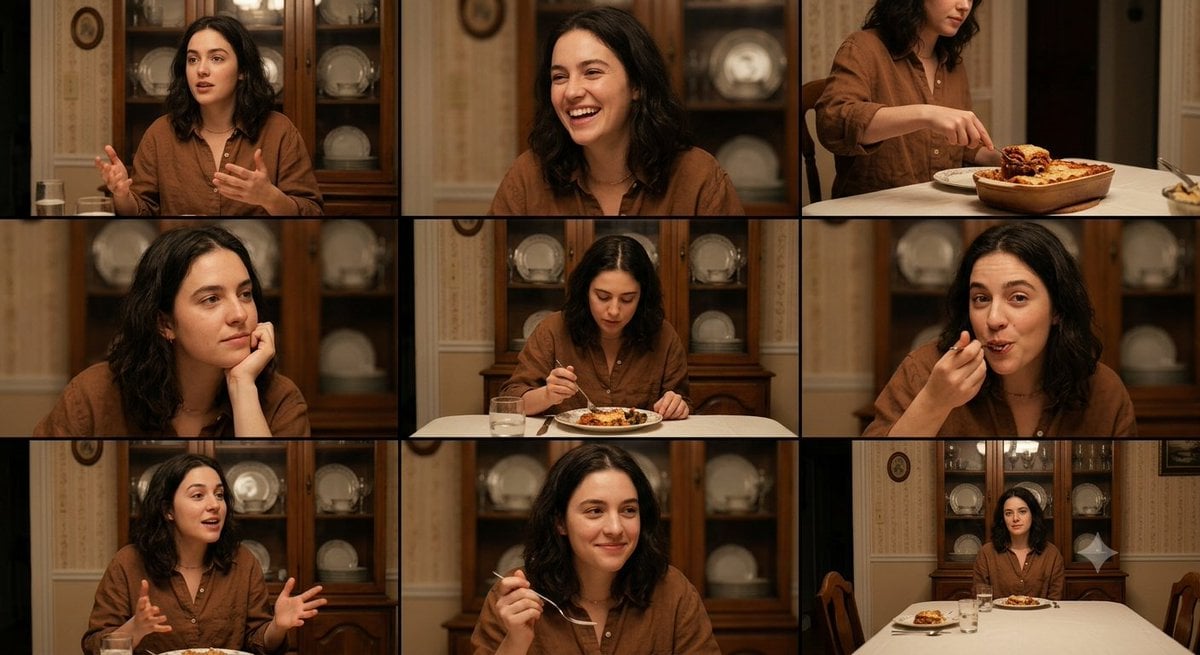
Family Dinner Cinematic Contact Sheet

A 3x3 grid storyboard contact sheet comprised of nine candid, cinematic

Ancient Temple Interior Contact Sheet
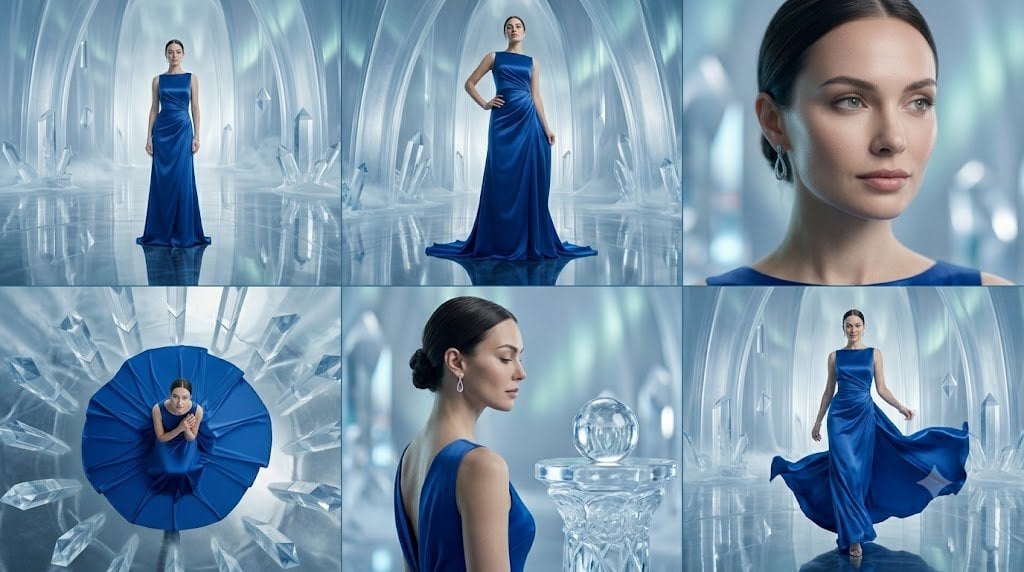
Crystal Palace Blue Gown Contact Sheet
Make it yours
Fashion Week Backstage Contact Sheet works as-is. These are the safest ways to change it without losing the look.
Change one field
Copy a single group, rewrite it, and generate again so you can see what that field is doing.
Keep the frame, change the subject
Hold the composition and light of Fashion Week Backstage Contact Sheet, then swap wardrobe, props or the person for a new take.
| If the result… | Why | Fix |
|---|---|---|
| The result drifts from the preview | Too many fields changed at once. | Reuse Fashion Week Backstage Contact Sheet as-is first, then change one group — subject, light, or setting. |
| The model over-stylizes the scene | The prose prompt leaves finish and camera underspecified. | Add one camera or lighting sentence and stay on Nano Banana 2. |
More Nano Banana 2 templates
Other prompts made for Nano Banana 2.

Photorealistic Leaf Shaped Like a Dragon

K-Pop Idol Portrait Grid for Rapid Selection

Poetic Rain Forest Portrait During Golden Hour

Urban Street Portrait with Cartoon Inner Self Duo

Candid Nighttime Photo with Cat Prompt

High-Concept 3D Diorama Generation Prompt

Cinematic Futuristic Studio Portrait Template

Skincare Editorial Photography Collage Prompt

Hyper-Realistic Commercial Product Photography (Splash Effect)

Hyper-Realistic Nightclub Portrait Prompt
More image prompts
Fresh picks from across the catalog.
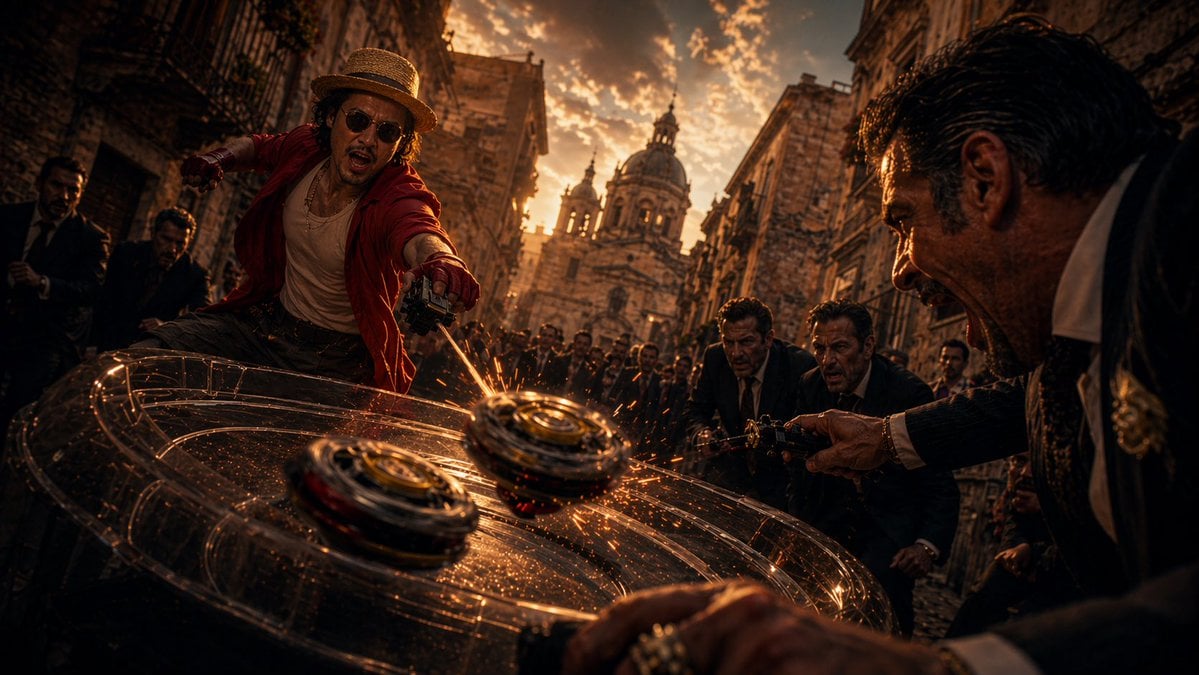
Cinematic Spinning Top Street Duel
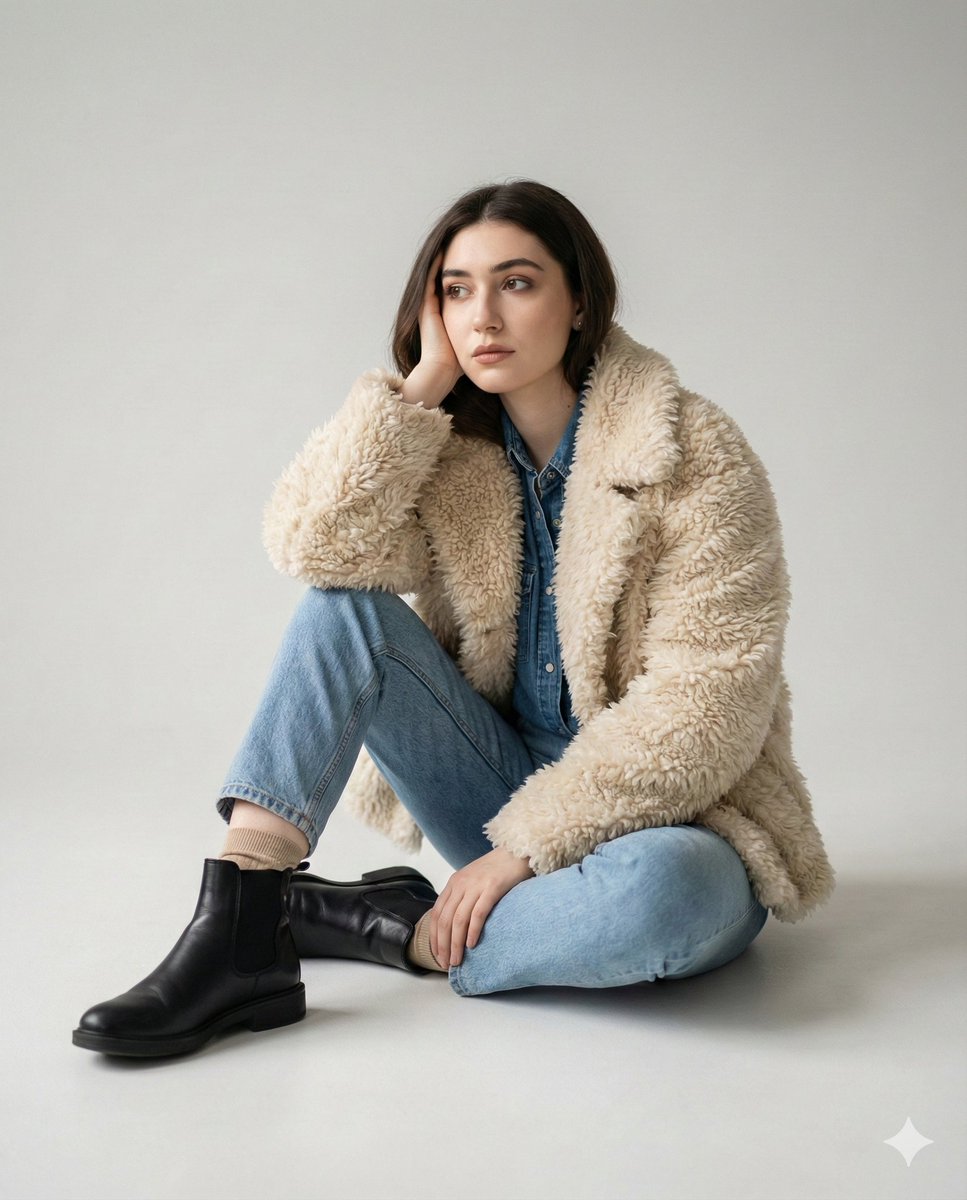
Editorial denim portrait preserving face identity
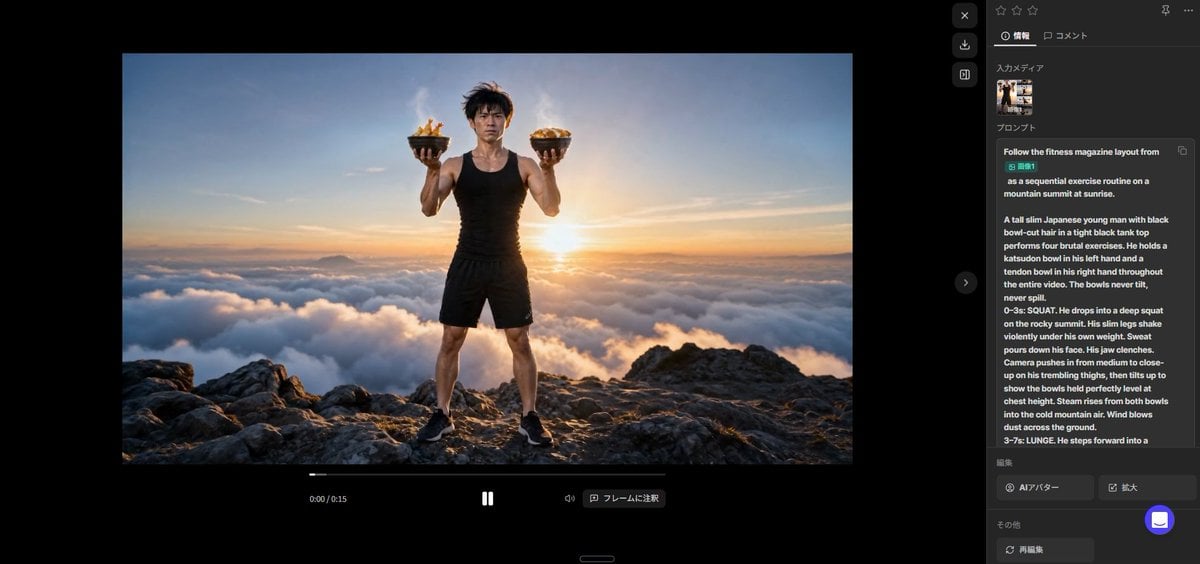
Fitness Magazine Page Motion Sheet
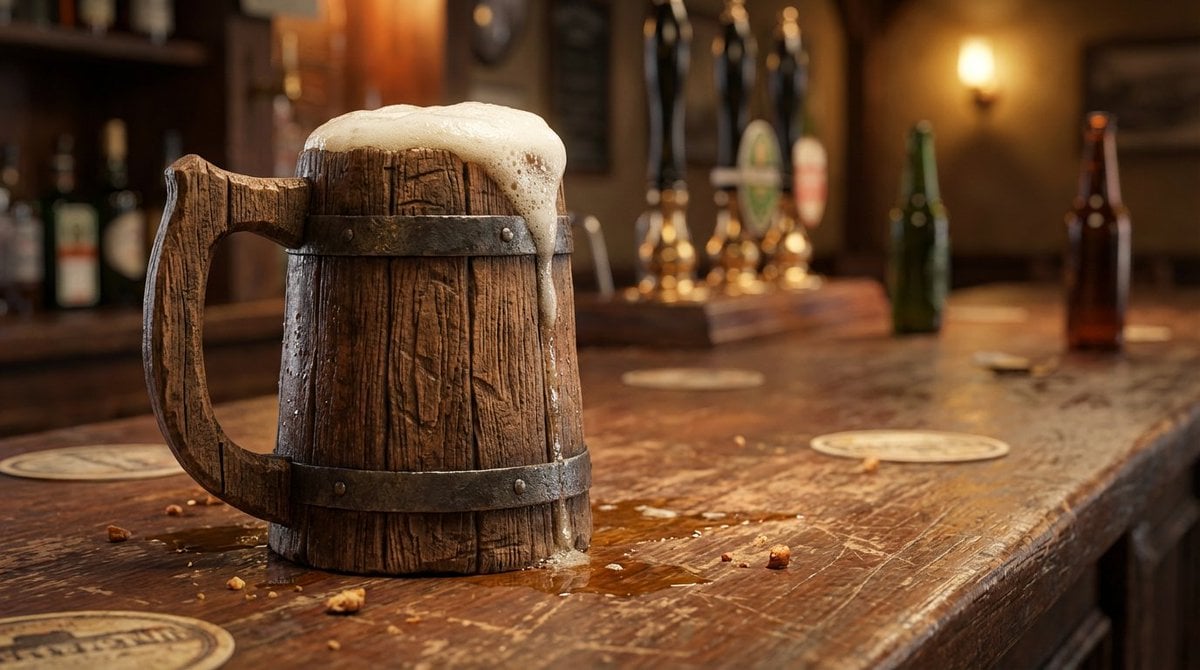
Wooden Beer Mug Render
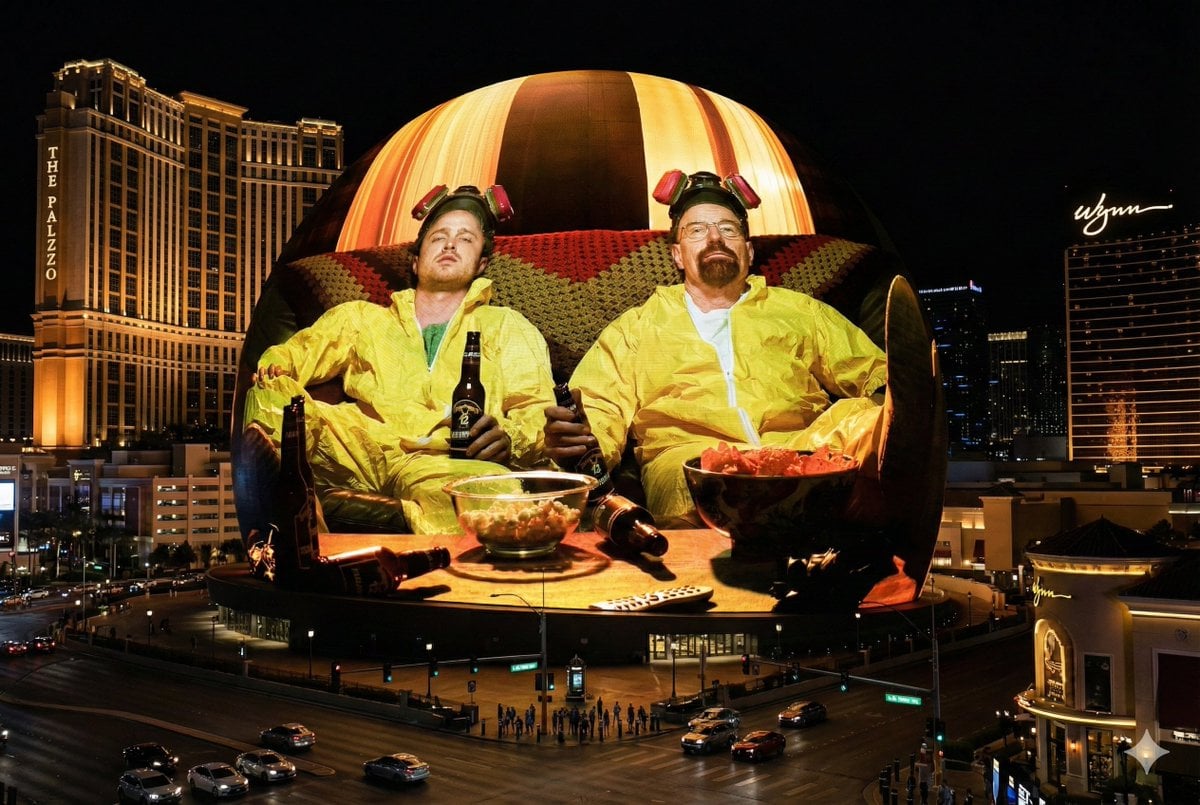
Image Projection onto Las Vegas Sphere
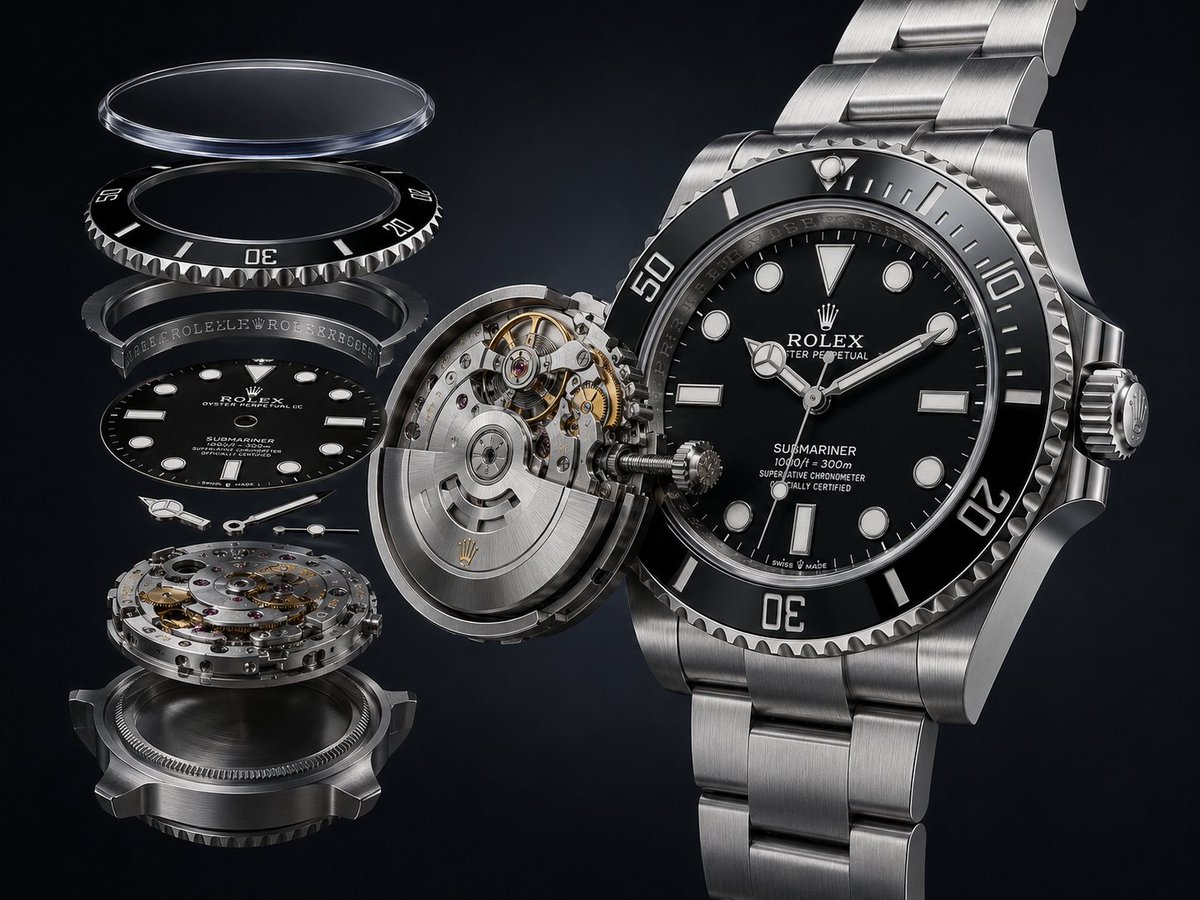
Exploded Luxury Dive Watch Render
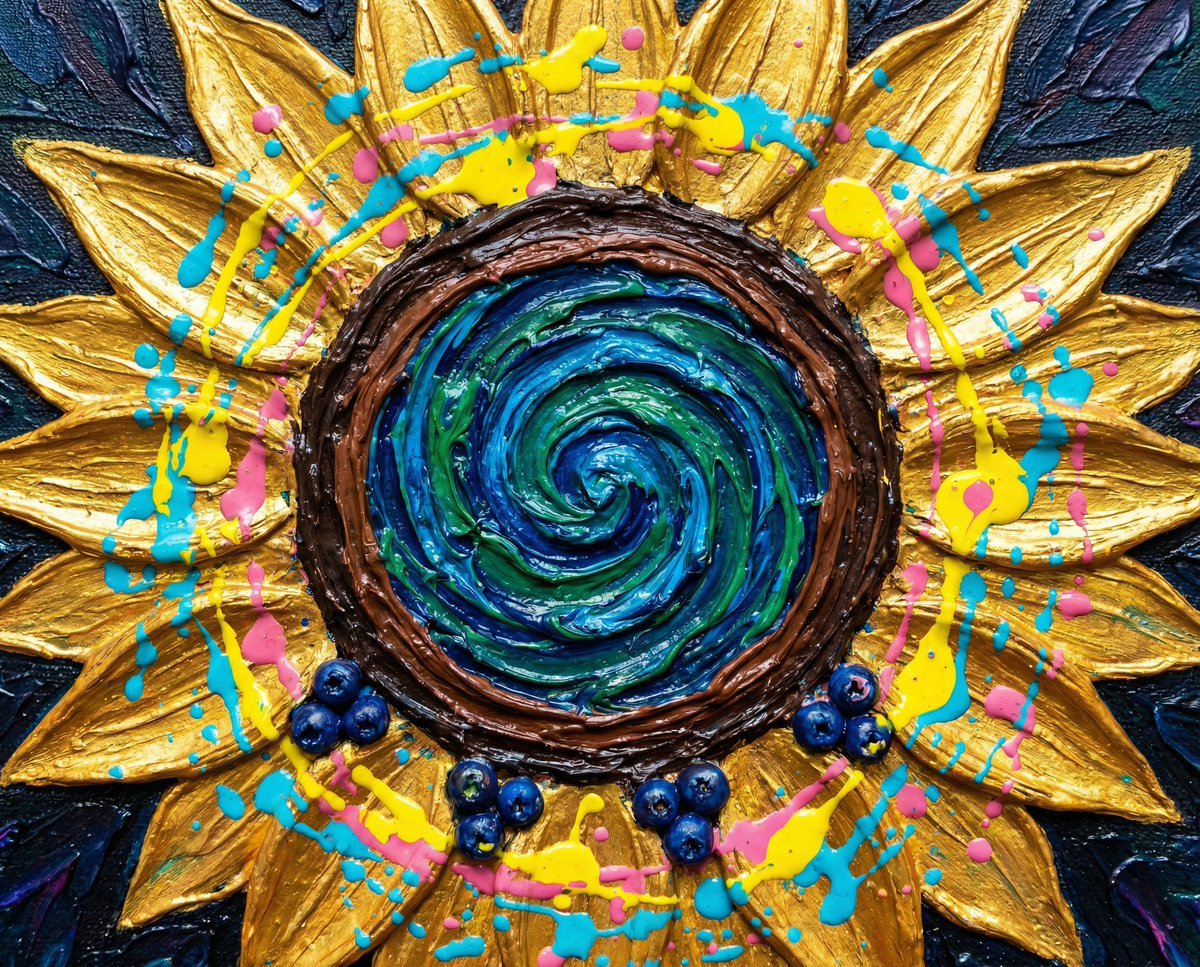
Psychedelic Impasto Sunflower Abstract
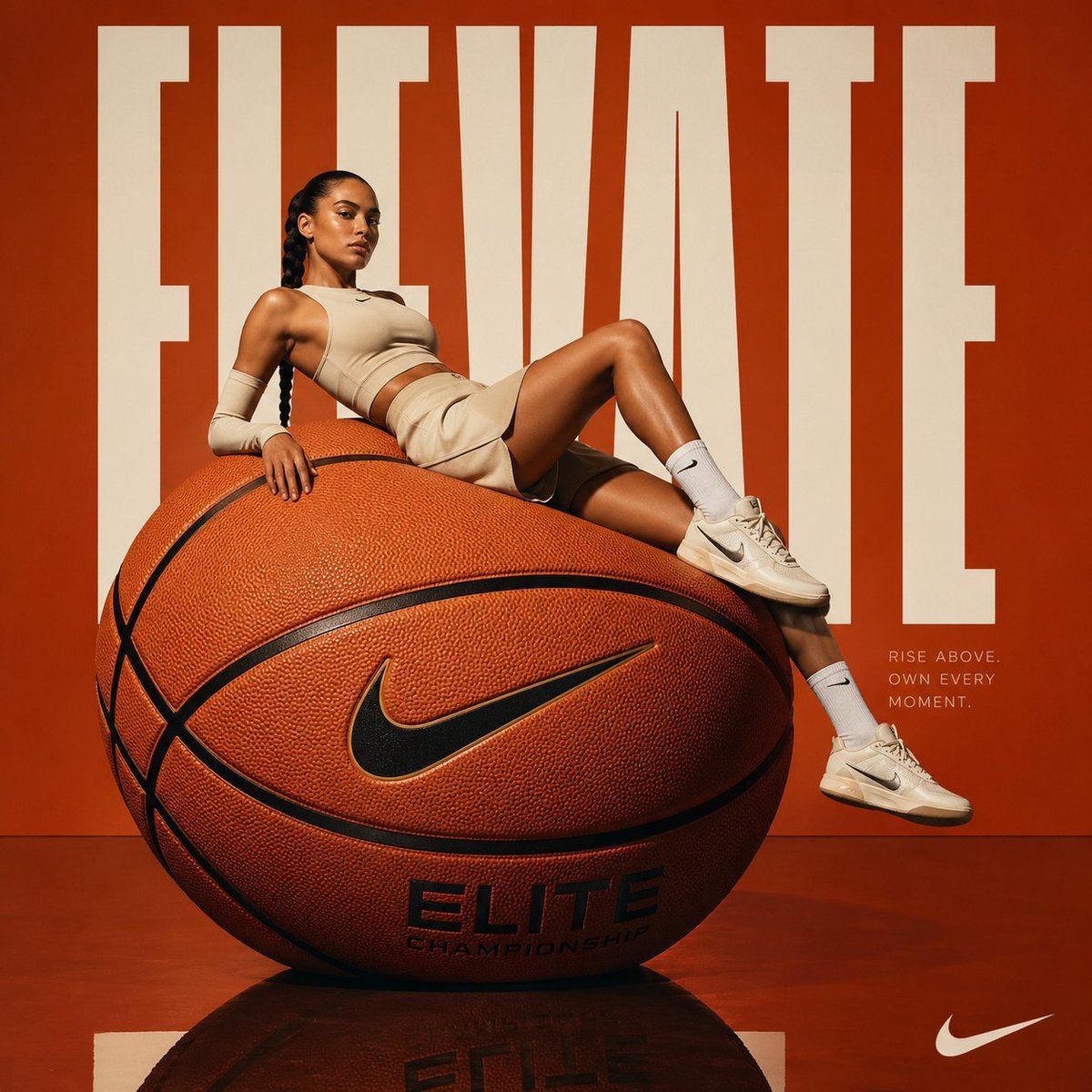
Avant-garde Basketball Fashion

Nano Banana 2 High Fashion Sports Campai
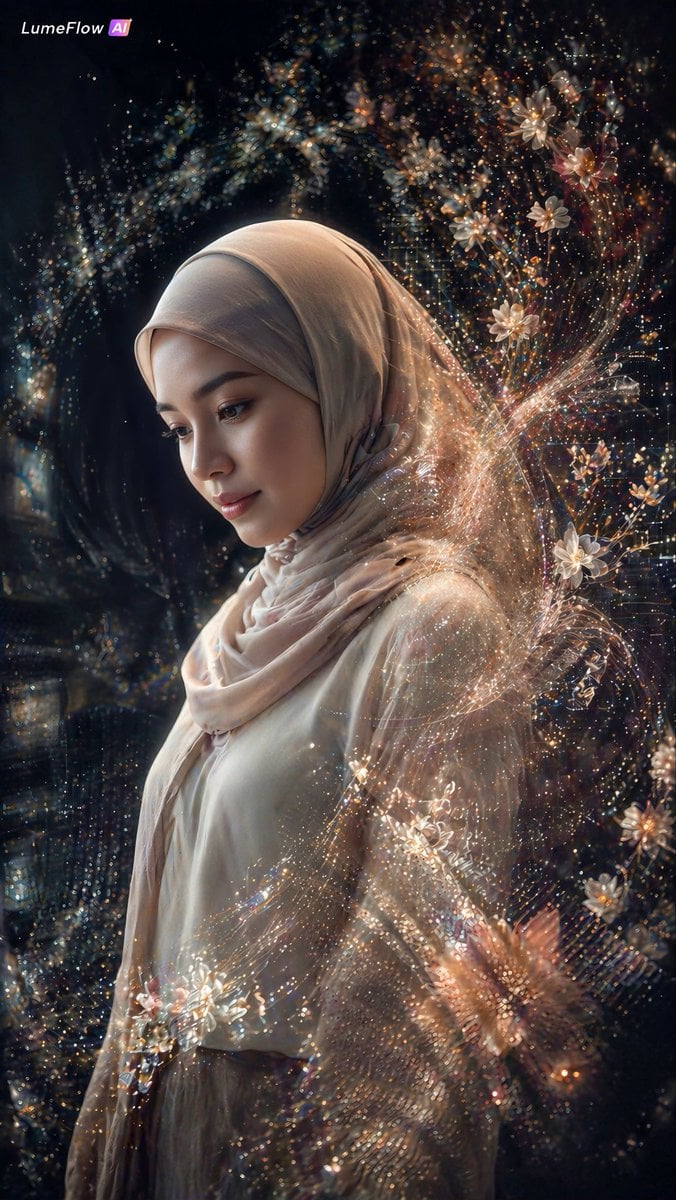
Ethereal Hijab Portrait in Golden Light
Browse template categories
Fashion Week Backstage Contact Sheet questions
How do I use the Fashion Week Backstage Contact Sheet template?
Add your photo if the template asks for one, edit the prompt if you like — the template's model and format are already selected — and press Generate. Your version opens in PicX Studio.
Can I customize the Fashion Week Backstage Contact Sheet template?
Yes. You can change the subject, setting, lighting, mood, format, and available model controls before creating your image.
Is the Fashion Week Backstage Contact Sheet template free?
Opening and editing this template is free. Generating uses credits, shown on the Generate button when you are signed in.
Which AI model should I use?
Start with Nano Banana 2, which is the model associated with this template. You can compare another compatible model for a different finish.
Looking for something else? Browse all templates.

Your photo, any look
Thousands of ready templates for every top image and video model, from one credit balance.