
Ancient Temple Interior Contact Sheet
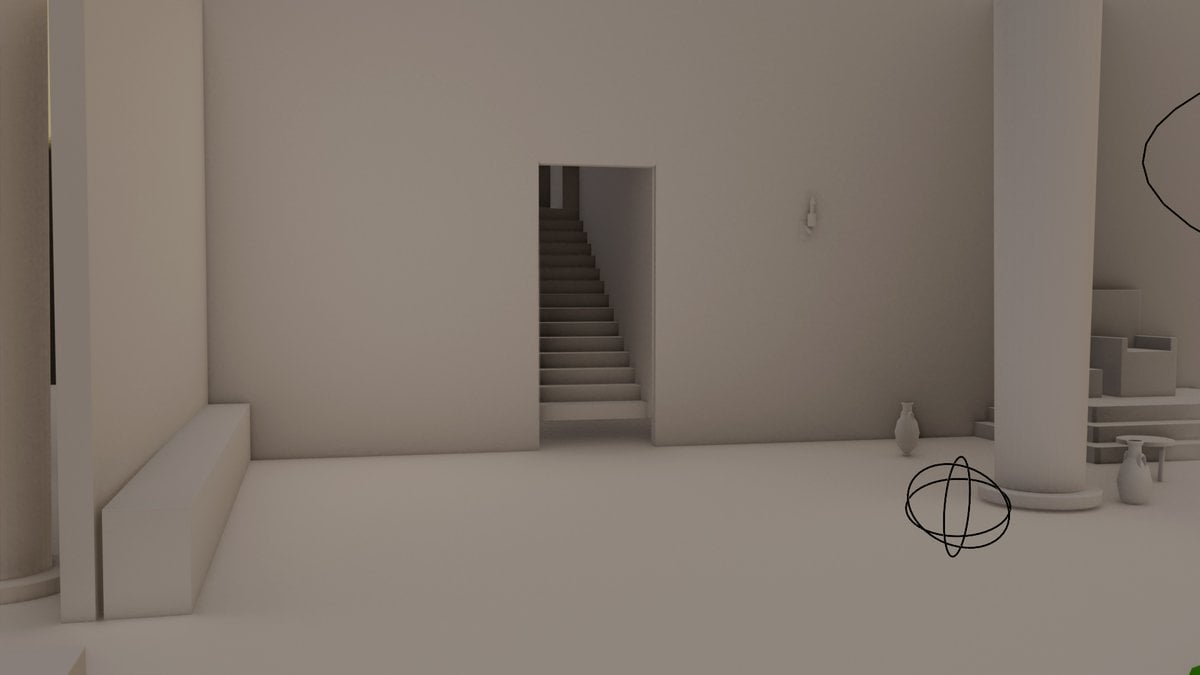
Transforms a Blender blockout reference into a textured cinematic ancient temple hall shown from four rendered perspectives.

- Prompt included
- Model and format preset
- Free template
The prompt behind this image
Copy the exact prompt behind Ancient Temple Interior Contact Sheet, or open it in the studio and make it yours.
Using REFERENCE_0 as the exact architectural blockout and scene layout, texture and relight the environment into a cinematic {argument name="visual style" default="ancient Roman temple interior / fantasy medieval hall"} while preserving the main spatial structure: tall columns, central wall opening, stairs/platform area, side bench zone, and large interior room proportions. Create a single wide image arranged as a 2x2 contact sheet with exactly 4 distinct camera views of the same transformed environment: 1) a wide establishing view showing the central circular fire pit and dining table, 2) a view toward the raised stair/platform area, 3) a closer side view of the long table and wall torches, and 4) a dramatic wide view with columns framing the fire pit and stairs. Transformation details: replace the plain clay/grey Blender surfaces with aged stone floors, rough plaster walls, worn stone columns, stepped stone platforms, and a dark wooden beam ceiling. Add warm practical fire lighting from wall-mounted torches, brazier bowls, and a large circular central fire pit, with cool blue daylight entering from an overhead round skylight. Add atmospheric smoke/haze and strong cinematic contrast between orange flames and teal-blue skylight. New set dressing: include a long wooden dining table with benches, clay jugs and tableware, wall-mounted torches, round shields or metal wall decor, small braziers, and a simple raised stone altar/throne-like platform where the reference stairs/platform area is. Keep the composition grounded in the reference geometry rather than inventing a different room. Style constraints: photorealistic 3D render look, dramatic volumetric lighting, high-detail materials, no people, no text, no modern objects, no cartoon style, no watermark.
Reference images included
Ancient Temple Interior Contact Sheet needs input media to work. They load alongside the prompt when you open it in the studio.
How to use Ancient Temple Interior Contact Sheet in 3 steps
- 1Upload ImagePNG, JPG or paste
Add your photo
Upload the photo the template builds on. The prompt, model and format are already set.
- 2…a portrait of your subject in softgolden-hour light, 85mm…
Personalize
Edit the subject and creative details for your destination.
- 3Generate
Generate
Press Generate — your image is created in PicX Studio, so you can compare it with the original and refine one variable at a time.
More like this
Templates with the same subject, style or setup. Open one to see its prompt.

Ancient Temple Portrait — White Dress Nano Banana
Ancient Temple 3D Diorama

Modern Man in Ancient Egyptian Temple
Family Dinner Cinematic Contact Sheet

A 3x3 grid storyboard contact sheet comprised of nine candid, cinematic
Purple Gown Fashion Contact Sheet
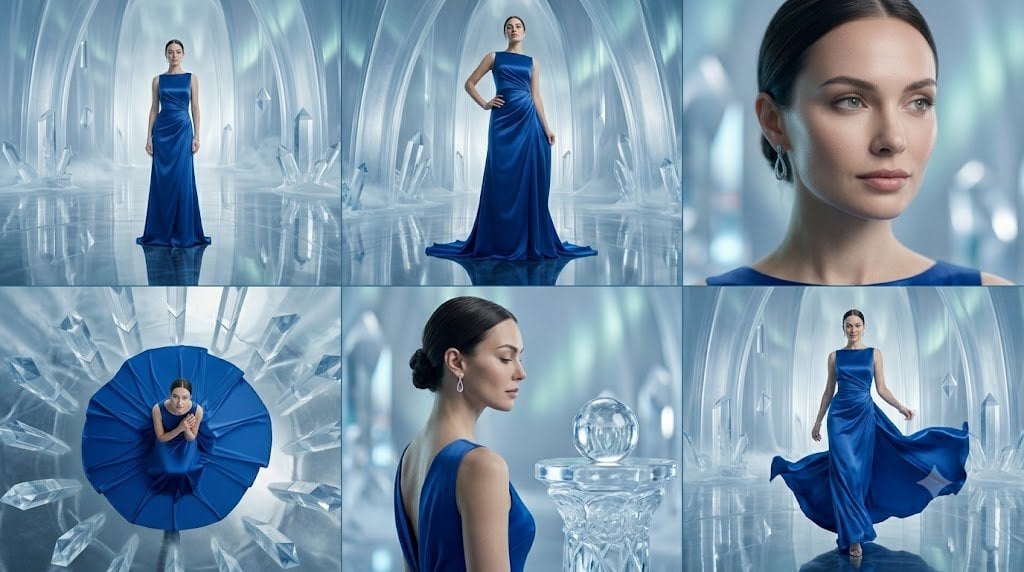
Crystal Palace Blue Gown Contact Sheet
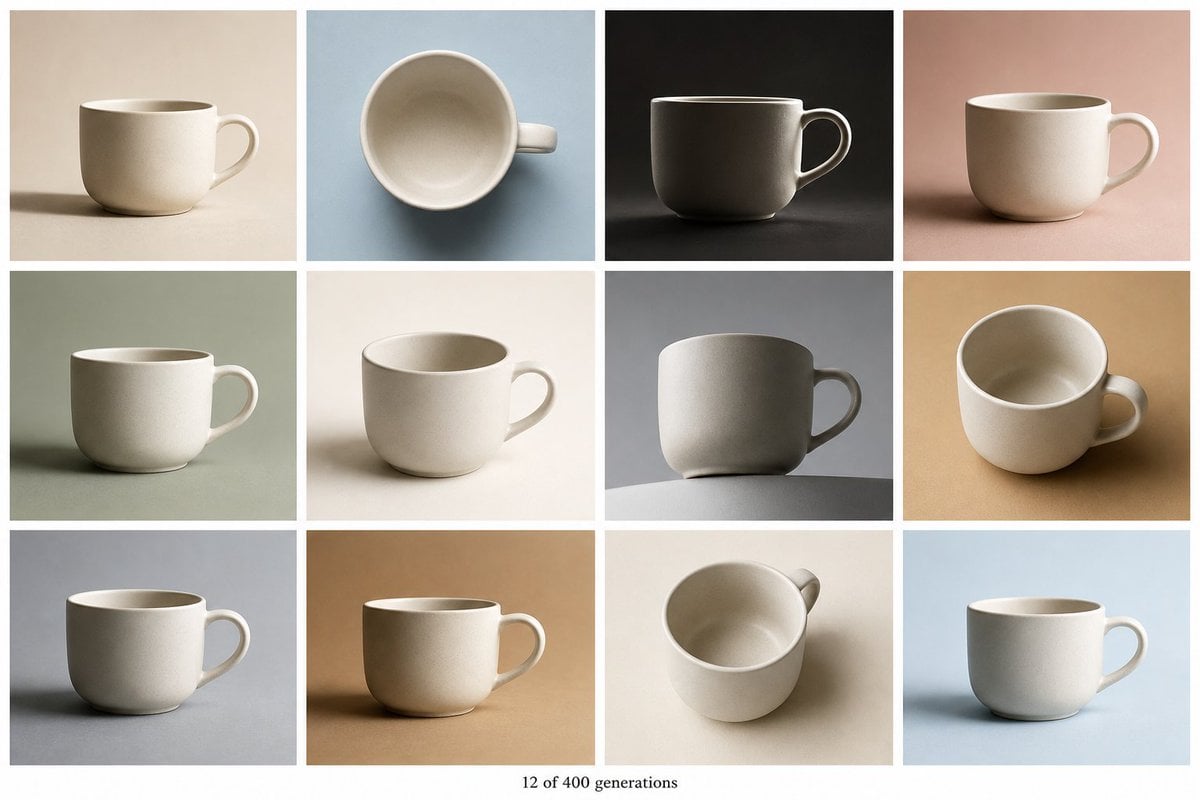
Tile Ceramic Mug Contact Sheet
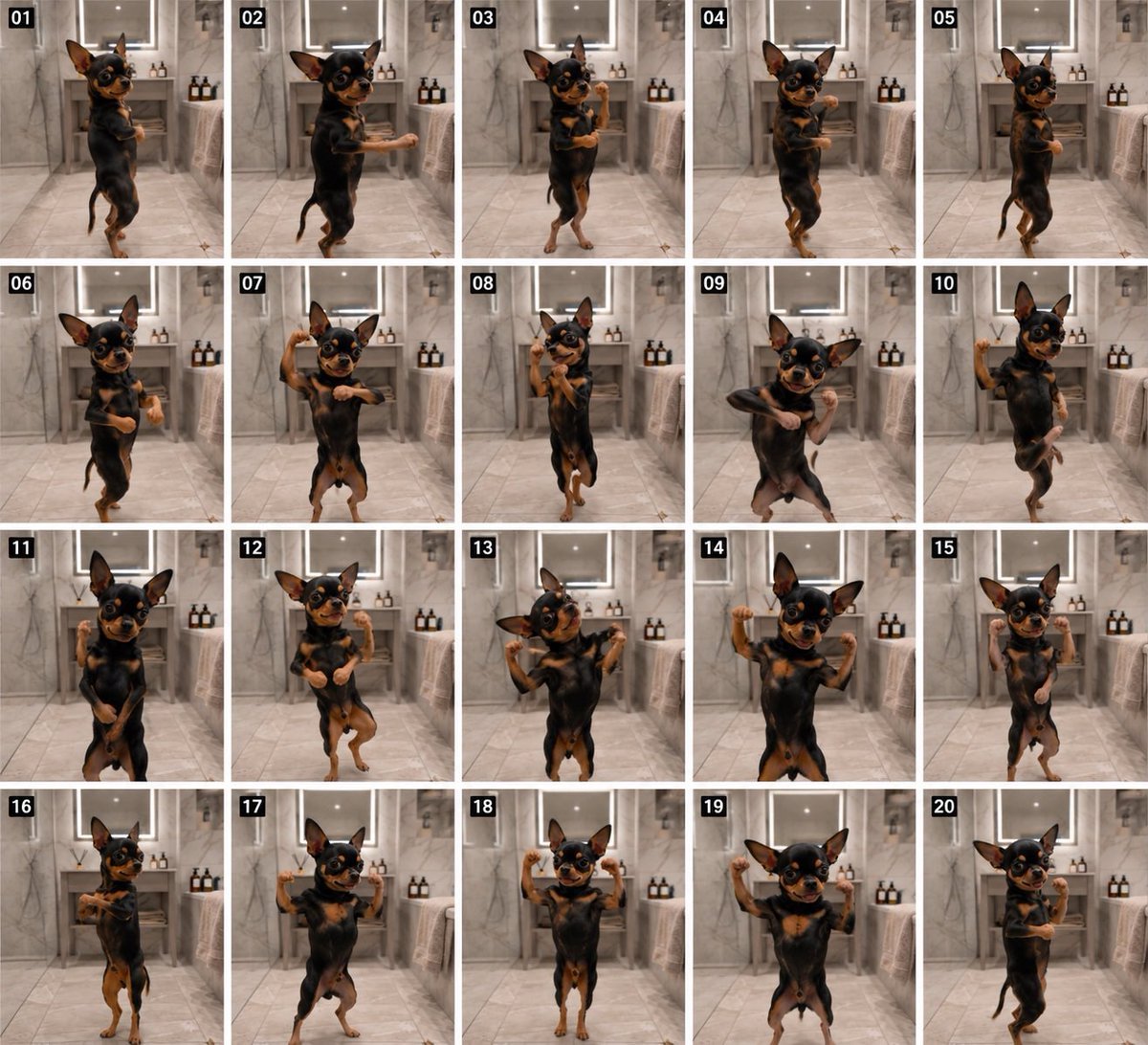
Dancing Chihuahua 20-Frame Contact Sheet
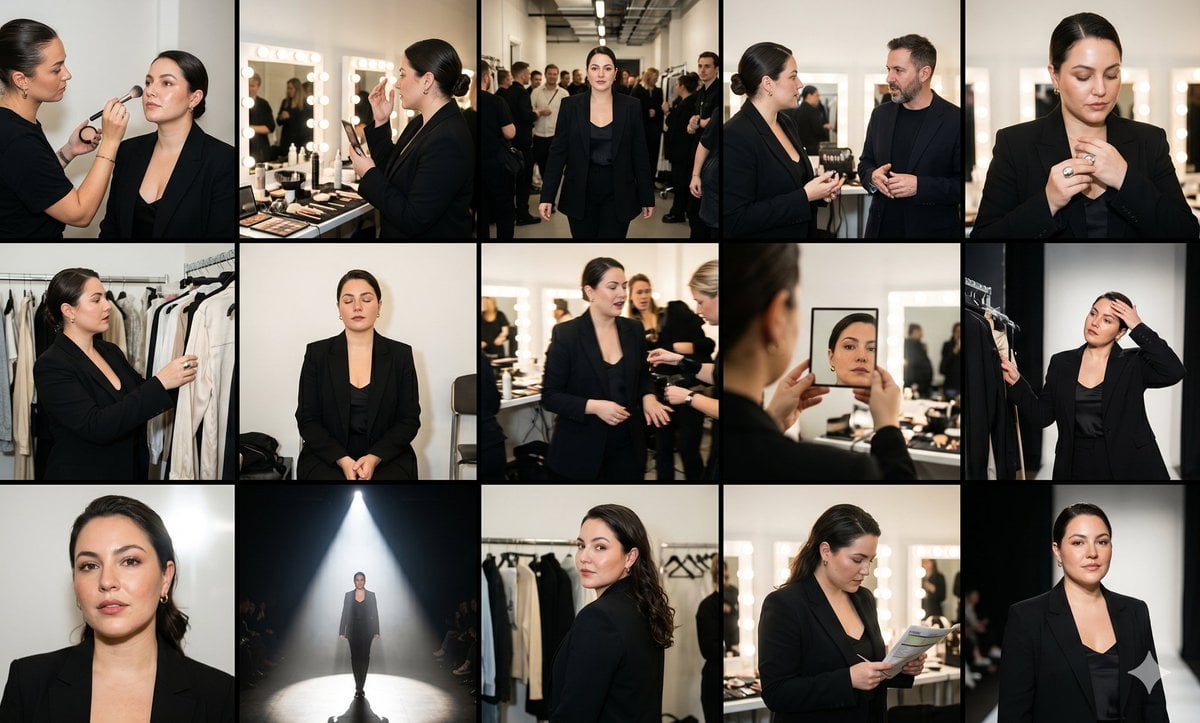
Fashion Week Backstage Contact Sheet

Luxury Black-and-White Fashion Contact Sheet
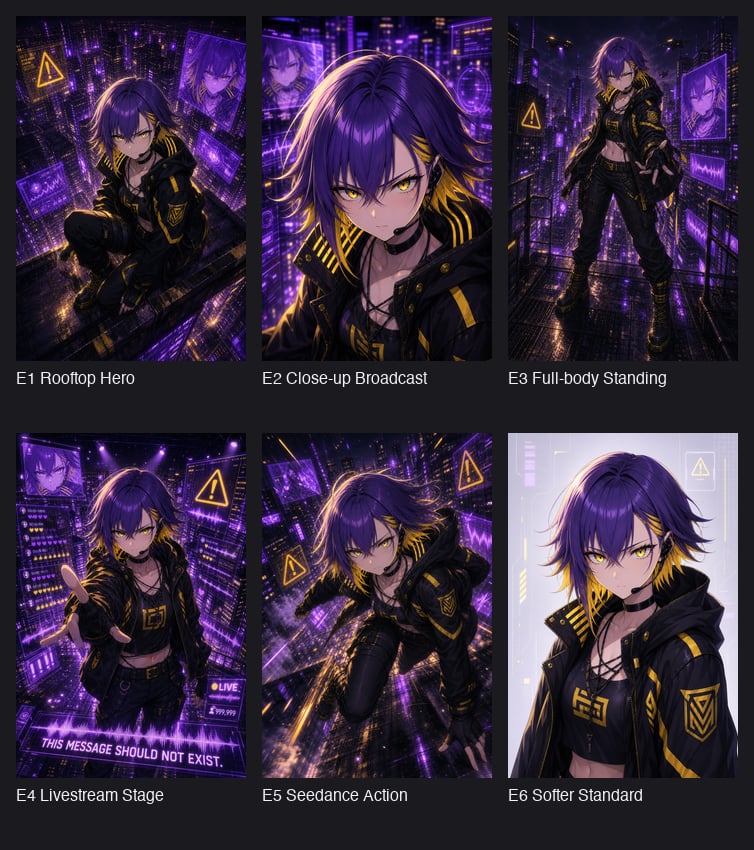
Cyberpunk Anime Hero Contact Sheet
Make it yours
Ancient Temple Interior Contact Sheet works as-is. These are the safest ways to change it without losing the look.
Change one field
Copy a single group, rewrite it, and generate again so you can see what that field is doing.
Keep the frame, change the subject
Hold the composition and light of Ancient Temple Interior Contact Sheet, then swap wardrobe, props or the person for a new take.
| If the result… | Why | Fix |
|---|---|---|
| The result drifts from the preview | Too many fields changed at once. | Reuse Ancient Temple Interior Contact Sheet as-is first, then change one group — subject, light, or setting. |
| The model over-stylizes the scene | The prose prompt leaves finish and camera underspecified. | Add one camera or lighting sentence and stay on GPT Image 2. |
More GPT Image 2 templates
Other prompts made for GPT Image 2.

Six VTuber Japanese Logo Sheet

Realistic Portrait of Woman and Deer

The Vista Modular Condo Poster

AI Model Routing Comparison Infographic

2.5D Anime Art Board

Isometric Productivity Desk Scene

New York Double Exposure Poster

Four-Panel AI Landscape Comparison

Japanese Tatami Lifestyle Magazine Cover

NESCAFÉ Coffee Map Poster
More image prompts
Fresh picks from across the catalog.
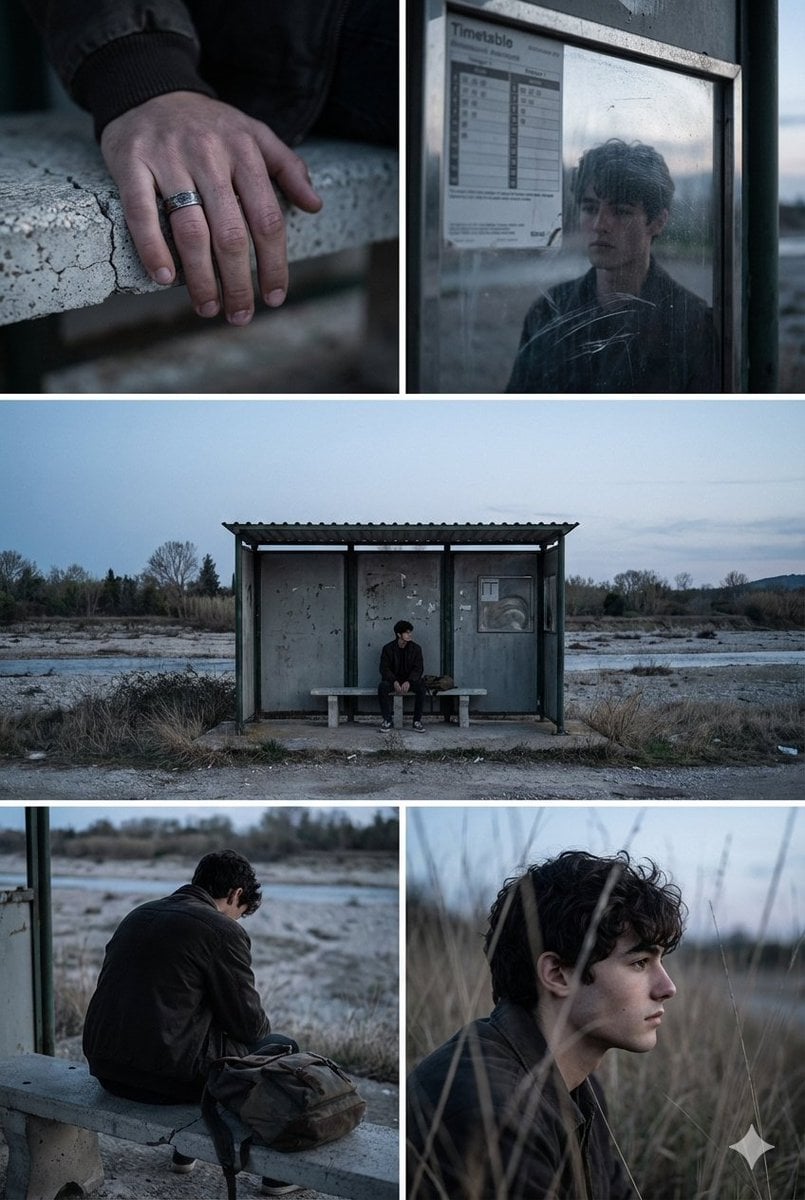
Indie Film Aesthetic Narrative Grid Prompt

Hand-drawn Travel Journal Illustration
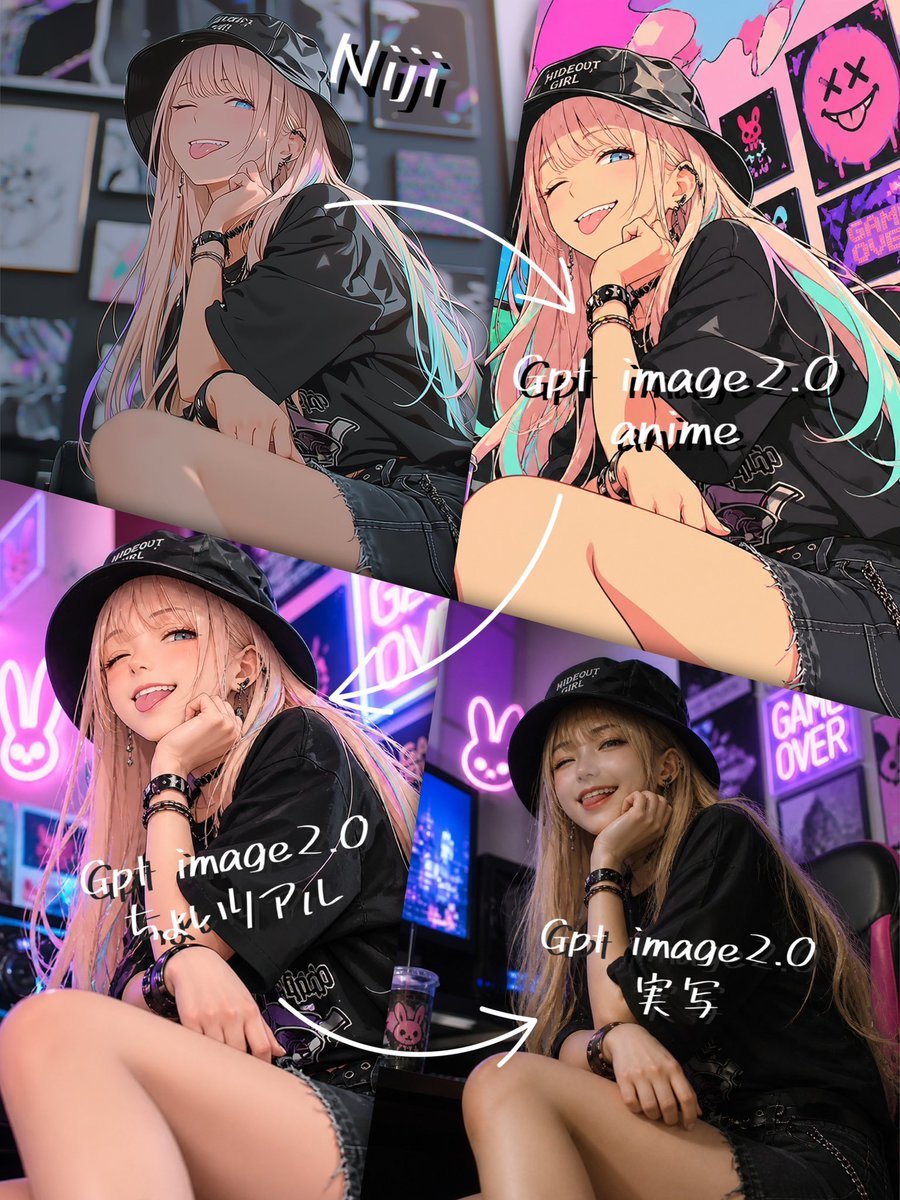
Four-Panel AI Style Transformation Collage

Luxury Fashion Airport Tarmac Portrait
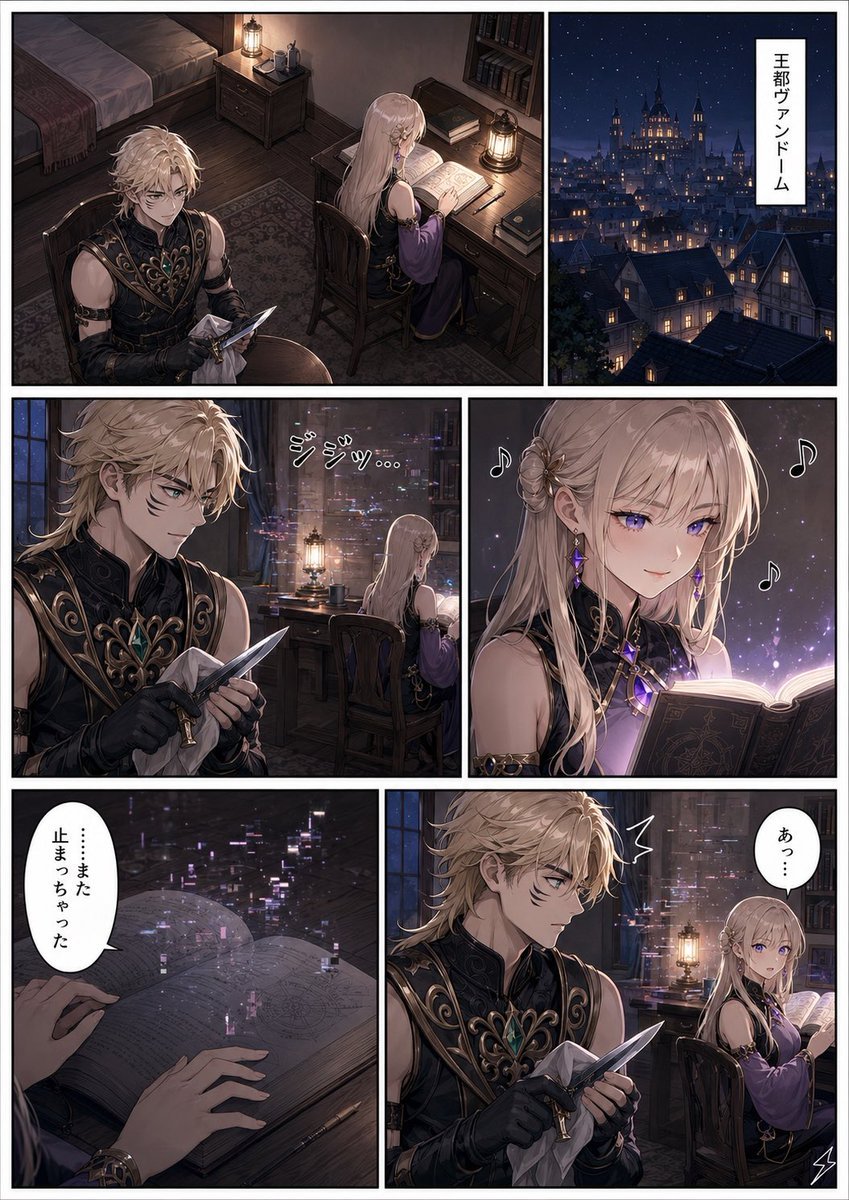
Dark Fantasy Manga Page Generator

Neon GPT 5.5 Celebration Party

Hyper-Realistic Intimate Close-Up Portrait

Showa Modern Meisen Kimono Fashion

Cozy Christmas Market Portrait with Identity Preservation
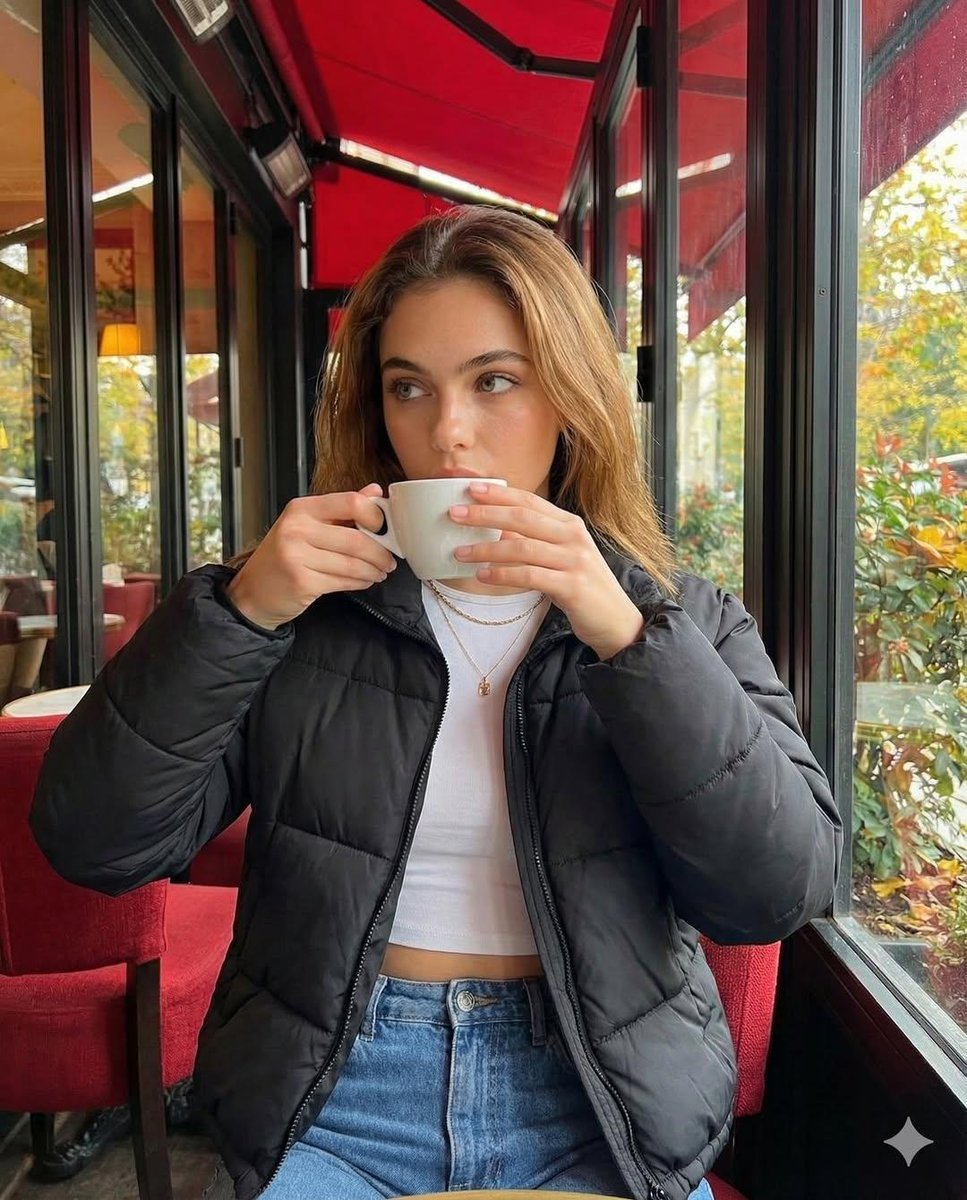
Introspective Cinematic Café Portrait
Browse template categories
Ancient Temple Interior Contact Sheet questions
How do I use the Ancient Temple Interior Contact Sheet template?
Add your photo if the template asks for one, edit the prompt if you like — the template's model and format are already selected — and press Generate. Your version opens in PicX Studio.
Can I customize the Ancient Temple Interior Contact Sheet template?
Yes. You can change the subject, setting, lighting, mood, format, and available model controls before creating your image.
Is the Ancient Temple Interior Contact Sheet template free?
Opening and editing this template is free. Generating uses credits, shown on the Generate button when you are signed in.
Which AI model should I use?
Start with GPT Image 2, which is the model associated with this template. You can compare another compatible model for a different finish.
Looking for something else? Browse all templates.

Your photo, any look
Thousands of ready templates for every top image and video model, from one credit balance.