
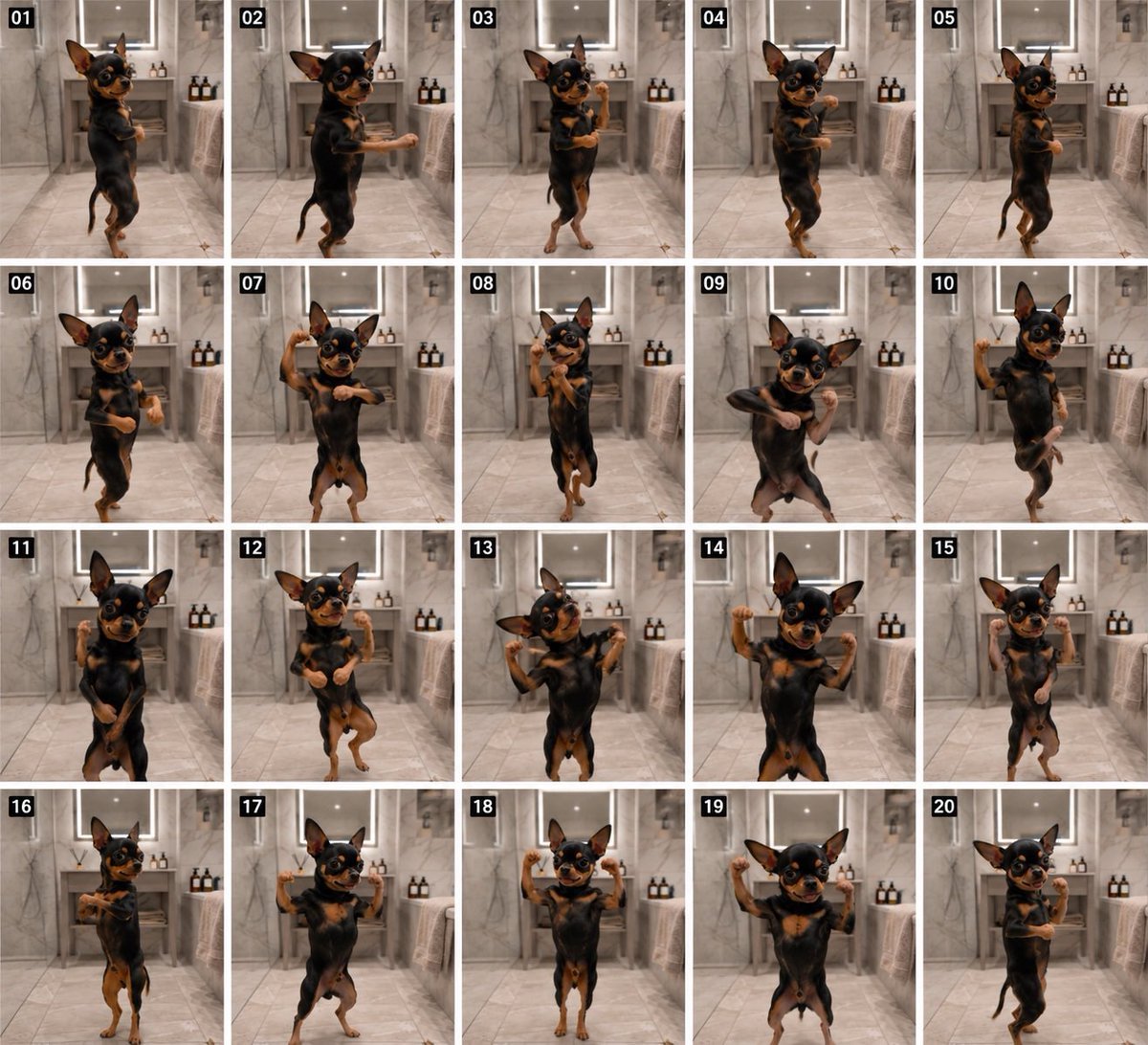
Dancing Chihuahua 20-Frame Contact Sheet
A photorealistic 20-panel storyboard grid of a tiny Chihuahua dancing upright in a marble bathroom, useful for planning short animated video cuts.
- Prompt included
- Model and format preset
- Premium template
The prompt behind this image
Copy the exact prompt behind Dancing Chihuahua 20-Frame Contact Sheet, or open it in the studio and make it yours.
Goal: Create a 20-panel storyboard contact sheet showing a tiny black-and-tan Chihuahua dancing upright in a luxury marble bathroom, as if these are sequential animation frames for a short video. Canvas: Square image, arranged as a clean 5-column by 4-row grid with thin white gutters between panels. Each panel is a vertical photo frame. Add a small black label box with white two-digit frame numbers in the top-left corner of every panel. Subject: A small {argument name="dog breed" default="black-and-tan Chihuahua"} with oversized pointed ears, glossy dark eyes, tan eyebrows, tan muzzle, tan paws, and a shiny black coat. The dog stands on its hind legs in every frame, facing mostly toward camera, with a cute confident expression. The proportions should feel realistic but slightly whimsical, like a real dog caught mid-dance. Setting: Same upscale bathroom background in all panels: pale gray marble walls and floor, centered vanity or sink area in the back, rectangular mirror above it, warm recessed ceiling light, folded beige towels on both sides, and two amber-brown pump bottles on the right-side counter. Use soft indoor lighting, shallow depth of field, and photorealistic texture. Panel count and poses: Use exactly 20 numbered panels labeled 01 through 20. The dog should perform a different dance pose in each panel: 01 side-facing upright with paws tucked; 02 stepping left with one front paw extended; 03 centered with crossed legs and one paw forward; 04 mid-hop with one paw raised; 05 side profile pause; 06 forward bounce with both paws curled; 07 both arms wide, playful grin; 08 one paw high near ear and the other tucked; 09 dramatic crossed-arm lean; 10 one paw raised like waving; 11 low centered stance with paws near belly; 12 cheerful small hop with both paws lifted; 13 both paws flexed outward like tiny bodybuilder pose; 14 strong symmetrical arms-up pose; 15 frontal upright with both paws clenched near shoulders; 16 sideways step with paws held forward; 17 wide-legged stance with both paws up; 18 centered vertical pose with both paws raised; 19 similar arms-up pose with head slightly angled; 20 side-facing closing pose with paws crossed. Visual style: Photorealistic, cinematic yet playful, high-detail fur, natural motion variation across frames, consistent camera position, consistent bathroom background, warm neutral color palette, crisp contact-sheet layout. Constraints: Keep the grid exactly 20 panels, numbered 01–20. Do not add captions beyond the frame numbers. Do not show humans, extra animals, watermarks, logos, or text other than the numeric labels. Maintain the same dog and room across all frames.
How to use Dancing Chihuahua 20-Frame Contact Sheet in 3 steps
- 1Upload ImagePNG, JPG or paste
Add your photo
Upload the photo the template builds on. The prompt, model and format are already set.
- 2…a portrait of your subject in softgolden-hour light, 85mm…
Personalize
Edit the subject and creative details for your destination.
- 3Generate
Generate
Press Generate — your image is created in PicX Studio, so you can compare it with the original and refine one variable at a time.
More like this
Templates with the same subject, style or setup. Open one to see its prompt.

Dancer Character - Four View Reference Sheet

Movement Sheet - Dance Reference (Seedance 2.0)
Nano Banana - Dancing Carefree Paris

Nano Banana - Paris Night Party Dancing
Family Dinner Cinematic Contact Sheet

A 3x3 grid storyboard contact sheet comprised of nine candid, cinematic

Ancient Temple Interior Contact Sheet
Purple Gown Fashion Contact Sheet
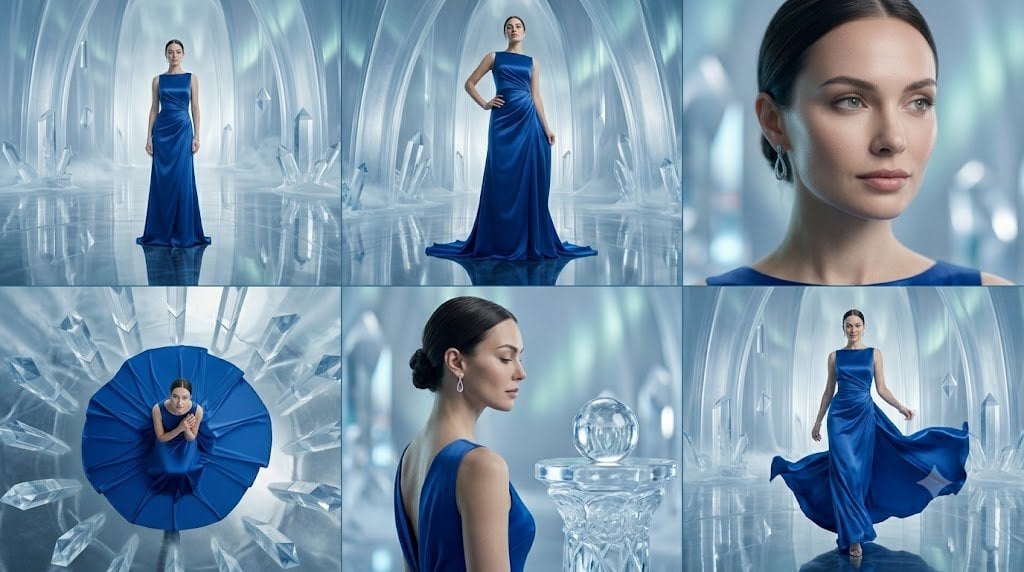
Crystal Palace Blue Gown Contact Sheet
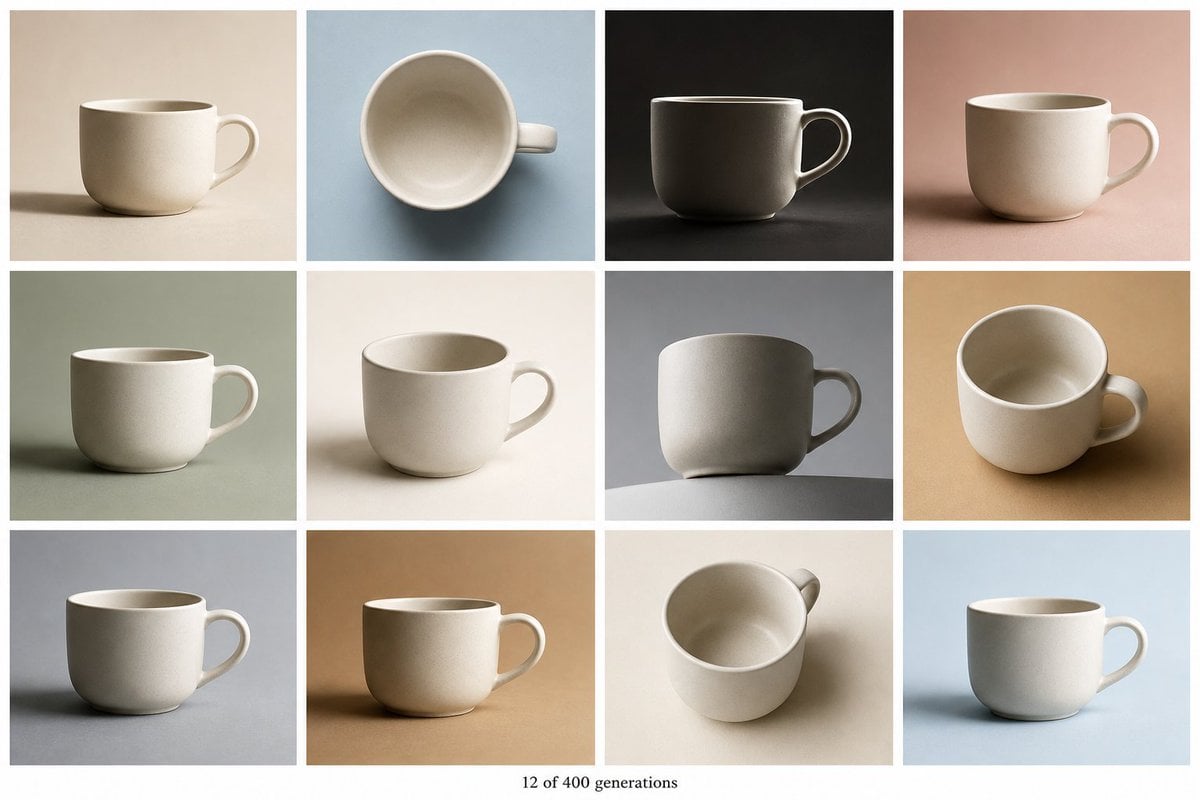
Tile Ceramic Mug Contact Sheet
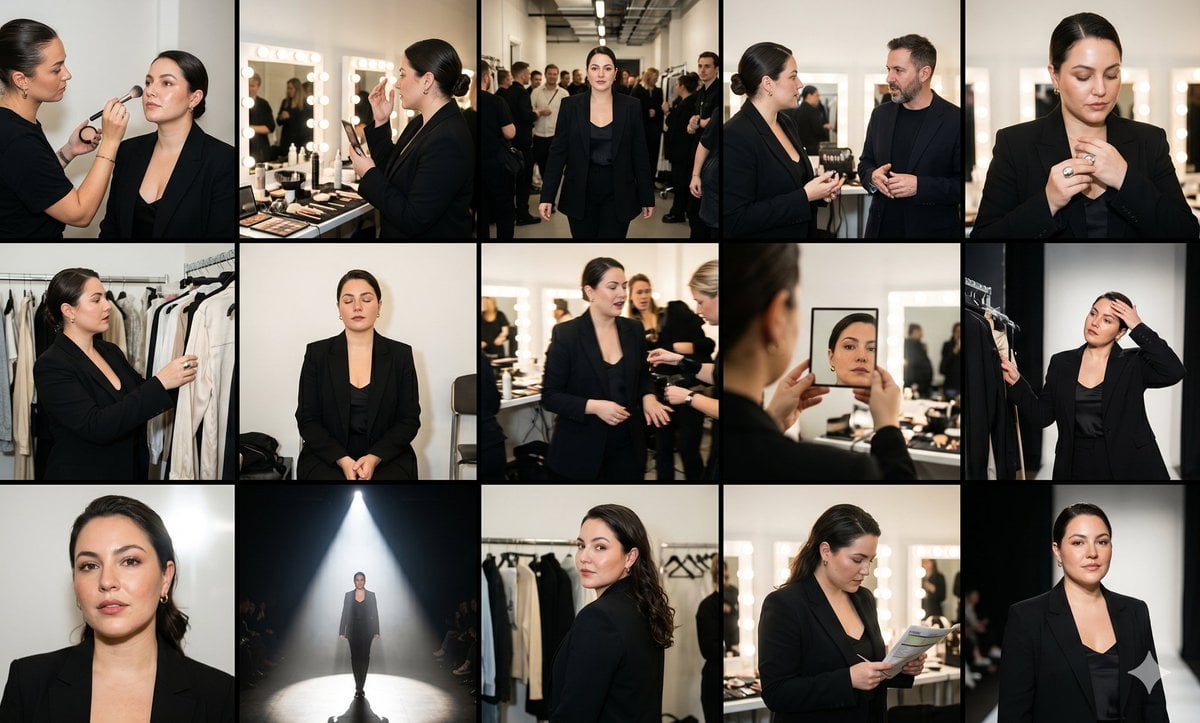
Fashion Week Backstage Contact Sheet

Luxury Black-and-White Fashion Contact Sheet
Make it yours
Dancing Chihuahua 20-Frame Contact Sheet works as-is. These are the safest ways to change it without losing the look.
Change one field
Copy a single group, rewrite it, and generate again so you can see what that field is doing.
Keep the frame, change the subject
Hold the composition and light of Dancing Chihuahua 20-Frame Contact Sheet, then swap wardrobe, props or the person for a new take.
| If the result… | Why | Fix |
|---|---|---|
| The result drifts from the preview | Too many fields changed at once. | Reuse Dancing Chihuahua 20-Frame Contact Sheet as-is first, then change one group — subject, light, or setting. |
| The model over-stylizes the scene | The prose prompt leaves finish and camera underspecified. | Add one camera or lighting sentence and stay on GPT Image 2. |
More GPT Image 2 templates
Other prompts made for GPT Image 2.

Six VTuber Japanese Logo Sheet

Realistic Portrait of Woman and Deer

The Vista Modular Condo Poster

AI Model Routing Comparison Infographic

2.5D Anime Art Board

Isometric Productivity Desk Scene

New York Double Exposure Poster

Four-Panel AI Landscape Comparison

Japanese Tatami Lifestyle Magazine Cover

NESCAFÉ Coffee Map Poster
More image prompts
Fresh picks from across the catalog.
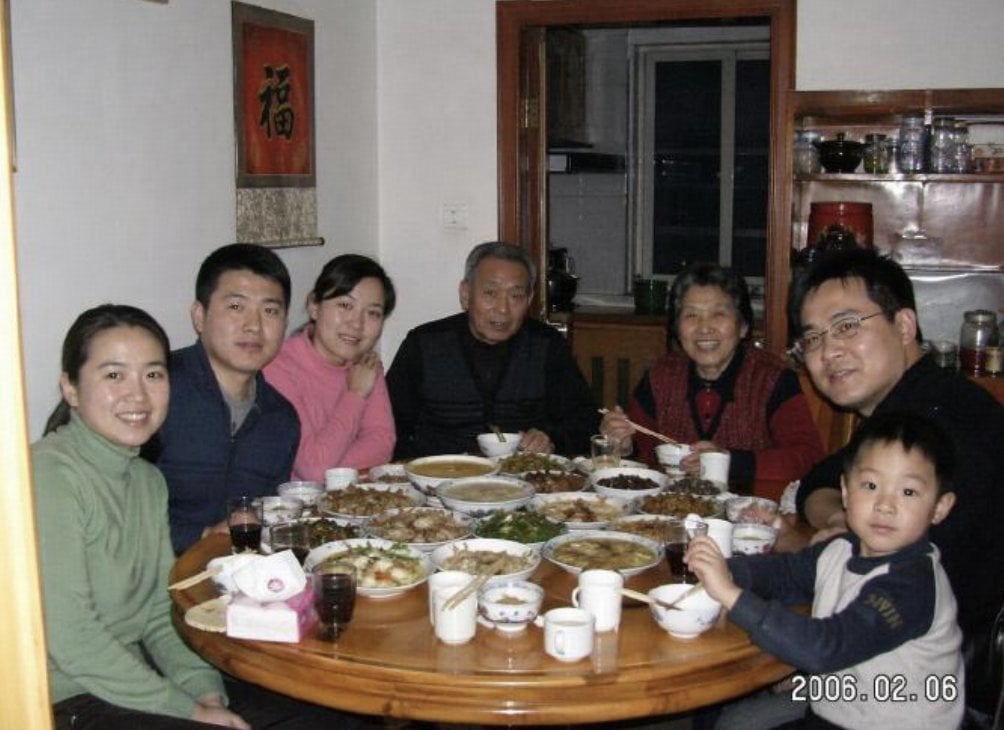
Anonymized 2000s Family Dinner Photo
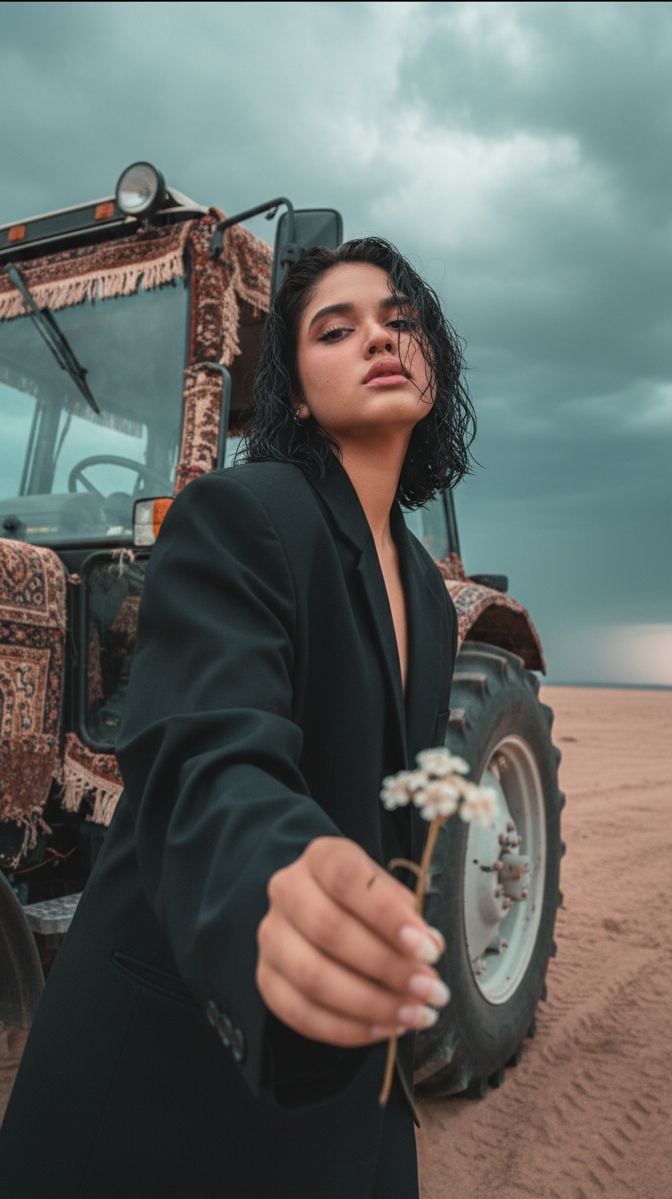
Cinematic Close-up of Man in Tractor Holding Wildflower
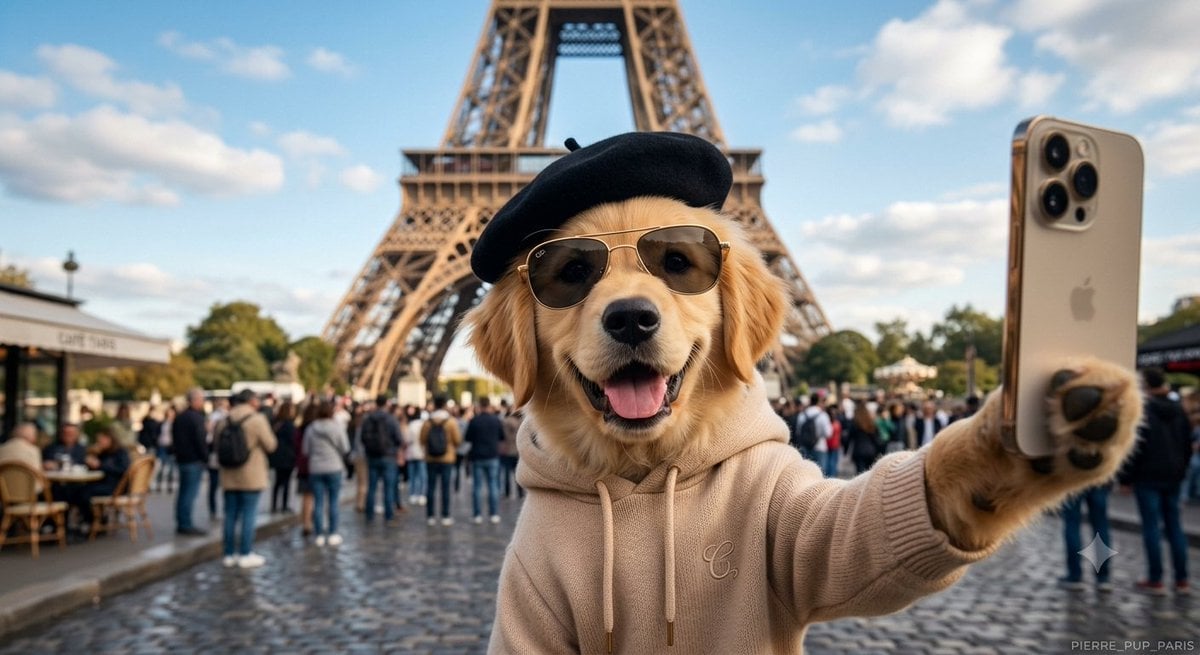
Dog Selfie at Eiffel Tower

Visual Novel Composite Layout
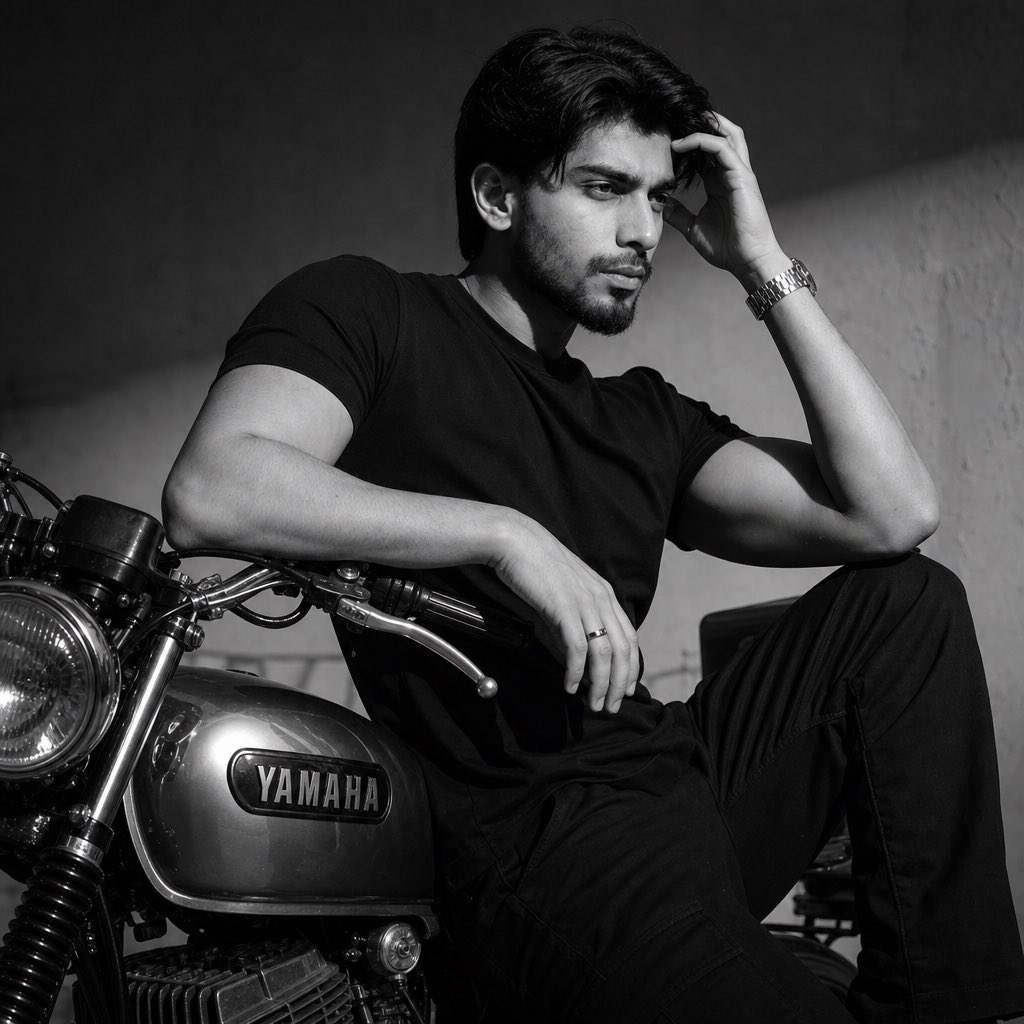
Nostalgic Black and White Portrait

Pastel Anime Fantasy Poster with Heroine

Yam Product Packaging Design Prompt
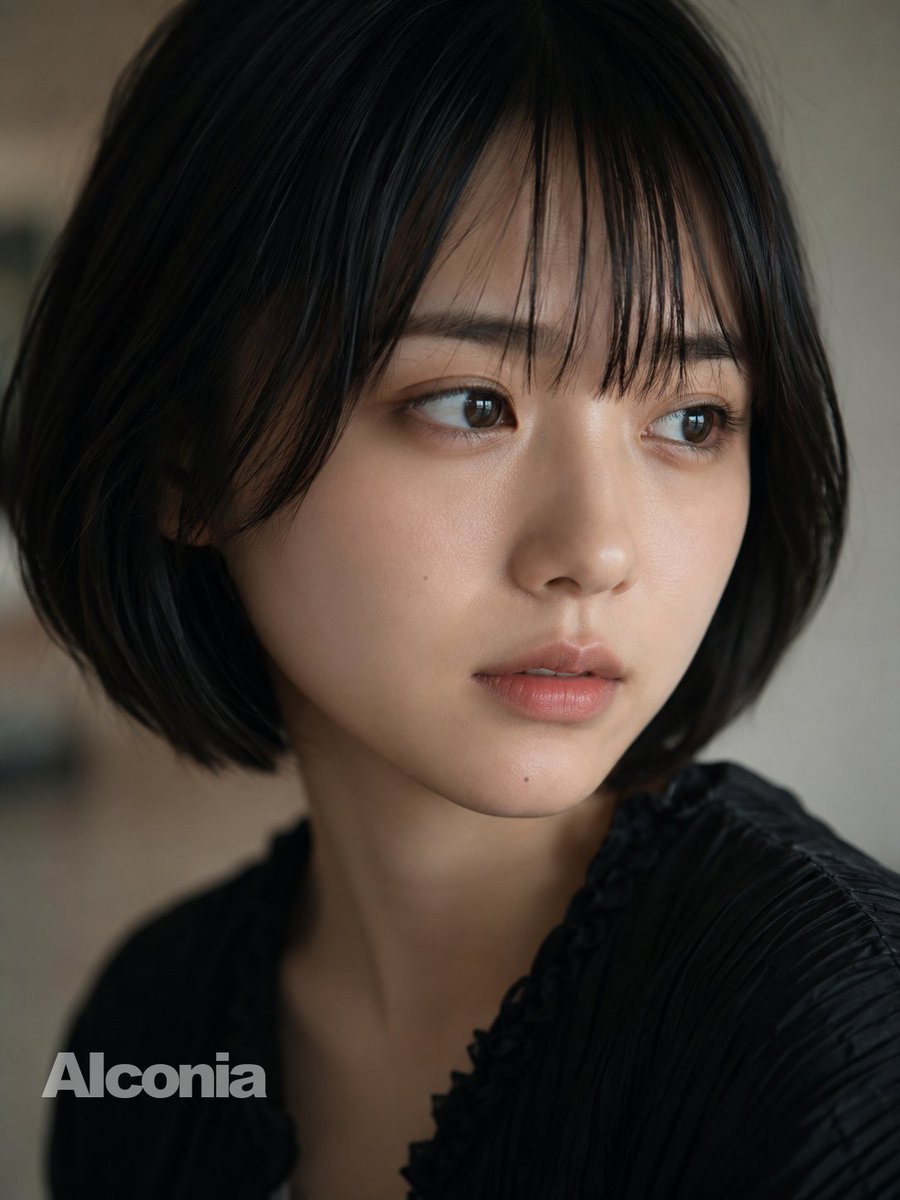
Censored Cinematic Bob Portrait

Ultra-Realistic Divine Goddess Fantasy Portrait

Business Presentation Icon Set
Browse template categories
Dancing Chihuahua 20-Frame Contact Sheet questions
How do I use the Dancing Chihuahua 20-Frame Contact Sheet template?
Add your photo if the template asks for one, edit the prompt if you like — the template's model and format are already selected — and press Generate. Your version opens in PicX Studio.
Can I customize the Dancing Chihuahua 20-Frame Contact Sheet template?
Yes. You can change the subject, setting, lighting, mood, format, and available model controls before creating your image.
Is the Dancing Chihuahua 20-Frame Contact Sheet template free?
Opening and editing this template is free. Generating uses credits, shown on the Generate button when you are signed in.
Which AI model should I use?
Start with GPT Image 2, which is the model associated with this template. You can compare another compatible model for a different finish.
Looking for something else? Browse all templates.

Your photo, any look
Thousands of ready templates for every top image and video model, from one credit balance.