
Visual Novel Composite Layout
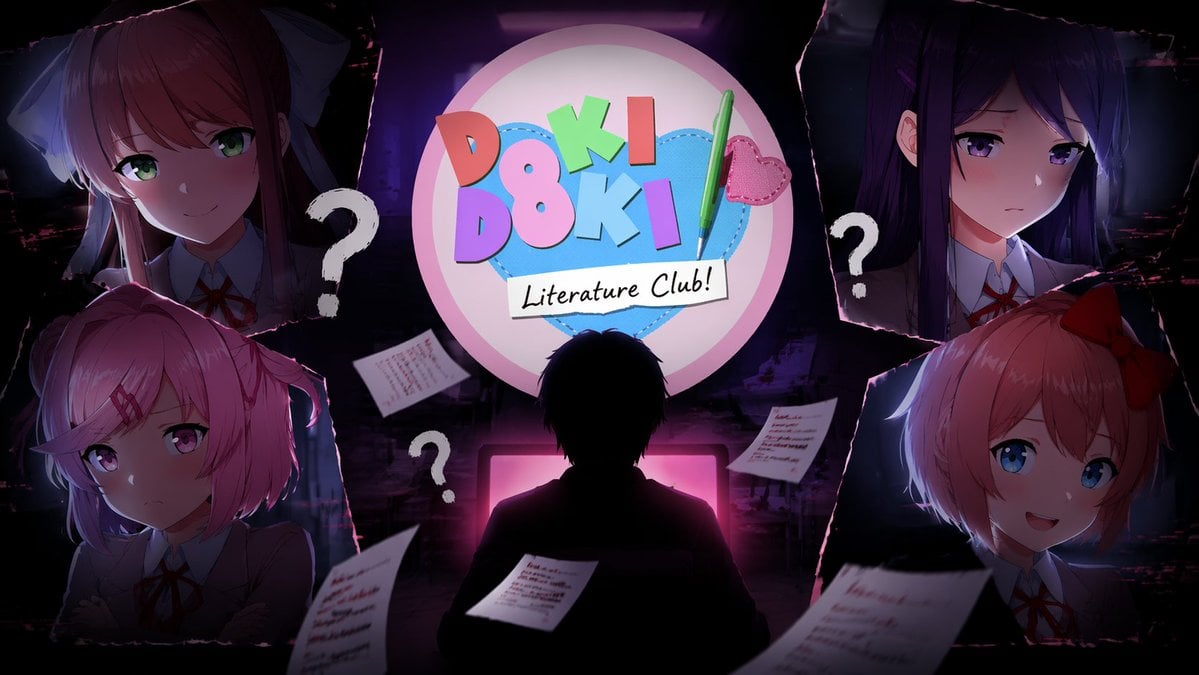
Generates a dark, composite illustration featuring a central silhouette, a logo, and four distinct anime character portraits framed by torn paper edges.
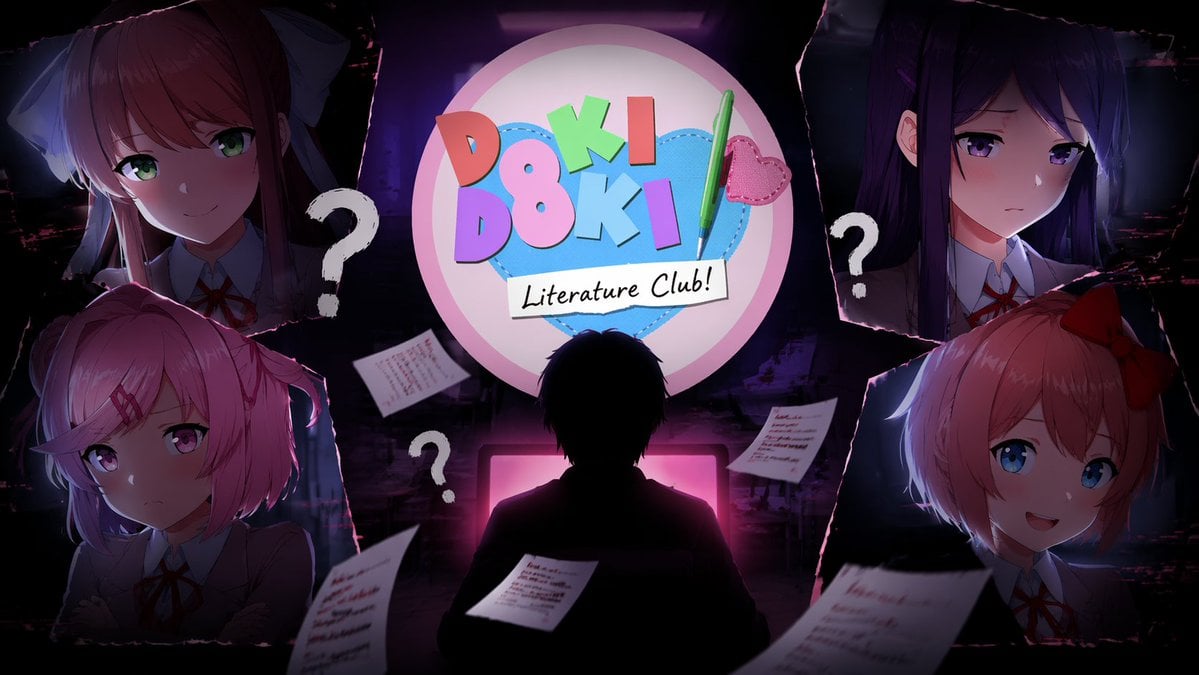
- Prompt included
- Model and format preset
- Free template
The prompt behind this image
Copy the exact prompt behind Visual Novel Composite Layout, or open it in the studio and make it yours.
- Type
- anime visual novel composite illustration
- Theme
- psychological horror mixed with cute dating sim
- Centerpiece › Top
- Circular logo featuring a blue stitched heart, colorful 3D text '{argument name="logo text top" default="DOKI DOKI"}', a green pen with a pink heart charm, and a white banner reading '{argument name="logo text bottom" default="Literature Club!"}'
- Centerpiece › Bottom
- Silhouette of a person from behind, sitting at a desk, illuminated by a glowing {argument name="monitor glow color" default="pink"} computer monitor
- Layout › Style
- torn paper edges framing four distinct character portraits in the corners
- Layout › Sections › 0 › Position
- top-left
- Layout › Sections › 0 › Description
- Anime girl with long brown hair, white hair bow, green eyes, gentle smile, wearing a {argument name="uniform color" default="gray"} school uniform
- Layout › Sections › 1 › Position
- top-right
- Layout › Sections › 1 › Description
- Anime girl with long dark purple hair, purple eyes, worried expression, wearing a {argument name="uniform color" default="gray"} school uniform
- Layout › Sections › 2 › Position
- bottom-left
- Layout › Sections › 2 › Description
- Anime girl with short pink hair, red hairclip, pink eyes, pouting expression, wearing a {argument name="uniform color" default="gray"} school uniform
- Layout › Sections › 3 › Position
- bottom-right
- Layout › Sections › 3 › Description
- Anime girl with short peach hair, red hair bow, blue eyes, cheerful smile, wearing a {argument name="uniform color" default="gray"} school uniform
- Floating Elements › 0 › Count
- 3
- Floating Elements › 0 › Description
- white question marks scattered around the central silhouette
- Floating Elements › 1 › Count
- 4
- Floating Elements › 1 › Description
- pieces of lined paper with blurry handwritten text floating in the foreground
- Background
- {argument name="atmosphere" default="dark, shadowy, slightly grungy and glitchy"}
Raw JSON
{
  "type": "anime visual novel composite illustration",
  "theme": "psychological horror mixed with cute dating sim",
  "centerpiece": {
    "top": "Circular logo featuring a blue stitched heart, colorful 3D text '{argument name=\"logo text top\" default=\"DOKI DOKI\"}', a green pen with a pink heart charm, and a white banner reading '{argument name=\"logo text bottom\" default=\"Literature Club!\"}'",
    "bottom": "Silhouette of a person from behind, sitting at a desk, illuminated by a glowing {argument name=\"monitor glow color\" default=\"pink\"} computer monitor"
  },
  "layout": {
    "style": "torn paper edges framing four distinct character portraits in the corners",
    "sections": [
      {
        "position": "top-left",
        "description": "Anime girl with long brown hair, white hair bow, green eyes, gentle smile, wearing a {argument name=\"uniform color\" default=\"gray\"} school uniform"
      },
      {
        "position": "top-right",
        "description": "Anime girl with long dark purple hair, purple eyes, worried expression, wearing a {argument name=\"uniform color\" default=\"gray\"} school uniform"
      },
      {
        "position": "bottom-left",
        "description": "Anime girl with short pink hair, red hairclip, pink eyes, pouting expression, wearing a {argument name=\"uniform color\" default=\"gray\"} school uniform"
      },
      {
        "position": "bottom-right",
        "description": "Anime girl with short peach hair, red hair bow, blue eyes, cheerful smile, wearing a {argument name=\"uniform color\" default=\"gray\"} school uniform"
      }
    ]
  },
  "floating_elements": [
    {
      "count": 3,
      "description": "white question marks scattered around the central silhouette"
    },
    {
      "count": 4,
      "description": "pieces of lined paper with blurry handwritten text floating in the foreground"
    }
  ],
  "background": "{argument name=\"atmosphere\" default=\"dark, shadowy, slightly grungy and glitchy\"}"
}Reference images included
Visual Novel Composite Layout needs input media to work. They load alongside the prompt when you open it in the studio.
How to use Visual Novel Composite Layout in 3 steps
- 1Upload ImagePNG, JPG or paste
Add your photo
Upload the photo the template builds on. The prompt, model and format are already set.
- 2…a portrait of your subject in softgolden-hour light, 85mm…
Personalize
Edit the subject and creative details for your destination.
- 3Generate
Generate
Press Generate — your image is created in PicX Studio, so you can compare it with the original and refine one variable at a time.
More like this
Templates with the same subject, style or setup. Open one to see its prompt.
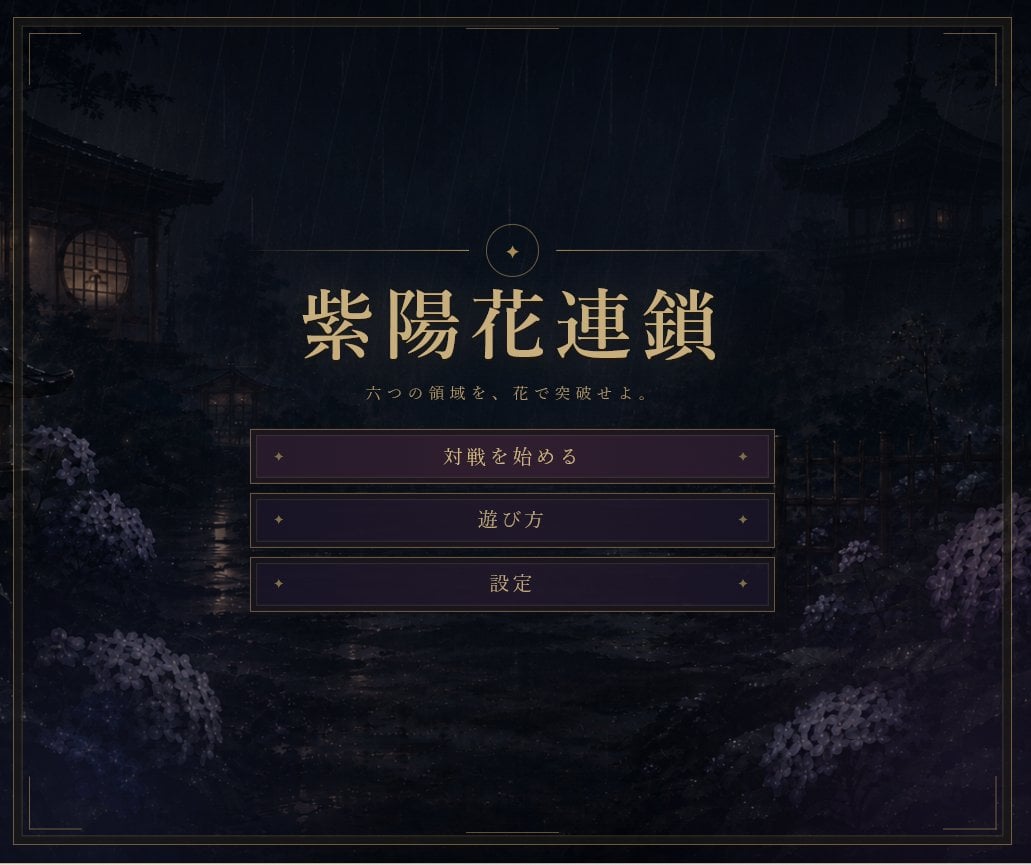
Rainy Japanese Visual Novel Title Screen

Open Magazine Luxury Fashion Editorial Layout

Premium Fashion Editorial Cover Layout System

Photoreal Village Lanterns Minecraft Scene

Photoreal Selfie Minecraft Block World

Photoreal Selfie Minecraft Village Ghast UI
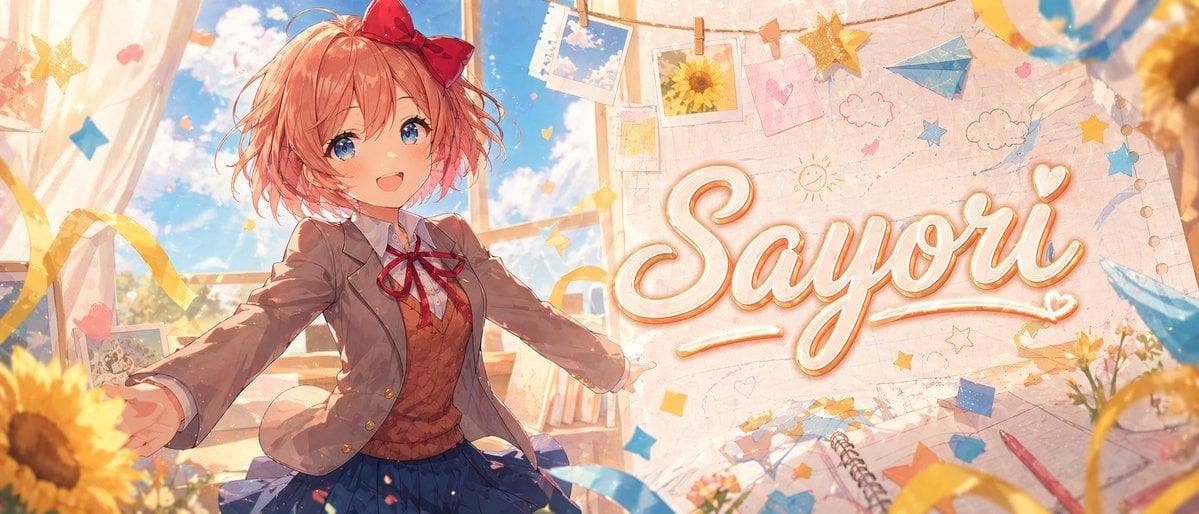
Anime Visual Novel Classroom Banner
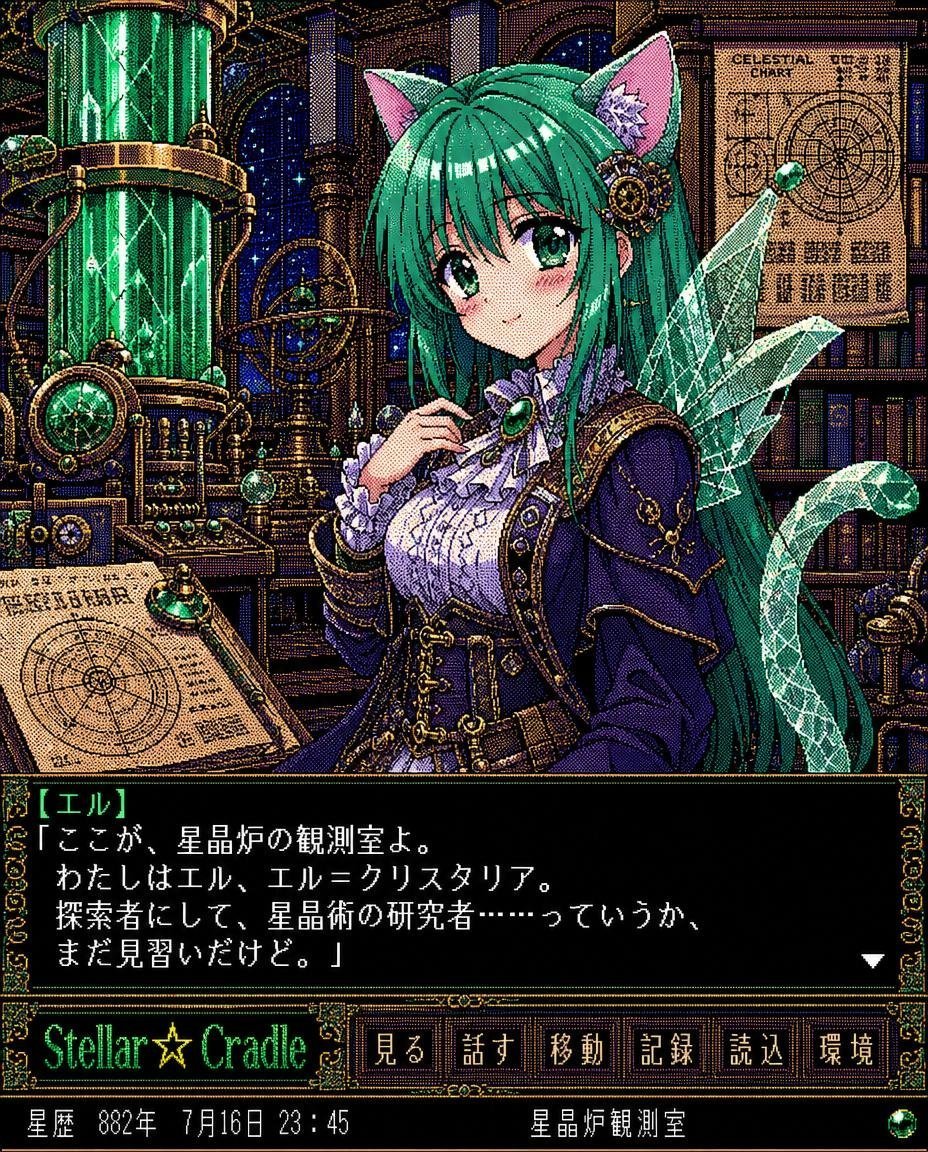
Retro Crystal Observatory Visual Novel
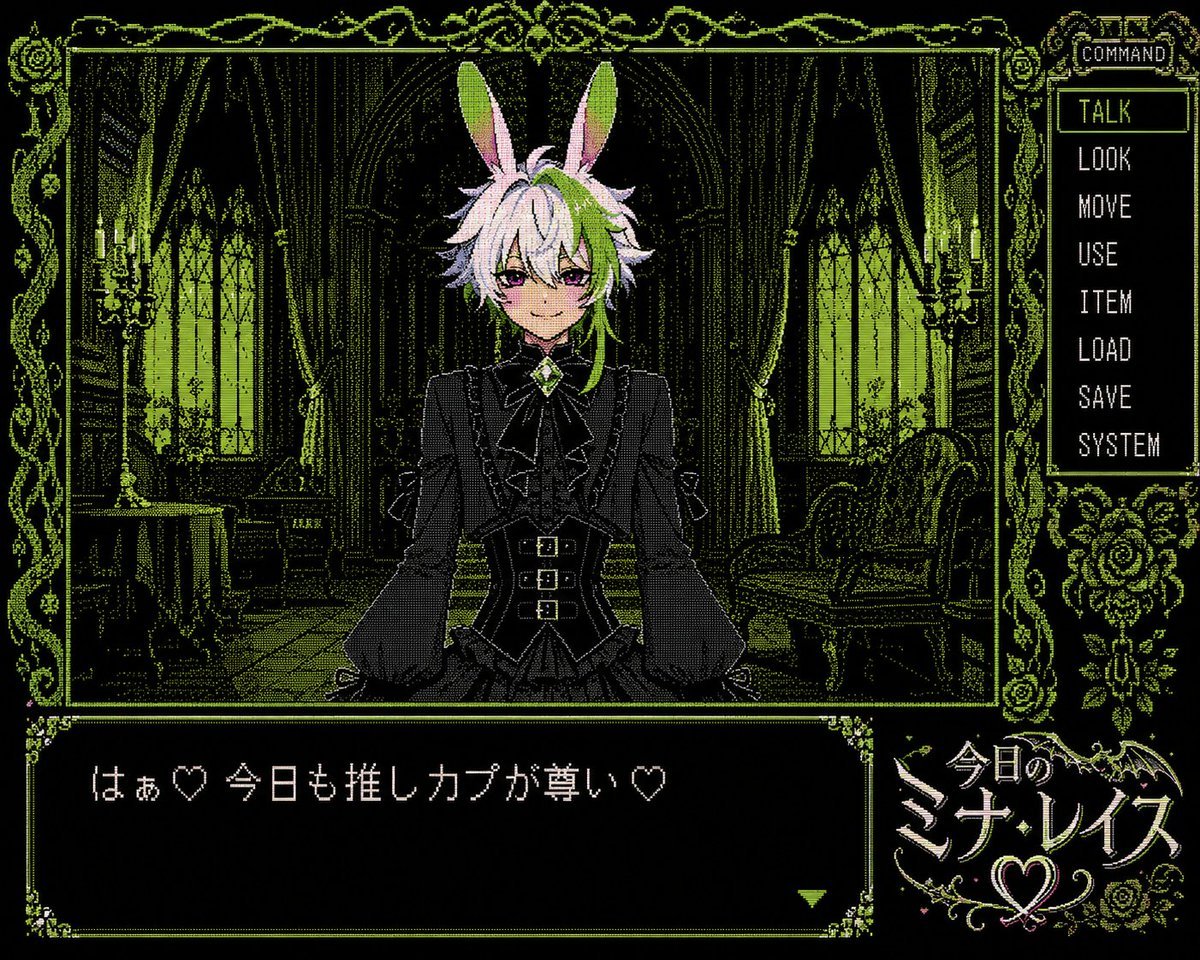
PC-98 Gothic Visual Novel UI
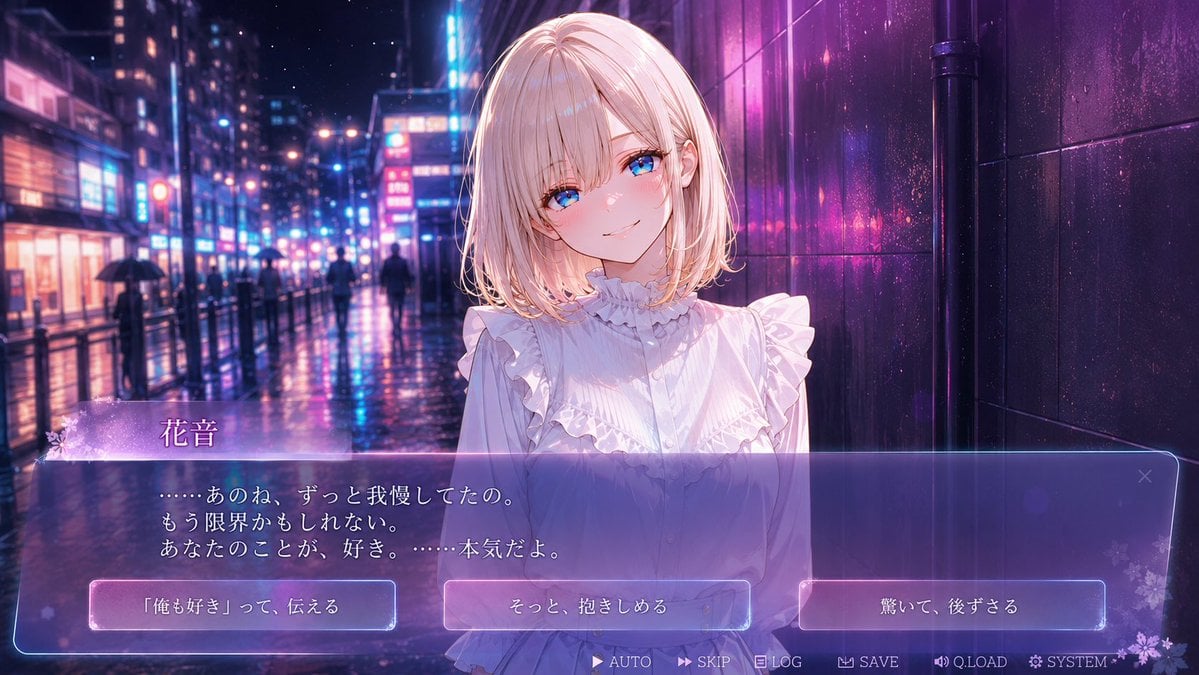
Rainy Neon Visual Novel Confession
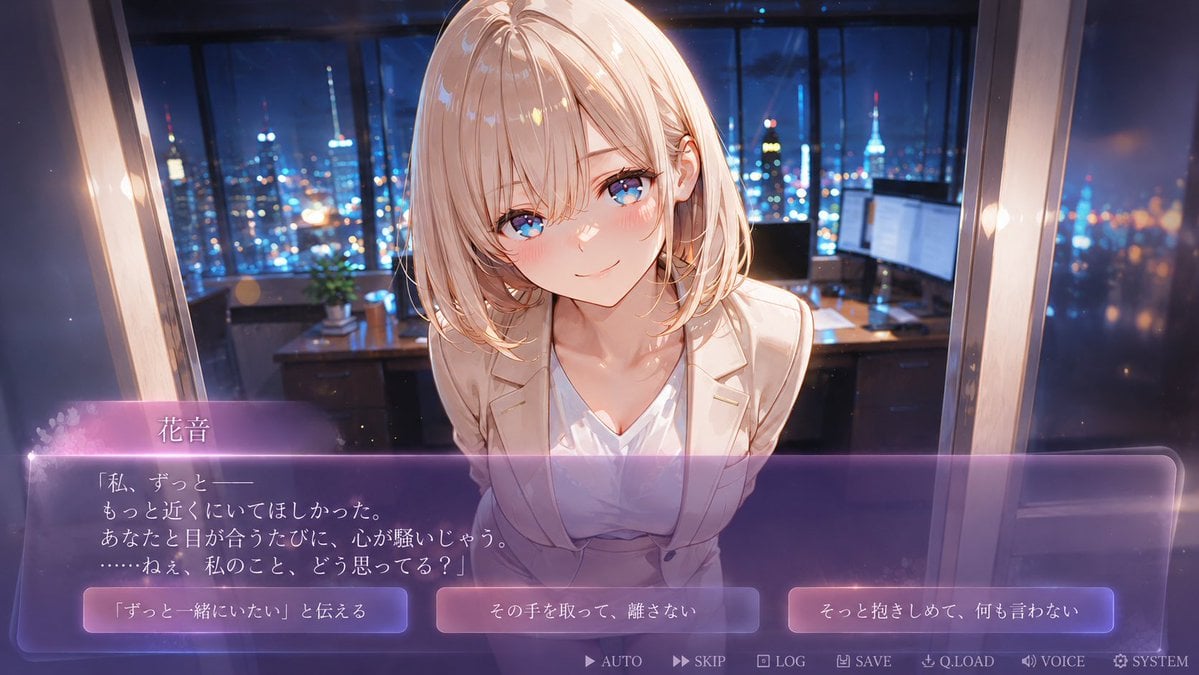
Faceless Romance Visual Novel CG
Anime Visual Novel Confession Scene
Make it yours
Visual Novel Composite Layout works as-is. These are the safest ways to change it without losing the look.
Swap the setting
Keep the rest of the prompt and replace the location block. The current setting is “{argument name="atmosphere" default="dark, shadowy, slightly grungy and glitchy"”.
Change one field
Copy a single group, rewrite it, and generate again so you can see what that field is doing.
Keep the frame, change the subject
Hold the composition and light of Visual Novel Composite Layout, then swap wardrobe, props or the person for a new take.
| If the result… | Why | Fix |
|---|---|---|
| The result drifts from the preview | Too many fields changed at once. | Reuse Visual Novel Composite Layout as-is first, then change one group — subject, light, or setting. |
| GPT Image 2 ignores part of the JSON | Some models flatten or skip nested keys. | Keep the same values and paste them as a short paragraph instead. |
More GPT Image 2 templates
Other prompts made for GPT Image 2.

Six VTuber Japanese Logo Sheet

Realistic Portrait of Woman and Deer

The Vista Modular Condo Poster

AI Model Routing Comparison Infographic

2.5D Anime Art Board

Isometric Productivity Desk Scene

New York Double Exposure Poster

Four-Panel AI Landscape Comparison

Japanese Tatami Lifestyle Magazine Cover

NESCAFÉ Coffee Map Poster
More image prompts
Fresh picks from across the catalog.
Studio Portrait with Space Buns and Glitter Overlay
Five-View Boy Scavenger Turnaround
MRE Package Design Prompt (Short)
High-End Valentine’s Dinner Photoshoot
Cinematic Studio Portrait of Man with Watch
Moody Editorial Photo Edit
Surreal Baroque Still Life Perfume Ad Prompt
Anime Girl Reaching Toward Cat
Soft Haze Editorial Studio Portrait (Image-to-Image)
Nighttime Industrial Loft Fashion Shot (35mm Film Aesthetic)
Browse template categories
Visual Novel Composite Layout questions
How do I use the Visual Novel Composite Layout template?
Add your photo if the template asks for one, edit the prompt if you like — the template's model and format are already selected — and press Generate. Your version opens in PicX Studio.
Can I customize the Visual Novel Composite Layout template?
Yes. You can change the subject, setting, lighting, mood, format, and available model controls before creating your image.
Is the Visual Novel Composite Layout template free?
Opening and editing this template is free. Generating uses credits, shown on the Generate button when you are signed in.
Which AI model should I use?
Start with GPT Image 2, which is the model associated with this template. You can compare another compatible model for a different finish.
Looking for something else? Browse all templates.

Your photo, any look
Thousands of ready templates for every top image and video model, from one credit balance.