
High-End Valentine’s Dinner Photoshoot
A detailed prompt for generating a cinematic editorial image of a young woman at a luxury Valentine's Day dinner, focusing on realistic textures, warm ambient lighting, and high-end props like heart-shaped balloons…
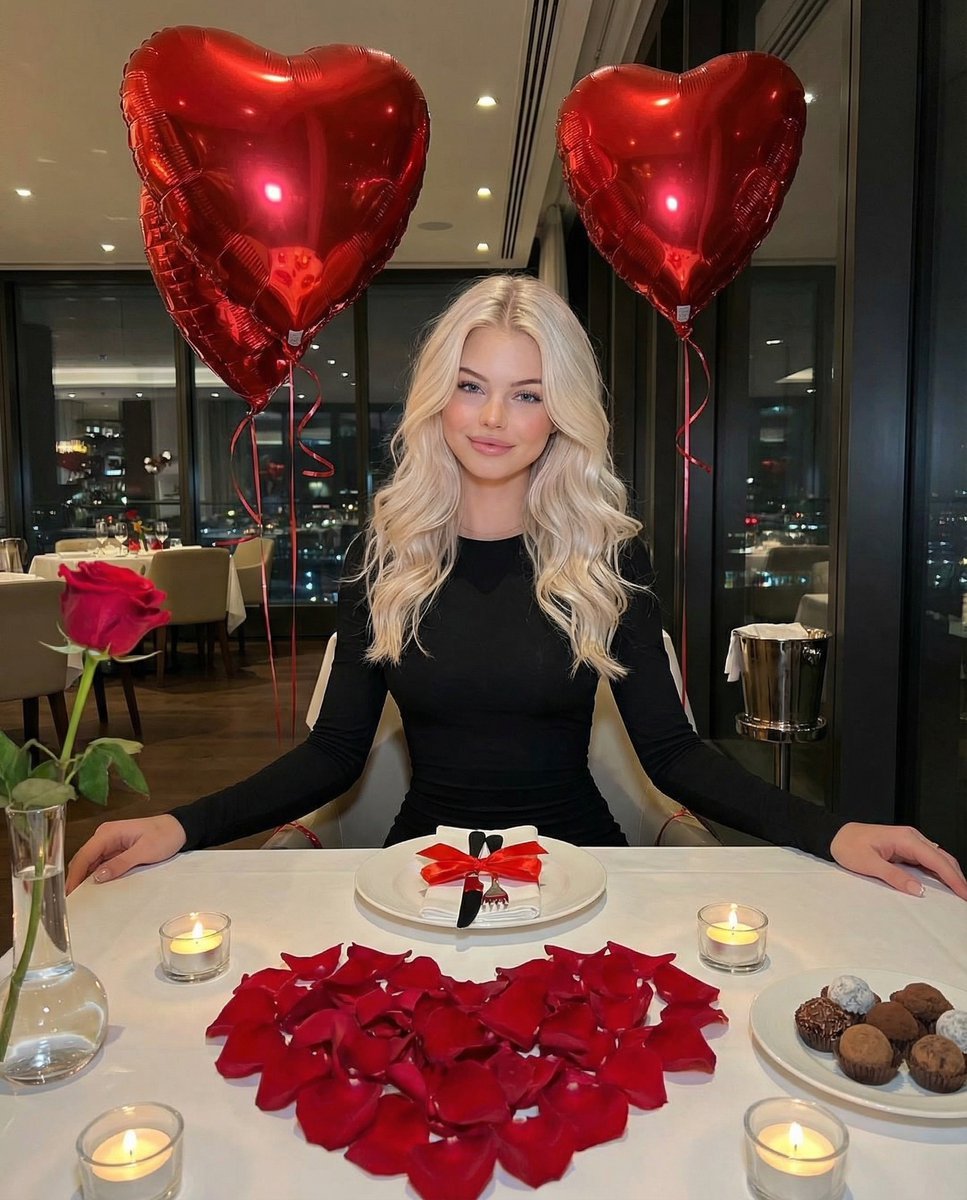
- Prompt included
- Model and format preset
- Free template
The prompt behind this image
Copy the exact prompt behind High-End Valentine’s Dinner Photoshoot, or open it in the studio and make it yours.
{ "prompt_title": "High-end Valentine’s Day Luxury Gift Photoshoot", "style": "Cinematic editorial, high-end luxury, romantic", "subject": { "description": "Beautiful young woman with long platinum blonde hair in soft natural waves, gentle confident smile", "pose": "Sitting naturally at an elegantly decorated restaurant table during a romantic Valentine’s dinner" }, "outfit": { "dress": "Fitted long-sleeve black dress with rich fabric texture and soft light falloff", }, "props": { "balloons": "Two large glossy metallic red heart-shaped helium balloons with curly red ribbons, reflecting candlelight with realistic shine and subtle surface creases", "table_decor": { "rose_petals": "Heart-shaped arrangement of hundreds of deep red rose petals, scattered organically with slight imperfections", "single_rose": "Fresh red rose in a minimalist glass vase", "candles": "Small lit tea-light candles in clear glass holders, warm flickering glow, soft wax melt details, subtle smoke haze", "plate_setup": "White ceramic plate with polished cutlery tied with satin red ribbon", "chocolates": "Glossy chocolate truffles on small black slate plate, delicate chocolate drizzle reflections, faint cocoa dusting, subtle crumbs on tablecloth for realism" } }, "environment": { "restaurant": { "interior": "Modern upscale restaurant, dark green textured walls", "windows": "Large glass windows showing soft evening sky transitioning to night, visible parked cars outside with natural reflections", "lighting": "Warm ambient lighting, golden rim light on hair, romantic soft shadows, shallow depth of field, creamy bokeh city lights in background" } }, "photography": { "camera": "Canon EOS R5", "lens": "85mm", "depth_of_field": "Shallow", "style": "Magazine-quality color grading, photorealistic, ultra-detailed skin texture, natural pores, soft flyaway hairs, realistic fabric folds, reflective balloon highlights, tactile rose petal detail", "aesthetic": "Intimate romantic glow with authentic subtle imperfections that enhance realism, scroll-stopping high-end Valentine’s Day gift photoshoot" } }
How to use High-End Valentine’s Dinner Photoshoot in 3 steps
- 1
Open
The prompt is already in the box next to the preview, with the template's model and format selected.
- 2…a portrait of your subject in softgolden-hour light, 85mm…
Personalize
Edit the subject and creative details for your destination.
- 3Generate
Generate
Press Generate — your image is created in PicX Studio, so you can compare it with the original and refine one variable at a time.
More like this
Templates with the same subject, style or setup. Open one to see its prompt.
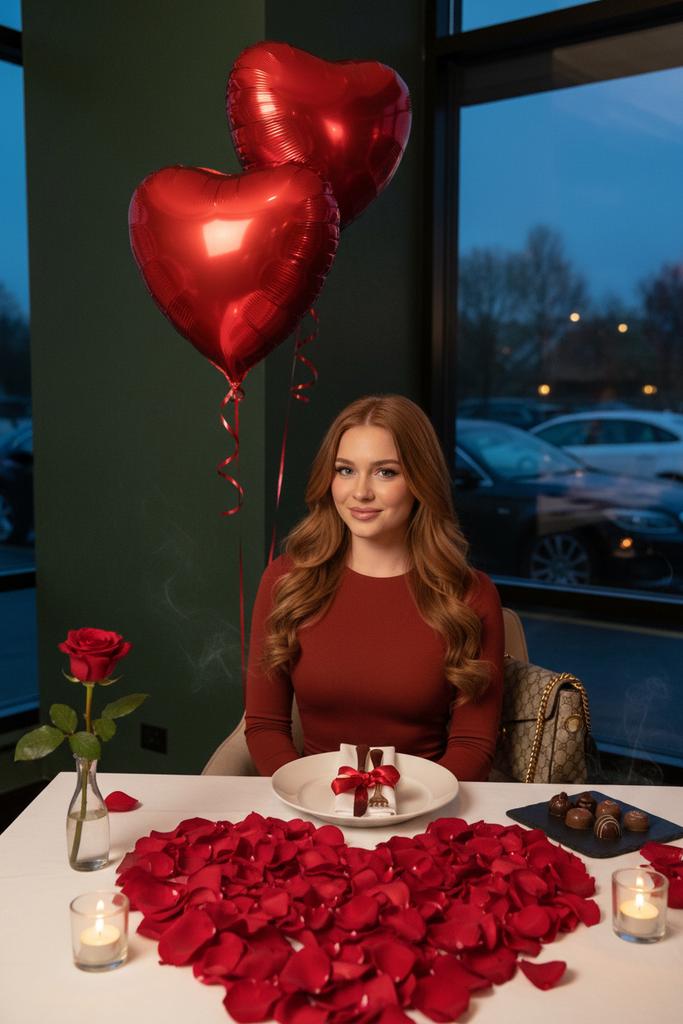
Luxury Valentine’s Dinner Photoshoot (Reddish-Brown Hair)
Nano Banana - Rooftop Dinner Night
Standing by the wall
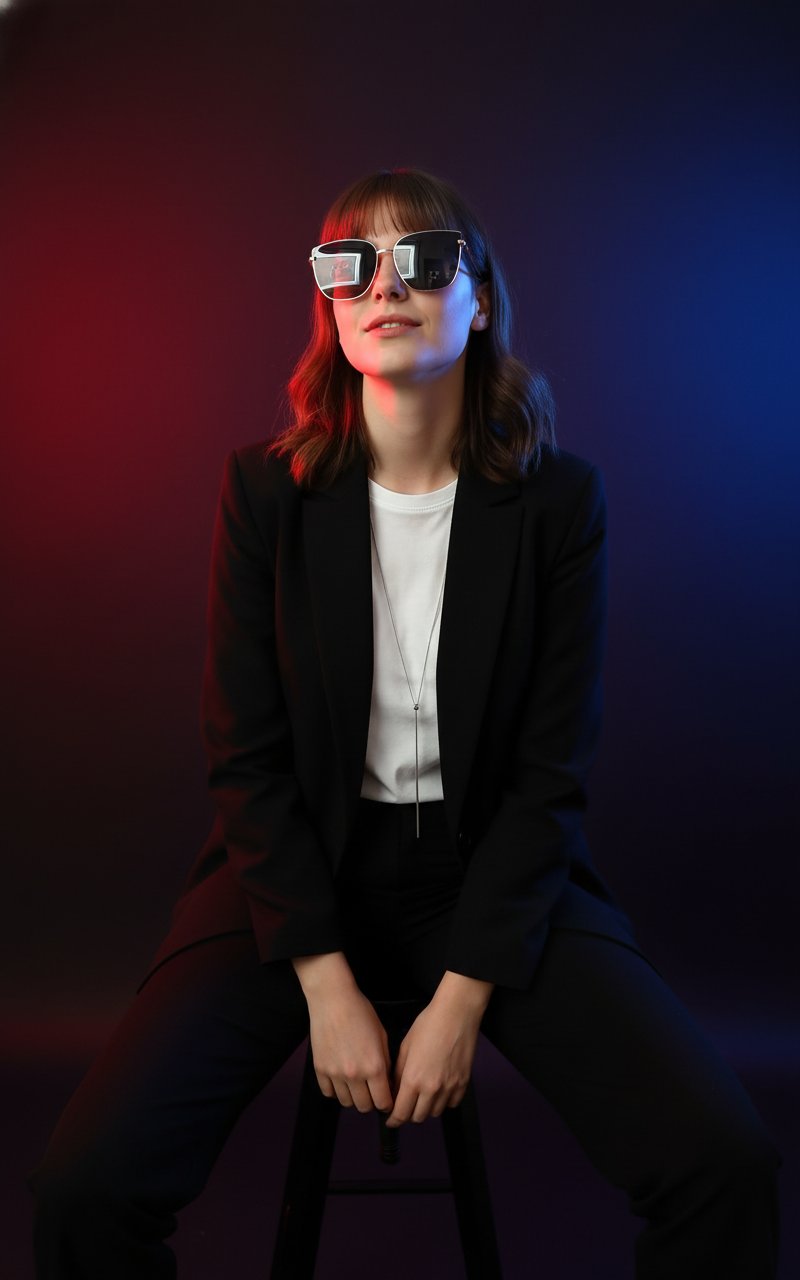
Trending Photoshoot
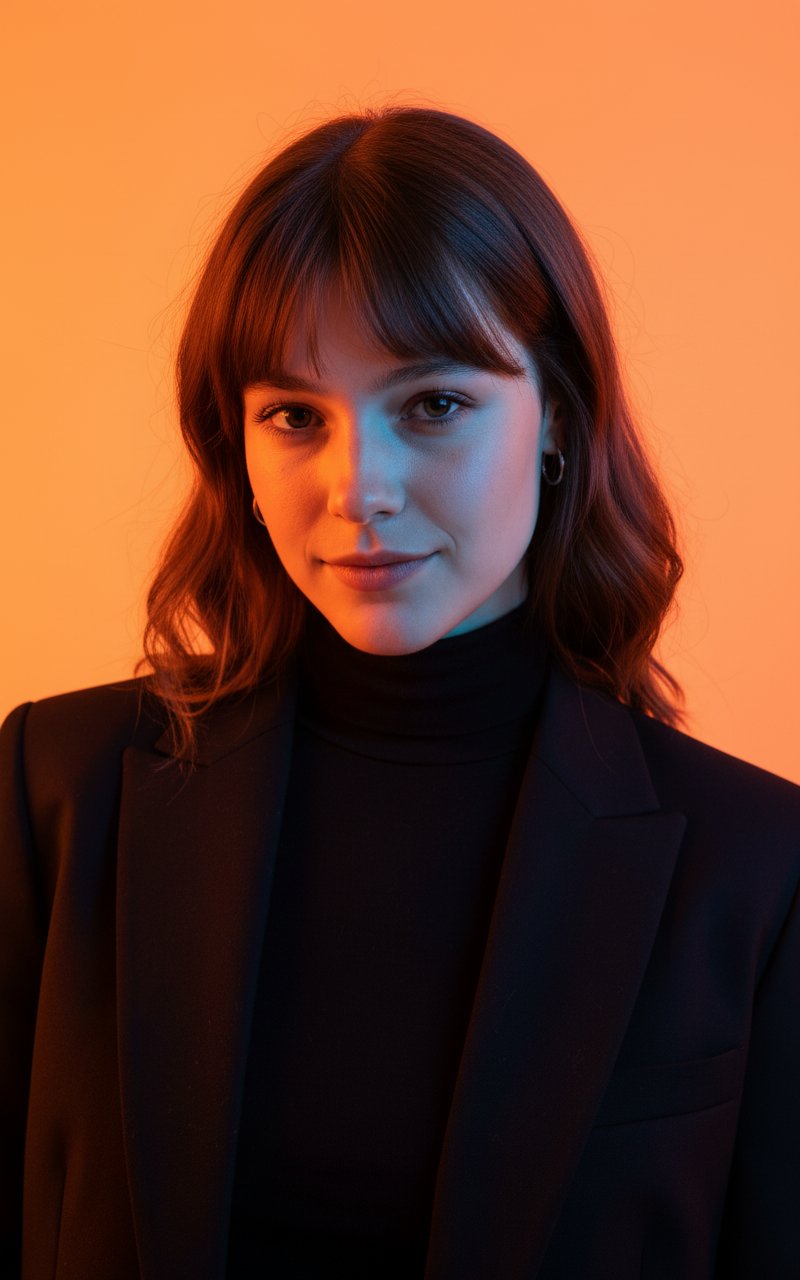
Colour Professional Photoshoot
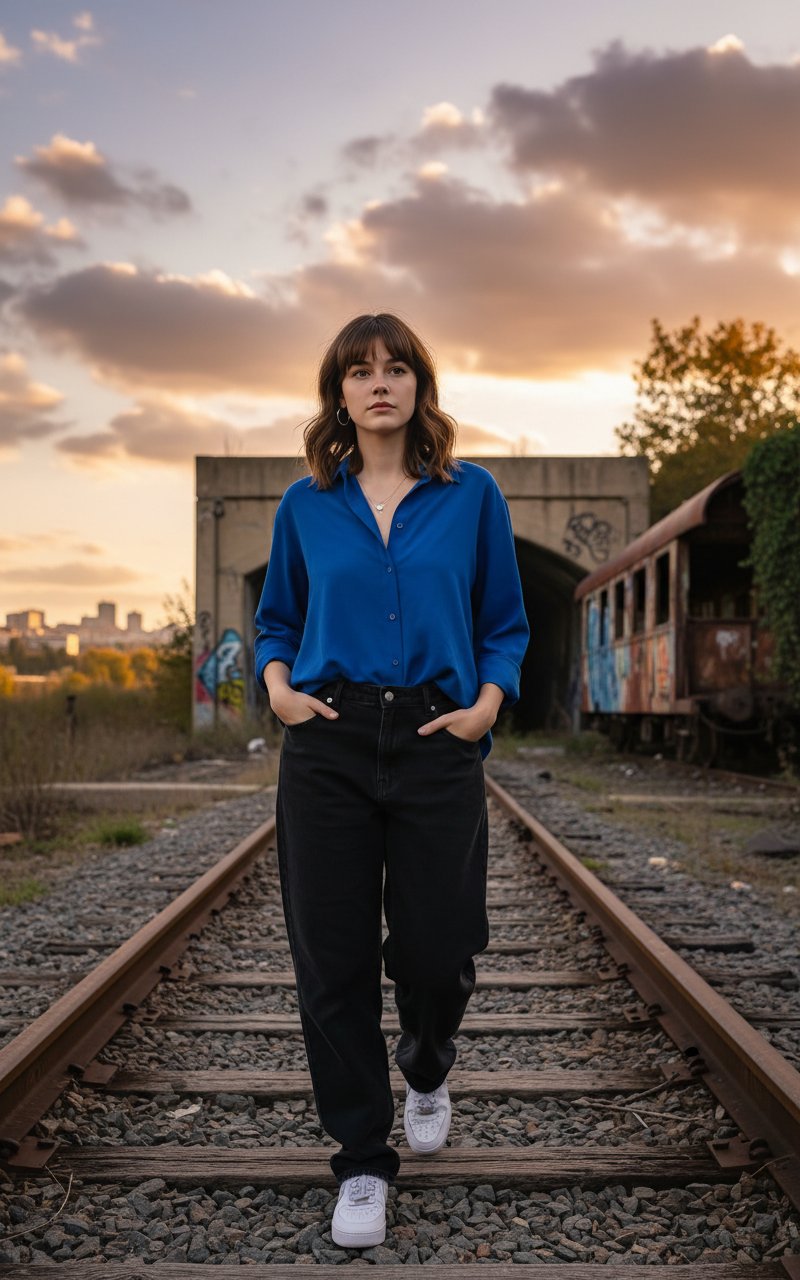
Walking in Track
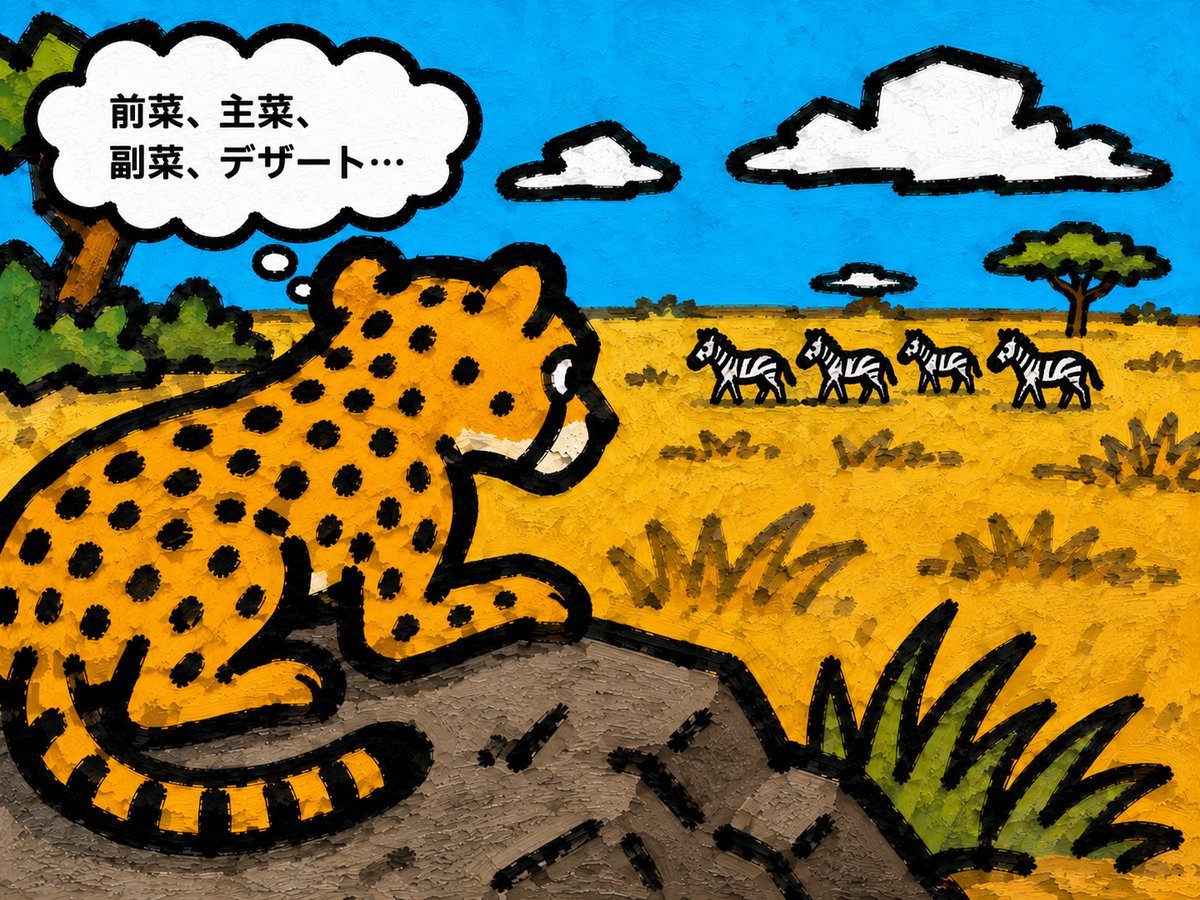
Cheetah Thinking of Dinner
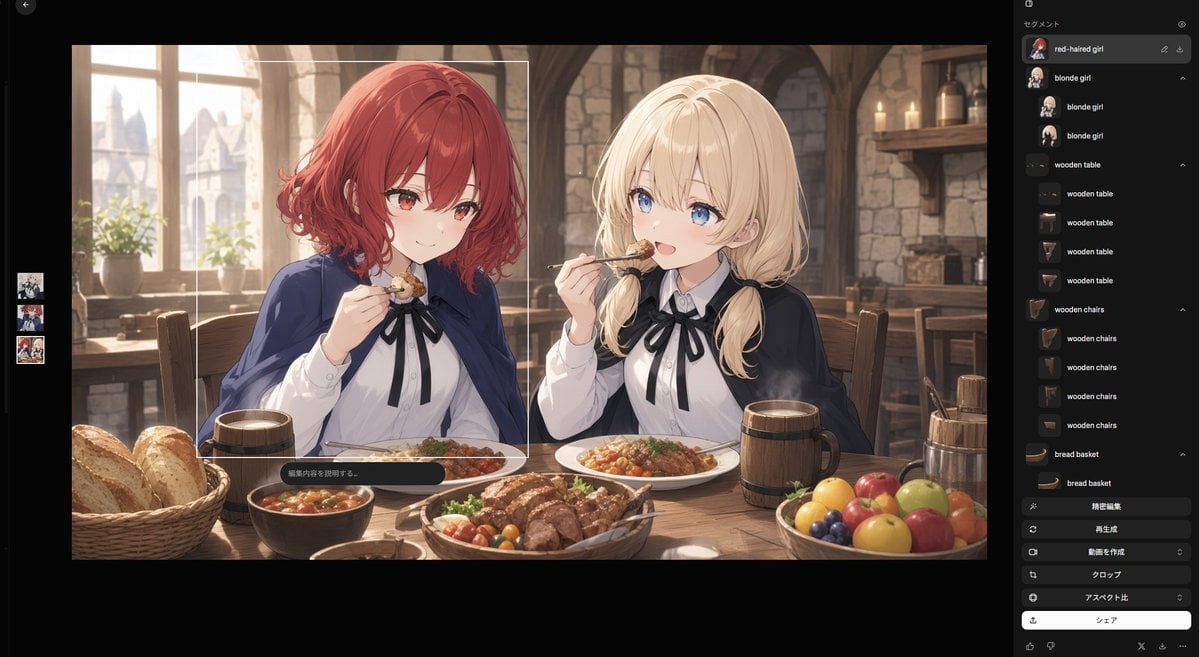
Anime Tavern Dinner Scene
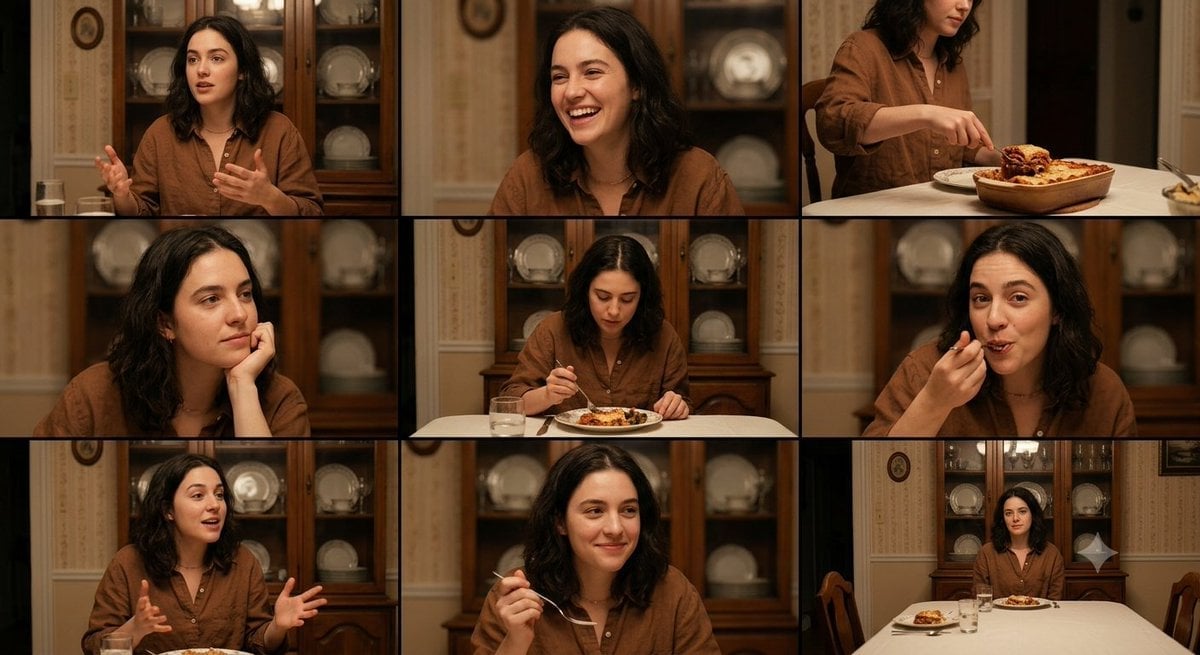
Family Dinner Cinematic Contact Sheet
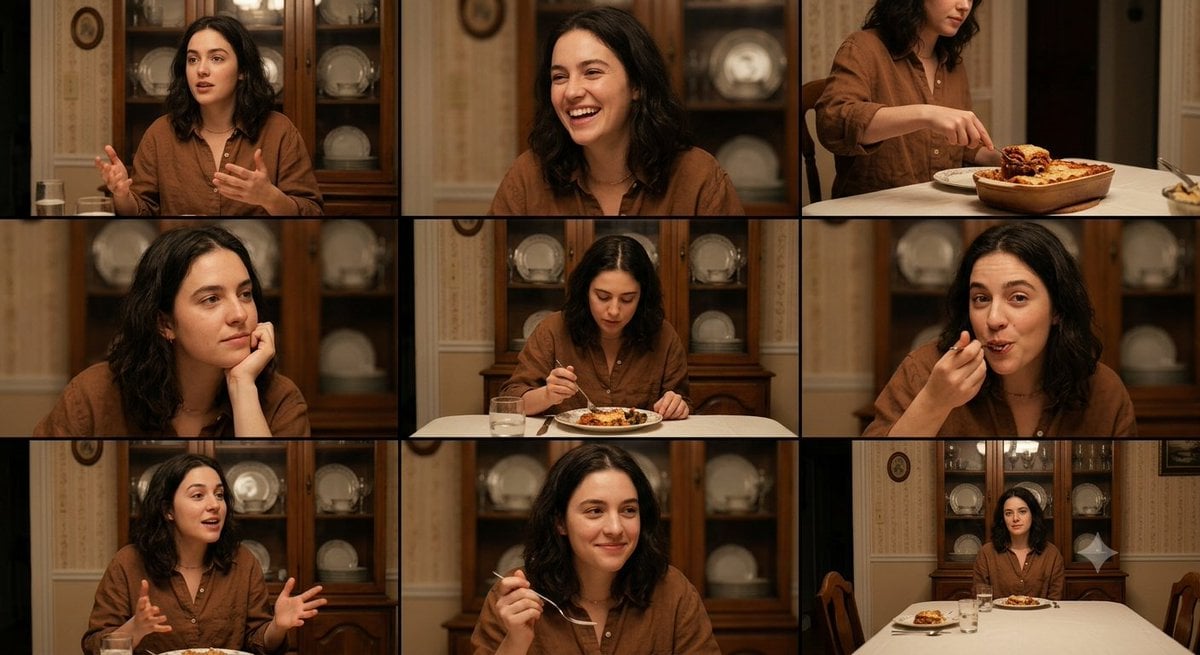
Family Dinner Cinematic Contact Sheet
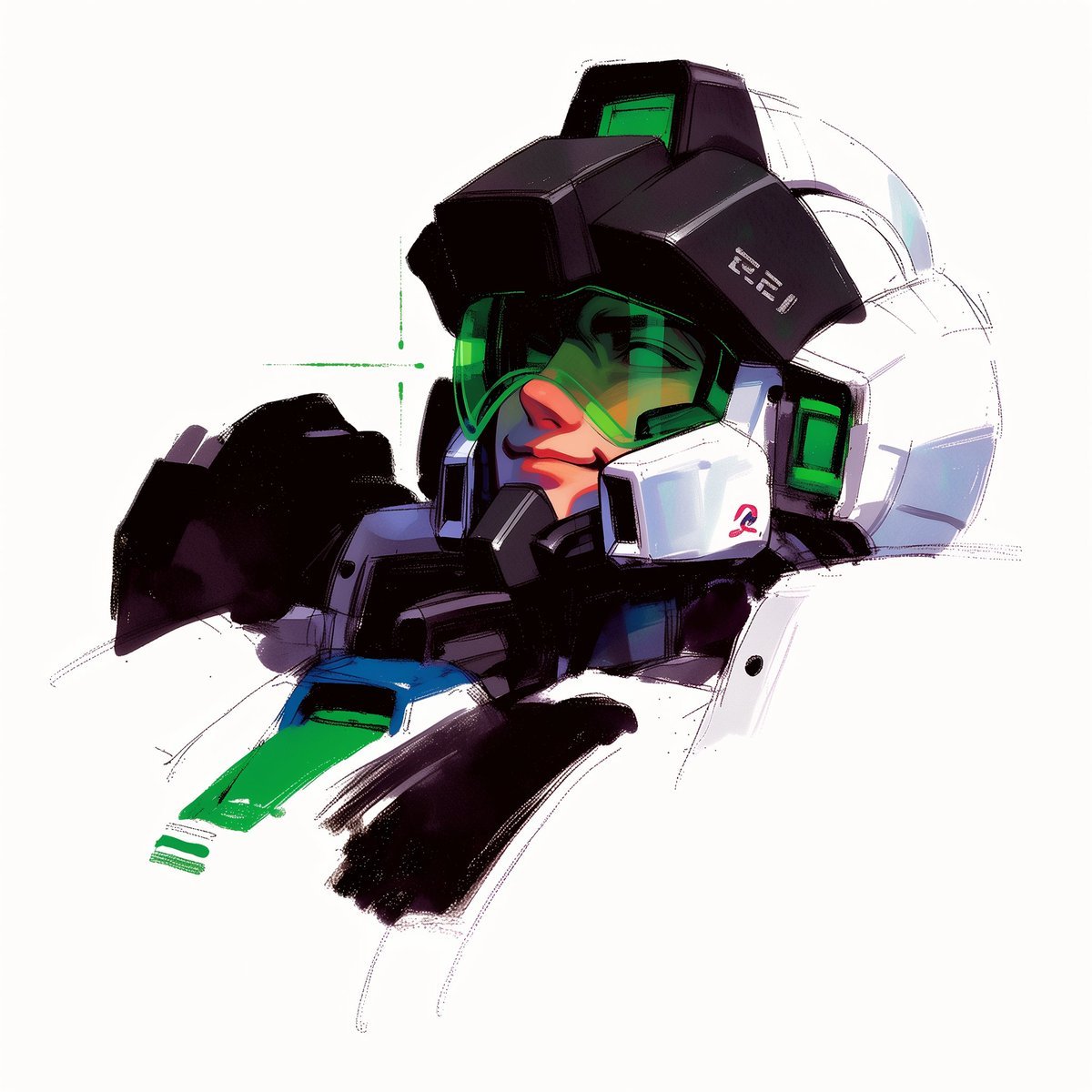
To hyper-realistic 3D CGI collectible figurine render

A trendy, high-end Sticker Sheet set
Make it yours
High-End Valentine’s Dinner Photoshoot works as-is. These are the safest ways to change it without losing the look.
Change one field
Copy a single group, rewrite it, and generate again so you can see what that field is doing.
Keep the frame, change the subject
Hold the composition and light of High-End Valentine’s Dinner Photoshoot, then swap wardrobe, props or the person for a new take.
| If the result… | Why | Fix |
|---|---|---|
| The result drifts from the preview | Too many fields changed at once. | Reuse High-End Valentine’s Dinner Photoshoot as-is first, then change one group — subject, light, or setting. |
| The model over-stylizes the scene | The prose prompt leaves finish and camera underspecified. | Add one camera or lighting sentence and stay on Nano Banana 2. |
More Nano Banana 2 templates
Other prompts made for Nano Banana 2.

Photorealistic Leaf Shaped Like a Dragon

K-Pop Idol Portrait Grid for Rapid Selection

Poetic Rain Forest Portrait During Golden Hour

Urban Street Portrait with Cartoon Inner Self Duo

Candid Nighttime Photo with Cat Prompt

High-Concept 3D Diorama Generation Prompt

Cinematic Futuristic Studio Portrait Template

Skincare Editorial Photography Collage Prompt

Hyper-Realistic Commercial Product Photography (Splash Effect)

Hyper-Realistic Nightclub Portrait Prompt
More image prompts
Fresh picks from across the catalog.
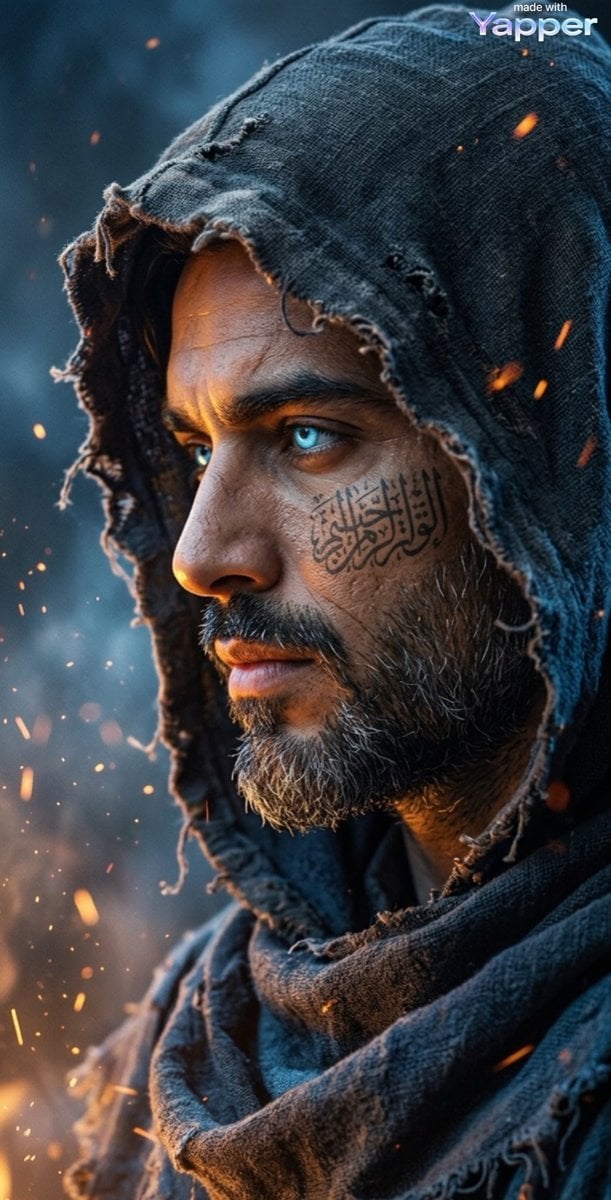
Cinematic Dark Fantasy Portrait Prompt for Nano Banana 2
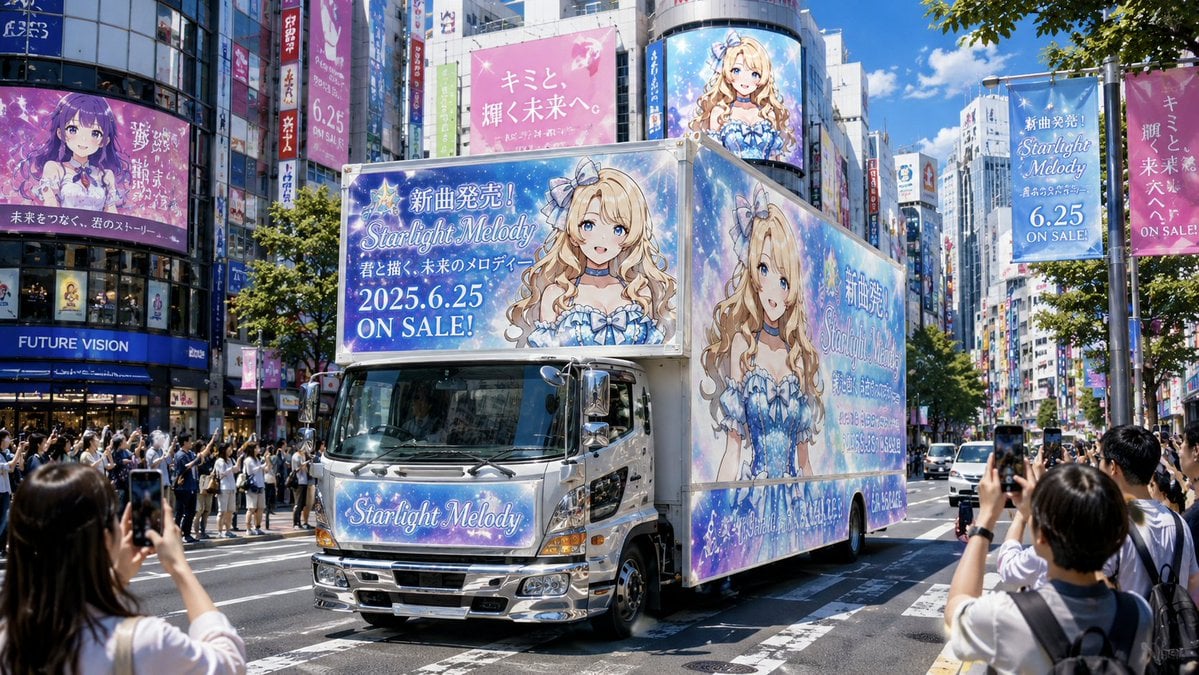
Anime Idol Ad Truck in Japan
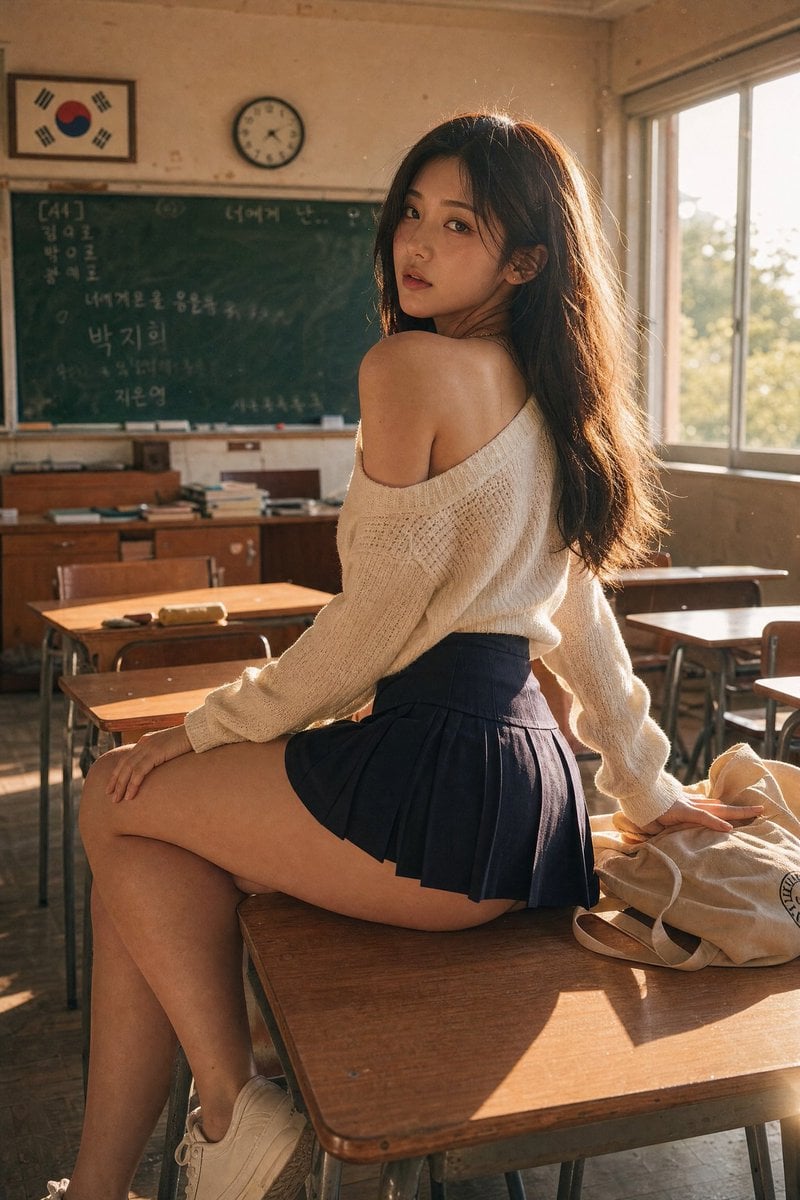
Realistic Korean School Classroom Portrait
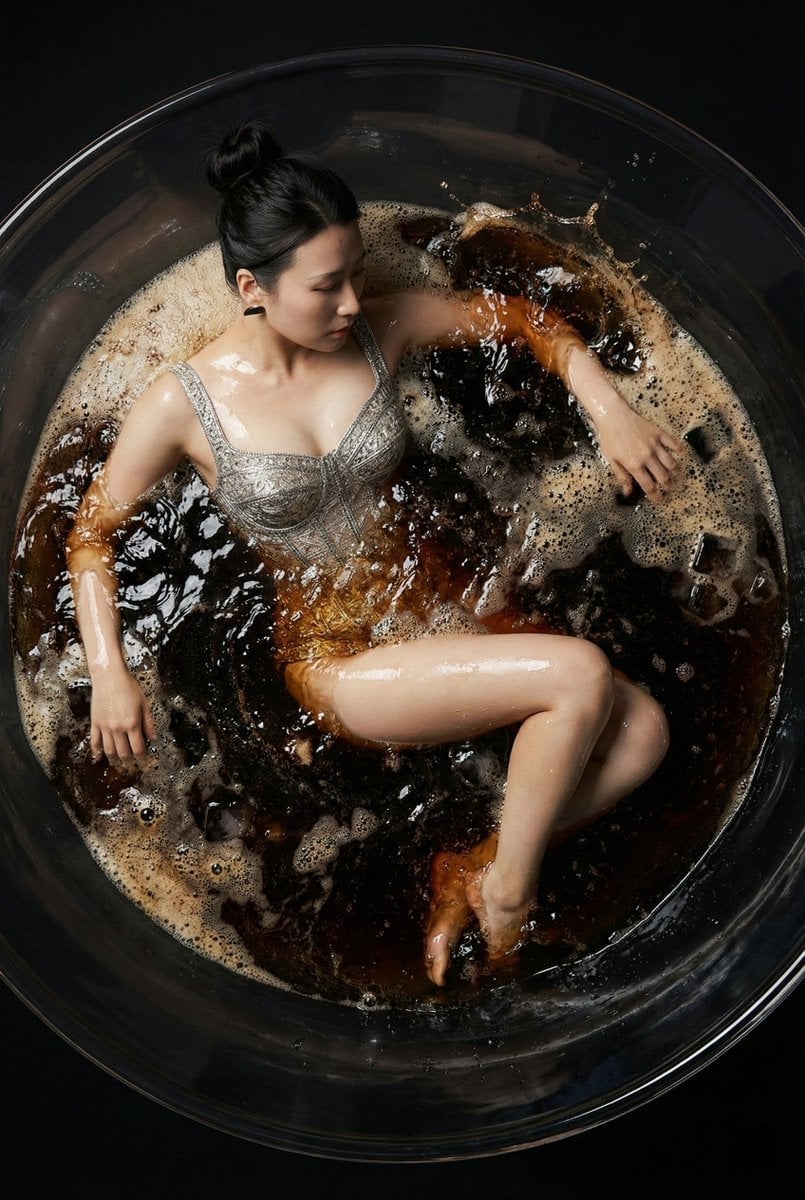
Hyper-Realistic Commercial Fashion Photo Prompt for Nano Banana Pro
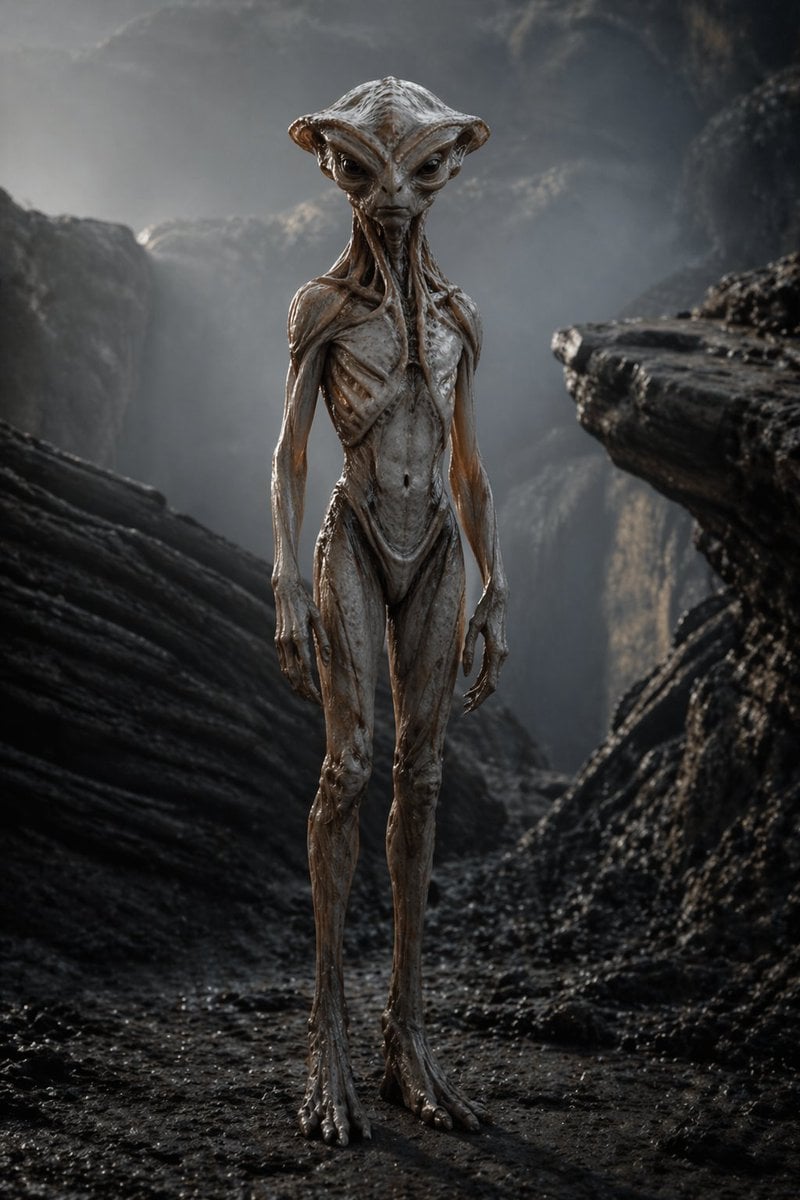
Photoreal Alien in Dark Ravine

Editorial Luxury Photo Analysis Prompt
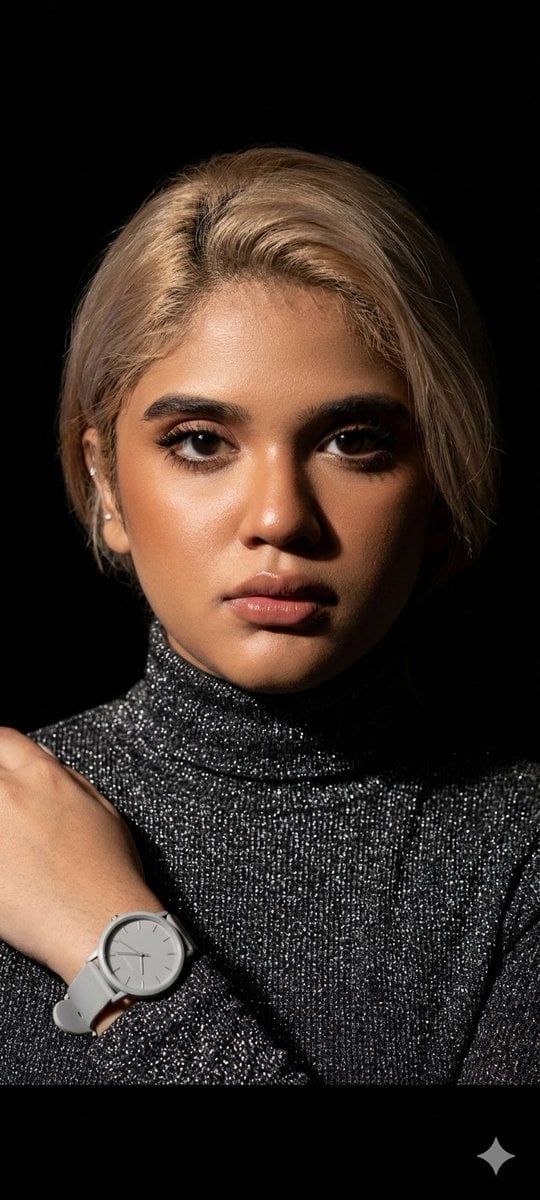
Elegant Studio Portrait with Sparkling Top
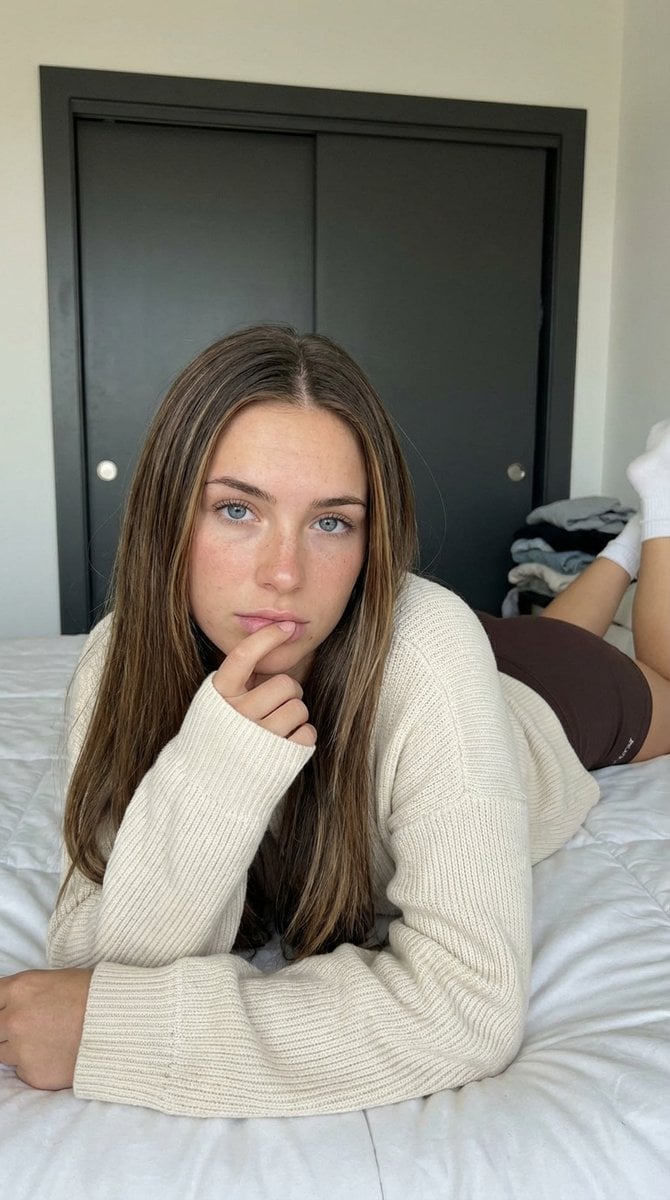
Low-Angle Bedroom Portrait of a Woman
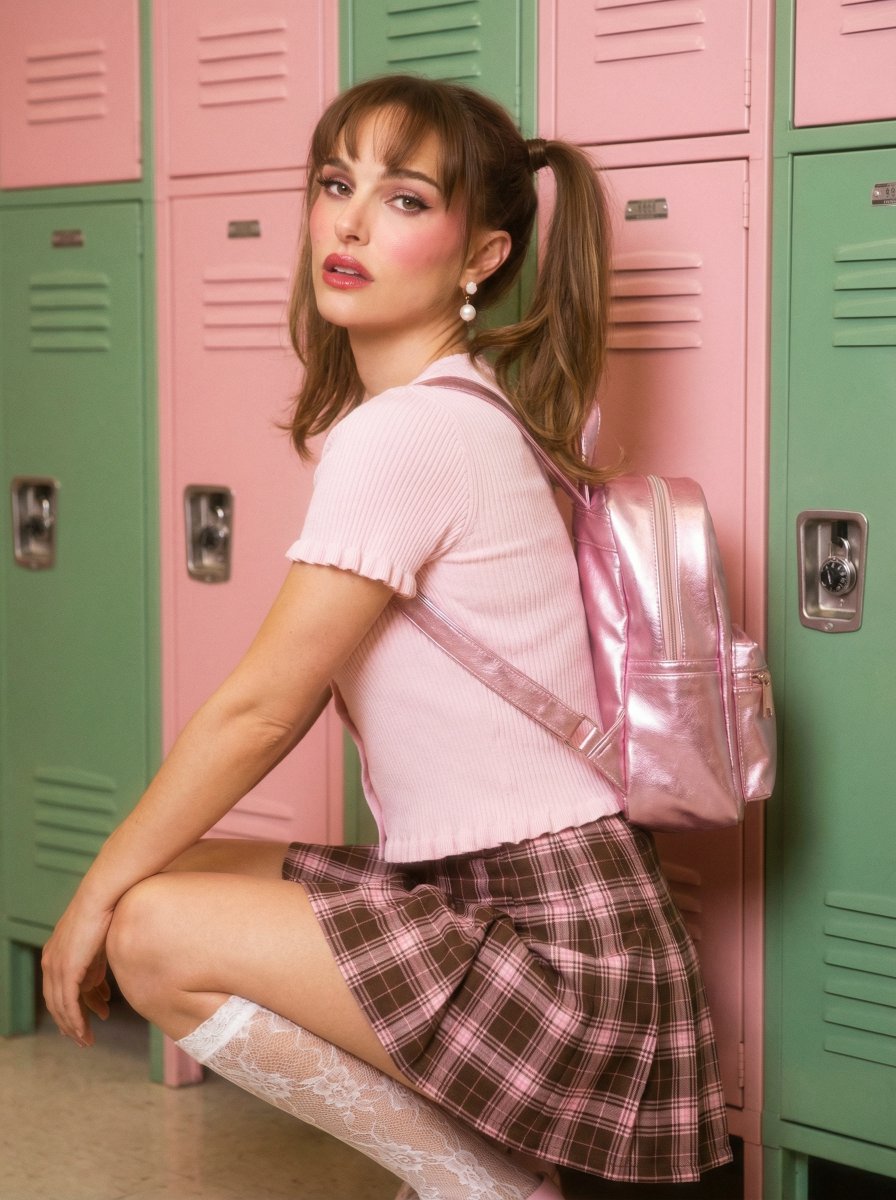
Natalie Portman School Locker Prompt
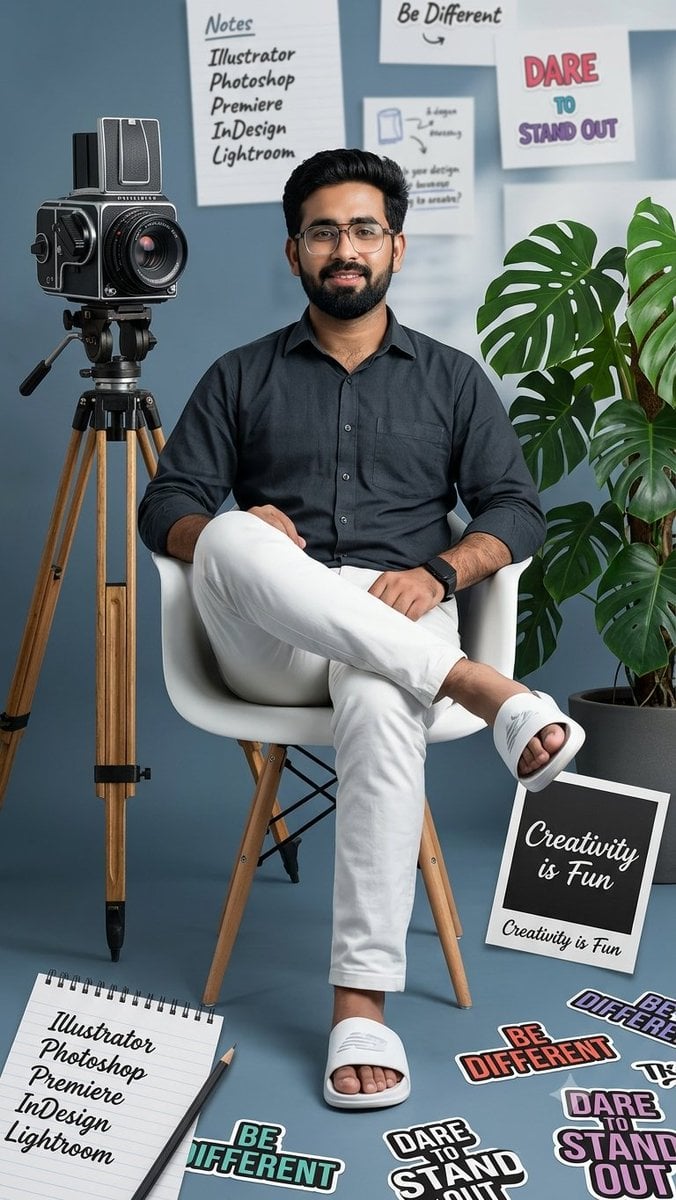
Creative Mood Board Collage
Browse template categories
High-End Valentine’s Dinner Photoshoot questions
How do I use the High-End Valentine’s Dinner Photoshoot template?
Add your photo if the template asks for one, edit the prompt if you like — the template's model and format are already selected — and press Generate. Your version opens in PicX Studio.
Can I customize the High-End Valentine’s Dinner Photoshoot template?
Yes. You can change the subject, setting, lighting, mood, format, and available model controls before creating your image.
Is the High-End Valentine’s Dinner Photoshoot template free?
Opening and editing this template is free. Generating uses credits, shown on the Generate button when you are signed in.
Which AI model should I use?
Start with Nano Banana 2, which is the model associated with this template. You can compare another compatible model for a different finish.
Looking for something else? Browse all templates.

Your photo, any look
Thousands of ready templates for every top image and video model, from one credit balance.