
Cheetah Thinking of Dinner
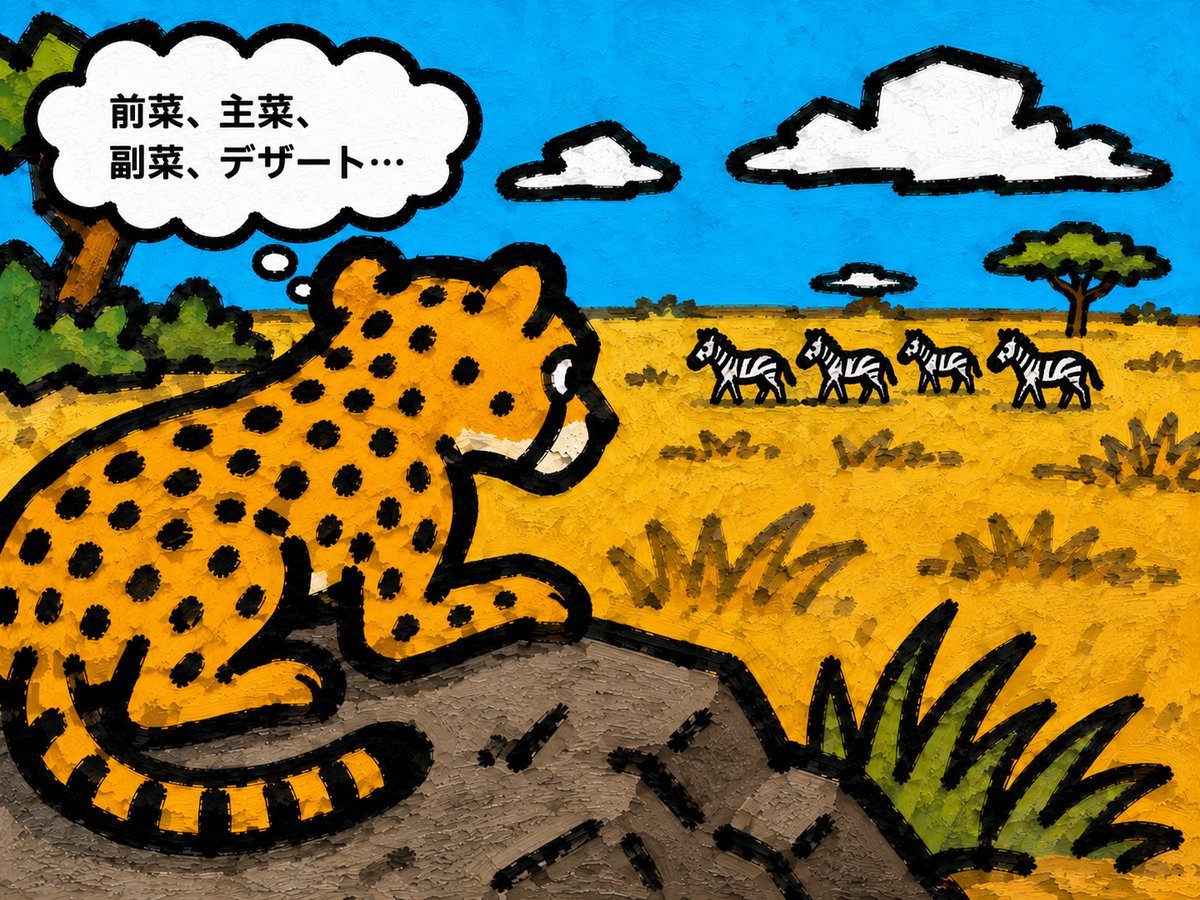
A playful Japanese picture-book style savanna illustration of a cheetah watching zebras with a humorous thought bubble.
- Prompt included
- Model and format preset
- Free template
The prompt behind this image
Copy the exact prompt behind Cheetah Thinking of Dinner, or open it in the studio and make it yours.
Create a whimsical children's picture-book illustration in a rough hand-painted gouache/oil-pastel style on a 4:3 horizontal canvas. Show a large {argument name="animal character" default="cheetah"} in the left foreground, sitting on a gray-brown rock ledge and facing right, with a rounded cartoon body, golden-yellow fur, many black spots, a striped tail curled around the rock, a white muzzle, and very thick uneven black outlines like crayon or marker. The cheetah is looking across a sunny African savanna toward exactly 4 zebras in the mid-distance on the right, each small, black-and-white striped, walking in a loose line. Add exactly 3 white sky clouds with heavy black outlines: one medium cloud near the top center, one large long cloud near the top right, and one small cloud near the horizon. Above the cheetah's head place a large white cloud-shaped thought bubble with black outline, connected by exactly 2 small thought circles, containing bold black Japanese text: {argument name="thought bubble text" default="前菜、主菜、副菜、デザート…"}. The landscape should have a bright cyan-blue textured sky, a golden-yellow grassy plain with scattered scrub brush, one flat-topped acacia tree on the right horizon, dark green foliage and a tilted tree trunk at the far left edge, and spiky green grass in the lower right foreground. Use visible brush texture, thick impasto-like strokes, playful imperfect shapes, high saturation, simple composition, and a storybook mood, as if it could be a page from a picture book. Avoid photorealism, gradients, thin clean vector lines, extra animals, or extra text.
How to use Cheetah Thinking of Dinner in 3 steps
- 1Upload ImagePNG, JPG or paste
Add your photo
Upload the photo the template builds on. The prompt, model and format are already set.
- 2…a portrait of your subject in softgolden-hour light, 85mm…
Personalize
Edit the subject and creative details for your destination.
- 3Generate
Generate
Press Generate — your image is created in PicX Studio, so you can compare it with the original and refine one variable at a time.
More like this
Templates with the same subject, style or setup. Open one to see its prompt.
Nano Banana - Rooftop Dinner Night
AI Thinking Before Drawing Banner
AI Thinking Saves Cost Poster
Thinking Over
Japanese Thinking Analysis Infographic
AI Thinking Classical Bust Poster
Recursive Thinking Loop Portrait
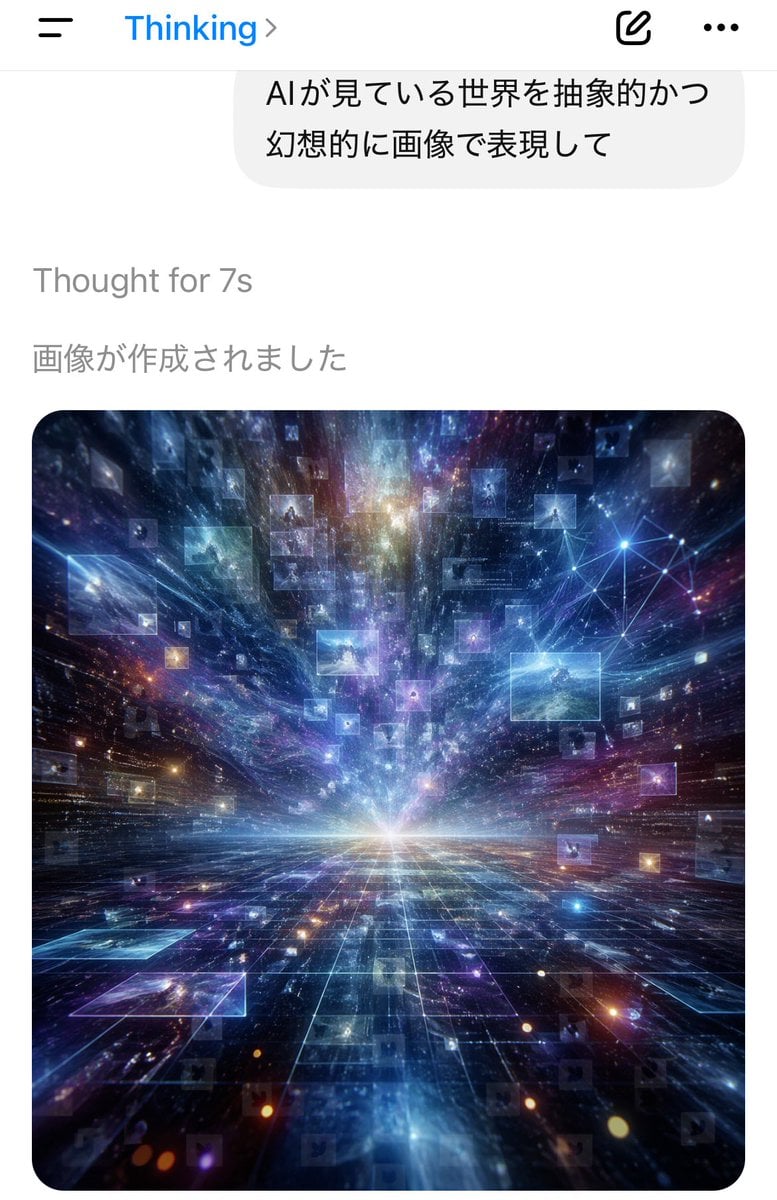
AI Thinking App Screenshot
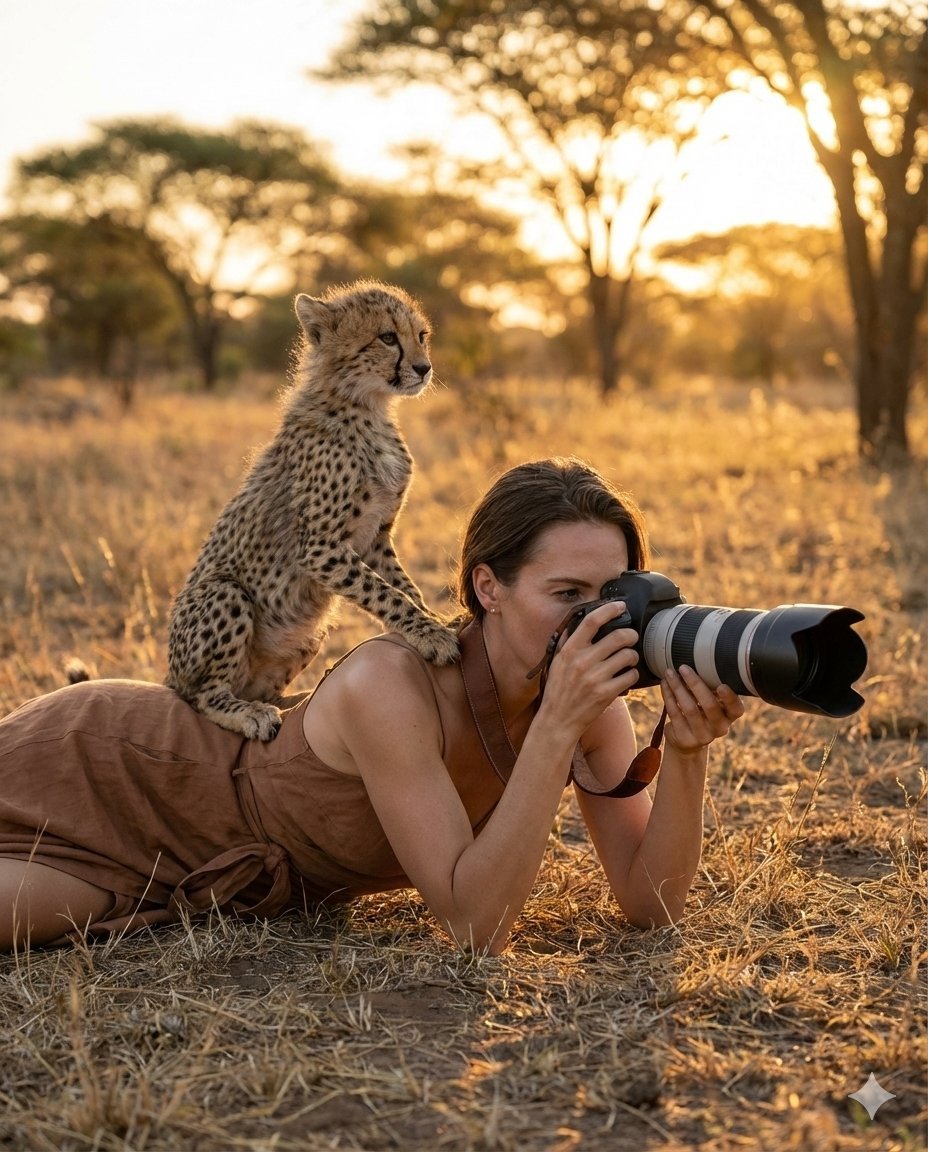
Ultra-Realistic Wildlife Photography with Cheetah Cub
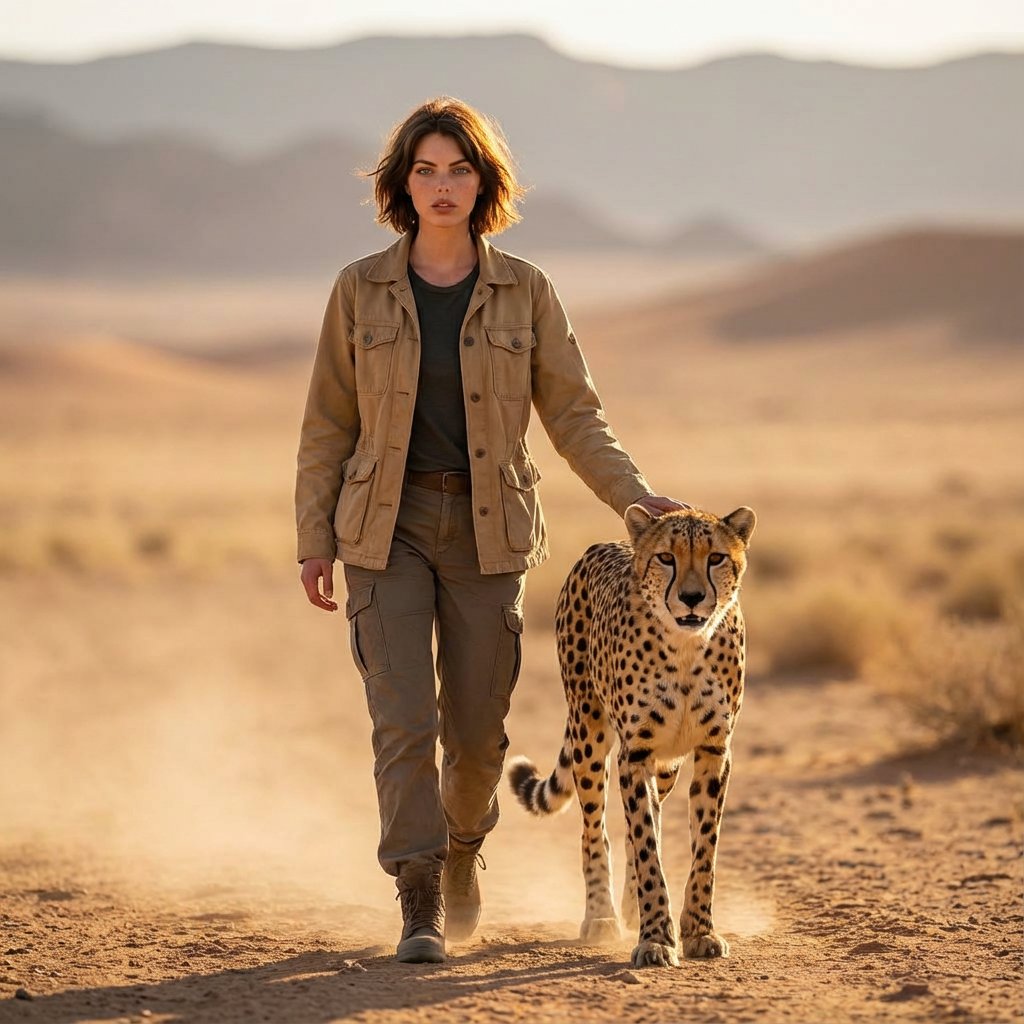
Golden Hour Desert Photo of Woman and Cheetah
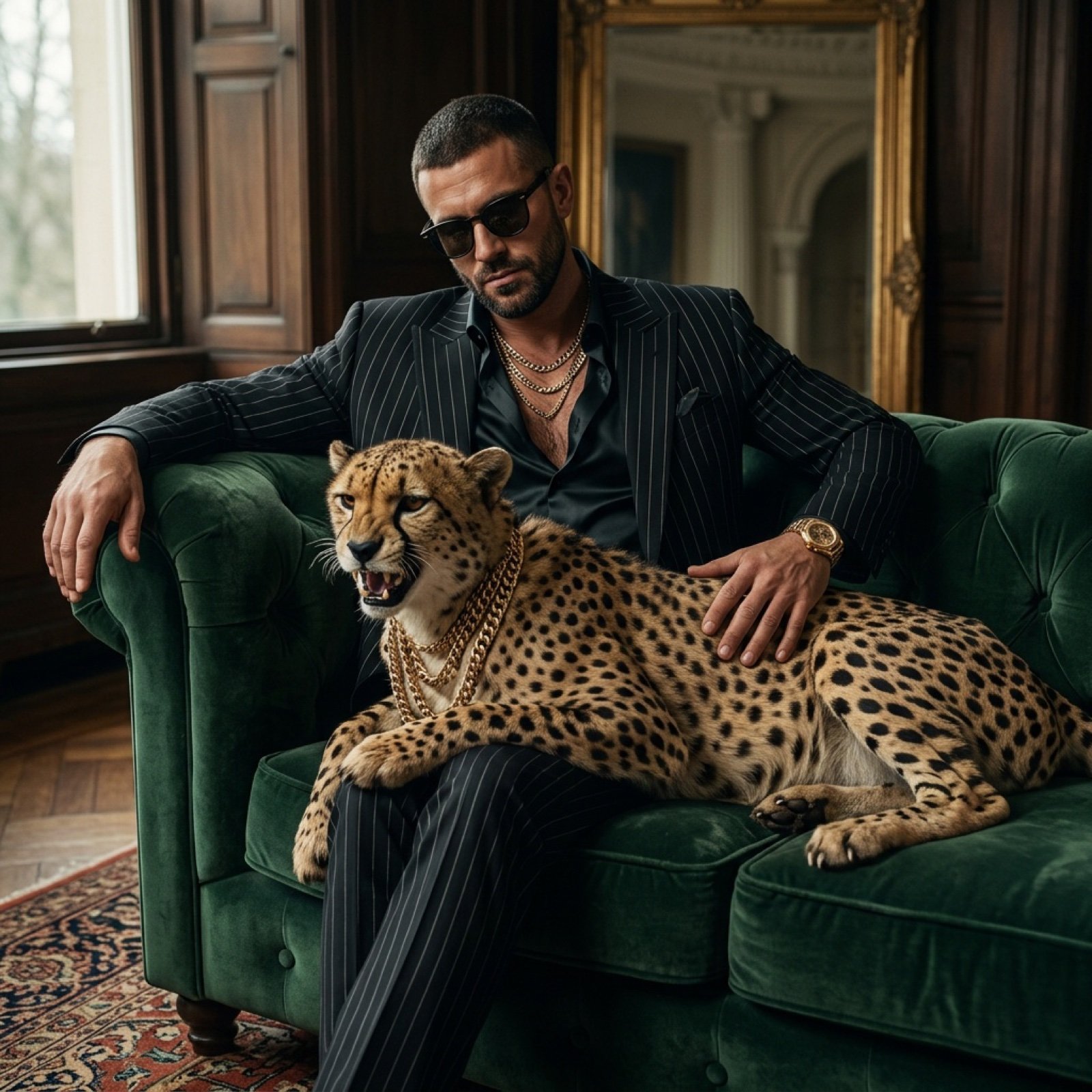
Bossy Gangster with Cheetah Portrait Prompt
Dominance portrait generation prompt (Gemini - Thinking mode)
Make it yours
Cheetah Thinking of Dinner works as-is. These are the safest ways to change it without losing the look.
Change one field
Copy a single group, rewrite it, and generate again so you can see what that field is doing.
Keep the frame, change the subject
Hold the composition and light of Cheetah Thinking of Dinner, then swap wardrobe, props or the person for a new take.
| If the result… | Why | Fix |
|---|---|---|
| The result drifts from the preview | Too many fields changed at once. | Reuse Cheetah Thinking of Dinner as-is first, then change one group — subject, light, or setting. |
| The model over-stylizes the scene | The prose prompt leaves finish and camera underspecified. | Add one camera or lighting sentence and stay on GPT Image 2. |
More GPT Image 2 templates
Other prompts made for GPT Image 2.

Six VTuber Japanese Logo Sheet

Realistic Portrait of Woman and Deer

The Vista Modular Condo Poster

AI Model Routing Comparison Infographic

2.5D Anime Art Board

Isometric Productivity Desk Scene

New York Double Exposure Poster

Four-Panel AI Landscape Comparison

Japanese Tatami Lifestyle Magazine Cover

NESCAFÉ Coffee Map Poster
More image prompts
Fresh picks from across the catalog.

Neon AI Side Hustle YouTube Thumbnail
Close-up of a Young Japanese Woman
Candid Train Photo to Studio Portrait
Premium Instagram Beach Photoshoot Collage
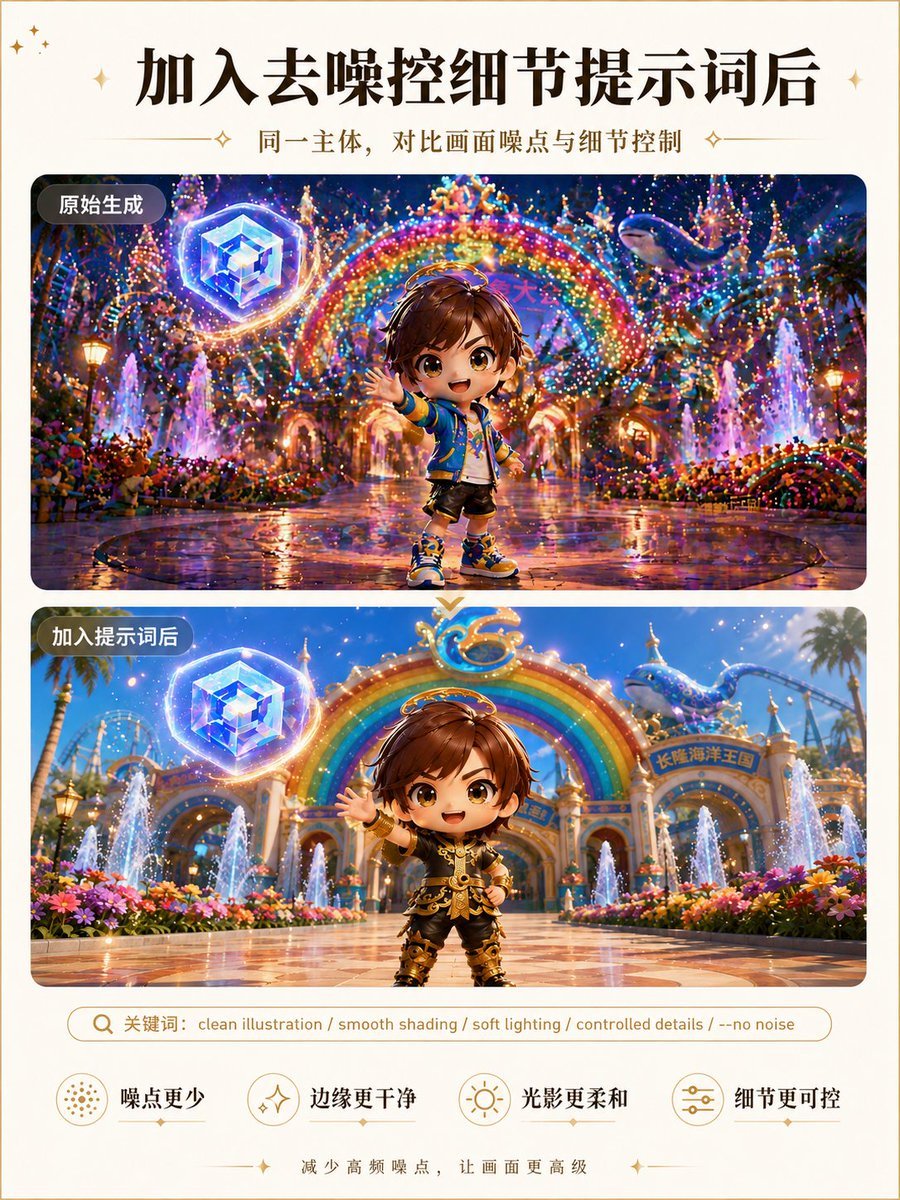
Clean Illustration Smoothing Filter
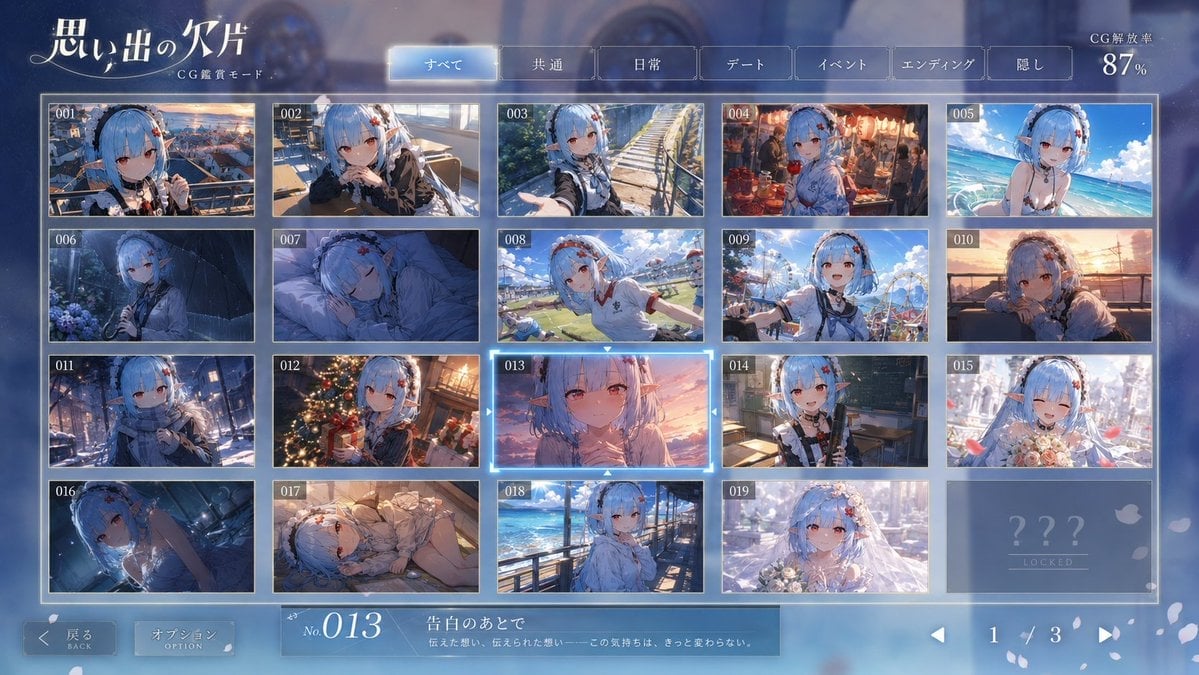
Romance Adventure Game CG Gallery UI
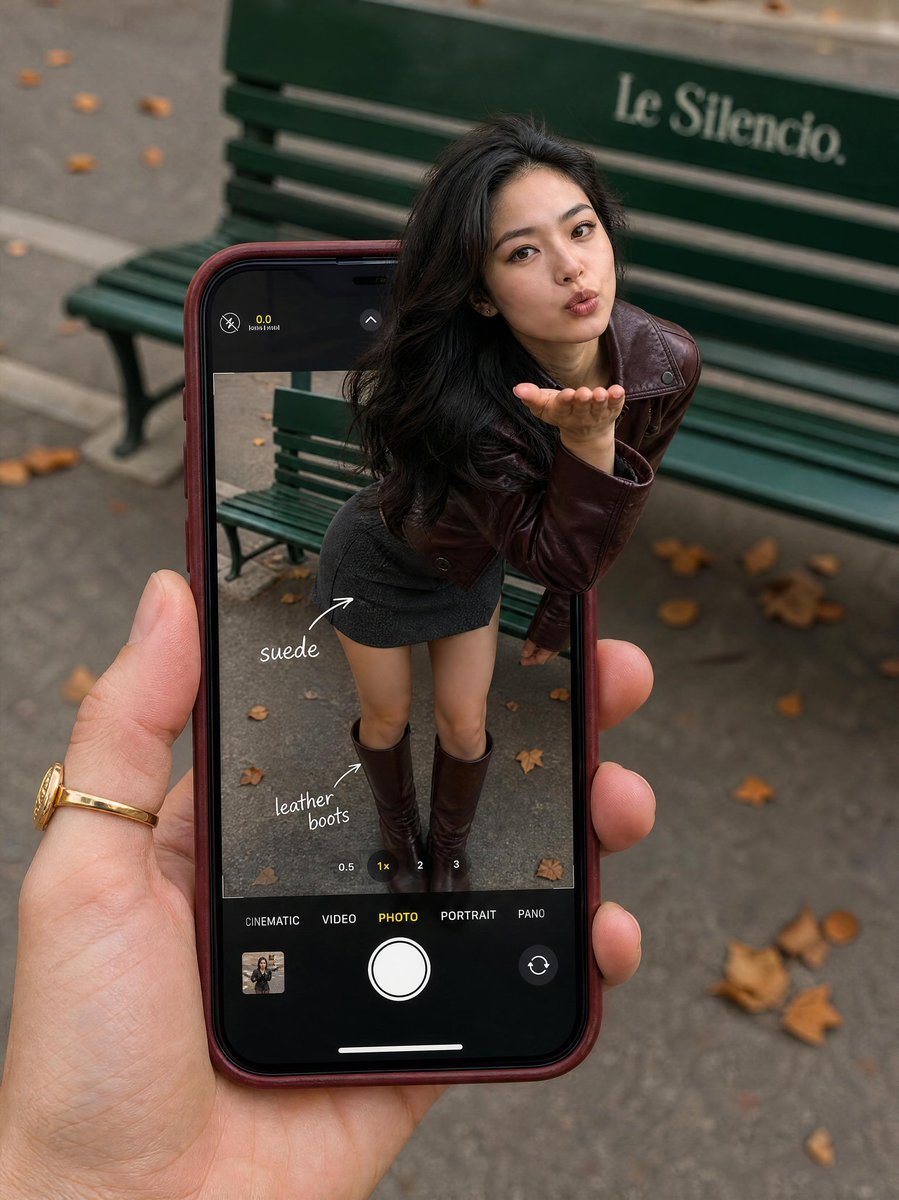
Parisian Fashion Phone Frame
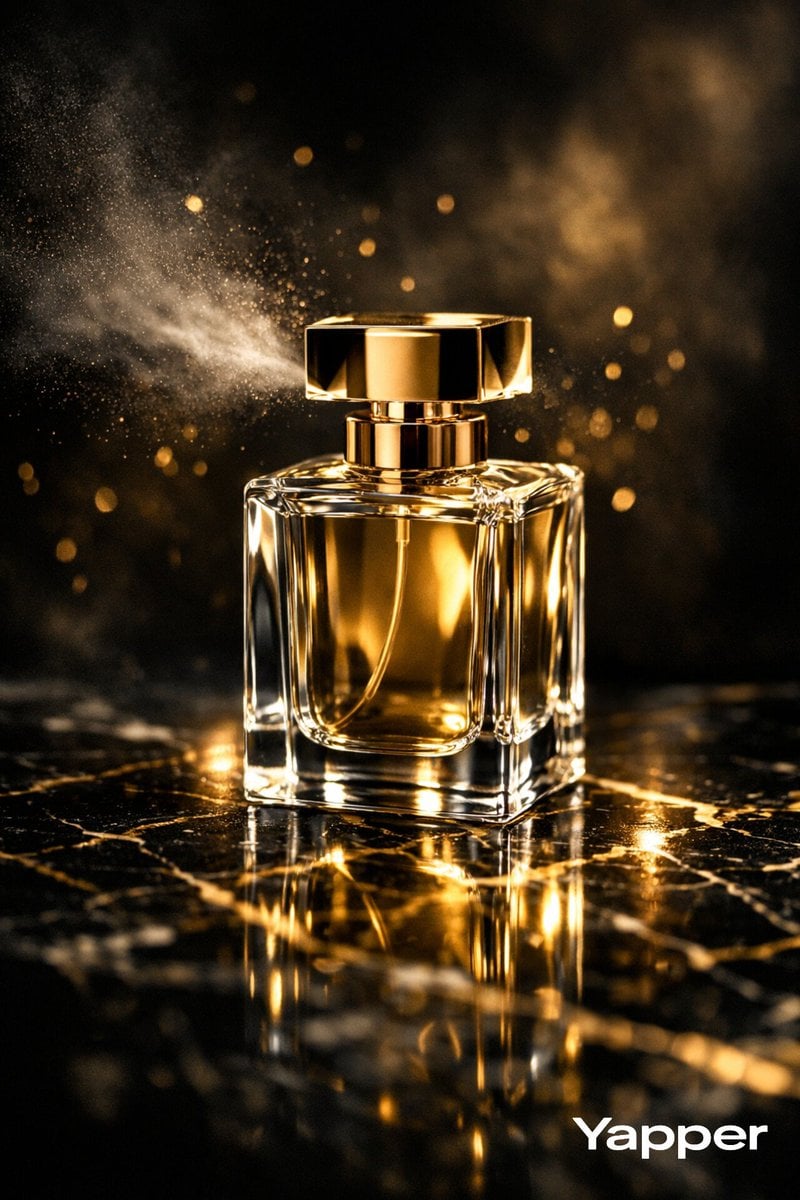
Ultra-luxurious Perfume Campaign

Grainy Paris Café Film Scene
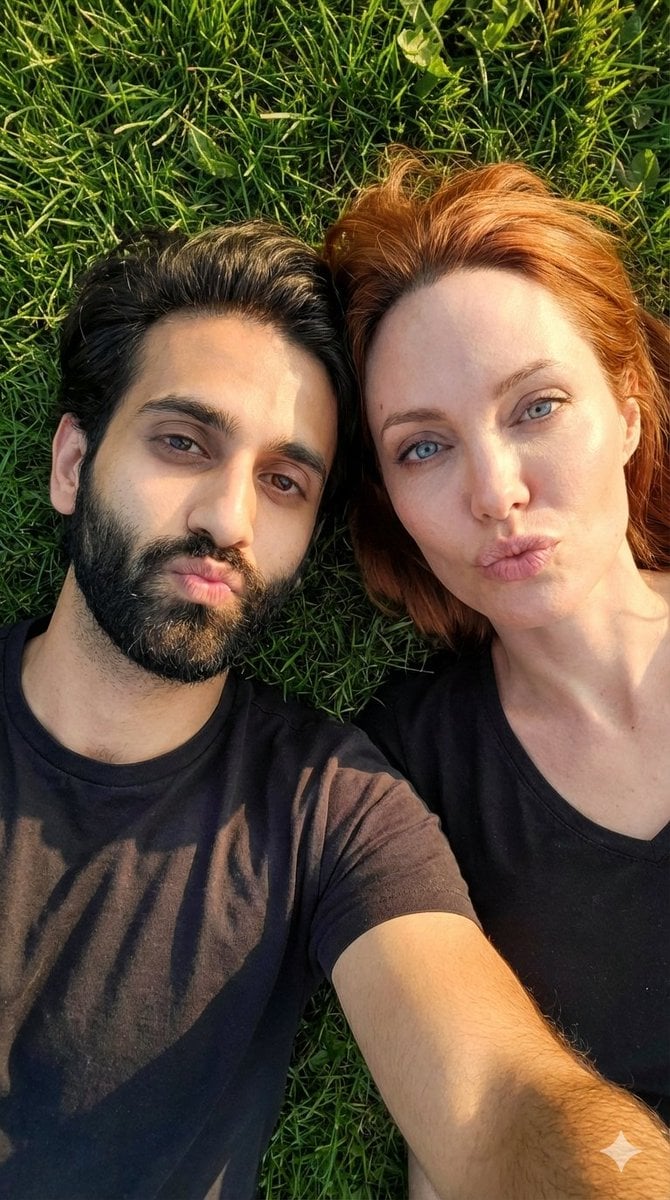
Hyper-Realistic Couple Selfie on Grass Prompt
Browse template categories
Cheetah Thinking of Dinner questions
How do I use the Cheetah Thinking of Dinner template?
Add your photo if the template asks for one, edit the prompt if you like — the template's model and format are already selected — and press Generate. Your version opens in PicX Studio.
Can I customize the Cheetah Thinking of Dinner template?
Yes. You can change the subject, setting, lighting, mood, format, and available model controls before creating your image.
Is the Cheetah Thinking of Dinner template free?
Opening and editing this template is free. Generating uses credits, shown on the Generate button when you are signed in.
Which AI model should I use?
Start with GPT Image 2, which is the model associated with this template. You can compare another compatible model for a different finish.
Looking for something else? Browse all templates.

Your photo, any look
Thousands of ready templates for every top image and video model, from one credit balance.