
AI Thinking Classical Bust Poster
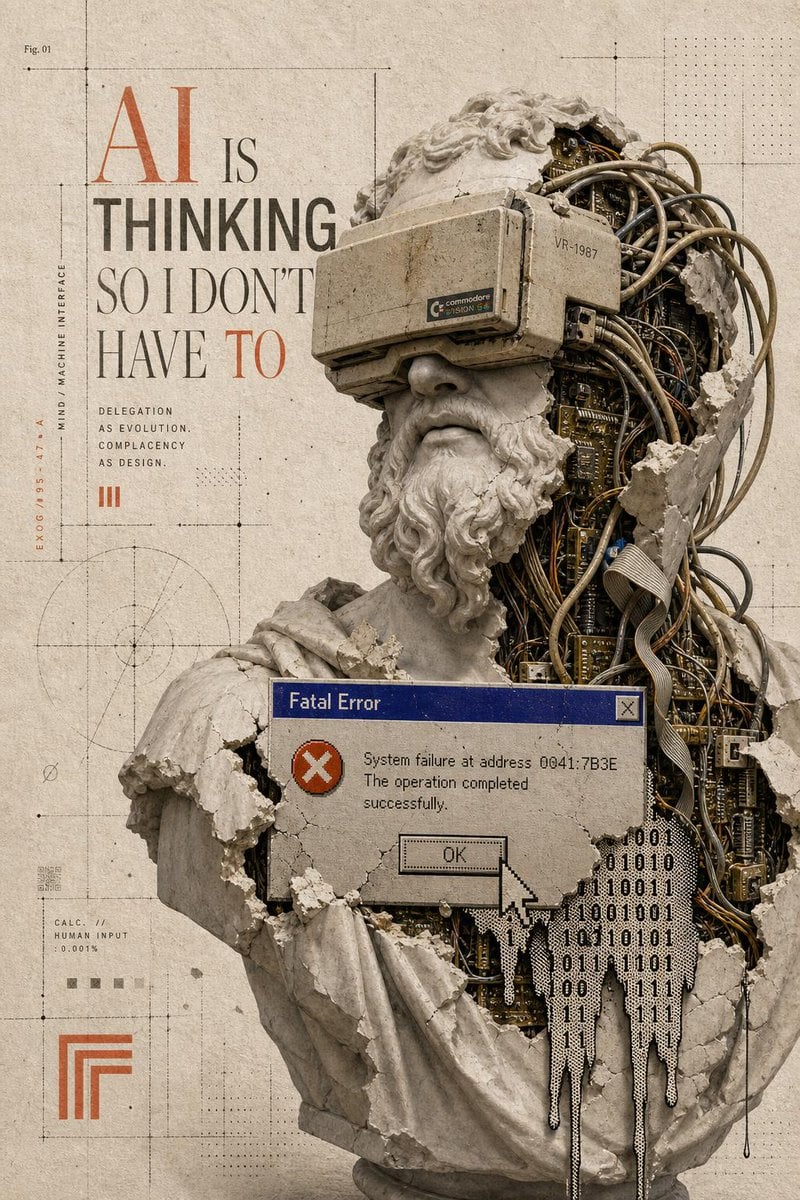
A detailed prompt for generating a distressed retro-futurist poster featuring a shattered classical bust with cybernetic internals and a vintage computer error dialog.
- Prompt included
- Model and format preset
- Free template
The prompt behind this image
Copy the exact prompt behind AI Thinking Classical Bust Poster, or open it in the studio and make it yours.
Goal: Create a vertical retro-futurist editorial poster about artificial intelligence and human delegation, combining classical sculpture, exposed machinery, and 1990s computer error UI. Canvas: Tall portrait poster, 2:3 aspect ratio, aged beige paper background with subtle stains, grain, cracks, and technical drafting marks. Use muted sepia, stone gray, rust orange, dark graphite, blue, and off-white tones. Main subject: A broken classical marble bust of a bearded Greek/Roman philosopher, shown from chest to head, occupying the right two-thirds of the poster. The bust is cracked and partially shattered, revealing dense cybernetic internals: tangled cables, circuit boards, ribbon wires, metal tubes, small components, and mechanical layers inside the skull and torso. The face area is deliberately covered by one large opaque square censor block in muted taupe-gray, centered over the eyes/nose/mouth region. The bust has curly stone hair and beard fragments, chipped shoulders, and missing chunks of marble around the right side of the head and body. Typography and poster text: On the upper left, set a large editorial headline reading “{argument name="headline text" default="AI IS THINKING SO I DON'T HAVE TO"}”. Make “AI” very large in rusty orange serif type, “IS” smaller in black serif type, “THINKING” bold condensed sans serif in dark gray, “SO I DON'T HAVE” in tall elegant serif, and “TO” in rusty orange serif. Beneath the headline, include exactly 3 short stacked lines: “DELEGATION”, “AS EVOLUTION.”, “COMPLACENCY”, followed by “AS DESIGN.” on the next line as a compact micro-caption block. Add a small orange Roman numeral “III” nearby. Error window: Place exactly 1 old Windows-style dialog box across the bust’s lower chest, with a blue title bar reading “Fatal Error”, a gray body, a red circle icon with a white X, a close button in the top right, and message text: “System failure at address 0041:7B3E\nThe operation completed successfully.” Include exactly 1 rectangular “OK” button and exactly 1 large pixelated white cursor arrow pointing at or overlapping the OK button. Data overlay: Add exactly 1 black binary-code glitch shape dripping down from the lower right of the dialog box and over the exposed circuitry, made of repeated 0s and 1s. It should look like melting digital residue. Background technical details: Add thin black drafting lines, crop marks, dotted grids, measurement ticks, crosshair points, and faint geometric diagrams. Include exactly 1 circular construction diagram in the lower left quadrant. Include exactly 1 small orange nested-corner logo mark near the bottom left. Include exactly 1 small label at top left reading “Fig. 01”. Along the left margin, include vertical microtext reading “MIND / MACHINE INTERFACE” and small coordinate-like text in orange. Add a tiny calculation block near the lower left reading “CALC. // HUMAN INPUT 0.001%”. Visual style: High-detail photomontage collage, museum sculpture realism mixed with cyberpunk exposed hardware, Swiss editorial layout, brutalist typography, distressed printed texture, subtle halftone dots, precise grid composition, cinematic shadows, realistic stone dust and chipped marble edges. Constraints: Use exactly 1 bust, exactly 1 censor square, exactly 1 error dialog, exactly 1 cursor, exactly 1 binary drip shape, exactly 1 circular diagram, and exactly 1 orange nested-corner logo. Do not add extra people, extra windows, modern glossy UI, neon colors, or watermark.
How to use AI Thinking Classical Bust Poster in 3 steps
- 1Upload ImagePNG, JPG or paste
Add your photo
Upload the photo the template builds on. The prompt, model and format are already set.
- 2…a portrait of your subject in softgolden-hour light, 85mm…
Personalize
Edit the subject and creative details for your destination.
- 3Generate
Generate
Press Generate — your image is created in PicX Studio, so you can compare it with the original and refine one variable at a time.
More like this
Templates with the same subject, style or setup. Open one to see its prompt.

Japan Travel Brochure Poster

Cartoon TV Show Poster Pack

Trendy Cafe Drink Promo Poster

Urban Fashion Editorial Collage Streetwear Poster

Premium Fashion Editorial Cover Layout System

Polo Ralph Lauren Luxury American Heritage Fashion Campaign

Monochrome Halftone Editorial Fashion Poster

Retro Mirror Luxury Fashion Campaign Poster
Luxury Fashion Campaign Typography Poster System
Premium Fashion Editorial Campaign Poster System
Ultra-Stylized High-Fashion Streetwear Poster
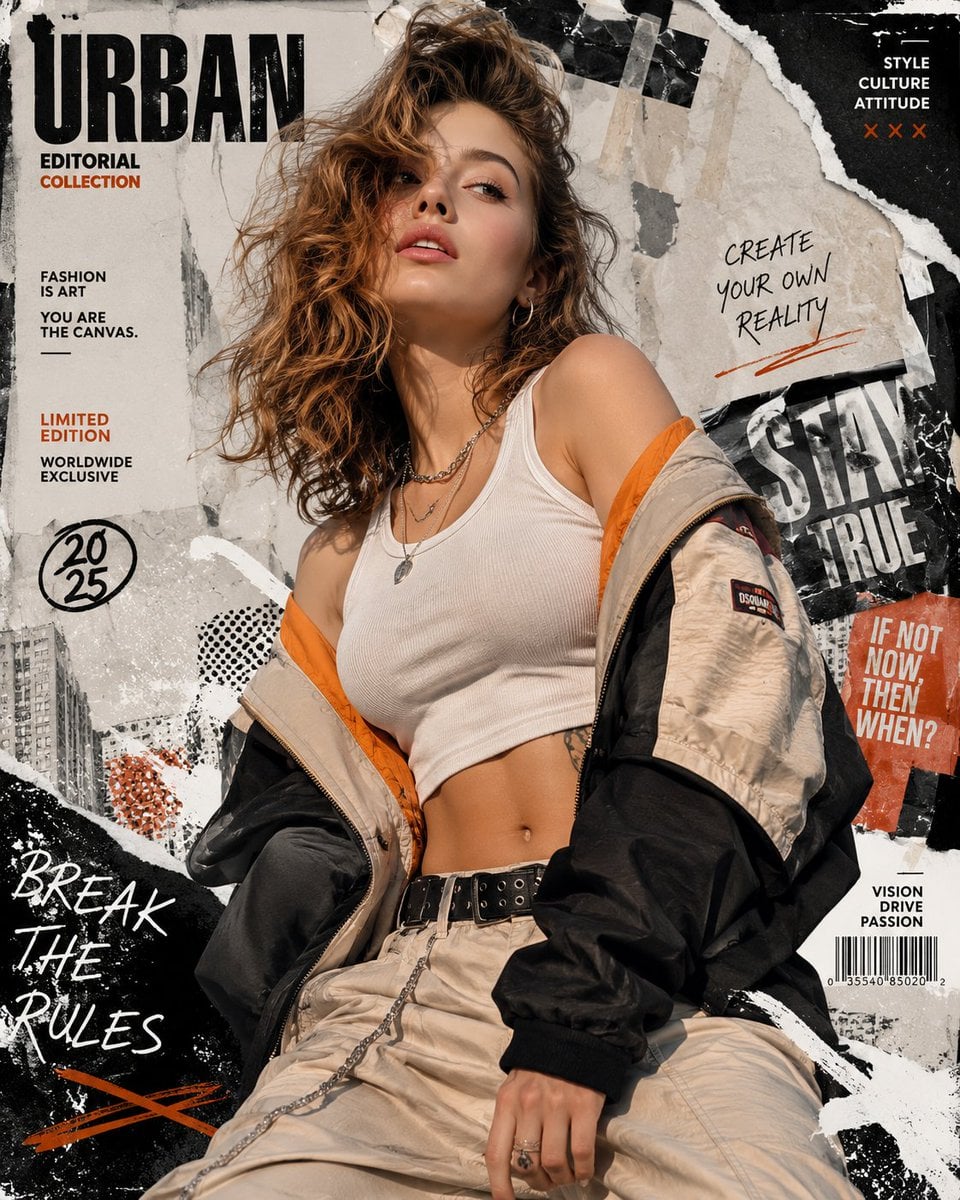
Urban Fashion Editorial Collage Poster
Make it yours
AI Thinking Classical Bust Poster works as-is. These are the safest ways to change it without losing the look.
Change one field
Copy a single group, rewrite it, and generate again so you can see what that field is doing.
Keep the frame, change the subject
Hold the composition and light of AI Thinking Classical Bust Poster, then swap wardrobe, props or the person for a new take.
| If the result… | Why | Fix |
|---|---|---|
| The result drifts from the preview | Too many fields changed at once. | Reuse AI Thinking Classical Bust Poster as-is first, then change one group — subject, light, or setting. |
| The model over-stylizes the scene | The prose prompt leaves finish and camera underspecified. | Add one camera or lighting sentence and stay on GPT Image 2. |
More GPT Image 2 templates
Other prompts made for GPT Image 2.

Six VTuber Japanese Logo Sheet

Realistic Portrait of Woman and Deer

The Vista Modular Condo Poster

AI Model Routing Comparison Infographic

2.5D Anime Art Board

Isometric Productivity Desk Scene

New York Double Exposure Poster

Four-Panel AI Landscape Comparison

Japanese Tatami Lifestyle Magazine Cover

NESCAFÉ Coffee Map Poster
More image prompts
Fresh picks from across the catalog.
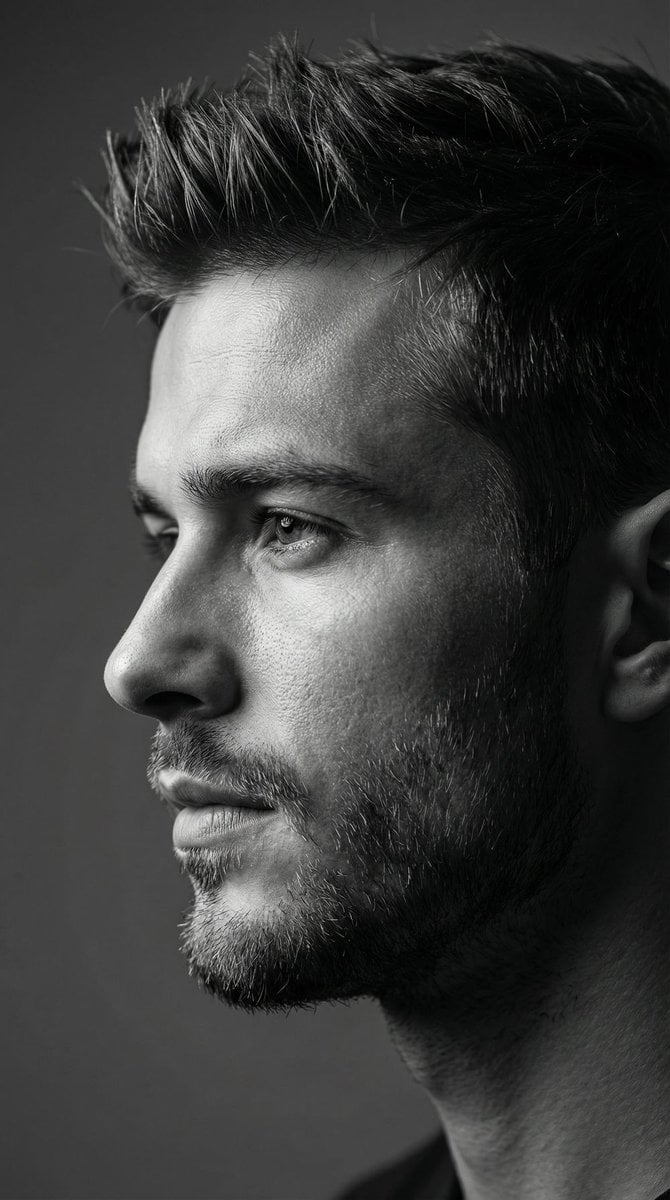
Dramatic Black and White Male Portrait
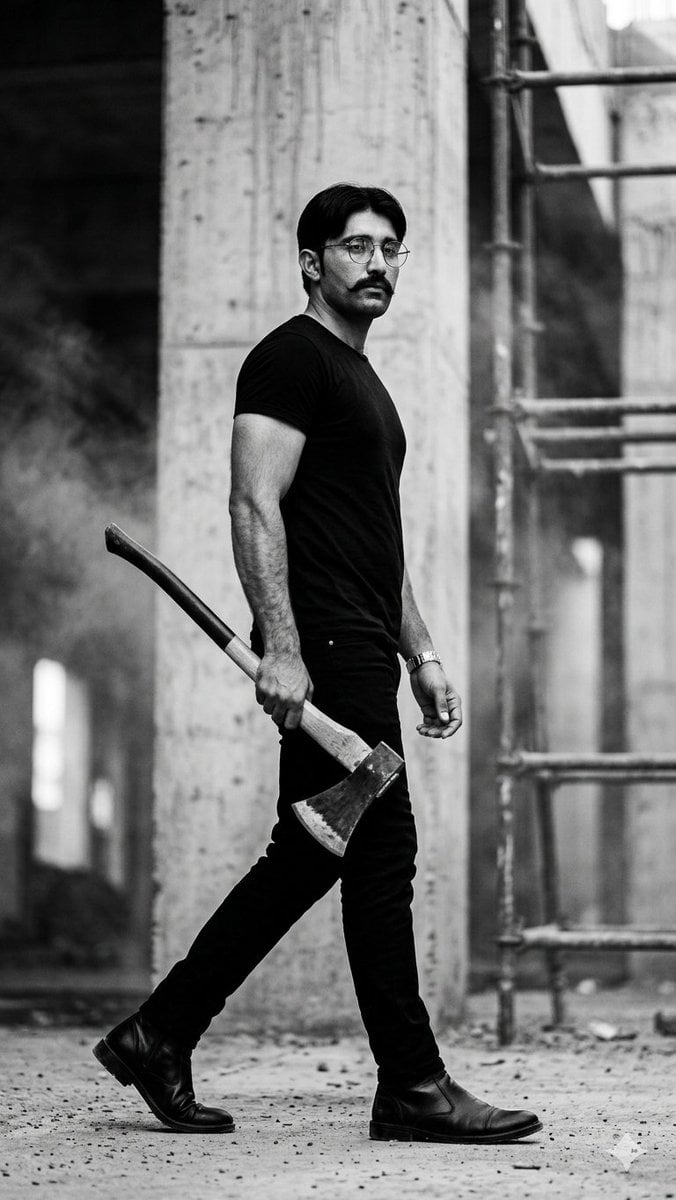
Monochrome Industrial Axe Walker

Cinematic Behind-the-Scenes VFX Artists Prompt
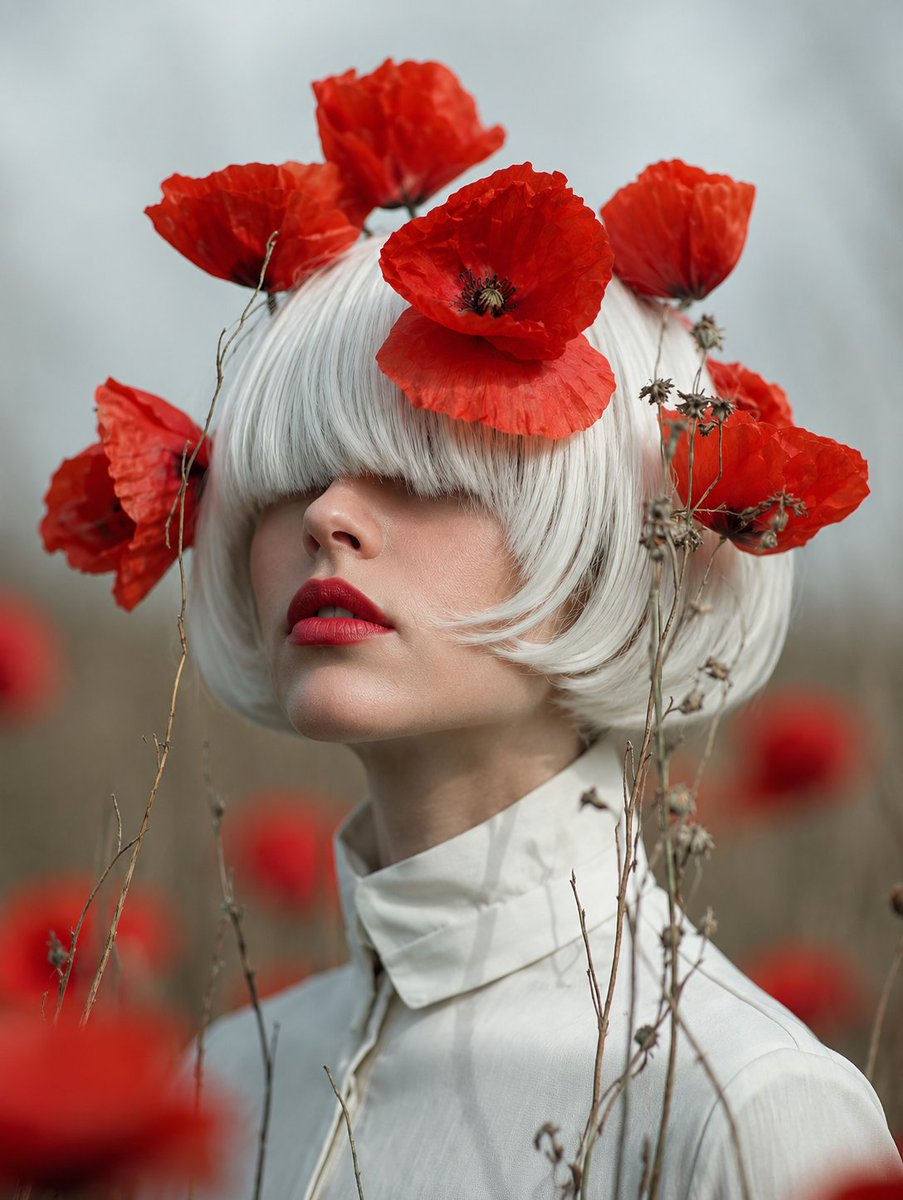
Faceless Lady of Red Poppies
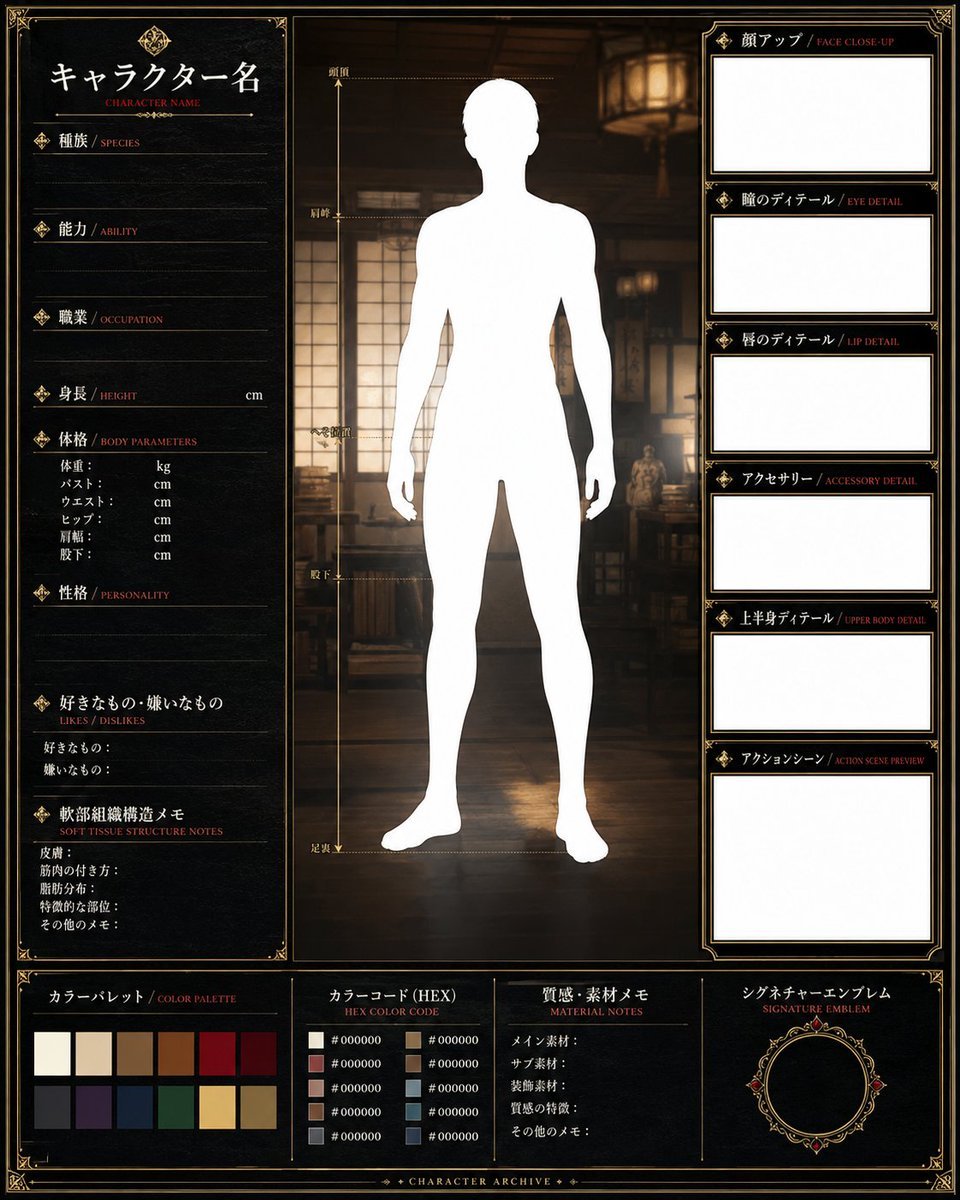
Fantasy Character Archive Sheet
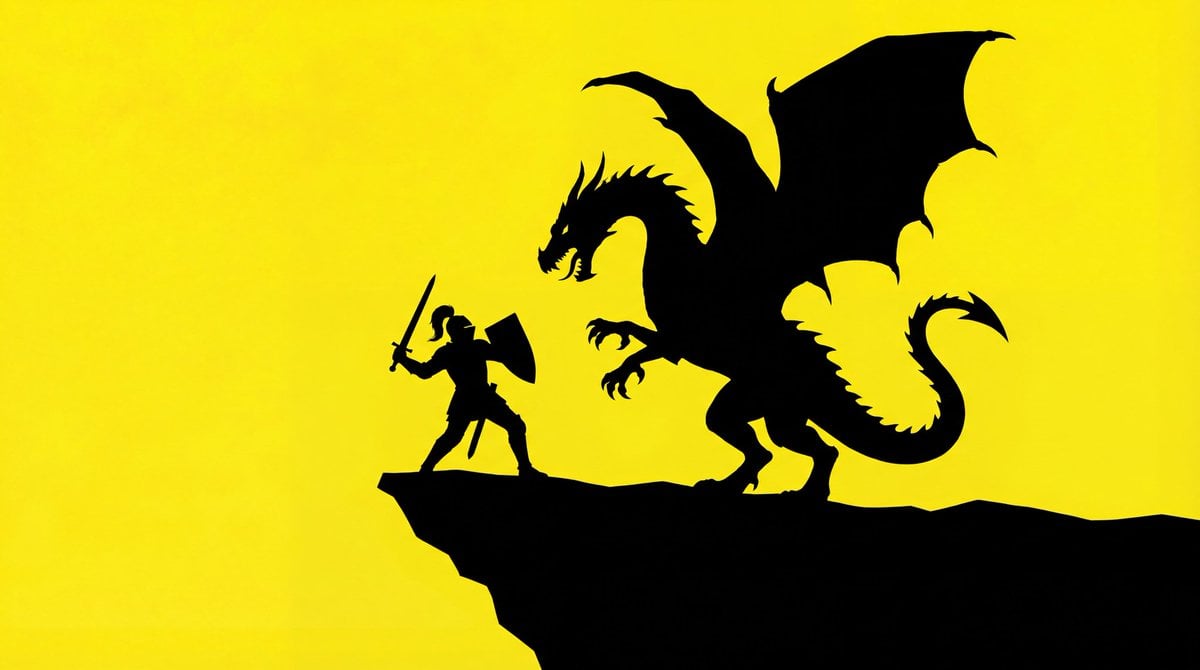
Simple Silhouette Prompt
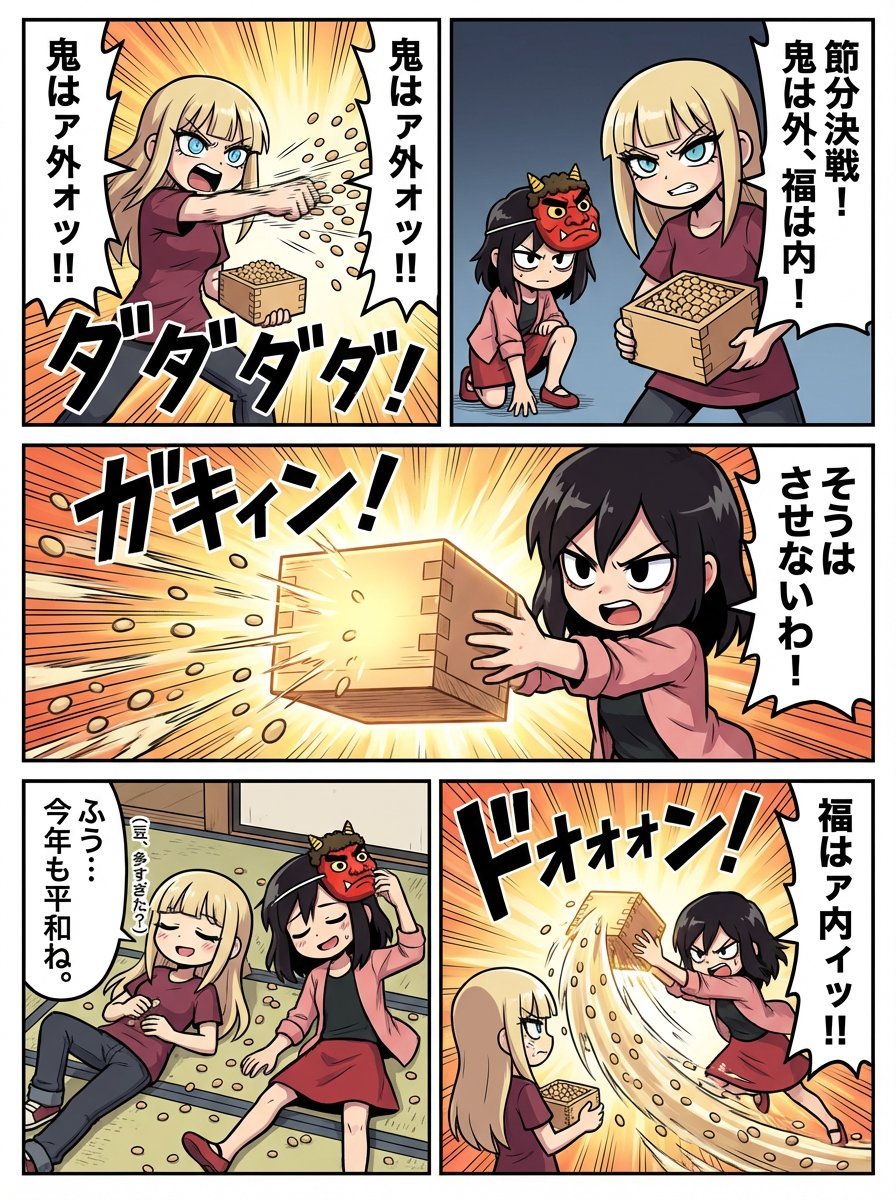
Minute Challenge: Setsubun Manga
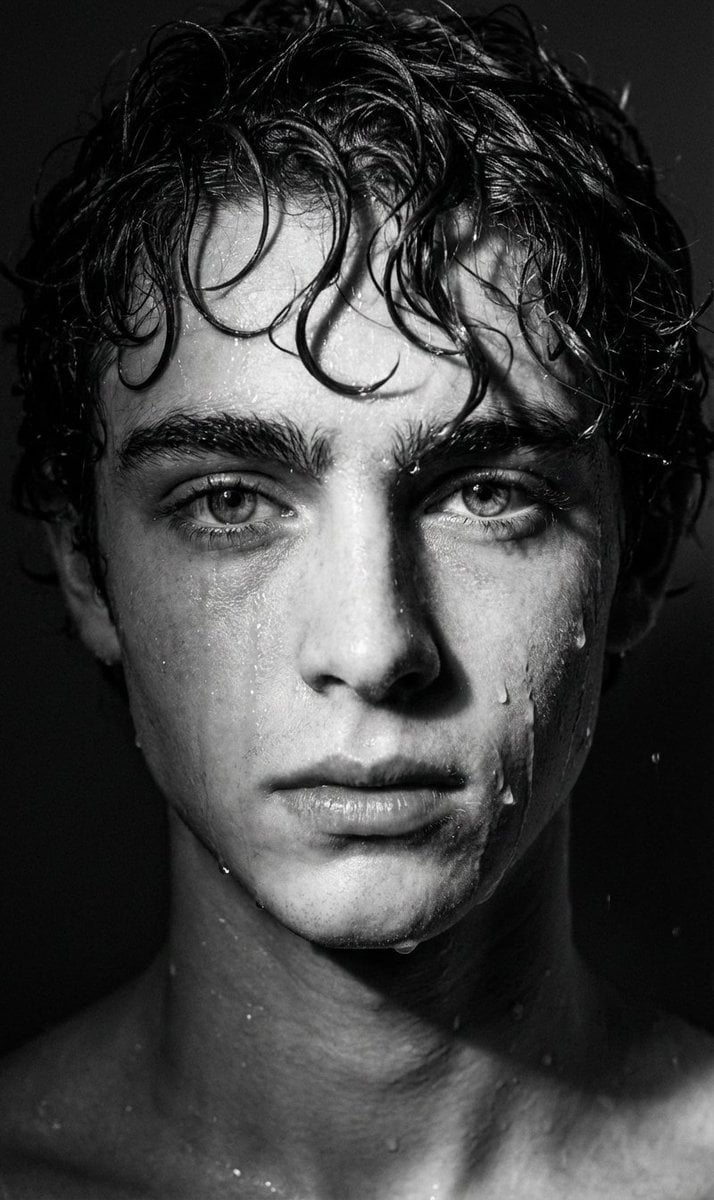
Dramatic Black and White Wet Portrait Prompt
Commercial Fashion Photograph with Strict Garment Preservation (Variant)
Moe Anime Style Claude Meme
Browse template categories
AI Thinking Classical Bust Poster questions
How do I use the AI Thinking Classical Bust Poster template?
Add your photo if the template asks for one, edit the prompt if you like — the template's model and format are already selected — and press Generate. Your version opens in PicX Studio.
Can I customize the AI Thinking Classical Bust Poster template?
Yes. You can change the subject, setting, lighting, mood, format, and available model controls before creating your image.
Is the AI Thinking Classical Bust Poster template free?
Opening and editing this template is free. Generating uses credits, shown on the Generate button when you are signed in.
Which AI model should I use?
Start with GPT Image 2, which is the model associated with this template. You can compare another compatible model for a different finish.
Looking for something else? Browse all templates.

Your photo, any look
Thousands of ready templates for every top image and video model, from one credit balance.