
Premium Instagram Beach Photoshoot Collage
An optimized 3:4 collage prompt for a cinematic golden-hour beach photoshoot using an identity reference image.
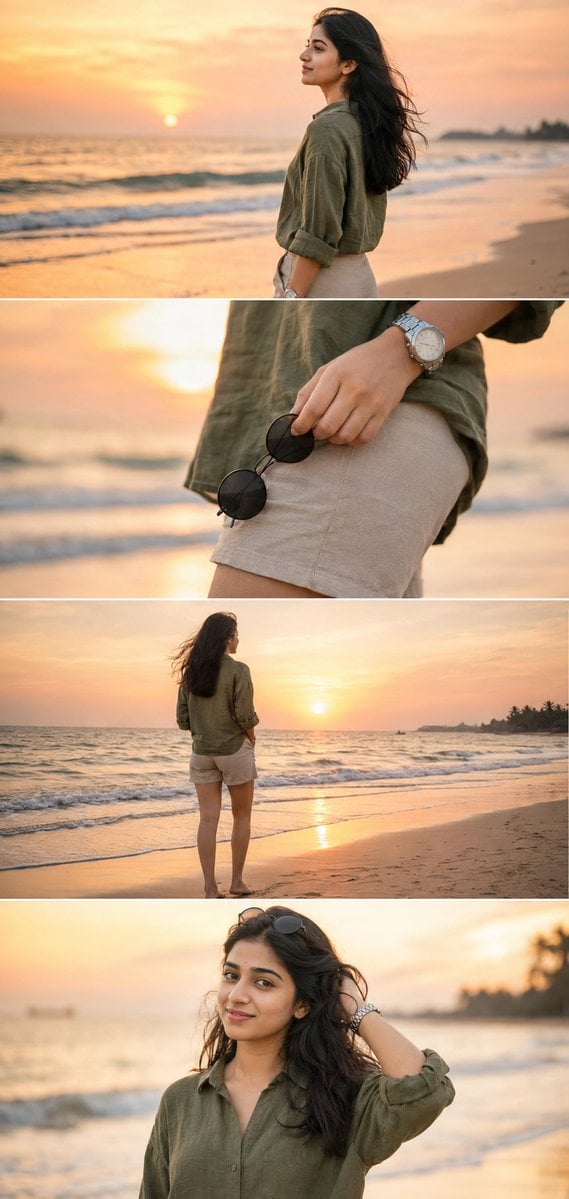
- Prompt included
- Model and format preset
- Free template
The prompt behind this image
Copy the exact prompt behind Premium Instagram Beach Photoshoot Collage, or open it in the studio and make it yours.
Ultra-realistic DSLR cinematic beach photoshoot collage featuring the SAME girl from the uploaded reference image. Use the uploaded image as the facial identity reference and preserve her face exactly — identical facial structure, jawline, eyes, nose, lips, skin tone, hairstyle, expression style, body proportions, and natural appearance. Maintain a perfect realistic likeness with no beautification, age modification, face enhancement, or stylization. Create a premium Instagram portrait collage in 3:4 ratio (1080×1440), consisting of 4 vertically stacked photos separated by thin white dividers. The layout should resemble a luxury cinematic Instagram reel cover with balanced spacing and elegant composition. Environment: Golden sunset beach, pastel orange-pink sky, soft ocean waves, reflective wet sand, dreamy tropical atmosphere, warm cinematic sunlight, shallow depth of field, realistic DSLR photography, natural colors, highly detailed textures. Outfit: Olive green linen shirt with rolled sleeves, beige beach shorts, silver wristwatch, holding black round sunglasses. Photo 1: Medium side-profile portrait looking toward the horizon, calm and relaxed expression, soft ocean waves in the background, golden-hour lighting. Photo 2: Close-up detail shot of the hand holding black round sunglasses near the shorts pocket, shallow depth of field, cinematic focus, blurred beach background. Photo 3: Back-view full-body shot standing near the shoreline facing the ocean during sunset, relaxed posture, gentle sea breeze moving the hair naturally. Photo 4: Candid portrait touching hair with a subtle smile, warm sunlight illuminating the face, dreamy beach atmosphere, authentic natural emotion. Photography Style: Professional travel photography, DSLR camera, 85mm lens, f/1.8 aperture, HDR, ultra-realistic skin texture, realistic shadows, cinematic color grading, 4K detail, premium editorial quality. Face Match Priority: 100% facial identity match with the uploaded reference image. Identical facial features, hairstyle, skin tone, proportions, and realistic appearance. The same person must appear consistently across all four photos. Negative Prompt: Different face, face change, face swap errors, AI-generated face, beautified face, cartoon, anime, illustration, unrealistic skin, distorted anatomy, extra fingers, duplicate person, blurry face, low resolution, overexposed lighting, watermark, text, logo, artificial beauty filters, altered facial features.
How to use Premium Instagram Beach Photoshoot Collage in 3 steps
- 1Upload ImagePNG, JPG or paste
Add your photo
Upload the photo the template builds on. The prompt, model and format are already set.
- 2…a portrait of your subject in softgolden-hour light, 85mm…
Personalize
Edit the subject and creative details for your destination.
- 3Generate
Generate
Press Generate — your image is created in PicX Studio, so you can compare it with the original and refine one variable at a time.
More like this
Templates with the same subject, style or setup. Open one to see its prompt.
Gen Z Flash Selfie Triple Collage

Paris Travel Collage Grid - Face Reference

Gen Z Triple Selfie Collage — Y2K Flash Photography
Photoshoot

Mirror Selfie Chibi Characters Pixar Style

Pastel Anime Summer Beach Collage

Eid al-Adha Cute Chaos — Fisheye Selfie with Farm Selfie, Mosque & Animals

Paper Cut Finale Fireworks

Paper Cut Garden Maze

Paper Cut Rooftop Concert

Paper Cut Bicycle Coast

Paper Cut Castle Gate
Make it yours
Premium Instagram Beach Photoshoot Collage works as-is. These are the safest ways to change it without losing the look.
Change one field
Copy a single group, rewrite it, and generate again so you can see what that field is doing.
Keep the frame, change the subject
Hold the composition and light of Premium Instagram Beach Photoshoot Collage, then swap wardrobe, props or the person for a new take.
| If the result… | Why | Fix |
|---|---|---|
| The result drifts from the preview | Too many fields changed at once. | Reuse Premium Instagram Beach Photoshoot Collage as-is first, then change one group — subject, light, or setting. |
| The model over-stylizes the scene | The prose prompt leaves finish and camera underspecified. | Add one camera or lighting sentence and stay on GPT Image 2. |
More GPT Image 2 templates
Other prompts made for GPT Image 2.

Six VTuber Japanese Logo Sheet

Realistic Portrait of Woman and Deer

The Vista Modular Condo Poster

AI Model Routing Comparison Infographic

2.5D Anime Art Board

Isometric Productivity Desk Scene

New York Double Exposure Poster

Four-Panel AI Landscape Comparison

Japanese Tatami Lifestyle Magazine Cover

NESCAFÉ Coffee Map Poster
More image prompts
Fresh picks from across the catalog.
Knitted Terrace Scene with Cable-Knit Textures
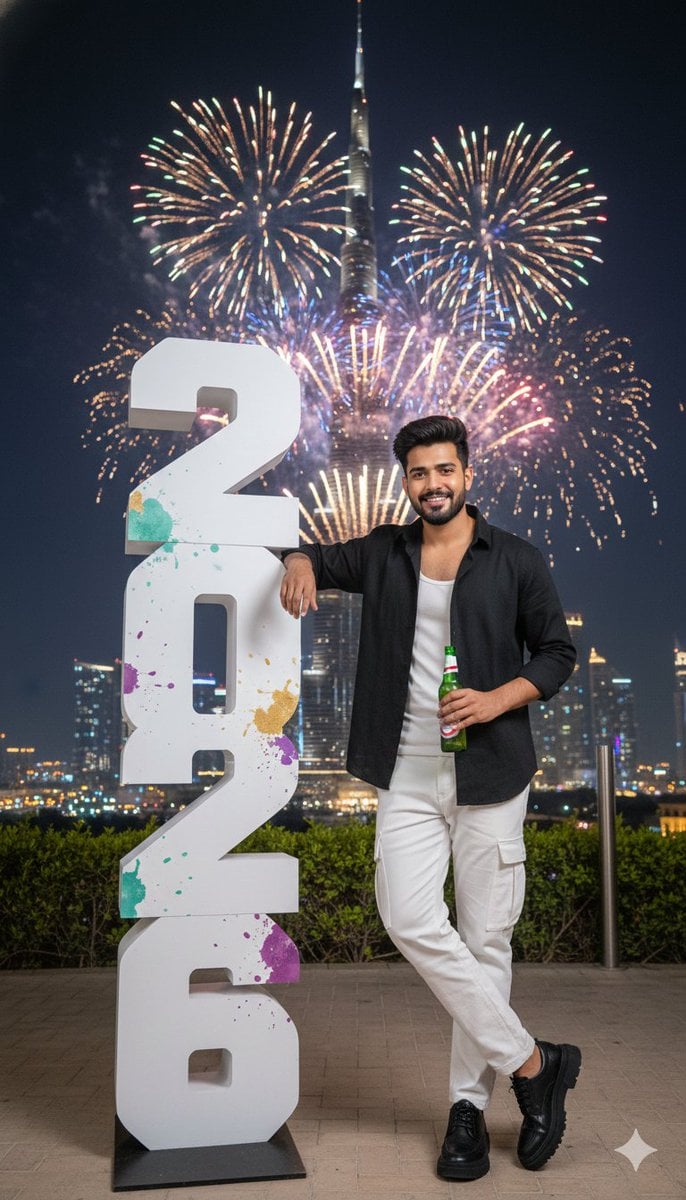
New Year Celebration Photo in Dubai
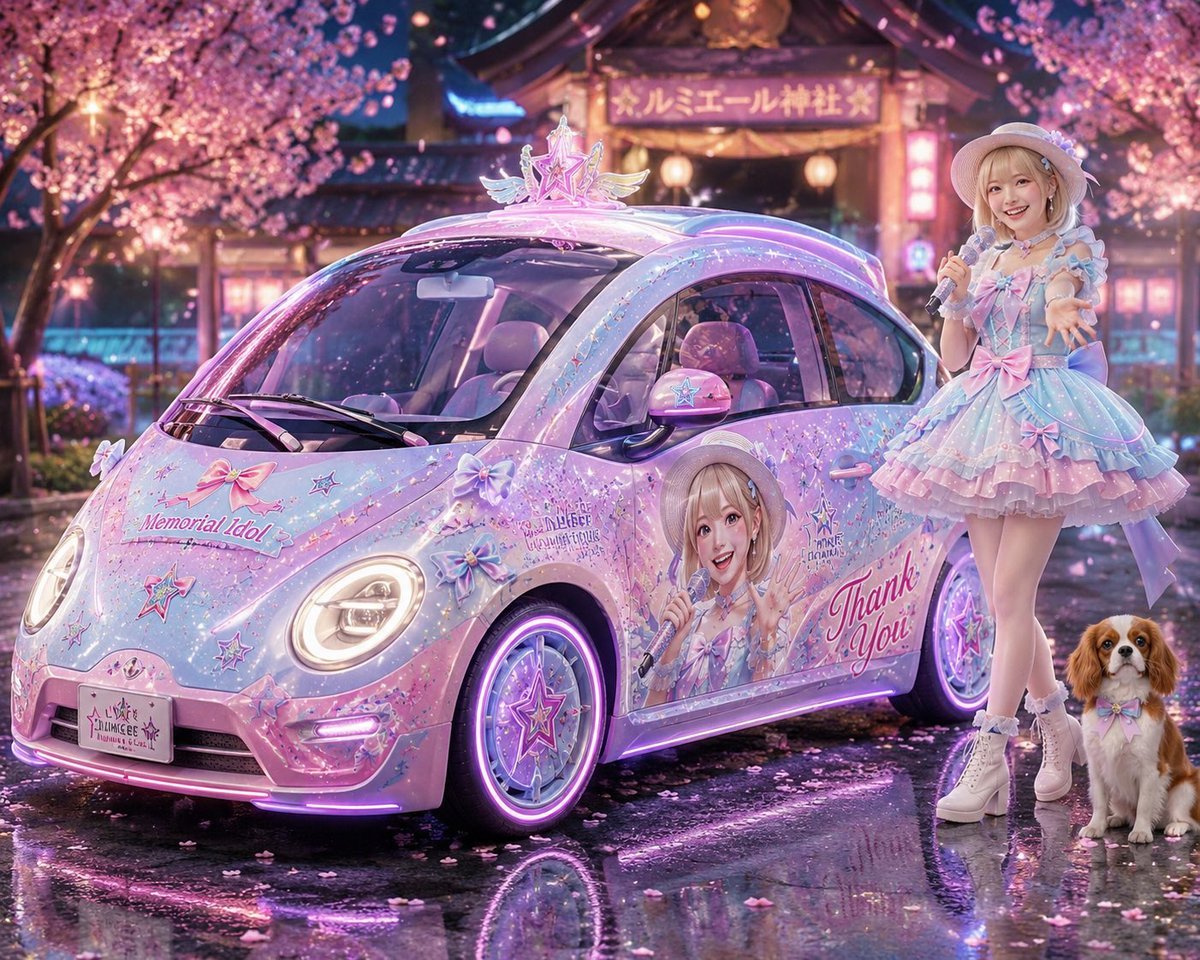
Pastel Idol Itasha at Sakura Shrine
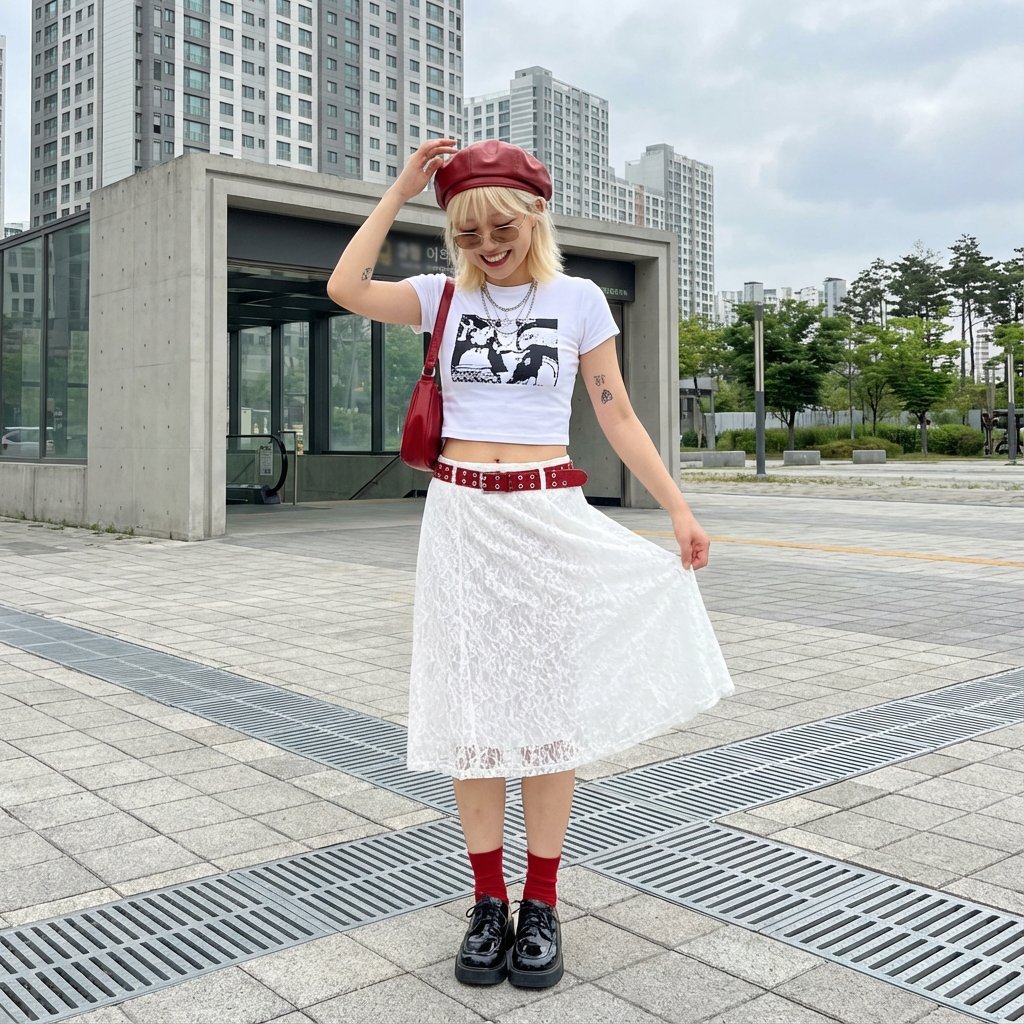
Street Style Fashion Photography Prompt
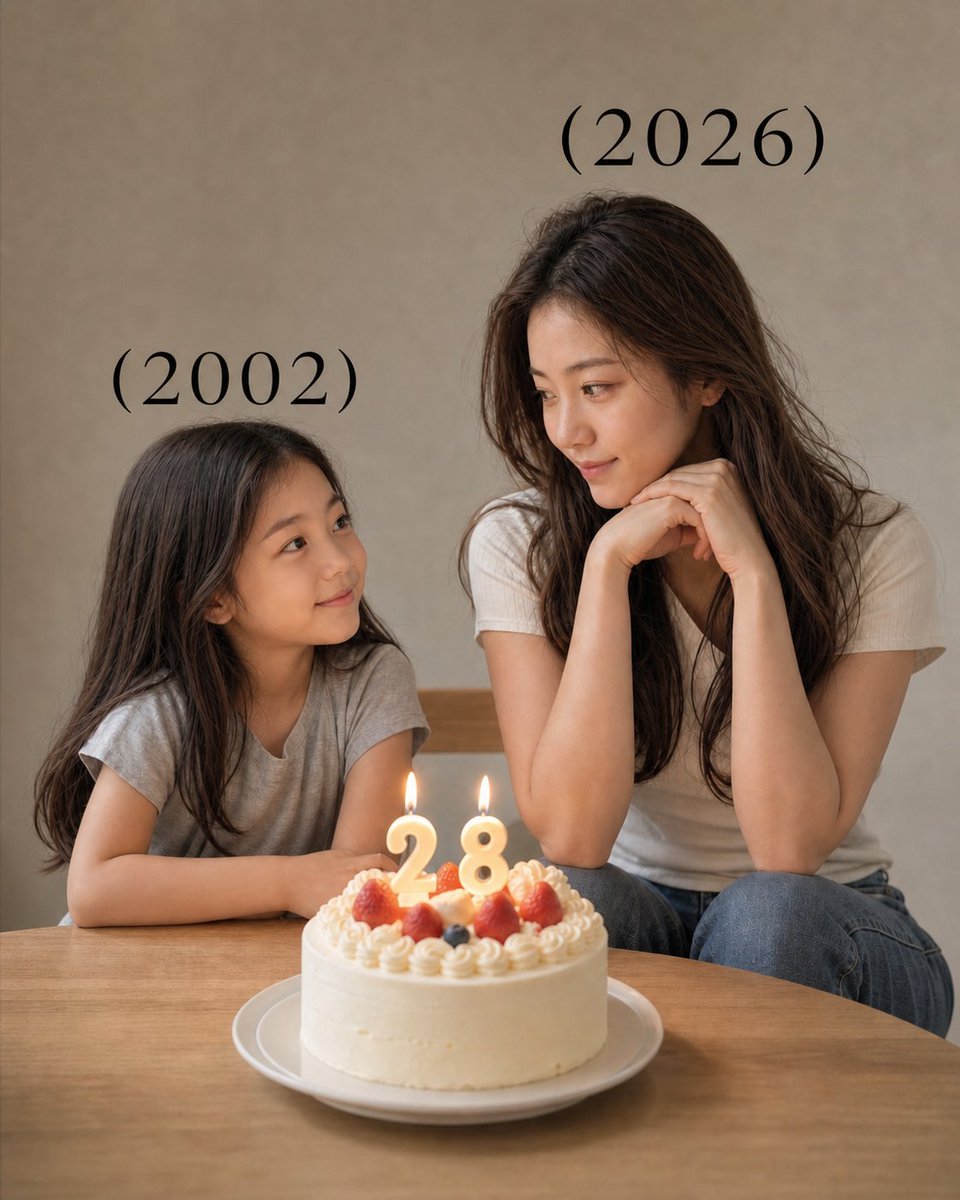
Time-Travel Birthday Reunion Portrait
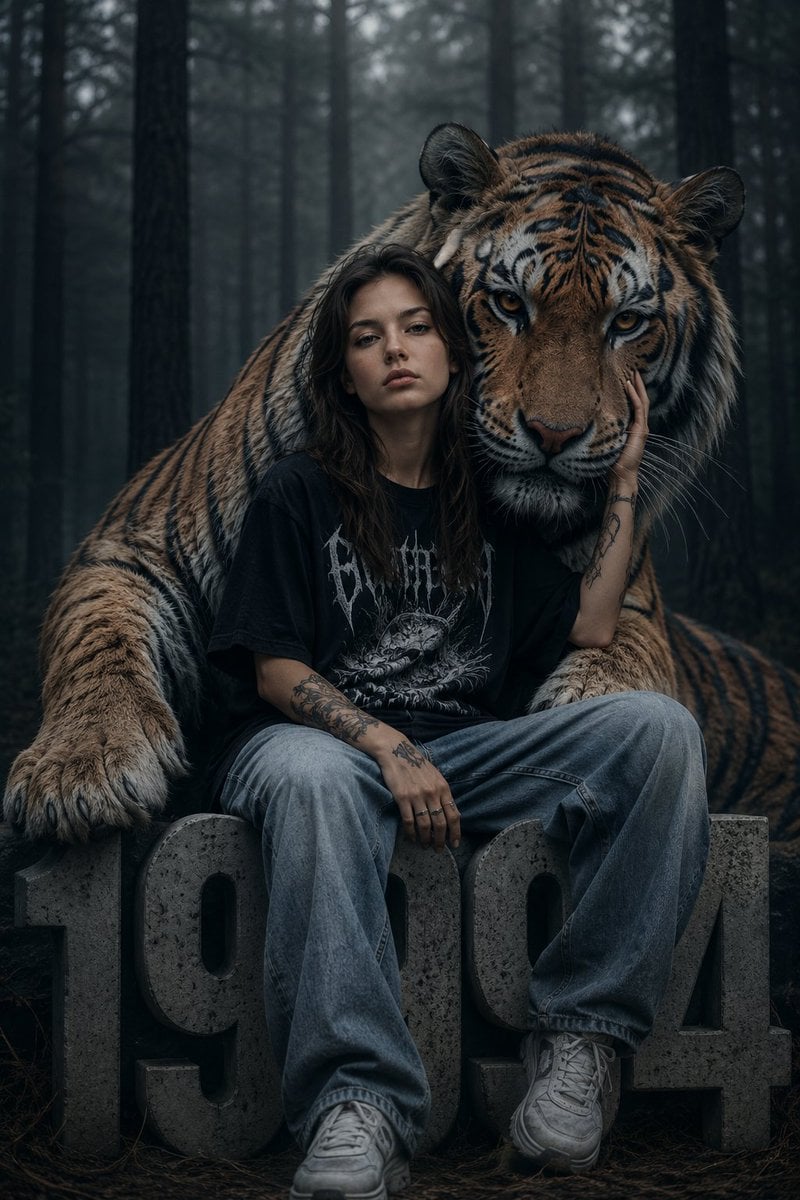
Dark Fantasy Girl with Bengal Tiger
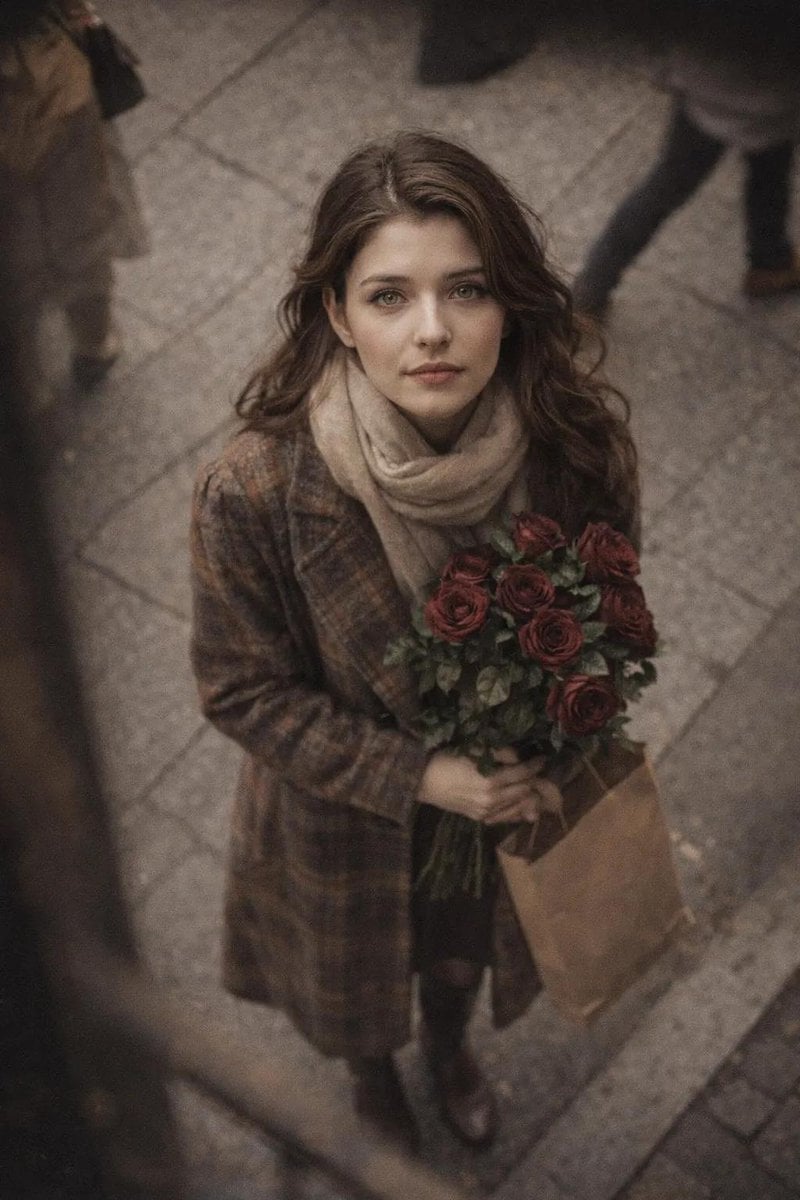
Cinematic Street Photography Portrait with Roses
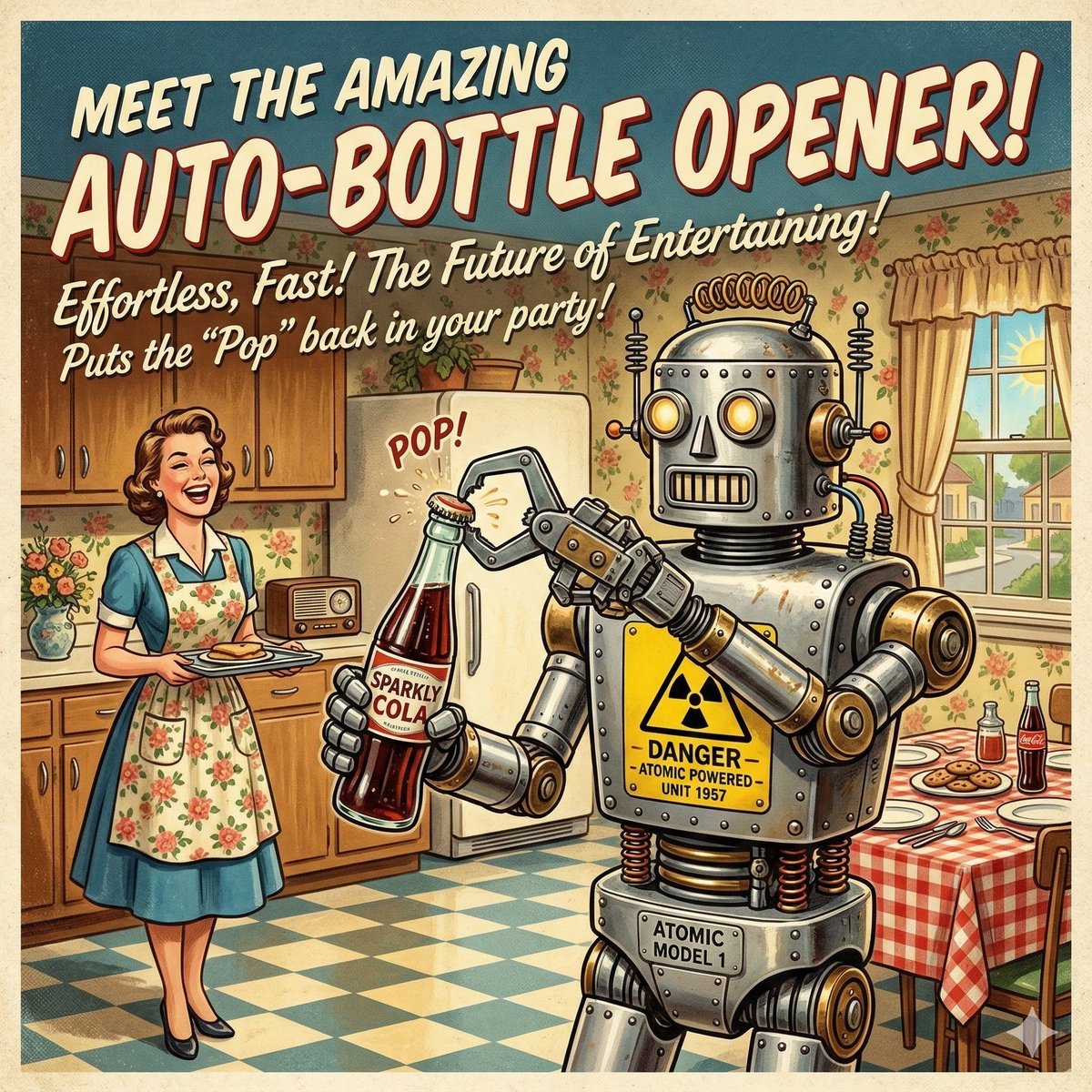
Retro Futurism Auto-Bottle Opener

Frozen Empire Crystal Throne
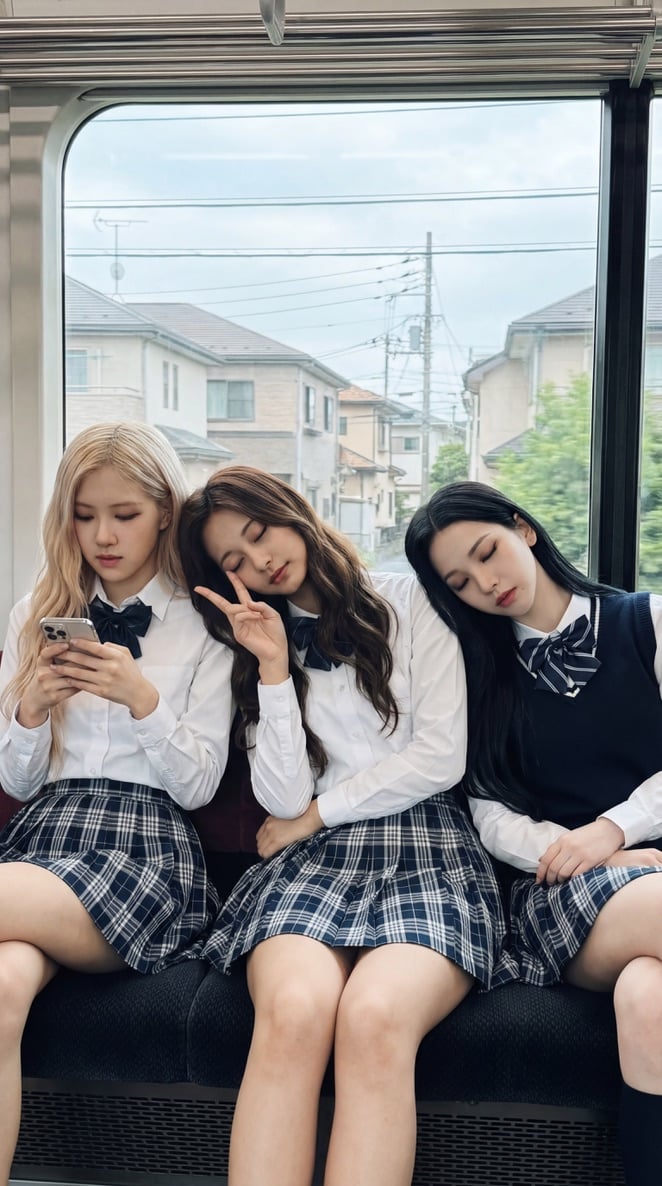
K-pop Idols Sleeping on a Train JSON Prompt
Browse template categories
Premium Instagram Beach Photoshoot Collage questions
How do I use the Premium Instagram Beach Photoshoot Collage template?
Add your photo if the template asks for one, edit the prompt if you like — the template's model and format are already selected — and press Generate. Your version opens in PicX Studio.
Can I customize the Premium Instagram Beach Photoshoot Collage template?
Yes. You can change the subject, setting, lighting, mood, format, and available model controls before creating your image.
Is the Premium Instagram Beach Photoshoot Collage template free?
Opening and editing this template is free. Generating uses credits, shown on the Generate button when you are signed in.
Which AI model should I use?
Start with GPT Image 2, which is the model associated with this template. You can compare another compatible model for a different finish.
Looking for something else? Browse all templates.

Your photo, any look
Thousands of ready templates for every top image and video model, from one credit balance.