
Pastel Idol Itasha at Sakura Shrine
Generates a dreamy pastel anime idol-themed itasha car scene with shrine lights, cherry blossoms, a mascot idol, and a small dog.
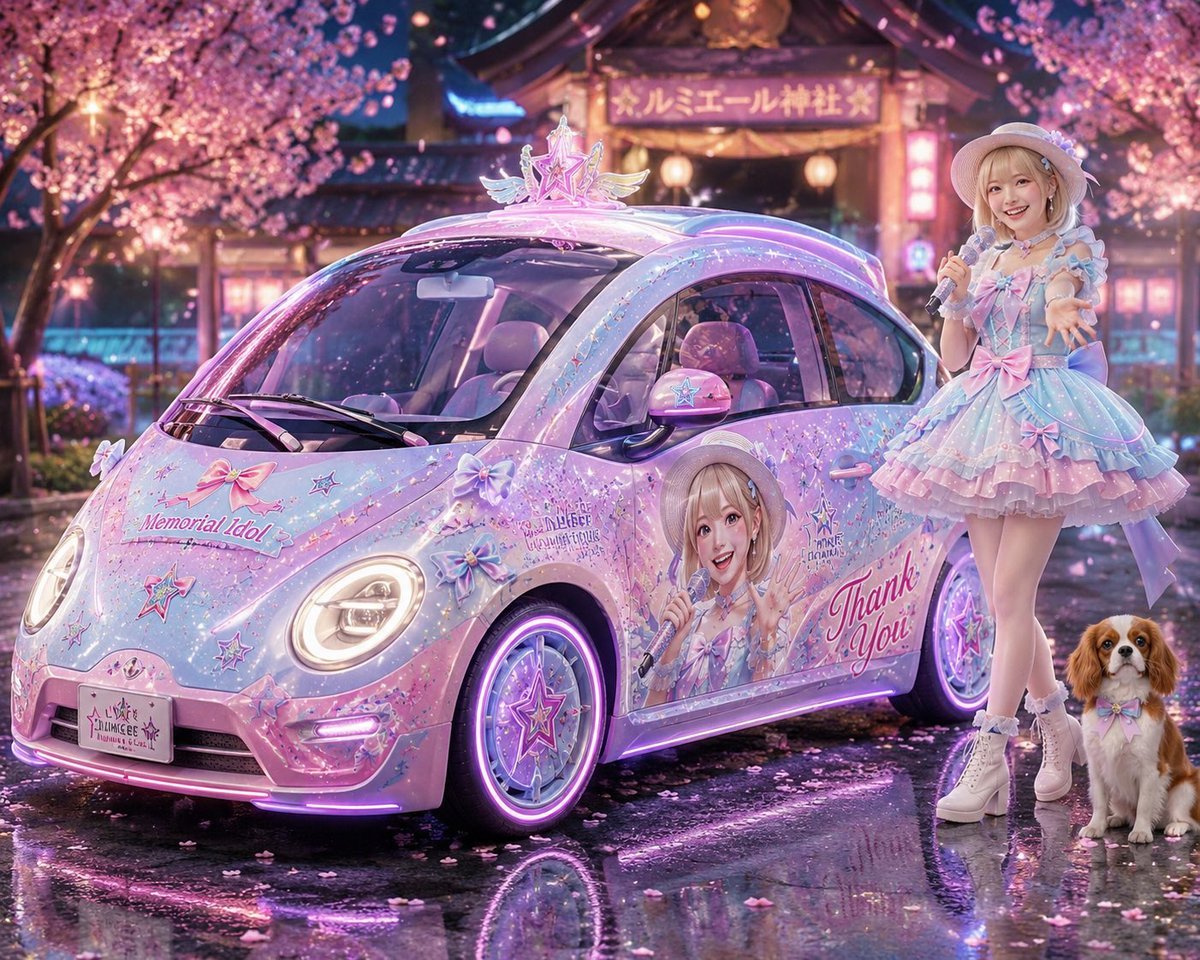
- Prompt included
- Model and format preset
- Free template
The prompt behind this image
Copy the exact prompt behind Pastel Idol Itasha at Sakura Shrine, or open it in the studio and make it yours.
Create a highly detailed, glossy anime idol itasha scene at night: a cute pastel compact car resembling a rounded Volkswagen Beetle is parked three-quarter front view on wet reflective pavement under blooming cherry blossom trees, in front of a warmly lit Japanese shrine with a glowing sign reading {argument name="shrine sign text" default="ルミエール神社"}. The car is fully wrapped in a magical idol theme, with pearlescent pink, lavender, baby blue, and white paint, holographic sparkles, star decals, ribbon decals, lace-like trim, and neon purple underglow. Add exactly 8 prominent exterior decoration groups on the car: 1) a large roof ornament shaped like a pink winged star idol crest, 2) a hood graphic with bows, stars, and the English text {argument name="hood slogan" default="Memorial Idol"}, 3) a custom front license plate with tiny idol branding, 4) a pastel star badge on the side mirror, 5) a large printed anime idol portrait on the passenger door with the face area intentionally blank or softly obscured, 6) large cursive side text reading {argument name="side message" default="Thank You!"}, 7) glowing star wheel covers on both visible wheels, and 8) purple-pink LED strips along the bumper, side skirt, and wheel rims. Beside the car on the right stands a faceless young female idol mascot, full body, wearing a frilly pastel stage dress in blue, pink, and lavender with layered ruffles, bows, puff sleeves, white gloves, white platform ankle boots, and a small white hat; she holds a silver microphone in one hand and reaches toward the viewer with the other, with her face deliberately featureless/blurred for customization. Include exactly 1 dog at her feet, a small Cavalier King Charles Spaniel with brown-and-white fur, wearing a pastel bow tie, sitting calmly. The atmosphere is dreamy and celebratory, with falling sakura petals, soft bokeh lanterns, reflections in puddles, cinematic rim lighting, ultra-polished 3D illustration style, idol concert fantasy aesthetic, high saturation, crisp details, no extra people, no visible watermark. Use the idol theme {argument name="idol name" default="Kana"} and keep the overall mood affectionate, magical, and fan-made.
How to use Pastel Idol Itasha at Sakura Shrine in 3 steps
- 1Upload ImagePNG, JPG or paste
Add your photo
Upload the photo the template builds on. The prompt, model and format are already set.
- 2…a portrait of your subject in softgolden-hour light, 85mm…
Personalize
Edit the subject and creative details for your destination.
- 3Generate
Generate
Press Generate — your image is created in PicX Studio, so you can compare it with the original and refine one variable at a time.
More like this
Templates with the same subject, style or setup. Open one to see its prompt.
Blonde Gothic Lolita Sakura Shrine

Pastel Anime Idol Concert Finale
Pastel Cat-Eared Summer Idol Stage
Moonlit Sakura Shrine Fantasy

Eid al-Adha Cute Chaos — Fisheye Selfie with Farm Selfie, Mosque & Animals

Cute Layered Paper Cut Chibi Girl

Layered Paper Cut Illustration Template

Premium Vintage Travel Poster Landscape

Quiet Minimalist Anime Style Guide
Premium Vintage Travel Poster Landscape

Pastel Fantasy Pagoda Mountain Landscape

Korean Cafe Courtyard Gold Frame Mirror Selfie
Make it yours
Pastel Idol Itasha at Sakura Shrine works as-is. These are the safest ways to change it without losing the look.
Change one field
Copy a single group, rewrite it, and generate again so you can see what that field is doing.
Keep the frame, change the subject
Hold the composition and light of Pastel Idol Itasha at Sakura Shrine, then swap wardrobe, props or the person for a new take.
| If the result… | Why | Fix |
|---|---|---|
| The result drifts from the preview | Too many fields changed at once. | Reuse Pastel Idol Itasha at Sakura Shrine as-is first, then change one group — subject, light, or setting. |
| The model over-stylizes the scene | The prose prompt leaves finish and camera underspecified. | Add one camera or lighting sentence and stay on GPT Image 2. |
More GPT Image 2 templates
Other prompts made for GPT Image 2.

Six VTuber Japanese Logo Sheet

Realistic Portrait of Woman and Deer

The Vista Modular Condo Poster

AI Model Routing Comparison Infographic

2.5D Anime Art Board

Isometric Productivity Desk Scene

New York Double Exposure Poster

Four-Panel AI Landscape Comparison

Japanese Tatami Lifestyle Magazine Cover

NESCAFÉ Coffee Map Poster
More image prompts
Fresh picks from across the catalog.
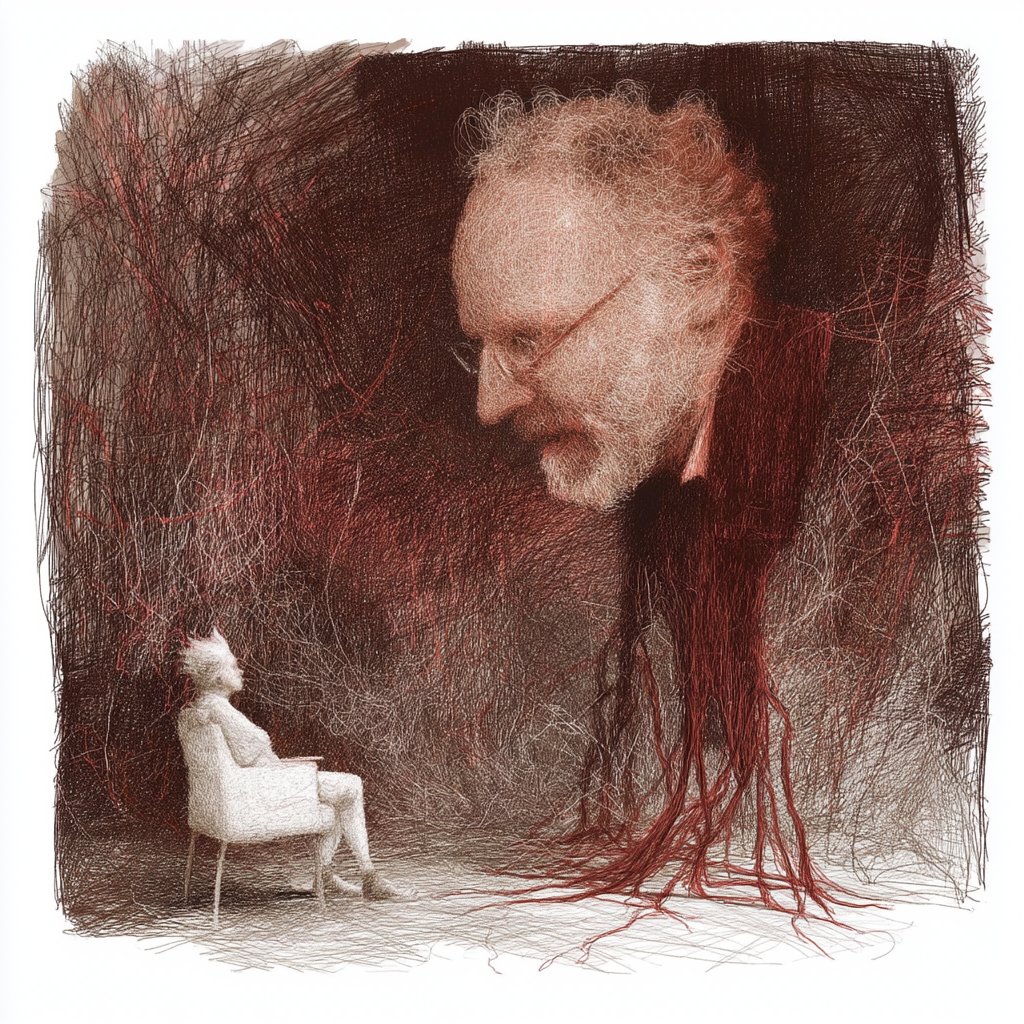
Comparison Prompt for Midjourney V8 and Nano Banana 2
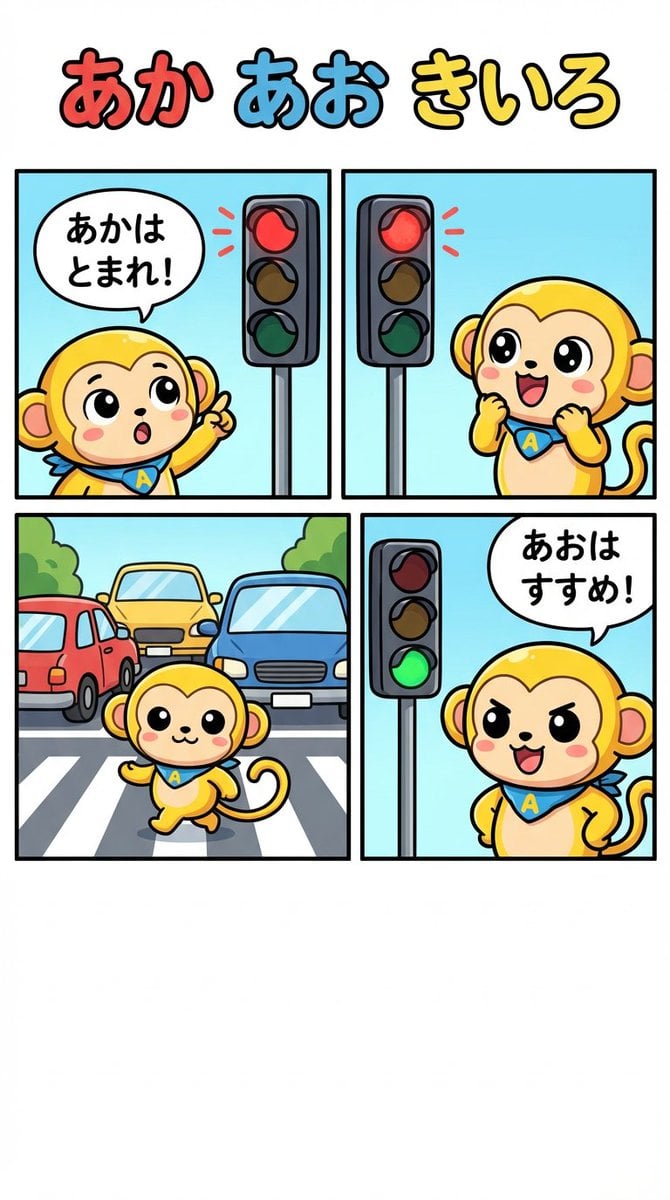
Four-Panel Comic: Red, Blue, Yellow Theme
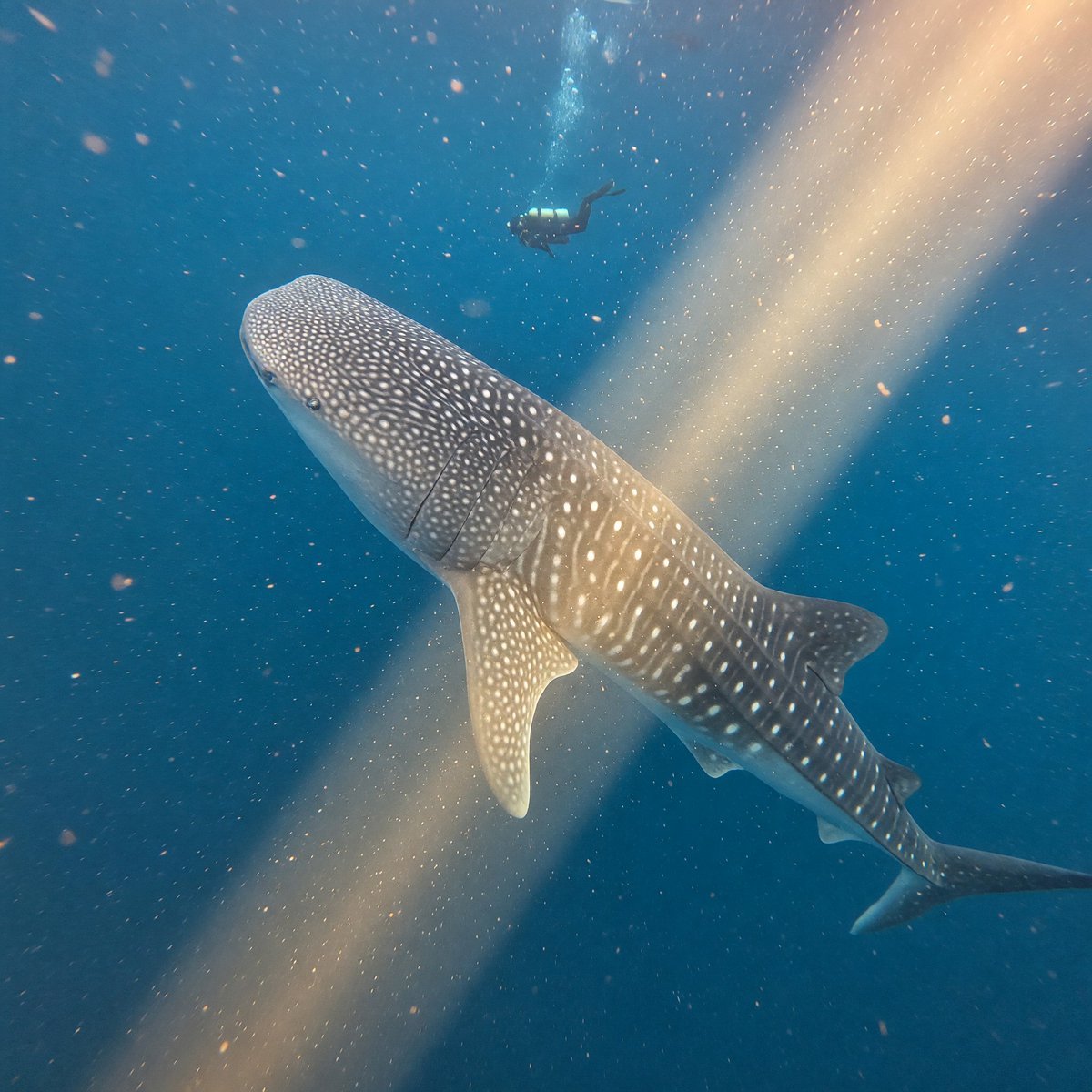
Whale Shark in Sunbeam
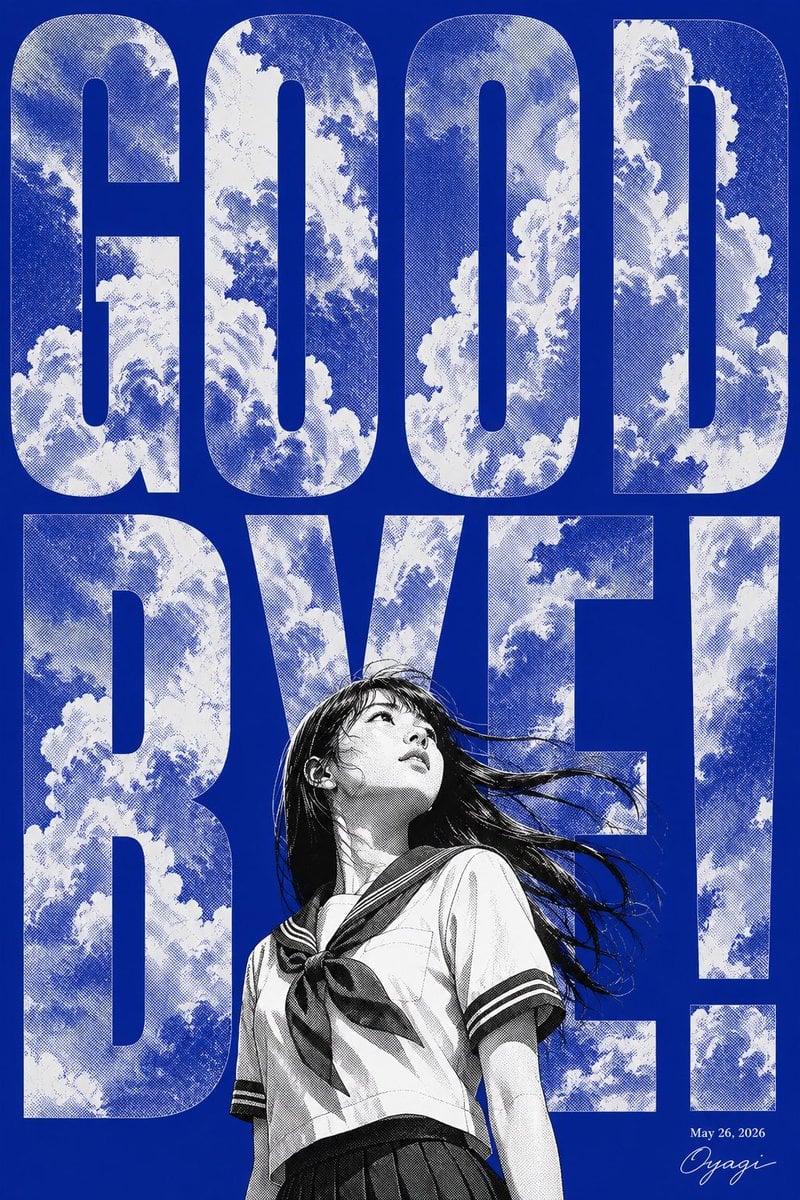
Manga Goodbye Typography Poster
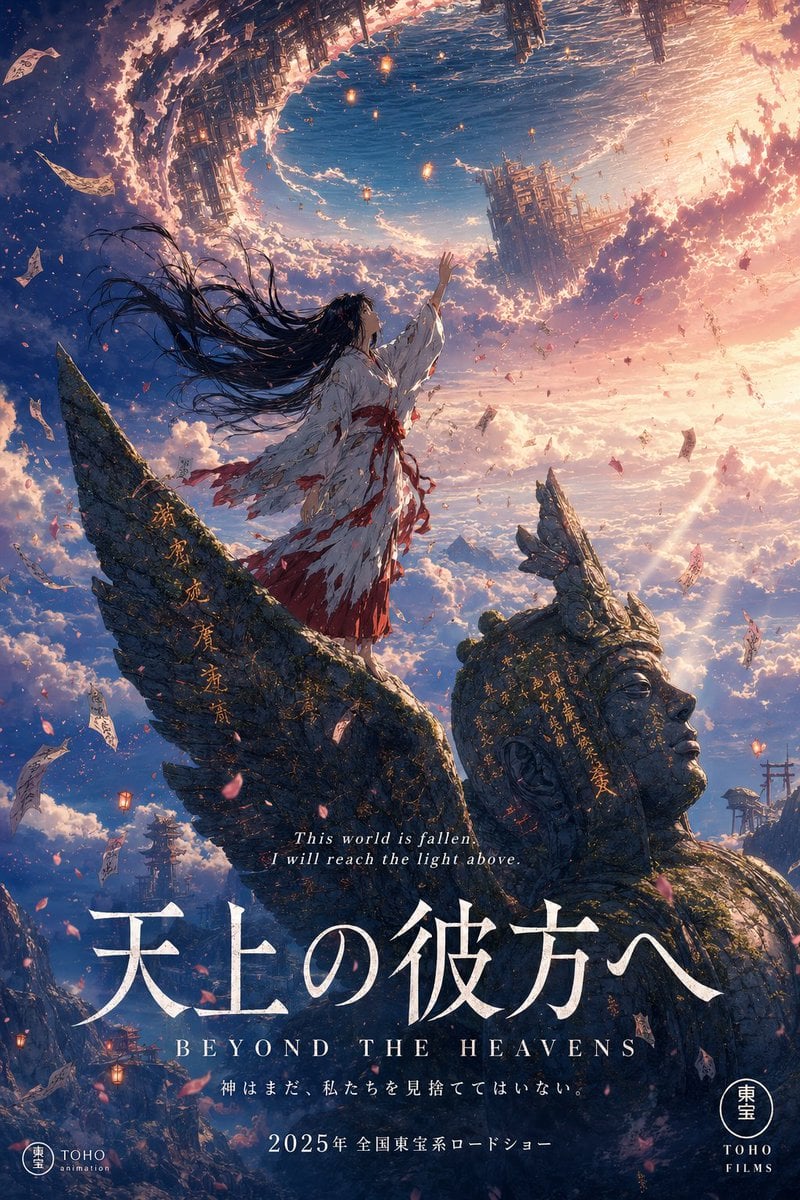
Anime Theatrical Movie Poster
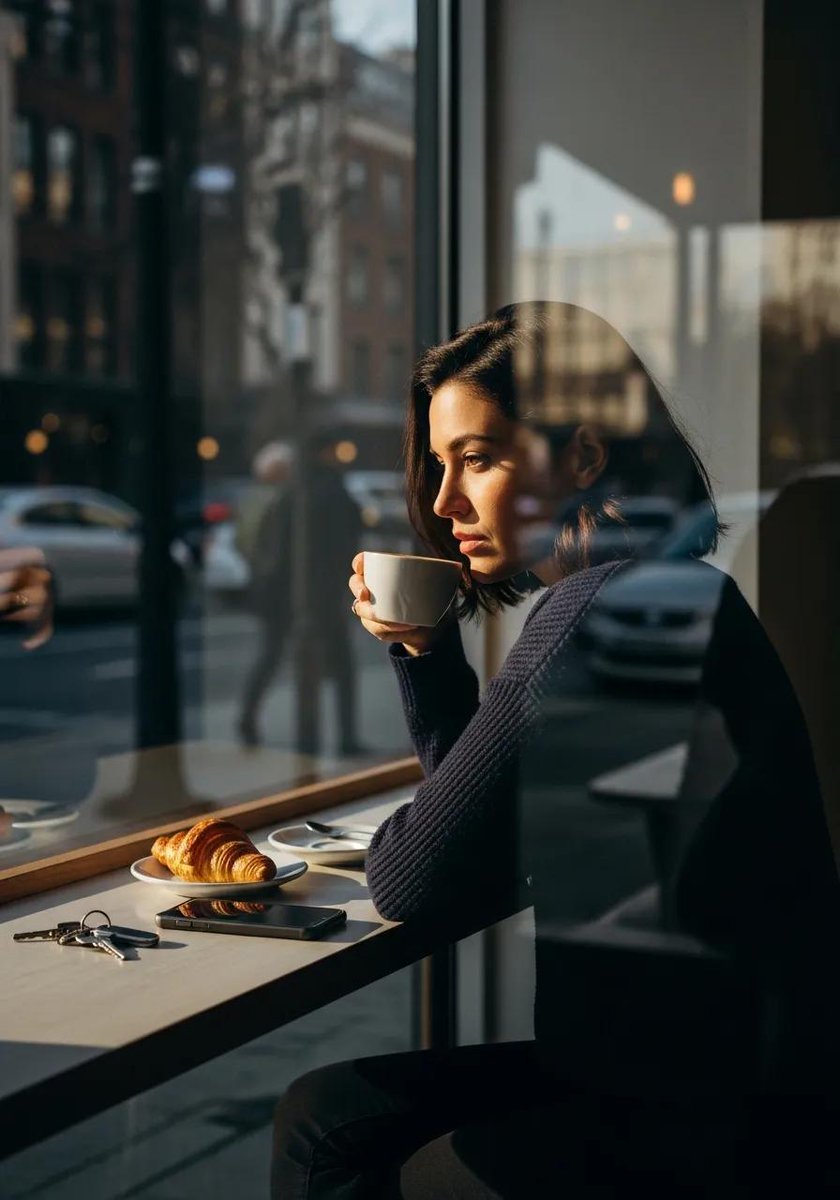
Ultra-realistic cinematic lifestyle photograph of a reflective woman in an urban café
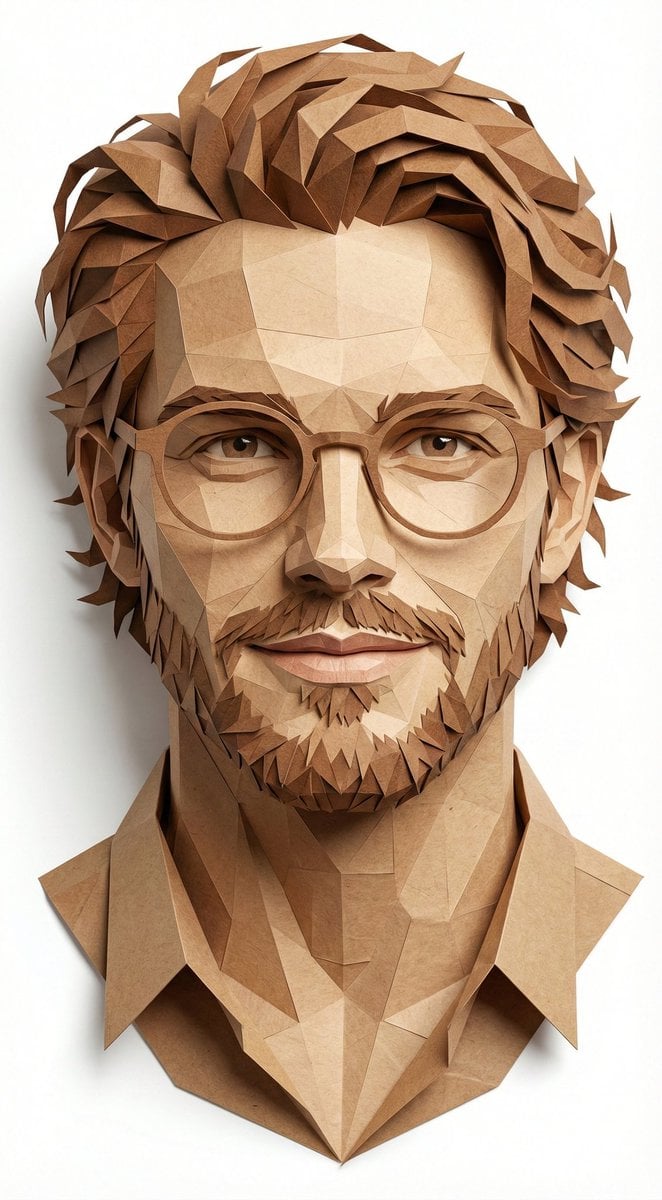
Digital Papercraft Portrait of a Young Man
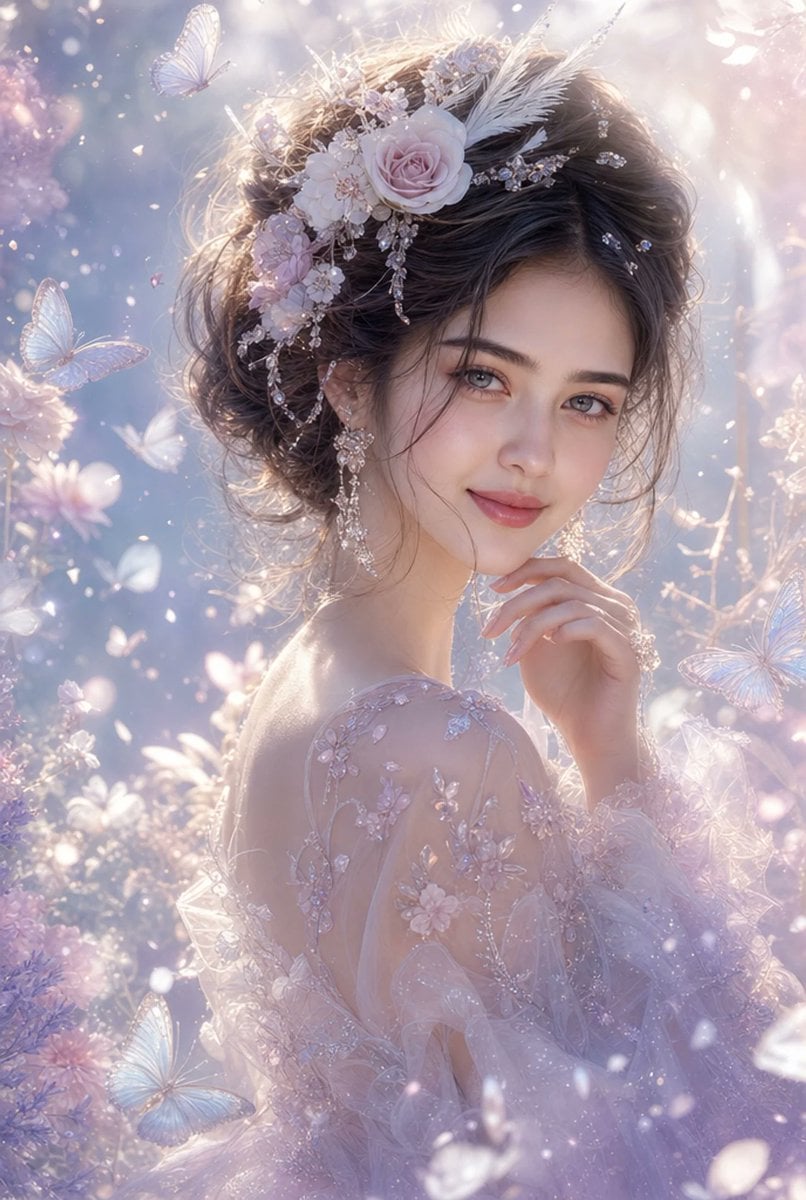
Ethereal Fantasy Portrait
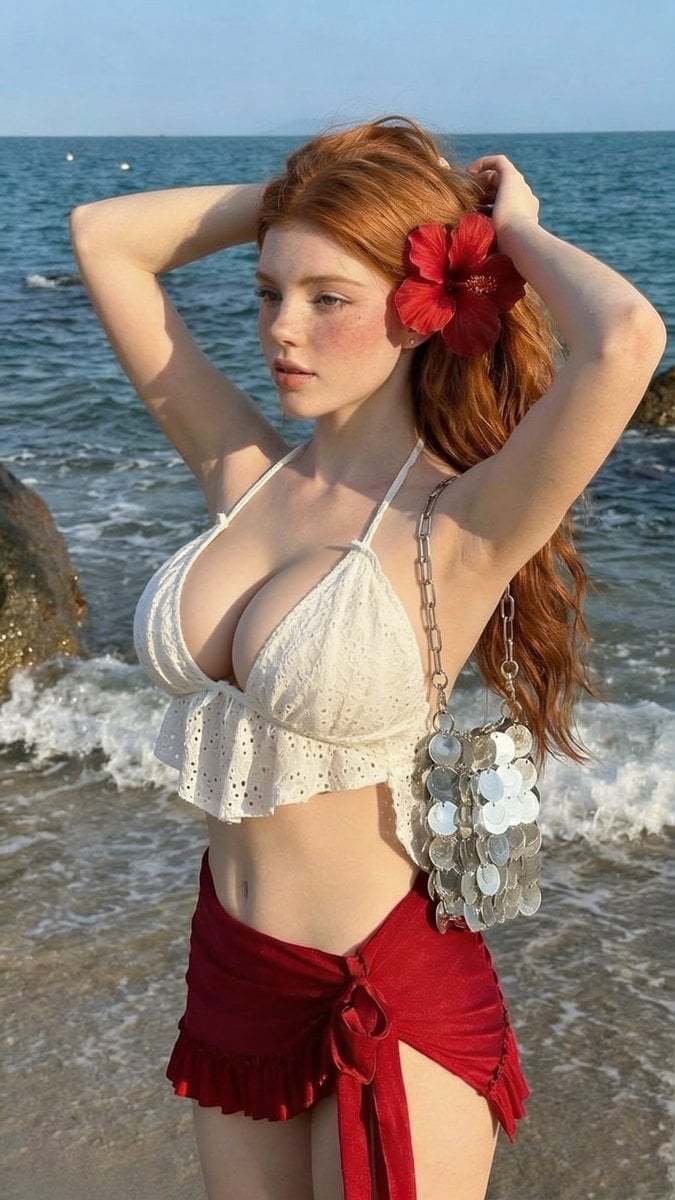
Golden Hour Beach Fashion Portrait
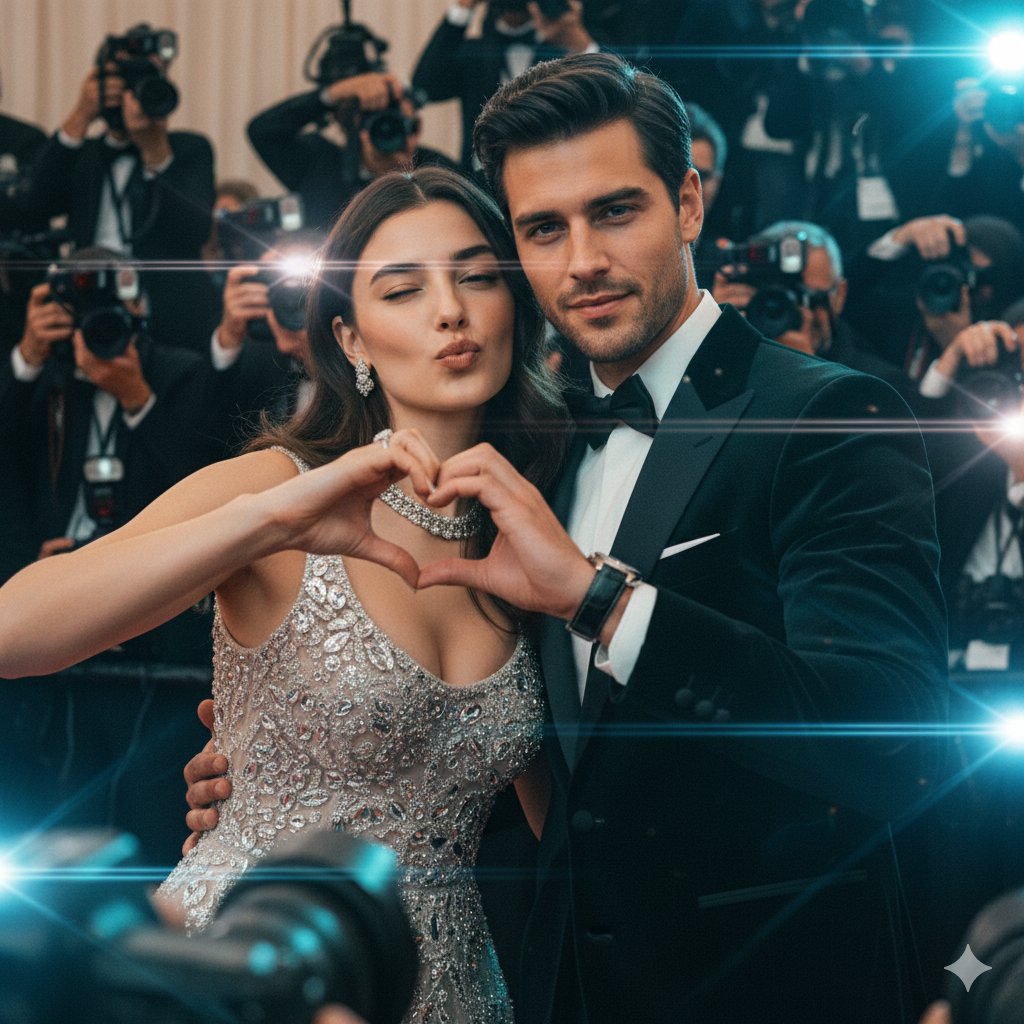
Paparazzi Red Carpet Couple Prompt with Identity Lock
Browse template categories
Pastel Idol Itasha at Sakura Shrine questions
How do I use the Pastel Idol Itasha at Sakura Shrine template?
Add your photo if the template asks for one, edit the prompt if you like — the template's model and format are already selected — and press Generate. Your version opens in PicX Studio.
Can I customize the Pastel Idol Itasha at Sakura Shrine template?
Yes. You can change the subject, setting, lighting, mood, format, and available model controls before creating your image.
Is the Pastel Idol Itasha at Sakura Shrine template free?
Opening and editing this template is free. Generating uses credits, shown on the Generate button when you are signed in.
Which AI model should I use?
Start with GPT Image 2, which is the model associated with this template. You can compare another compatible model for a different finish.
Looking for something else? Browse all templates.

Your photo, any look
Thousands of ready templates for every top image and video model, from one credit balance.