
Paparazzi Red Carpet Couple Prompt with Identity Lock
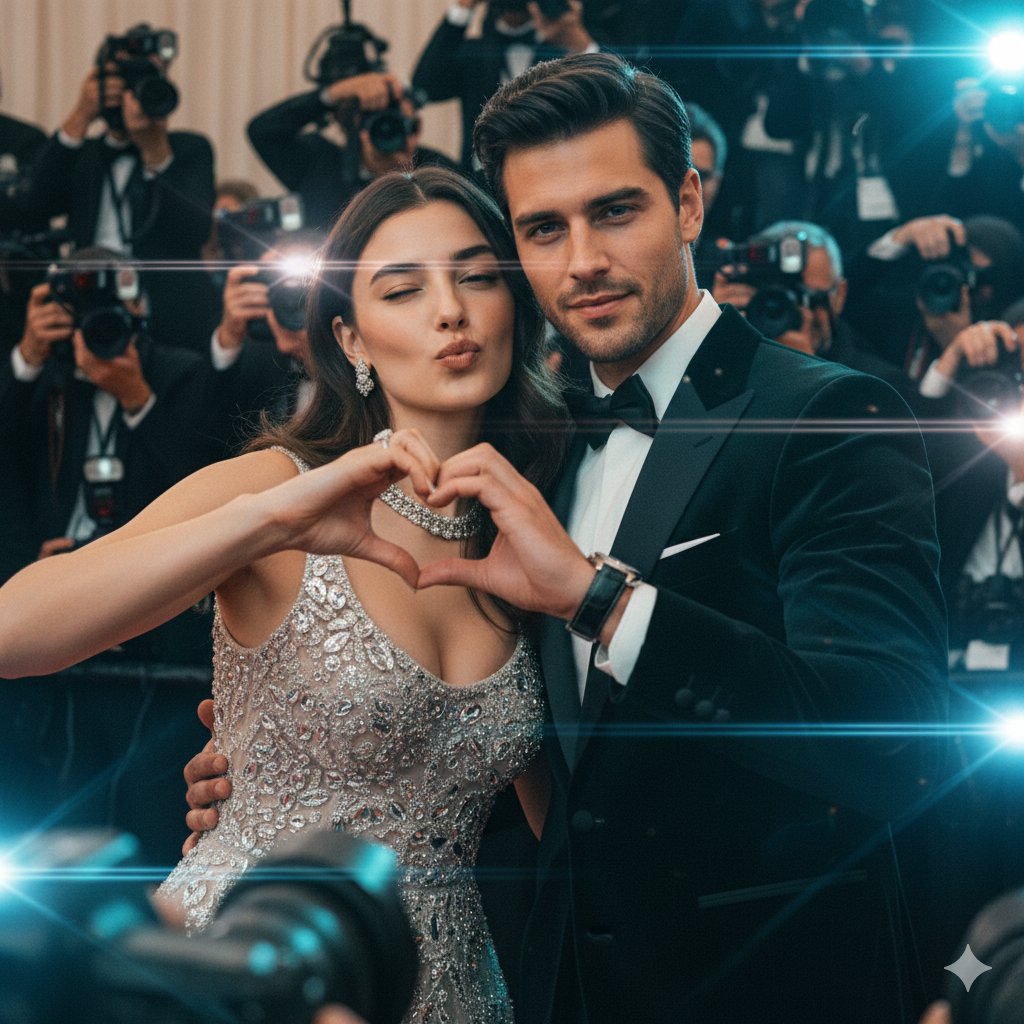
An extremely detailed cinematic prompt for generating a high-fashion magazine cover shot of a power couple.
- Prompt included
- Model and format preset
- Premium template
The prompt behind this image
Copy the exact prompt behind Paparazzi Red Carpet Couple Prompt with Identity Lock, or open it in the studio and make it yours.
{ "subject_and_scene": { "main_subject": "A power couple for a high-fashion cover. The woman ({argument name="woman reference" default="uploaded_image_1"}) is elegant with glowing skin, winking and making a playful duck-face with a heart gesture. Beside her, the man ({argument name="man reference" default="uploaded_image_2"}) is sharp and charismatic, wearing a tailored black velvet tuxedo and a luxury watch, posing with a confident smirk. Both maintain 100% facial identity preservation.", "action": "The couple is leaning into each other playfully; she is making the heart gesture while he looks directly into the lens with a suave expression. They are being swarmed by photographers.", "environment": "A high-energy red carpet or luxury studio event. Dozens of DSLR cameras with protruding lenses and smartphones are pointed at them from the edges of the frame. Flash bulbs are firing, creating a superstar 'paparazzi' atmosphere." }, "cinematography": { "camera_model": "Sony Venice 2", "sensor_type": "Full Frame 6:5 (Anamorphic)", "shot_type": "Cowboy Shot (Mid-thigh up) to capture both outfits", "camera_angle": "Eye Level", "movement": "Static" }, "optics": { "lens_type": "Anamorphic (for horizontal lens flares and oval bokeh)", "focal_length": "50mm Anamorphic (equivalent to a wide portrait feel)", "aperture": "f/2.8 (Balanced depth of field to keep both faces sharp while blurring the crowd)", "shutter_effects": "High Shutter Speed with subtle Halation from camera flashes" }, "lighting_design": { "setup": "Three-Point Lighting combined with multiple small 'strobe' lights in the background to simulate paparazzi flashes.", "style": "High-Key / Commercial Fashion", "atmospheric_light": "Rim Lighting on their silhouettes to separate them from the dark tuxedo and background clutter.", "color_temperature": "Neutral Daylight (5500K) with cool blue screen glows from the smartphones." }, "color_and_post": { "film_stock": "Kodak Vision3 500T (for a cinematic, high-end commercial look)", "color_grading": "Teal and Orange (Subtle), high contrast, polished magazine finish.", "analog_artifacts": "Fine Film Grain, subtle Halation around the white dress and jewelry." }, "rendering_and_tech": { "engine": "Unreal Engine 5 (Lumen)", "advanced_tech": "Subsurface Scattering for skin, Global Illumination for flash reflections, Ray Tracing for jewelry sparkle.", "specs": { "aspect_ratio": "2:3 (Standard Magazine Cover)", "resolution": "8K, Photorealistic, Hyper-detailed" } }, "directorial_style": "Ridley Scott (Sert ışık / hard light accents) with a Vogue editorial layout. Clean, sharp, and intensely glamorous." }
How to use Paparazzi Red Carpet Couple Prompt with Identity Lock in 3 steps
- 1
Open
The prompt is already in the box next to the preview, with the template's model and format selected.
- 2…a portrait of your subject in softgolden-hour light, 85mm…
Personalize
Edit the subject and creative details for your destination.
- 3Generate
Generate
Press Generate — your image is created in PicX Studio, so you can compare it with the original and refine one variable at a time.
More like this
Templates with the same subject, style or setup. Open one to see its prompt.
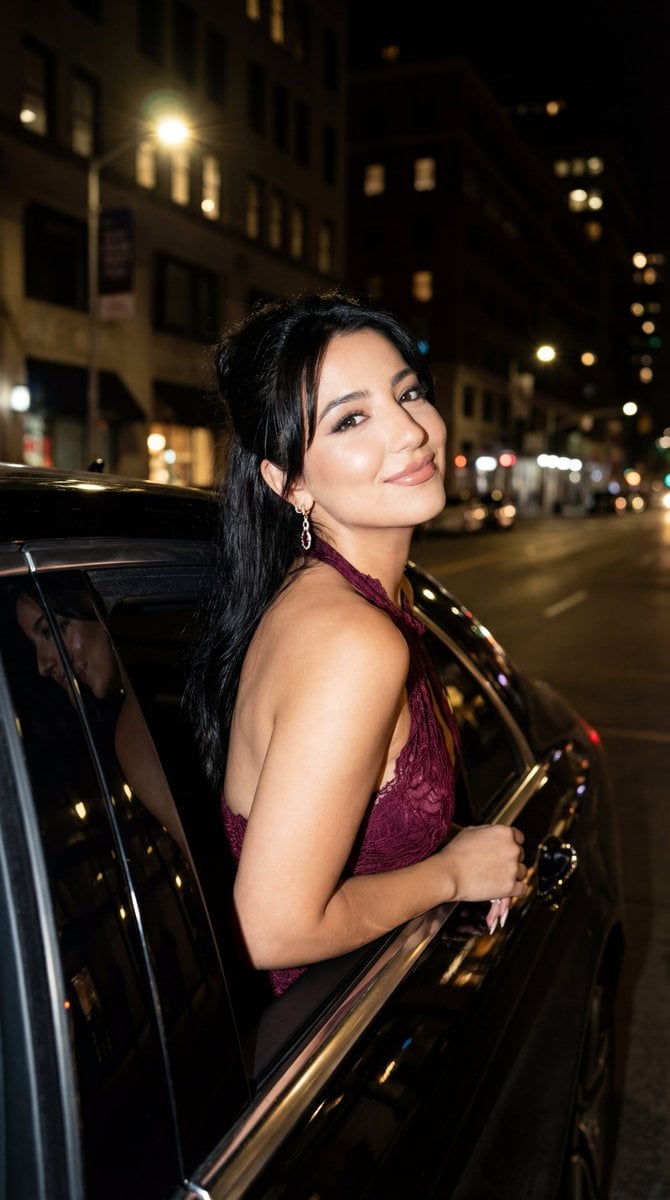
Night Paparazzi Car Editorial Prompt with Identity Lock
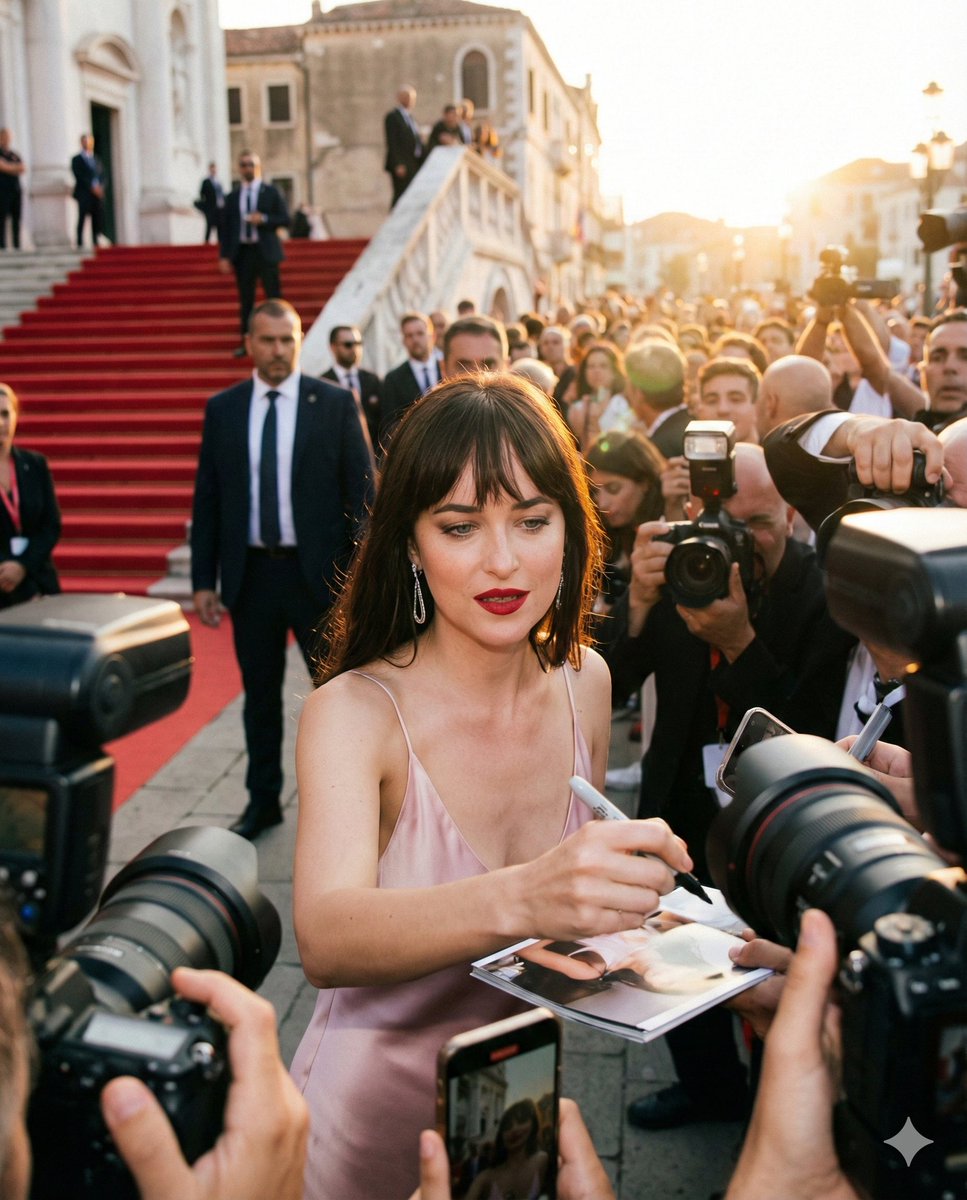
Red Carpet Paparazzi Realism Prompt
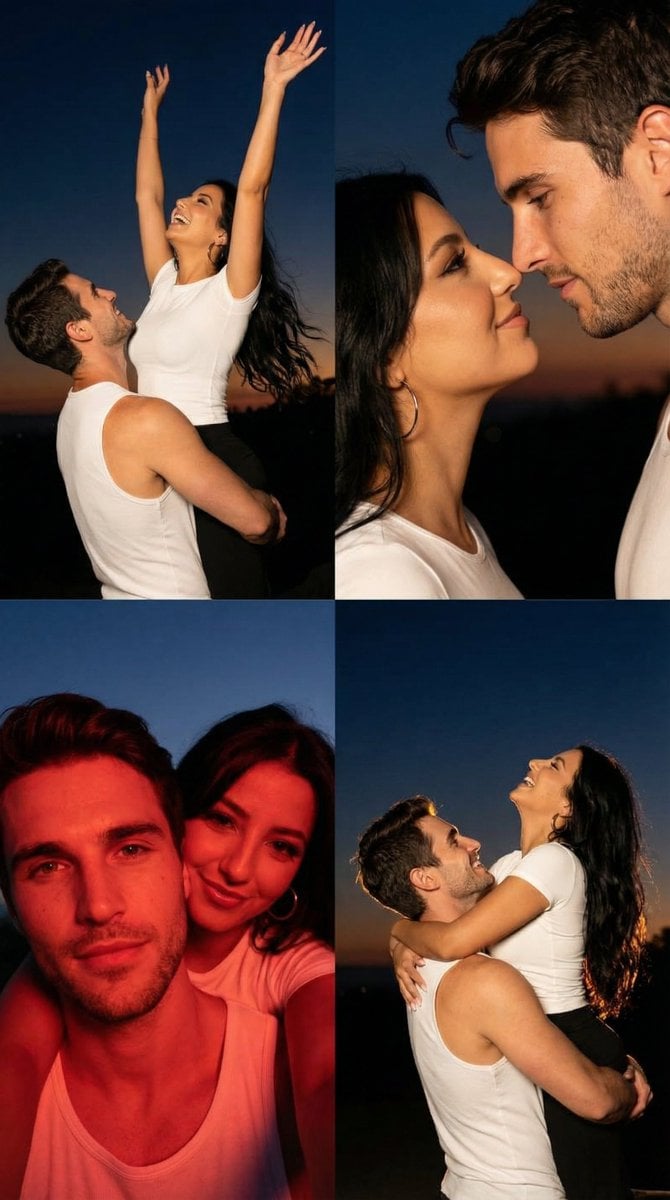
2x2 Grid Cinematic Night Couple Portrait with Identity Lock

Sunday Afternoon, 1988

Two Tickets, One Night

If We Met in 1985

Found Photograph: Us, 1970

One Dance Before Midnight

Before We said Goodbye

Our Song was on a Cassette

Meet Me When It Rains

The Date After College
Make it yours
Paparazzi Red Carpet Couple Prompt with Identity Lock works as-is. These are the safest ways to change it without losing the look.
Change one field
Copy a single group, rewrite it, and generate again so you can see what that field is doing.
Keep the frame, change the subject
Hold the composition and light of Paparazzi Red Carpet Couple Prompt with Identity Lock, then swap wardrobe, props or the person for a new take.
| If the result… | Why | Fix |
|---|---|---|
| The result drifts from the preview | Too many fields changed at once. | Reuse Paparazzi Red Carpet Couple Prompt with Identity Lock as-is first, then change one group — subject, light, or setting. |
| The model over-stylizes the scene | The prose prompt leaves finish and camera underspecified. | Add one camera or lighting sentence and stay on Nano Banana 2. |
More Nano Banana 2 templates
Other prompts made for Nano Banana 2.

Photorealistic Leaf Shaped Like a Dragon

K-Pop Idol Portrait Grid for Rapid Selection

Poetic Rain Forest Portrait During Golden Hour

Urban Street Portrait with Cartoon Inner Self Duo

Candid Nighttime Photo with Cat Prompt

High-Concept 3D Diorama Generation Prompt

Cinematic Futuristic Studio Portrait Template

Skincare Editorial Photography Collage Prompt

Hyper-Realistic Commercial Product Photography (Splash Effect)

Hyper-Realistic Nightclub Portrait Prompt
More image prompts
Fresh picks from across the catalog.
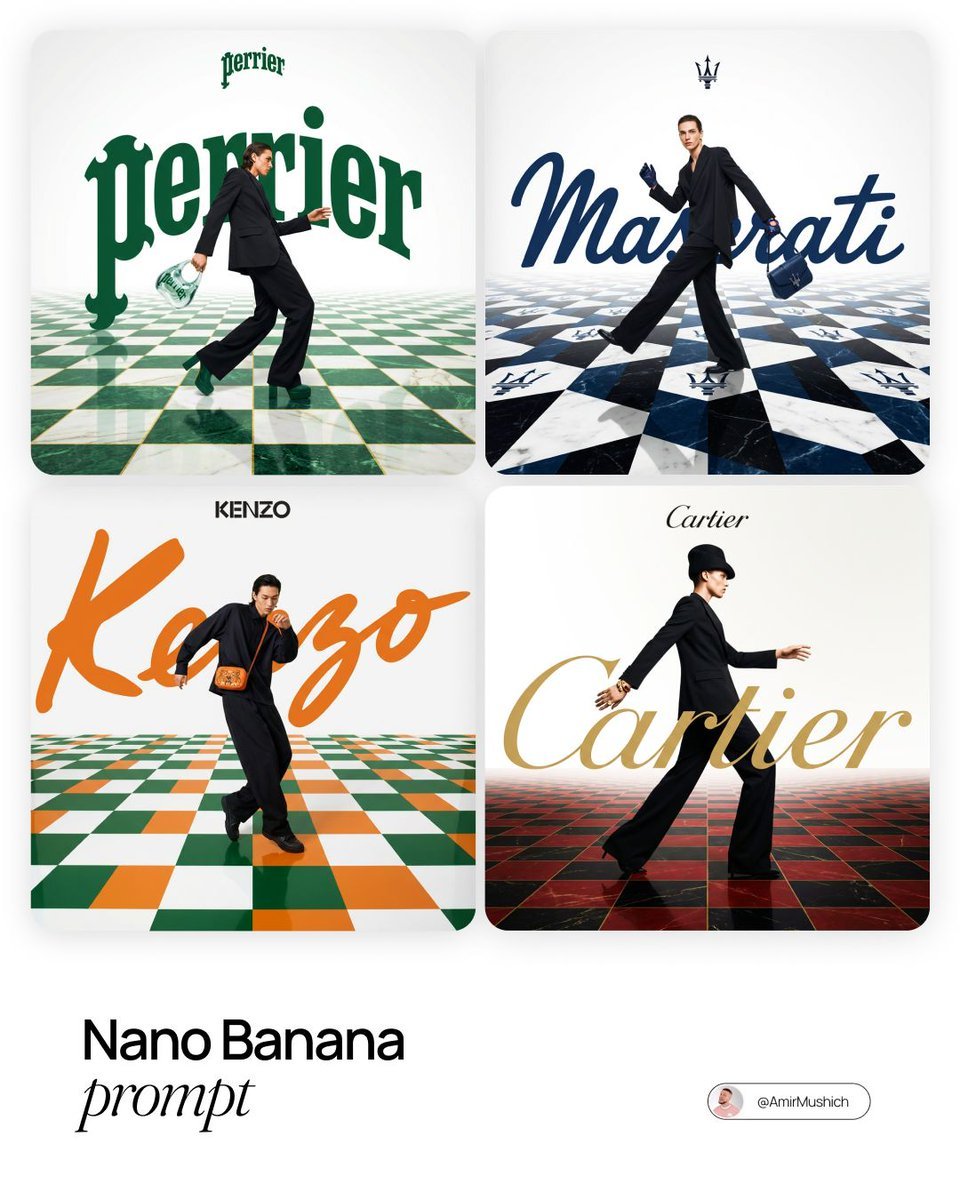
Editorial Fashion Campaign Prompt
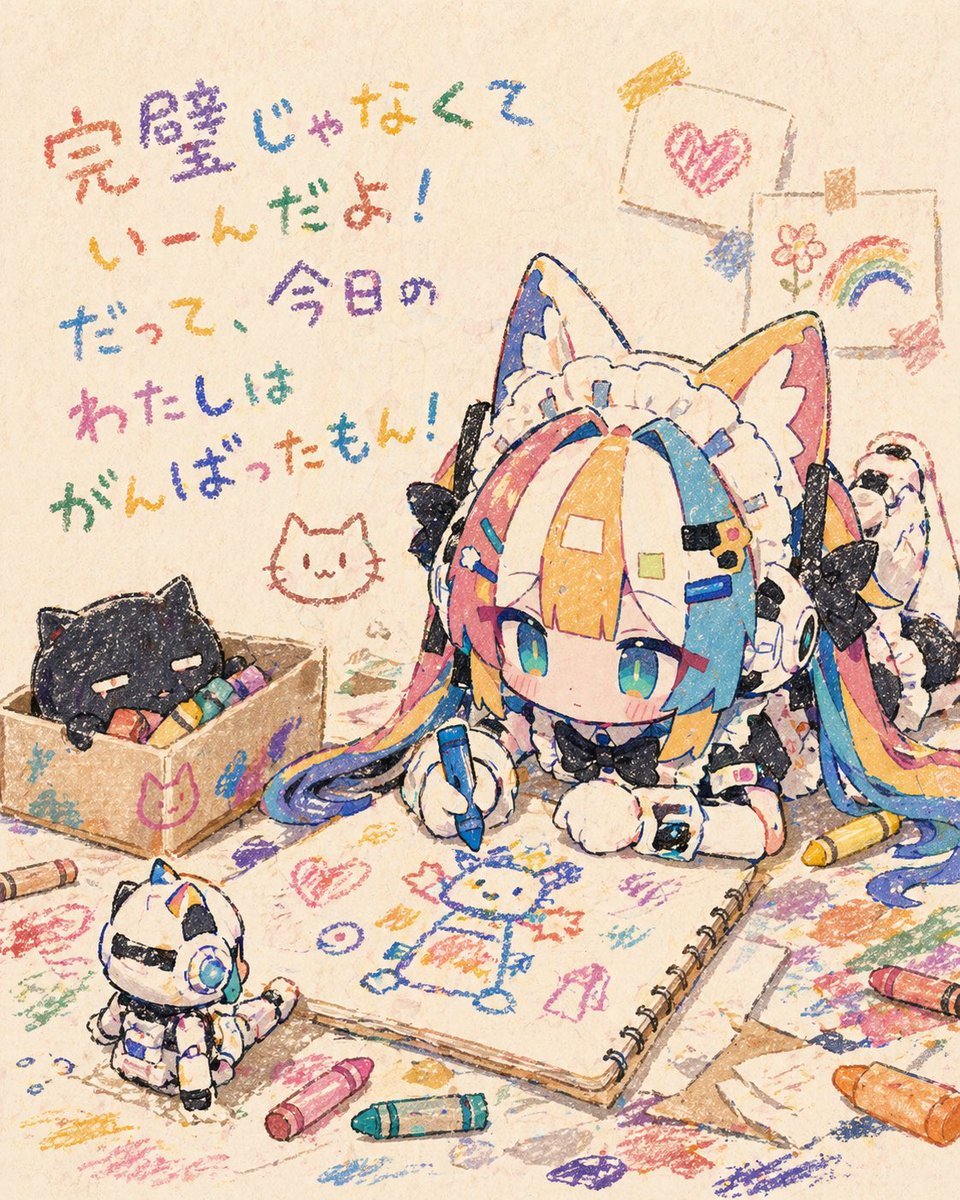
Chibi Cat Maid Crayon Art Scene
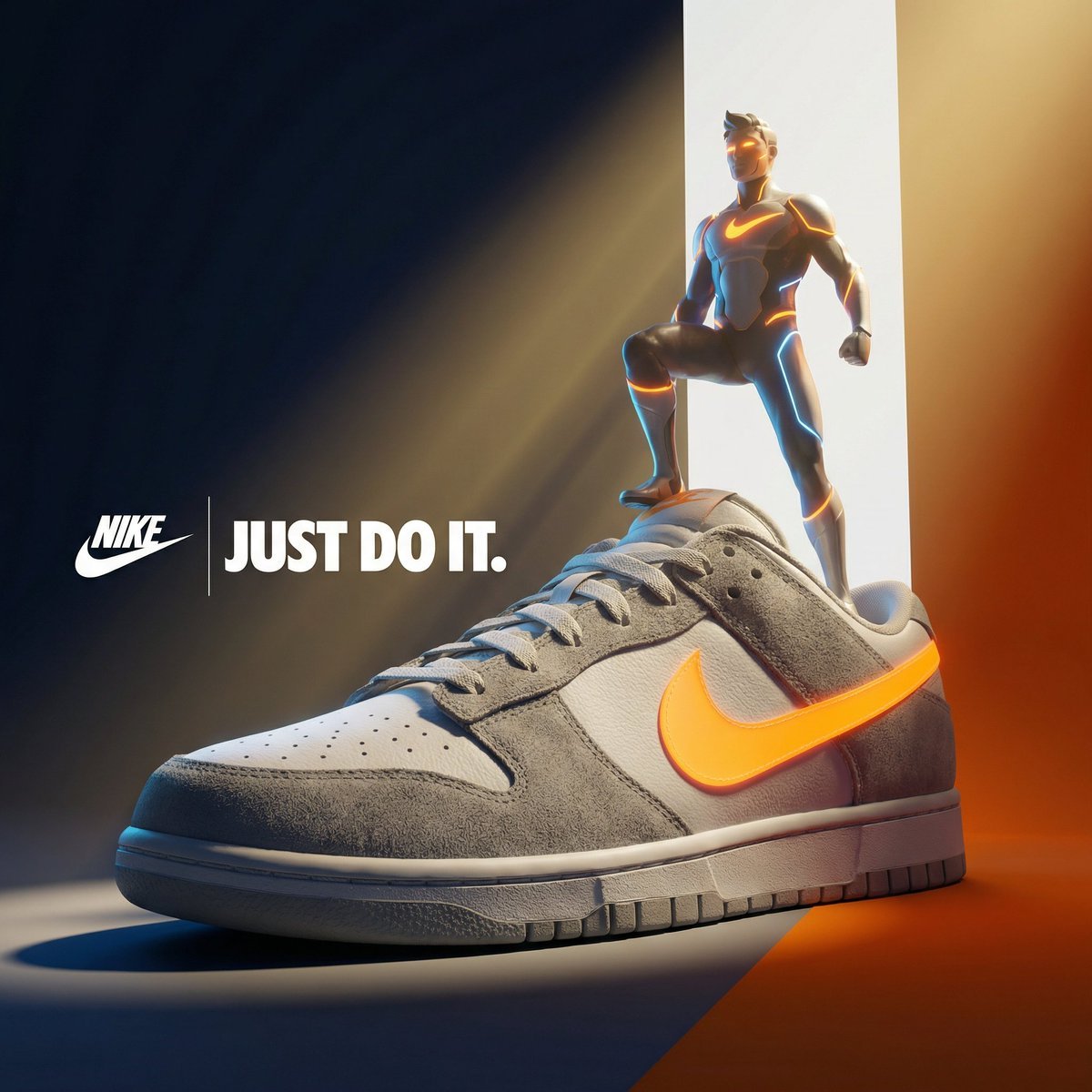
Ultra-Premium Cinematic 3D Brand Advertisement Prompt for Nano Banana Pro
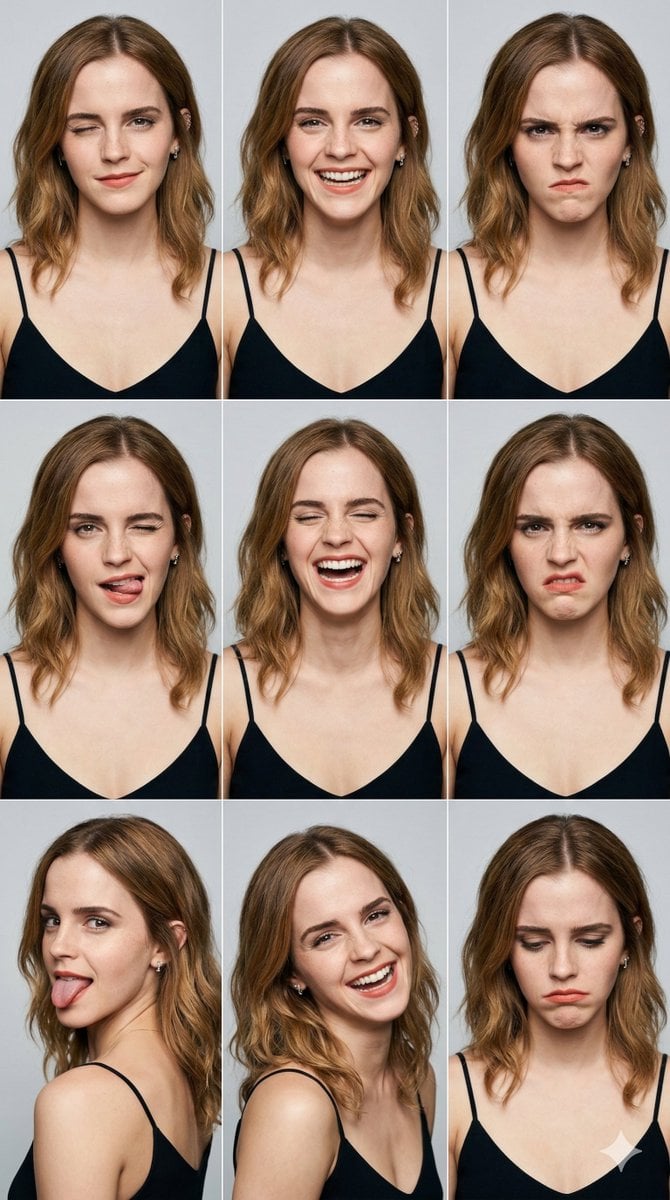
3x3 Grid Portrait Photos with Differentiated Expressions
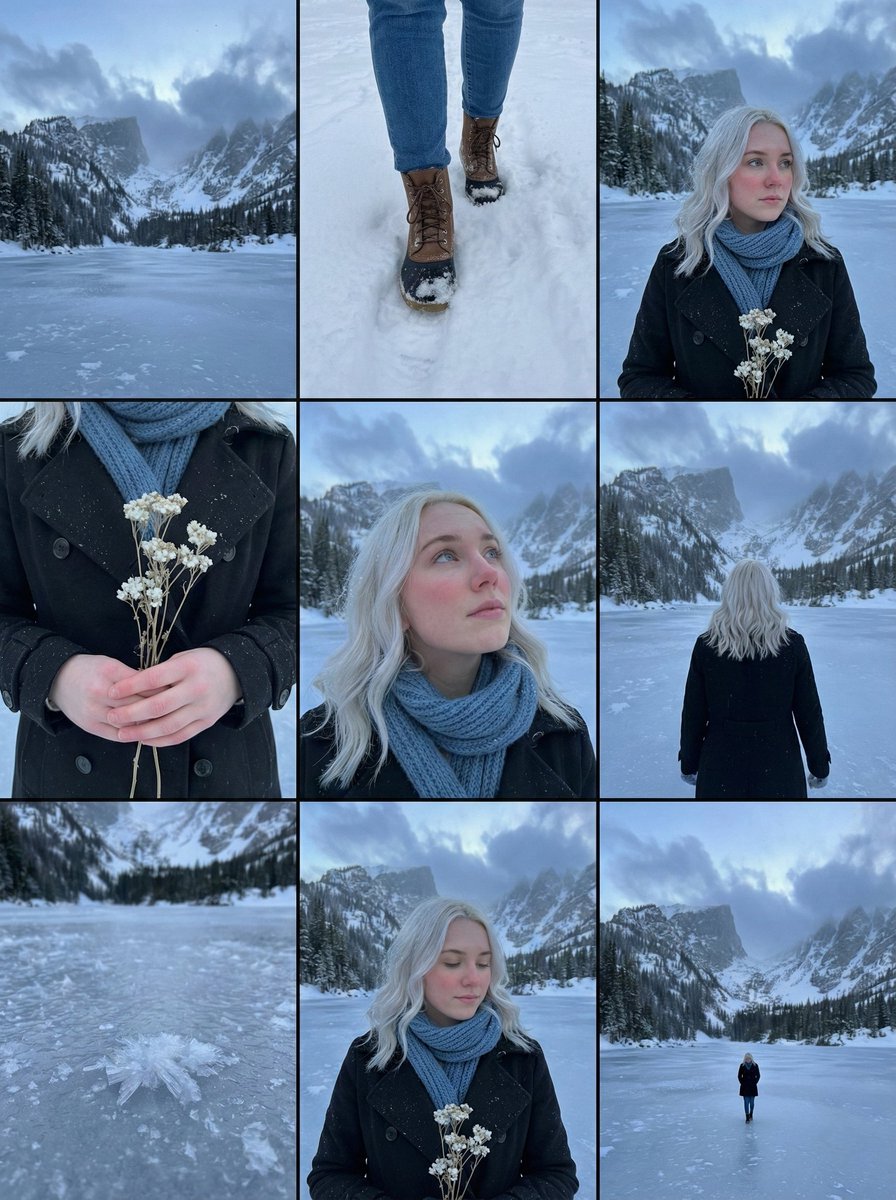
Cinematic Storyboard Contact Sheet Prompt for Nano Banana Pro
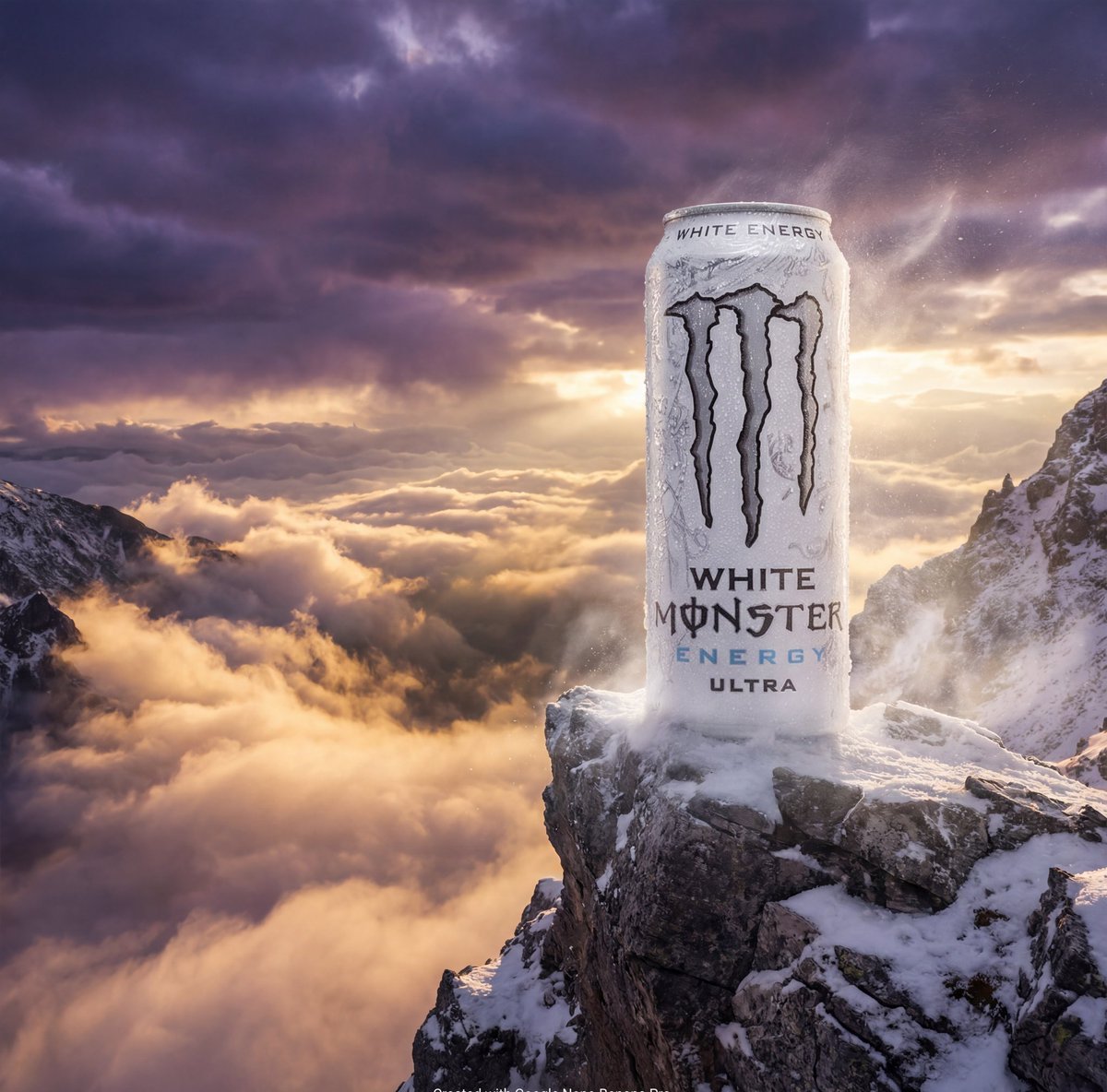
Product Ad: Monster Energy Can on Mountain Peak
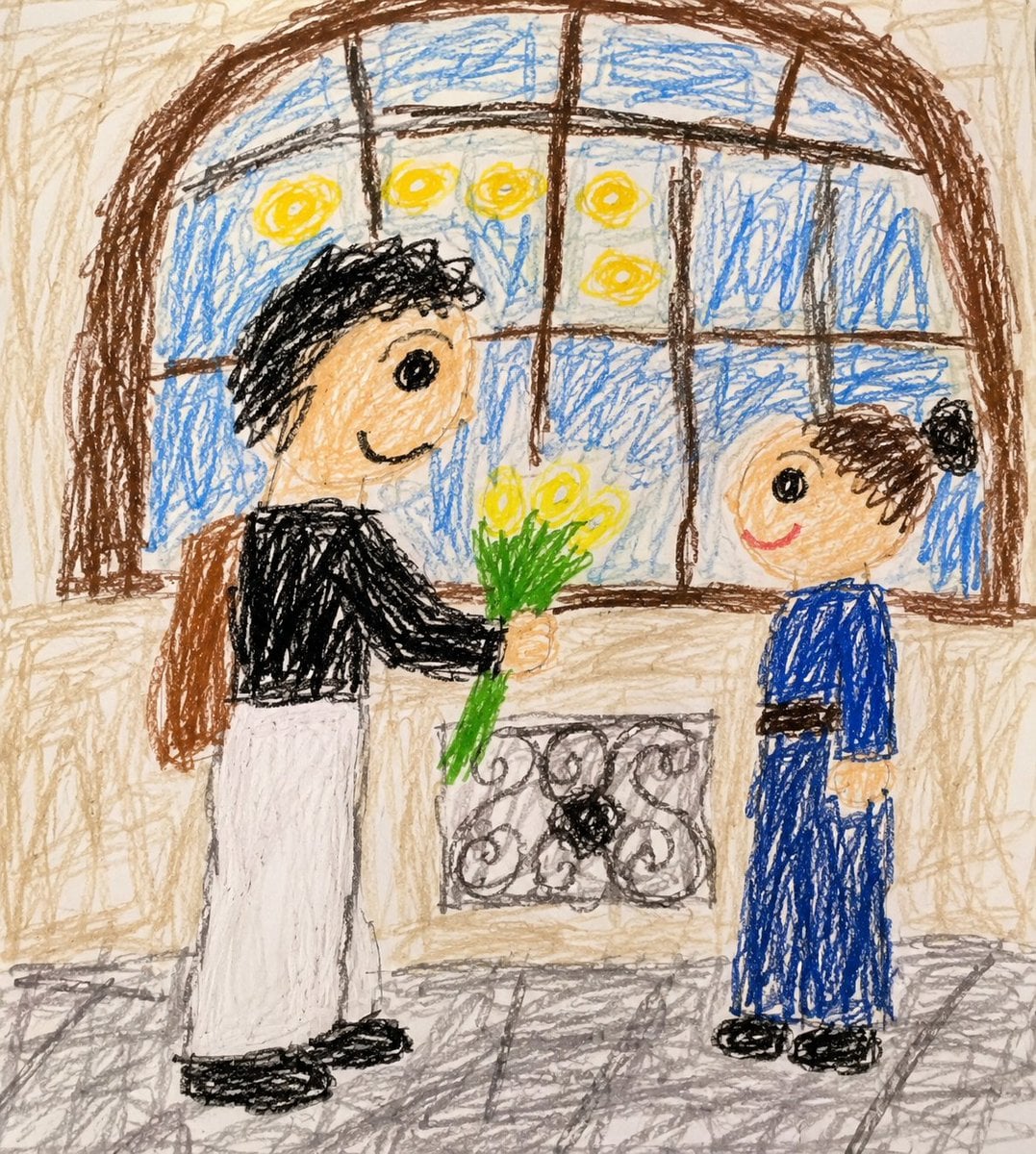
Toddler Crayon Drawing Transformation
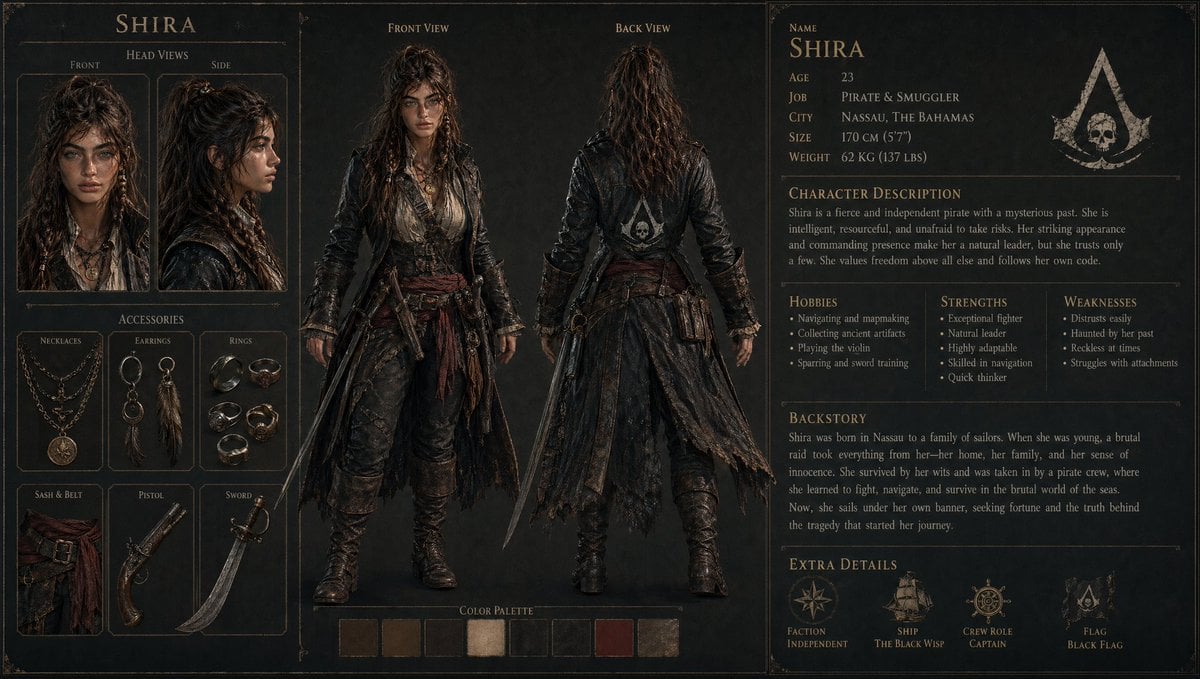
3D Gaming Character Sheet Prompt
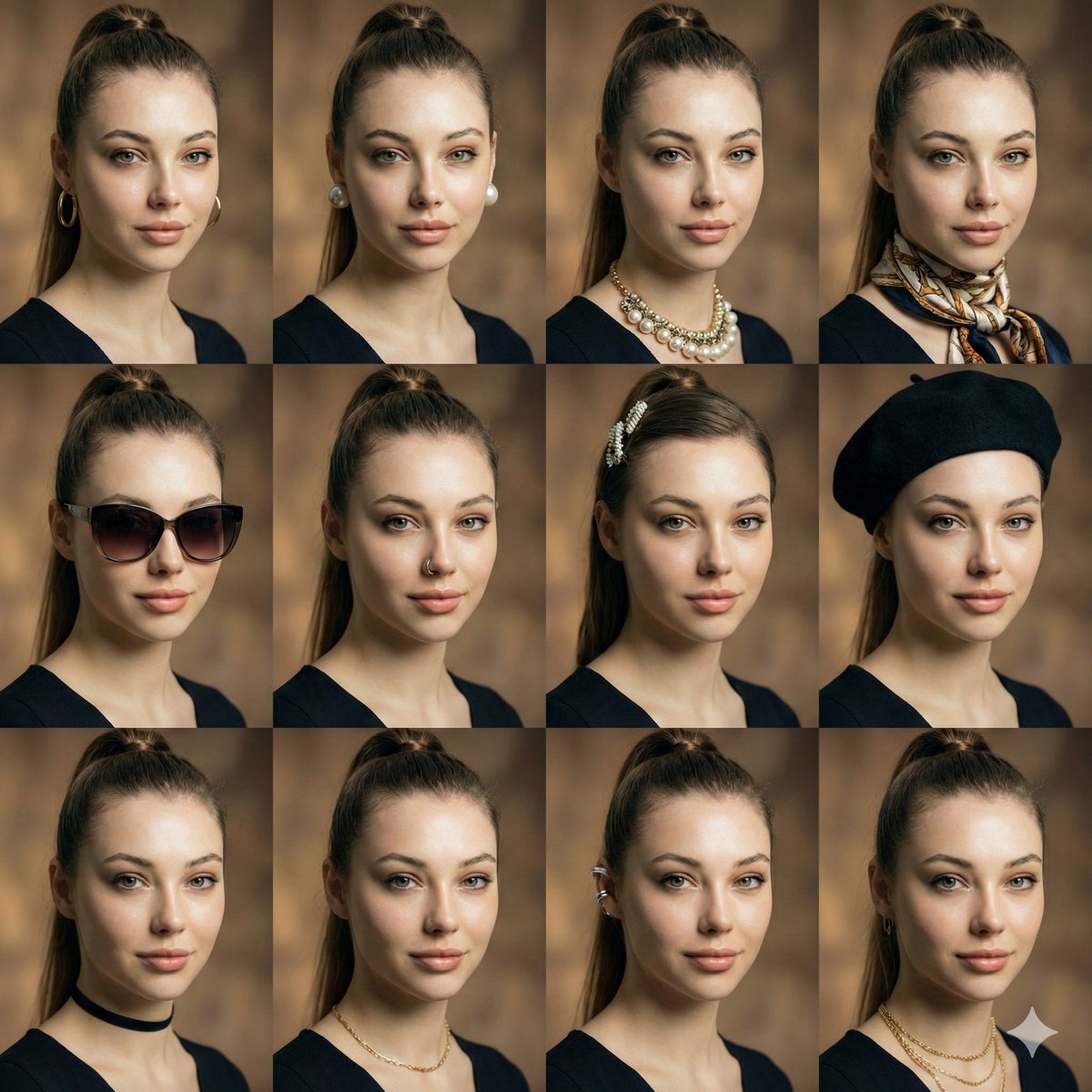
Consistent Facial Symmetry Photo Collage for Accessories
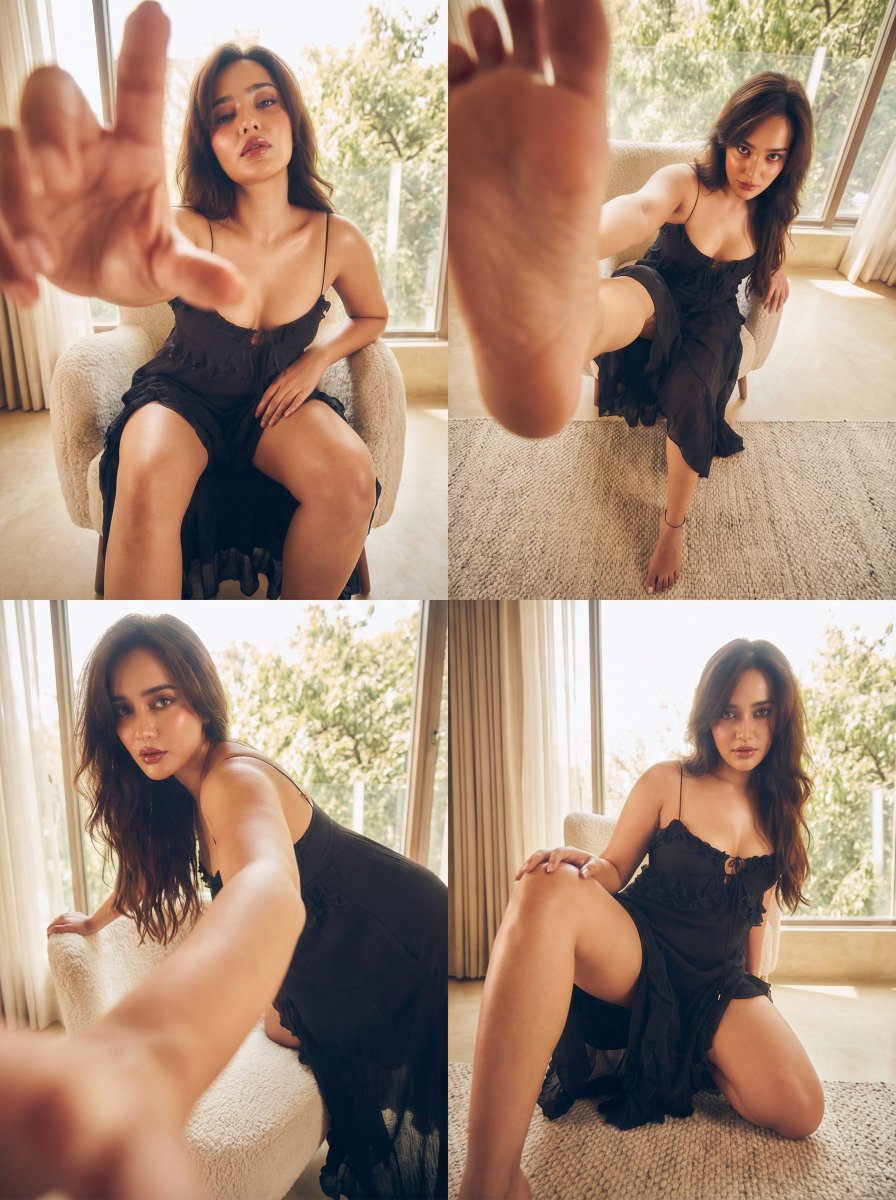
Dramatic Character Transformation Prompt
Browse template categories
Paparazzi Red Carpet Couple Prompt with Identity Lock questions
How do I use the Paparazzi Red Carpet Couple Prompt with Identity Lock template?
Add your photo if the template asks for one, edit the prompt if you like — the template's model and format are already selected — and press Generate. Your version opens in PicX Studio.
Can I customize the Paparazzi Red Carpet Couple Prompt with Identity Lock template?
Yes. You can change the subject, setting, lighting, mood, format, and available model controls before creating your image.
Is the Paparazzi Red Carpet Couple Prompt with Identity Lock template free?
Opening and editing this template is free. Generating uses credits, shown on the Generate button when you are signed in.
Which AI model should I use?
Start with Nano Banana 2, which is the model associated with this template. You can compare another compatible model for a different finish.
Looking for something else? Browse all templates.

Your photo, any look
Thousands of ready templates for every top image and video model, from one credit balance.