
Chibi Cat Maid Crayon Art Scene
This prompt generates a cozy chibi anime illustration with handwritten Japanese encouragement text, ideal for cute inspirational art and social media sharing.
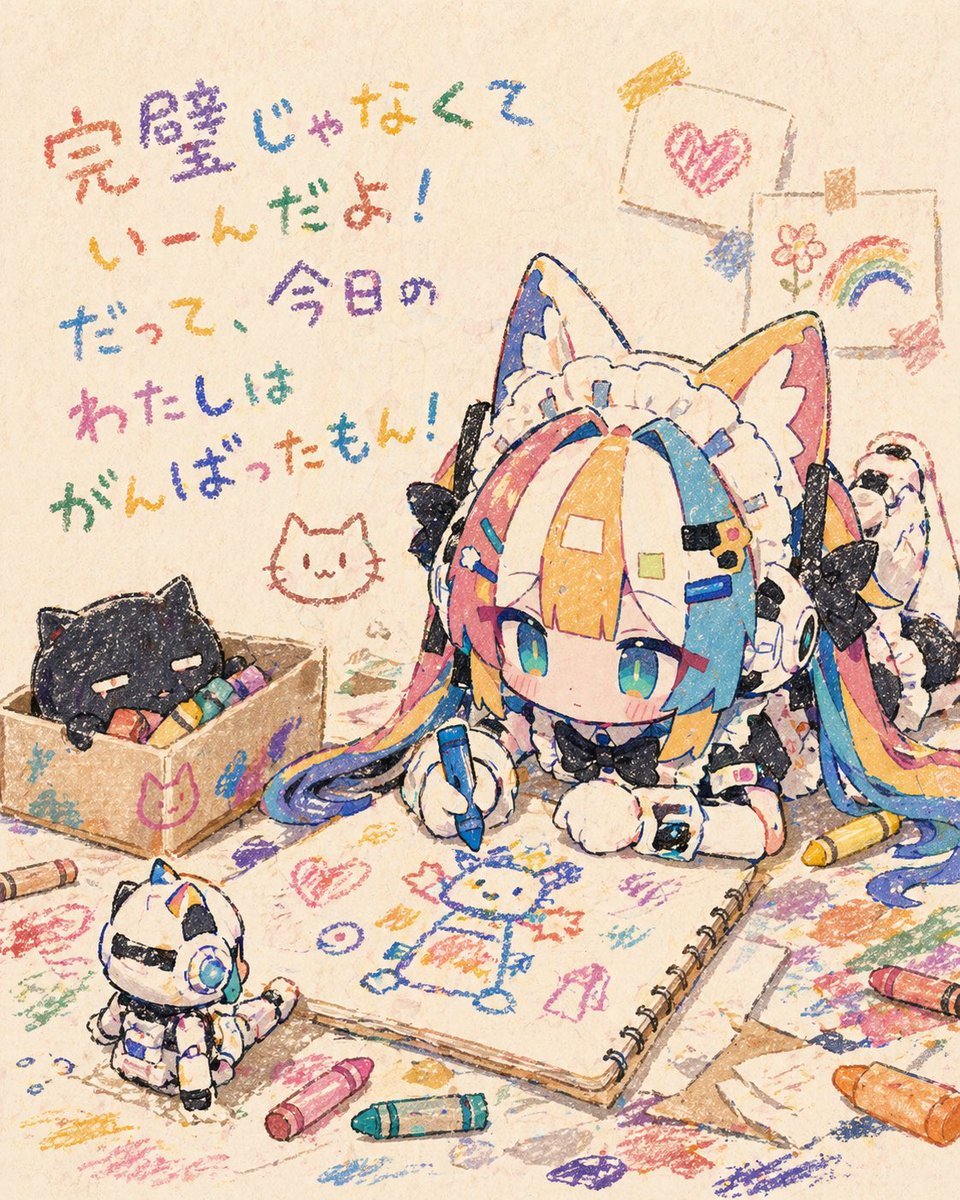
- Prompt included
- Model and format preset
- Free template
The prompt behind this image
Copy the exact prompt behind Chibi Cat Maid Crayon Art Scene, or open it in the studio and make it yours.
A warm, nostalgic anime illustration in a childlike crayon-drawing style on textured beige paper, featuring a super-deformed chibi cat-eared maid girl lying on her stomach and drawing in a large spiral sketchbook. She has oversized cat ears, a frilly white maid headband, twin tails, and multicolored hair in bright pastel rainbow sections of pink, blue, yellow, and orange, with large teal-blue eyes and a calm, focused expression. Her black-and-white maid outfit includes bows, lace, puffy sleeves, fluffy cuffs, and tiny decorative clips. She holds a blue crayon and is drawing a simple crayon character on the open sketchbook page. Around her is a messy tabletop or floor covered with colorful crayon scribbles and loose sheets of paper. Include exactly 6 visible crayons scattered around the scene in different colors, with no crayon box packaging prominently shown. On the left, place a small cardboard box containing a sleepy black cat nestled among crayons, and draw a simple cat-face doodle near it. In the lower left foreground, include 1 small toy-like white robot cat figure with blue accents sitting and watching. In the upper right background, hang exactly 2 children's drawings clipped to a string: one with a pink heart and one with a flower and rainbow. On the upper left, add large handwritten Japanese crayon text reading 「完璧じゃなくて いーんだよ! だって、今日の わたしは がんばったもん!」 in multicolored crayon lettering. Use soft lighting, cozy craft-room atmosphere, gentle grain, and intentionally rough waxy crayon texture throughout the entire image. Make it adorable, heartfelt, and handmade-looking, with visible uneven outlines and layered scribbles, but do not show realistic crayons being actively presented to the viewer.
How to use Chibi Cat Maid Crayon Art Scene in 3 steps
- 1Upload ImagePNG, JPG or paste
Add your photo
Upload the photo the template builds on. The prompt, model and format are already set.
- 2…a portrait of your subject in softgolden-hour light, 85mm…
Personalize
Edit the subject and creative details for your destination.
- 3Generate
Generate
Press Generate — your image is created in PicX Studio, so you can compare it with the original and refine one variable at a time.
More like this
Templates with the same subject, style or setup. Open one to see its prompt.
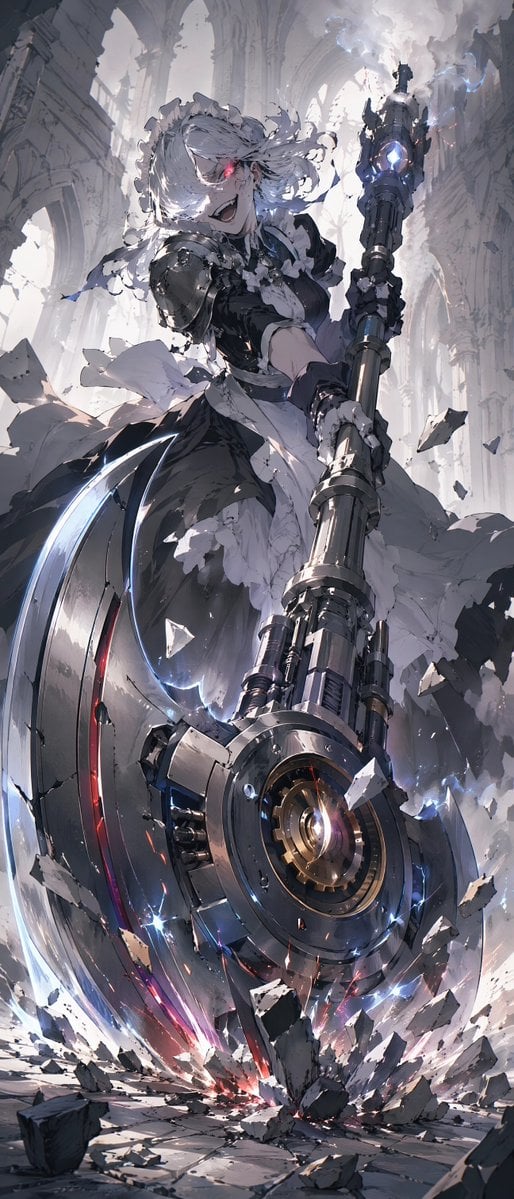
Battle Maid in Ruined Cathedral
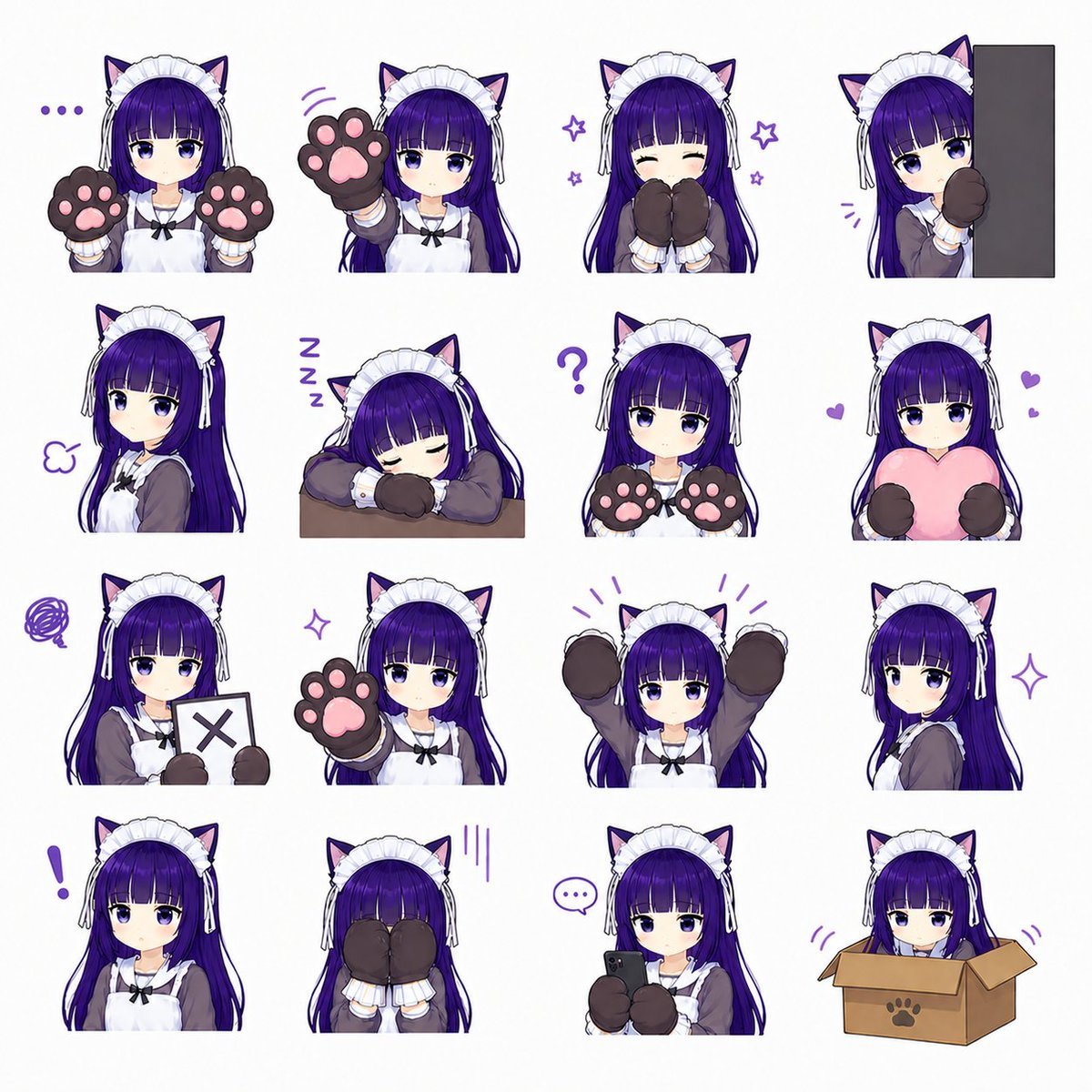
Cat-Eared Maid Emote Sticker Sheet

Cat Photobomb Selfie — 0.5x Wide Angle Café Chaos

Surreal Cat Astronaut — Humanoid Face Freefall

Cute Layered Paper Cut Chibi Girl

Pixar-Style Chibi Café Morning Scene

Low Angle Floor Selfie With Upside Down Cat
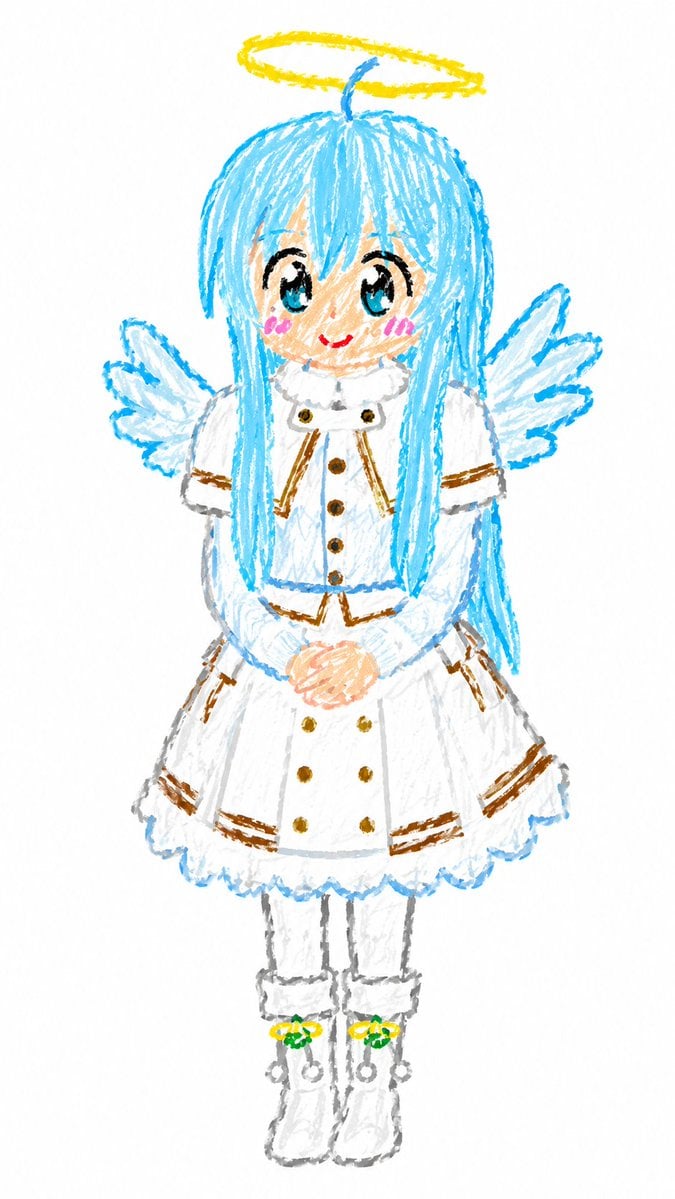
Crayon Chibi Angel Girl
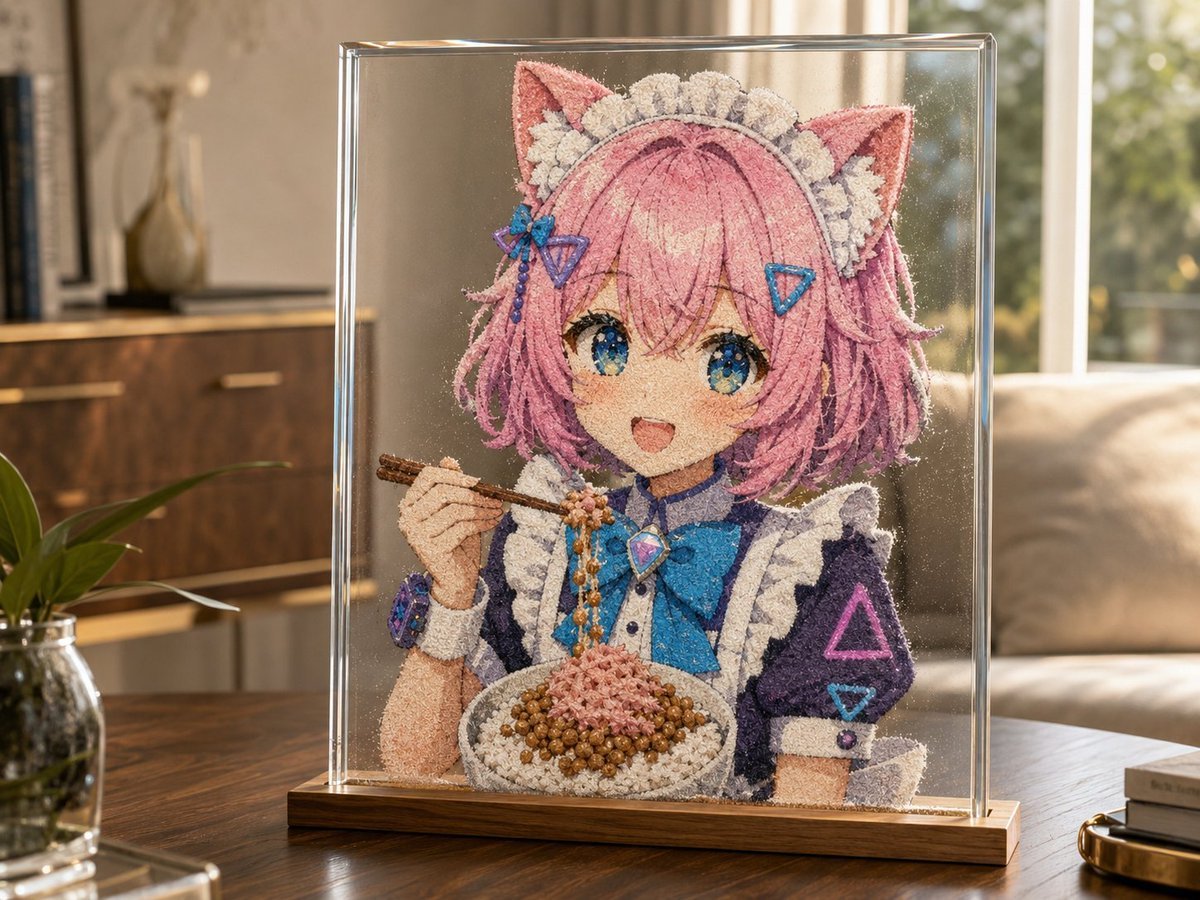
Cat-Eared Maid Sand Art Display
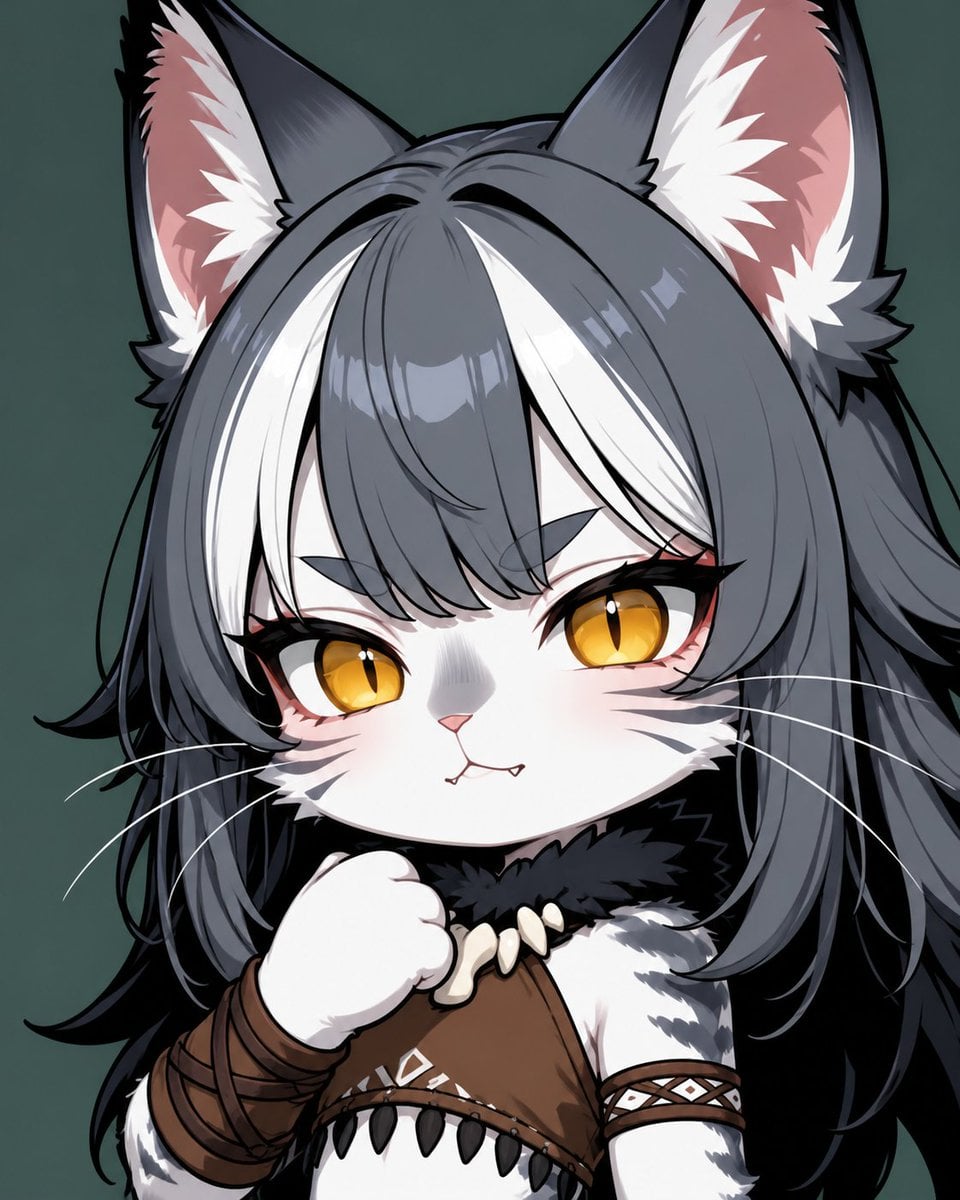
Chibi Cat-Girl Portrait
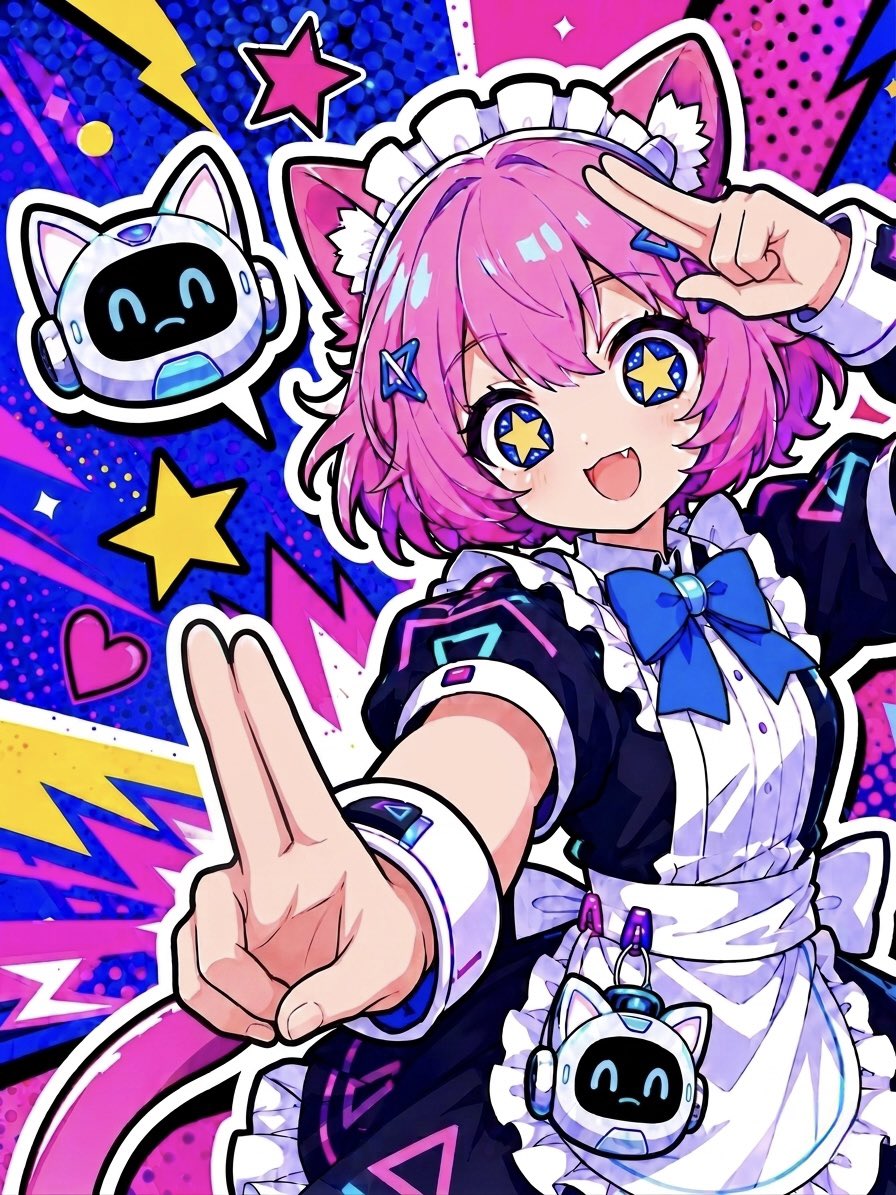
Cyber Cat Maid Peace Pose
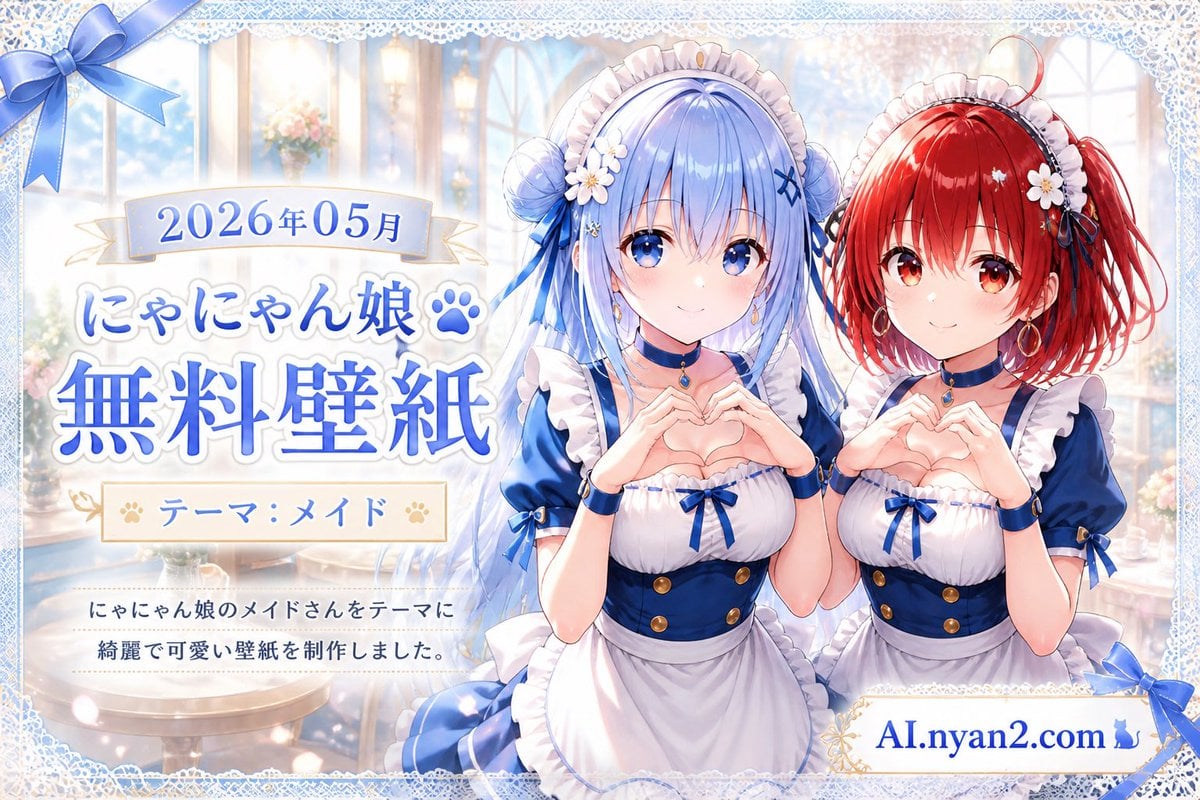
Catgirl Maid Free Wallpaper Banner
Make it yours
Chibi Cat Maid Crayon Art Scene works as-is. These are the safest ways to change it without losing the look.
Change one field
Copy a single group, rewrite it, and generate again so you can see what that field is doing.
Keep the frame, change the subject
Hold the composition and light of Chibi Cat Maid Crayon Art Scene, then swap wardrobe, props or the person for a new take.
| If the result… | Why | Fix |
|---|---|---|
| The result drifts from the preview | Too many fields changed at once. | Reuse Chibi Cat Maid Crayon Art Scene as-is first, then change one group — subject, light, or setting. |
| The model over-stylizes the scene | The prose prompt leaves finish and camera underspecified. | Add one camera or lighting sentence and stay on GPT Image 2. |
More GPT Image 2 templates
Other prompts made for GPT Image 2.

Six VTuber Japanese Logo Sheet

Realistic Portrait of Woman and Deer

The Vista Modular Condo Poster

AI Model Routing Comparison Infographic

2.5D Anime Art Board

Isometric Productivity Desk Scene

New York Double Exposure Poster

Four-Panel AI Landscape Comparison

Japanese Tatami Lifestyle Magazine Cover

NESCAFÉ Coffee Map Poster
More image prompts
Fresh picks from across the catalog.
Ultra-realistic Fragrance Product Shot
2x2 Beauty Portrait Collage
High-Contrast Athleisure Mirror Selfie
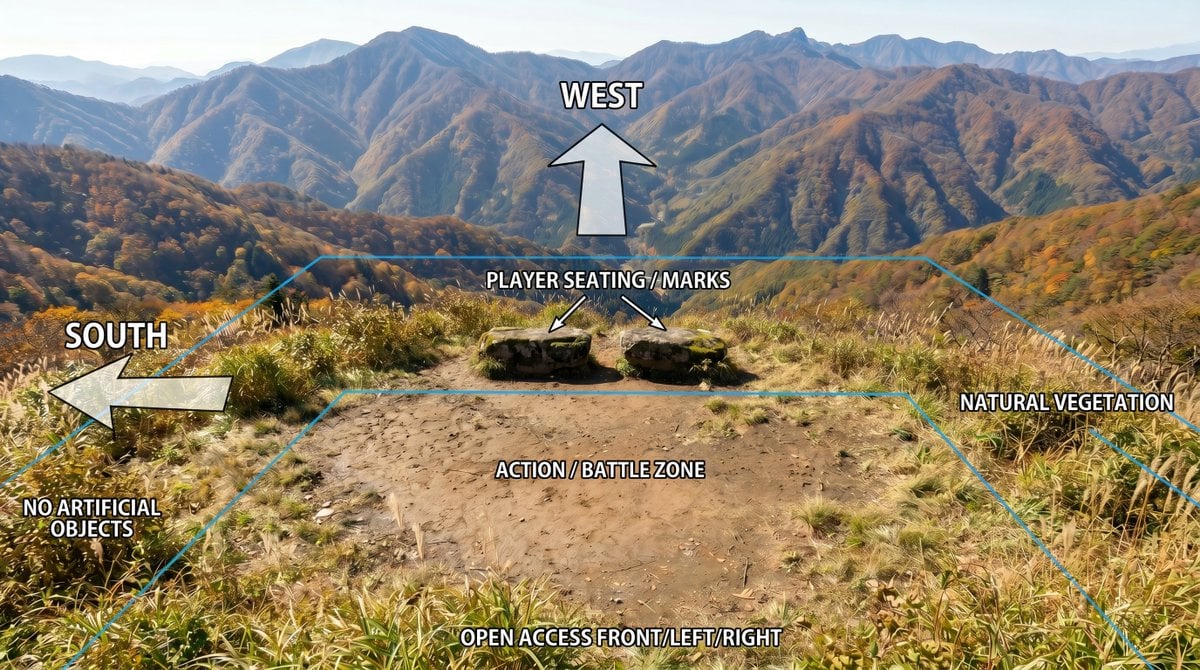
Annotated Mountain Location Diagram
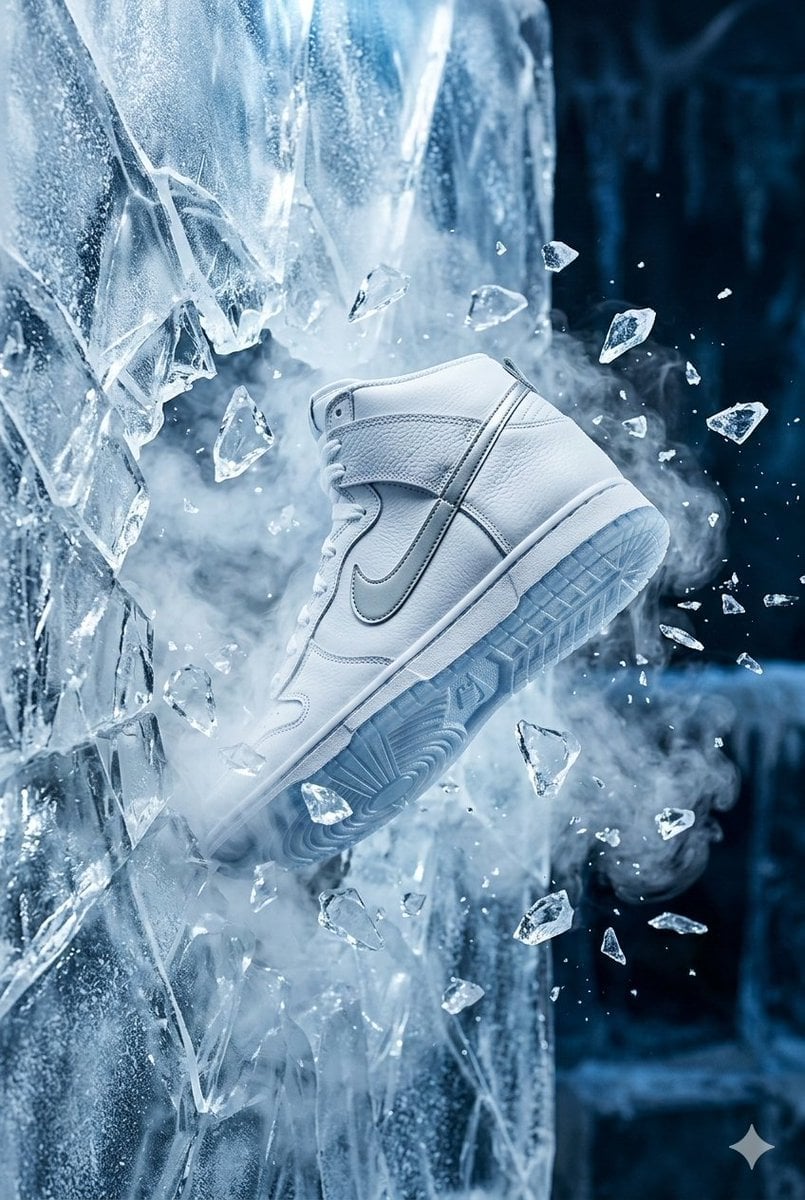
Nike Dunk Bursting Through Crystalline Wall
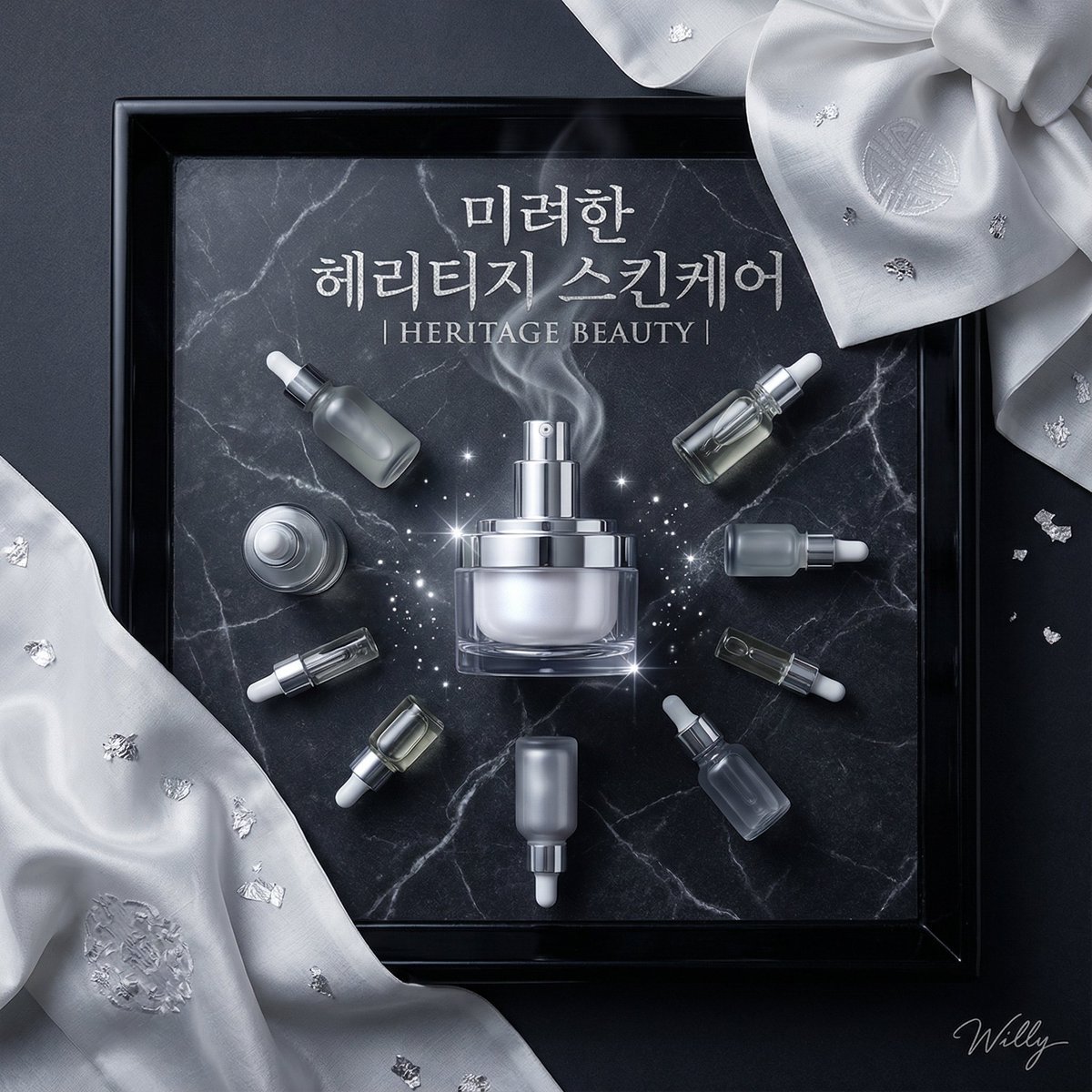
Luxury Korean Skincare Advertisement Prompt

Gen-Z Anti-Aesthetic Diner Selfie
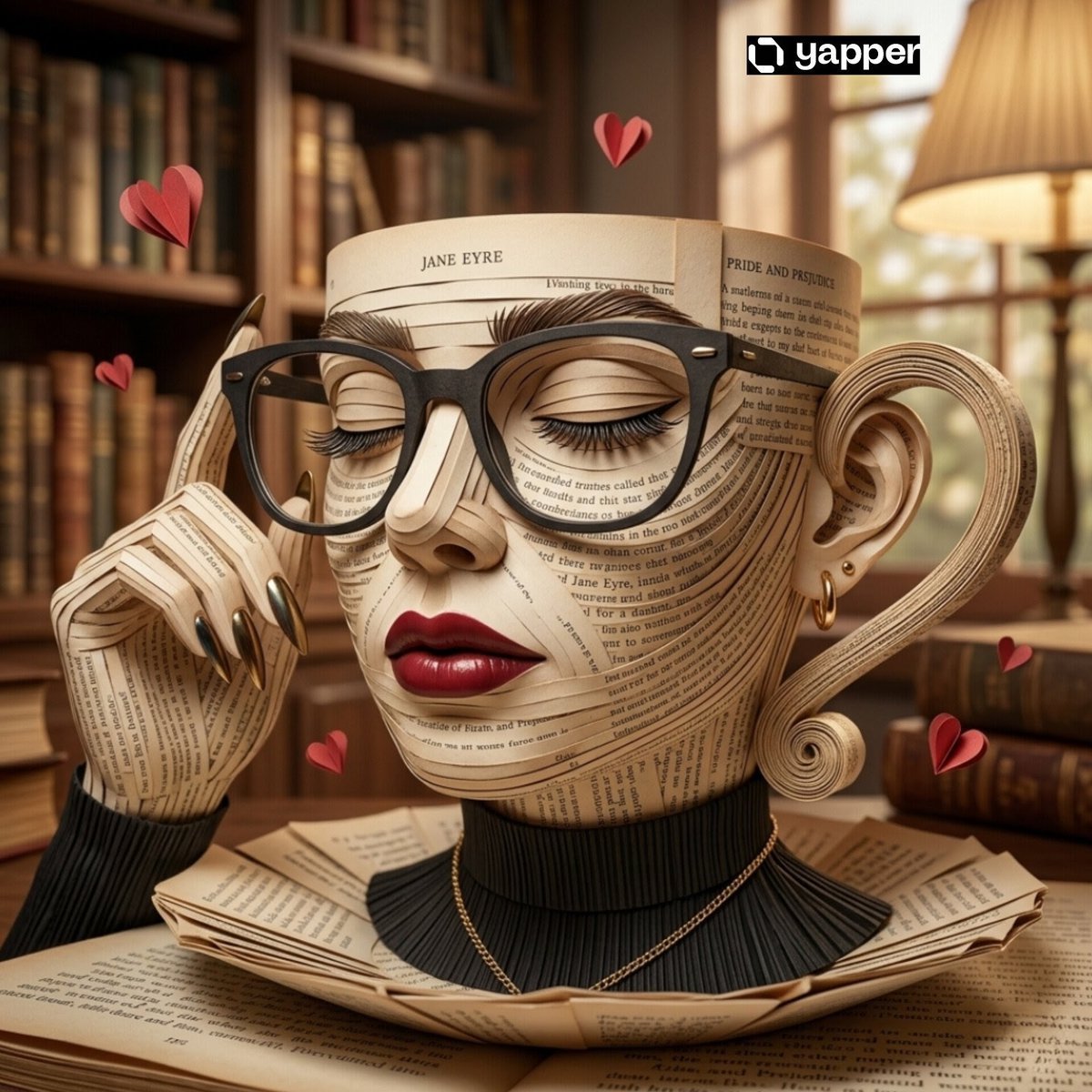
Surreal Coffee Cup Artwork Prompt
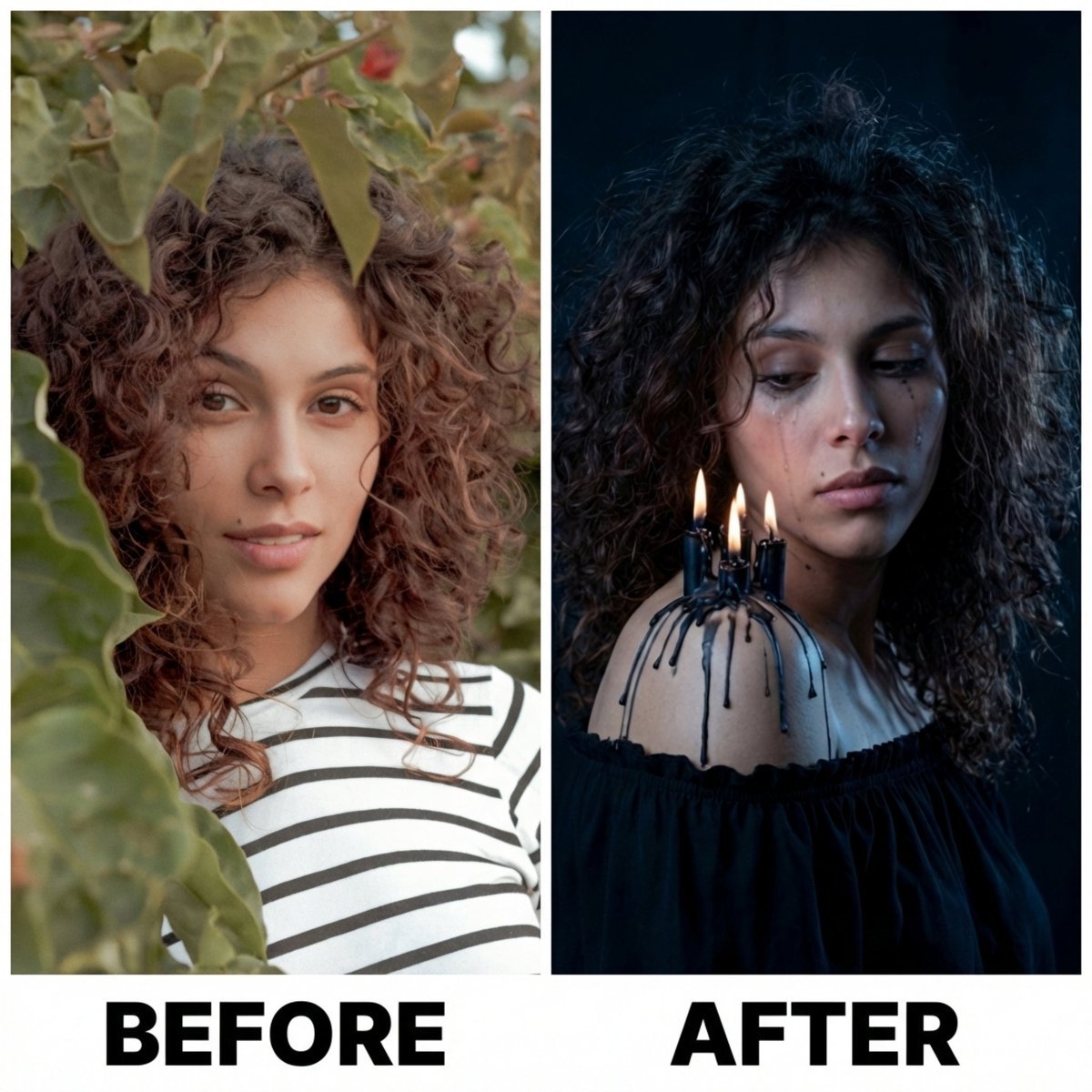
Moody Portrait with Dripping Candles
Thumbnail Editing Prompt: Replacing a Person
Browse template categories
Chibi Cat Maid Crayon Art Scene questions
How do I use the Chibi Cat Maid Crayon Art Scene template?
Add your photo if the template asks for one, edit the prompt if you like — the template's model and format are already selected — and press Generate. Your version opens in PicX Studio.
Can I customize the Chibi Cat Maid Crayon Art Scene template?
Yes. You can change the subject, setting, lighting, mood, format, and available model controls before creating your image.
Is the Chibi Cat Maid Crayon Art Scene template free?
Opening and editing this template is free. Generating uses credits, shown on the Generate button when you are signed in.
Which AI model should I use?
Start with GPT Image 2, which is the model associated with this template. You can compare another compatible model for a different finish.
Looking for something else? Browse all templates.

Your photo, any look
Thousands of ready templates for every top image and video model, from one credit balance.