
Cyber Cat Maid Peace Pose
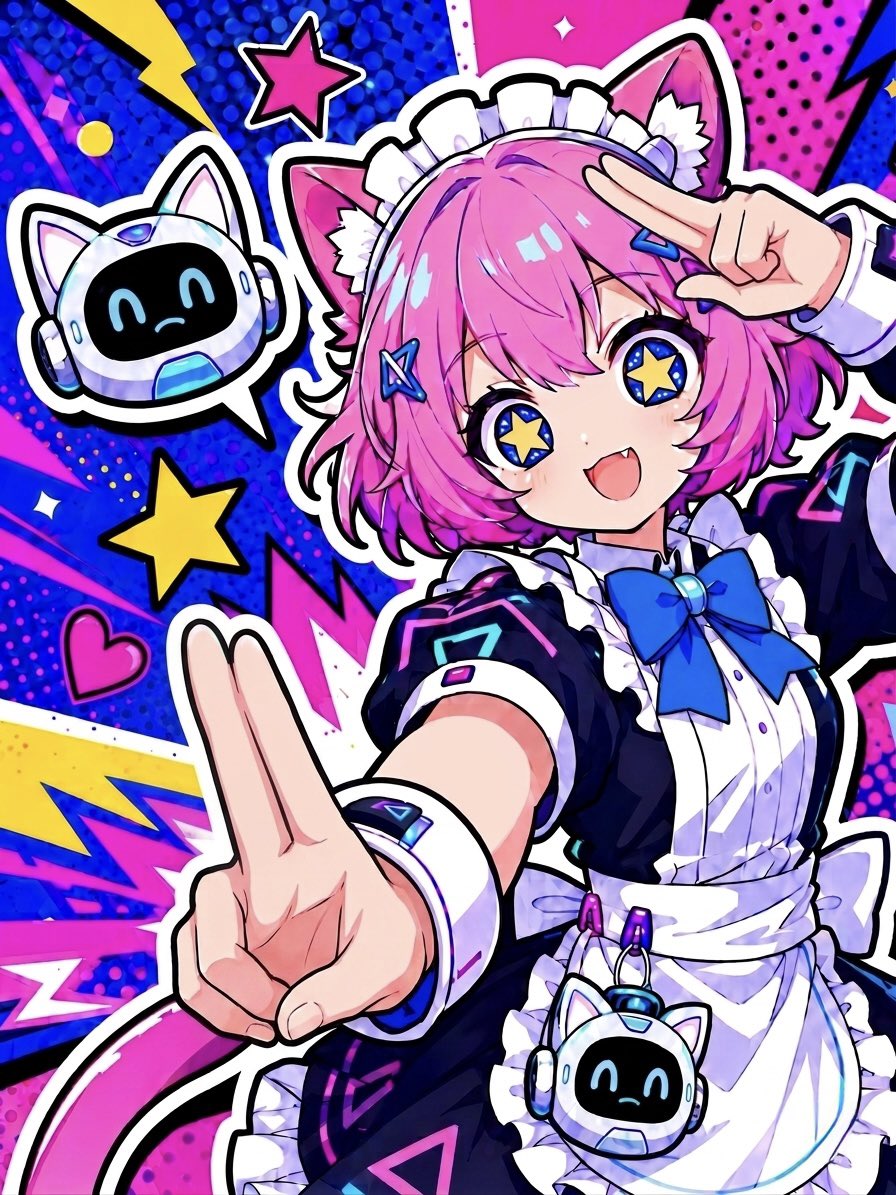
Generates a bold kawaii anime cat-maid idol illustration with pop-art graphics and robot cat mascots for stickers, posters, or social media art.
- Prompt included
- Model and format preset
- Free template
The prompt behind this image
Copy the exact prompt behind Cyber Cat Maid Peace Pose, or open it in the studio and make it yours.
Create a vibrant single-panel anime sticker-style illustration of a cheerful cat-eared maid idol in an energetic pop-art composition. The character is a young anime girl with {argument name="hair color" default="bright hot pink"} short bob hair, fluffy cat ears, a white frilled maid headband, blue star hair clips, huge sparkling blue eyes with yellow star-shaped pupils, tiny fangs, and a joyful open-mouth smile. She wears a navy-and-white futuristic maid dress with puff sleeves, white apron, ruffled trim, a large {argument name="bow color" default="electric blue"} bow at the collar, neon cyan and magenta geometric accents, wrist cuffs, and a small cat-robot pouch clipped at the waist. Pose her in a dynamic close-up fisheye perspective, leaning toward the viewer, making a large two-finger peace sign with one hand in the foreground and another peace sign near her face, emphasizing exaggerated foreshortening and playful idol energy. Include exactly 2 cute floating robot cat mascots: one in a white speech-bubble-like outline on the upper left with a black digital smiling face and headphones, and one smaller matching robot-cat pouch at her waist. Surround her with a thick white sticker outline and bold black shadow lines. The background should be a high-saturation comic pop-art explosion with {argument name="main background colors" default="electric blue, hot pink, yellow, and white"}, halftone dots, jagged lightning bolts, angular speed lines, and graphic decals. Include exactly 3 prominent star decals: one pink outlined star near the top, one yellow star on the left-center, and one small white sparkle near the top; include exactly 1 pink heart decal on the lower left. Use crisp clean line art, glossy highlights, cel shading, ultra-bright contrast, kawaii cyber-maid aesthetics, vertical portrait composition, no text, no watermark.
How to use Cyber Cat Maid Peace Pose in 3 steps
- 1Upload ImagePNG, JPG or paste
Add your photo
Upload the photo the template builds on. The prompt, model and format are already set.
- 2…a portrait of your subject in softgolden-hour light, 85mm…
Personalize
Edit the subject and creative details for your destination.
- 3Generate
Generate
Press Generate — your image is created in PicX Studio, so you can compare it with the original and refine one variable at a time.
More like this
Templates with the same subject, style or setup. Open one to see its prompt.
Cyber Demon Maid Katana
Battle Maid in Ruined Cathedral
Cat-Eared Maid Emote Sticker Sheet
Cat Photobomb Selfie — 0.5x Wide Angle Café Chaos
Surreal Cat Astronaut — Humanoid Face Freefall
Low Angle Floor Selfie With Upside Down Cat
Cyberpunk Pink-Haired Idol Peace Sign
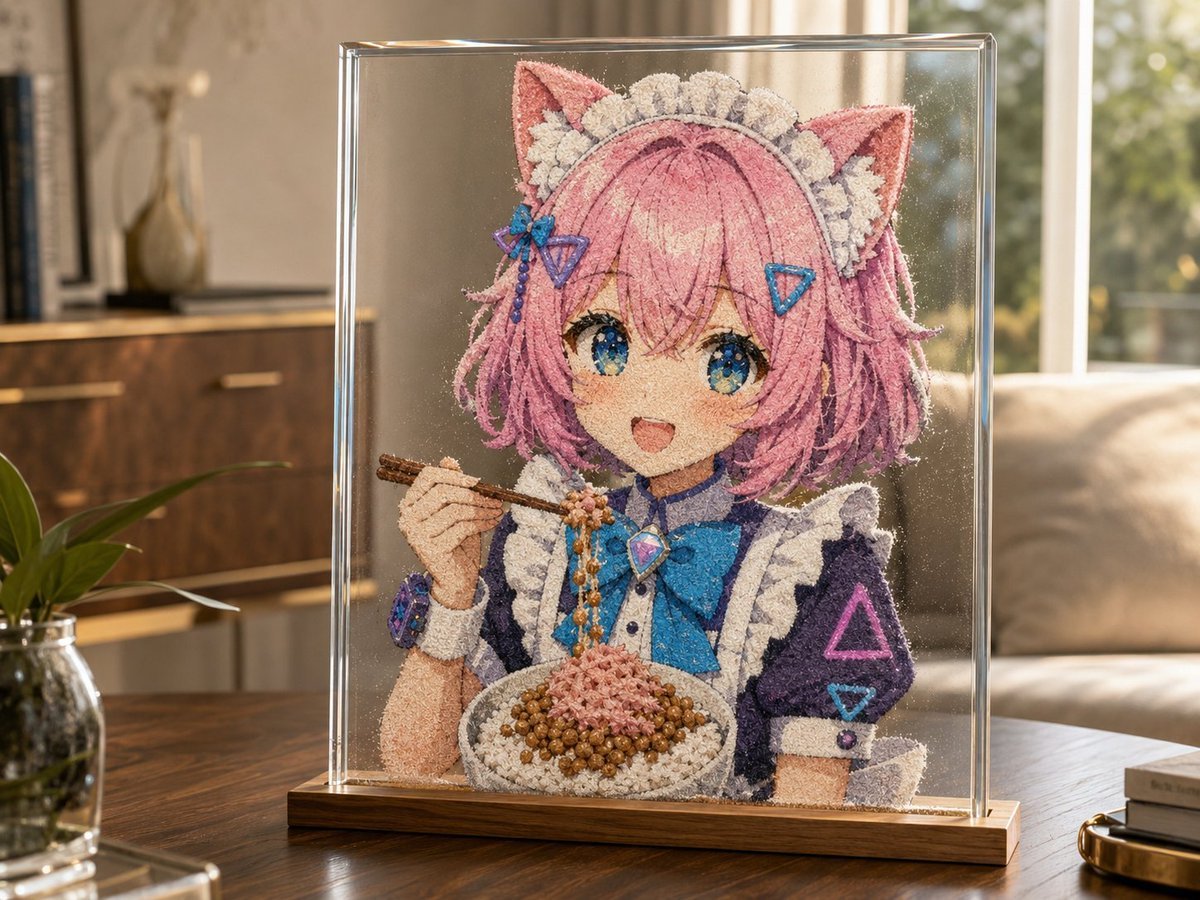
Cat-Eared Maid Sand Art Display
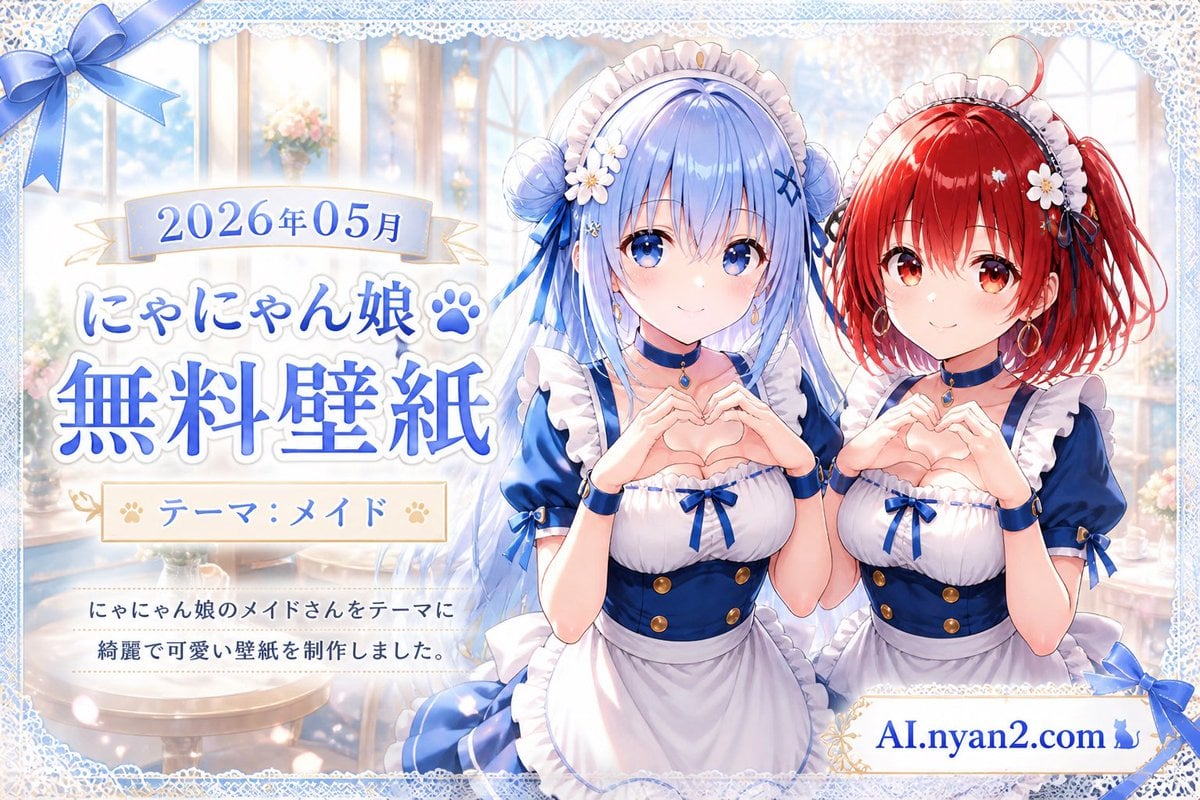
Catgirl Maid Free Wallpaper Banner
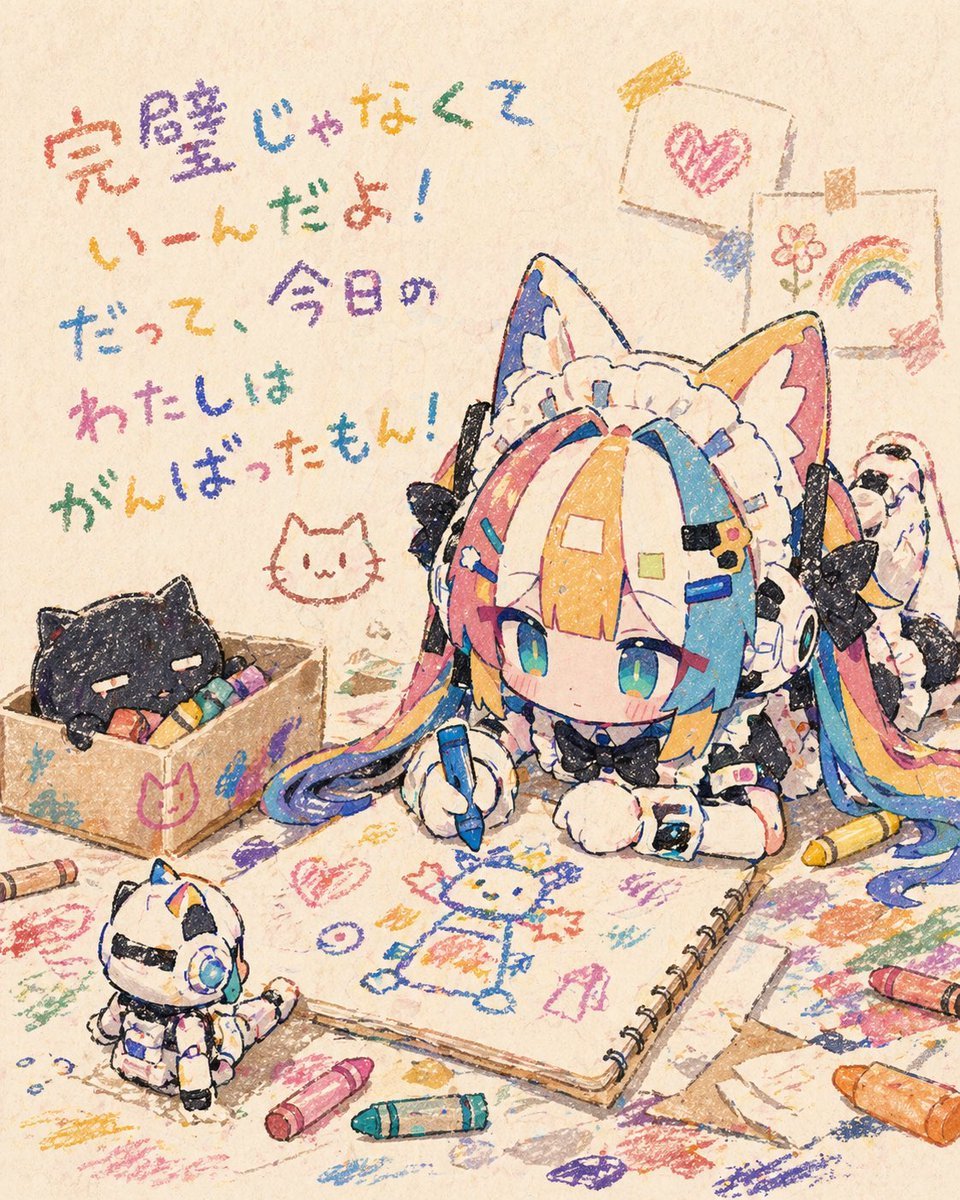
Chibi Cat Maid Crayon Art Scene
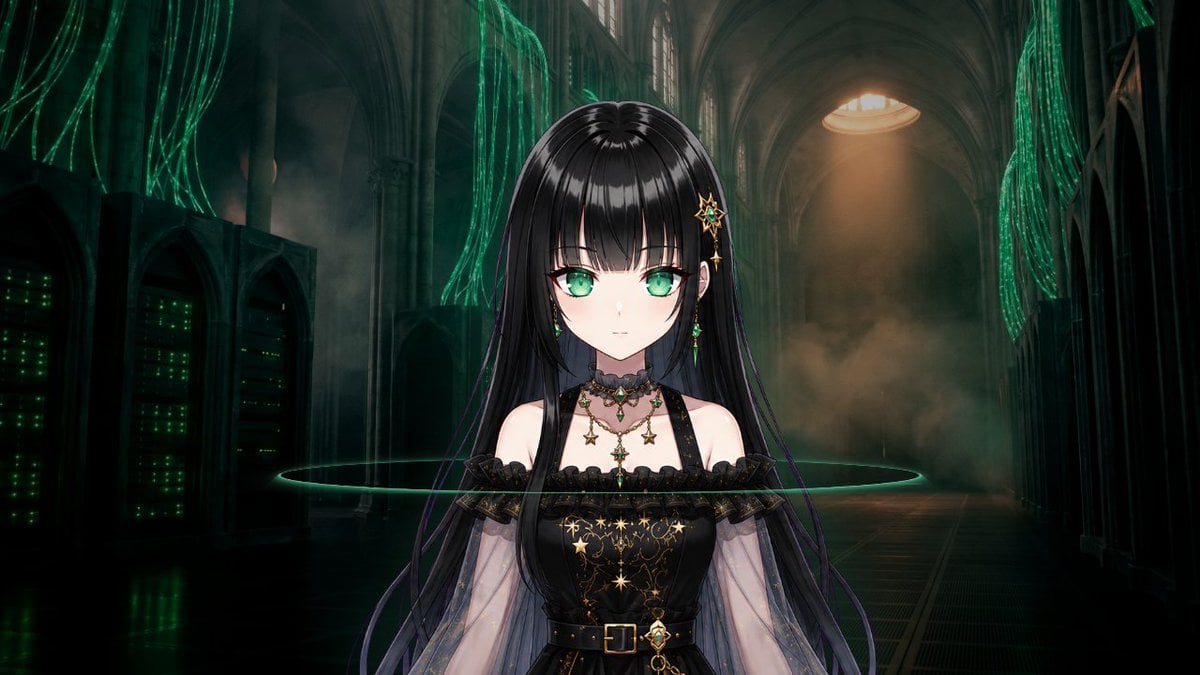
Gothic Cyber VTuber Cathedral Portrait
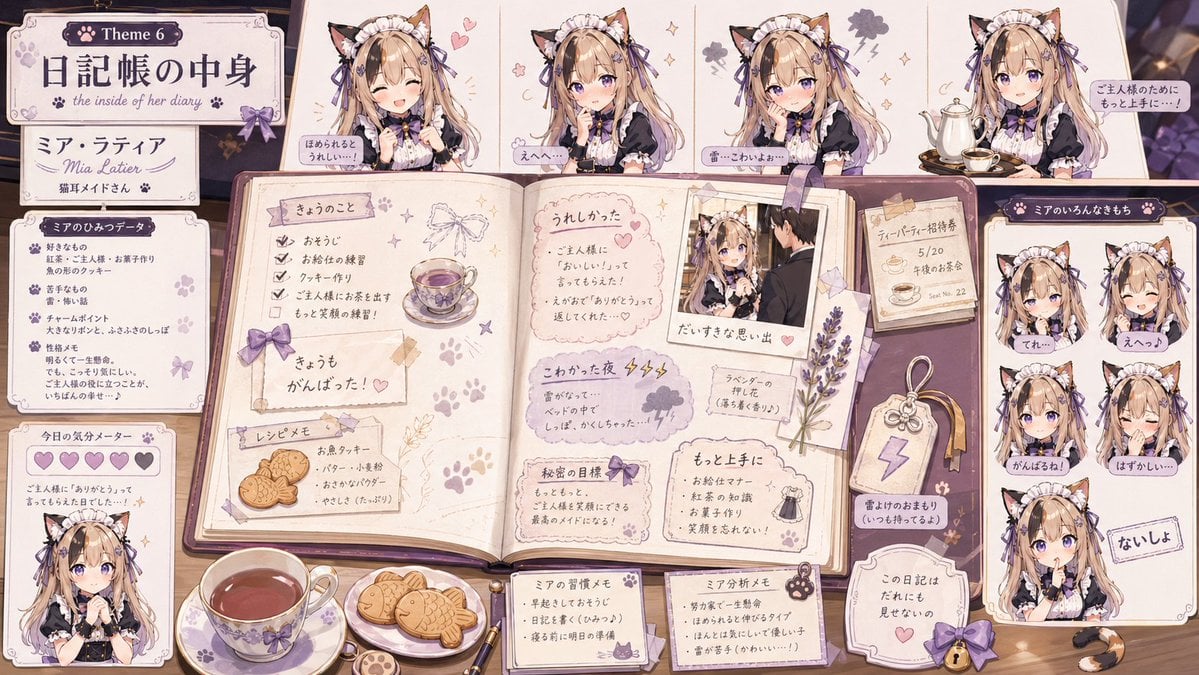
Cat Maid Diary Reference Sheet
Make it yours
Cyber Cat Maid Peace Pose works as-is. These are the safest ways to change it without losing the look.
Change one field
Copy a single group, rewrite it, and generate again so you can see what that field is doing.
Keep the frame, change the subject
Hold the composition and light of Cyber Cat Maid Peace Pose, then swap wardrobe, props or the person for a new take.
| If the result… | Why | Fix |
|---|---|---|
| The result drifts from the preview | Too many fields changed at once. | Reuse Cyber Cat Maid Peace Pose as-is first, then change one group — subject, light, or setting. |
| The model over-stylizes the scene | The prose prompt leaves finish and camera underspecified. | Add one camera or lighting sentence and stay on GPT Image 2. |
More GPT Image 2 templates
Other prompts made for GPT Image 2.

Six VTuber Japanese Logo Sheet

Realistic Portrait of Woman and Deer

The Vista Modular Condo Poster

AI Model Routing Comparison Infographic

2.5D Anime Art Board

Isometric Productivity Desk Scene

New York Double Exposure Poster

Four-Panel AI Landscape Comparison

Japanese Tatami Lifestyle Magazine Cover

NESCAFÉ Coffee Map Poster
More image prompts
Fresh picks from across the catalog.
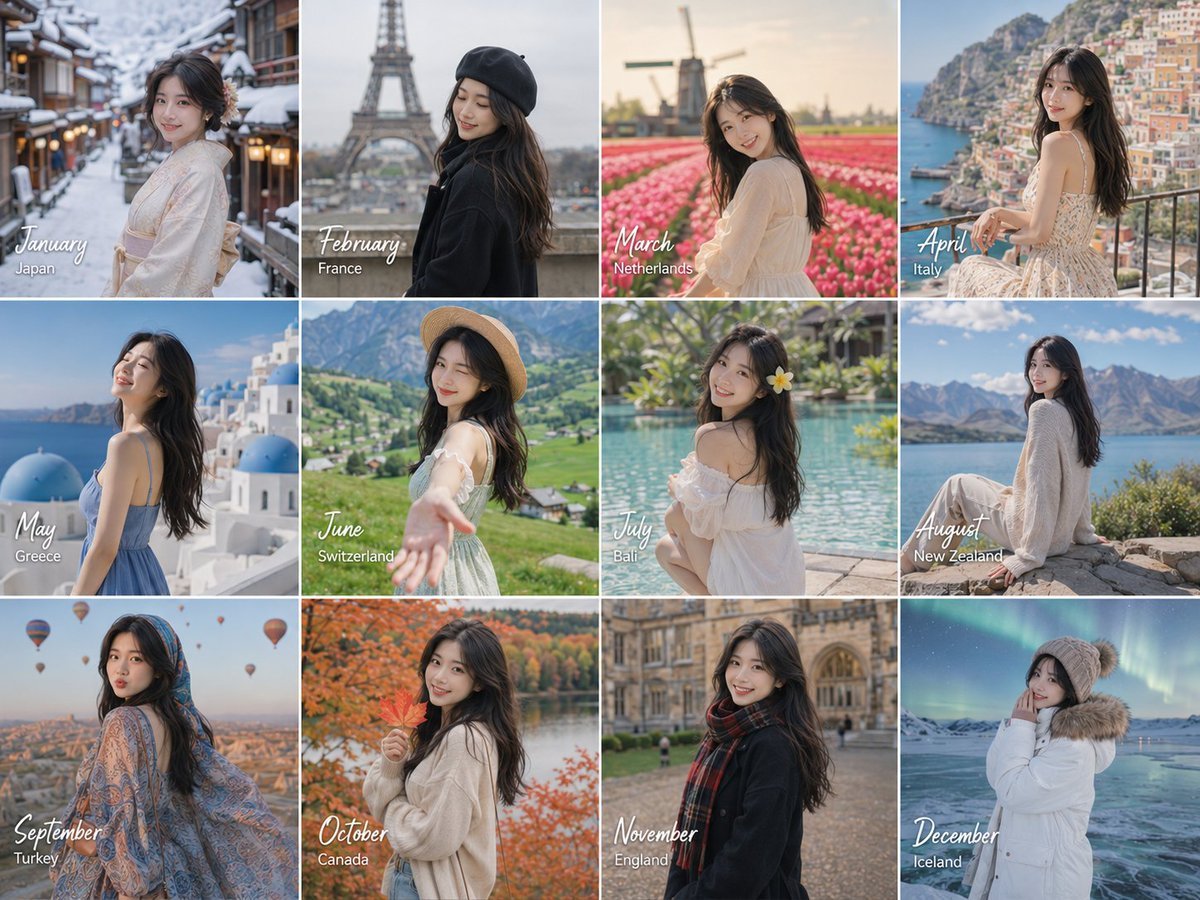
Month Travel Memory Grid
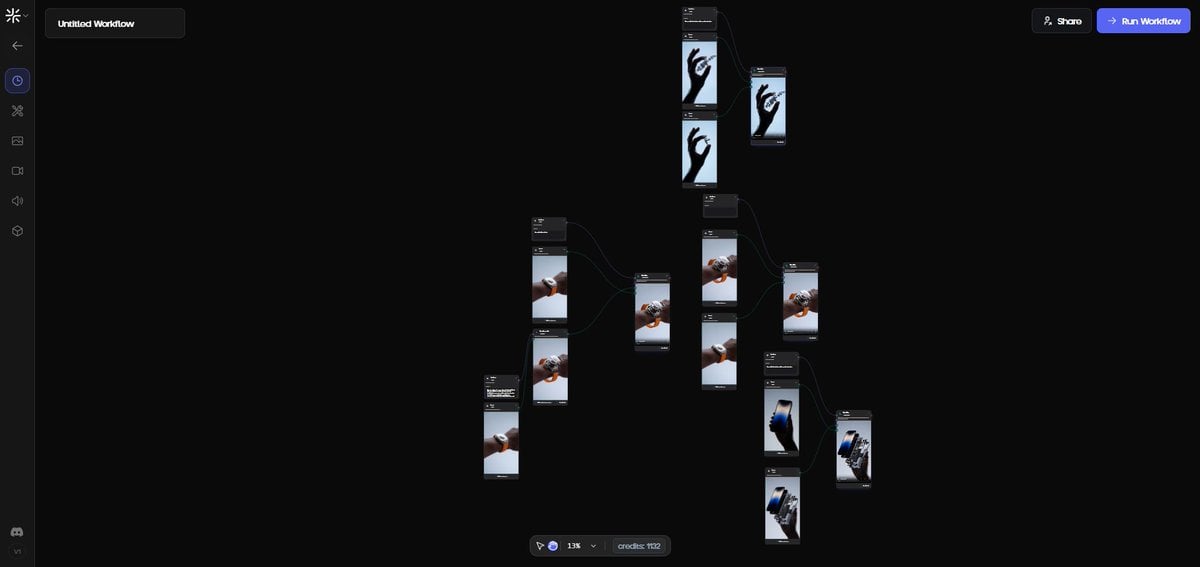
Exploded View Disassembly of Apple Watch Ultra and iPhone
Abstract Brand Illustration for Innovation and Clarity
Akatsuki Mirror Selfie Prompt
Low-Angle Sentimental Sky Poster
Instagram Style Ramen Photography
Korean Hanok Watercolor Sketch

Chengdu Gourmet Walking Map
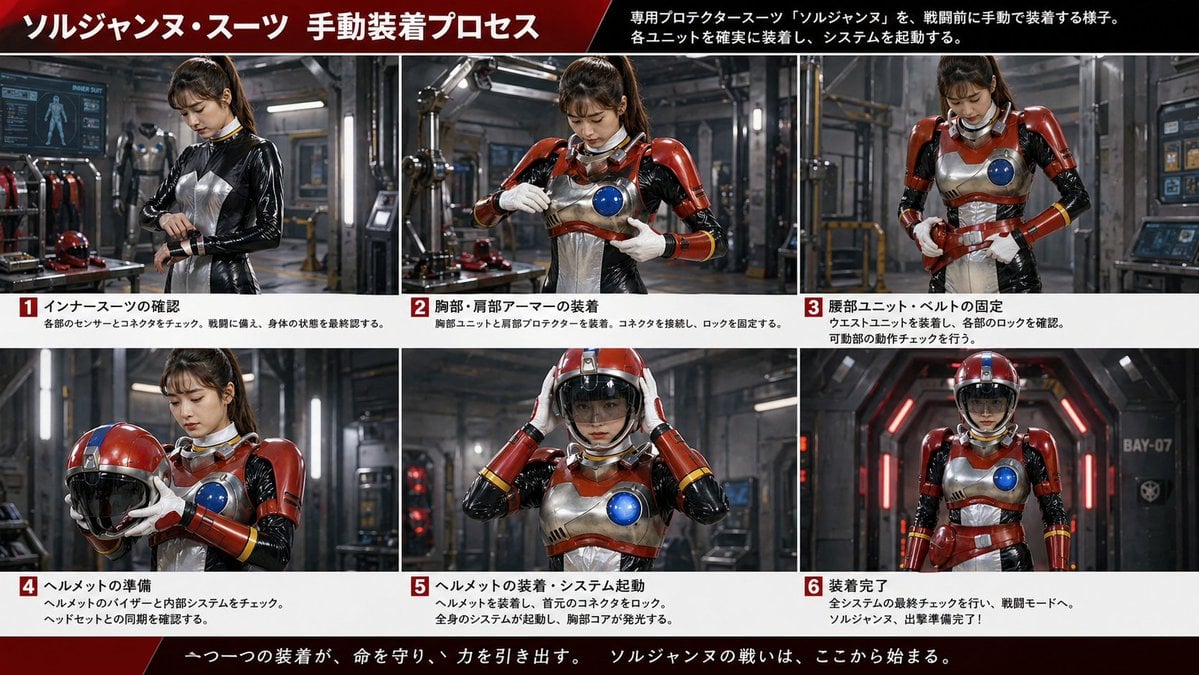
Japanese Sci-Fi Suit-Up Process Board
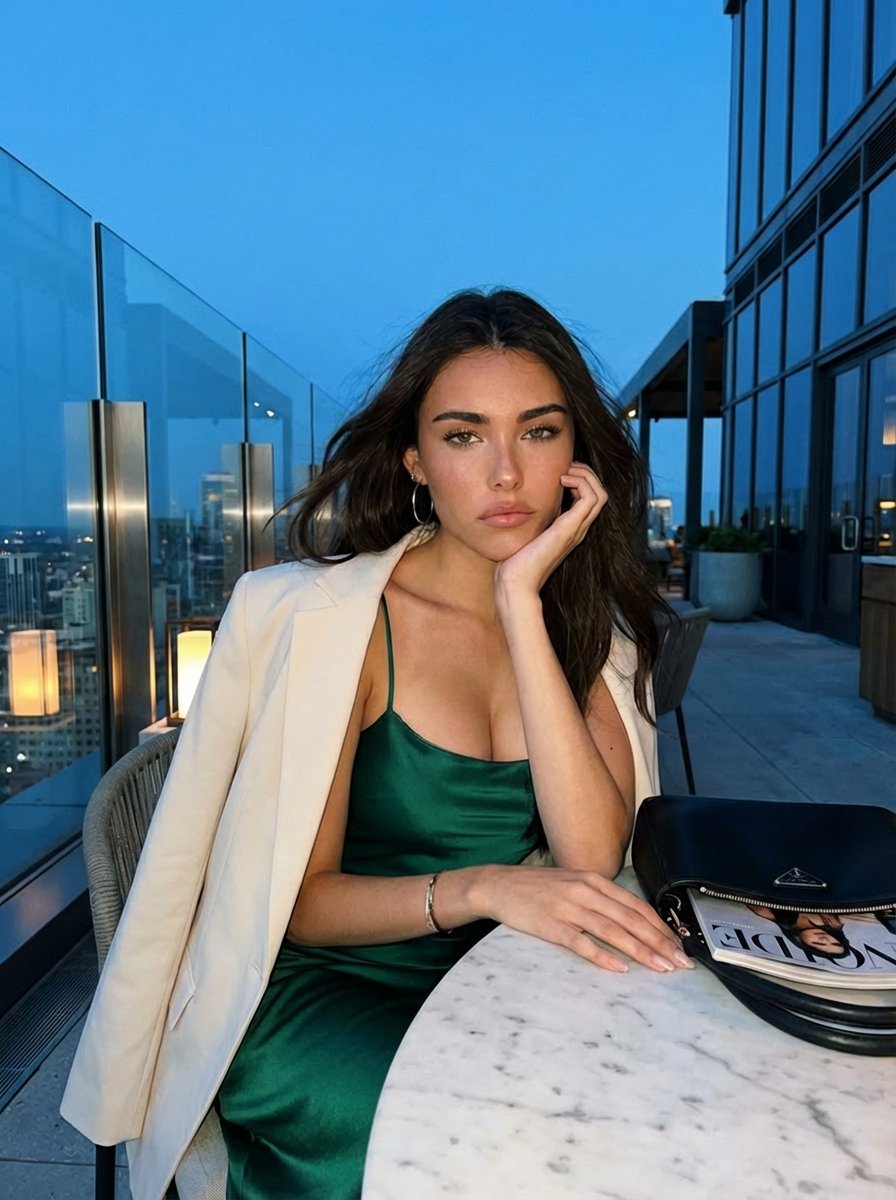
Blue Hour Rooftop Portrait
Browse template categories
Cyber Cat Maid Peace Pose questions
How do I use the Cyber Cat Maid Peace Pose template?
Add your photo if the template asks for one, edit the prompt if you like — the template's model and format are already selected — and press Generate. Your version opens in PicX Studio.
Can I customize the Cyber Cat Maid Peace Pose template?
Yes. You can change the subject, setting, lighting, mood, format, and available model controls before creating your image.
Is the Cyber Cat Maid Peace Pose template free?
Opening and editing this template is free. Generating uses credits, shown on the Generate button when you are signed in.
Which AI model should I use?
Start with GPT Image 2, which is the model associated with this template. You can compare another compatible model for a different finish.
Looking for something else? Browse all templates.

Your photo, any look
Thousands of ready templates for every top image and video model, from one credit balance.