
Cyberpunk Pink-Haired Idol Peace Sign
Generates a tight neon anime hero illustration of a pink-haired virtual idol reaching toward the viewer with an oversized peace-sign hand.
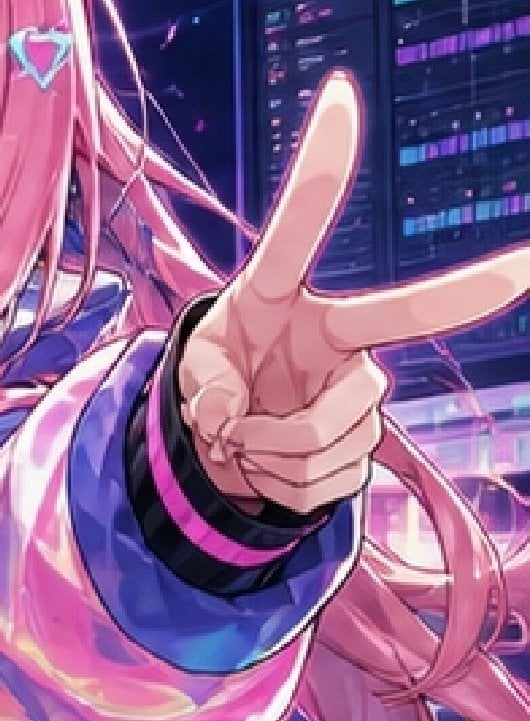
- Prompt included
- Model and format preset
- Free template
The prompt behind this image
Copy the exact prompt behind Cyberpunk Pink-Haired Idol Peace Sign, or open it in the studio and make it yours.
Create a vibrant cyberpunk anime close-up illustration of {argument name="character name" default="a pink-haired virtual idol girl"} in a neon server-room setting, framed as a tight vertical crop with the left half of her face mostly cut off and her oversized hand dominating the center foreground. She has very long flowing {argument name="hair color" default="bright pink"} hair with loose strands and ribbons, a small turquoise diamond-shaped hair ornament near the top left, pale skin, and a glossy futuristic jacket in {argument name="jacket color" default="electric blue and magenta"} with black cuffs and hot-pink trim. Her hand is thrust toward the viewer in extreme perspective, making a peace sign with 2 long extended fingers, 1 visible thumb, and 3 curled or partially fused lower fingers for a slightly imperfect six-finger AI-art look. The background shows tall dark data panels and monitor columns with glowing purple, cyan, and magenta code-like bars, plus diagonal neon light streaks and pink reflections. Use a polished high-saturation anime key visual style, dramatic rim lighting, glossy highlights, shallow depth of field, energetic idol-promo composition, and a futuristic website hero-image feel.
How to use Cyberpunk Pink-Haired Idol Peace Sign in 3 steps
- 1Upload ImagePNG, JPG or paste
Add your photo
Upload the photo the template builds on. The prompt, model and format are already set.
- 2…a portrait of your subject in softgolden-hour light, 85mm…
Personalize
Edit the subject and creative details for your destination.
- 3Generate
Generate
Press Generate — your image is created in PicX Studio, so you can compare it with the original and refine one variable at a time.
More like this
Templates with the same subject, style or setup. Open one to see its prompt.

Korean Idol Partial Shadow Editorial Portrait
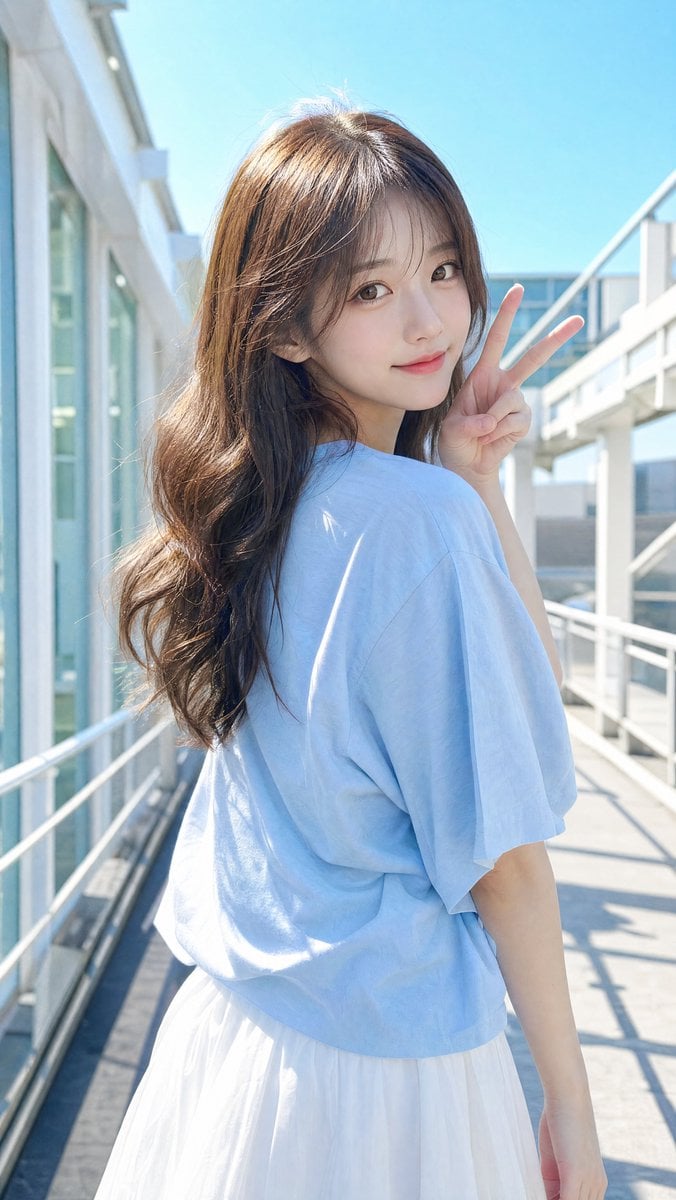
East Asian Woman Making Peace Sign
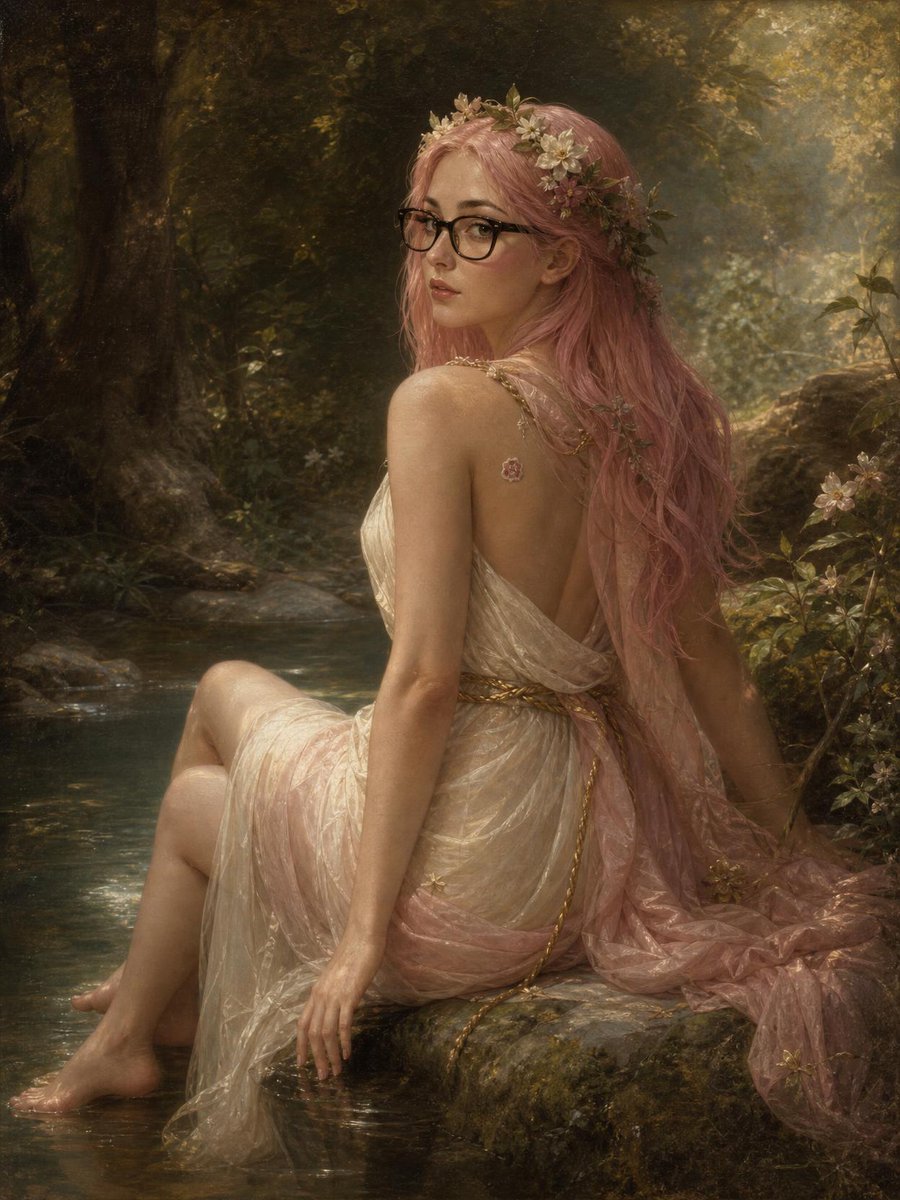
Pink-Haired Nymph in Bouguereau Style

Rainy Night Android Cyberpunk Portrait

Cinematic Sci-Fi Interface Side Profile

Cyberpunk Neon Profile Fashion Portrait

Cinematic Neon Light Strip Studio Portrait

Futuristic Studio Neon Ring Minimalist Portrait

Neon Violet Streetwear Fashion Portrait

Neon Night Crosswalk Candid Portrait

Red Futuristic Sport Motorcycle POV
Rainy Night Android Cyberpunk Portrait
Make it yours
Cyberpunk Pink-Haired Idol Peace Sign works as-is. These are the safest ways to change it without losing the look.
Change one field
Copy a single group, rewrite it, and generate again so you can see what that field is doing.
Keep the frame, change the subject
Hold the composition and light of Cyberpunk Pink-Haired Idol Peace Sign, then swap wardrobe, props or the person for a new take.
| If the result… | Why | Fix |
|---|---|---|
| The result drifts from the preview | Too many fields changed at once. | Reuse Cyberpunk Pink-Haired Idol Peace Sign as-is first, then change one group — subject, light, or setting. |
| The model over-stylizes the scene | The prose prompt leaves finish and camera underspecified. | Add one camera or lighting sentence and stay on GPT Image 2. |
More GPT Image 2 templates
Other prompts made for GPT Image 2.

Six VTuber Japanese Logo Sheet

Realistic Portrait of Woman and Deer

The Vista Modular Condo Poster

AI Model Routing Comparison Infographic

2.5D Anime Art Board

Isometric Productivity Desk Scene

New York Double Exposure Poster

Four-Panel AI Landscape Comparison

Japanese Tatami Lifestyle Magazine Cover

NESCAFÉ Coffee Map Poster
More image prompts
Fresh picks from across the catalog.
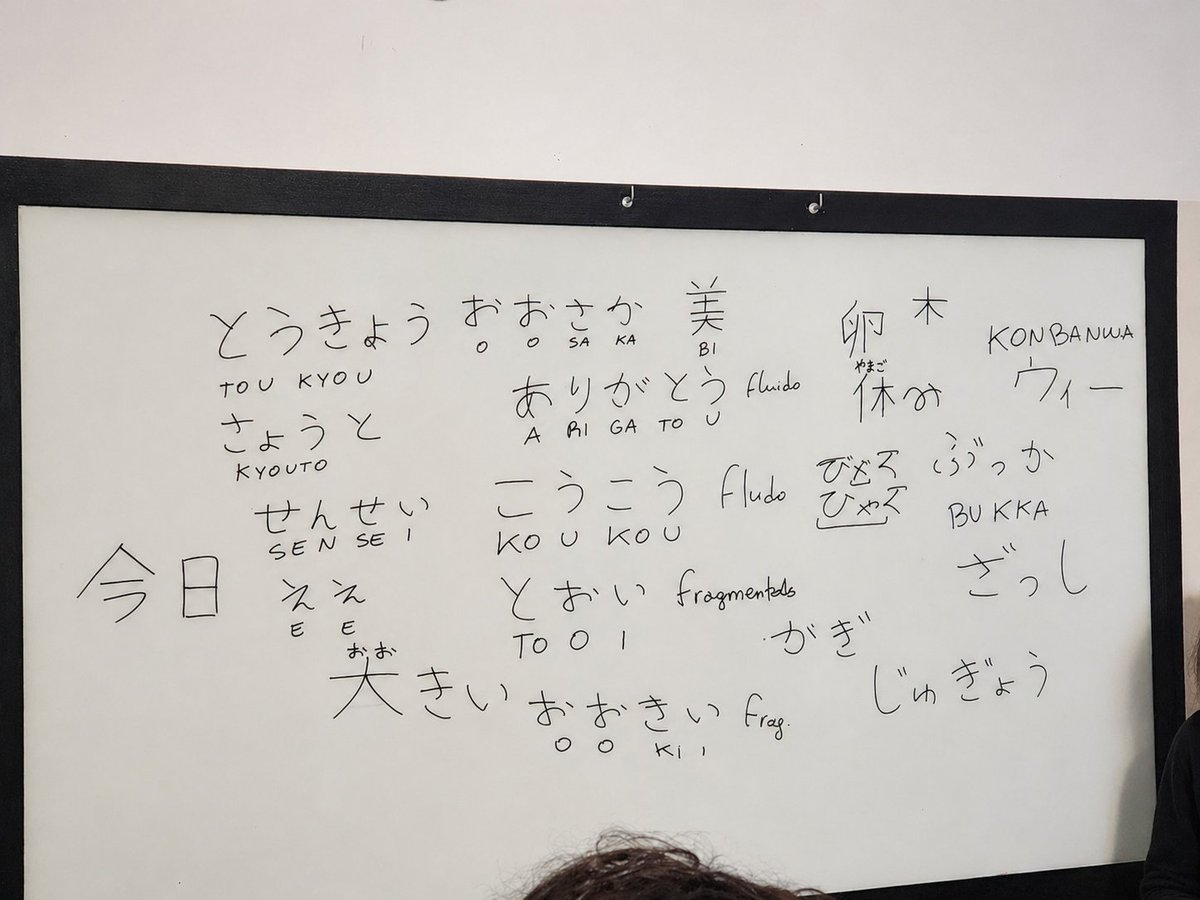
Enhance Whiteboard Photo Readability
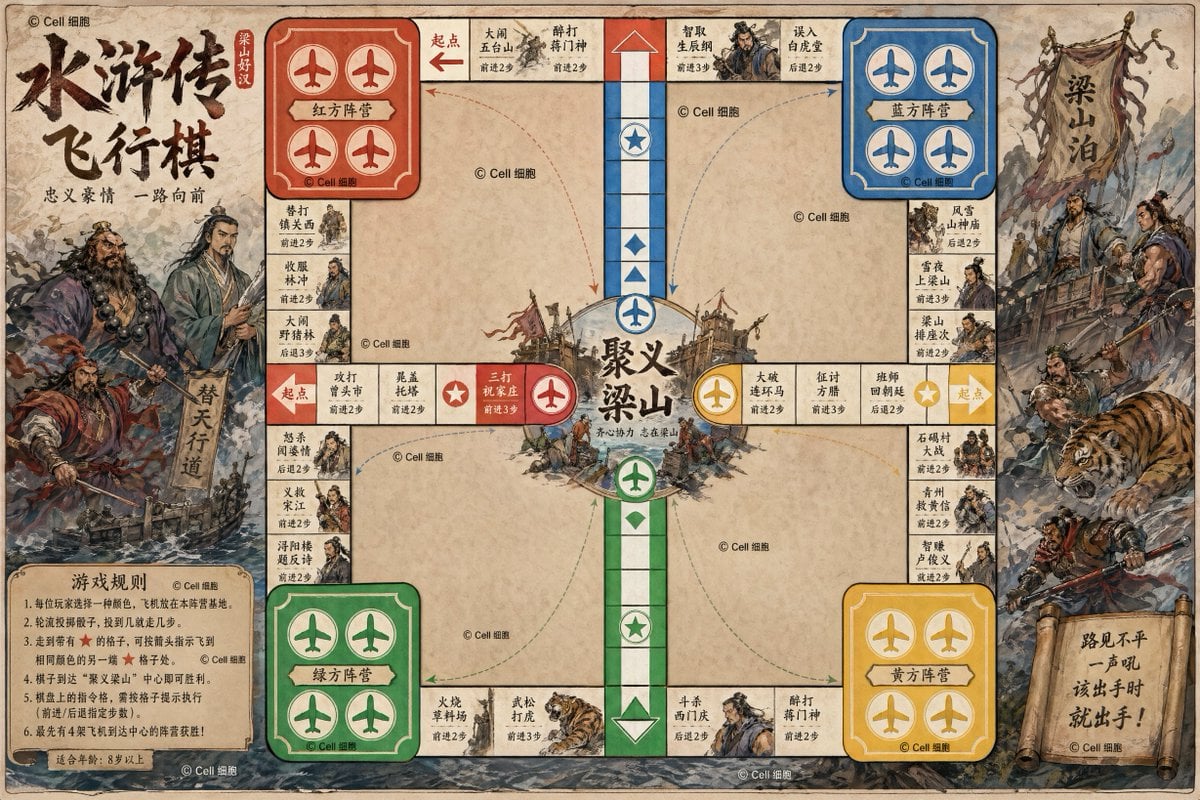
Water Margin Themed Flying Chess Board
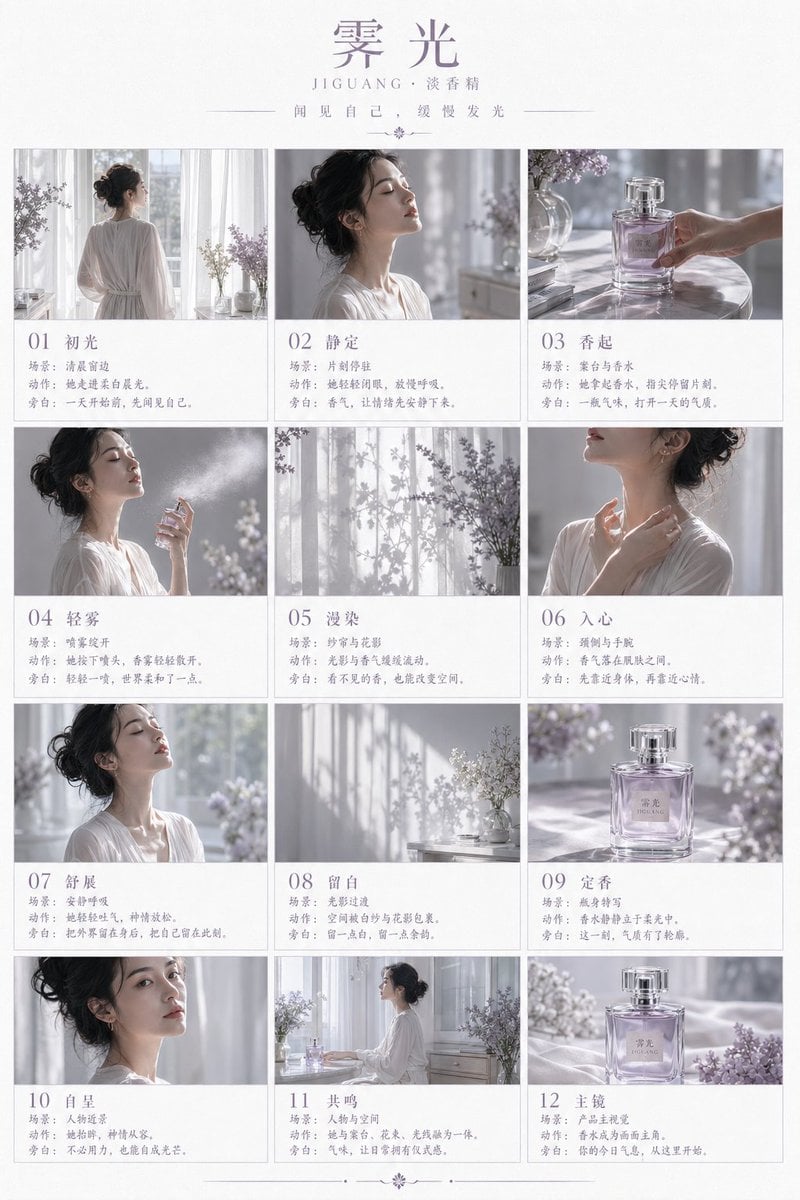
Luxury Perfume Storyboard Poster

Collectible Miniature Diorama of a Developed Desert Oasis Settlement
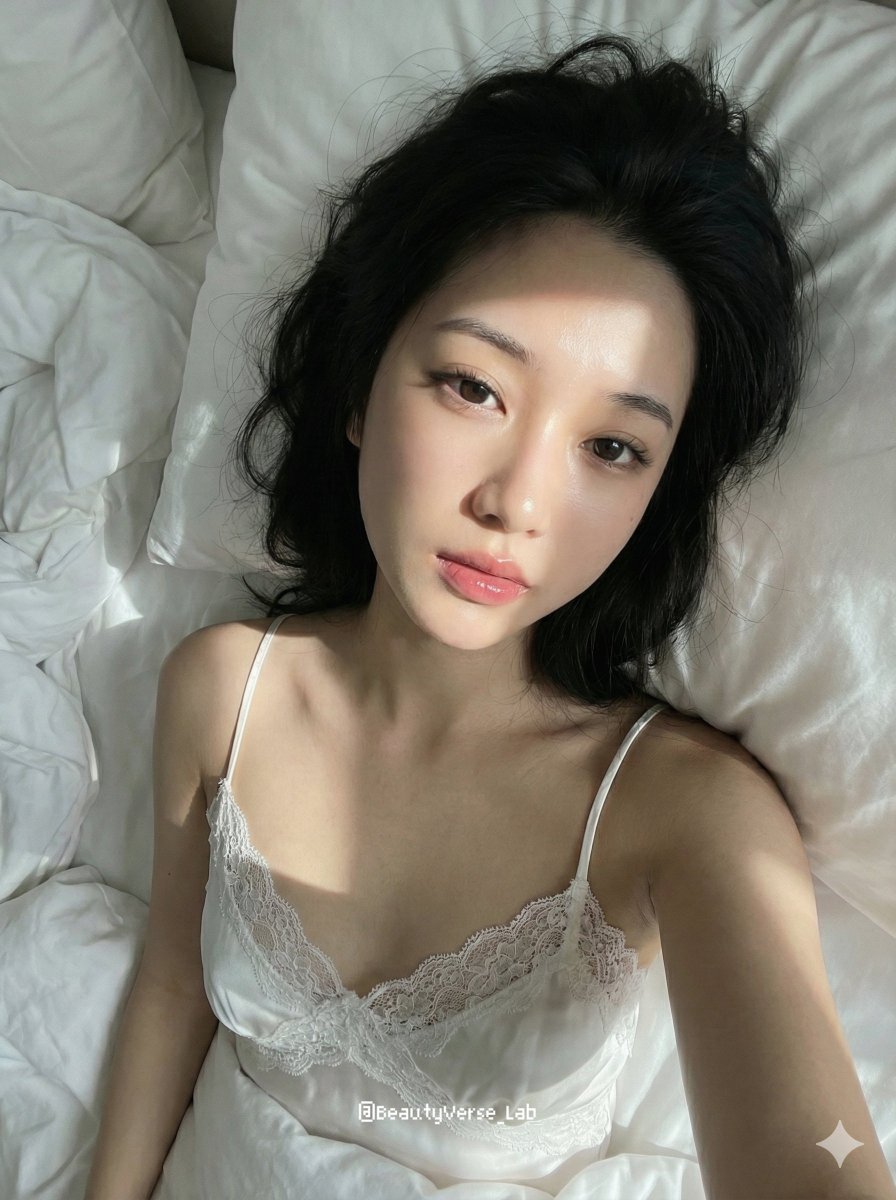
Cozy Morning Pure Desire Portrait Prompt (JSON Structure)

Cozy Knit Industrial Design Prompt
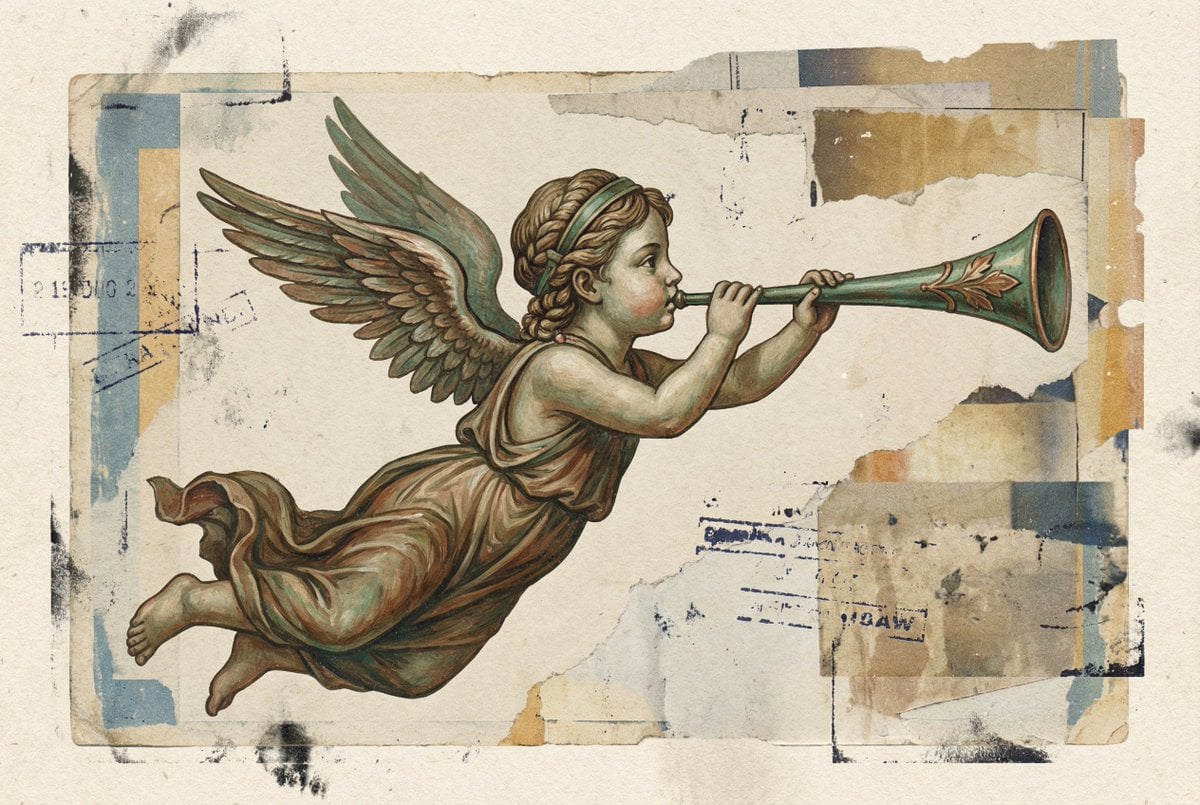
Classical Winged Figure Blowing a Horn Painting
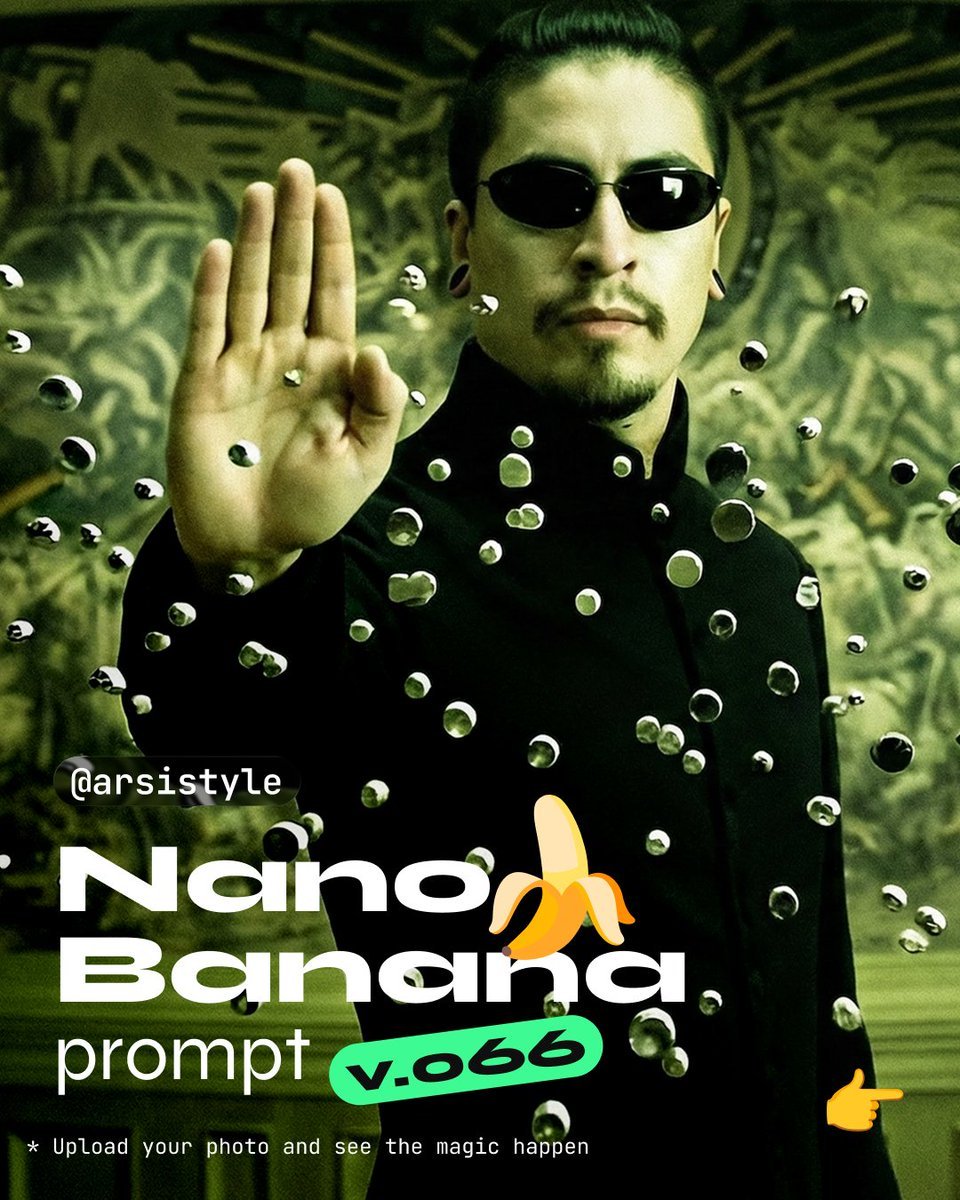
Cinematic Action Shot with Suspended Projectiles
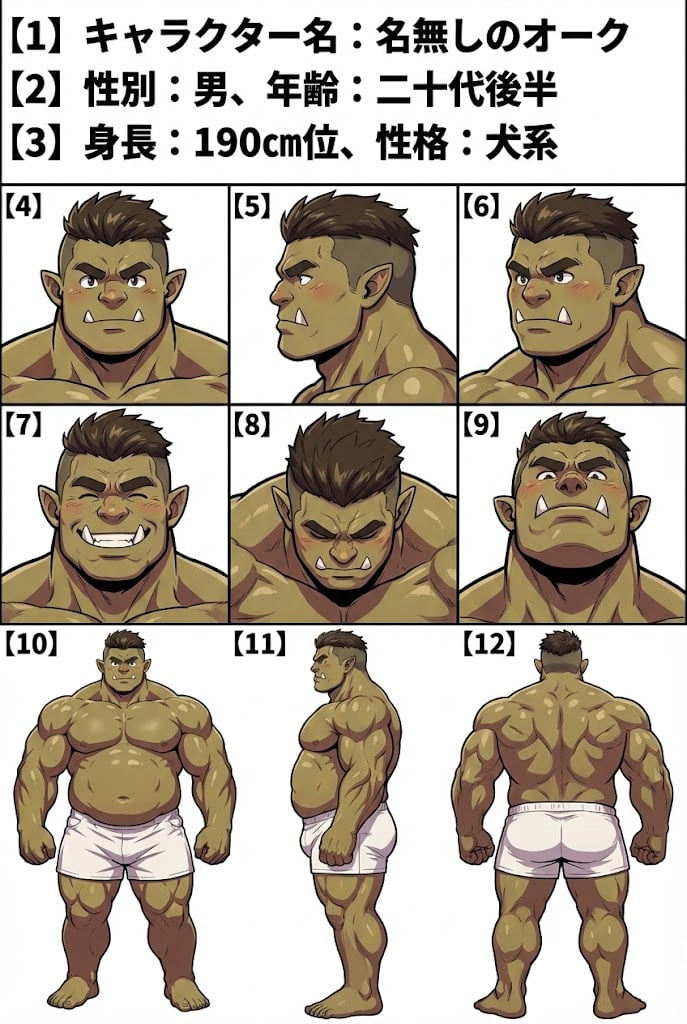
Character Sheet Prompt for Nano Banana

Cinematic Portrait in Kashmir Mustard Field
Browse template categories
Cyberpunk Pink-Haired Idol Peace Sign questions
How do I use the Cyberpunk Pink-Haired Idol Peace Sign template?
Add your photo if the template asks for one, edit the prompt if you like — the template's model and format are already selected — and press Generate. Your version opens in PicX Studio.
Can I customize the Cyberpunk Pink-Haired Idol Peace Sign template?
Yes. You can change the subject, setting, lighting, mood, format, and available model controls before creating your image.
Is the Cyberpunk Pink-Haired Idol Peace Sign template free?
Opening and editing this template is free. Generating uses credits, shown on the Generate button when you are signed in.
Which AI model should I use?
Start with GPT Image 2, which is the model associated with this template. You can compare another compatible model for a different finish.
Looking for something else? Browse all templates.

Your photo, any look
Thousands of ready templates for every top image and video model, from one credit balance.