
Pink-Haired Nymph in Bouguereau Style
A romantic classical oil-painting prompt for generating a pink-haired bespectacled forest nymph seated beside a stream.
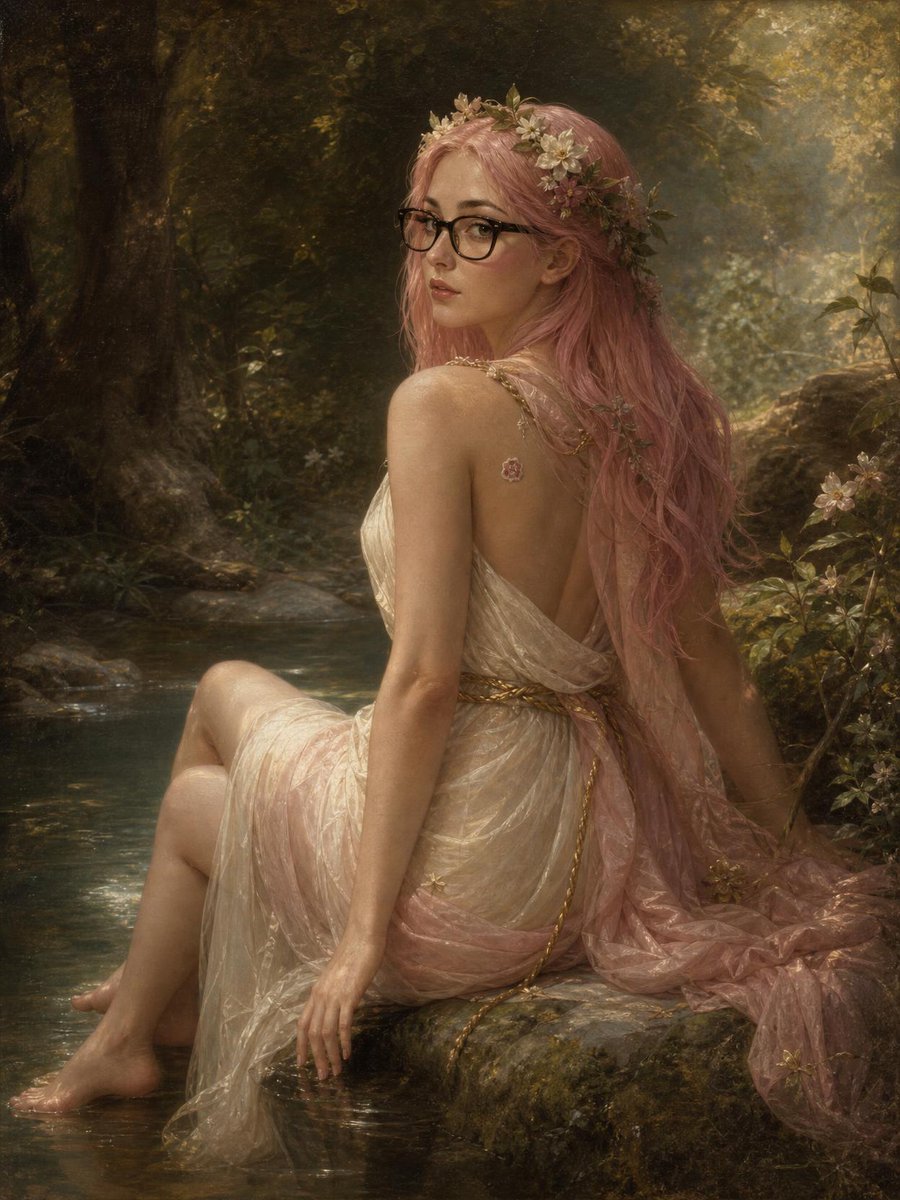
- Prompt included
- Model and format preset
- Premium template
The prompt behind this image
Copy the exact prompt behind Pink-Haired Nymph in Bouguereau Style, or open it in the studio and make it yours.
Create a vertical 3:4 romantic academic oil painting in the style of William-Adolphe Bouguereau: one young woman with {argument name="hair color" default="long pastel pink hair"} sits sideways on a mossy rock at the edge of a shallow forest stream, looking back over her shoulder toward the viewer with a calm, wistful expression. She wears {argument name="eyewear" default="black rectangular glasses"}, one delicate flower crown of pale blossoms and green leaves, one small pink flower tattoo or sticker on her upper back/shoulder, and one translucent ivory-and-blush Grecian draped gown with gold braided trim, the fabric gathered around her hips and trailing behind her. Her two bare feet rest near and in the water; her left hand touches the wet rock while her posture is elegant and slightly twisted. The setting contains one dark massive tree trunk on the left, one quiet reflective stream in the foreground, one moss-covered stone ledge beneath her, and dense woodland foliage with small pale flowers on the right. Use warm golden dappled sunlight filtering through leaves, soft sfumato edges, luminous skin, realistic anatomy, painterly brush texture, muted greens and browns, pearly cream fabric, and a dreamy mythological nymph atmosphere. Keep the composition intimate and centered, with no text, no watermark, and no modern objects besides the glasses.
How to use Pink-Haired Nymph in Bouguereau Style in 3 steps
- 1Upload ImagePNG, JPG or paste
Add your photo
Upload the photo the template builds on. The prompt, model and format are already set.
- 2…a portrait of your subject in softgolden-hour light, 85mm…
Personalize
Edit the subject and creative details for your destination.
- 3Generate
Generate
Press Generate — your image is created in PicX Studio, so you can compare it with the original and refine one variable at a time.
More like this
Templates with the same subject, style or setup. Open one to see its prompt.
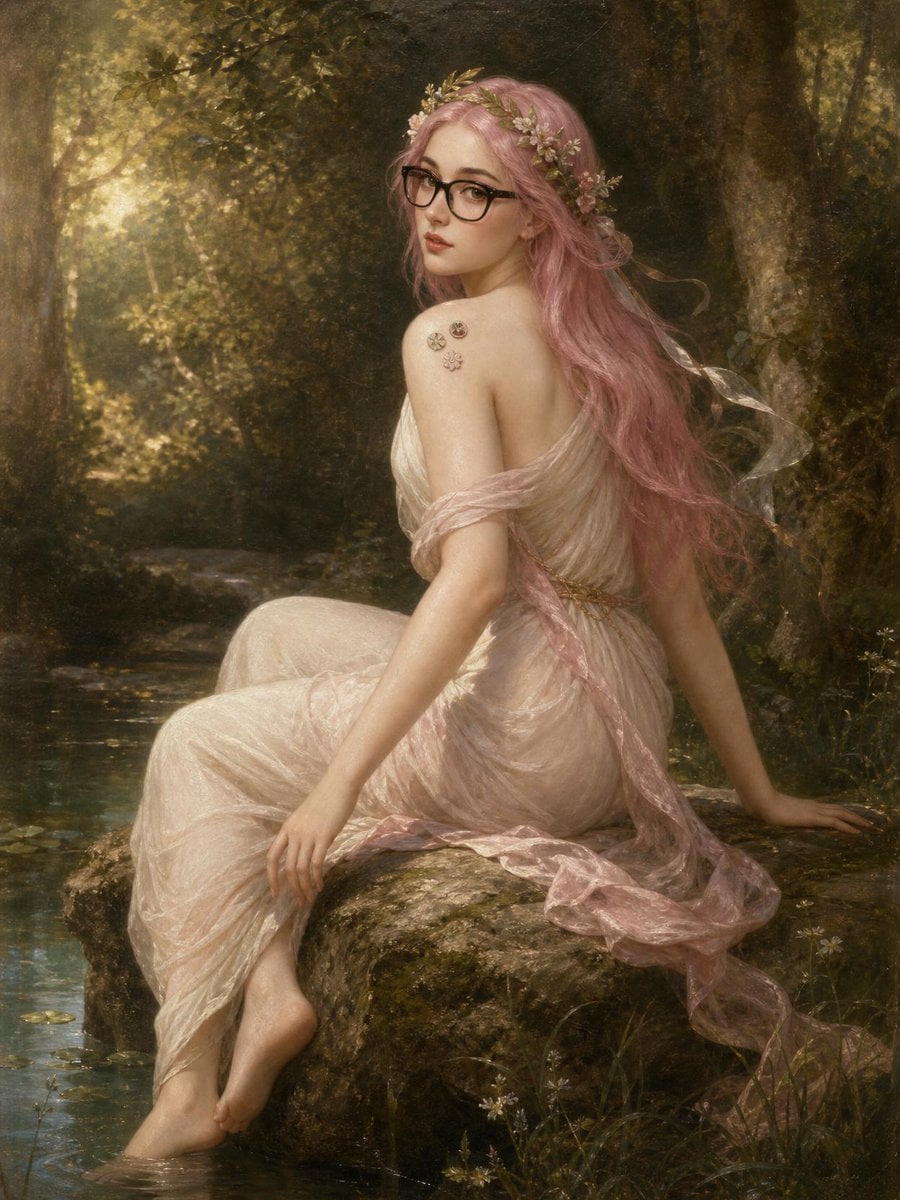
Pink-Haired Bouguereau Forest Nymph
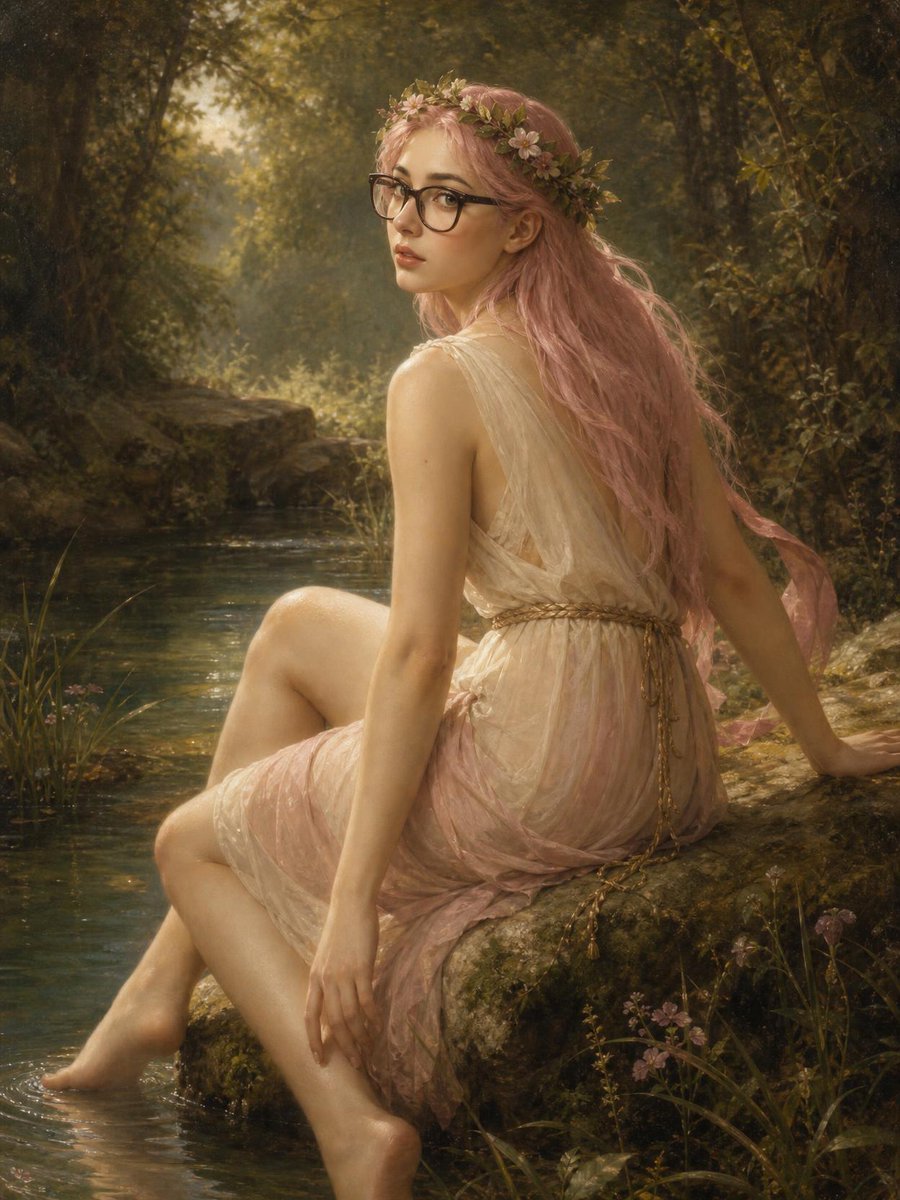
Bouguereau Nymph With Pink Hair
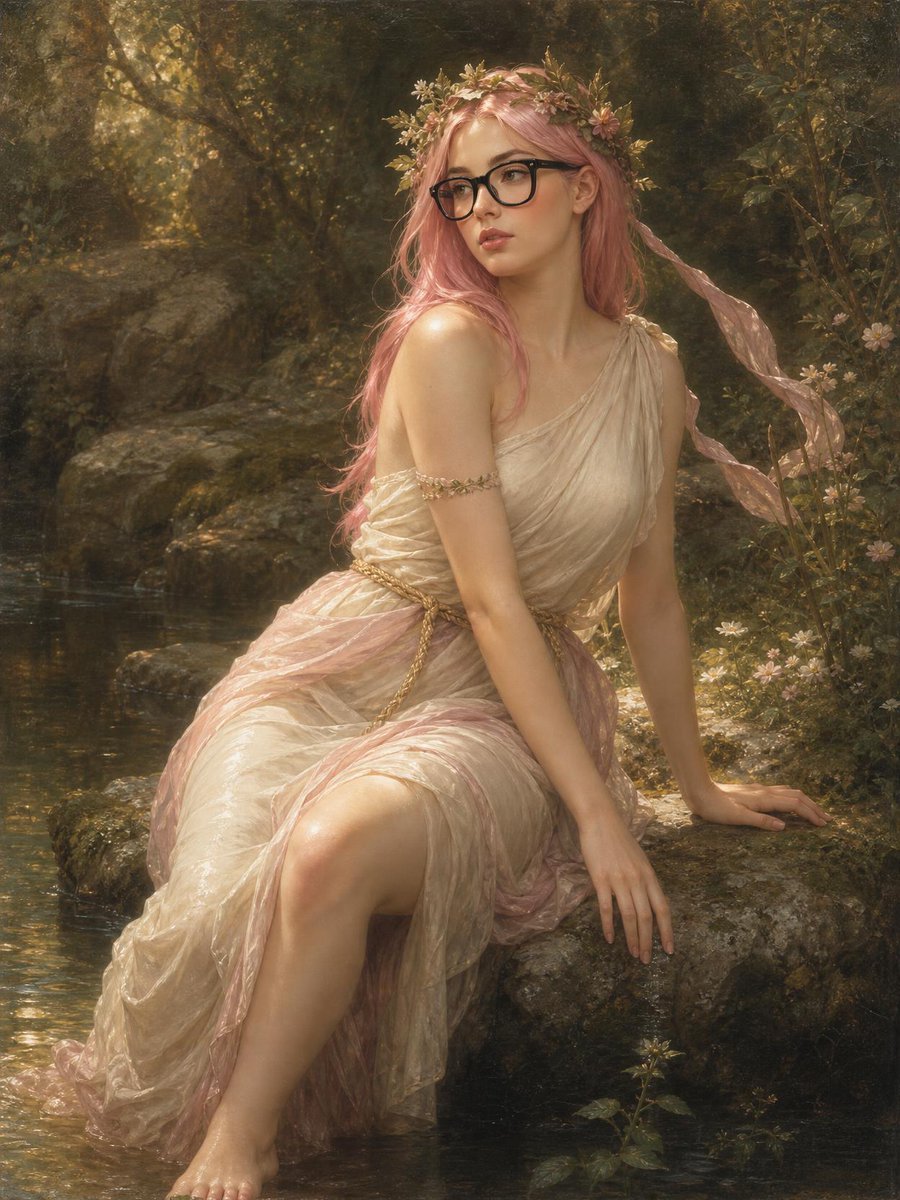
Bouguereau Nymph With Glasses
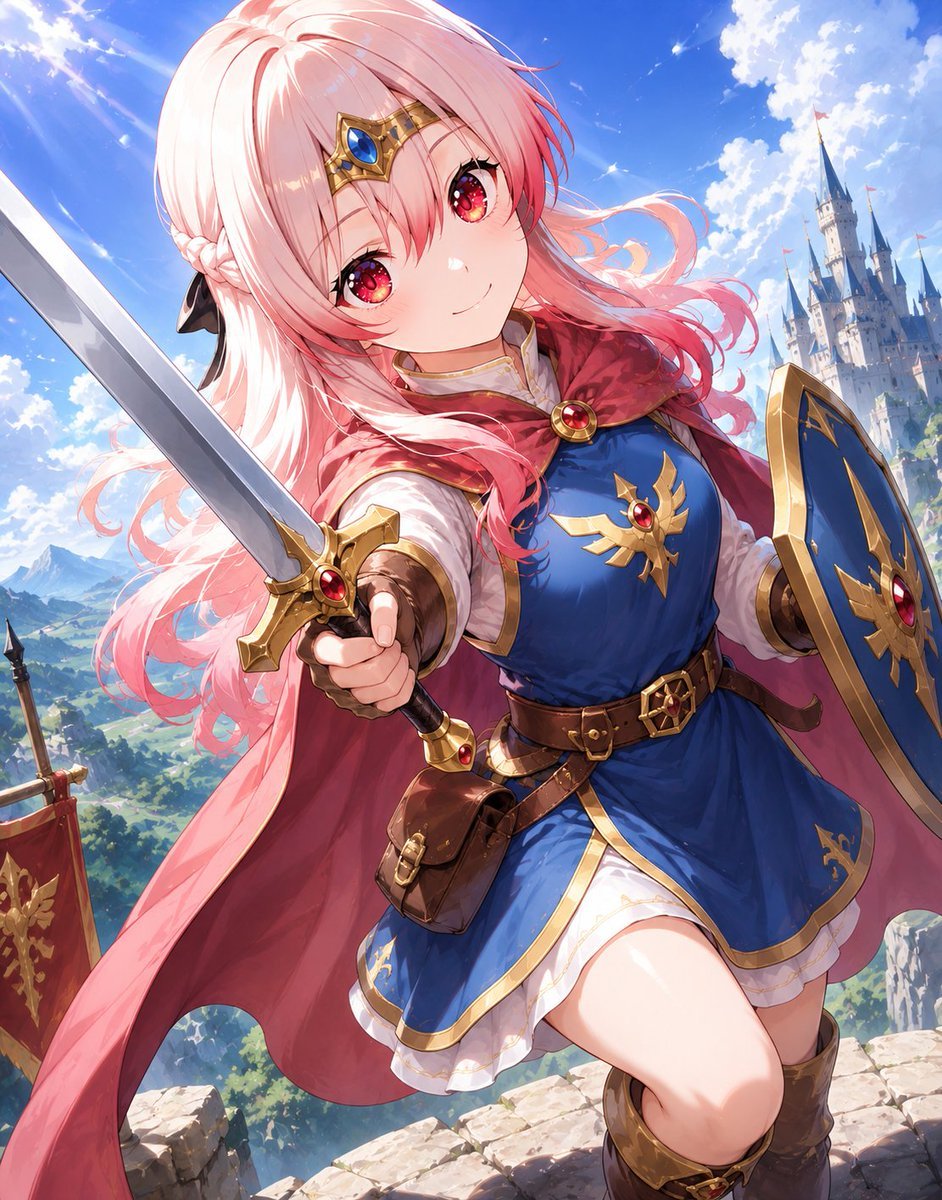
Pink-Haired Anime Female Hero
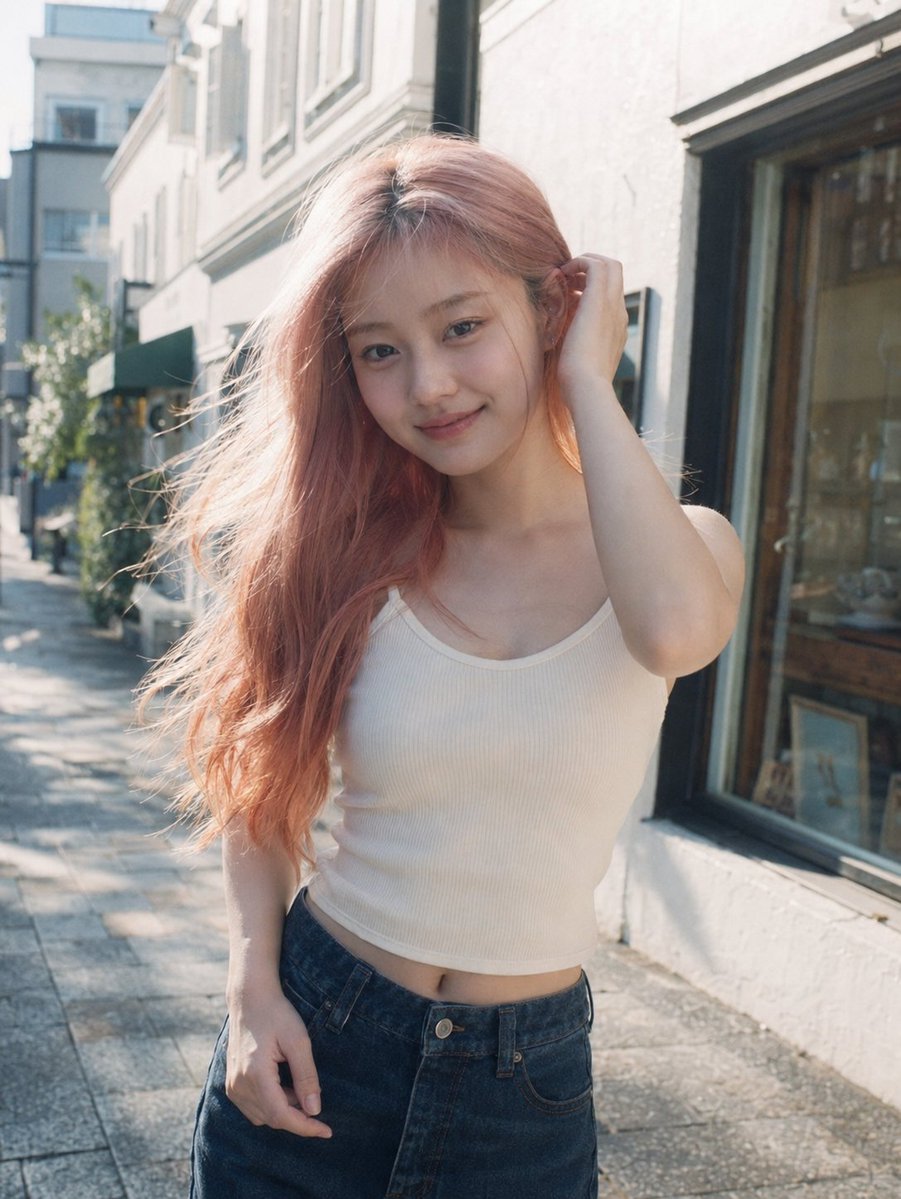
Candid Pink-Haired Street Portrait
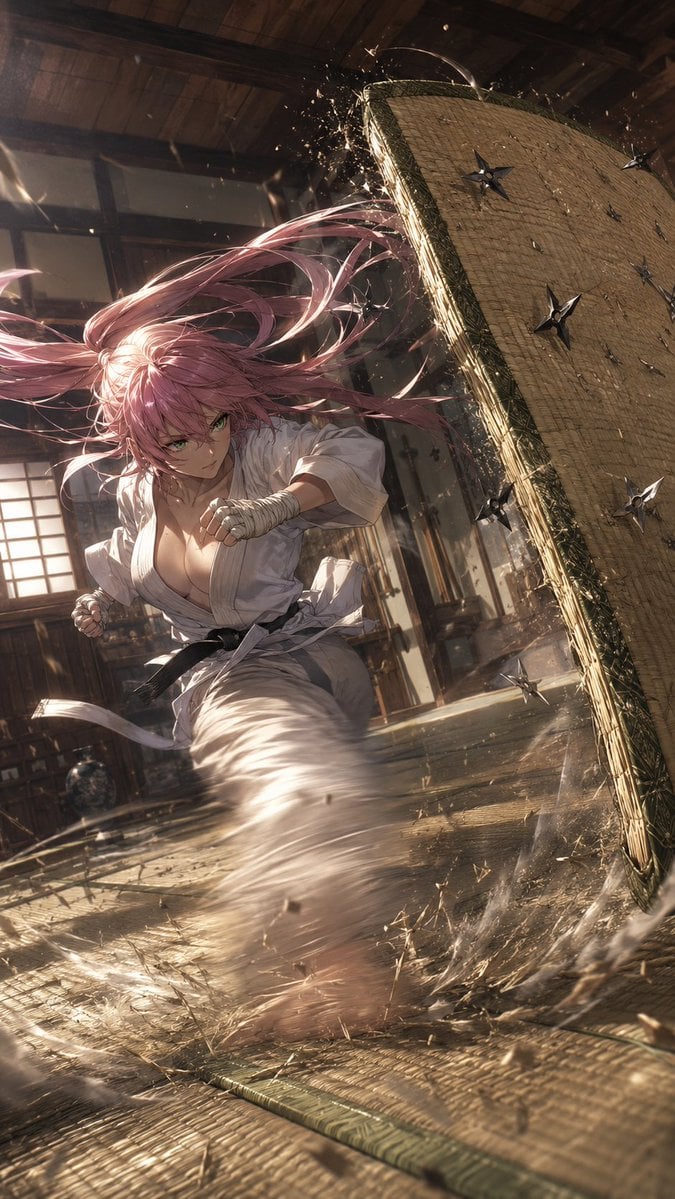
Pink-Haired Dojo Martial Artist
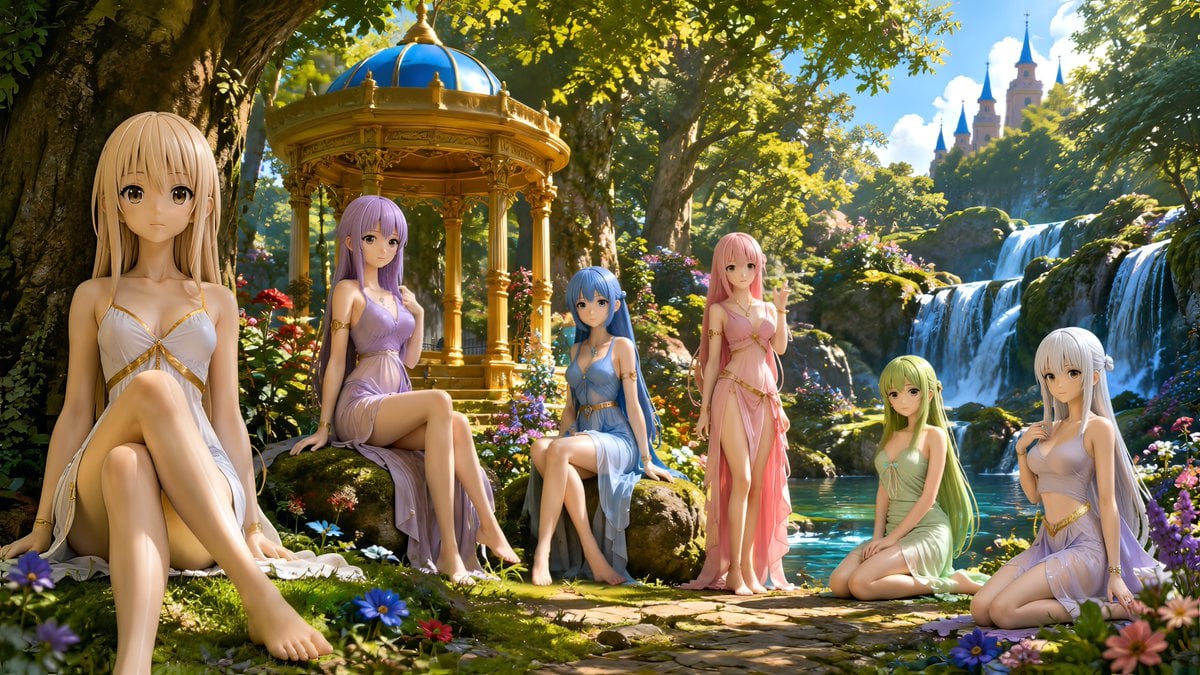
Nymphs by Enchanted Spring
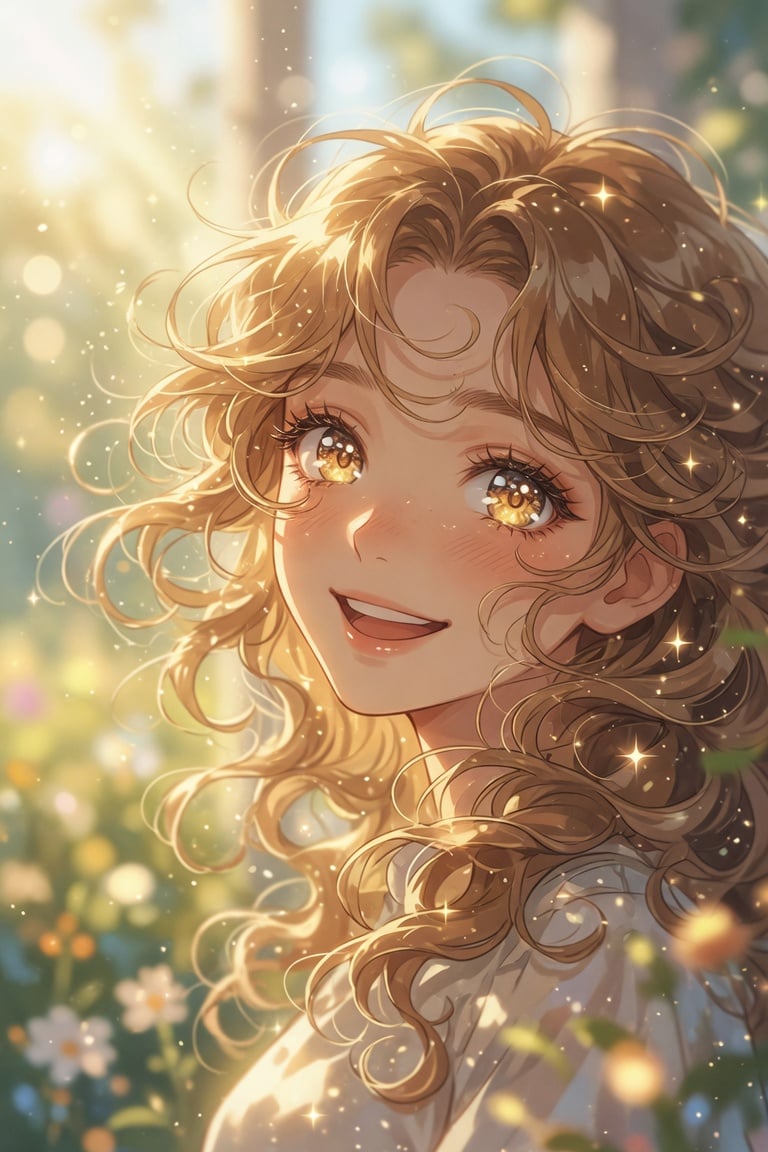
Golden Curly-Haired Anime Garden Portrait
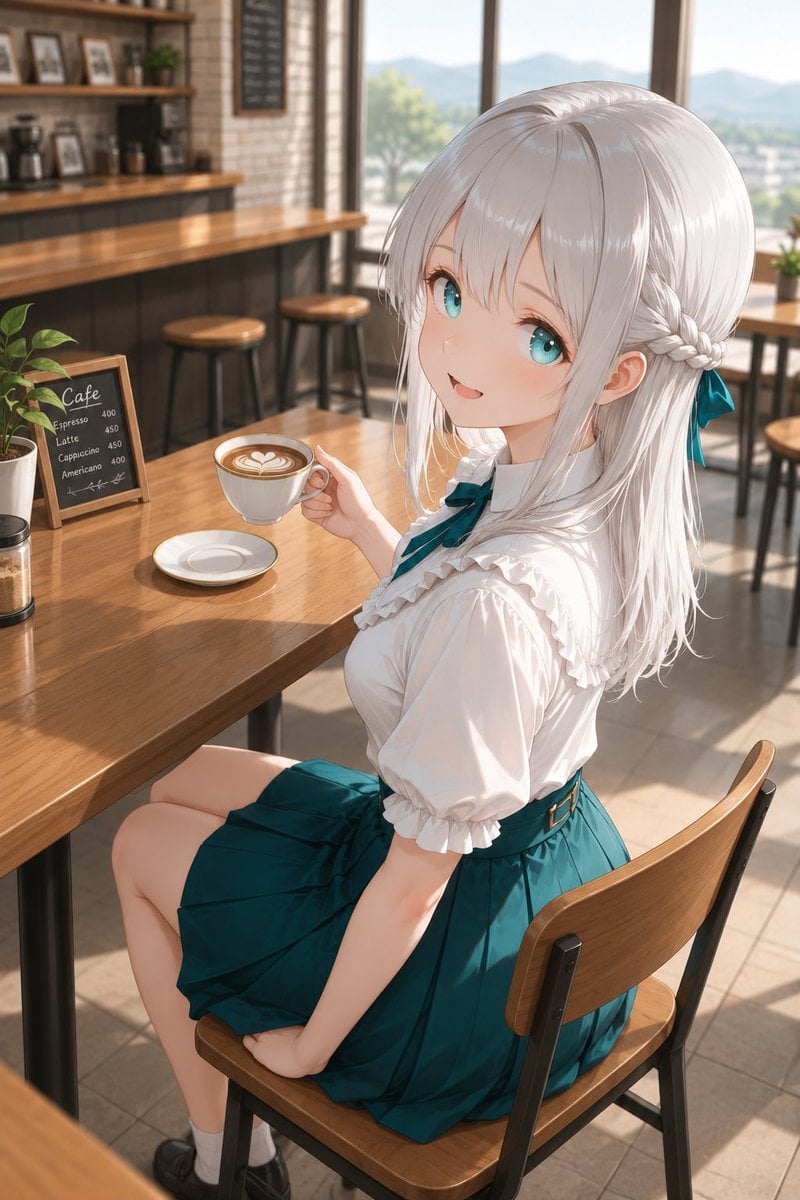
Silver-Haired Girl in Sunny Café
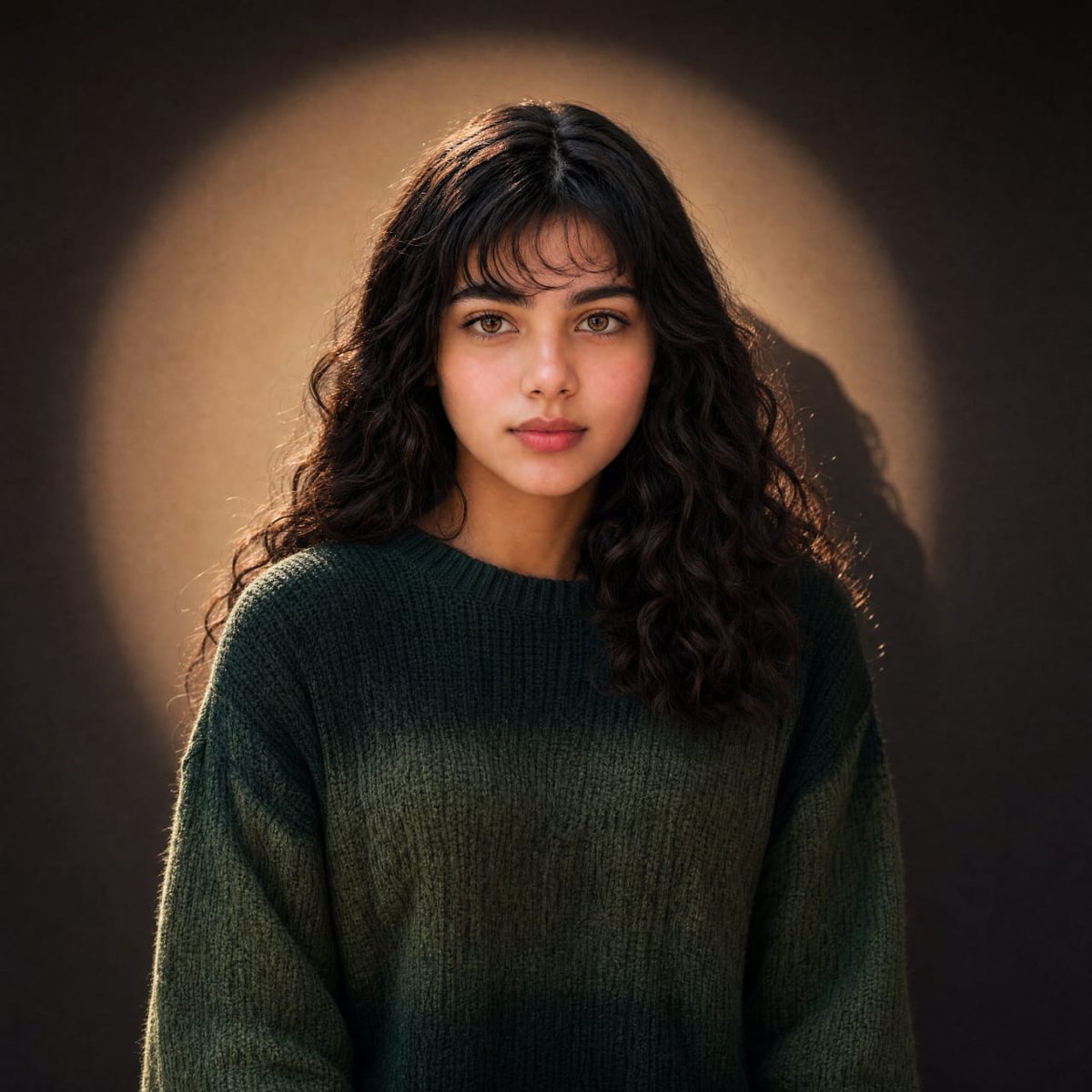
Warm Cinematic Curly-Haired Portrait
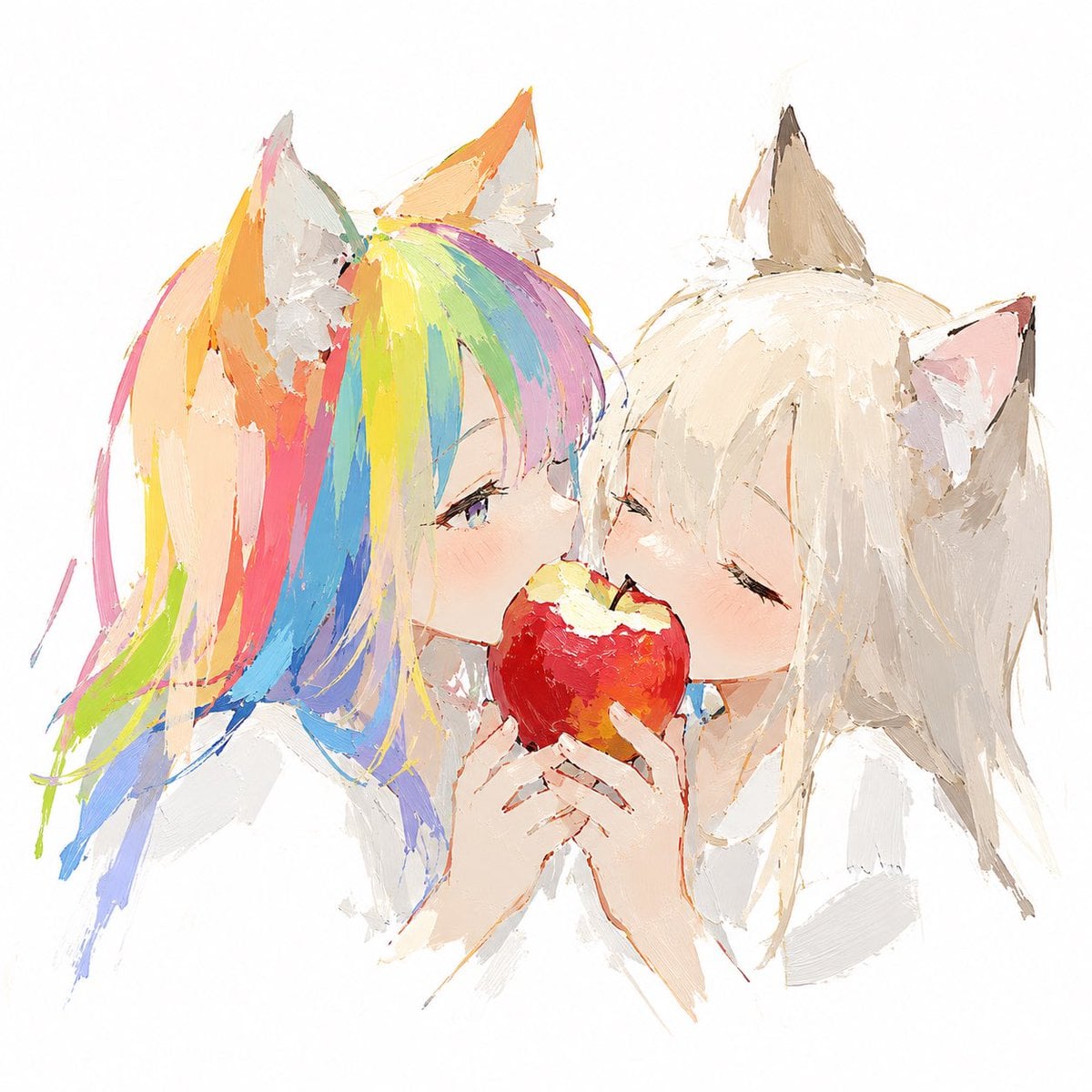
Rainbow-Haired Cat Girl Art
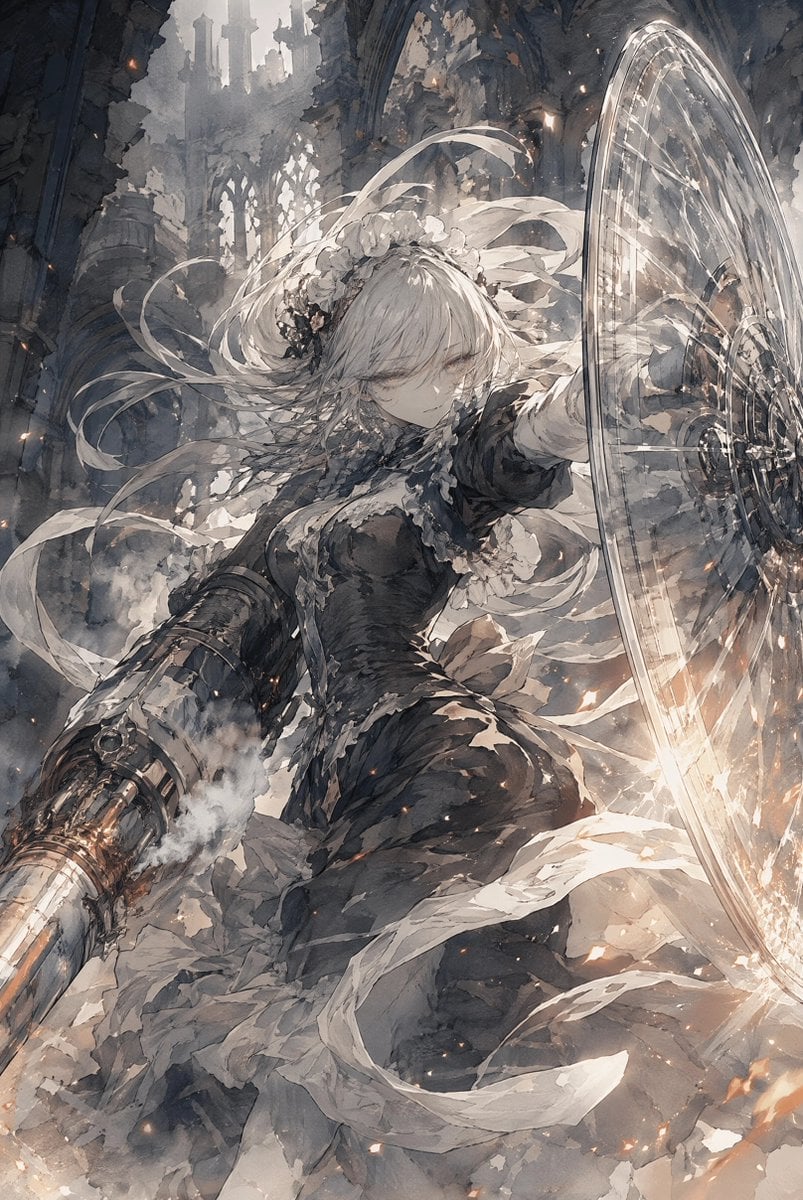
Silver-Haired Cathedral Battle Maiden
Make it yours
Pink-Haired Nymph in Bouguereau Style works as-is. These are the safest ways to change it without losing the look.
Change one field
Copy a single group, rewrite it, and generate again so you can see what that field is doing.
Keep the frame, change the subject
Hold the composition and light of Pink-Haired Nymph in Bouguereau Style, then swap wardrobe, props or the person for a new take.
| If the result… | Why | Fix |
|---|---|---|
| The result drifts from the preview | Too many fields changed at once. | Reuse Pink-Haired Nymph in Bouguereau Style as-is first, then change one group — subject, light, or setting. |
| The model over-stylizes the scene | The prose prompt leaves finish and camera underspecified. | Add one camera or lighting sentence and stay on GPT Image 2. |
More GPT Image 2 templates
Other prompts made for GPT Image 2.

Six VTuber Japanese Logo Sheet

Realistic Portrait of Woman and Deer

The Vista Modular Condo Poster

AI Model Routing Comparison Infographic

2.5D Anime Art Board

Isometric Productivity Desk Scene

New York Double Exposure Poster

Four-Panel AI Landscape Comparison

Japanese Tatami Lifestyle Magazine Cover

NESCAFÉ Coffee Map Poster
More image prompts
Fresh picks from across the catalog.

Hygge Winter Family Photo Prompt
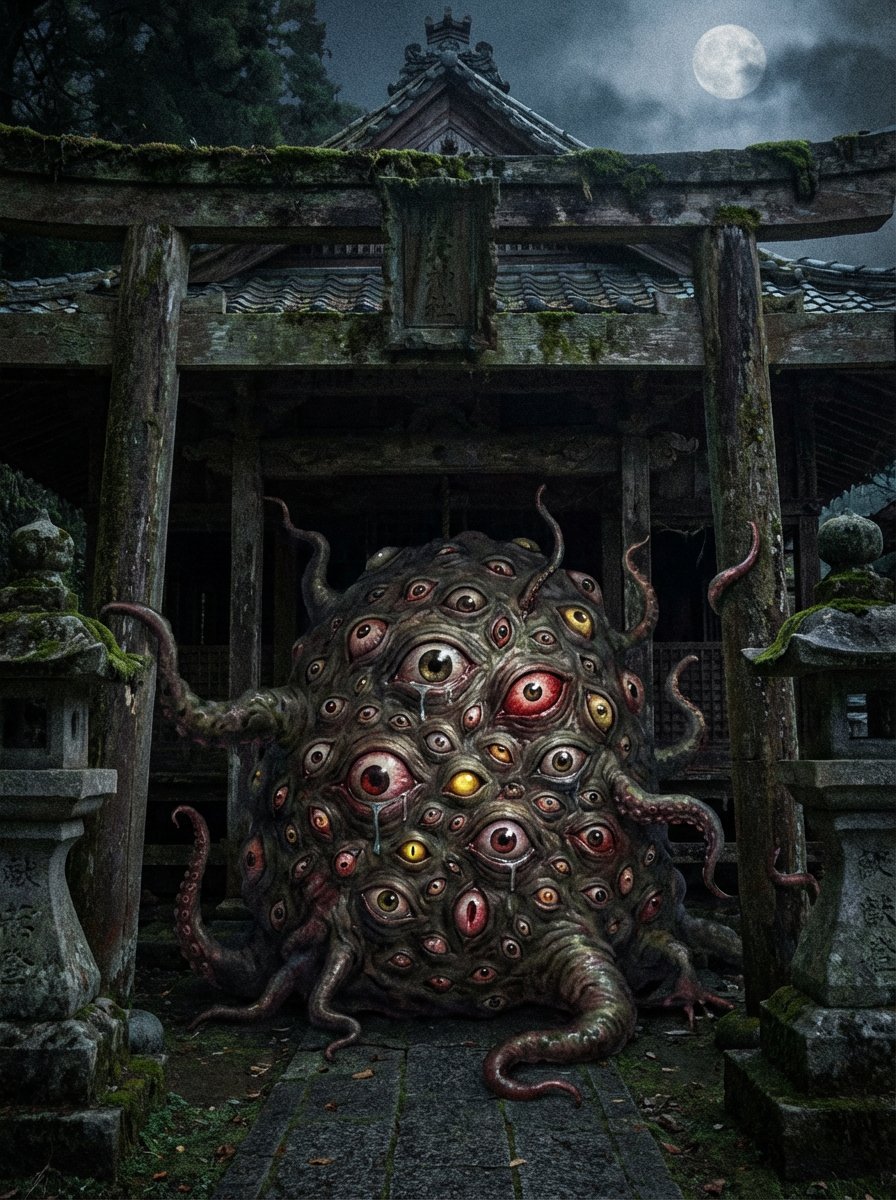
Creepy Monster Image Generation Prompt
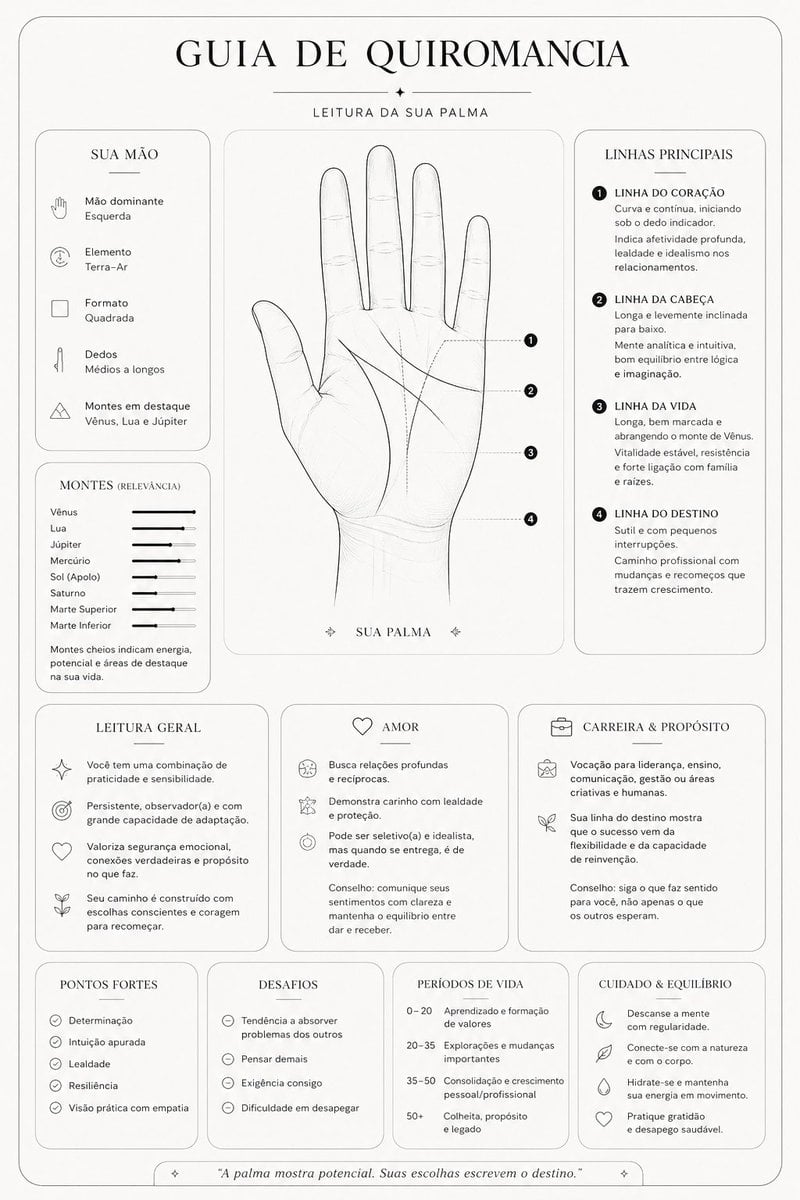
Minimalist Palmistry Guide Prompt
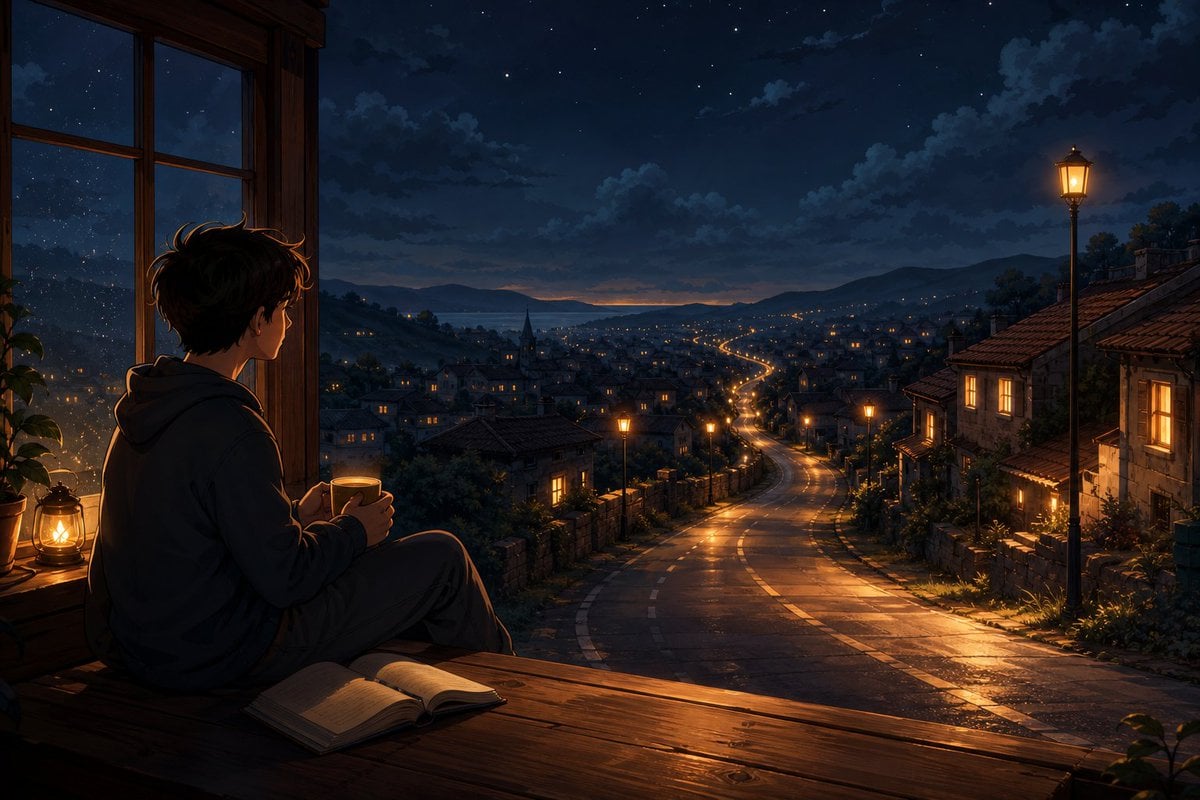
Anime Boy at Night Window
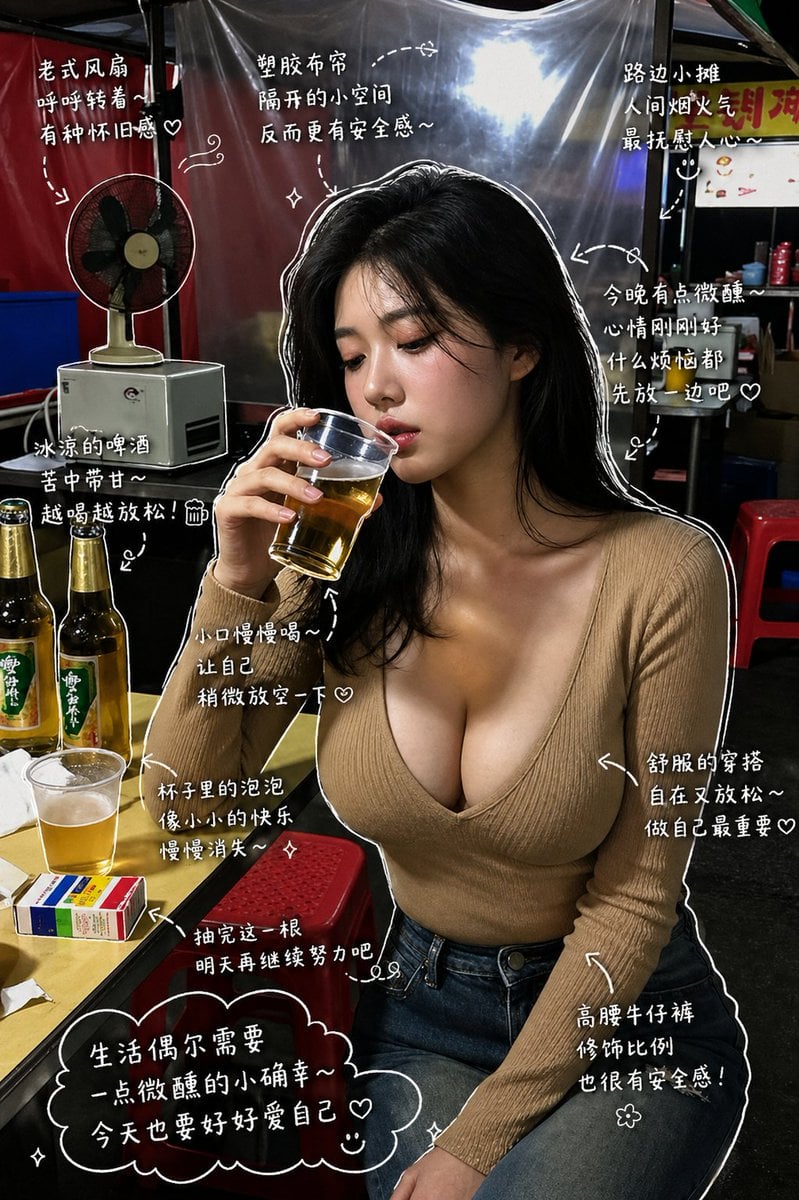
Healing Night Market Beer Photo
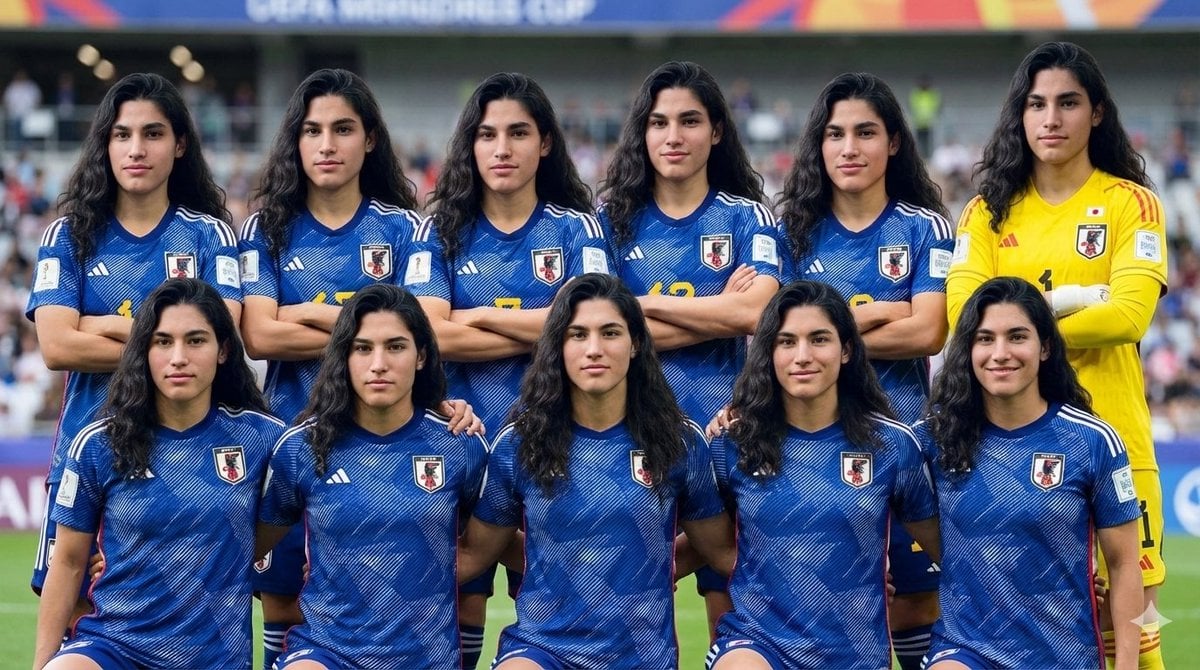
Character as Japan Soccer Representative

Swiss alpine winter portrait of a young man
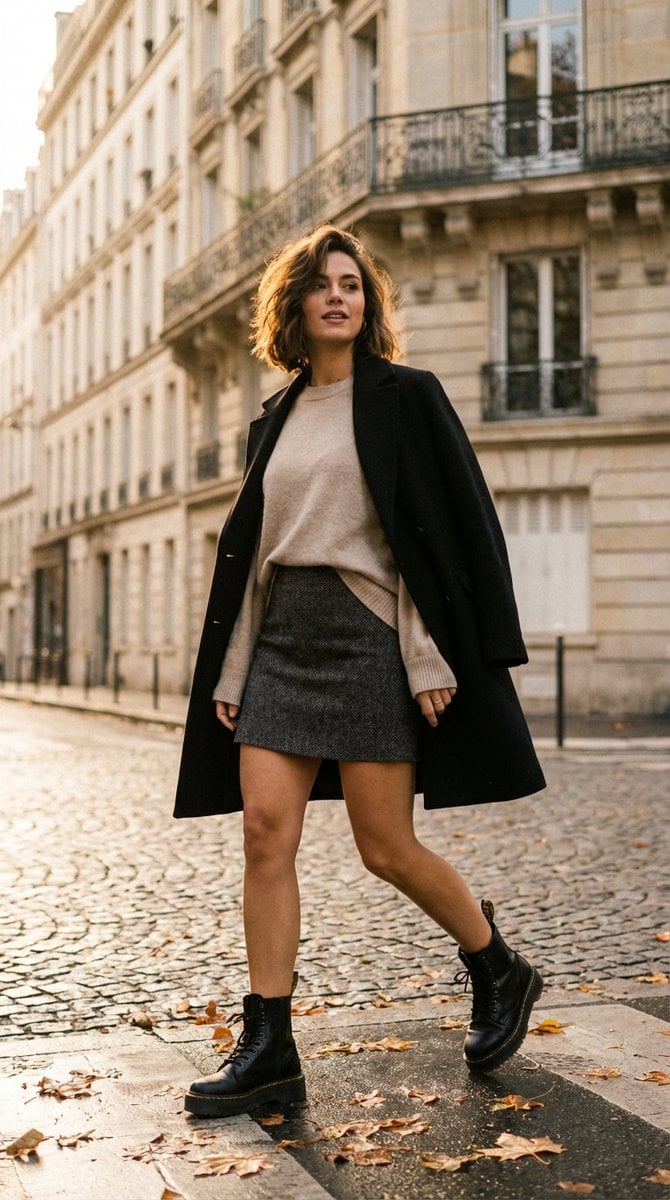
French-Chic Street Photography in Paris Golden Hour

Hyper-Realistic iPhone Whale Breach Scene
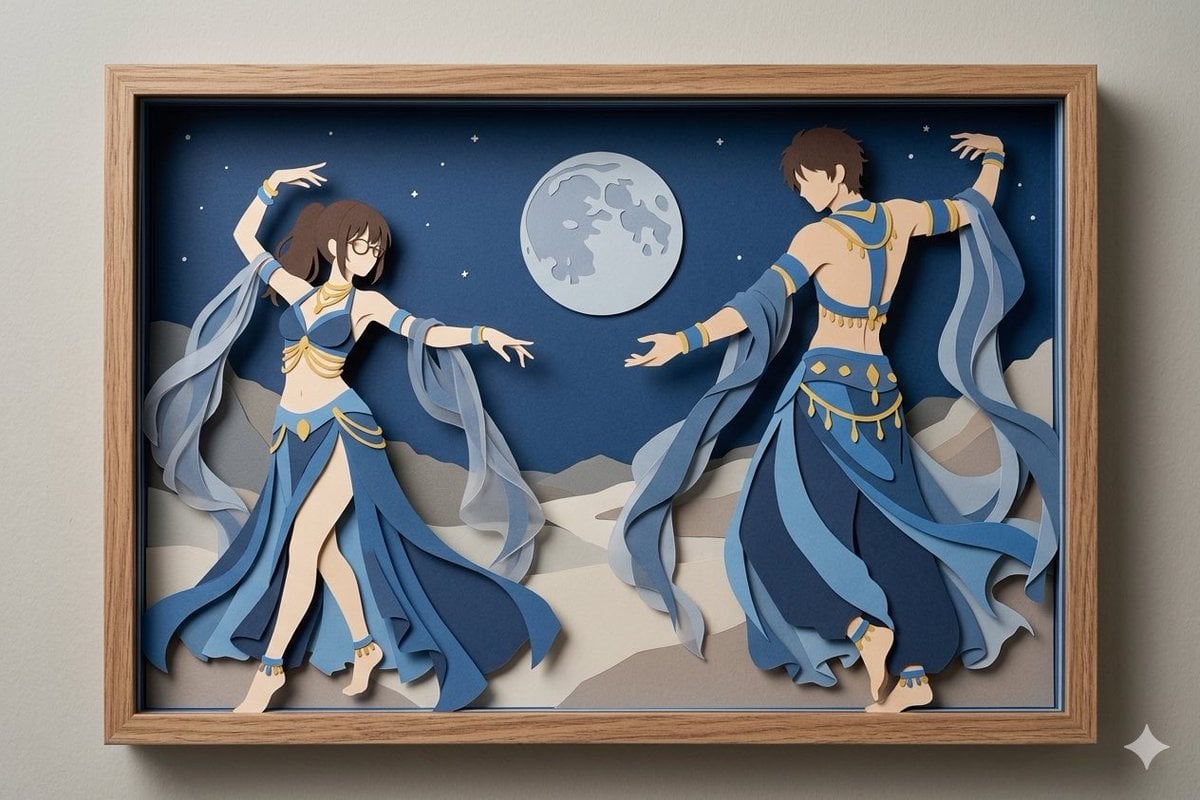
Moonlit Dancer Shadow Box
Browse template categories
Pink-Haired Nymph in Bouguereau Style questions
How do I use the Pink-Haired Nymph in Bouguereau Style template?
Add your photo if the template asks for one, edit the prompt if you like — the template's model and format are already selected — and press Generate. Your version opens in PicX Studio.
Can I customize the Pink-Haired Nymph in Bouguereau Style template?
Yes. You can change the subject, setting, lighting, mood, format, and available model controls before creating your image.
Is the Pink-Haired Nymph in Bouguereau Style template free?
Opening and editing this template is free. Generating uses credits, shown on the Generate button when you are signed in.
Which AI model should I use?
Start with GPT Image 2, which is the model associated with this template. You can compare another compatible model for a different finish.
Looking for something else? Browse all templates.

Your photo, any look
Thousands of ready templates for every top image and video model, from one credit balance.