
Bouguereau Nymph With Pink Hair
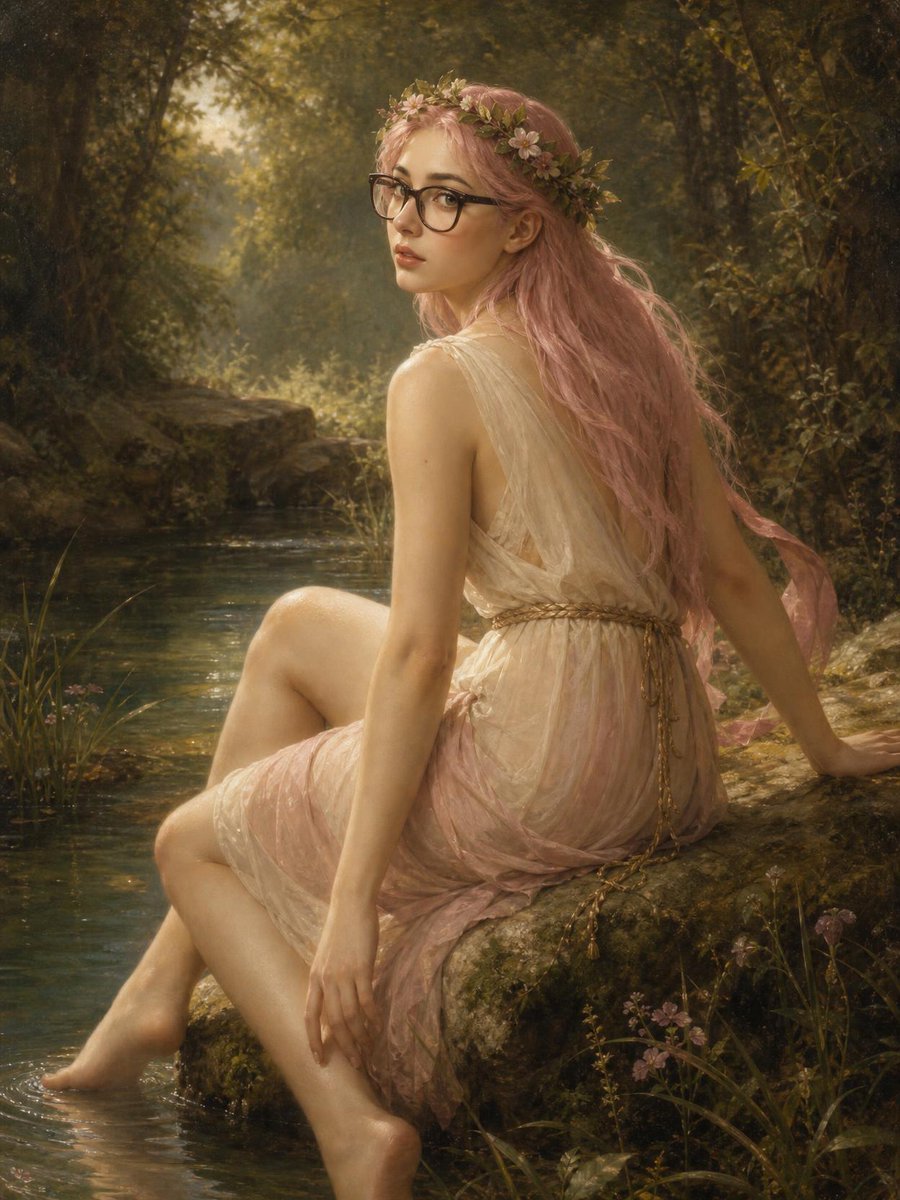
A classical romantic oil-painting style portrait of a pink-haired modern nymph with glasses seated by a forest stream.
- Prompt included
- Model and format preset
- Free template
The prompt behind this image
Copy the exact prompt behind Bouguereau Nymph With Pink Hair, or open it in the studio and make it yours.
Create a romantic academic oil-painting portrait in the style of William-Adolphe Bouguereau with a subtle modern twist: a young woman with {argument name="hair color" default="long wavy pastel pink hair"} sits sideways on a mossy rock beside a shallow woodland stream, her bare feet touching the water. She wears {argument name="dress" default="a translucent cream and blush-pink Greco-Roman chiffon dress with a rope belt"}, delicate and softly draped over one shoulder, with classical folds and luminous fabric. Add {argument name="accessory" default="black rectangular eyeglasses and a crown of small pink wildflowers and green leaves"} to contrast contemporary intellect with mythic nymph beauty. Her pose is three-quarter back view, seated with one knee raised, one hand resting on the rock behind her, the other hand relaxed near her leg, turning her head over her shoulder to look toward the viewer with a calm, slightly wistful expression. Place her in an enchanted forest clearing with exactly one stream, one moss-covered boulder seat, dense dark green foliage on both sides, small pink wildflowers near the water, and warm golden sunlight filtering through trees in the background. Use soft realism, idealized skin, fine painterly brushwork, glowing rim light on hair and shoulders, atmospheric haze, muted earth tones, dusky greens, rose pink accents, and an old-master varnished texture. Vertical portrait composition, intimate full-body framing, elegant anatomy, serene classical mood, no text, no watermark, no extra people.
How to use Bouguereau Nymph With Pink Hair in 3 steps
- 1Upload ImagePNG, JPG or paste
Add your photo
Upload the photo the template builds on. The prompt, model and format are already set.
- 2…a portrait of your subject in softgolden-hour light, 85mm…
Personalize
Edit the subject and creative details for your destination.
- 3Generate
Generate
Press Generate — your image is created in PicX Studio, so you can compare it with the original and refine one variable at a time.
More like this
Templates with the same subject, style or setup. Open one to see its prompt.
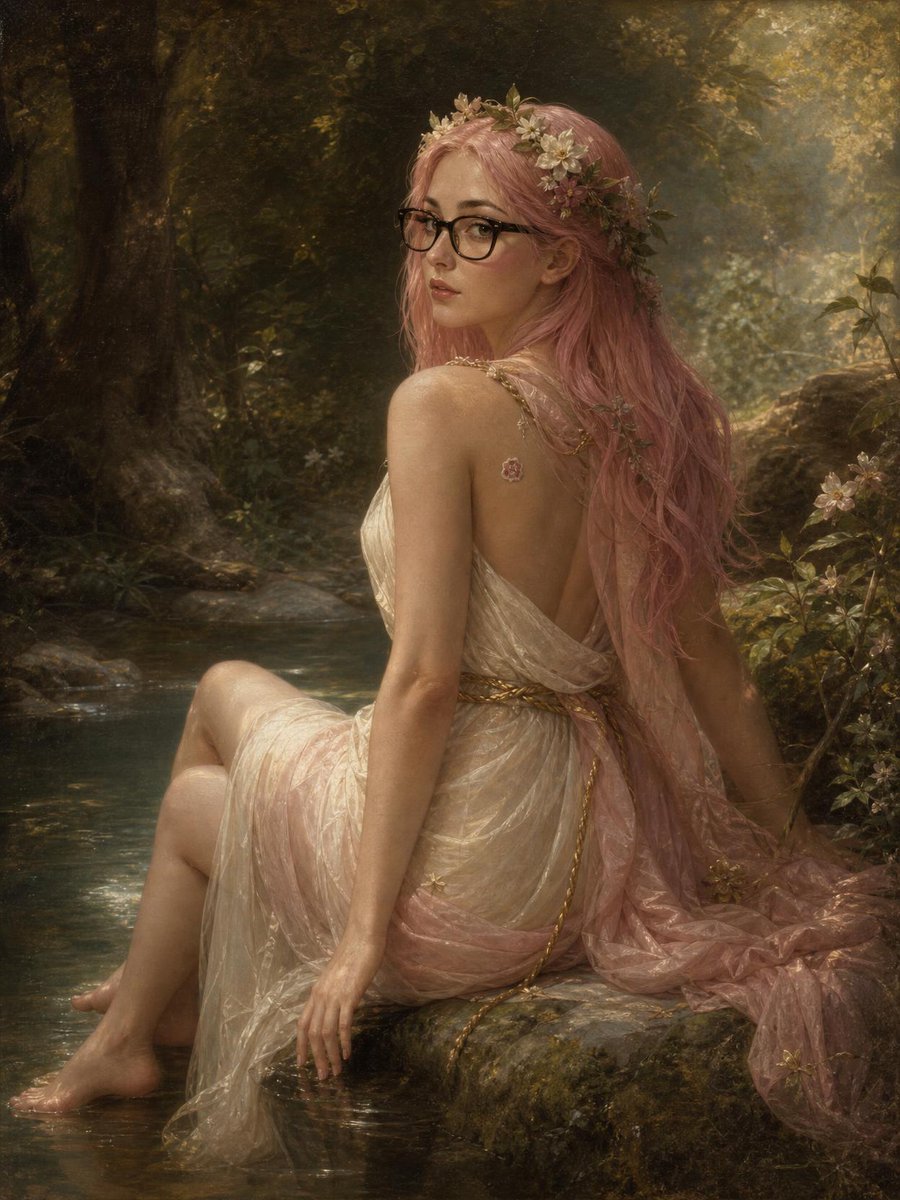
Pink-Haired Nymph in Bouguereau Style
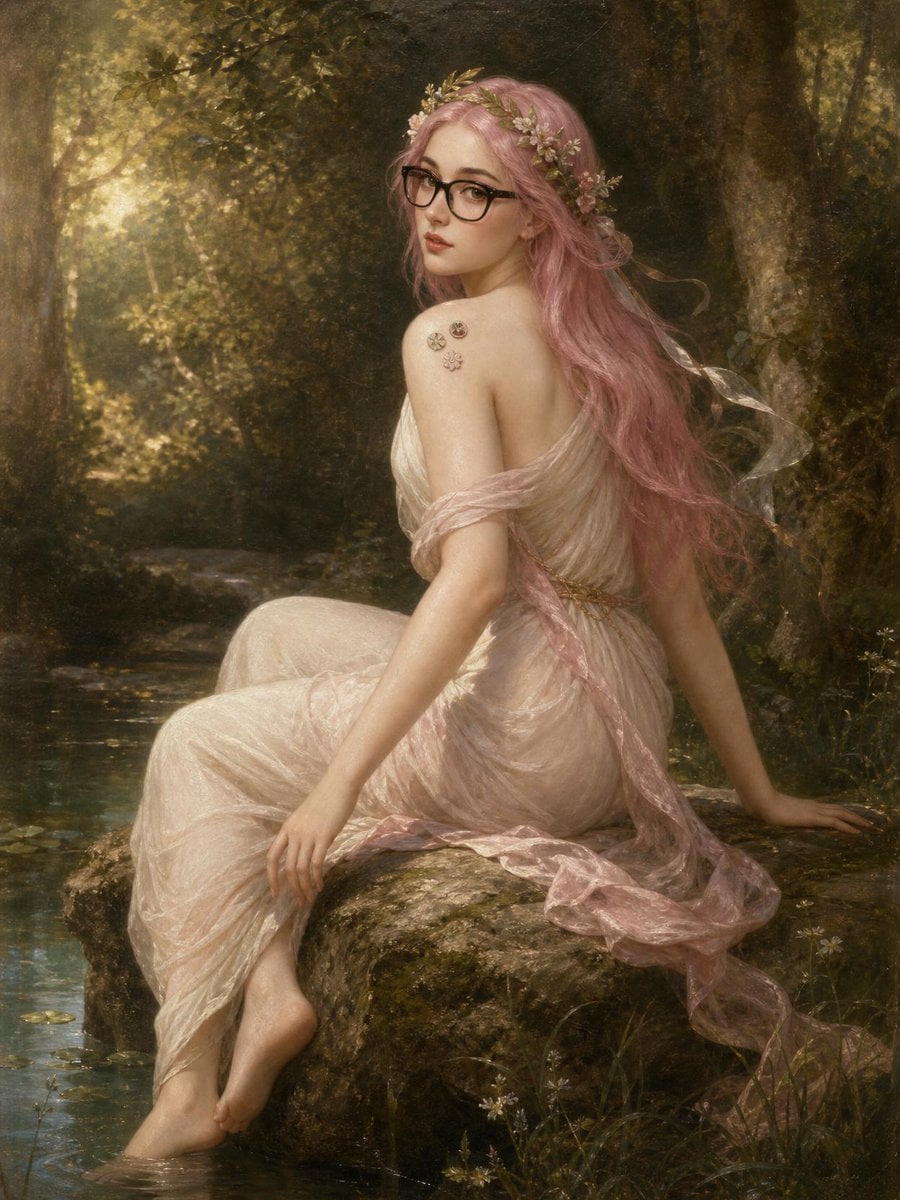
Pink-Haired Bouguereau Forest Nymph
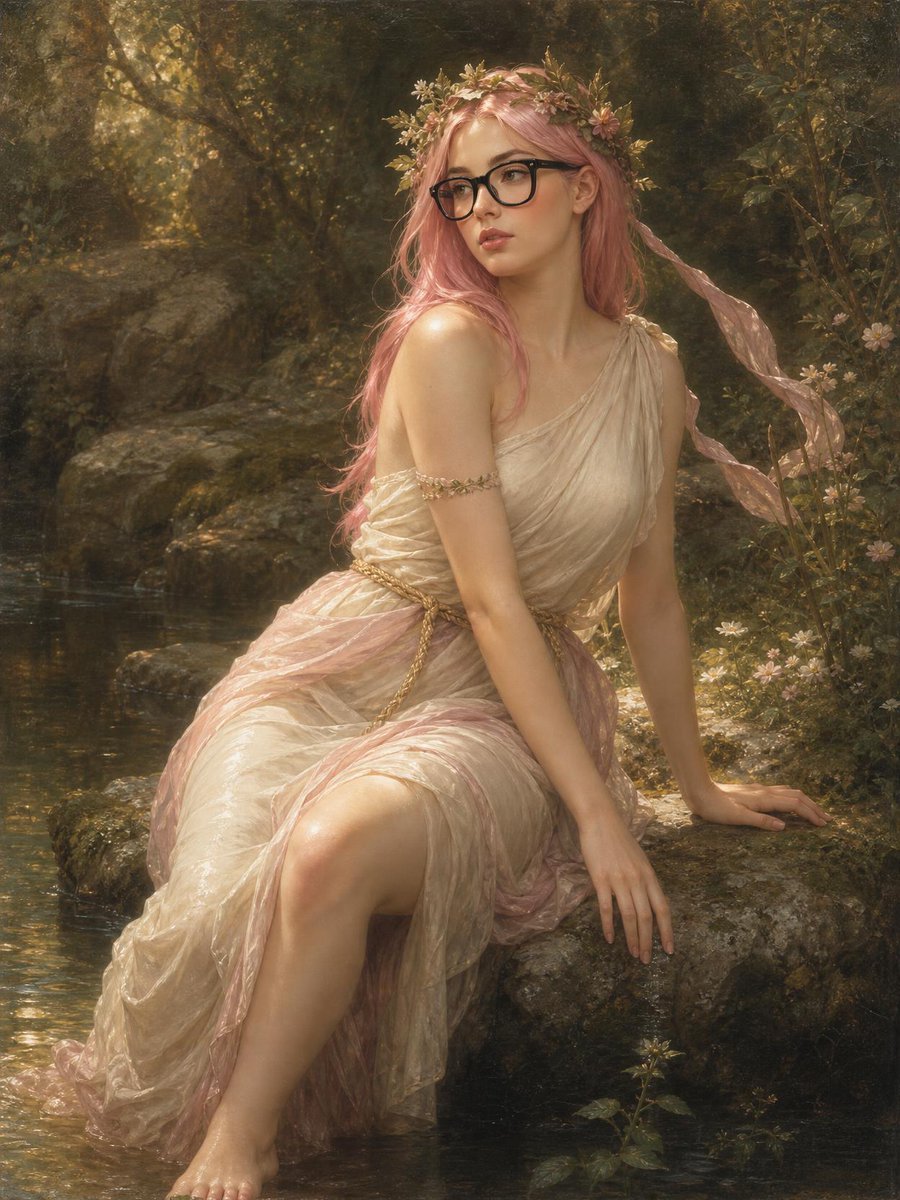
Bouguereau Nymph With Glasses

Woman in Mall with Chanel Bag - Heart Gesture
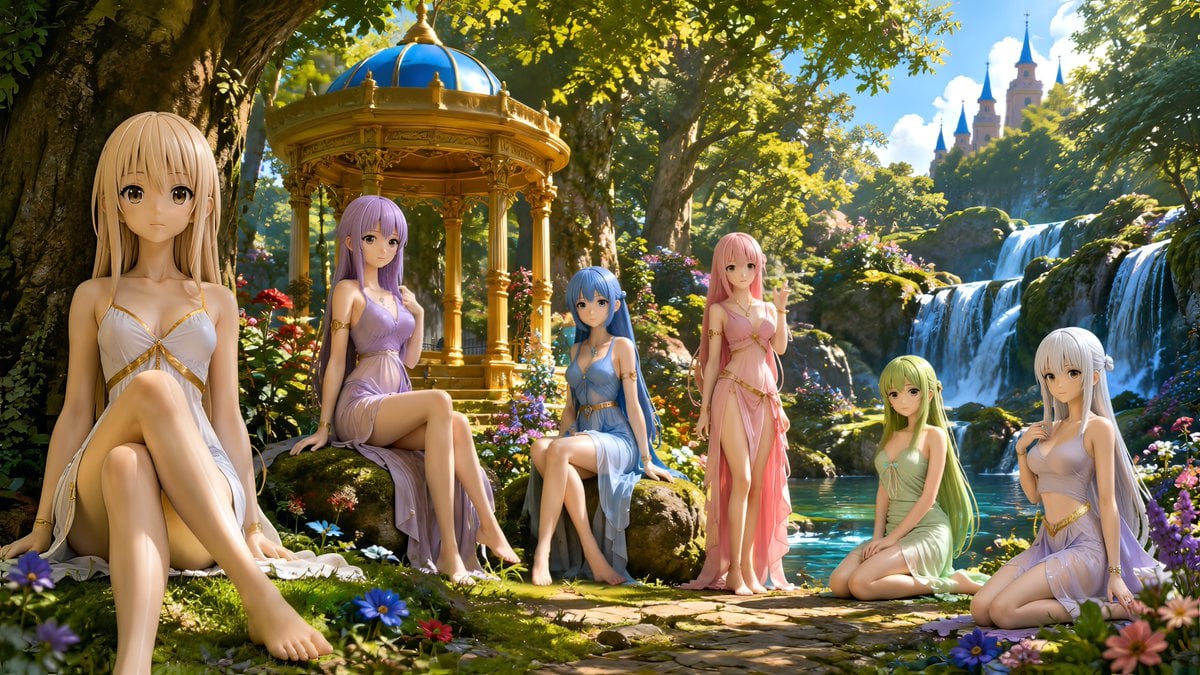
Nymphs by Enchanted Spring
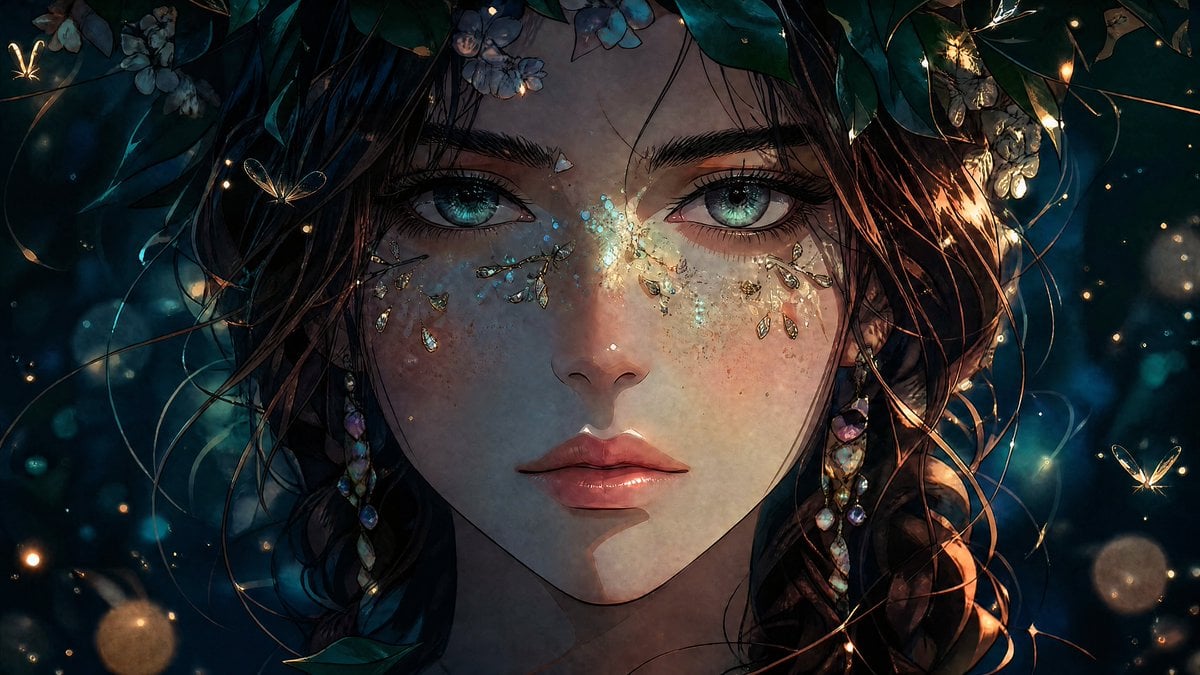
Enchanted Anime Forest Nymph Portrait
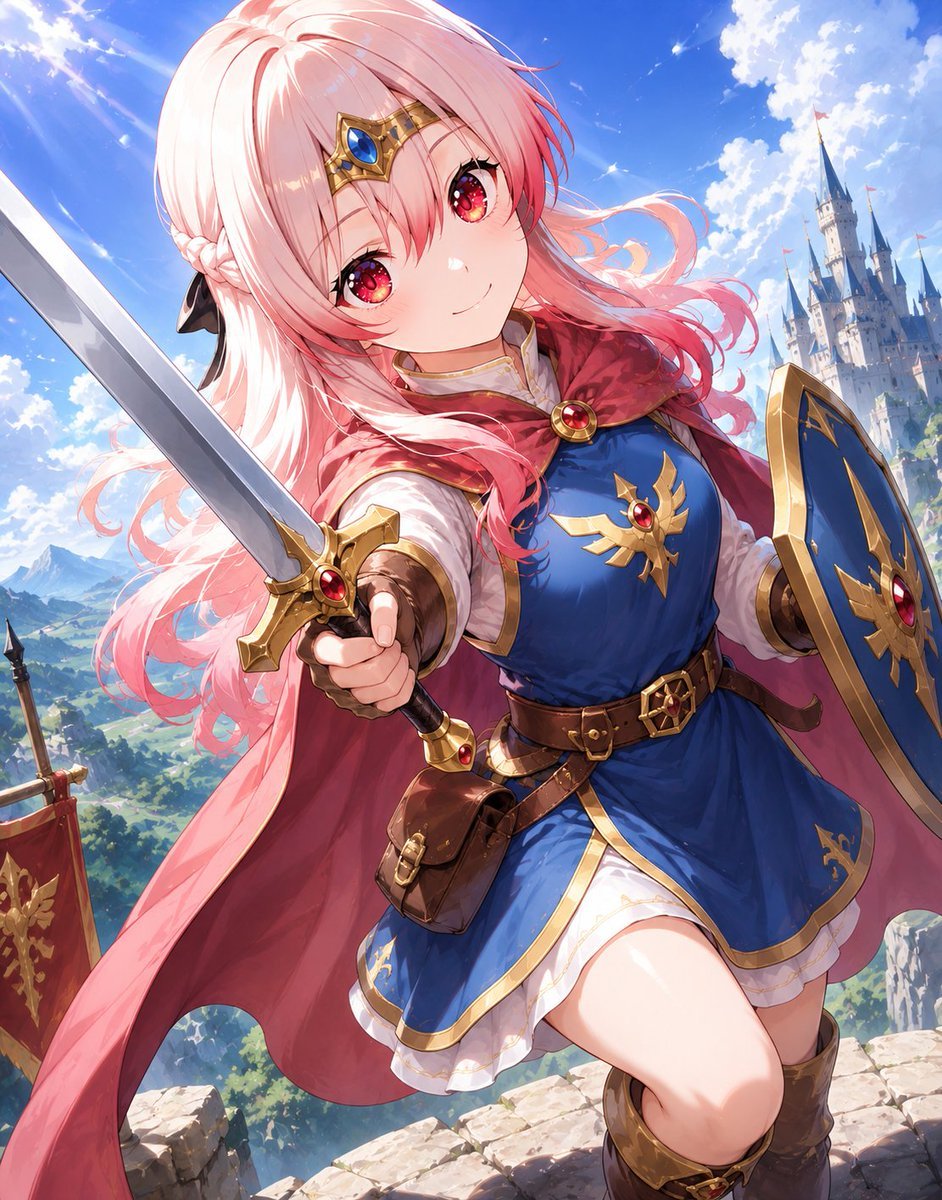
Pink-Haired Anime Female Hero

A hyper-realistic beauty product photograph of a pink jar placed
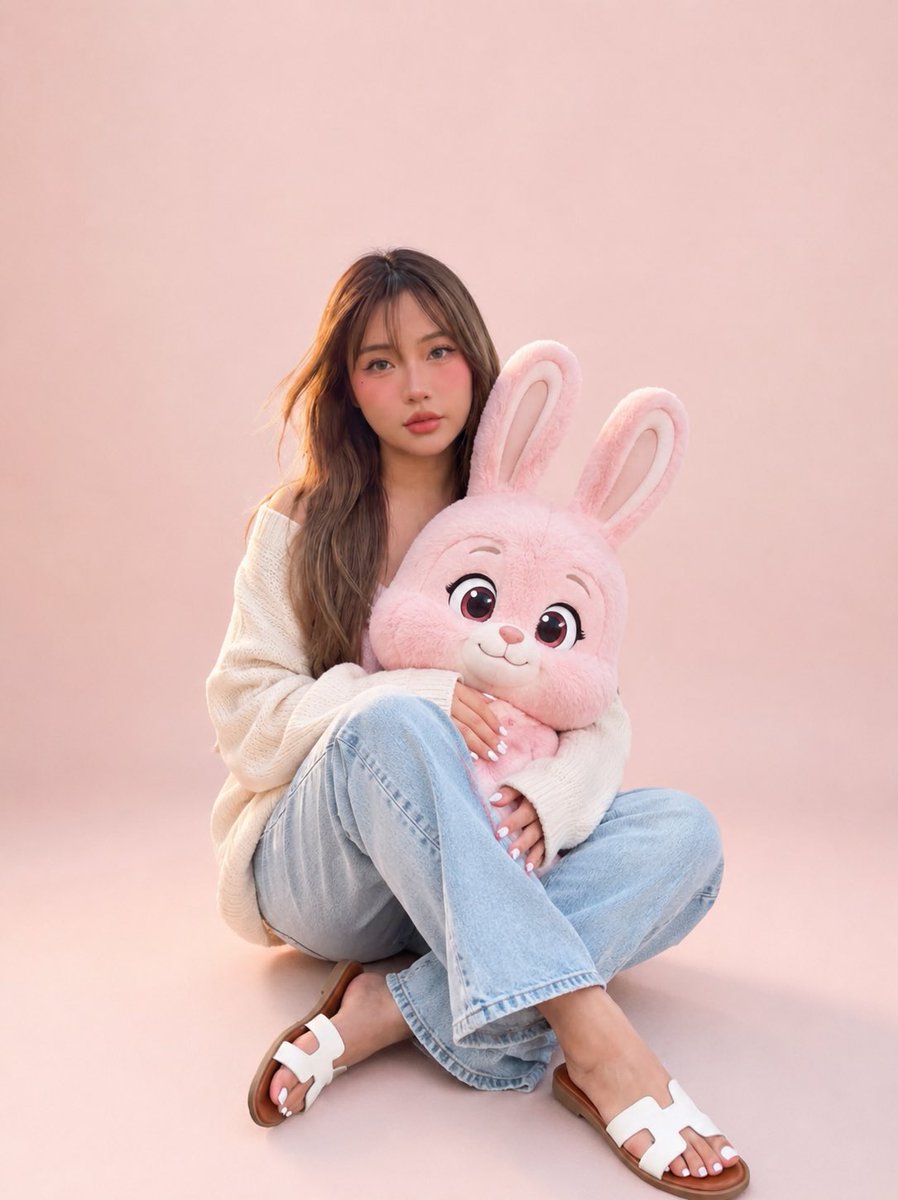
Portrait with Cartoon Pink Rabbit
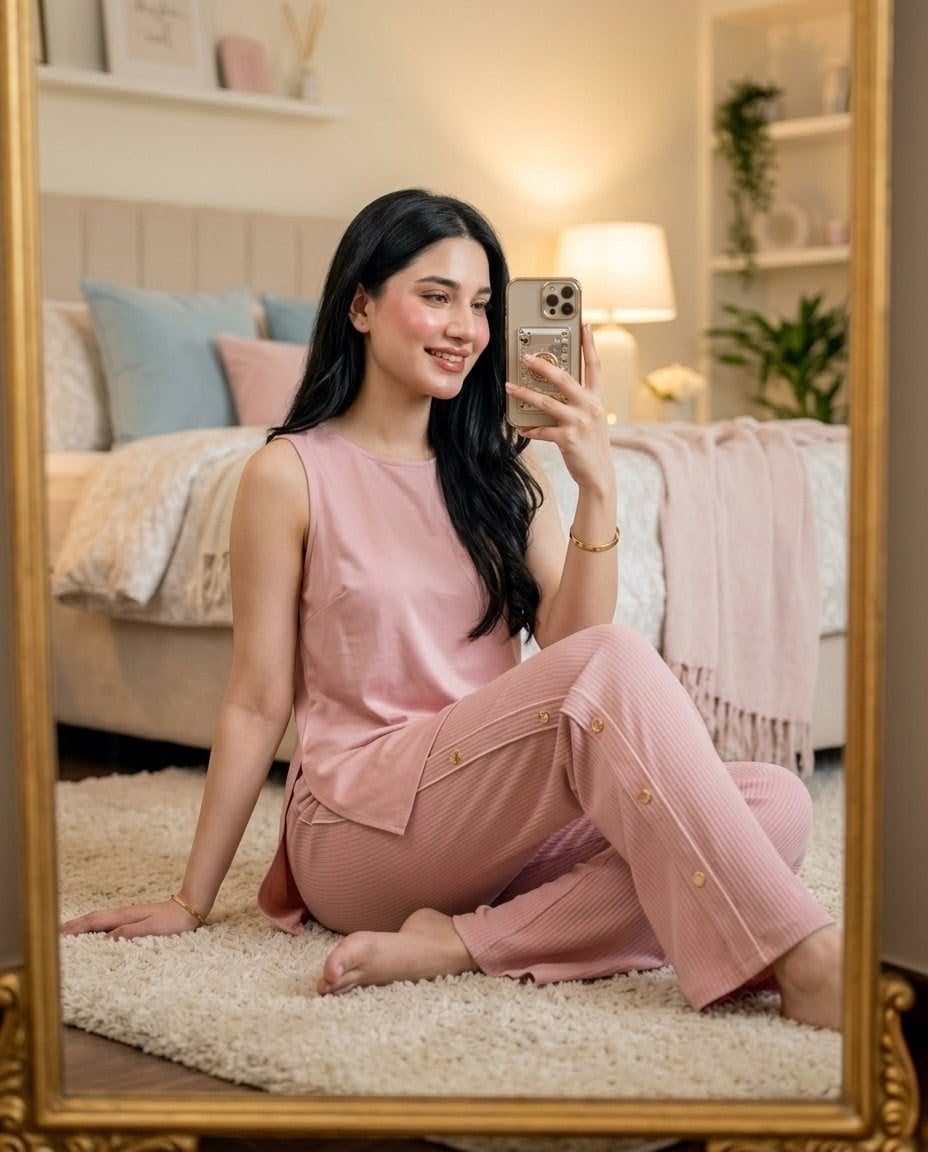
Pink Lounge Set Mirror Selfie
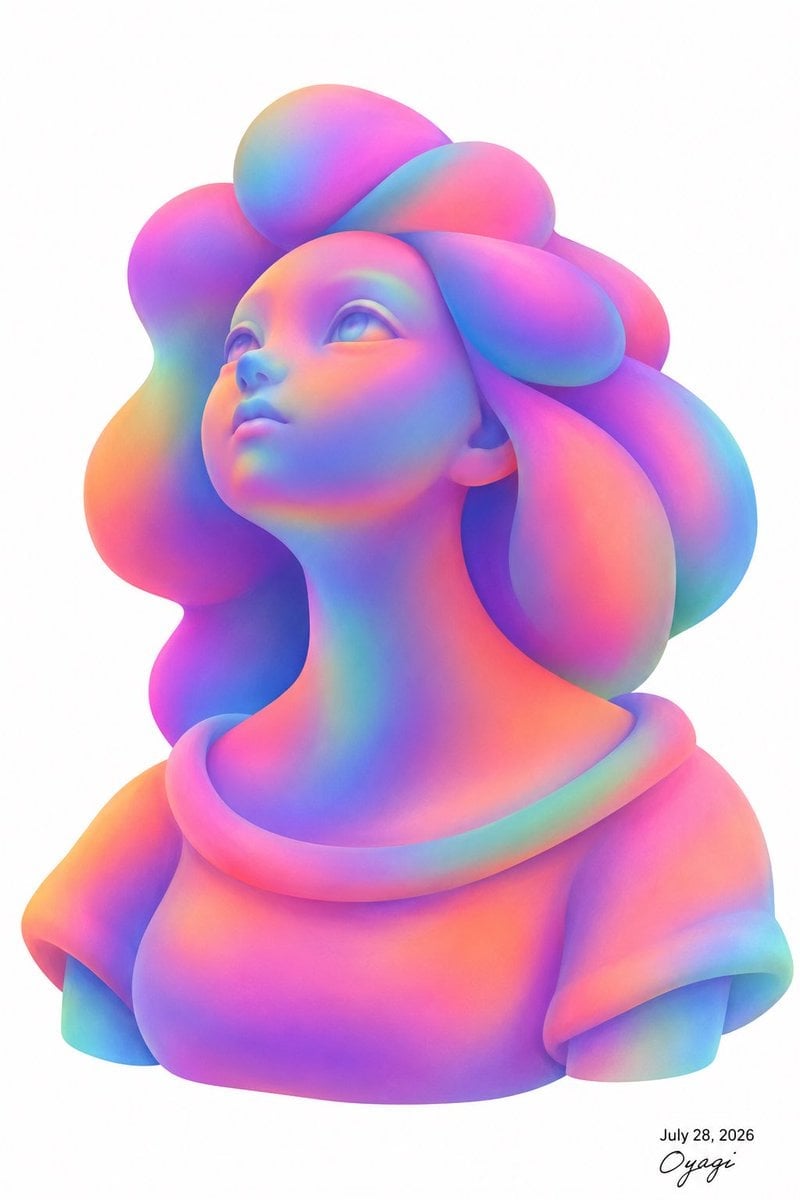
Iridescent Bubble-Hair Bust Portrait
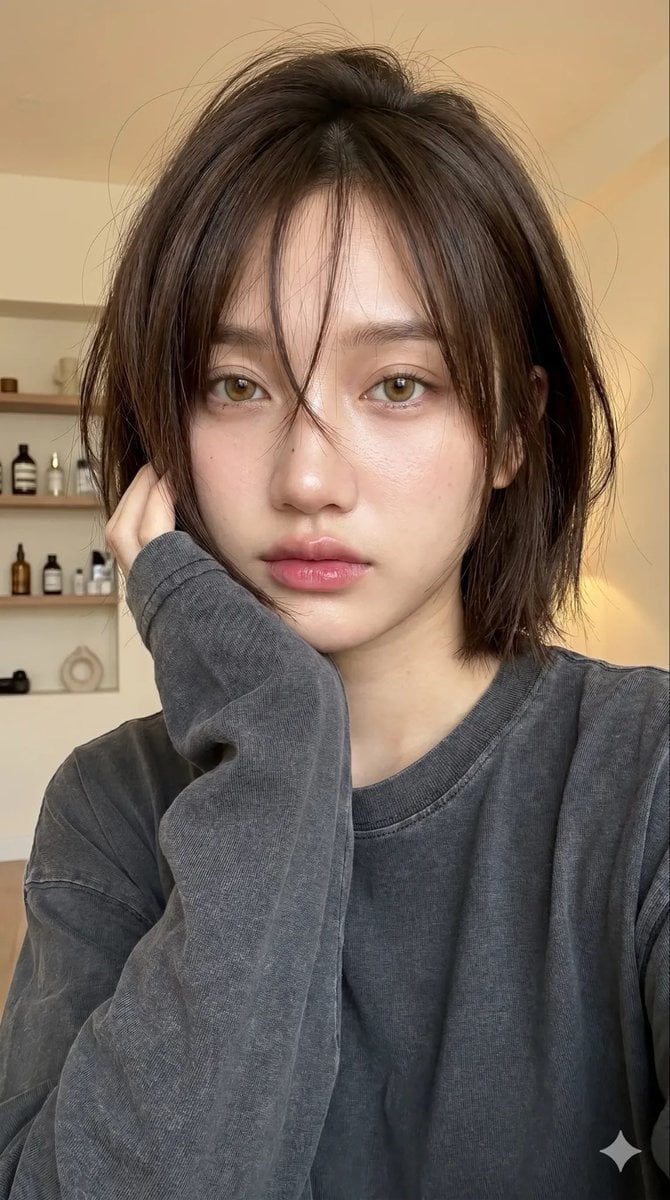
Cozy Bob Hair Portrait
Make it yours
Bouguereau Nymph With Pink Hair works as-is. These are the safest ways to change it without losing the look.
Change one field
Copy a single group, rewrite it, and generate again so you can see what that field is doing.
Keep the frame, change the subject
Hold the composition and light of Bouguereau Nymph With Pink Hair, then swap wardrobe, props or the person for a new take.
| If the result… | Why | Fix |
|---|---|---|
| The result drifts from the preview | Too many fields changed at once. | Reuse Bouguereau Nymph With Pink Hair as-is first, then change one group — subject, light, or setting. |
| The model over-stylizes the scene | The prose prompt leaves finish and camera underspecified. | Add one camera or lighting sentence and stay on GPT Image 2. |
More GPT Image 2 templates
Other prompts made for GPT Image 2.

Six VTuber Japanese Logo Sheet

Realistic Portrait of Woman and Deer

The Vista Modular Condo Poster

AI Model Routing Comparison Infographic

2.5D Anime Art Board

Isometric Productivity Desk Scene

New York Double Exposure Poster

Four-Panel AI Landscape Comparison

Japanese Tatami Lifestyle Magazine Cover

NESCAFÉ Coffee Map Poster
More image prompts
Fresh picks from across the catalog.
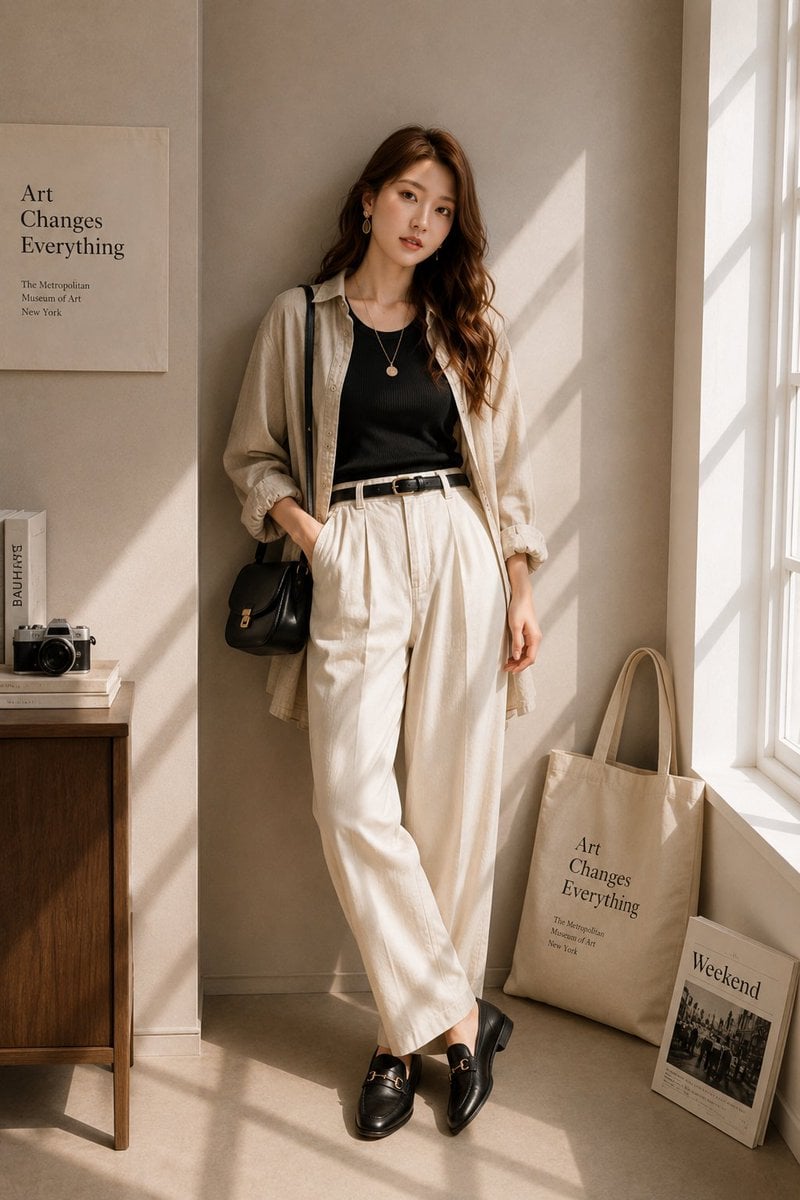
Minimalist High-End Fashion Editorial
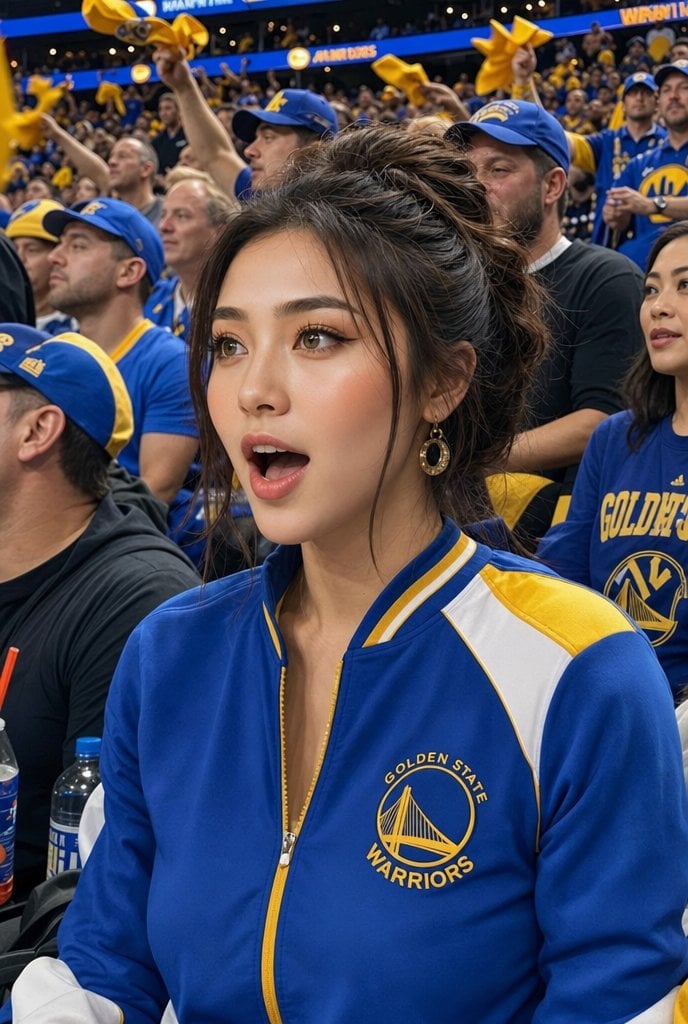
Warriors Fan Surprised Courtside Portrait
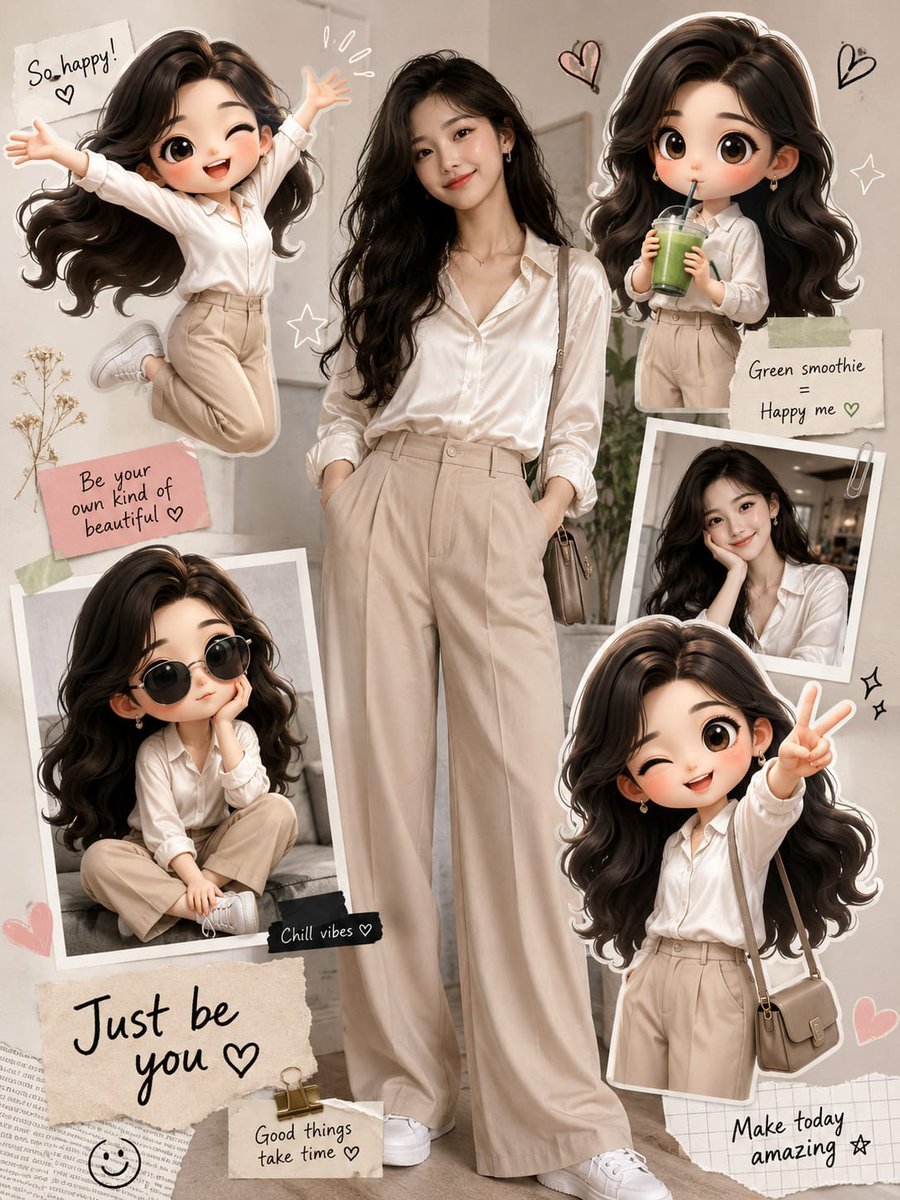
Fashion Collage with Chibi Characters
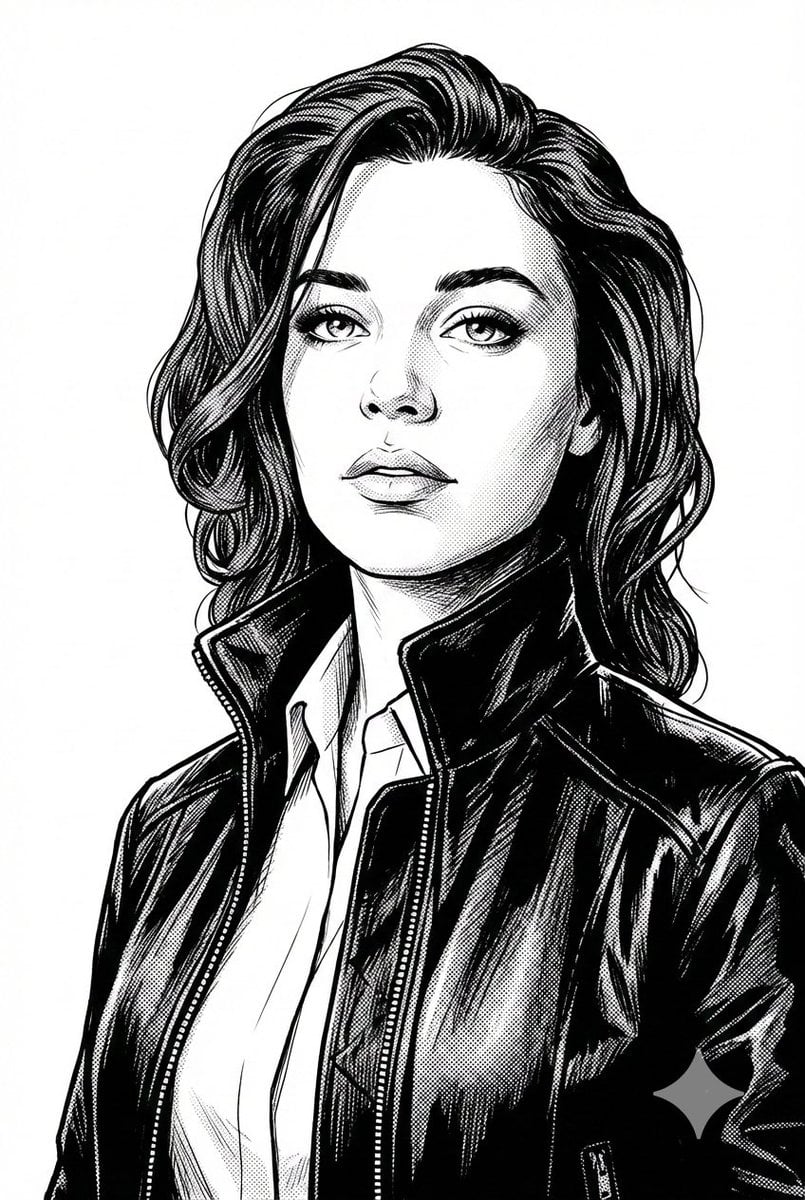
Black and White Digital Illustration Portrait
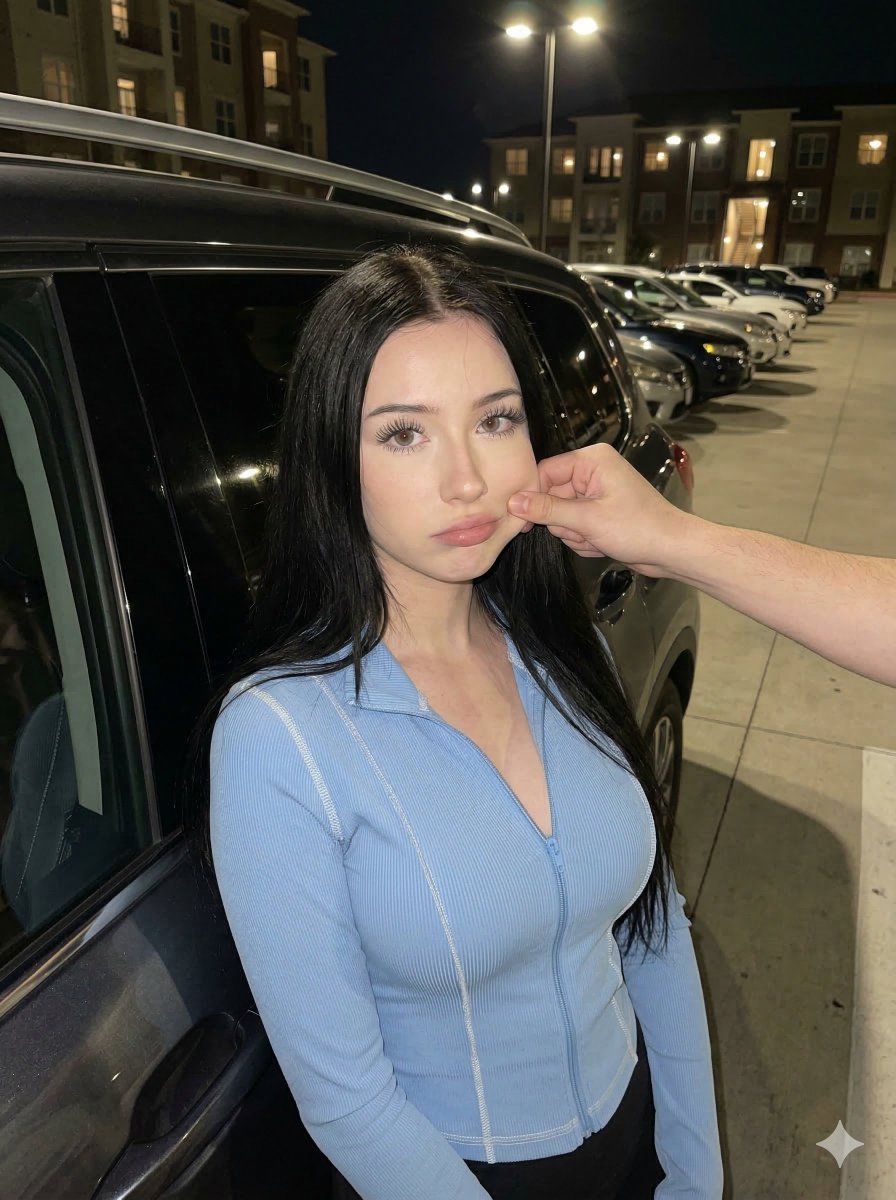
Candid Nighttime Urban Portrait
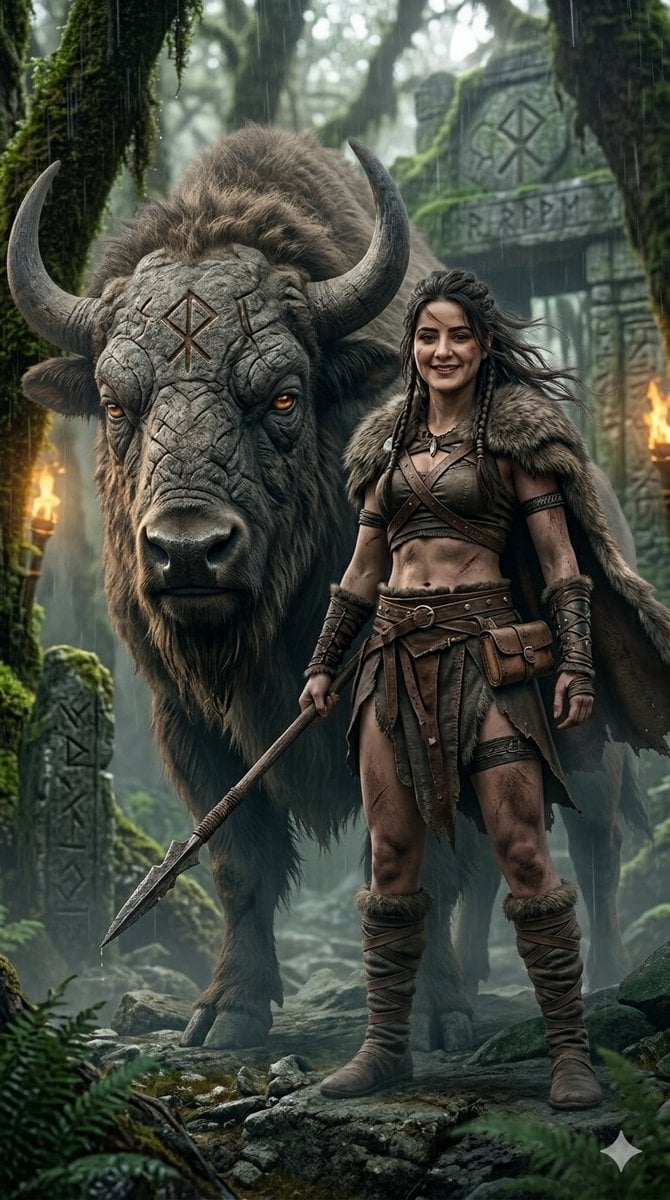
Fantasy Huntress and Ancient Beast
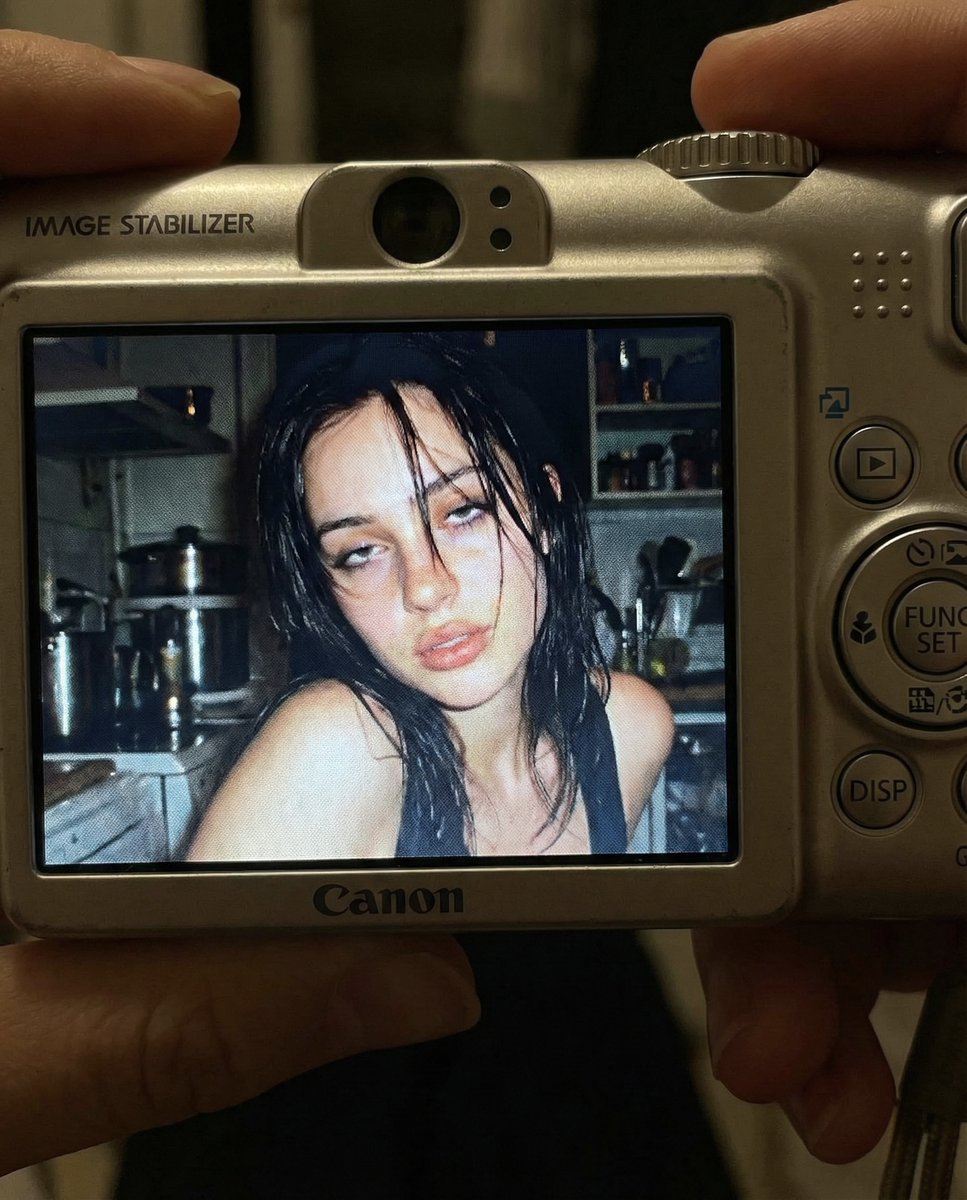
Early 2000s Digital Camera Snapshot Prompt
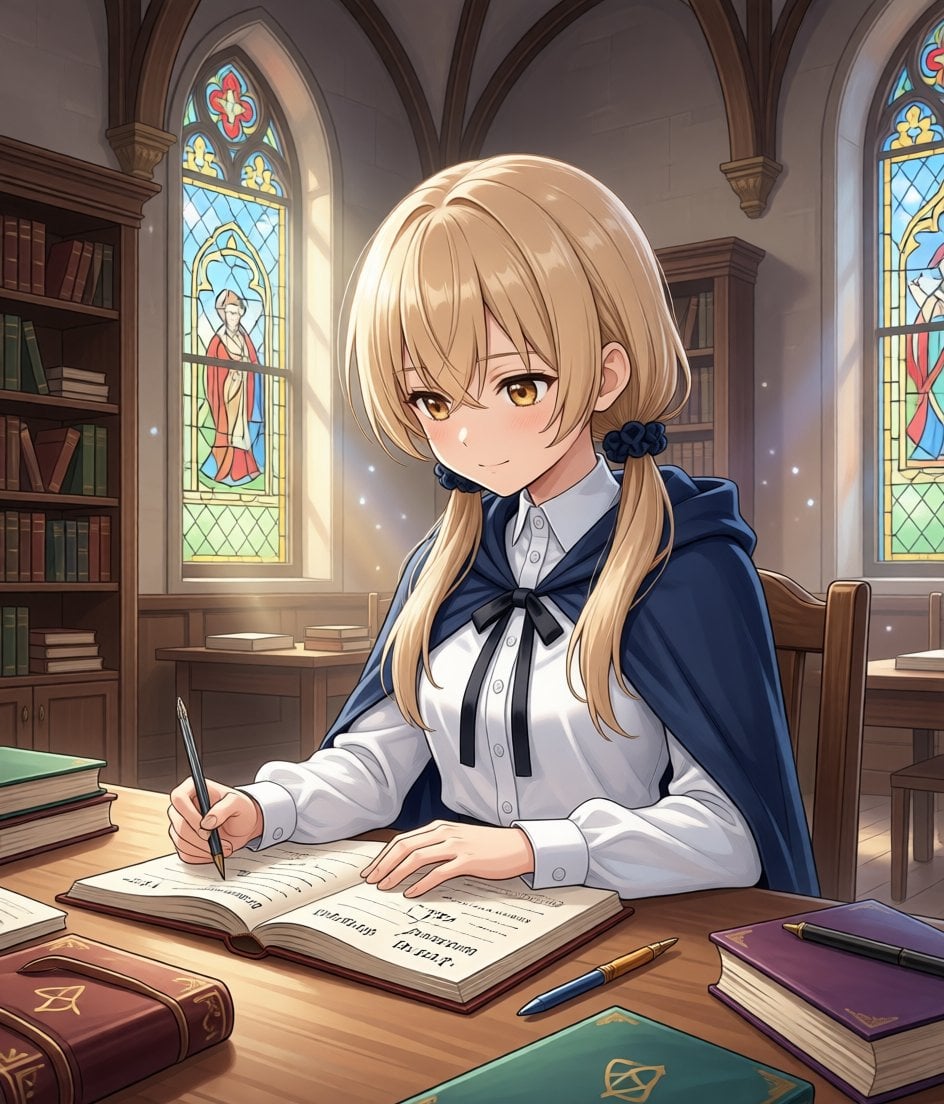
Modify Image: Girl Taking a Magic School Exam
Image-to-Image Workflow for RPG Maker Pixel Maps using Nano Banana
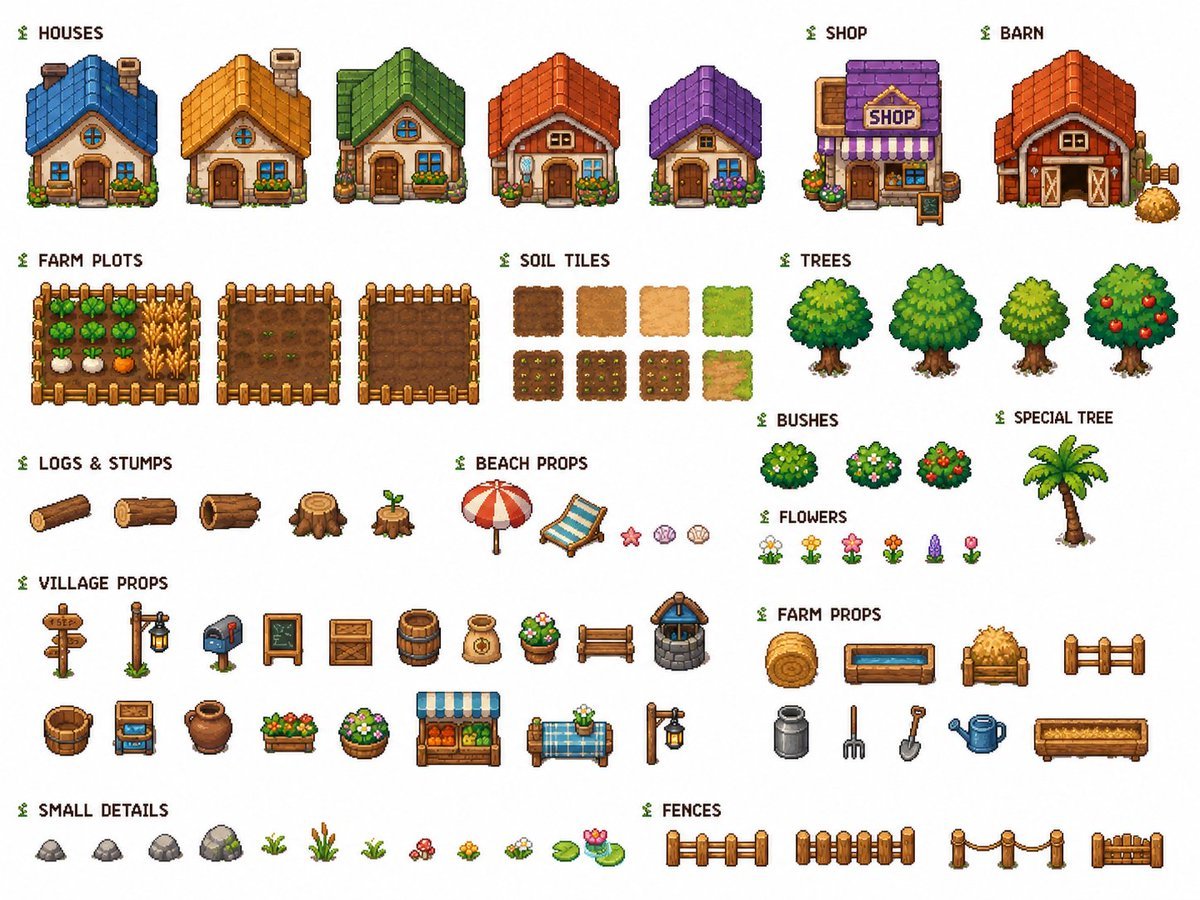
Cozy Farming Village Pixel Asset Sheet
Browse template categories
Bouguereau Nymph With Pink Hair questions
How do I use the Bouguereau Nymph With Pink Hair template?
Add your photo if the template asks for one, edit the prompt if you like — the template's model and format are already selected — and press Generate. Your version opens in PicX Studio.
Can I customize the Bouguereau Nymph With Pink Hair template?
Yes. You can change the subject, setting, lighting, mood, format, and available model controls before creating your image.
Is the Bouguereau Nymph With Pink Hair template free?
Opening and editing this template is free. Generating uses credits, shown on the Generate button when you are signed in.
Which AI model should I use?
Start with GPT Image 2, which is the model associated with this template. You can compare another compatible model for a different finish.
Looking for something else? Browse all templates.

Your photo, any look
Thousands of ready templates for every top image and video model, from one credit balance.