
Pink-Haired Anime Female Hero
Generates a vibrant anime fantasy portrait of a cute pink-haired female hero with sword, shield, cape, and castle backdrop.
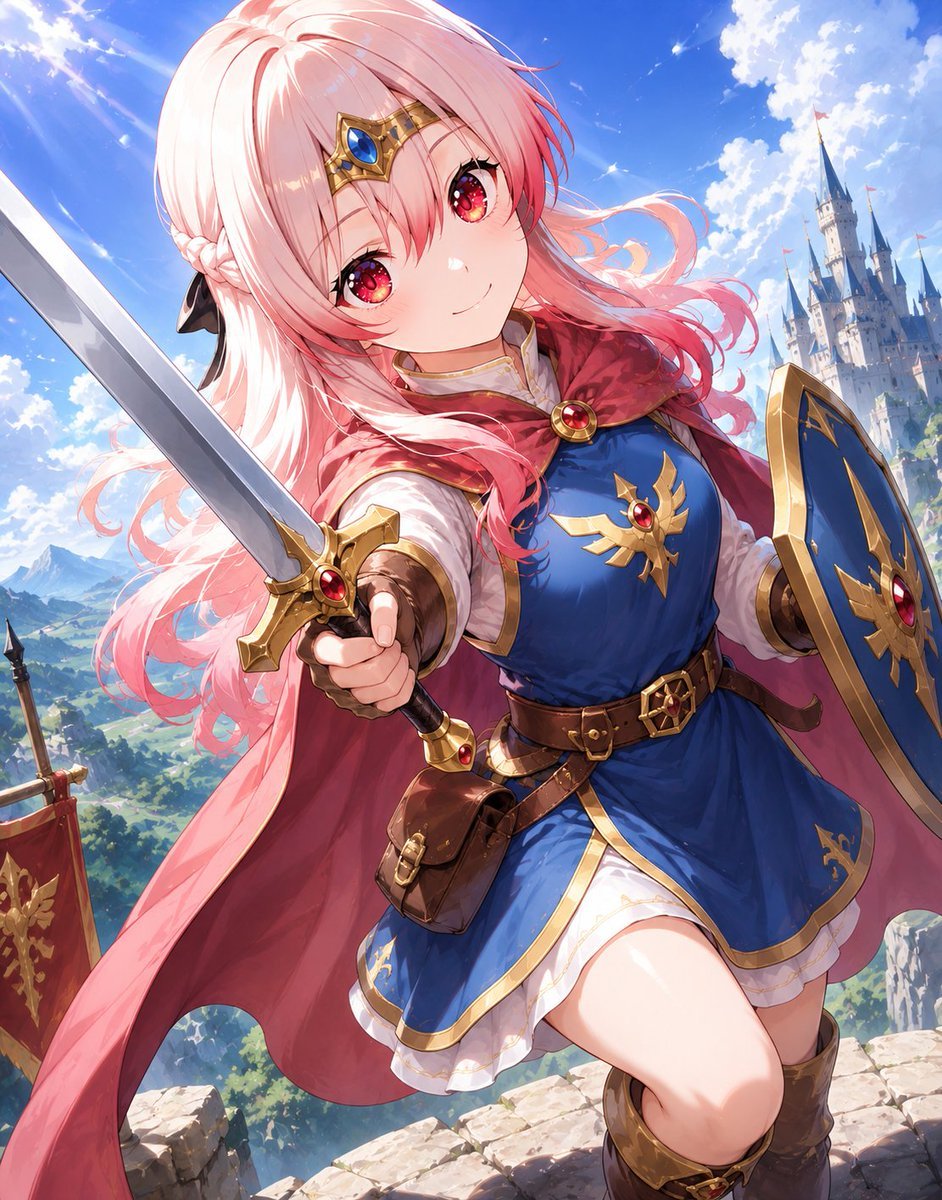
- Prompt included
- Model and format preset
- Free template
The prompt behind this image
Copy the exact prompt behind Pink-Haired Anime Female Hero, or open it in the studio and make it yours.
Create a polished anime fantasy illustration of {argument name="character name" default="a cheerful young female hero"} in a Dragon Quest-inspired adventurer outfit, shown in a dynamic low-angle three-quarter pose on a sunlit stone castle wall. She has long flowing {argument name="hair color" default="soft pastel pink"} hair with a side braid and wind-swept strands, large sparkling crimson-pink eyes, a gentle confident smile, and a gold circlet headpiece with one blue jewel centered on her forehead. Her outfit has exactly these visible main pieces: one royal blue sleeveless tunic dress with gold trim and a gold winged crest with a red gem on the chest, one white blouse underneath with puffed sleeves, one deep red cape fastened at the collar with a round red gemstone brooch, one brown leather belt with gold buckle, one small brown leather pouch hanging at the waist, one short white ruffled underskirt, two brown leather gauntlets, and two tall brown adventurer boots. She holds exactly one silver sword thrust diagonally toward the viewer in her right hand, with a gold crossguard and red gemstone, and exactly one blue-and-gold shield on her left arm with a matching gold crest and red gem. In the background, include exactly one tall fairytale castle with blue spires on the right, exactly one red medieval banner with a gold emblem on the left, distant green mountains and valley, bright blue sky, fluffy white clouds, sparkling sun rays, and a heroic high-fantasy atmosphere. Use vibrant cel-shaded anime rendering with soft painterly highlights, crisp linework, glossy jewel details, dramatic foreshortening on the sword, wind motion in the hair and cape, and a vertical portrait composition. Keep the image clean, cute, adventurous, highly detailed, and text-free.
How to use Pink-Haired Anime Female Hero in 3 steps
- 1Upload ImagePNG, JPG or paste
Add your photo
Upload the photo the template builds on. The prompt, model and format are already set.
- 2…a portrait of your subject in softgolden-hour light, 85mm…
Personalize
Edit the subject and creative details for your destination.
- 3Generate
Generate
Press Generate — your image is created in PicX Studio, so you can compare it with the original and refine one variable at a time.
More like this
Templates with the same subject, style or setup. Open one to see its prompt.

Cel 2D Hero Portrait

Anime Popcorn Cart Hero

Anime Parade Float Hero
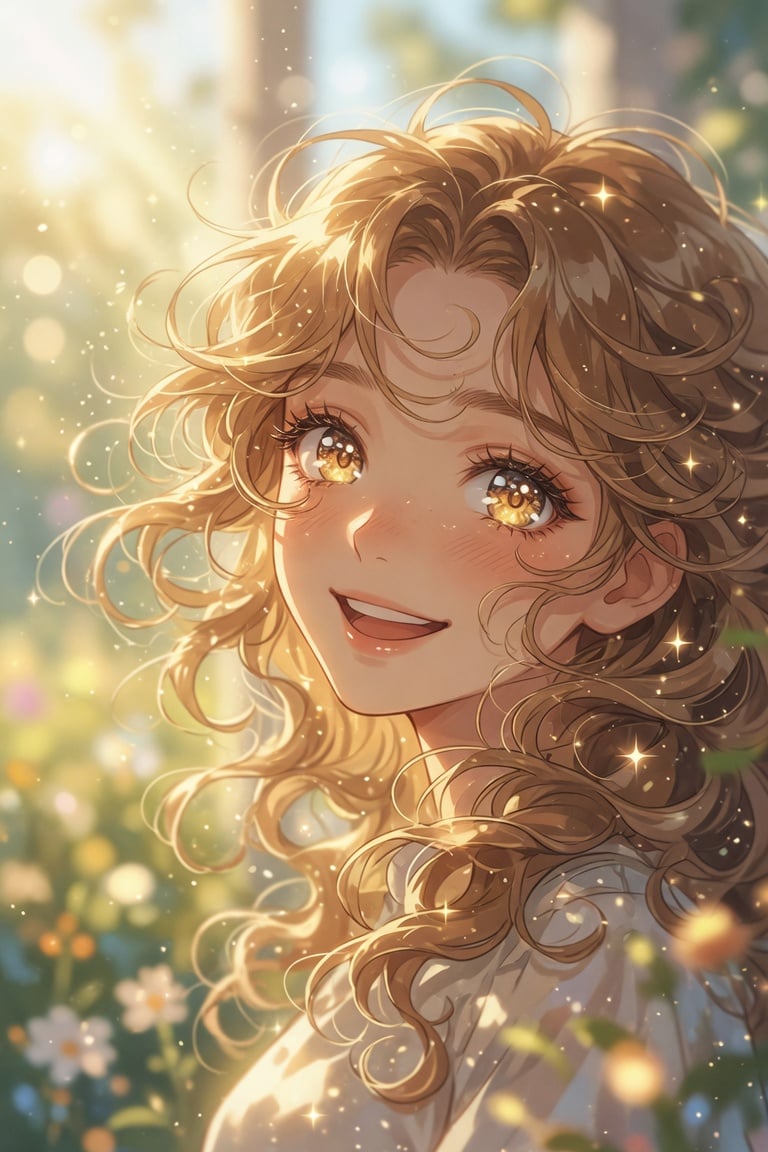
Golden Curly-Haired Anime Garden Portrait
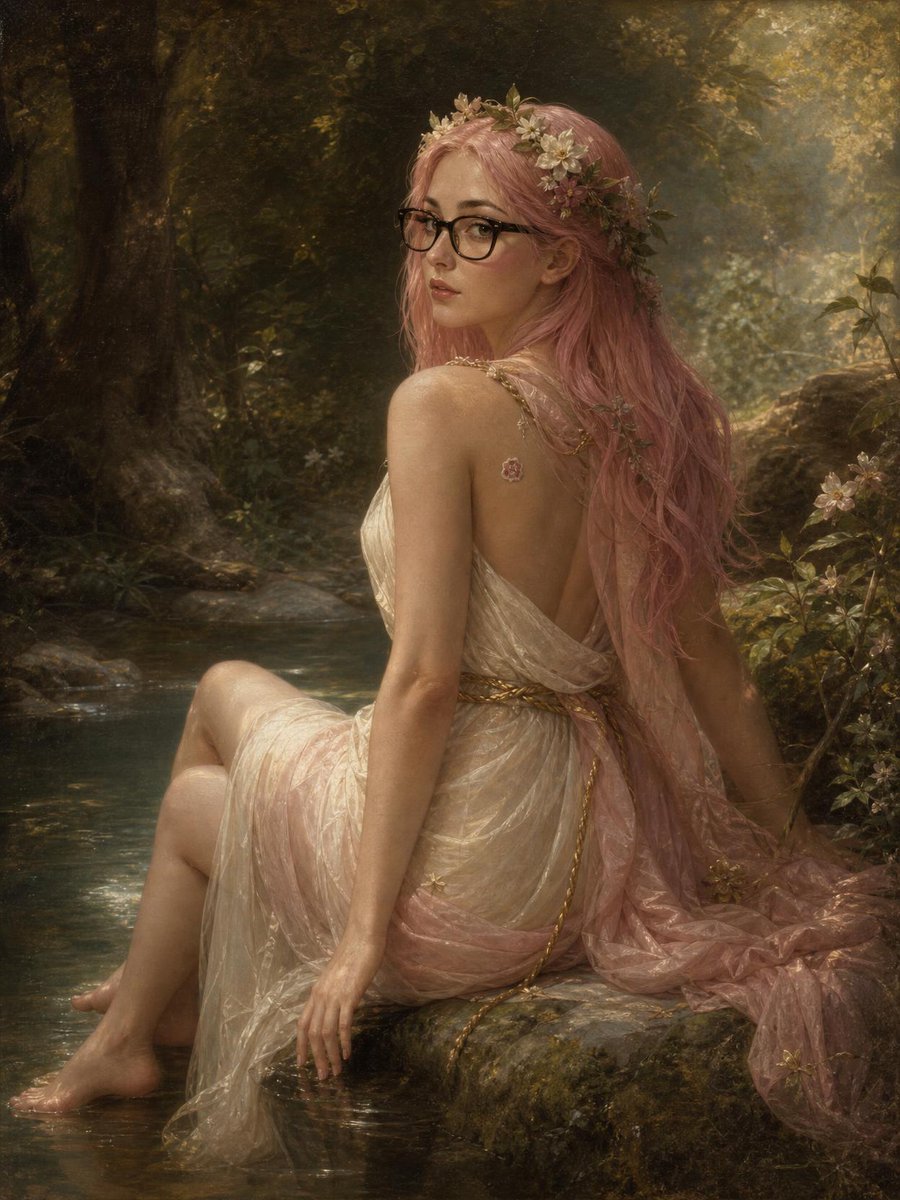
Pink-Haired Nymph in Bouguereau Style
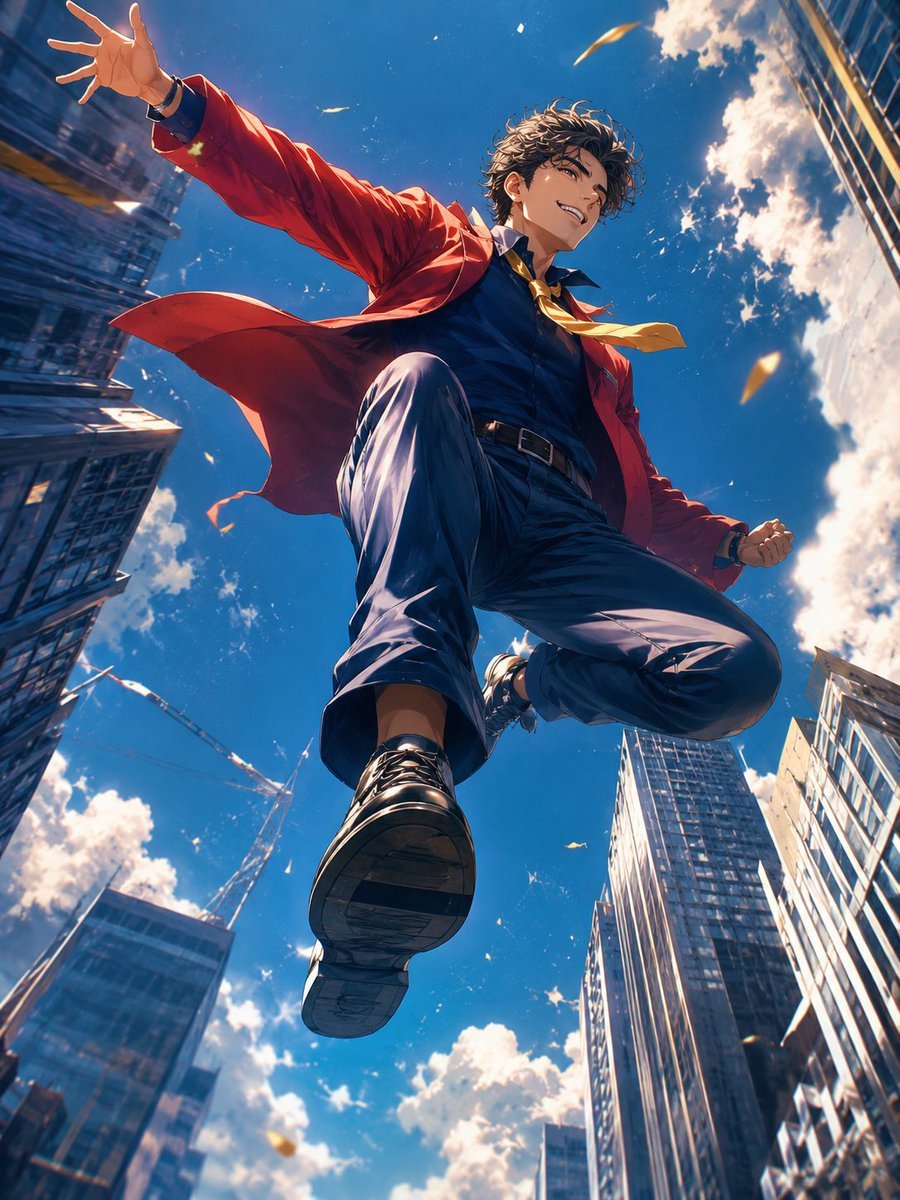
Anime Hero Leaping Through City Sky
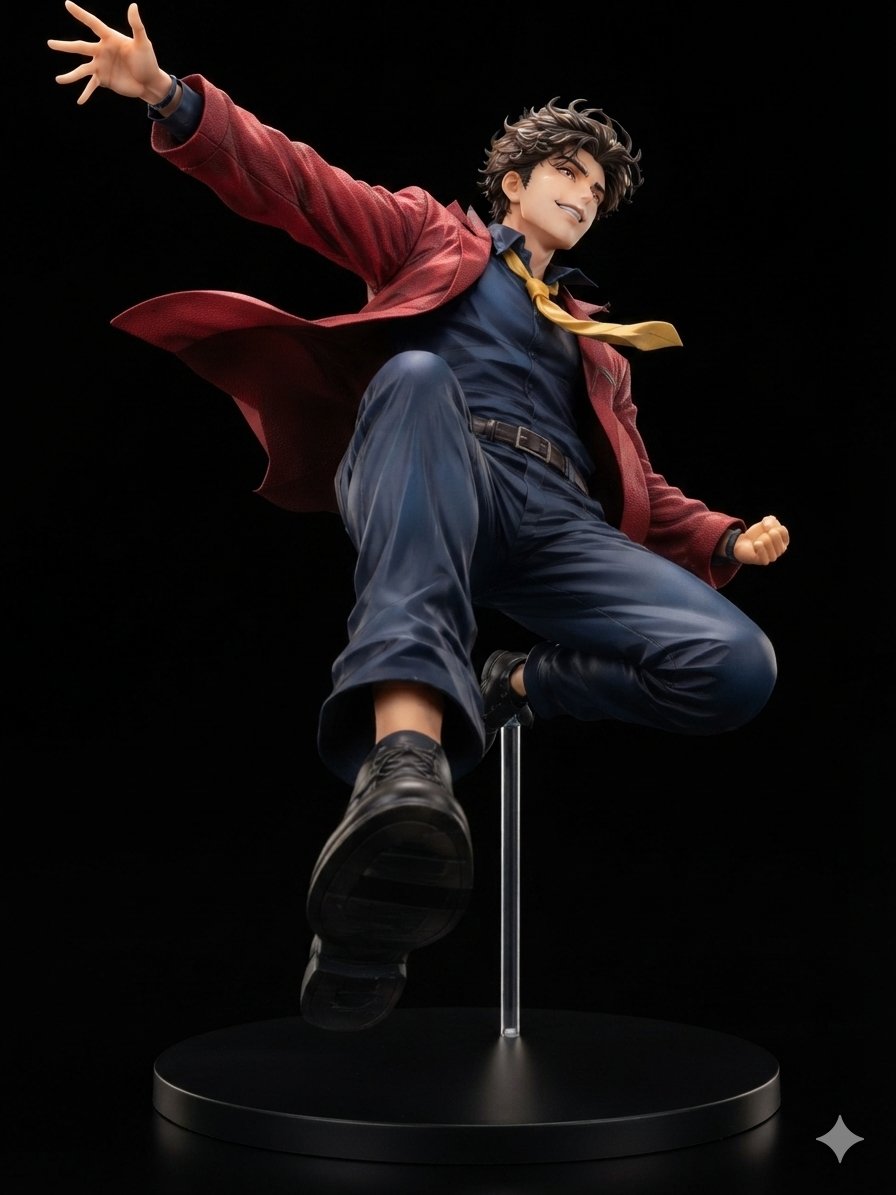
Dynamic Anime Hero Figure Render
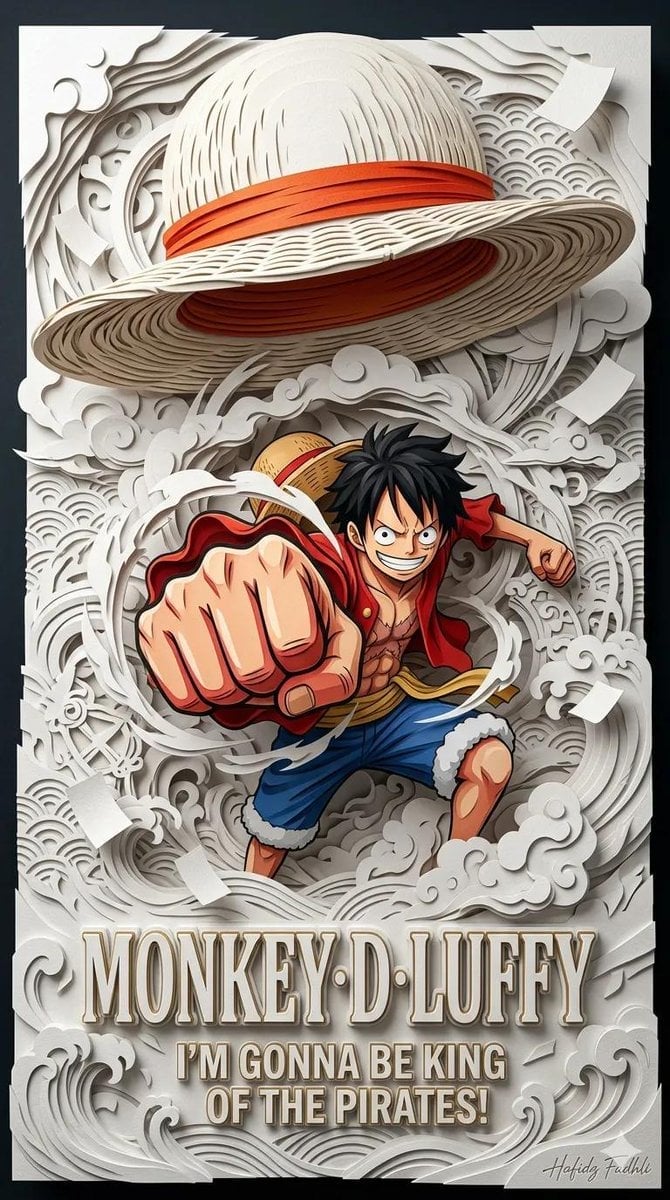
Master Papercraft Shadow Box — Anime Hero Emerging from Paper Waves

Cel 2D Finale Fireworks

Cel 2D Garden Maze

Cel 2D Rooftop Concert

Cel 2D Bicycle Coast
Make it yours
Pink-Haired Anime Female Hero works as-is. These are the safest ways to change it without losing the look.
Change one field
Copy a single group, rewrite it, and generate again so you can see what that field is doing.
Keep the frame, change the subject
Hold the composition and light of Pink-Haired Anime Female Hero, then swap wardrobe, props or the person for a new take.
| If the result… | Why | Fix |
|---|---|---|
| The result drifts from the preview | Too many fields changed at once. | Reuse Pink-Haired Anime Female Hero as-is first, then change one group — subject, light, or setting. |
| The model over-stylizes the scene | The prose prompt leaves finish and camera underspecified. | Add one camera or lighting sentence and stay on GPT Image 2. |
More GPT Image 2 templates
Other prompts made for GPT Image 2.

Six VTuber Japanese Logo Sheet

Realistic Portrait of Woman and Deer

The Vista Modular Condo Poster

AI Model Routing Comparison Infographic

2.5D Anime Art Board

Isometric Productivity Desk Scene

New York Double Exposure Poster

Four-Panel AI Landscape Comparison

Japanese Tatami Lifestyle Magazine Cover

NESCAFÉ Coffee Map Poster
More image prompts
Fresh picks from across the catalog.
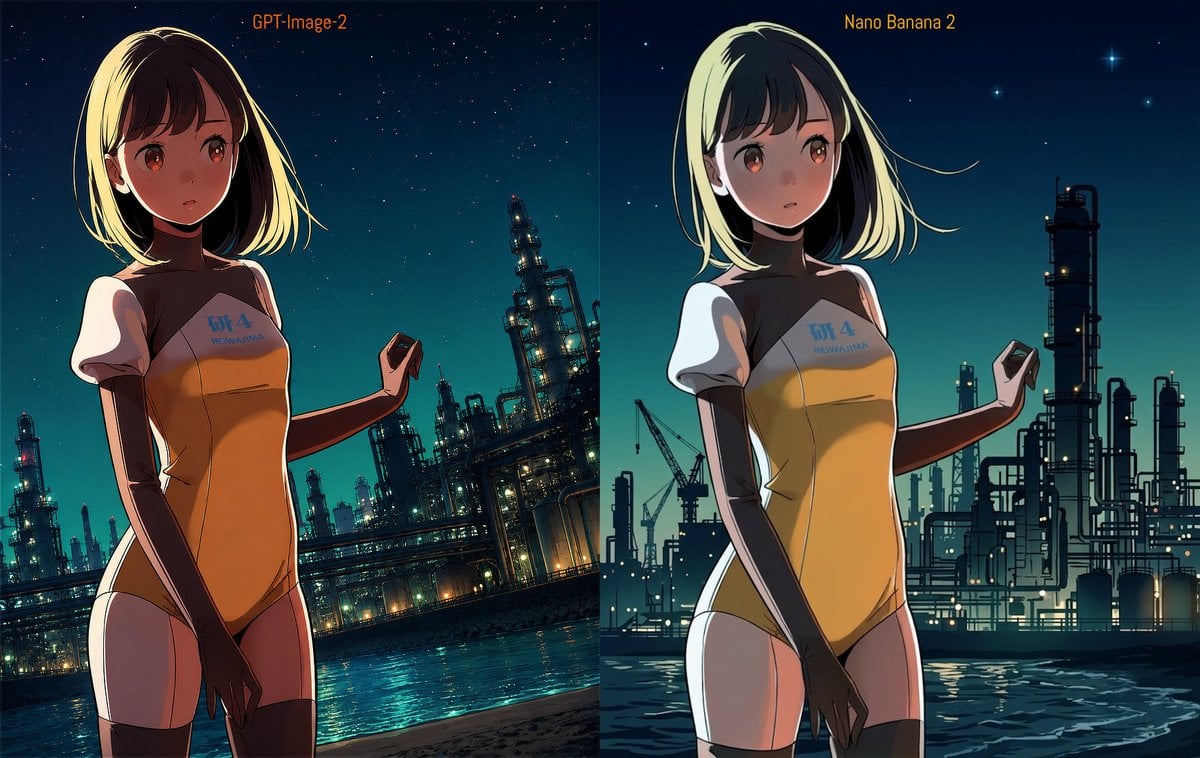
Industrial Night Background Replacement
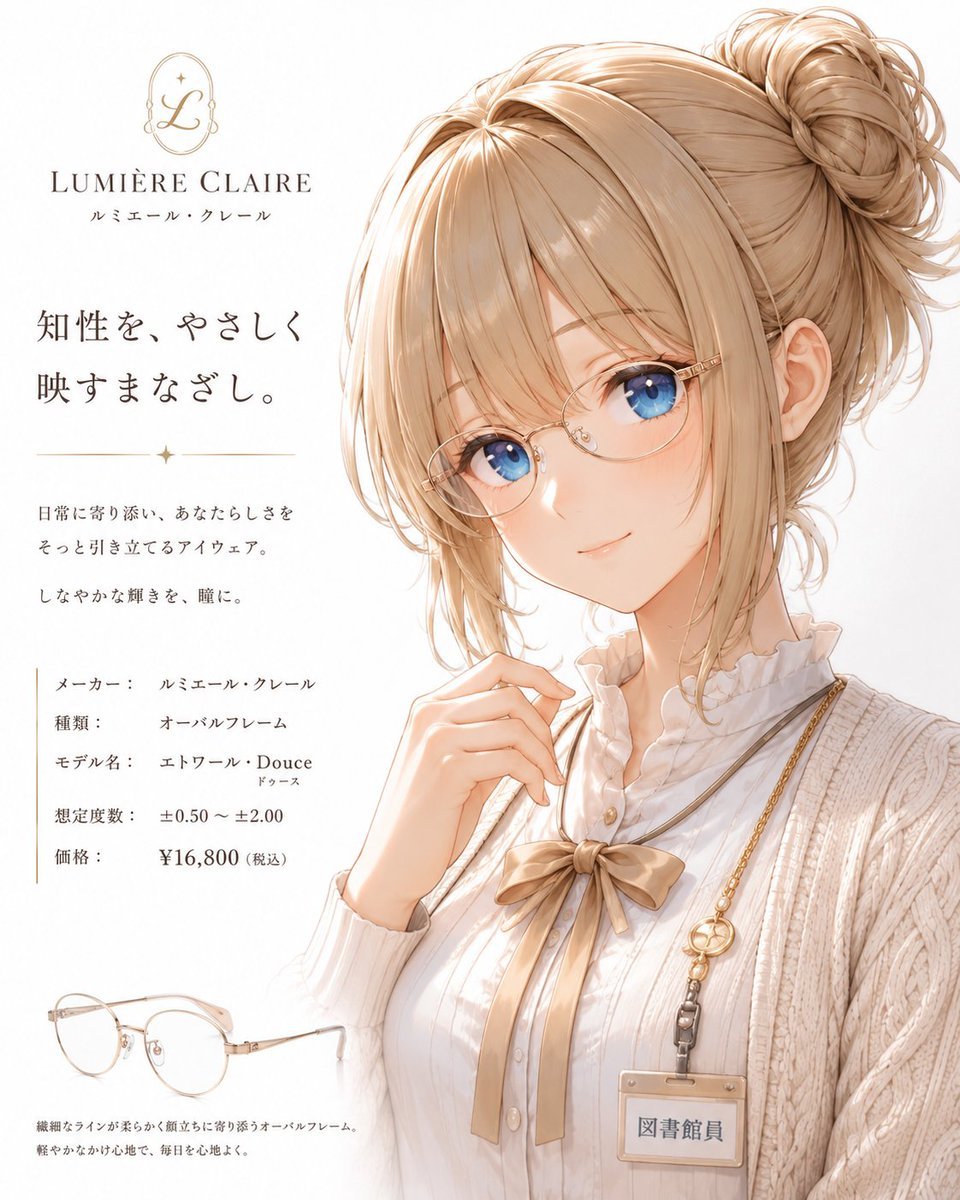
Minimalist Anime Eyeglasses Fashion Poster
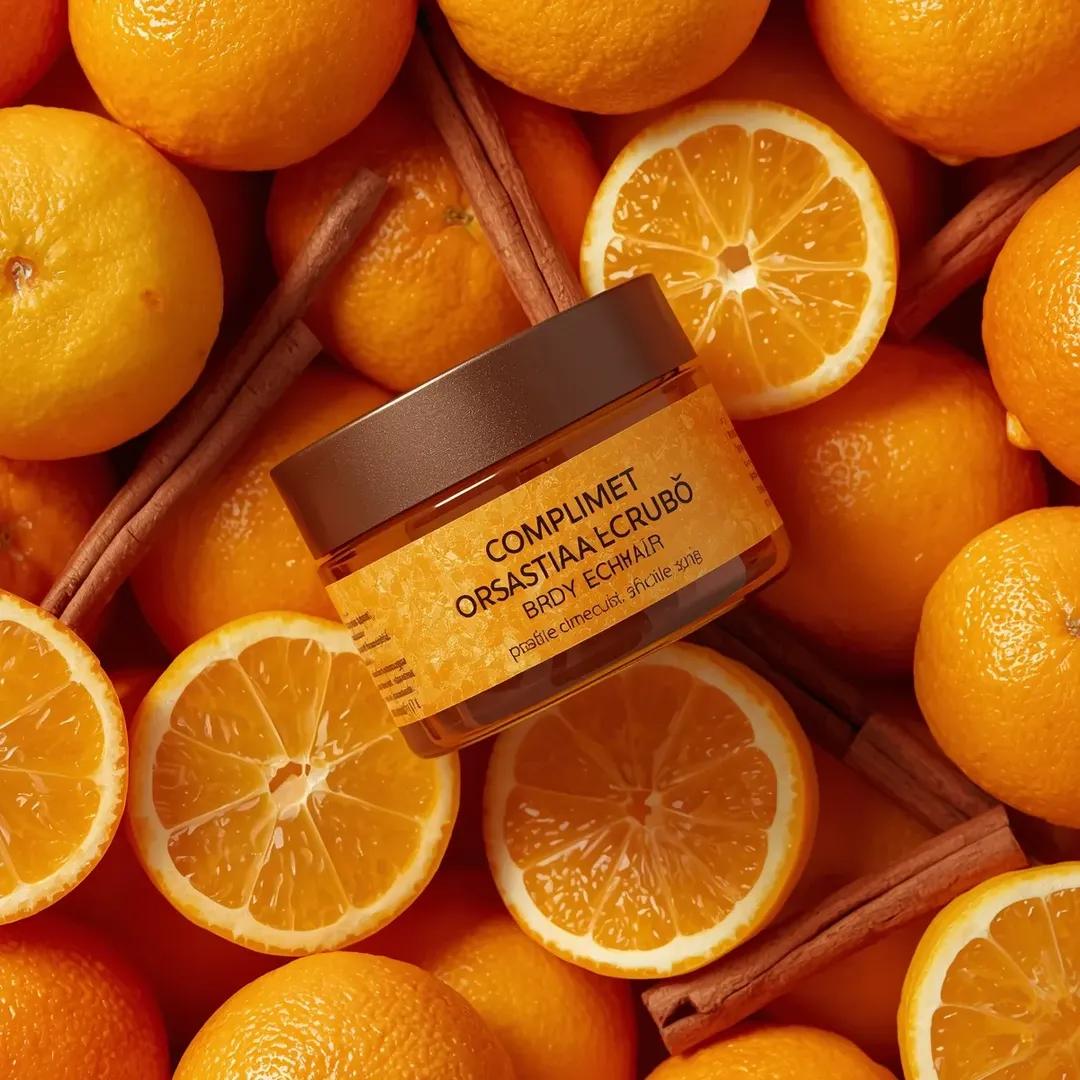
Top-Down Product Zoom Video Prompt
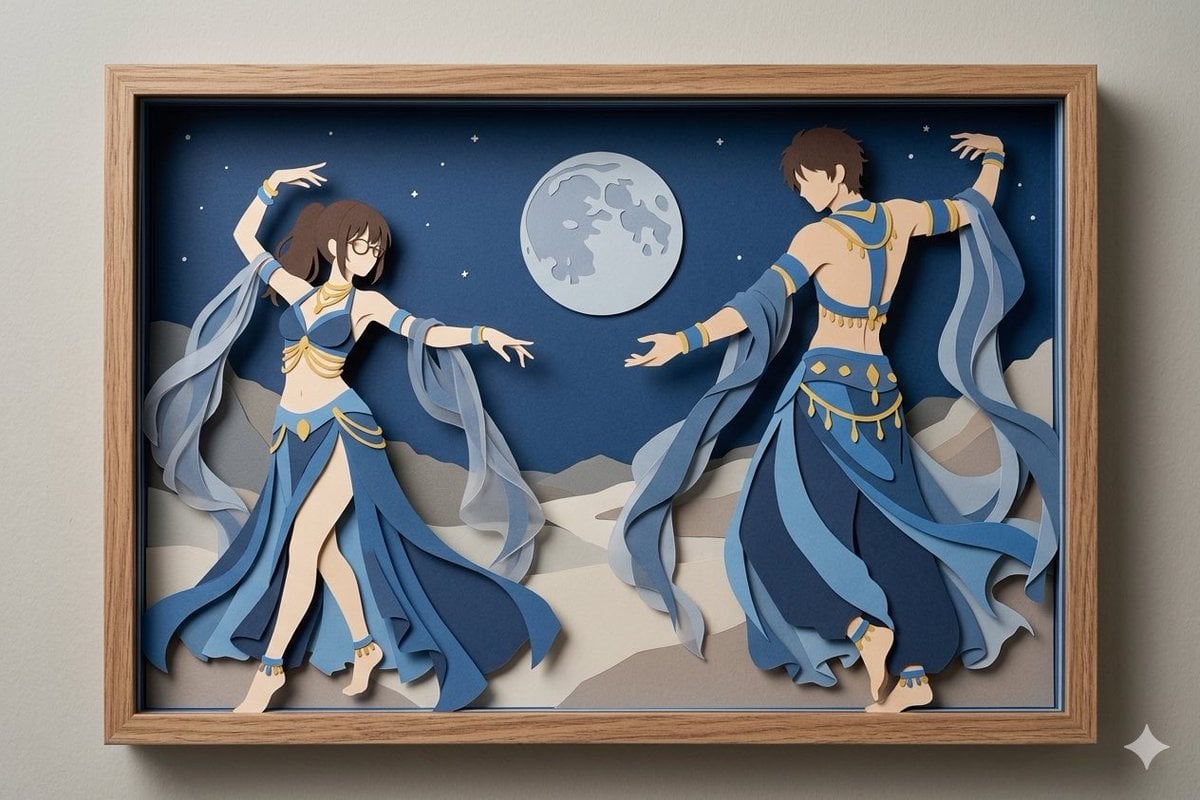
Moonlit Dancer Shadow Box
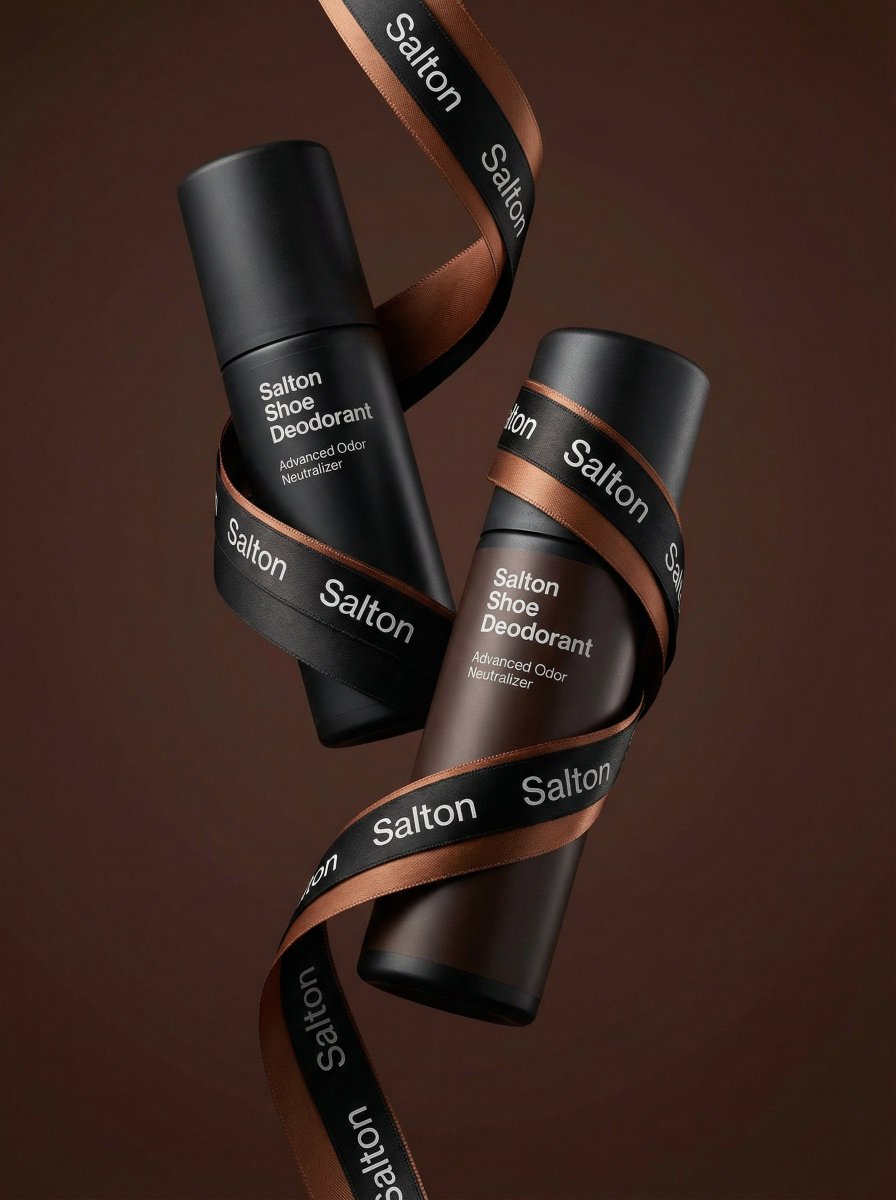
Premium Advertising Photo of Levitation Bottles
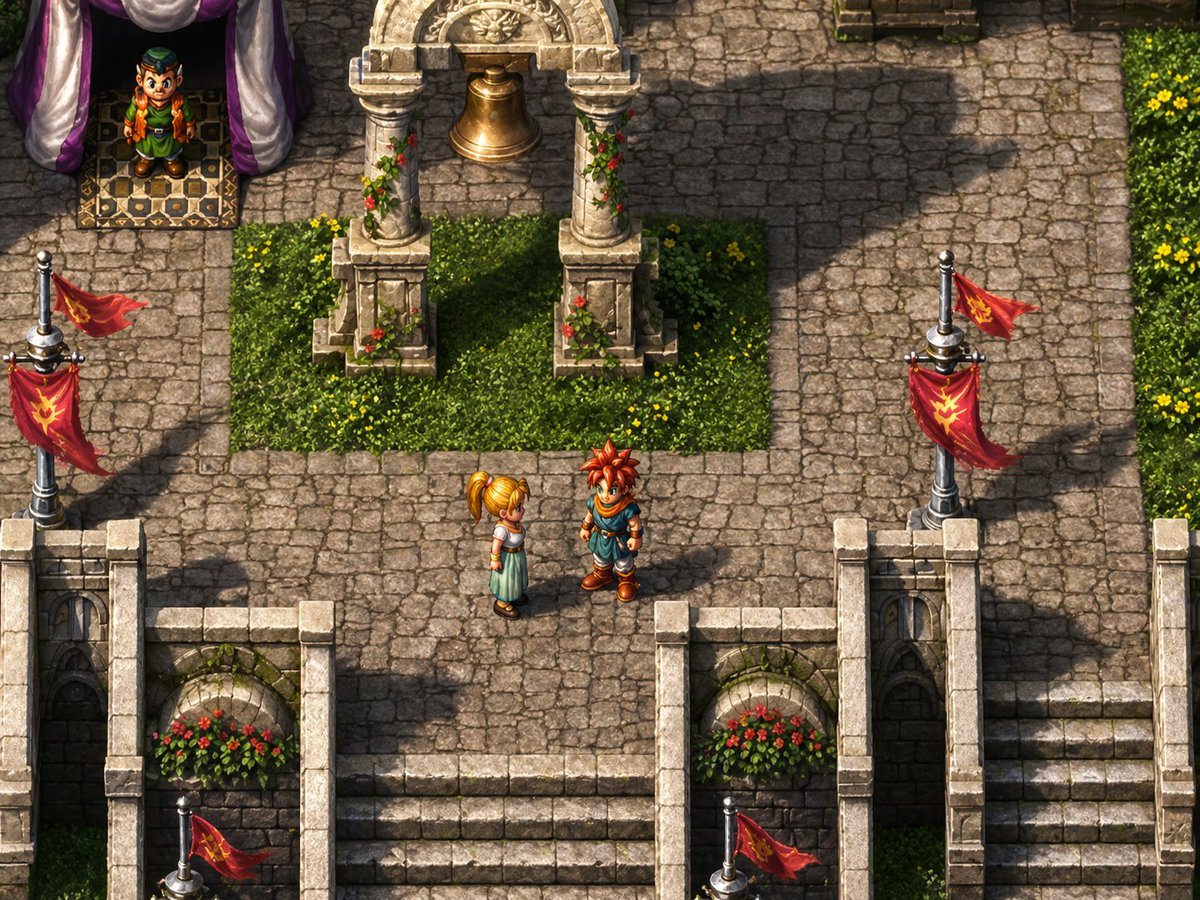
Isometric JRPG Town Plaza Scene
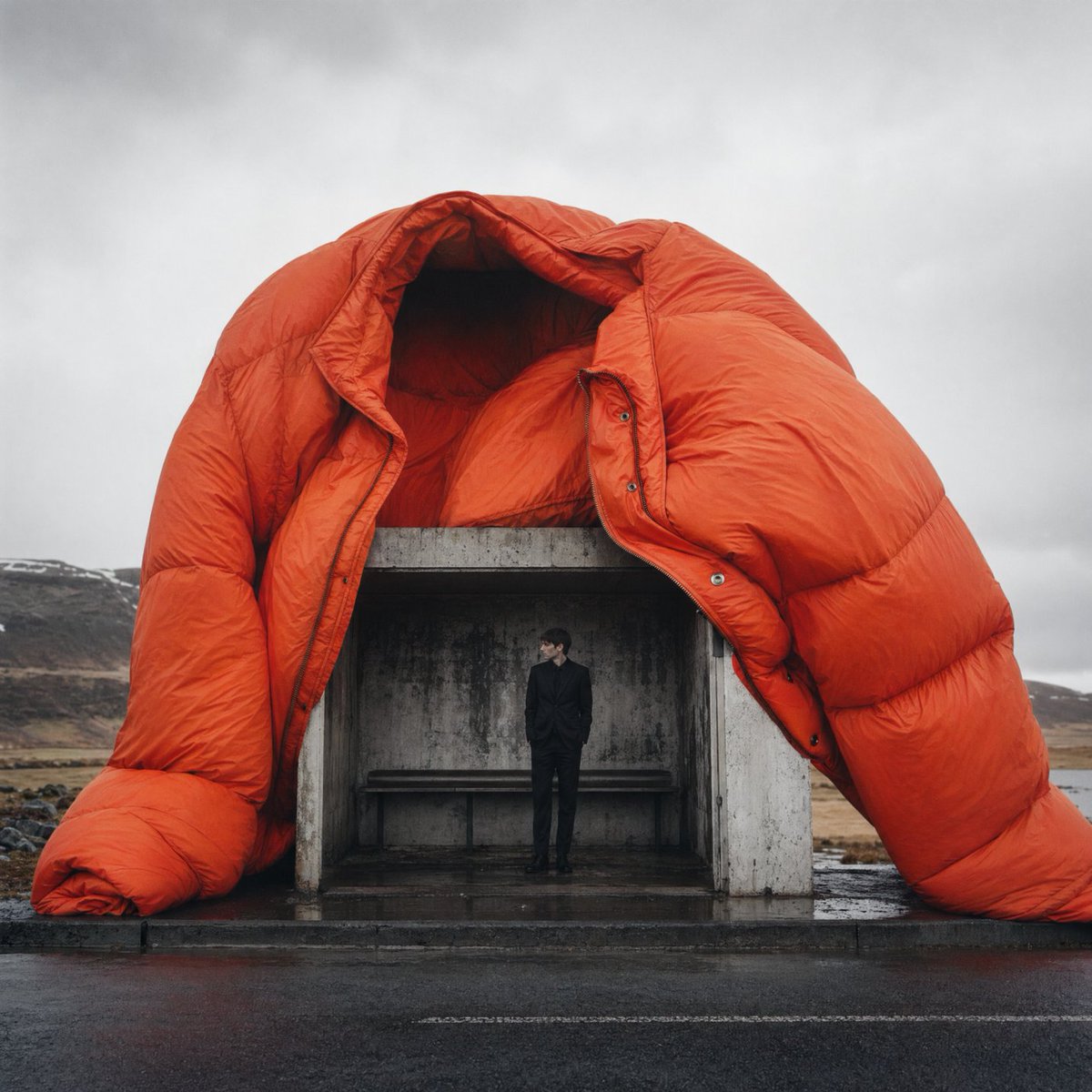
Surreal Orange Puffer Bus Stop Editorial
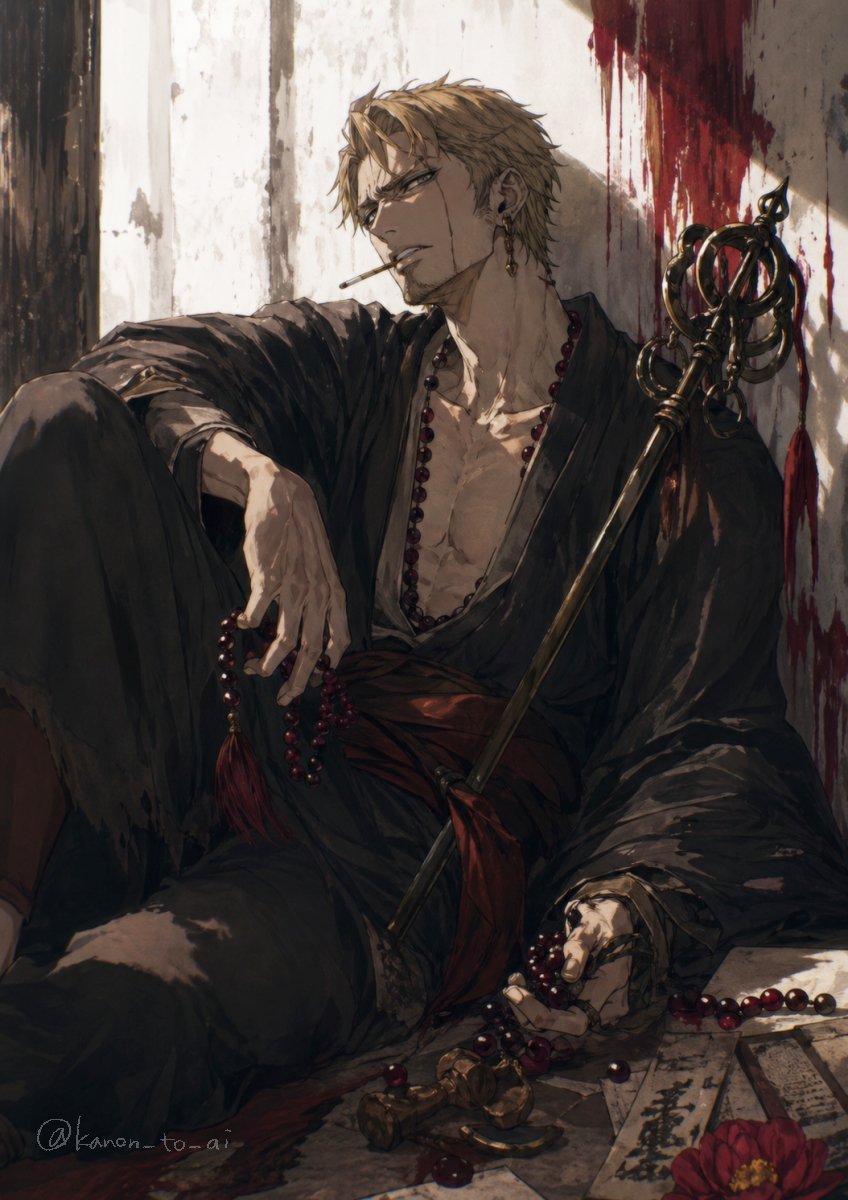
Dark Fantasy Wounded Monk Portrait
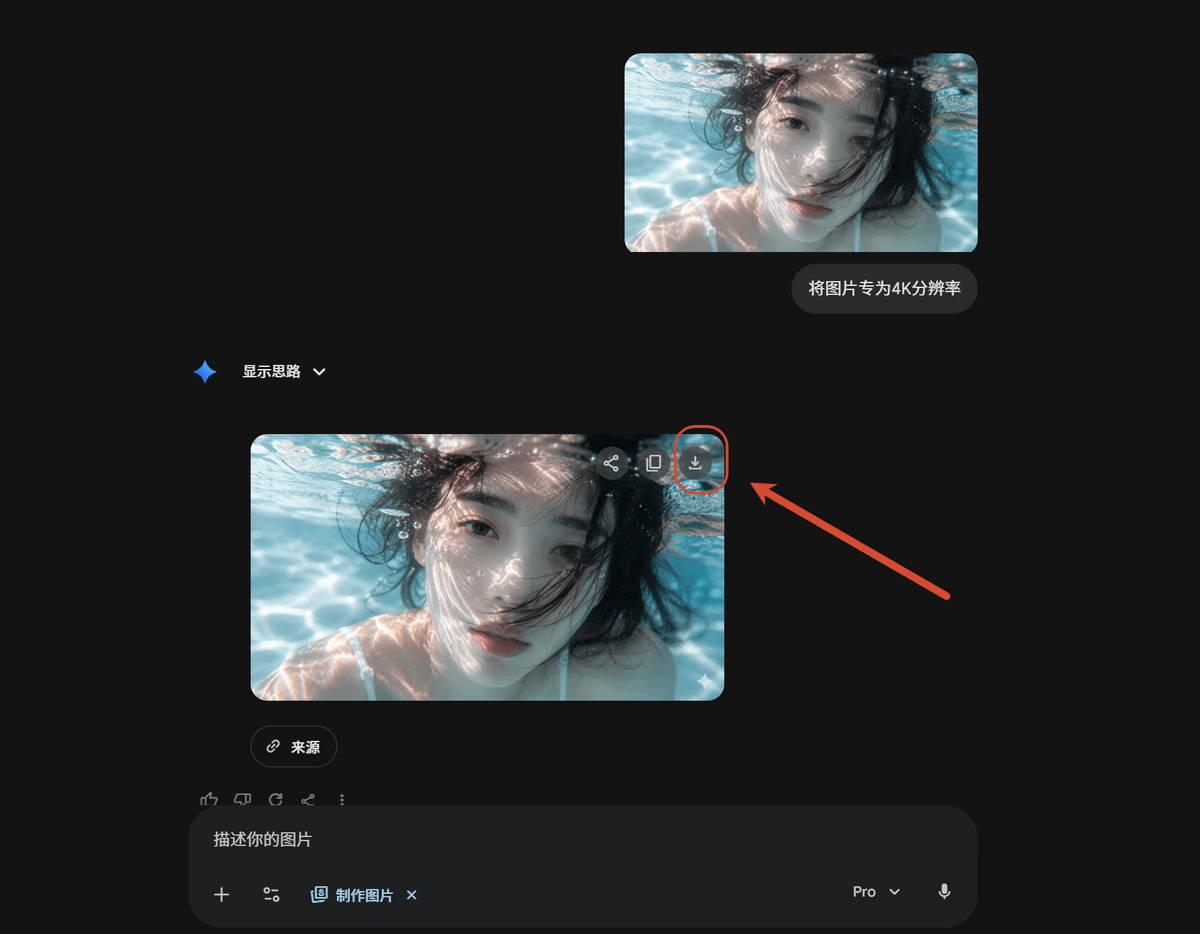
Dark AI Chat 4K Upscale Tutorial
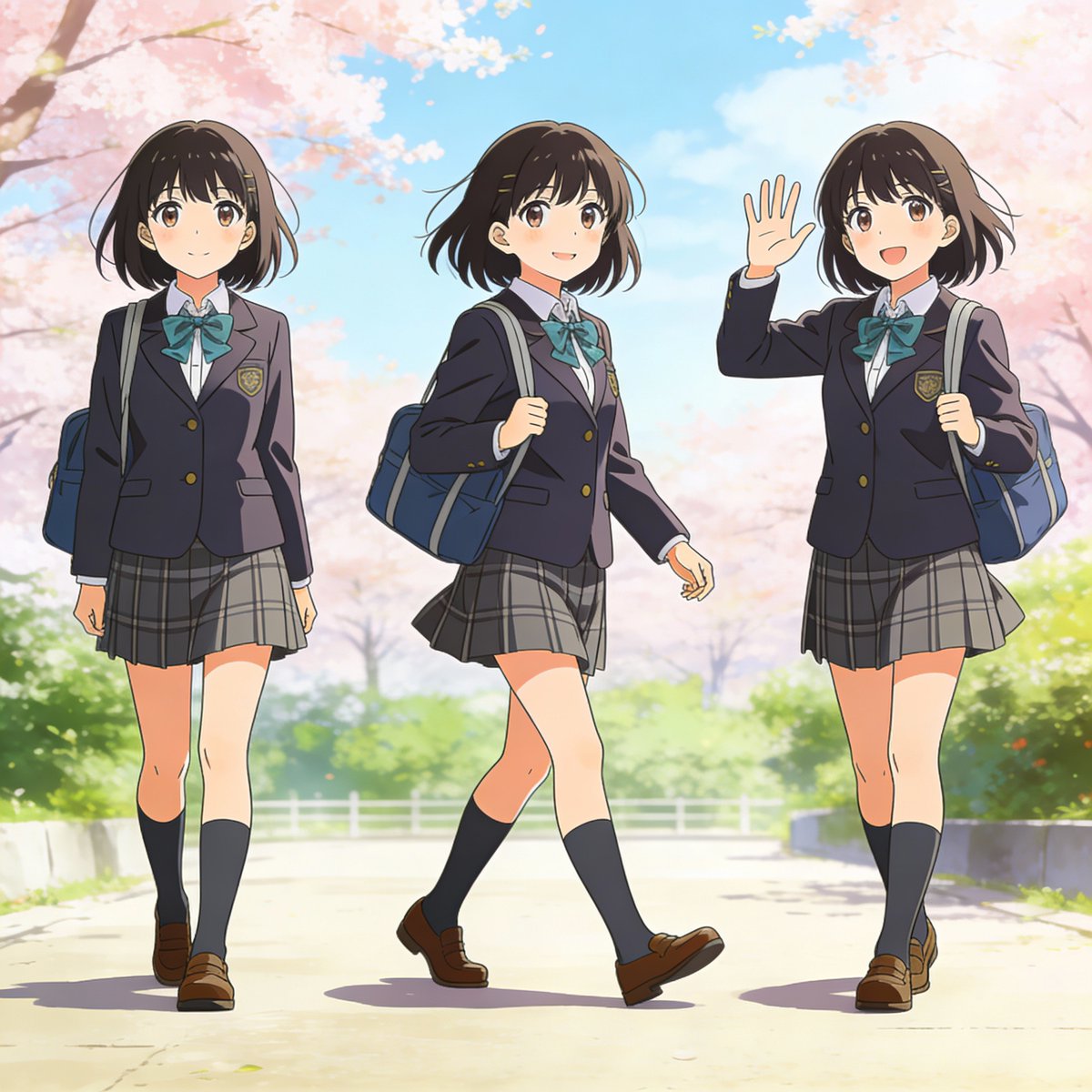
Three-pose anime girl consistency prompt
Browse template categories
Pink-Haired Anime Female Hero questions
How do I use the Pink-Haired Anime Female Hero template?
Add your photo if the template asks for one, edit the prompt if you like — the template's model and format are already selected — and press Generate. Your version opens in PicX Studio.
Can I customize the Pink-Haired Anime Female Hero template?
Yes. You can change the subject, setting, lighting, mood, format, and available model controls before creating your image.
Is the Pink-Haired Anime Female Hero template free?
Opening and editing this template is free. Generating uses credits, shown on the Generate button when you are signed in.
Which AI model should I use?
Start with GPT Image 2, which is the model associated with this template. You can compare another compatible model for a different finish.
Looking for something else? Browse all templates.

Your photo, any look
Thousands of ready templates for every top image and video model, from one credit balance.