
Surreal Orange Puffer Bus Stop Editorial
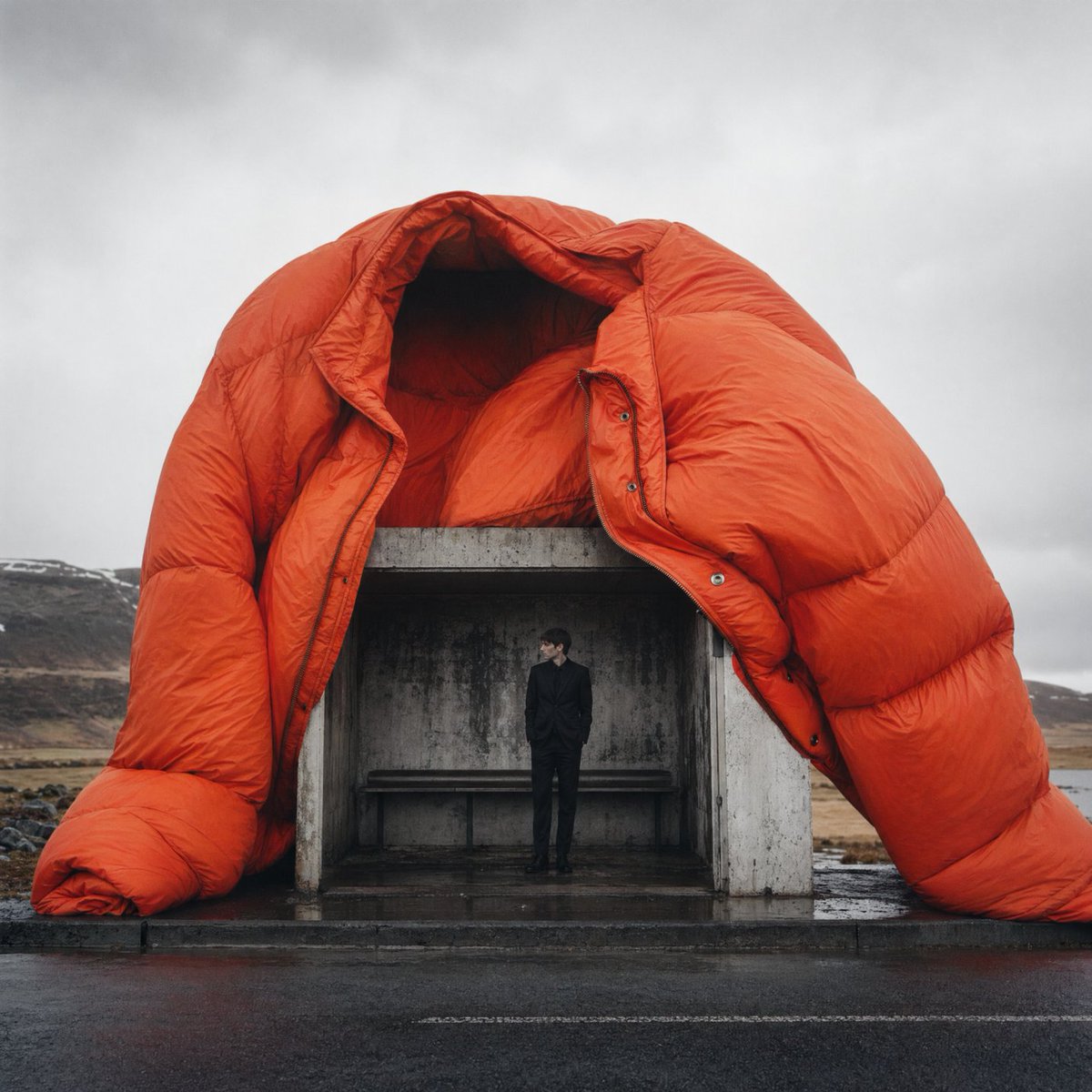
A cinematic fashion editorial image of a man in a concrete bus stop sheltered by a giant orange puffer jacket, ideal for luxury campaign or conceptual style imagery.
- Prompt included
- Model and format preset
- Free template
The prompt behind this image
Copy the exact prompt behind Surreal Orange Puffer Bus Stop Editorial, or open it in the studio and make it yours.
A surreal high-fashion editorial photograph on an empty roadside in a bleak Icelandic-looking landscape under a flat gray overcast sky. Center the composition on a small brutalist concrete bus stop shelter with stained weathered walls and a simple bench inside, and place 1 slender adult man inside the shelter wearing a tailored black suit, black shirt, and black shoes, standing casually and looking to the side. Draped over the entire bus stop is 1 enormous oversized puffer jacket in vivid burnt orange, inflated and tent-like, forming a monumental sculptural canopy over the shelter; the collar gapes open above the roof, the sleeves slump down on both sides to the wet pavement, and the glossy quilted nylon shows realistic wrinkles, puffed chambers, seams, snaps, and fashion-product detail. The road in the foreground is dark and rain-slick, with subtle reflections and a cold damp atmosphere. In the background, show low barren hills with traces of snow and a remote windswept shoreline feel. Shoot it like a luxury magazine fashion campaign with cinematic realism, centered framing, muted natural light, strong contrast between the monochrome environment and the orange coat, minimal color palette, slightly monumental scale distortion, and crisp editorial photography detail.
How to use Surreal Orange Puffer Bus Stop Editorial in 3 steps
- 1Upload ImagePNG, JPG or paste
Add your photo
Upload the photo the template builds on. The prompt, model and format are already set.
- 2…a portrait of your subject in softgolden-hour light, 85mm…
Personalize
Edit the subject and creative details for your destination.
- 3Generate
Generate
Press Generate — your image is created in PicX Studio, so you can compare it with the original and refine one variable at a time.
More like this
Templates with the same subject, style or setup. Open one to see its prompt.
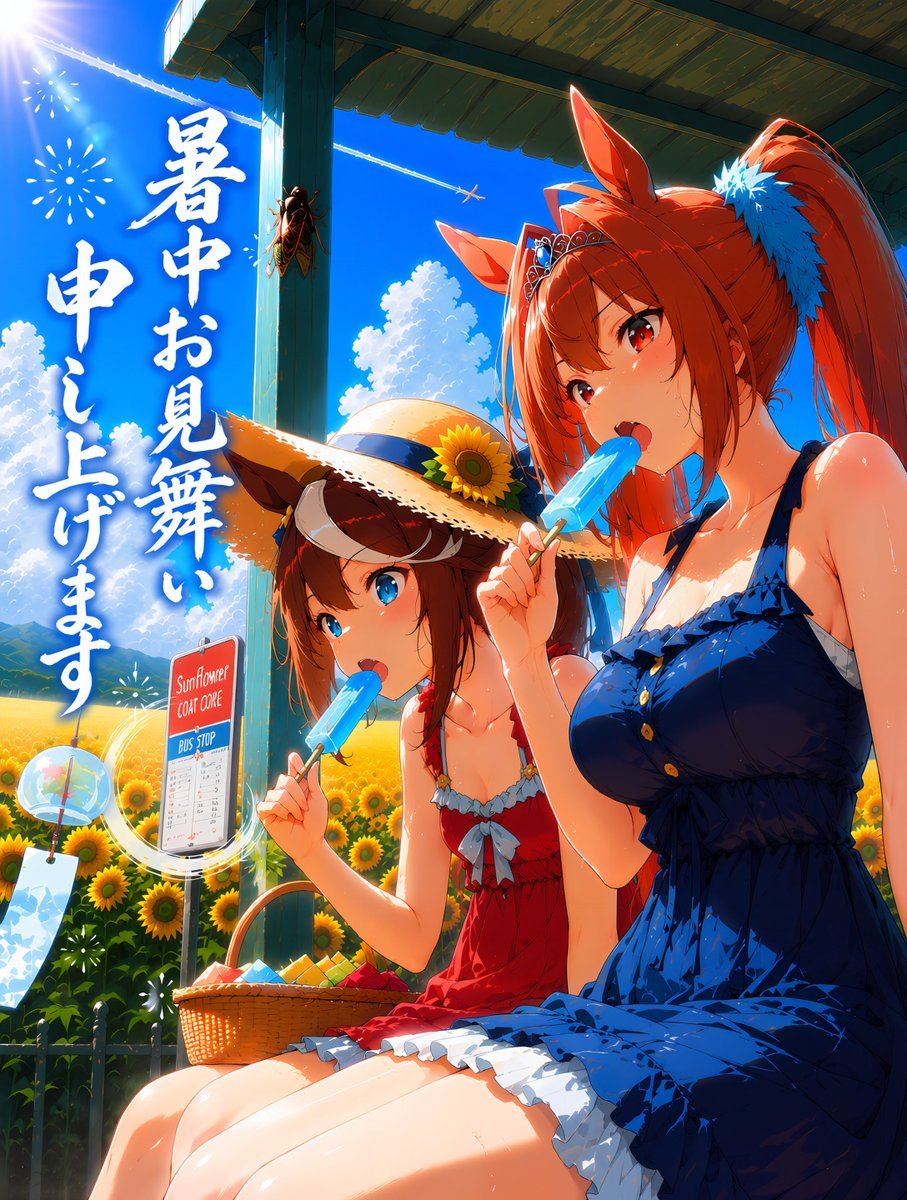
Summer Horse Girls at Bus Stop
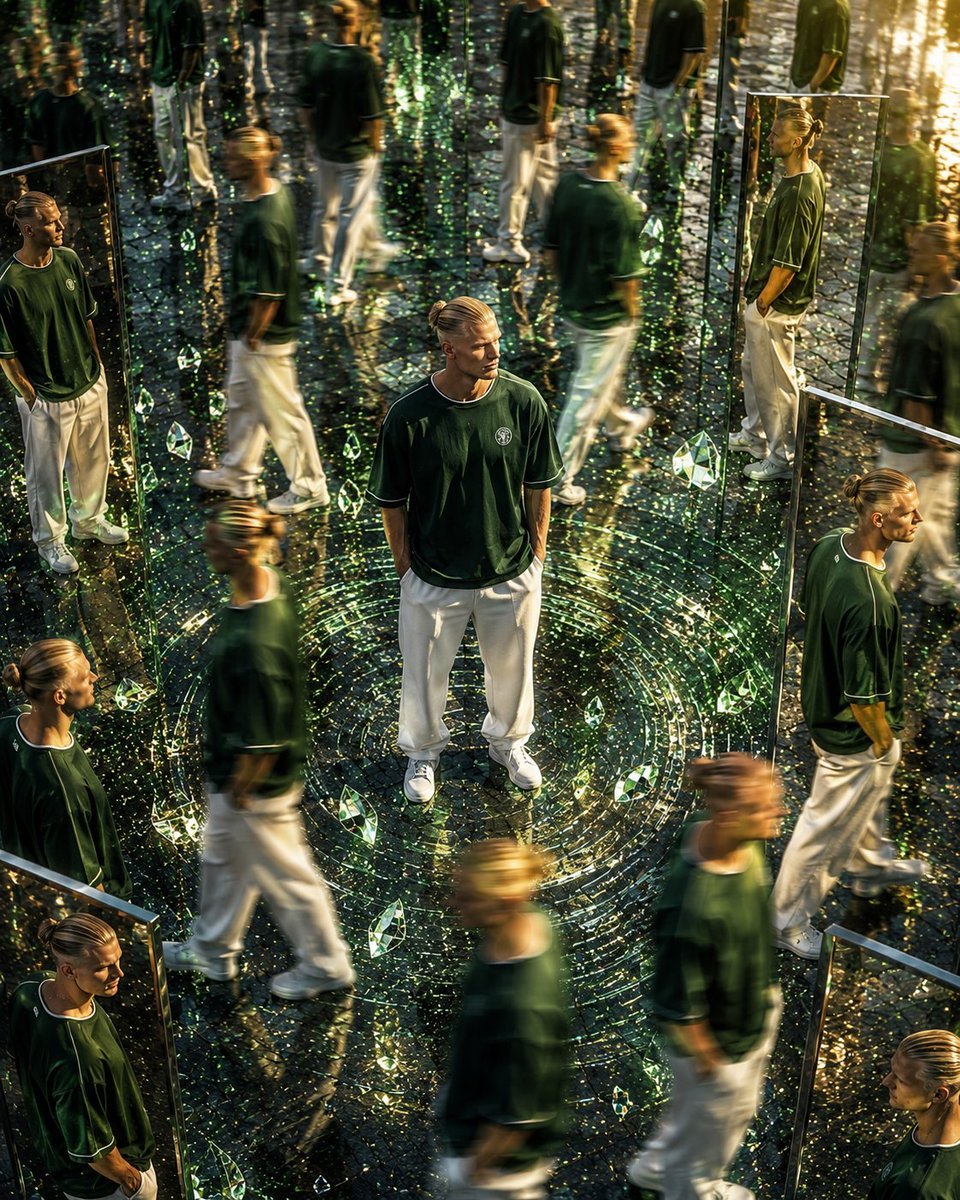
Surreal Mirror Clone Editorial

Surreal Cat Astronaut — Humanoid Face Freefall
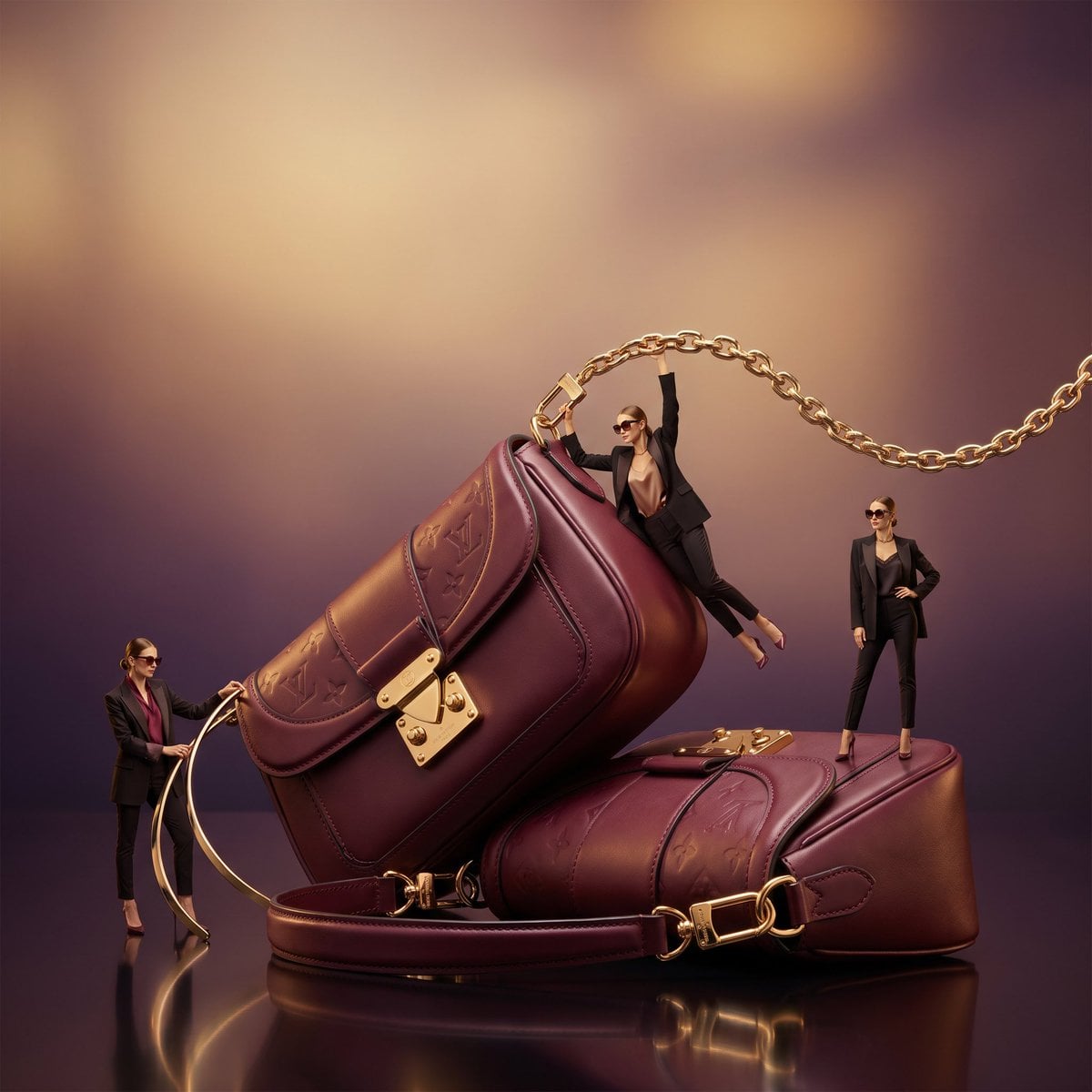
Surreal Luxury Handbag Editorial
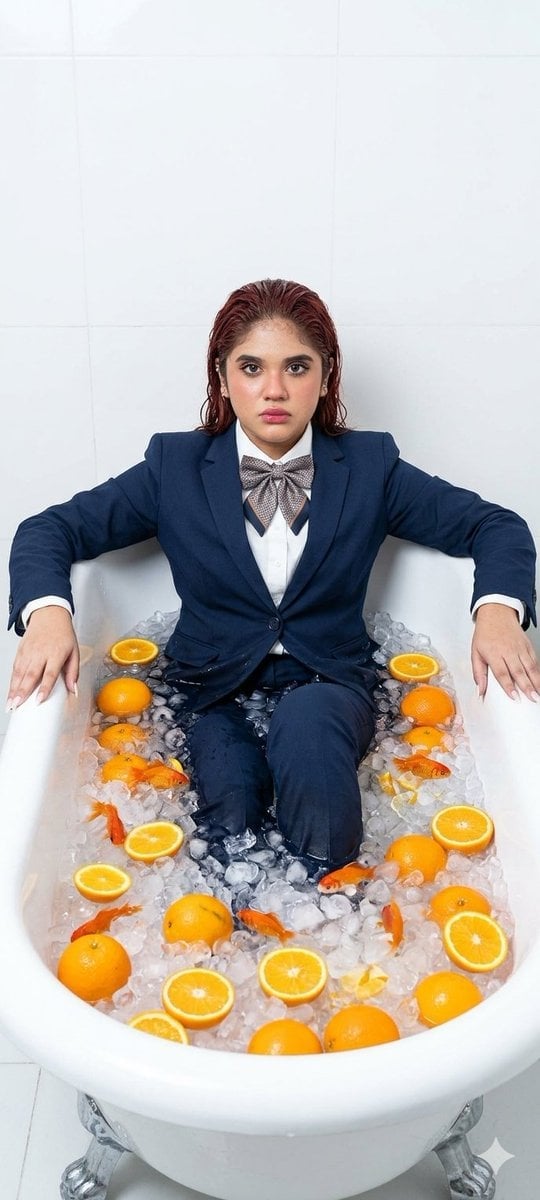
Surreal Bathtub Oranges Portrait
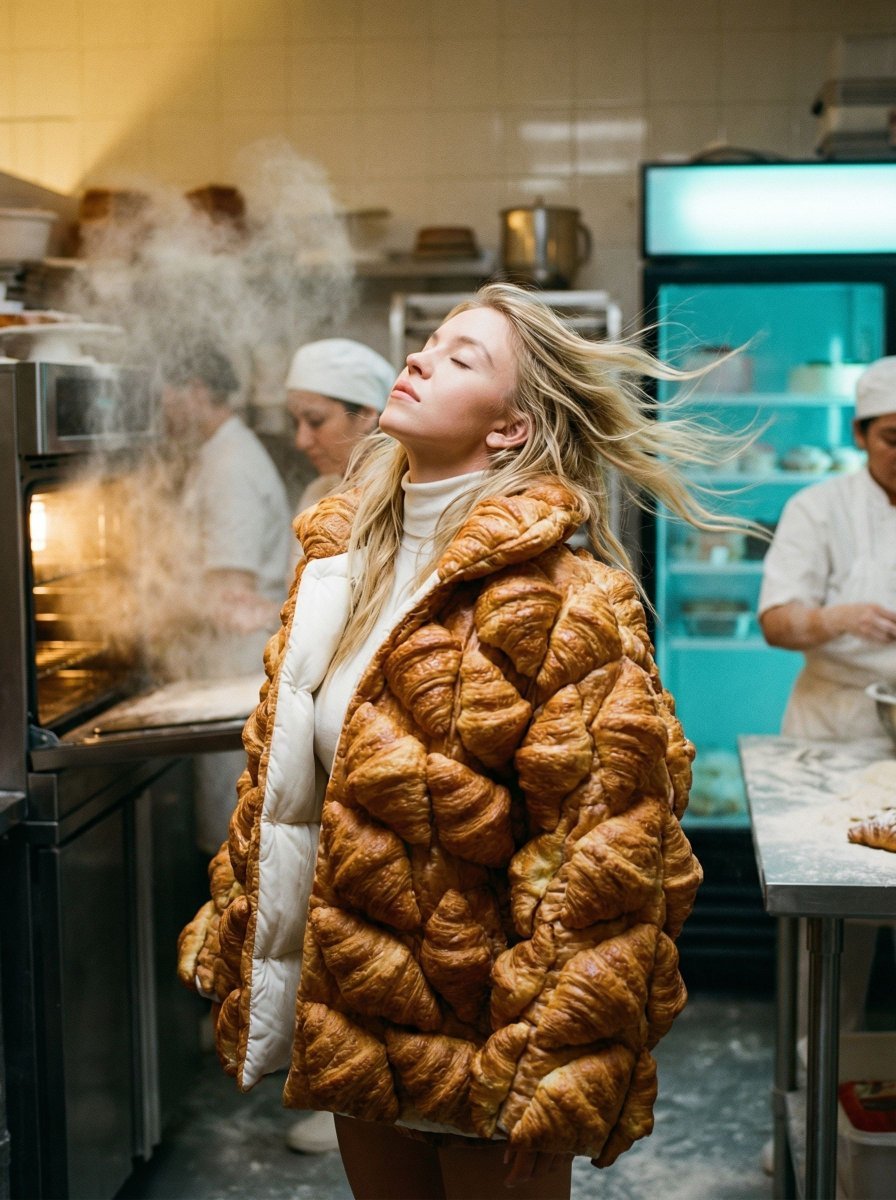
Surreal Croissant Puffer Fashion
Toon Cartoon Rainy Bus Stop

Paper Cut Rainy Bus Stop

Pixel Limited Rainy Bus Stop

Watercolor Anim Rainy Bus Stop

Motion Graphics Rainy Bus Stop
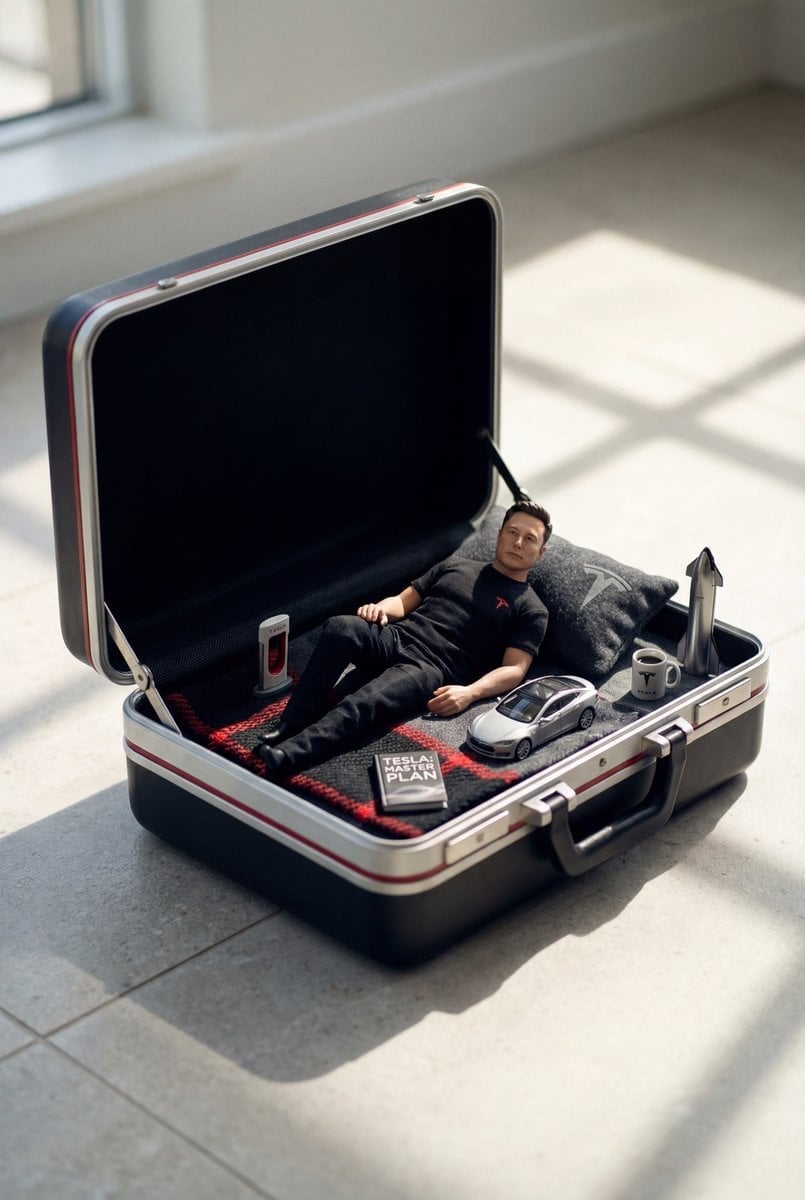
Stop Motion Rainy Bus Stop
Make it yours
Surreal Orange Puffer Bus Stop Editorial works as-is. These are the safest ways to change it without losing the look.
Change one field
Copy a single group, rewrite it, and generate again so you can see what that field is doing.
Keep the frame, change the subject
Hold the composition and light of Surreal Orange Puffer Bus Stop Editorial, then swap wardrobe, props or the person for a new take.
| If the result… | Why | Fix |
|---|---|---|
| The result drifts from the preview | Too many fields changed at once. | Reuse Surreal Orange Puffer Bus Stop Editorial as-is first, then change one group — subject, light, or setting. |
| The model over-stylizes the scene | The prose prompt leaves finish and camera underspecified. | Add one camera or lighting sentence and stay on GPT Image 2. |
More GPT Image 2 templates
Other prompts made for GPT Image 2.

Six VTuber Japanese Logo Sheet

Realistic Portrait of Woman and Deer

The Vista Modular Condo Poster

AI Model Routing Comparison Infographic

2.5D Anime Art Board

Isometric Productivity Desk Scene

New York Double Exposure Poster

Four-Panel AI Landscape Comparison

Japanese Tatami Lifestyle Magazine Cover

NESCAFÉ Coffee Map Poster
More image prompts
Fresh picks from across the catalog.
High-Contrast Monochrome Studio Portrait of a Man
Hyperreal winter park walk portrait
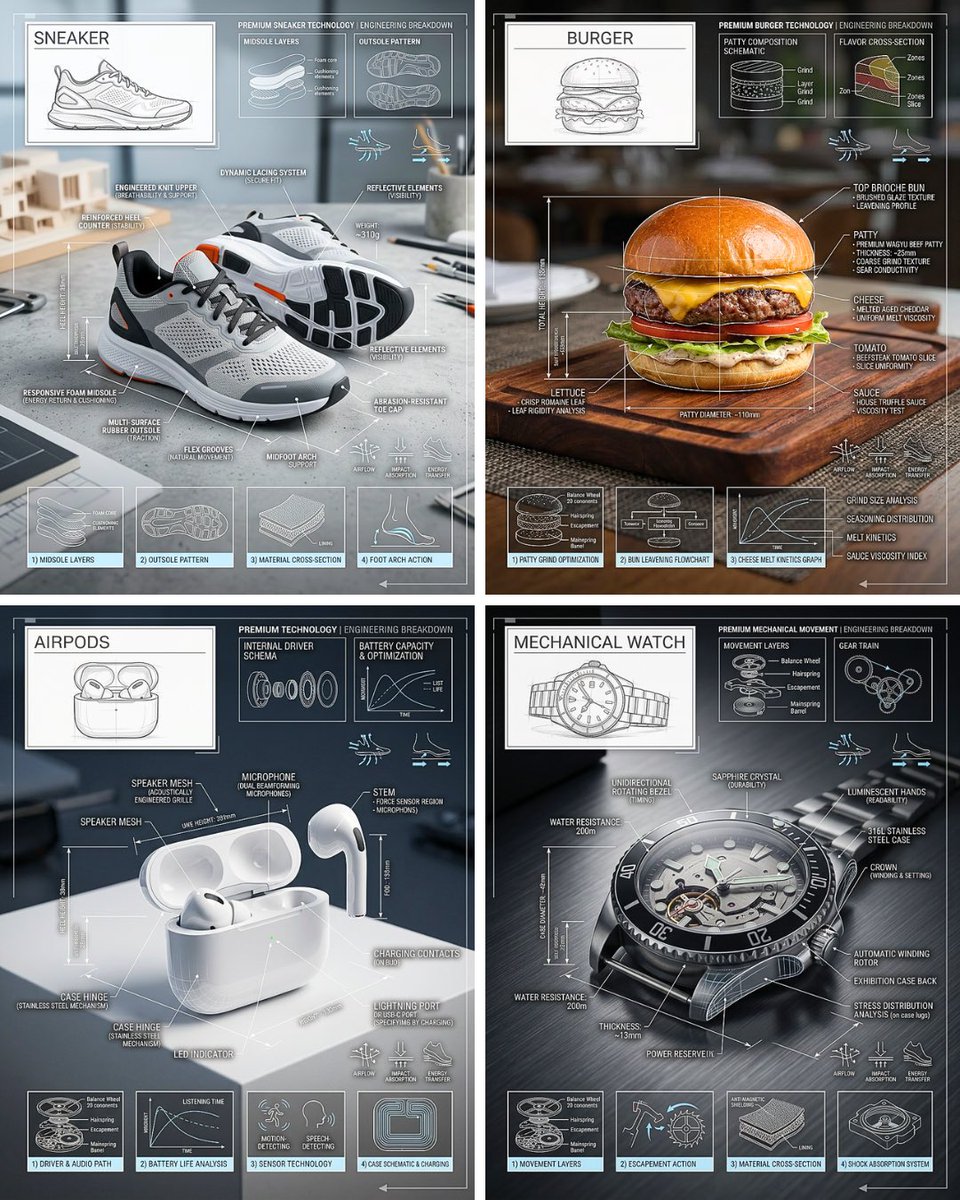
Technical Breakdown Infographic
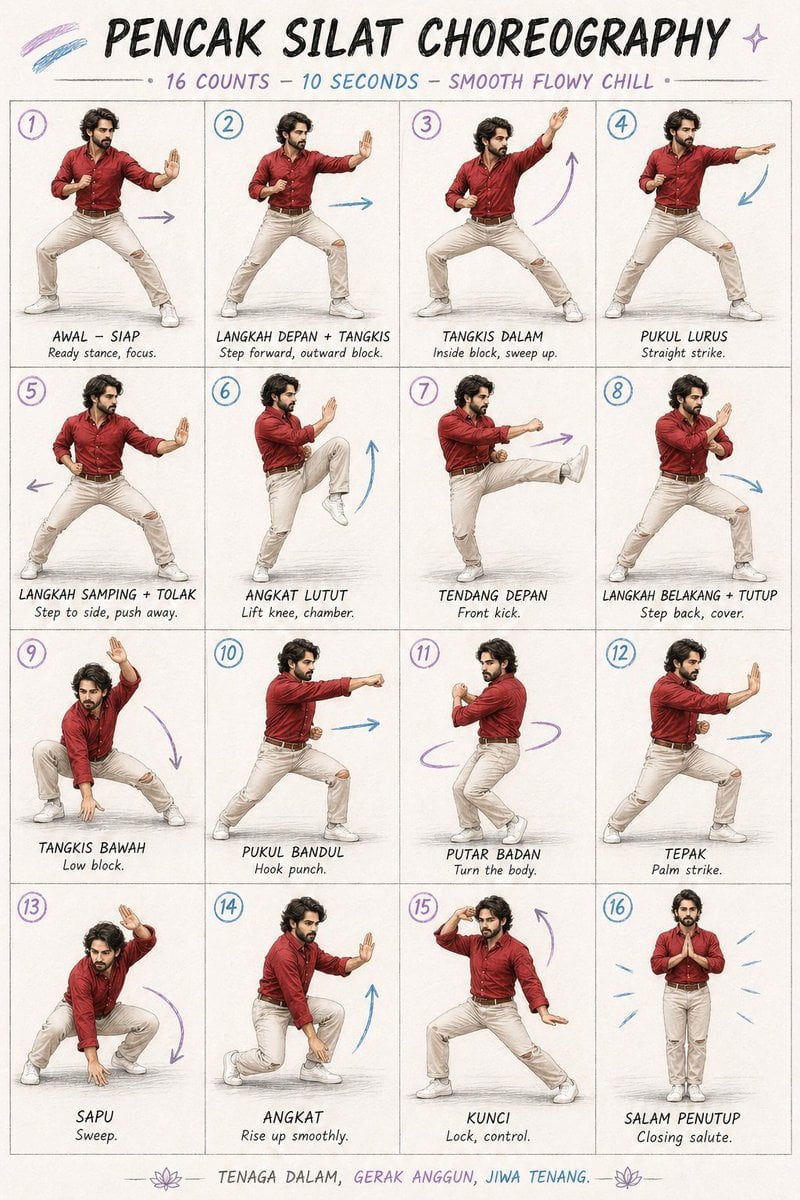
Martial Arts Choreography Poster
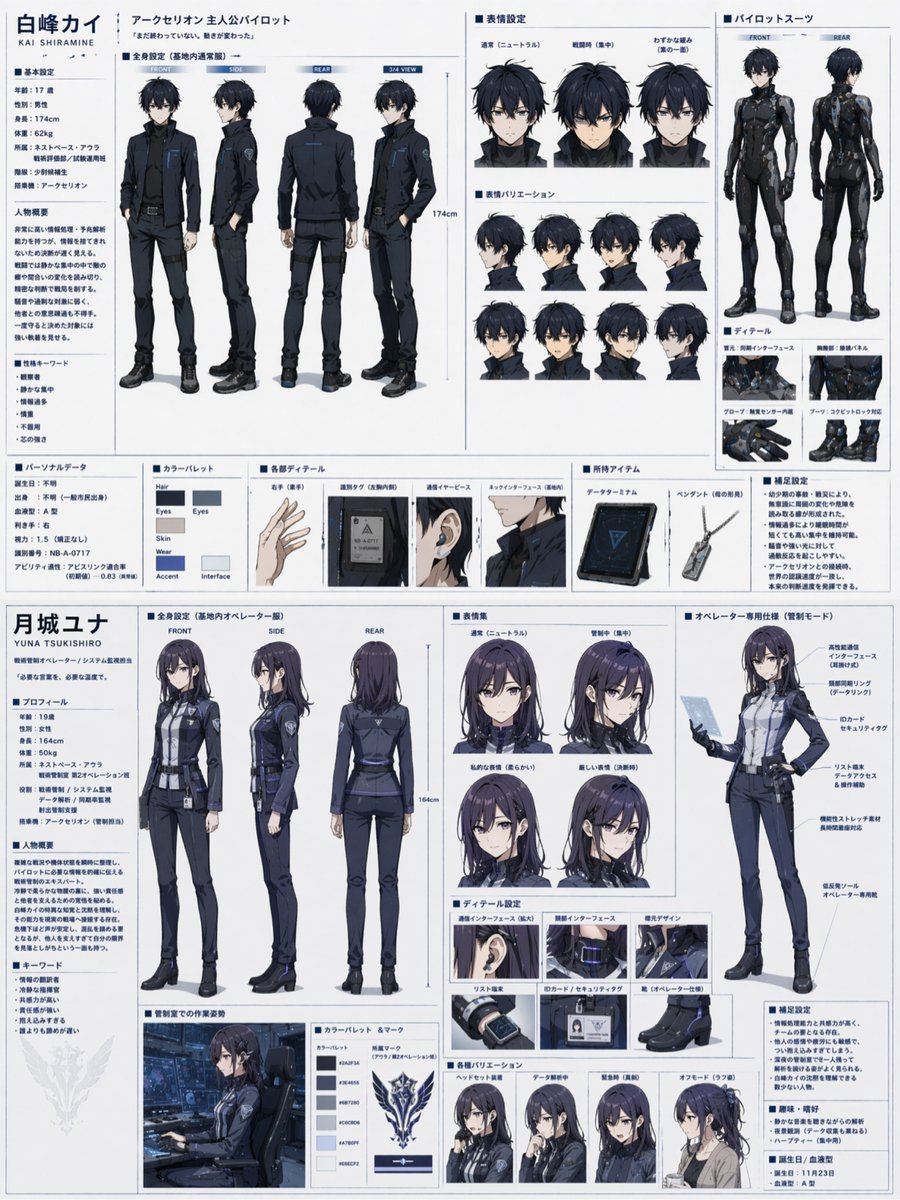
Dual Sci-Fi Character Reference Sheet
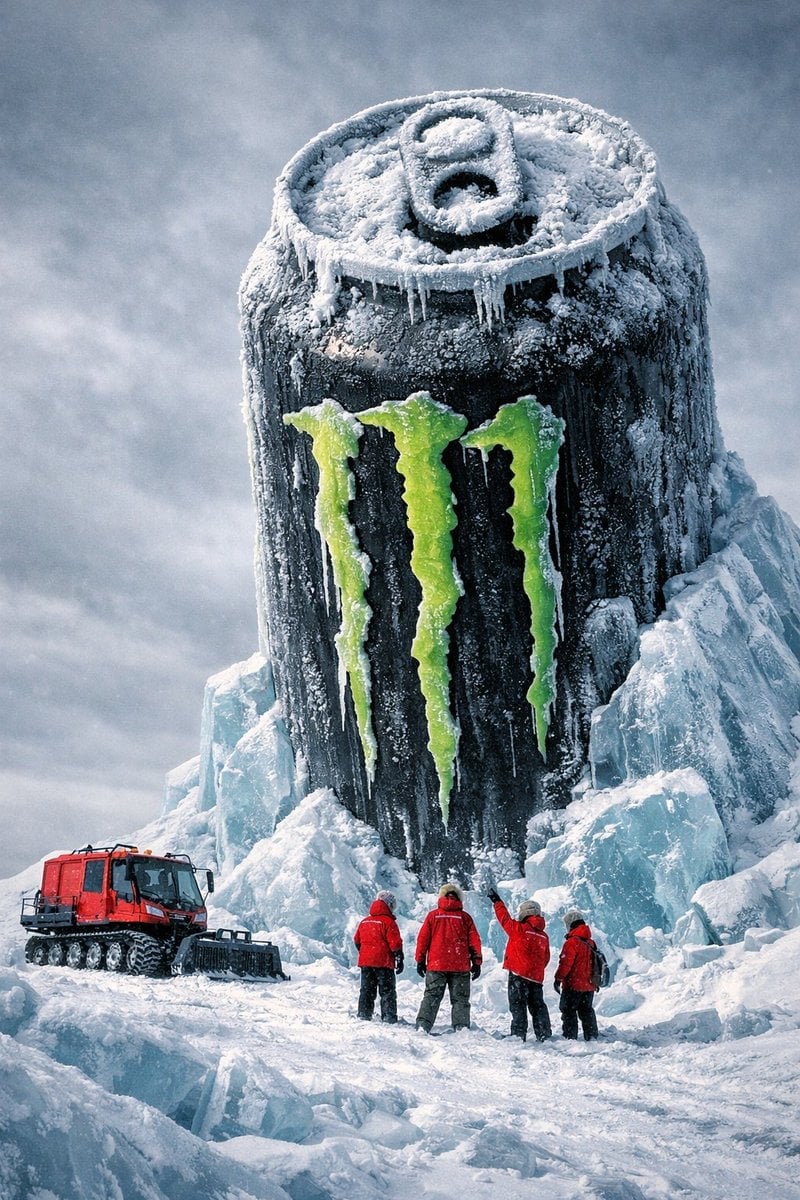
Monumental Monster Energy Can in the Arctic
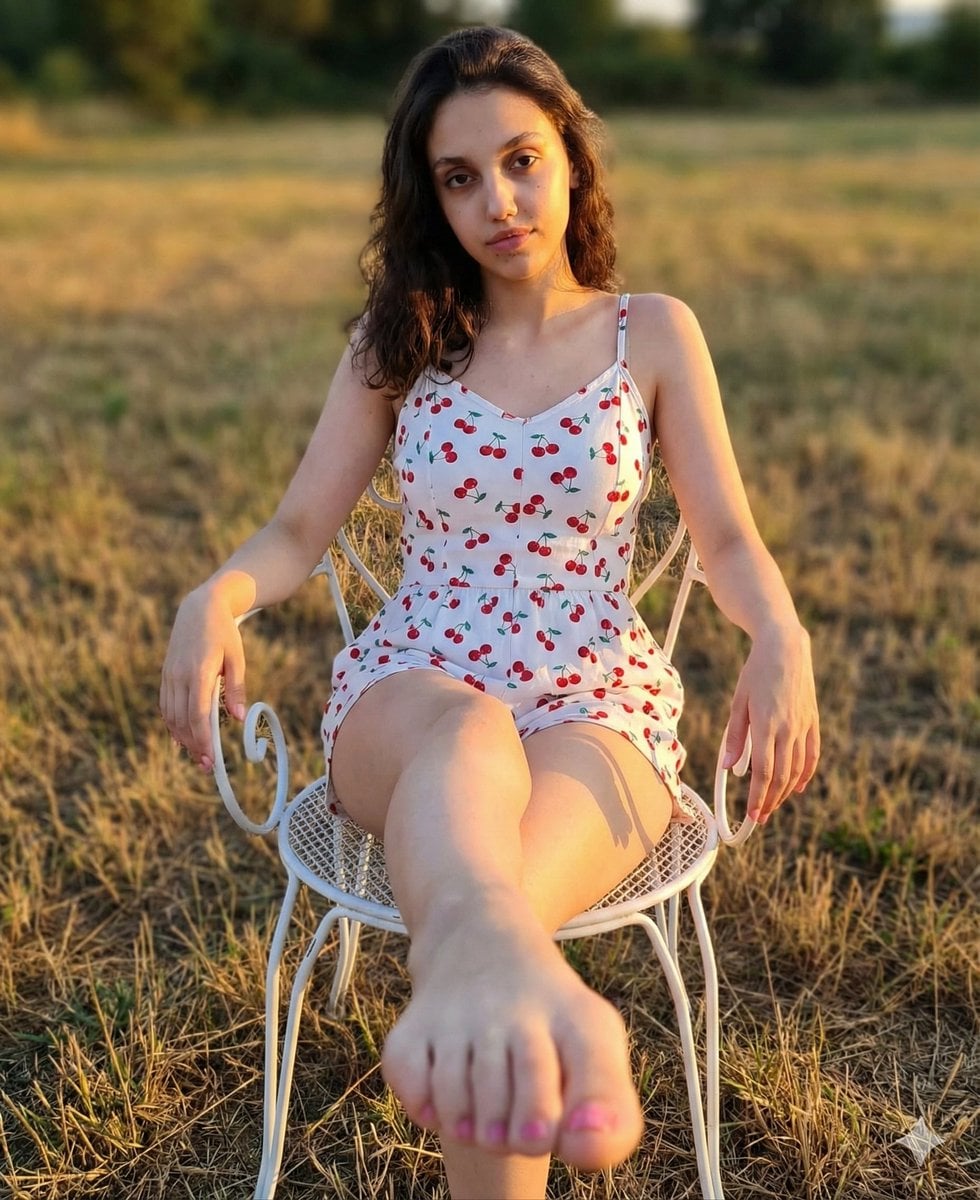
Golden Hour Romper and Bare Foot Prompt
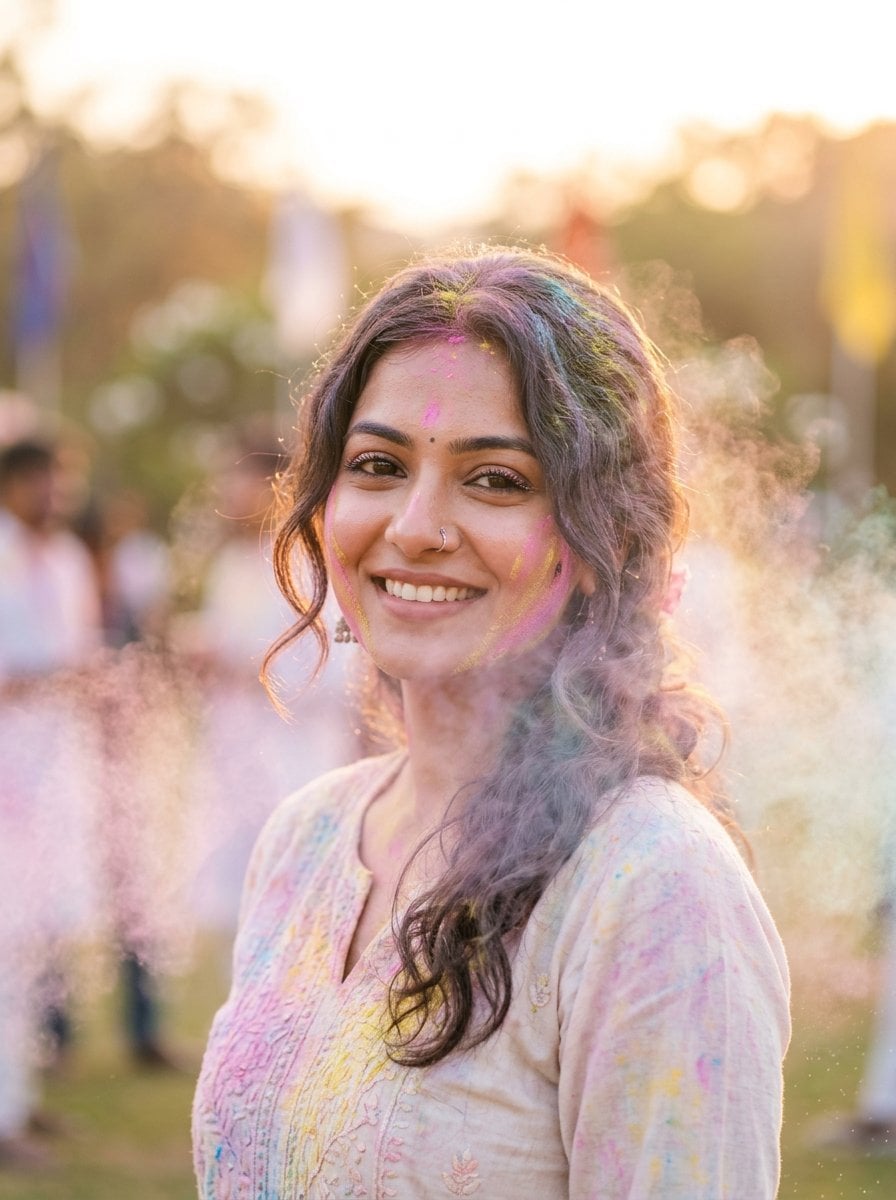
Soft Dreamy Holi Festival Portrait Prompt

untitled
Formal Japanese ID Photo Portrait
Browse template categories
Surreal Orange Puffer Bus Stop Editorial questions
How do I use the Surreal Orange Puffer Bus Stop Editorial template?
Add your photo if the template asks for one, edit the prompt if you like — the template's model and format are already selected — and press Generate. Your version opens in PicX Studio.
Can I customize the Surreal Orange Puffer Bus Stop Editorial template?
Yes. You can change the subject, setting, lighting, mood, format, and available model controls before creating your image.
Is the Surreal Orange Puffer Bus Stop Editorial template free?
Opening and editing this template is free. Generating uses credits, shown on the Generate button when you are signed in.
Which AI model should I use?
Start with GPT Image 2, which is the model associated with this template. You can compare another compatible model for a different finish.
Looking for something else? Browse all templates.

Your photo, any look
Thousands of ready templates for every top image and video model, from one credit balance.