
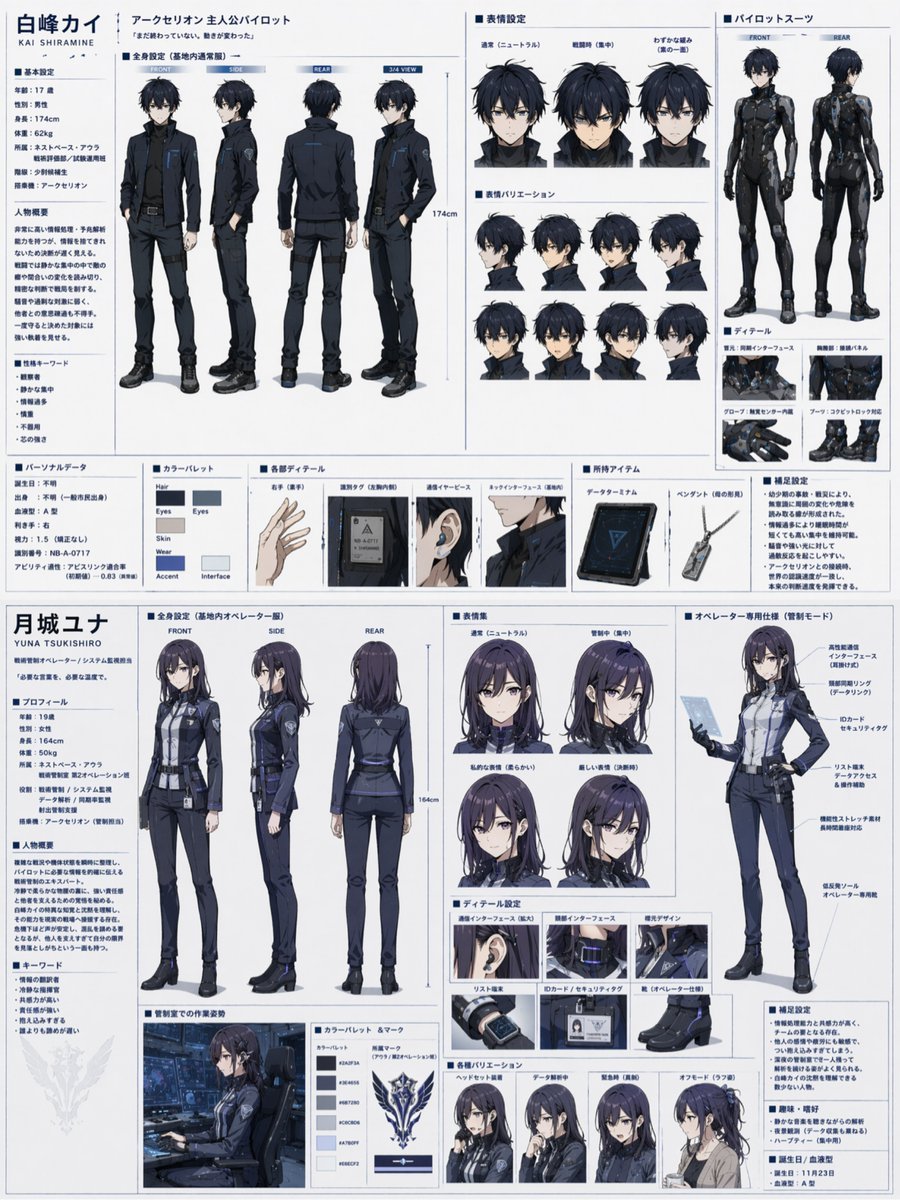
Dual Sci-Fi Character Reference Sheet
Generates a highly detailed, split-page anime character design document for two characters, featuring turnarounds, expressions, and equipment details.
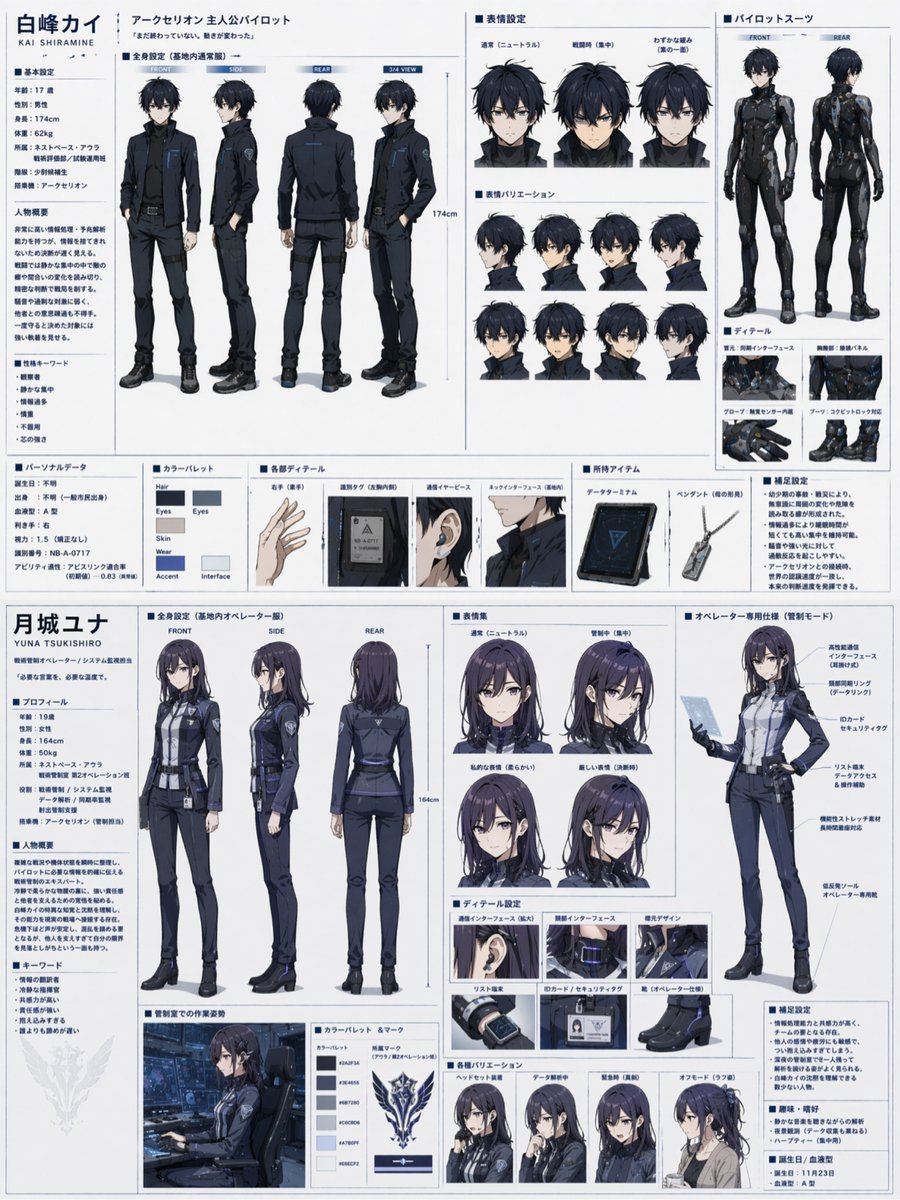
- Prompt included
- Model and format preset
- Free template
The prompt behind this image
Copy the exact prompt behind Dual Sci-Fi Character Reference Sheet, or open it in the studio and make it yours.
- Type
- dual character reference sheet
- Theme
- {argument name="theme" default="sci-fi mecha pilot and operator"}
- Layout
- horizontal split, top half male, bottom half female
- Top Character › Name
- {argument name="male character name" default="白峰カイ"}
- Top Character › Appearance
- young male, messy black hair, blue eyes
- Top Character › Sections › 0 › Title
- profile text
- Top Character › Sections › 0 › Position
- left column
- Top Character › Sections › 0 › Description
- basic settings, summary, keywords
- Top Character › Sections › 1 › Title
- 全身設定
- Top Character › Sections › 1 › Position
- mid-left
- Top Character › Sections › 1 › Count
- 4
- Top Character › Sections › 1 › Labels
- FRONT, SIDE, REAR, 3/4 VIEW
- Top Character › Sections › 1 › Description
- wearing {argument name="male uniform color" default="dark blue and black"} military uniform
- Top Character › Sections › 2 › Title
- 表情設定
- Top Character › Sections › 2 › Position
- top-right
- Top Character › Sections › 2 › Count
- 3
- Top Character › Sections › 2 › Labels
- 通常, 戦闘時, わずかな緩み
- Top Character › Sections › 3 › Title
- 表情バリエーション
- Top Character › Sections › 3 › Position
- mid-right
- Top Character › Sections › 3 › Count
- 8
- Top Character › Sections › 3 › Description
- smaller headshots, various angles
- Top Character › Sections › 4 › Title
- パイロットスーツ
- Top Character › Sections › 4 › Position
- far-right
- Top Character › Sections › 4 › Count
- 2
Raw JSON
{
  "type": "dual character reference sheet",
  "theme": "{argument name=\"theme\" default=\"sci-fi mecha pilot and operator\"}",
  "layout": "horizontal split, top half male, bottom half female",
  "top_character": {
    "name": "{argument name=\"male character name\" default=\"白峰カイ\"}",
    "appearance": "young male, messy black hair, blue eyes",
    "sections": [
      { "title": "profile text", "position": "left column", "description": "basic settings, summary, keywords" },
      { "title": "全身設定", "position": "mid-left", "count": 4, "labels": ["FRONT", "SIDE", "REAR", "3/4 VIEW"], "description": "wearing {argument name=\"male uniform color\" default=\"dark blue and black\"} military uniform" },
      { "title": "表情設定", "position": "top-right", "count": 3, "labels": ["通常", "戦闘時", "わずかな緩み"] },
      { "title": "表情バリエーション", "position": "mid-right", "count": 8, "description": "smaller headshots, various angles" },
      { "title": "パイロットスーツ", "position": "far-right", "count": 2, "labels": ["FRONT", "REAR"], "description": "tight black plugsuit" },
      { "title": "ディテール", "position": "bottom-right", "count": 4, "labels": ["首元", "胸部", "グローブ", "ブーツ"] },
      { "title": "bottom row", "position": "bottom", "elements": ["カラーパレット (6 swatches)", "各部ディテール (4 items: hand, tag, earpiece, neck)", "所持アイテム (2 items: tablet, pendant)", "補足設定 (text block)"] }
    ]
  },
  "bottom_character": {
    "name": "{argument name=\"female character name\" default=\"月城ユナ\"}",
    "appearance": "young female, long dark purple hair, purple eyes",
    "sections": [
      { "title": "profile text", "position": "left column", "description": "profile, summary, keywords" },
      { "title": "全身設定", "position": "mid-left", "count": 3, "labels": ["FRONT", "SIDE", "REAR"], "description": "wearing {argument name=\"female uniform color\" default=\"dark blue and grey\"} uniform with skirt" },
      { "title": "表情集", "position": "mid-right", "count": 4, "labels": ["通常", "管制中", "私的な表情", "厳しい表情"] },
      { "title": "オペレーター専用仕様", "position": "far-right", "count": 1, "description": "3/4 view holding tablet, callout lines" },
      { "title": "ディテール設定", "position": "bottom-right", "count": 6, "labels": ["通信インターフェース", "頸部インターフェース", "襟元デザイン", "リスト端末", "IDカード", "靴"] },
      { "title": "bottom row", "position": "bottom", "elements": ["管制室での作業姿勢 (1 half-body shot)", "カラーパレット & マーク (6 swatches, 1 emblem)", "各種バリエーション (4 headshots: ヘッドセット装着, データ解析中, 緊急時, オフモード)", "補足設定 (text block)"] }
    ]
  }
}Reference images included
Dual Sci-Fi Character Reference Sheet needs input media to work. They load alongside the prompt when you open it in the studio.
How to use Dual Sci-Fi Character Reference Sheet in 3 steps
- 1Upload ImagePNG, JPG or paste
Add your photo
Upload the photo the template builds on. The prompt, model and format are already set.
- 2…a portrait of your subject in softgolden-hour light, 85mm…
Personalize
Edit the subject and creative details for your destination.
- 3Generate
Generate
Press Generate — your image is created in PicX Studio, so you can compare it with the original and refine one variable at a time.
More like this
Templates with the same subject, style or setup. Open one to see its prompt.

Dancer Character - Four View Reference Sheet

Movement Sheet - Dance Reference (Seedance 2.0)

Gray Studio Character Reference Sheet

Anime Character Sheet Reference Prompt
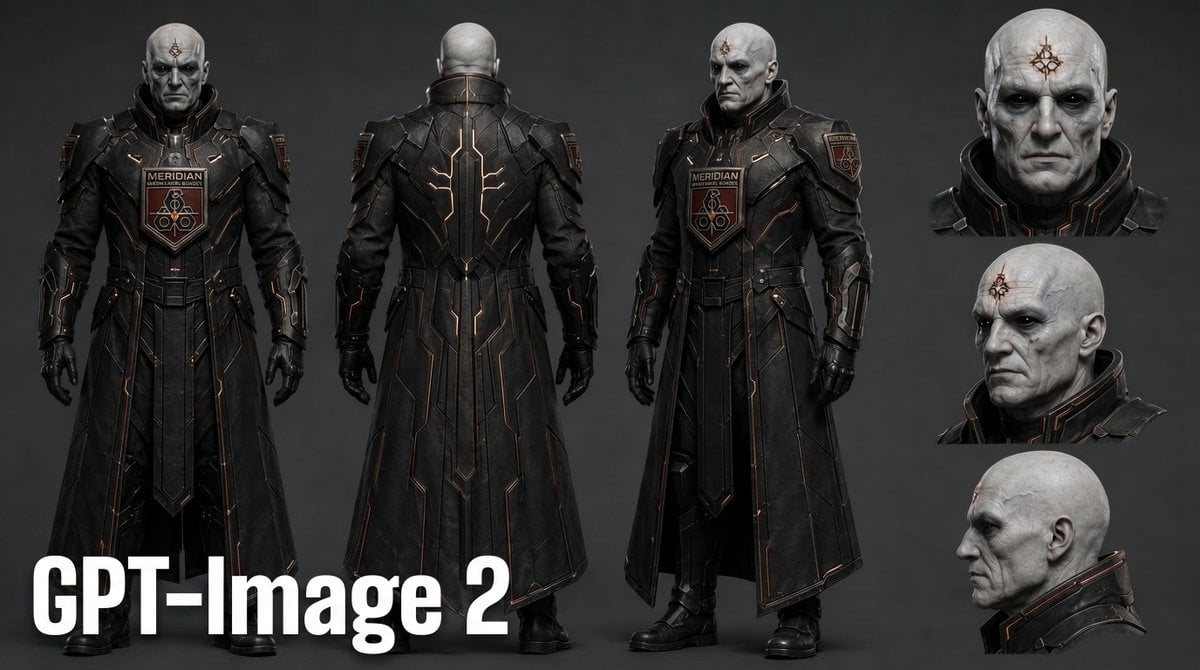
Dark Sci-Fi Commander Character Sheet
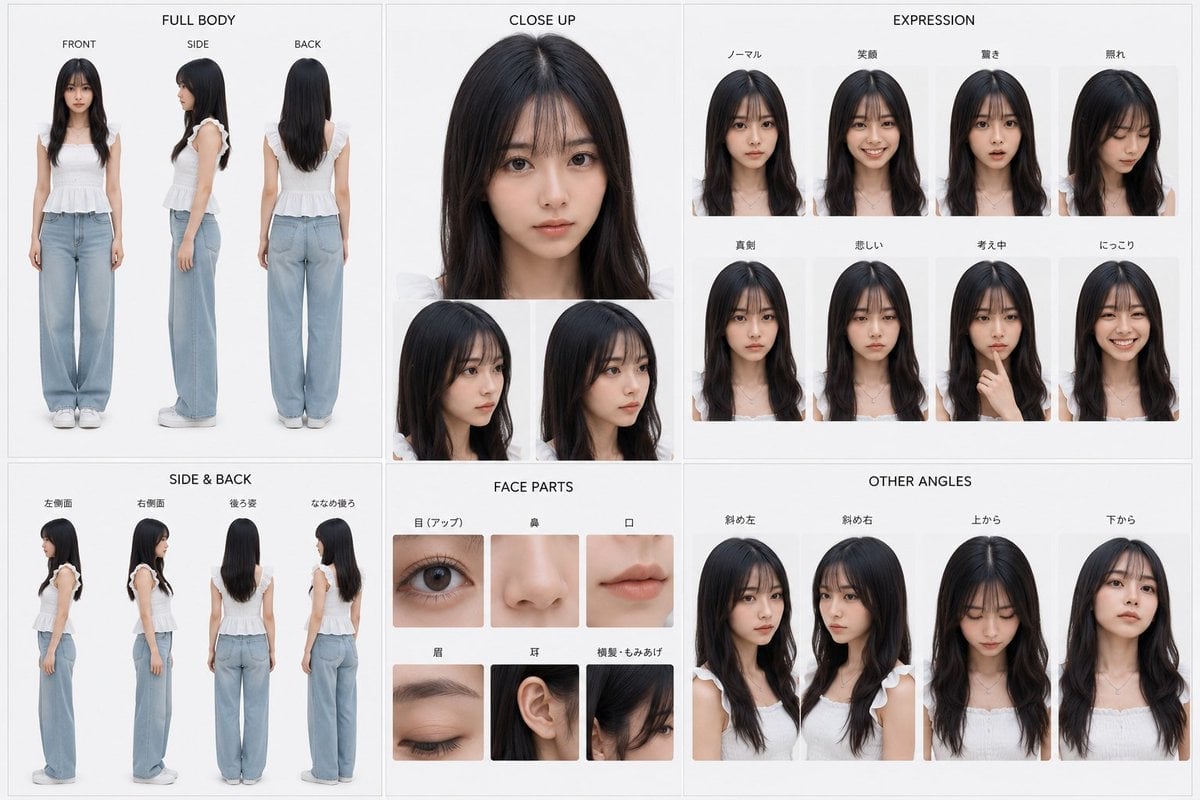
Photoreal Character Reference Sheet
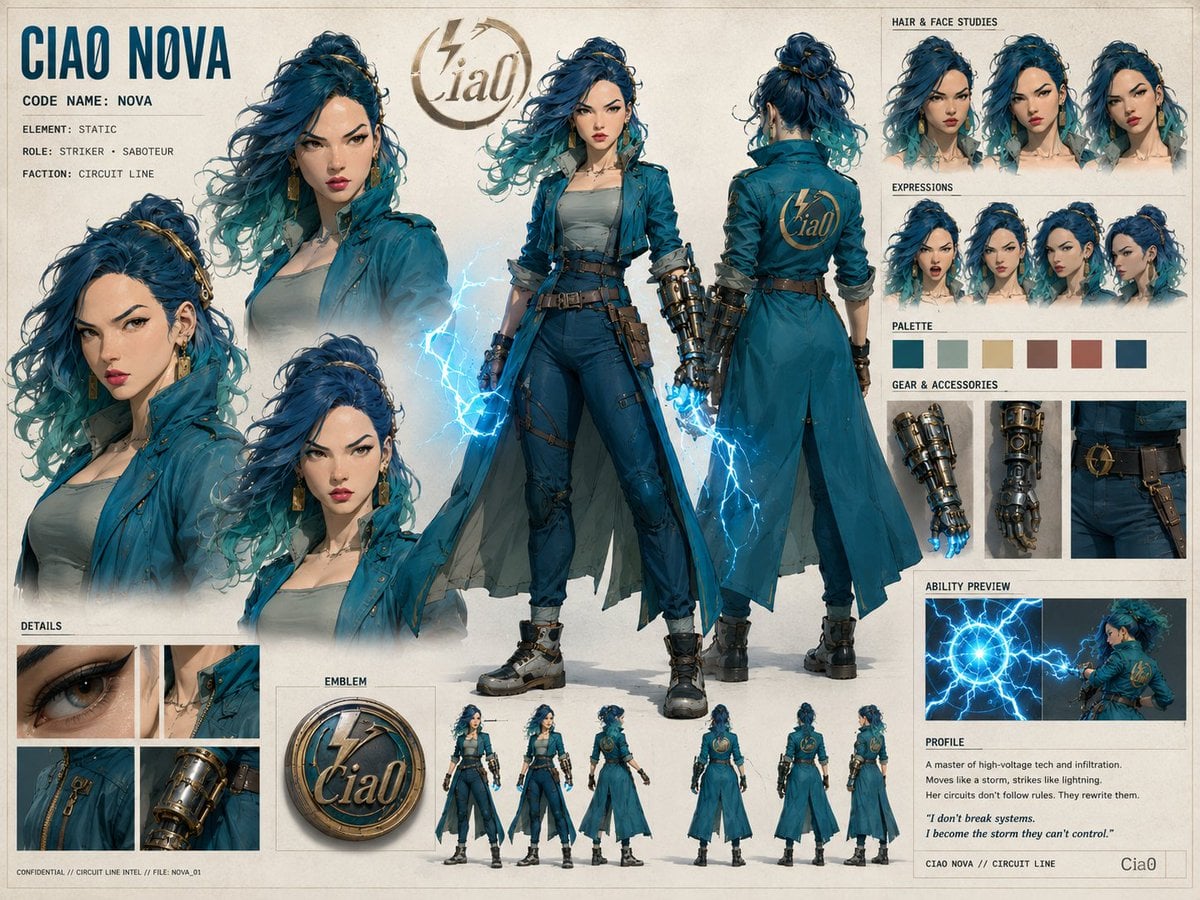
Ciao Nova Character Reference Sheet
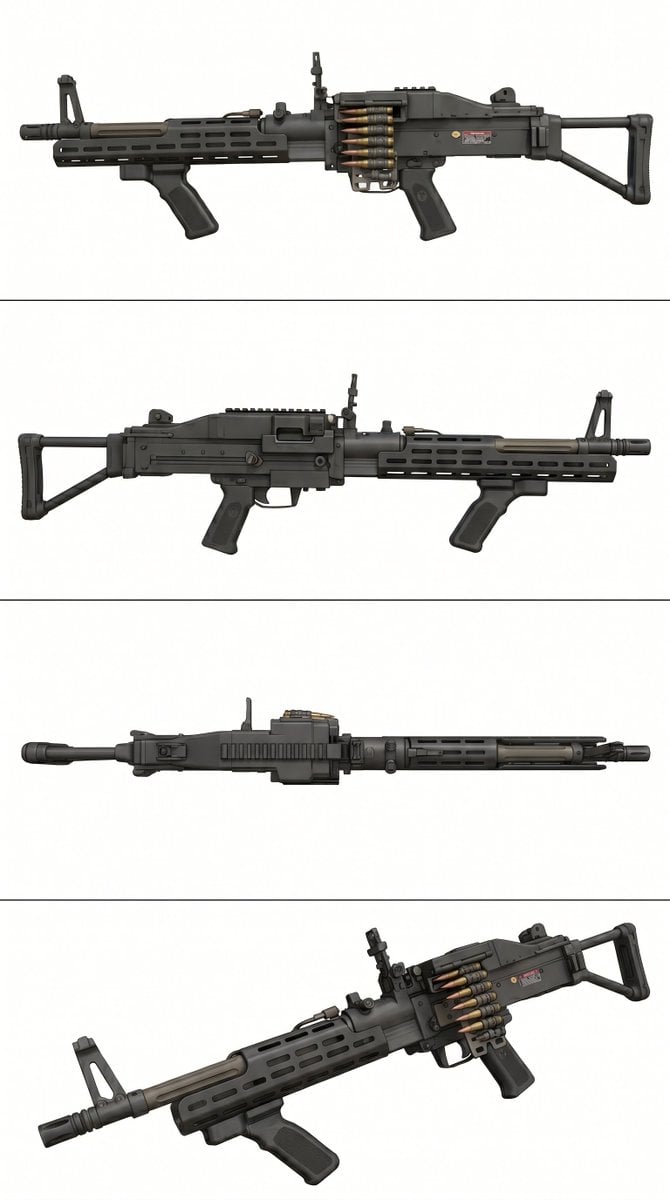
Tactical Machine Gun Reference Sheet
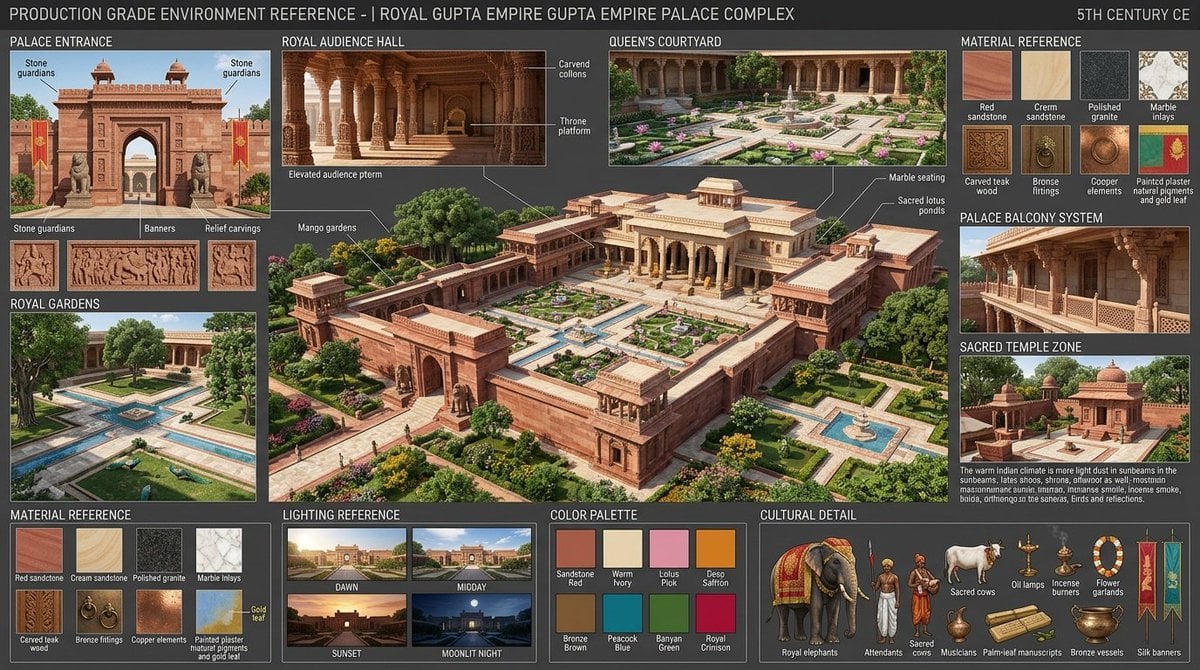
Gupta Palace Environment Reference Sheet
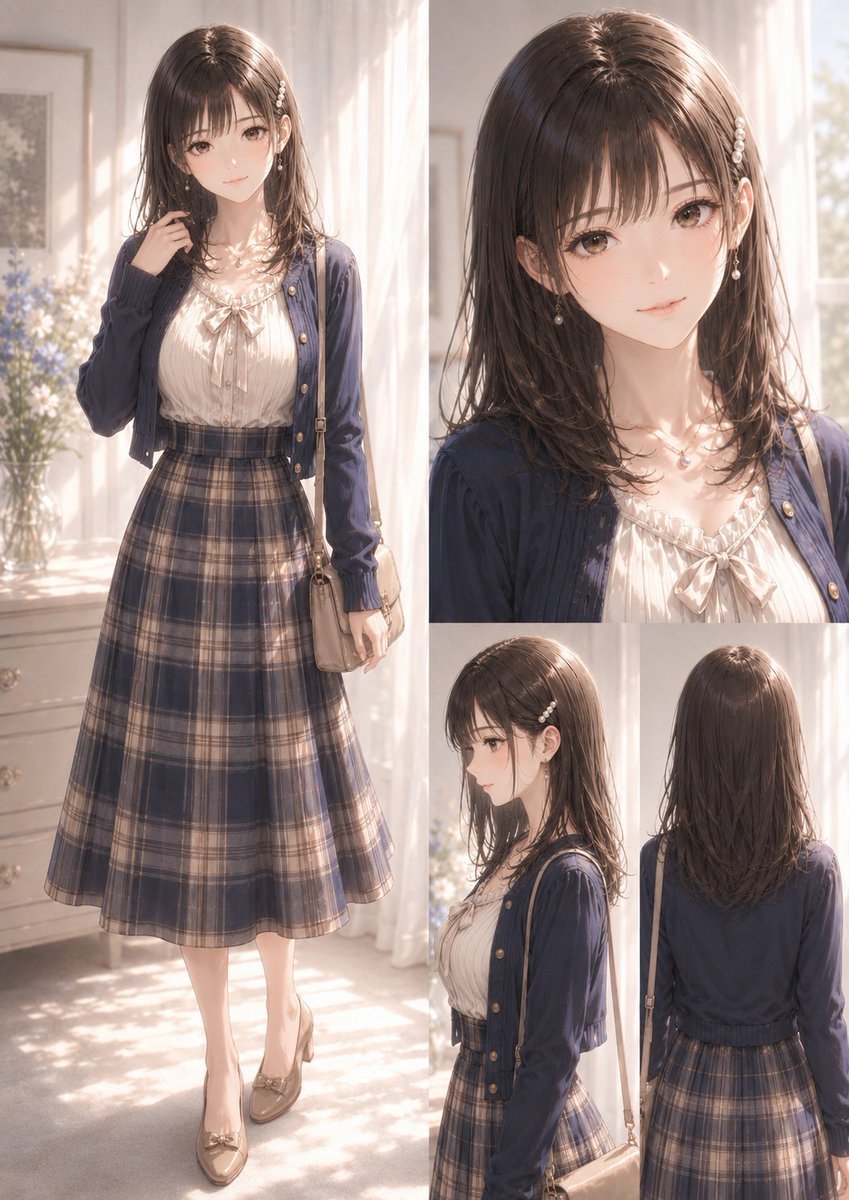
Elegant Anime Fashion Reference Sheet
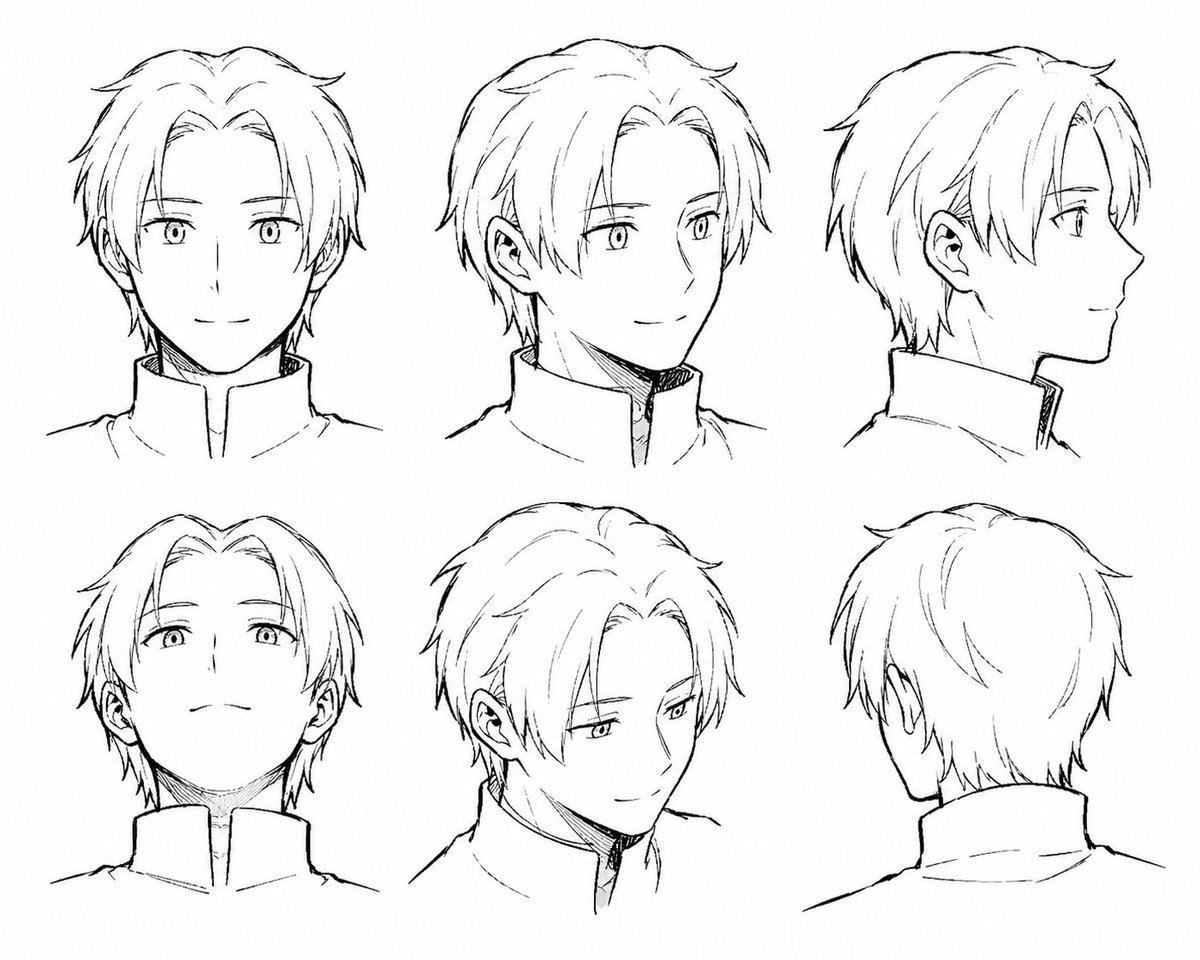
Manga Male Hairstyle Reference Sheet
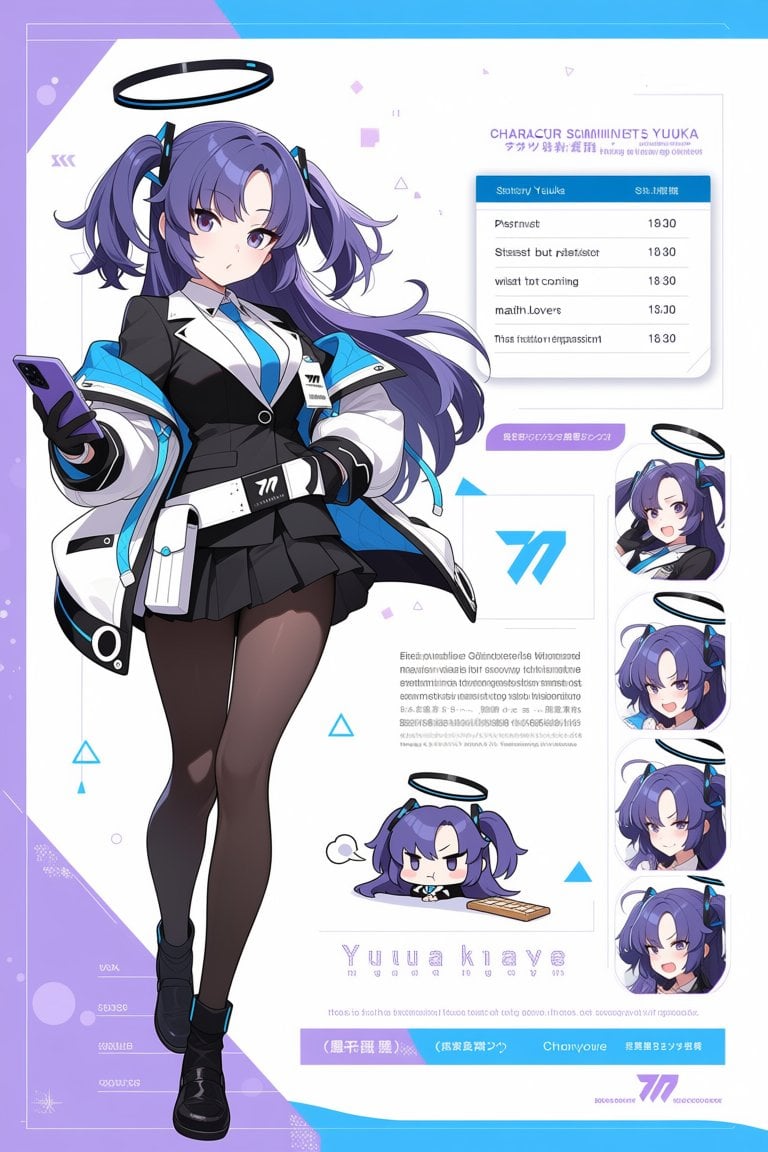
Anime Sci-Fi Character Sheet
Make it yours
Dual Sci-Fi Character Reference Sheet works as-is. These are the safest ways to change it without losing the look.
Change one field
Copy a single group, rewrite it, and generate again so you can see what that field is doing.
Keep the frame, change the subject
Hold the composition and light of Dual Sci-Fi Character Reference Sheet, then swap wardrobe, props or the person for a new take.
| If the result… | Why | Fix |
|---|---|---|
| The result drifts from the preview | Too many fields changed at once. | Reuse Dual Sci-Fi Character Reference Sheet as-is first, then change one group — subject, light, or setting. |
| GPT Image 2 ignores part of the JSON | Some models flatten or skip nested keys. | Keep the same values and paste them as a short paragraph instead. |
More GPT Image 2 templates
Other prompts made for GPT Image 2.

Realistic Portrait of Woman and Deer

The Vista Modular Condo Poster

AI Model Routing Comparison Infographic

2.5D Anime Art Board

Isometric Productivity Desk Scene

New York Double Exposure Poster

Four-Panel AI Landscape Comparison

Japanese Tatami Lifestyle Magazine Cover

NESCAFÉ Coffee Map Poster

Brutalist Cogito Chinese Typography Poster
More image prompts
Fresh picks from across the catalog.
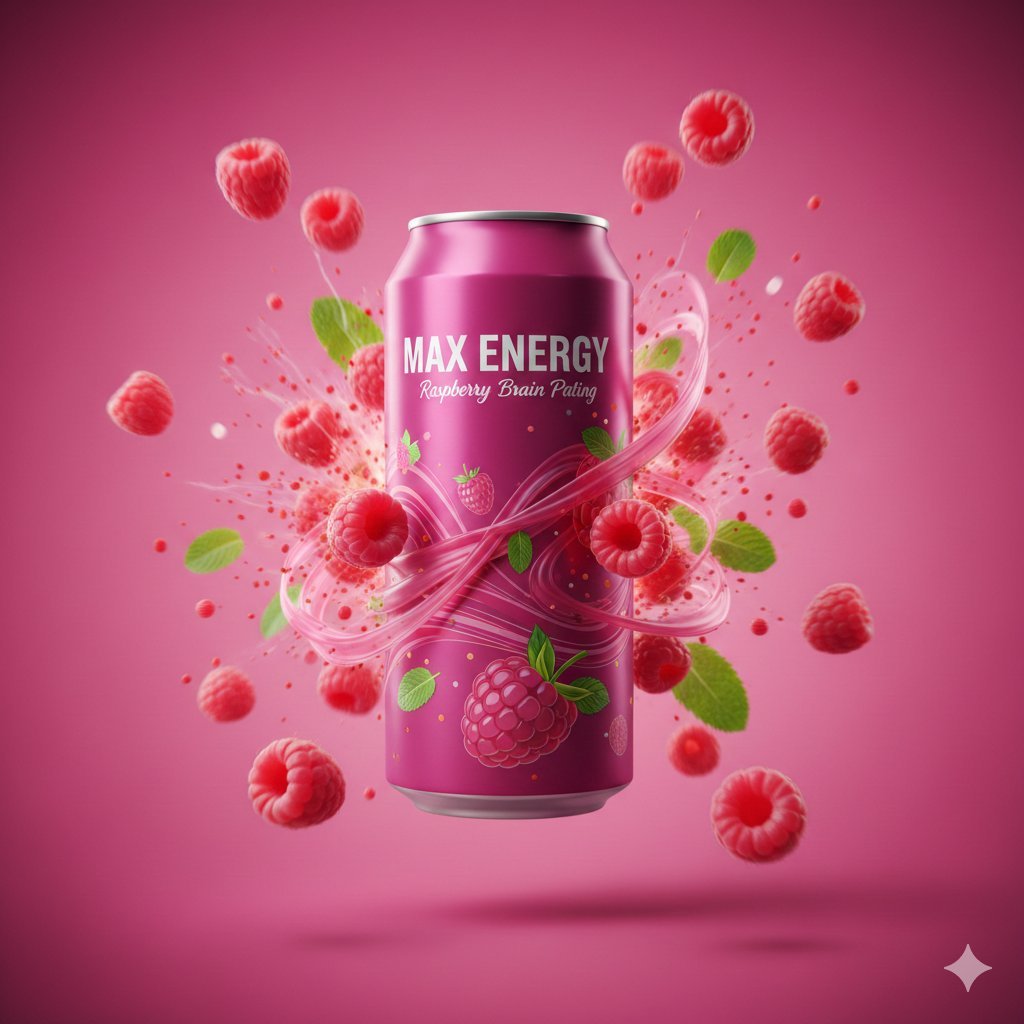
Cinematic Raspberry Energy Drink Ad Shot Prompt
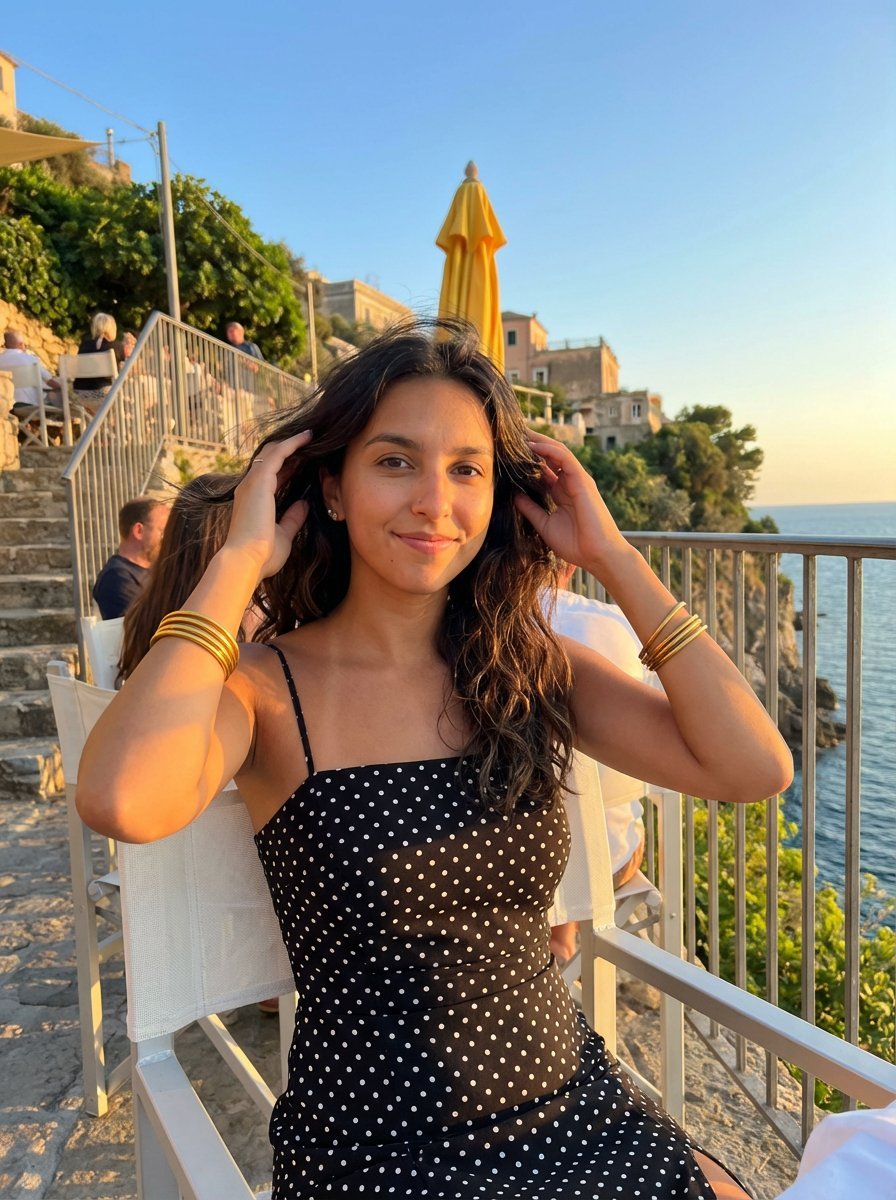
Golden Hour Coastal Lifestyle Photograph
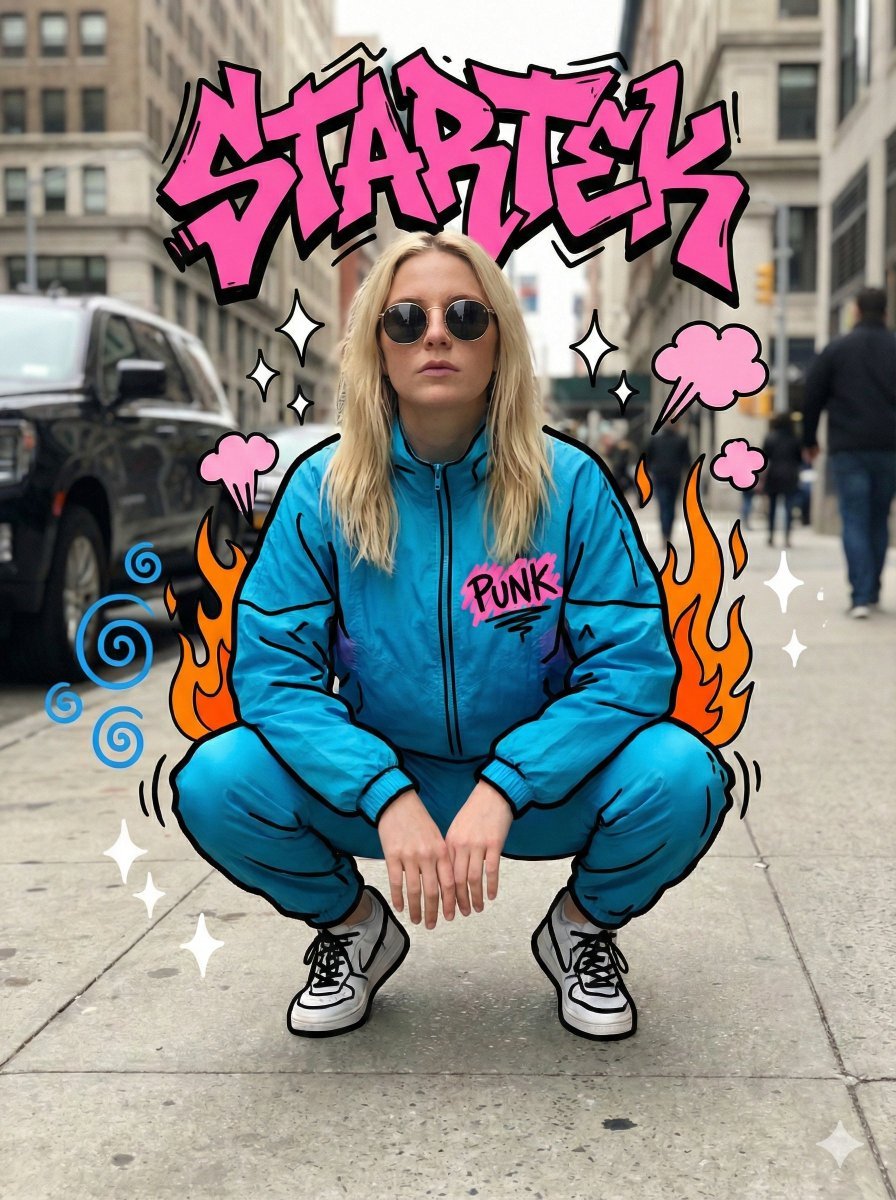
Mixed Media Graffiti Doodle Photography Prompt
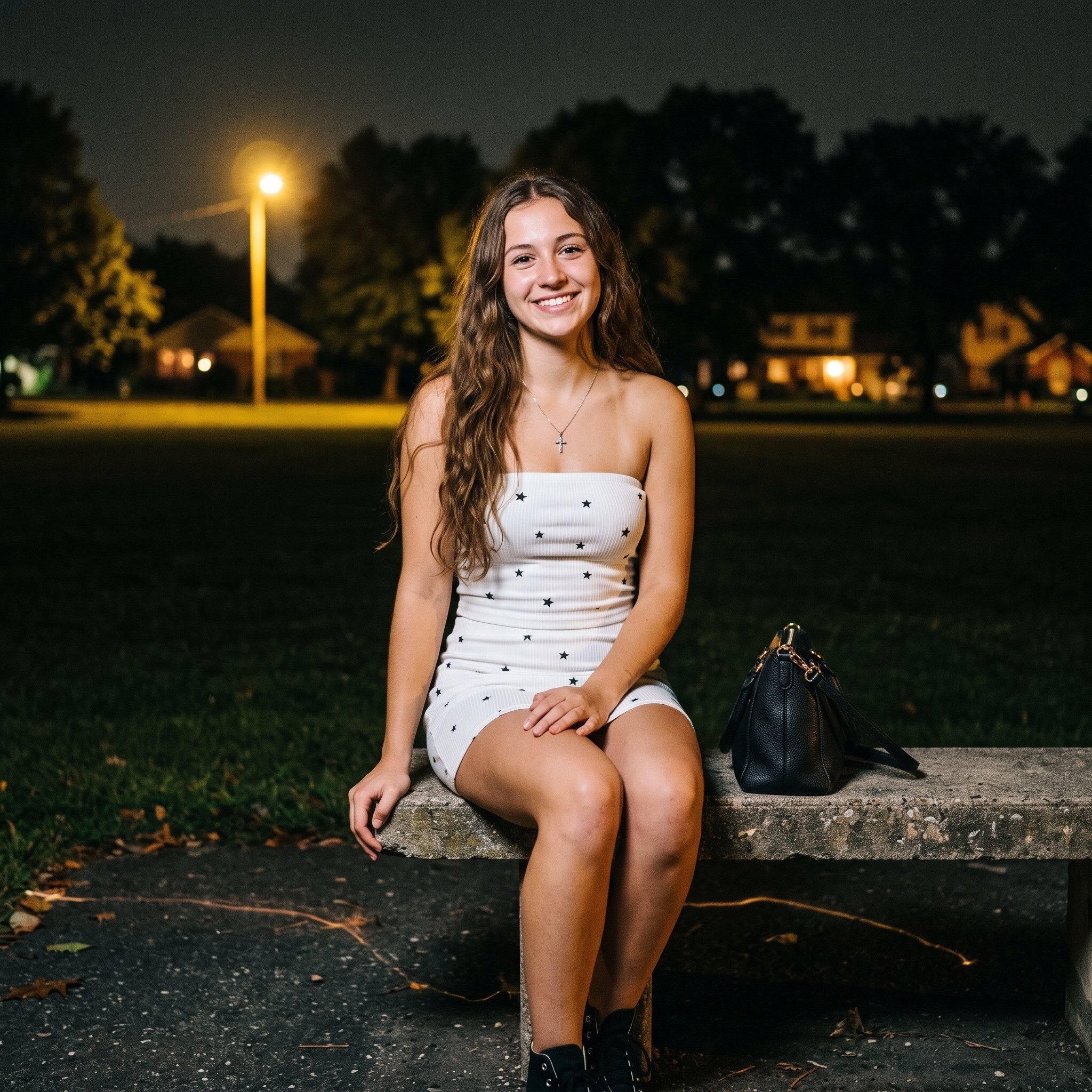
Grainy Film Night Portrait Prompt
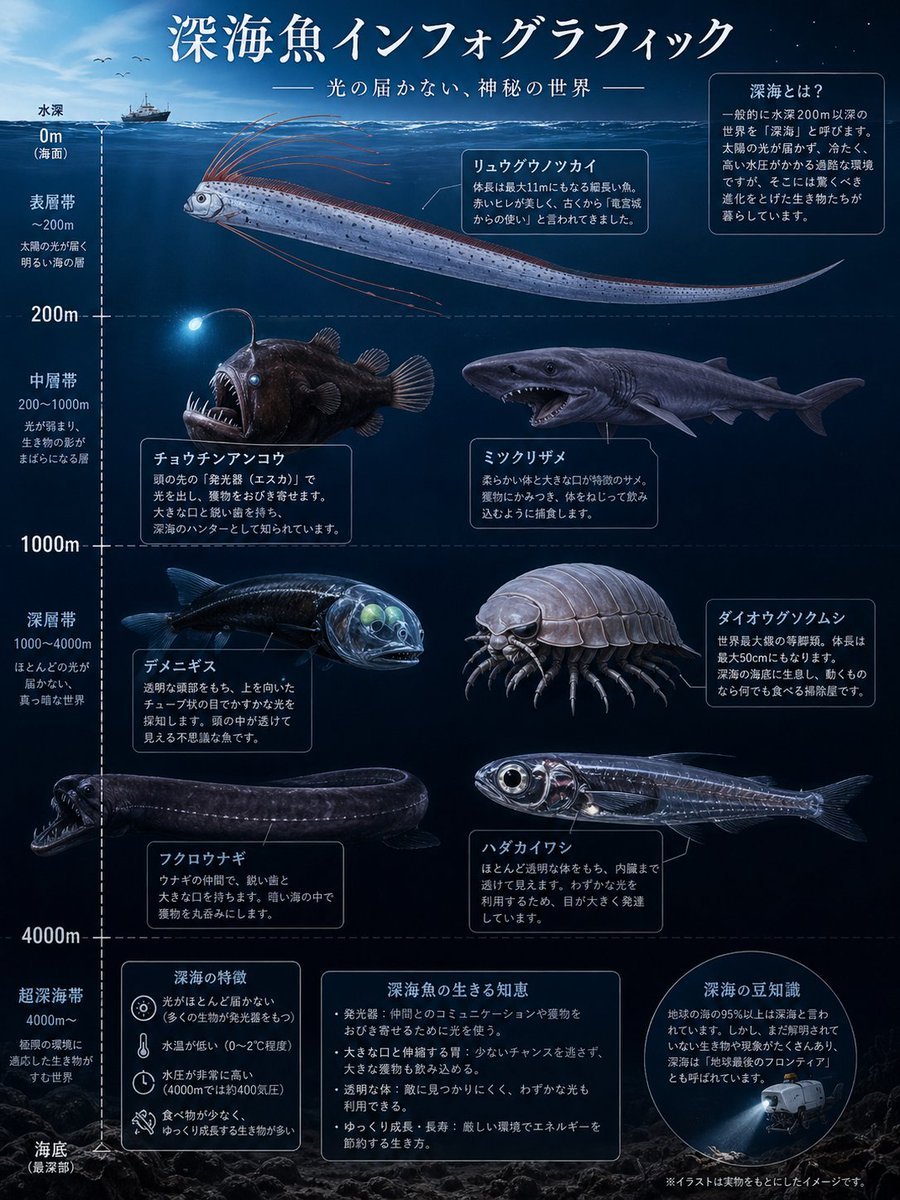
Deep-Sea Fish Infographic Poster
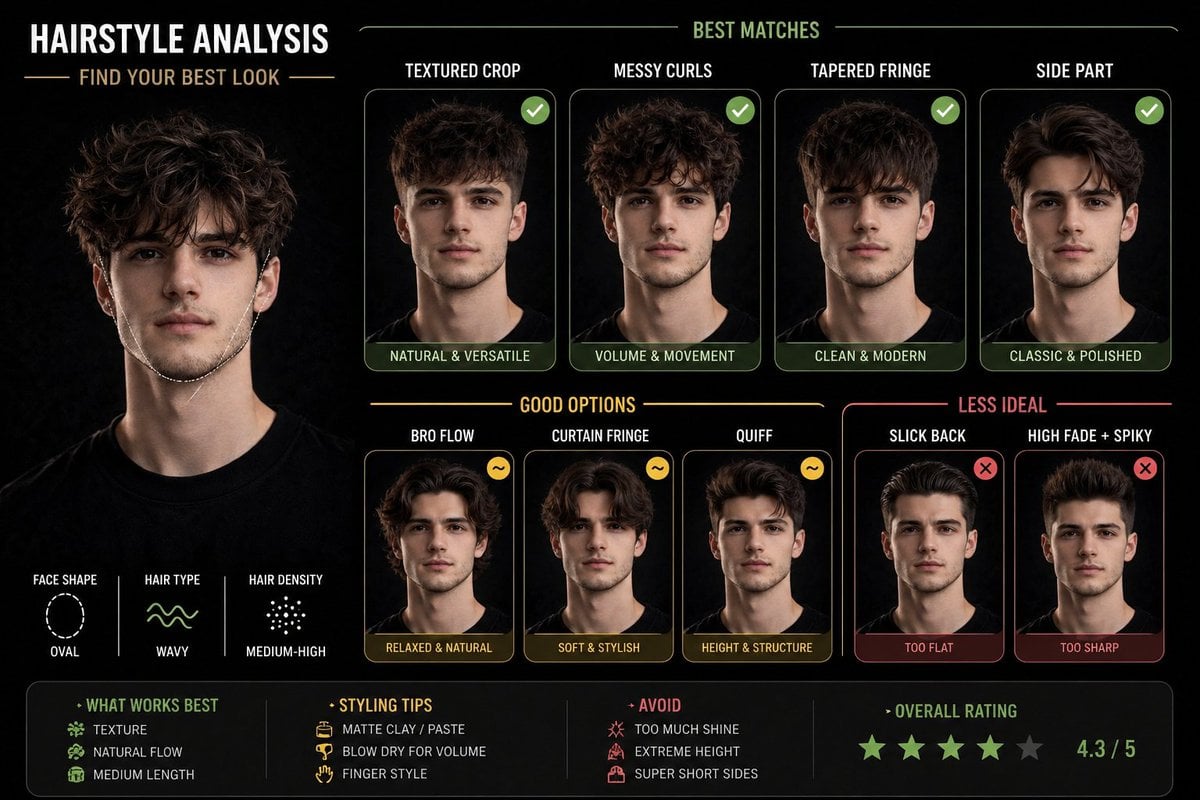
Hairstyle Suitability Analysis Chart
Ice and Liquid Hybrid Logo Design
Master Model Maker Concept Template
Film Aesthetic Triptych Portrait with Identity Lock
Welcome Home Scenario Prompt
Browse template categories
Dual Sci-Fi Character Reference Sheet questions
How do I use the Dual Sci-Fi Character Reference Sheet template?
Add your photo if the template asks for one, edit the prompt if you like — the template's model and format are already selected — and press Generate. Your version opens in PicX Studio.
Can I customize the Dual Sci-Fi Character Reference Sheet template?
Yes. You can change the subject, setting, lighting, mood, format, and available model controls before creating your image.
Is the Dual Sci-Fi Character Reference Sheet template free?
Opening and editing this template is free. Generating uses credits, shown on the Generate button when you are signed in.
Which AI model should I use?
Start with GPT Image 2, which is the model associated with this template. You can compare another compatible model for a different finish.
Looking for something else? Browse all templates.

Your photo, any look
Thousands of ready templates for every top image and video model, from one credit balance.