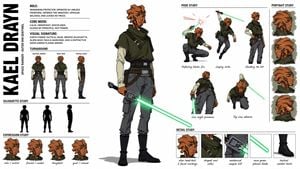
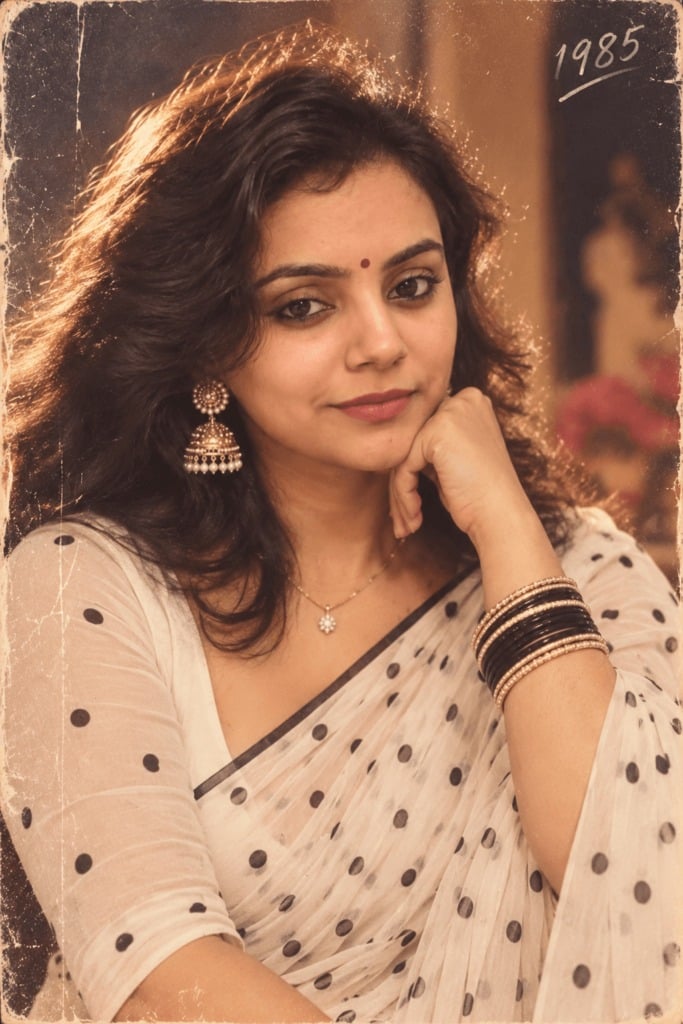
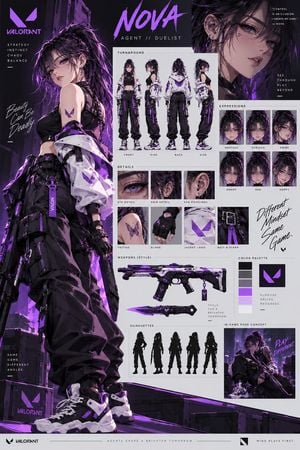
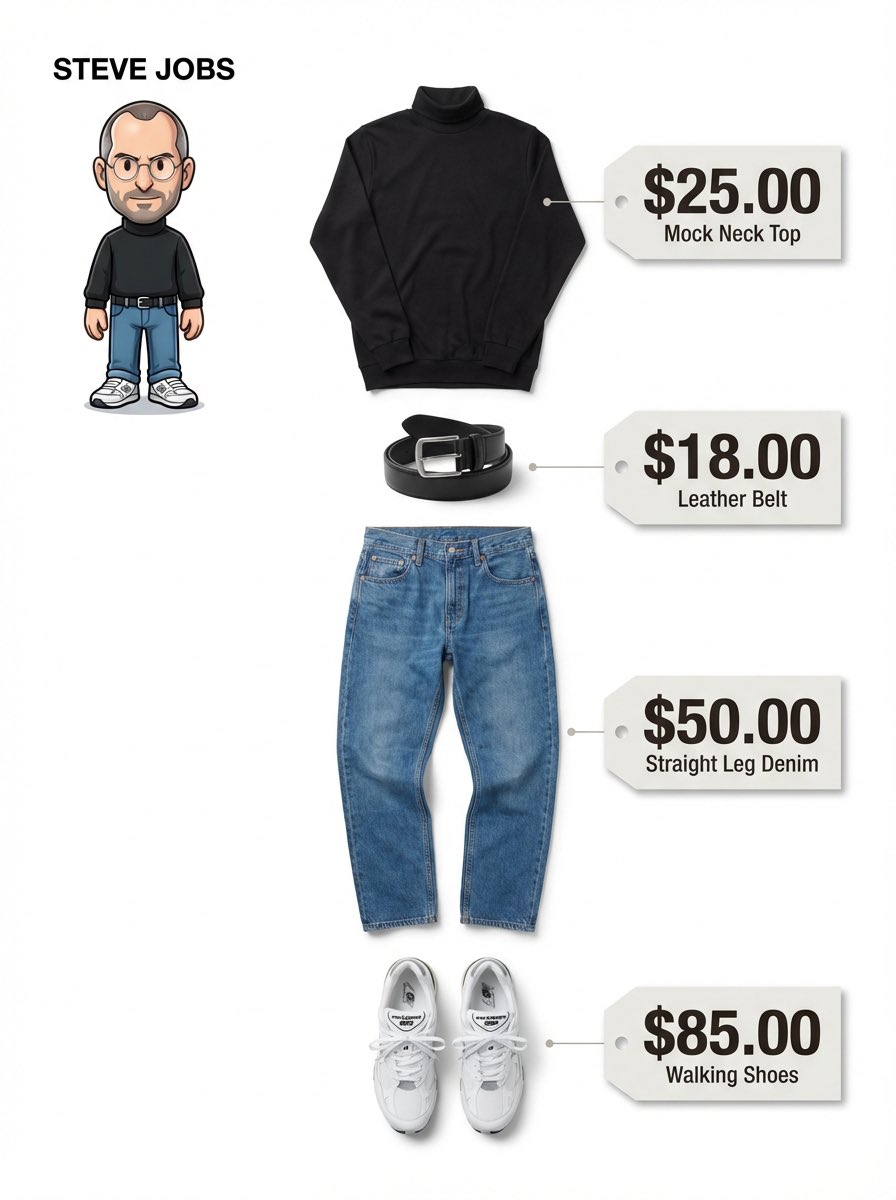
How do I use the Elegant Anime Fashion Reference Sheet template?
Edit the prompt in the box under the preview — the template's model and format are already selected — and press Generate. Your version appears right on this page.
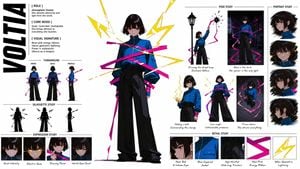
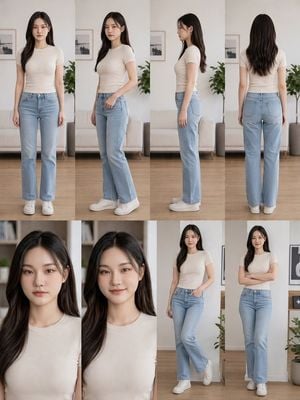
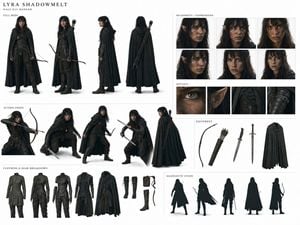
Generates a four-panel semi-realistic anime fashion reference collage of a softly lit young woman with a coordinated modest outfit and obscured face.

This template uses your photo — add one with the + button.
{"type":"soft semi-realistic anime fashion reference sheet","subject":{"gender":"young woman","name":"{argument name=\"character name\" default=\"unnamed elegant college girl\"}","age":"early 20s","build":"slim, average height, delicate posture","skin":"fair, softly glowing","face":"intentionally obscured by a smooth rectangular blur mask in each visible face area, no facial features shown","hair":{"color":"{argument name=\"hair color\" default=\"ash brown\"}","style":"shoulder-length layered straight hair with airy bangs, slightly tousled ends, glossy strands","accessories":"pearl hair clips on the right side and a dangling pearl earring"}},"outfit":{"overall_style":"feminine modest autumn school-inspired casual coordinate","pieces_count":6,"pieces":["navy cropped knit cardigan with gold buttons","cream ruffled blouse with a small bow at the neckline","high-waisted navy and beige plaid midi skirt with soft flare","beige crossbody shoulder bag with thin strap","beige low-heeled pumps with small bow detail","small necklace pendant at the collarbone"],"main_colors":["navy blue","cream ivory","beige","muted brown plaid"]},"layout":{"format":"vertical character design collage, white gutters separating panels","panels_count":4,"panels":[{"position":"left half, largest panel","description":"full-body front view, subject standing in a bright room, one hand lifted near her hair, bag hanging from shoulder, skirt visible down to shoes"},{"position":"top right, large close-up panel","description":"upper-body front close-up showing hair texture, cardigan, blouse bow, pearl clips, earring, necklace, and blurred face"},{"position":"bottom right left panel","description":"side profile three-quarter bust view, showing bag strap, cardigan buttons, layered hair, and blurred side face"},{"position":"bottom right right panel","description":"rear view from head to mid-calf, showing back of cardigan, full hair length, bag strap, and plaid skirt"}]},"setting":{"environment":"sunlit feminine bedroom or dressing room","background":"sheer white curtains, tall bright window, cream wall, framed art, white dresser, vase of small blue and white flowers","lighting":"warm morning sunlight streaming through curtains, soft haze, dappled shadows on carpet, dreamy high-key glow"},"style":{"art_direction":"highly polished gpt-image-2 anime illustration, semi-realistic rendering, delicate linework, luminous skin, detailed fabric folds and plaid pattern, editorial fashion reference sheet aesthetic","mood":"gentle, elegant, calm, romantic","camera":"mixed full-body and close-up fashion documentation views","quality":"high resolution, clean composition, soft depth of field, painterly realism"},"customization":{"headline_or_visible_text":"none","requested_outfit_palette":"{argument name=\"outfit palette\" default=\"navy, cream, beige, and muted plaid\"}","background_mood":"{argument name=\"room lighting\" default=\"warm morning sunlight through sheer curtains\"}"},"negative_prompt":"avoid visible facial features, avoid text labels, avoid extra limbs, avoid distorted hands, avoid harsh shadows, avoid low-resolution artifacts, avoid modern streetwear, avoid cluttered background"}
Edit the prompt in the box under the preview — the template's model and format are already selected — and press Generate. Your version appears right on this page.
Yes. You can change the subject, setting, lighting, mood, format, and available model controls before creating your image.
Opening and editing this template is free. Generating uses credits, shown on the Generate button when you are signed in.
Start with GPT Image 2, which is the model associated with this template. You can compare another compatible model for a different finish.
Follow a topic to a crawlable collection of related PicX Studio templates.