
3D Notebook World Travel Poster
An intricate prompt that creates a travel campaign where a 3D world emerges from the pages of a notebook.
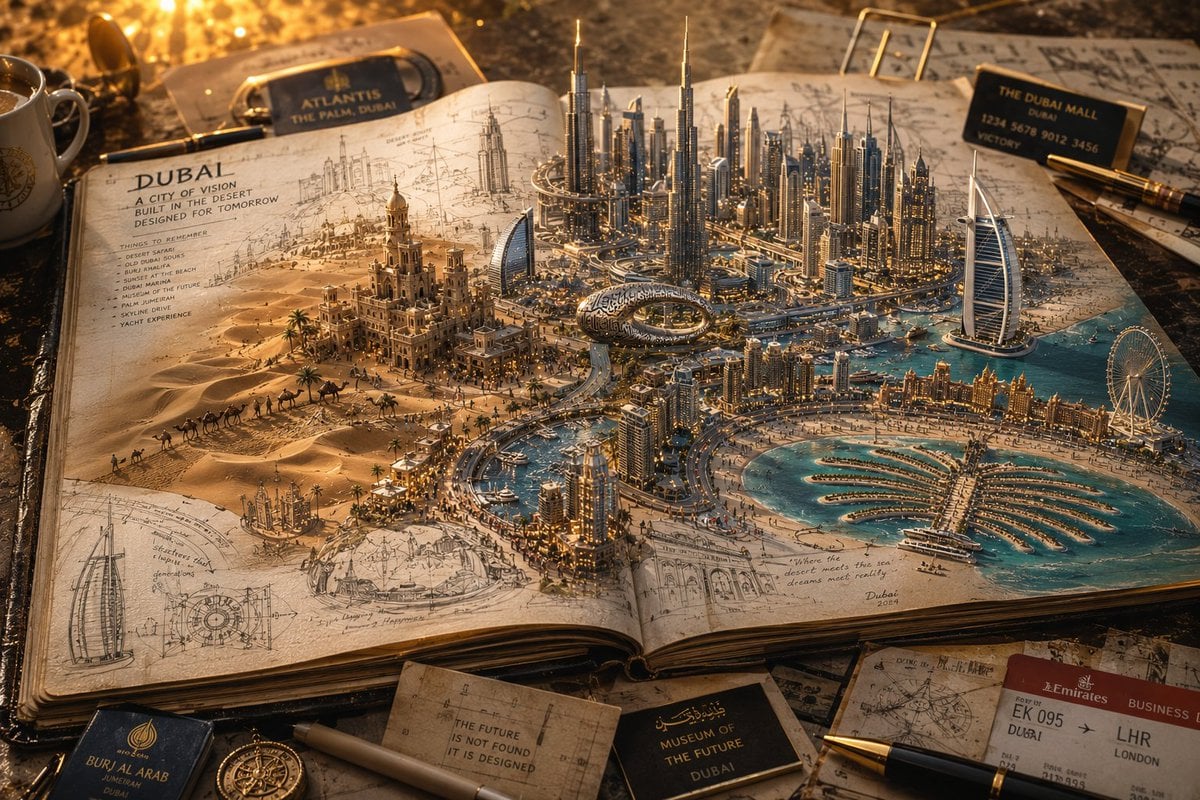
- Prompt included
- Model and format preset
- Free template
The prompt behind this image
Copy the exact prompt behind 3D Notebook World Travel Poster, or open it in the studio and make it yours.
Create a hyper-realistic premium travel-art campaign titled: "{argument name="title" default="A COUNTRY IN A NOTEBOOK"}." IMPORTANT: Do NOT create a normal travel poster. Do NOT create a miniature city. Do NOT create a map. Instead, create the feeling that an entire country is emerging from the pages of a {argument name="medium" default="traveler's sketchbook"}. CORE CONCEPT An open handmade journal rests on a large wooden desk. The pages appear alive. Famous locations rise directly from the paper as three-dimensional worlds. The boundaries between drawing and reality become impossible to distinguish. Some buildings remain pencil sketches. Others transition into fully realized architecture. Roads flow out of ink lines. Rivers emerge from watercolor paint. Forests grow from brushstrokes. The country appears to be building itself. WORLD DESIGN Every landmark should feel handcrafted. Not miniature toy-like. Instead: architectural-maquette realism. Museum exhibition quality. Some structures are: fully completed, partially sketched, still being painted, emerging from blueprint lines. The image should reward close inspection. Tiny details everywhere. HUMAN SCALE Hundreds of tiny explorers travel through the pages. People: taking photographs, sketching landscapes, riding bicycles, sitting in cafés, exploring markets, crossing bridges. Each tiny figure should tell a story. VISUAL DETAILS Include: handwritten travel notes, torn ticket stubs, passport stamps, coffee rings, compass drawings, route markings, pressed flowers, old postcards, penciled annotations. Everything should feel collected during years of travel. LIGHTING Warm late-afternoon sunlight entering through a nearby window. Long shadows across notebook pages. Golden highlights on architecture. Dust particles visible in the air. Museum-like atmosphere. COLOR PALETTE Warm parchment, Cream paper, Soft graphite, Watercolor blues, Terracotta, Forest green, Golden sunlight, Muted travel-journal tones. CAMERA High-angle three-quarter perspective. The viewer sees both: the notebook itself, the entire miniature world emerging from it. Large-scale depth. Macro-photography realism. Tilt-shift subtlety. Premium travel-advertisement quality. STYLE Blend: luxury tourism campaigns, architectural concept art, handmade sketchbooks, National Geographic storytelling, premium editorial photography. FINAL FEELING The final image should feel like an entire country was lovingly reconstructed from memories, sketches, and adventures inside a single notebook. Viewers should want to zoom in for several minutes discovering tiny stories hidden throughout the world.
How to use 3D Notebook World Travel Poster in 3 steps
- 1
Open
The prompt is already in the box next to the preview, with the template's model and format selected.
- 2…a portrait of your subject in softgolden-hour light, 85mm…
Personalize
Edit the subject and creative details for your destination.
- 3Generate
Generate
Press Generate — your image is created in PicX Studio, so you can compare it with the original and refine one variable at a time.
More like this
Templates with the same subject, style or setup. Open one to see its prompt.

Japan Travel Brochure Poster
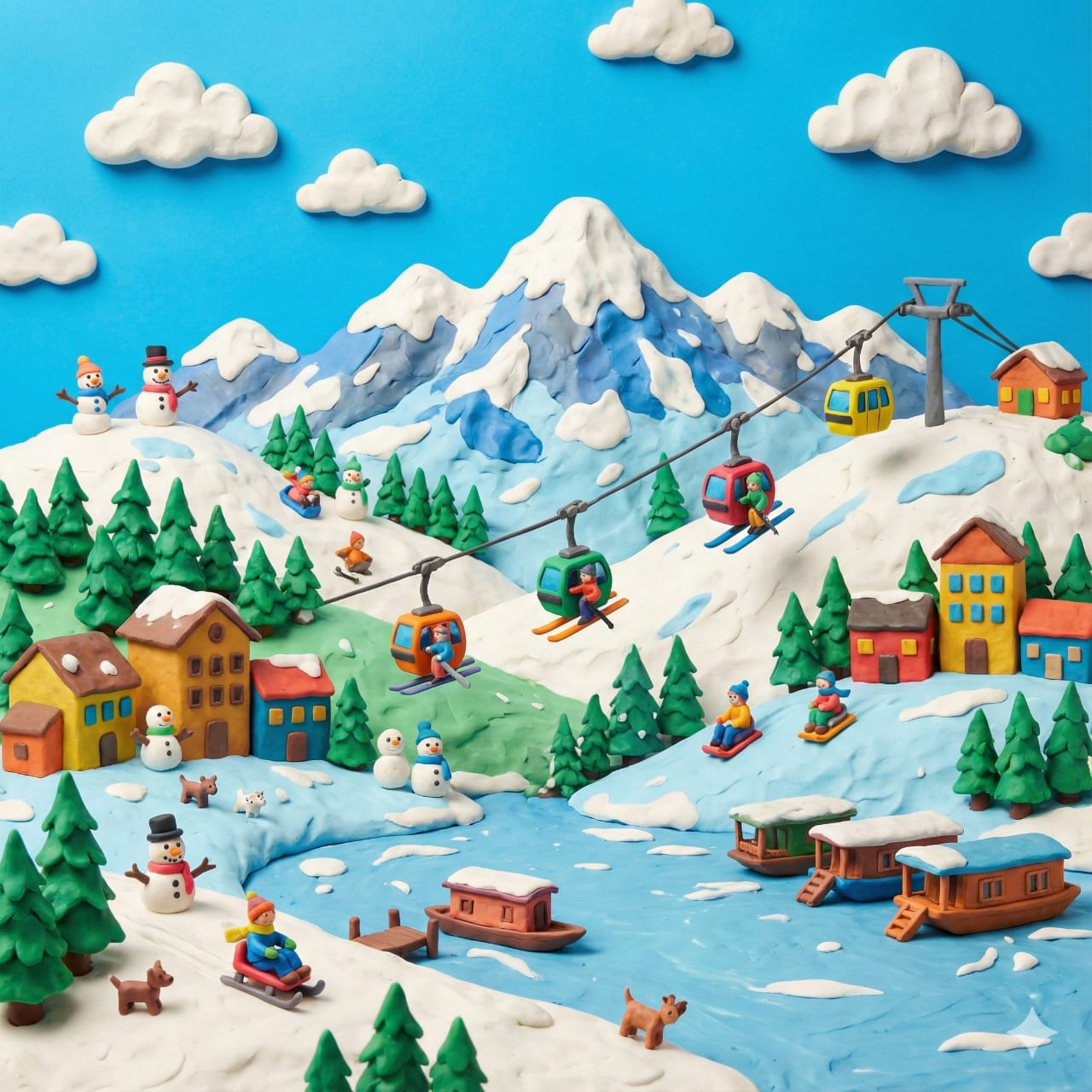
Clay Miniature Landmark Travel Diorama
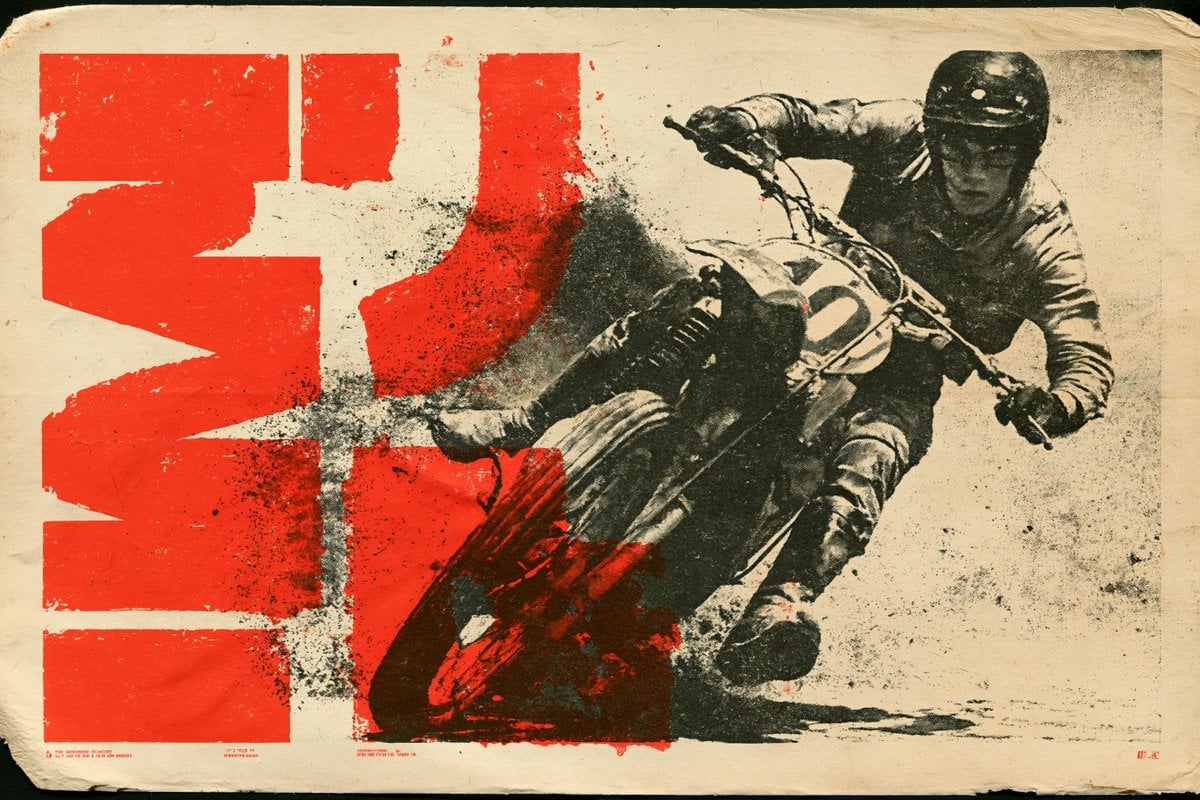
Vintage Lithograph Retro World Cup Poster

Captain Tsubasa Anime World Cup Poster
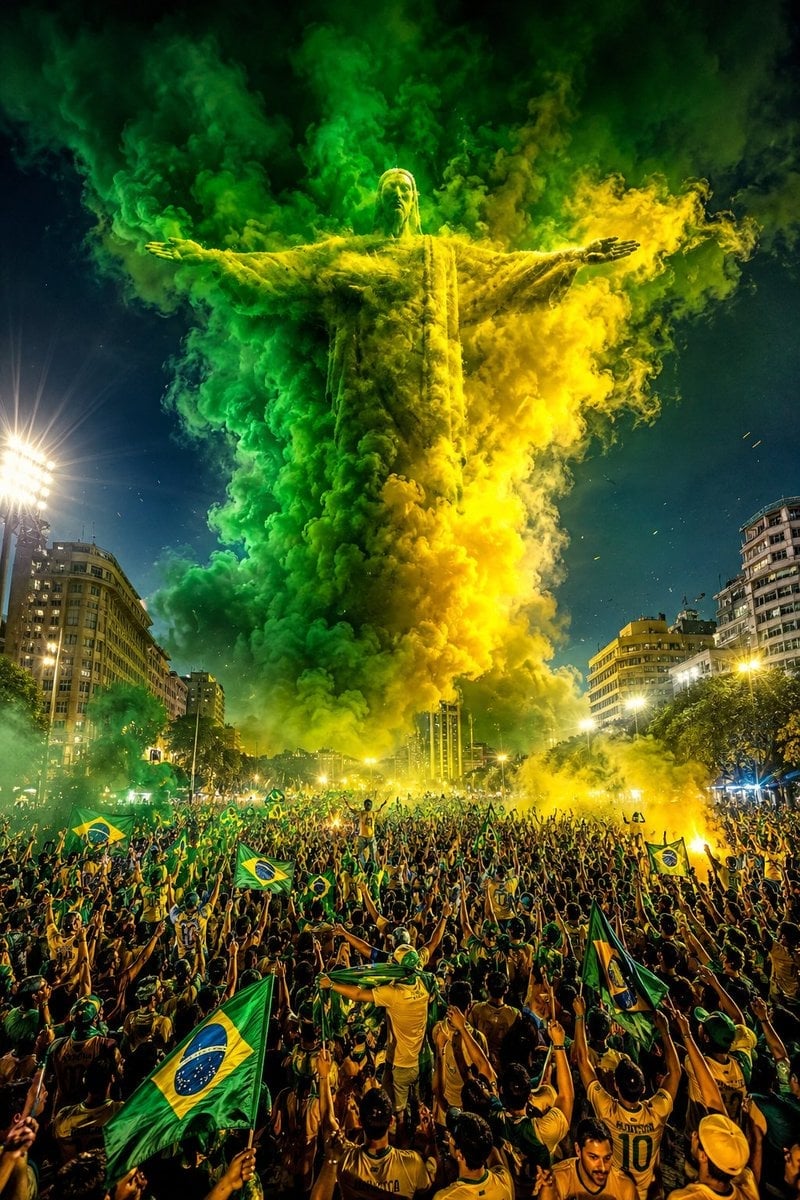
Campaign Smoke National Symbols World Cup
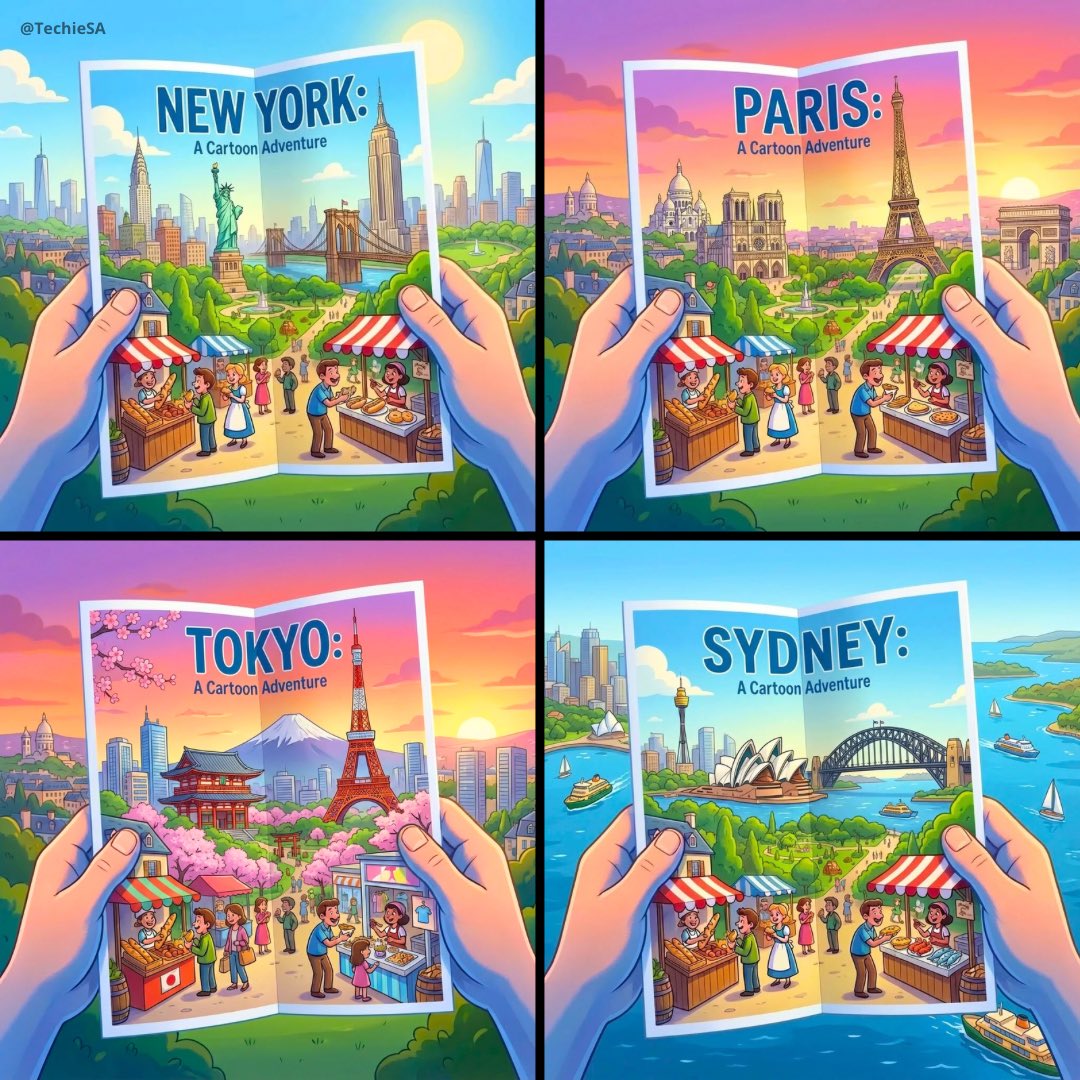
City Posters by Nano Banana Pro

Sketch to Reality Travel Notebook

Cartoon TV Show Poster Pack

Trendy Cafe Drink Promo Poster

Urban Fashion Editorial Collage Streetwear Poster

Premium Fashion Editorial Cover Layout System

Polo Ralph Lauren Luxury American Heritage Fashion Campaign
Make it yours
3D Notebook World Travel Poster works as-is. These are the safest ways to change it without losing the look.
Change one field
Copy a single group, rewrite it, and generate again so you can see what that field is doing.
Keep the frame, change the subject
Hold the composition and light of 3D Notebook World Travel Poster, then swap wardrobe, props or the person for a new take.
| If the result… | Why | Fix |
|---|---|---|
| The result drifts from the preview | Too many fields changed at once. | Reuse 3D Notebook World Travel Poster as-is first, then change one group — subject, light, or setting. |
| The model over-stylizes the scene | The prose prompt leaves finish and camera underspecified. | Add one camera or lighting sentence and stay on GPT Image 2. |
More GPT Image 2 templates
Other prompts made for GPT Image 2.

Six VTuber Japanese Logo Sheet

Realistic Portrait of Woman and Deer

The Vista Modular Condo Poster

AI Model Routing Comparison Infographic

2.5D Anime Art Board

Isometric Productivity Desk Scene

New York Double Exposure Poster

Four-Panel AI Landscape Comparison

Japanese Tatami Lifestyle Magazine Cover

NESCAFÉ Coffee Map Poster
More image prompts
Fresh picks from across the catalog.
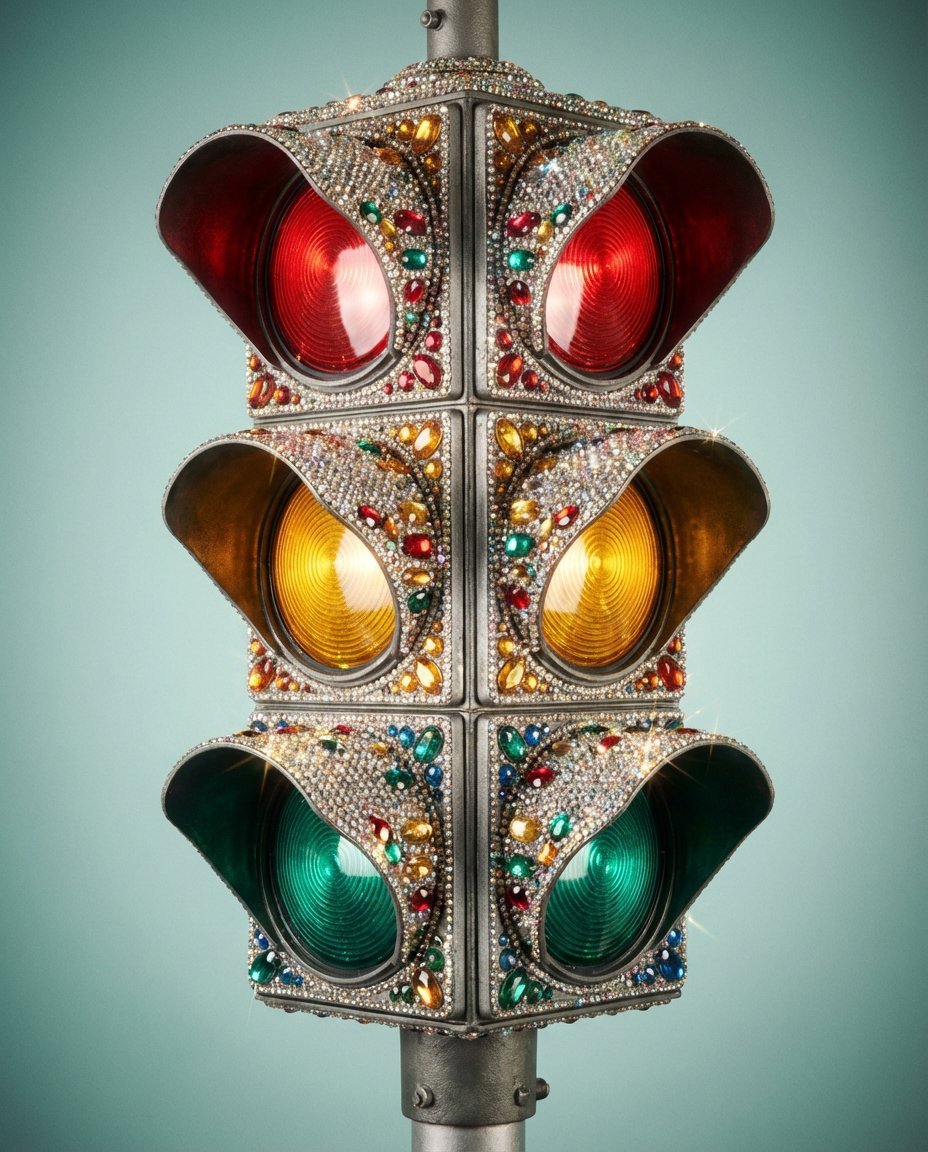
Rhinestone Encrusted Vintage Traffic Light Close-Up
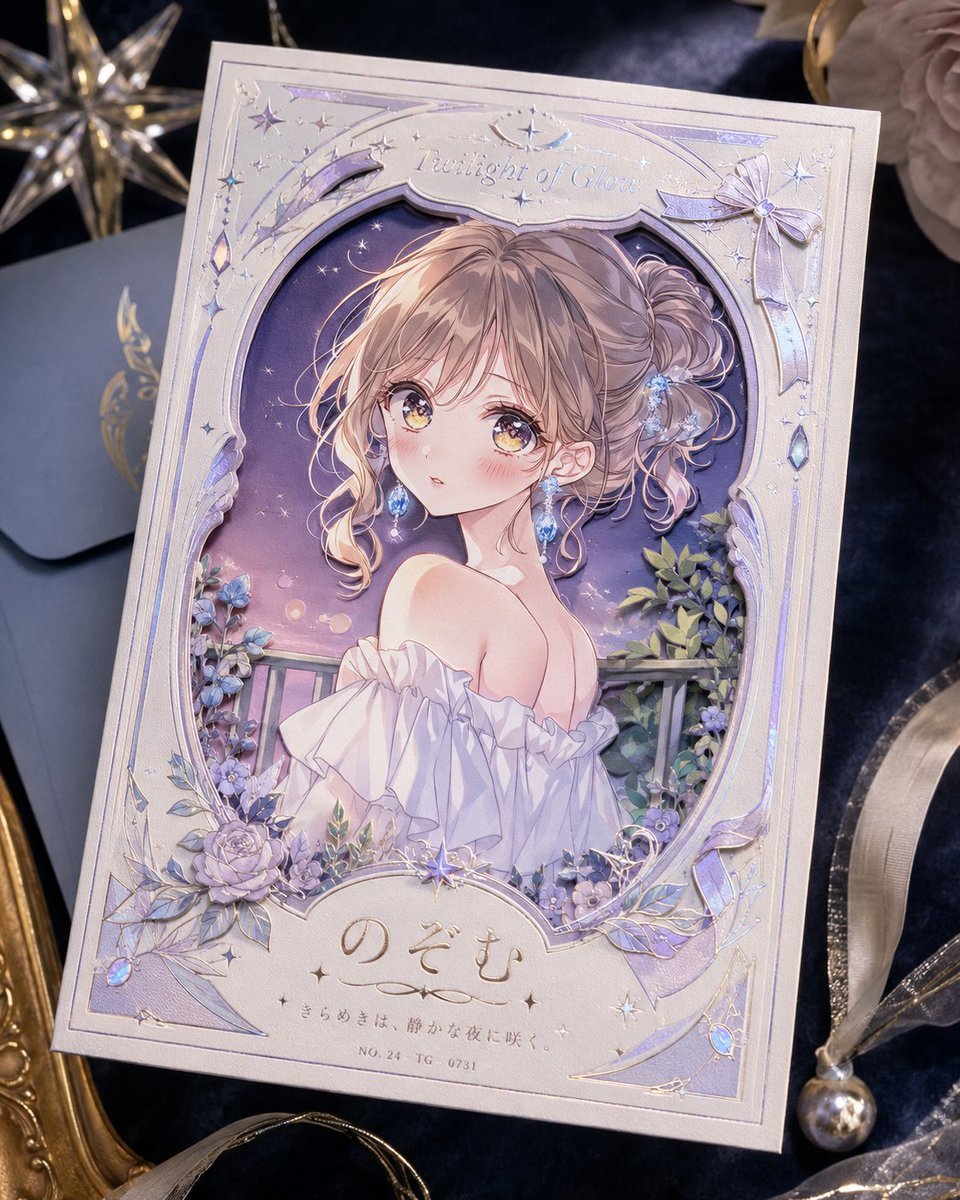
Foil Anime Postcard Design
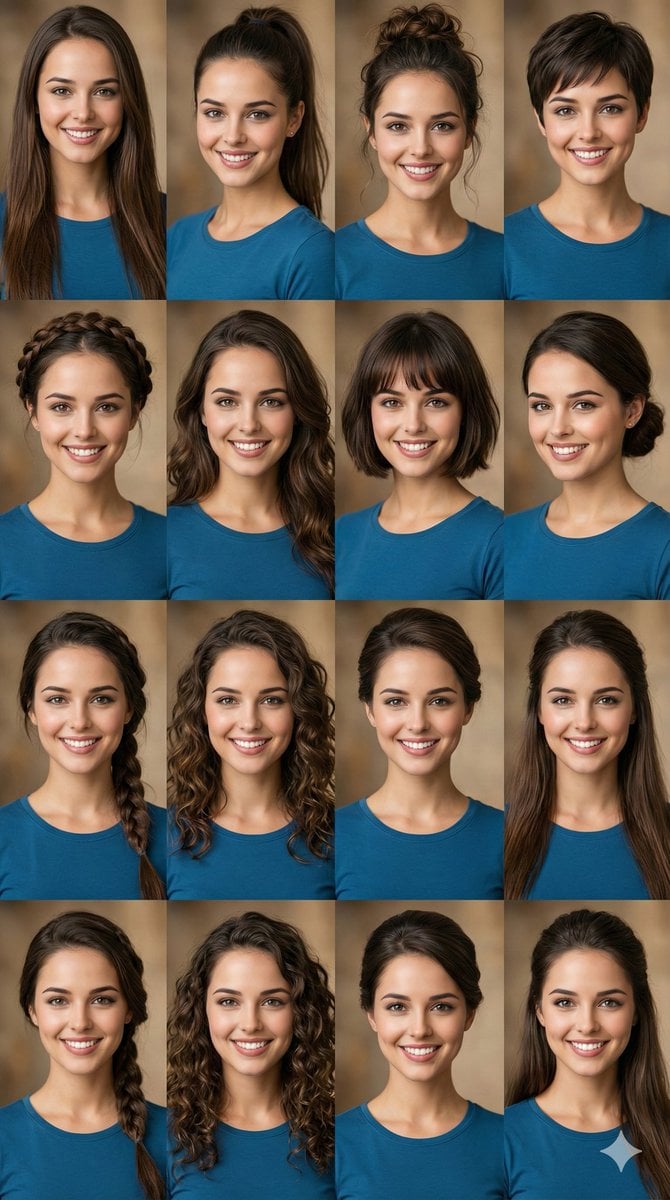
Hairstyle Photo Collage Prompt
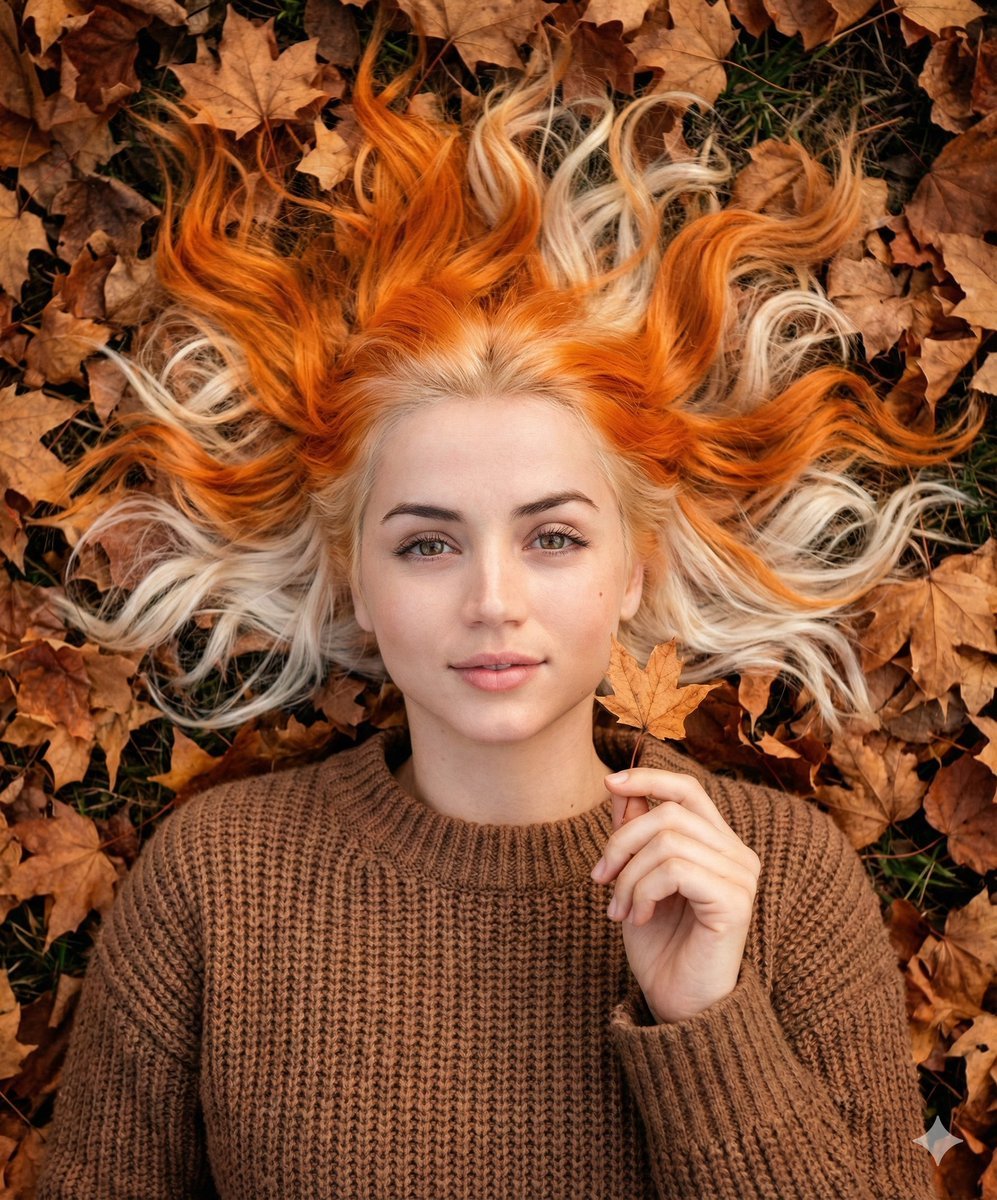
Dreamy Autumnal Portrait of a Young Woman

Surreal Whimsical Scale Contrast Scene Prompt

Ethereal 8K Portrait with Bougainvillea Blossoms Prompt
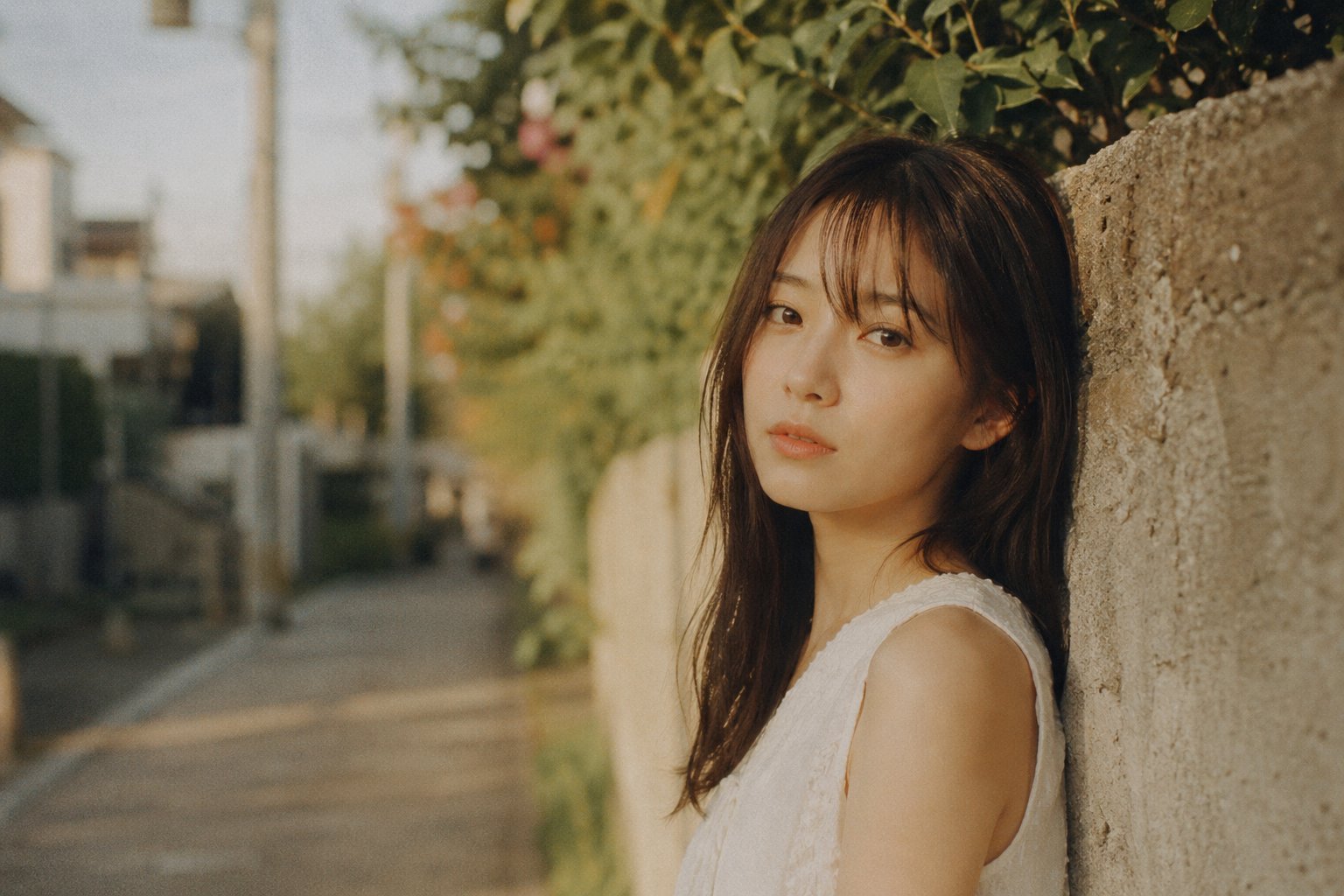
X Bubblebrain Portrait
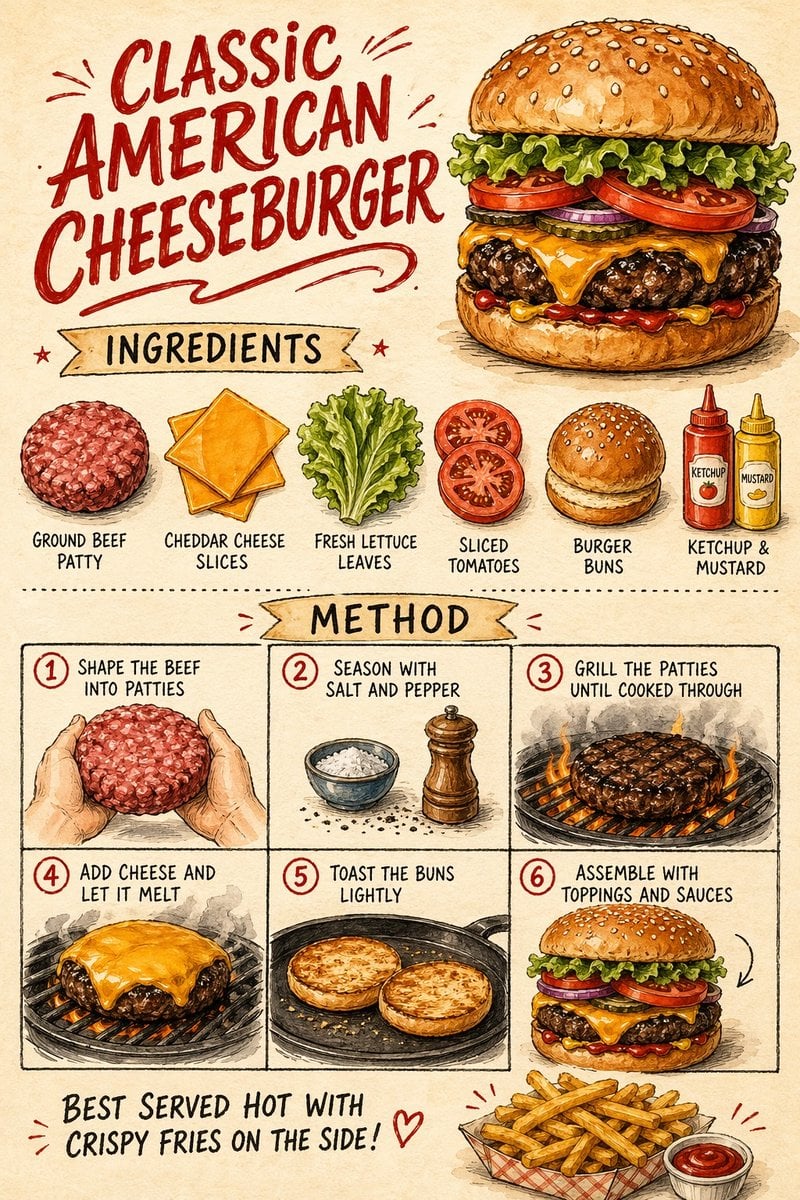
Vintage Cheeseburger Recipe Poster

Japanese Romantic Comedy Manga Cover
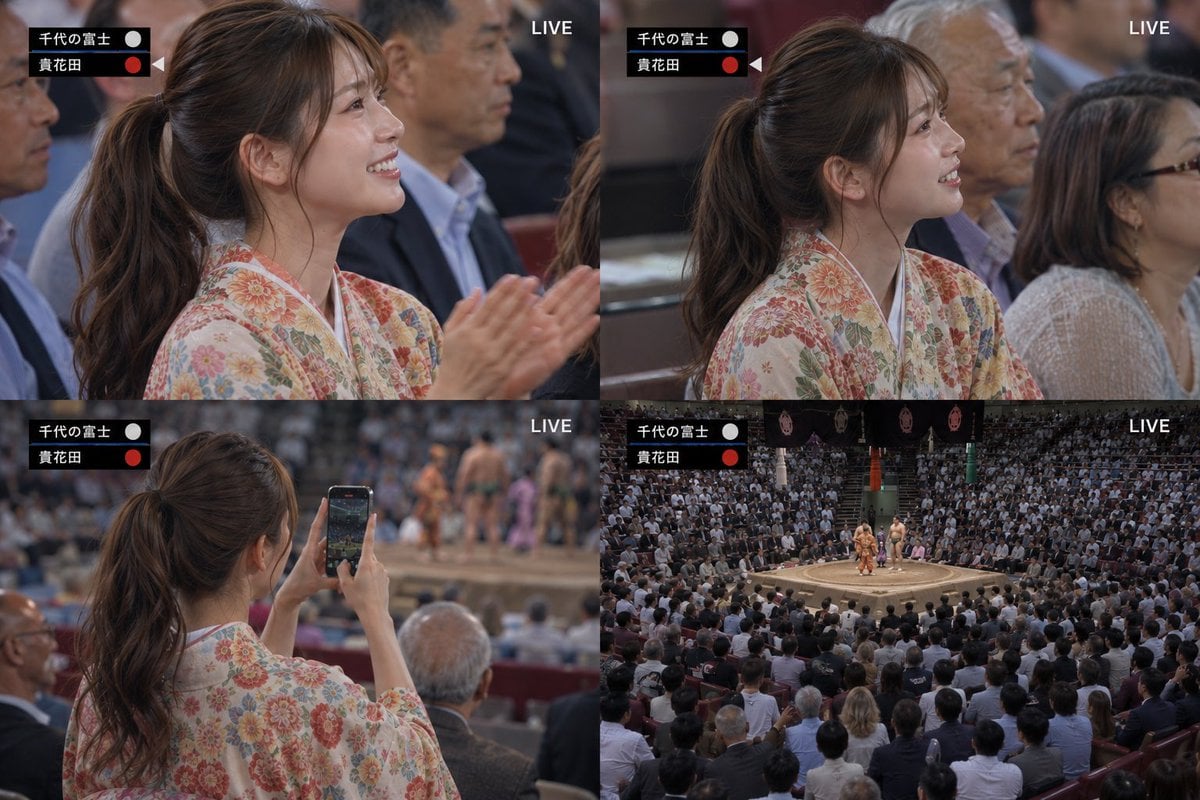
Live Sumo Broadcast Collage
Browse template categories
3D Notebook World Travel Poster questions
How do I use the 3D Notebook World Travel Poster template?
Add your photo if the template asks for one, edit the prompt if you like — the template's model and format are already selected — and press Generate. Your version opens in PicX Studio.
Can I customize the 3D Notebook World Travel Poster template?
Yes. You can change the subject, setting, lighting, mood, format, and available model controls before creating your image.
Is the 3D Notebook World Travel Poster template free?
Opening and editing this template is free. Generating uses credits, shown on the Generate button when you are signed in.
Which AI model should I use?
Start with GPT Image 2, which is the model associated with this template. You can compare another compatible model for a different finish.
Looking for something else? Browse all templates.

Your photo, any look
Thousands of ready templates for every top image and video model, from one credit balance.