
Dreamy Autumnal Portrait of a Young Woman
An image generation prompt for a dreamy, ethereal, and photorealistic portrait of a young woman lying supine on the ground covered in dry autumn leaves.
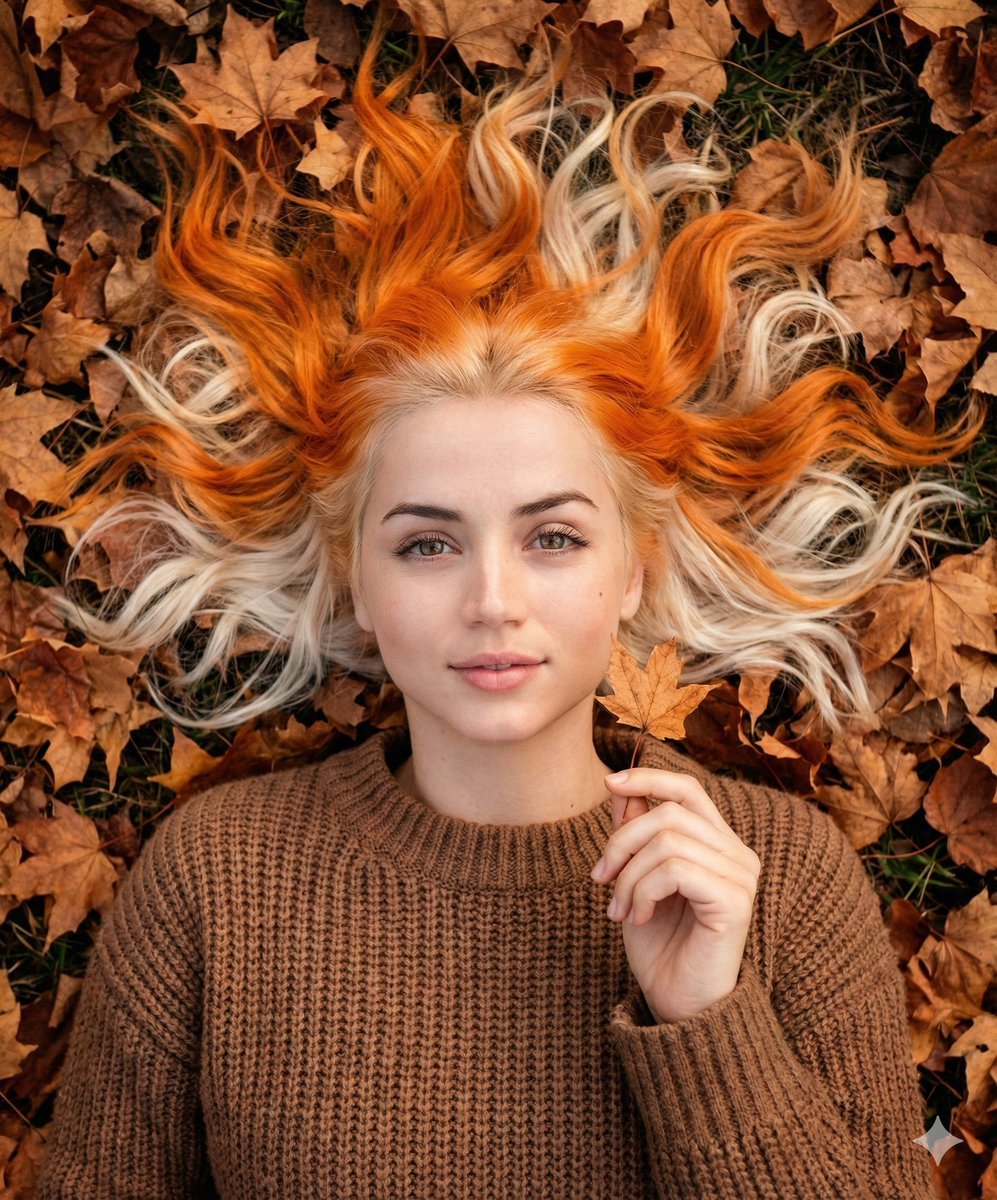
- Prompt included
- Model and format preset
- Premium template
The prompt behind this image
Copy the exact prompt behind Dreamy Autumnal Portrait of a Young Woman, or open it in the studio and make it yours.
- Subject › Type
- Young woman
- Subject › Appearance › Skin Tone
- Very fair, pale complexion
- Subject › Appearance › Expression
- Peaceful, eyes opened little bit, soft smile, relaxed
- Subject › Appearance › Hair › Style
- Long, wavy, messy but aesthetic
- Subject › Appearance › Hair › Color
- Split-dyed or two-tone; vibrant pumpkin orange on the top layer and platinum blonde underneath
- Subject › Appearance › Hair › Arrangement
- Spread out around her head like a halo
- Subject › Pose
- Lying supine on the ground, one hand gently raised near her face holding a small dried leaf by the stem
- Clothing › Top
- Brown chunky knit sweater or cardigan
- Clothing › Texture
- Woolen, soft, cozy
- Environment › Setting
- Outdoor ground covered in dry autumn leaves
- Environment › Elements
- Fallen brown and orange maple leaves, rustic texture
- Technical Details › Camera Angle
- Top-down view (flat lay), close-up portrait
- Technical Details › Aspect Ratio
- 5:6
- Technical Details › Lighting
- Soft natural daylight, diffused, warm autumnal tones
- Technical Details › Style
- Dreamy, ethereal, photorealistic, high resolution, cozy autumn aesthetic
Raw JSON
{
  "subject": {
    "type": "Young woman",
    "appearance": {
      "skin_tone": "Very fair, pale complexion",
      "expression": "Peaceful, eyes opened little bit, soft smile, relaxed",
      "hair": {
        "style": "Long, wavy, messy but aesthetic",
        "color": "Split-dyed or two-tone; vibrant pumpkin orange on the top layer and platinum blonde underneath",
        "arrangement": "Spread out around her head like a halo"
      }
    },
    "pose": "Lying supine on the ground, one hand gently raised near her face holding a small dried leaf by the stem"
  },
  "clothing": {
    "top": "Brown chunky knit sweater or cardigan",
    "texture": "Woolen, soft, cozy"
  },
  "environment": {
    "setting": "Outdoor ground covered in dry autumn leaves",
    "elements": "Fallen brown and orange maple leaves, rustic texture"
  },
  "technical_details": {
    "camera_angle": "Top-down view (flat lay), close-up portrait",
    "aspect_ratio":"5:6",
    "lighting": "Soft natural daylight, diffused, warm autumnal tones",
    "style": "Dreamy, ethereal, photorealistic, high resolution, cozy autumn aesthetic"
  }
}How to use Dreamy Autumnal Portrait of a Young Woman in 3 steps
- 1
Open
The prompt is already in the box next to the preview, with the template's model and format selected.
- 2…a portrait of your subject in softgolden-hour light, 85mm…
Personalize
Edit the subject and creative details for your destination.
- 3Generate
Generate
Press Generate — your image is created in PicX Studio, so you can compare it with the original and refine one variable at a time.
More like this
Templates with the same subject, style or setup. Open one to see its prompt.

Couture Fashion Editorial Woman and Drag
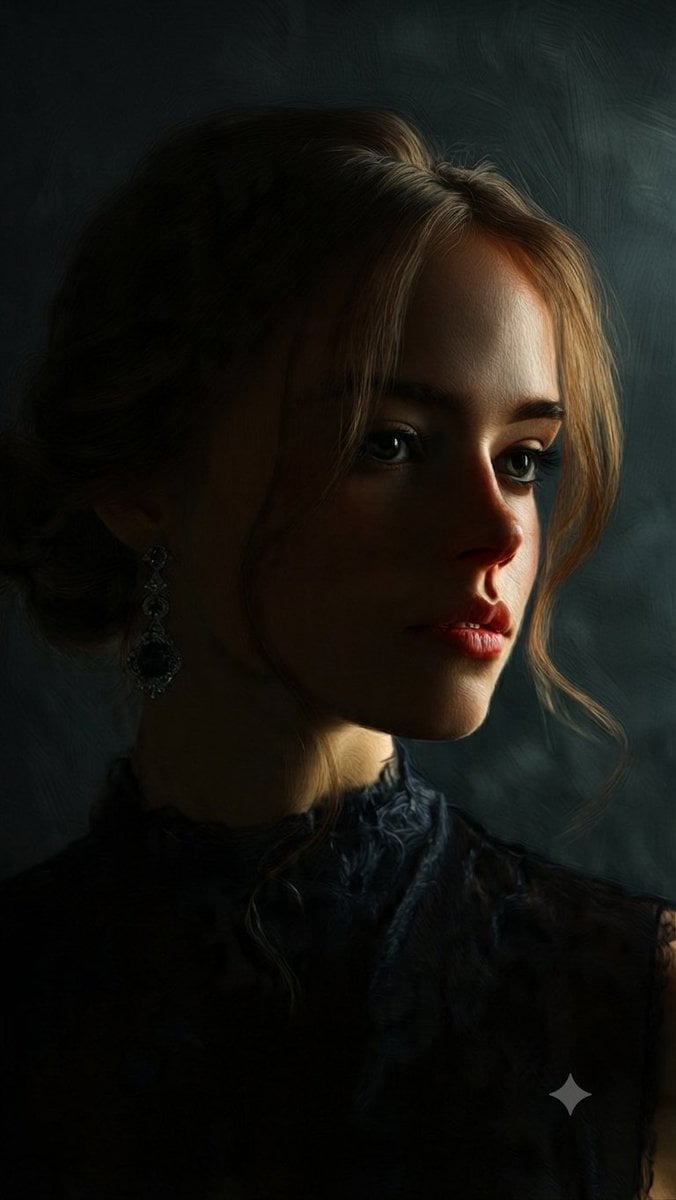
Fine Art Oil Portrait of a Young Woman

Portrait of a young woman in her early 20s walking calmly on a beautiful
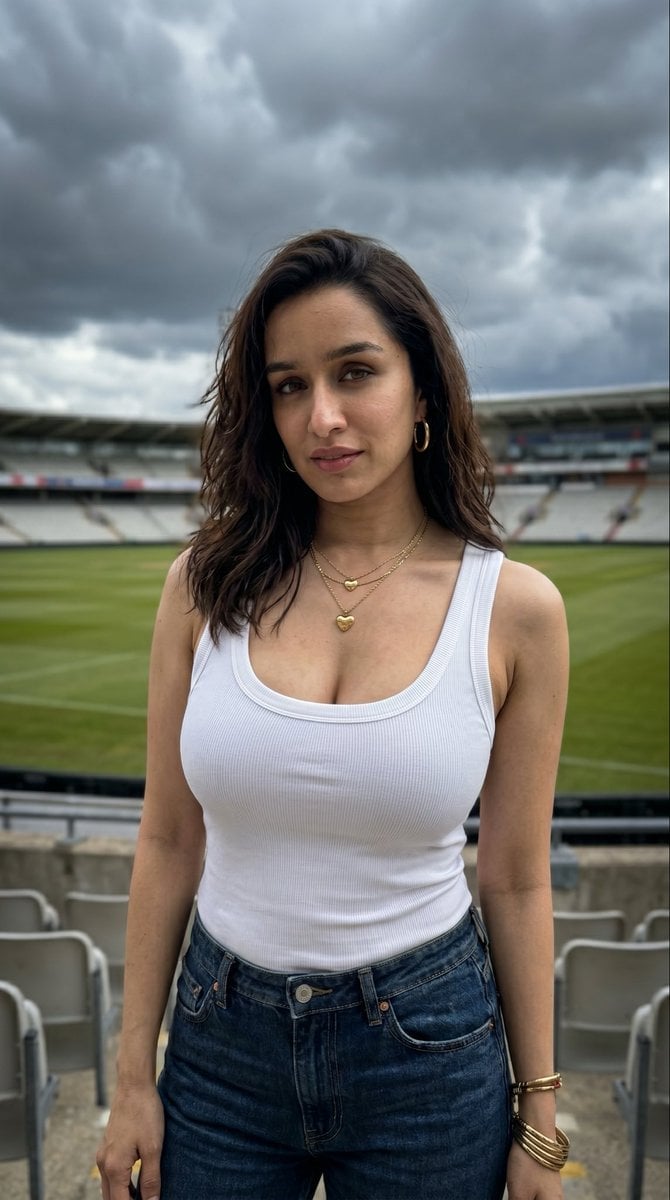
Young Woman in Sports Stadium Portrait
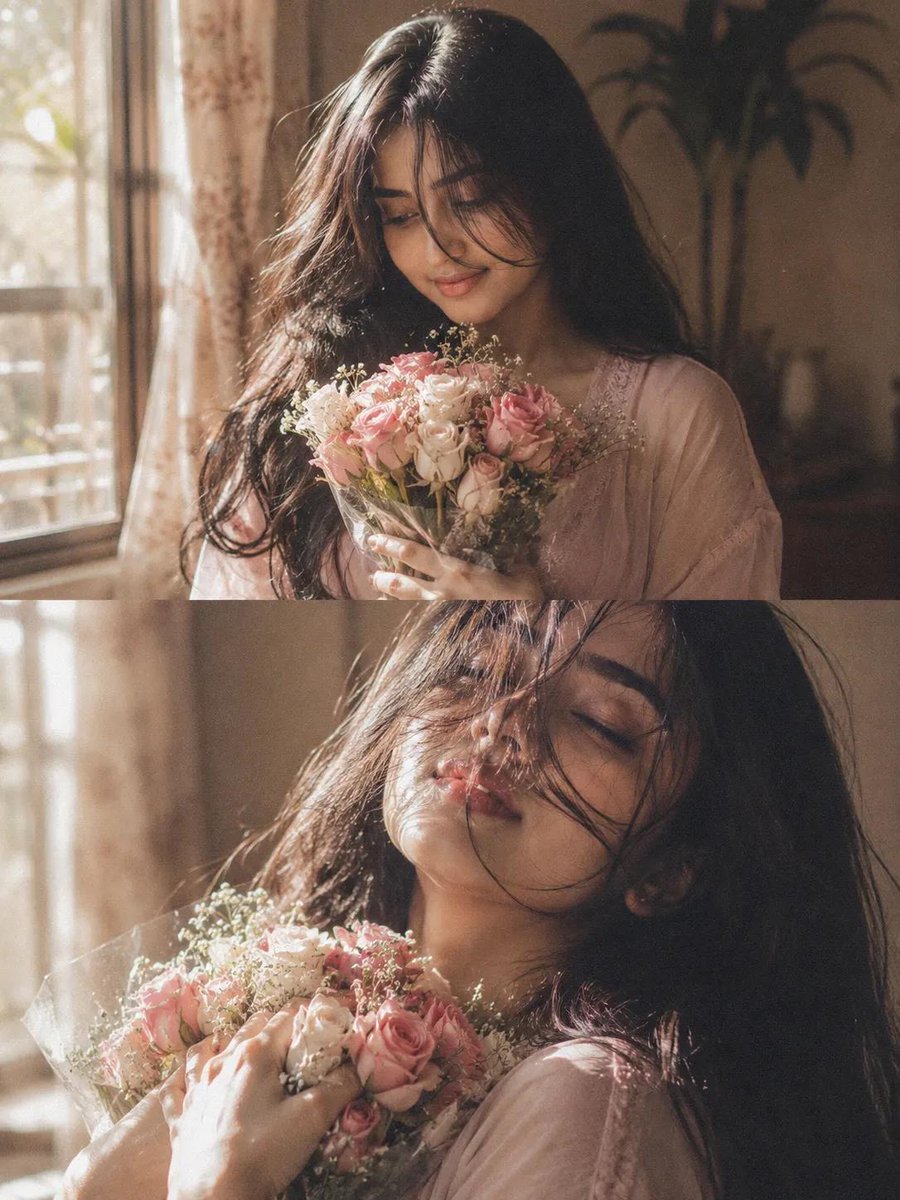
Dreamy Cinematic Woman Portrait
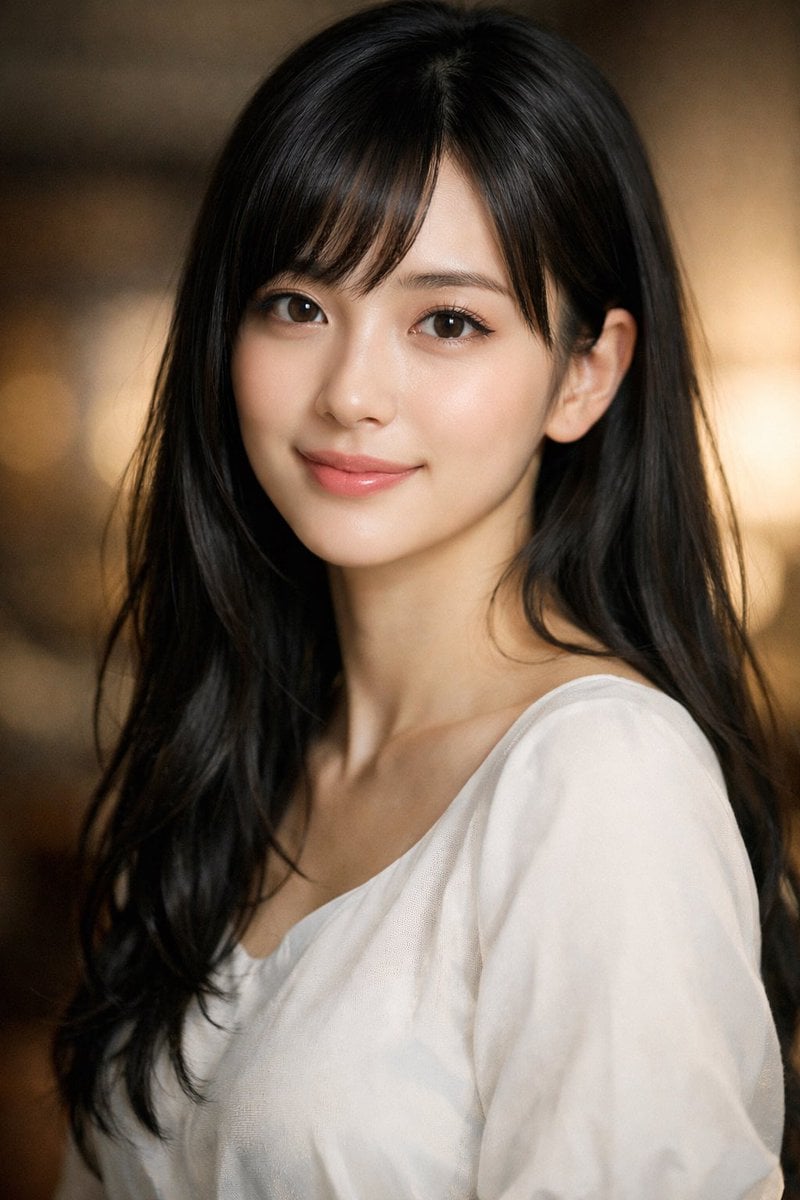
Photorealistic Portrait of a Young Woman
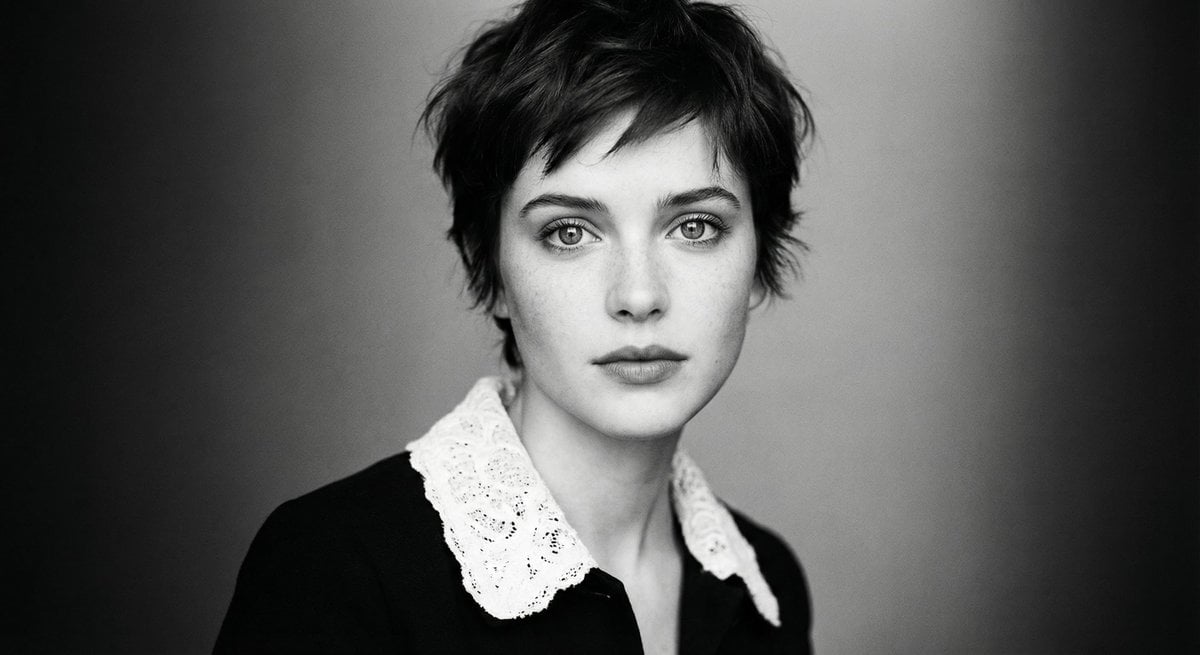
Monochrome cinematic portrait of young woman
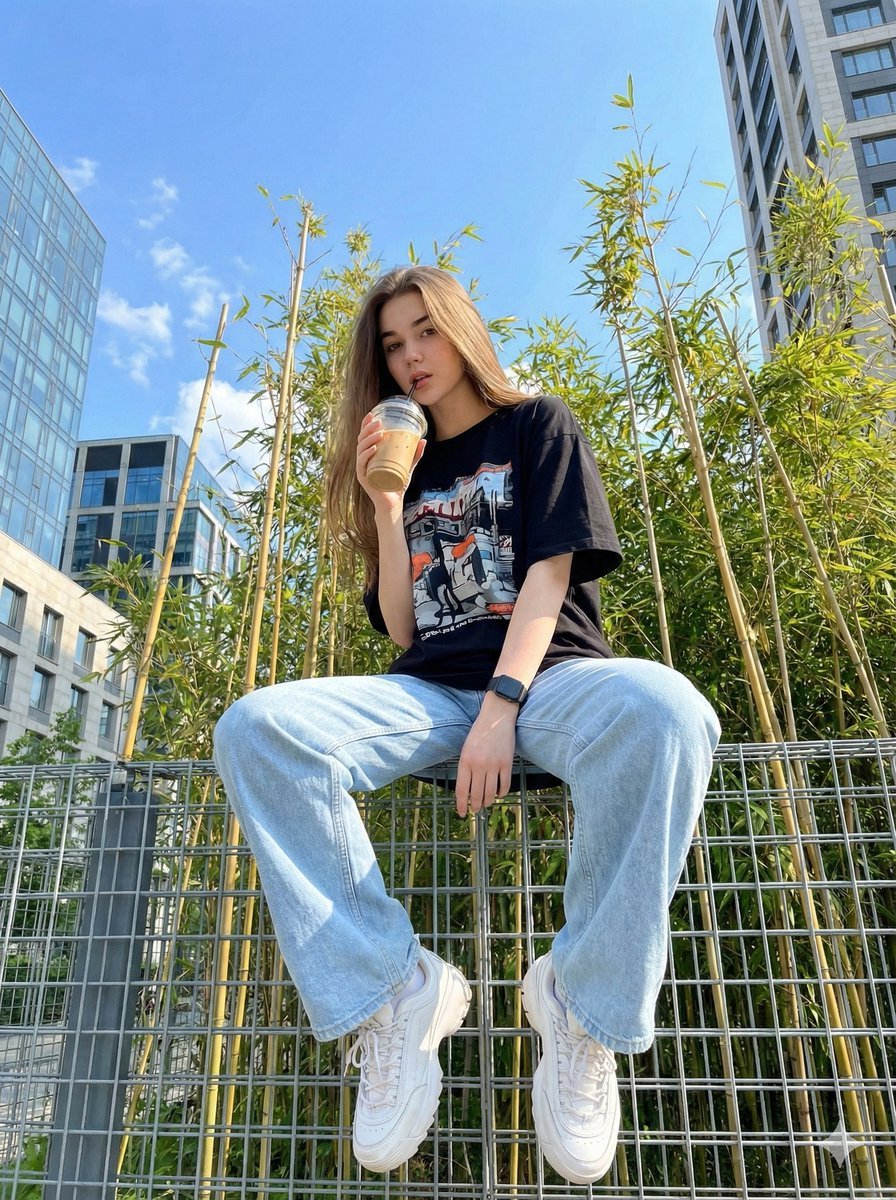
Structured JSON prompt for a stylish streetwear portrait of a young woman
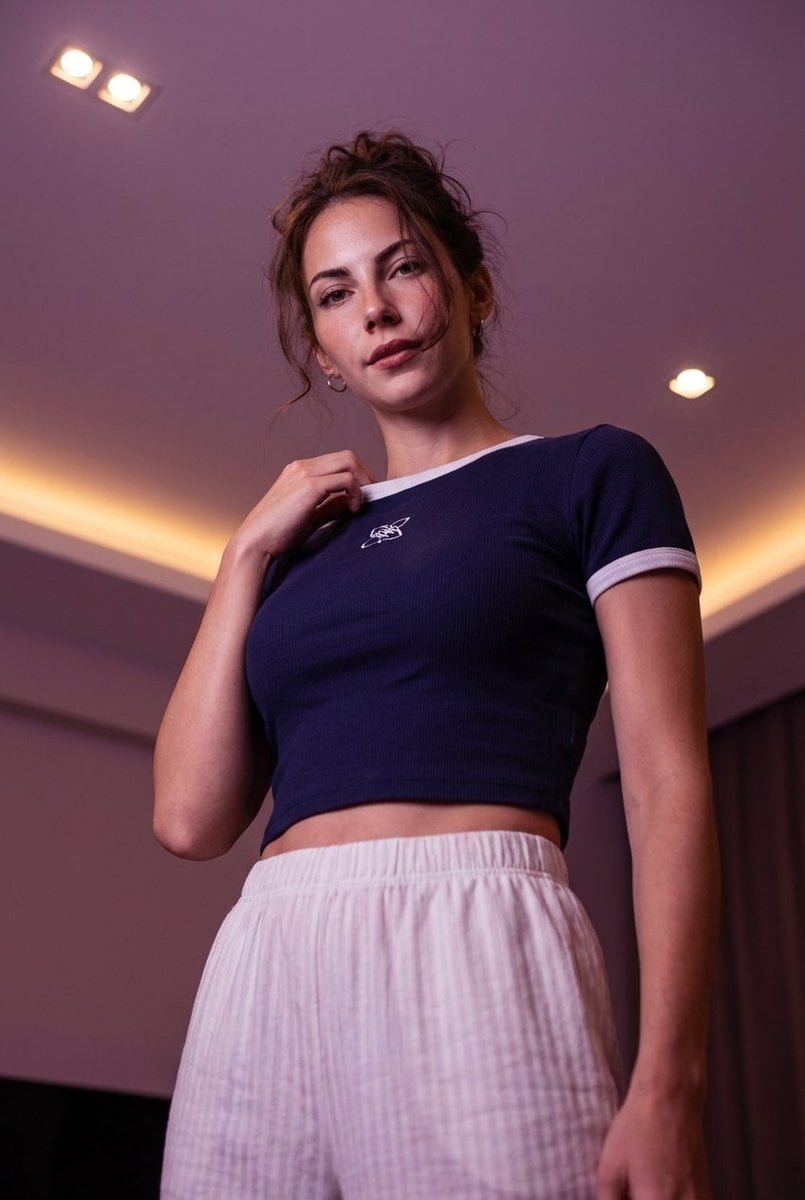
Low-angle stylized portrait of a young woman in a dim room
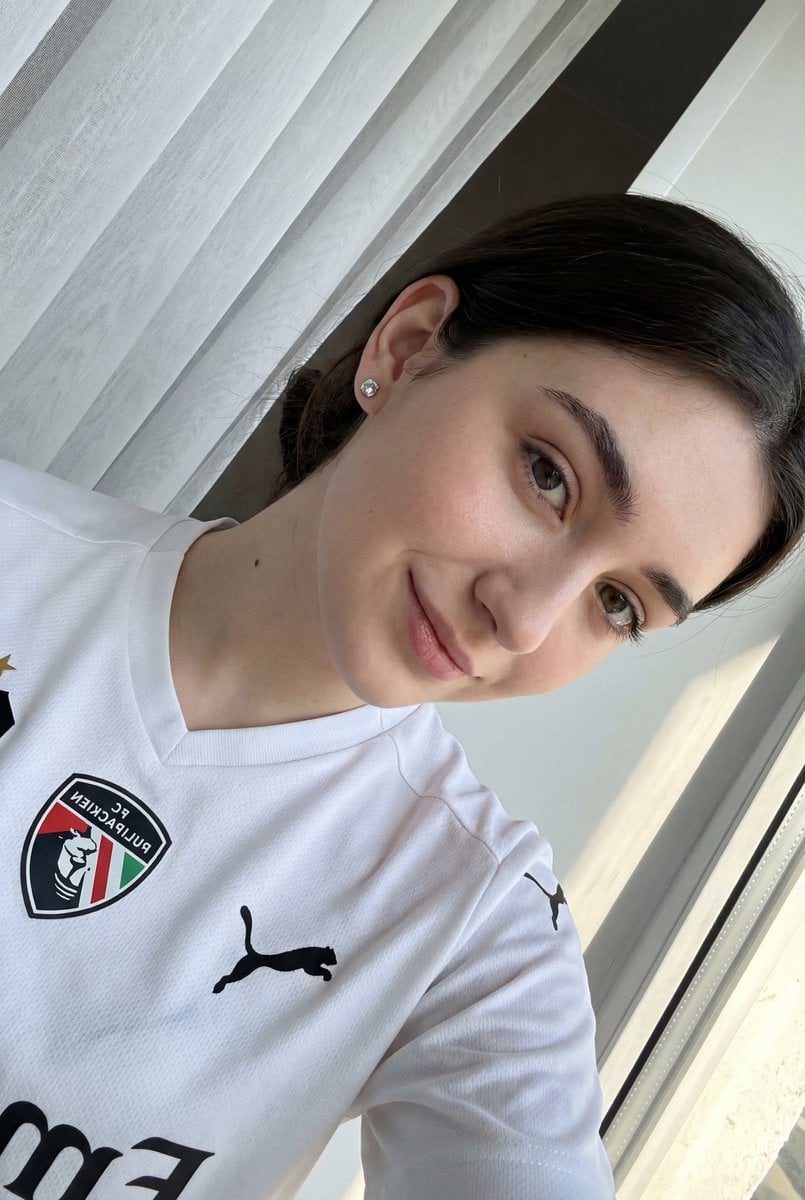
Detailed JSON prompt for a casual portrait of a young woman in a sports jersey
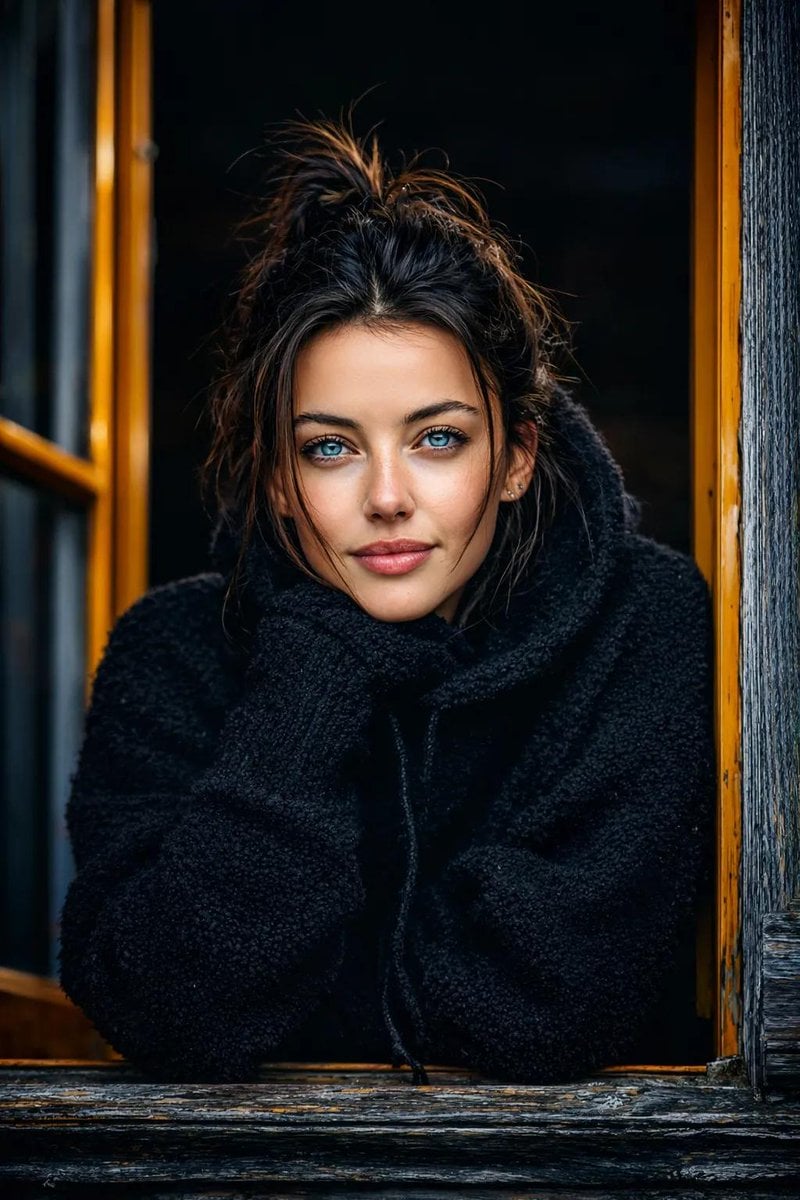
Ultra-realistic cinematic portrait of a young woman
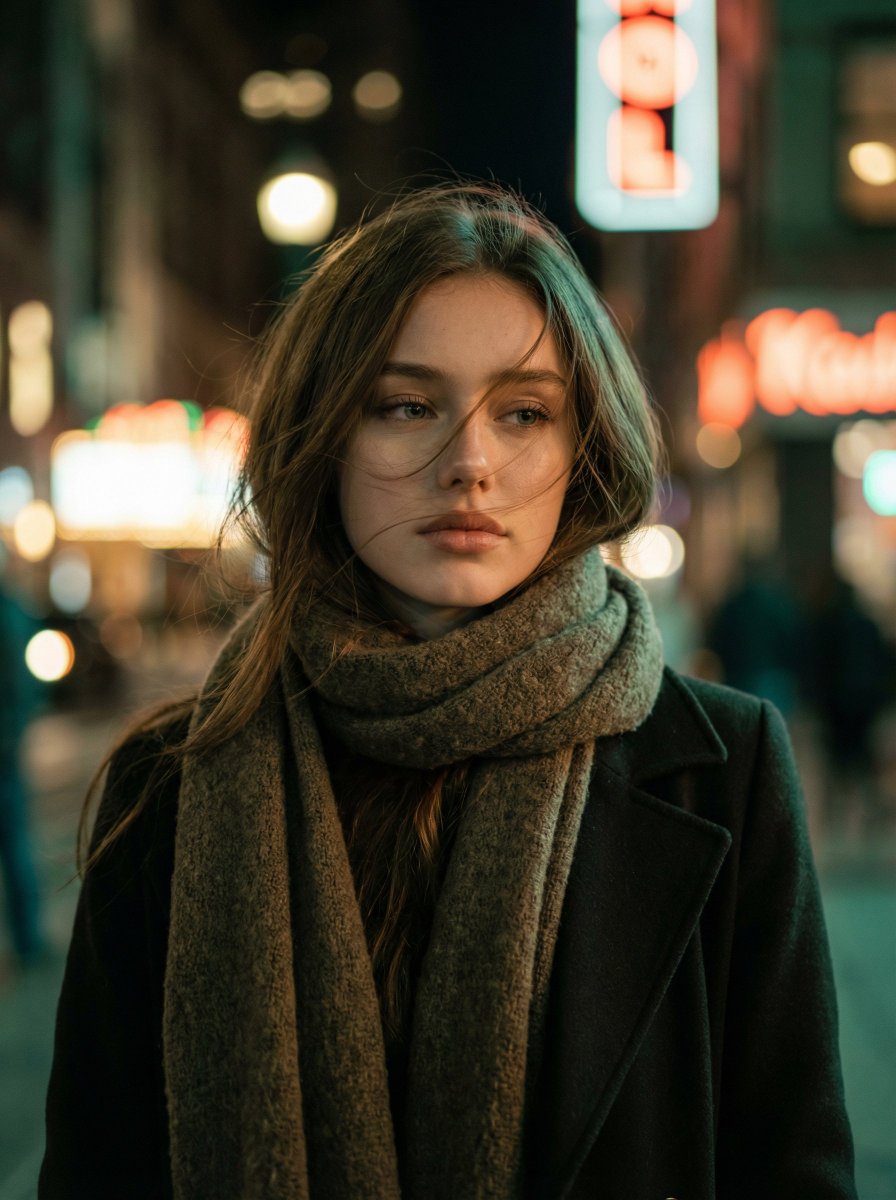
Cinematic Night Portrait of a Young Woman
Make it yours
Dreamy Autumnal Portrait of a Young Woman works as-is. These are the safest ways to change it without losing the look.
Swap the setting
Keep the rest of the prompt and replace the location block. The current setting is “Outdoor ground covered in dry autumn leaves”.
Swap the light
One lighting change is enough to compare takes. Current light: “Soft natural daylight, diffused, warm autumnal tones”.
Change one field
Copy a single group, rewrite it, and generate again so you can see what that field is doing.
| If the result… | Why | Fix |
|---|---|---|
| The result drifts from the preview | Too many fields changed at once. | Reuse Dreamy Autumnal Portrait of a Young Woman as-is first, then change one group — subject, light, or setting. |
| Nano Banana 2 ignores part of the JSON | Some models flatten or skip nested keys. | Keep the same values and paste them as a short paragraph instead. |
More Nano Banana 2 templates
Other prompts made for Nano Banana 2.

Photorealistic Leaf Shaped Like a Dragon

K-Pop Idol Portrait Grid for Rapid Selection

Poetic Rain Forest Portrait During Golden Hour

Urban Street Portrait with Cartoon Inner Self Duo

Candid Nighttime Photo with Cat Prompt

High-Concept 3D Diorama Generation Prompt

Cinematic Futuristic Studio Portrait Template

Skincare Editorial Photography Collage Prompt

Hyper-Realistic Commercial Product Photography (Splash Effect)

Hyper-Realistic Nightclub Portrait Prompt
More image prompts
Fresh picks from across the catalog.
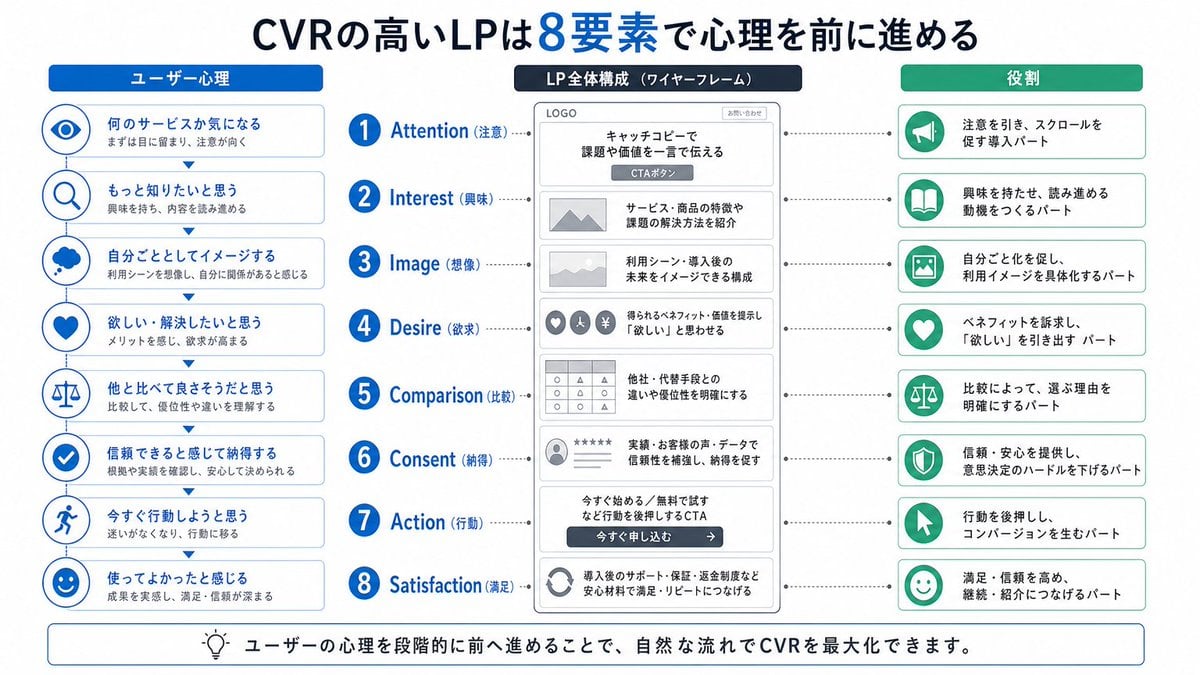
Japanese LP Psychology 8-Step Infographic

Vintage Gouache Fashion Magazine Cover
Hyper-Realistic Gym Mirror Selfie
Misty Sunrise Lotus Pond
Seasonal Korean restaurant menu image

Nano Banana Pro Quality Enhancement Keywords
AI Influencer Mirror Selfie Pose Prompt
Cinematic Video Prompt for Woman Baking
Colored Pencil Illustration Style Prompt

Cinematic Fashion Portrait of a Stylish Man
Browse template categories
Dreamy Autumnal Portrait of a Young Woman questions
How do I use the Dreamy Autumnal Portrait of a Young Woman template?
Add your photo if the template asks for one, edit the prompt if you like — the template's model and format are already selected — and press Generate. Your version opens in PicX Studio.
Can I customize the Dreamy Autumnal Portrait of a Young Woman template?
Yes. You can change the subject, setting, lighting, mood, format, and available model controls before creating your image.
Is the Dreamy Autumnal Portrait of a Young Woman template free?
Opening and editing this template is free. Generating uses credits, shown on the Generate button when you are signed in.
Which AI model should I use?
Start with Nano Banana 2, which is the model associated with this template. You can compare another compatible model for a different finish.
Looking for something else? Browse all templates.

Your photo, any look
Thousands of ready templates for every top image and video model, from one credit balance.