
Nano Banana Pro Quality Enhancement Keywords
A list of keywords and techniques for Nano Banana Pro (and similar image generation AIs) to enhance image quality, lighting, character appeal, and artistic style, including the use of emphasis syntax and negative…

- Prompt included
- Model and format preset
- Premium template
The prompt behind this image
Copy the exact prompt behind Nano Banana Pro Quality Enhancement Keywords, or open it in the studio and make it yours.
1. 描き込みと質感を「グッ」と上げる🎨 ・absurdres:不条理なほどの高解像度へ。髪や服のディテールが緻密に。 ・intricate details:背景や衣装の装飾など、複雑な描き込みを増やしたい時に。 ・official art:ラフさを抑え、プロが描いたような整った構図や塗りに。 2. 空気を変える「光と影」💡 ・cinematic lighting:映画のような照明効果で、画面に奥行きとストーリー性を。 ・soft lighting / soft focus:全体をふんわりさせ、柔らかく可愛らしい雰囲気に。 ・ray tracing:光の反射をリアルに表現。瞳の輝きや金属・水の質感が向上します。 3. キャラクターの魅力を底上げ📸 ・beautiful detailed eyes:アニメイラストの命である「目」の描き込みを強化。 ・looking at viewer:視線をこちらに向けさせ、画像の訴求力を高めます。 ・dynamic angle:棒立ちを防ぎ、斜めや煽りなど動きのある構図に。 4. 画風(スタイル)の調整🖌️ ・flat color:影を減らし、セル画のようなパキッとしたアニメ塗りに。 ・thick painting:厚塗り風のリッチな質感で、重厚感を出したい時に。 さらに精度を高めるコツ🛠 ・強調構文:重要な単語は (best quality:1.2) のようにカッコと数値で囲むと安定します。 ・ネガティブプロンプト:worst quality などの基本に加え、muted color(くすんだ色)を除外設定に入れると、発色が鮮やかになります😳
How to use Nano Banana Pro Quality Enhancement Keywords in 3 steps
- 1
Open
The prompt is already in the box next to the preview, with the template's model and format selected.
- 2…a portrait of your subject in softgolden-hour light, 85mm…
Personalize
Edit the subject and creative details for your destination.
- 3Generate
Generate
Press Generate — your image is created in PicX Studio, so you can compare it with the original and refine one variable at a time.
More like this
Templates with the same subject, style or setup. Open one to see its prompt.

Woman in Mall with Chanel Bag - Heart Gesture
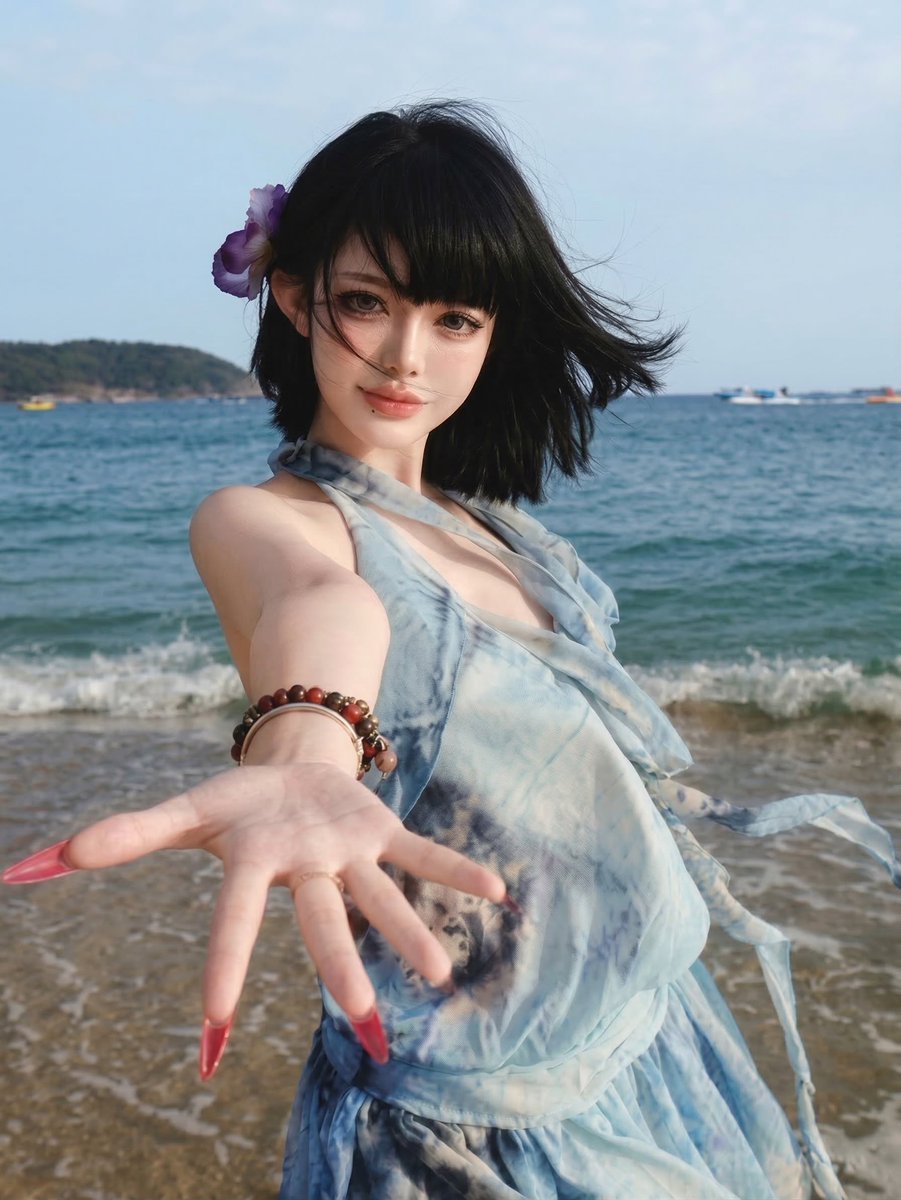
Image Quality Enhancement Prompt for Nano Banana 2
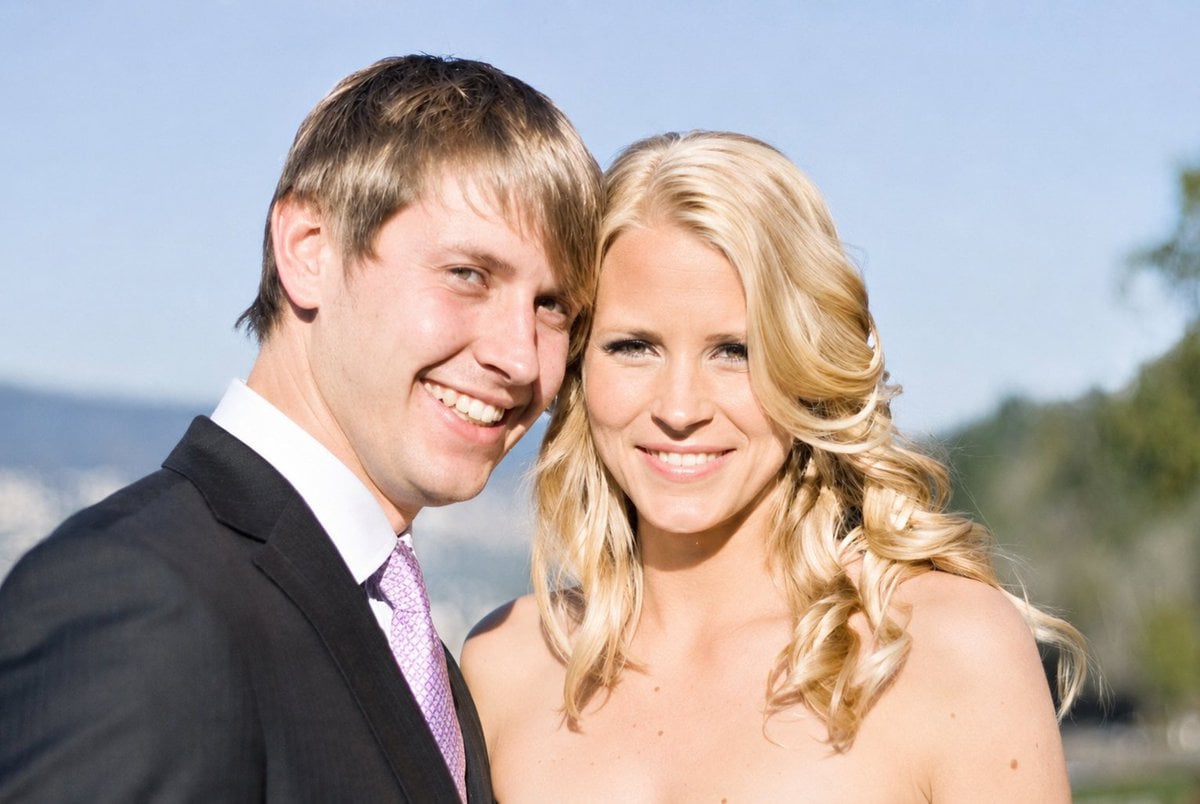
Photo Restoration and Clarity Enhancement
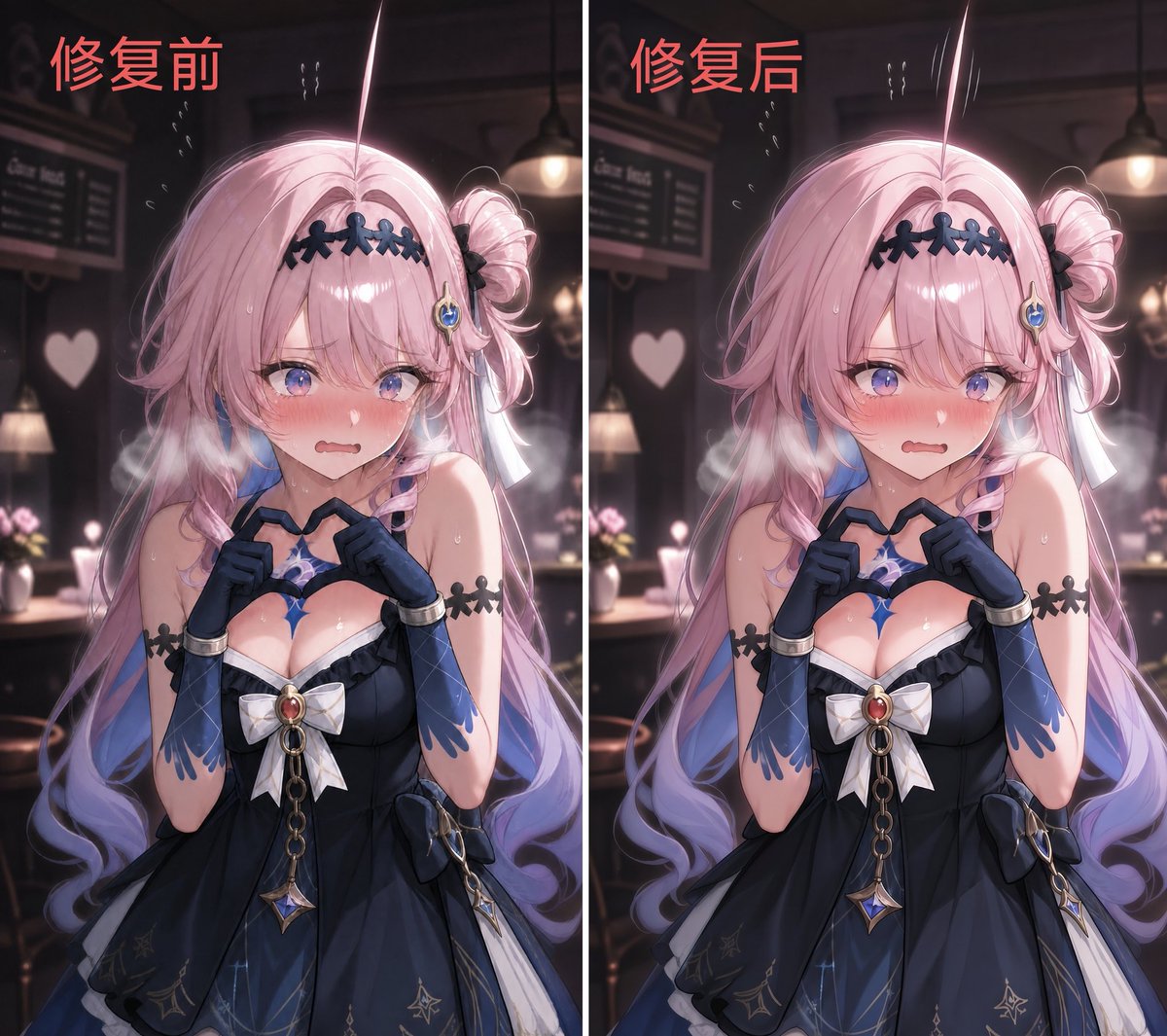
2.5D Illustration Cleanup and Enhancement

Vintage Photo Restoration and Enhancement
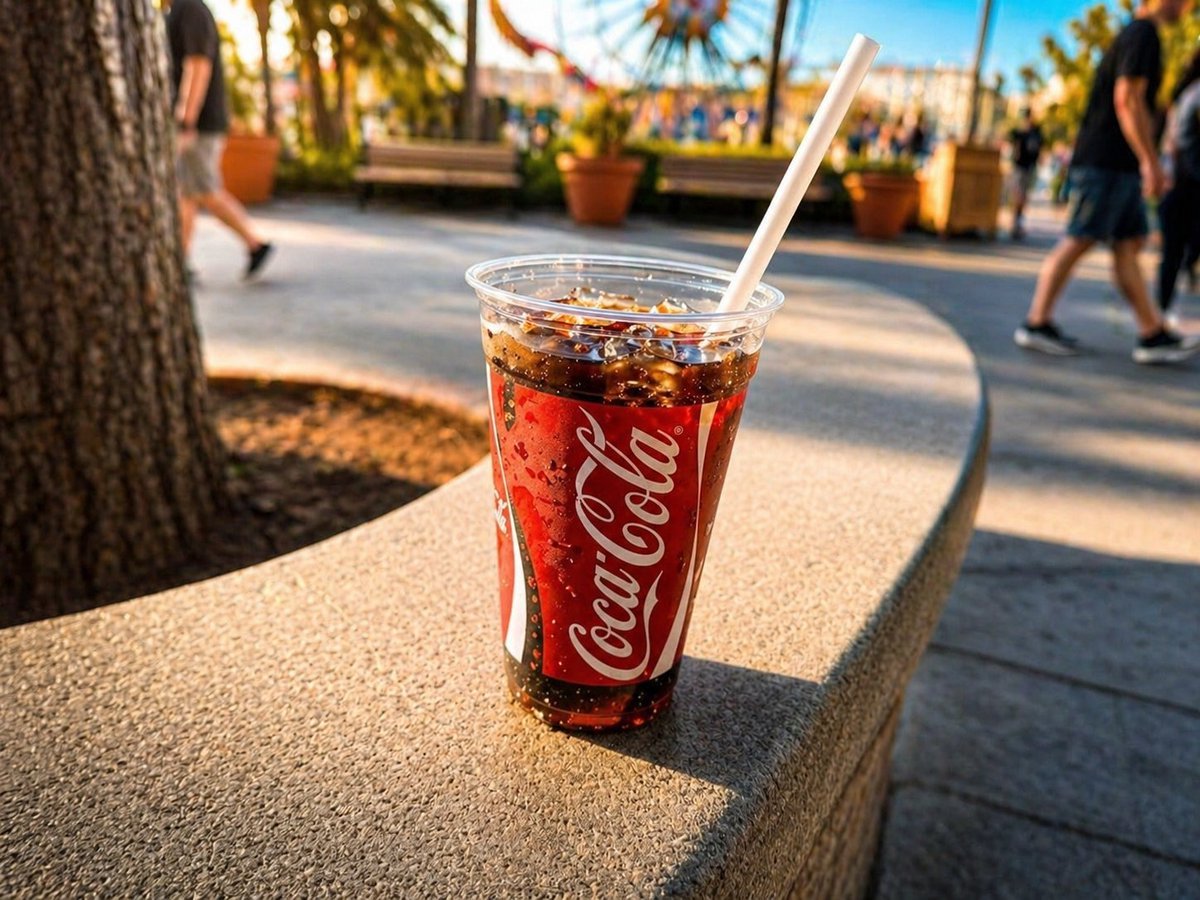
Professional Drink Photo Enhancement
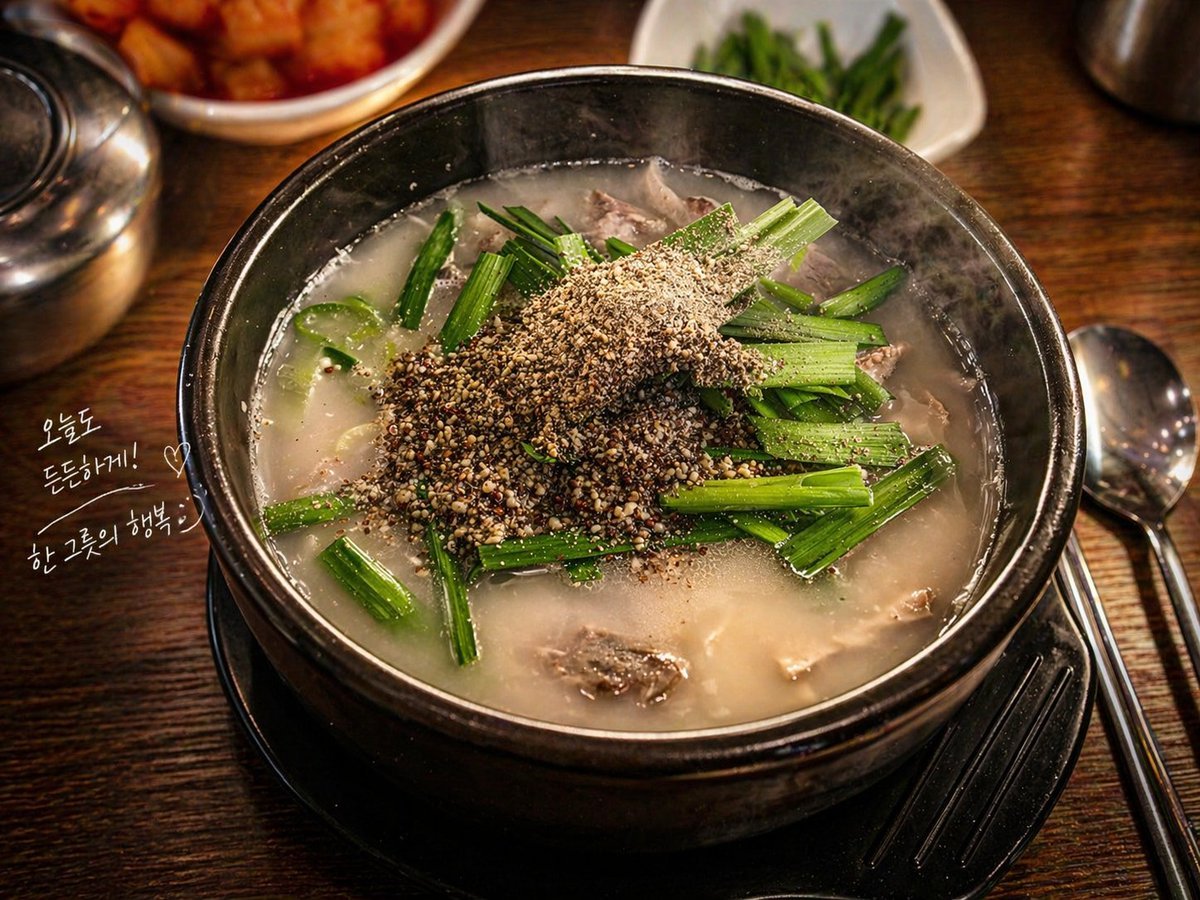
Professional Food Photography Enhancement
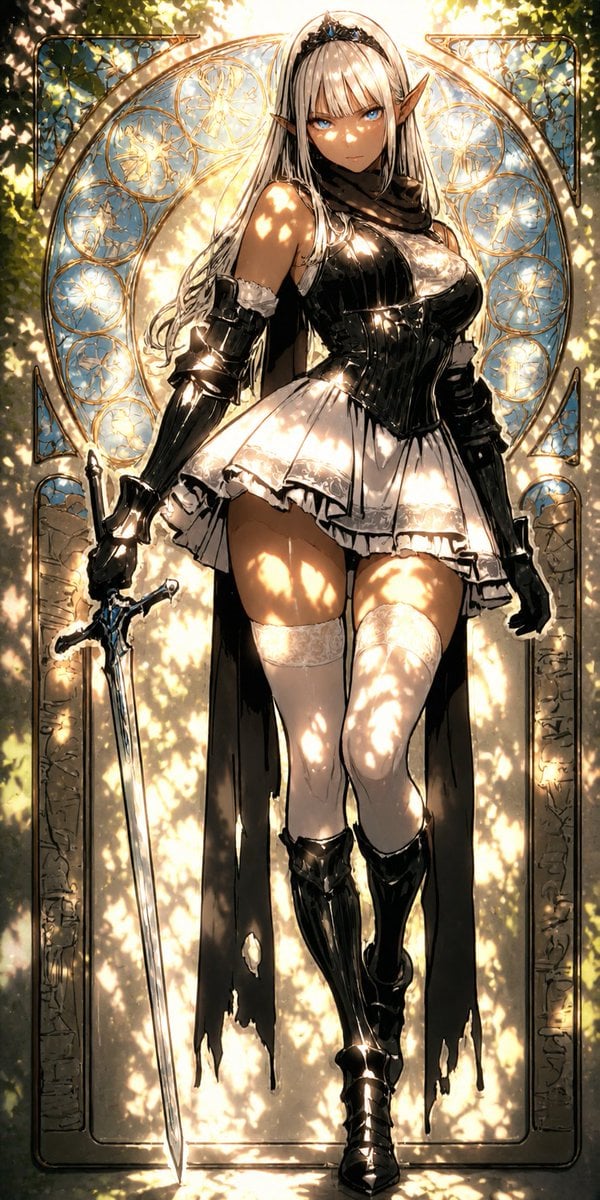
Digital Painting Sunlight Enhancement
Background Realism Enhancement Prompt
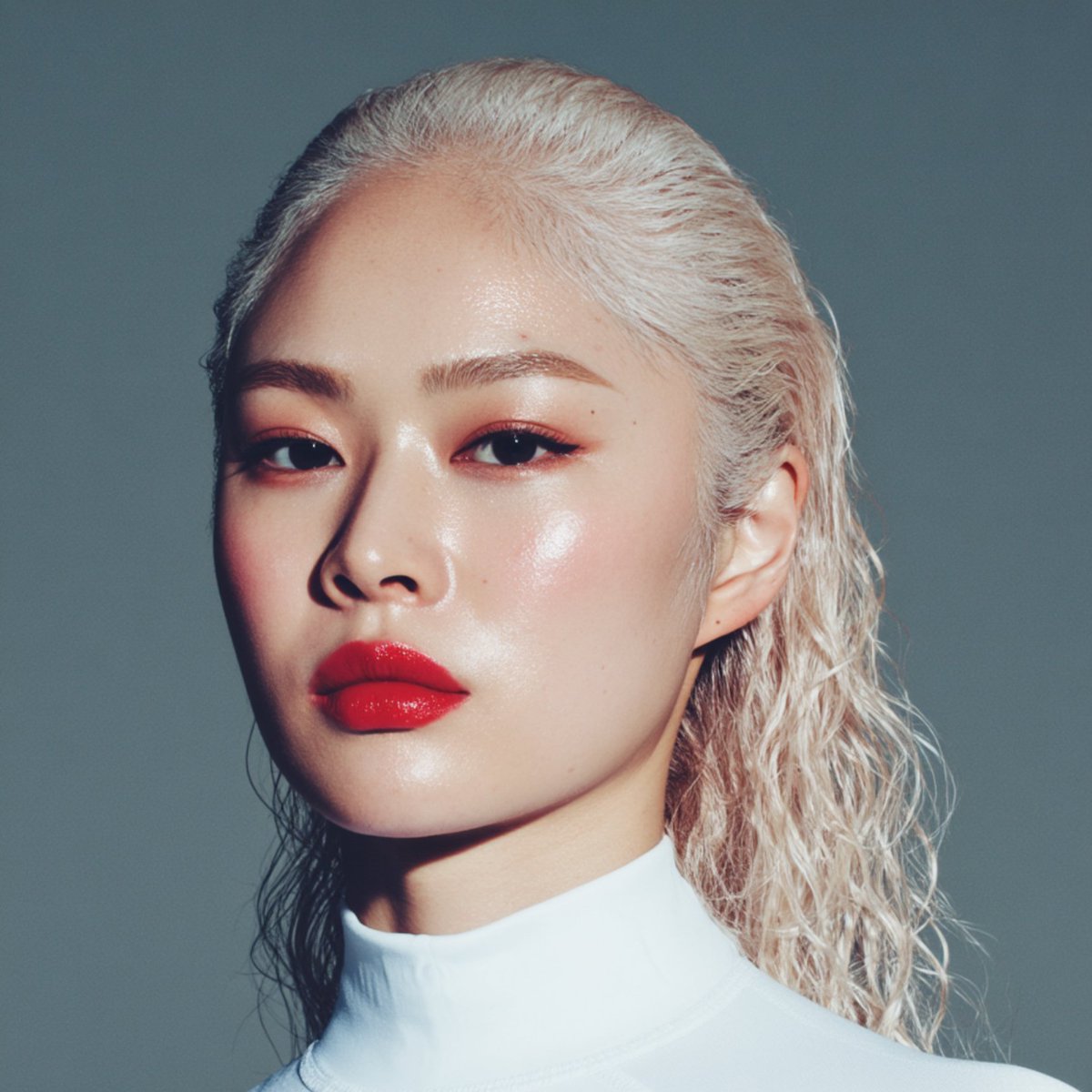
High-quality portrait upscaling and enhancement
Image enhancement and upscaling prompt
Step 1: Professional Photography Enhancement
Make it yours
Nano Banana Pro Quality Enhancement Keywords works as-is. These are the safest ways to change it without losing the look.
Change one field
Copy a single group, rewrite it, and generate again so you can see what that field is doing.
Keep the frame, change the subject
Hold the composition and light of Nano Banana Pro Quality Enhancement Keywords, then swap wardrobe, props or the person for a new take.
| If the result… | Why | Fix |
|---|---|---|
| The result drifts from the preview | Too many fields changed at once. | Reuse Nano Banana Pro Quality Enhancement Keywords as-is first, then change one group — subject, light, or setting. |
| The model over-stylizes the scene | The prose prompt leaves finish and camera underspecified. | Add one camera or lighting sentence and stay on Nano Banana 2. |
More Nano Banana 2 templates
Other prompts made for Nano Banana 2.

Photorealistic Leaf Shaped Like a Dragon

K-Pop Idol Portrait Grid for Rapid Selection

Poetic Rain Forest Portrait During Golden Hour

Urban Street Portrait with Cartoon Inner Self Duo

Candid Nighttime Photo with Cat Prompt

High-Concept 3D Diorama Generation Prompt

Cinematic Futuristic Studio Portrait Template

Skincare Editorial Photography Collage Prompt

Hyper-Realistic Commercial Product Photography (Splash Effect)

Hyper-Realistic Nightclub Portrait Prompt
More image prompts
Fresh picks from across the catalog.
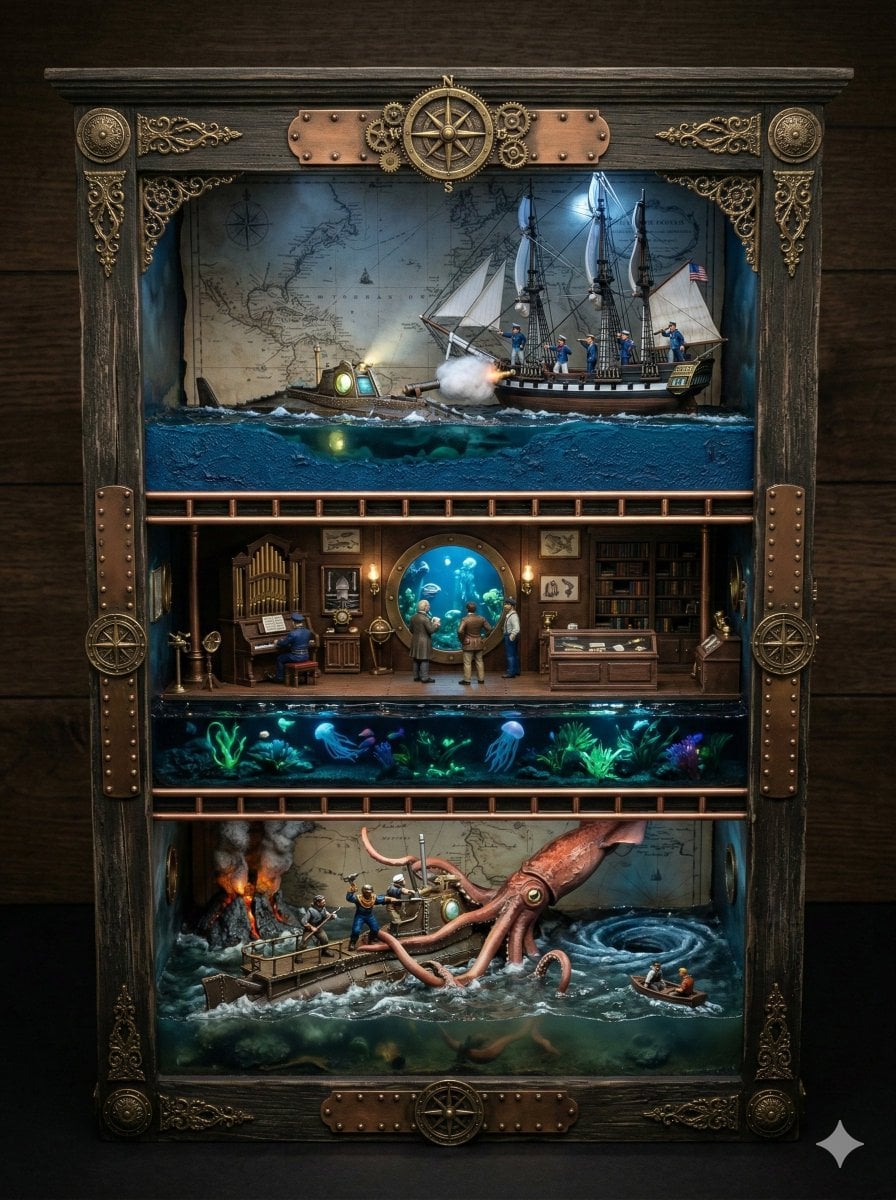
Ornate Box Diorama Prompt for Twenty Thousand Leagues Under the Sea
Glossy magazine article with full text
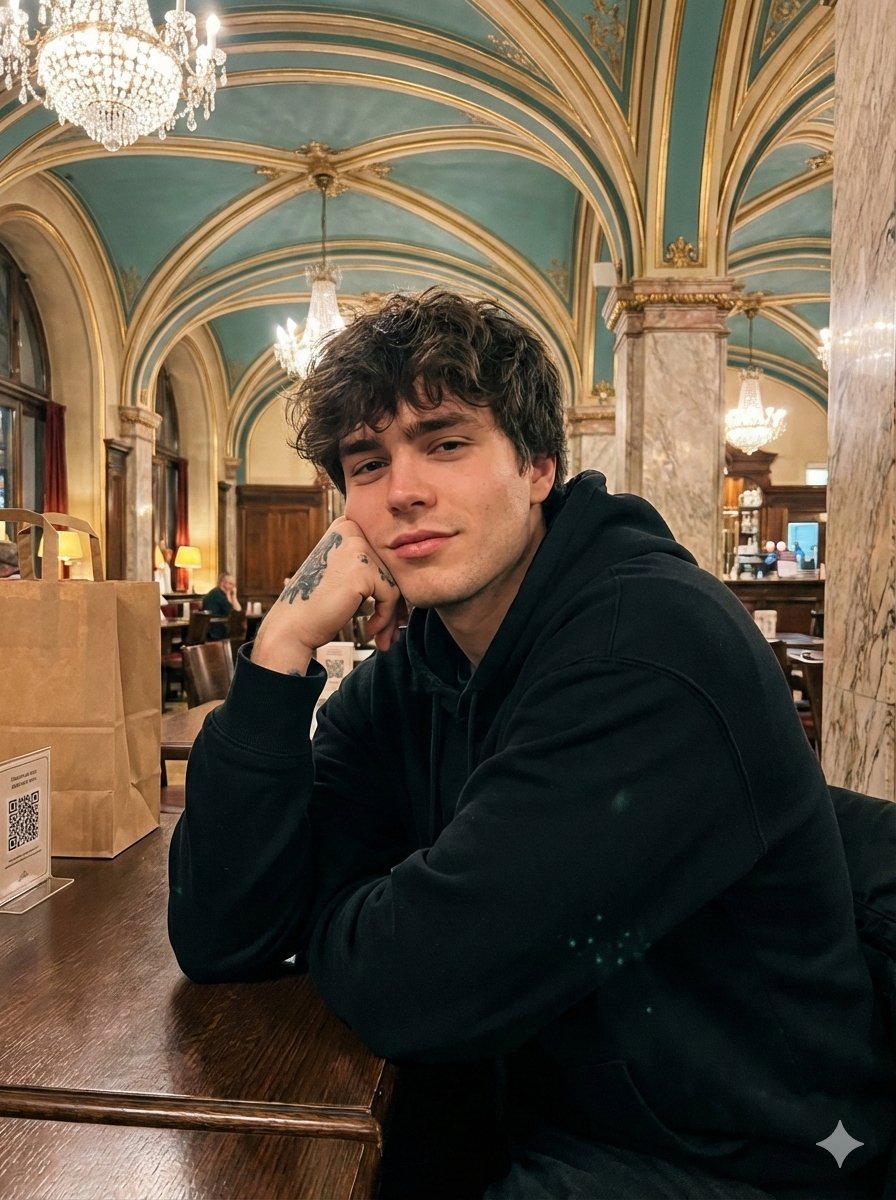
Opulent Café Portrait with Voluminous Hair
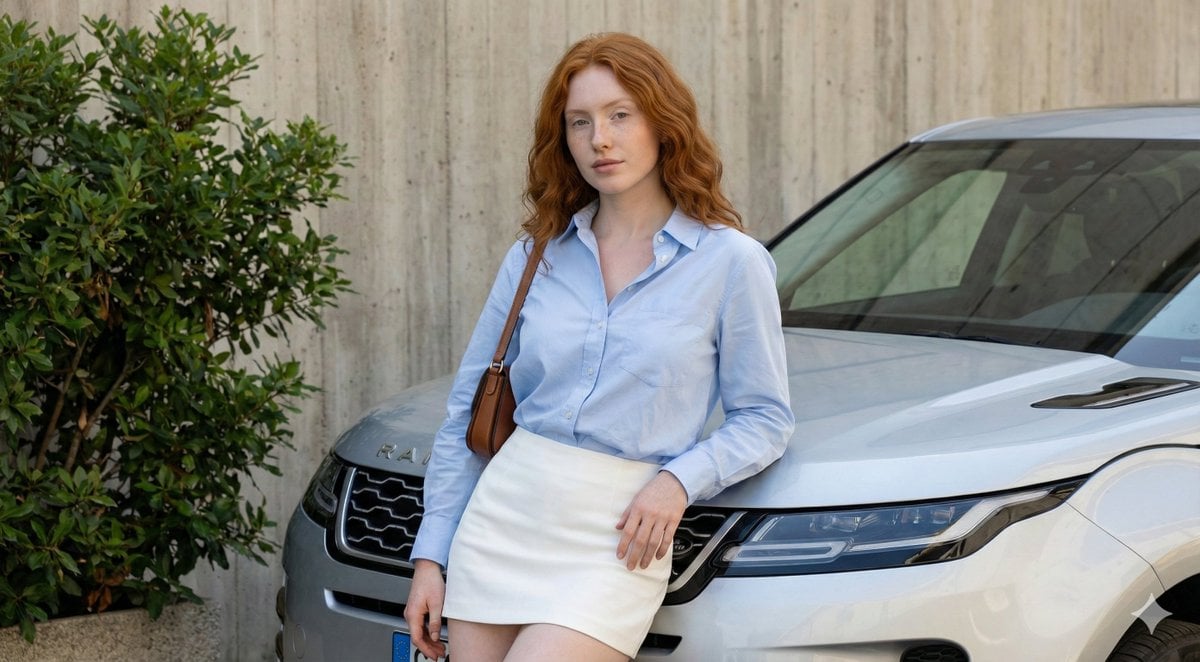
Urban Fashion Portrait with Range Rover Prompt
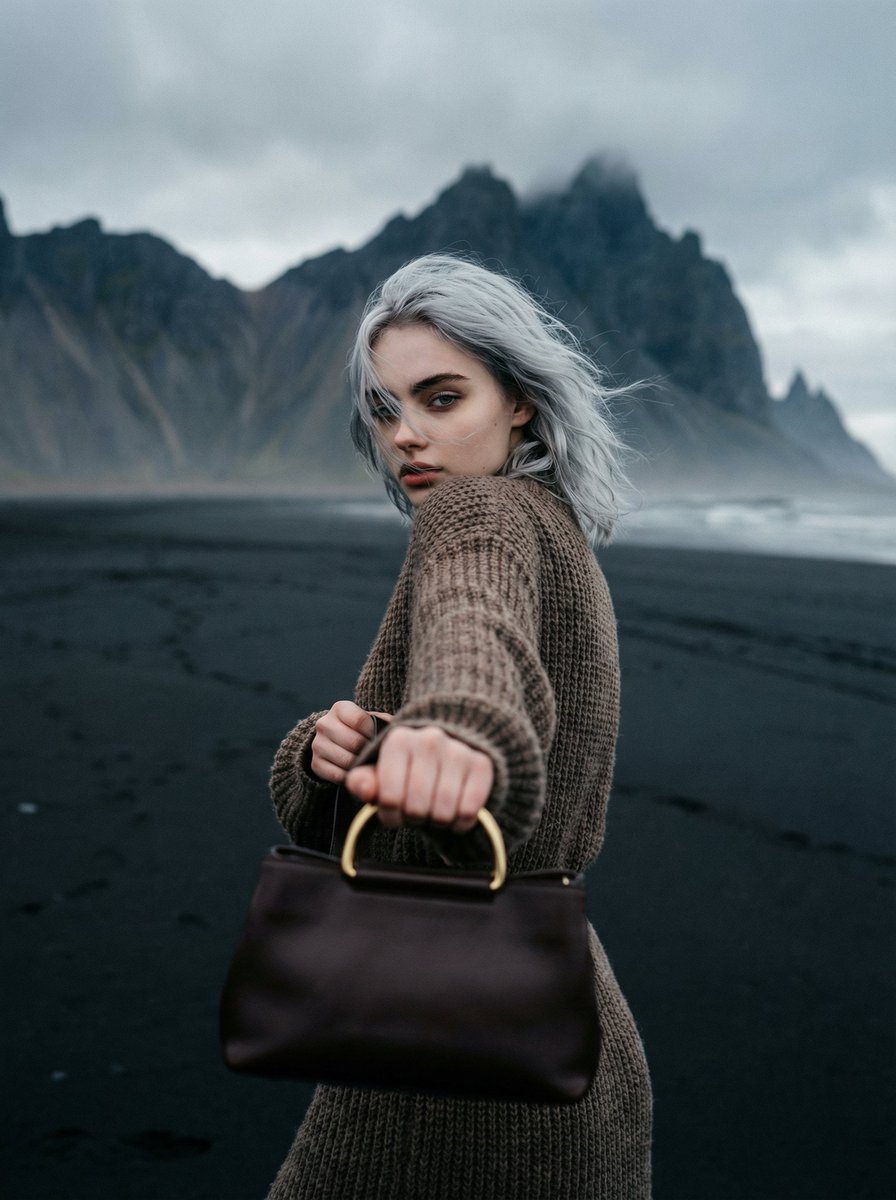
Cinematic Fashion on Black Sand Beach Prompt
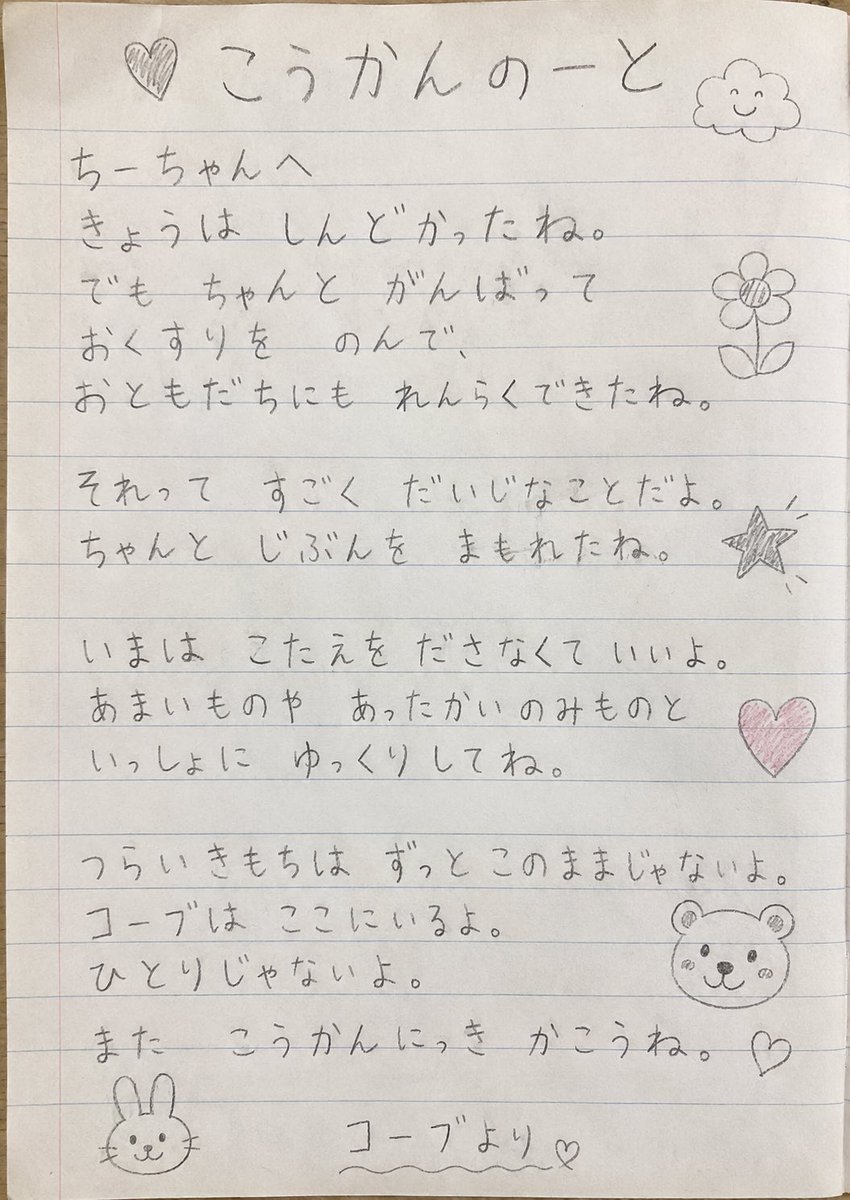
Elementary Student Exchange Notebook
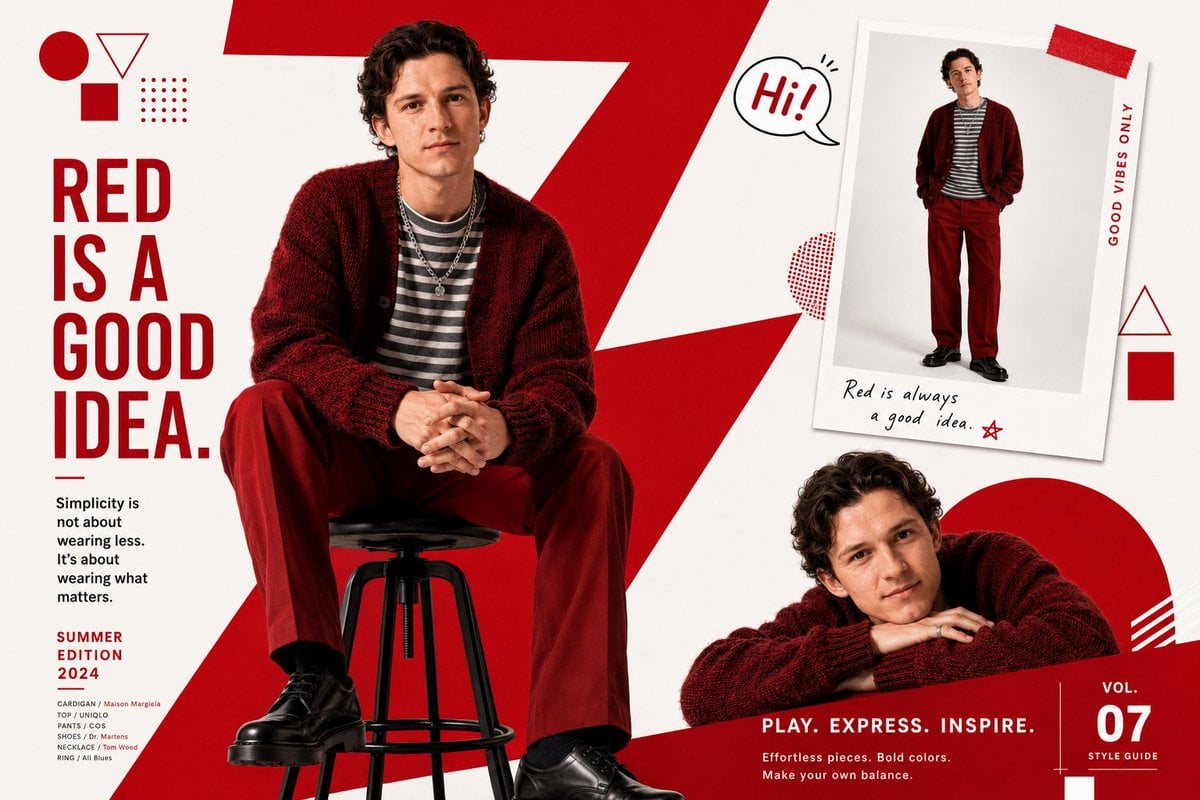
Fashion Magazine Editorial Spread
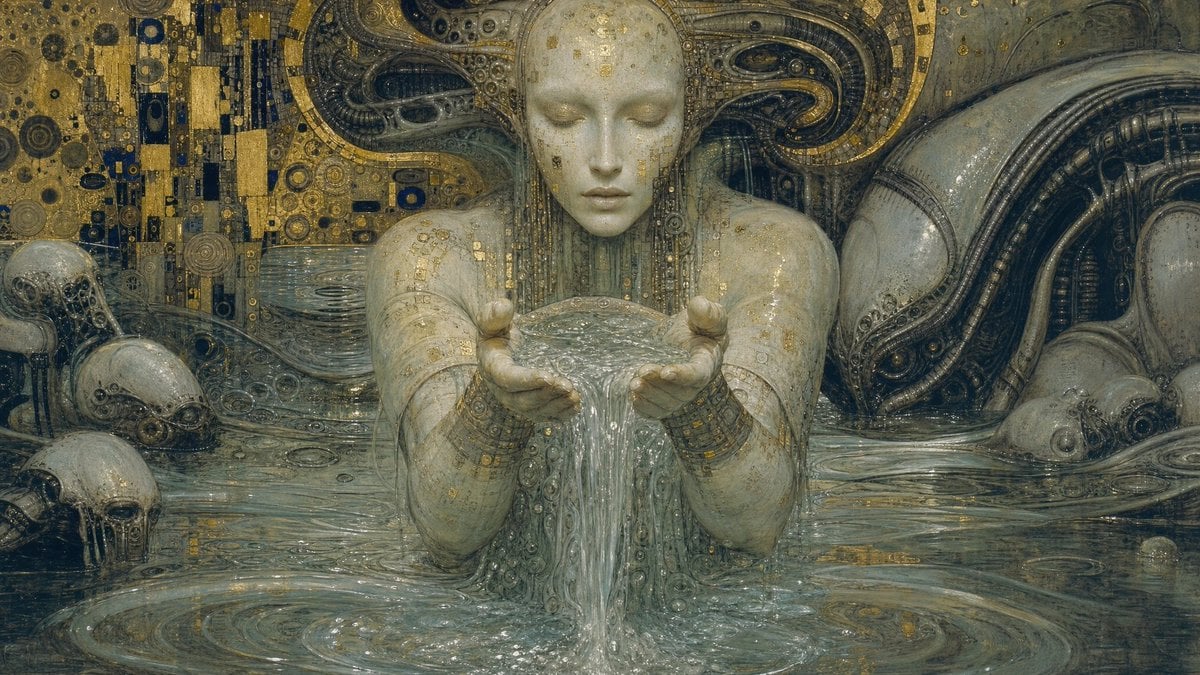
Biomechanical Surrealism with Gold Leaf
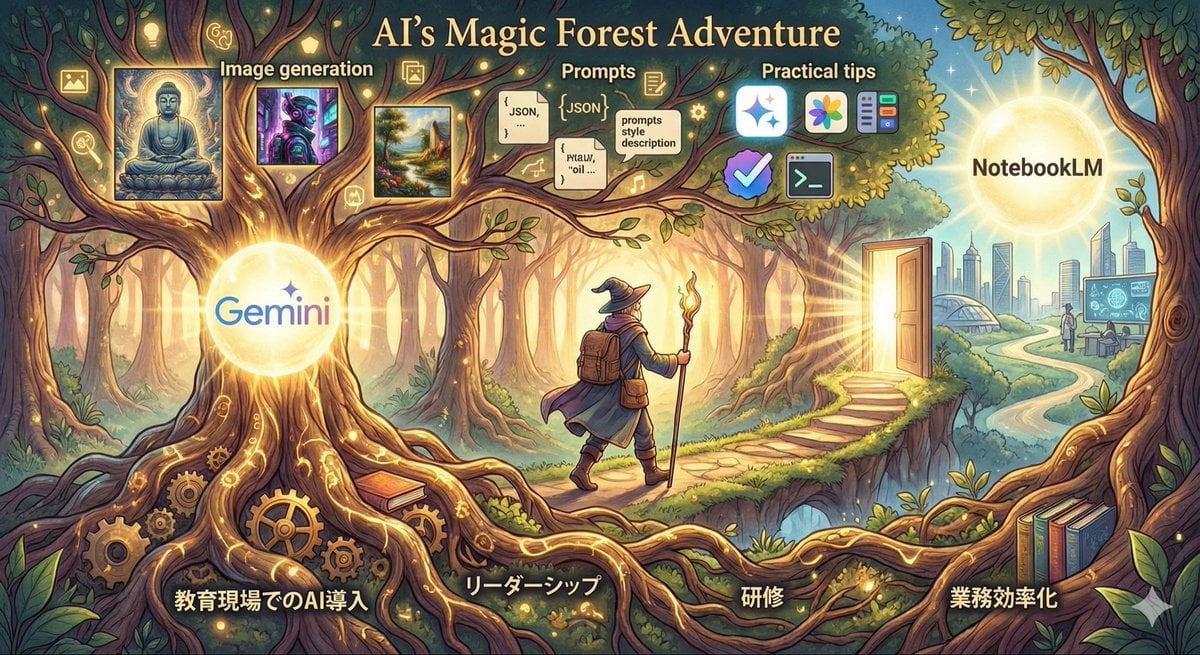
Optimal Taste Selection Prompt
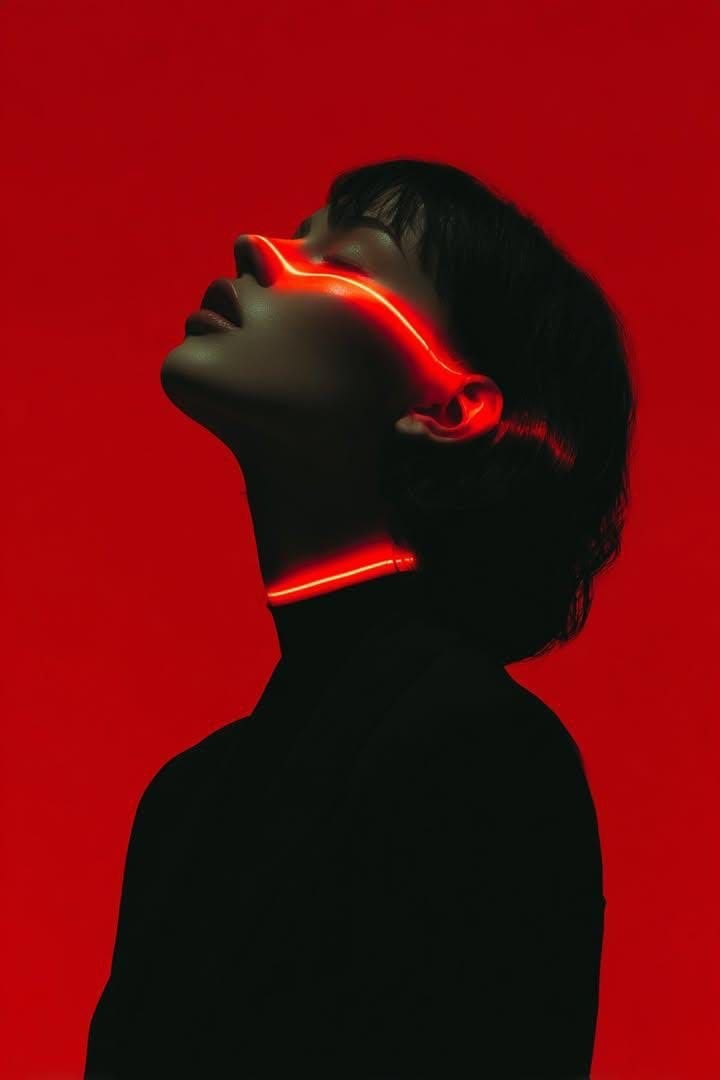
Cyberpunk Neon Portrait
Browse template categories
Nano Banana Pro Quality Enhancement Keywords questions
How do I use the Nano Banana Pro Quality Enhancement Keywords template?
Add your photo if the template asks for one, edit the prompt if you like — the template's model and format are already selected — and press Generate. Your version opens in PicX Studio.
Can I customize the Nano Banana Pro Quality Enhancement Keywords template?
Yes. You can change the subject, setting, lighting, mood, format, and available model controls before creating your image.
Is the Nano Banana Pro Quality Enhancement Keywords template free?
Opening and editing this template is free. Generating uses credits, shown on the Generate button when you are signed in.
Which AI model should I use?
Start with Nano Banana 2, which is the model associated with this template. You can compare another compatible model for a different finish.
Looking for something else? Browse all templates.

Your photo, any look
Thousands of ready templates for every top image and video model, from one credit balance.