
2.5D Illustration Cleanup and Enhancement
A detailed optimization prompt for refining 2.5D illustrations.
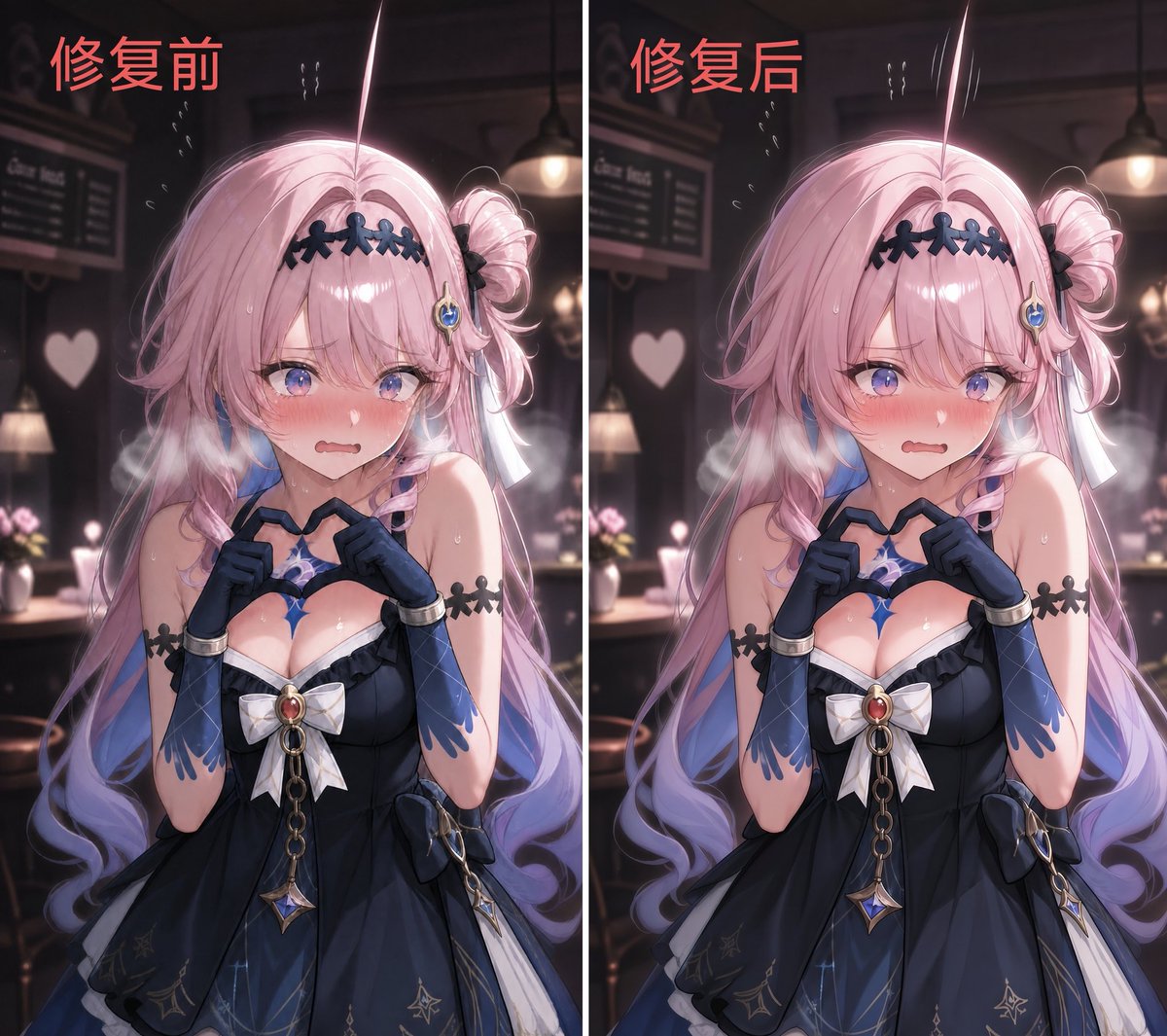
- Prompt included
- Model and format preset
- Free template
The prompt behind this image
Copy the exact prompt behind 2.5D Illustration Cleanup and Enhancement, or open it in the studio and make it yours.
在不改变{argument name="原始构图" default="原始构图"}、{argument name="人物姿态" default="人物姿态"}、角色设计、原光影效果与镜头关系的前提下,对图像进行整体重绘优化。保持{argument name="插画风格" default="2.5D日系插画风格"},但将画面重构为更干净、更统一的视觉输出。 对现有图像进行颜色与光照的全局重整,使整体明暗关系遵循单一稳定的光照逻辑。采用柔和、均匀的主光源,避免多光源造成的分层阴影与断裂色块。阴影边缘自然过渡,不出现硬边界或块状填色。 统一材质表现方式,使皮肤、头发与服装的色彩过渡保持连续渐变结构,减少局部噪点、色块堆积与非连续阴影区域。避免任何马赛克感、脏斑感或云状色块结构。 整体风格控制在高质量2.5D动画插画区间,具有轻微体积感与柔和空间深度,但不引入写实皮肤纹理、毛孔细节或摄影级锐化效果。保留适度手绘感与平滑色阶。 降低局部高频细节干扰,避免边缘过锐与纹理过度强化,使画面呈现干净的视觉流动性与统一的色彩节奏。 使人物轮廓线与发丝结构保持连续、顺滑且一致的走向,避免边缘抖动、断裂或颗粒化锯齿感。线条表现应接近稳定的手绘动画线稿,而不是由局部锐化或噪声堆叠形成的边界。轮廓变化应平滑过渡,不出现局部“跳变”或不规则波动。 整体降低微观对比度与局部锐化倾向,使边缘过渡保持轻柔的视觉融合感。避免皮肤、头发与服装边界出现刀切式硬边或过度清晰的分离感。高光与阴影之间应以柔性渐变连接,而非强分界线式结构。整体观感为“清晰但不锐利”,保留形体辨识度 but 抑制像素级锐化痕迹。 最终输出应呈现为清晰、柔和、无分区污染的高质量2.5D插画画面,具有稳定的光照体系、连续的线条结构与自然的渐变过渡。
How to use 2.5D Illustration Cleanup and Enhancement in 3 steps
- 1
Open
The prompt is already in the box next to the preview, with the template's model and format selected.
- 2…a portrait of your subject in softgolden-hour light, 85mm…
Personalize
Edit the subject and creative details for your destination.
- 3Generate
Generate
Press Generate — your image is created in PicX Studio, so you can compare it with the original and refine one variable at a time.
More like this
Templates with the same subject, style or setup. Open one to see its prompt.

Quiet Minimalist Anime Style Guide

Real Illustration Split Portrait Transition
Quiet Minimalist Anime Style Guide

Watercolor Café Cheesecake Editorial Illustration
Real Illustration Split Portrait Transition

Bold Side Profile Superhero Poster

Hero Portrait Comic Multi-Panel Poster

Spider-Verse Painterly Portrait Poster

Captain Tsubasa Anime World Cup Poster

Anime Character Charm Analysis Sheet
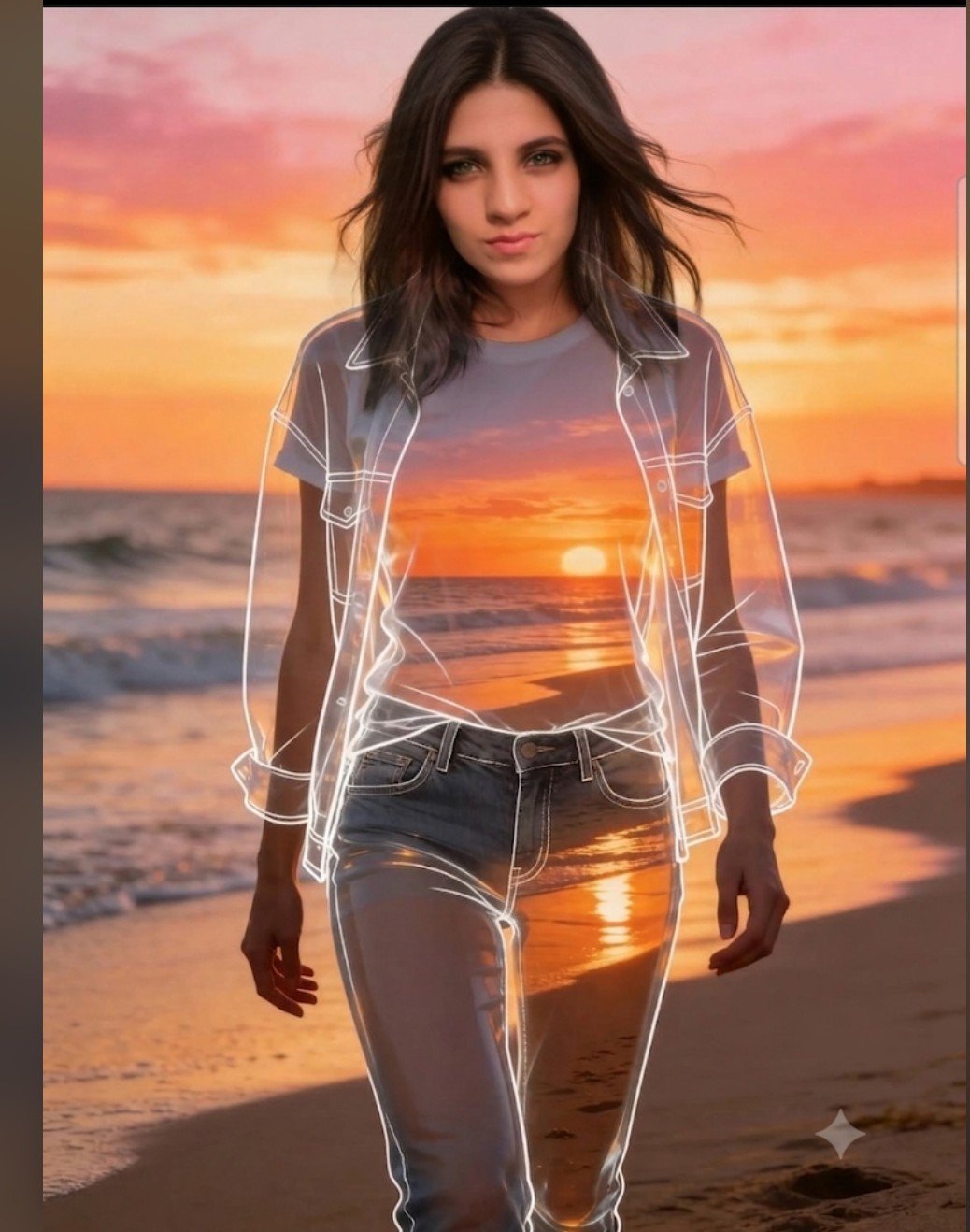
Beach Sunset Double Exposure Wireframe Portrait
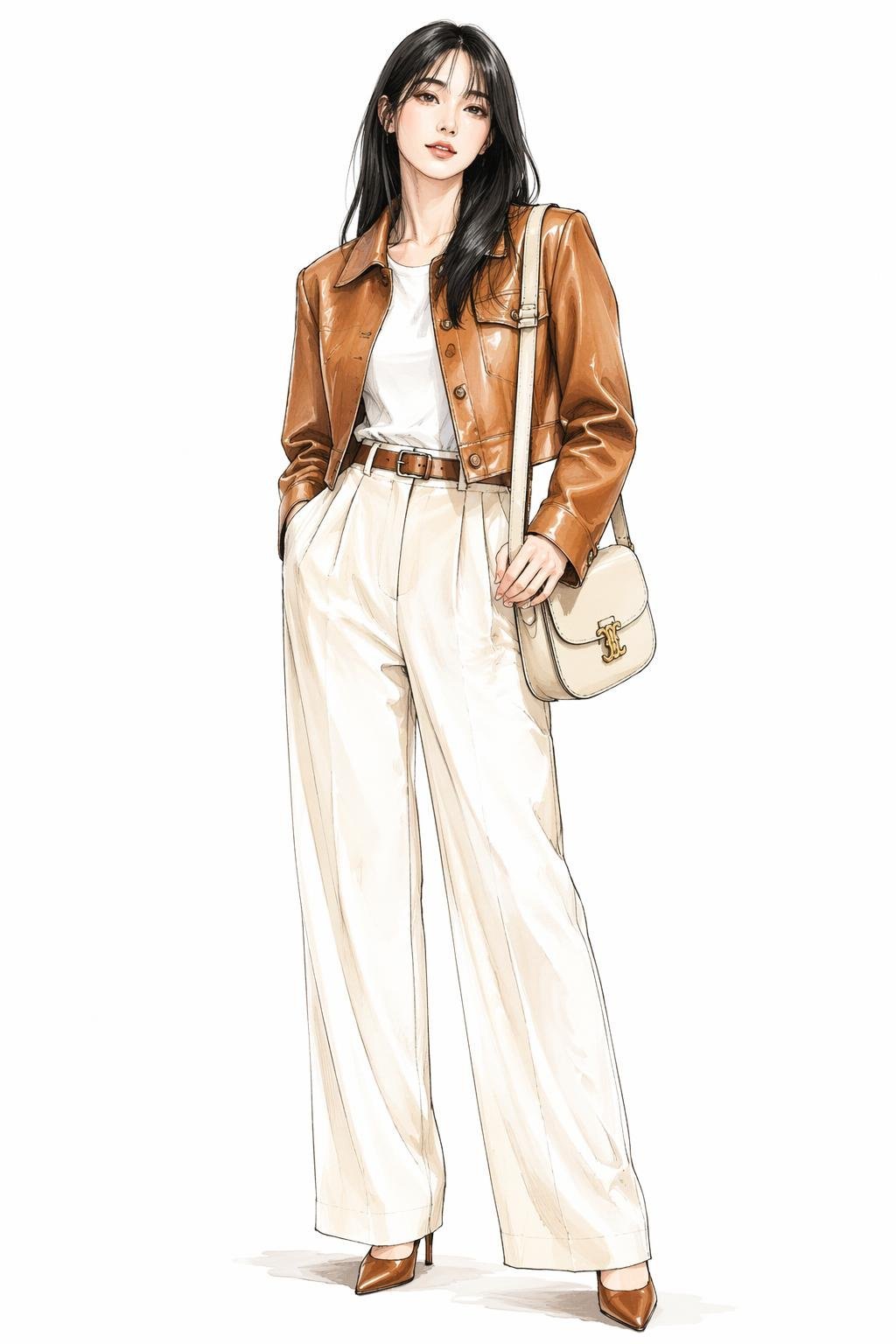
Leather Jacket Cream Trousers Fashion Sketch
Make it yours
2.5D Illustration Cleanup and Enhancement works as-is. These are the safest ways to change it without losing the look.
Change one field
Copy a single group, rewrite it, and generate again so you can see what that field is doing.
Keep the frame, change the subject
Hold the composition and light of 2.5D Illustration Cleanup and Enhancement, then swap wardrobe, props or the person for a new take.
| If the result… | Why | Fix |
|---|---|---|
| The result drifts from the preview | Too many fields changed at once. | Reuse 2.5D Illustration Cleanup and Enhancement as-is first, then change one group — subject, light, or setting. |
| The model over-stylizes the scene | The prose prompt leaves finish and camera underspecified. | Add one camera or lighting sentence and stay on Nano Banana 2. |
More Nano Banana 2 templates
Other prompts made for Nano Banana 2.

Photorealistic Leaf Shaped Like a Dragon

K-Pop Idol Portrait Grid for Rapid Selection

Poetic Rain Forest Portrait During Golden Hour

Urban Street Portrait with Cartoon Inner Self Duo

Candid Nighttime Photo with Cat Prompt

High-Concept 3D Diorama Generation Prompt

Cinematic Futuristic Studio Portrait Template

Skincare Editorial Photography Collage Prompt

Hyper-Realistic Commercial Product Photography (Splash Effect)

Hyper-Realistic Nightclub Portrait Prompt
More image prompts
Fresh picks from across the catalog.
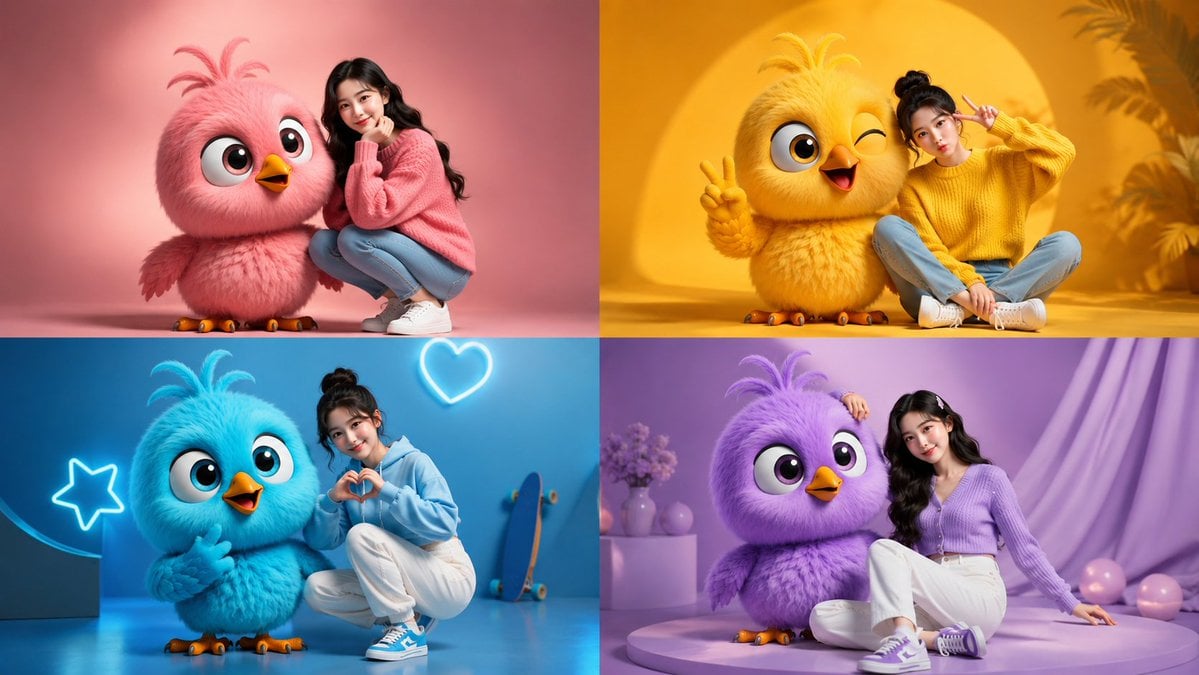
Four-Color Chick Mascot Photo Collage
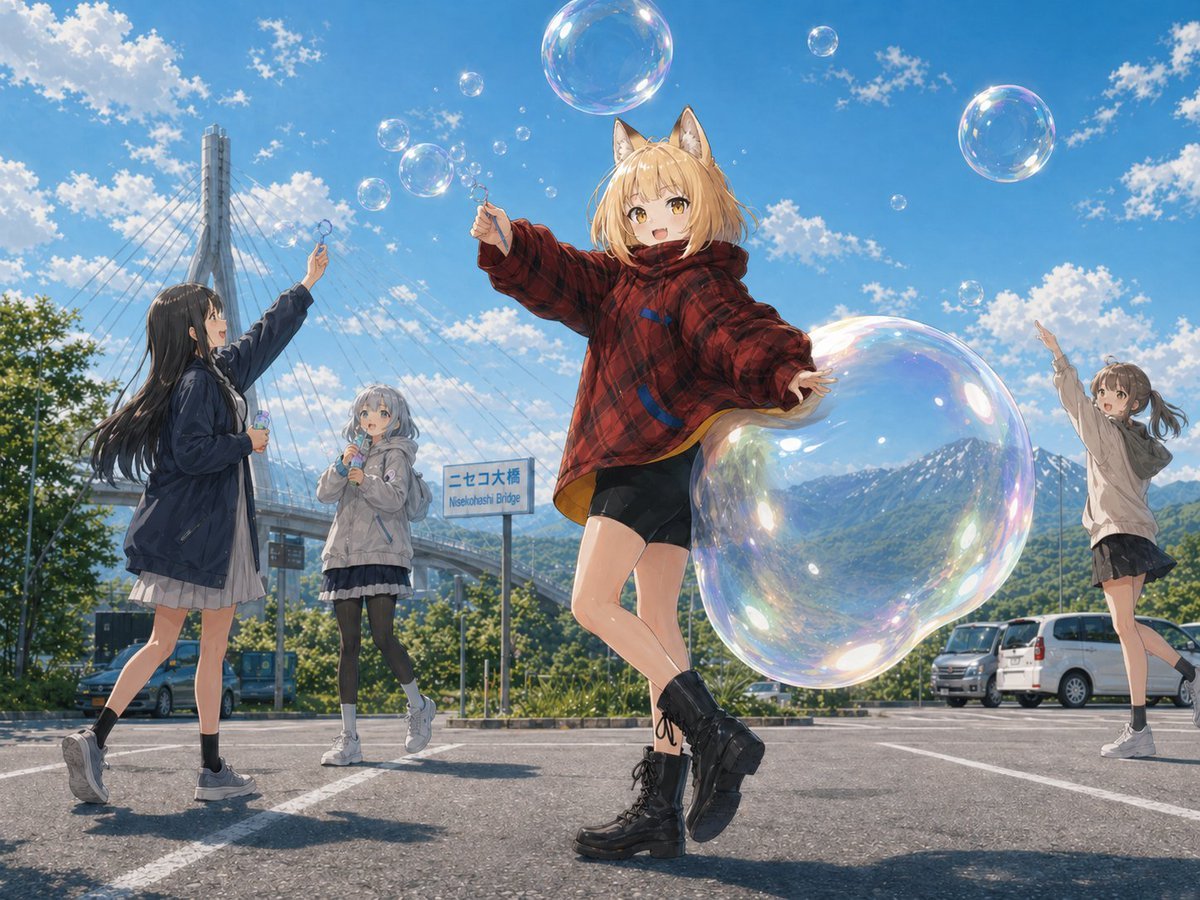
Fox Girl Bubble Dream
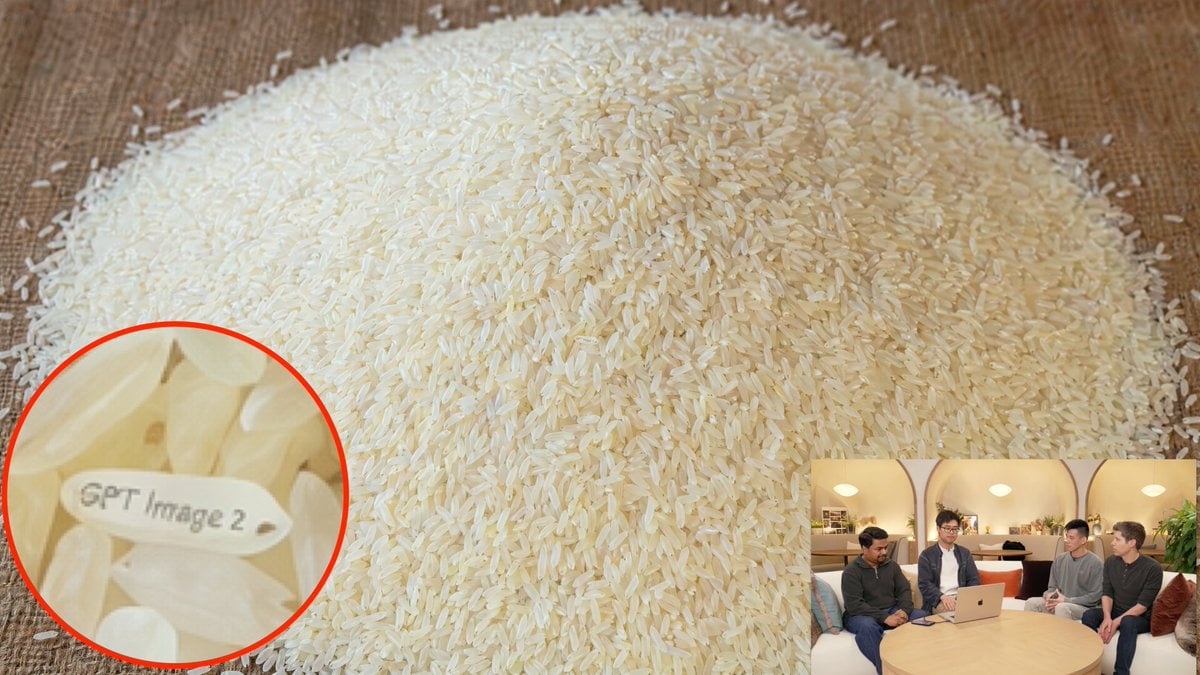
Hidden Engraved Rice Grain
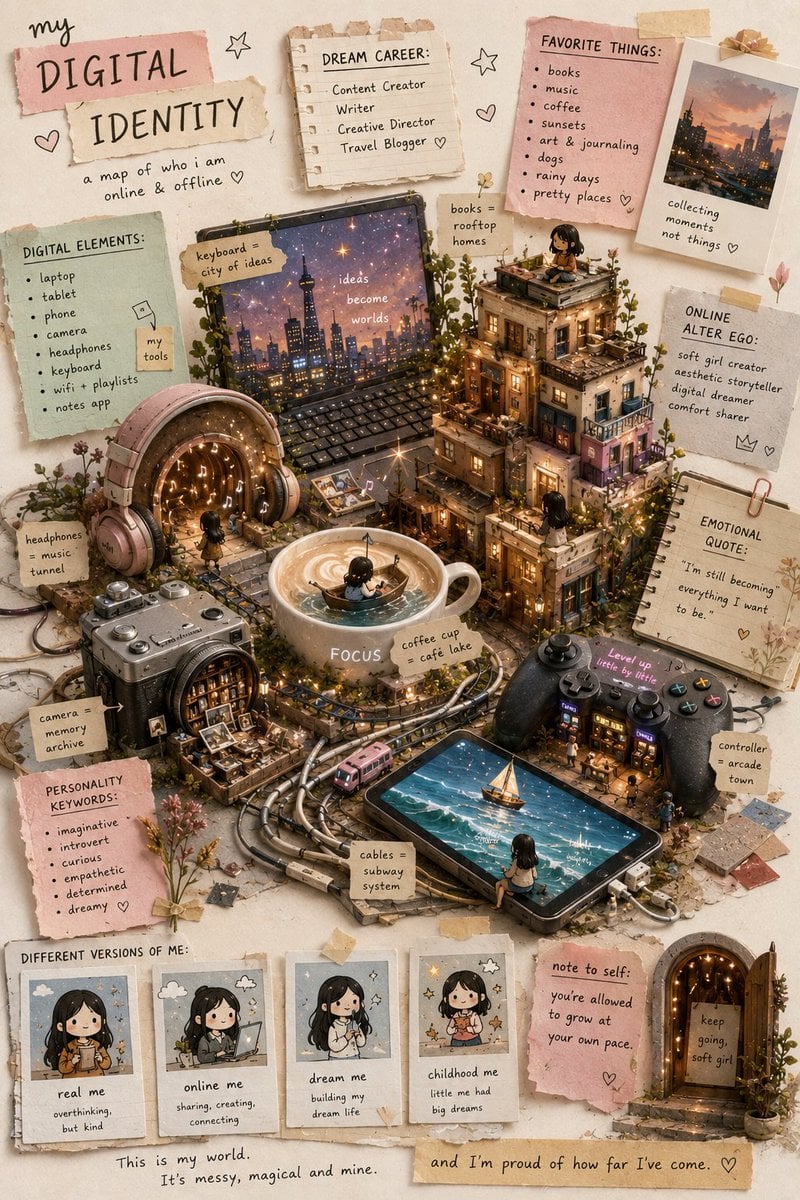
Gen Z Poetic Miniature Collage
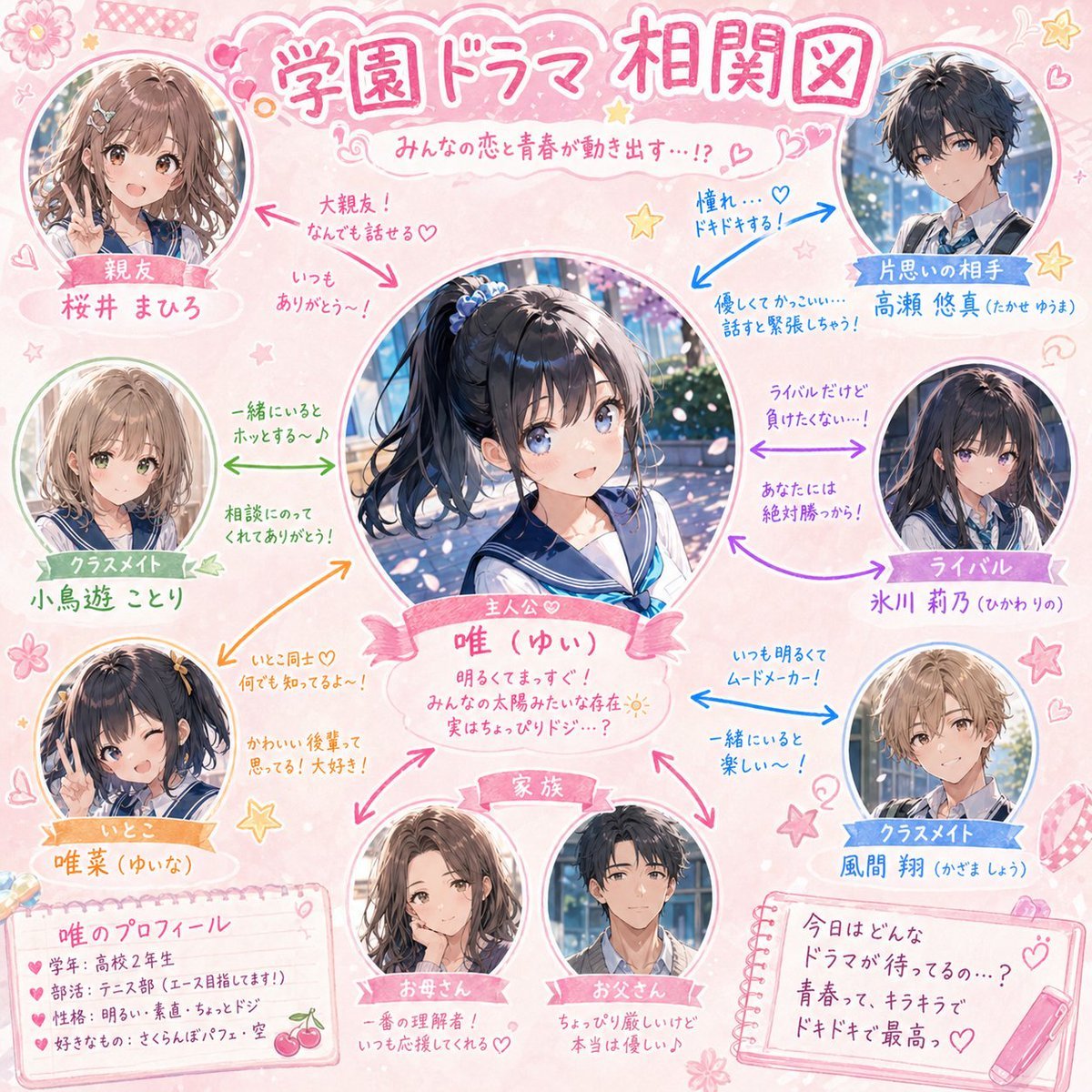
School Drama Relationship Chart Generator
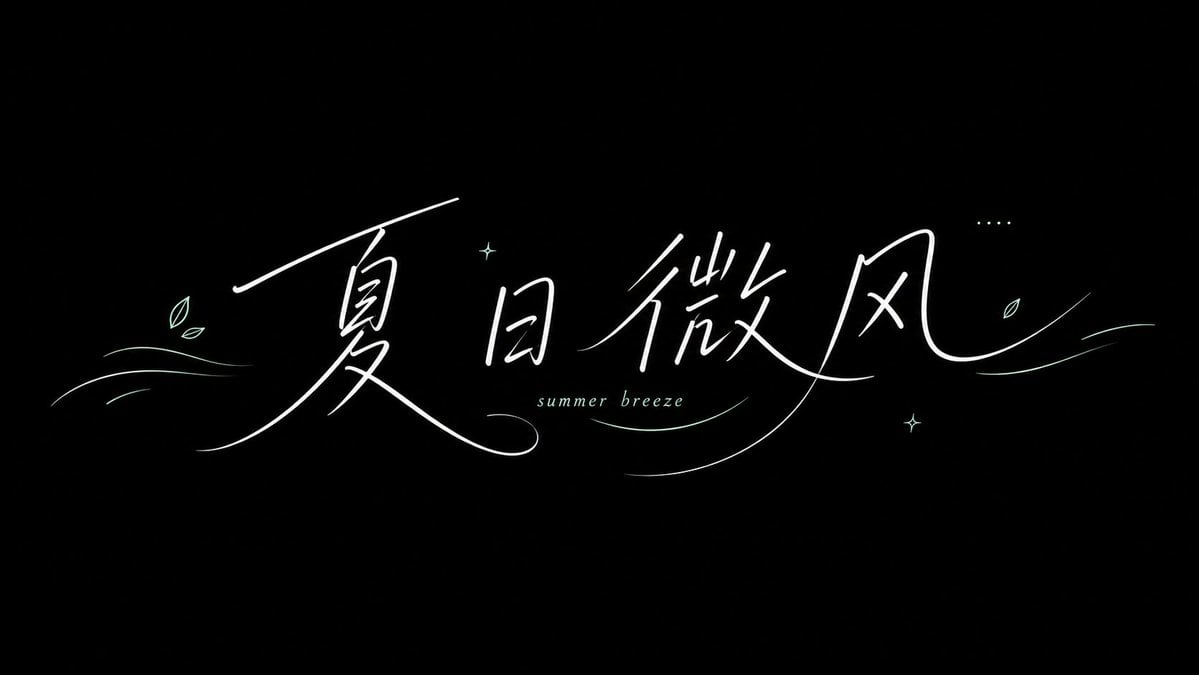
Summer Breeze Handwritten Typography
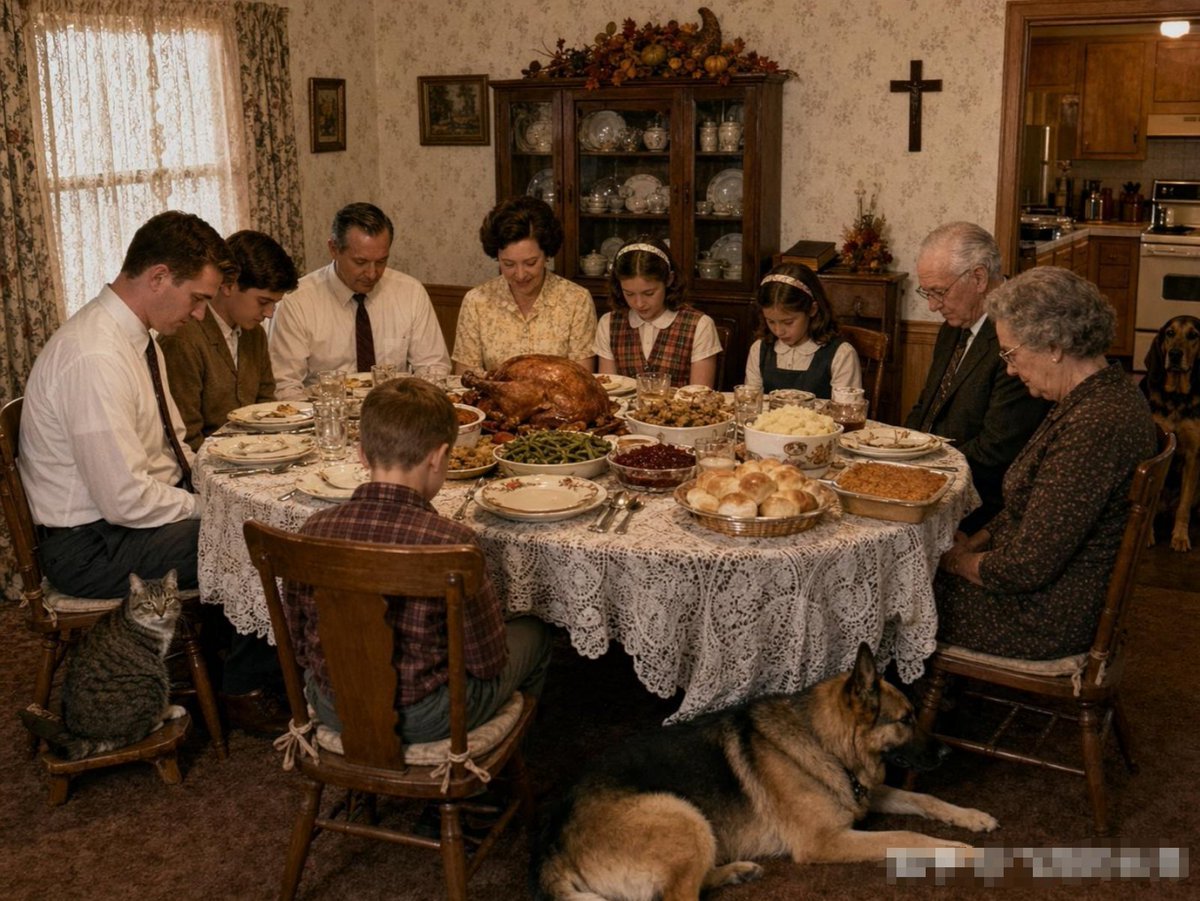
Uncanny Thanksgiving Family Dinner
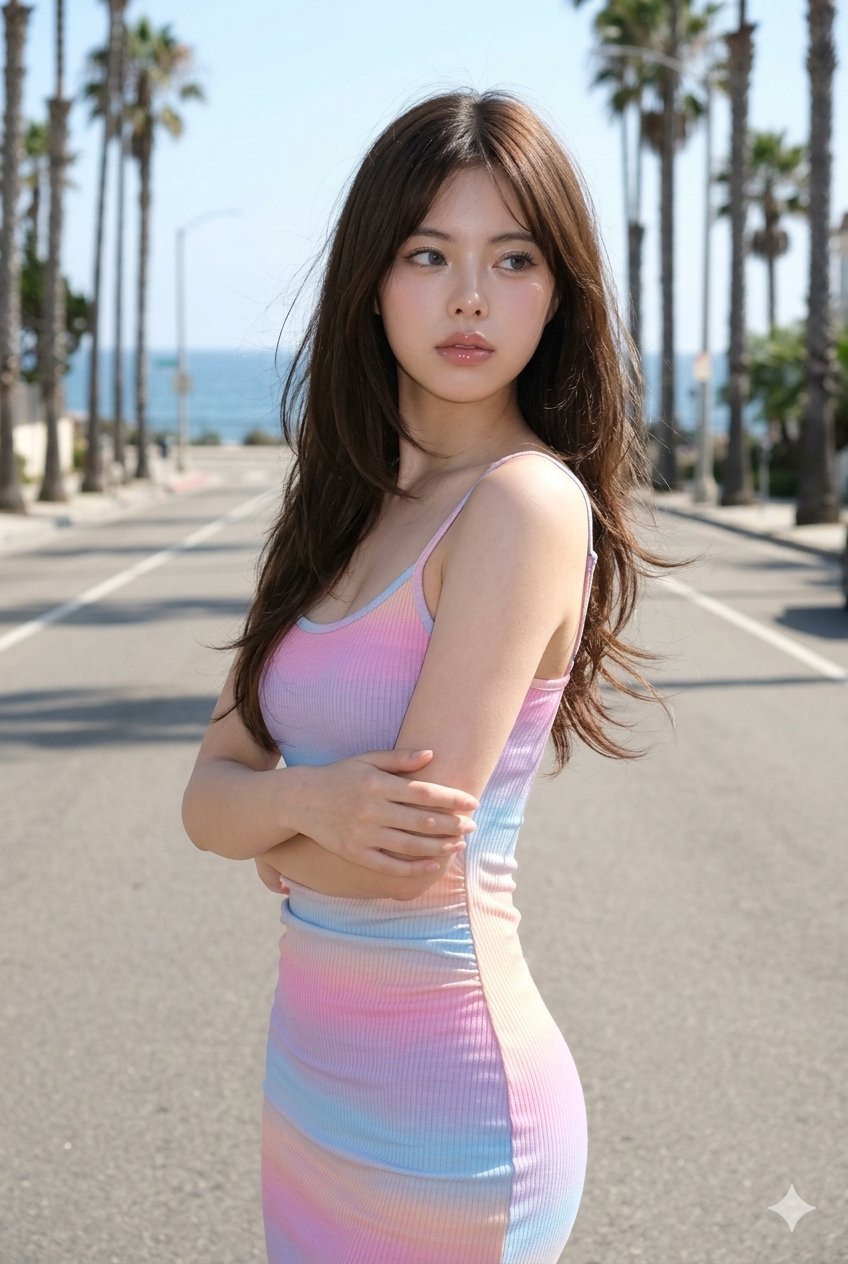
Gemini Nano Banana Ultra Realistic Coast
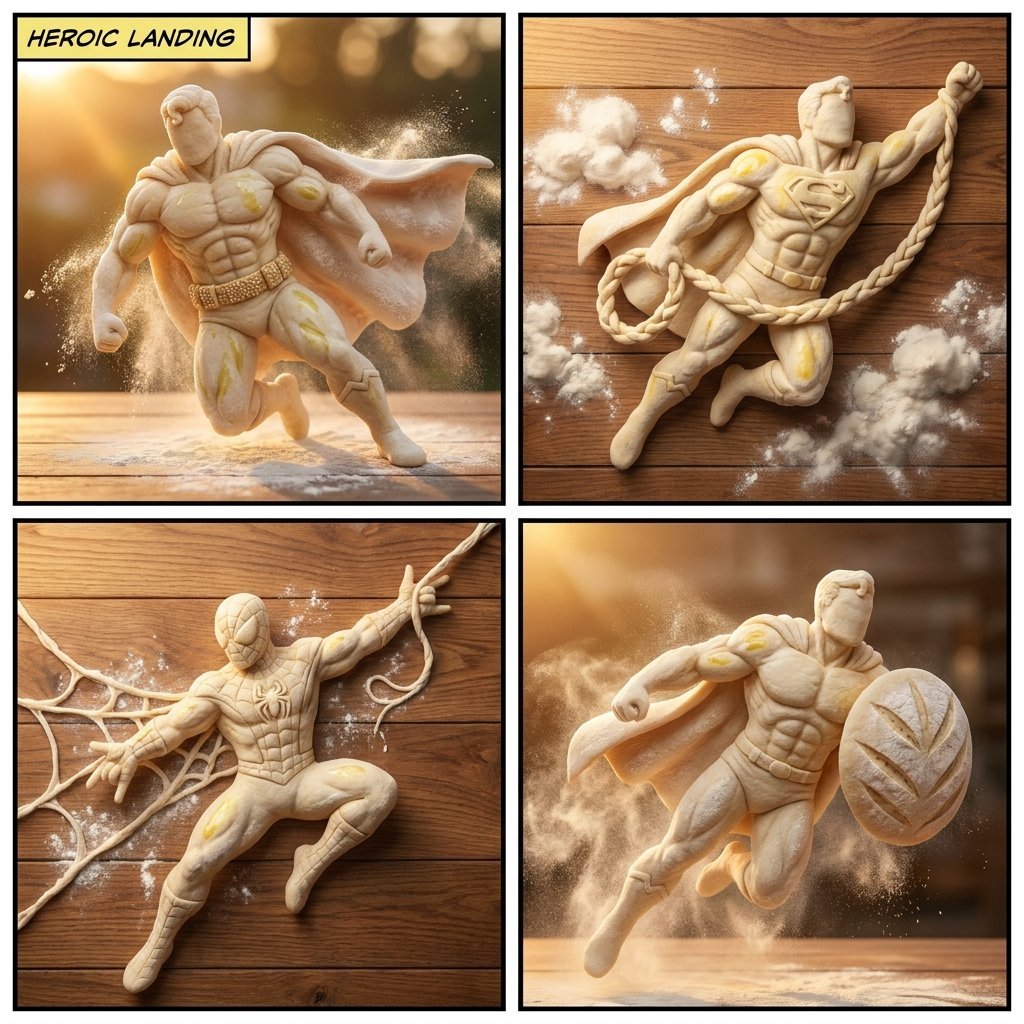
Bread Dough Superheroes
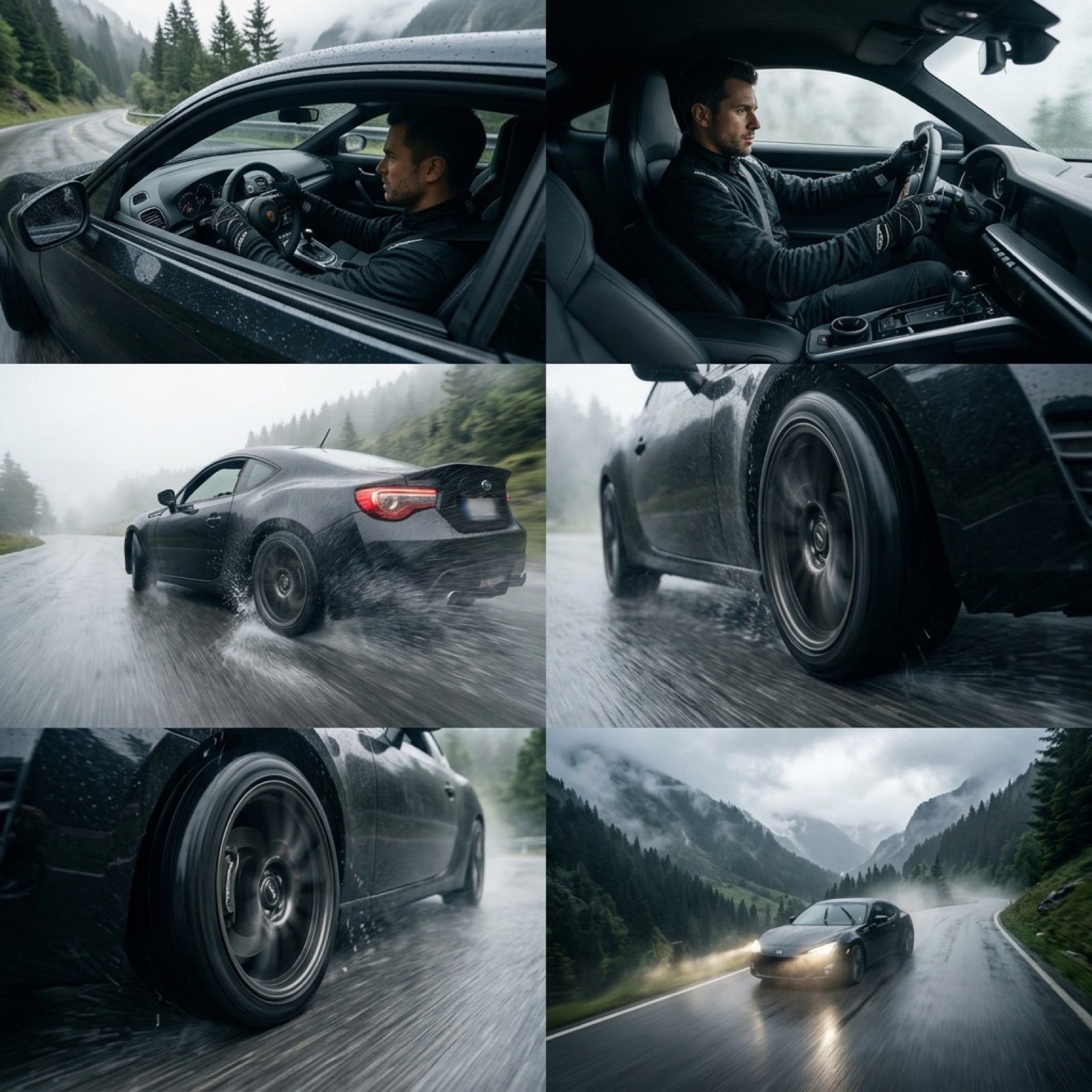
Epic Cinematic Mountain Car Descent
Browse template categories
2.5D Illustration Cleanup and Enhancement questions
How do I use the 2.5D Illustration Cleanup and Enhancement template?
Add your photo if the template asks for one, edit the prompt if you like — the template's model and format are already selected — and press Generate. Your version opens in PicX Studio.
Can I customize the 2.5D Illustration Cleanup and Enhancement template?
Yes. You can change the subject, setting, lighting, mood, format, and available model controls before creating your image.
Is the 2.5D Illustration Cleanup and Enhancement template free?
Opening and editing this template is free. Generating uses credits, shown on the Generate button when you are signed in.
Which AI model should I use?
Start with Nano Banana 2, which is the model associated with this template. You can compare another compatible model for a different finish.
Looking for something else? Browse all templates.

Your photo, any look
Thousands of ready templates for every top image and video model, from one credit balance.