
Four-Color Chick Mascot Photo Collage
Creates a vibrant 2x2 fashion photoshoot collage featuring a young woman posing with fluffy cartoon chick mascots in pink, yellow, blue, and purple themes.
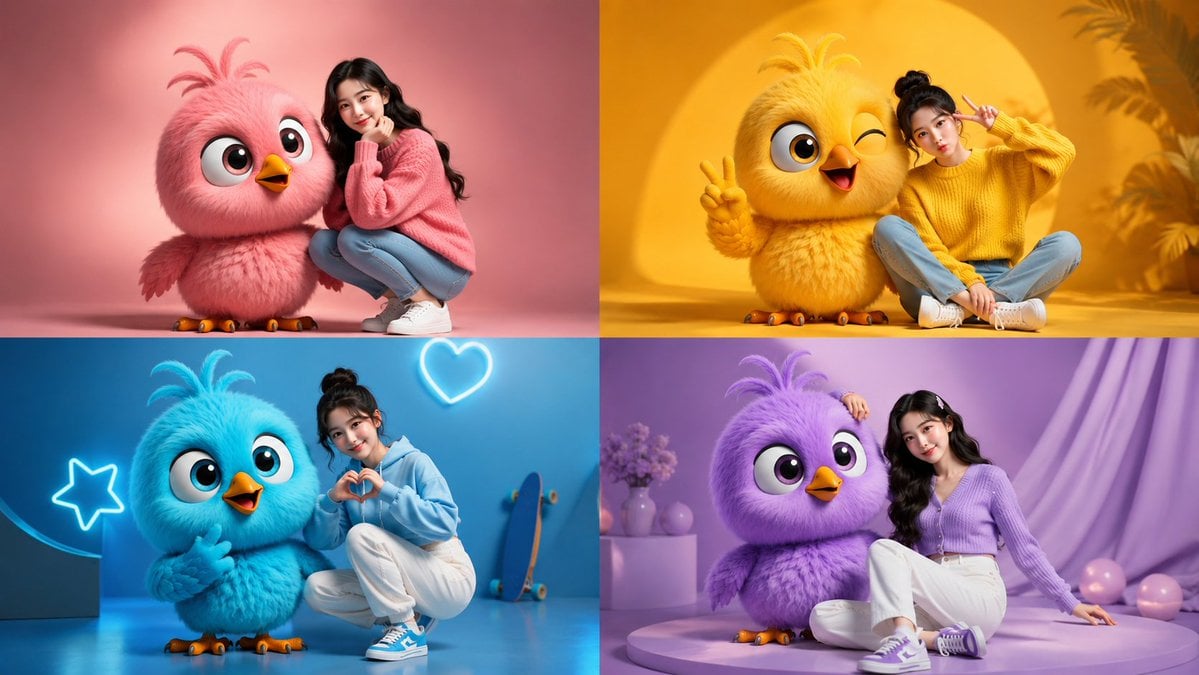
- Prompt included
- Model and format preset
- Free template
The prompt behind this image
Copy the exact prompt behind Four-Color Chick Mascot Photo Collage, or open it in the studio and make it yours.
Goal: Create a polished 2x2 studio photo collage showing one young woman posing with a giant cute fluffy cartoon chick mascot in four coordinated color themes. Canvas: Wide 16:9 image divided into exactly 4 equal rectangular panels, with clean hard borders and no text or watermark. Use high-end commercial photography mixed with adorable 3D character design, soft studio lighting, shallow depth of field, glossy fashion editorial quality. Main subject: A stylish young East Asian woman, {argument name="character age" default="early 20s"}, with long black hair and a sweet expressive face, wearing casual color-coordinated outfits and sneakers. She poses beside a large round baby bird character about shoulder height when she crouches or sits. The bird has ultra-fluffy plush feathers, a round body, big glossy eyes, a small orange beak, orange feet with tiny claws, and three feather tufts on top of its head. Layout and exact 4-panel content: 1. Top-left pink panel: pastel pink seamless studio background and floor. A fluffy {argument name="pink chick color" default="cotton-candy pink"} chick stands on the left, looking wide-eyed and happy with open beak. The woman crouches on the right wearing an oversized pink knit sweater, light blue jeans, white sneakers, and long loose wavy hair, resting her chin on her hand in a cute pose. 2. Top-right yellow panel: saturated golden yellow studio scene with a large circular sun-like backdrop and soft tropical plant silhouettes. A fluffy {argument name="yellow chick color" default="bright golden yellow"} chick stands on the left, winking, smiling with open beak, and holding up a peace sign. The woman sits cross-legged on the right wearing a yellow chunky sweater, light blue jeans, white sneakers, hair in a high bun, making a double peace sign and playful pout. 3. Bottom-left blue panel: vivid cyan-blue studio background and floor with neon outline decorations. Include exactly 2 neon shapes: one star on the left and one heart near the upper right. Add a skateboard leaning in the background on the right. A fluffy {argument name="blue chick color" default="electric cyan blue"} chick stands on the left, smiling and gesturing cutely. The woman crouches on the right wearing a light blue hoodie, white pants, blue-and-white sneakers, hair in a messy bun, forming a heart with her hands. 4. Bottom-right purple panel: lavender studio set with a circular platform, soft draped fabric, a small pedestal with flowers and vases, and several pastel balls on the floor. A fluffy {argument name="purple chick color" default="soft lavender purple"} chick sits or stands close to the woman on the left, looking sweetly at camera. The woman sits relaxed on the right wearing a purple cardigan, white pants, purple sneakers, long wavy hair with small clips, one hand resting on the chick’s head. Visual style: Hyper-cute K-pop fashion photoshoot, vibrant monochrome color blocking, plush Pixar-like baby bird characters, realistic human photography, soft rim lights, smooth seamless backgrounds, crisp details, big sparkling eyes, warm cheerful mood. Constraints: Exactly 4 panels, exactly 1 woman and 1 chick in each panel, no extra people, no captions, no logos, no visible interface elements, no distorted hands or faces.
How to use Four-Color Chick Mascot Photo Collage in 3 steps
- 1Upload ImagePNG, JPG or paste
Add your photo
Upload the photo the template builds on. The prompt, model and format are already set.
- 2…a portrait of your subject in softgolden-hour light, 85mm…
Personalize
Edit the subject and creative details for your destination.
- 3Generate
Generate
Press Generate — your image is created in PicX Studio, so you can compare it with the original and refine one variable at a time.
More like this
Templates with the same subject, style or setup. Open one to see its prompt.











Make it yours
Four-Color Chick Mascot Photo Collage works as-is. These are the safest ways to change it without losing the look.
Change one field
Copy a single group, rewrite it, and generate again so you can see what that field is doing.
Keep the frame, change the subject
Hold the composition and light of Four-Color Chick Mascot Photo Collage, then swap wardrobe, props or the person for a new take.
| If the result… | Why | Fix |
|---|---|---|
| The result drifts from the preview | Too many fields changed at once. | Reuse Four-Color Chick Mascot Photo Collage as-is first, then change one group — subject, light, or setting. |
| The model over-stylizes the scene | The prose prompt leaves finish and camera underspecified. | Add one camera or lighting sentence and stay on GPT Image 2. |
More GPT Image 2 templates
Other prompts made for GPT Image 2.

Six VTuber Japanese Logo Sheet

Realistic Portrait of Woman and Deer

The Vista Modular Condo Poster

AI Model Routing Comparison Infographic

2.5D Anime Art Board

Isometric Productivity Desk Scene

New York Double Exposure Poster

Four-Panel AI Landscape Comparison

Japanese Tatami Lifestyle Magazine Cover

NESCAFÉ Coffee Map Poster
More image prompts
Fresh picks from across the catalog.
Luxury Sportswear Advertising Poster
European Street-Style Portrait
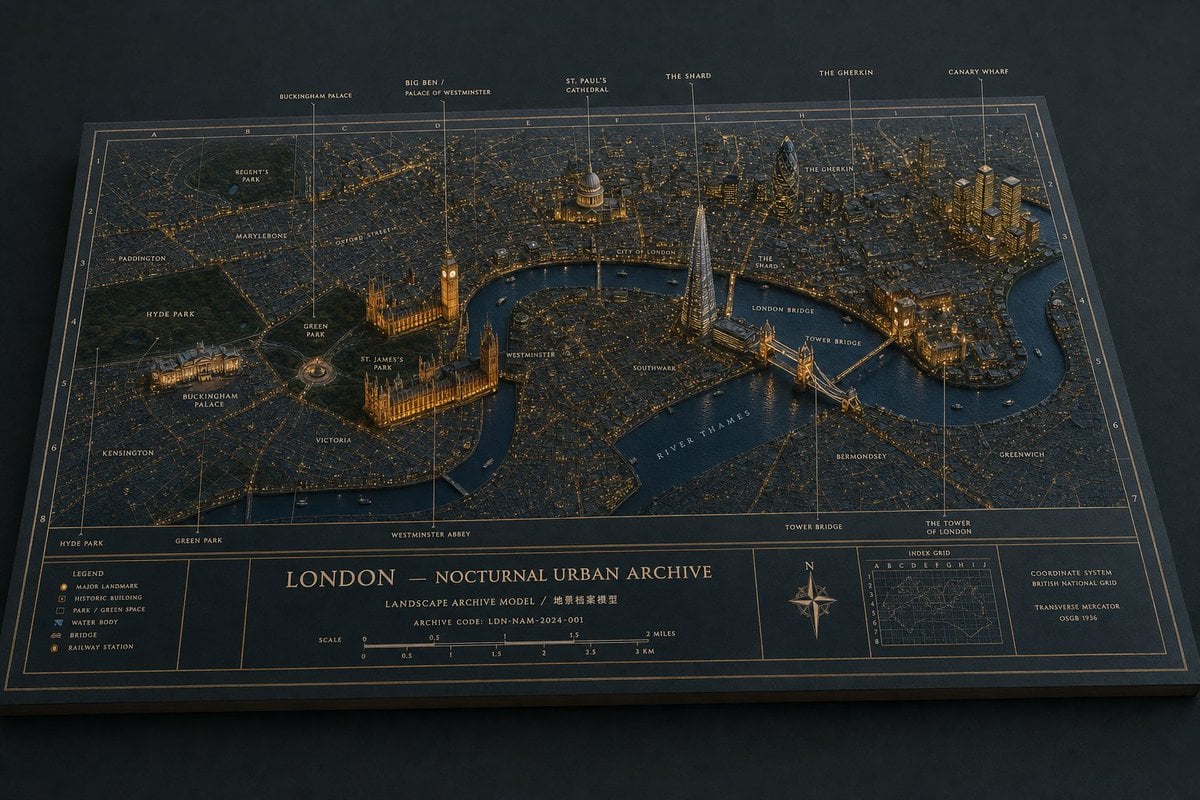
London Nocturnal Urban Archive Diorama
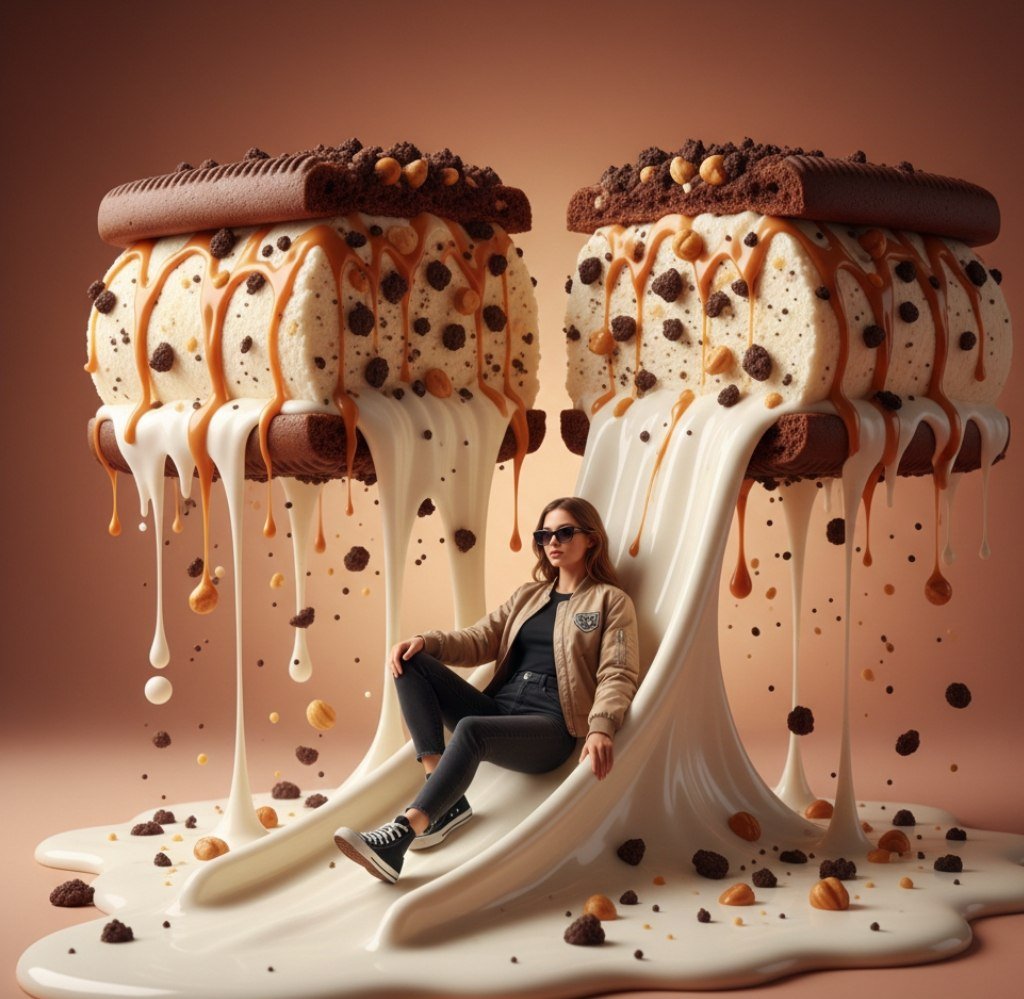
Surreal Woman Sliding Down Melted Ice Cream or Jam
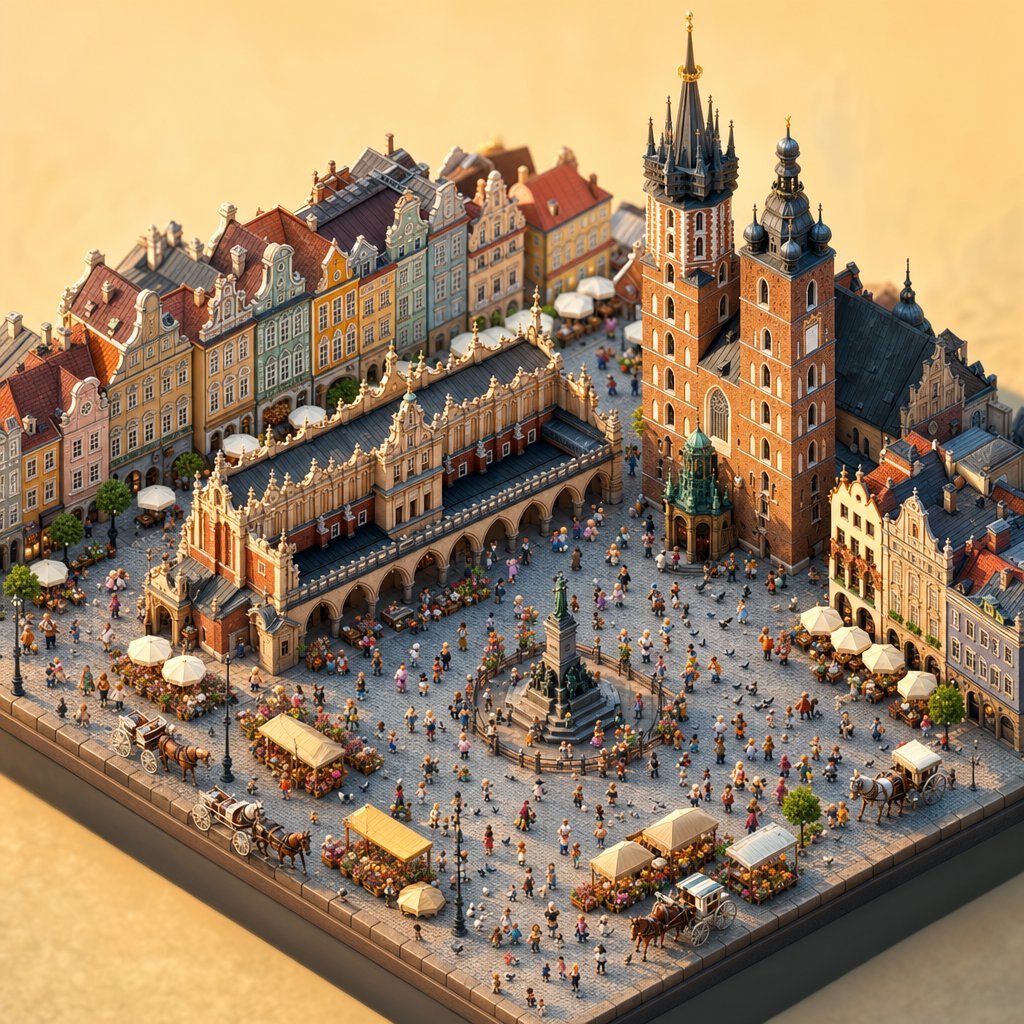
Isometric Krakow Market Square Diorama
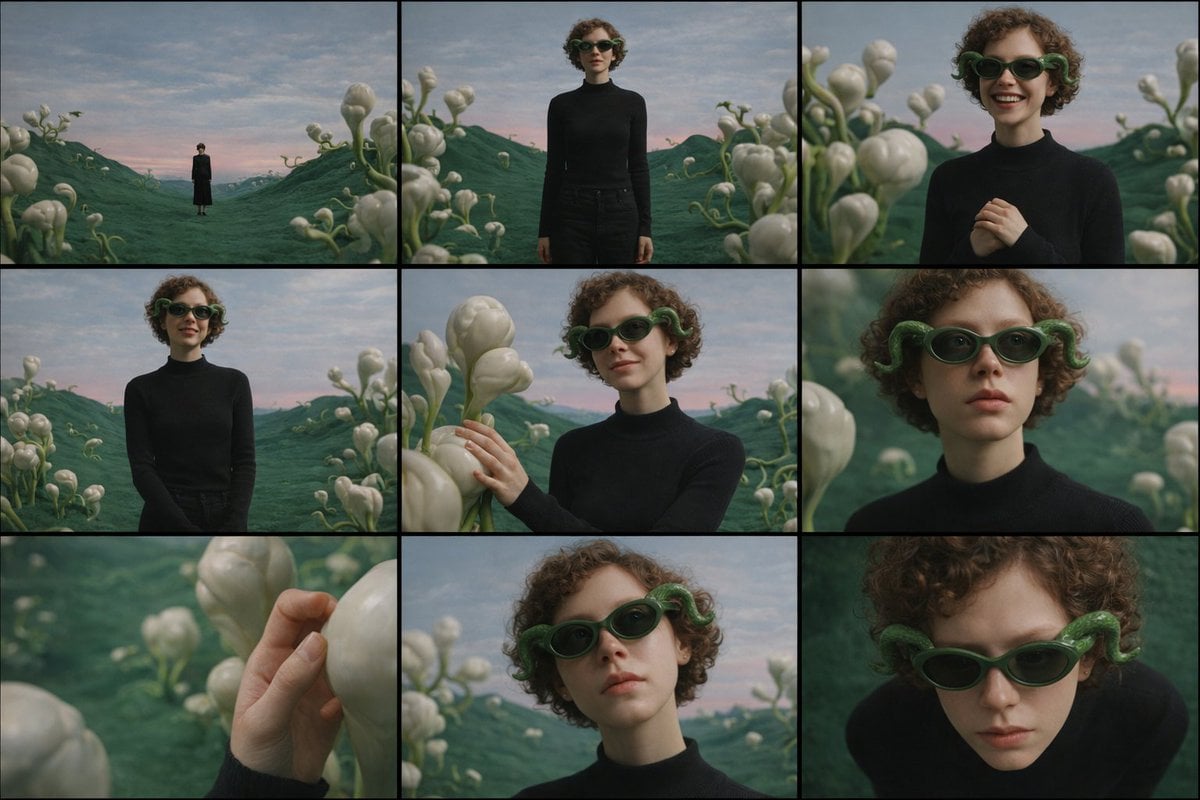
Cinematic Contact Sheet Generation from Reference Image
Tactile Wax Seal Logos
Attack on Titan Anime Poster
Matcha Latte Promotion Banner

Candid Couch Dinner Flash Photo
Browse template categories
Four-Color Chick Mascot Photo Collage questions
How do I use the Four-Color Chick Mascot Photo Collage template?
Add your photo if the template asks for one, edit the prompt if you like — the template's model and format are already selected — and press Generate. Your version opens in PicX Studio.
Can I customize the Four-Color Chick Mascot Photo Collage template?
Yes. You can change the subject, setting, lighting, mood, format, and available model controls before creating your image.
Is the Four-Color Chick Mascot Photo Collage template free?
Opening and editing this template is free. Generating uses credits, shown on the Generate button when you are signed in.
Which AI model should I use?
Start with GPT Image 2, which is the model associated with this template. You can compare another compatible model for a different finish.
Looking for something else? Browse all templates.

Your photo, any look
Thousands of ready templates for every top image and video model, from one credit balance.