
Cinematic Contact Sheet Generation from Reference Image
A complex, multi-step prompt designed to generate a cohesive 3x3 cinematic contact sheet based on an uploaded reference image.
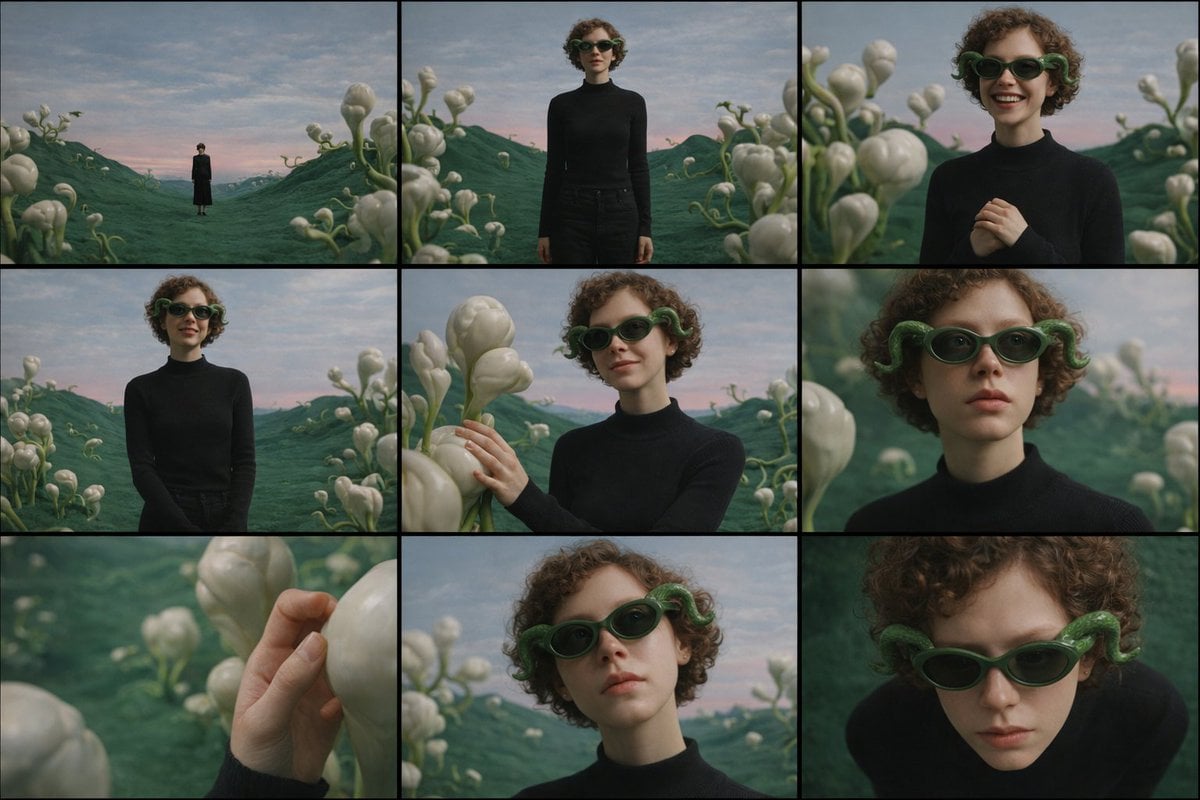
- Prompt included
- Model and format preset
- Free template
The prompt behind this image
Copy the exact prompt behind Cinematic Contact Sheet Generation from Reference Image, or open it in the studio and make it yours.
Study the uploaded image carefully and fully internalize the scene: the subject’s appearance, clothing, posture, emotional state, and the surrounding environment. Treat this moment as a single frozen point in time. Create a cinematic image set that feels like a photographer methodically explored this exact moment from multiple distances and angles, without changing anything about the subject or location. All images must clearly belong to the same scene, captured under the same lighting conditions, weather, and atmosphere. Nothing in the world changes — only the camera position and framing evolve. The emotional tone should remain consistent throughout the set, subtly expressed through posture, gaze, and micro-expressions rather than exaggerated acting. Begin by observing the subject within the environment from afar, letting the surroundings dominate the frame and establish scale and mood. Gradually move closer, allowing the subject’s full presence to emerge, then narrowing attention toward body language and facial expression. End with intimate perspectives that reveal small but meaningful details — texture, touch, or eye focus — before shifting perspective above and below the subject to suggest reflection, vulnerability, or quiet resolve. Across the sequence: Wider views should emphasize space and atmosphere Mid-range views should emphasize posture and emotional context Close views should isolate feeling and detail Perspective shifts (low and high angles) should feel purposeful and cinematic, not decorative Depth of field must behave naturally: distant views remain mostly sharp, while closer frames introduce shallow focus and gentle background separation. The final result should read as a cohesive 3×3 cinematic contact sheet, as if selected from a single roll of film documenting one emotional moment from multiple viewpoints. No text, symbols, signage, watermarks, numbers, or graphic elements may appear anywhere in the images. Photorealistic rendering, cinematic color grading, and consistent visual realism are mandatory.
How to use Cinematic Contact Sheet Generation from Reference Image in 3 steps
- 1Upload ImagePNG, JPG or paste
Add your photo
Upload the photo the template builds on. The prompt, model and format are already set.
- 2…a portrait of your subject in softgolden-hour light, 85mm…
Personalize
Edit the subject and creative details for your destination.
- 3Generate
Generate
Press Generate — your image is created in PicX Studio, so you can compare it with the original and refine one variable at a time.
More like this
Templates with the same subject, style or setup. Open one to see its prompt.

Dancer Character - Four View Reference Sheet

Movement Sheet - Dance Reference (Seedance 2.0)

Orthographic Reference Sheet Generation
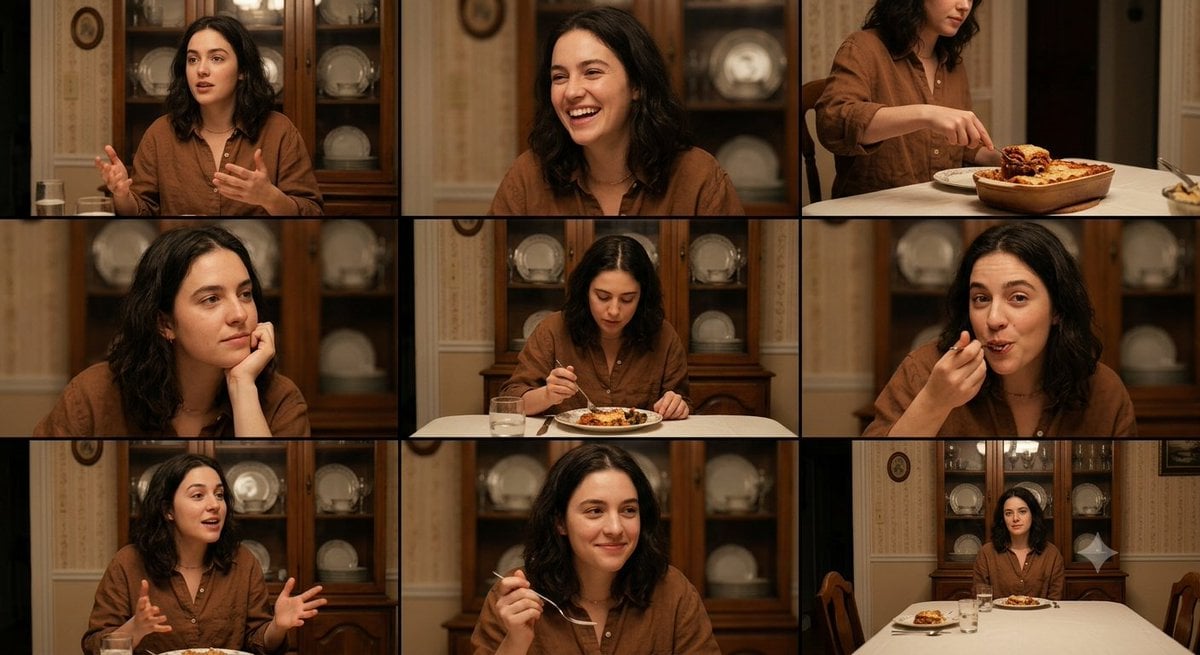
Family Dinner Cinematic Contact Sheet

A 3x3 grid storyboard contact sheet comprised of nine candid, cinematic

Ancient Temple Interior Contact Sheet
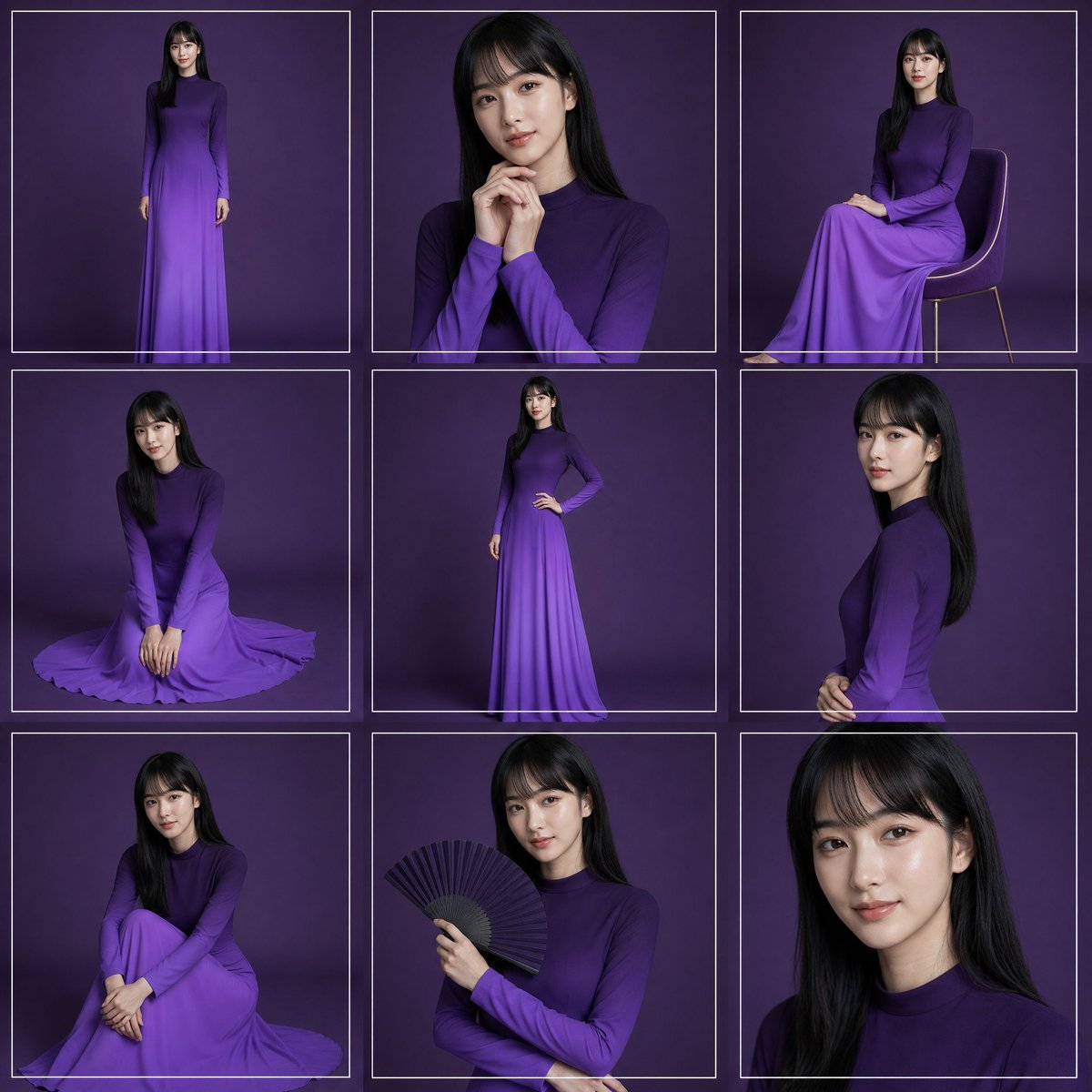
Purple Gown Fashion Contact Sheet
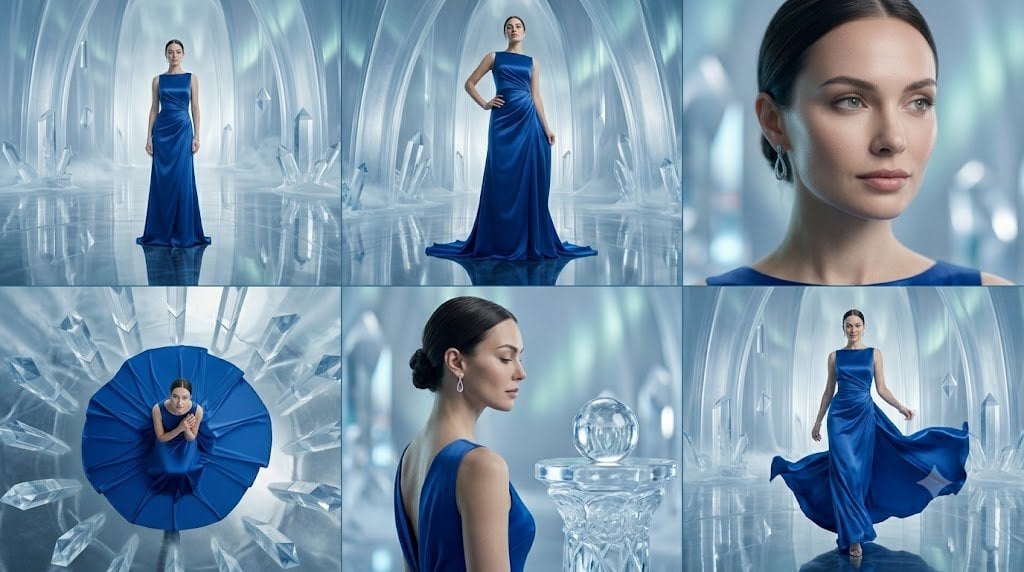
Crystal Palace Blue Gown Contact Sheet
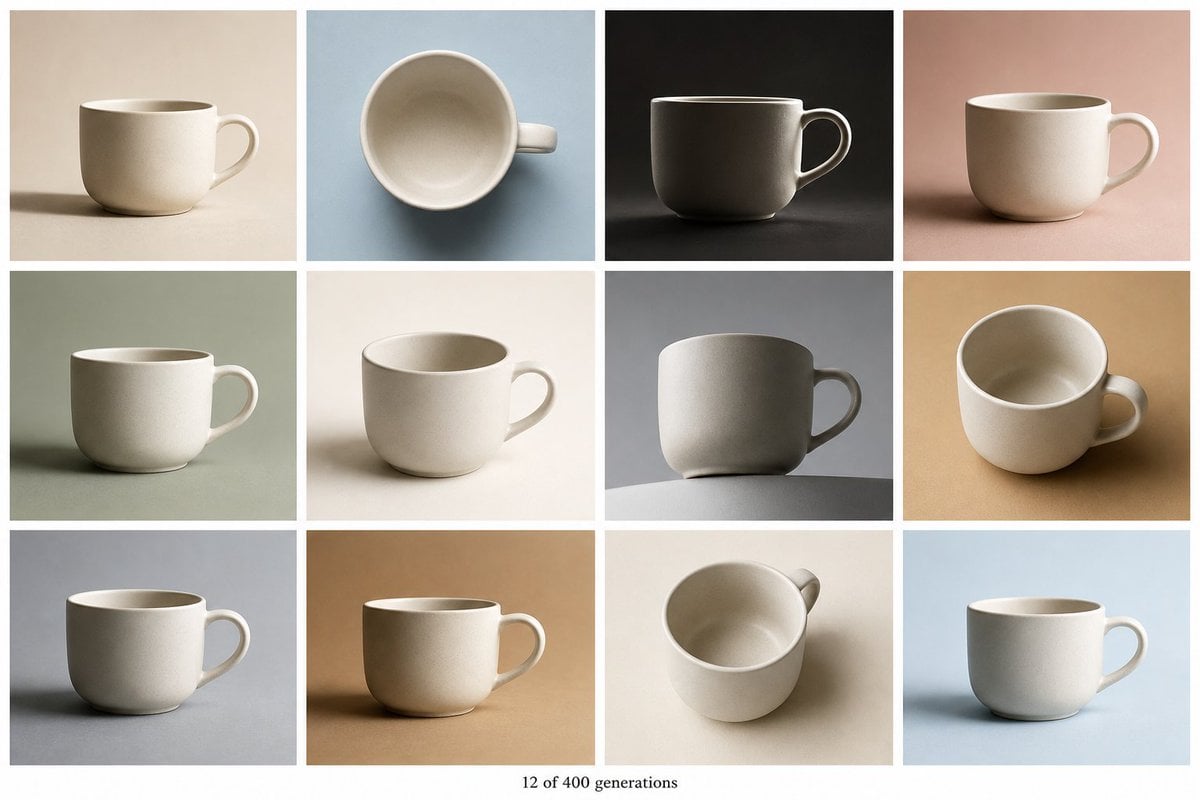
Tile Ceramic Mug Contact Sheet

Gray Studio Character Reference Sheet
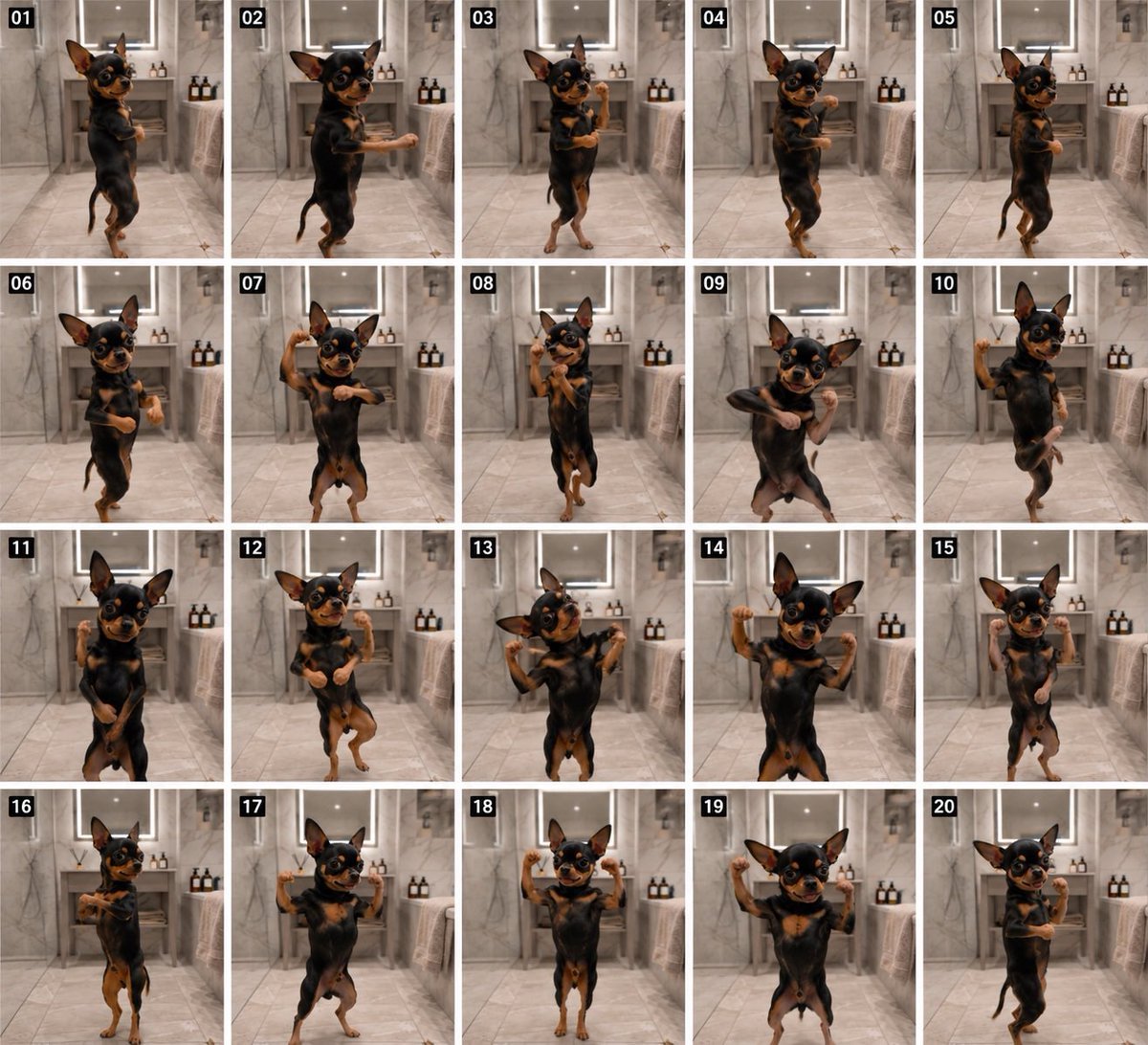
Dancing Chihuahua 20-Frame Contact Sheet

Anime Character Sheet Reference Prompt
Make it yours
Cinematic Contact Sheet Generation from Reference Image works as-is. These are the safest ways to change it without losing the look.
Change one field
Copy a single group, rewrite it, and generate again so you can see what that field is doing.
Keep the frame, change the subject
Hold the composition and light of Cinematic Contact Sheet Generation from Reference Image, then swap wardrobe, props or the person for a new take.
| If the result… | Why | Fix |
|---|---|---|
| The result drifts from the preview | Too many fields changed at once. | Reuse Cinematic Contact Sheet Generation from Reference Image as-is first, then change one group — subject, light, or setting. |
| The model over-stylizes the scene | The prose prompt leaves finish and camera underspecified. | Add one camera or lighting sentence and stay on Nano Banana 2. |
More Nano Banana 2 templates
Other prompts made for Nano Banana 2.

Photorealistic Leaf Shaped Like a Dragon

K-Pop Idol Portrait Grid for Rapid Selection

Poetic Rain Forest Portrait During Golden Hour

Urban Street Portrait with Cartoon Inner Self Duo

Candid Nighttime Photo with Cat Prompt

High-Concept 3D Diorama Generation Prompt

Cinematic Futuristic Studio Portrait Template

Skincare Editorial Photography Collage Prompt

Hyper-Realistic Commercial Product Photography (Splash Effect)

Hyper-Realistic Nightclub Portrait Prompt
More image prompts
Fresh picks from across the catalog.
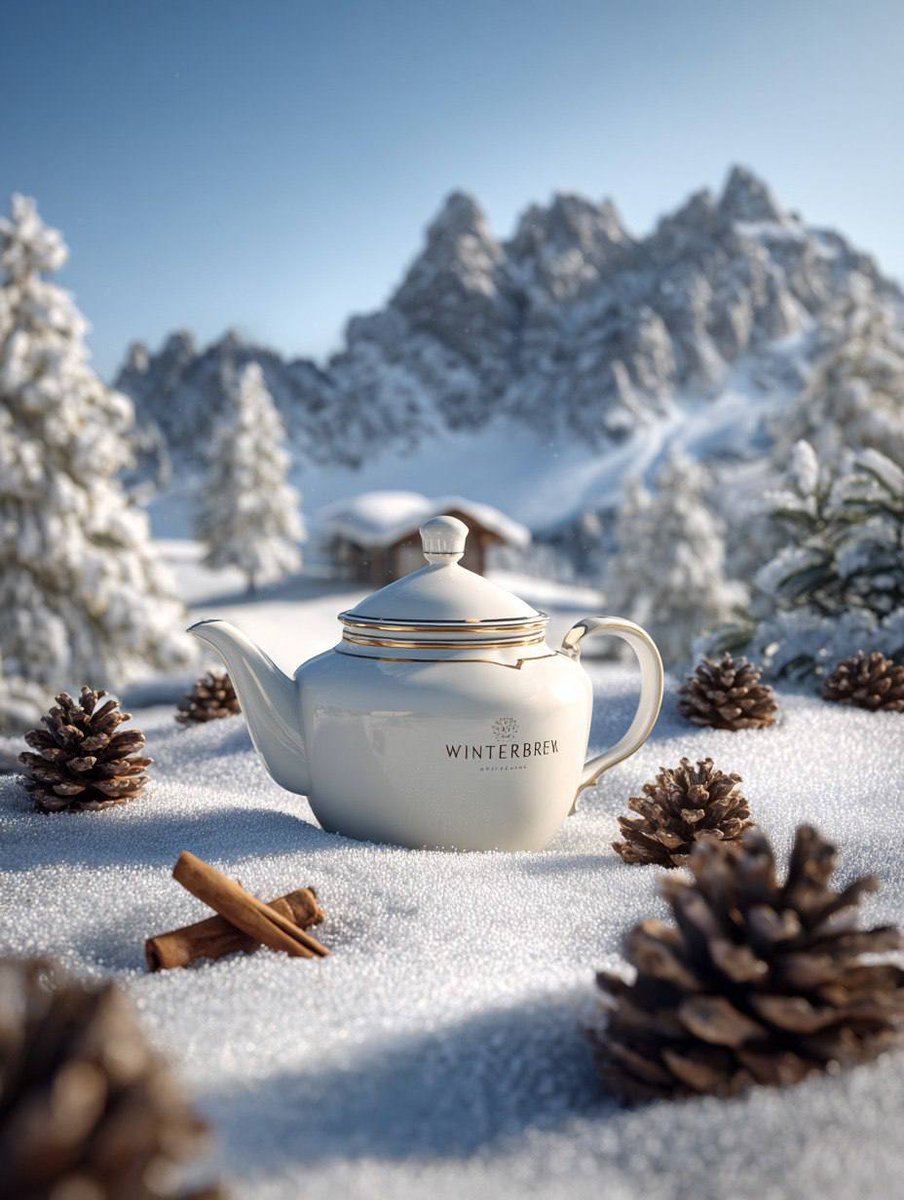
Premium Winter Product Photography in Alpine Setting
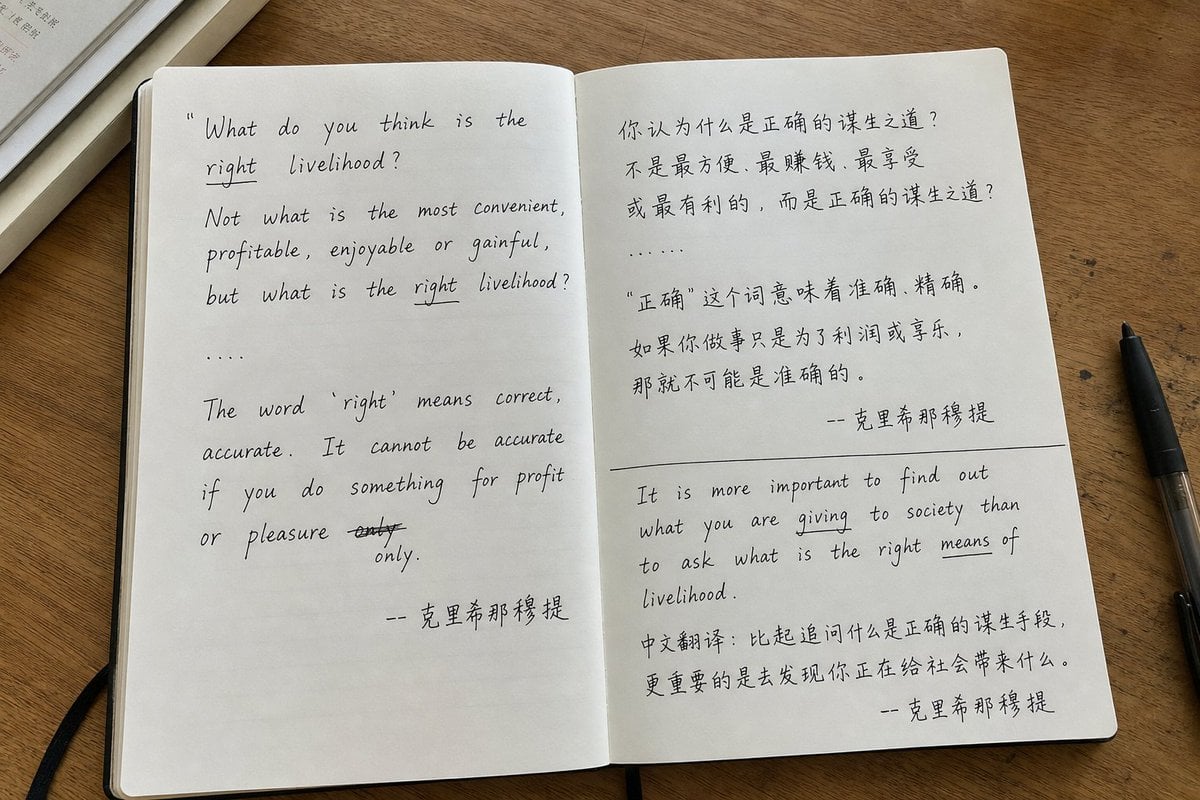
Candid iPhone Handwritten Notebook Photo

Kyoto Hidden Mascot Diorama

New Chinese Golden Staff Poster
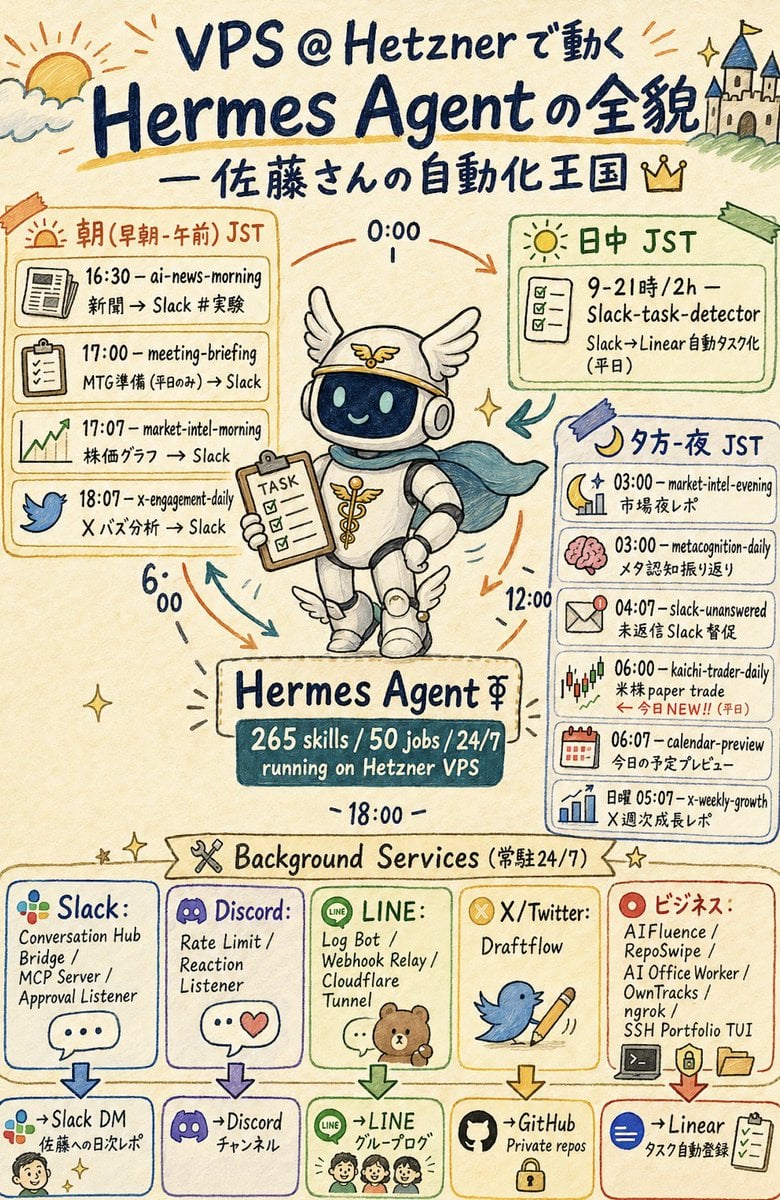
Hermes Agent Sketchnote Infographic
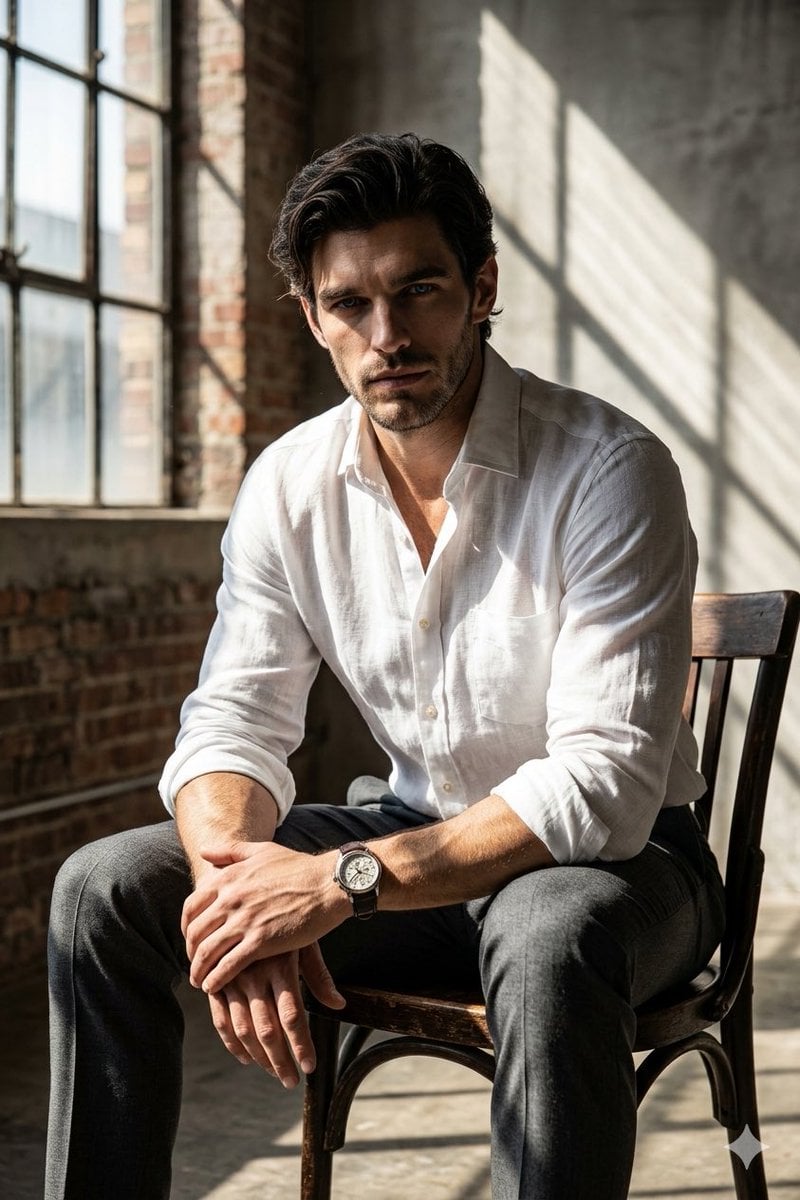
Moody Cinematic Industrial Portrait

ChatGPT Analysis Diagnosis Card
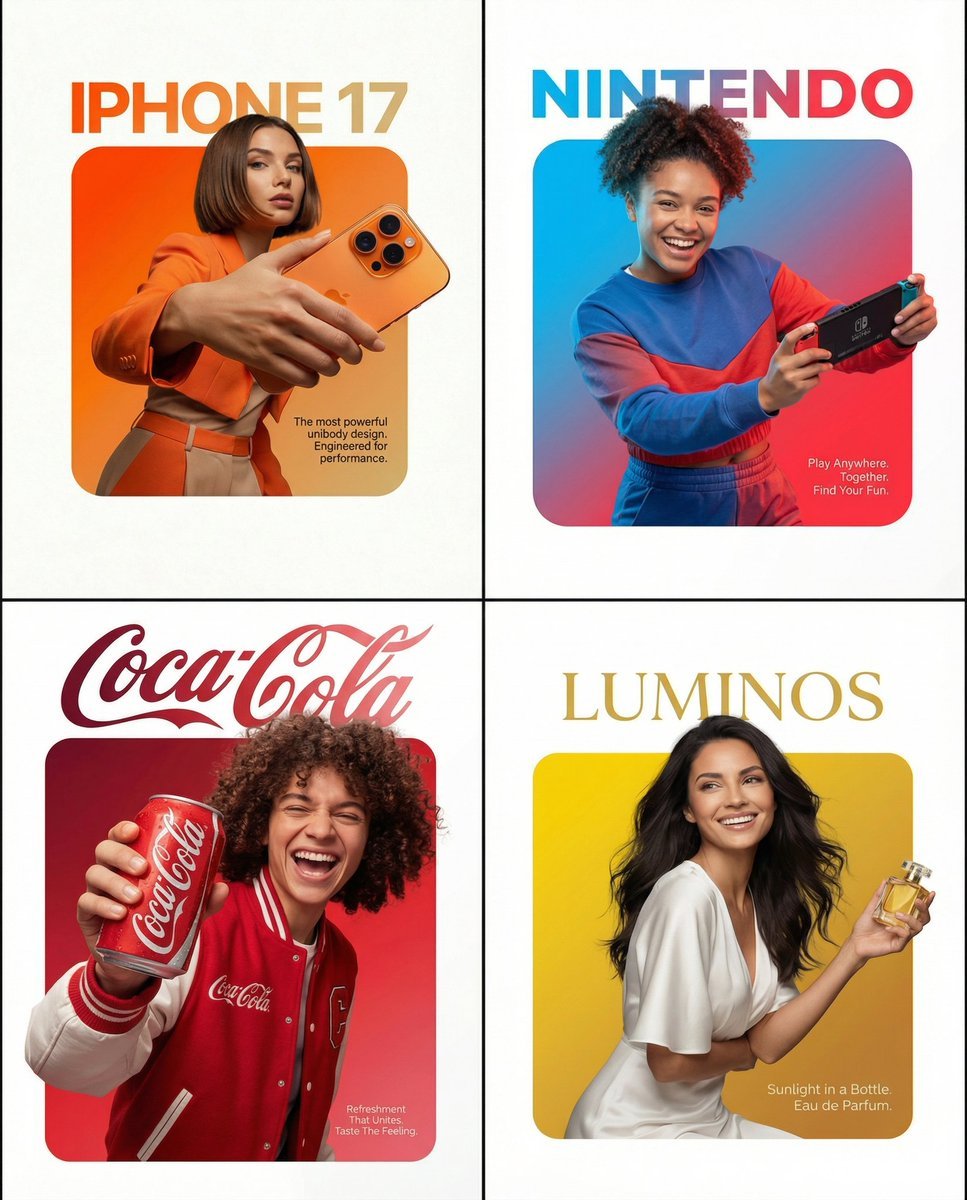
Graphic Design Product Ad with Breakout Effect Prompt
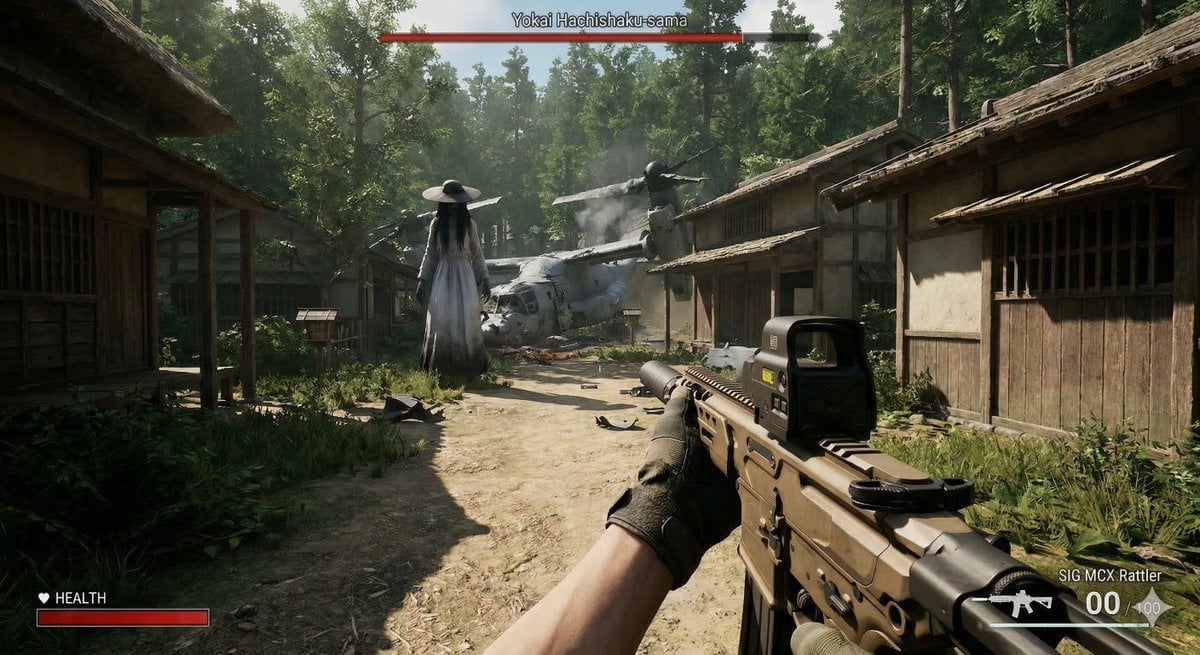
Human VS. Yokai Haxtusyaku-sama in FPS Game Style

untitled
Browse template categories
Cinematic Contact Sheet Generation from Reference Image questions
How do I use the Cinematic Contact Sheet Generation from Reference Image template?
Add your photo if the template asks for one, edit the prompt if you like — the template's model and format are already selected — and press Generate. Your version opens in PicX Studio.
Can I customize the Cinematic Contact Sheet Generation from Reference Image template?
Yes. You can change the subject, setting, lighting, mood, format, and available model controls before creating your image.
Is the Cinematic Contact Sheet Generation from Reference Image template free?
Opening and editing this template is free. Generating uses credits, shown on the Generate button when you are signed in.
Which AI model should I use?
Start with Nano Banana 2, which is the model associated with this template. You can compare another compatible model for a different finish.
Looking for something else? Browse all templates.

Your photo, any look
Thousands of ready templates for every top image and video model, from one credit balance.