
Kyoto Hidden Mascot Diorama
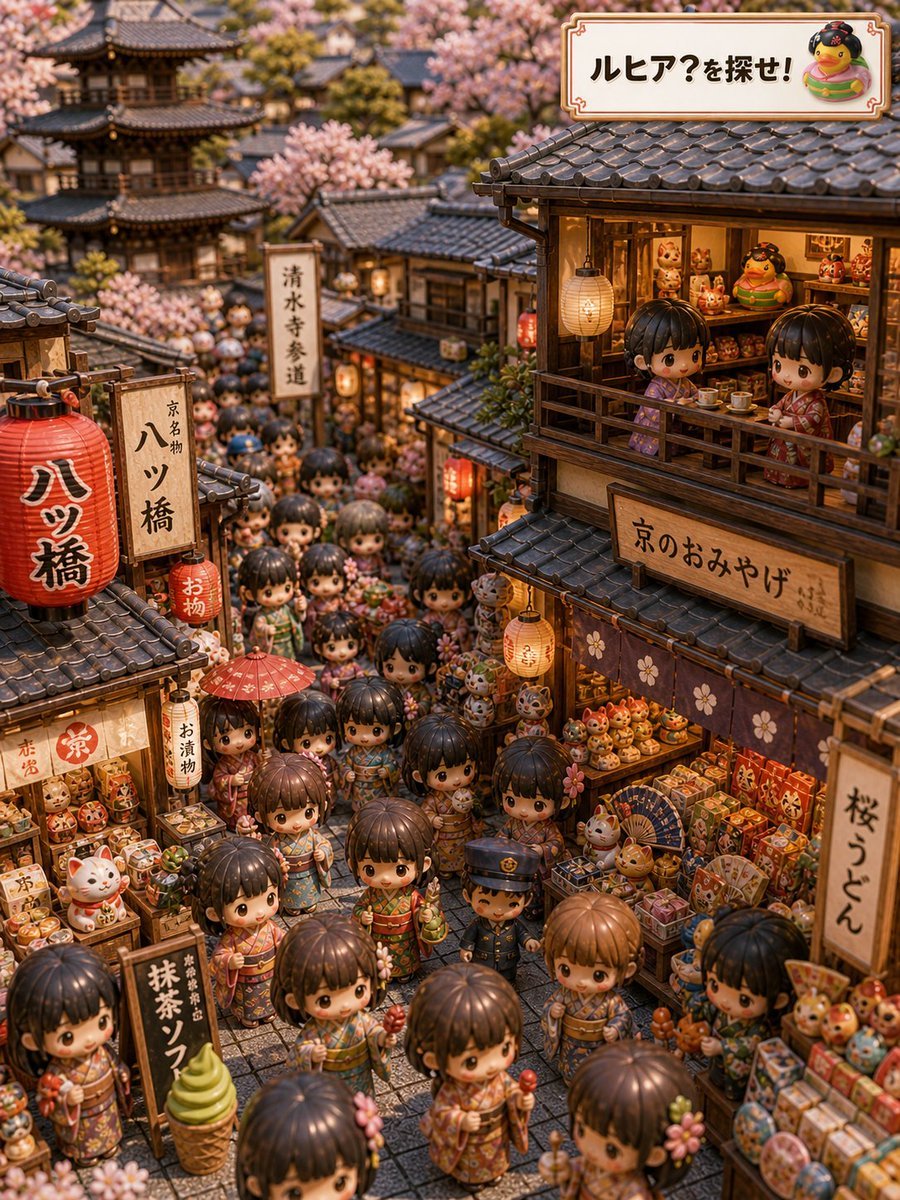
Generates a dense kawaii Kyoto souvenir-street hidden-object scene for a playful find-the-mascot travel illustration.
- Prompt included
- Model and format preset
- Free template
The prompt behind this image
Copy the exact prompt behind Kyoto Hidden Mascot Diorama, or open it in the studio and make it yours.
- Type
- highly detailed isometric hidden-object travel illustration
- Concept
- A cozy Kyoto souvenir street scene where viewers search for a tiny mascot named {argument name="mascot name" default="ルヒア"}, presented like a whimsical 'find the character' puzzle.
- Setting › Location
- old Kyoto approach street near a temple
- Setting › Season
- {argument name="season" default="spring cherry blossom season"}
- Setting › Time
- warm golden evening with glowing shop lanterns
- Setting › Architecture
- traditional wooden machiya shops, dark curved tile roofs, lattice windows, narrow stone-paved alley, distant multi-tier pagoda and temple buildings softened by depth of field
- Setting › Atmosphere
- festive Golden Week tourism, crowded but cute, nostalgic, miniature diorama feeling
- Style › Visual Style
- ultra-detailed kawaii 3D miniature diorama, chibi doll crowd, tilt-shift photography look, warm cinematic lighting, dense hidden-object composition, toy-like materials, shallow depth of field
- Style › Camera
- high three-quarter isometric view looking down a narrow shopping street, portrait orientation
- Style › Color Palette
- warm browns, lantern reds, soft pink cherry blossoms, cream paper signs, colorful souvenir packaging
- Main Scene › Crowd
- dozens of chibi children and tourists in patterned kimono and yukata filling the street; oversized heads, glossy eyes, tiny hands holding sweets, umbrellas, charms, skewers, and souvenirs
- Main Scene › Shops
- two main souvenir shops on the left and right packed with lucky cats, daruma dolls, boxed sweets, fans, charms, candy, matcha treats, and small toys
- Main Scene › Hidden Object
- Hide the mascot {argument name="mascot name" default="ルヒア"} somewhere naturally among the souvenirs or crowd as a small round yellow bird-like character with a cute face, not too obvious but still findable.
- Main Scene › Top Right Banner
- Decorative cream signboard with brown border reading {argument name="headline text" default="ルヒア?を探せ!"}, plus a small illustration of the round mascot beside the text.
- Visible Text And Signs › Count
- 9
- Visible Text And Signs › Labels › 0 › Text
- ルヒア?を探せ!
- Visible Text And Signs › Labels › 0 › Position
- top-right decorative banner
- Visible Text And Signs › Labels › 1 › Text
- 八ツ橋
- Visible Text And Signs › Labels › 1 › Position
- large red lantern on left foreground
- Visible Text And Signs › Labels › 2 › Text
- 京都名物 八ツ橋
- Visible Text And Signs › Labels › 2 › Position
- vertical wooden sign beside red lantern
- Visible Text And Signs › Labels › 3 › Text
- 清水寺参道
- Visible Text And Signs › Labels › 3 › Position
- vertical white street sign in middle background
- Visible Text And Signs › Labels › 4 › Text
- 京のおみやげ
Raw JSON
{"type":"highly detailed isometric hidden-object travel illustration","concept":"A cozy Kyoto souvenir street scene where viewers search for a tiny mascot named {argument name=\"mascot name\" default=\"ルヒア\"}, presented like a whimsical 'find the character' puzzle.","setting":{"location":"old Kyoto approach street near a temple","season":"{argument name=\"season\" default=\"spring cherry blossom season\"}","time":"warm golden evening with glowing shop lanterns","architecture":"traditional wooden machiya shops, dark curved tile roofs, lattice windows, narrow stone-paved alley, distant multi-tier pagoda and temple buildings softened by depth of field","atmosphere":"festive Golden Week tourism, crowded but cute, nostalgic, miniature diorama feeling"},"style":{"visual_style":"ultra-detailed kawaii 3D miniature diorama, chibi doll crowd, tilt-shift photography look, warm cinematic lighting, dense hidden-object composition, toy-like materials, shallow depth of field","camera":"high three-quarter isometric view looking down a narrow shopping street, portrait orientation","color_palette":"warm browns, lantern reds, soft pink cherry blossoms, cream paper signs, colorful souvenir packaging"},"main_scene":{"crowd":"dozens of chibi children and tourists in patterned kimono and yukata filling the street; oversized heads, glossy eyes, tiny hands holding sweets, umbrellas, charms, skewers, and souvenirs","shops":"two main souvenir shops on the left and right packed with lucky cats, daruma dolls, boxed sweets, fans, charms, candy, matcha treats, and small toys","hidden_object":"Hide the mascot {argument name=\"mascot name\" default=\"ルヒア\"} somewhere naturally among the souvenirs or crowd as a small round yellow bird-like character with a cute face, not too obvious but still findable.","top_right_banner":"Decorative cream signboard with brown border reading {argument name=\"headline text\" default=\"ルヒア?を探せ!\"}, plus a small illustration of the round mascot beside the text."},"visible_text_and_signs":{"count":9,"labels":[{"text":"ルヒア?を探せ!","position":"top-right decorative banner"},{"text":"八ツ橋","position":"large red lantern on left foreground"},{"text":"京都名物 八ツ橋","position":"vertical wooden sign beside red lantern"},{"text":"清水寺参道","position":"vertical white street sign in middle background"},{"text":"京のおみやげ","position":"large horizontal sign on right upper shop"},{"text":"桜うどん","position":"vertical sign on right shop edge"},{"text":"抹茶ソフト","position":"black signboard near left lower street"},{"text":"お漬物","position":"small vertical sign near left shop"},{"text":"お物","position":"small red hanging lantern near center-left"}]},"notable_discrete_objects":{"count":12,"items":["large red paper lantern","small red hanging lantern","cream paper lantern on balcony","red parasol in the crowd","green matcha soft-serve cone display","beckoning cat figurines","daruma dolls","boxed souvenir sweets","folding fans","round candy skewers","wooden balcony tea table","distant pagoda"]},"composition_notes":"Make the image densely packed with many tiny faces and objects, but keep a clear visual path down the alley. Use cherry blossom branches framing the roofs and background. Include warm shop interiors with shelves full of miniature souvenirs. Add a few natural occlusions from heads and lanterns to enhance the seek-and-find puzzle, but avoid any censored faces or black rectangles.","quality":"sharp foreground detail, intricate textures on roof tiles and wood, readable Japanese signage, high resolution, charming and family-friendly"}How to use Kyoto Hidden Mascot Diorama in 3 steps
- 1Upload ImagePNG, JPG or paste
Add your photo
Upload the photo the template builds on. The prompt, model and format are already set.
- 2…a portrait of your subject in softgolden-hour light, 85mm…
Personalize
Edit the subject and creative details for your destination.
- 3Generate
Generate
Press Generate — your image is created in PicX Studio, so you can compare it with the original and refine one variable at a time.
More like this
Templates with the same subject, style or setup. Open one to see its prompt.

Anime Hidden Mickey Hunt

Layered Paper Cut Forest Diorama

Soft Handcrafted Paper-Cut Layered Illustration

Anime Rain Poncho Parade

Anime Street Performer Magic

Anime Ferry Boat Arrival

Anime Popcorn Cart Hero

Anime Nighttime Projection

Anime Character Meet Tent

Anime Splash Mountain Drop

Anime Balloon Seller Lane

Anime Pirate Ship Stage
Make it yours
Kyoto Hidden Mascot Diorama works as-is. These are the safest ways to change it without losing the look.
Swap the setting
Keep the rest of the prompt and replace the location block. The current setting is “old Kyoto approach street near a temple”.
Change one field
Copy a single group, rewrite it, and generate again so you can see what that field is doing.
Keep the frame, change the subject
Hold the composition and light of Kyoto Hidden Mascot Diorama, then swap wardrobe, props or the person for a new take.
| If the result… | Why | Fix |
|---|---|---|
| The result drifts from the preview | Too many fields changed at once. | Reuse Kyoto Hidden Mascot Diorama as-is first, then change one group — subject, light, or setting. |
| GPT Image 2 ignores part of the JSON | Some models flatten or skip nested keys. | Keep the same values and paste them as a short paragraph instead. |
More GPT Image 2 templates
Other prompts made for GPT Image 2.

Six VTuber Japanese Logo Sheet

Realistic Portrait of Woman and Deer

The Vista Modular Condo Poster

AI Model Routing Comparison Infographic

2.5D Anime Art Board

Isometric Productivity Desk Scene

New York Double Exposure Poster

Four-Panel AI Landscape Comparison

Japanese Tatami Lifestyle Magazine Cover

NESCAFÉ Coffee Map Poster
More image prompts
Fresh picks from across the catalog.
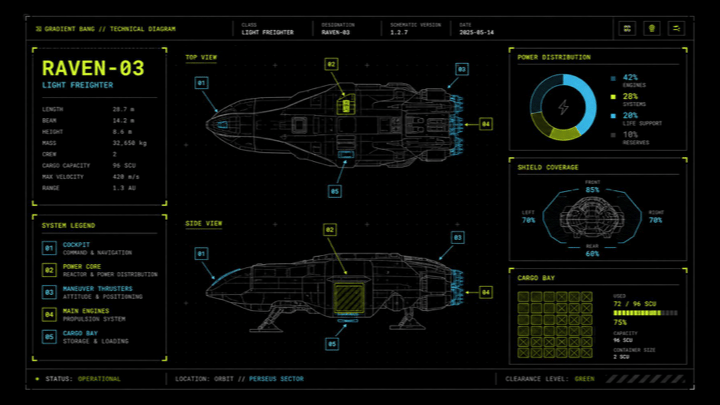
Sci-Fi Light Freighter Schematic HUD
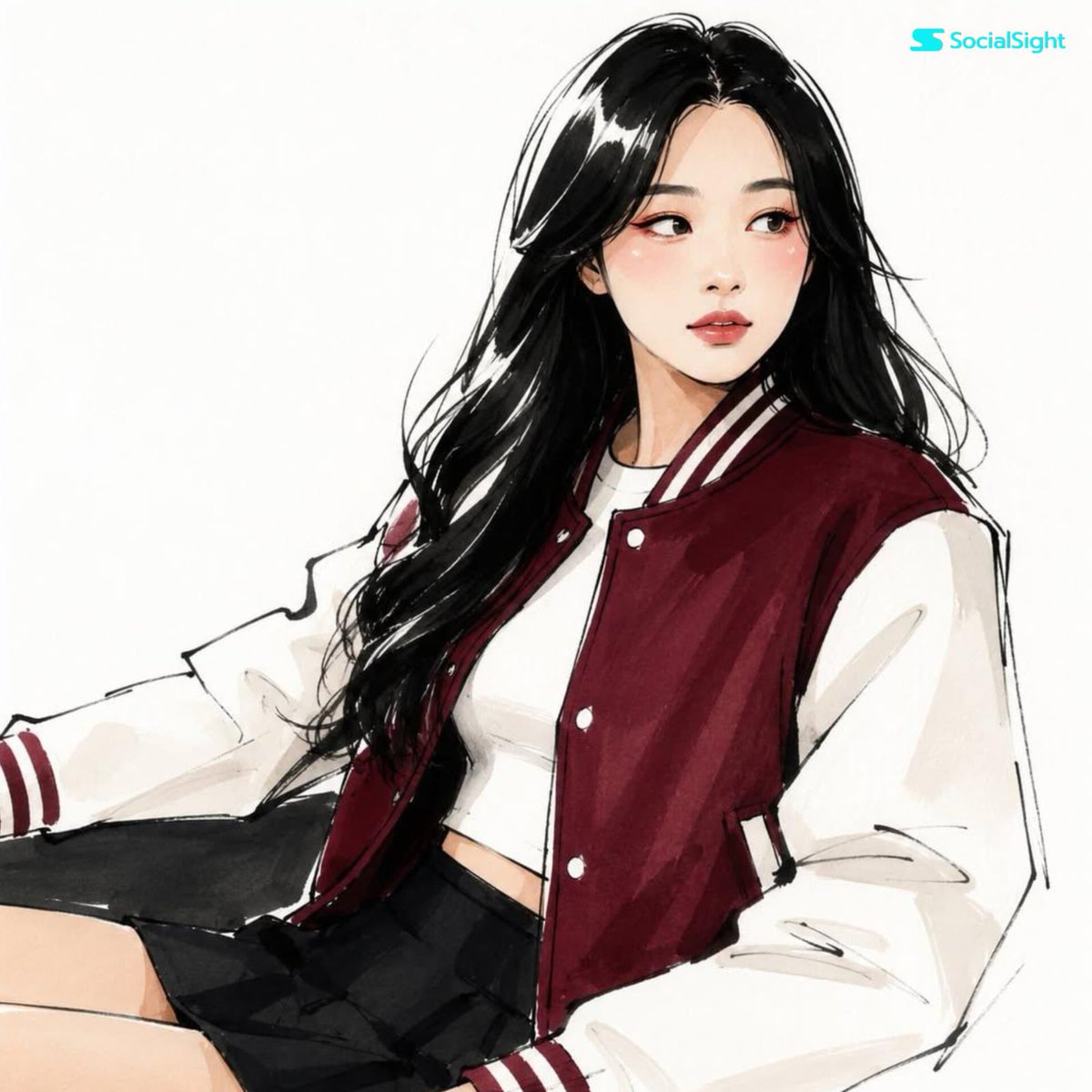
Fashion Editorial Illustration Sketch
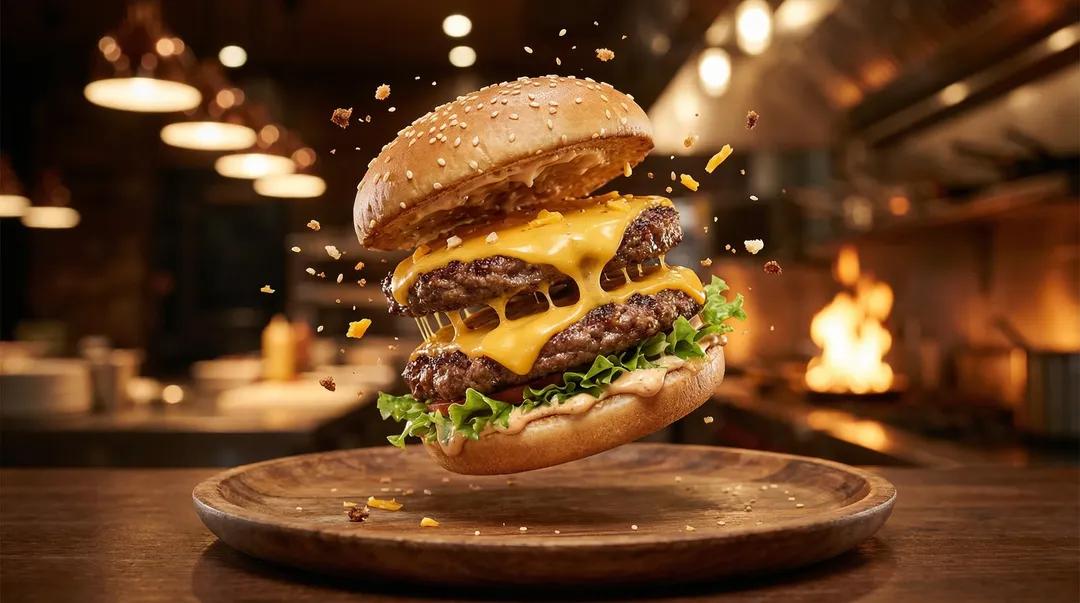
Exploding Ice Cream Cookie Sandwich

Futuristic Neon Portrait Prompt

GoPro-style extreme sports selfie prompt
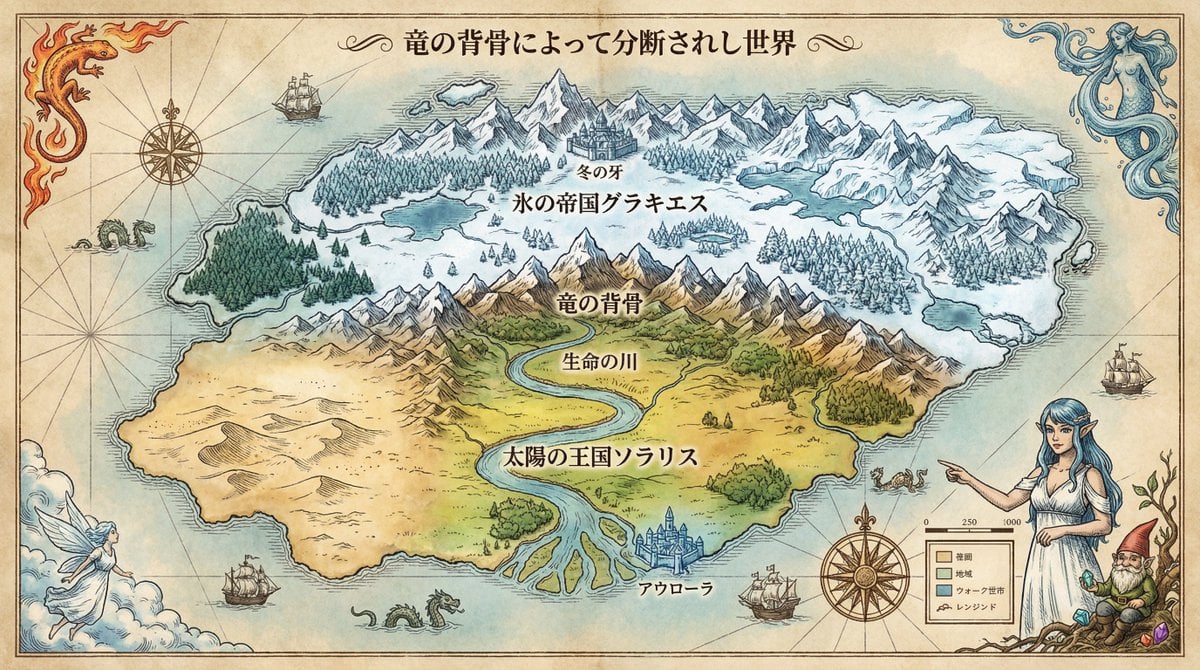
Royal Cartographer Fantasy World Map Prompt (Detailed Scenario)
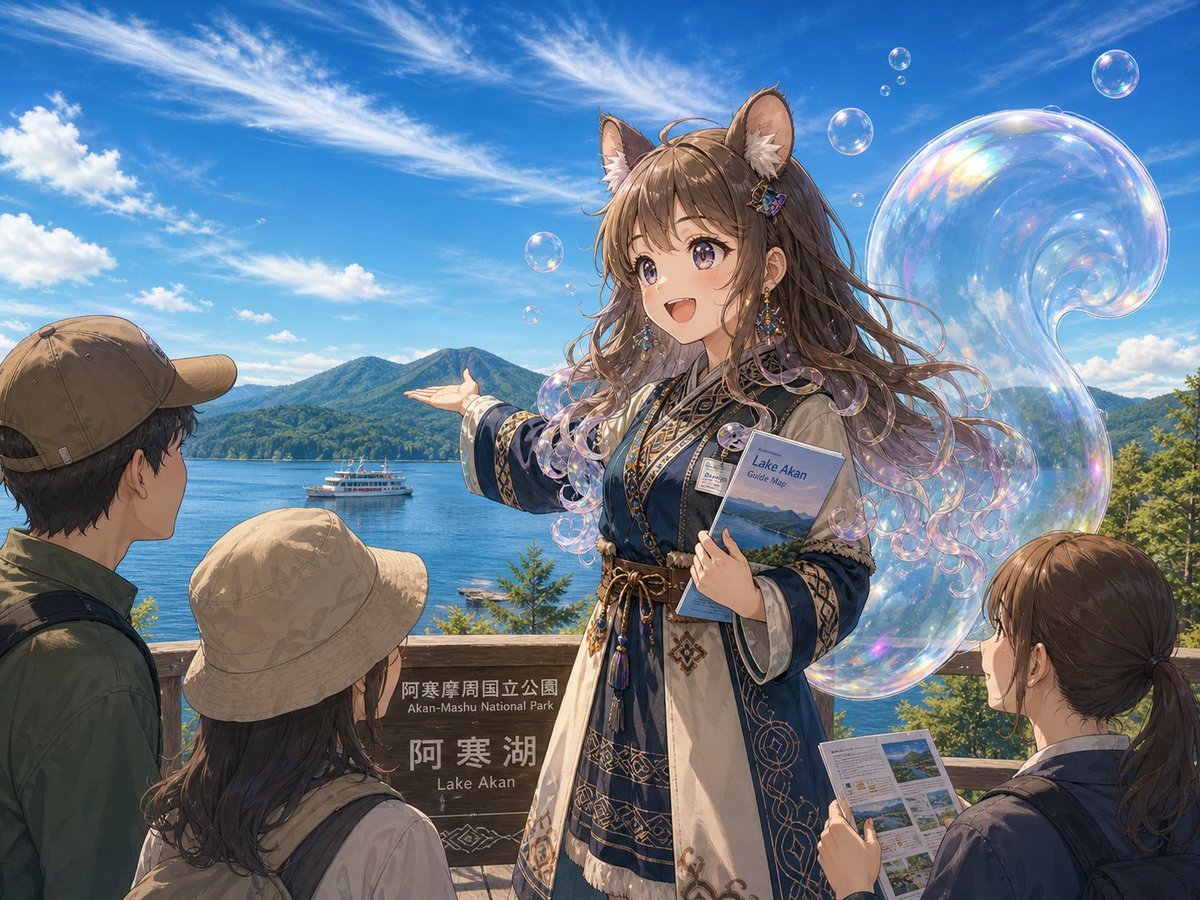
Lake Akan Squirrel Guide

Floating Instagram Creator Portrait
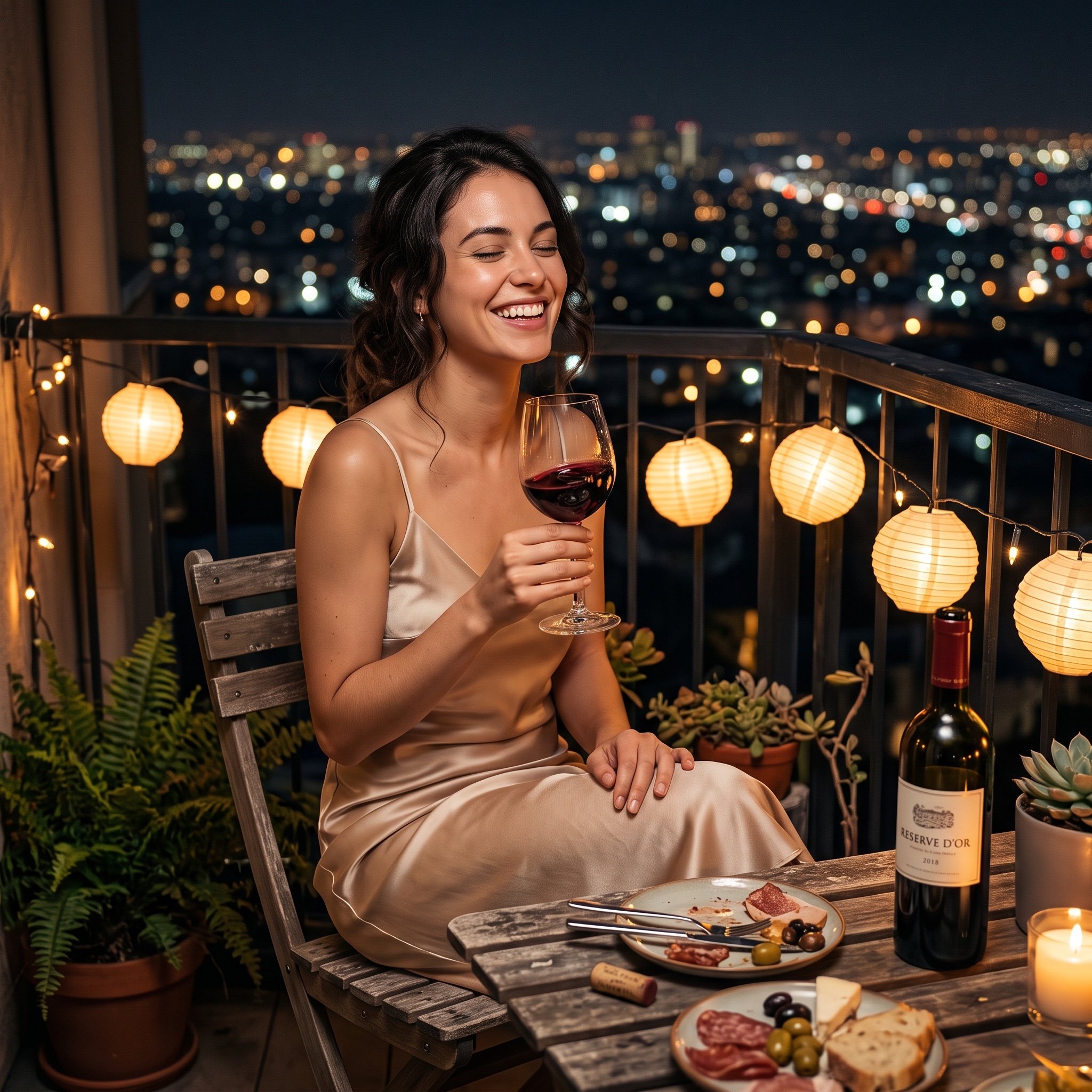
Photorealistic cinematic image prompt for a woman enjoying an evening on a balcony
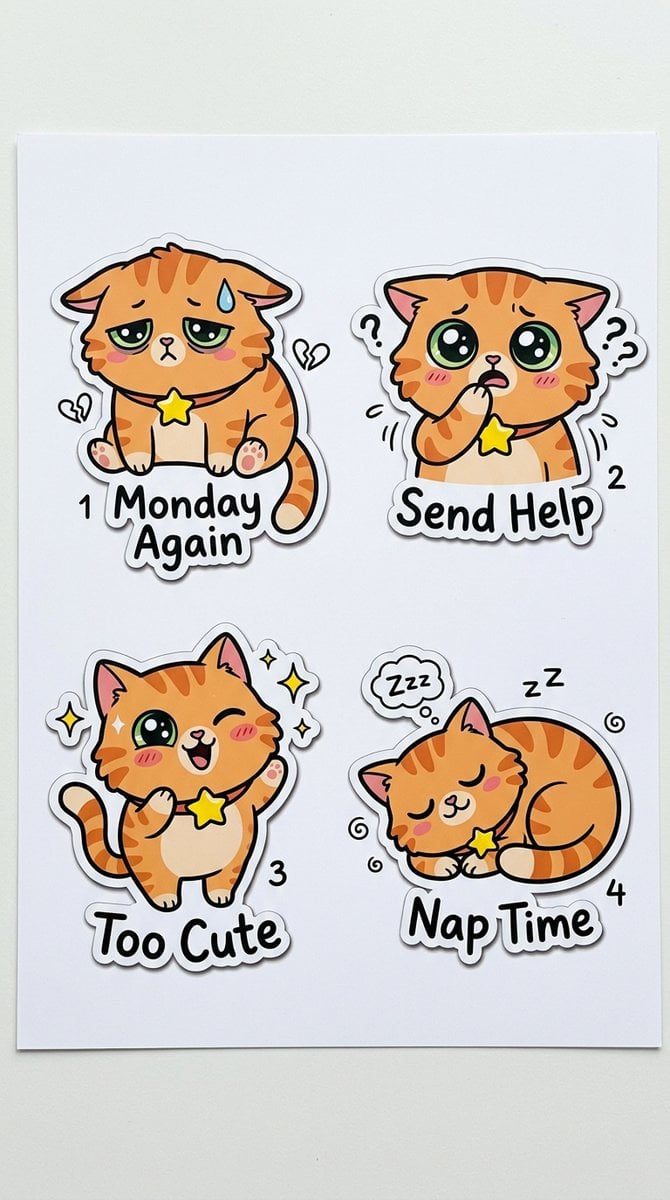
Cartoon Sticker Sheet Generator
Browse template categories
Kyoto Hidden Mascot Diorama questions
How do I use the Kyoto Hidden Mascot Diorama template?
Add your photo if the template asks for one, edit the prompt if you like — the template's model and format are already selected — and press Generate. Your version opens in PicX Studio.
Can I customize the Kyoto Hidden Mascot Diorama template?
Yes. You can change the subject, setting, lighting, mood, format, and available model controls before creating your image.
Is the Kyoto Hidden Mascot Diorama template free?
Opening and editing this template is free. Generating uses credits, shown on the Generate button when you are signed in.
Which AI model should I use?
Start with GPT Image 2, which is the model associated with this template. You can compare another compatible model for a different finish.
Looking for something else? Browse all templates.

Your photo, any look
Thousands of ready templates for every top image and video model, from one credit balance.