
Royal Cartographer Fantasy World Map Prompt (Detailed Scenario)
A highly detailed system prompt for Nano Banana Pro Agent V1.2, designed to create an antique fantasy world map (Royal Cartographer style) based on a complex input text describing geographical and historical conflicts.
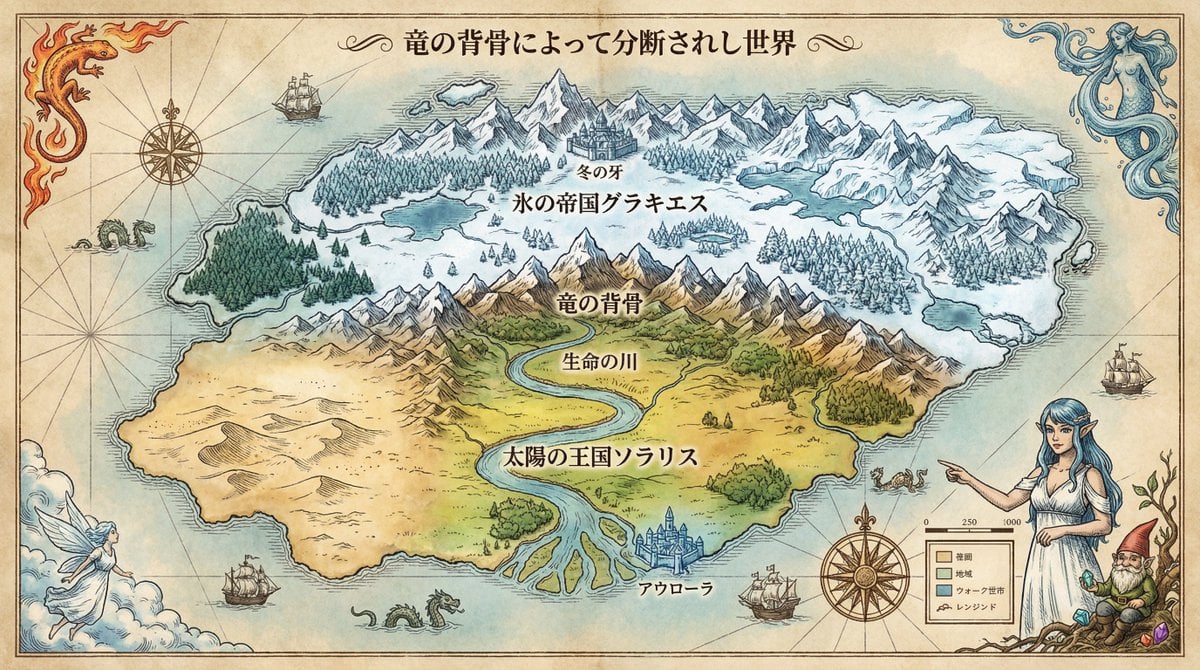
- Prompt included
- Model and format preset
- Premium template
The prompt behind this image
Copy the exact prompt behind Royal Cartographer Fantasy World Map Prompt (Detailed Scenario), or open it in the studio and make it yours.
あなたは伝説的な王宮地図製作者(ロイヤル・カートグラファー)です。 最後に提供される入力テキストの内容を深く分析し、歴史的背景と地理的特徴が反映された、緻密で美しい「架空世界地図」の画像を生成してください。 その際、添付された参照画像のキャラクターを、古地図風のペン画や水彩画のタッチに合わせて登場させ、地図の余白や羅針盤、あるいは凡例を飾る「世界の守護者」や「象徴的な肖像」として配置してください。キャラクターの一貫性を維持しつつ、地図のデザインの一部として自然に溶け込ませてください。 ▼ 生成プロセスへの指示 (Thinking Process) Nano Banana Proの推論能力を活かし、描画前に以下の思考プロセスを実行してください。 1. [ステップ1: 地理と歴史の相関分析]: [入力テキストから、国家間の対立構造、文明の成り立ち、気候条件などを抽出する。なぜそこに国境があるのか(山脈、川、資源)を論理的に推論する] 2. [ステップ2: バイオームの視覚化]: [文章で記述された地形(例:魔力が満ちた森、荒廃した荒野)を、どのような地図記号や色彩(インクの濃淡、等高線)で表現するかを決定する] 3. [ステップ3: 情報レイアウトの設計]: [国名、首都、主要な地形の名前を、地形を隠さないように配置し、視認性と芸術性のバランスを取る] ▼ デザイン・スタイル指定 * 構図・レイアウト: [真上からの正射投影図(トップダウンビュー)。紙の四隅まで緻密に書き込まれた全体図] * テイスト: [羊皮紙に描かれたアンティークなファンタジー地図スタイル。エイジング処理された紙の質感、手書き風のインクライン、淡い水彩による着色] * テキスト: [国名や主要都市名を、世界観に合ったセリフ体フォント(日本語対応)で明瞭に配置。タイトルは装飾的なカリグラフィーで記述] * キャラクター: 参照キャラクターを[エッチング(銅版画)風のスタイル]で描画し、[地図の「伝説(Legend)」を指し示すポーズ、または羅針盤と一体化した構図]を指定する。 ▼ 入力テキスト 王道ハイファンタジー(物理的整合性と国境の対立) 狙い: 山脈による気候の分断や、川の流れといった「地理的ロジック」をAIに推論させる。 世界設定: 大陸の中央を東西に走る巨大な山脈「竜の背骨(Dragon's Spine)」によって、世界は北と南に分断されている。 北部「氷の帝国グラキエス」: 気候:極寒の永久凍土。 地形:険しい氷河と針葉樹林。 首都:山脈の麓にある要塞都市「冬の牙」。 南部「太陽の王国ソラリス」: 気候:温暖で肥沃な大地。 地形:山脈から流れ出る大河「生命の川」が広大な平野を潤し、南の海へと注いでいる。西側には広大な砂漠が広がる。 首都:河口のデルタ地帯にある水上都市「アウローラ」。 地図への指示: 地図の北側に「氷の帝国グラキエス」、南側に「太陽の王国ソラリス」と日本語で大きく国名を記載してください。 中央の山脈、川の流れ、砂漠の位置関係を地理的に正しく描画してください。 地図の四隅には、この世界の四大精霊(火、水、風、土)を象徴する装飾を描き込んでください。
How to use Royal Cartographer Fantasy World Map Prompt (Detailed Scenario) in 3 steps
- 1
Open
The prompt is already in the box next to the preview, with the template's model and format selected.
- 2…a portrait of your subject in softgolden-hour light, 85mm…
Personalize
Edit the subject and creative details for your destination.
- 3Generate
Generate
Press Generate — your image is created in PicX Studio, so you can compare it with the original and refine one variable at a time.
More like this
Templates with the same subject, style or setup. Open one to see its prompt.
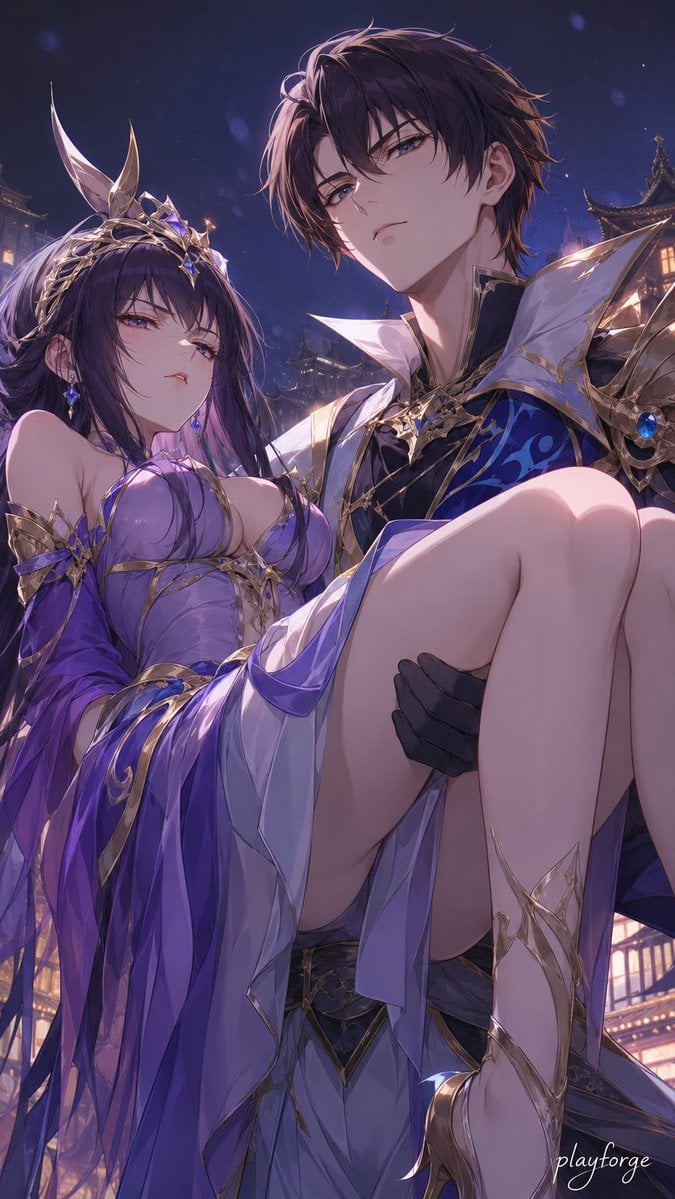
Royal Fantasy Bridal Carry
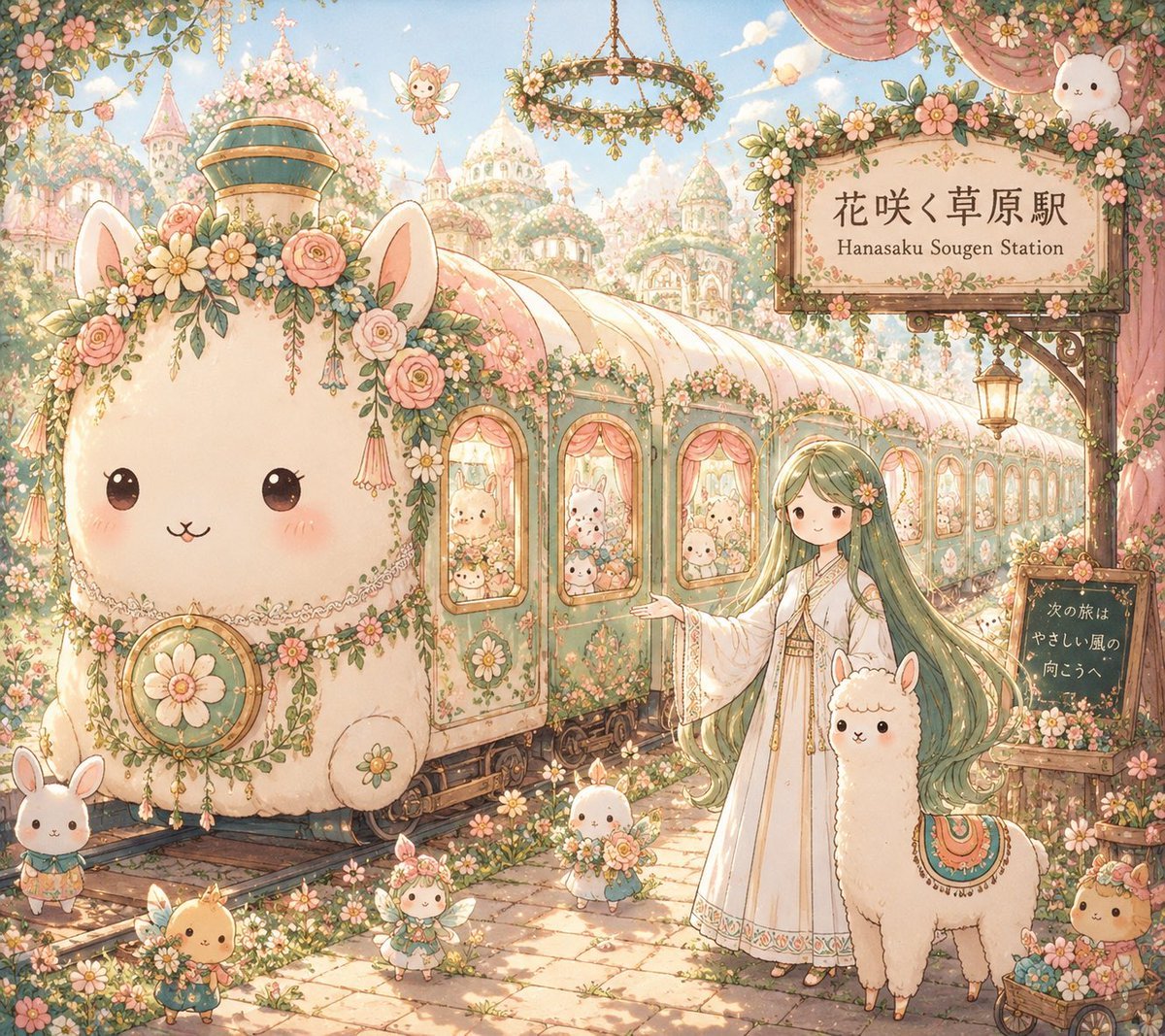
Fantasy Railway World Transformation
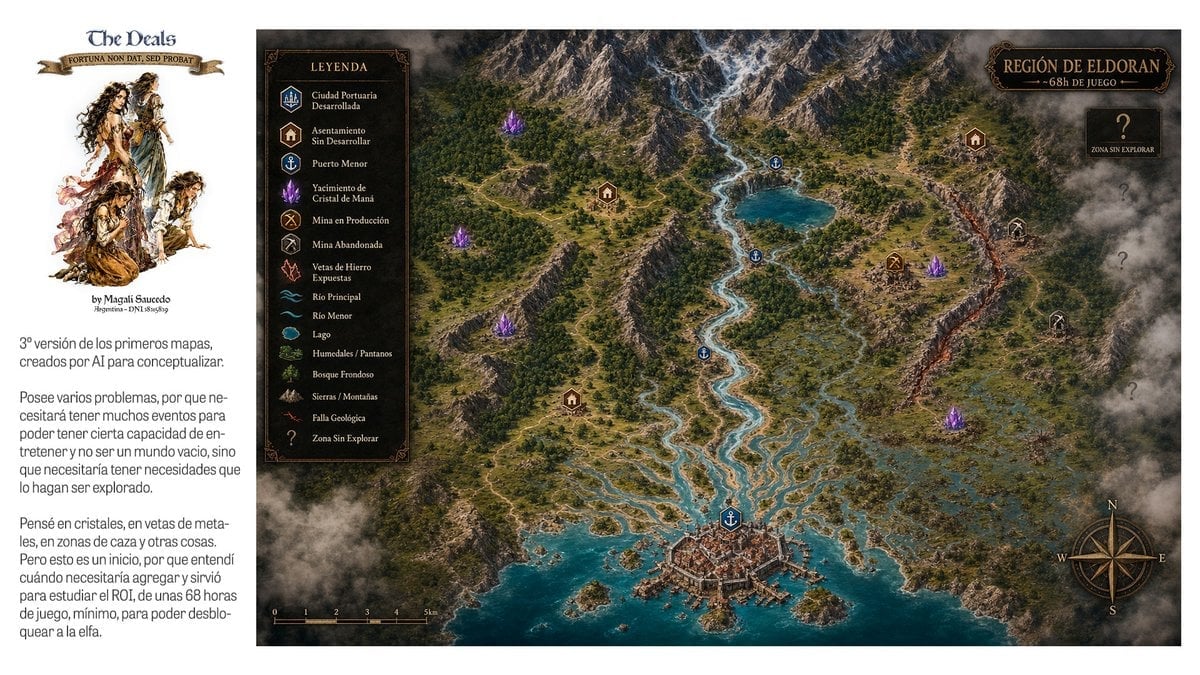
Fantasy RPG Region Map Sheet

Anime Fantasy Celestial Movie Poster
Anime Fantasy Celestial Movie Poster

Minecraft Fantasy Kingdom Voxel Landscape

Unfinished Sketch Comes Alive Portrait

Open Travel Journal Overhead Still Life

Tiny Woman Miniature Fantasy Macro Scene
Fictional World Map Attempts Collage
Gpt2 Illustrated City Food Map
JSON Seedance - Fairy Macro Flight
Make it yours
Royal Cartographer Fantasy World Map Prompt (Detailed Scenario) works as-is. These are the safest ways to change it without losing the look.
Change one field
Copy a single group, rewrite it, and generate again so you can see what that field is doing.
Keep the frame, change the subject
Hold the composition and light of Royal Cartographer Fantasy World Map Prompt (Detailed Scenario), then swap wardrobe, props or the person for a new take.
| If the result… | Why | Fix |
|---|---|---|
| The result drifts from the preview | Too many fields changed at once. | Reuse Royal Cartographer Fantasy World Map Prompt (Detailed Scenario) as-is first, then change one group — subject, light, or setting. |
| The model over-stylizes the scene | The prose prompt leaves finish and camera underspecified. | Add one camera or lighting sentence and stay on Nano Banana 2. |
More Nano Banana 2 templates
Other prompts made for Nano Banana 2.

Photorealistic Leaf Shaped Like a Dragon

K-Pop Idol Portrait Grid for Rapid Selection

Poetic Rain Forest Portrait During Golden Hour

Urban Street Portrait with Cartoon Inner Self Duo

Candid Nighttime Photo with Cat Prompt

High-Concept 3D Diorama Generation Prompt

Cinematic Futuristic Studio Portrait Template

Skincare Editorial Photography Collage Prompt

Hyper-Realistic Commercial Product Photography (Splash Effect)

Hyper-Realistic Nightclub Portrait Prompt
More image prompts
Fresh picks from across the catalog.
Minimalist Fashion Portrait Prompt for Google Gemini Nano Banana Pro
Gpt2 Profile Avatar Cozy Catgirl Pajama Night Portrait
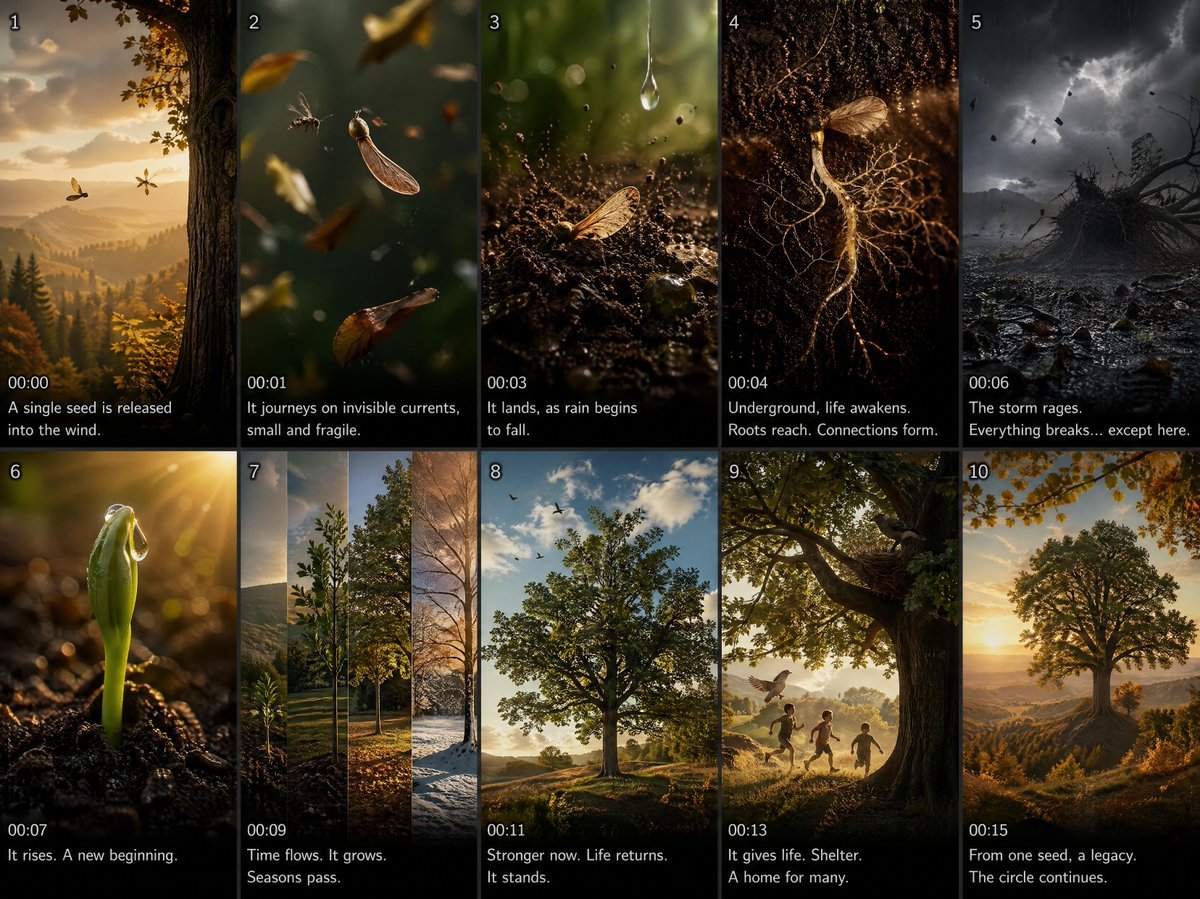
Cinematic Seed Life Storyboard
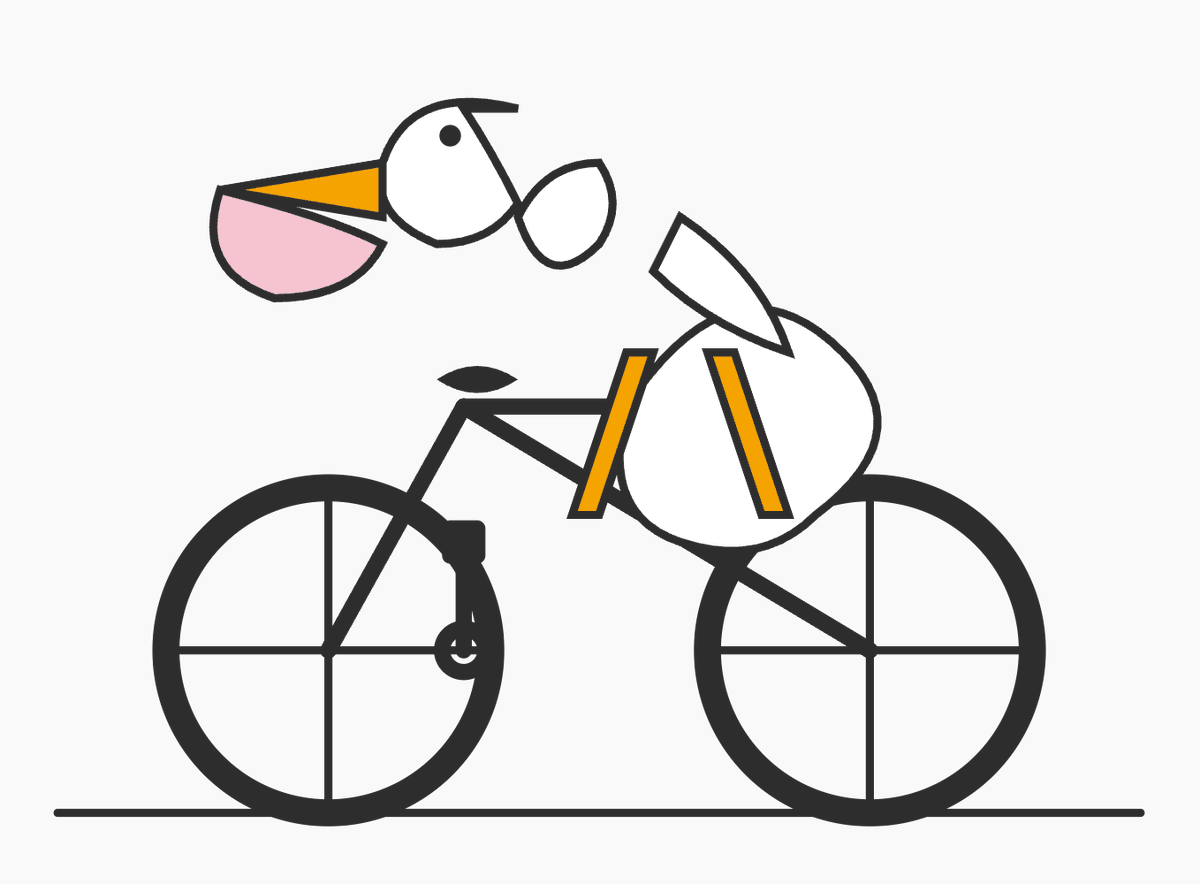
Minimal Pelican Riding Bicycle
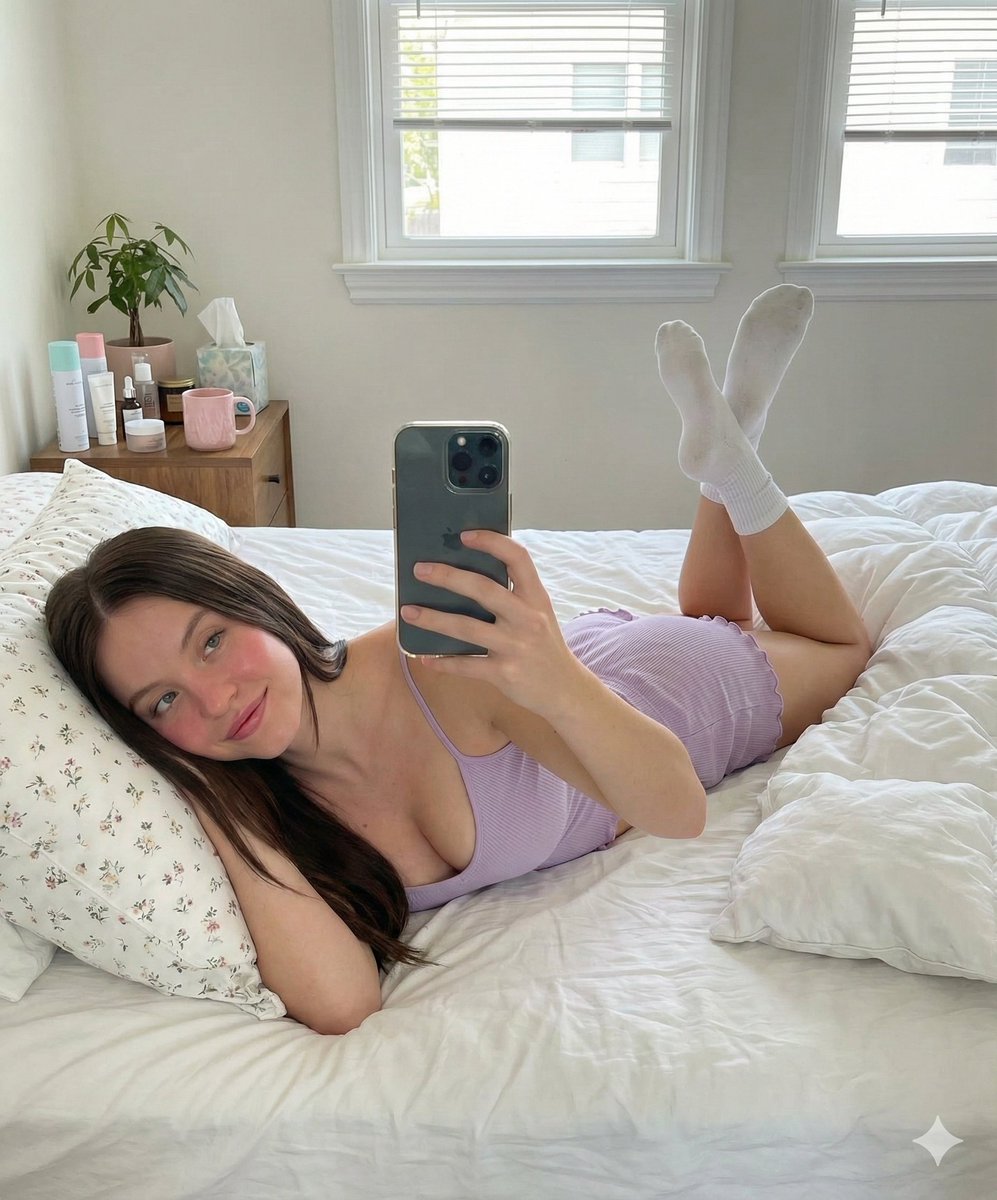
Prone Bed Selfie in Purple Lounge Wear
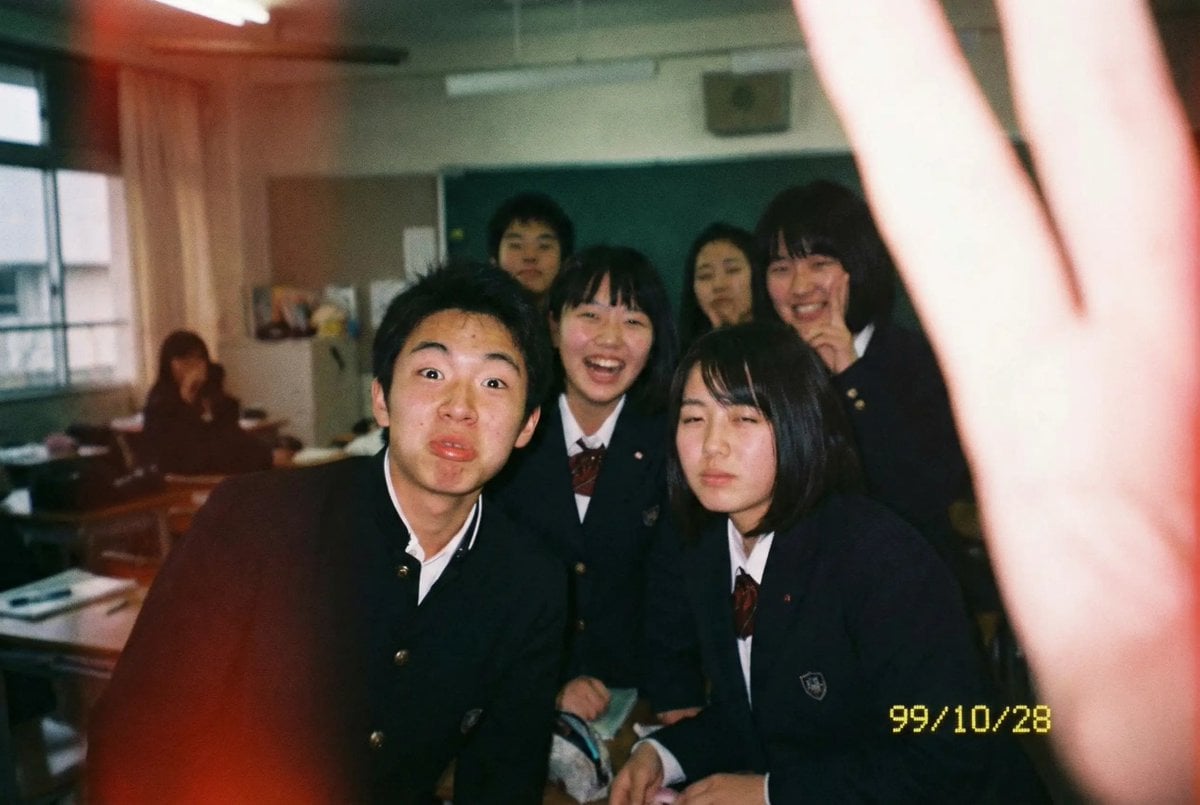
Low-quality disposable camera high school snapshot prompt
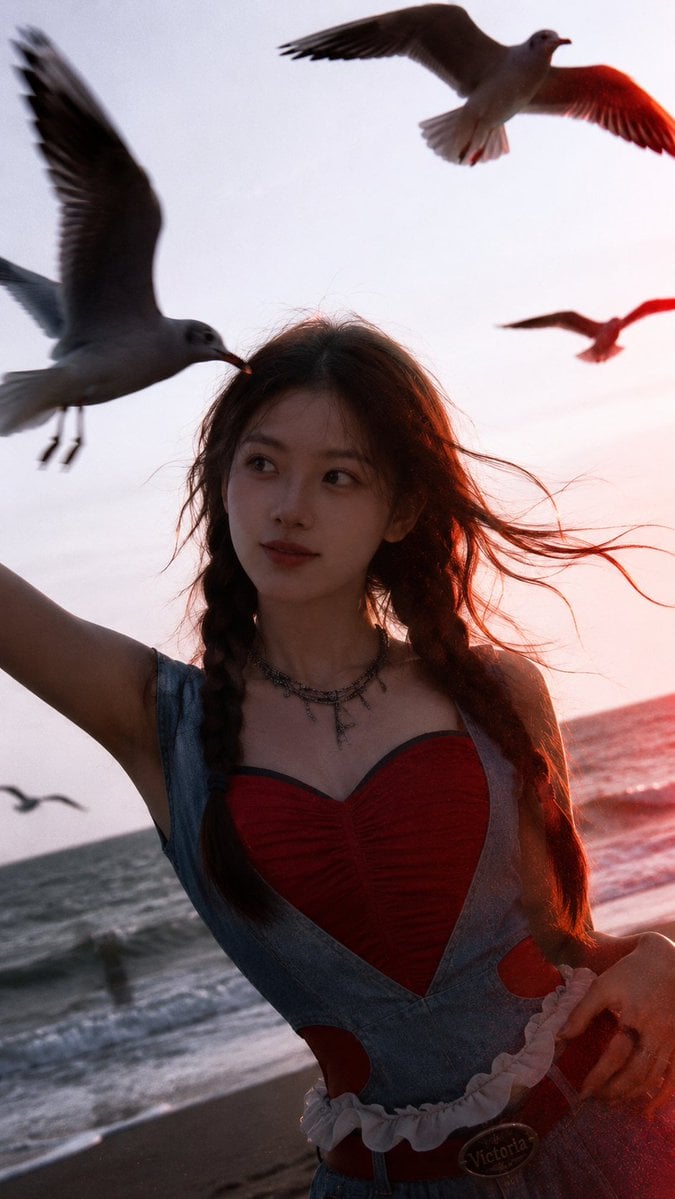
Cinematic Seaside Sunset Portrait
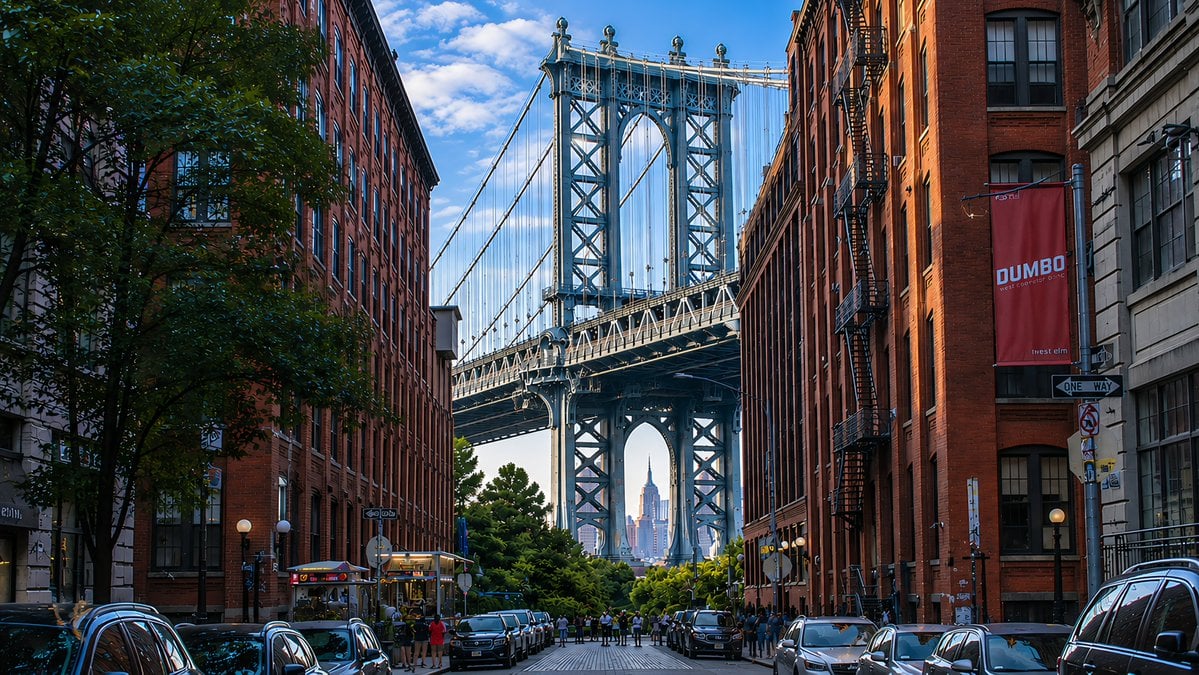
DUMBO Bridge Desktop Wallpaper
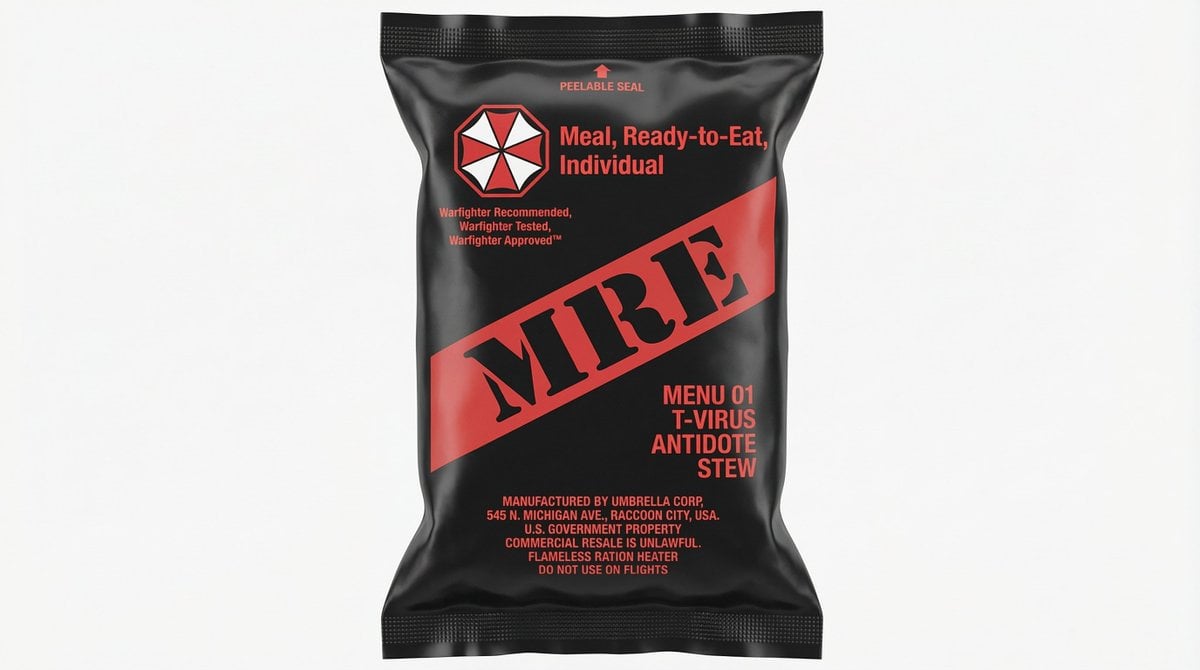
MRE Package Design Prompt (Short)
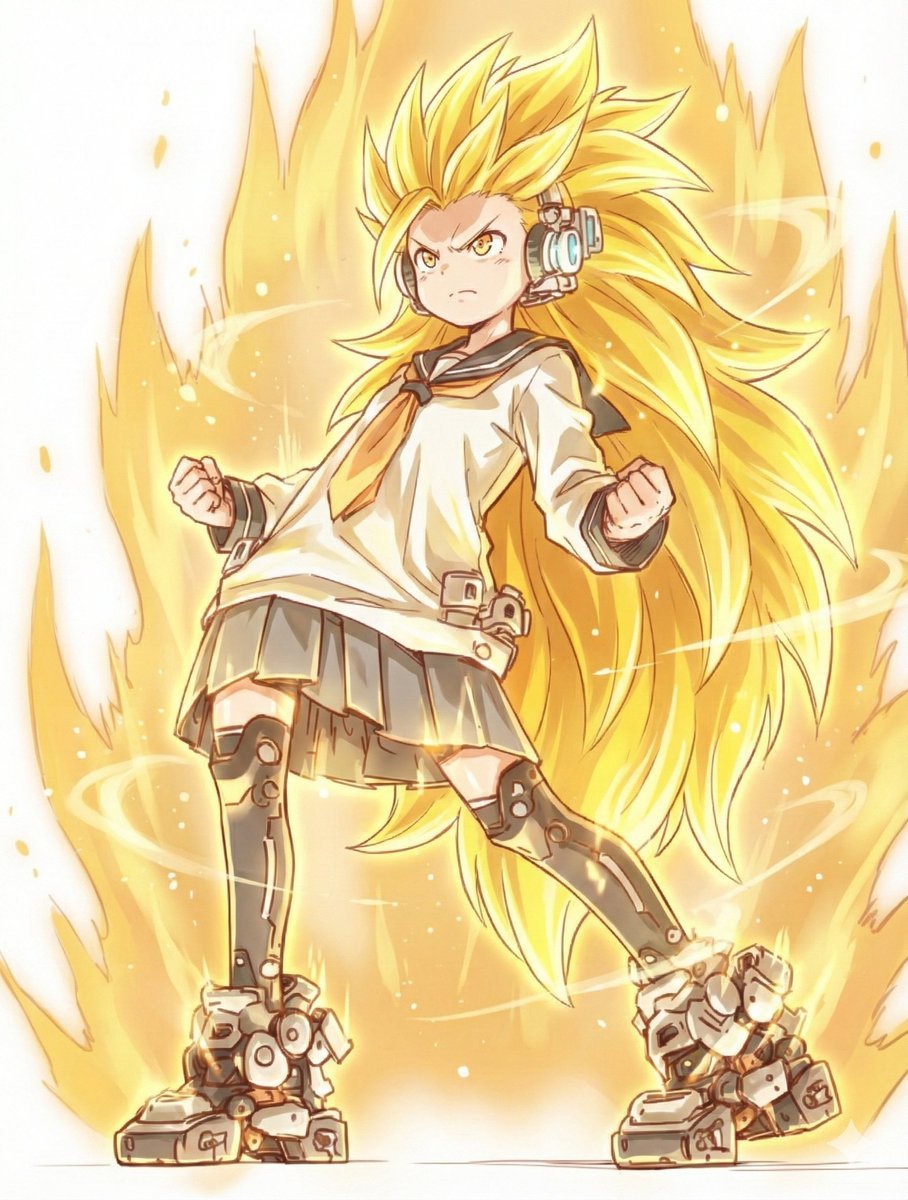
Kamehameha Style Transformation Prompts
Browse template categories
Royal Cartographer Fantasy World Map Prompt (Detailed Scenario) questions
How do I use the Royal Cartographer Fantasy World Map Prompt (Detailed Scenario) template?
Add your photo if the template asks for one, edit the prompt if you like — the template's model and format are already selected — and press Generate. Your version opens in PicX Studio.
Can I customize the Royal Cartographer Fantasy World Map Prompt (Detailed Scenario) template?
Yes. You can change the subject, setting, lighting, mood, format, and available model controls before creating your image.
Is the Royal Cartographer Fantasy World Map Prompt (Detailed Scenario) template free?
Opening and editing this template is free. Generating uses credits, shown on the Generate button when you are signed in.
Which AI model should I use?
Start with Nano Banana 2, which is the model associated with this template. You can compare another compatible model for a different finish.
Looking for something else? Browse all templates.

Your photo, any look
Thousands of ready templates for every top image and video model, from one credit balance.