
Cinematic Seed Life Storyboard
A complex 10-frame storyboard grid for a photorealistic nature documentary aesthetic, visualizing the journey of a seed from wind to a great tree.
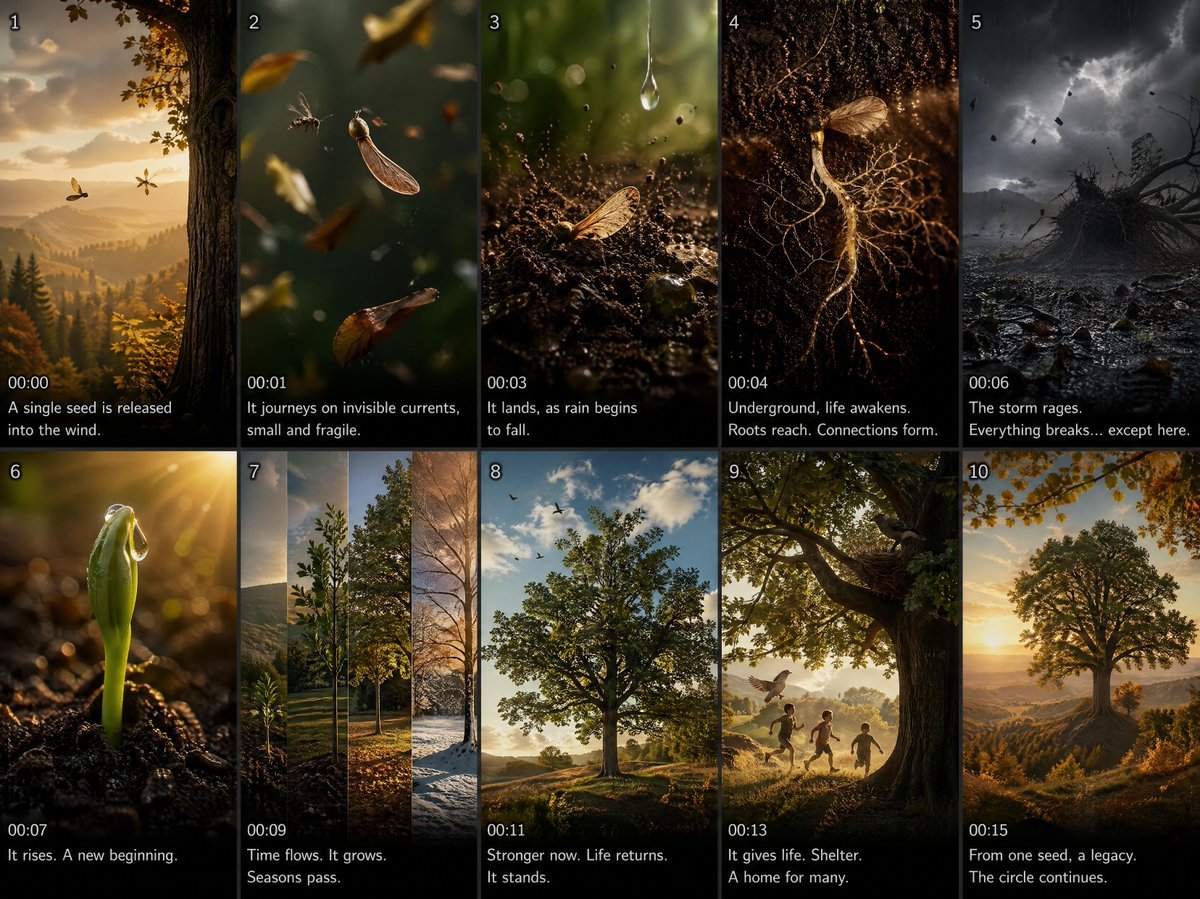
- Prompt included
- Model and format preset
- Free template
The prompt behind this image
Copy the exact prompt behind Cinematic Seed Life Storyboard, or open it in the studio and make it yours.
A 2x5 storyboard grid of 10 frames for a 15-second photorealistic CGI animated short film, {argument name="aesthetic" default="BBC Planet Earth documentary aesthetic"}, macro cinematography, rich greens and golden hour light, natural soft shadows, extreme scale shifts from micro to macro. Theme: {argument name="theme" default="a single seed's journey blown by wind, surviving a storm, slowly growing into a great tree full of life"}. Frames: (1) extreme wide autumn forest, single seed released from a tall tree, golden bokeh background; (2) macro tracking shot - seed floating through air, passing insects and leaves, delicate and small; (3) slow-motion impact - seed lands on soft soil, dirt particles scatter, raindrop falls beside it; (4) surreal underground macro - roots beginning to grow in darkness, microscopic and beautiful; (5) wide dramatic shot - violent storm raging, everything uprooted, but the seed's spot stays still; (6) macro close-up - first green sprout breaking through soil, morning dew on tip, sunlight catching it; (7) accelerated growth sequence - sapling rising, seasons shifting, light and shadow changing, alive; (8) wide shot - juvenile tree now standing, birds arriving, leaves rustling gently in wind; (9) medium warm shot - children playing in the tree's shade, a bird building a nest in the branches; (10) mirror wide shot - framed from the angle of the original tall tree, the new great tree now stands in its place circle of life.
How to use Cinematic Seed Life Storyboard in 3 steps
- 1
Open
The prompt is already in the box next to the preview, with the template's model and format selected.
- 2…a portrait of your subject in softgolden-hour light, 85mm…
Personalize
Edit the subject and creative details for your destination.
- 3Generate
Generate
Press Generate — your image is created in PicX Studio, so you can compare it with the original and refine one variable at a time.
More like this
Templates with the same subject, style or setup. Open one to see its prompt.

Headphones Lifestyle Nine Panel Grid
Seedance - Storyboard to Movie
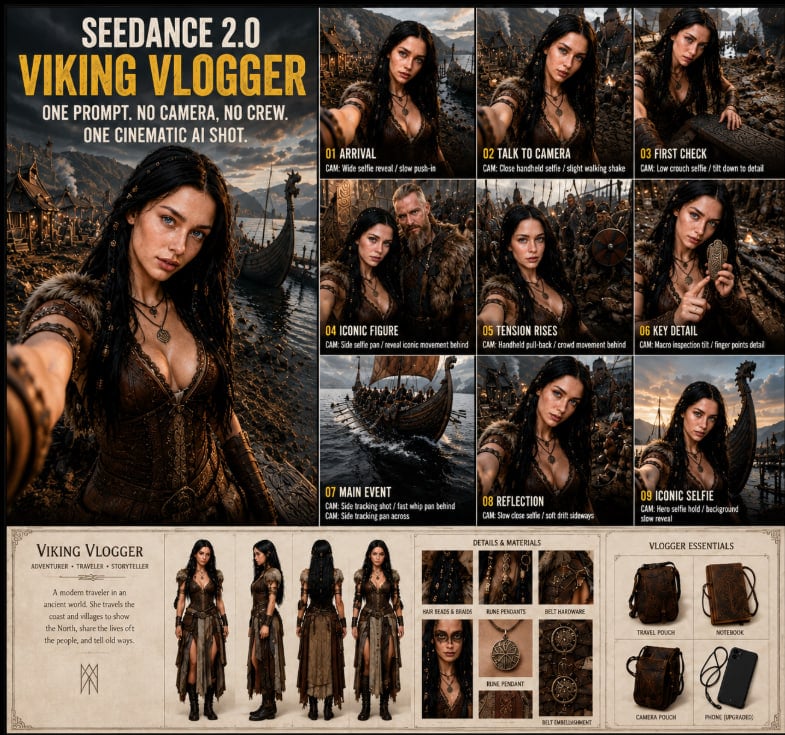
Seedance Viking Vlogger Storyboard Poster
Cartoon Ants Carrying a Golden Seed

Mushroom Still Life Composition

Hamster Caught by Sunflower Seed Trap
Meadow Lifestyle Quote Poster
Japanese Lifestyle Sketch Illustration

Pencil Sketch Coffee Storyboard
Cinematic Motorcycle Storyboard

Three Steps to a Happy Life Infographic
Discord Anime Storyboard Feed
Make it yours
Cinematic Seed Life Storyboard works as-is. These are the safest ways to change it without losing the look.
Change one field
Copy a single group, rewrite it, and generate again so you can see what that field is doing.
Keep the frame, change the subject
Hold the composition and light of Cinematic Seed Life Storyboard, then swap wardrobe, props or the person for a new take.
| If the result… | Why | Fix |
|---|---|---|
| The result drifts from the preview | Too many fields changed at once. | Reuse Cinematic Seed Life Storyboard as-is first, then change one group — subject, light, or setting. |
| The model over-stylizes the scene | The prose prompt leaves finish and camera underspecified. | Add one camera or lighting sentence and stay on GPT Image 2. |
More GPT Image 2 templates
Other prompts made for GPT Image 2.

Six VTuber Japanese Logo Sheet

Realistic Portrait of Woman and Deer

The Vista Modular Condo Poster

AI Model Routing Comparison Infographic

2.5D Anime Art Board

Isometric Productivity Desk Scene

New York Double Exposure Poster

Four-Panel AI Landscape Comparison

Japanese Tatami Lifestyle Magazine Cover

NESCAFÉ Coffee Map Poster
More image prompts
Fresh picks from across the catalog.
3D Tiny Anime Girl 'Gugu' Sequence

Shoujo Manga Magazine Cover
Chopin's Fantaisie-Impromptu in Lassen Style

Vector Art Sports Portrait

Firefly Pixar Spill — Nano Banana Pro
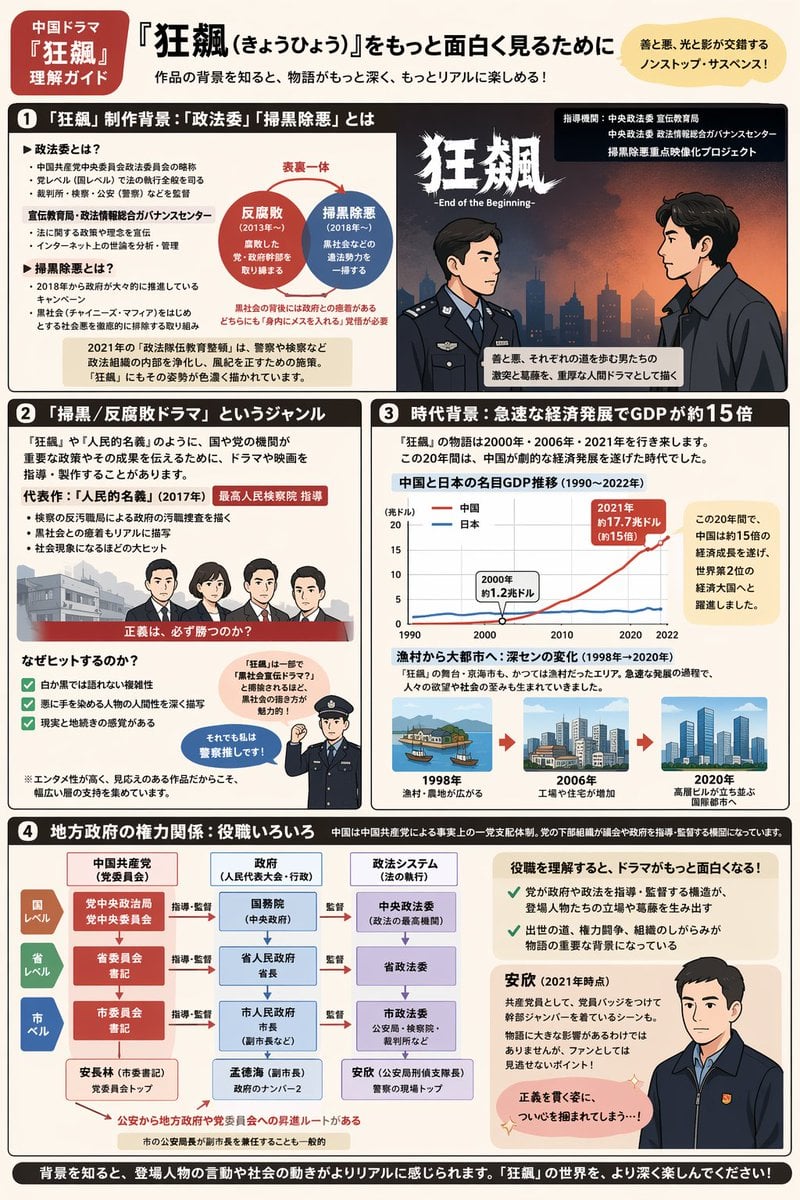
Complex Infographic Explainer Sheet
Half-Human Raven God Card Portrait
Video prompt for surreal miniature Pringles can snowboard scene
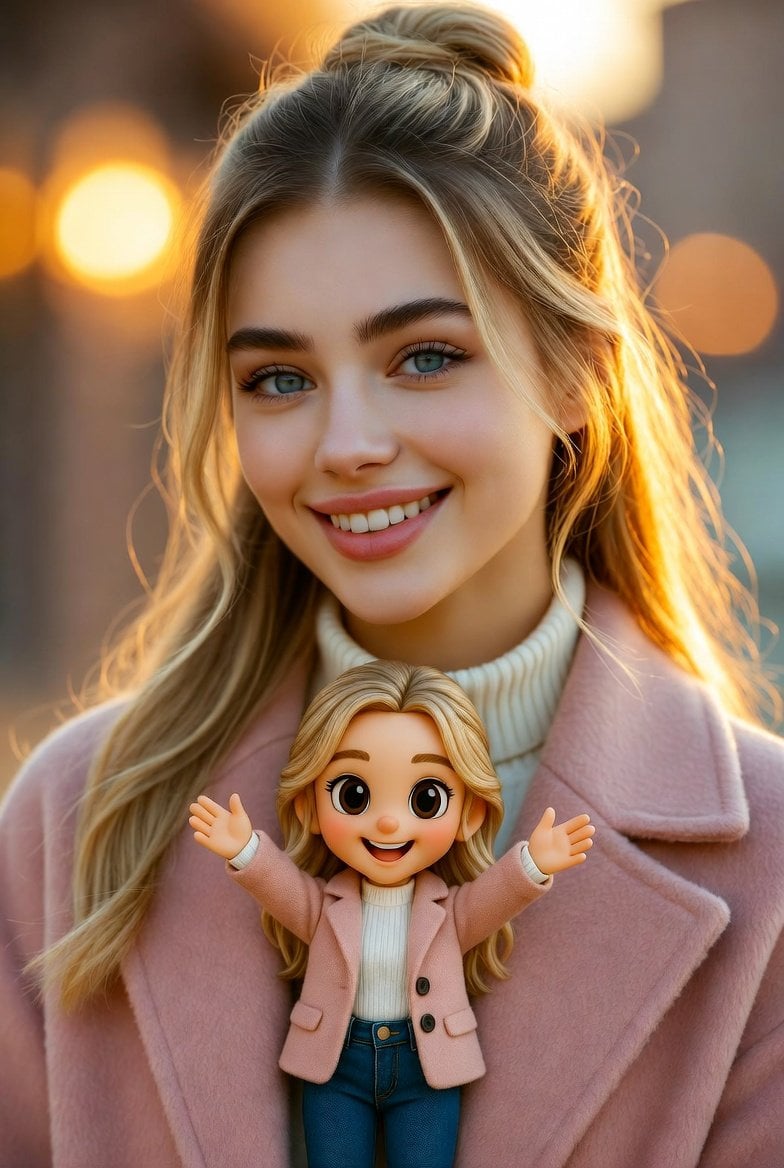
Cinematic Portrait with Miniature Chibi Figurine
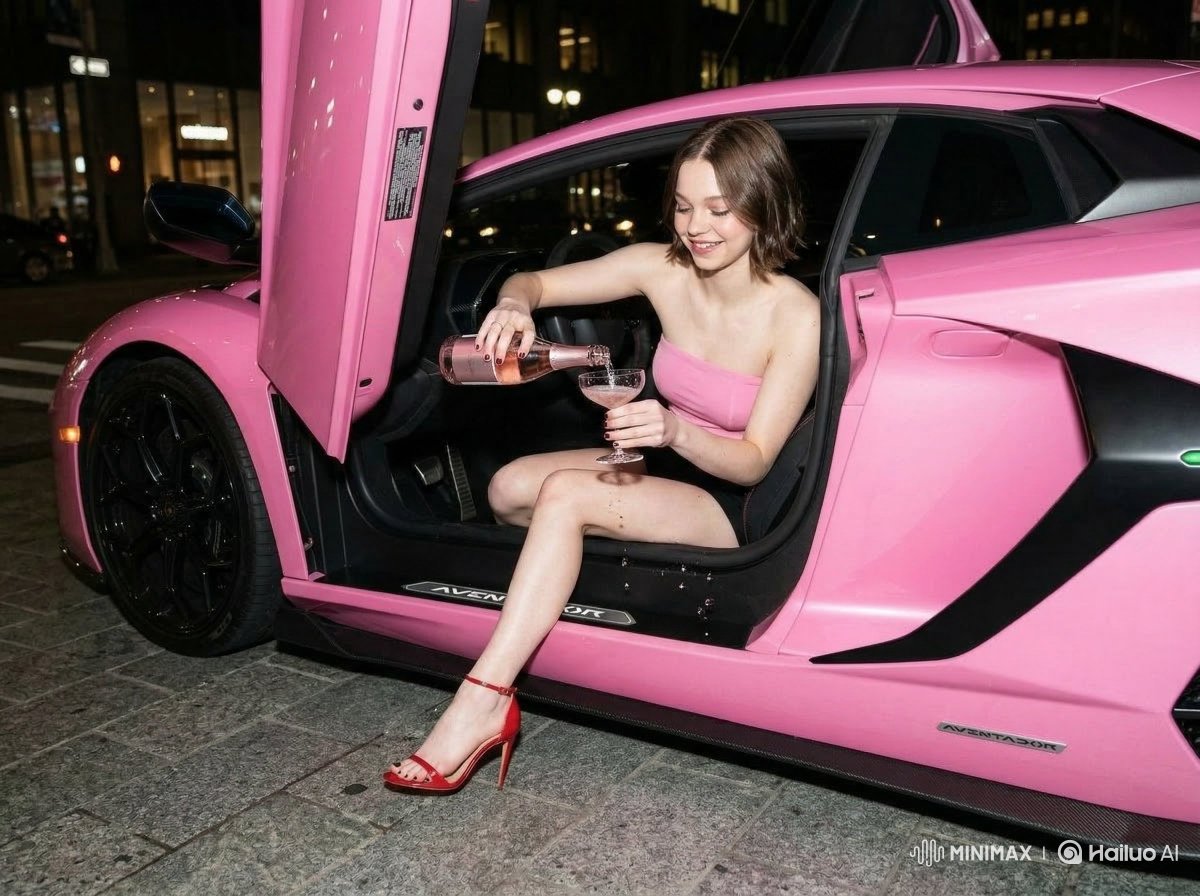
Emma Myers Portrait Prompt for Nano Banana 2
Browse template categories
Cinematic Seed Life Storyboard questions
How do I use the Cinematic Seed Life Storyboard template?
Add your photo if the template asks for one, edit the prompt if you like — the template's model and format are already selected — and press Generate. Your version opens in PicX Studio.
Can I customize the Cinematic Seed Life Storyboard template?
Yes. You can change the subject, setting, lighting, mood, format, and available model controls before creating your image.
Is the Cinematic Seed Life Storyboard template free?
Opening and editing this template is free. Generating uses credits, shown on the Generate button when you are signed in.
Which AI model should I use?
Start with GPT Image 2, which is the model associated with this template. You can compare another compatible model for a different finish.
Looking for something else? Browse all templates.

Your photo, any look
Thousands of ready templates for every top image and video model, from one credit balance.