
Hamster Caught by Sunflower Seed Trap
A kawaii storybook illustration of an embarrassed hamster trapped under a wooden crate baited with sunflower seeds.

- Prompt included
- Model and format preset
- Free template
The prompt behind this image
Copy the exact prompt behind Hamster Caught by Sunflower Seed Trap, or open it in the studio and make it yours.
Create a cute pastel storybook illustration of a chubby golden-brown hamster sitting under a tipped-over wooden crate like a tiny trap on a light wooden floor. The hamster should have fluffy orange and cream fur, oversized glossy teary brown eyes, pink cheeks, tiny paws held nervously to its chest, little pink feet, a small open worried mouth, and an embarrassed expression. The wooden crate is propped up on the left by one rough stick tied with one rope knot and a cord leading down to a bait pile; the crate roof has hand-drawn writing that says {argument name="crate sign text" default="FREE SUNFLOWER SEEDS!"}, a downward arrow, and a small sunflower doodle. In front of the hamster place exactly 34 visible sunflower seeds: 26 clustered in the main bait pile and 8 scattered around the floor, with a few tiny crumbs. Add exactly 2 blue sweat drops near the hamster and one thought bubble in the upper left containing {argument name="thought bubble text" default="... I can't believe I fell for that..."}. Background: warm cream wall, soft depth of field, one blurred potted plant on the left, and one small framed hamster picture with a heart on the right. Visual style: adorable Japanese kawaii children’s-book watercolor mixed with clean digital line art, warm beige and honey tones, soft shading, rounded forms, gentle humor, no harsh outlines, square composition.
How to use Hamster Caught by Sunflower Seed Trap in 3 steps
- 1Upload ImagePNG, JPG or paste
Add your photo
Upload the photo the template builds on. The prompt, model and format are already set.
- 2…a portrait of your subject in softgolden-hour light, 85mm…
Personalize
Edit the subject and creative details for your destination.
- 3Generate
Generate
Press Generate — your image is created in PicX Studio, so you can compare it with the original and refine one variable at a time.
More like this
Templates with the same subject, style or setup. Open one to see its prompt.
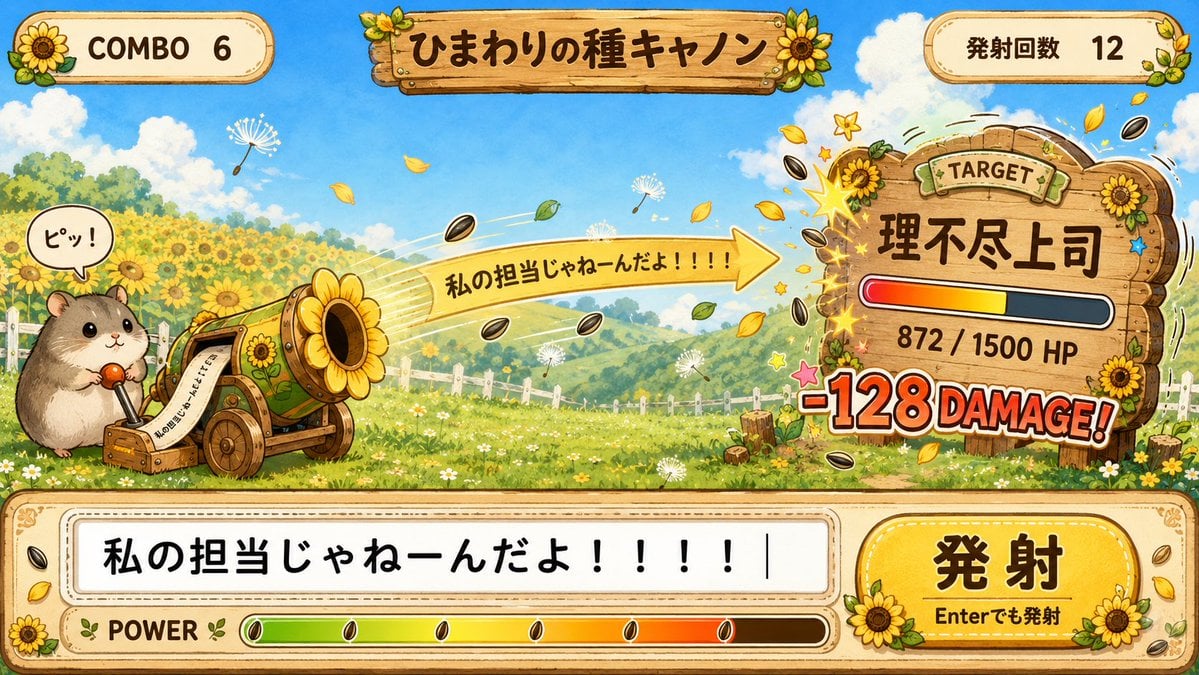
Hamster Sunflower Cannon Game UI
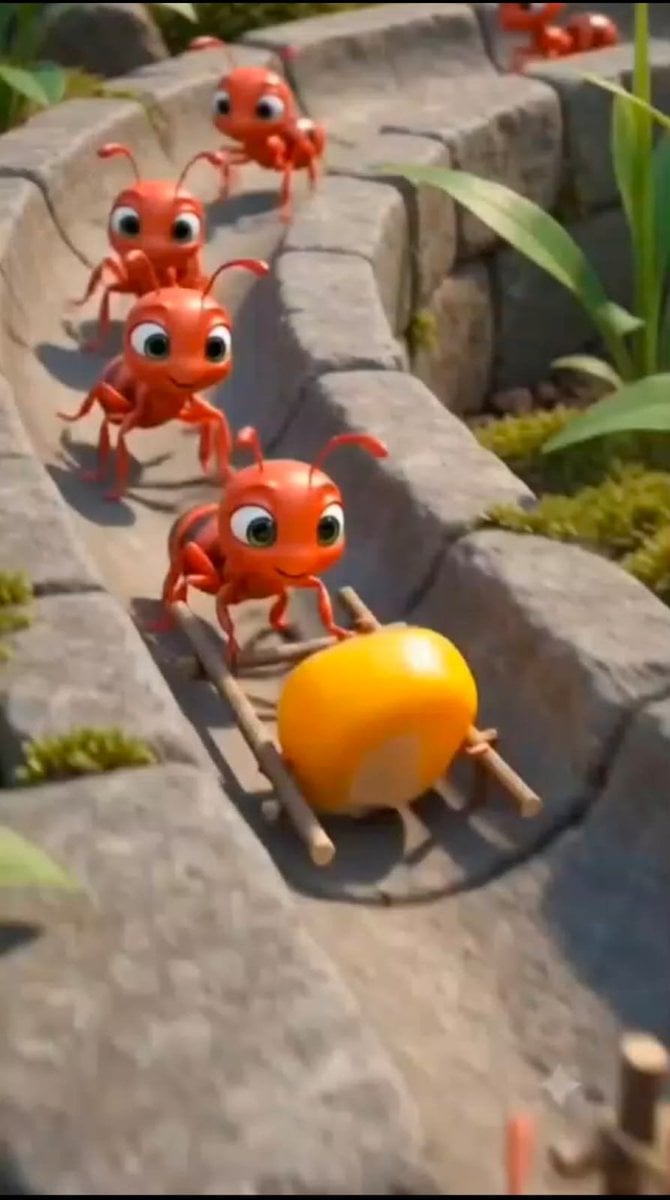
Cartoon Ants Carrying a Golden Seed
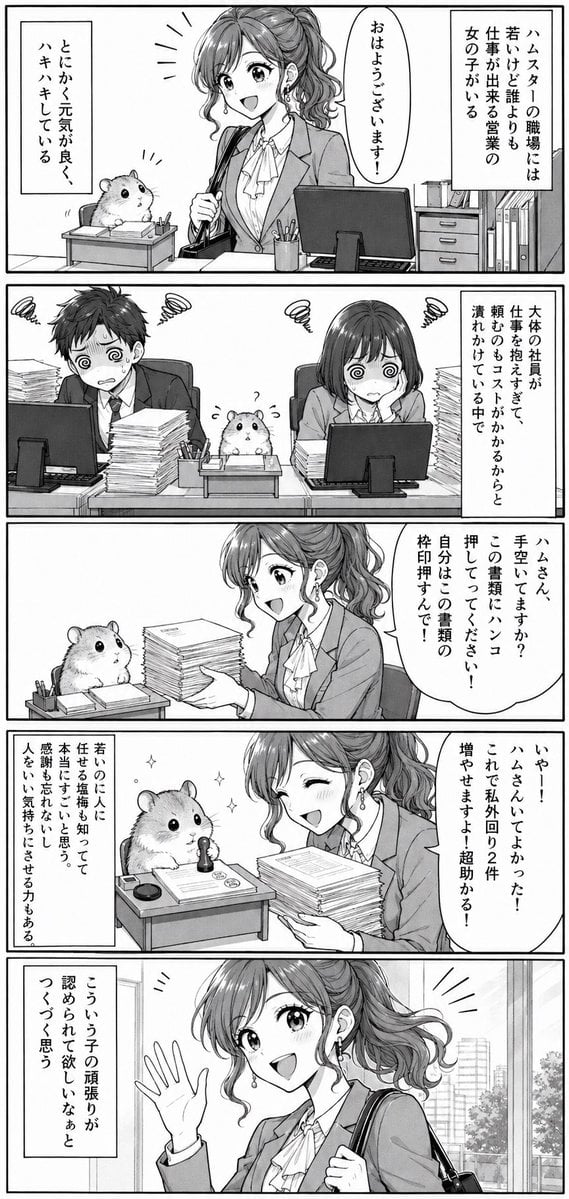
Office Hamster Manga Diary
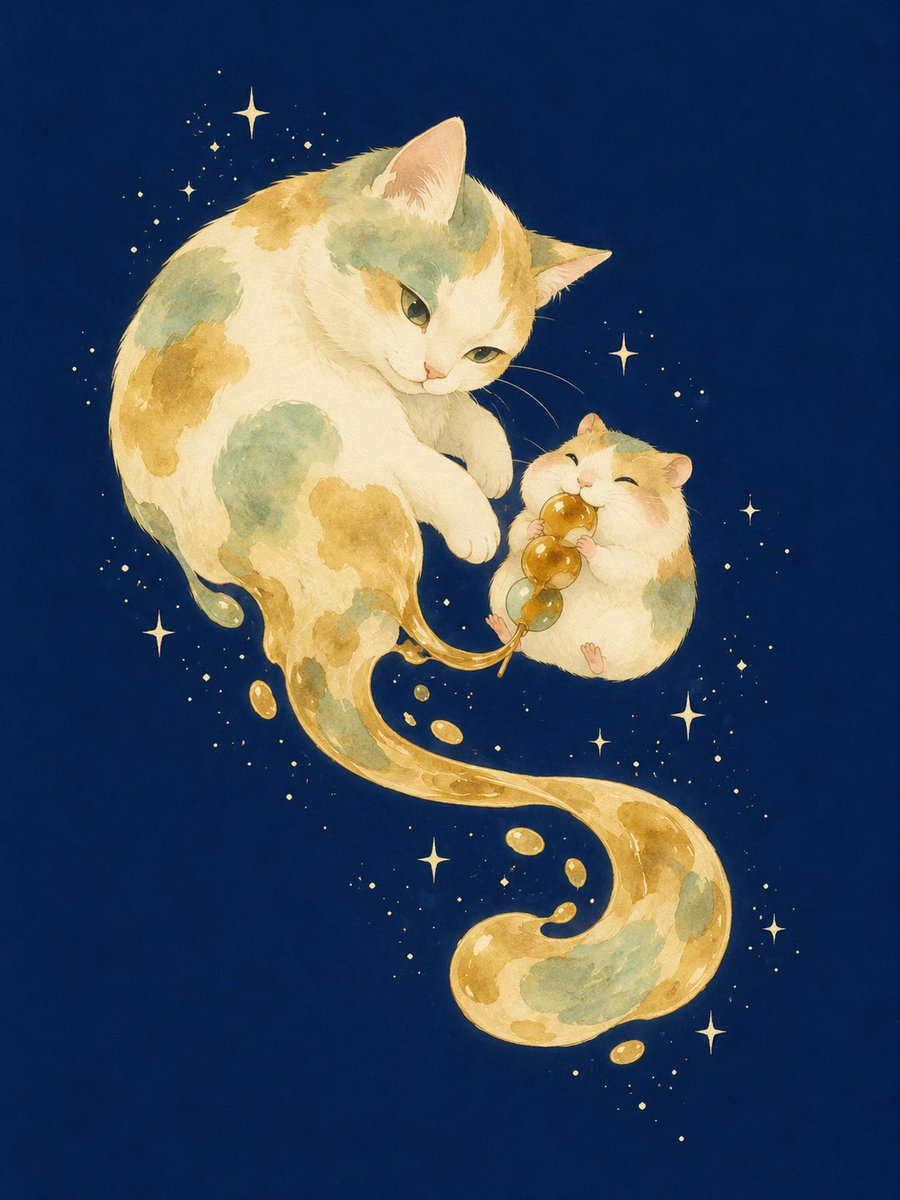
Mitarashi Calico Cat and Hamster
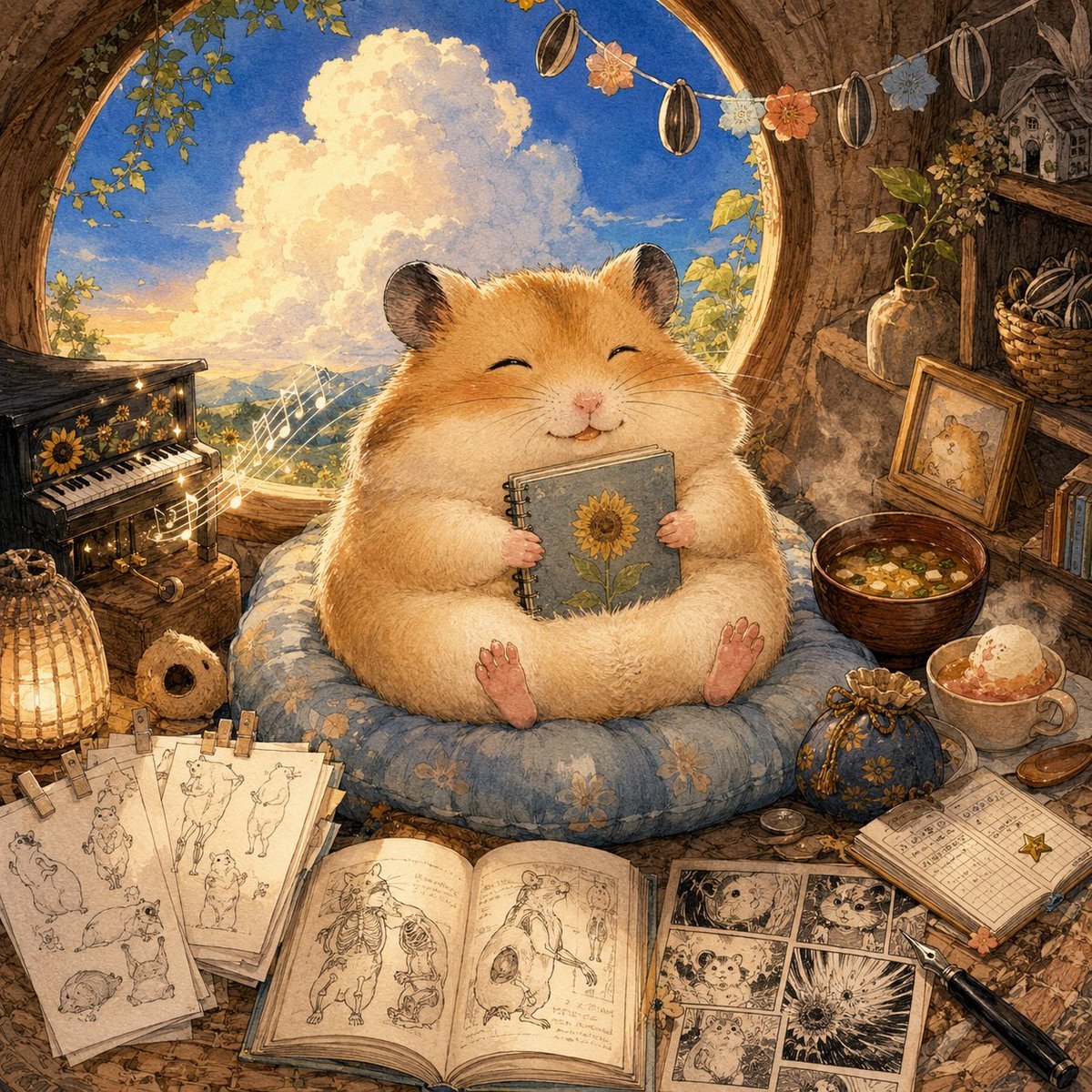
Happiest Hamster Portrait

Quiet Hamster Manga Page
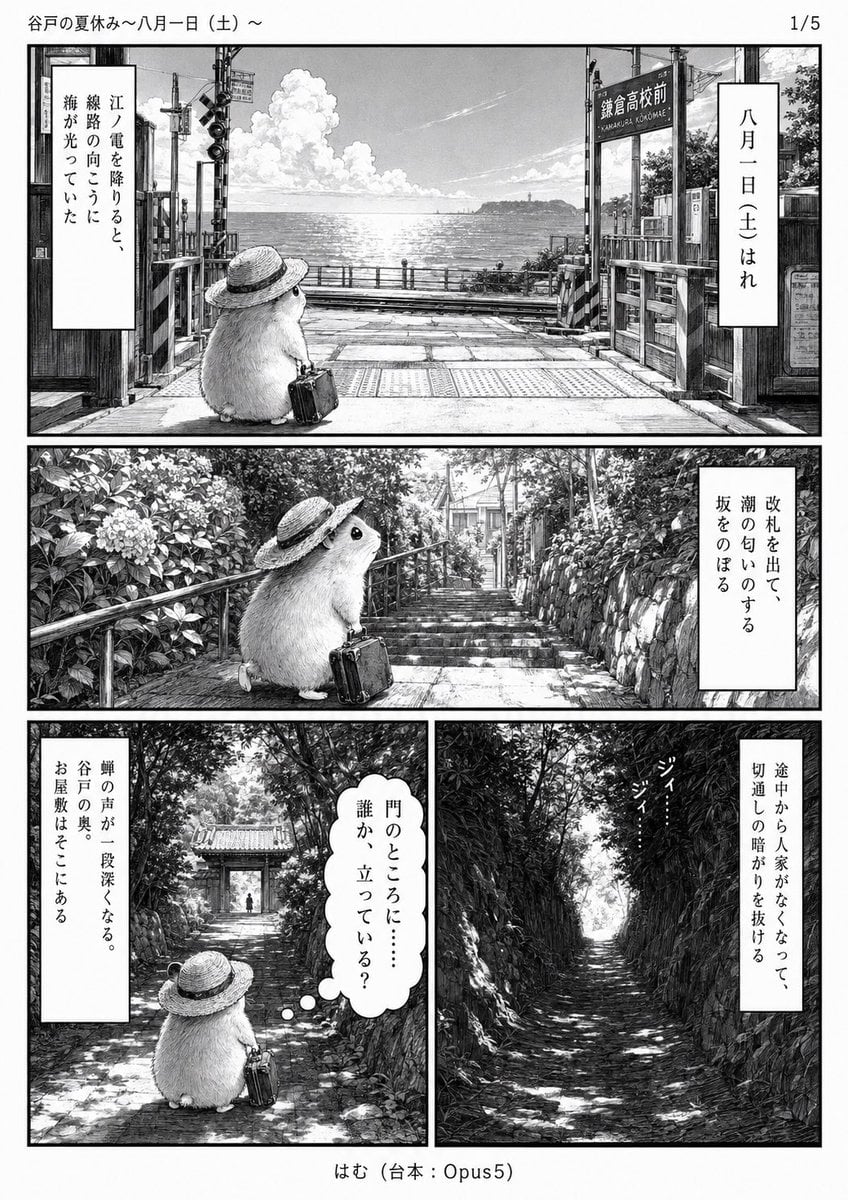
Monochrome Summer Hamster Manga Page
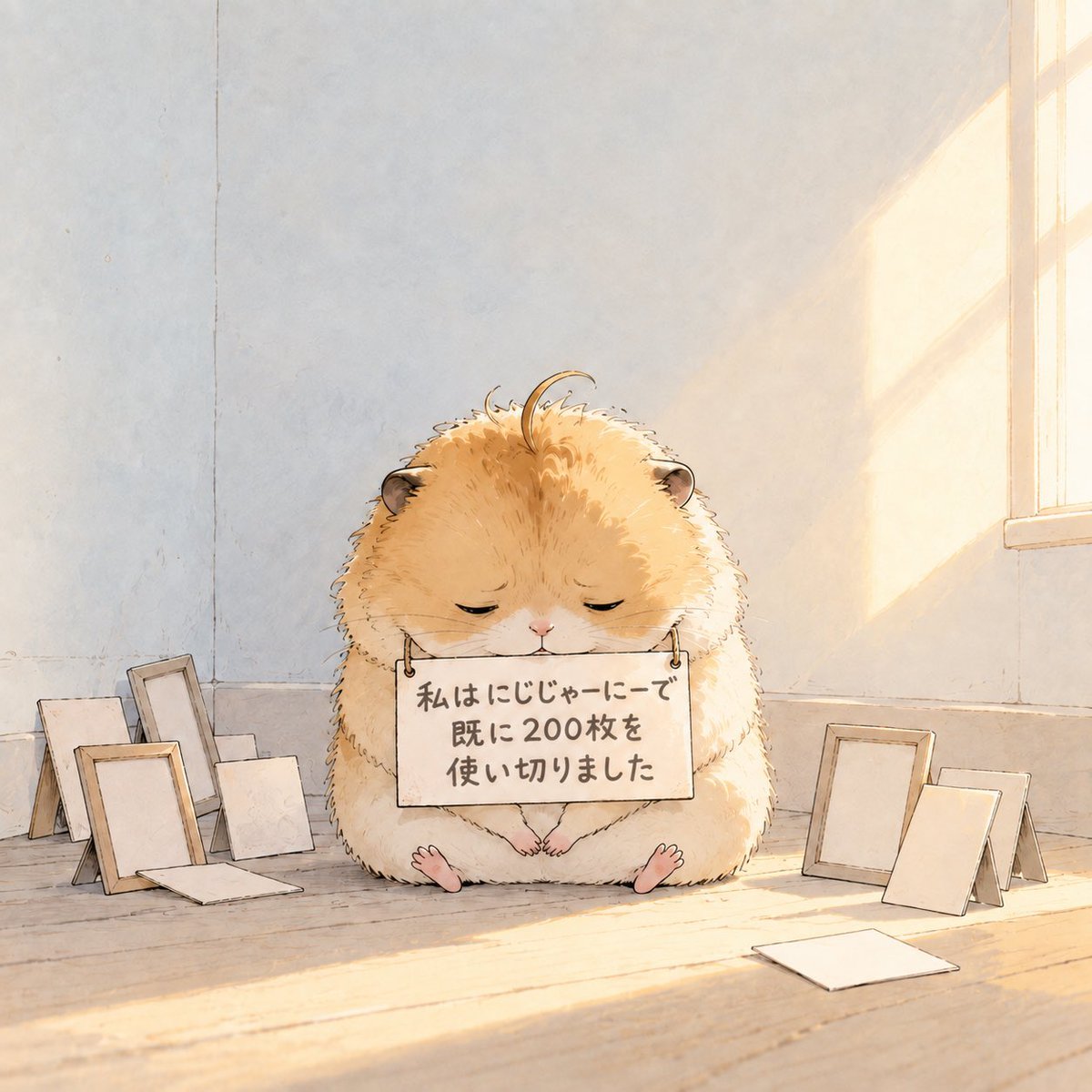
Fluffy Hamster Holding Japanese Sign
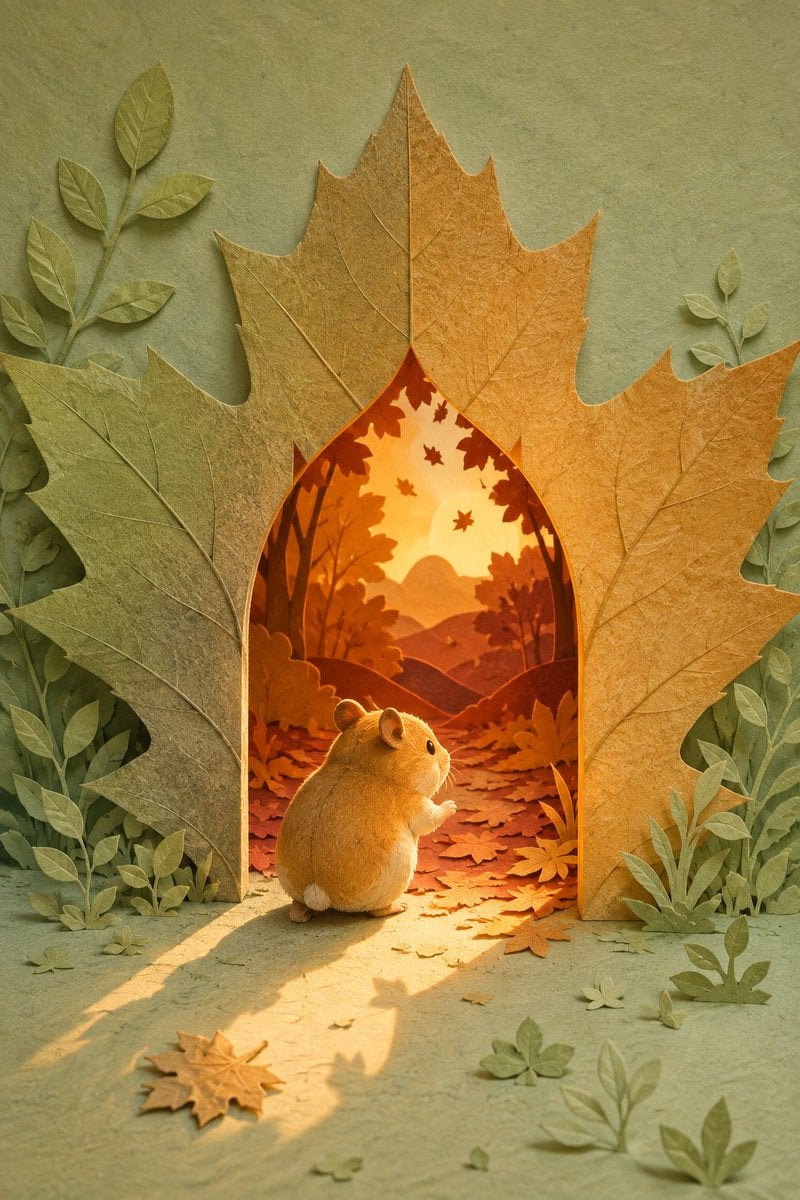
Hamster Autumn Leaf Doorway

Hamster Taiko Festival Manga Scene
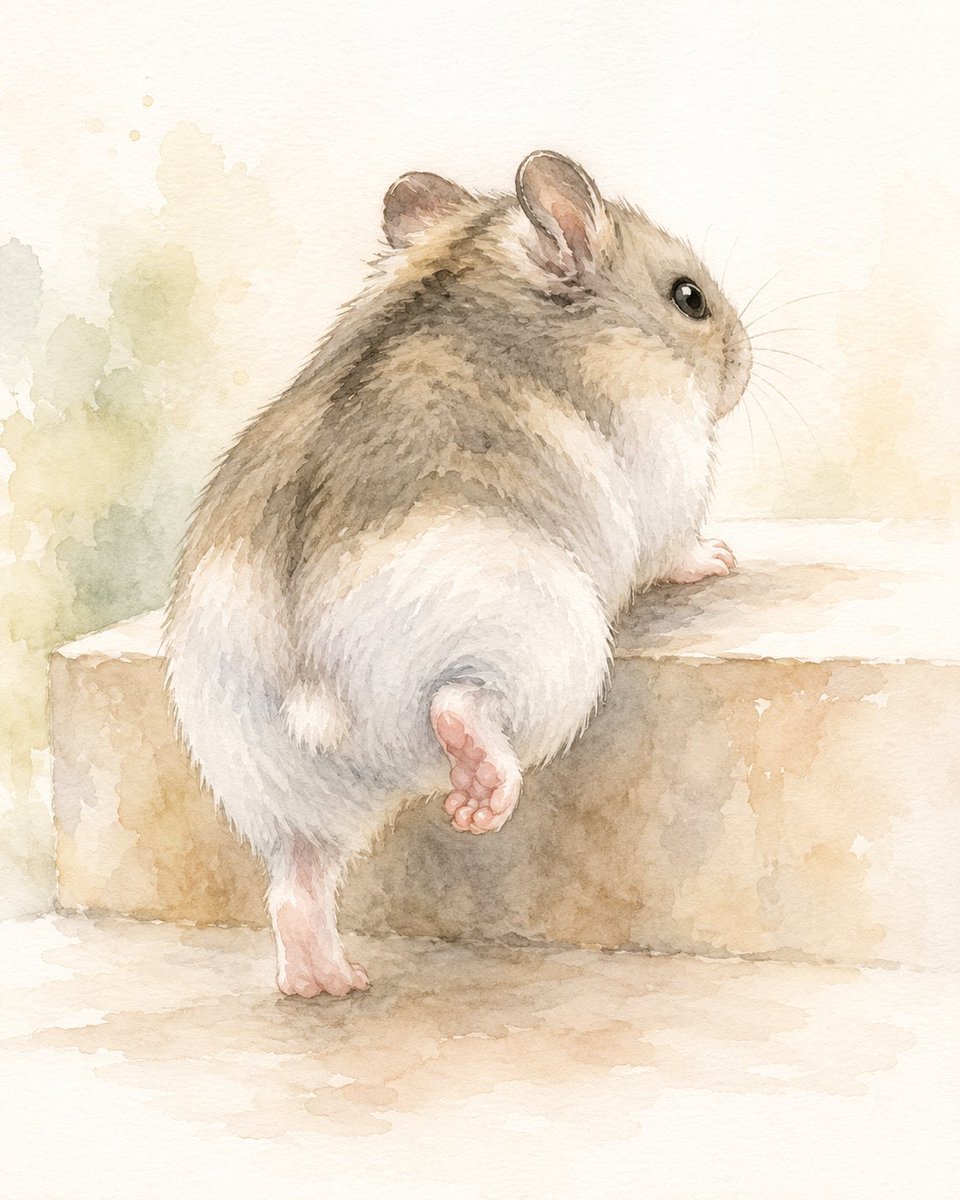
Watercolor Hamster Climbing Step
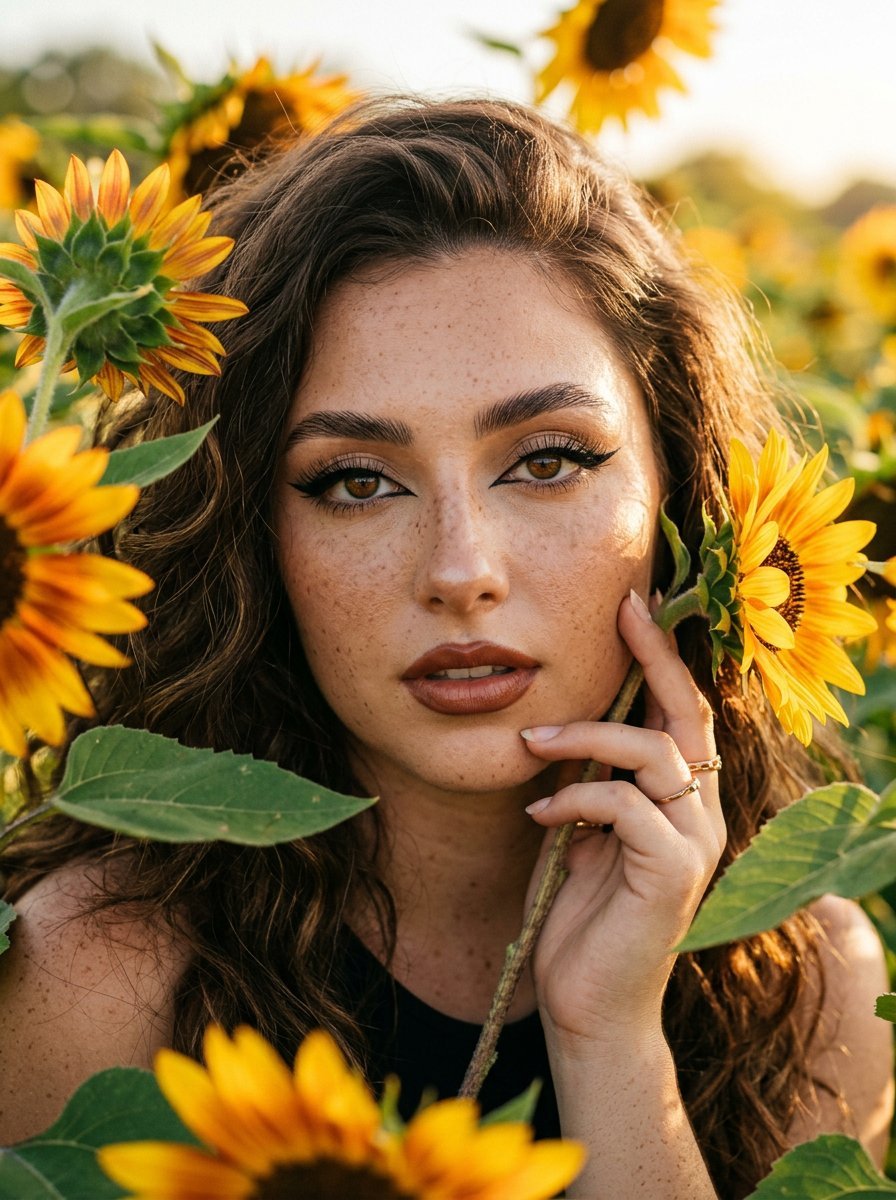
Sunflowers and Cinematic Eye-Lip Portrait
Make it yours
Hamster Caught by Sunflower Seed Trap works as-is. These are the safest ways to change it without losing the look.
Change one field
Copy a single group, rewrite it, and generate again so you can see what that field is doing.
Keep the frame, change the subject
Hold the composition and light of Hamster Caught by Sunflower Seed Trap, then swap wardrobe, props or the person for a new take.
| If the result… | Why | Fix |
|---|---|---|
| The result drifts from the preview | Too many fields changed at once. | Reuse Hamster Caught by Sunflower Seed Trap as-is first, then change one group — subject, light, or setting. |
| The model over-stylizes the scene | The prose prompt leaves finish and camera underspecified. | Add one camera or lighting sentence and stay on GPT Image 2. |
More GPT Image 2 templates
Other prompts made for GPT Image 2.

Six VTuber Japanese Logo Sheet

Realistic Portrait of Woman and Deer

The Vista Modular Condo Poster

AI Model Routing Comparison Infographic

2.5D Anime Art Board

Isometric Productivity Desk Scene

New York Double Exposure Poster

Four-Panel AI Landscape Comparison

Japanese Tatami Lifestyle Magazine Cover

NESCAFÉ Coffee Map Poster
More image prompts
Fresh picks from across the catalog.
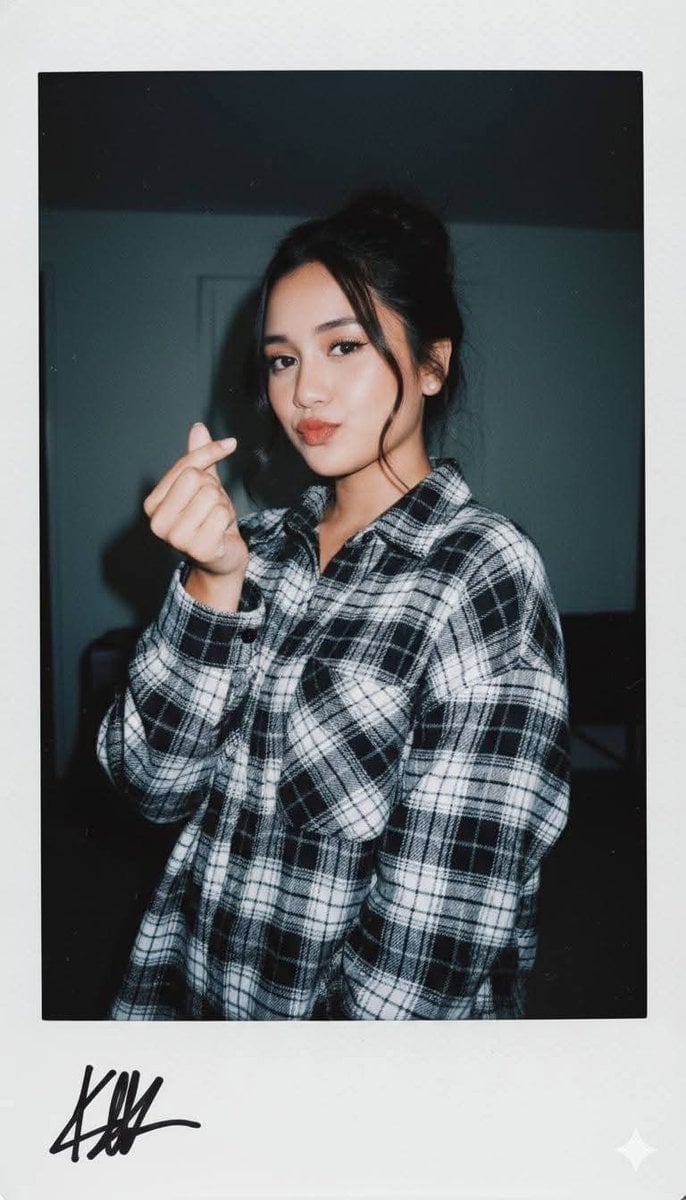
Ultra-Realistic Glamour Polaroid Prompt
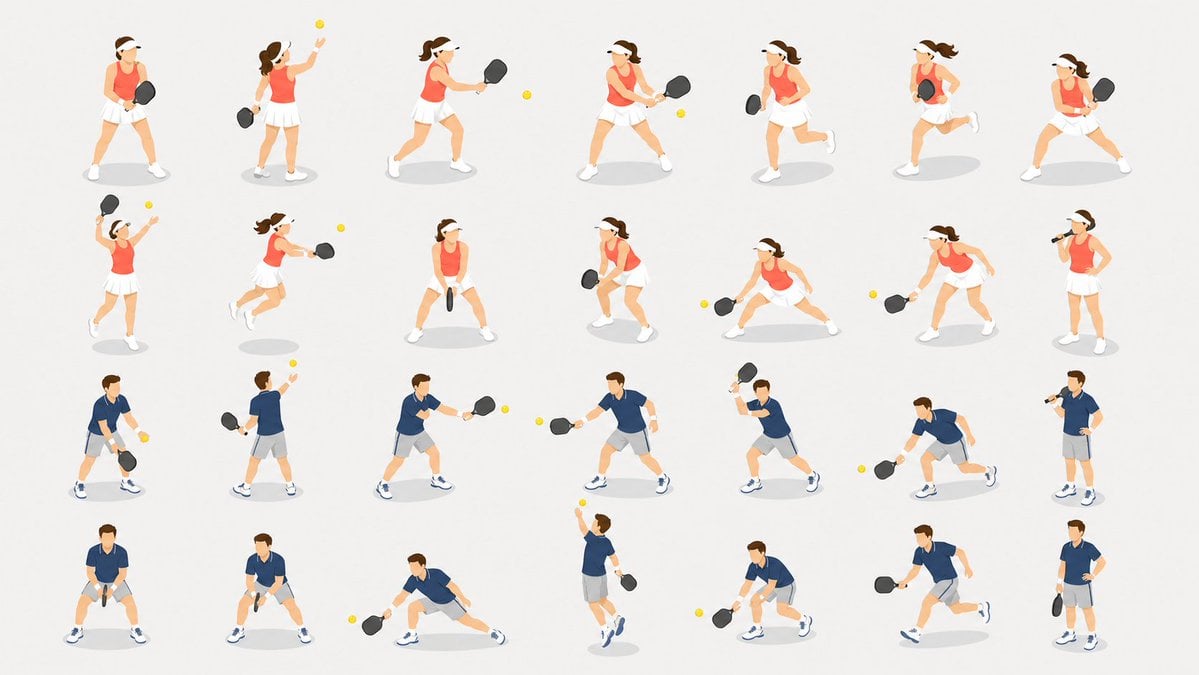
Isometric Pickleball Pose Sheet
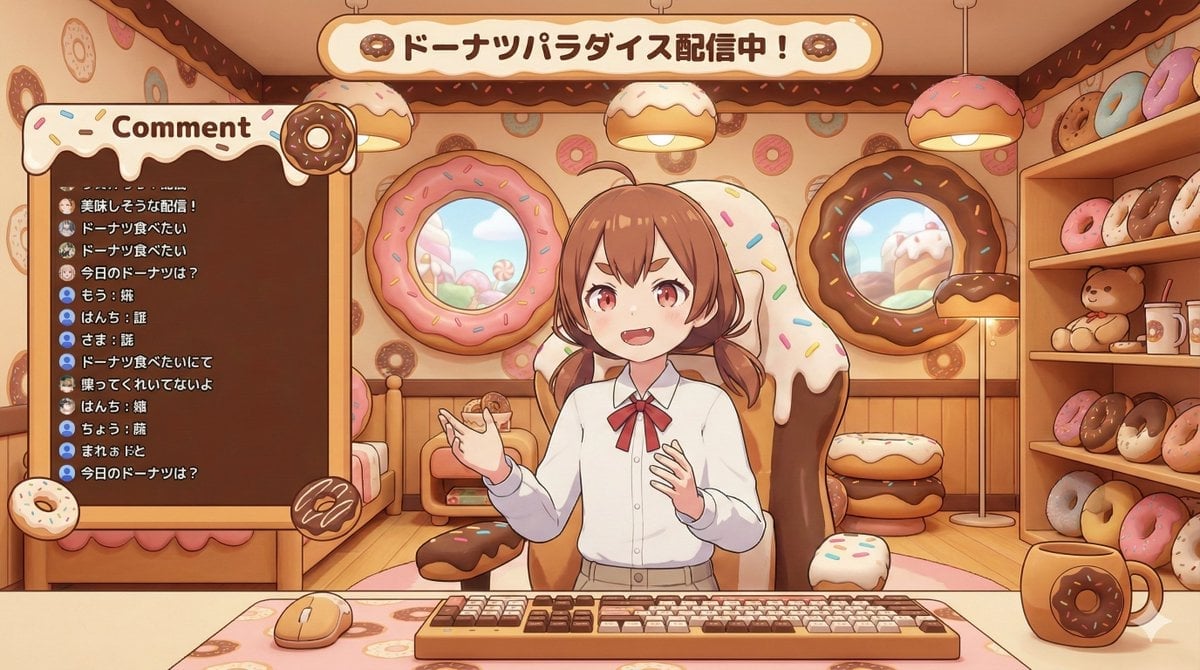
VTuber Streaming Screen Generation with Customizable Character and Theme
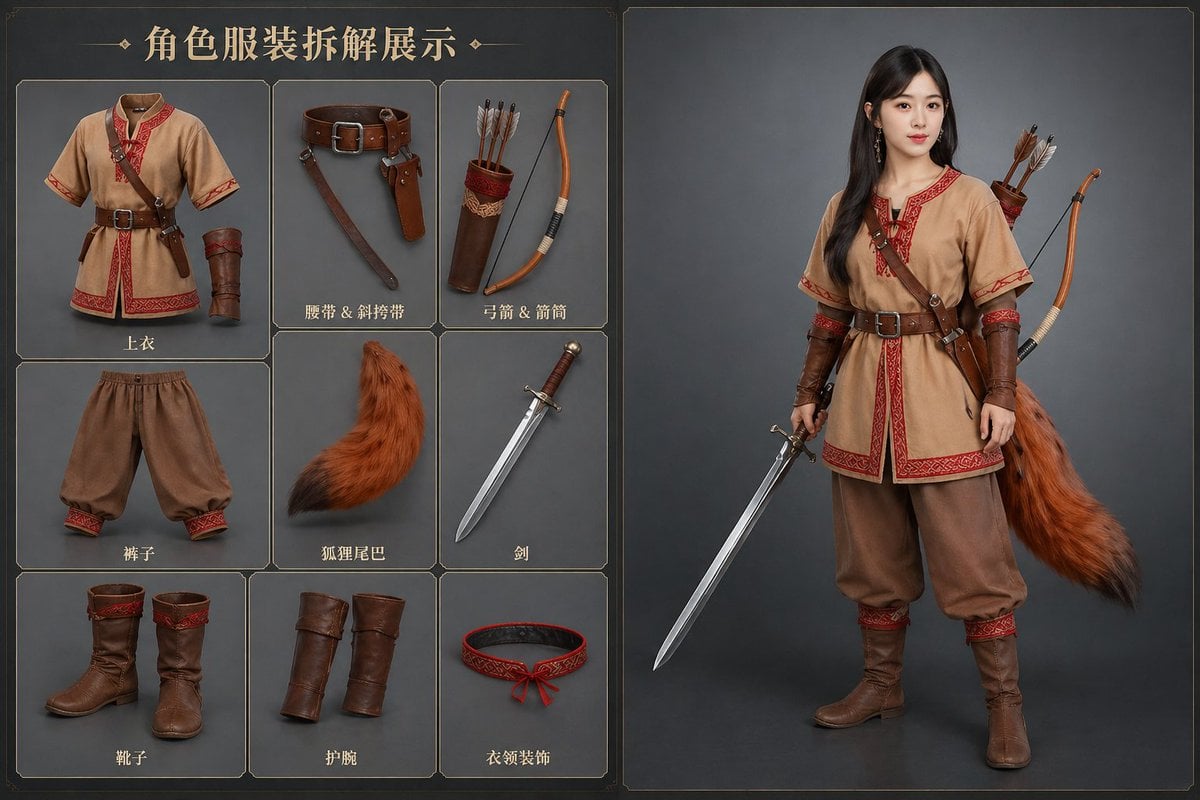
AI Clothing Swap Transformation
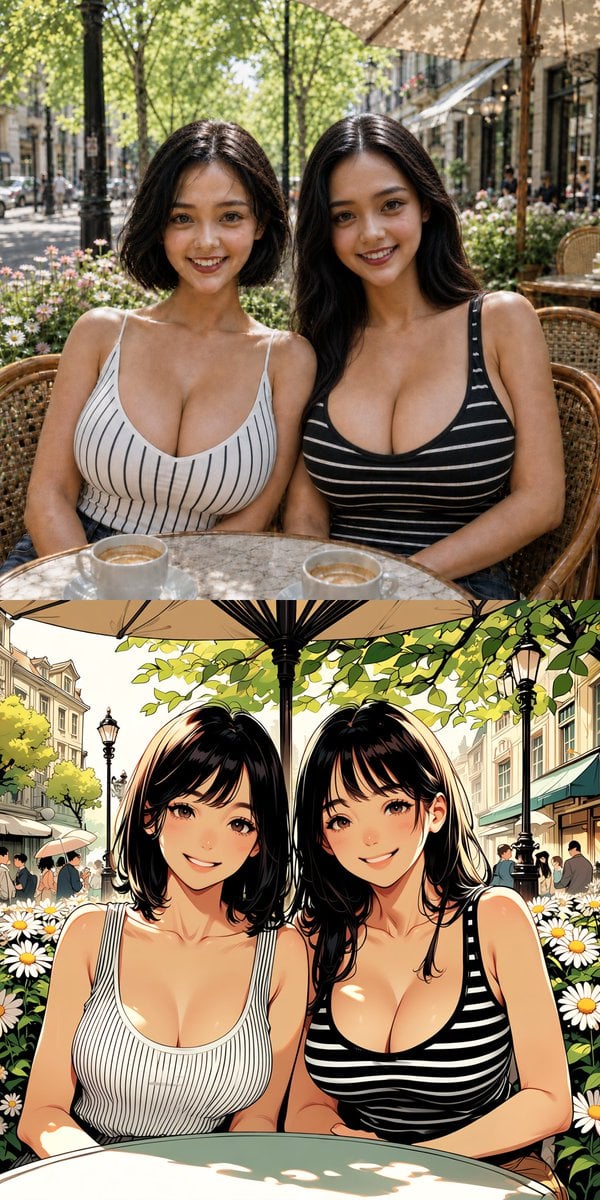
Twin Sisters Café Photo to Anime Comparison
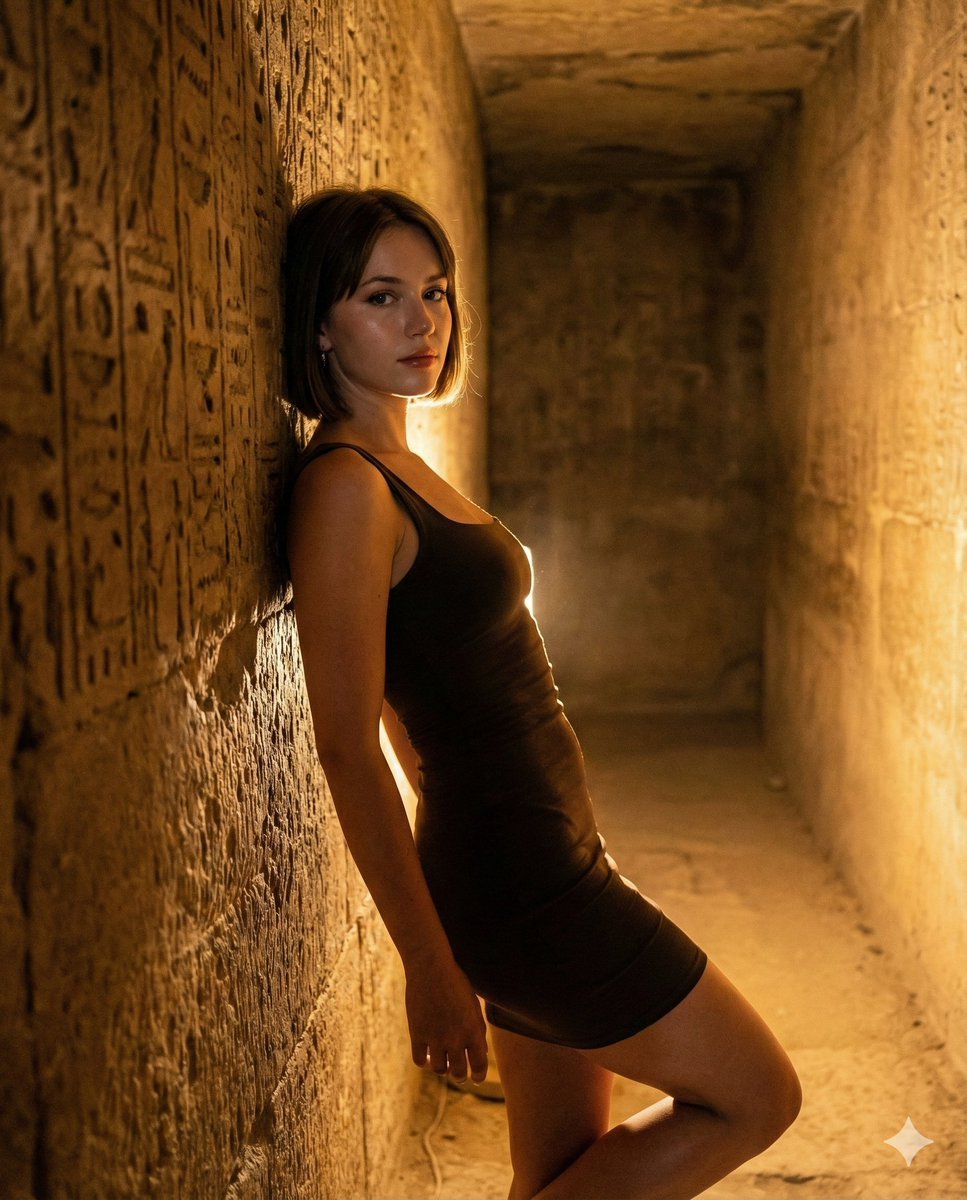
Flash Portrait in Egyptian Pyramid with Extreme Figure
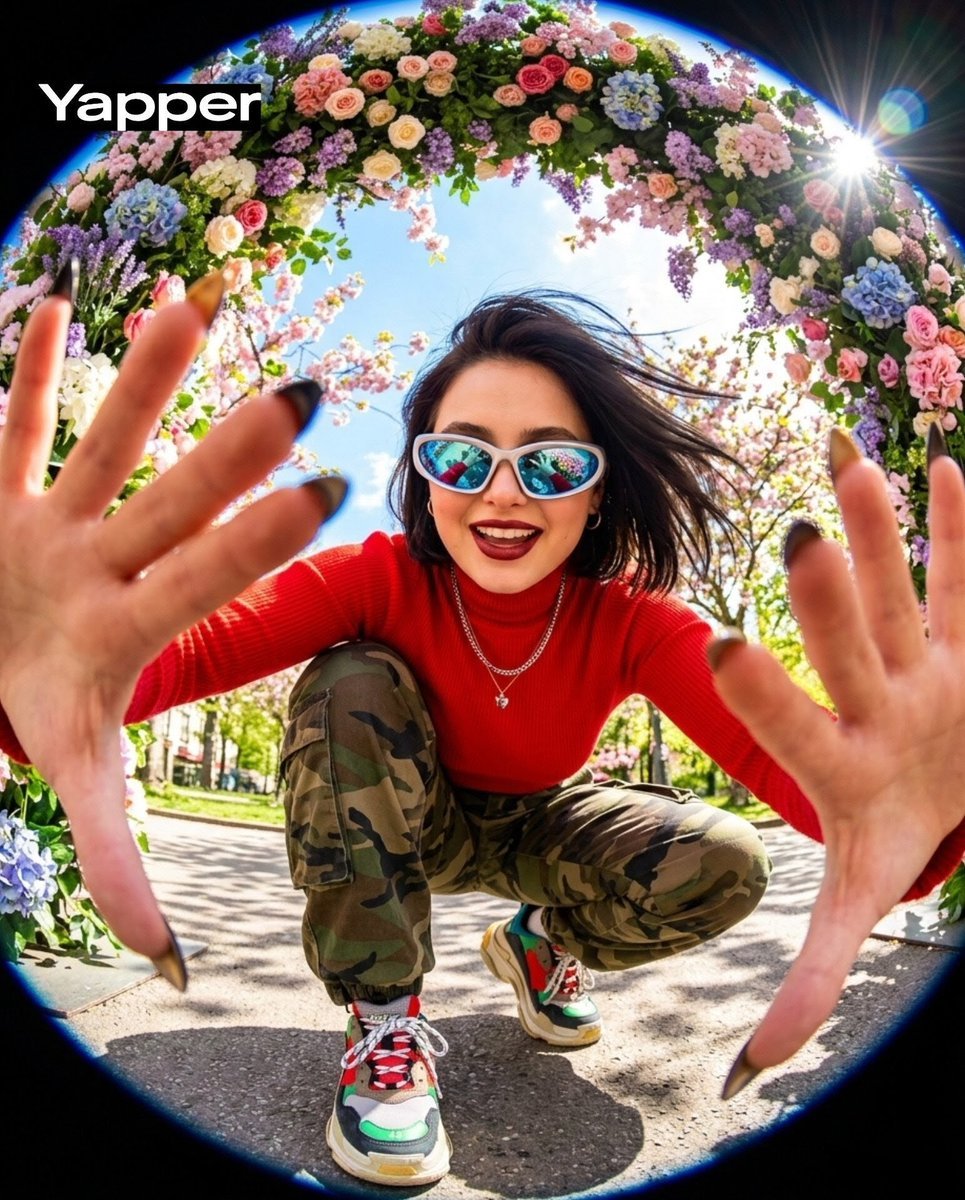
Funky style selfie portrait with fisheye distortion
Contextual Image Generation Prompt
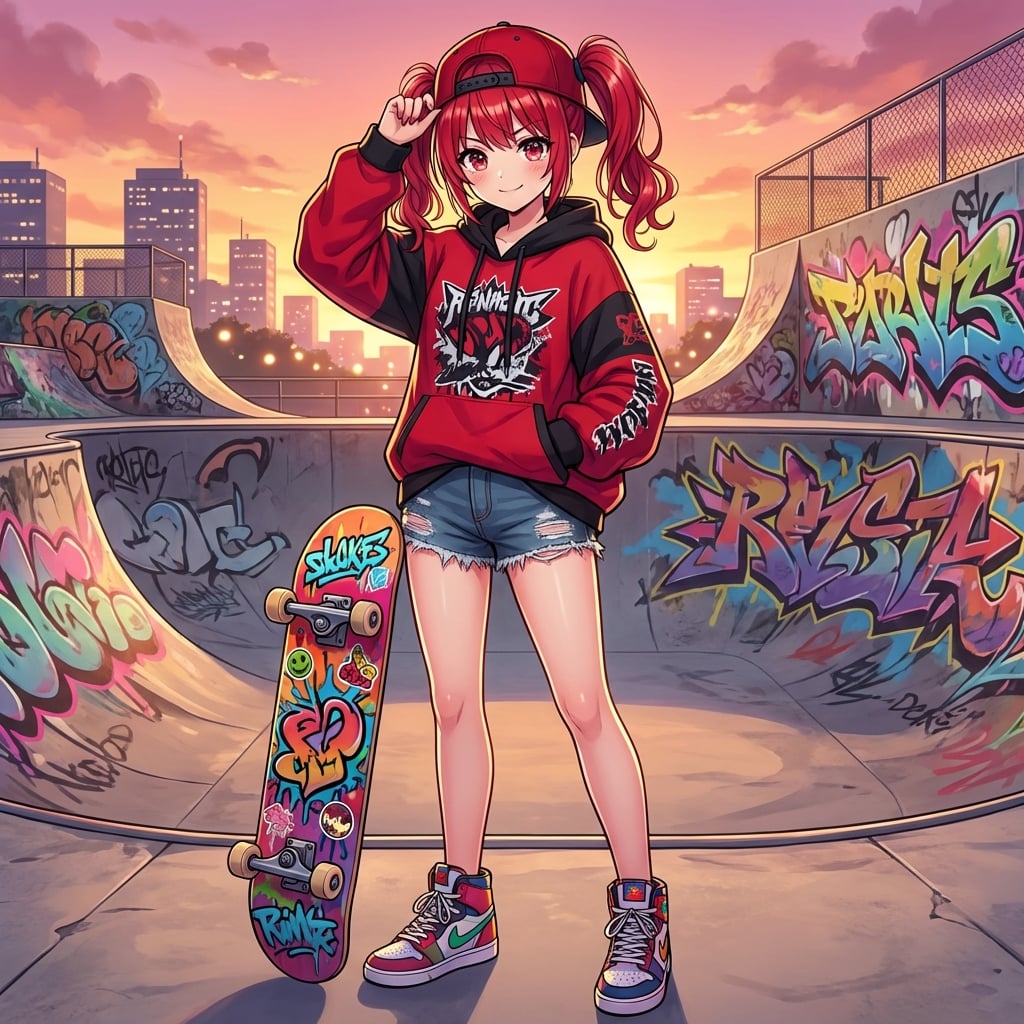
Transforming into a Skater Girl
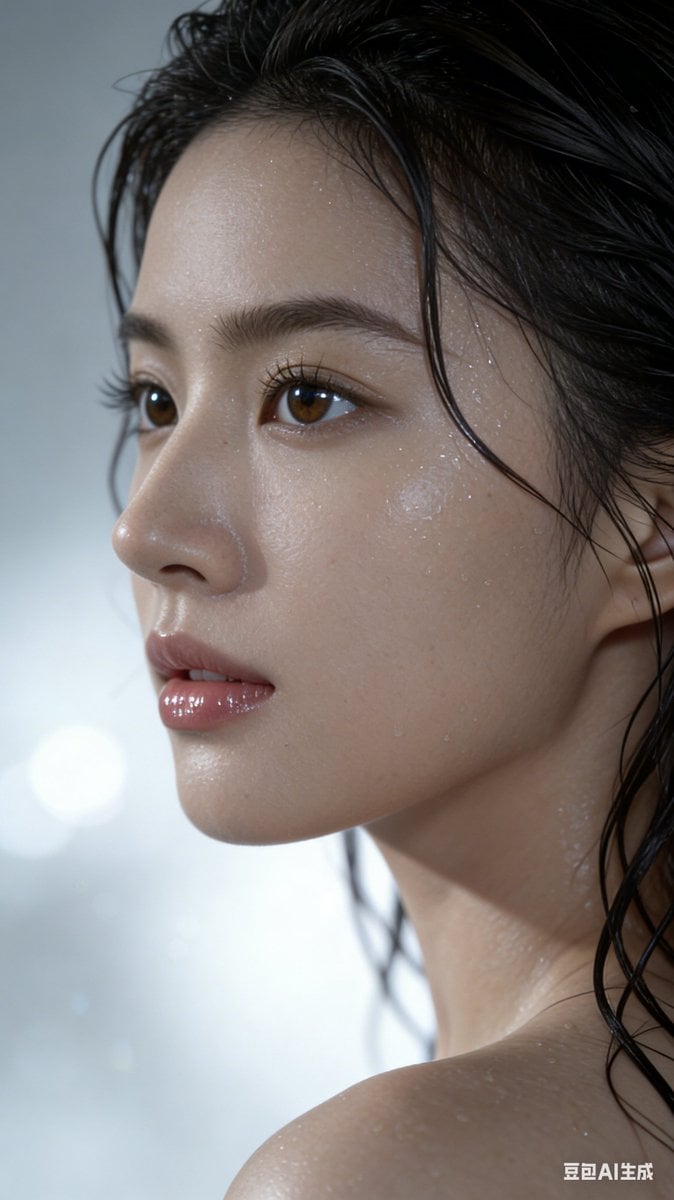
Hyper-Realistic Wet Look Portrait
Browse template categories
Hamster Caught by Sunflower Seed Trap questions
How do I use the Hamster Caught by Sunflower Seed Trap template?
Add your photo if the template asks for one, edit the prompt if you like — the template's model and format are already selected — and press Generate. Your version opens in PicX Studio.
Can I customize the Hamster Caught by Sunflower Seed Trap template?
Yes. You can change the subject, setting, lighting, mood, format, and available model controls before creating your image.
Is the Hamster Caught by Sunflower Seed Trap template free?
Opening and editing this template is free. Generating uses credits, shown on the Generate button when you are signed in.
Which AI model should I use?
Start with GPT Image 2, which is the model associated with this template. You can compare another compatible model for a different finish.
Looking for something else? Browse all templates.

Your photo, any look
Thousands of ready templates for every top image and video model, from one credit balance.