
Hamster Sunflower Cannon Game UI
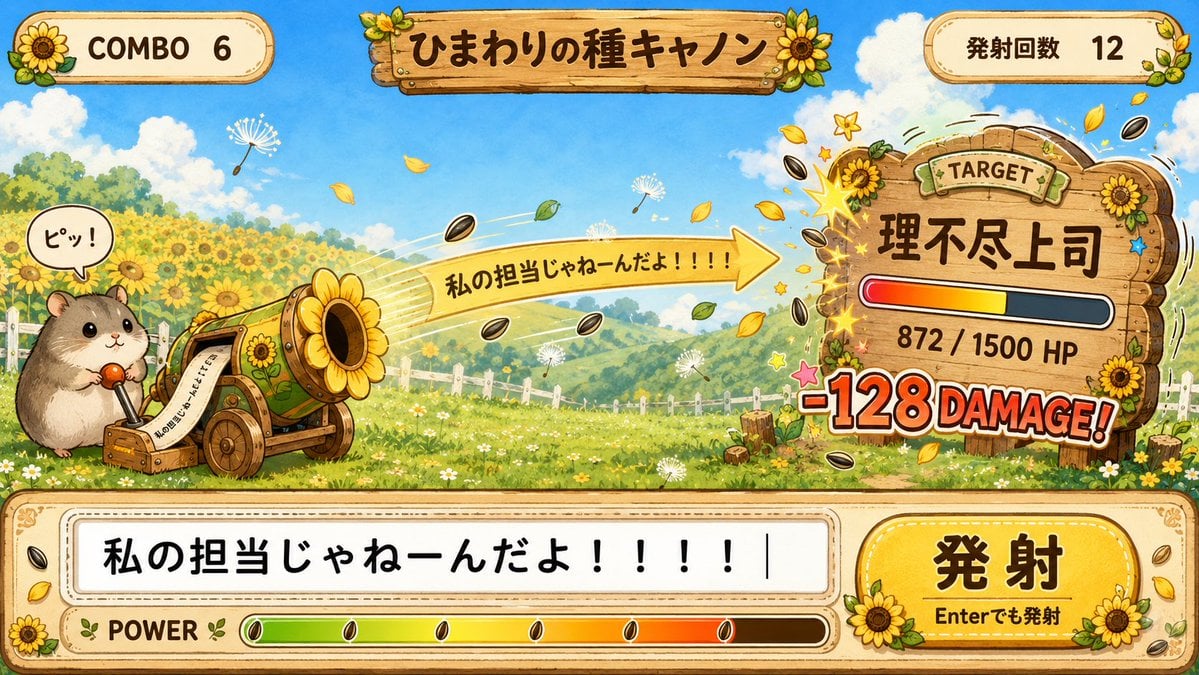
Generates a whimsical Japanese typing-game battle UI featuring a hamster firing sunflower seeds at a wooden target board.
- Prompt included
- Model and format preset
- Free template
The prompt behind this image
Copy the exact prompt behind Hamster Sunflower Cannon Game UI, or open it in the studio and make it yours.
Goal: Create a cute hand-painted 2D game UI screenshot for a hamster-powered sunflower seed cannon typing game, with a cheerful rural sunflower-field theme and Japanese interface text. Canvas: Wide 16:9 game screen, bright daytime sky, saturated storybook watercolor/gouache style, thick clean outlines, warm cream-and-wood UI panels, sunflower decorations, playful arcade energy. Layout: Top HUD, center battlefield, right target status board, and bottom input/control panel. Use exactly 3 top HUD elements: left rounded cream badge showing “COMBO 6” with a sunflower icon, center wooden title plaque reading {argument name="game title" default="ひまわりの種キャノン"} decorated with sunflowers and leaves, and right rounded cream badge showing “発射回数 12” with small leaves and a sunflower. The main scene is a rolling green meadow filled with sunflowers, a white fence, distant hills, fluffy clouds, drifting petals, dandelion fluff, and flying sunflower seeds. Subject details: On the left, place exactly 1 adorable round hamster character operating exactly 1 wooden-and-brass sunflower cannon. The hamster is beige and brown with glossy black eyes, tiny paws, and holds a red-topped lever. Add exactly 1 speech bubble above it reading “ピッ!”. The cannon is small, wheeled, decorated with sunflower motifs, with a large sunflower-shaped muzzle firing seeds to the right. Show one large yellow arrow-shaped projectile banner coming out of the cannon reading {argument name="shot phrase" default="私の担当じゃねーんだよ!!!!"}. Include multiple visible black-and-white sunflower seeds streaking across the scene, plus yellow leaves, sparkles, and motion trails. Right target board: Create exactly 1 large wooden target sign on the right, wobbling from impact, decorated with exactly 3 prominent sunflowers and a small “TARGET” label at the top. The target name should read {argument name="target name" default="理不尽上司"}. Under it, show exactly 1 horizontal HP bar with red-orange-yellow fill on the left and dark depleted area on the right, labeled “872 / 1500 HP”. Below the bar, show a big comic impact label “-128 DAMAGE!” in red-orange letters with white outline. Add starbursts and seeds striking around the board. Bottom control panel: A large cream wooden bordered panel spans the full width. It contains exactly 1 typing input box on the left with large black text {argument name="input text" default="私の担当じゃねーんだよ!!!!"} followed by a vertical cursor. On the right is exactly 1 oversized rounded yellow button labeled “発射” with smaller text “Enterでも発射” beneath it, decorated with sunflowers. Along the bottom left is exactly 1 “POWER” label and exactly 1 long power meter with a green-to-yellow-to-red gradient, plus several seed markers inside the gauge. Visual style: Whimsical Japanese mobile game UI, cozy handmade illustration, polished mockup, high readability, bold Japanese typography, wooden texture, decorative rivets, stitched borders, subtle drop shadows, dynamic comic hit effects, no photorealism. Constraints: Keep all listed UI text legible and positioned as described. Use exactly the visible major interactive/status elements: 3 top HUD elements, 1 hamster, 1 cannon, 1 speech bubble, 1 projectile phrase banner, 1 target board, 1 HP bar, 1 damage label, 1 input box, 1 fire button, and 1 power meter. Do not add extra characters, menus, watermarks, logos, or unrelated UI panels.
How to use Hamster Sunflower Cannon Game UI in 3 steps
- 1Upload ImagePNG, JPG or paste
Add your photo
Upload the photo the template builds on. The prompt, model and format are already set.
- 2…a portrait of your subject in softgolden-hour light, 85mm…
Personalize
Edit the subject and creative details for your destination.
- 3Generate
Generate
Press Generate — your image is created in PicX Studio, so you can compare it with the original and refine one variable at a time.
More like this
Templates with the same subject, style or setup. Open one to see its prompt.

Hamster Caught by Sunflower Seed Trap
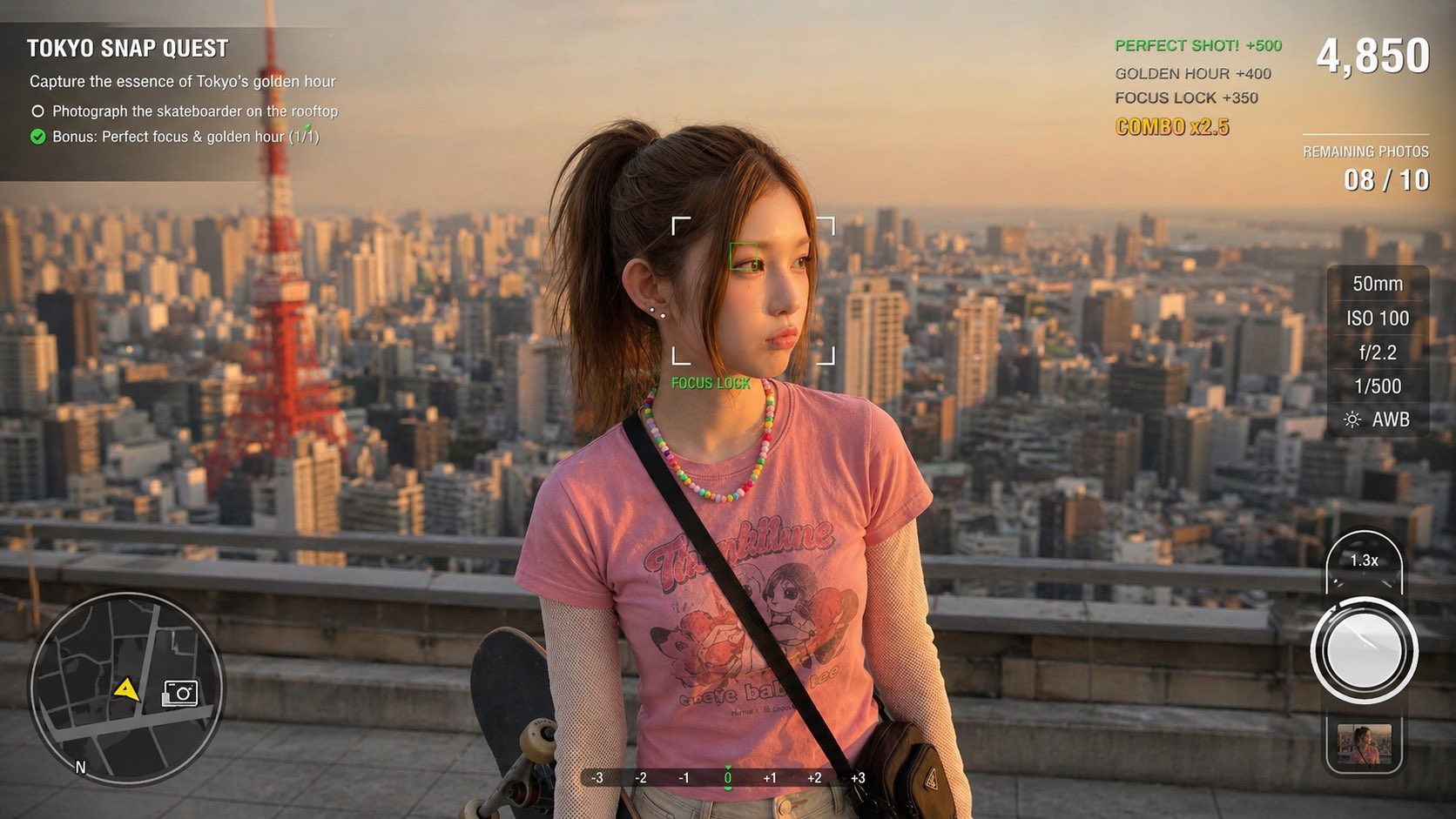
Photography Game Cinematic Capture
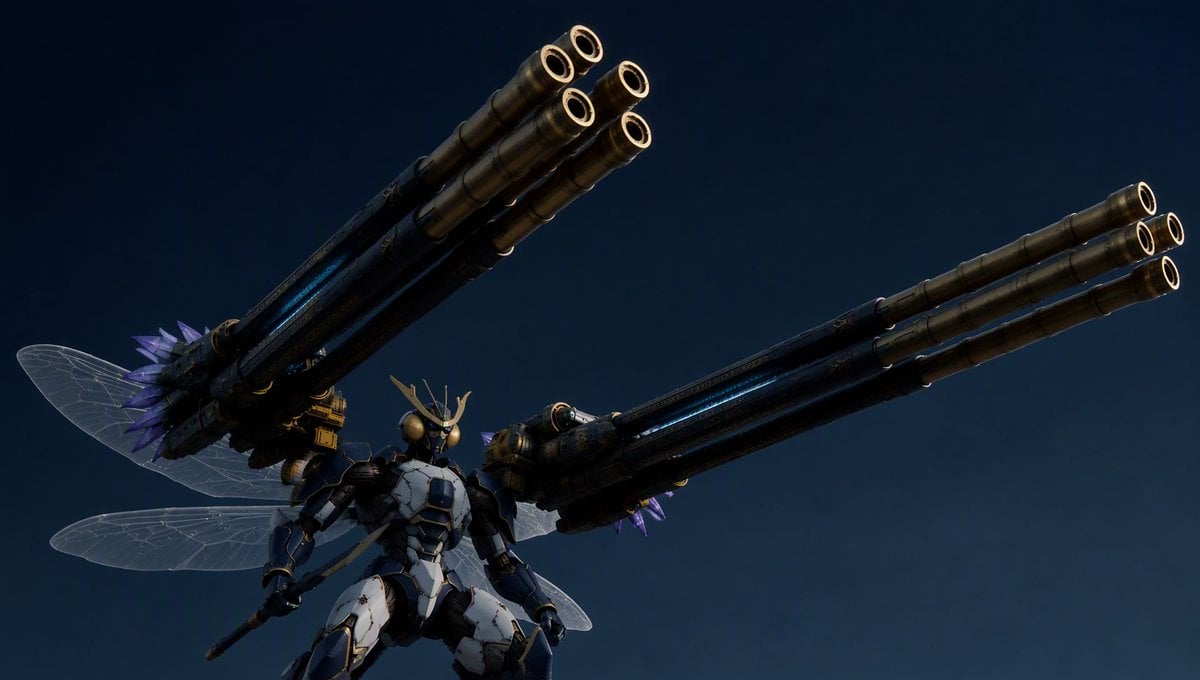
Insect Mecha Cannon Attack
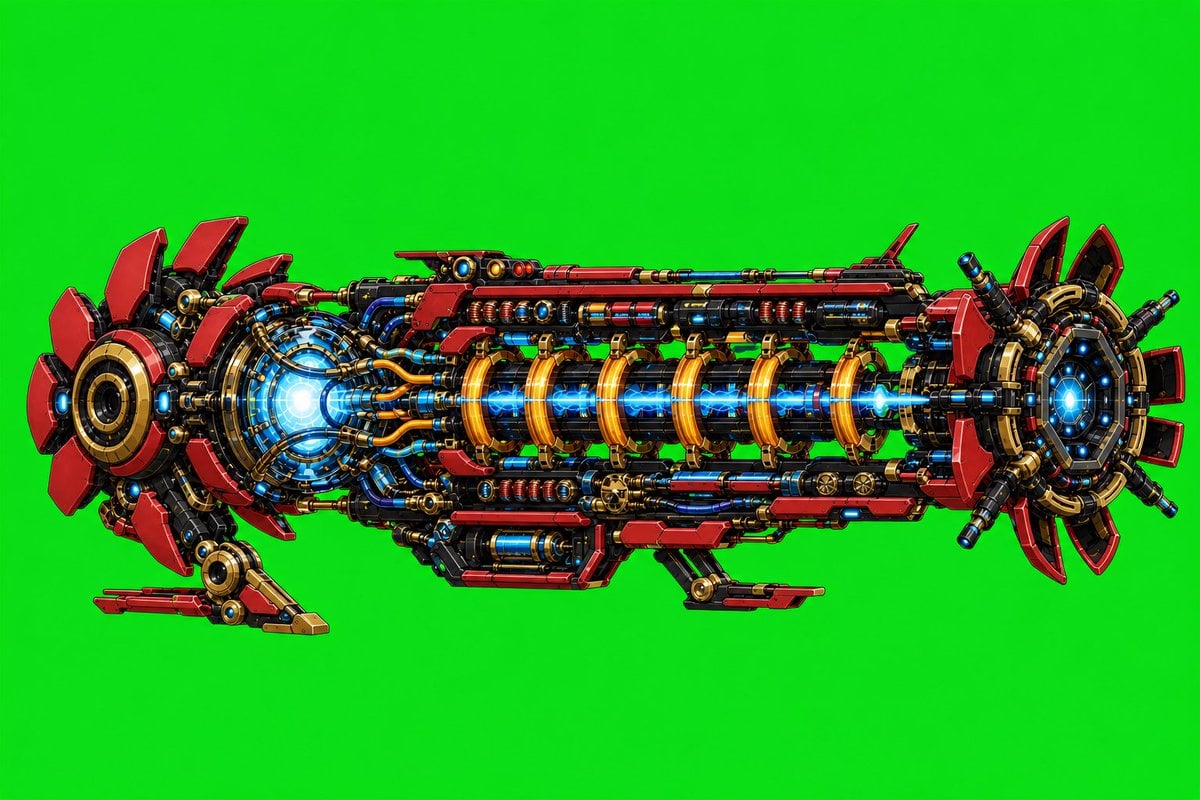
Futuristic Electromagnetic Cannon
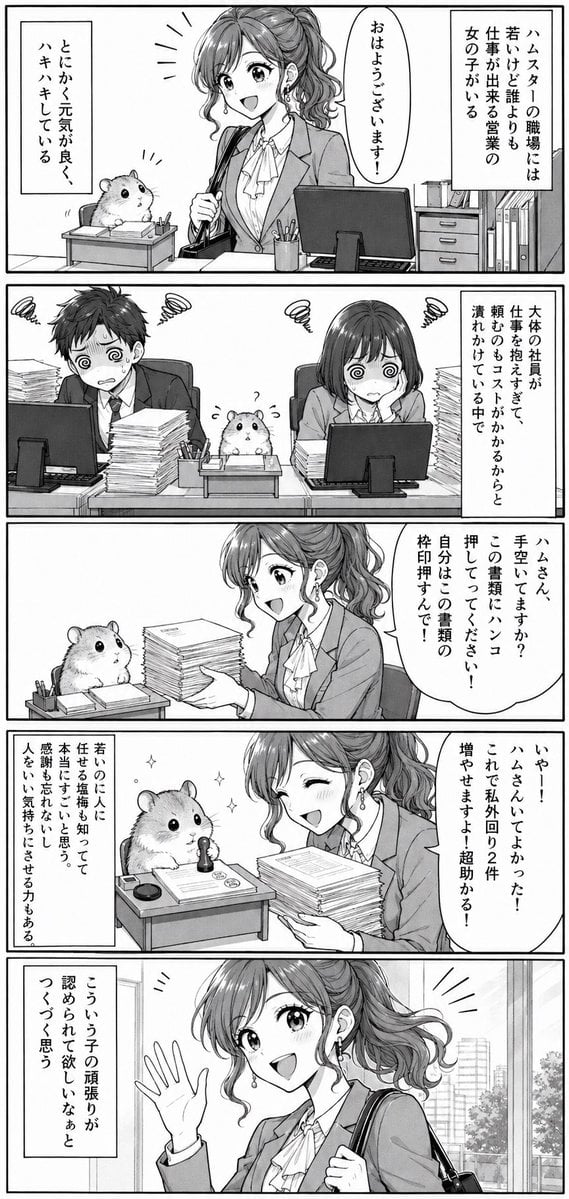
Office Hamster Manga Diary
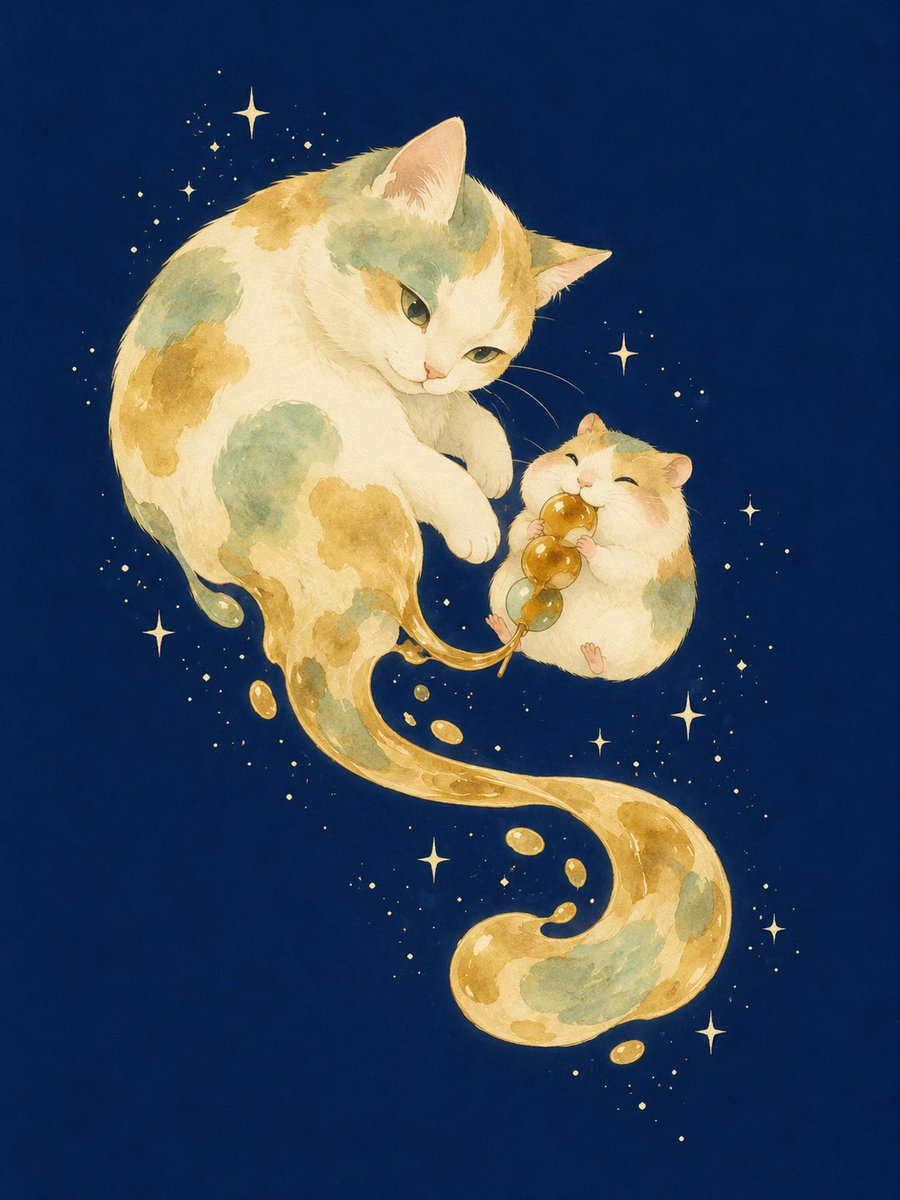
Mitarashi Calico Cat and Hamster
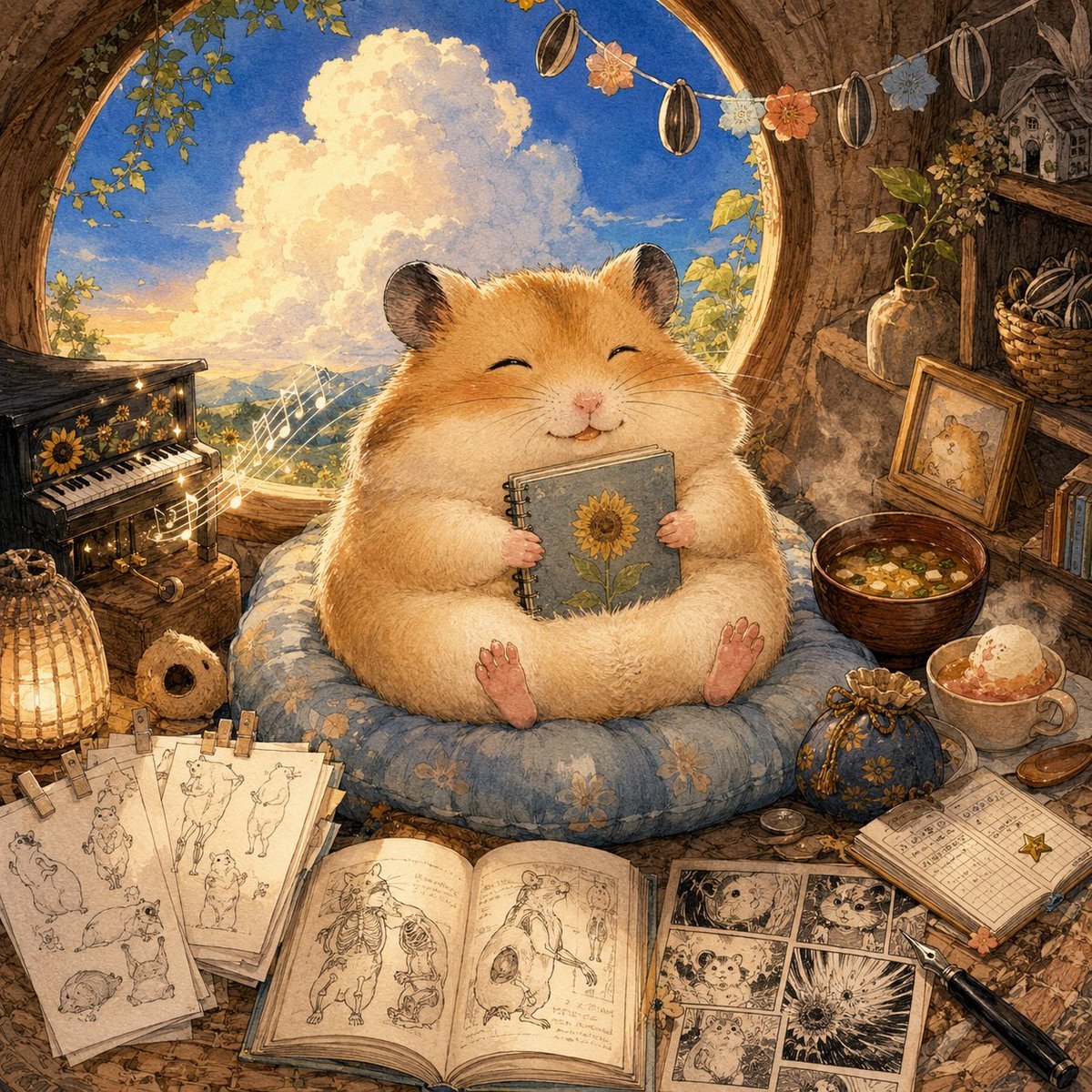
Happiest Hamster Portrait

Quiet Hamster Manga Page
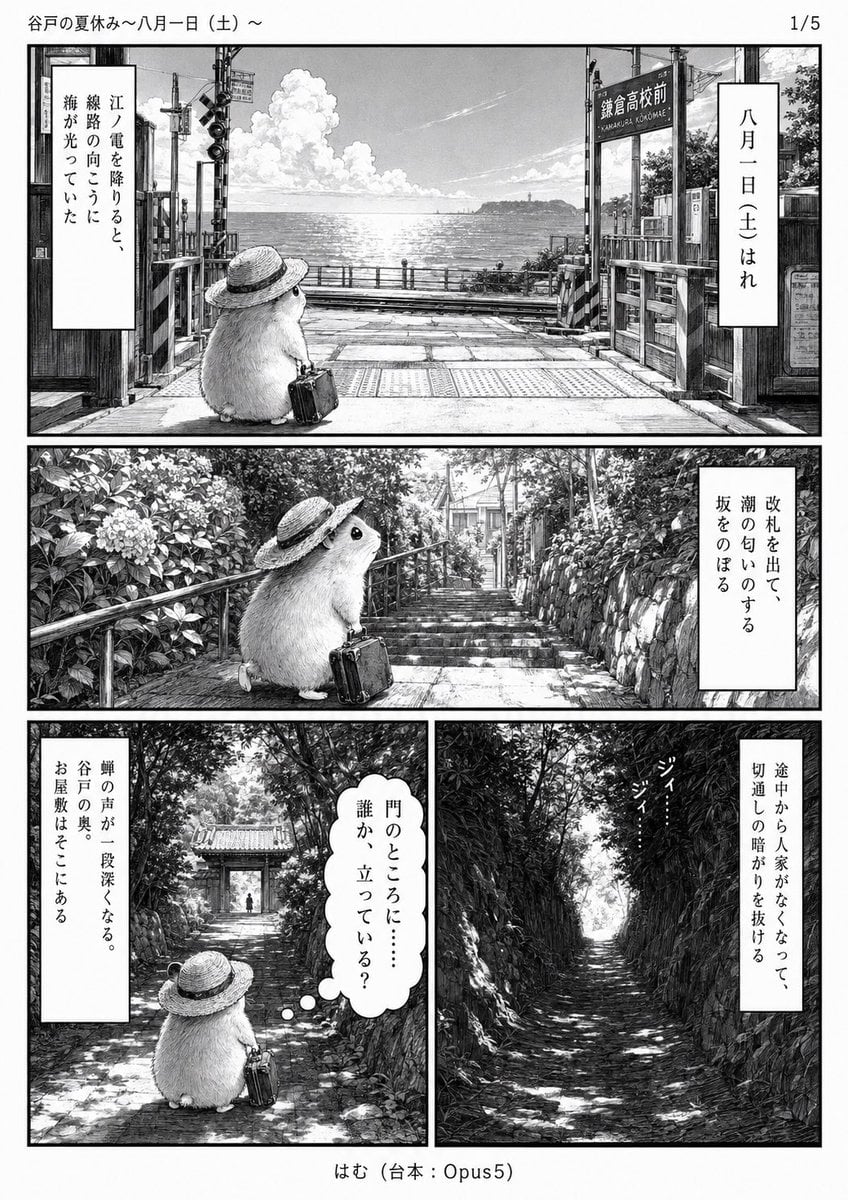
Monochrome Summer Hamster Manga Page
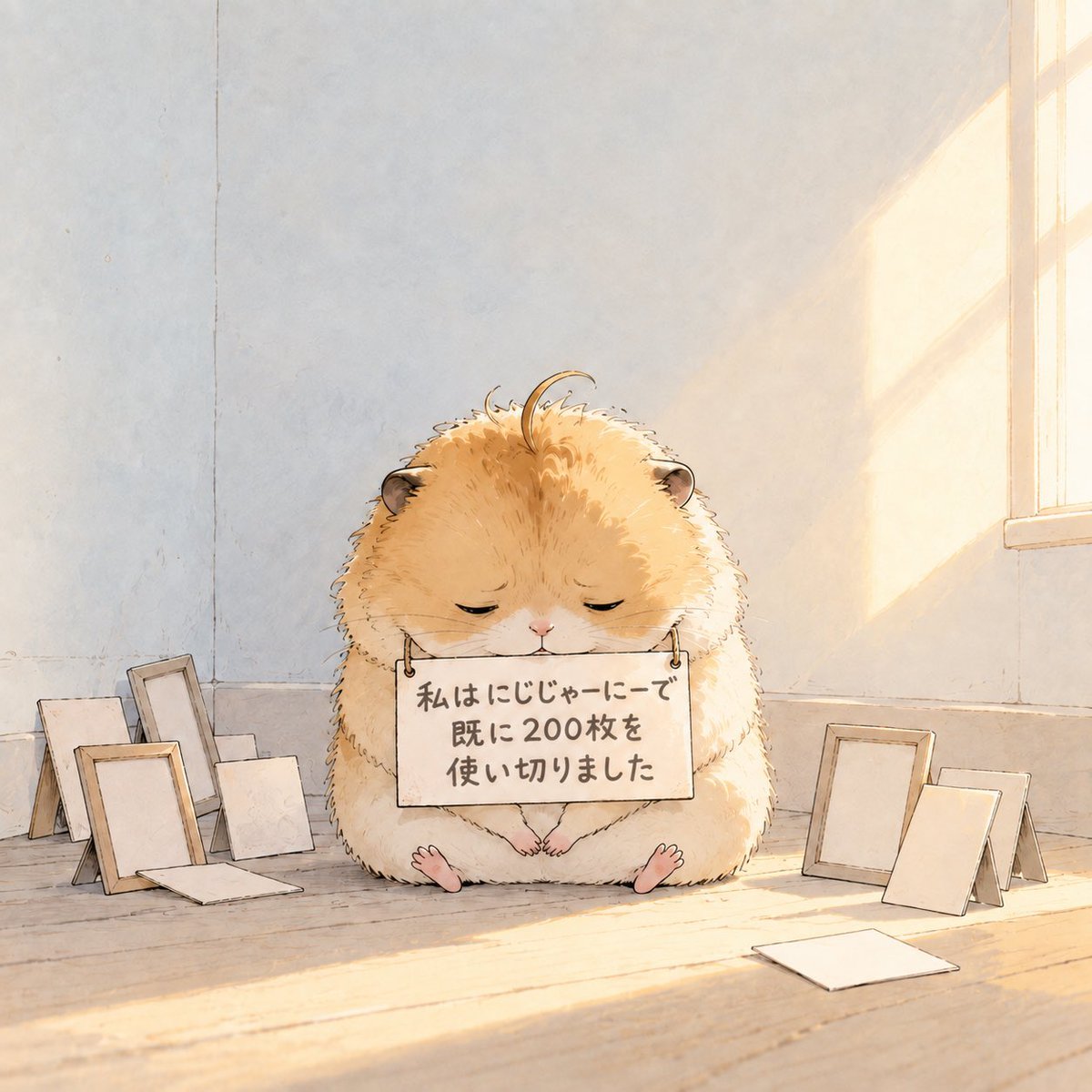
Fluffy Hamster Holding Japanese Sign
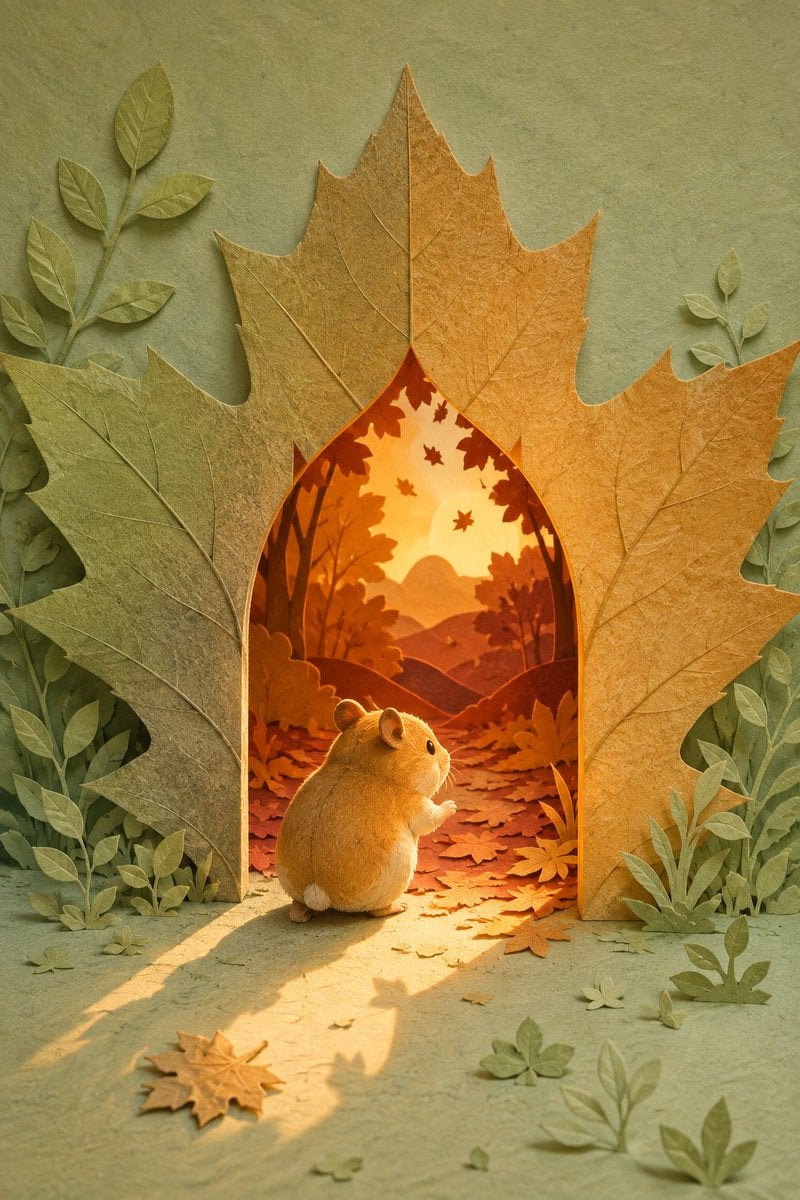
Hamster Autumn Leaf Doorway

Hamster Taiko Festival Manga Scene
Make it yours
Hamster Sunflower Cannon Game UI works as-is. These are the safest ways to change it without losing the look.
Change one field
Copy a single group, rewrite it, and generate again so you can see what that field is doing.
Keep the frame, change the subject
Hold the composition and light of Hamster Sunflower Cannon Game UI, then swap wardrobe, props or the person for a new take.
| If the result… | Why | Fix |
|---|---|---|
| The result drifts from the preview | Too many fields changed at once. | Reuse Hamster Sunflower Cannon Game UI as-is first, then change one group — subject, light, or setting. |
| The model over-stylizes the scene | The prose prompt leaves finish and camera underspecified. | Add one camera or lighting sentence and stay on GPT Image 2. |
More GPT Image 2 templates
Other prompts made for GPT Image 2.

Six VTuber Japanese Logo Sheet

Realistic Portrait of Woman and Deer

The Vista Modular Condo Poster

AI Model Routing Comparison Infographic

2.5D Anime Art Board

Isometric Productivity Desk Scene

New York Double Exposure Poster

Four-Panel AI Landscape Comparison

Japanese Tatami Lifestyle Magazine Cover

NESCAFÉ Coffee Map Poster
More image prompts
Fresh picks from across the catalog.

Mirror Selfie with Arched Back Pose Prompt

Selective Color Monochrome Studio Portrait
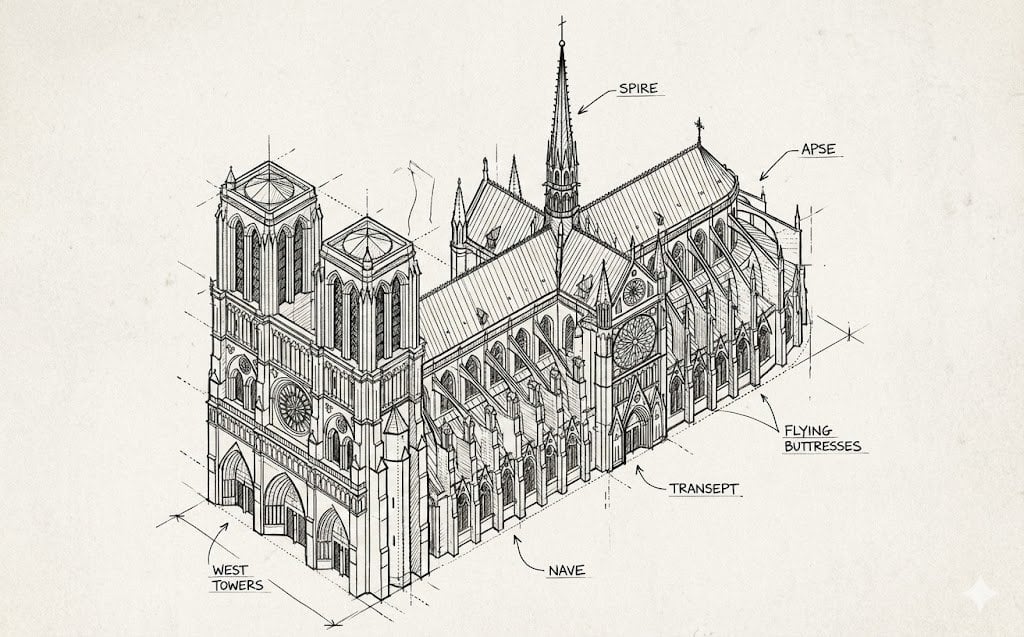
Isometric Schematic Diagram of Notre Dame Prompt
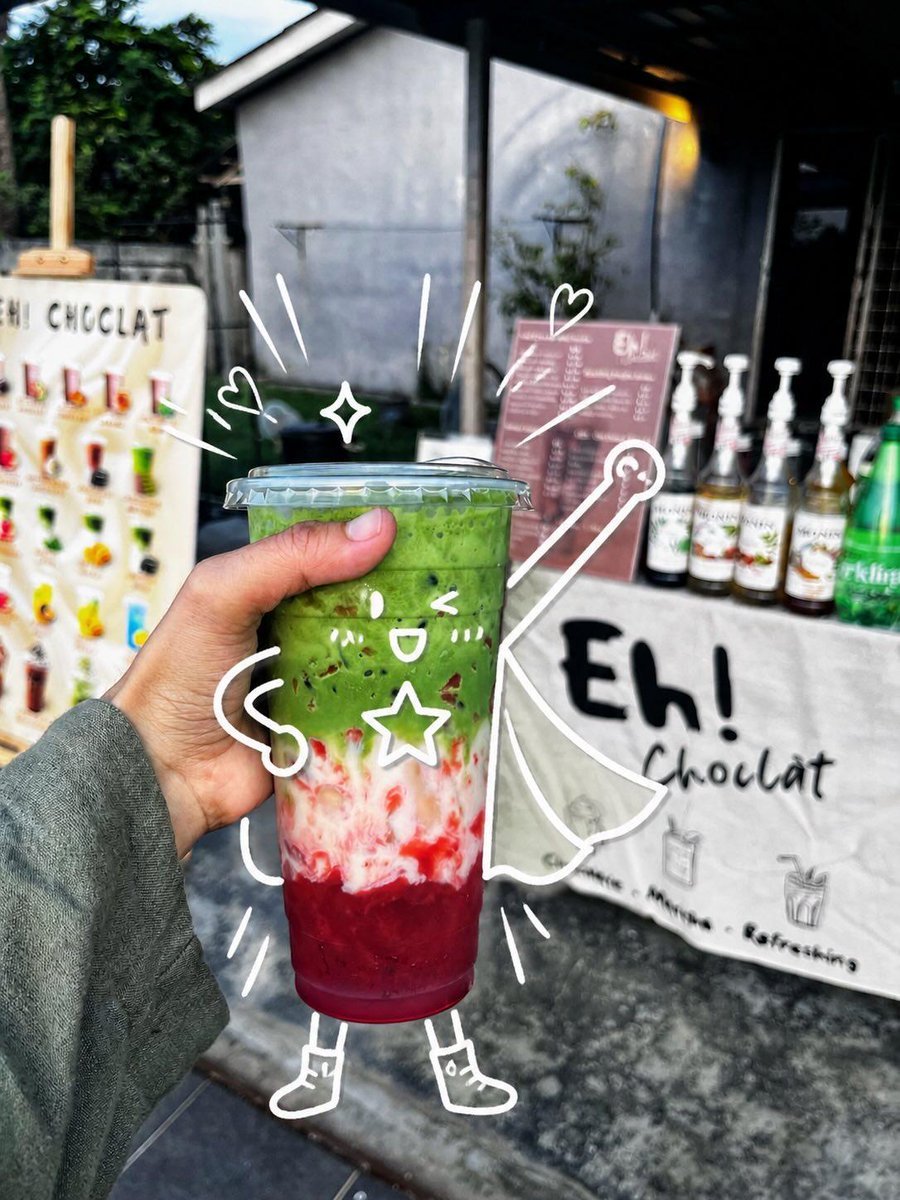
Cute Superhero Drink Doodle Photo

Cinematic Family Gathering Scene
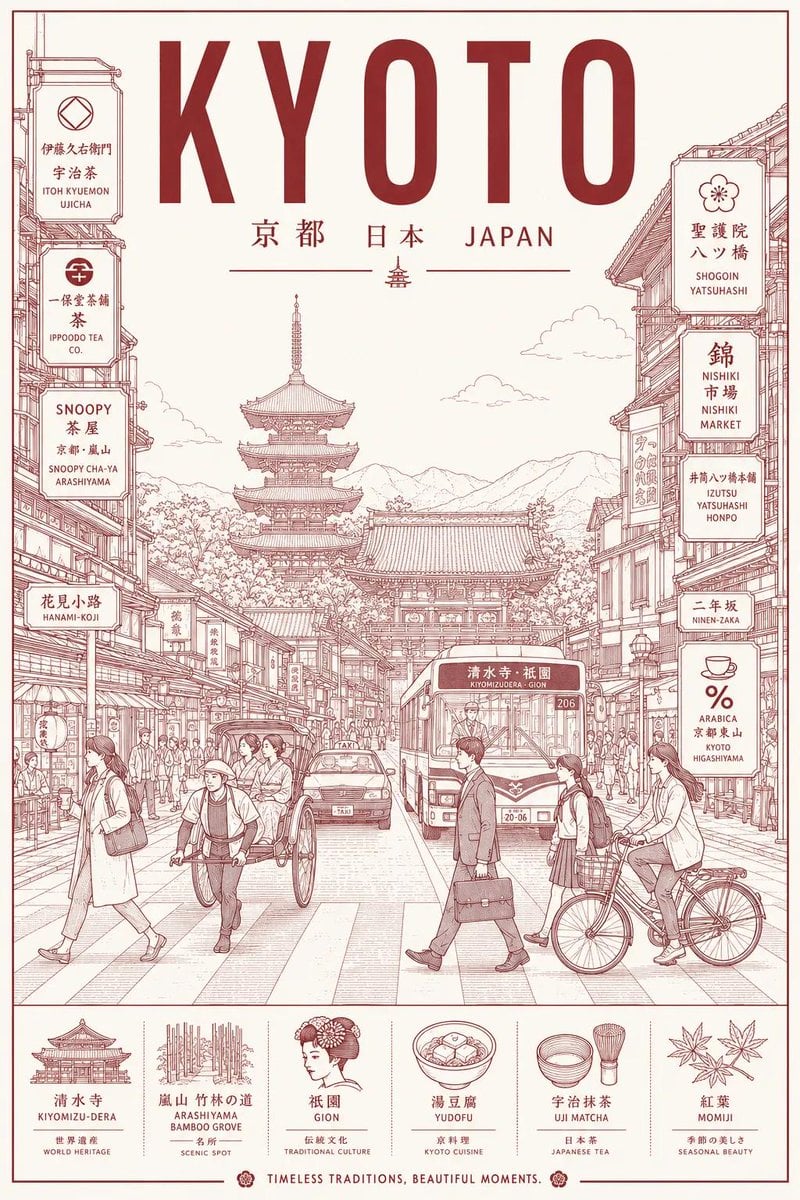
Minimalist Line Art Travel Poster
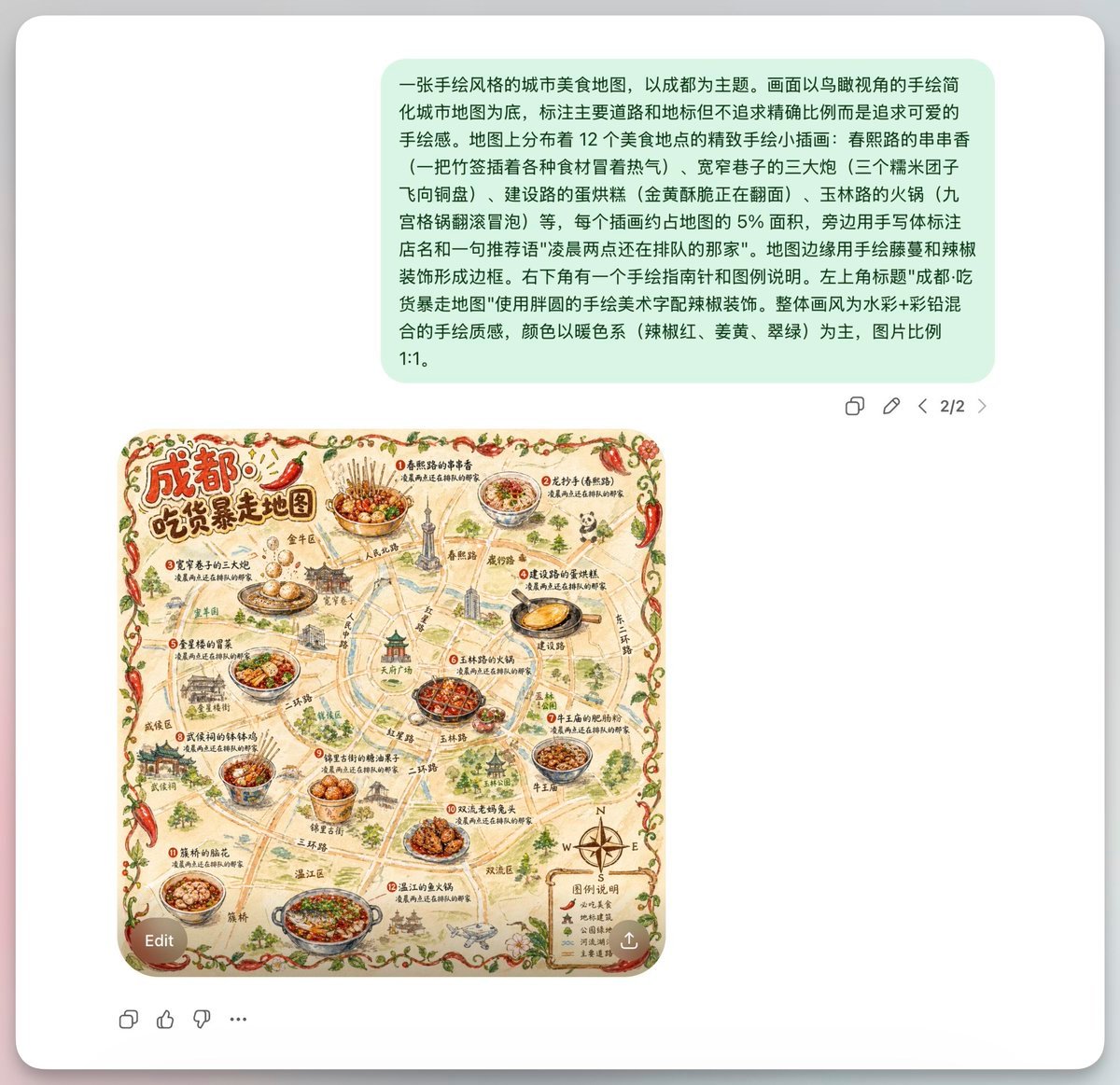
Chengdu Hand-Drawn Food Map UI
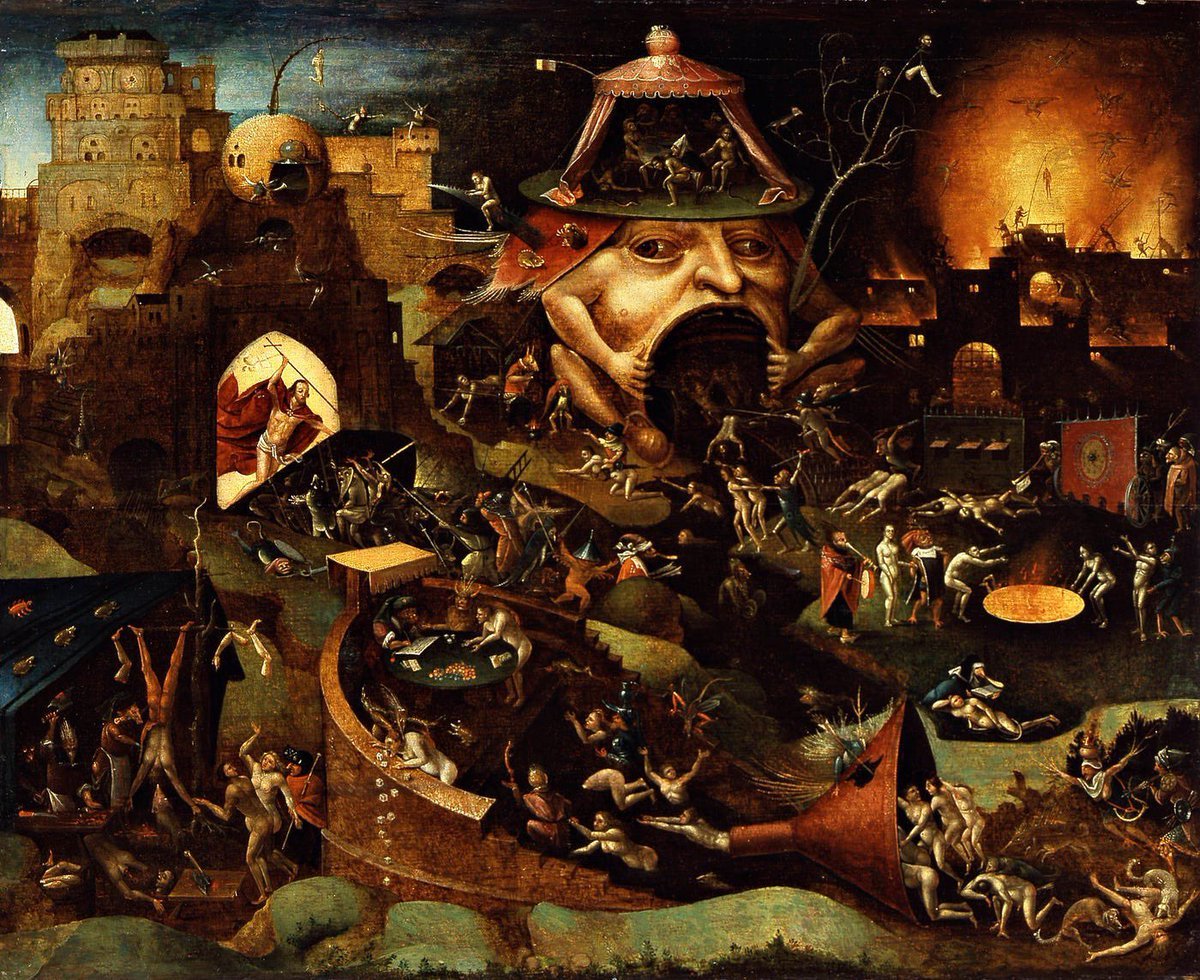
Bosch-inspired Harrowing of Hell follower scene
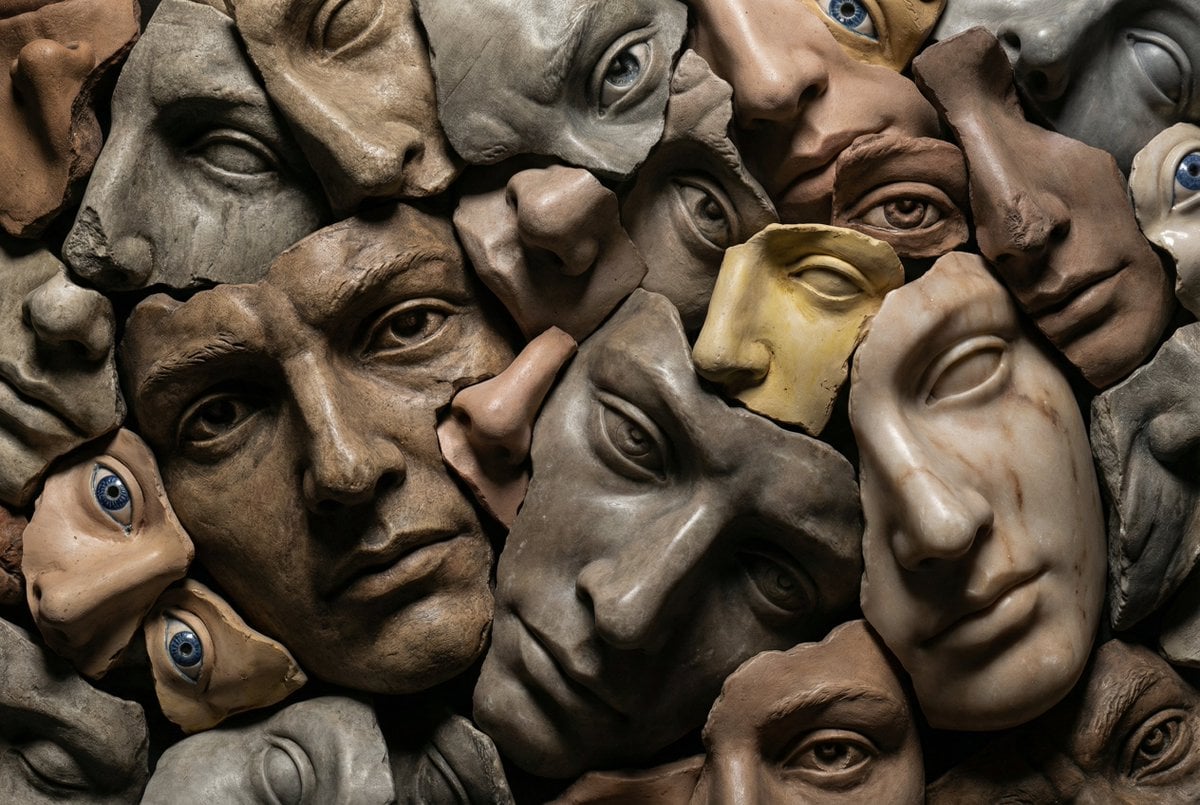
Hyperrealistic Sculptural Collage of Fragmented Faces
Steamy Mirror Selfie Prompt
Browse template categories
Hamster Sunflower Cannon Game UI questions
How do I use the Hamster Sunflower Cannon Game UI template?
Add your photo if the template asks for one, edit the prompt if you like — the template's model and format are already selected — and press Generate. Your version opens in PicX Studio.
Can I customize the Hamster Sunflower Cannon Game UI template?
Yes. You can change the subject, setting, lighting, mood, format, and available model controls before creating your image.
Is the Hamster Sunflower Cannon Game UI template free?
Opening and editing this template is free. Generating uses credits, shown on the Generate button when you are signed in.
Which AI model should I use?
Start with GPT Image 2, which is the model associated with this template. You can compare another compatible model for a different finish.
Looking for something else? Browse all templates.

Your photo, any look
Thousands of ready templates for every top image and video model, from one credit balance.