
Futuristic Electromagnetic Cannon
A detailed sci-fi concept art prompt for generating a red, gold, and blue electromagnetic cannon on a green screen background.
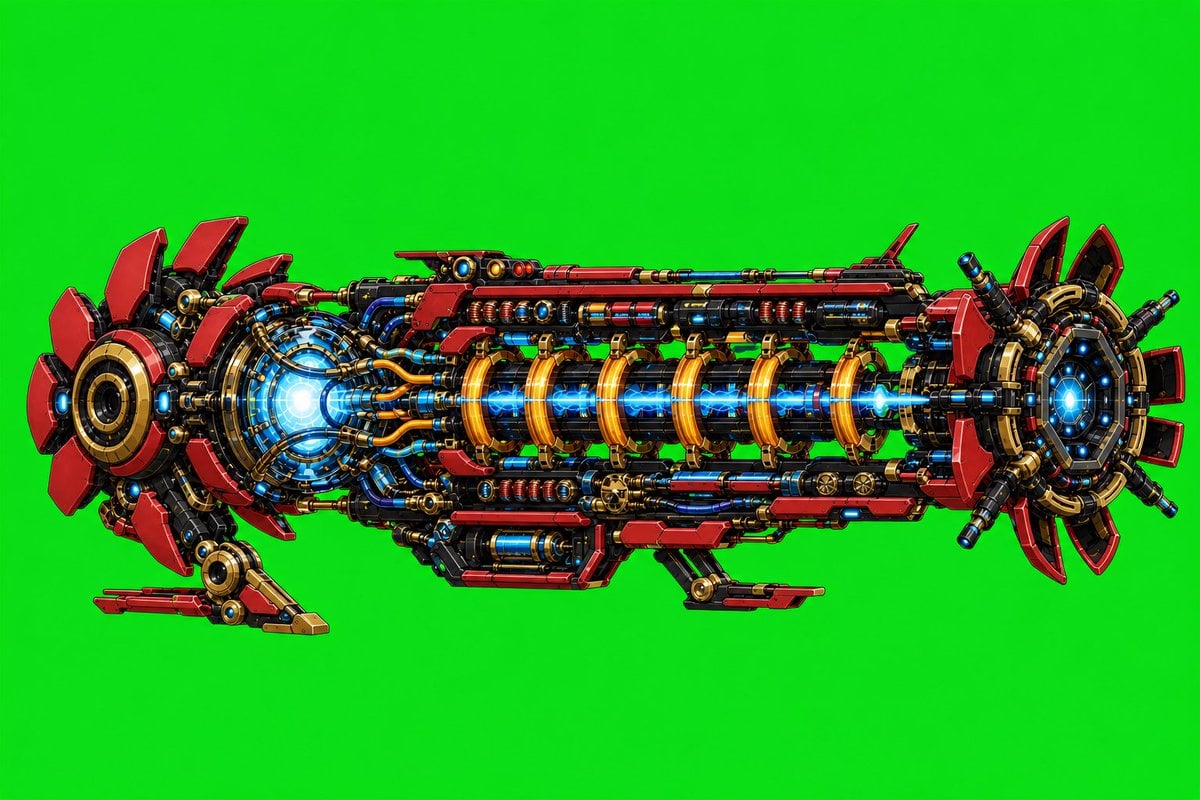
- Prompt included
- Model and format preset
- Free template
The prompt behind this image
Copy the exact prompt behind Futuristic Electromagnetic Cannon, or open it in the studio and make it yours.
Create a highly detailed side-view concept art illustration of a futuristic {argument name="weapon type" default="electromagnetic cannon"} floating horizontally against a plain vivid {argument name="background color" default="green chroma key background"}. The cannon should be long and symmetrical, built from dense exposed sci-fi machinery: layered red armor plates, glossy black structural rails, gold/brass rings and brackets, blue glowing coils, cables, pistons, bolts, vents, and small cylindrical modules. Show exactly 3 major sections: a large circular rear power core on the left with red fin-like petals and a bright blue-white energy glow, a long central barrel assembly with 7 prominent golden electromagnetic coil rings surrounding a bright blue plasma beam running through the middle, and a circular front muzzle on the right with red segmented fins, black radial supports, and a blue glowing aperture. Add exactly 2 small landing/support struts beneath the body, one near the rear-left and one near the lower center-right. Use a crisp polished digital painting style with high contrast, clean outlines, comic/anime mecha detailing, metallic reflections, saturated red-gold-blue palette, and no text, people, watermark, smoke, scenery, or shadows beyond subtle object shading. The object should fill most of a 3:2 landscape canvas, centered with generous green empty space around it.
How to use Futuristic Electromagnetic Cannon in 3 steps
- 1Upload ImagePNG, JPG or paste
Add your photo
Upload the photo the template builds on. The prompt, model and format are already set.
- 2…a portrait of your subject in softgolden-hour light, 85mm…
Personalize
Edit the subject and creative details for your destination.
- 3Generate
Generate
Press Generate — your image is created in PicX Studio, so you can compare it with the original and refine one variable at a time.
More like this
Templates with the same subject, style or setup. Open one to see its prompt.

Futuristic Chrome Helmet Fashion Portrait

Futuristic Studio Neon Ring Minimalist Portrait
Futuristic Chrome Helmet Fashion Portrait
Futuristic Studio Neon Ring Minimalist Portrait

Black Liquid Cyberpunk Portrait Poster

Cyberpunk Neon Brazil World Cup Poster

Playful Futuristic Brand Kit Board
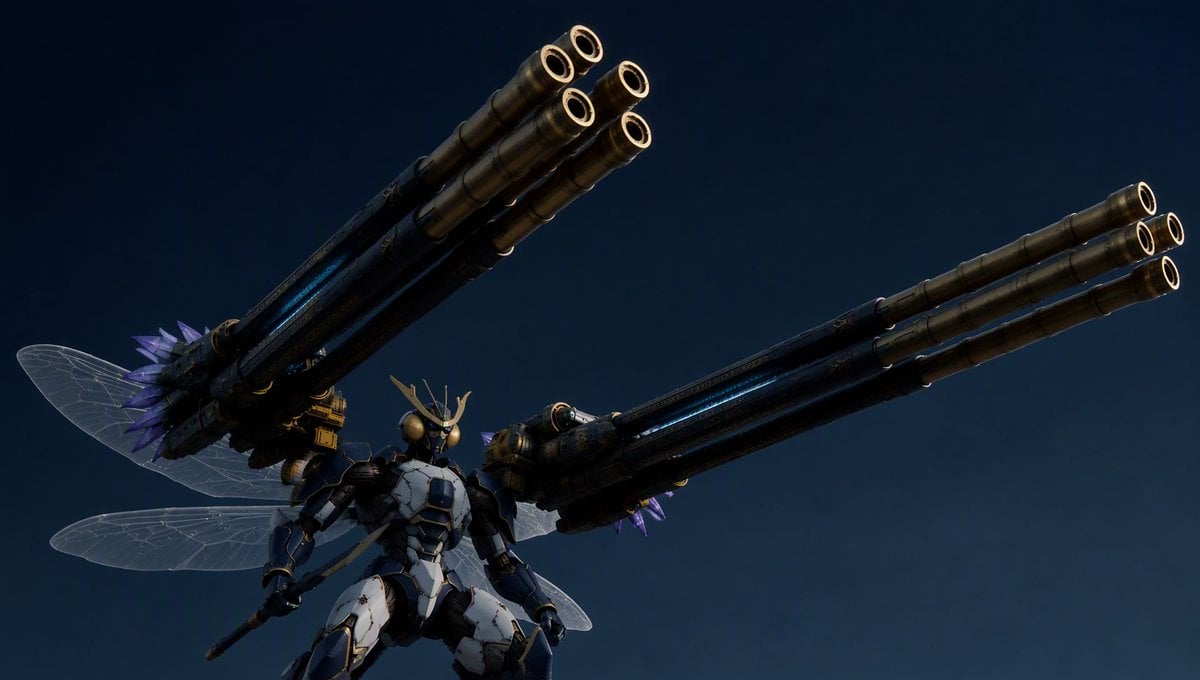
Insect Mecha Cannon Attack
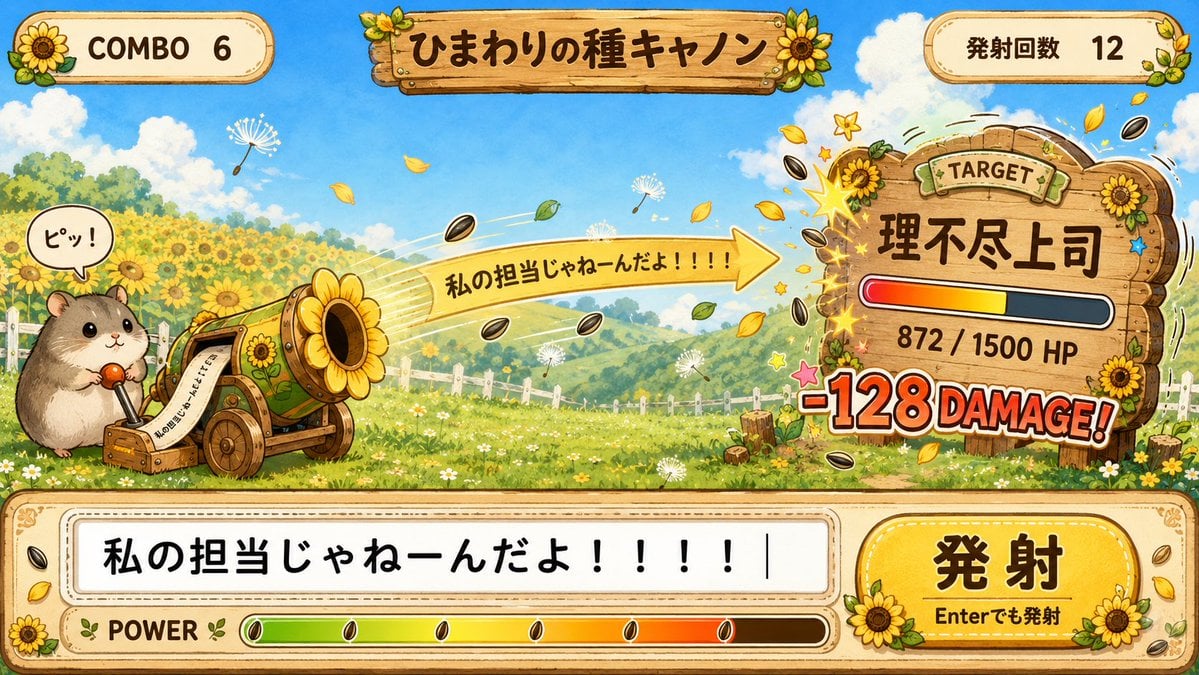
Hamster Sunflower Cannon Game UI
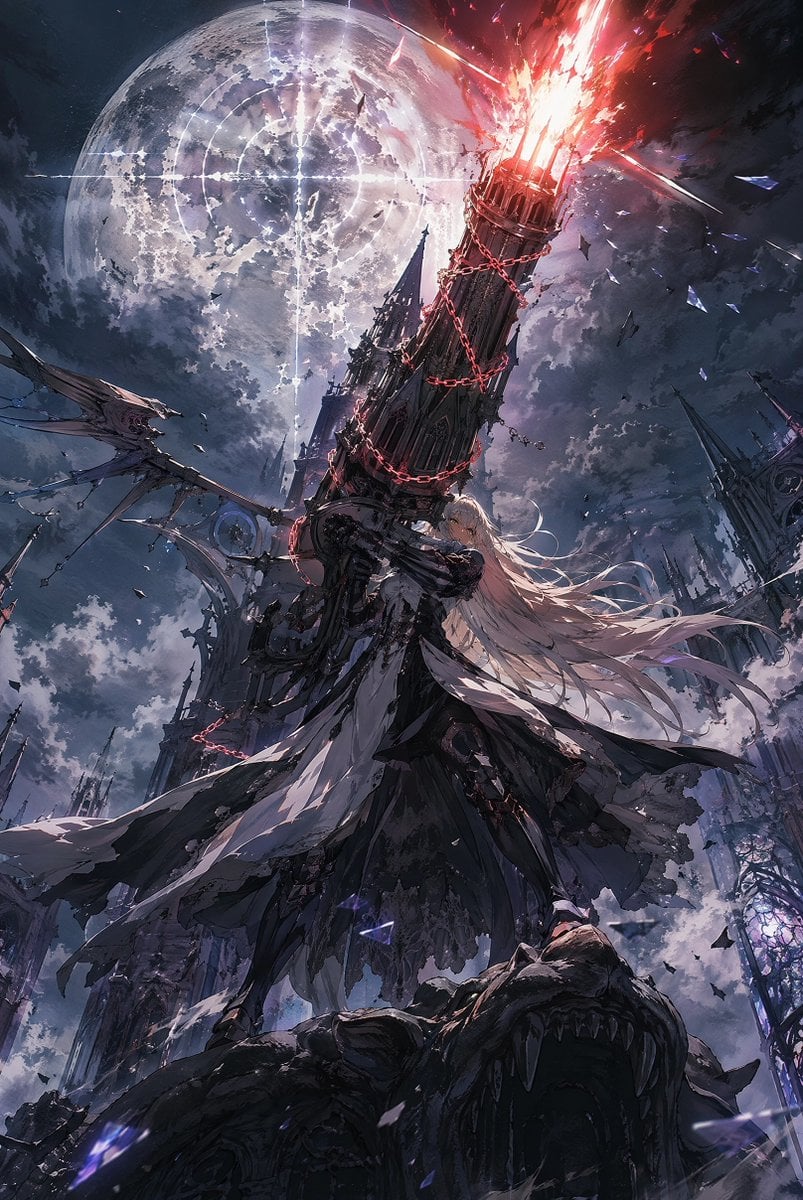
Moonlit Gothic Cannon Maiden
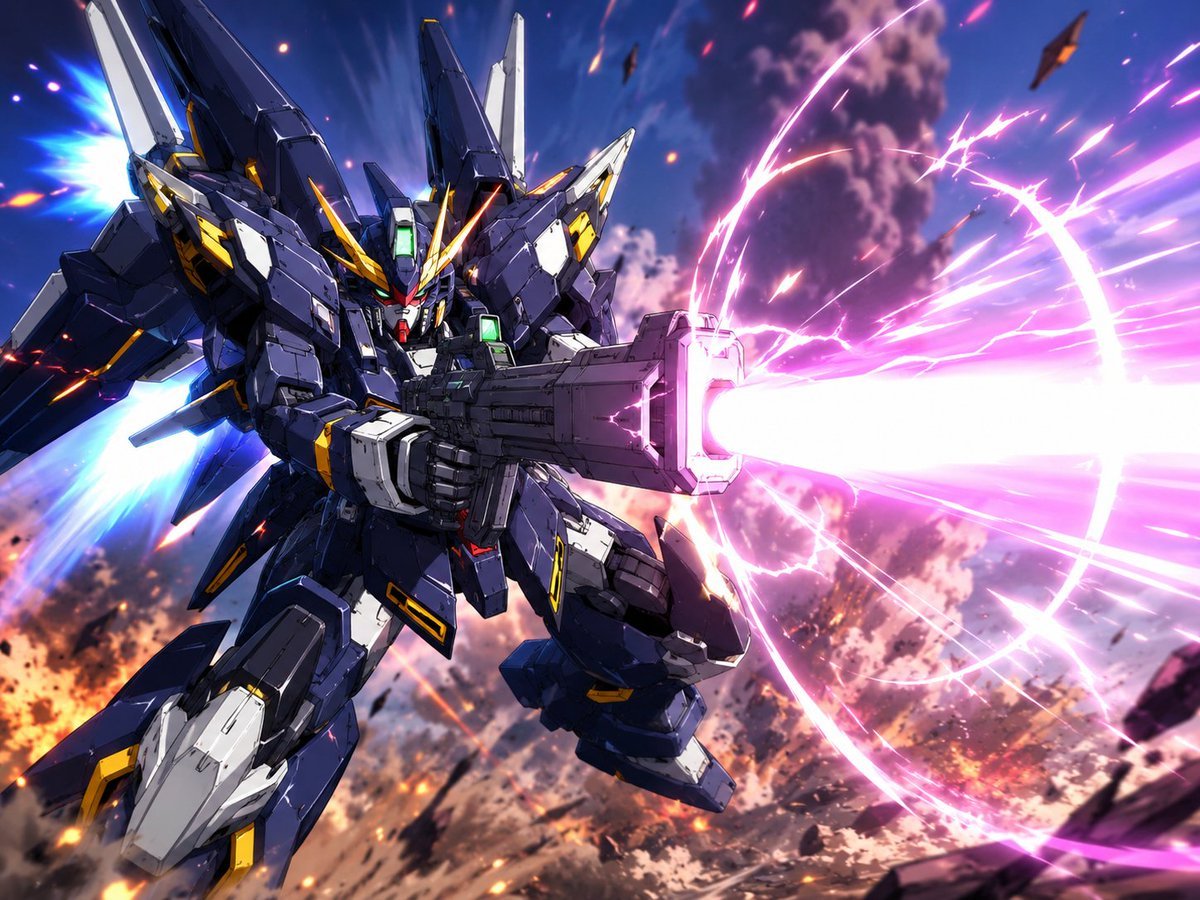
Winged Mecha Beam Cannon Battle
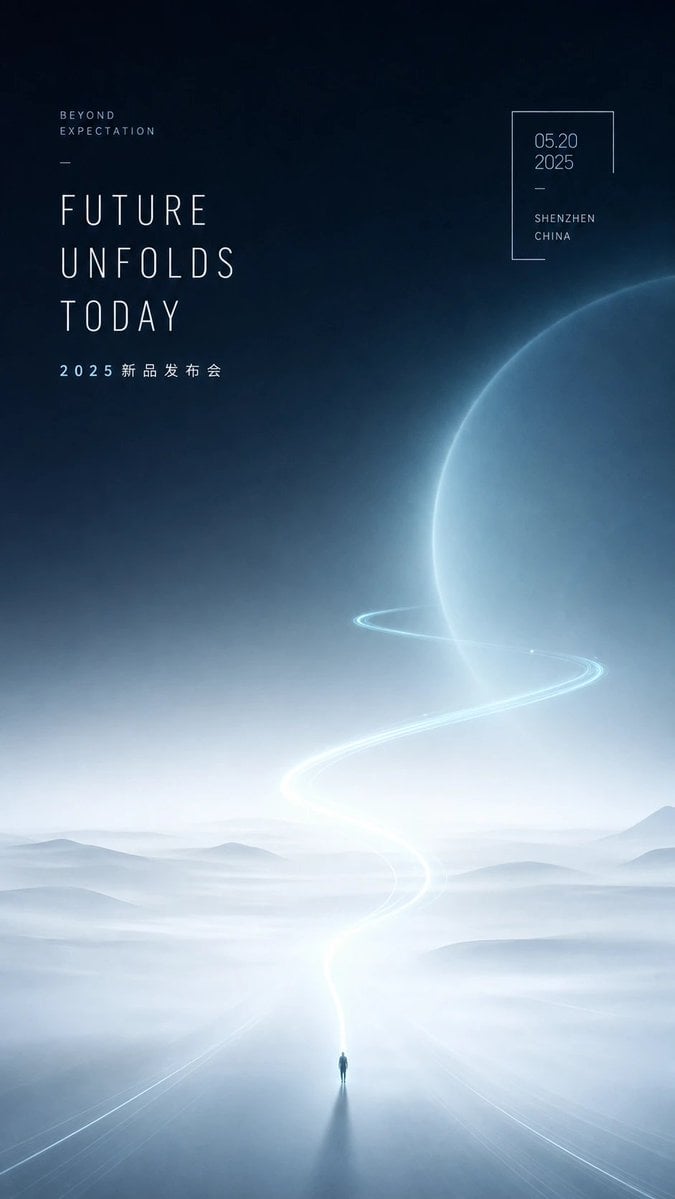
Futuristic Product Launch Poster
Make it yours
Futuristic Electromagnetic Cannon works as-is. These are the safest ways to change it without losing the look.
Change one field
Copy a single group, rewrite it, and generate again so you can see what that field is doing.
Keep the frame, change the subject
Hold the composition and light of Futuristic Electromagnetic Cannon, then swap wardrobe, props or the person for a new take.
| If the result… | Why | Fix |
|---|---|---|
| The result drifts from the preview | Too many fields changed at once. | Reuse Futuristic Electromagnetic Cannon as-is first, then change one group — subject, light, or setting. |
| The model over-stylizes the scene | The prose prompt leaves finish and camera underspecified. | Add one camera or lighting sentence and stay on GPT Image 2. |
More GPT Image 2 templates
Other prompts made for GPT Image 2.

Six VTuber Japanese Logo Sheet

Realistic Portrait of Woman and Deer

The Vista Modular Condo Poster

AI Model Routing Comparison Infographic

2.5D Anime Art Board

Isometric Productivity Desk Scene

New York Double Exposure Poster

Four-Panel AI Landscape Comparison

Japanese Tatami Lifestyle Magazine Cover

NESCAFÉ Coffee Map Poster
More image prompts
Fresh picks from across the catalog.
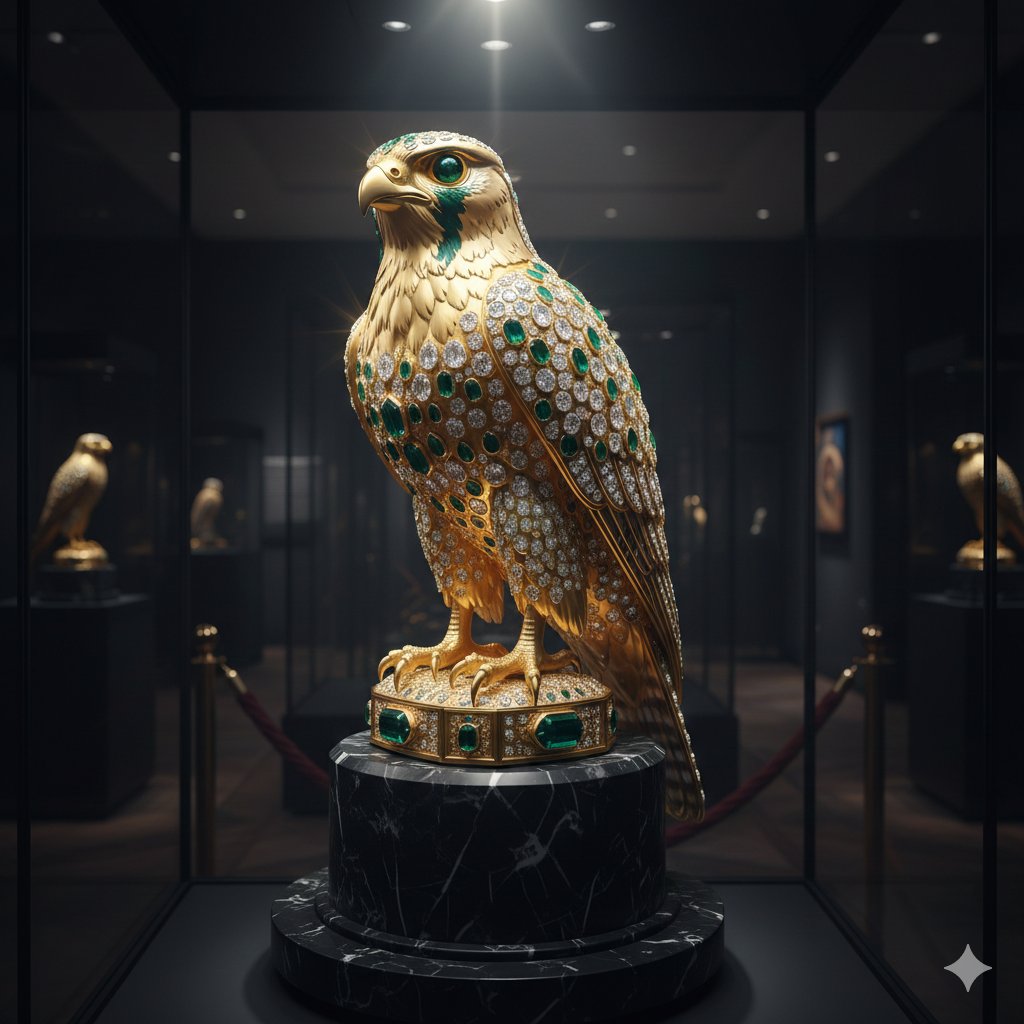
Ornate Gold Falcon Sculpture Prompt
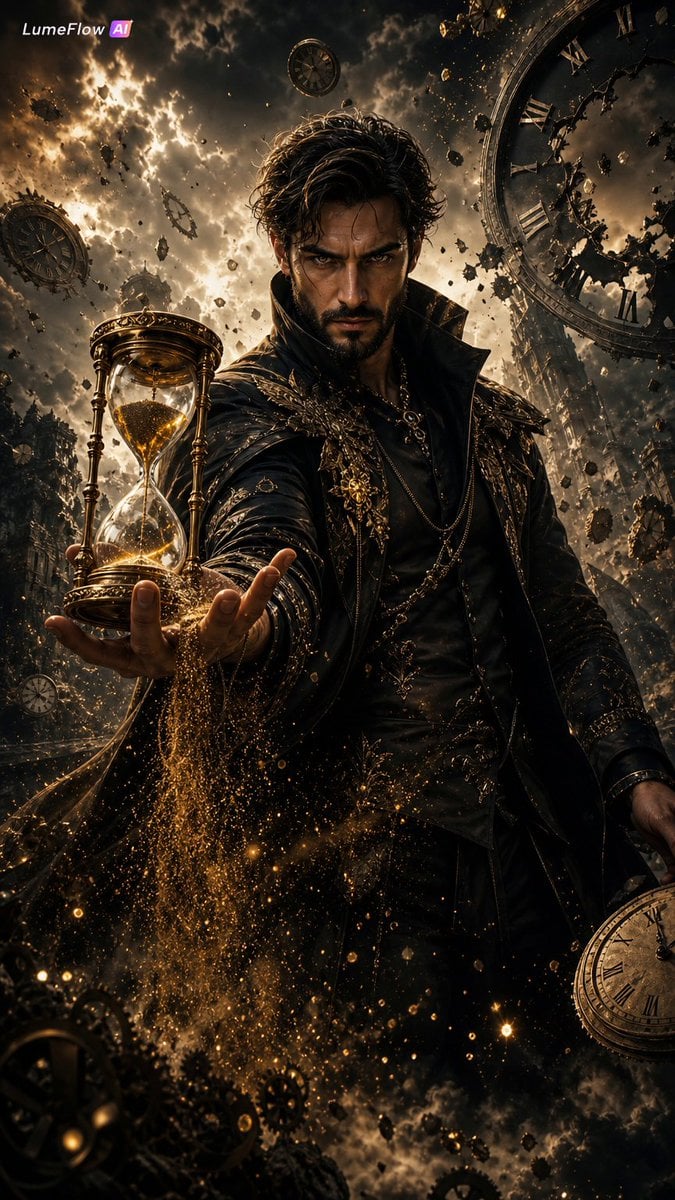
The Collector of Time Fantasy Scene
Character color and style adjustment
Epic Milestone X Poster
Abstract Expressionist Boxing Match
Avant-Garde Feather Headdress Portrait
Hopelessly Cluttered Desktop Screen
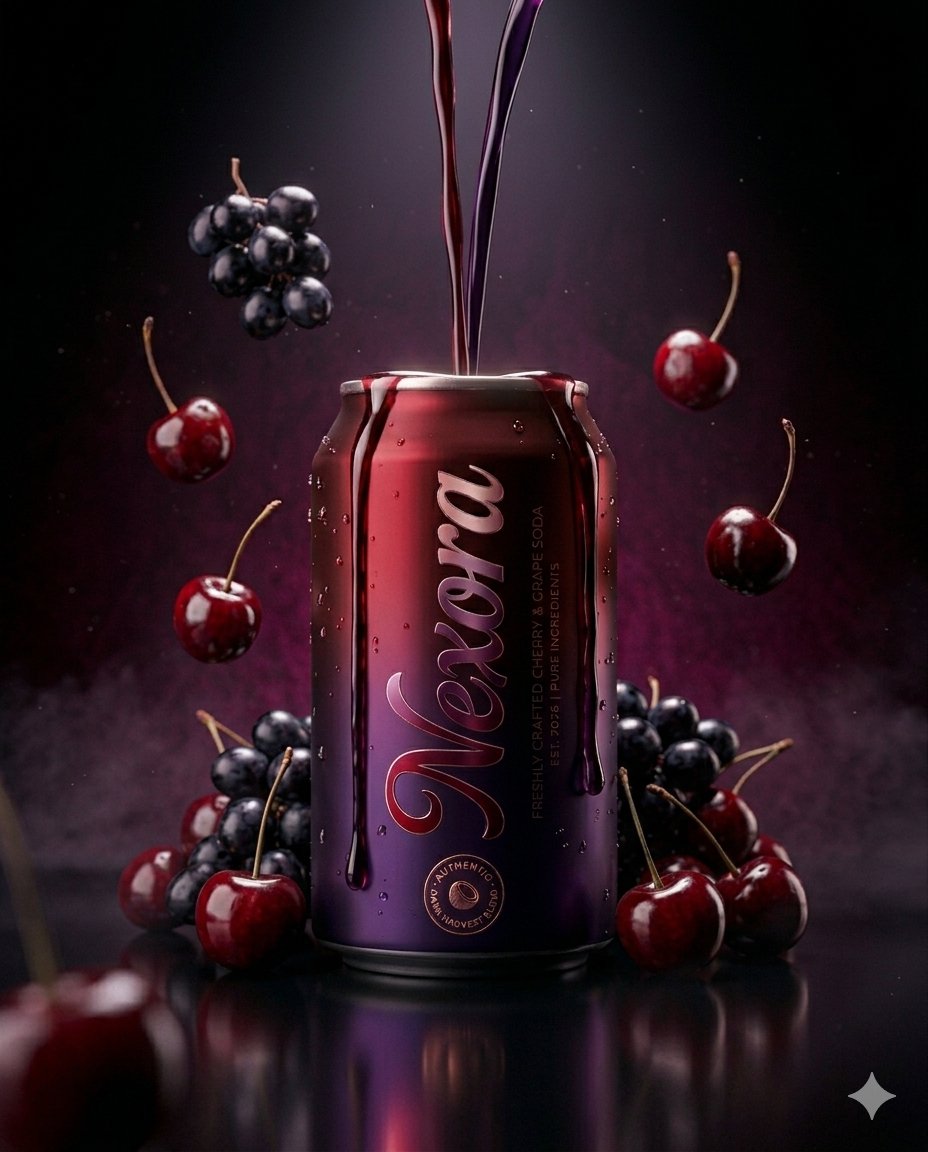
Ultra-realistic Beverage Product Photography Prompt

Anime Characters in Real Purikura Booth
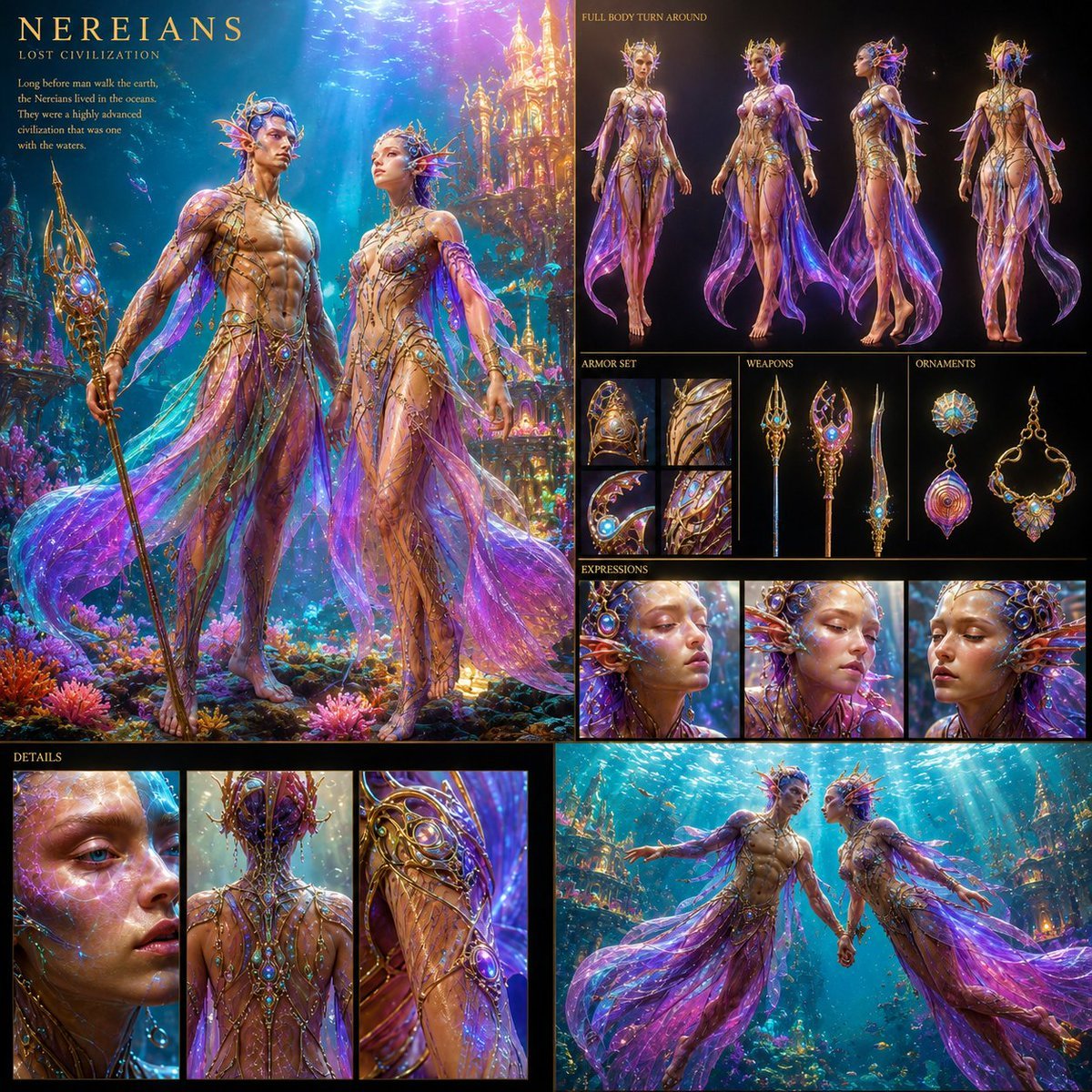
Underwater Civilization Character Board
Browse template categories
Futuristic Electromagnetic Cannon questions
How do I use the Futuristic Electromagnetic Cannon template?
Add your photo if the template asks for one, edit the prompt if you like — the template's model and format are already selected — and press Generate. Your version opens in PicX Studio.
Can I customize the Futuristic Electromagnetic Cannon template?
Yes. You can change the subject, setting, lighting, mood, format, and available model controls before creating your image.
Is the Futuristic Electromagnetic Cannon template free?
Opening and editing this template is free. Generating uses credits, shown on the Generate button when you are signed in.
Which AI model should I use?
Start with GPT Image 2, which is the model associated with this template. You can compare another compatible model for a different finish.
Looking for something else? Browse all templates.

Your photo, any look
Thousands of ready templates for every top image and video model, from one credit balance.